
Improving Workflow: Using Folder Names to Indicate Photo and Video Counts
Discover a new workflow improvement: naming folders with the total number of photos or video clips to streamline editing processes and enhance team efficiency.
In this guide, we'll learn how to improve the workflow for sharing photo and video files by including the total number of files in the folder name before or while uploading. This approach helps editors quickly see how many photos or video clips to expect, making the process clearer and more efficient for everyone involved.
This method replaces the previous step of listing totals in the portal, aiming to simplify communication and reduce confusion.
Let's get started
Hello, Chris. I consistently try to make tweaks and improve processes and workflows. This is a new attempt at improving things.
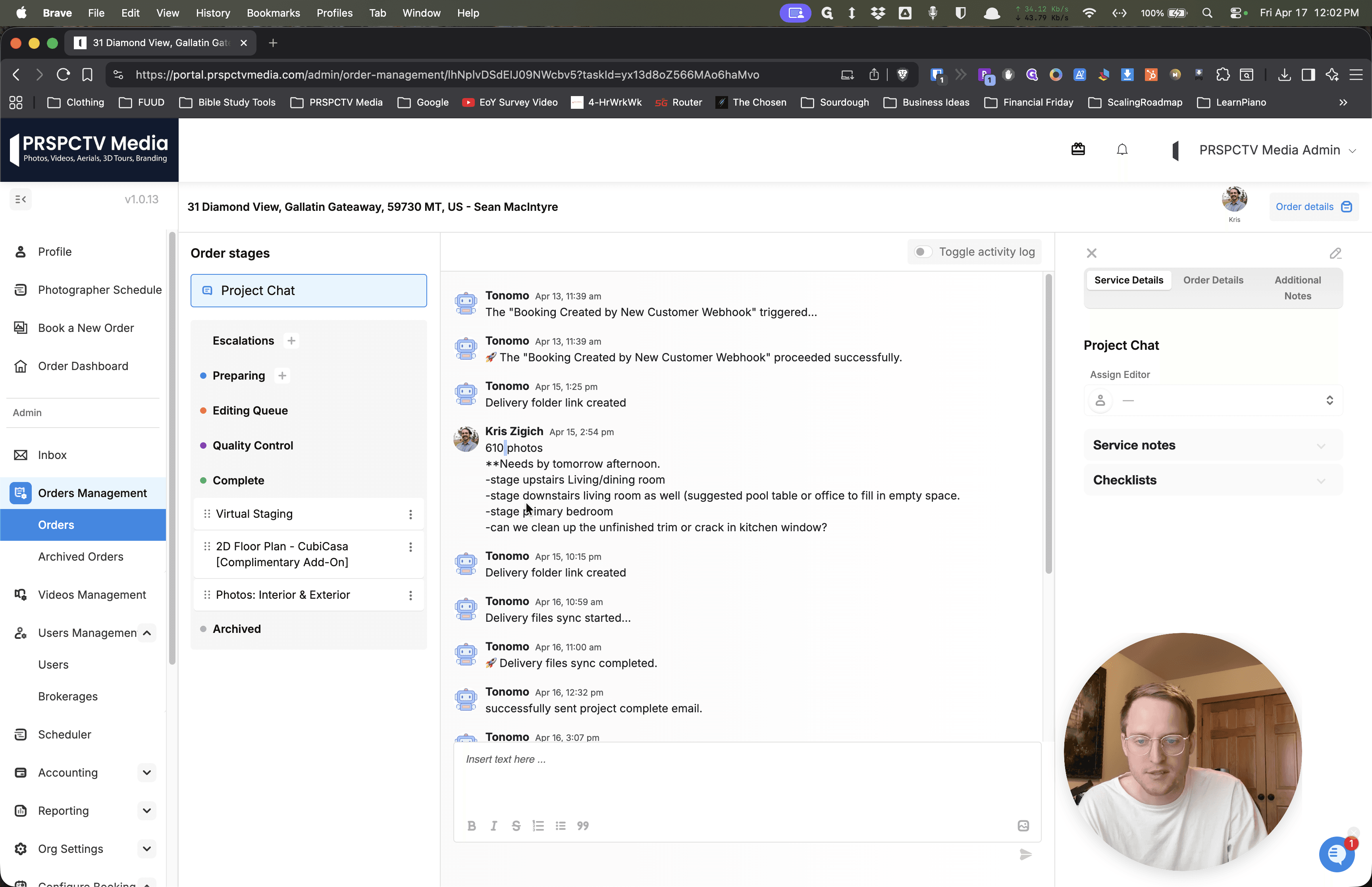
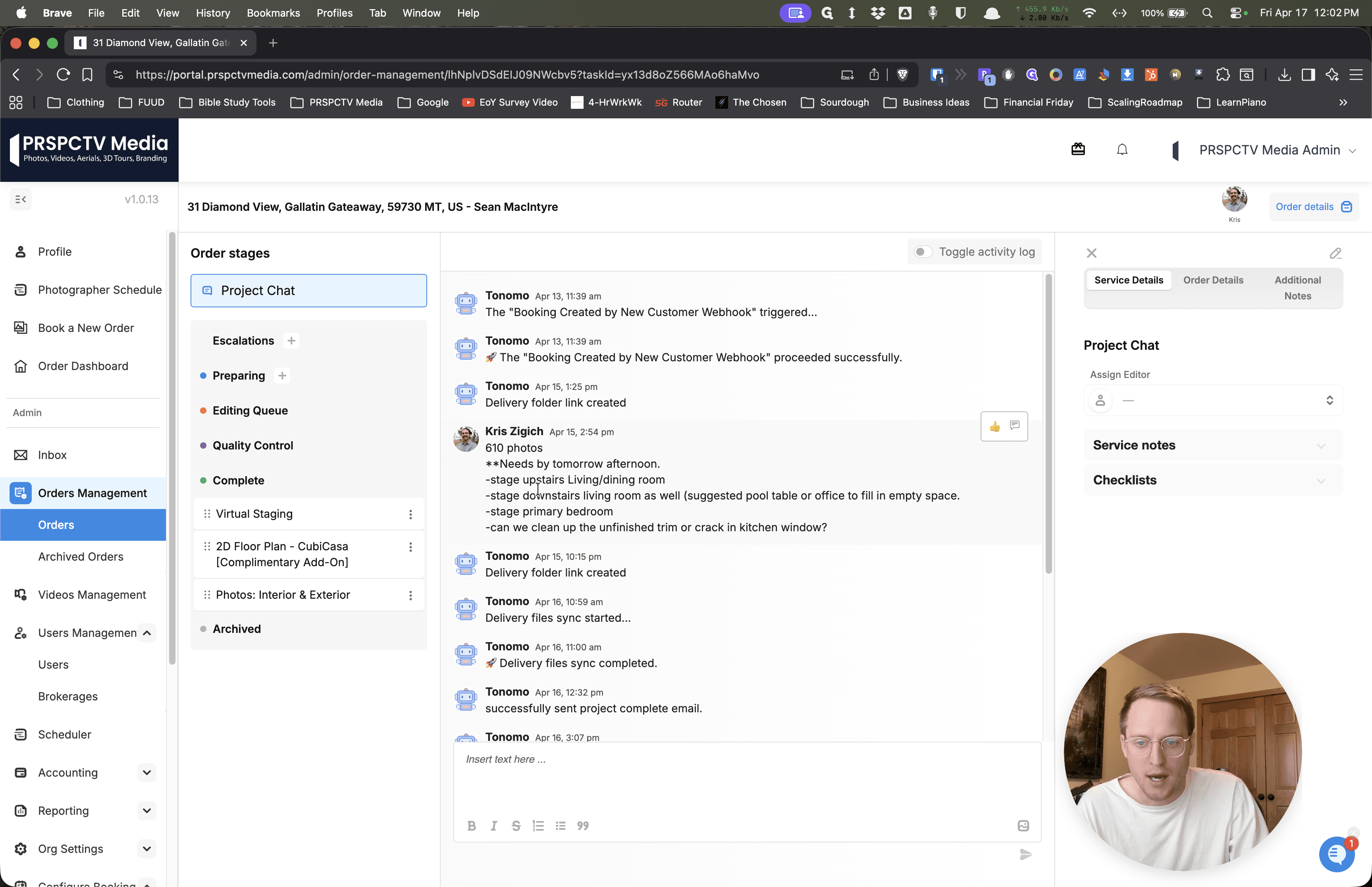
A while ago, I asked you to include the total number of photos in the portal, along with relevant notes. This has definitely improved our process.
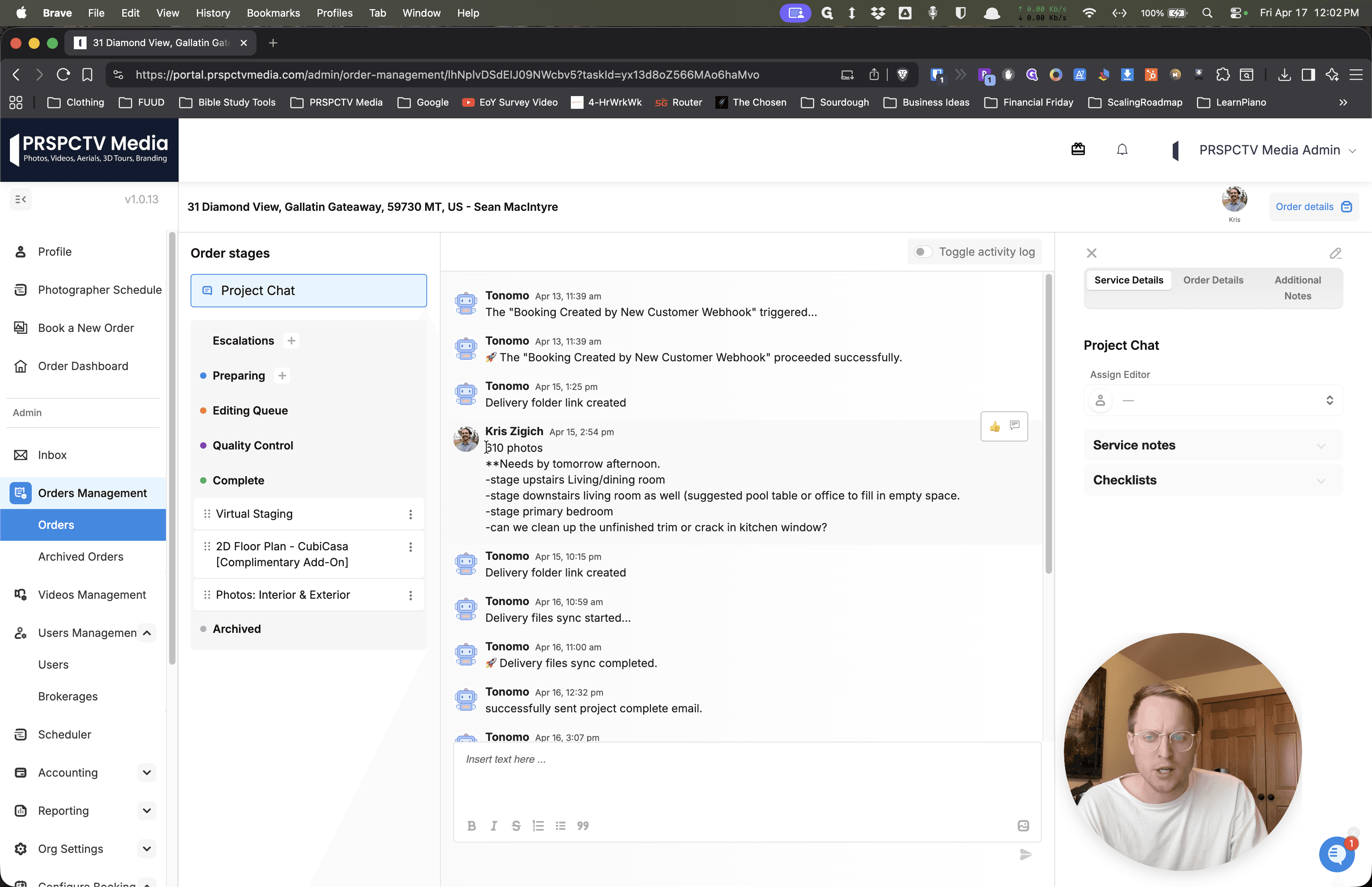
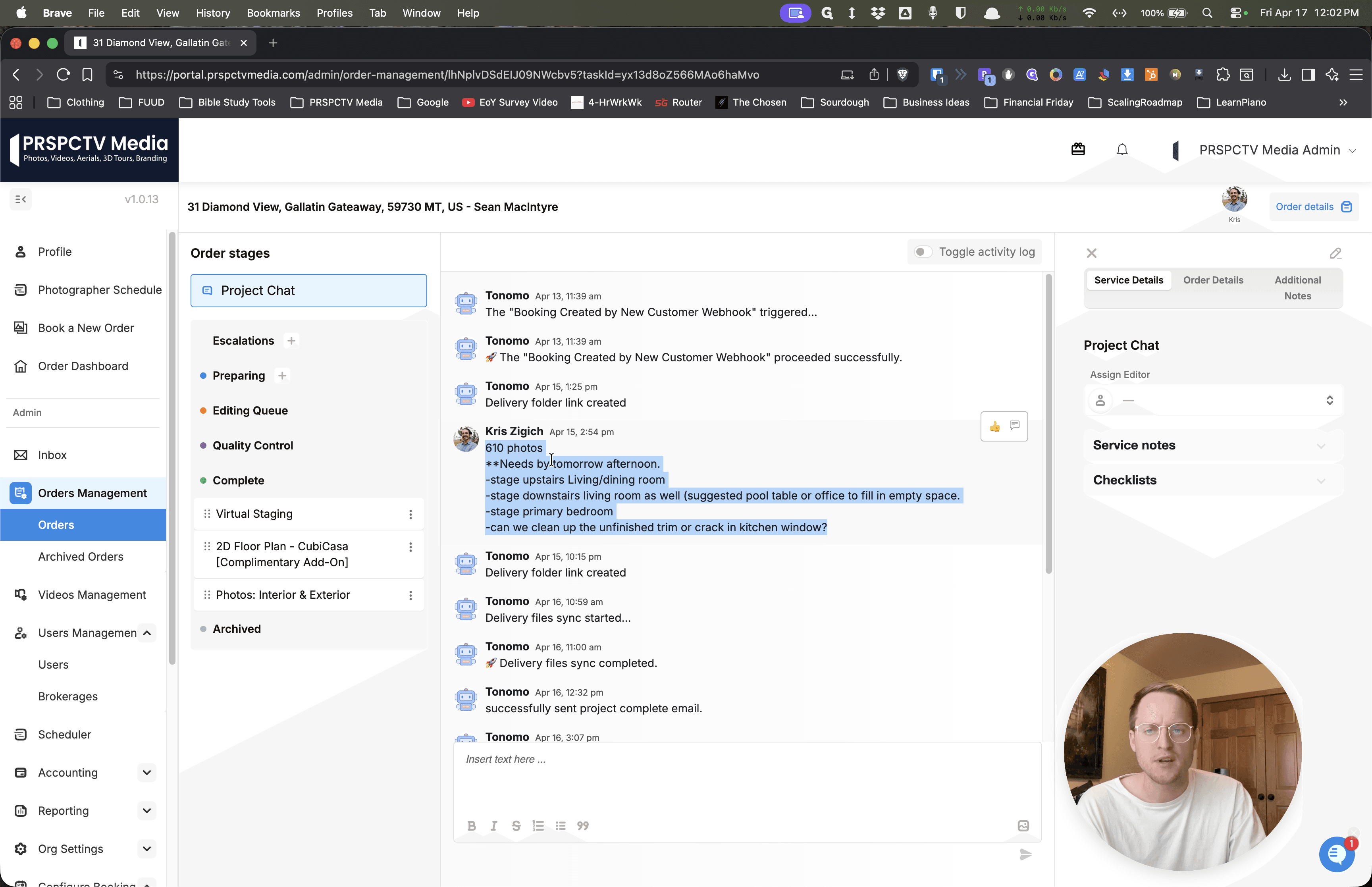
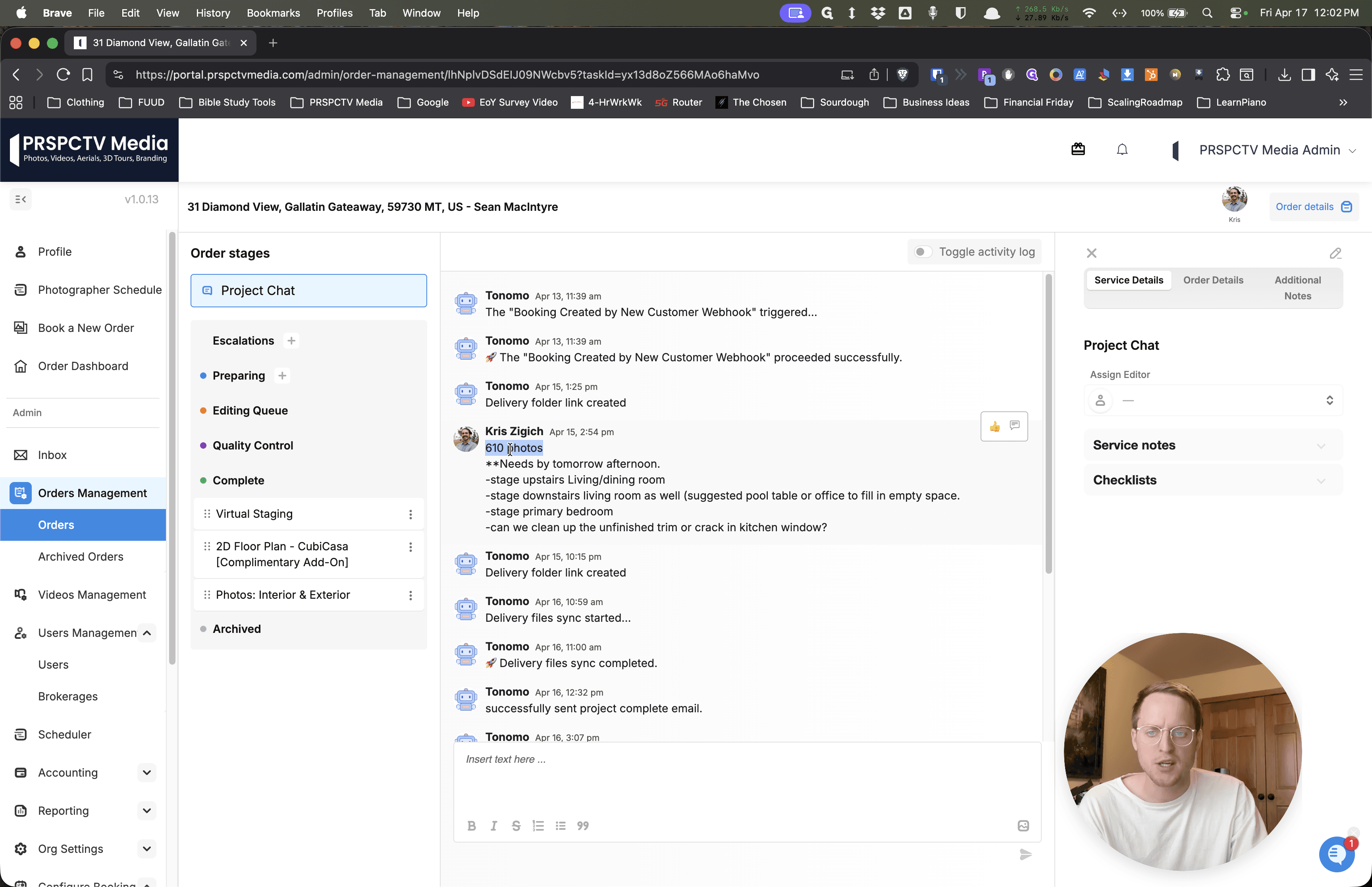
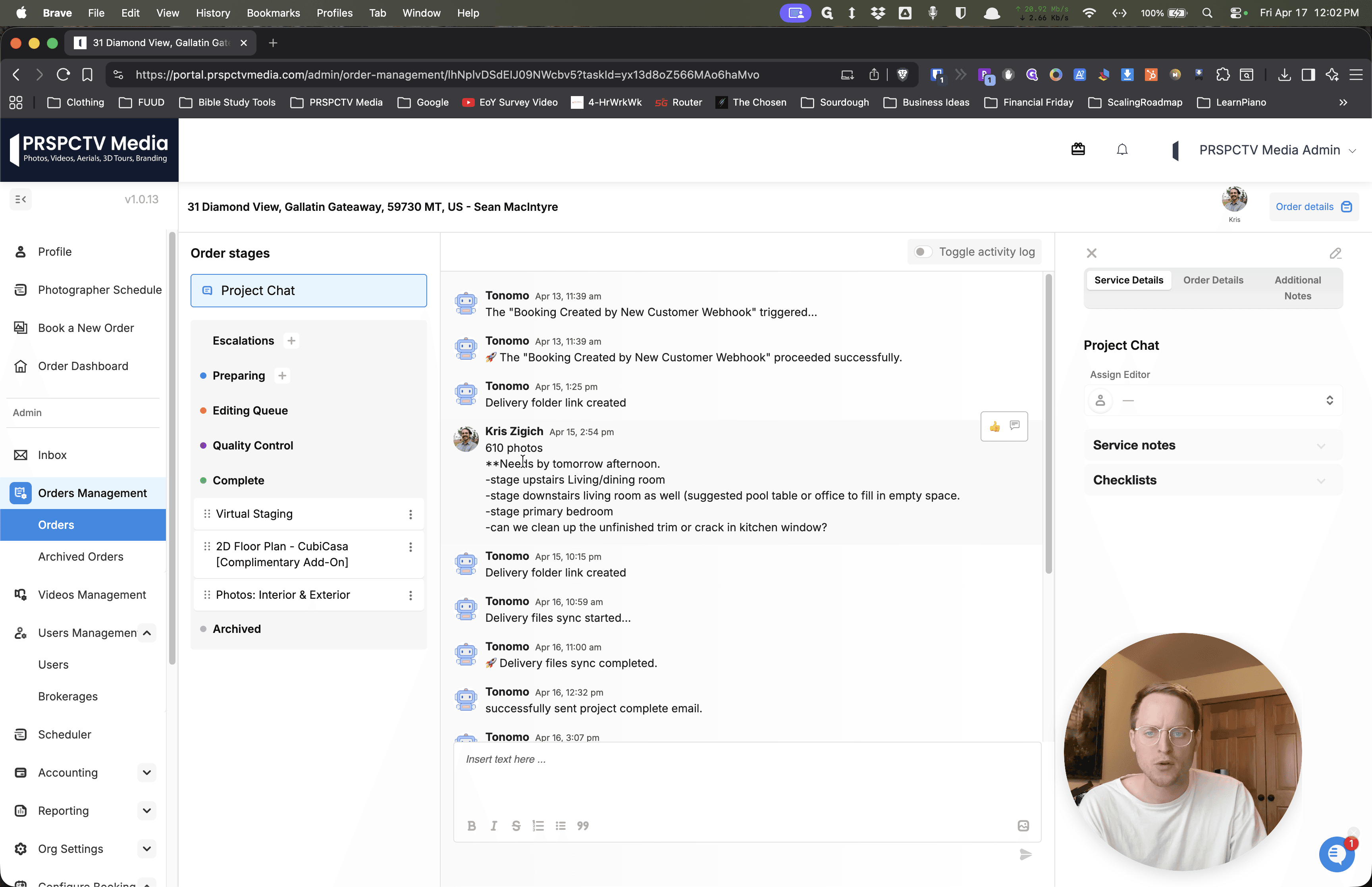
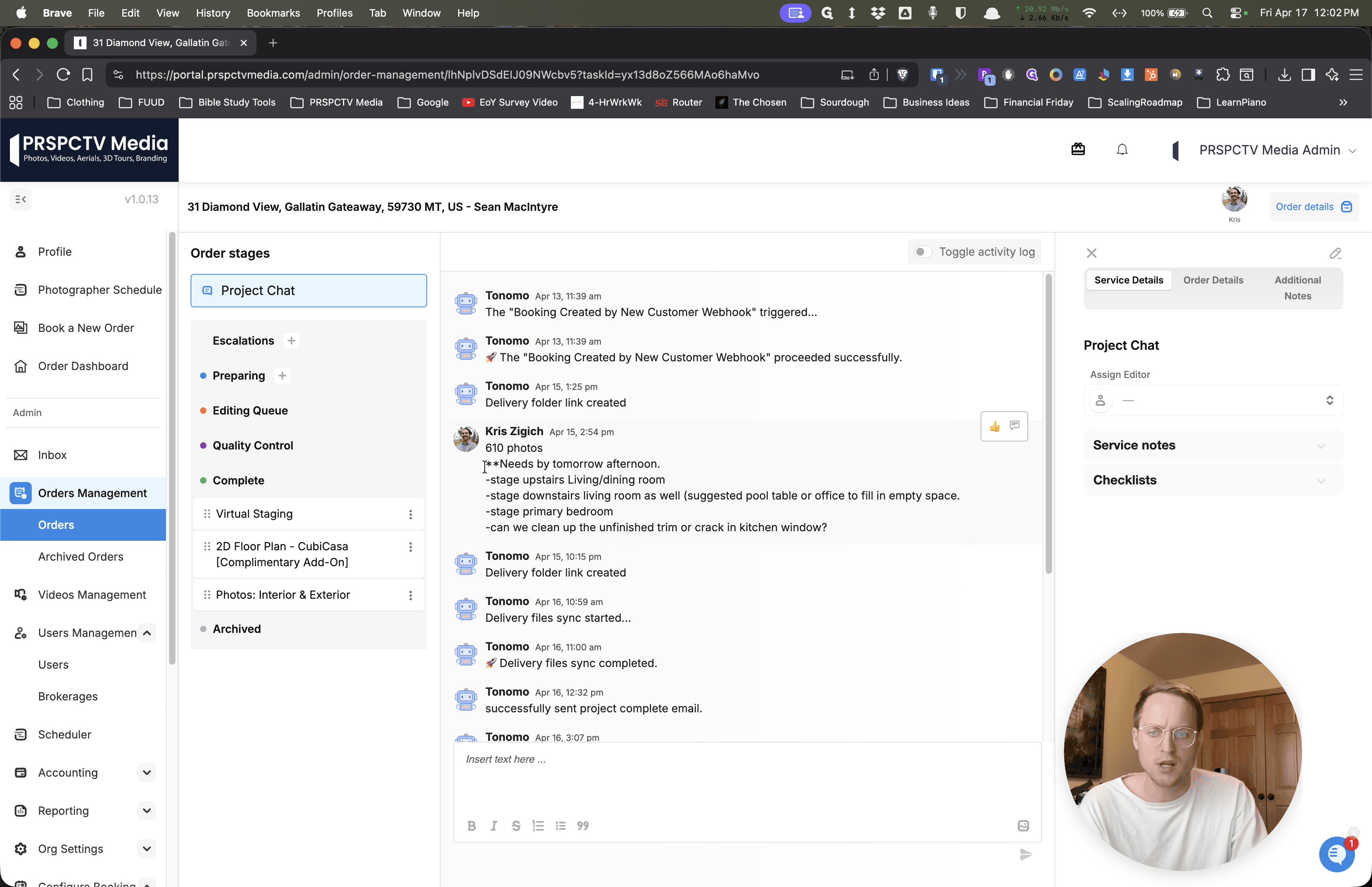
One idea I want us to try is to change the name of the folder we're uploading to, instead of listing the total number of photos and video files in the portal.
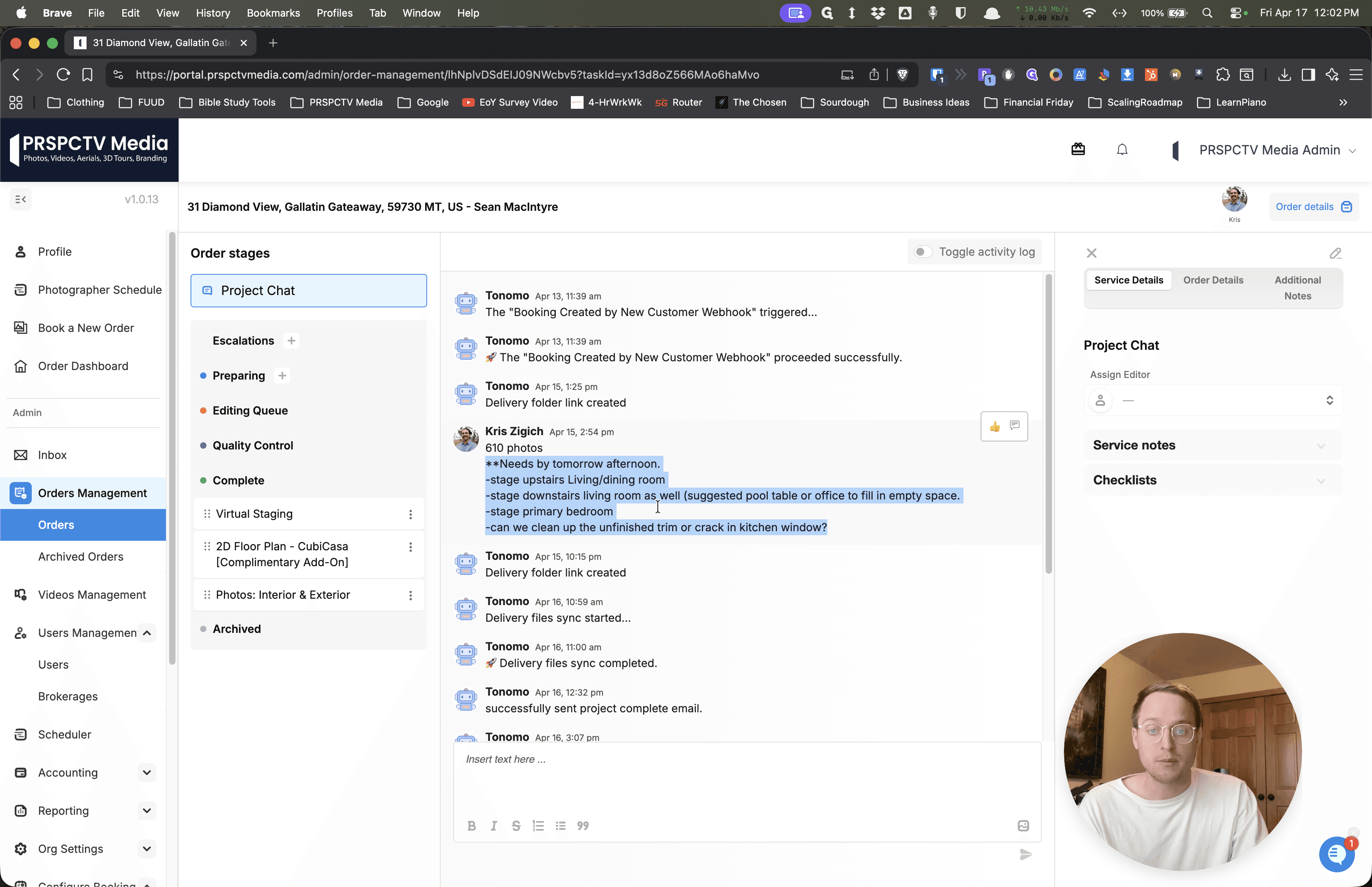
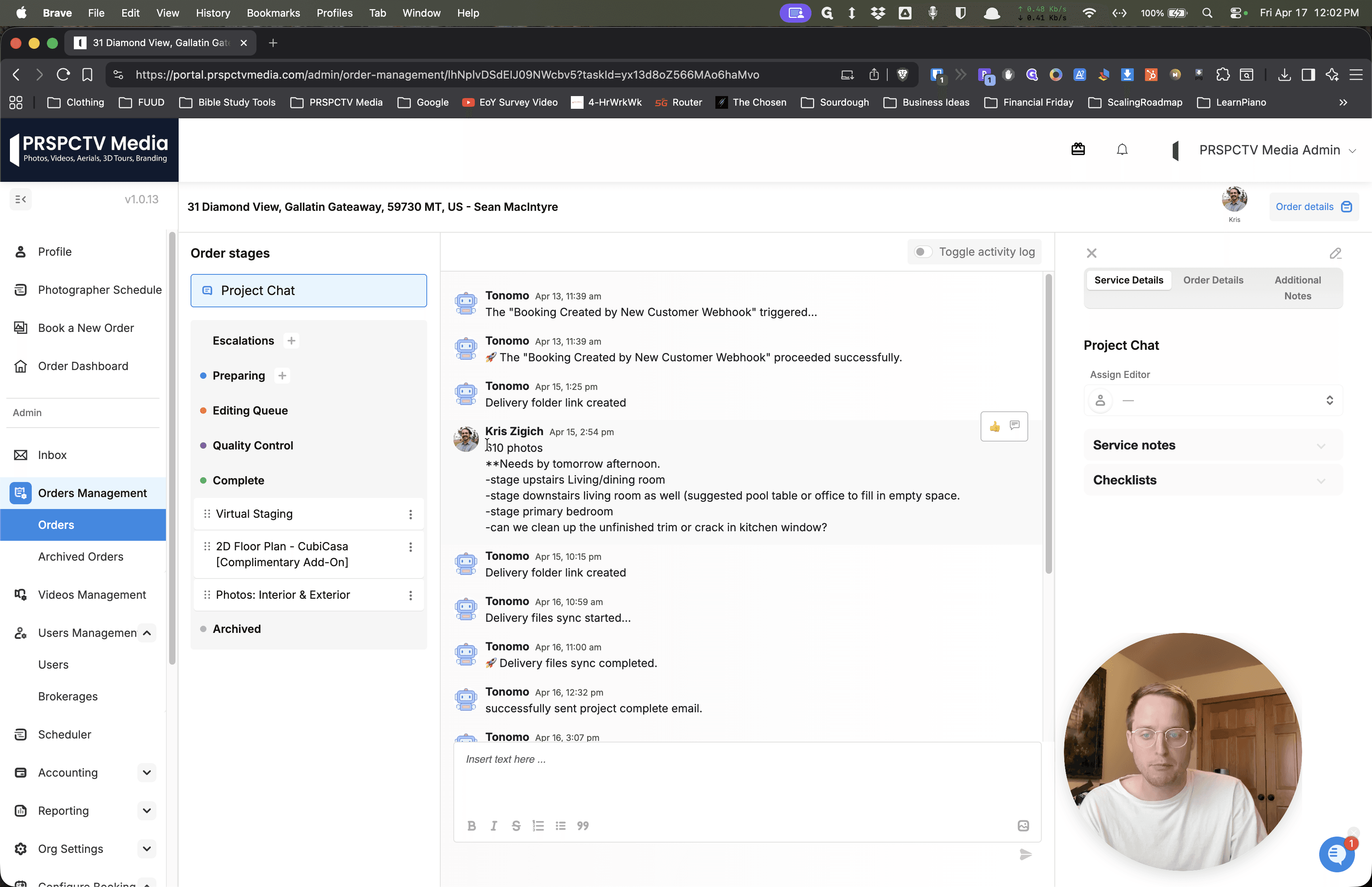
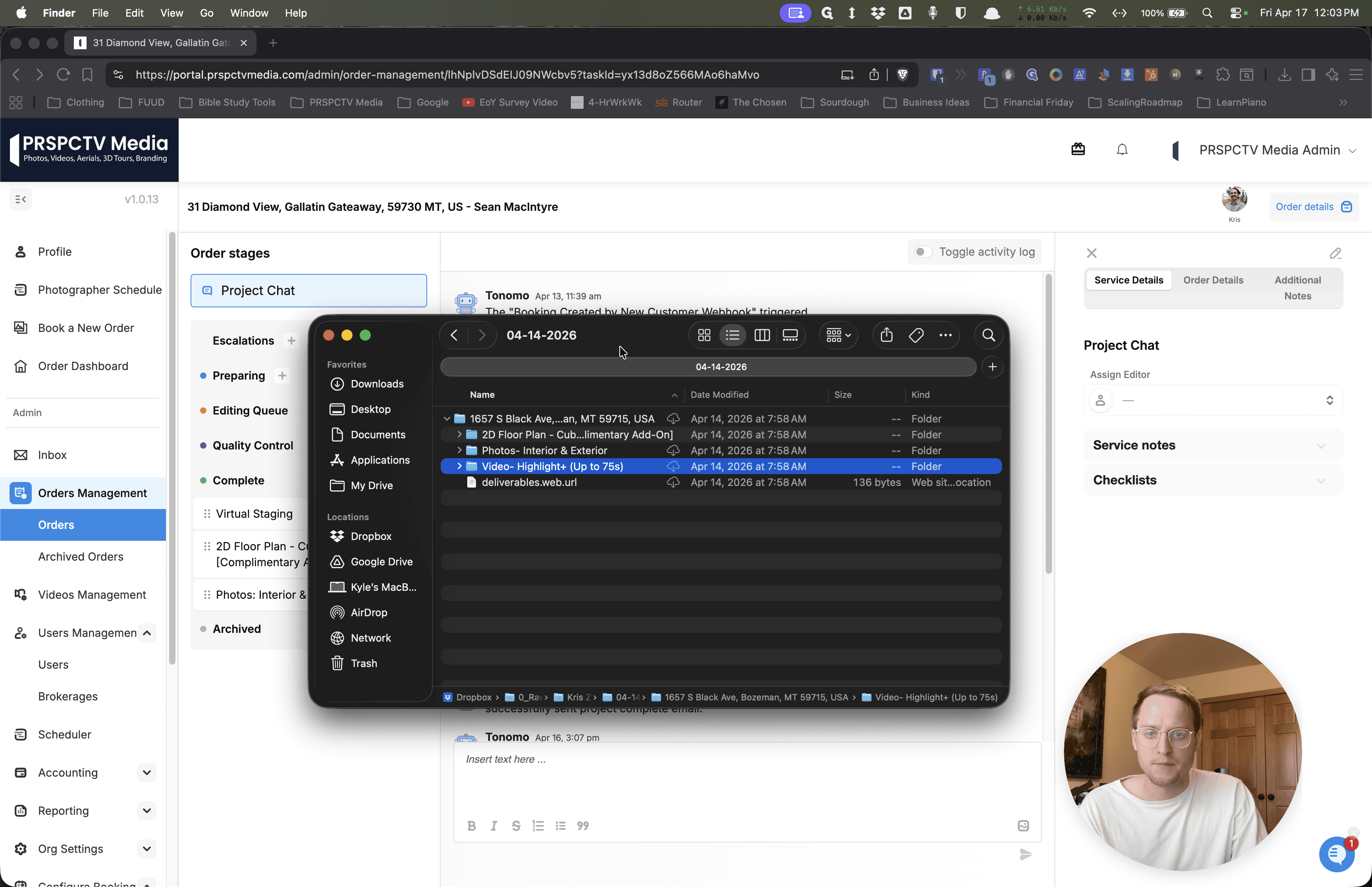
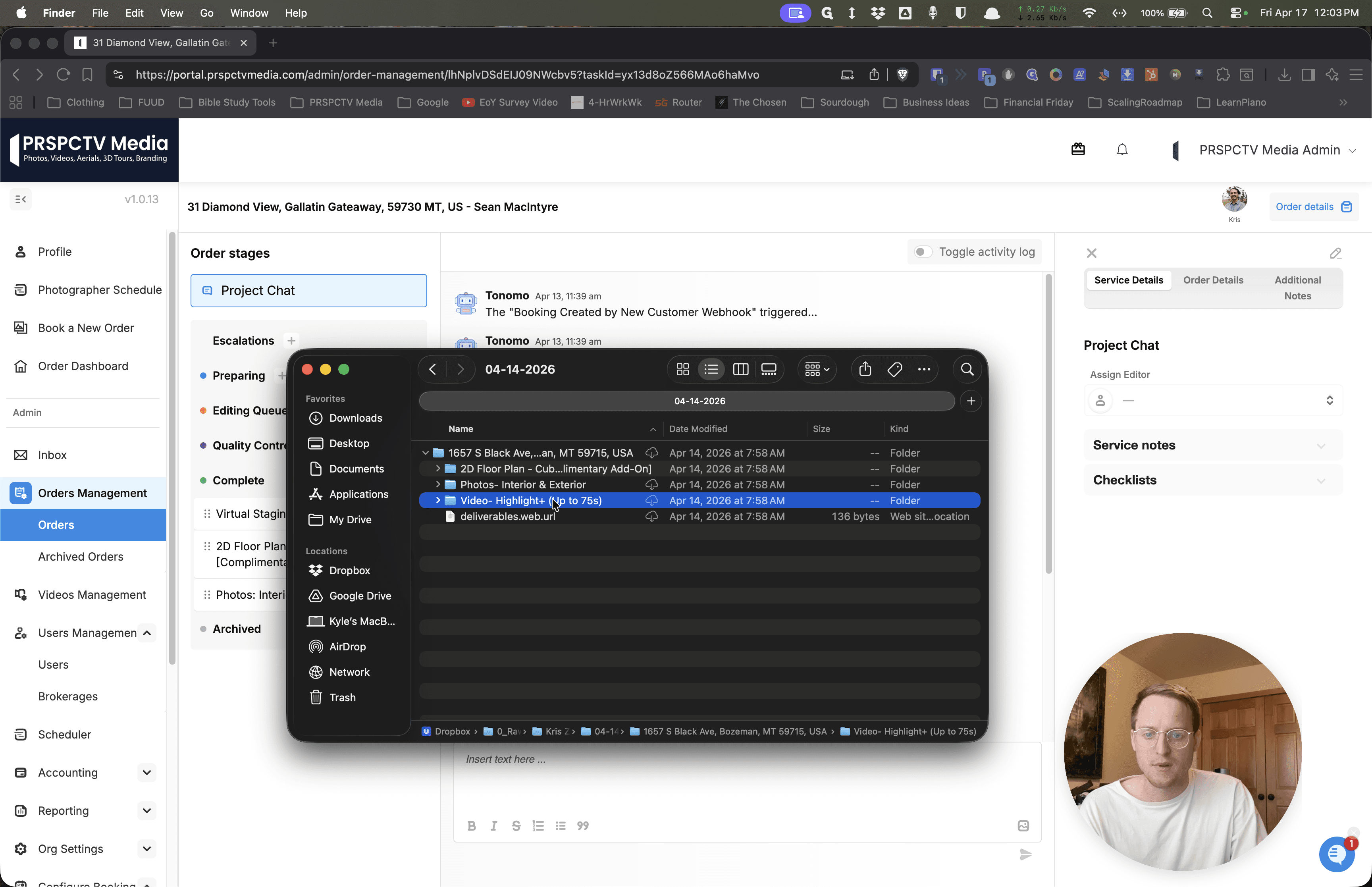
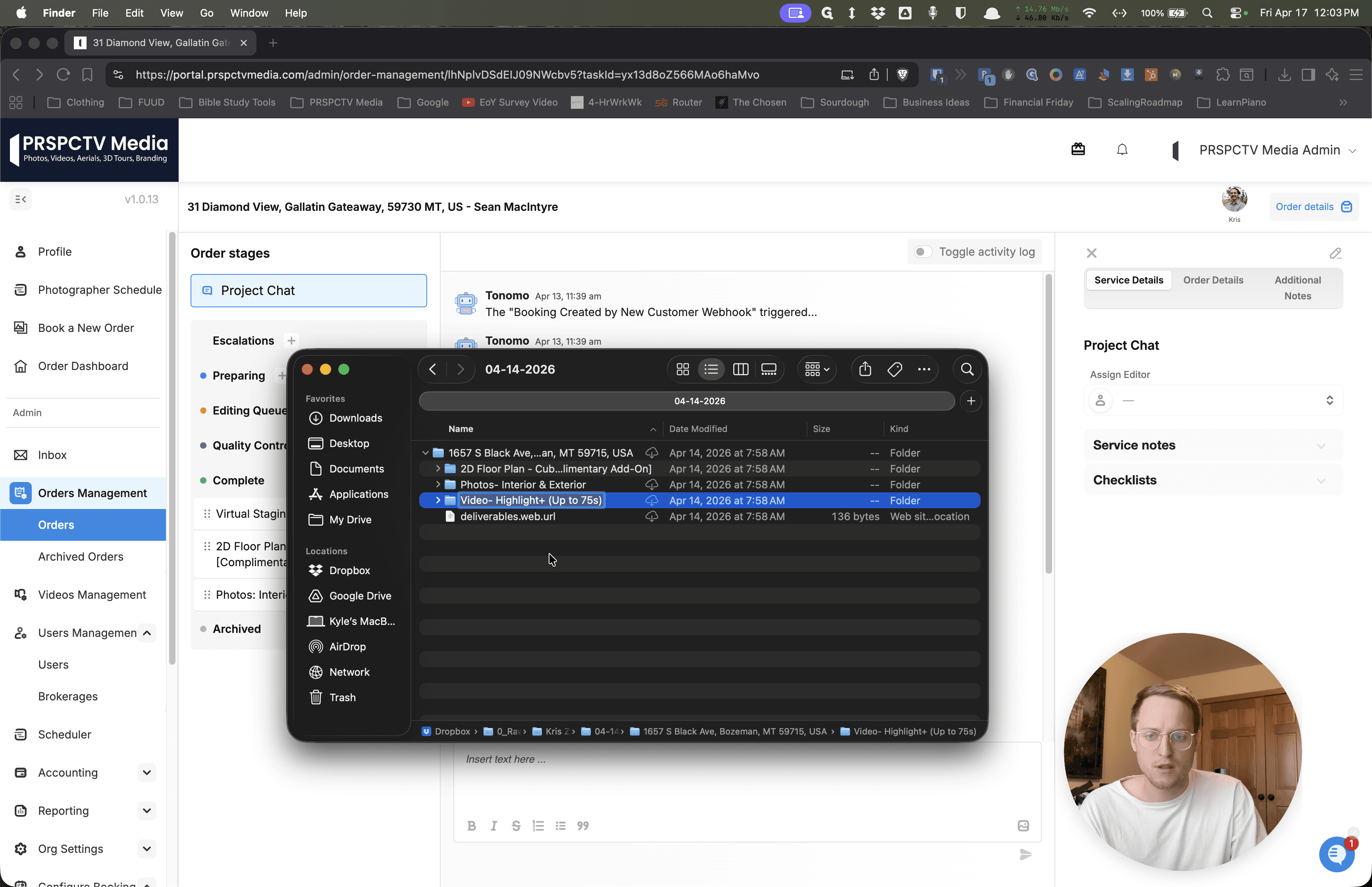
Imagine this is the correct folder. It contains 610 photos, and we include that number in the folder name. This way, editors know the folder should have 610 photos. It's simpler for them and for us, and overall, it's cleaner.
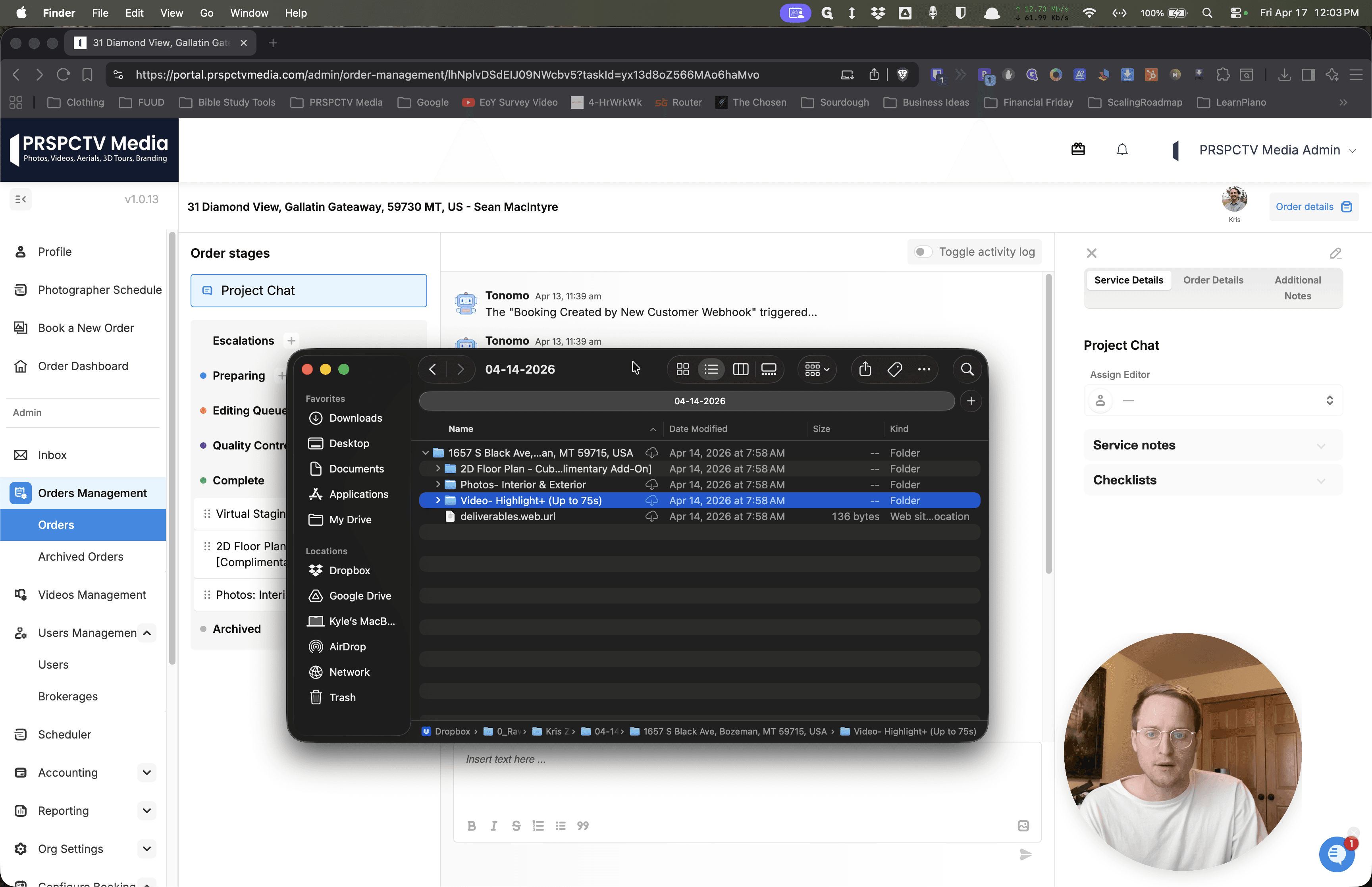
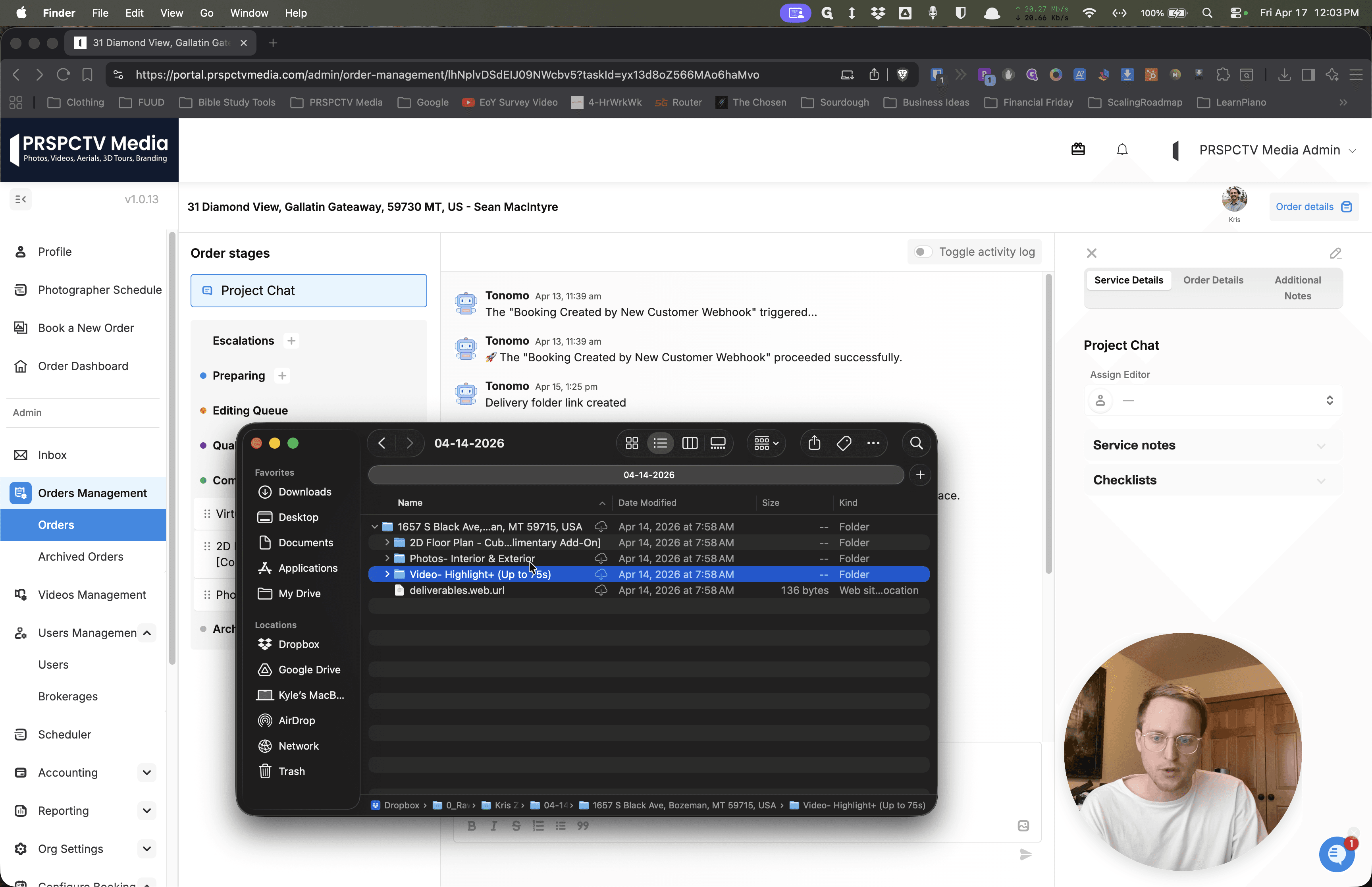
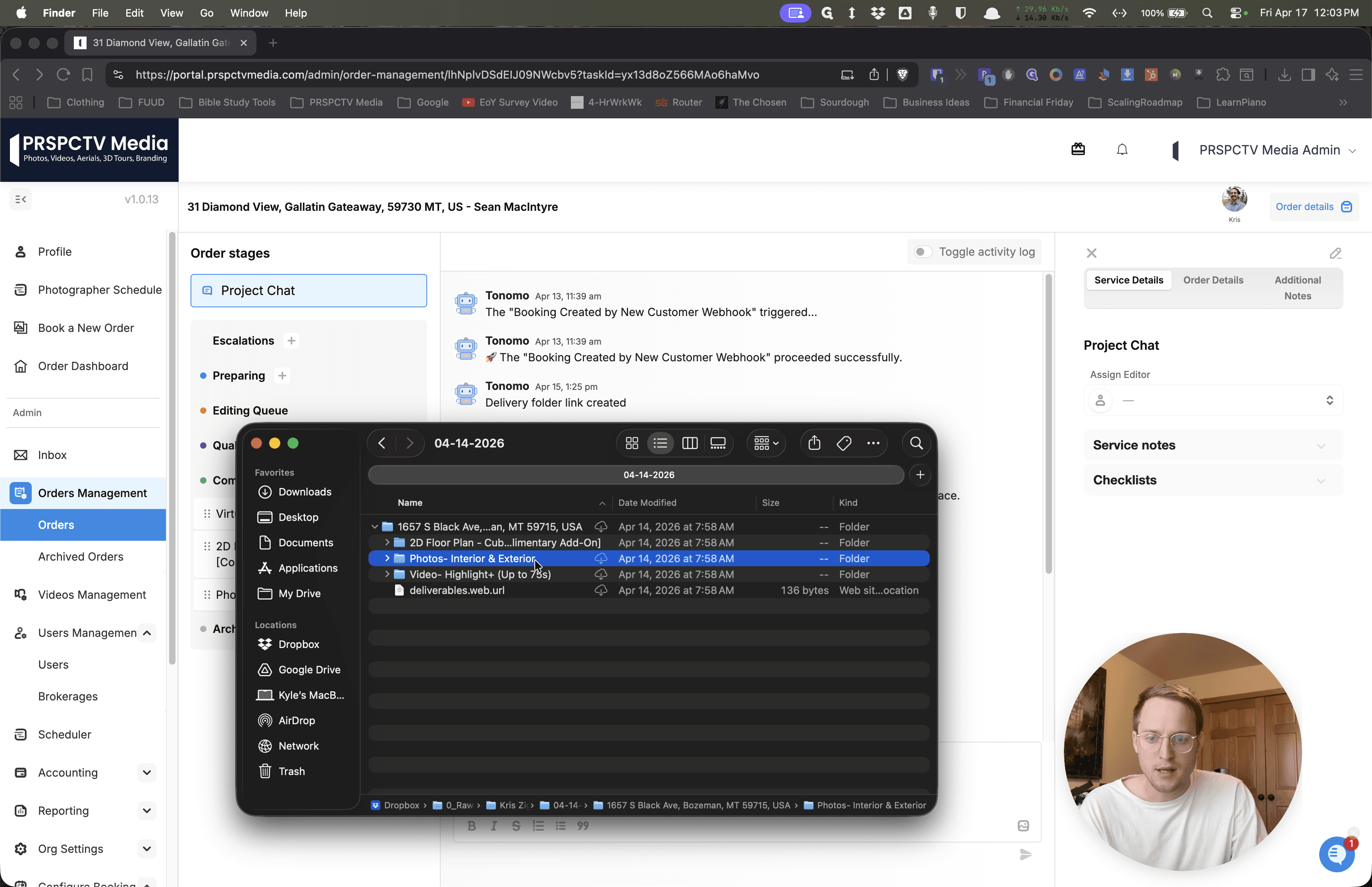
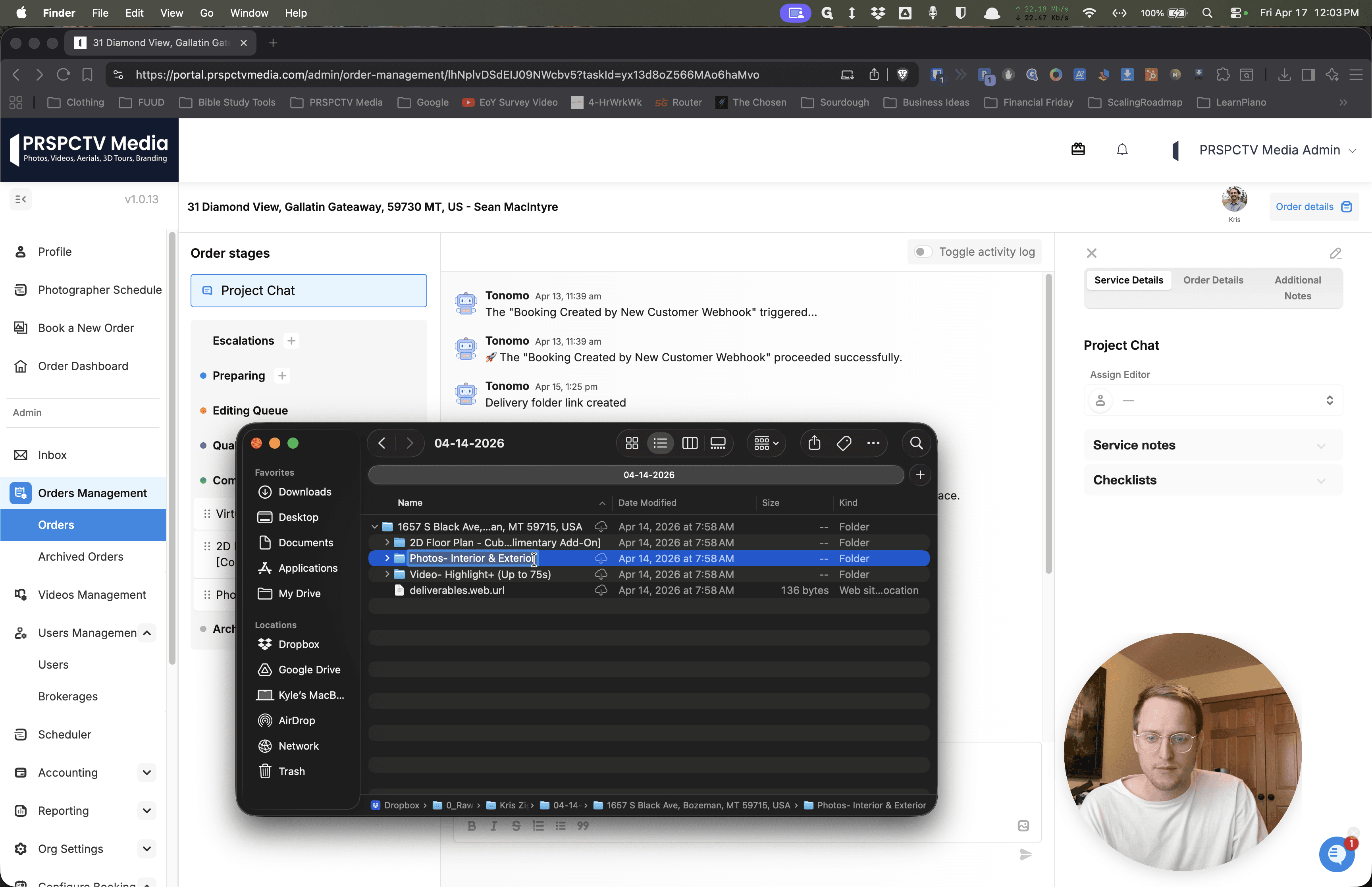
If there is something with video, do the same.
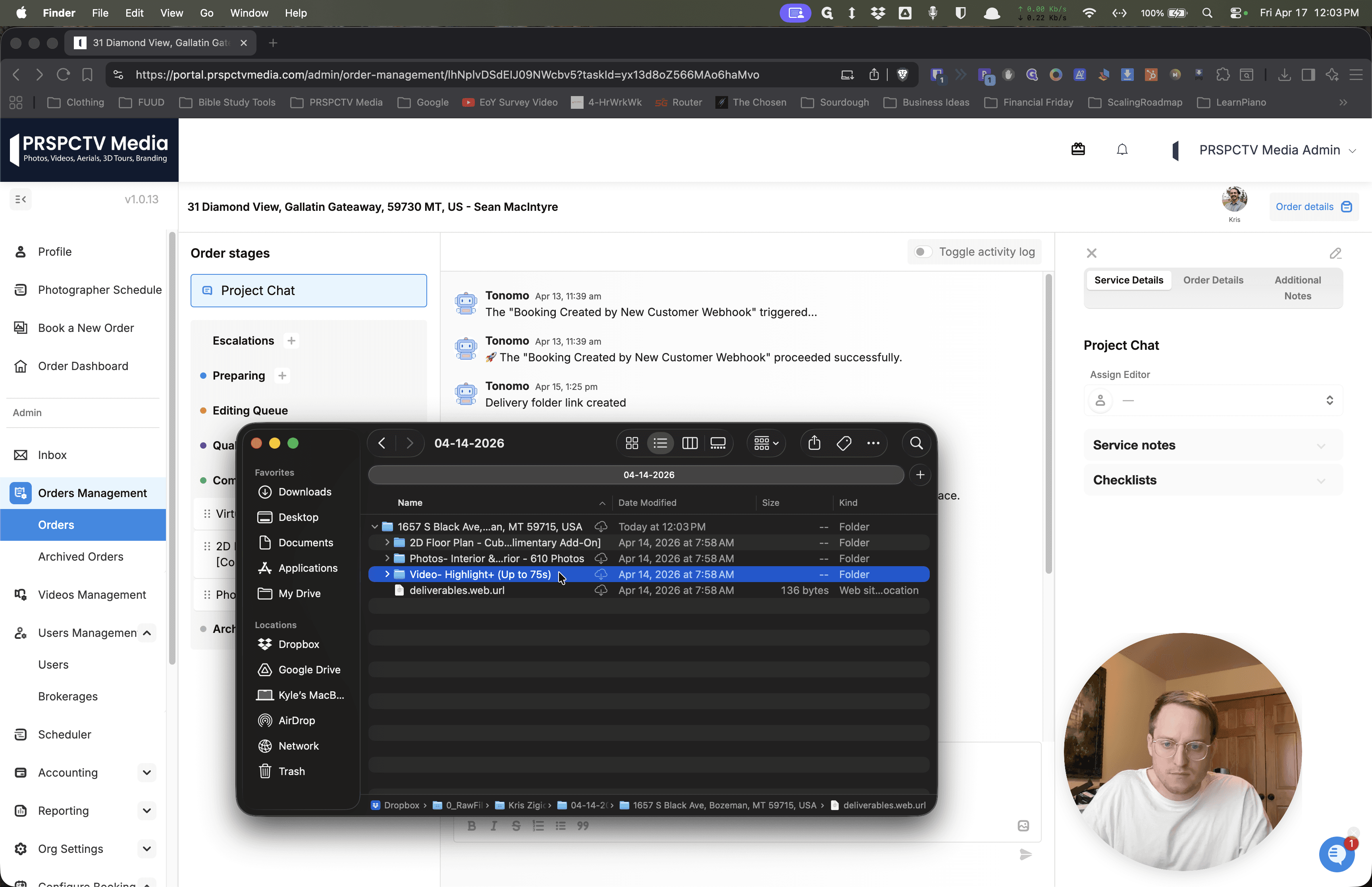
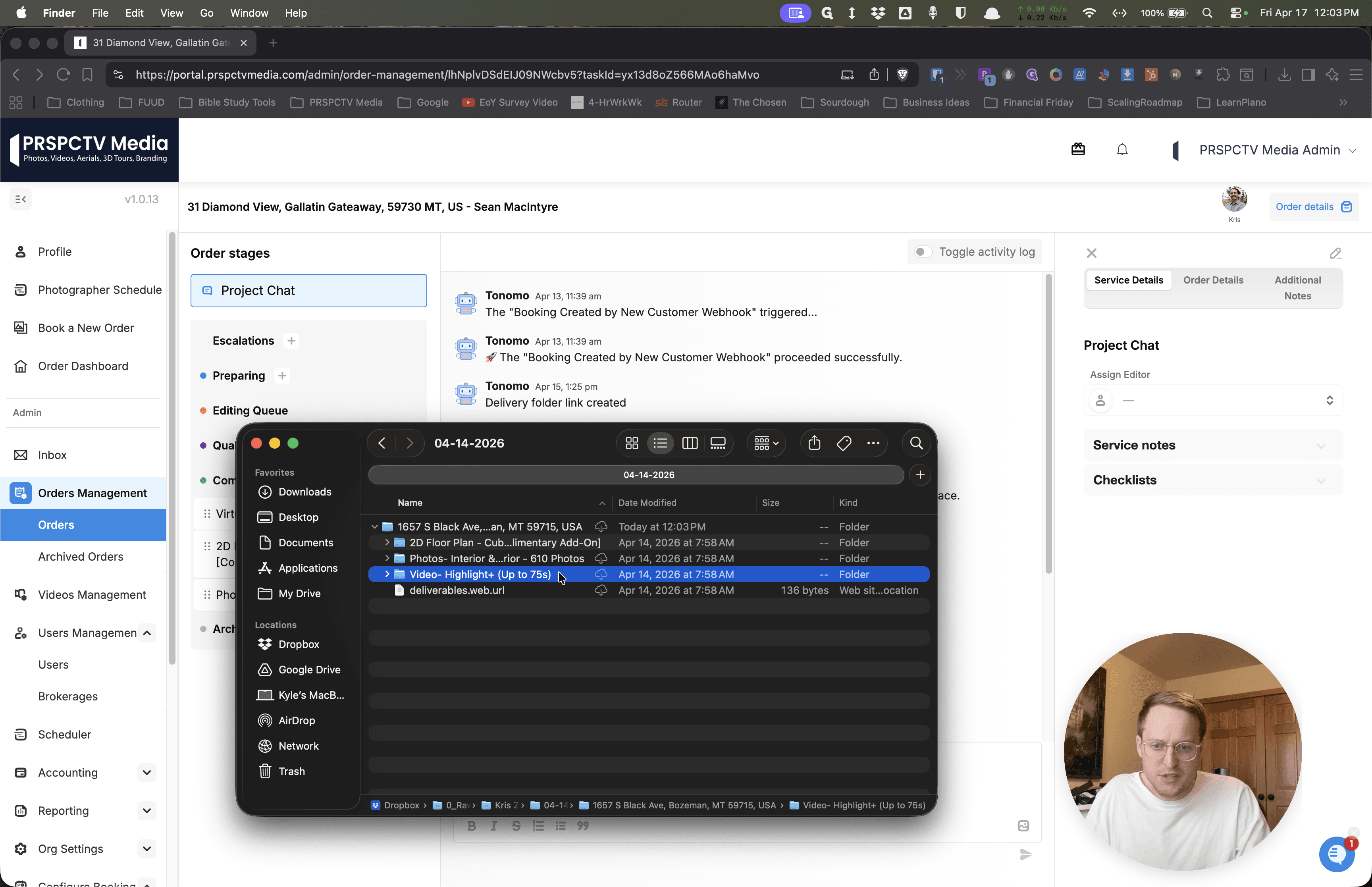
Just include 60 or 34 clips or something like that.
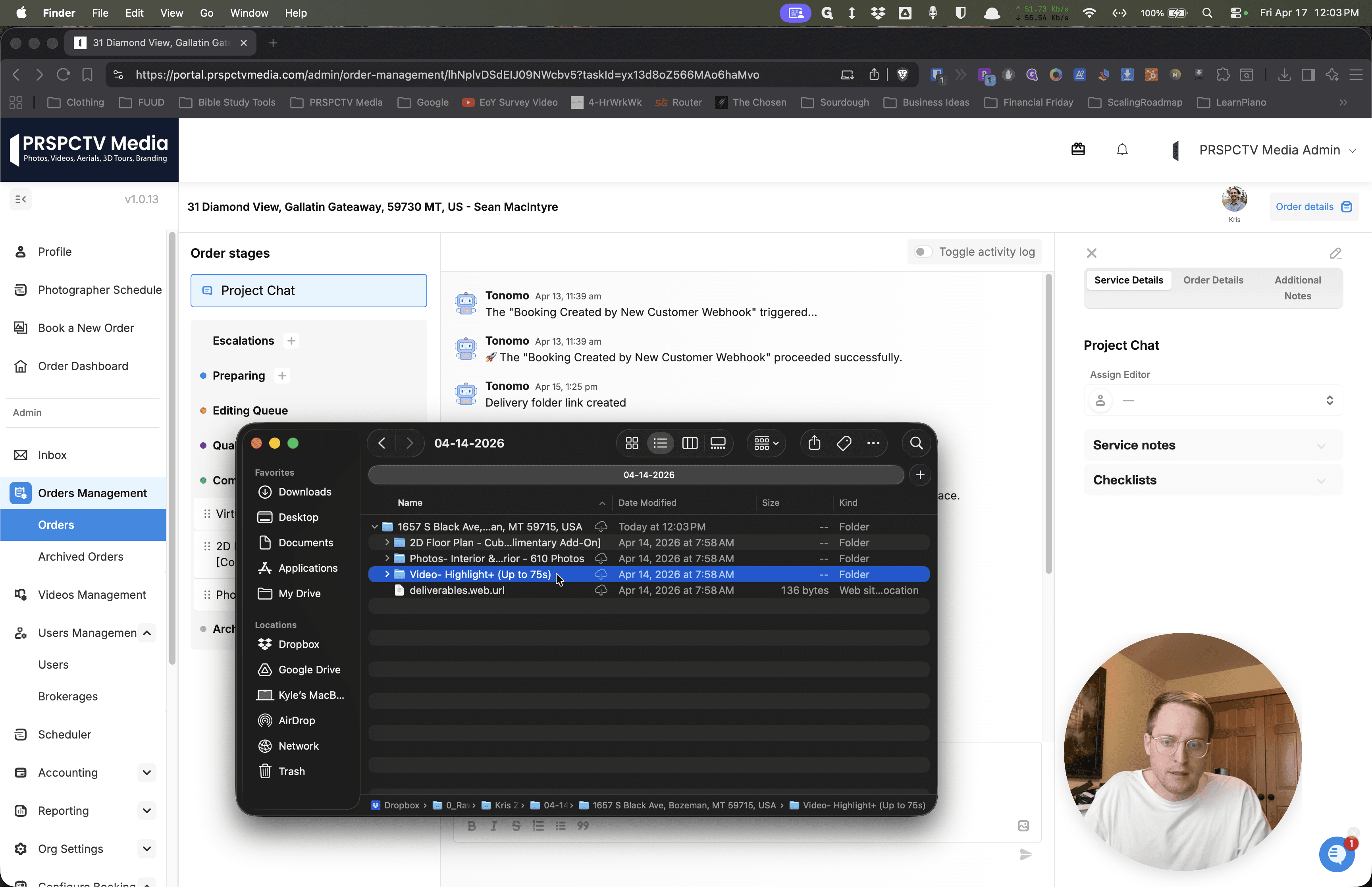
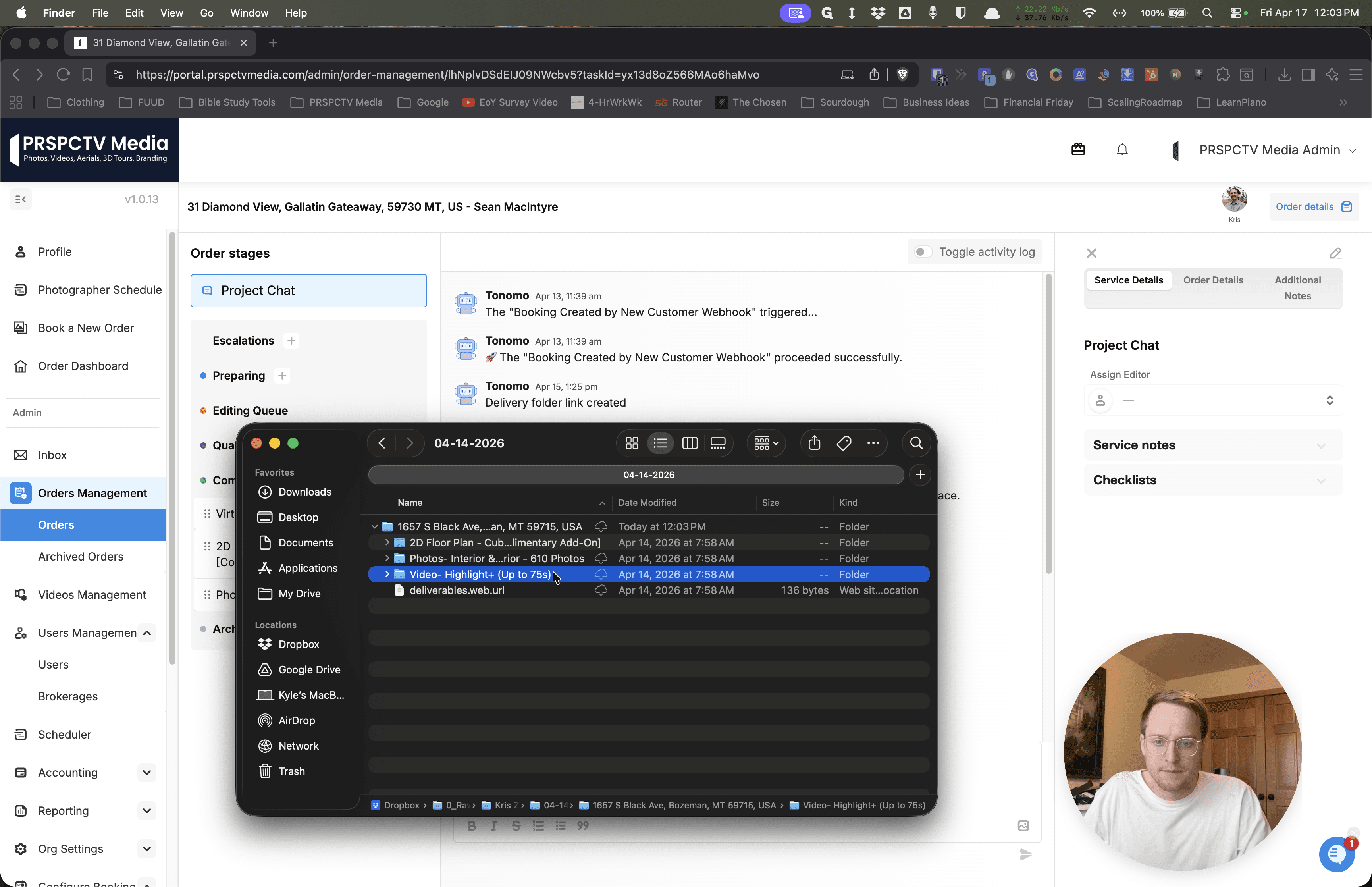
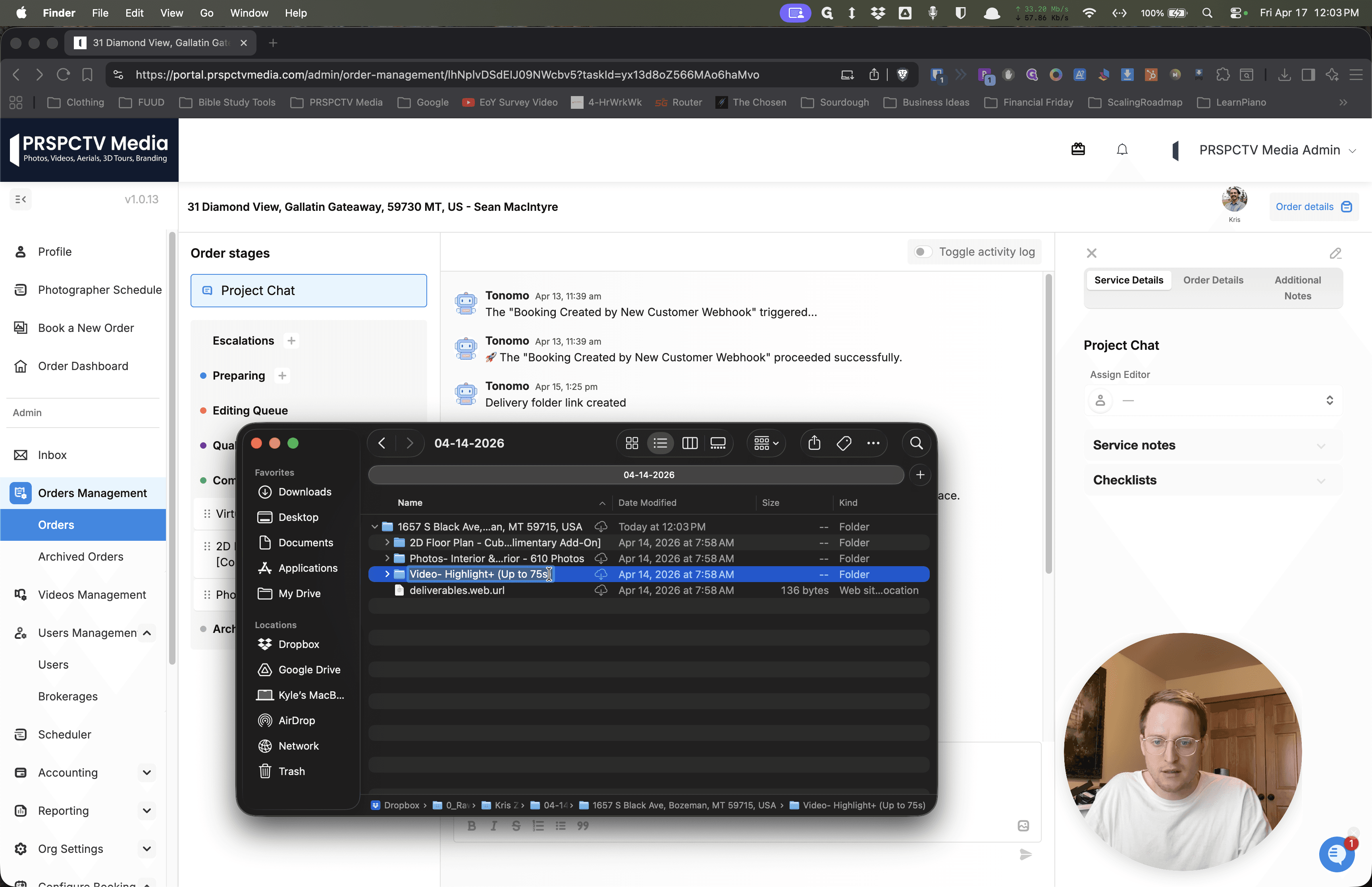
That will let the video editors know the same thing.
This is how many clips to expect. For the photos, this is the number the photo editor says to expect. I appreciate you, and I'm excited to try this new plan. I think this will make things simpler for you and for me. I appreciate you. Thanks.