
How to Integrate Microsoft Outlook Email with Zoho CRM
Learn how to connect your Microsoft Outlook account to Zoho CRM via IMAP, configure email sharing preferences, and exclude internal domains.
This guide explains how to integrate your Microsoft Outlook email with Zoho CRM via IMAP. By completing this setup, you can synchronize communications and configure sharing settings to keep your team aligned on contact interactions.
This process applies to any Zoho CRM user who needs to connect their individual Microsoft Outlook account. It should be completed during initial profile setup or when updating email integration preferences.
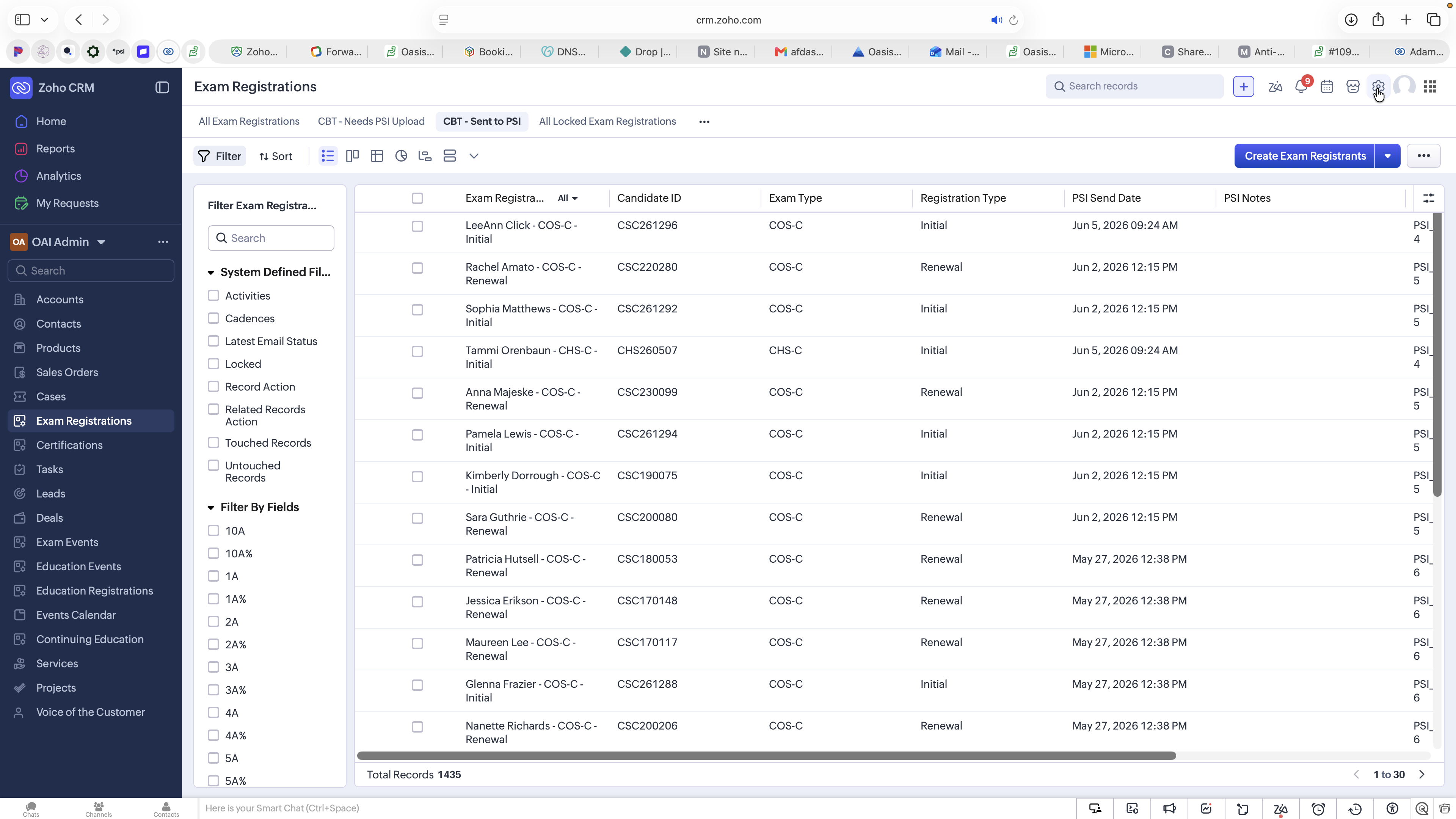
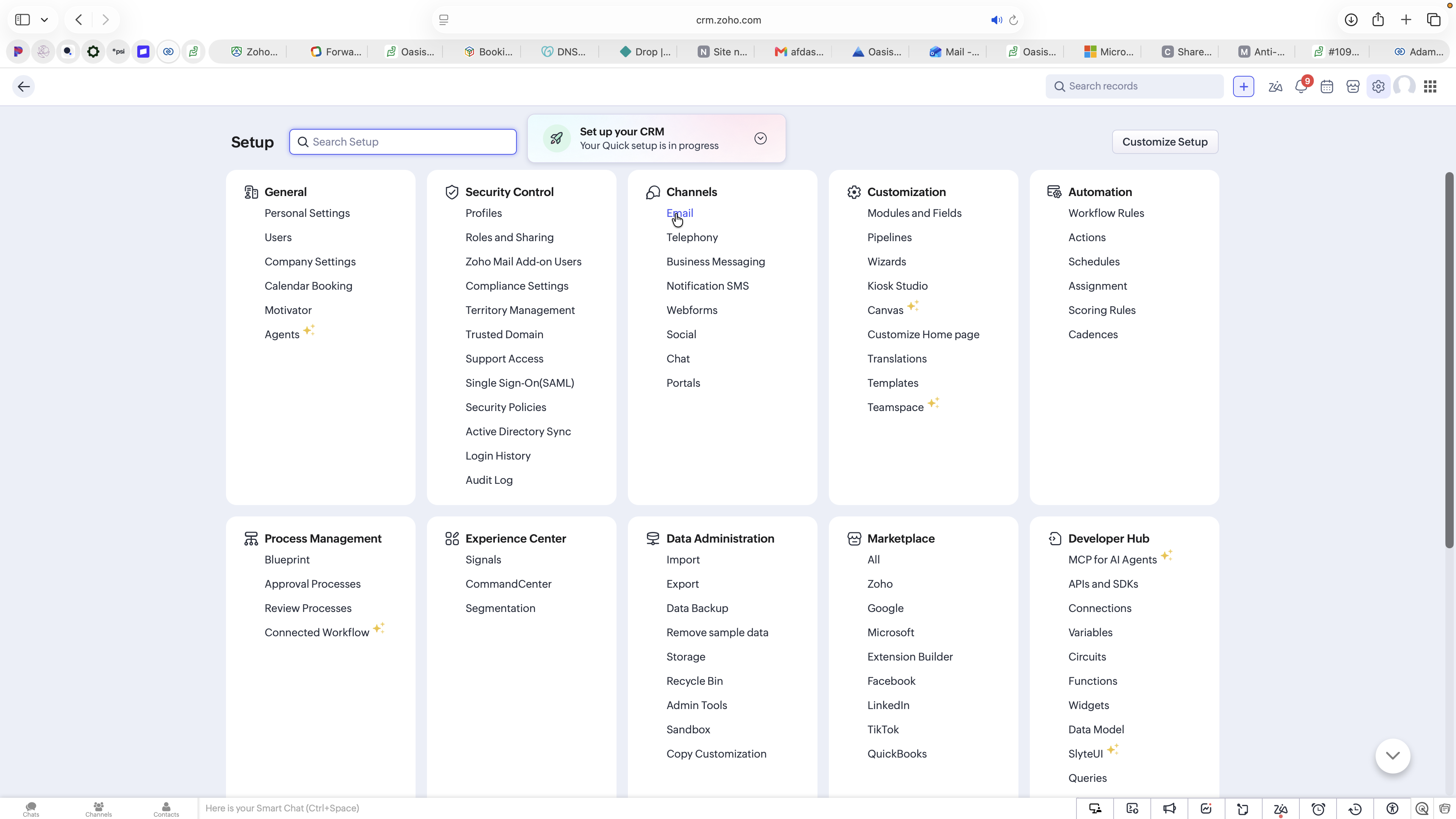
Accessing Email Configuration
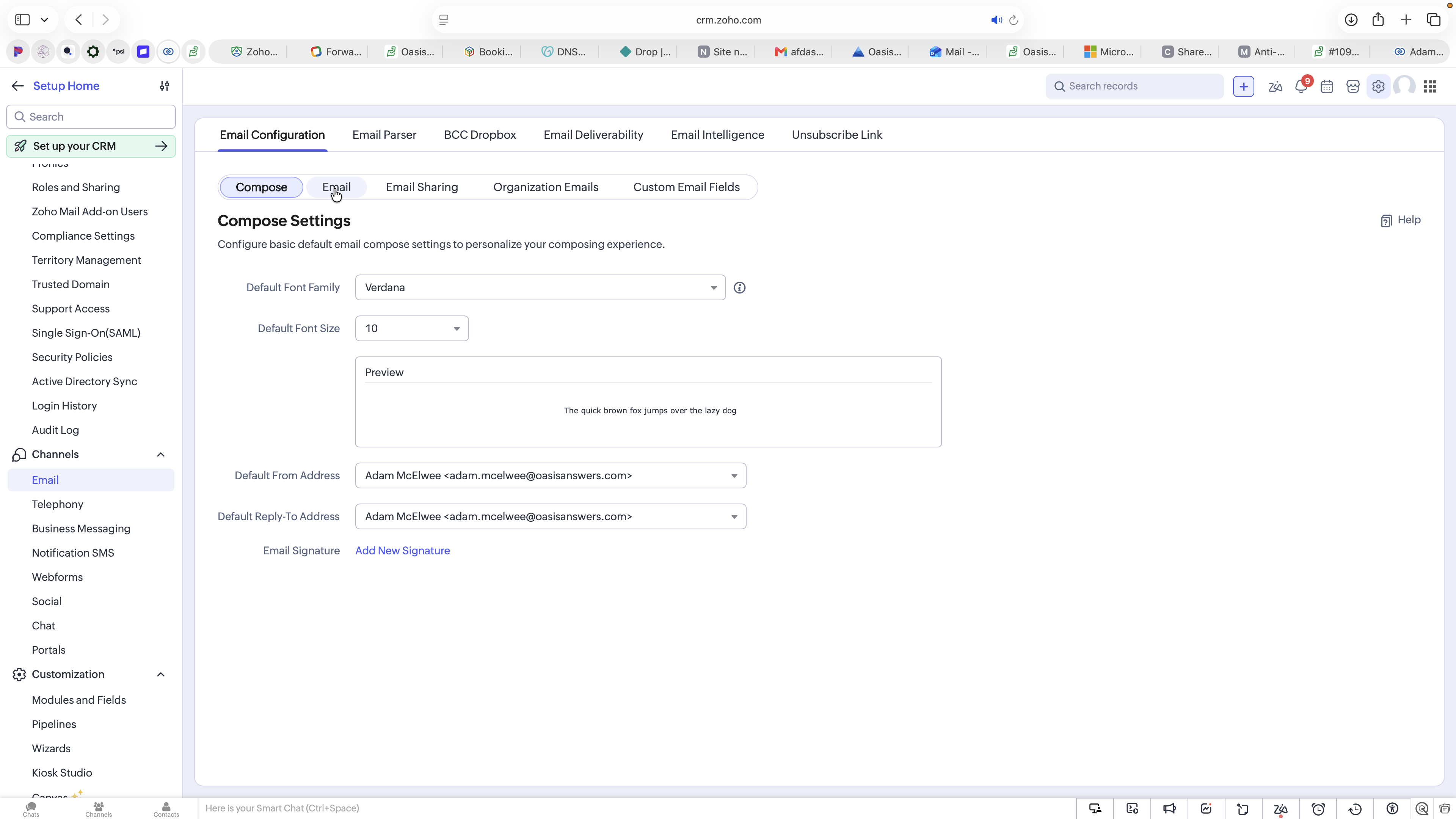
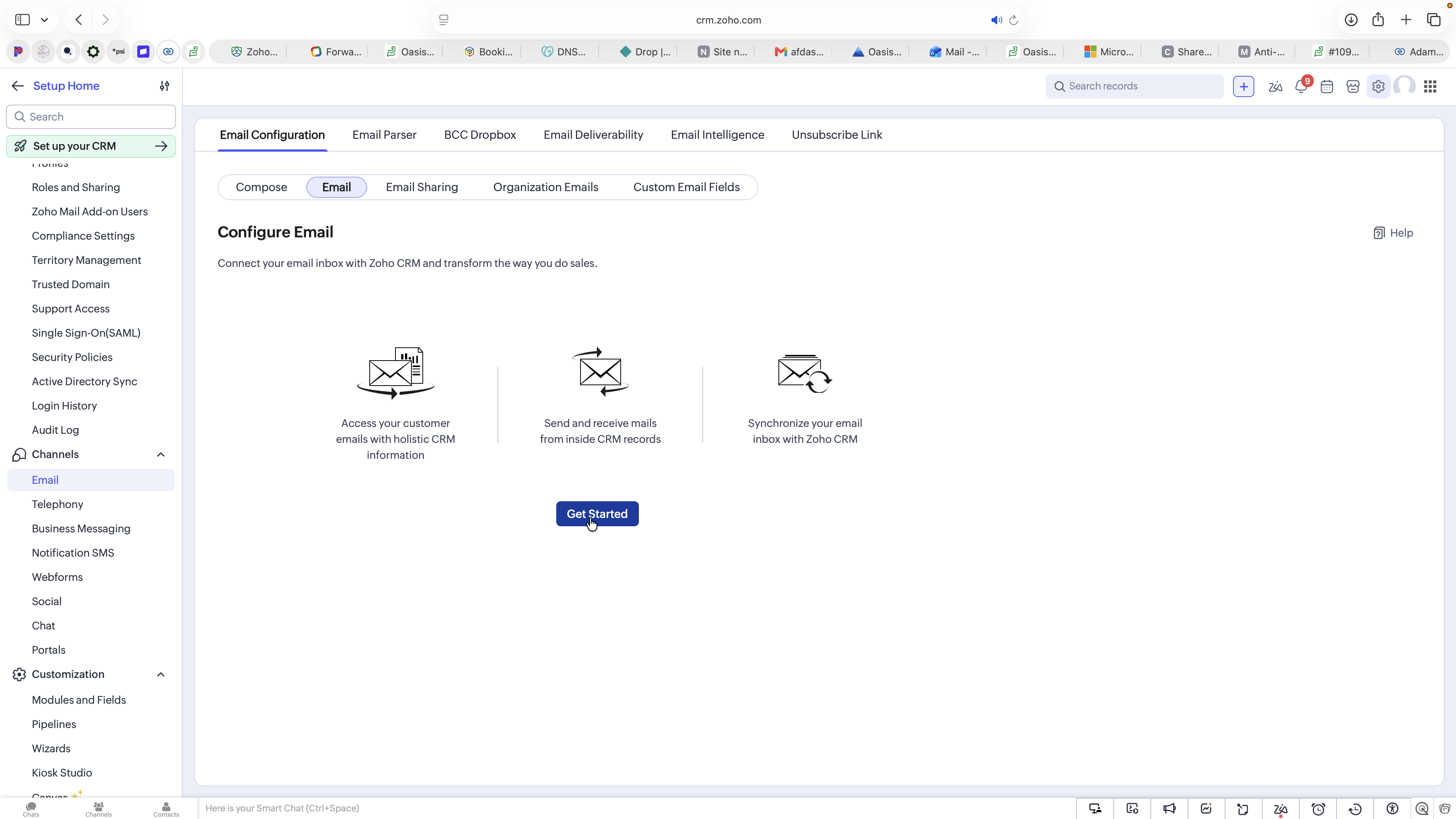
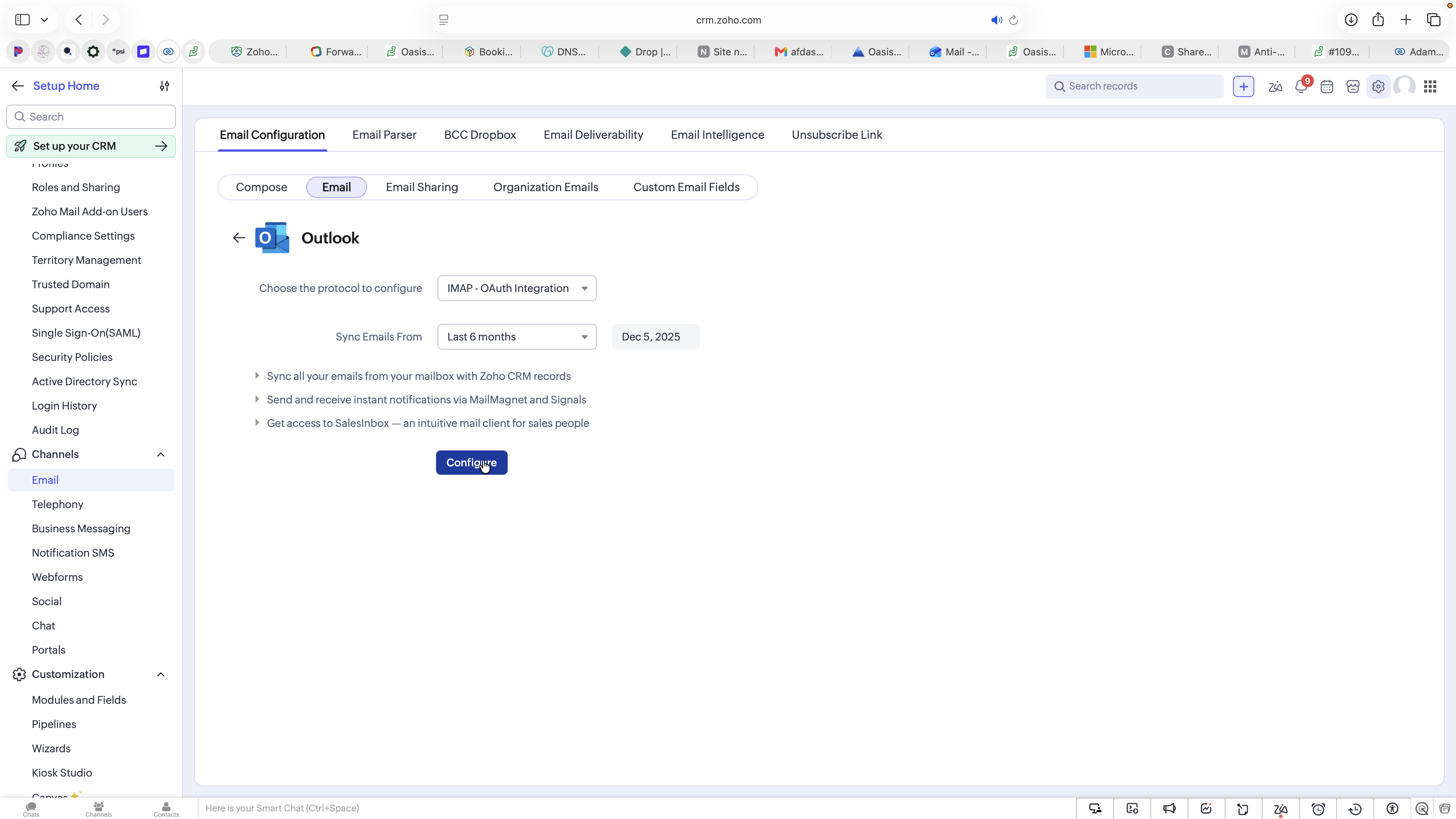
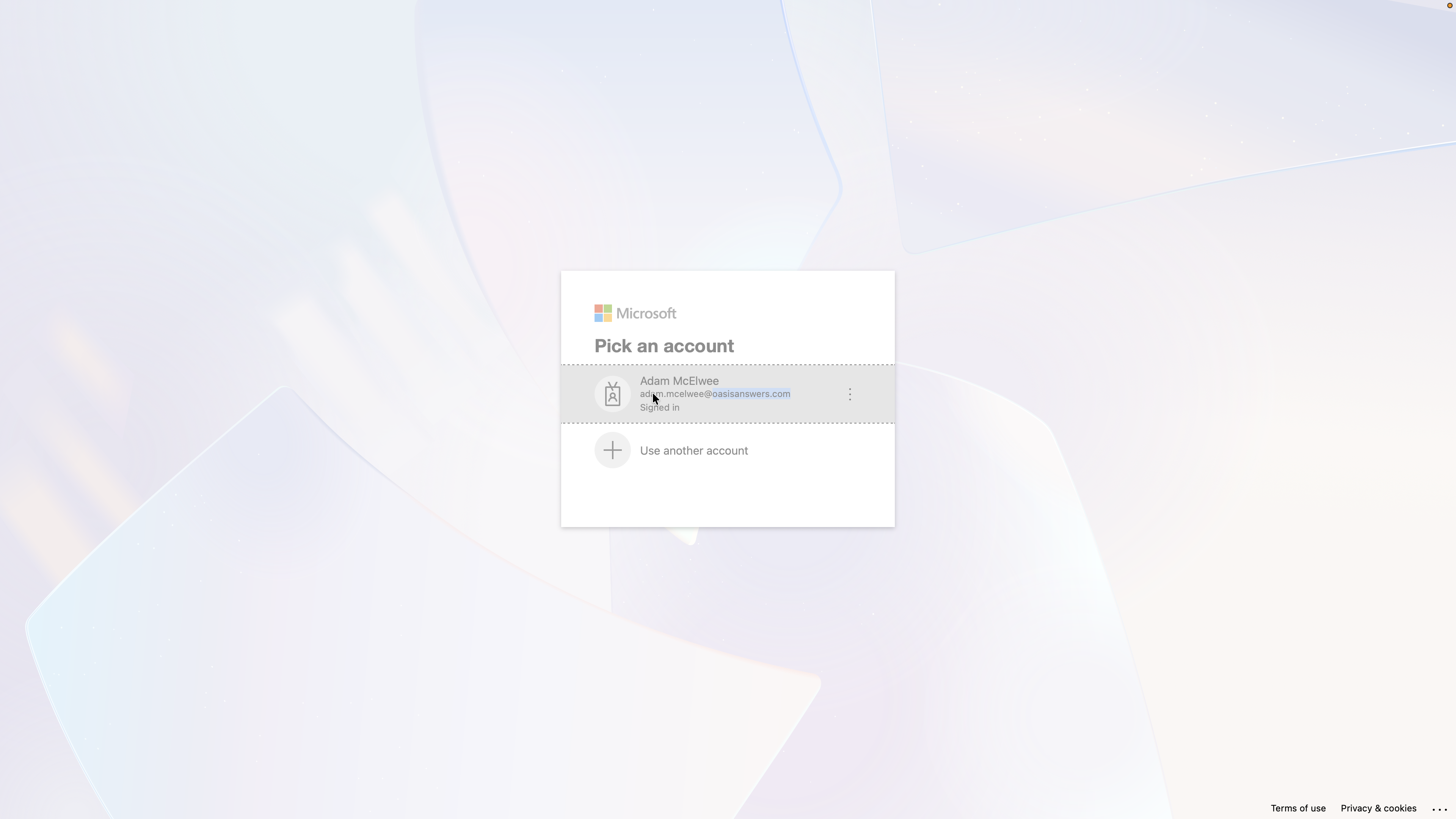
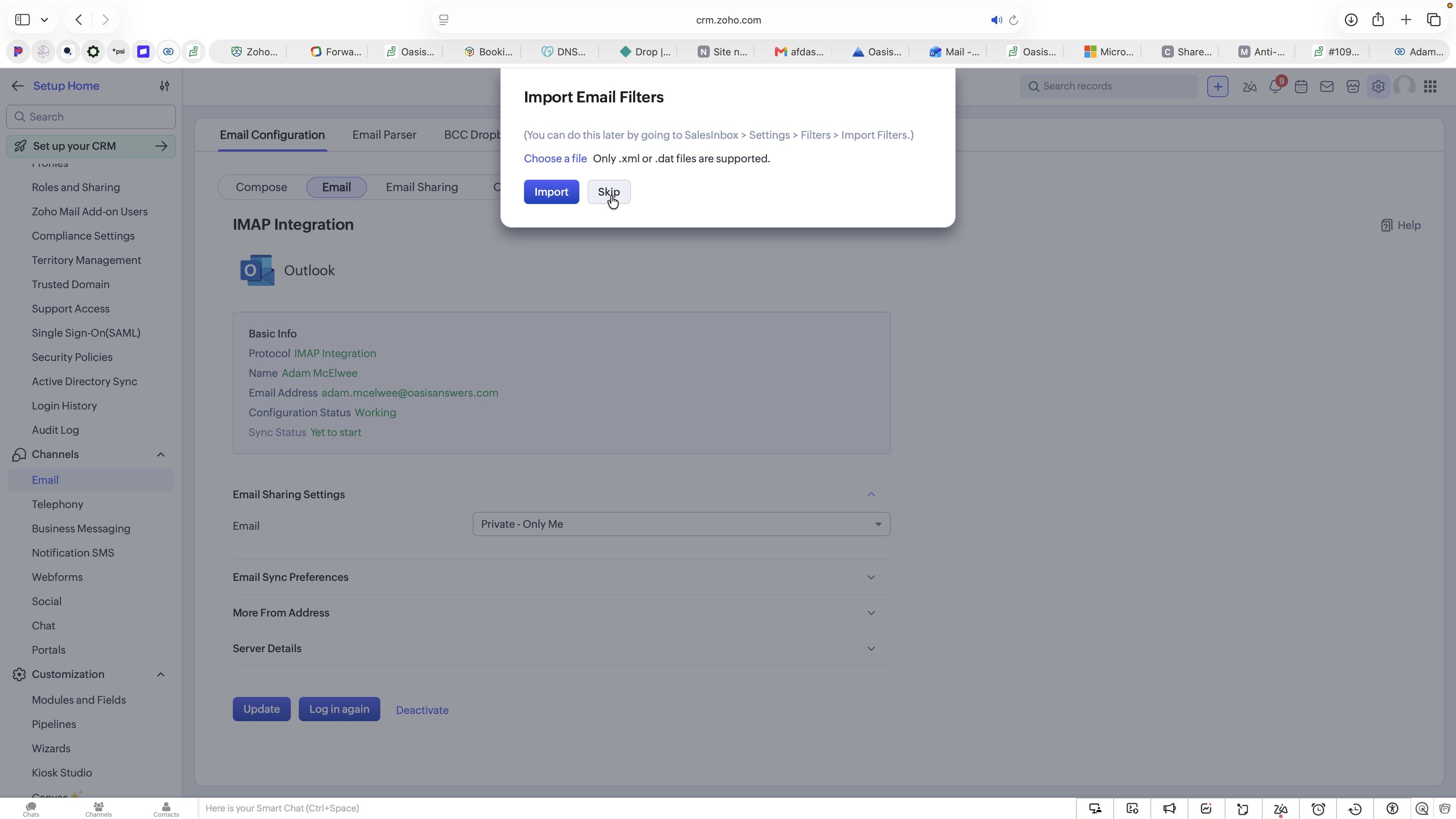
Connecting Your Outlook Account


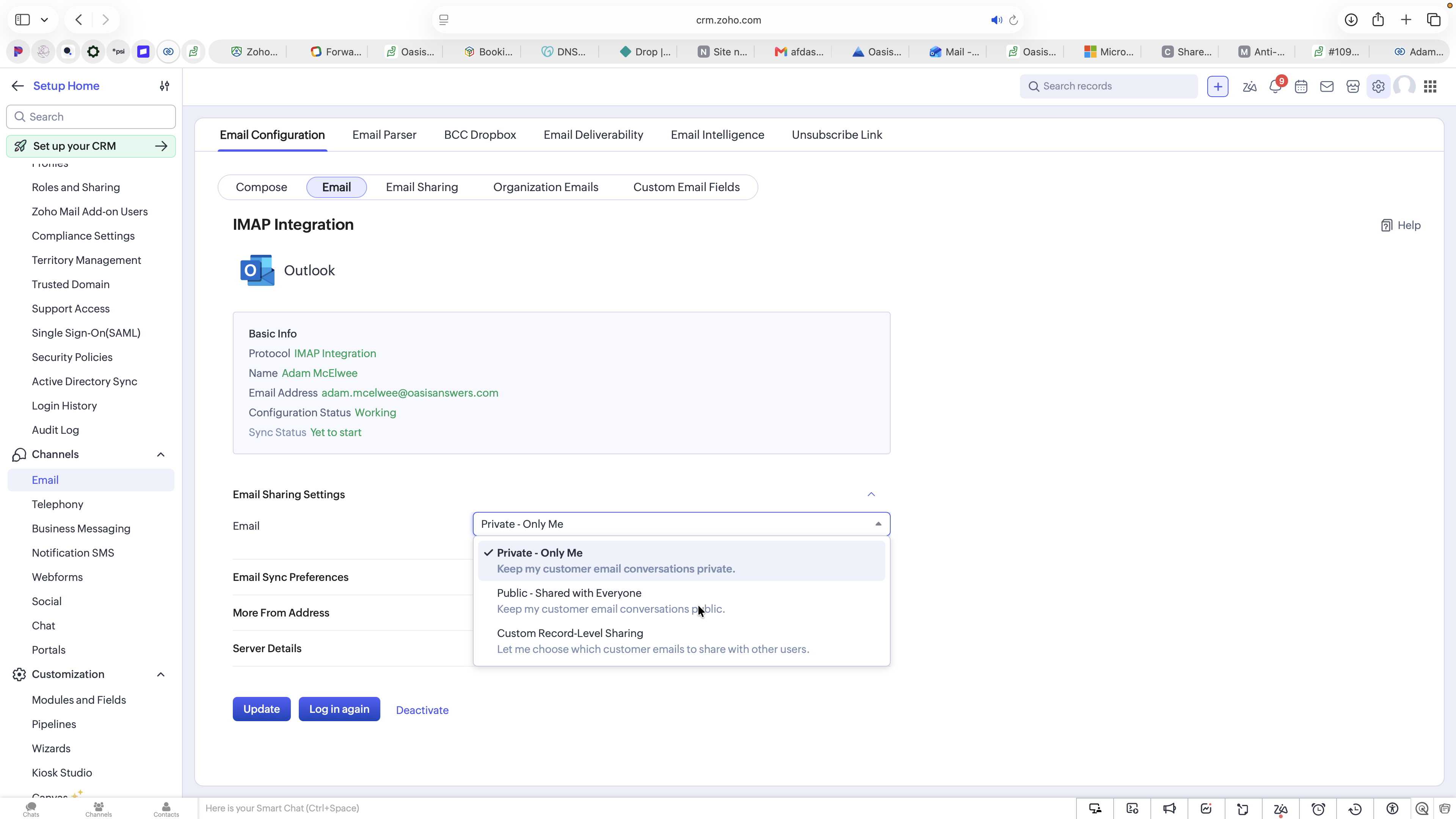
Configuring Email Sharing Preferences
Sharing Option | How it Works | Best For |
|---|---|---|
Private - Only Me | Completely hides your email conversations from other users on the contact record. | Roles managing highly confidential communications. |
Public - Shared with Everyone | Allows all internal CRM users to view email conversations on contact records. | Transparent teams where sharing context improves customer success. |
Custom | Keeps emails private by default but allows you to toggle visibility on a per-email or per-record basis. | Roles that mix sensitive communication with standard client updates. |
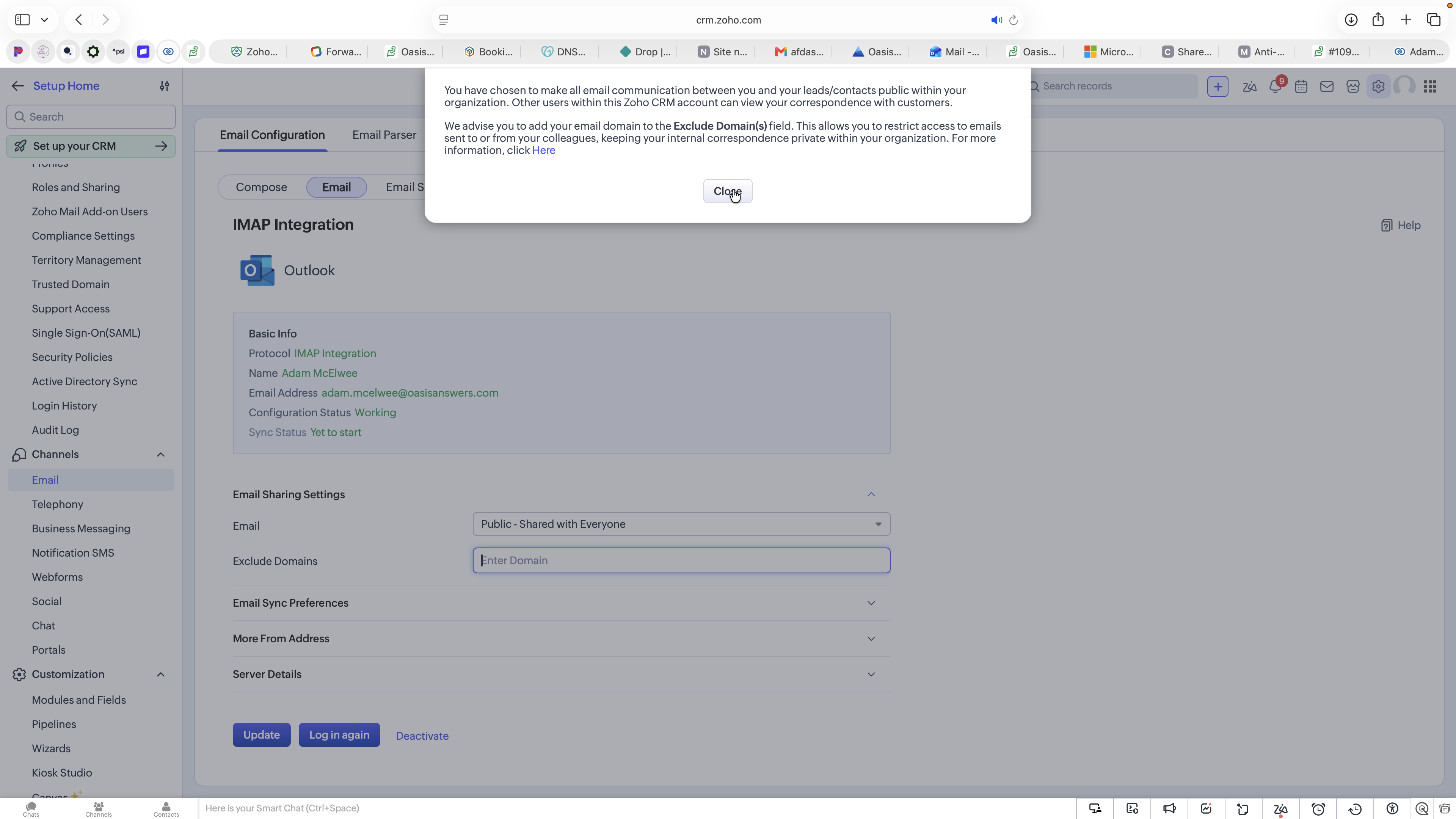

oasisanswers.com) to prevent employee-to-employee emails from being shared publicly.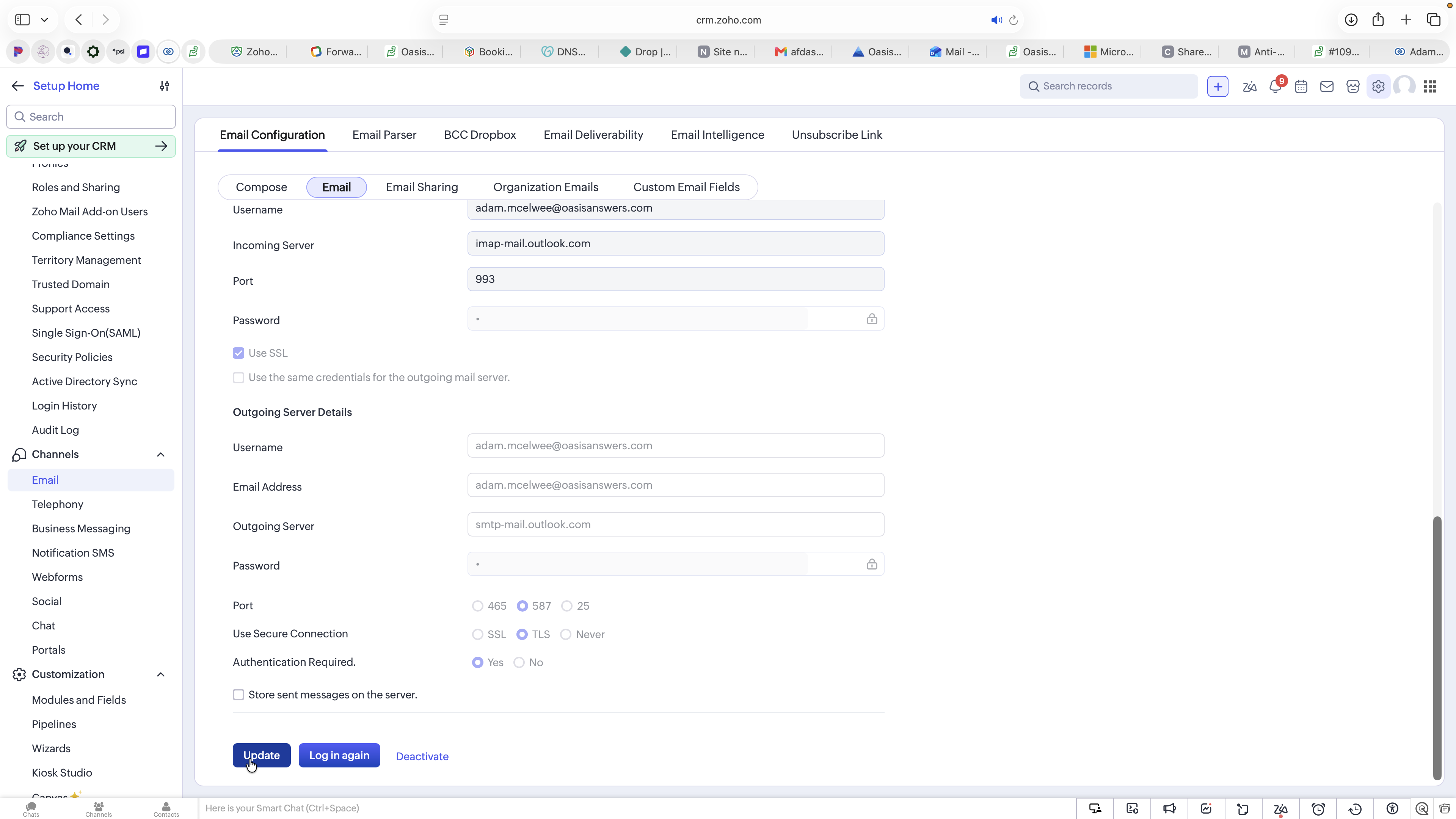
Q: What domains should I add to the "Exclude Domains" list?
A: You should exclude your internal company domains (e.g., yourcompany.com). This ensures internal employee-to-employee communications are not unintentionally shared on contact records, even if your account is set to public.
Term | Definition |
|---|---|
IMAP | Internet Message Access Protocol; a standard email protocol used to fetch messages from a mail server, keeping them synced across applications. |
Email Sharing | A Zoho CRM feature that dictates whether other users in your organization can view your email correspondence attached to contact records. |
Exclude Domains | A setting used to prevent emails matching specific domain names (typically internal company domains) from being visible to others in the CRM. |