
Locating Symbotic 650s, 620s, and QC Manuals in Teams
Learn how to navigate Microsoft Teams to find Symbotic 650 and 620 documents, prints, and quality control (QC) manuals for your project builds.
This guide explains how to locate crucial Symbotic documentation within Microsoft Teams, including 650s, 620s, and general QC manuals. Accessing these files ensures you have the correct prints and quality control guides required to complete the build process accurately.
This process applies to technicians, engineers, and quality assurance personnel working on Symbotic projects. Use these steps whenever you need to reference official build prints, checklist examples, or supplier quality manuals during site assembly and testing.
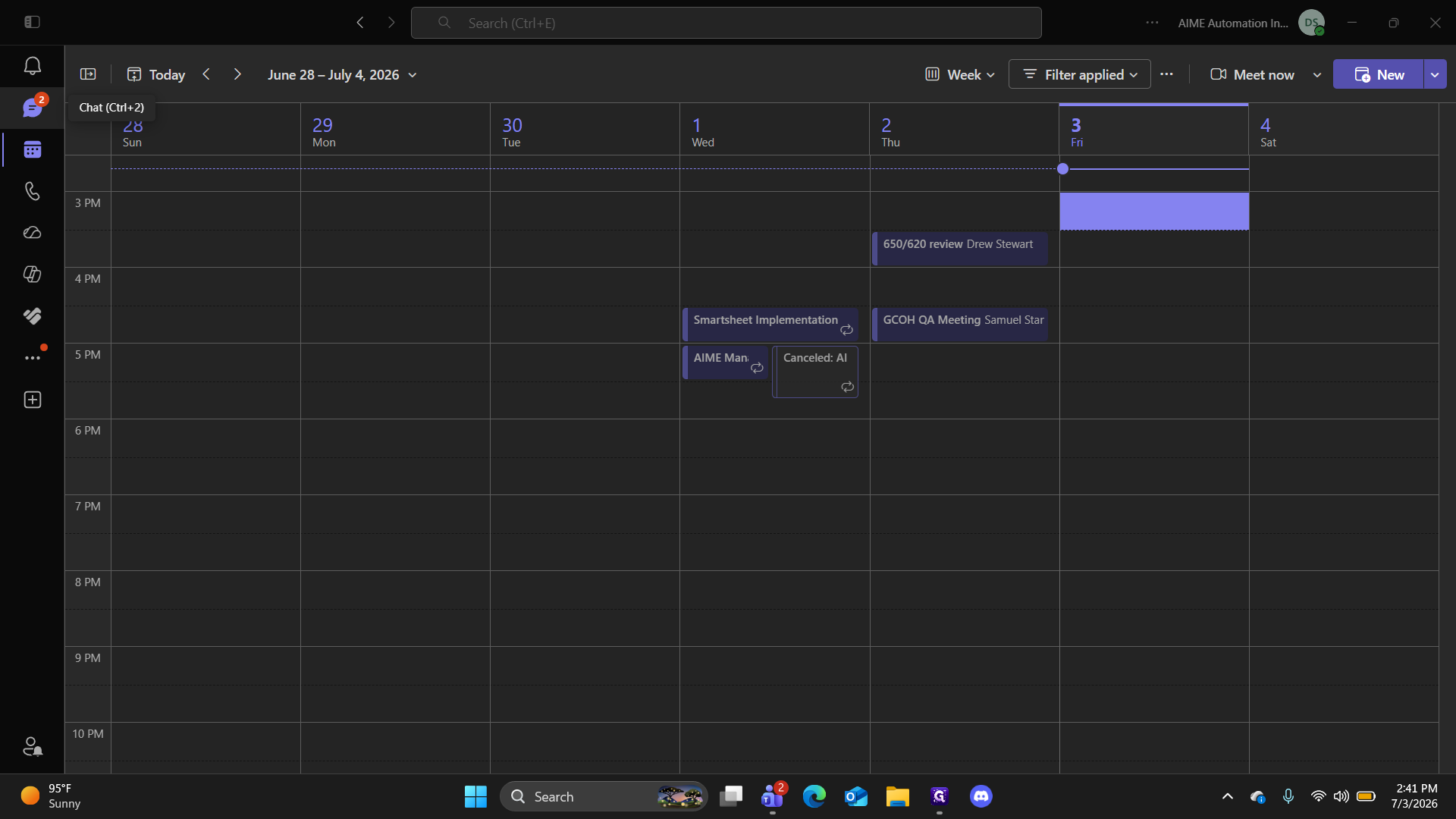
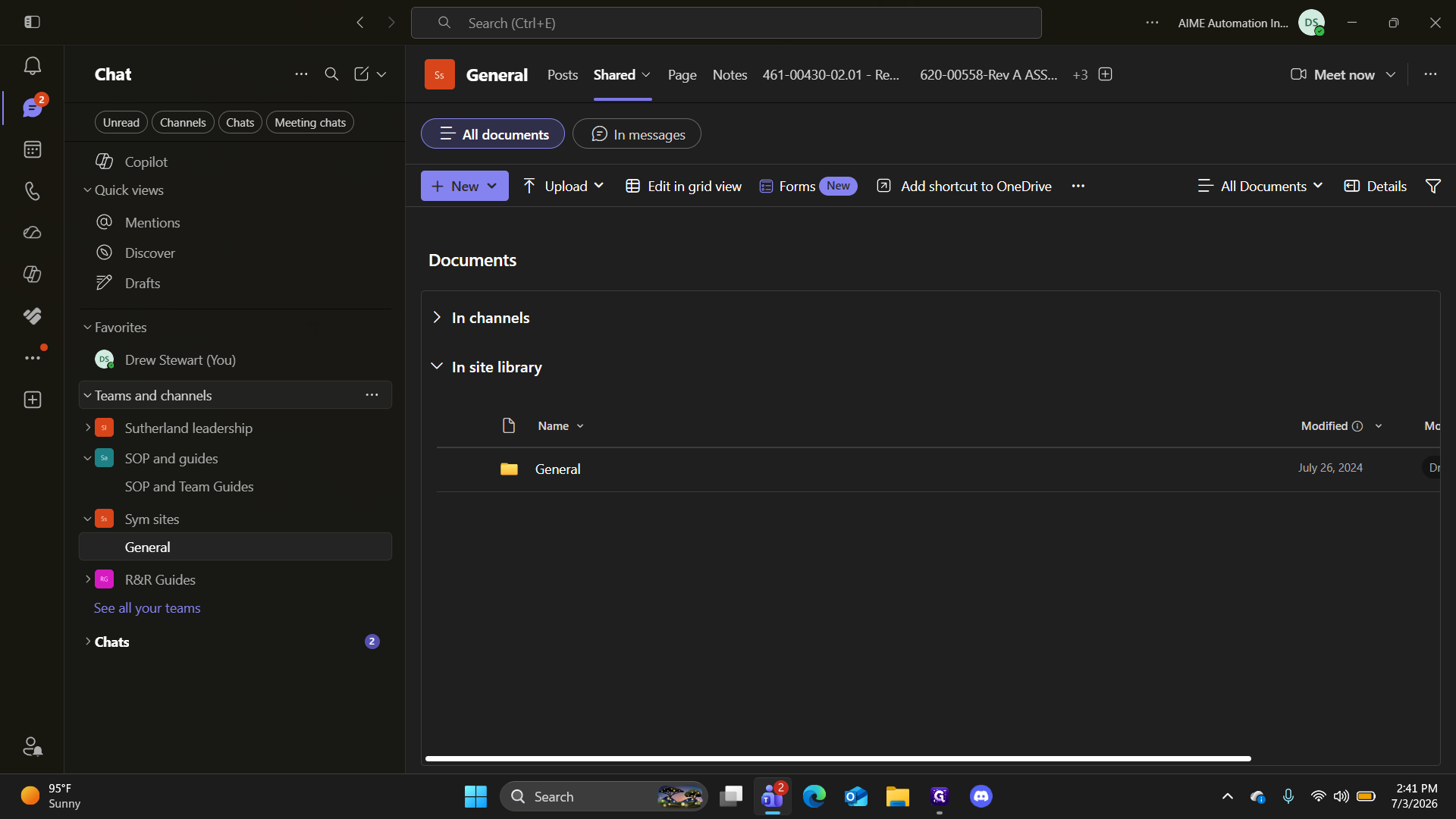
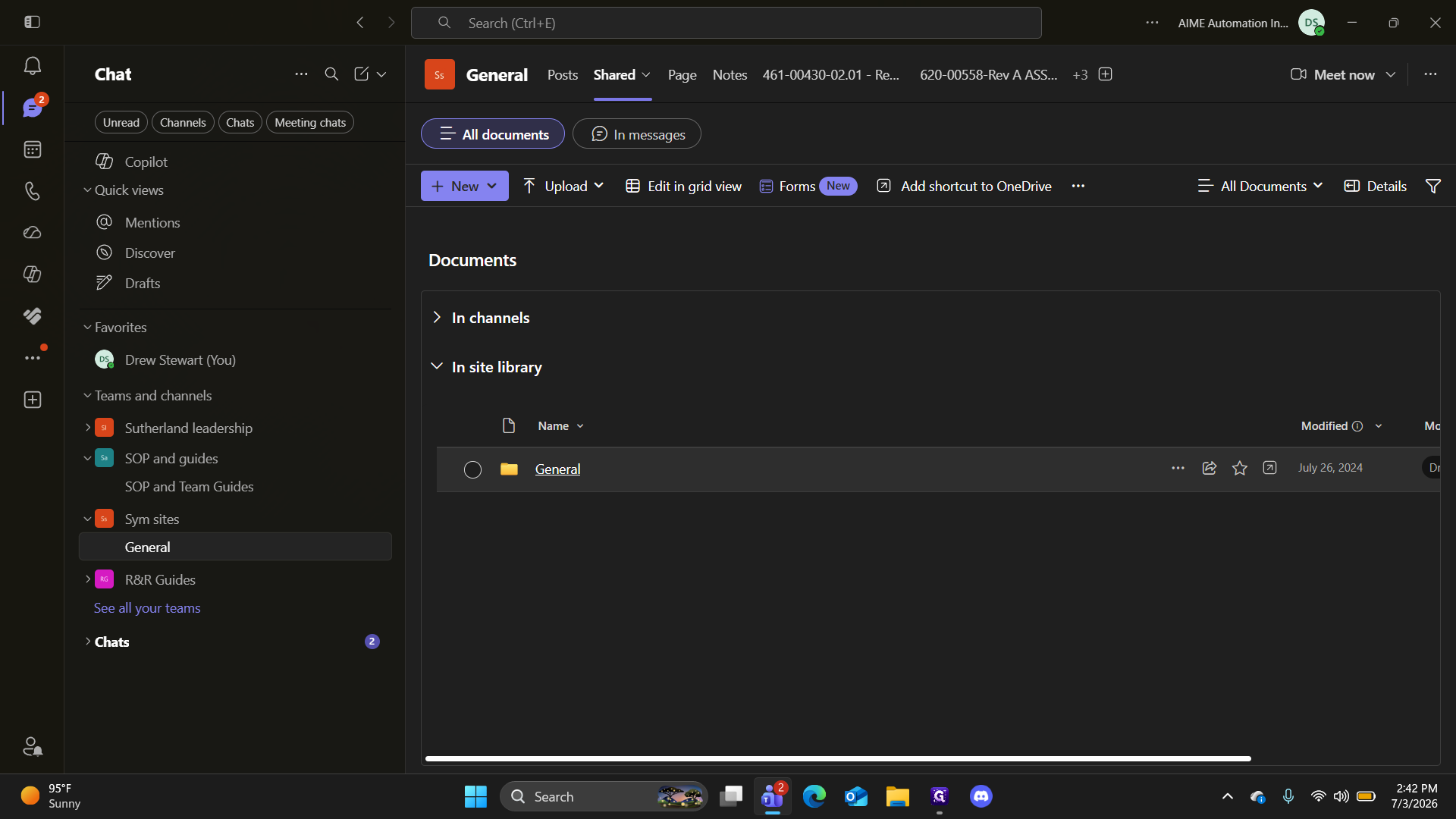
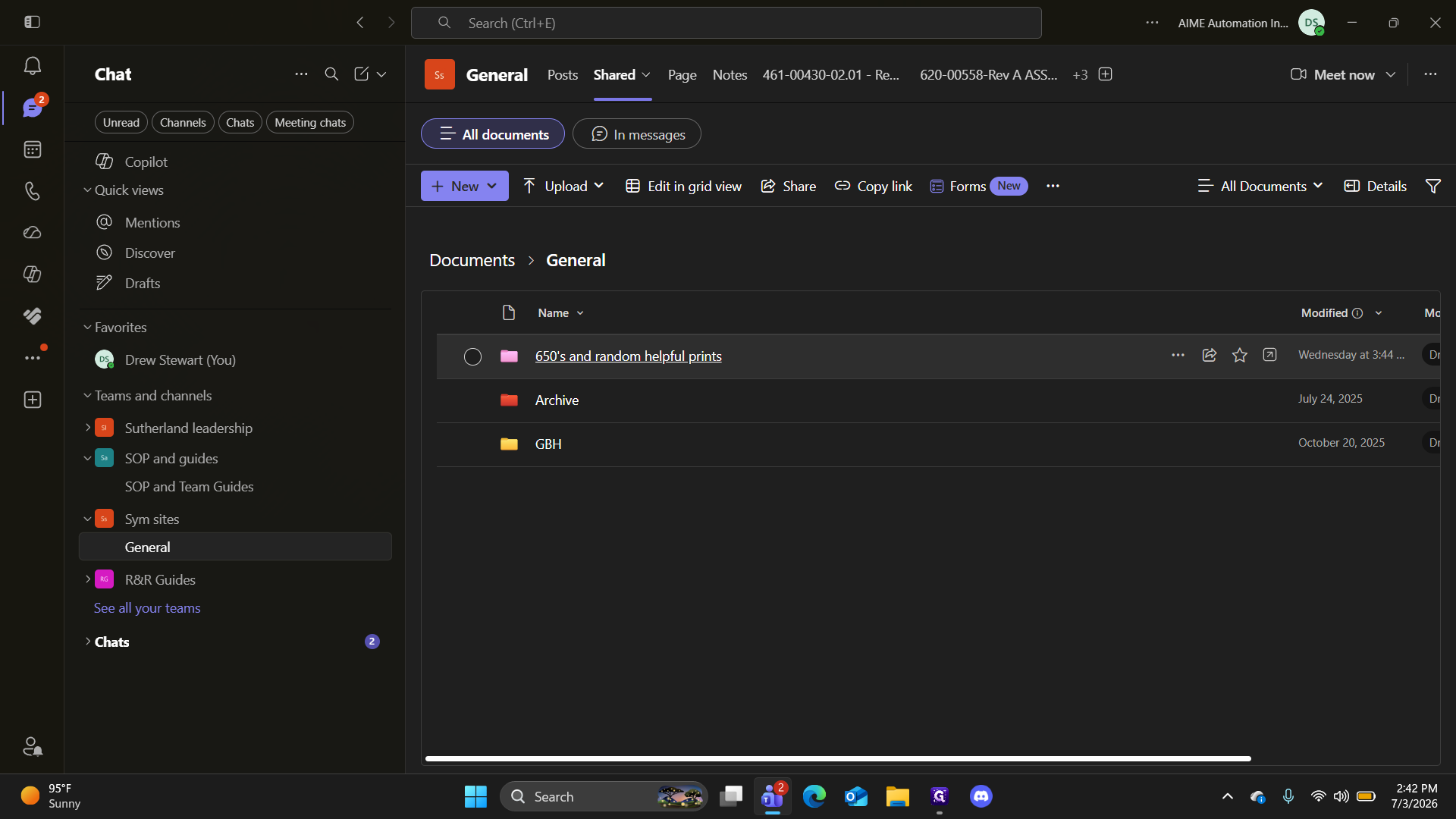
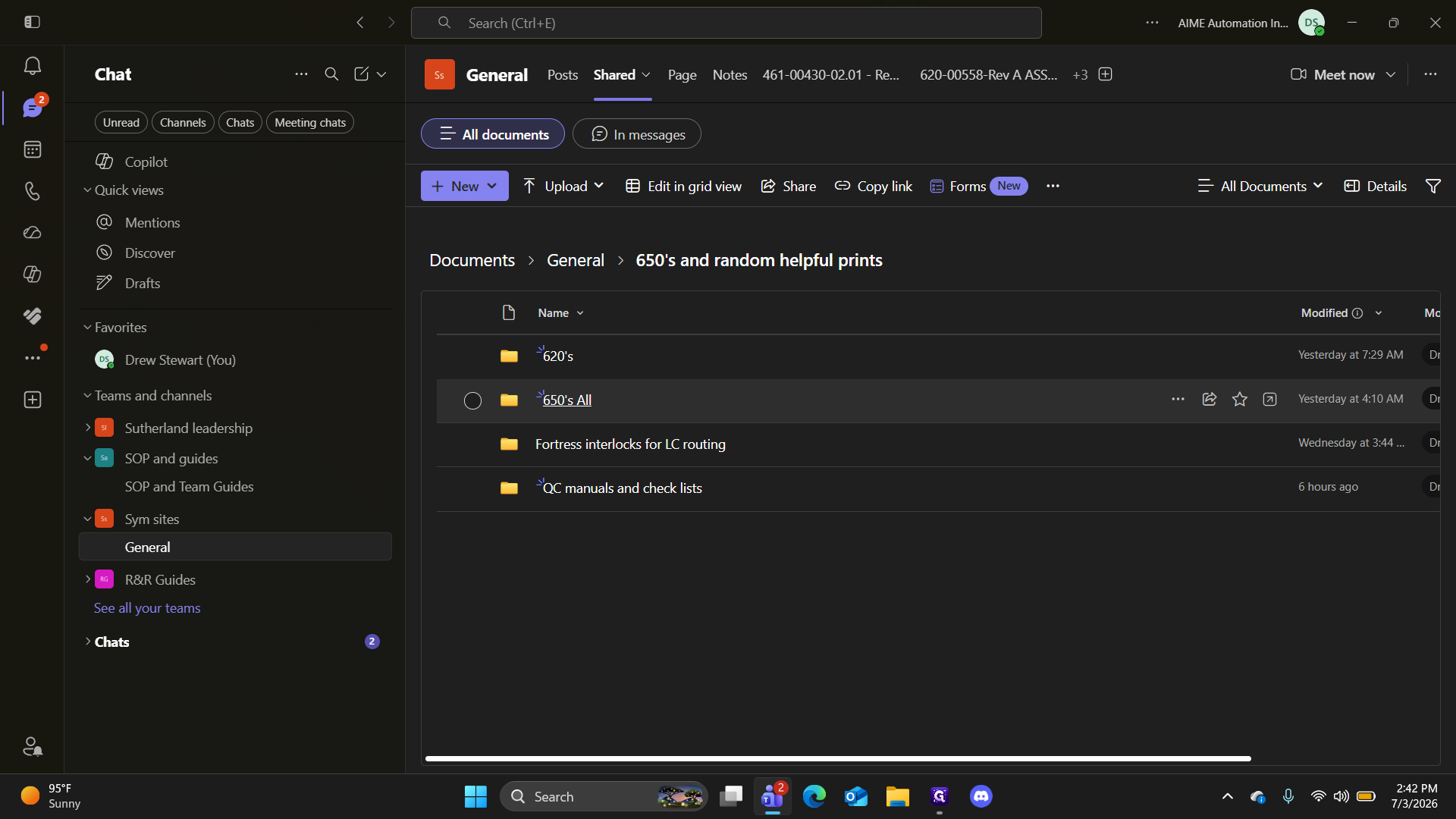
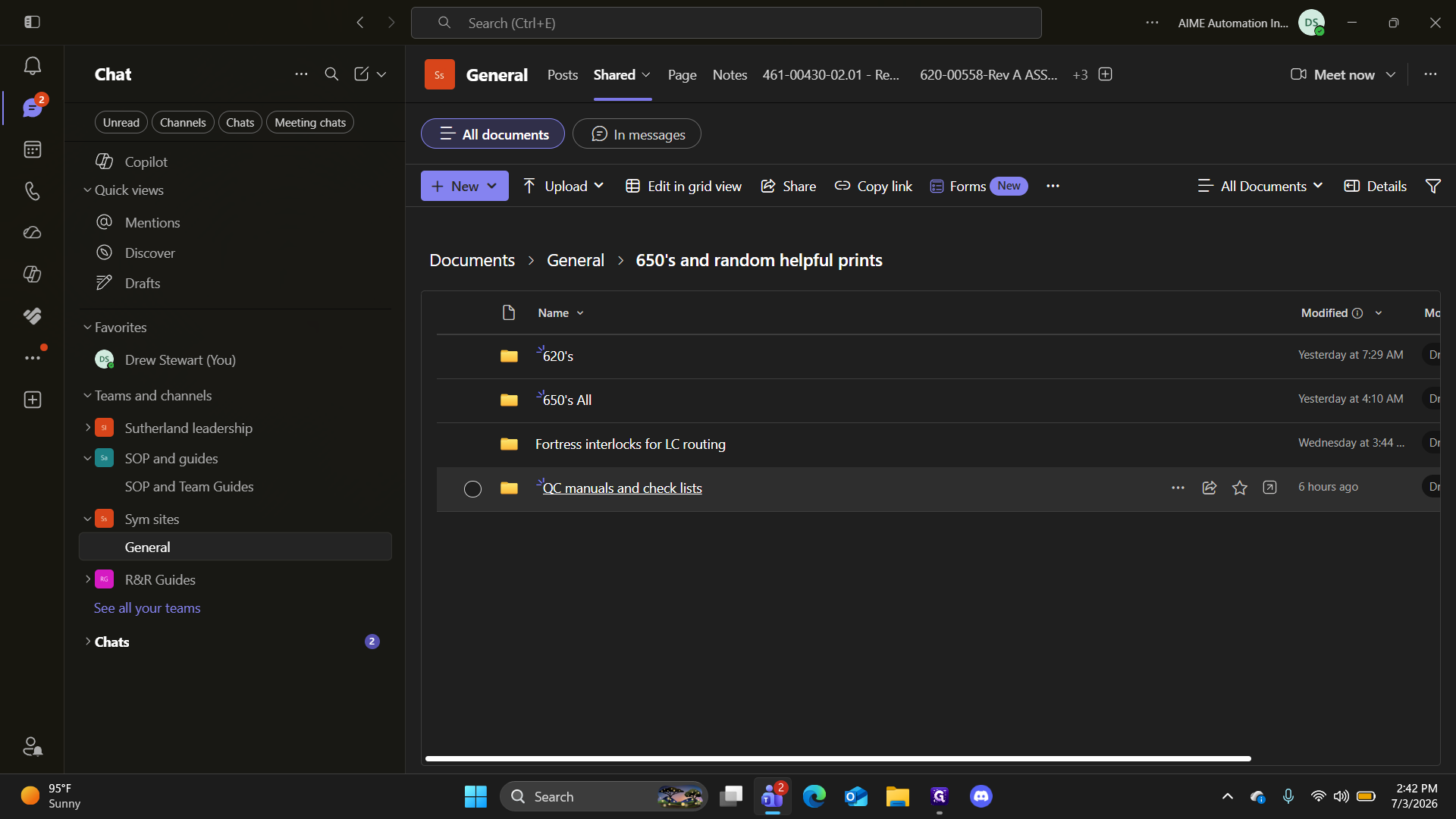
Navigate to the correct document library in Microsoft Teams to access all site prints and manuals.
Understanding the Directory Options
Once inside the main folder, you have three primary categories of documentation to choose from:
Folder Name | Description |
|---|---|
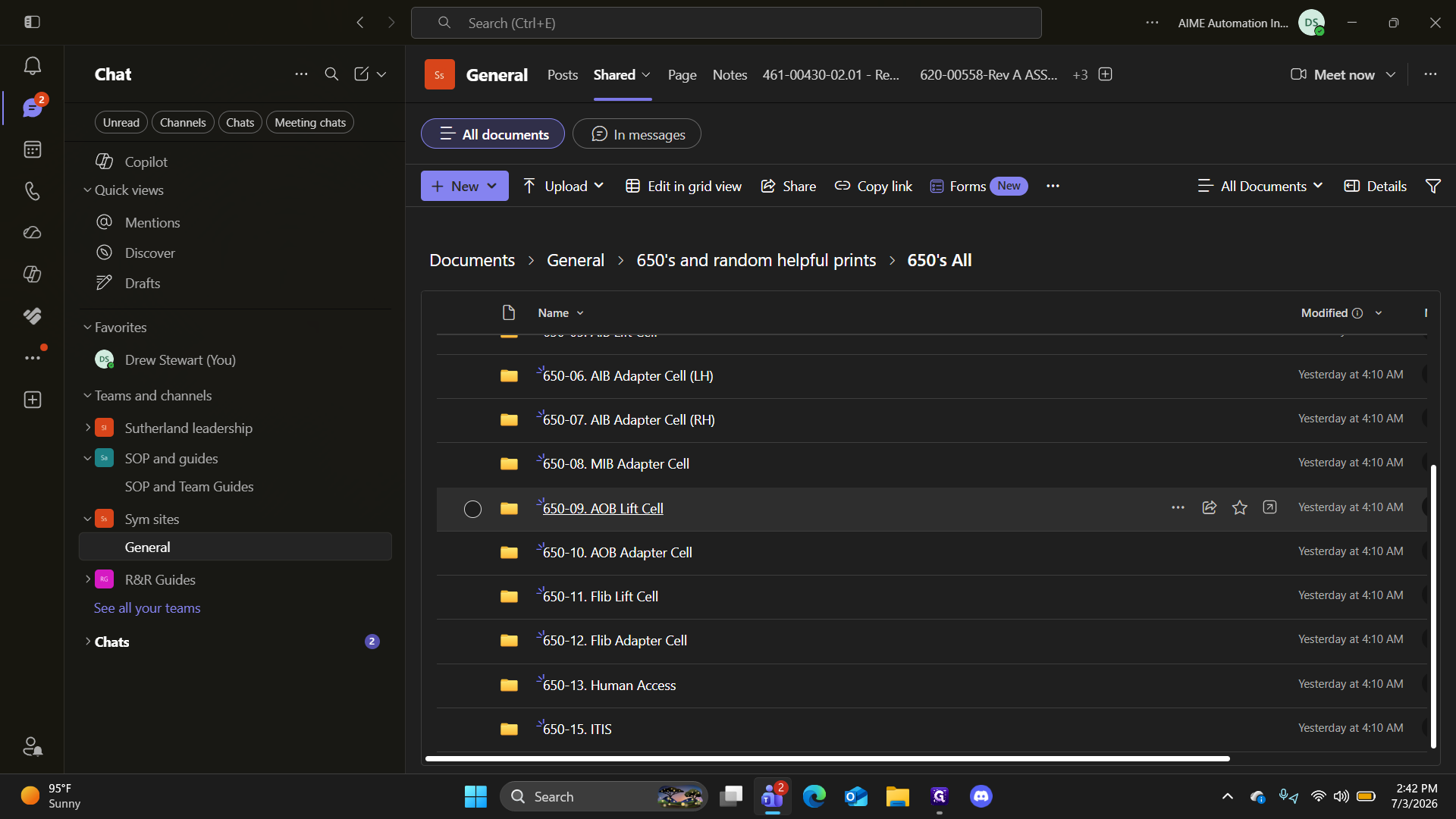
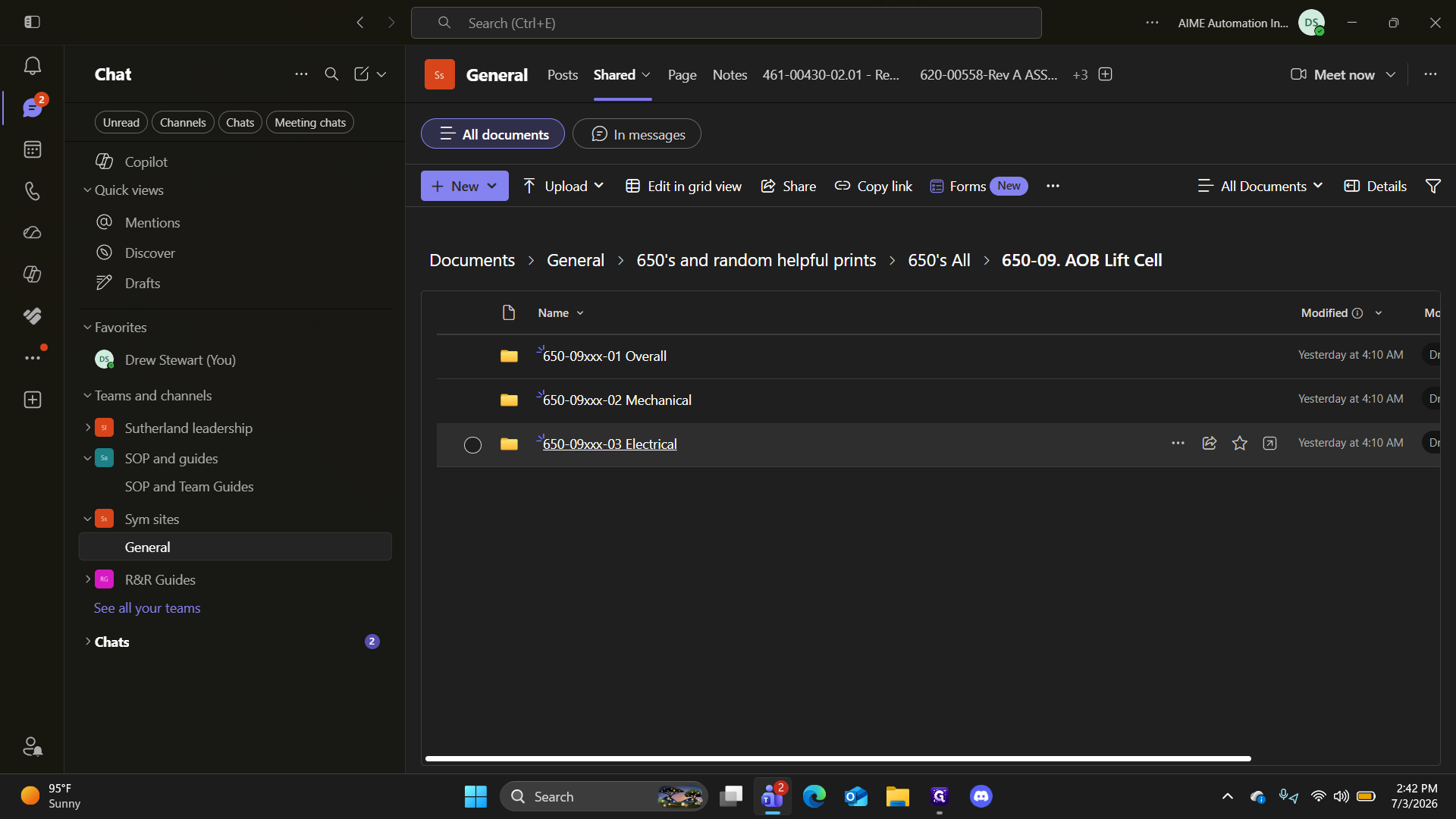
650's All | Contains random 650 prints relevant to the SOWs. Includes mechanical, electrical, and overall checks for components like AOB lift cells. |
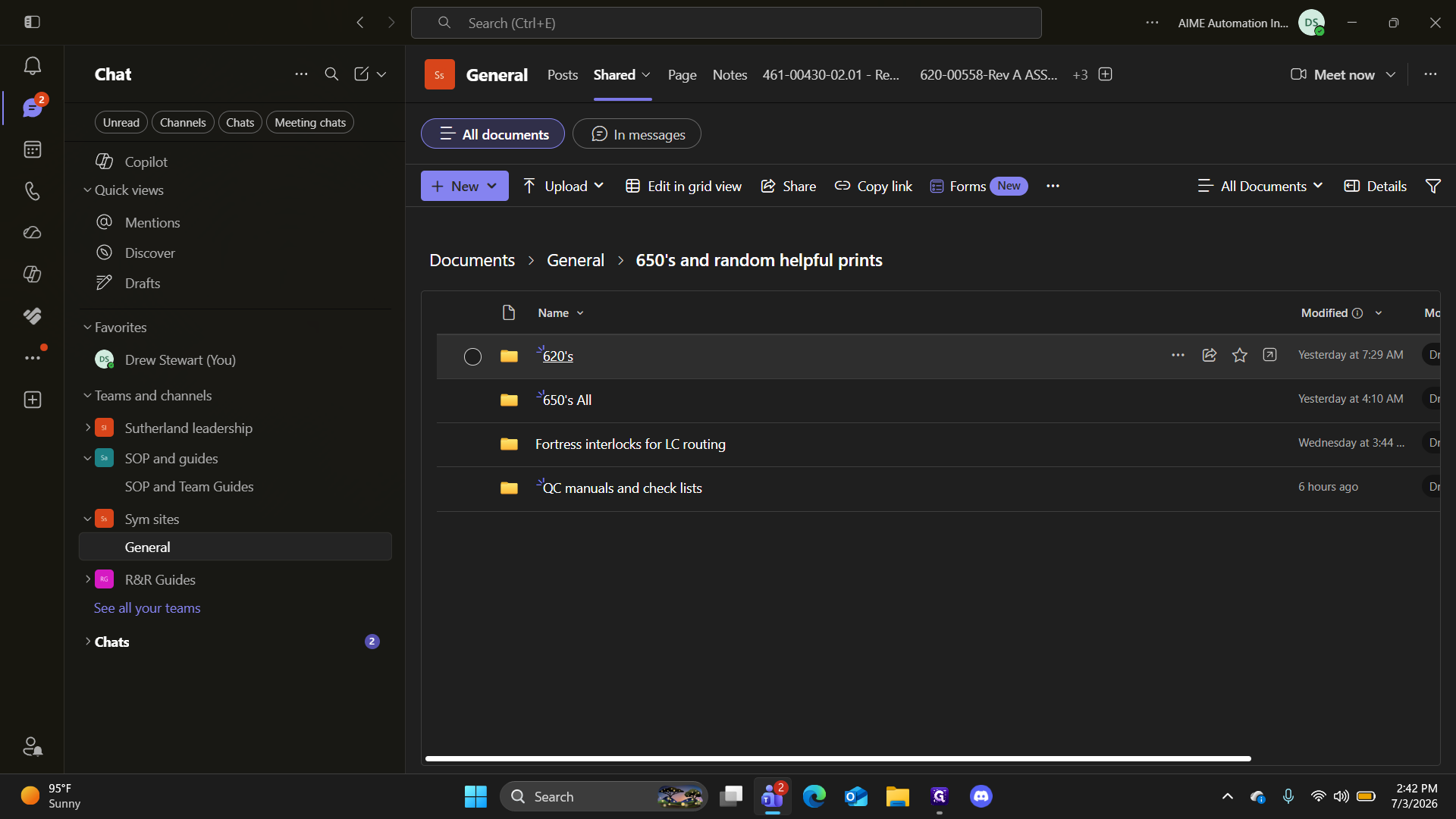
620's | Contains all 620s relevant to the build. Examples include protective earth bonding, simulator vision system adjustments, depot walking platforms, and cable tray instructions. |
QC manuals and check lists | Contains the newly issued supplier quality manual, Symbotic checklist examples, and general quality guides. |
Accessing Specific 650 Prints
Accessing 620 Documents
Accessing Quality Control Resources
Q: Where can I find the new supplier quality manual?
A: The supplier quality manual is located in the "QC manuals and check lists" folder within the "650's and random helpful prints" directory in Teams.
Q: What types of 620 documents are available in the folder?
A: The 620s folder contains instructions relevant to the build, including protective earth bonding, simulator vision system adjustments, depot walking platforms, and cable tray instructions.
Q: Are specific mechanical and electrical checks separated in the 650s folder?
A: Yes, within specific equipment folders (like the AOB Lift Cell), you will find dedicated subfolders breaking out the mechanical checks, electrical checks, and overall checks.
Term | Definition |
|---|---|
SOW | Statement of Work, a document that routinely captures work activities, deliverables, and project requirements. |
AOB Lift Cell | A specific automated mechanical assembly within the Symbotic system used for lifting operations. |
Protective Earth Bonding | An electrical safety process that connects exposed metallic parts to the ground to prevent electric shock. |
QC | Quality Control, the process of ensuring that manufactured products or performed services adhere to a defined set of quality criteria. |