
How to Log Into the Refill Assistant Back Office
Learn how to securely access the Refill Assistant back office system using your email, password, and a hardware security key for 2-step verification.
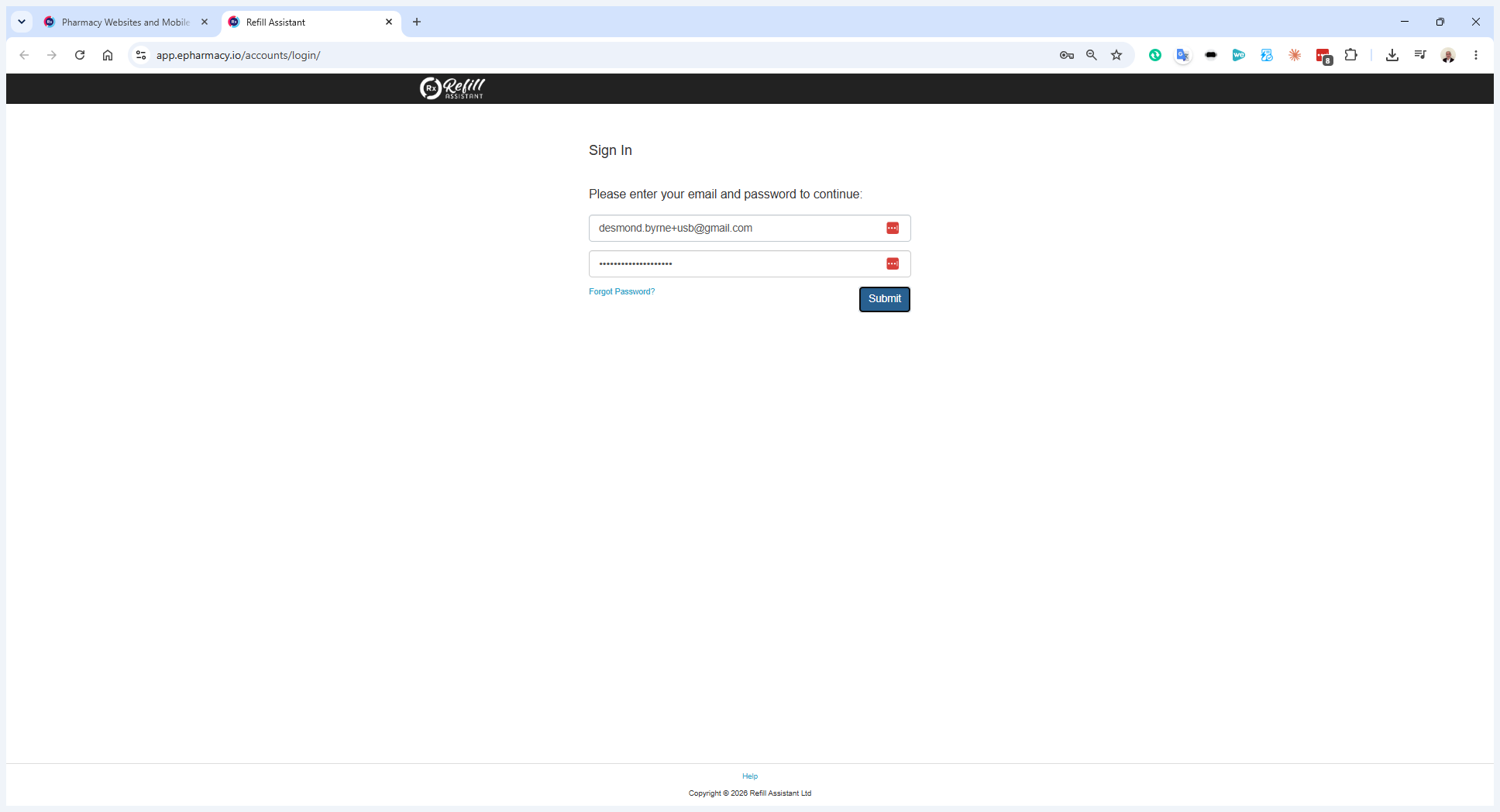
This guide demonstrates how to securely log into the Refill Assistant back office system. Completing this process allows you to review and manage new scripts that have been submitted to the pharmacy.
This applies to pharmacy staff and administrators responsible for processing incoming scripts. Use this procedure whenever you receive an email notification for a new script or need to access the back office portal.
When a new script is submitted to Refill Assistant, you will receive an alert notification at your pharmacy's designated email address. The email address is usually the main email that all staff have access to. If you have set up browser alerts, the notification will pop up in Chrome.
You have two primary options for navigating to the back office system:
Access Method | Description |
|---|---|
Email Link | Click the direct link in the notification email to automatically open the login page. |
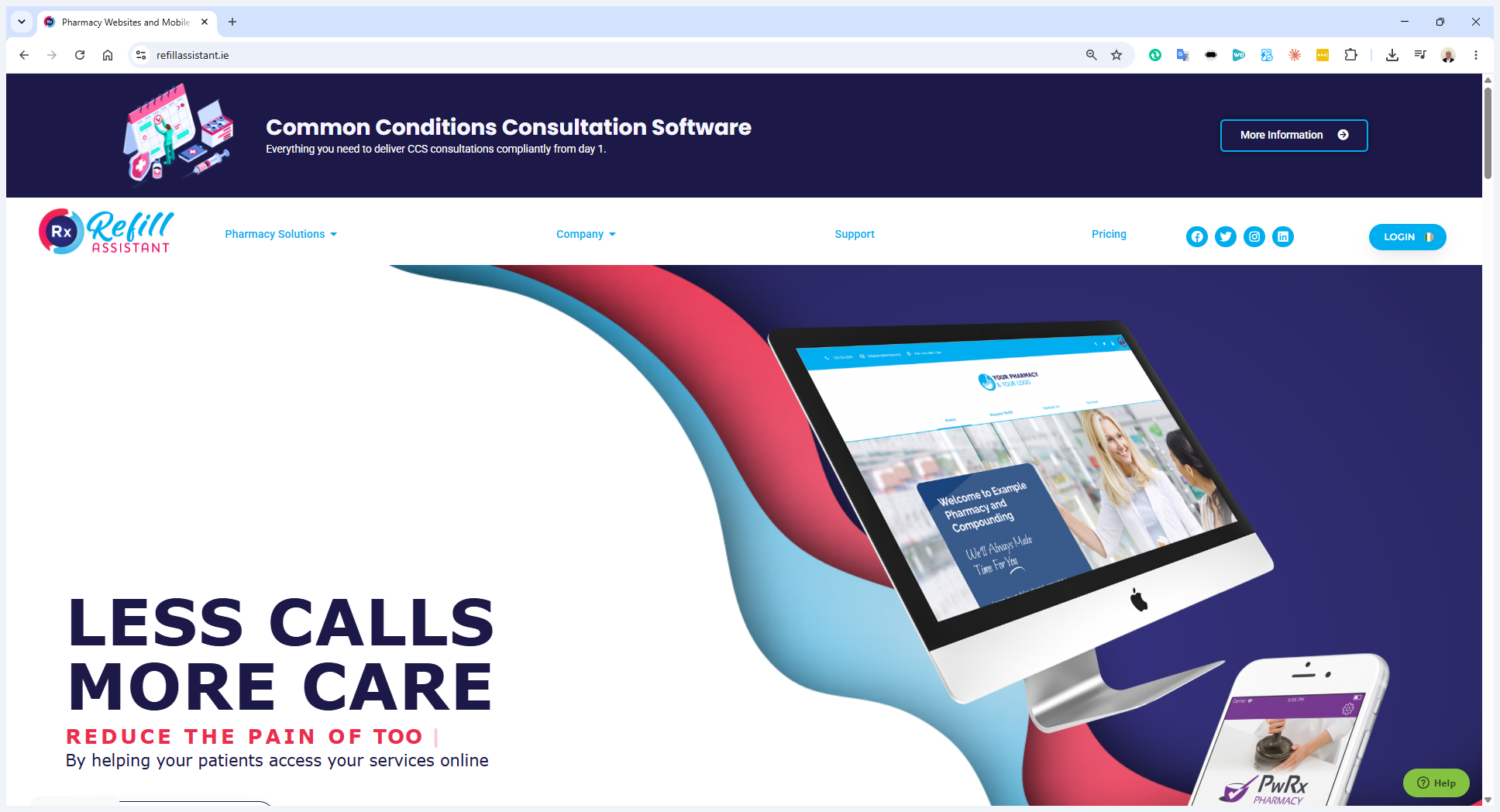
Website Login | Navigate manually to |
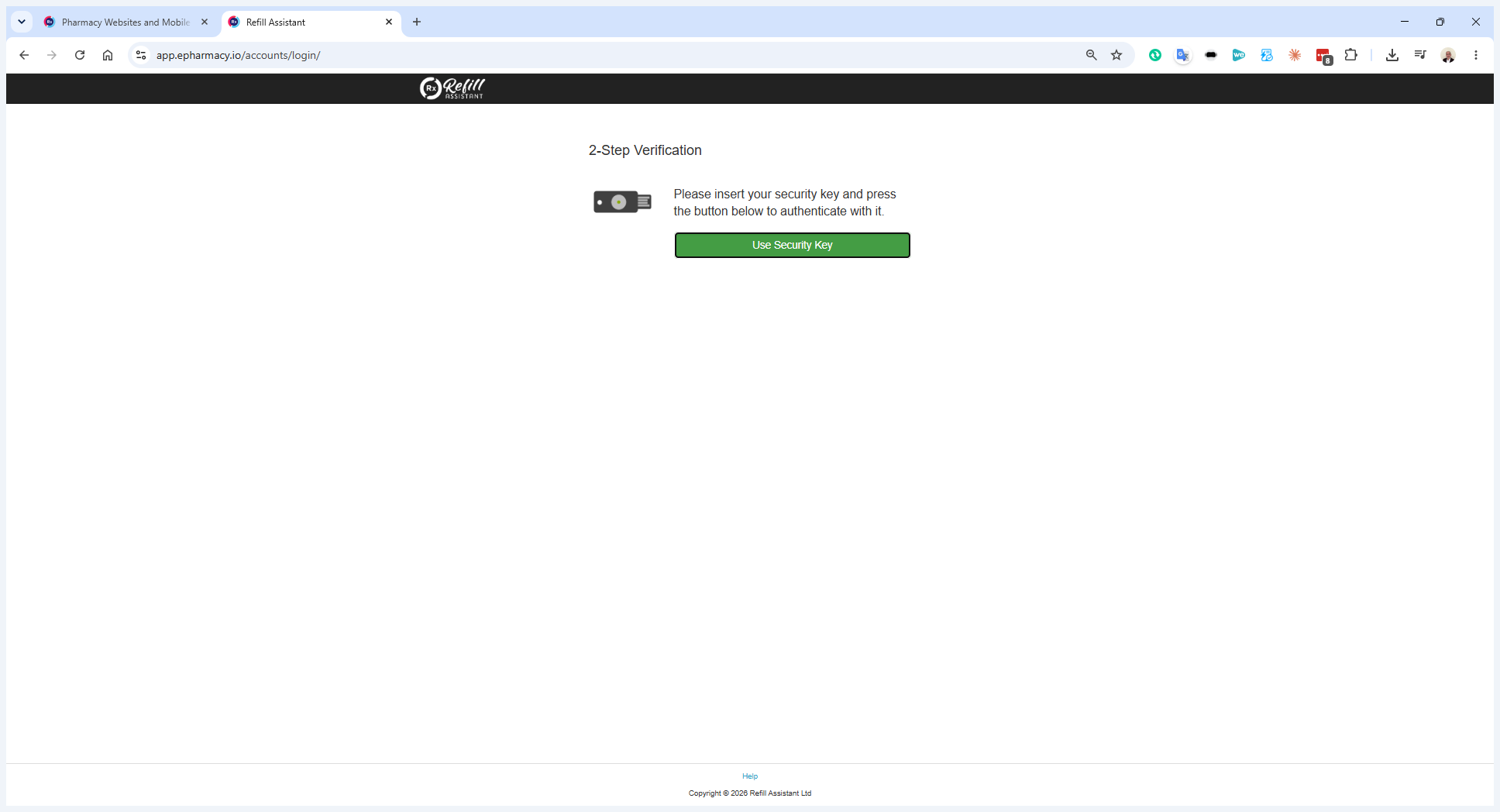
To log in manually through the website:
Q: How do I know when a new script is submitted?
A: You will receive an automated notification email containing a direct link to the back office system.
Q: What hardware is required for the security key step?
A: You need a physical hardware security key, which typically features a small gold button that must be pressed when prompted during 2-Step Verification.
Term | Definition |
|---|---|
Refill Assistant | The software platform used to manage scripts and pharmacy operations. |
Back office system | The internal portal where administrators and staff manage incoming scripts. |
Hardware security key | A physical USB or NFC device used for 2-Step Verification to securely authenticate into a system. |