
Manage Budgets and Negative Targeting in Amazon Ads
Learn how to optimize Amazon Ads campaigns by adjusting daily budgets using the Budgets tab and adding underperforming search terms to negative targeting.
Learn how to manage daily campaign budgets and optimize ad spend by applying negative targeting to poor-performing search terms in Amazon Advertising.
This guide applies to Amazon PPC managers, digital marketers, and brand owners optimizing Sponsored Products campaigns during routine account audits.
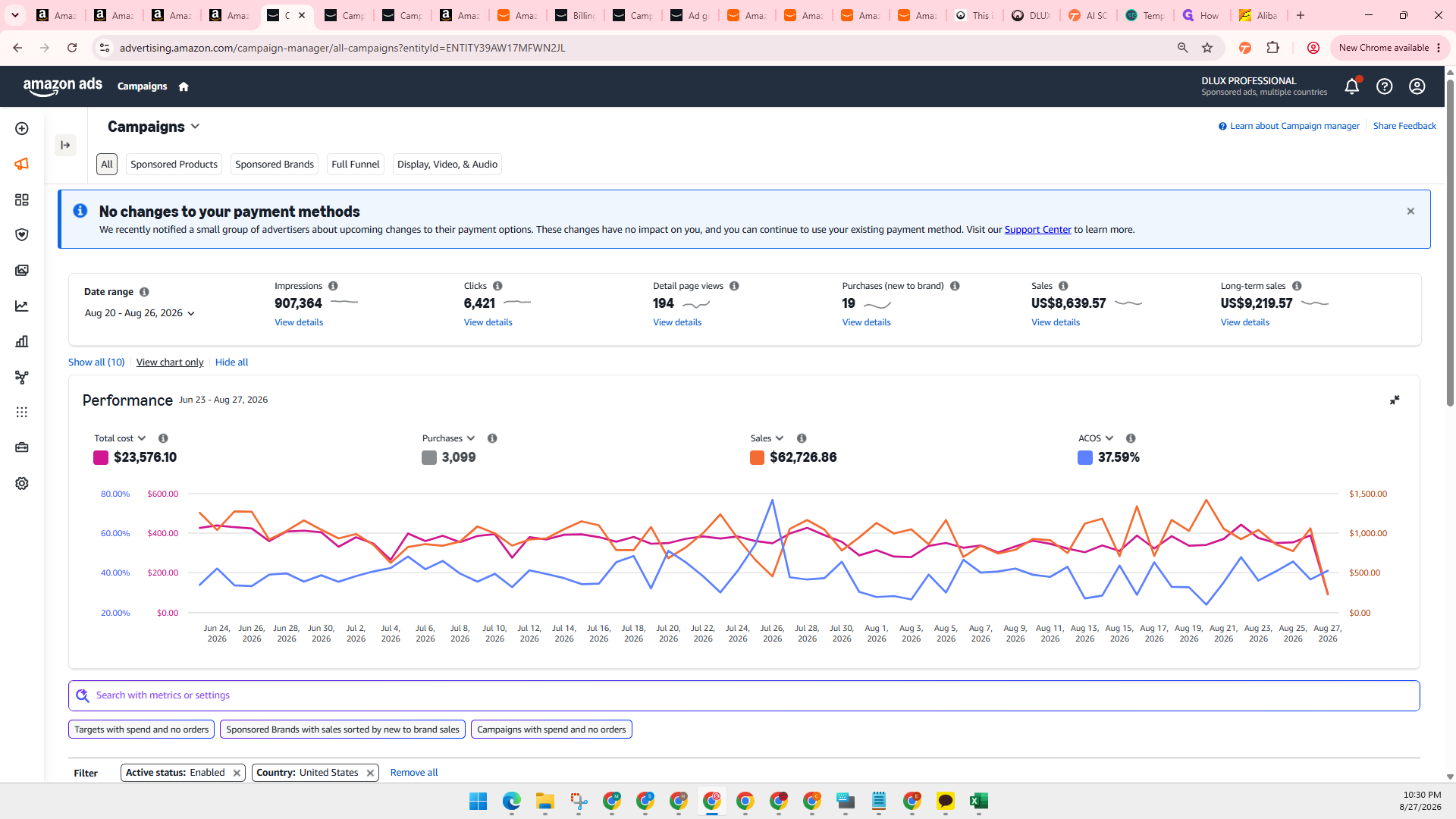
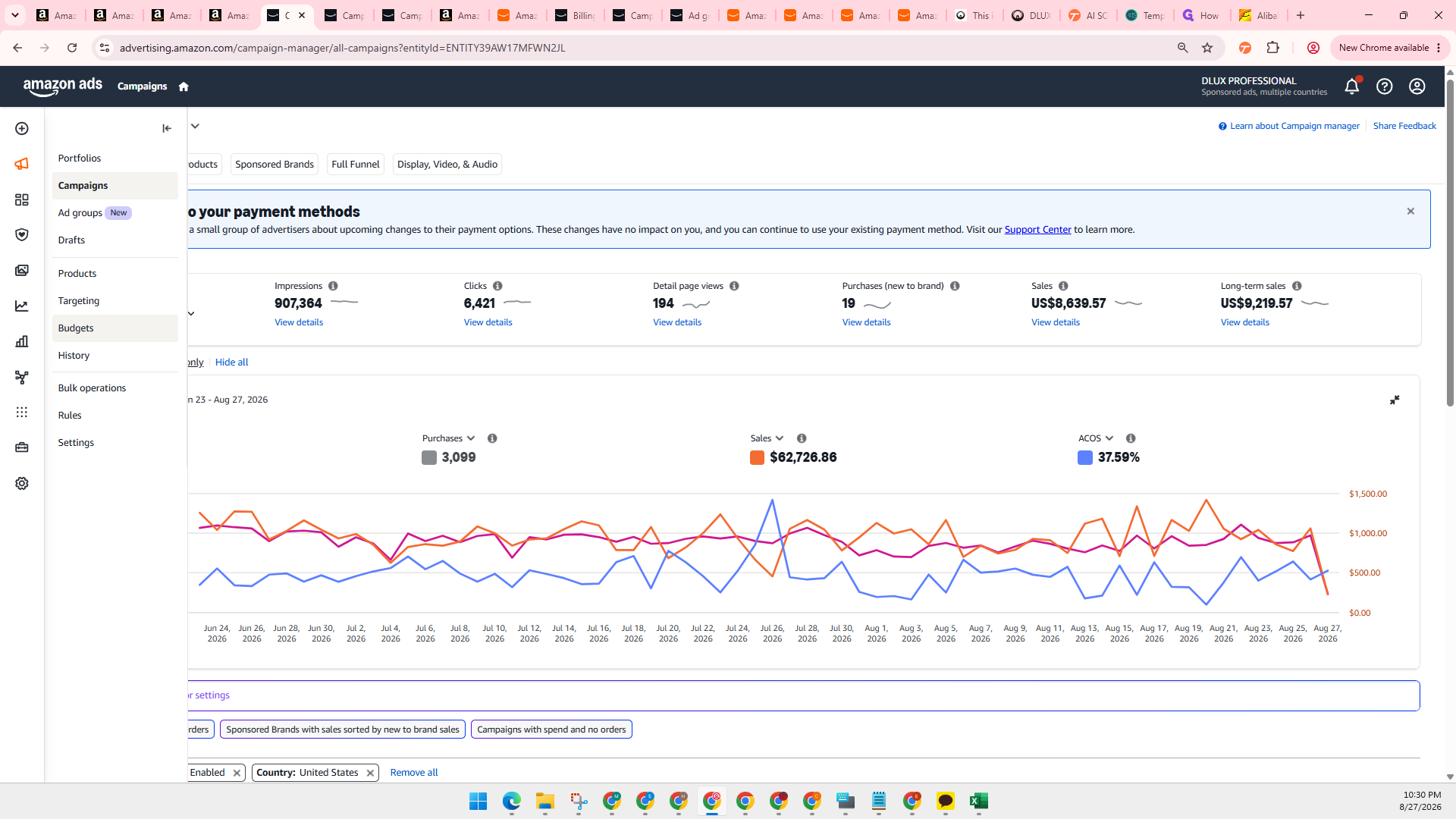
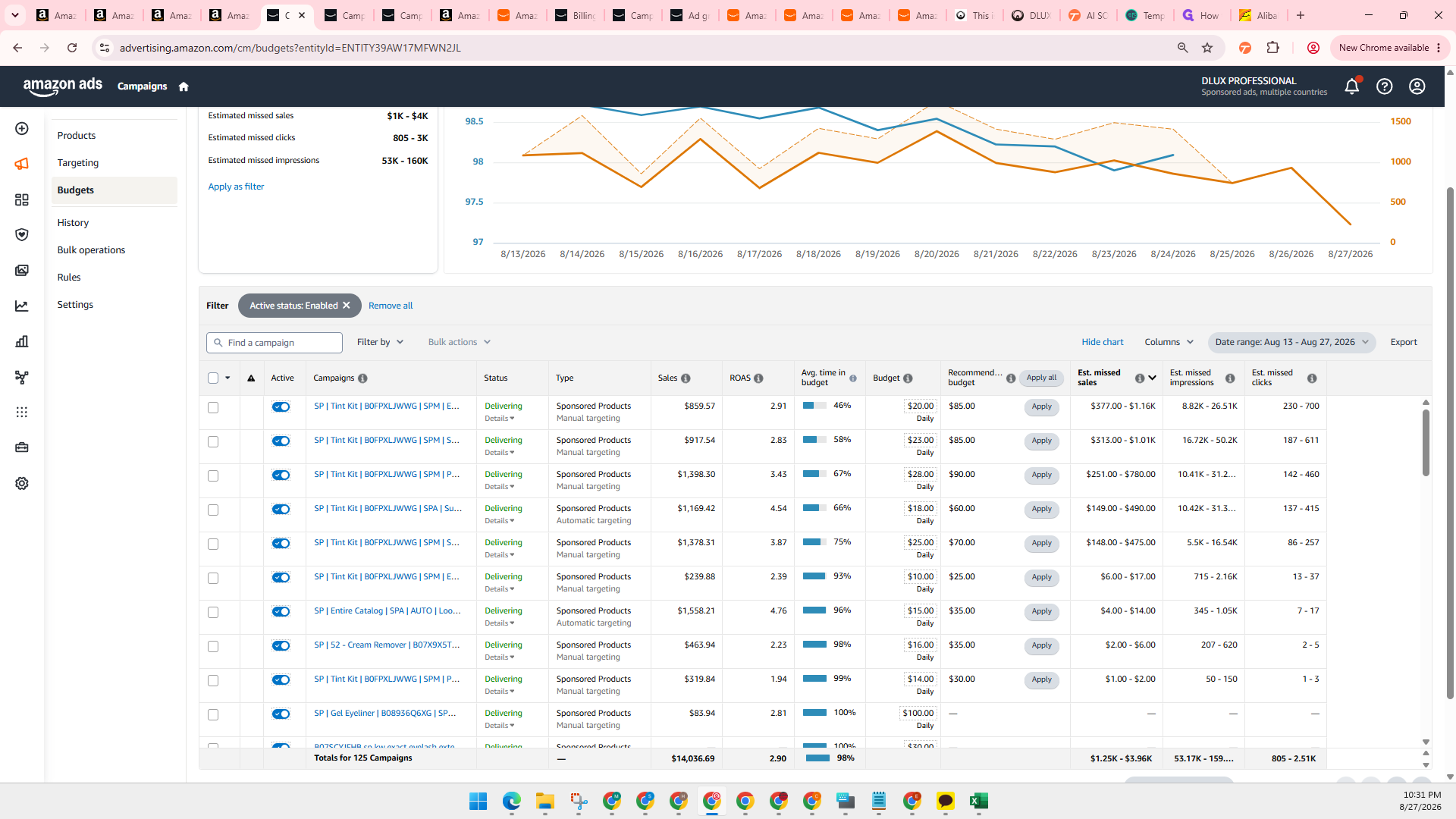
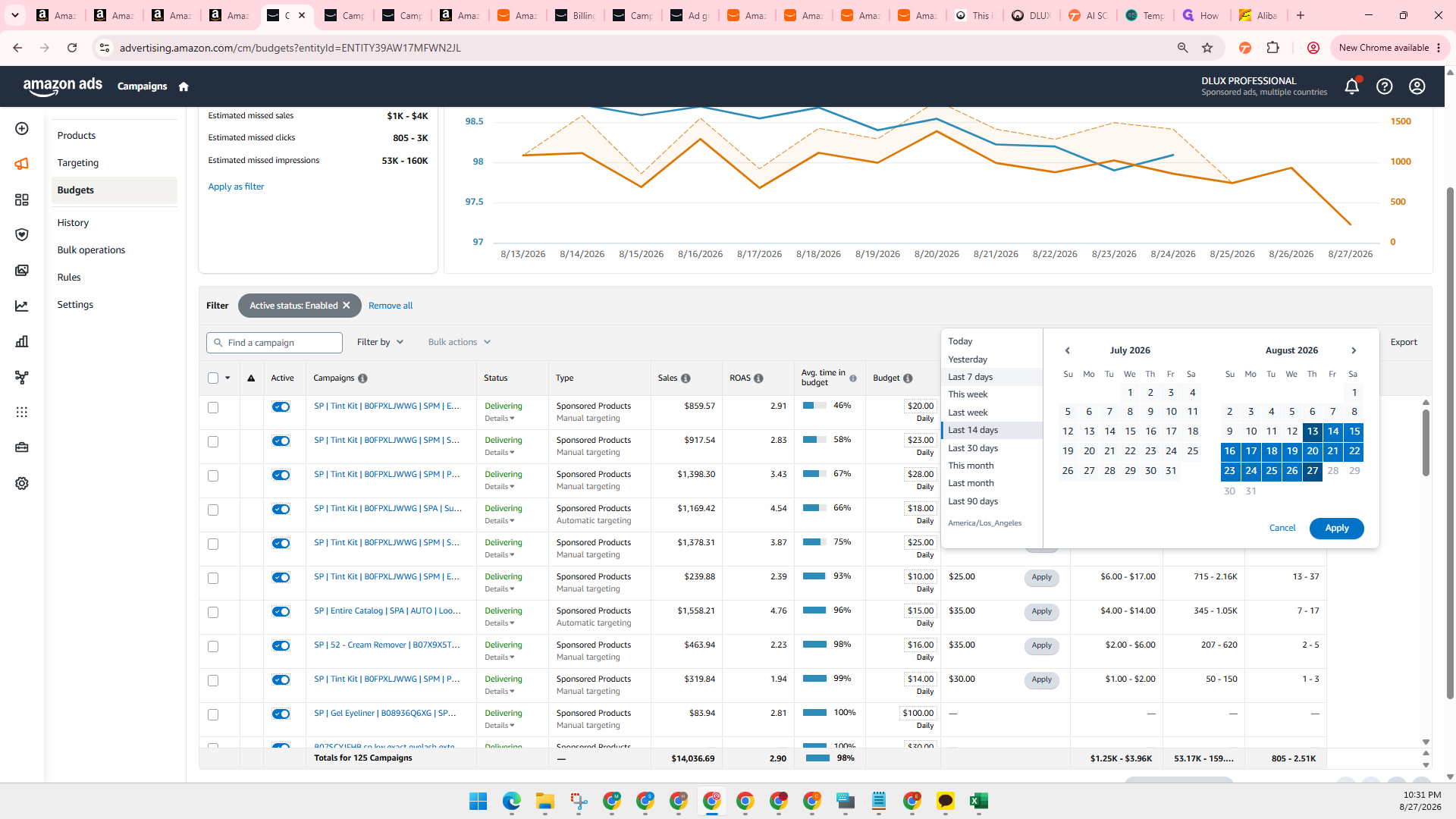
Reviewing and Adjusting Campaign Budgets
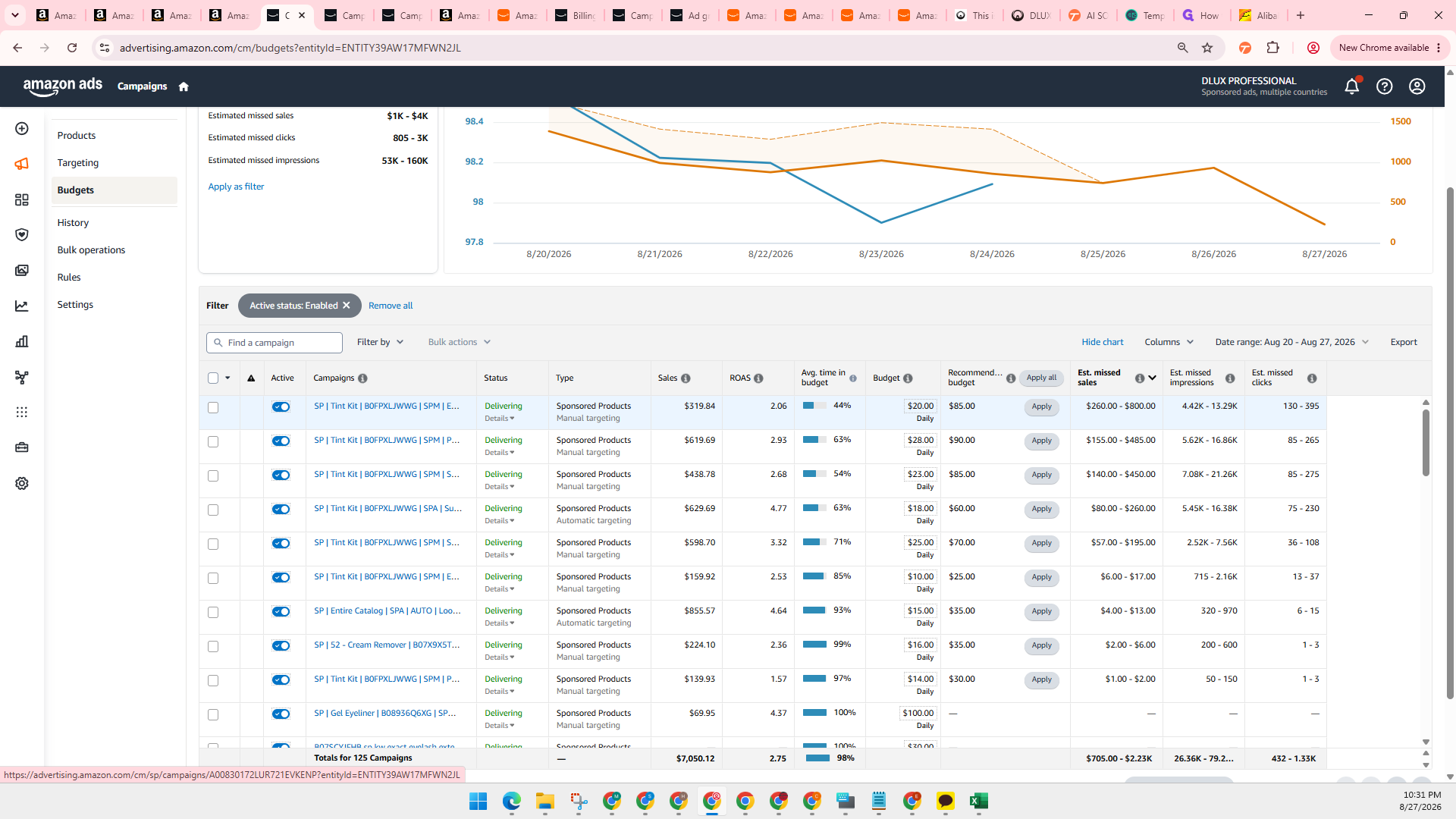
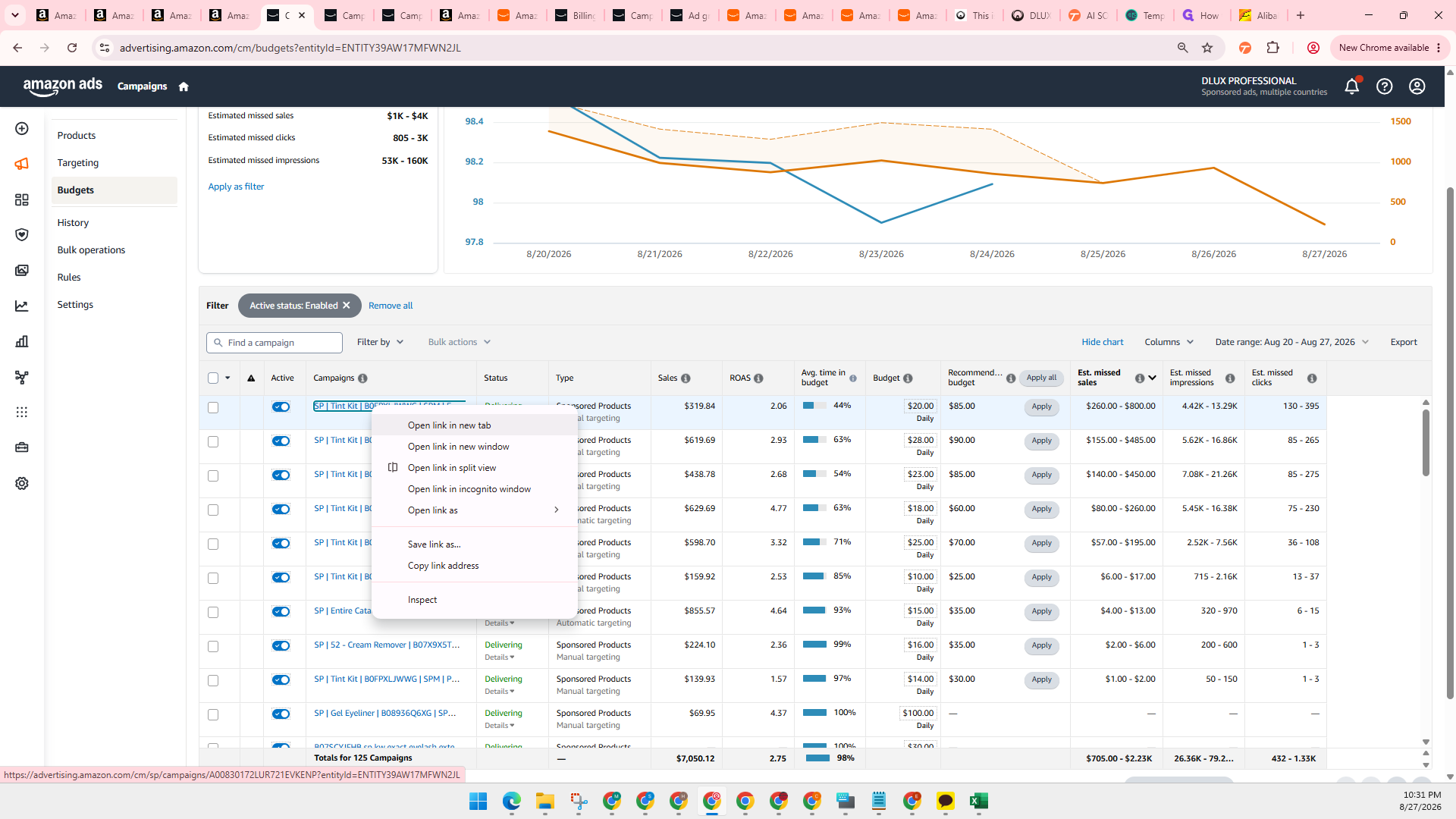
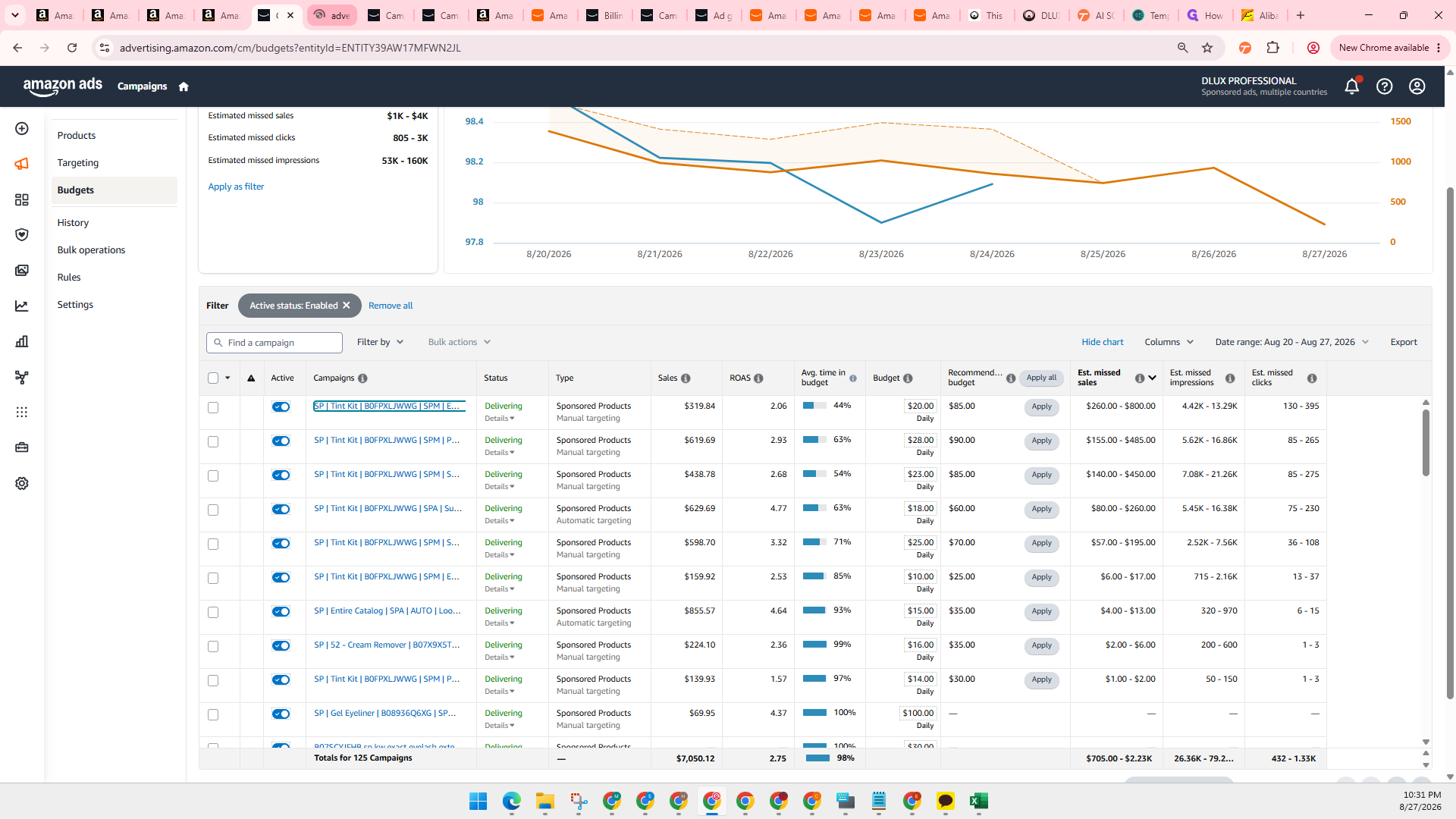
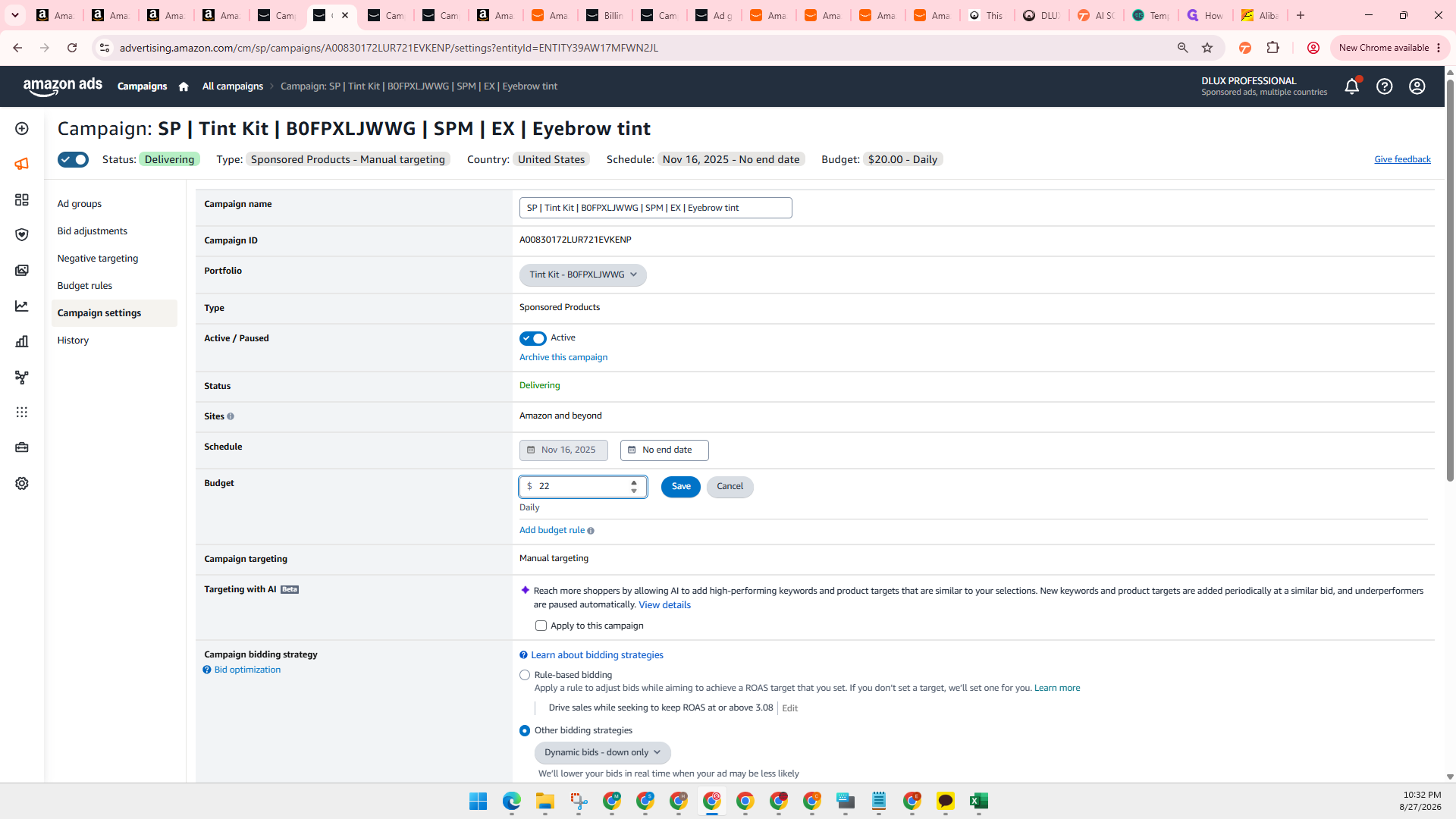
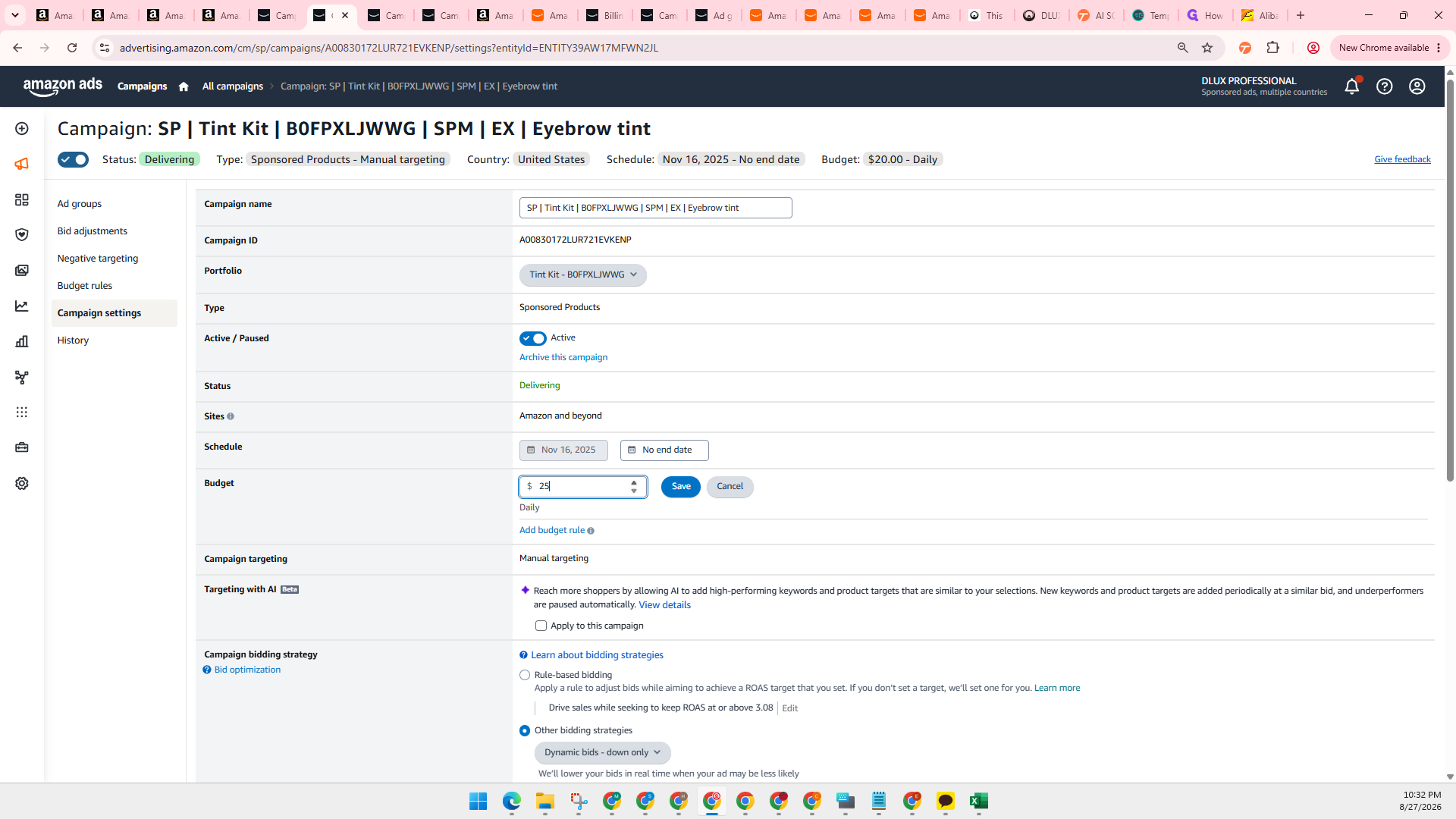
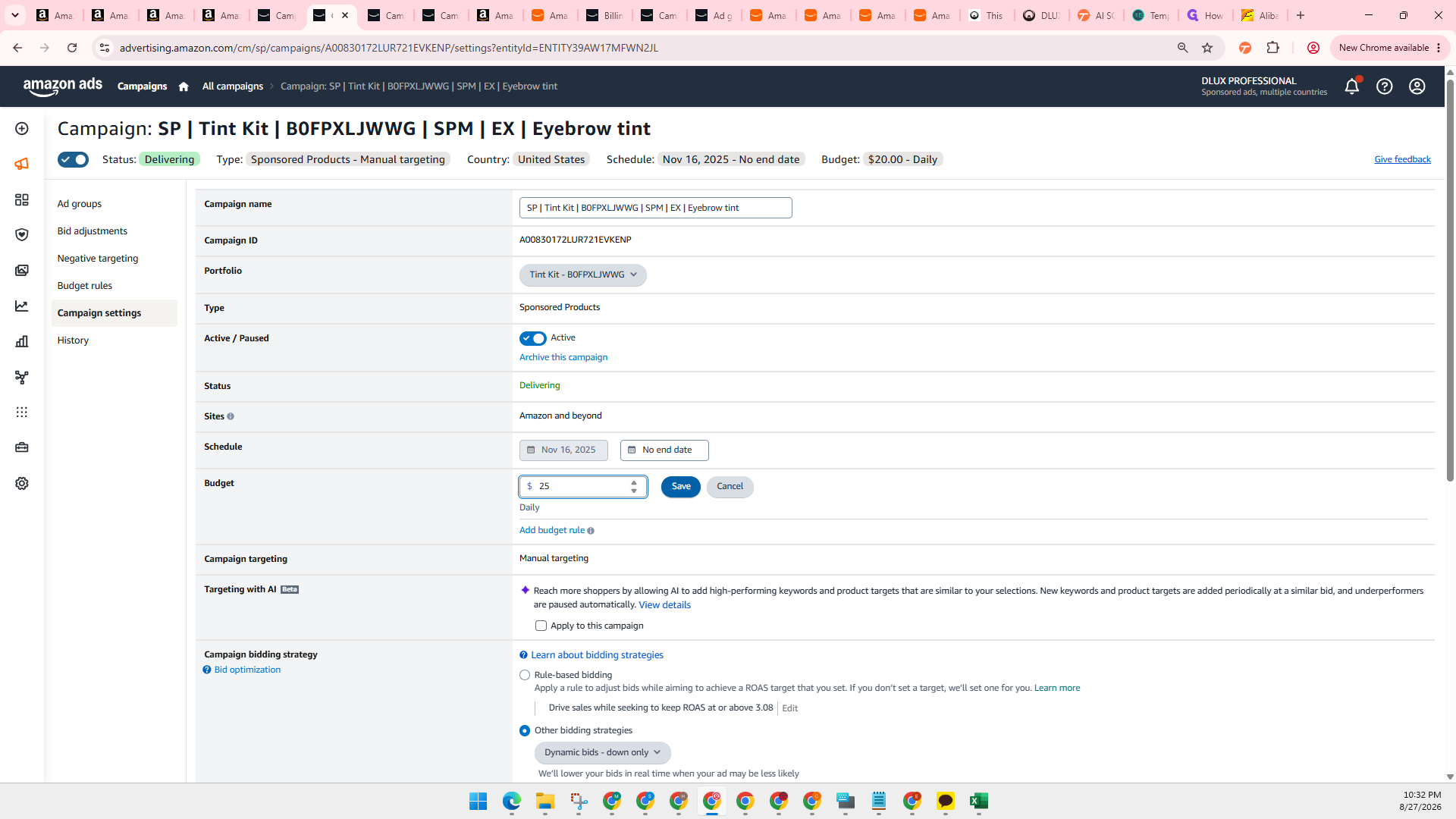
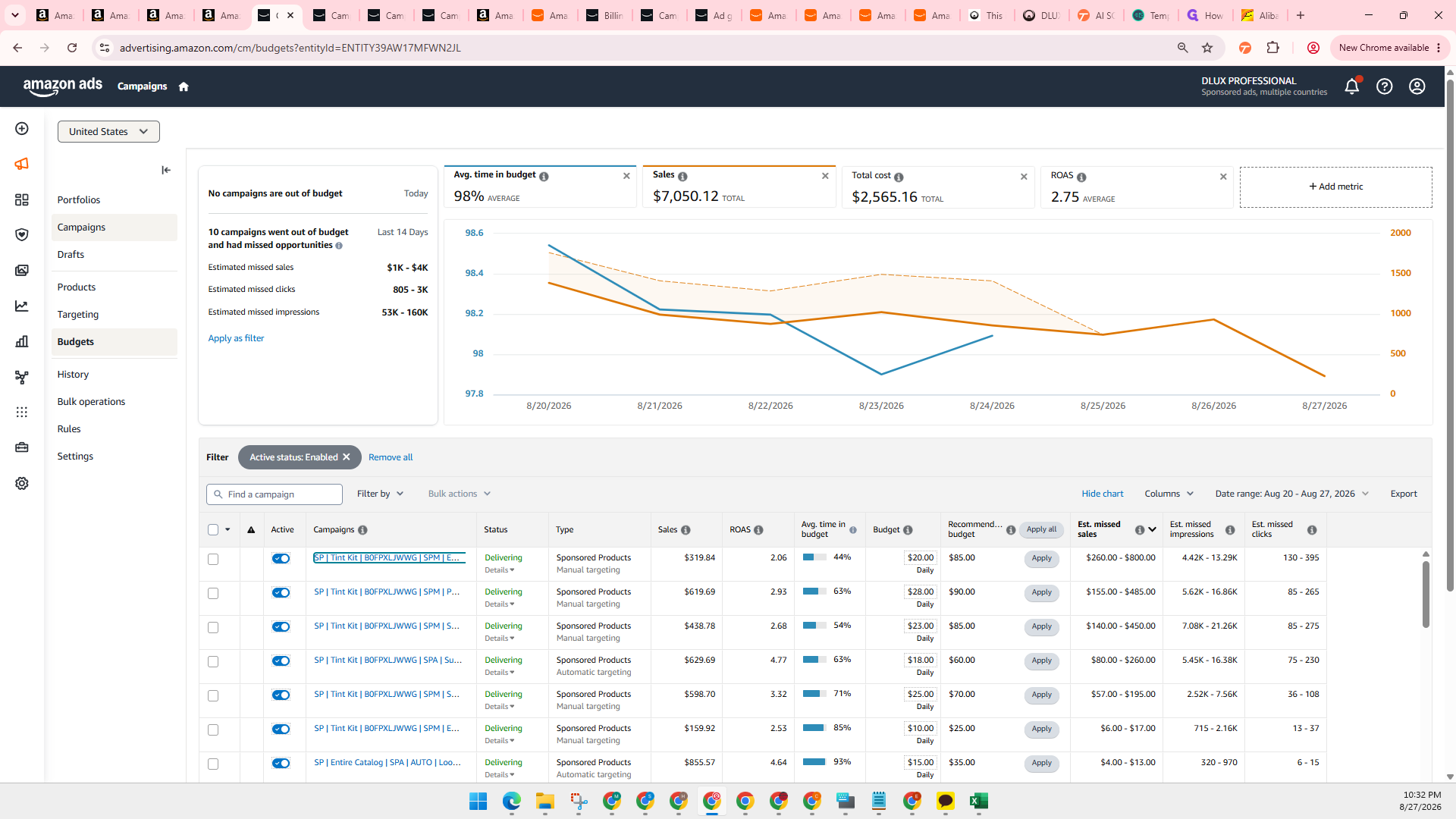
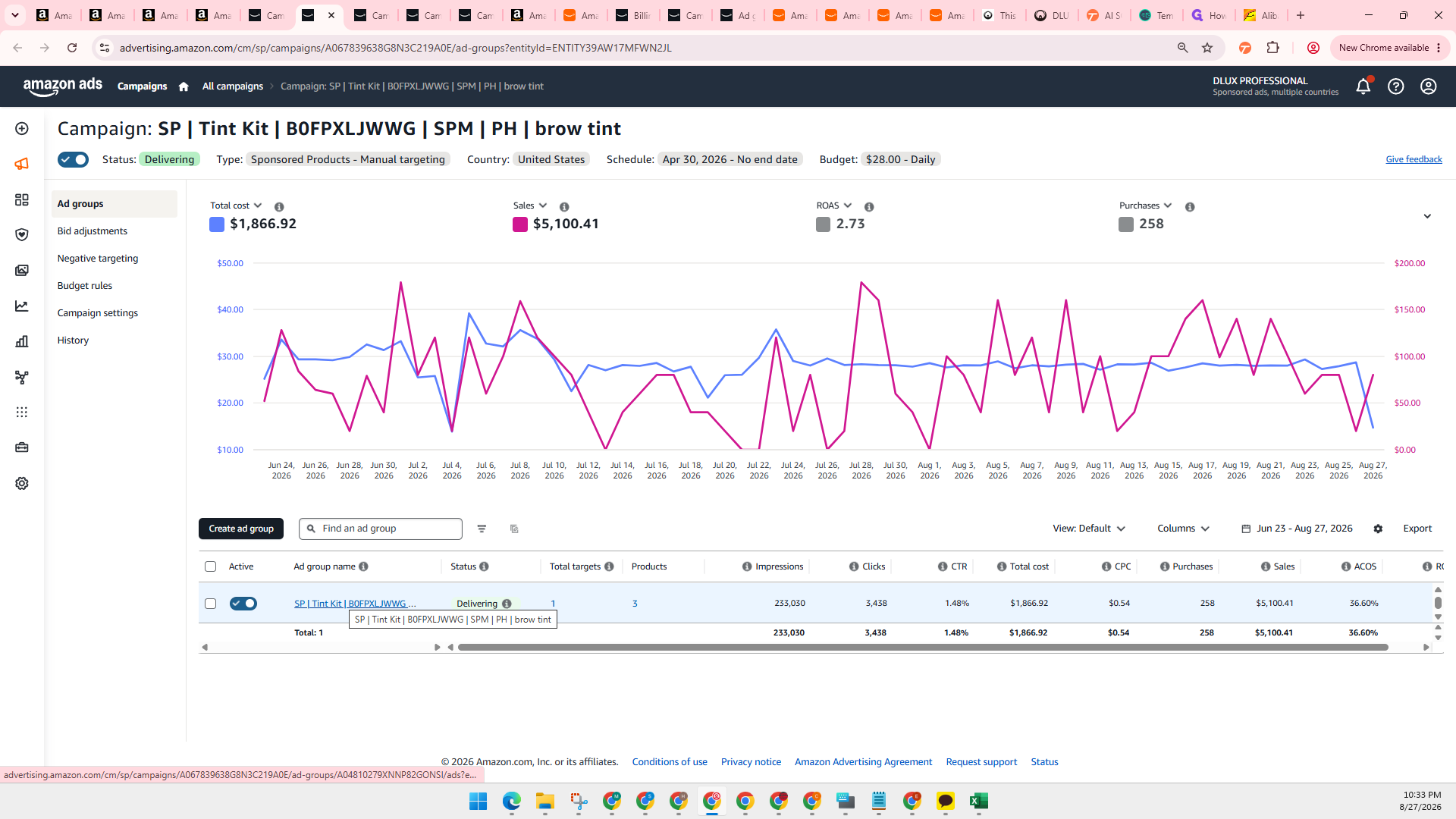
Monitor campaign budget utilization using the Average time in budget metric to identify high-performing campaigns running out of budget prematurely.
Identifying and Adding Negative Keywords
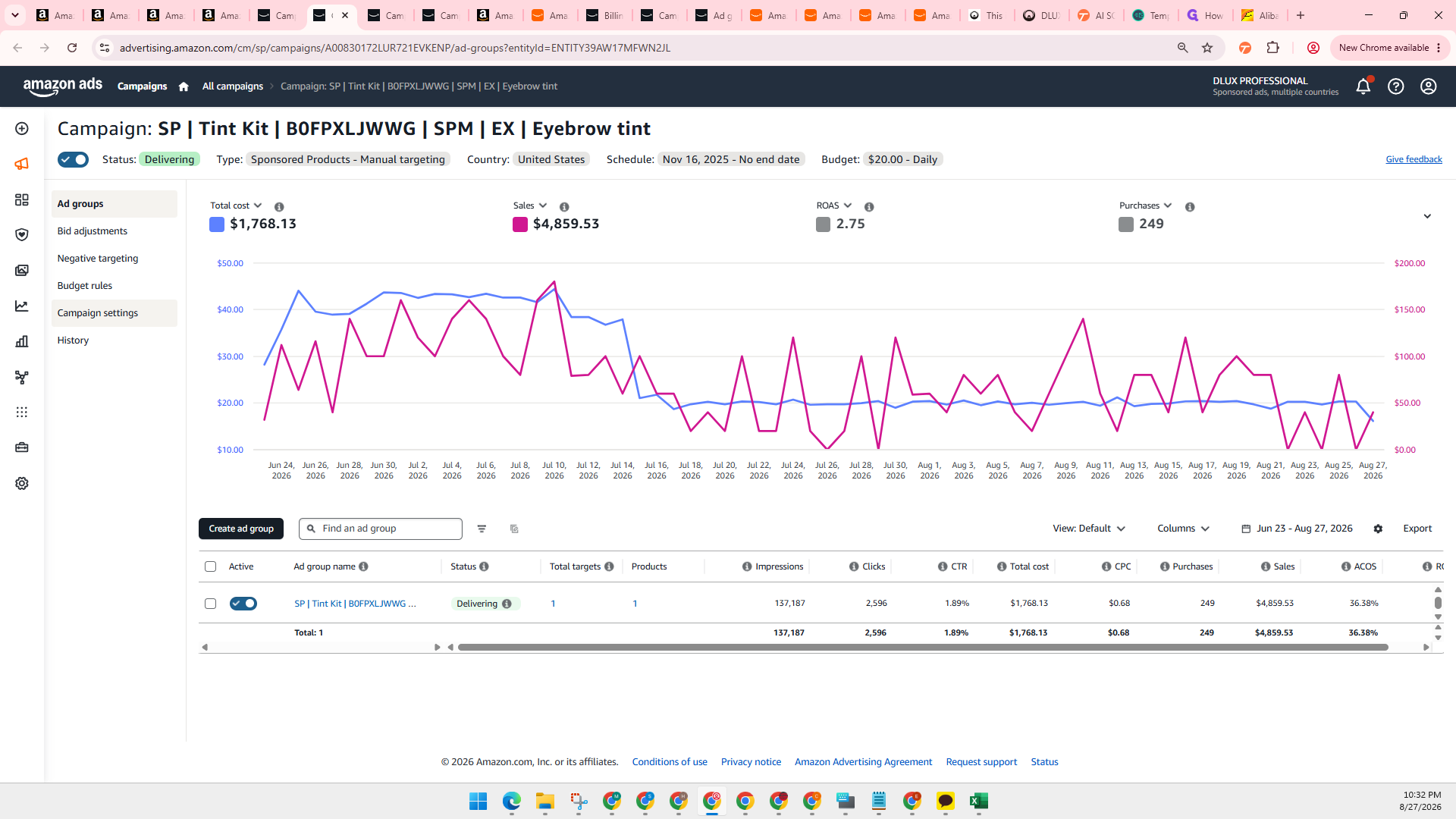
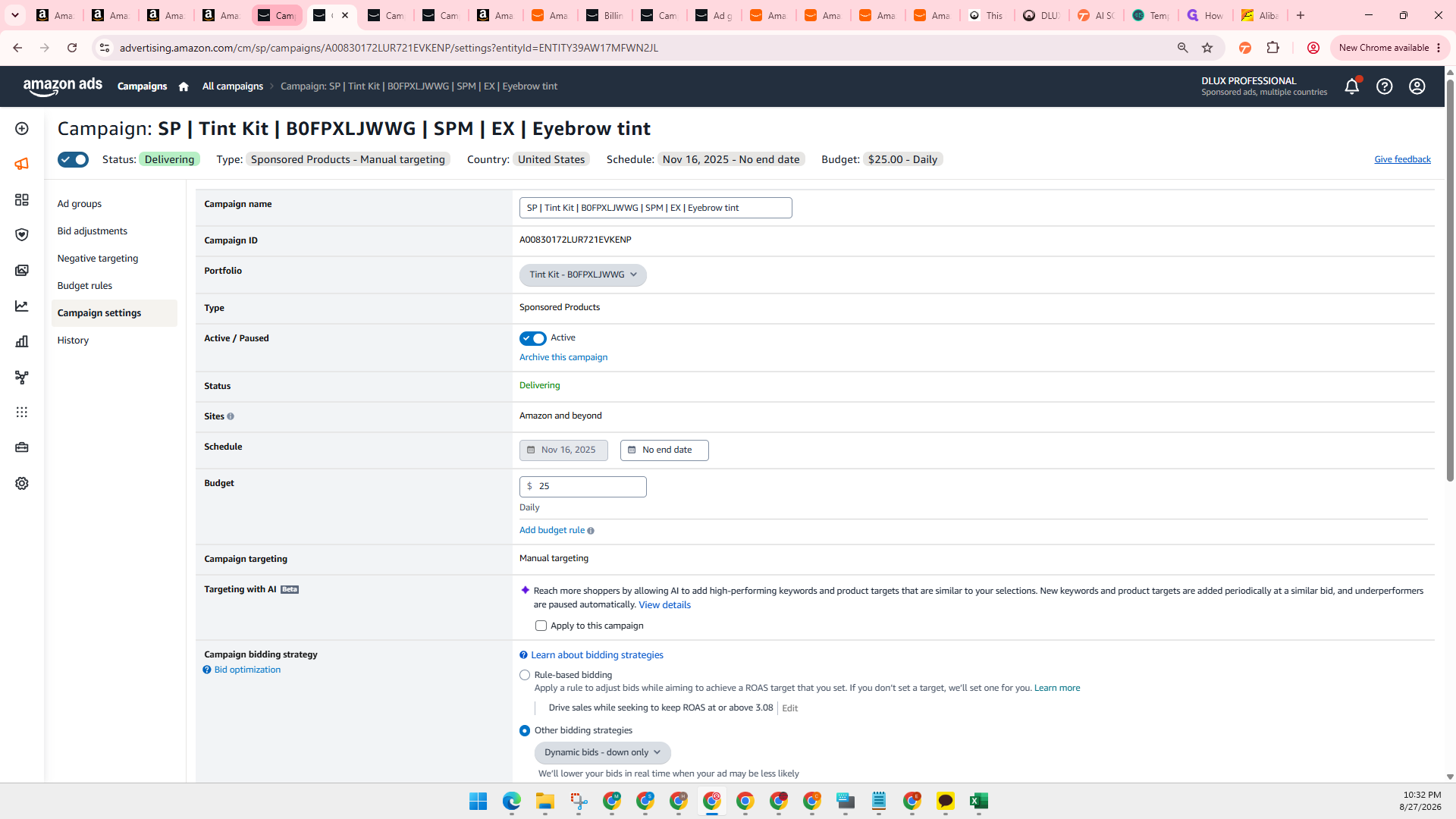
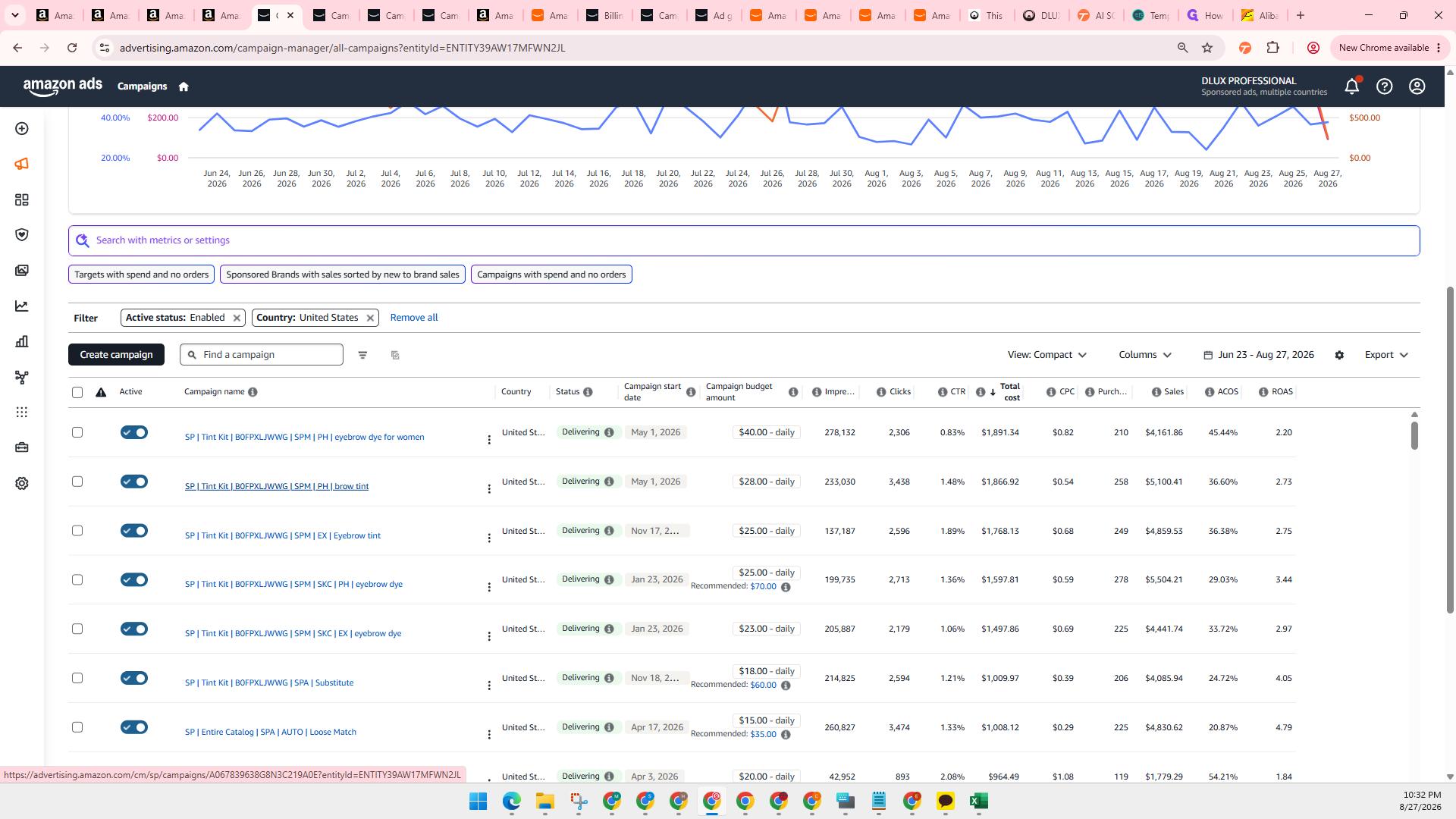
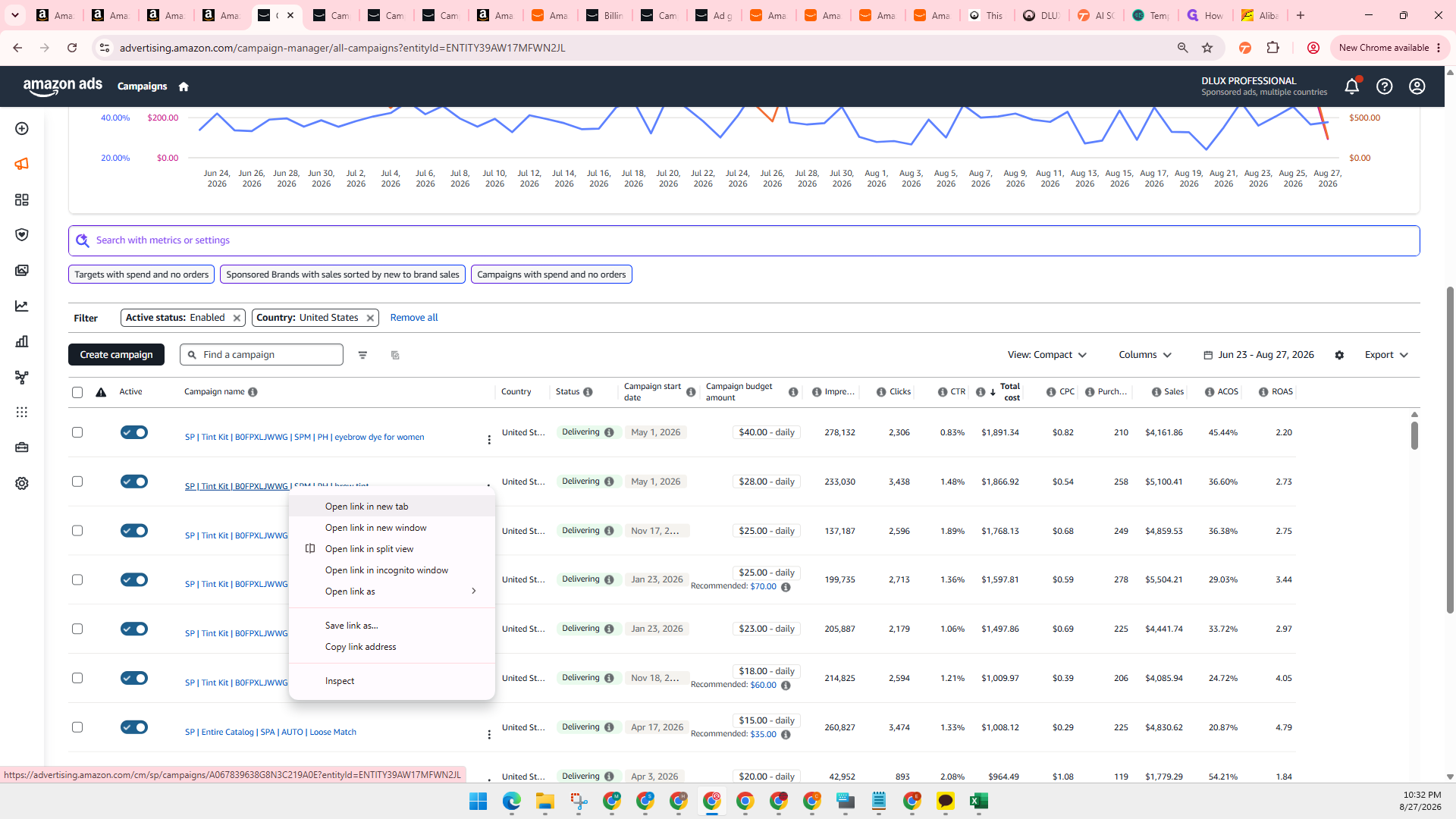
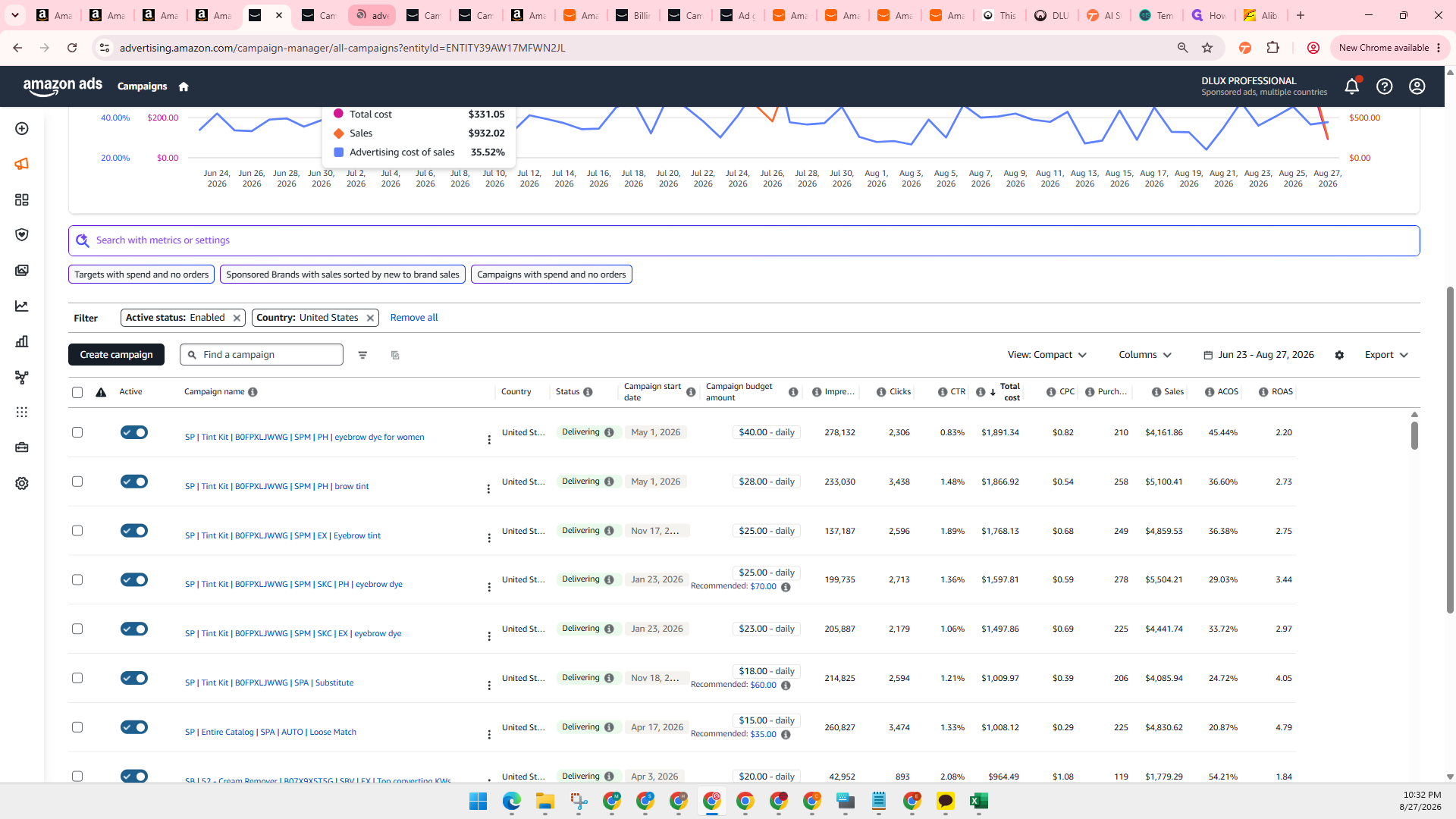
Review search term reports to identify irrelevant or unprofitable queries with high spend and poor conversion rates, then negate them to prevent wasted ad spend.
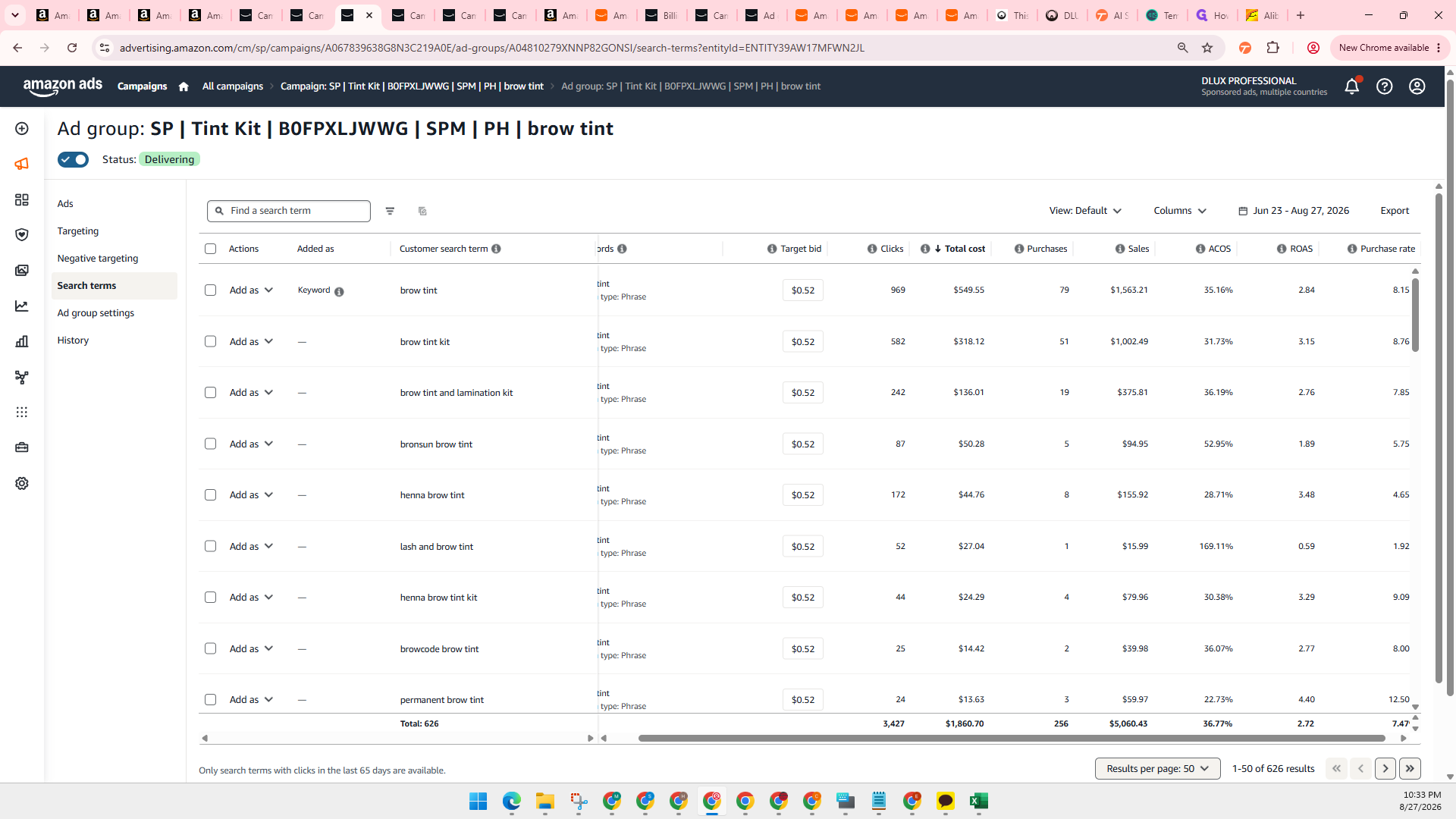
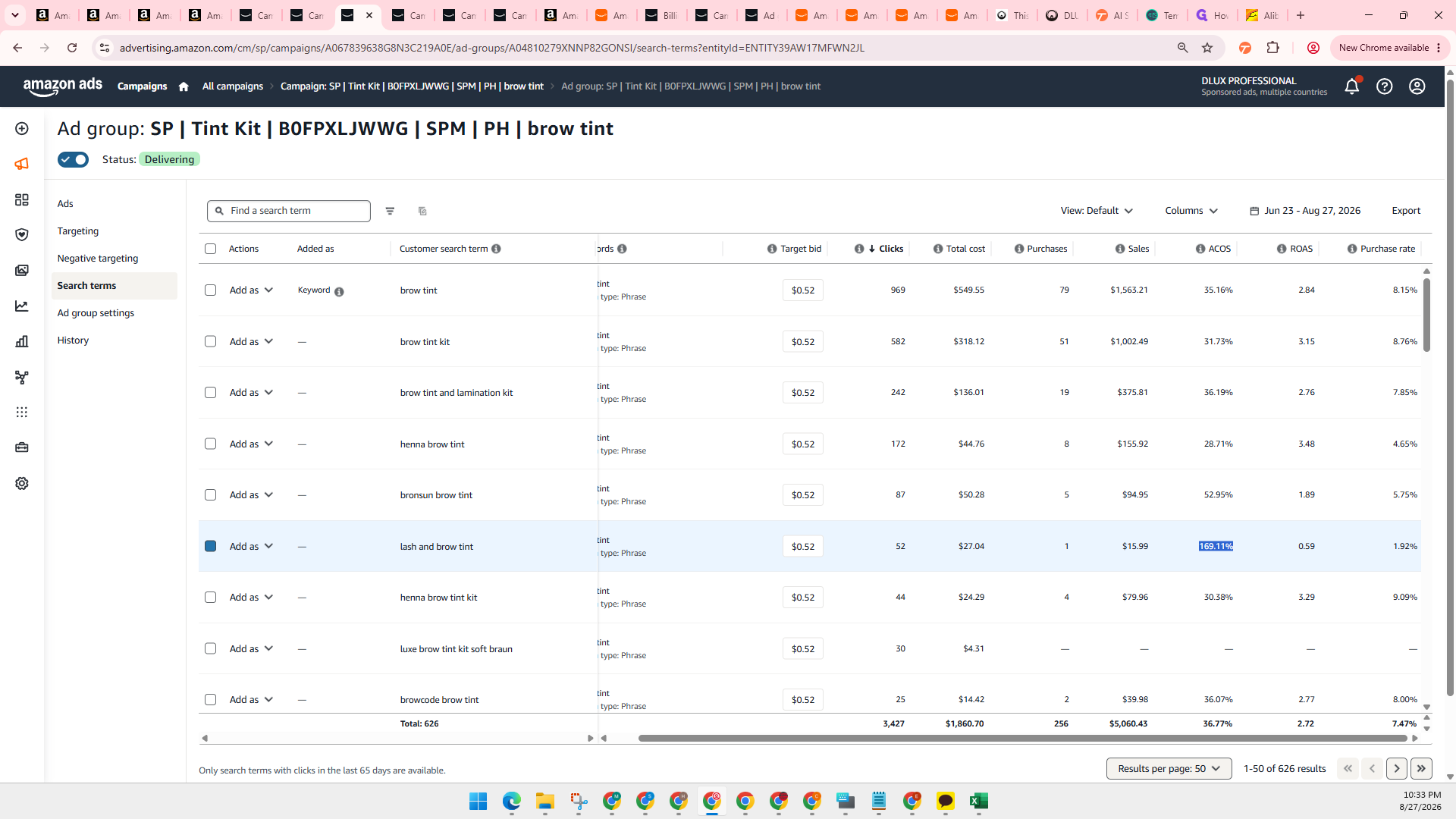
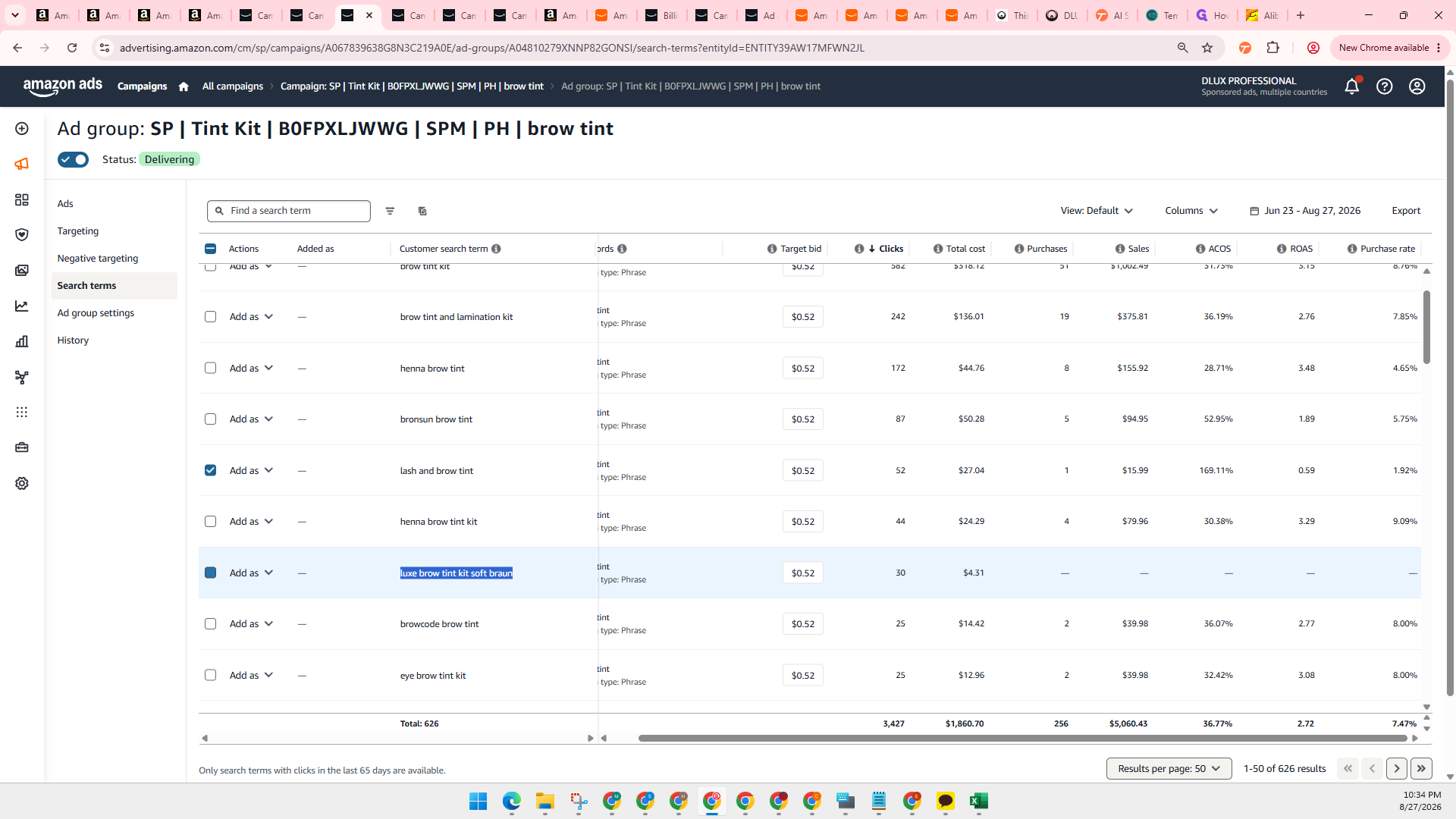
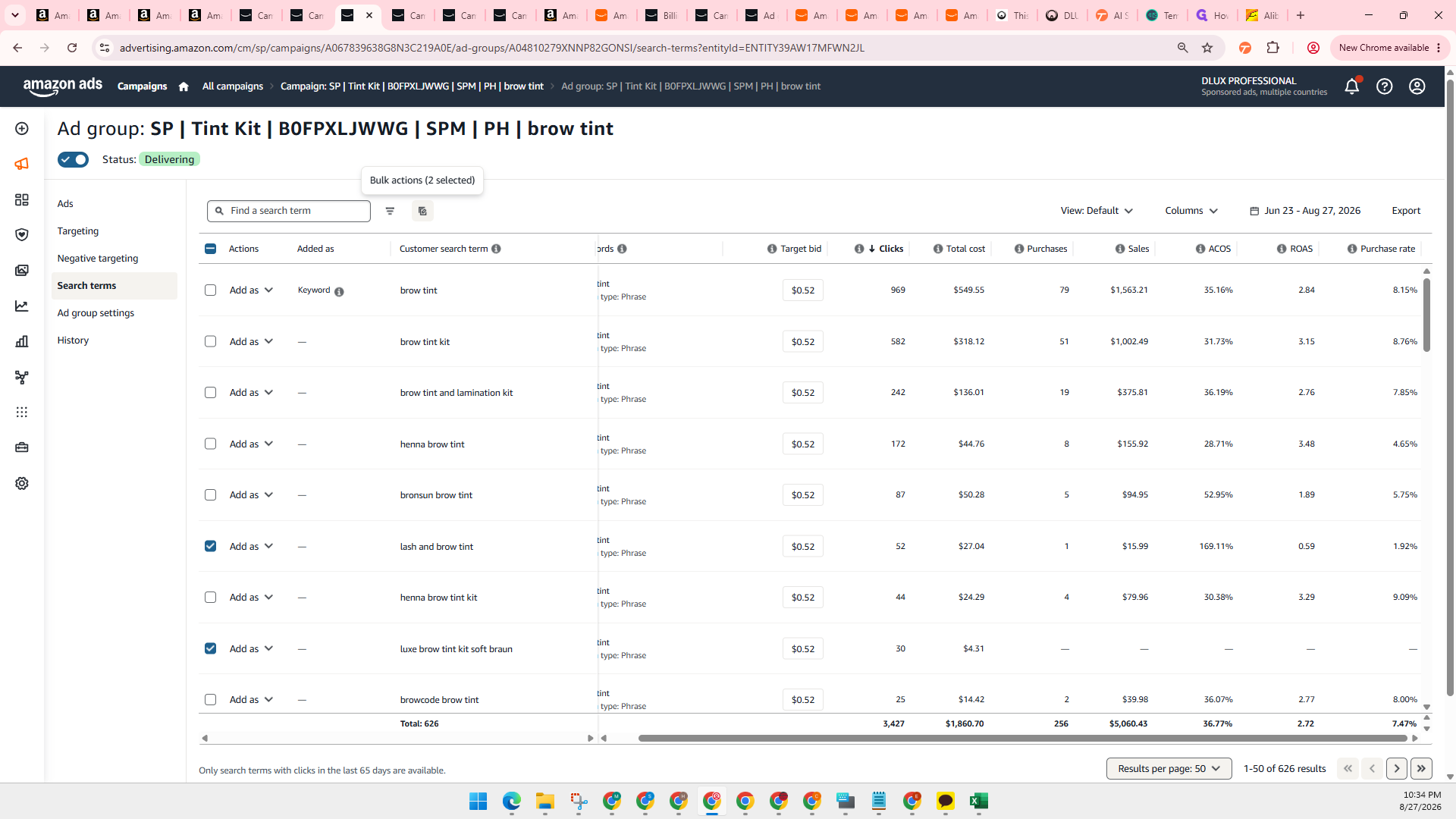
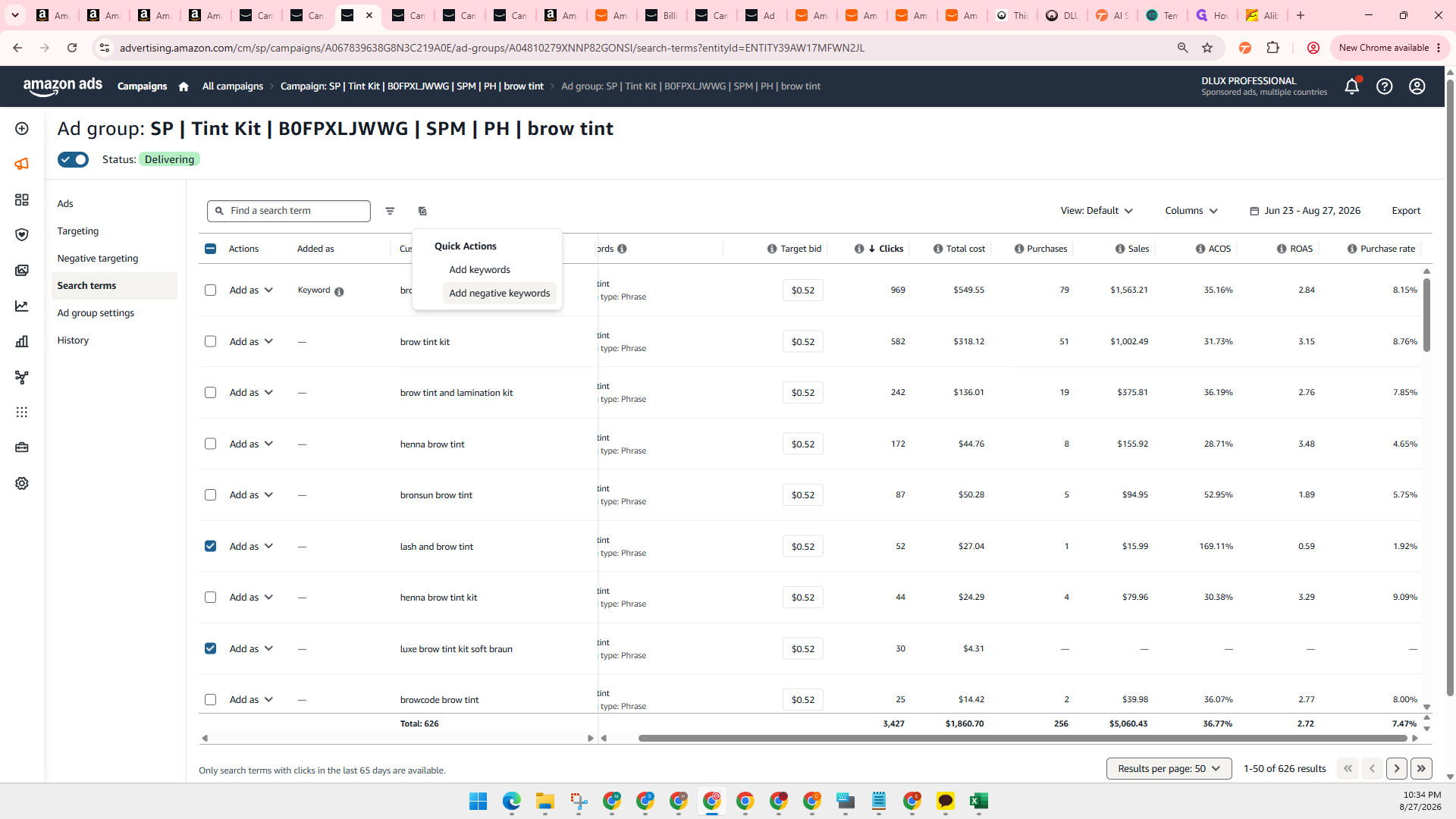
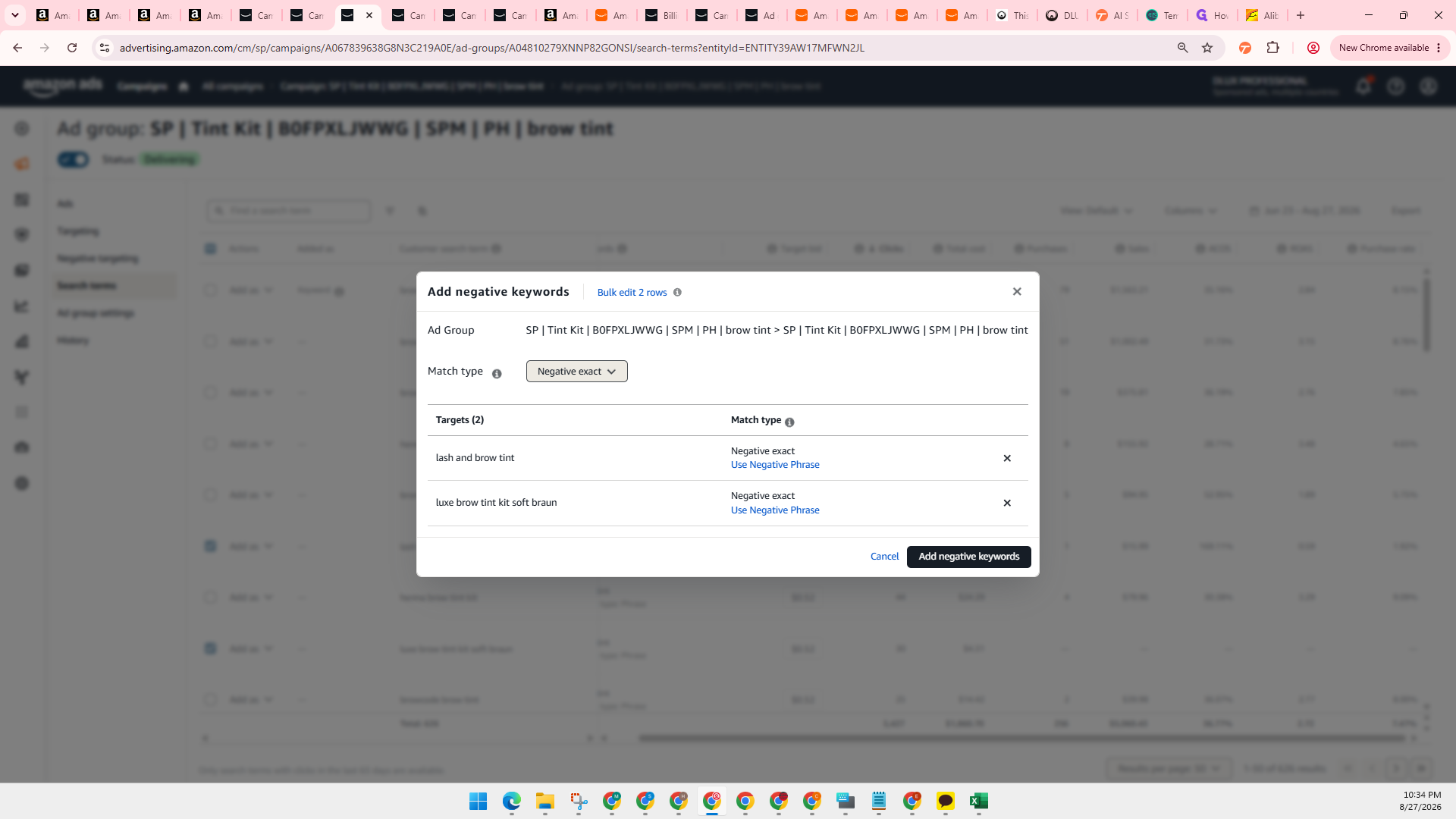
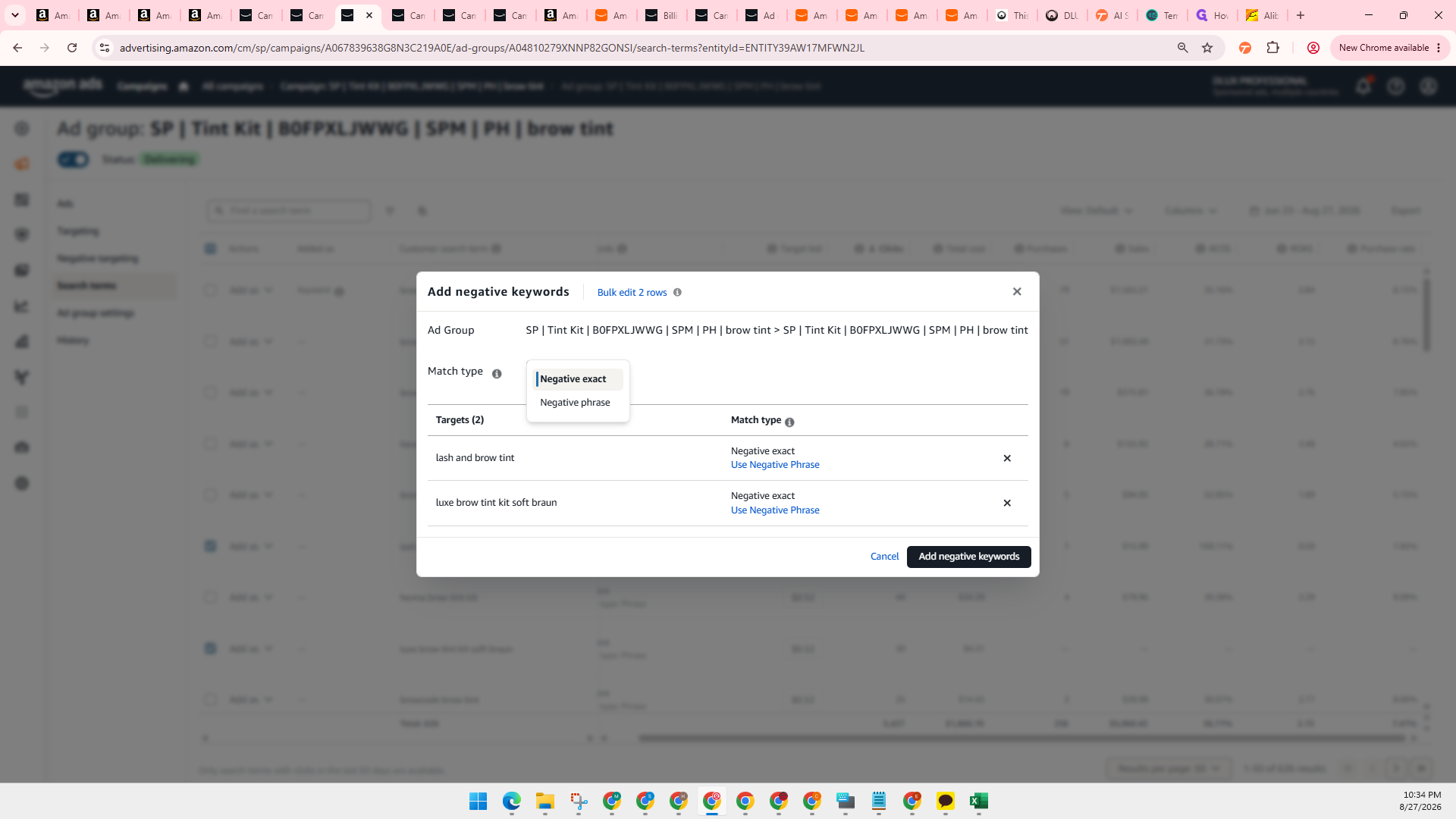
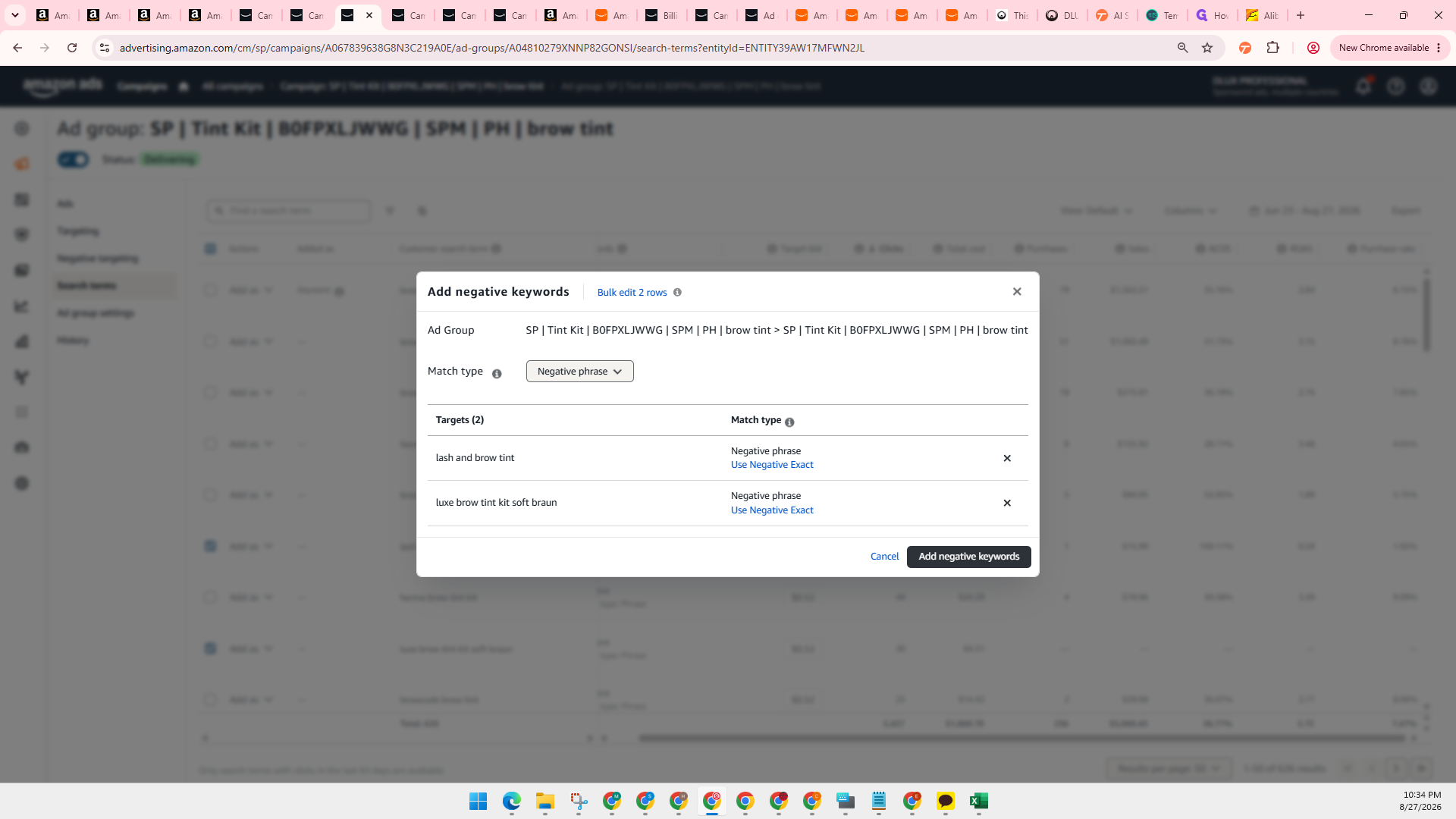
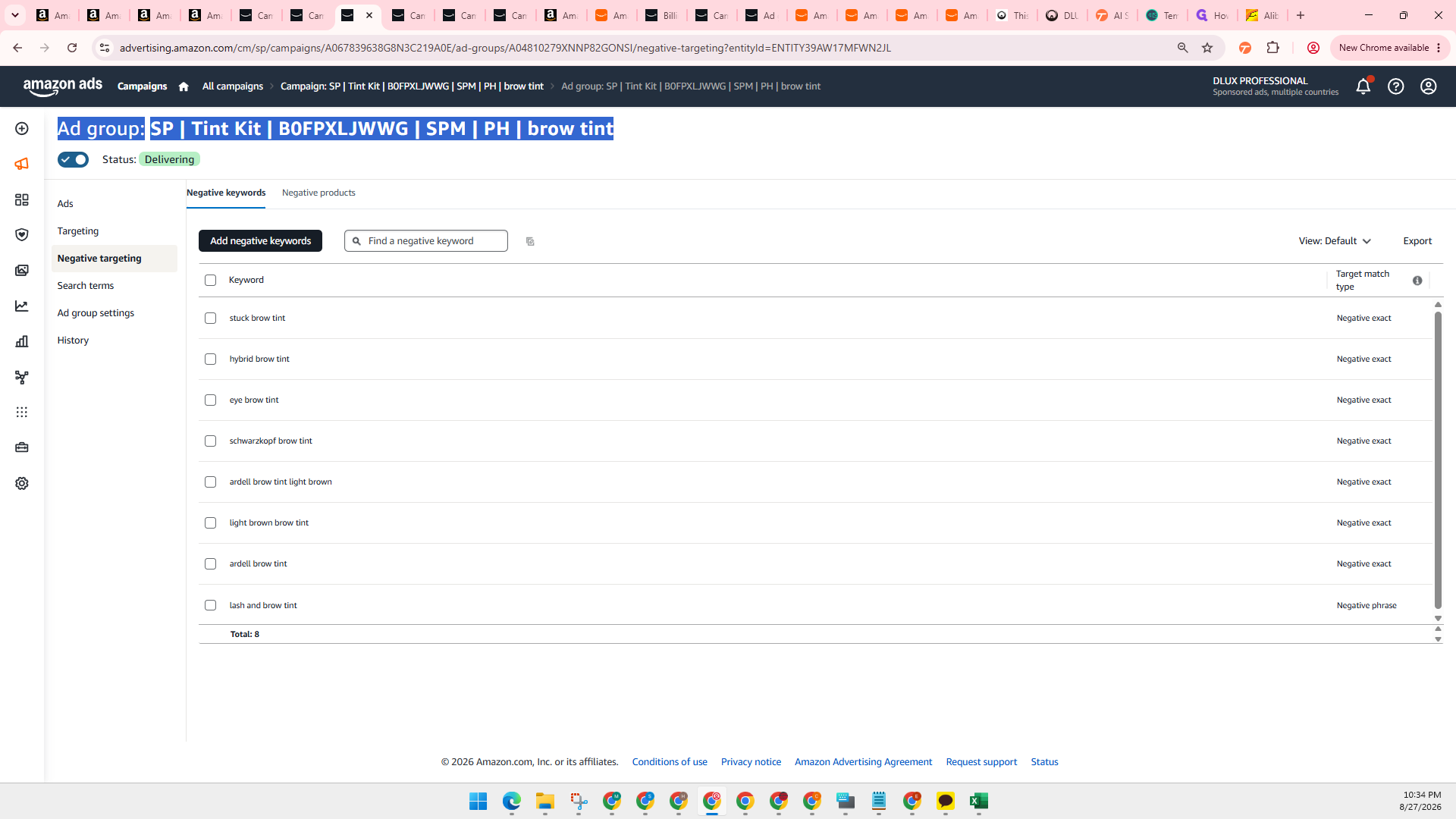
Q: Why did the system show that one target was not updated after adding negative keywords?
A: If a search term was already added as a negative keyword previously, the system will not duplicate or update that existing entry.
Term | Definition |
|---|---|
Average time in budget | A metric in Amazon Ads showing the estimated percentage of time a campaign remained active before exhausting its daily budget. |
Negative targeting | A setting that prevents ads from appearing when customer search queries match specified keywords or products. |
ROAS | Return on Ad Spend, calculated as total ad sales divided by total advertising spend. |
ACOS | Advertising Cost of Sales, representing the percentage of direct sales spent on advertising. |