
Manage Delegated Transactions as a Broker-Manager
Learn how to access, view, and manage delegated transactions and individual agent accounts across your brokerage.
This guide demonstrates how to navigate and manage delegated transactions across your entire brokerage. Completing this ensures you can efficiently oversee active listings and step in to assist individual agents with their tasks.
This guide applies to broker-managers and administrators who require global oversight of their team's transactions. Use this workflow during daily operations to monitor brokerage-wide progress or when you need to act on behalf of a specific agent.
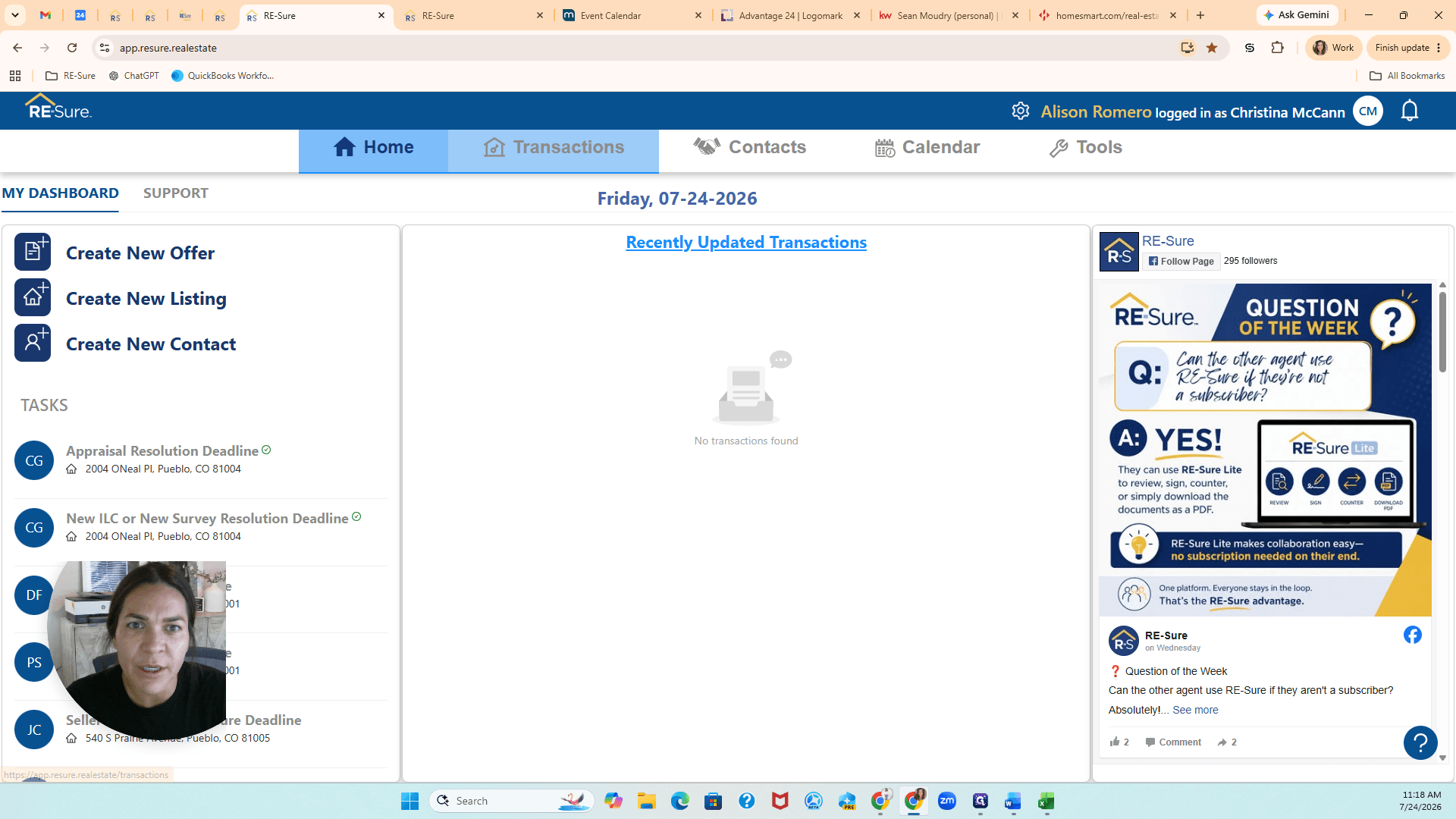
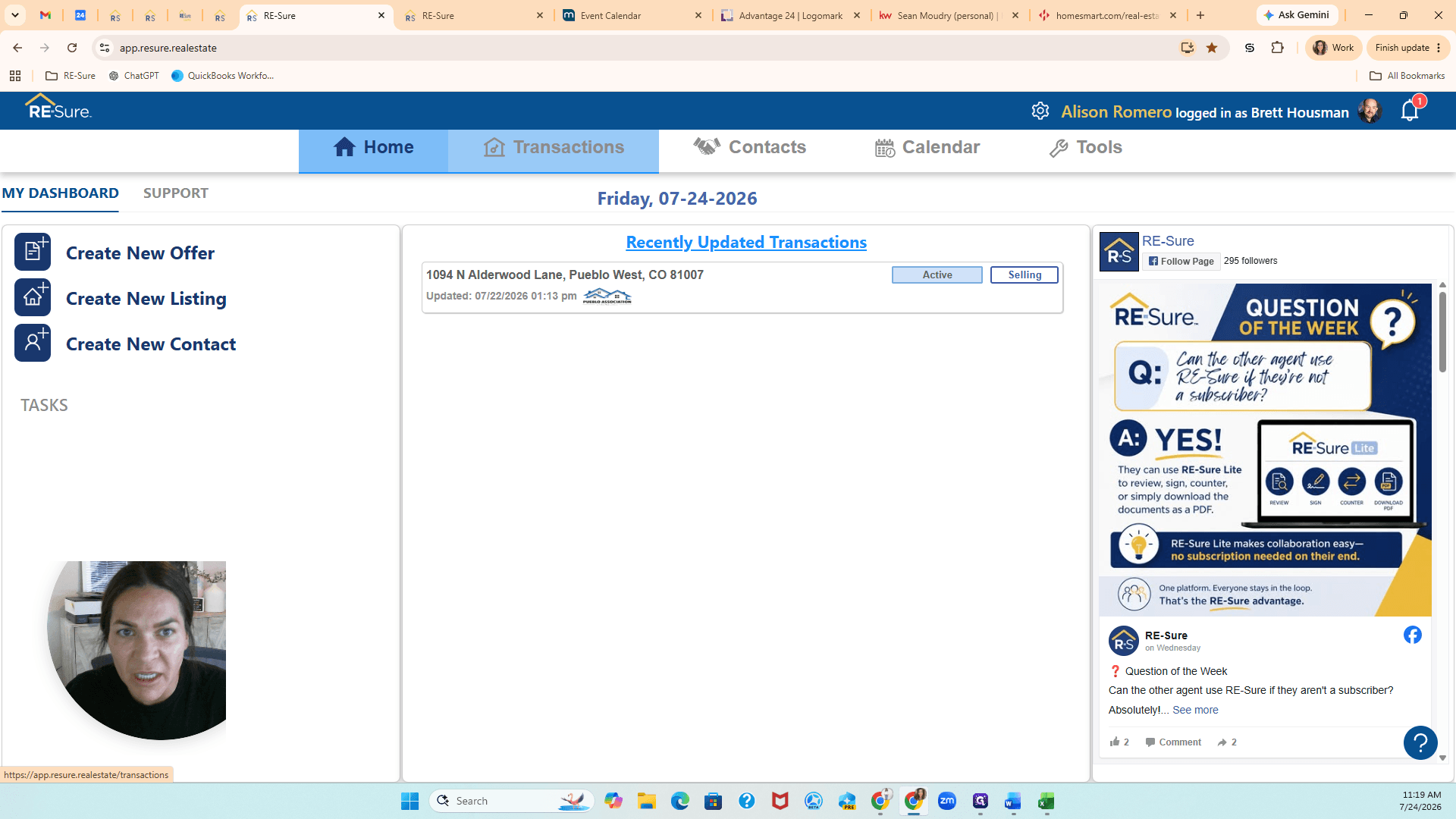
Navigate to Delegates
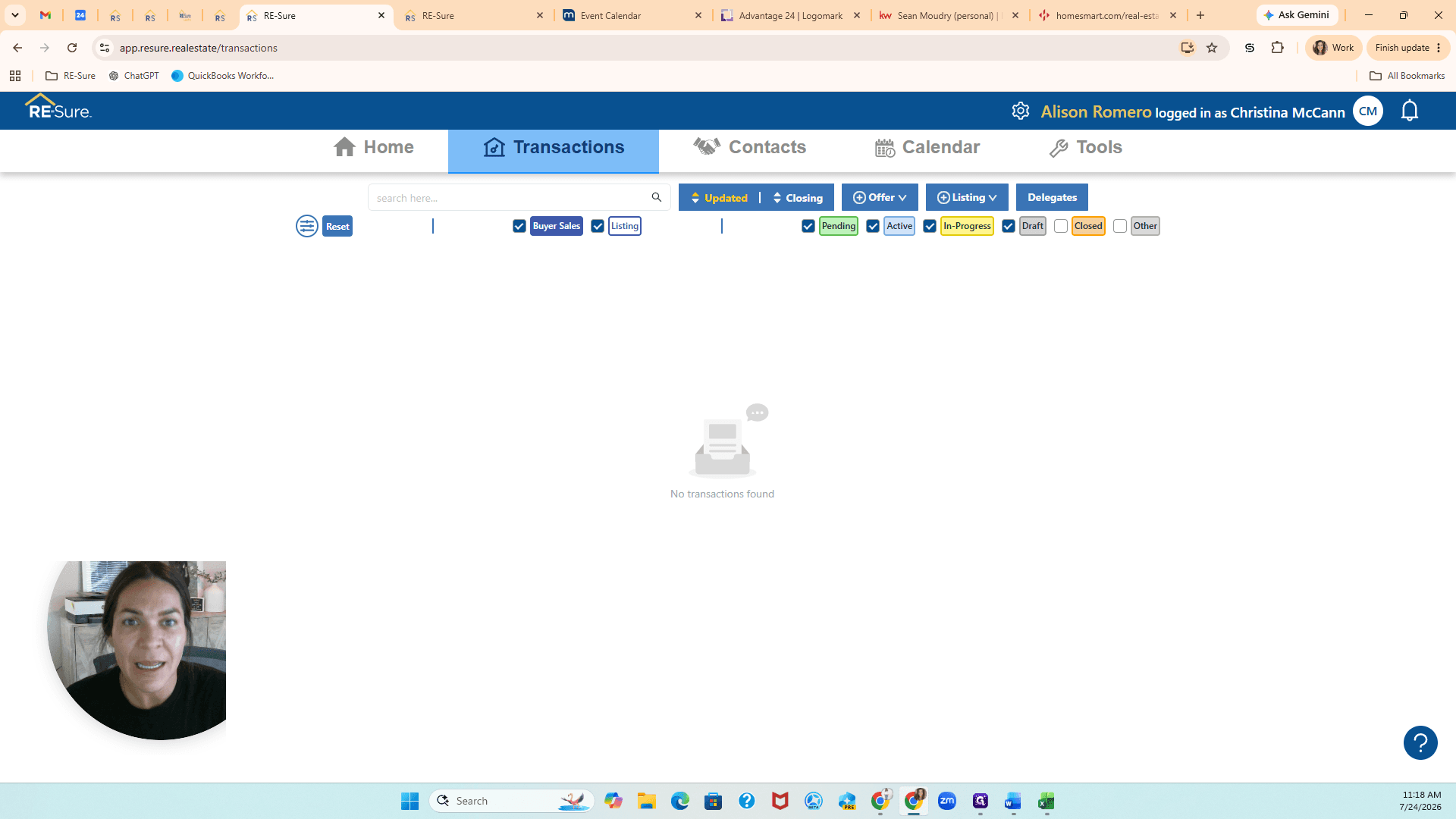
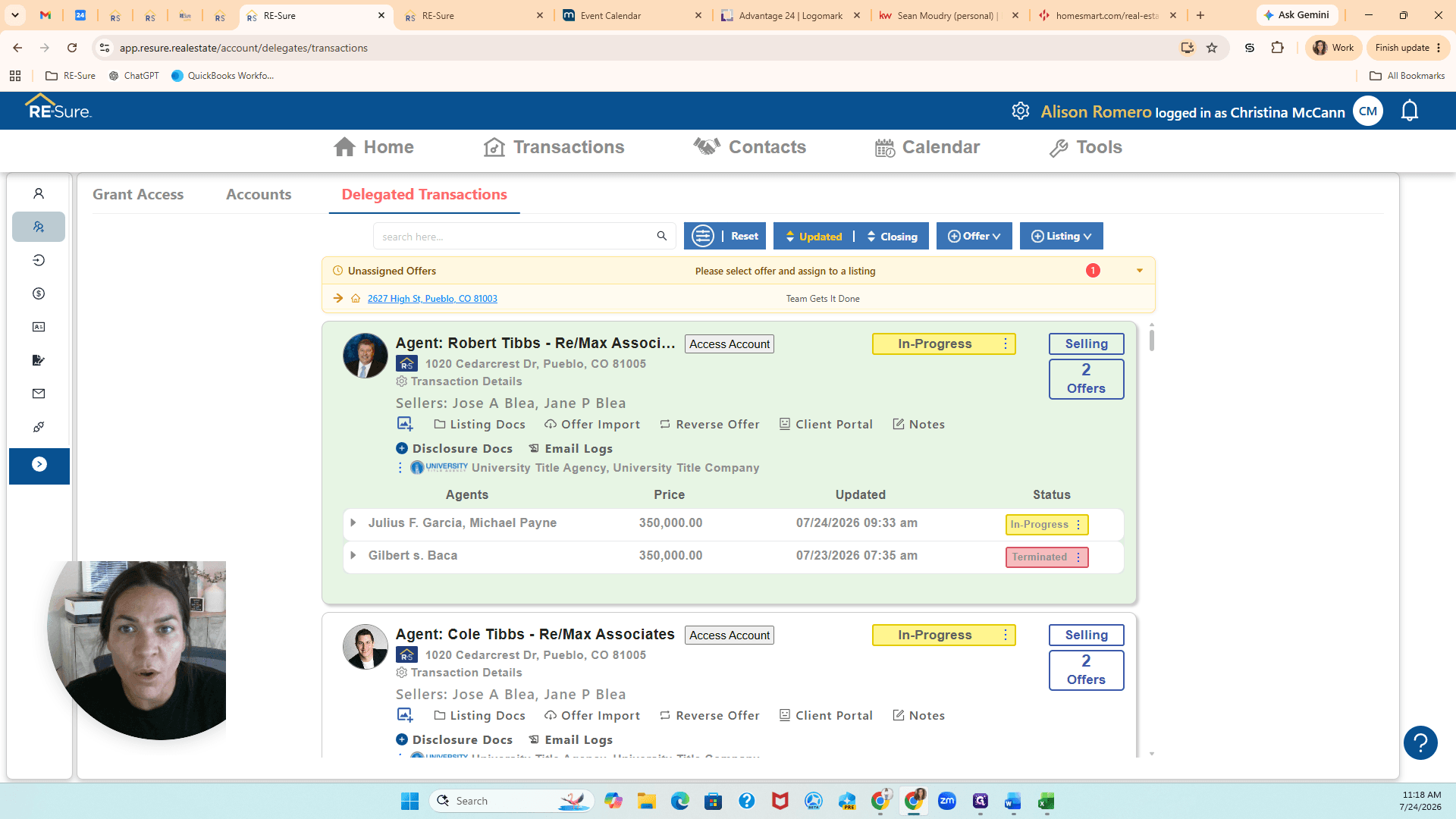
The most efficient way to view your team's workload is through the main transactions dashboard. Because you have full broker-manager access, you are automatically assigned permissions to view transactions for everyone below you in the brokerage.
Understanding Delegate Views
When managing your brokerage, you have multiple ways to view and interact with delegated data.
View / Tab | Purpose |
|---|---|
Delegated Transactions | View a global, consolidated list of all active buying and listing transactions currently happening across the entire brokerage. |
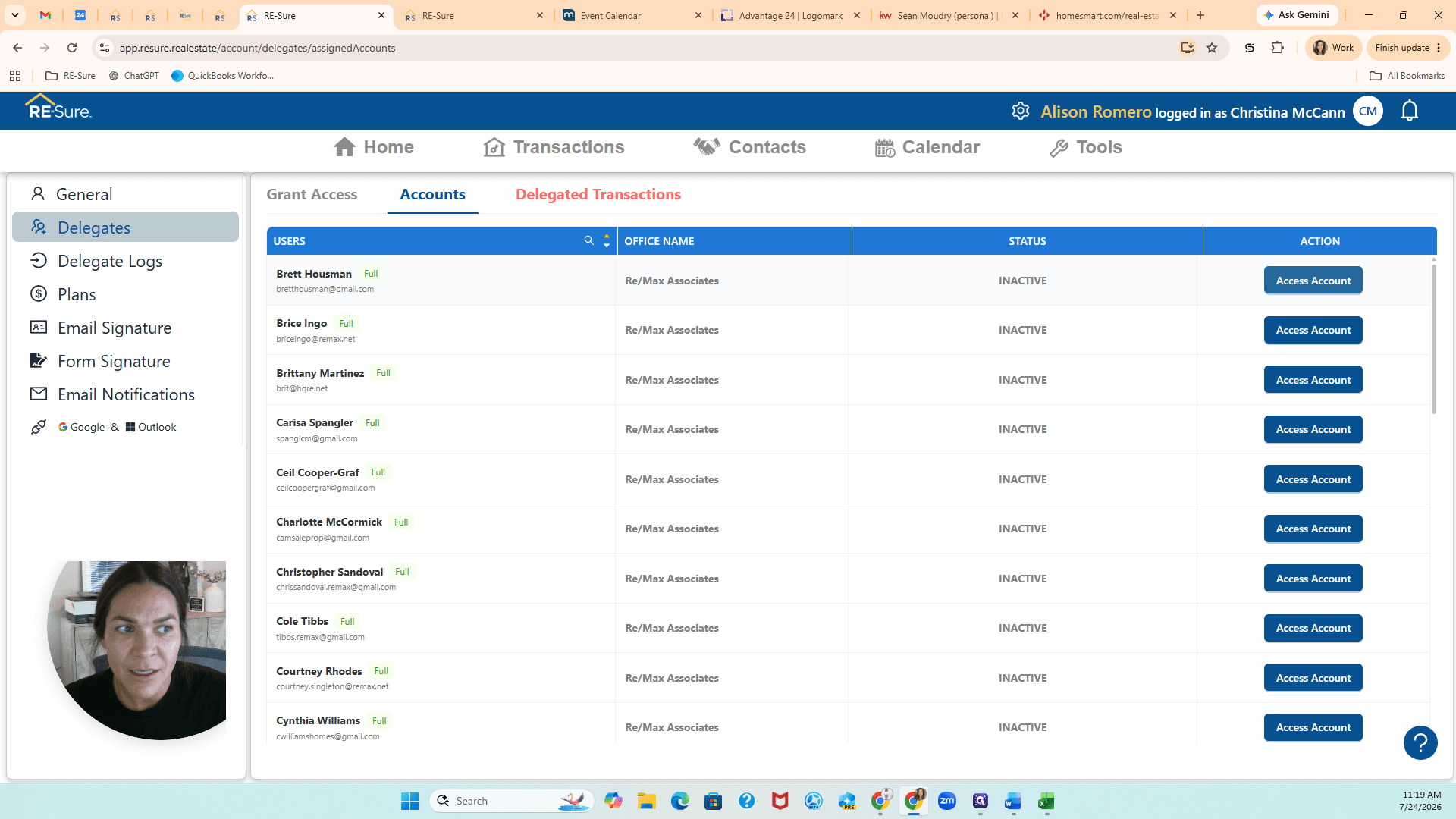
Accounts | View individual agents and access their specific accounts to work directly on their behalf. |
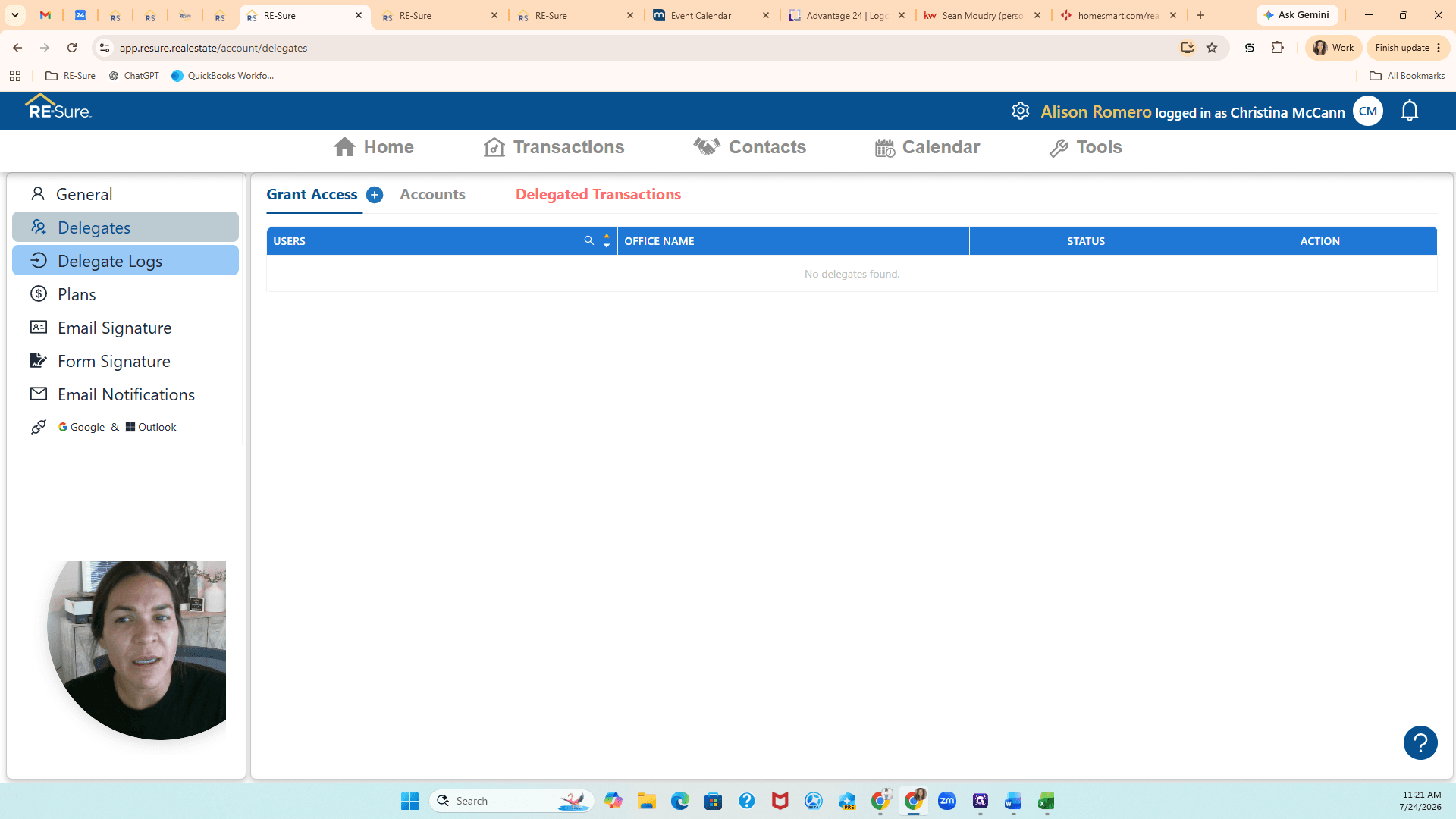
Delegate Logs | Track the historical activity and audit trail of actions performed by delegates on behalf of others. |
Managing Individual Accounts
If you need to perform actions for a specific person rather than viewing the global transaction list, you can impersonate their account.
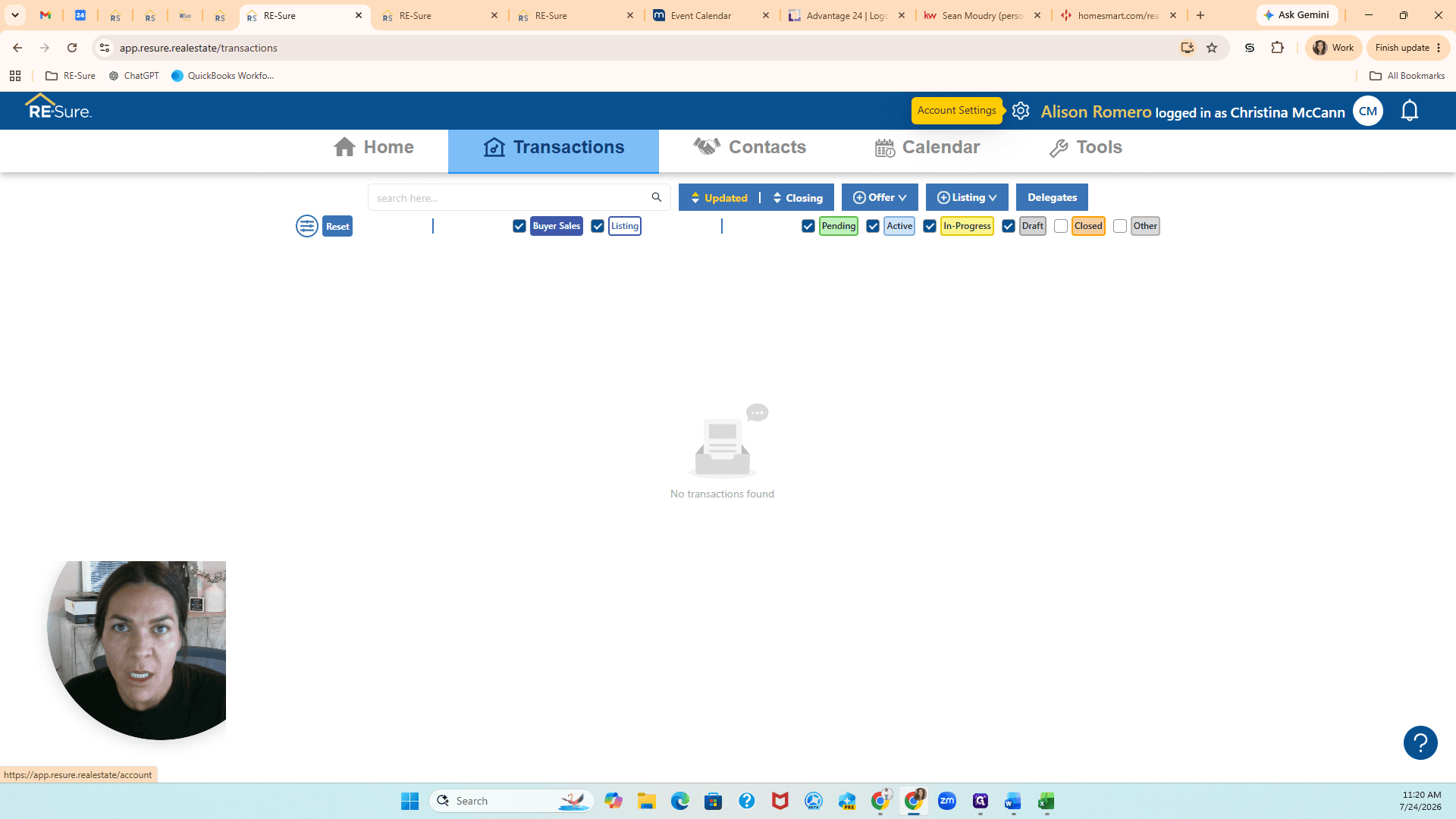
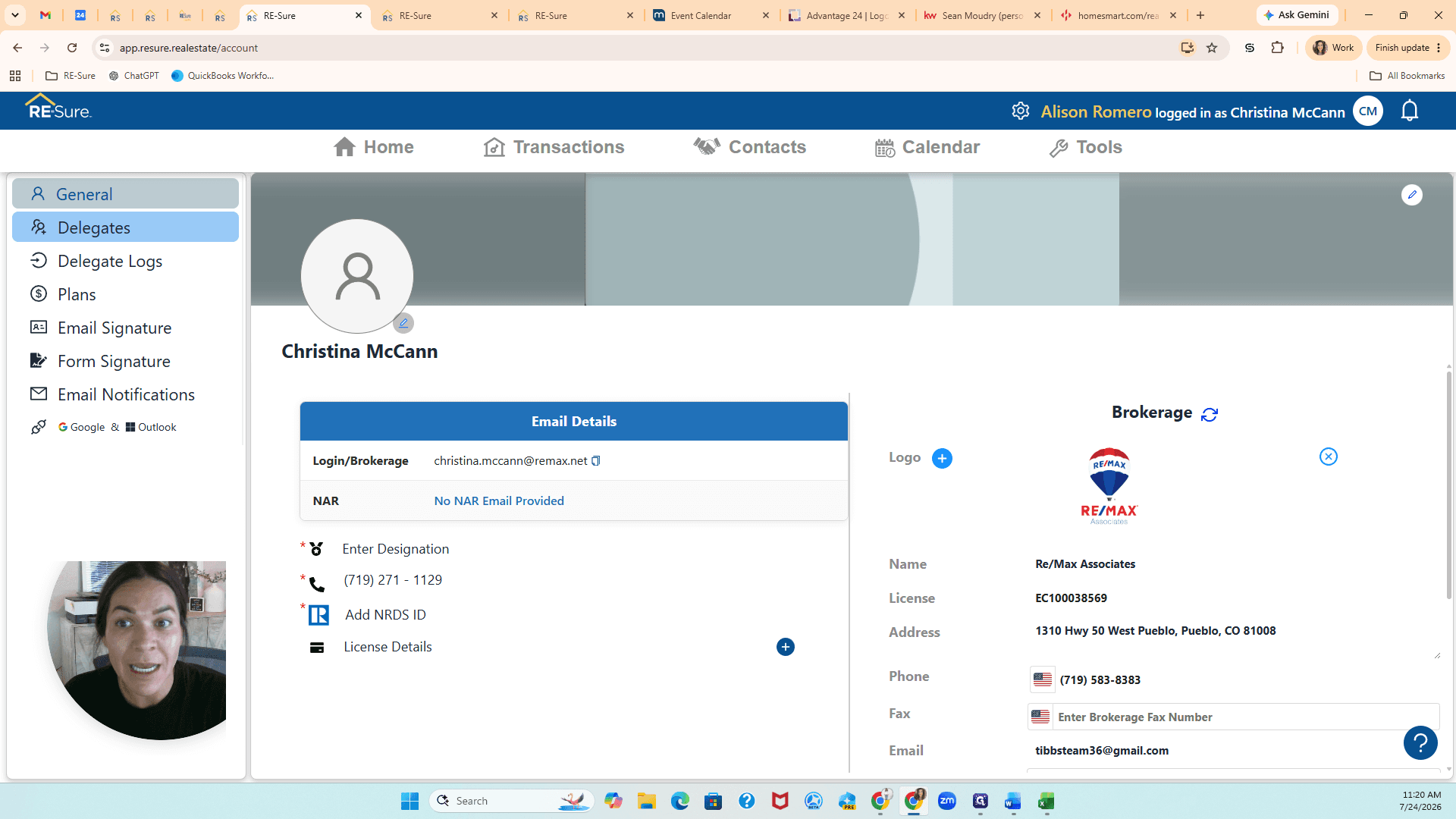
Alternative: Access Delegates via Settings
You can also access the Delegates dashboard through your profile settings.
Reviewing Delegate Activity
Q: What is the difference between Delegated Transactions and Accounts?
A: Delegated Transactions provides a global list of all active listings and purchases across the brokerage. The Accounts tab lets you view individual agents and log into their specific workspace to manage tasks on their behalf.
Q: Do I need to manually assign delegates to my account?
A: No. Because you have the broker-manager role, access to your agents' accounts is granted automatically.
Q: Are actions I take on behalf of another agent tracked?
A: Yes. Any task you complete while logged into an agent's account, such as sending wire fraud disclosures, is recorded in the Delegate Logs.
Term | Definition |
|---|---|
Broker-Manager | A user role that grants global access to view and manage transactions for all agents within a brokerage. |
Delegated Transactions | A consolidated dashboard displaying all active property listings and purchases across the entire brokerage. |
Delegate Logs | An audit trail recording the actions performed by a user on behalf of another agent. |