Icon

Managing Operations and Inventory in Einstein v2

Learn how to manage customer orders, track fish stock, process B2B logistics, and update product labels using the Einstein v2 operations database.

By Ben Pritchard

This guide provides a comprehensive walkthrough of the Einstein v2 operations software. You will learn how to navigate retail and B2B orders, trace dispatch batches, manage daily stock valuations, and adjust fish inventory records.

This document is intended for operations, buying, and customer service teams. Use it during daily workflows to accurately process supply shipments, resolve order issues, and coordinate dispatch schedules.

Logging In
1
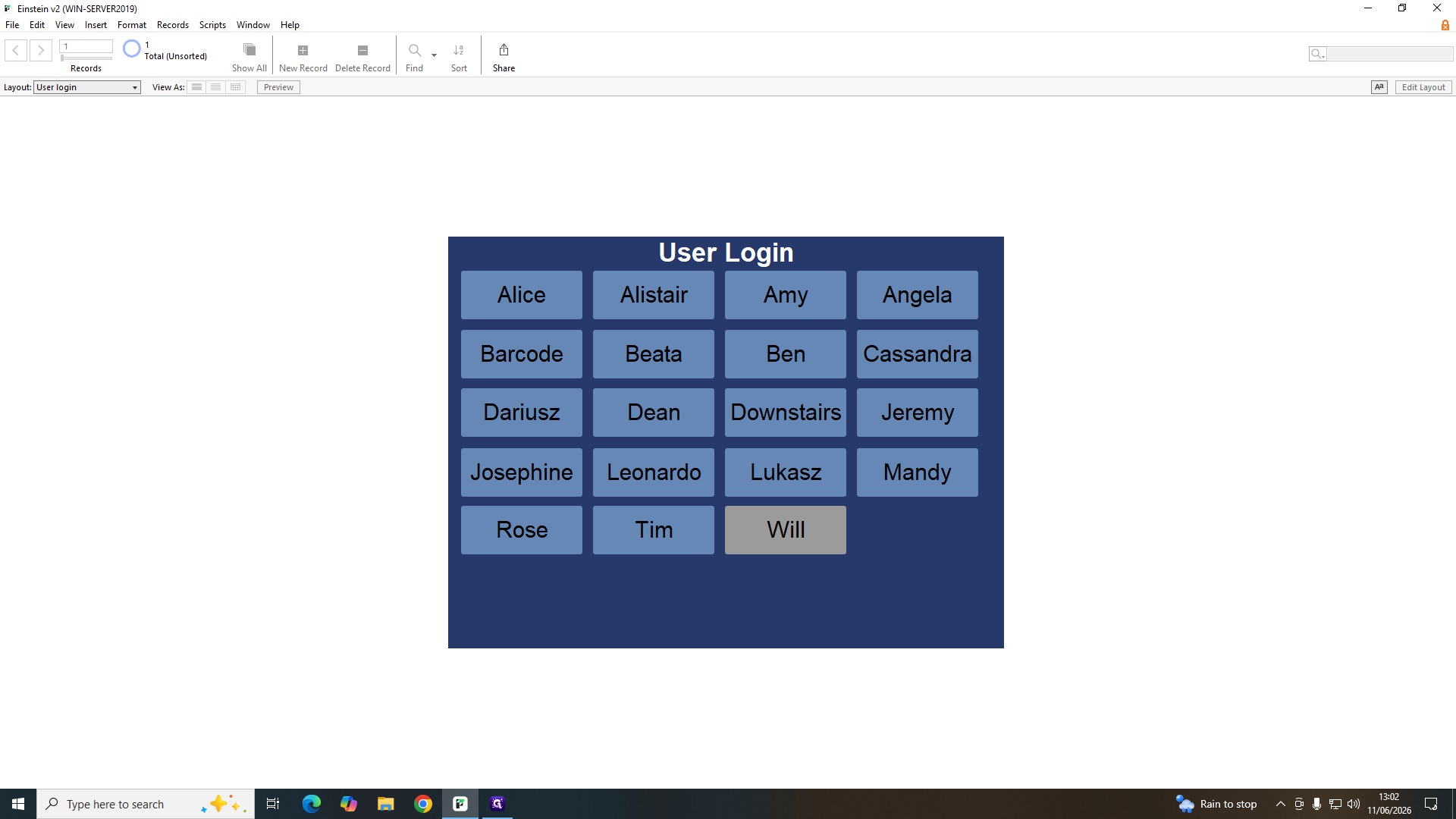
Select your username from the grid on the User Login screen.
Step #1: Select your username from the grid on the User Login screen.
2
Type your PIN to securely access the database.

Managing Retail Orders

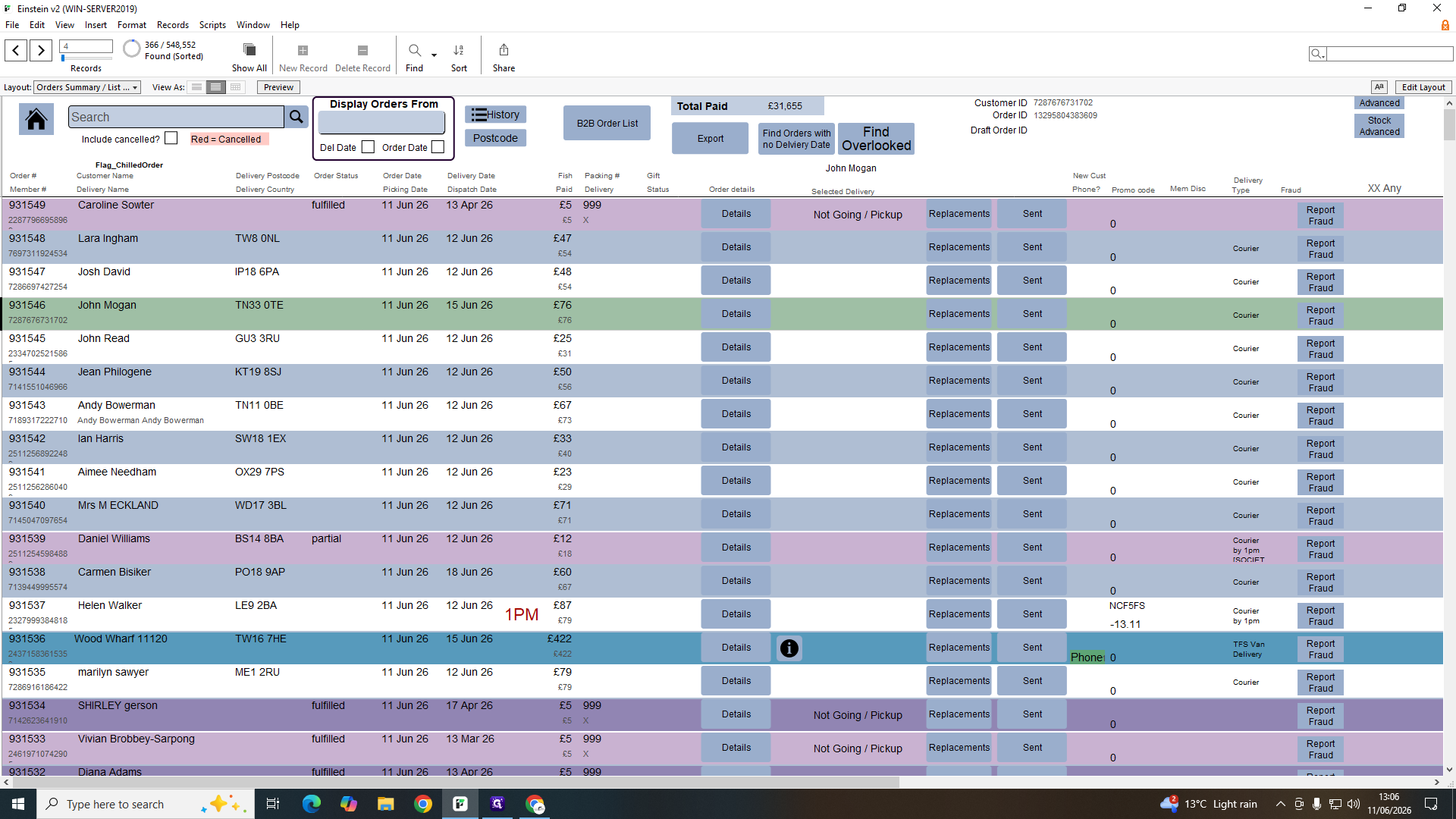
The retail order screen automatically mirrors the active Shopify list. When customers place orders online or staff input them manually, they appear here instantly.
3
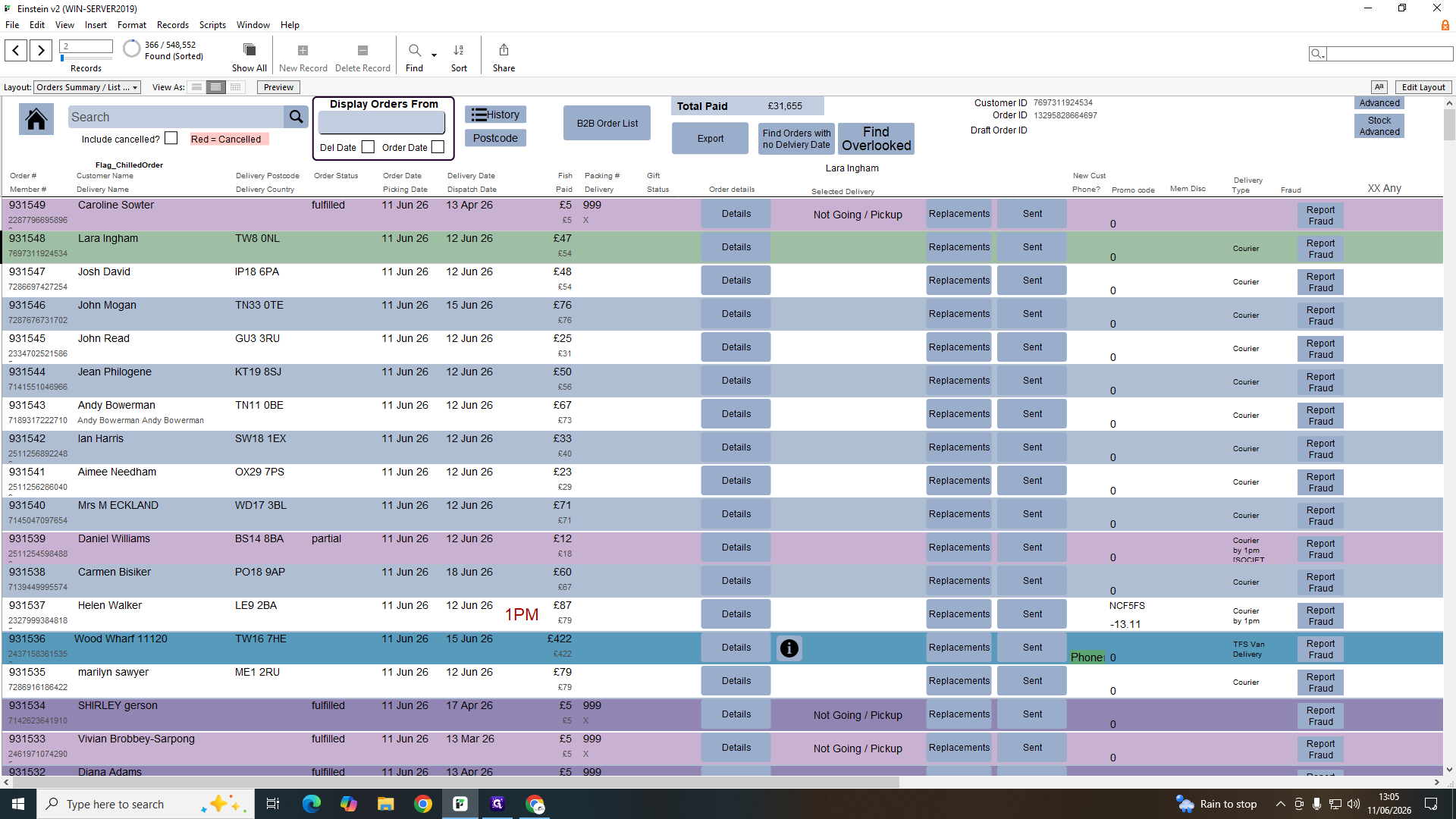
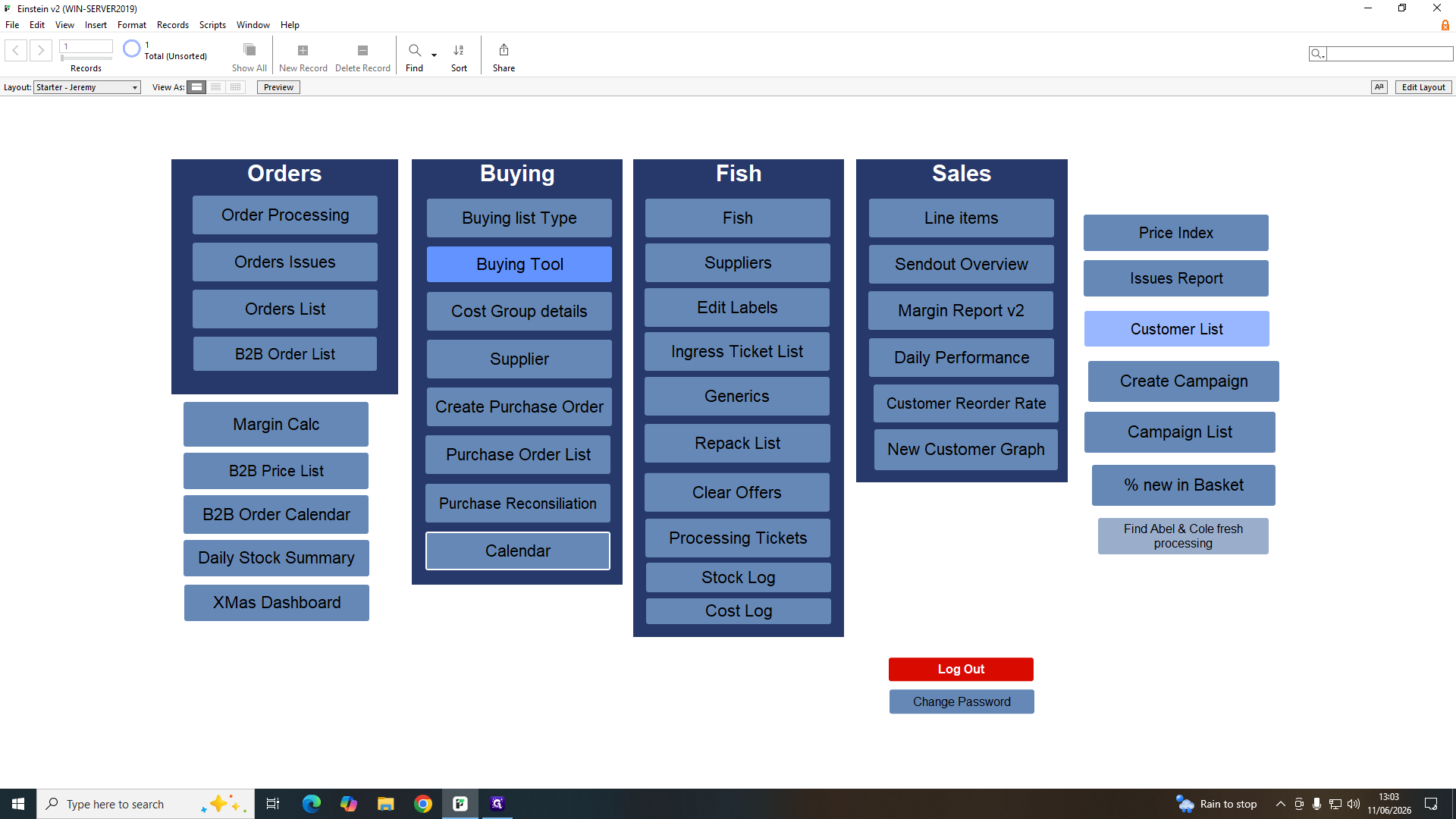
Click Orders List to view all active customer orders.
Step #3: Click Orders List to view all active customer orders.
4
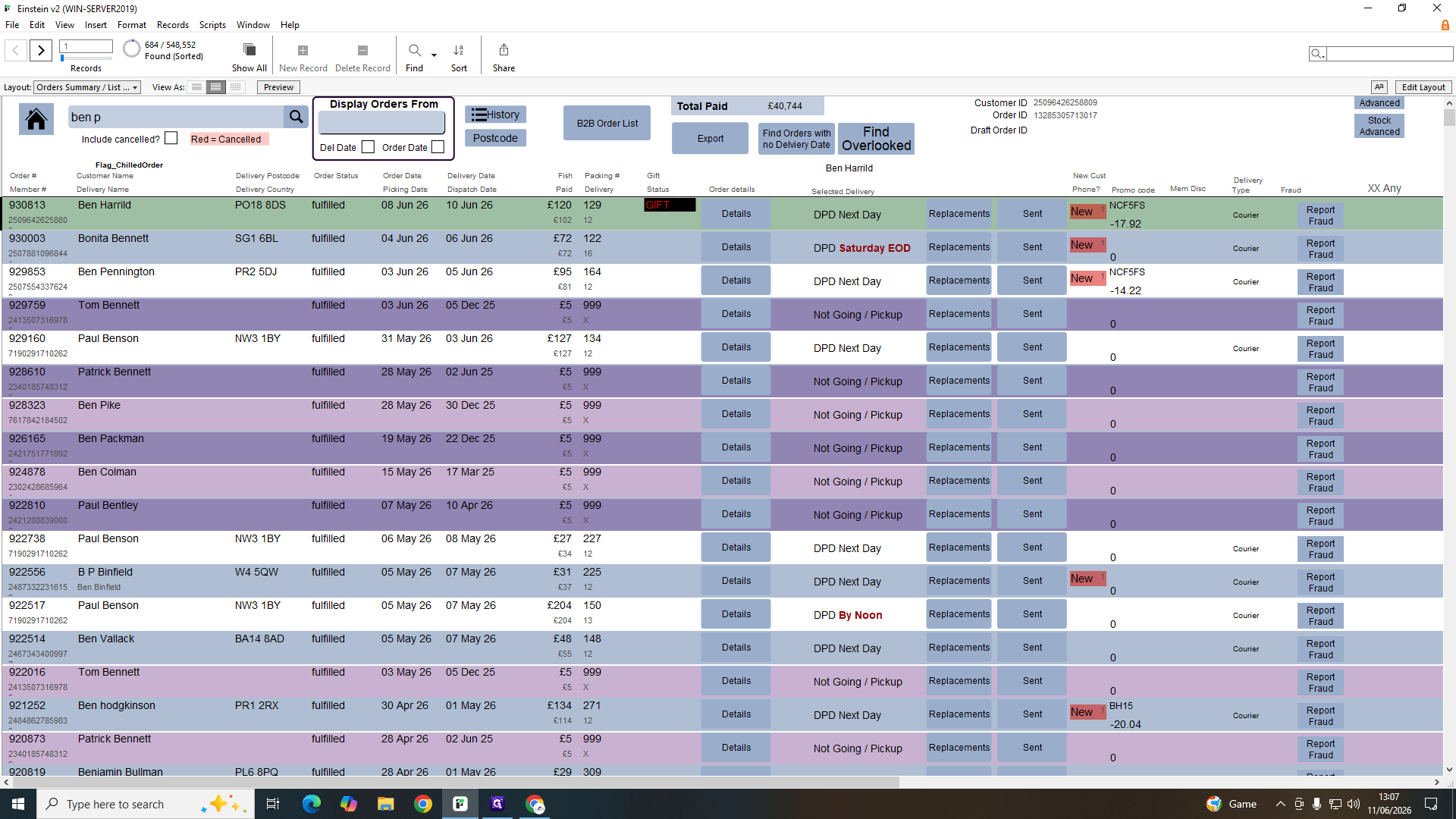
Click Search to locate a specific transaction.
Step #4: Click Search to locate a specific transaction.
5
Type the customer's name or order number and press Enter.
6
Click Details to open an order summary.
Step #6: Click Details to open an order summary.
7
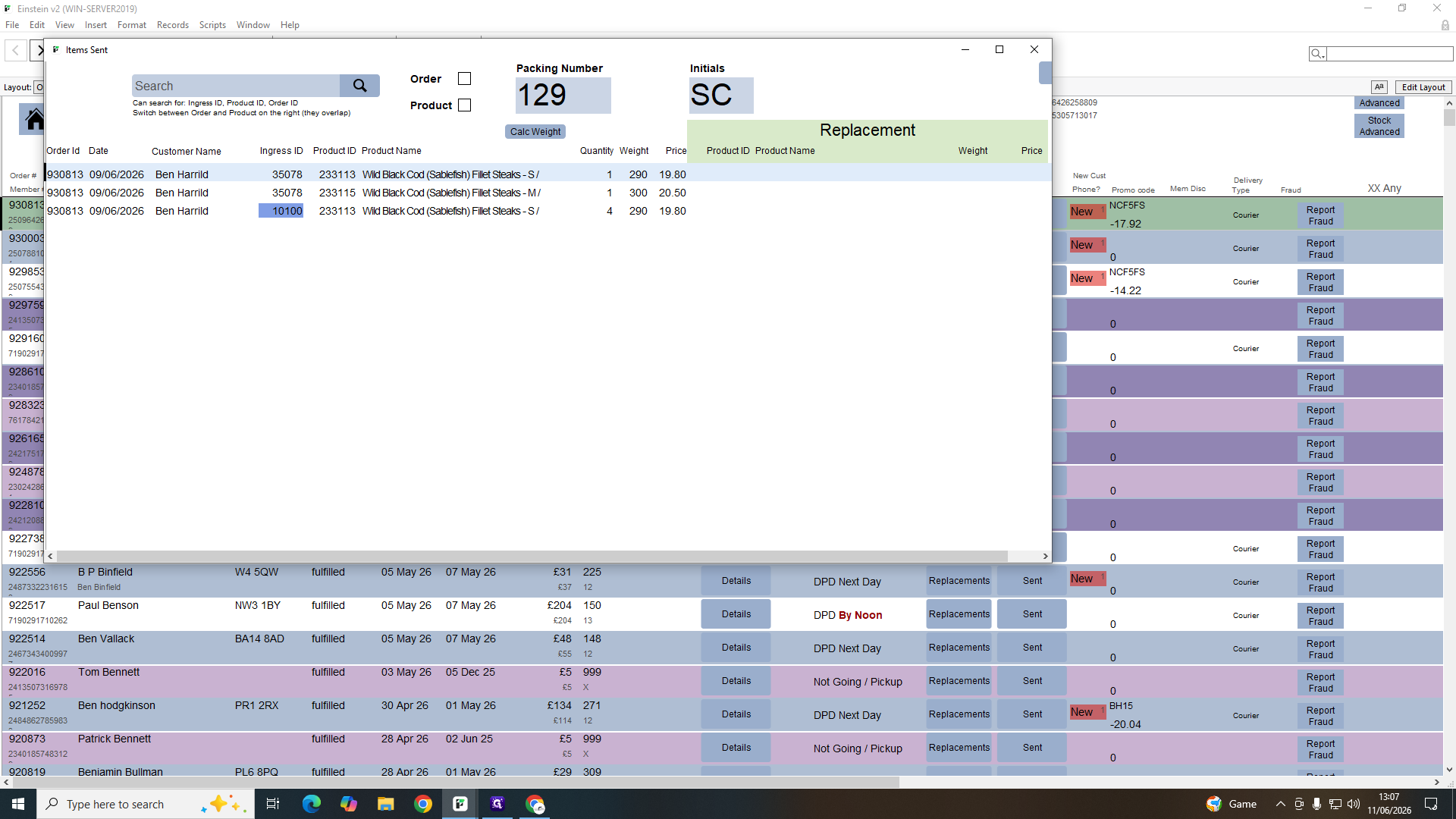
Click Sent in the order dashboard to view a list of dispatched orders.
Step #7: Click Sent in the order dashboard to view a list of dispatched orders.
8
Click an Ingress ID row to verify which scanned product batches were packed into a specific box.
Step #8: Click an Ingress ID row to verify which scanned product batches were packed into a specific box.

Processing B2B Orders and Dispatches

Business-to-Business (B2B) orders require distinct logistics and margin tracking.
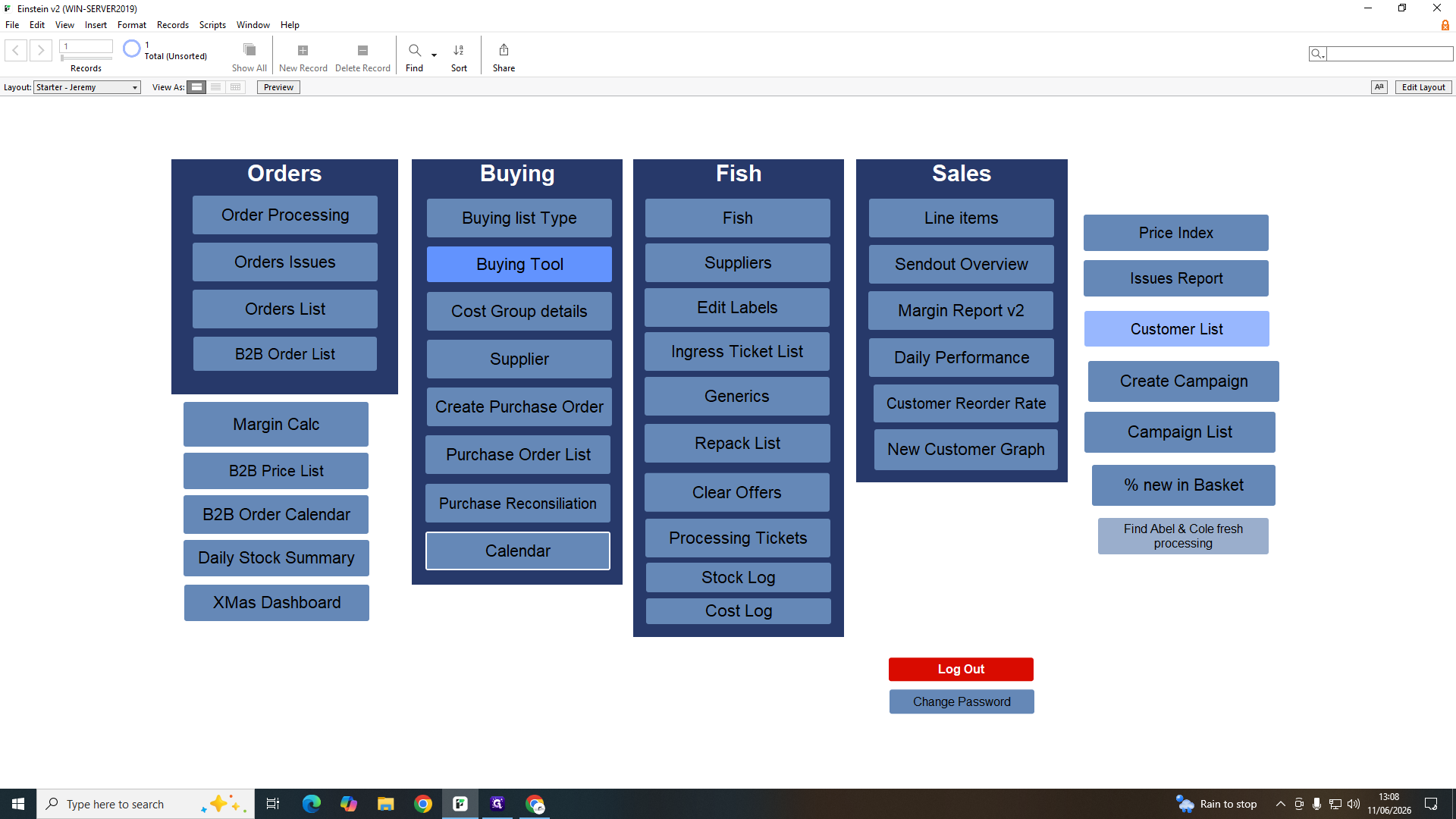
9
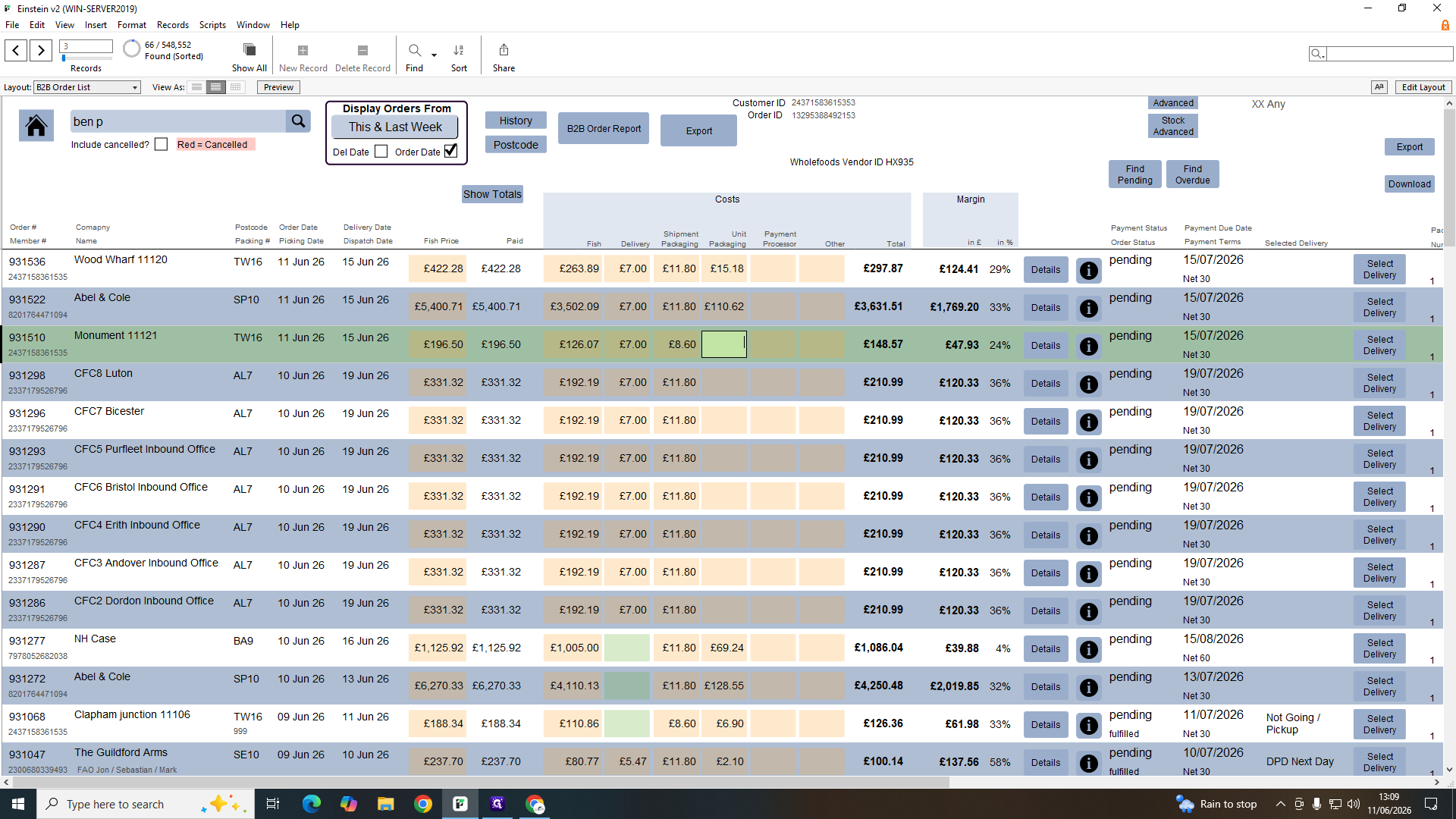
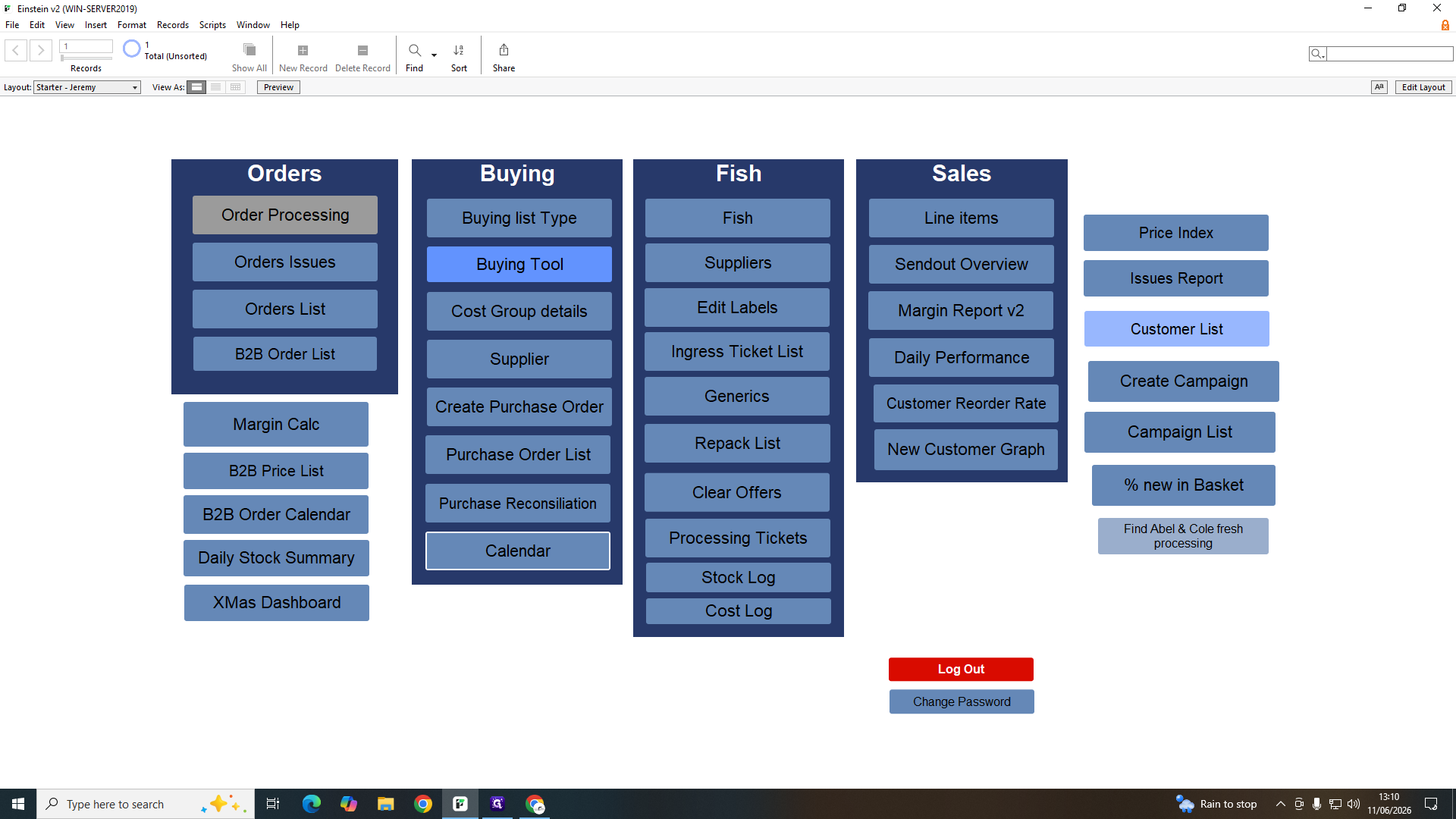
Click B2B Order List on the main dashboard to view business accounts.
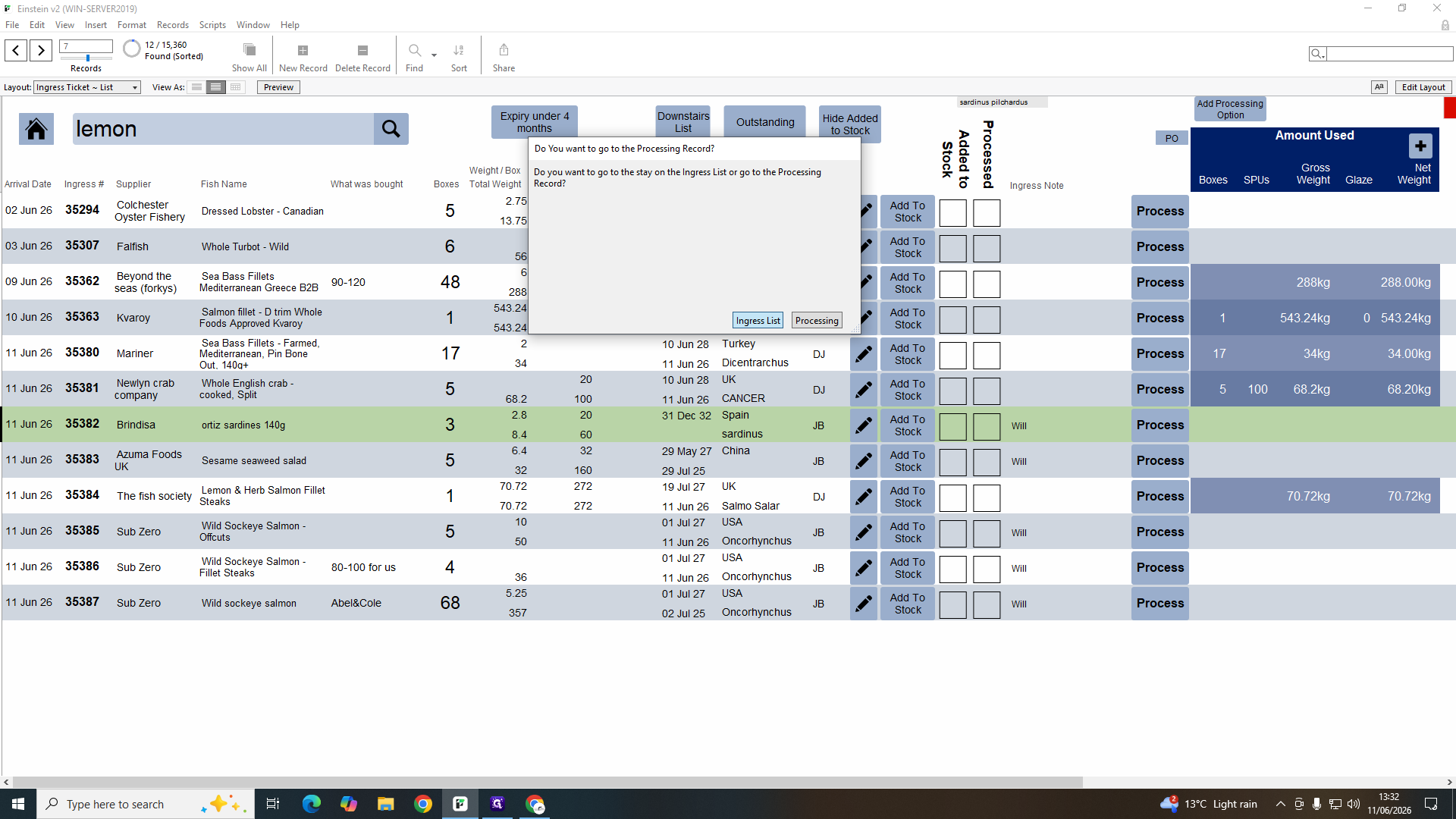
Step #9: Click B2B Order List on the main dashboard to view business accounts.
10
Click a cell under the Unit Packaging column to manually overwrite automated cost estimates and ensure accurate profit margins.
Step #10: Click a cell under the Unit Packaging column to manually overwrite automated cost estimates and ensure accurate profit margins.
11
Click Order Processing to prepare dispatch paperwork for the warehouse.
Step #11: Click Order Processing to prepare dispatch paperwork for the warehouse.
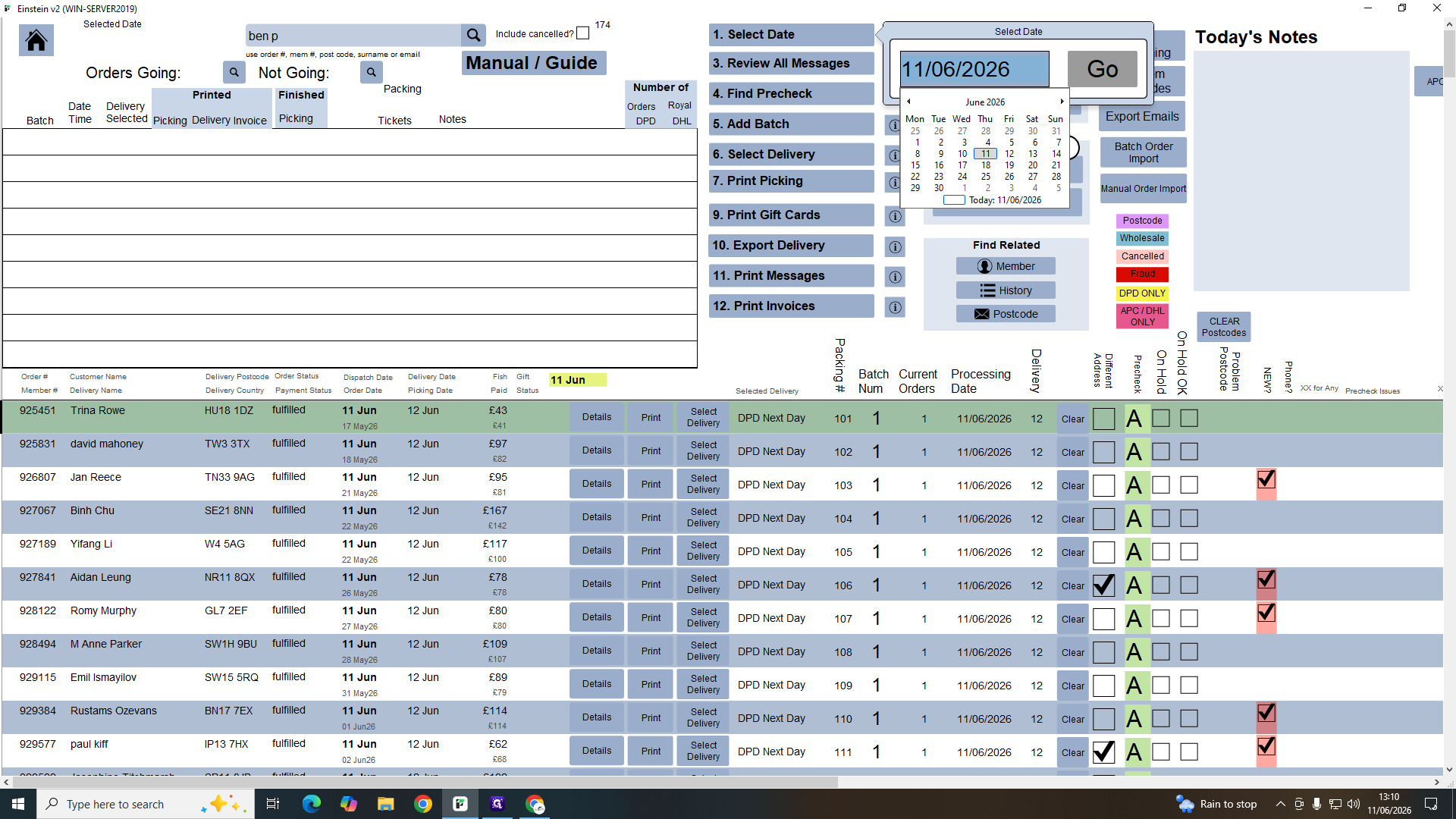
12
Select the dispatch date from the pop-up calendar and click Go.
Step #12: Select the dispatch date from the pop-up calendar and click Go.
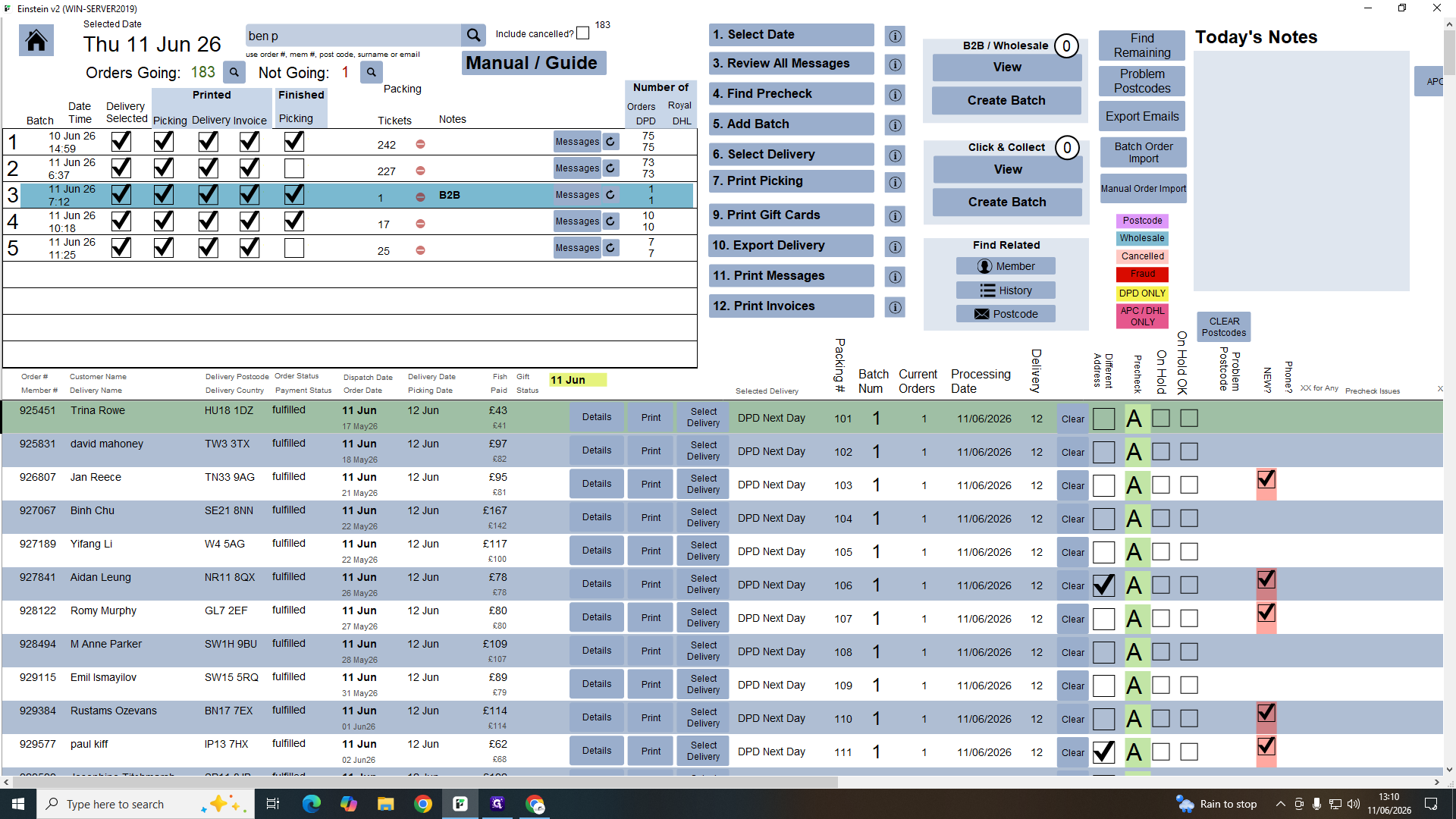
13
Select a batch number (e.g., "75") to generate picking tickets, delivery labels, and invoices.
Step #13: Select a batch number (e.g., "75") to generate picking tickets, delivery labels, and invoices.

Managing the B2B Order Calendar

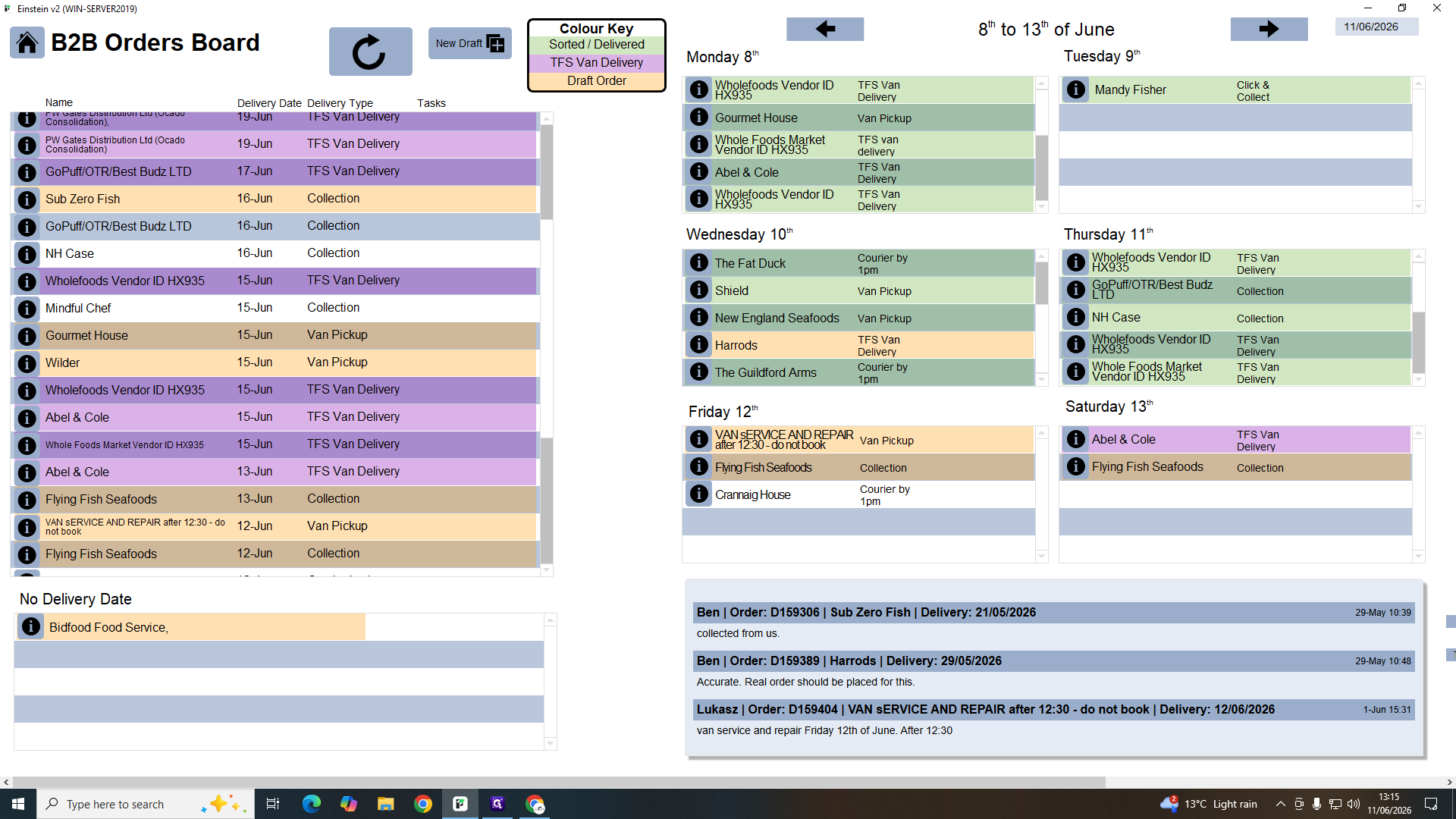
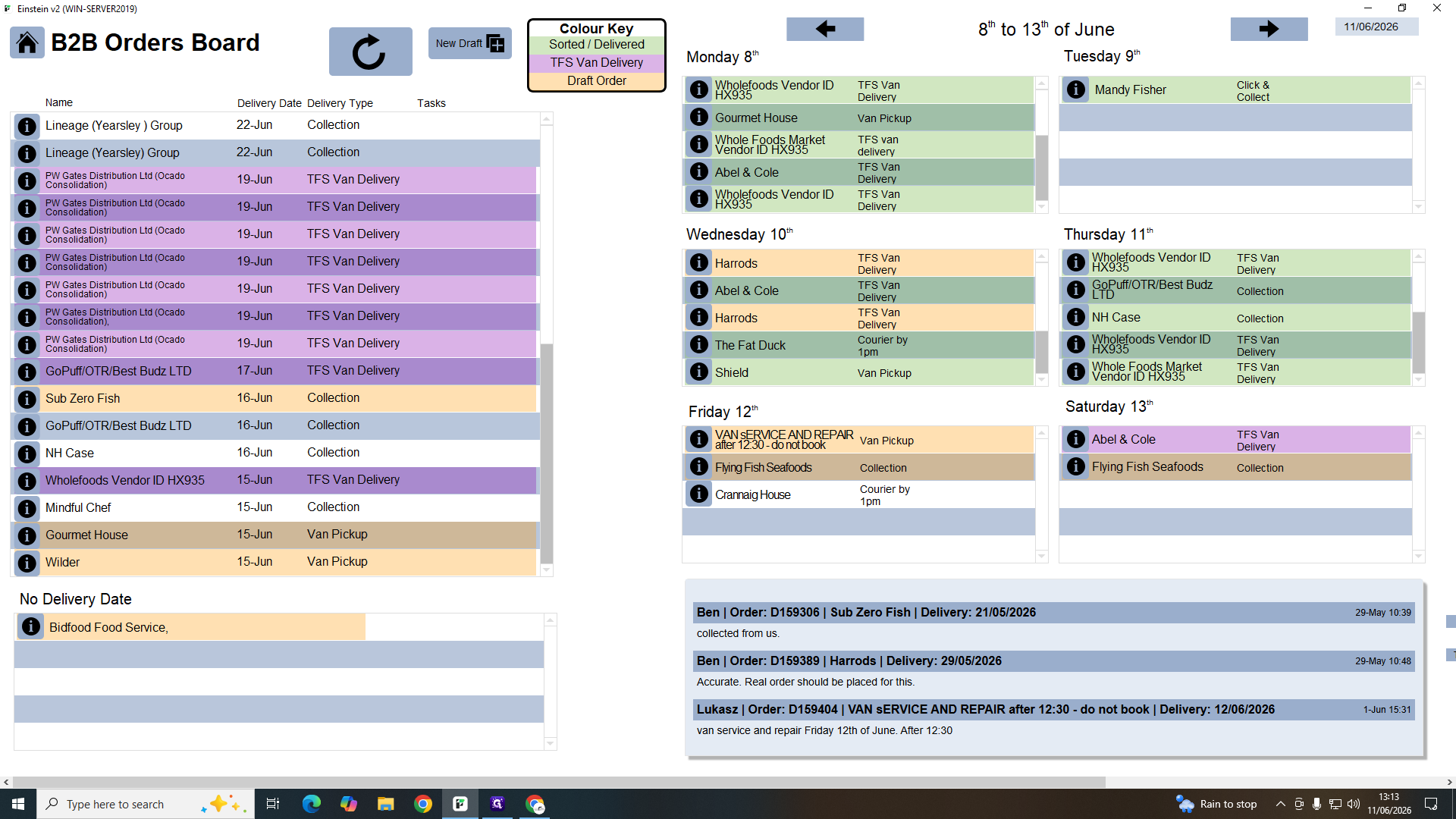
The B2B calendar helps organize large pallet orders and direct van deliveries to ensure routing capacity isn't overloaded.
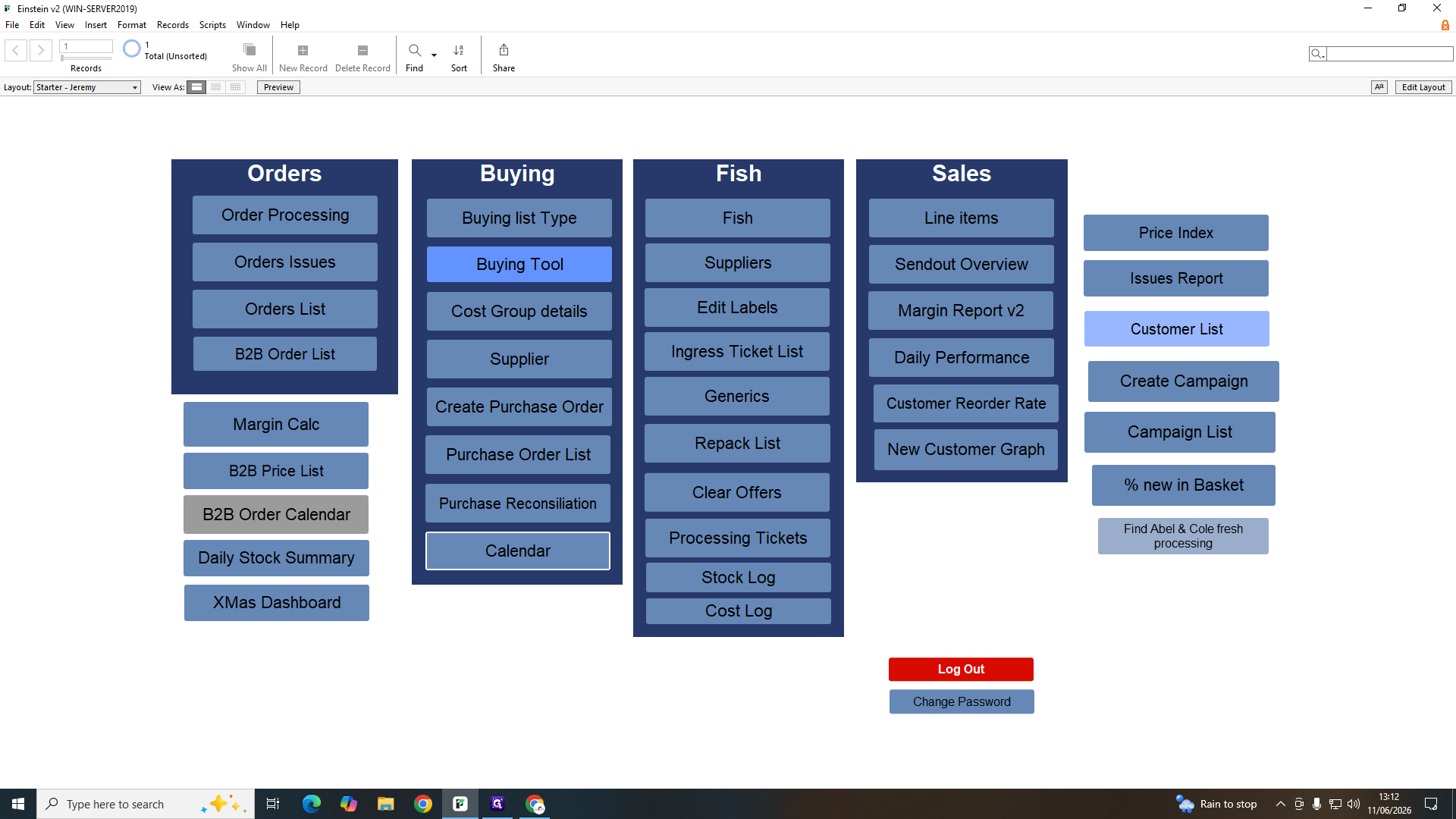
14
Click B2B Order Calendar in the Orders column.
Step #14: Click B2B Order Calendar in the Orders column.
15
Drag an unassigned or scheduled delivery onto a specific weekday to balance the van's load.
Step #15: Drag an unassigned or scheduled delivery onto a specific weekday to balance the van's load.
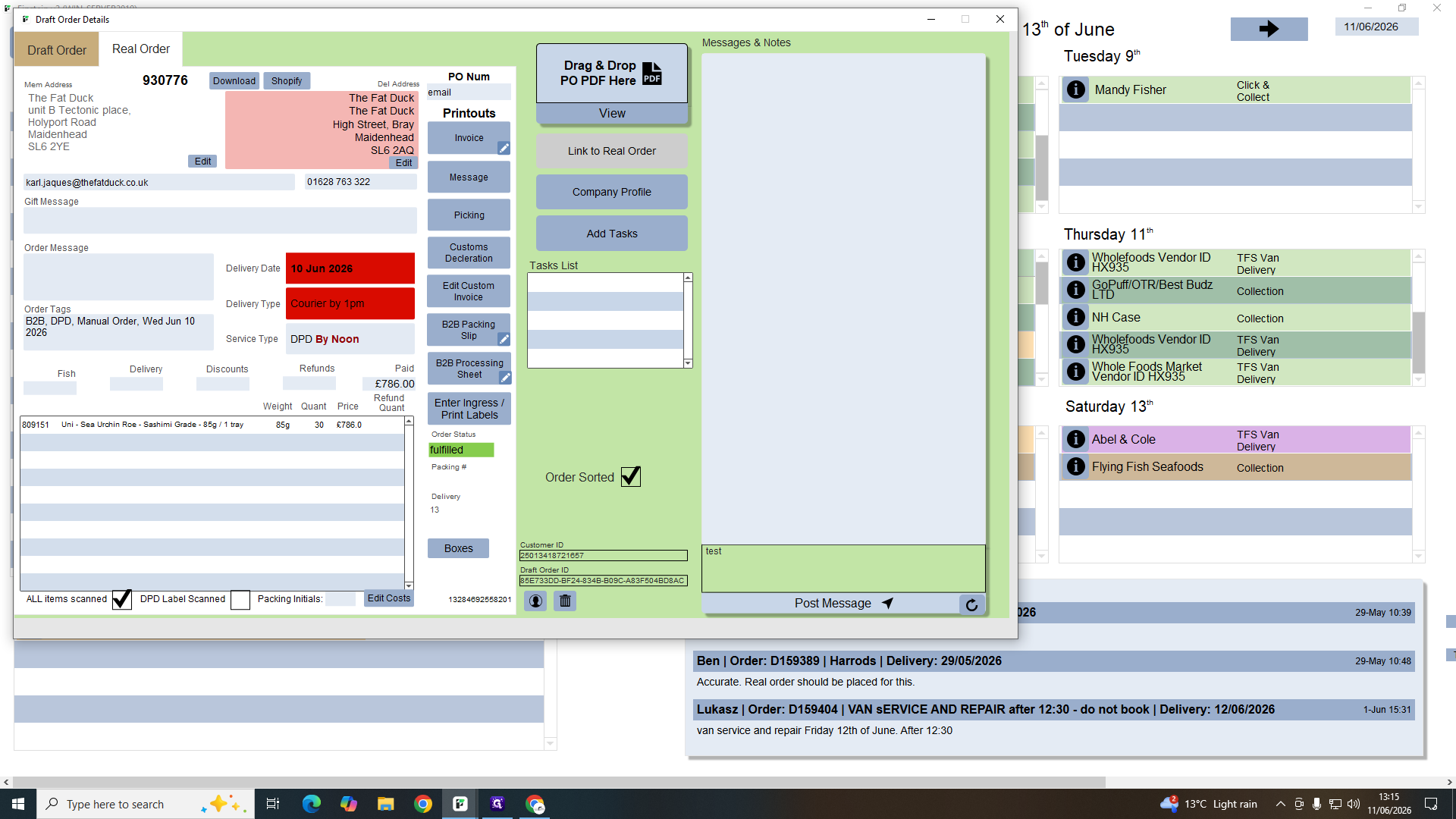
16
Click a scheduled delivery block to view the draft order details.
Step #16: Click a scheduled delivery block to view the draft order details.
17
Type a status update into the note field and click Post Message to inform the team.
Step #17: Type a status update into the note field and click Post Message to inform the team.

Daily Stock Summaries and Purchasing
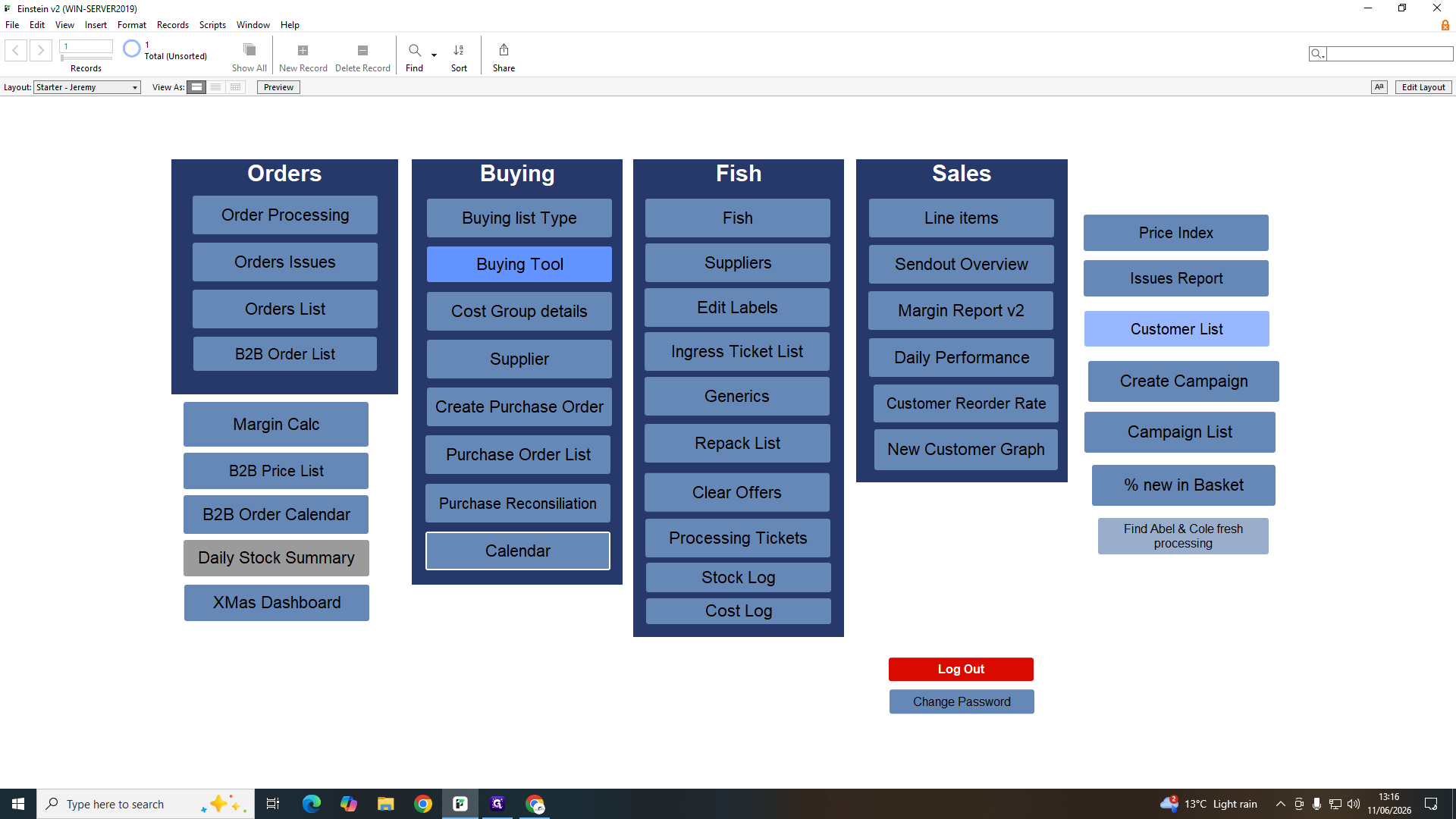
18
Click Daily Stock Summary to monitor daily inventory values.
Step #18: Click Daily Stock Summary to monitor daily inventory values.

This table tracks starting balances, value-adds from processing, and deductions resulting from dispatched orders leaving the building.
19
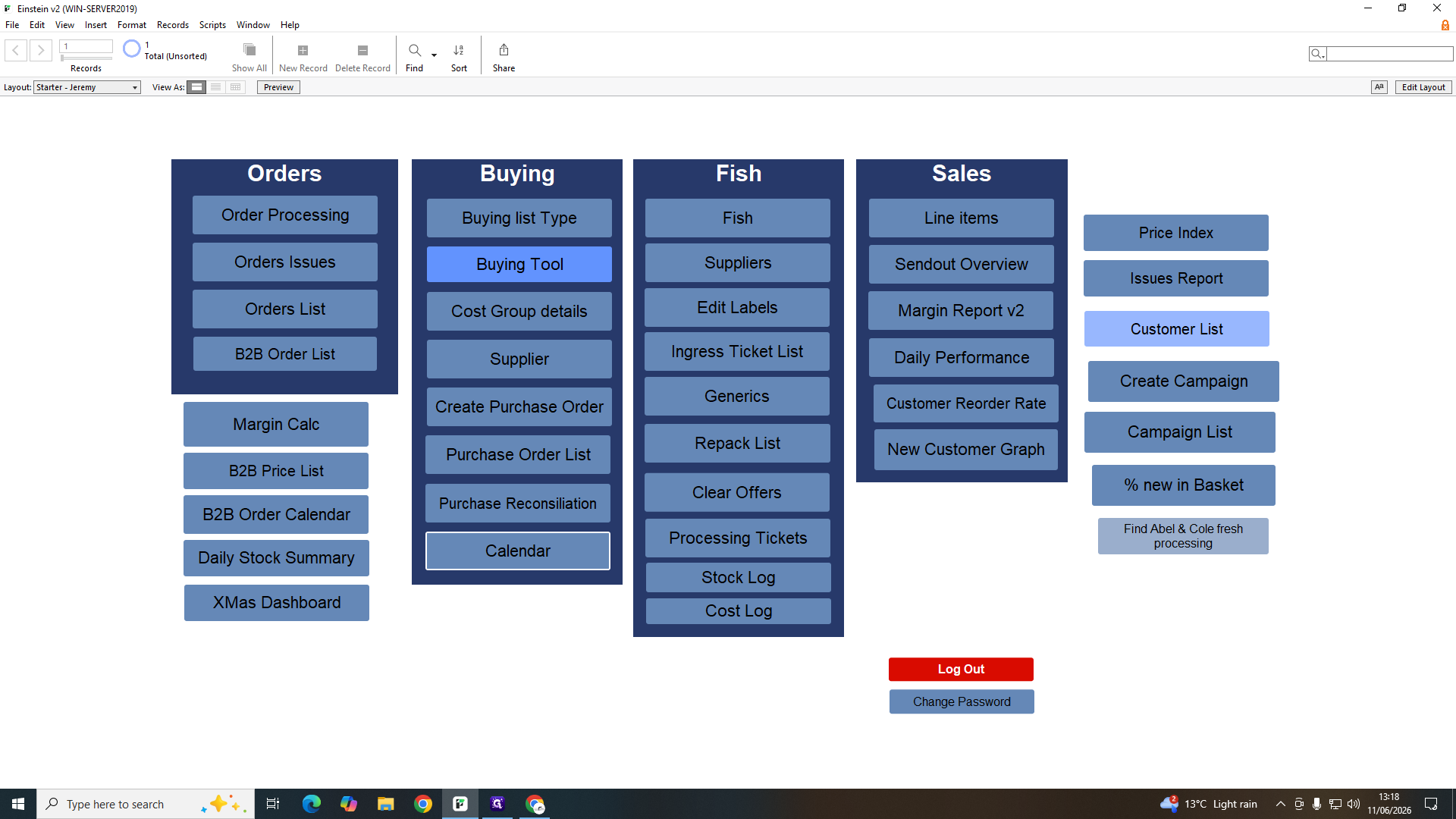
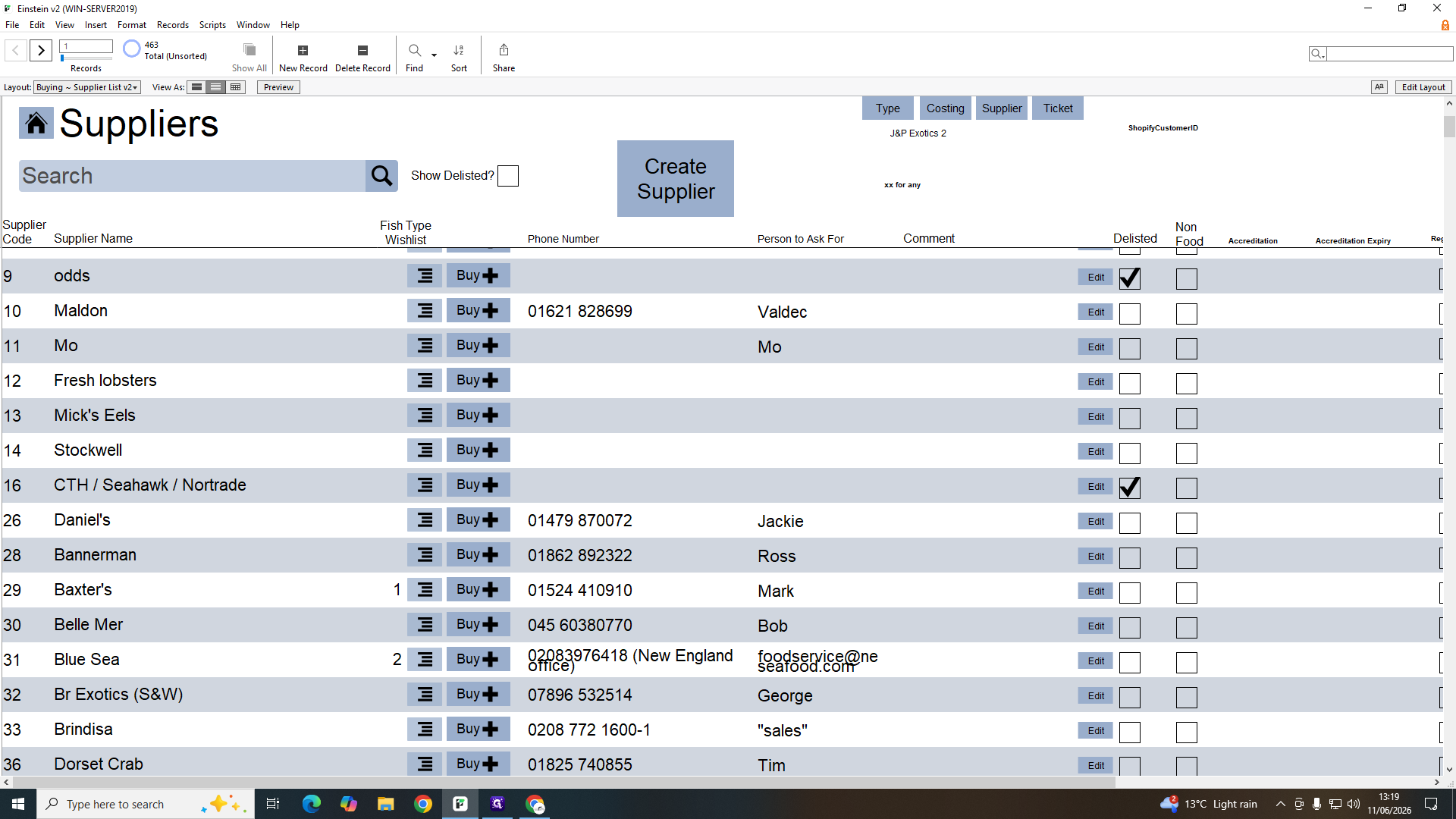
Click Supplier to access the vendor database.
Step #19: Click Supplier to access the vendor database.
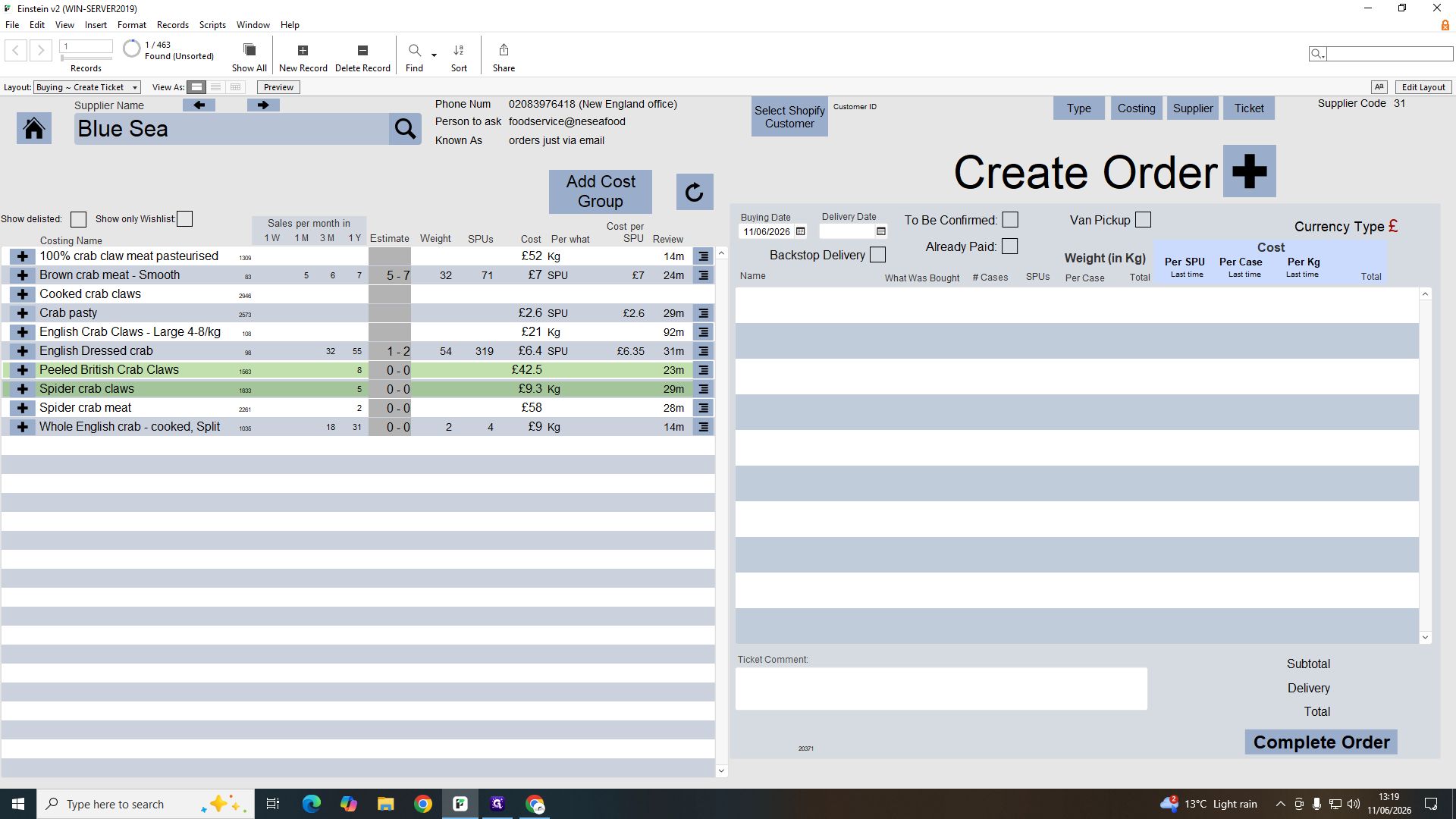
20
Click the Buy icon located on a supplier's row to draft a purchase order.
Step #20: Click the Buy icon located on a supplier's row to draft a purchase order.
21
Select items from the supplier catalog on the left to add them to your order.
Step #21: Select items from the supplier catalog on the left to add them to your order.
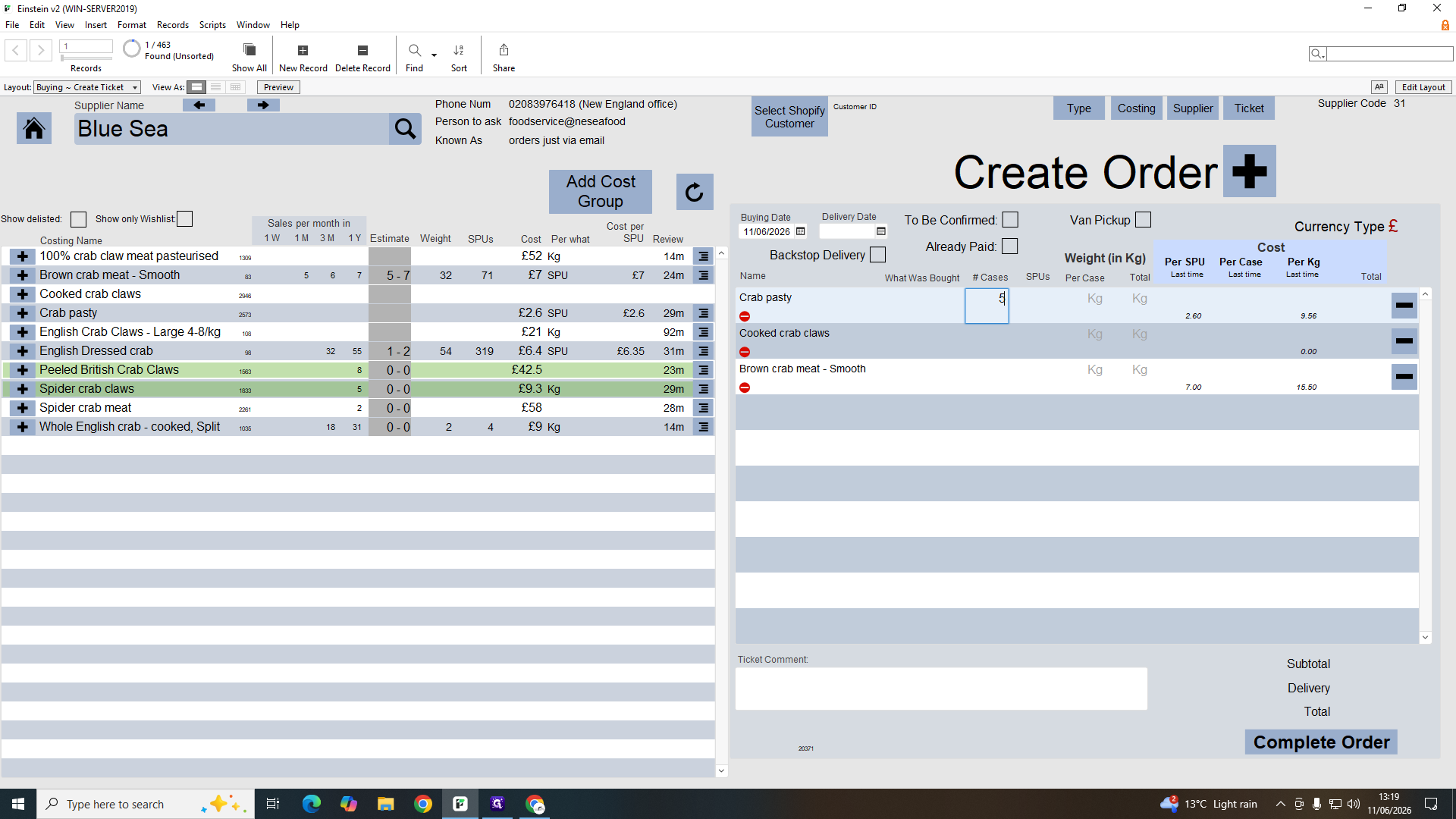
22
Enter the required case quantities for each item and finalize the order.
Step #22: Enter the required case quantities for each item and finalize the order.

Fish Inventory and Pricing Adjustments
23
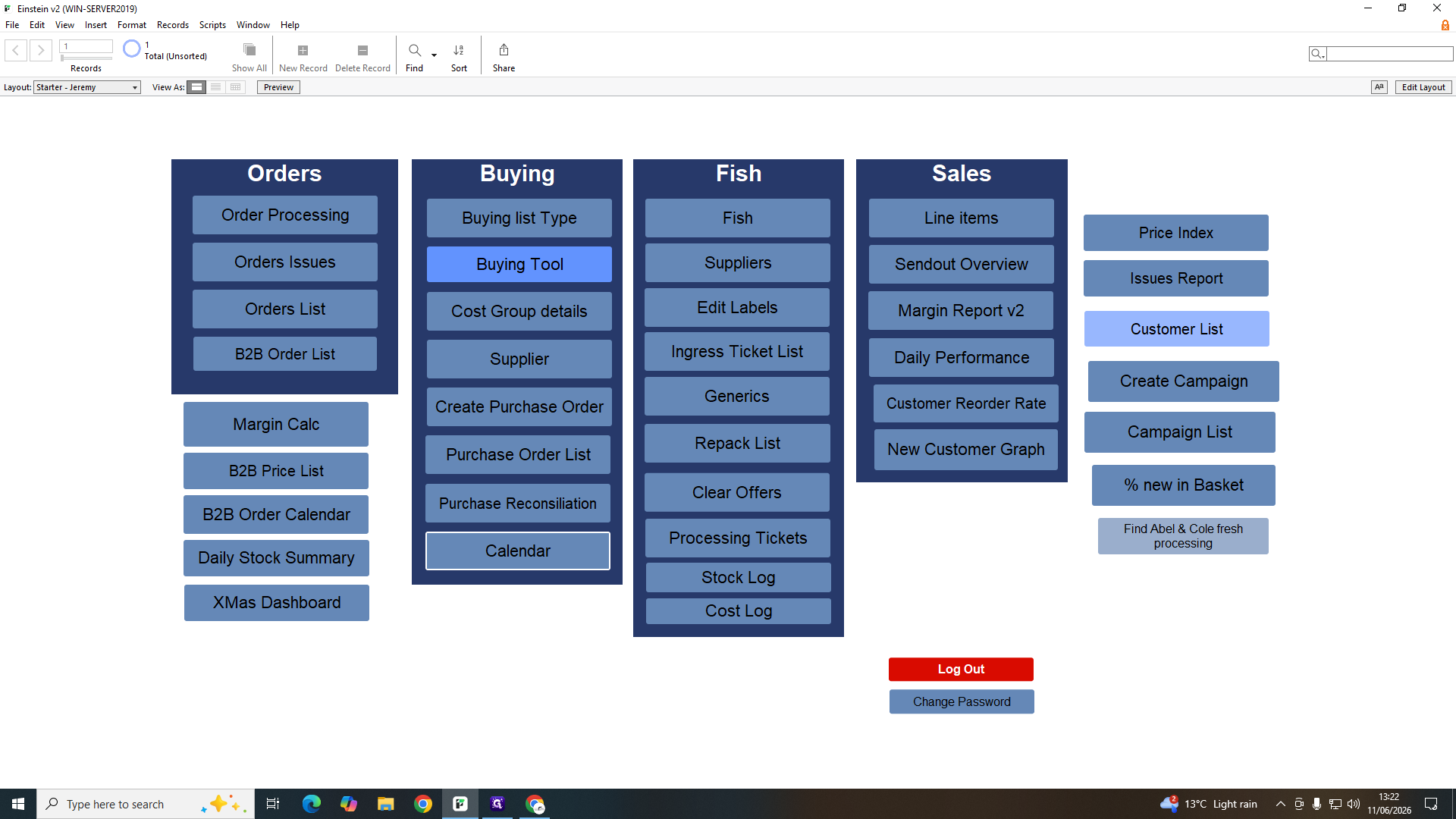
Click Fish to view the master inventory SKU list.
Step #23: Click Fish to view the master inventory SKU list.
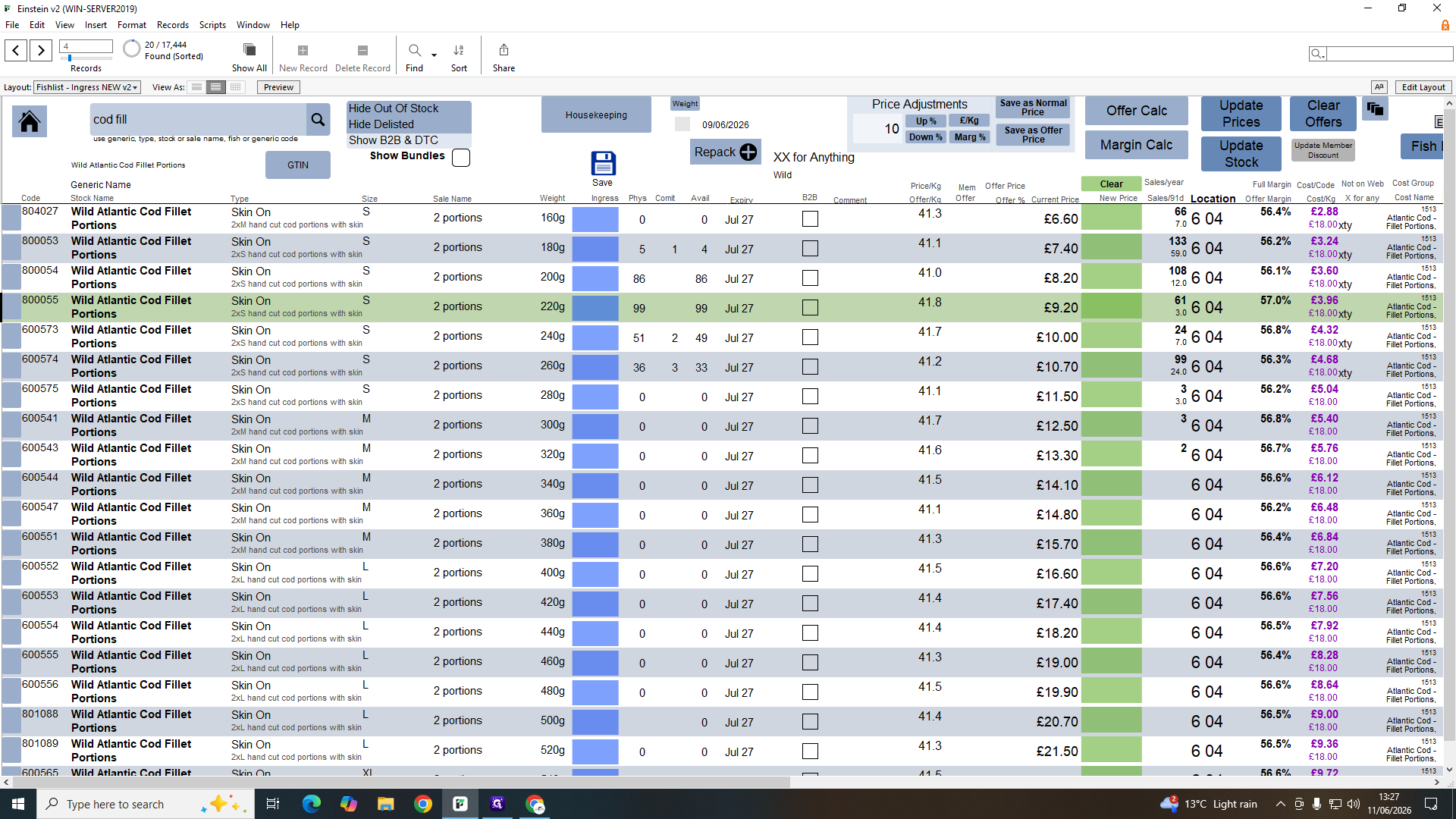
24
Search for a specific product name (e.g., "cod fill") and press Enter to filter the table.

The Fish list uses color-coding to denote the status of different inventory items at a glance:

Row Color

Meaning

Purple

B2B - Items specifically designated for business-to-business sales.

Orange

Internal Use - Bulk boxes or unsplit raw materials not available for retail sale.

Red

Unsplit - Items awaiting processing in the repack room.

25
Enter a numeric value into the price adjustment box.
26
Click an adjustment method to recalculate the selected product's price.
Step #26: Click an adjustment method to recalculate the selected product's price.

You can alter the pricing structure using four different methods:

Adjustment Type

Function

Up %

Increases the current price by the specified percentage.

Down %

Decreases the current price by the specified percentage.

Marg %

Recalculates the price to lock in a specific profit margin percentage.

£ / Kg

Manually overwrites the item to a fixed price per kilogram.

Editing Product Labels

27
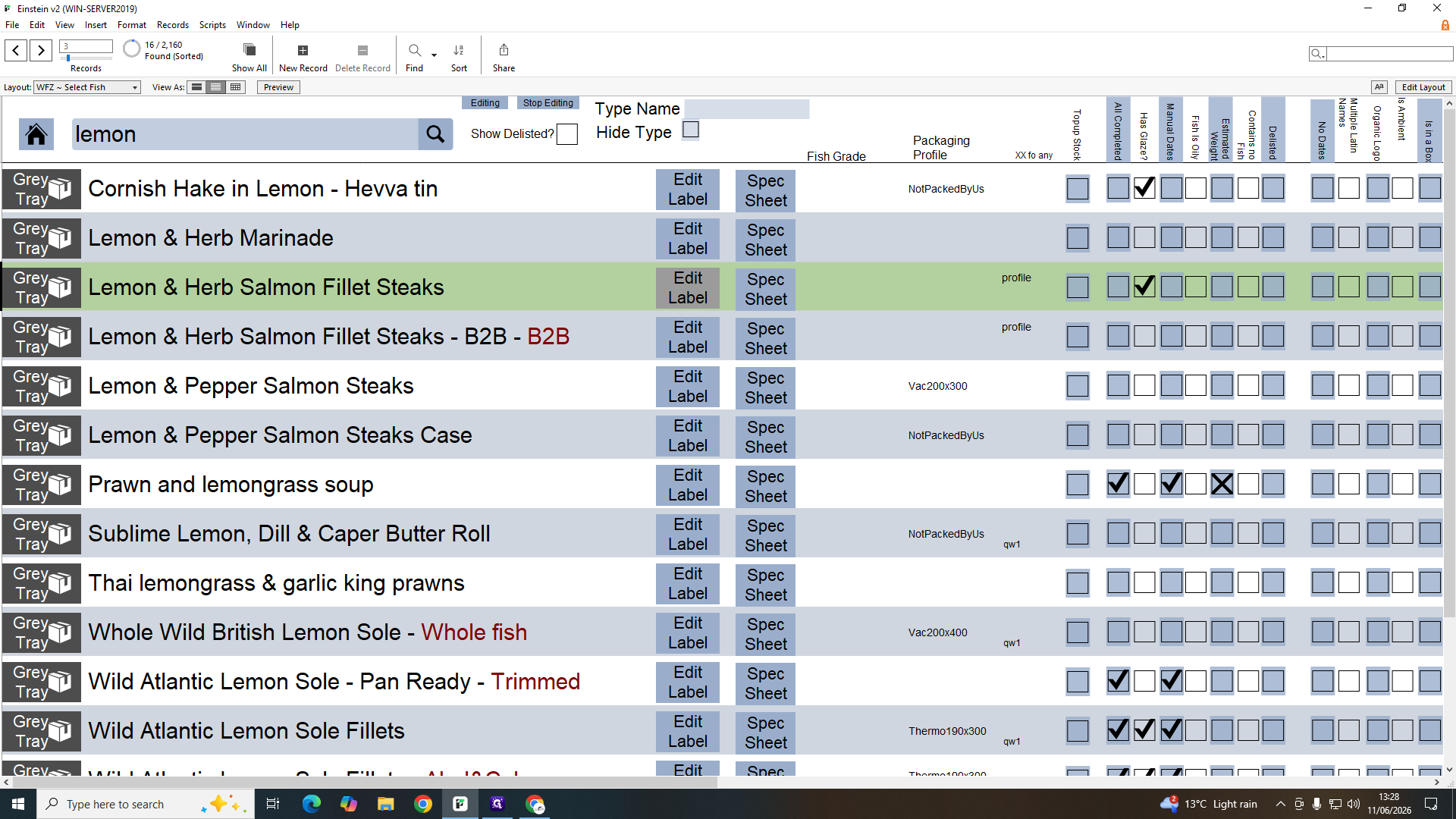
Search for a specific product (e.g., "lemon") from the database interface.
28
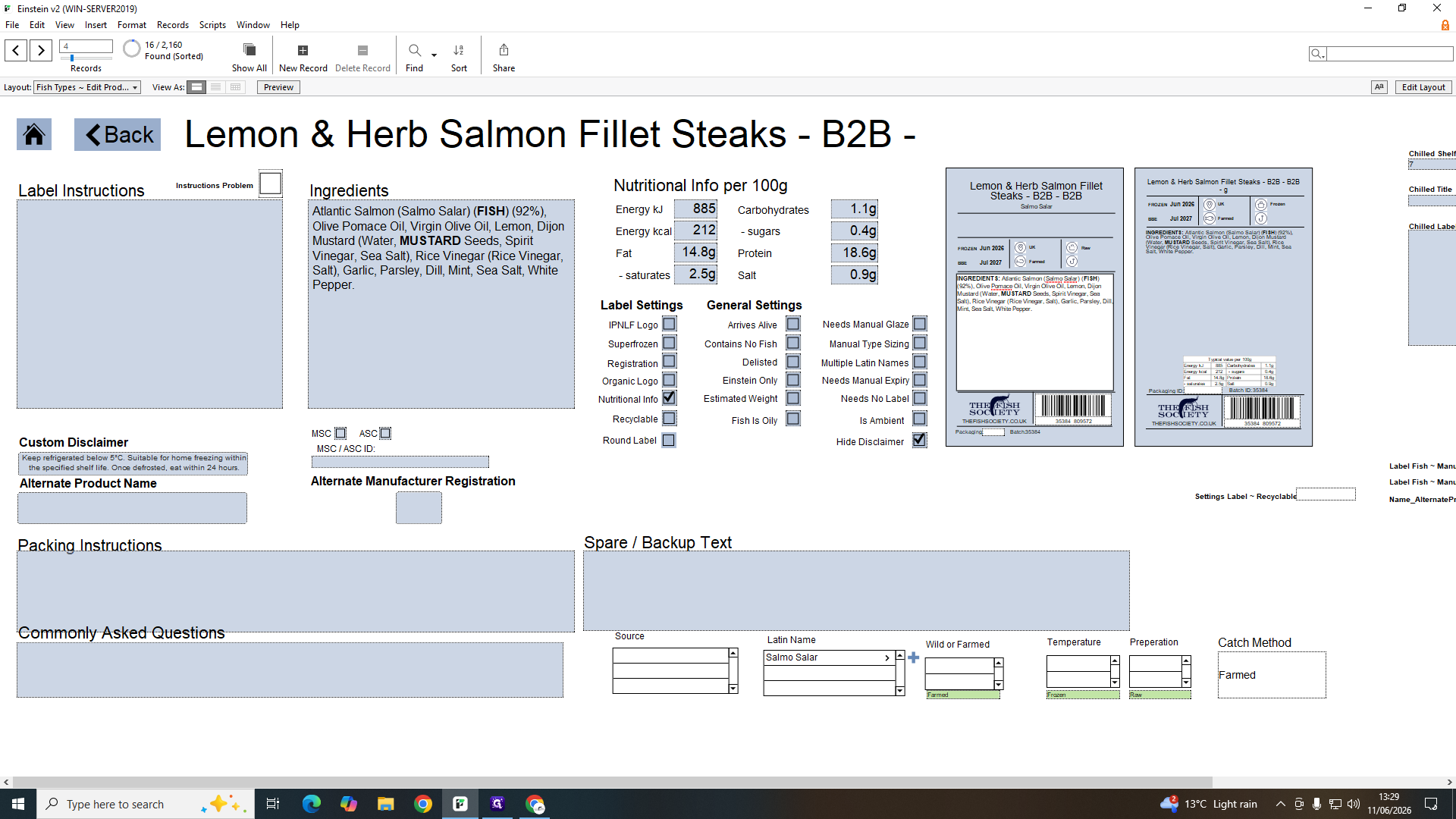
Click Edit Label on the product row to open the packaging specifications.
Step #28: Click Edit Label on the product row to open the packaging specifications.
29
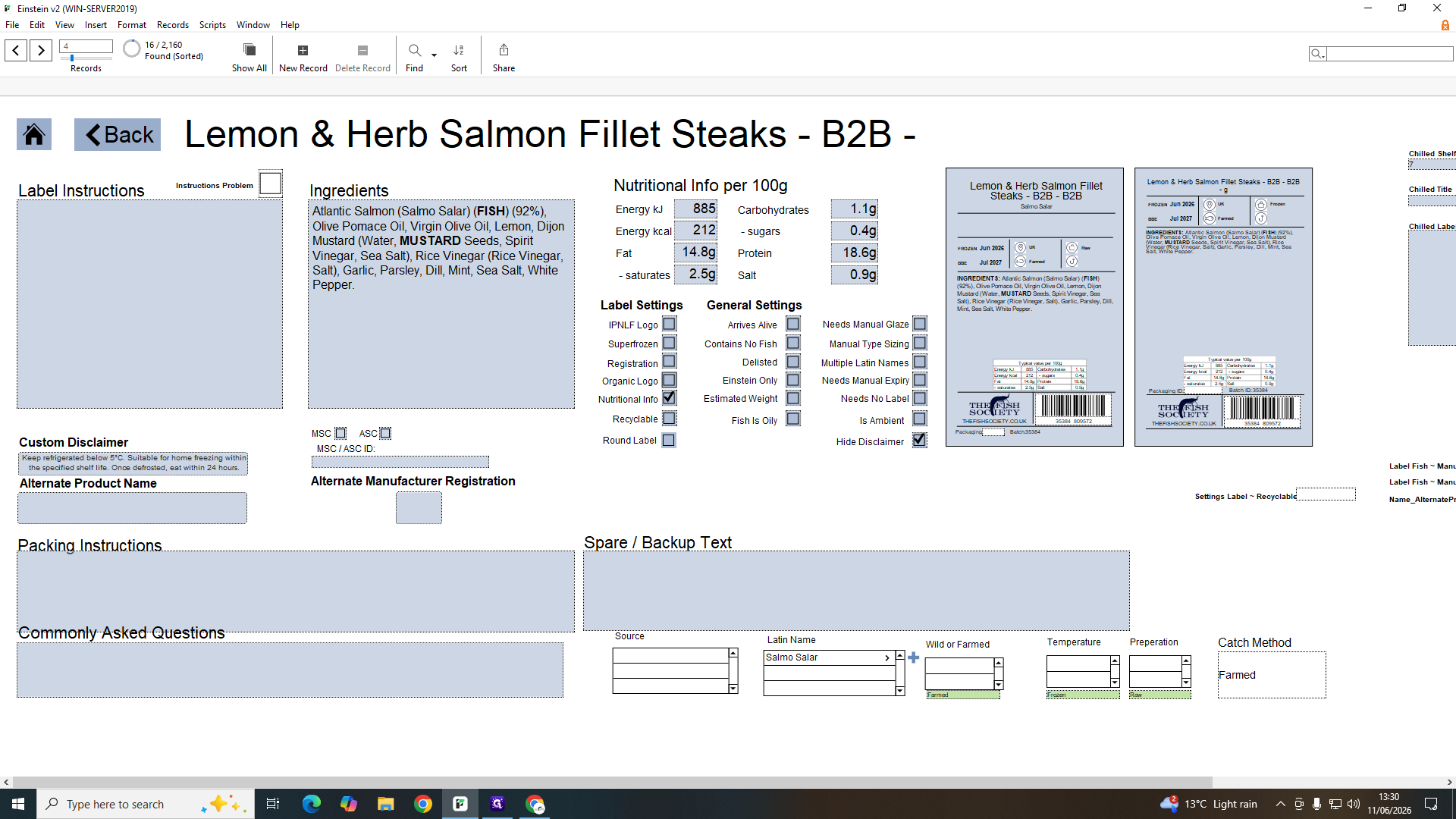
Double-click the ingredients or nutritional fields to update the text printed on the label.
Step #29: Double-click the ingredients or nutritional fields to update the text printed on the label.
30
Double-click dropdown fields (such as Wild or Farmed) to toggle mandatory compliance settings.
Step #30: Double-click dropdown fields (such as Wild or Farmed) to toggle mandatory compliance settings.

Adding Ingress Shipments to Stock

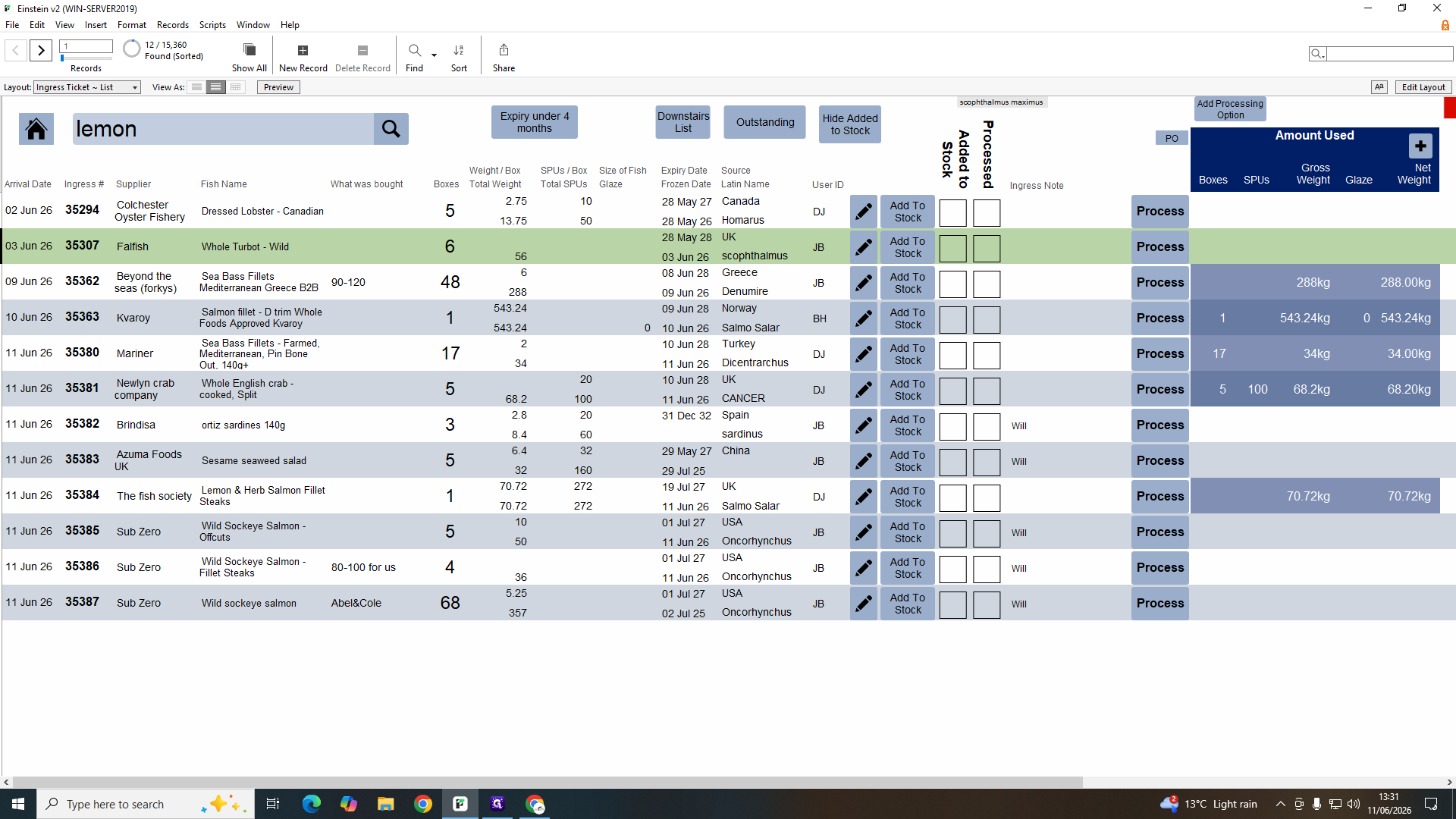
When shipments arrive, they sit in the "ingress" queue until operations formally clears them into the digital freezer inventory.
31
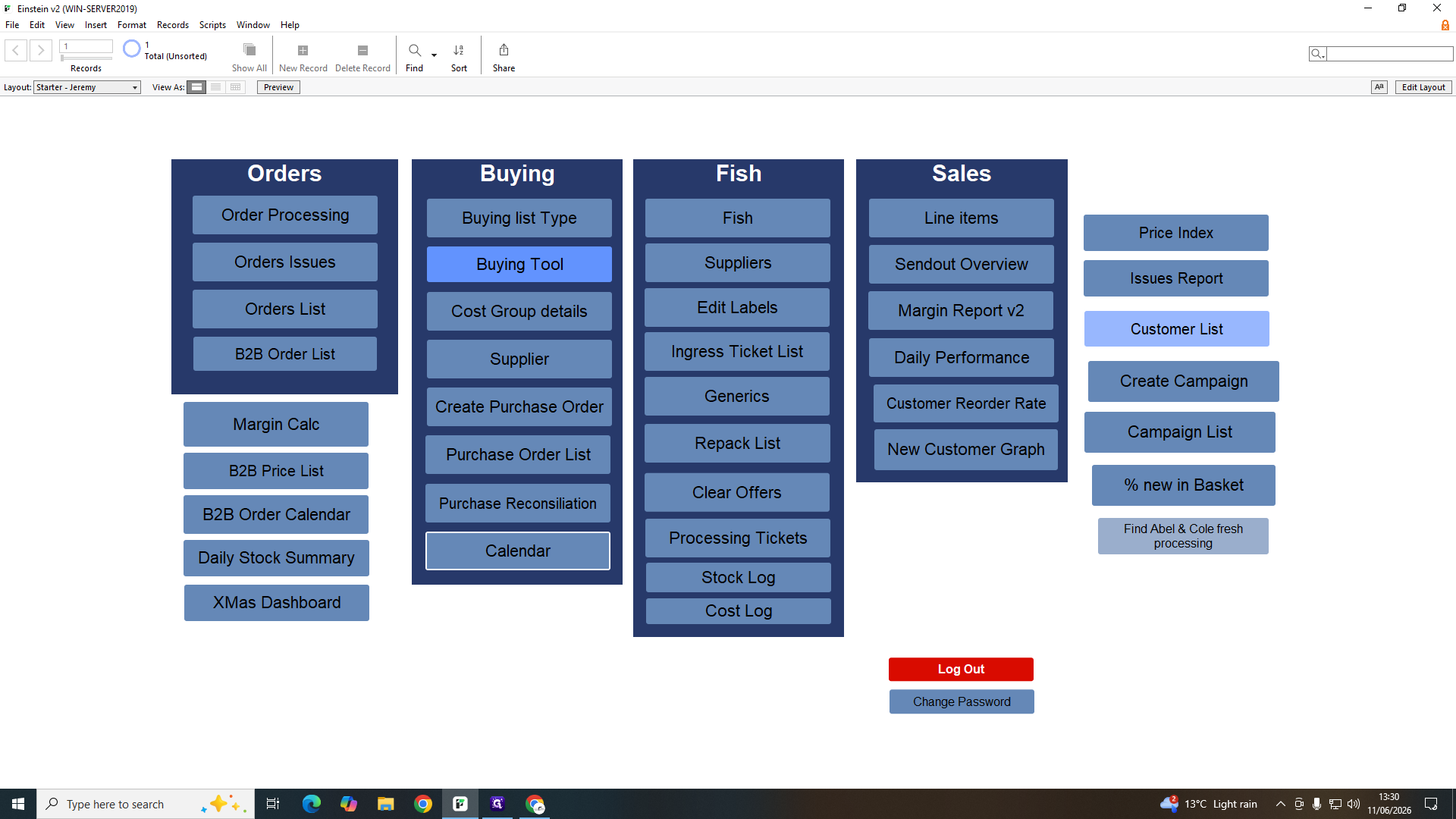
Click List under the stock processing section to view pending arrivals.
Step #31: Click List under the stock processing section to view pending arrivals.
32
Double-click an item row to review its received details.
Step #32: Double-click an item row to review its received details.
33
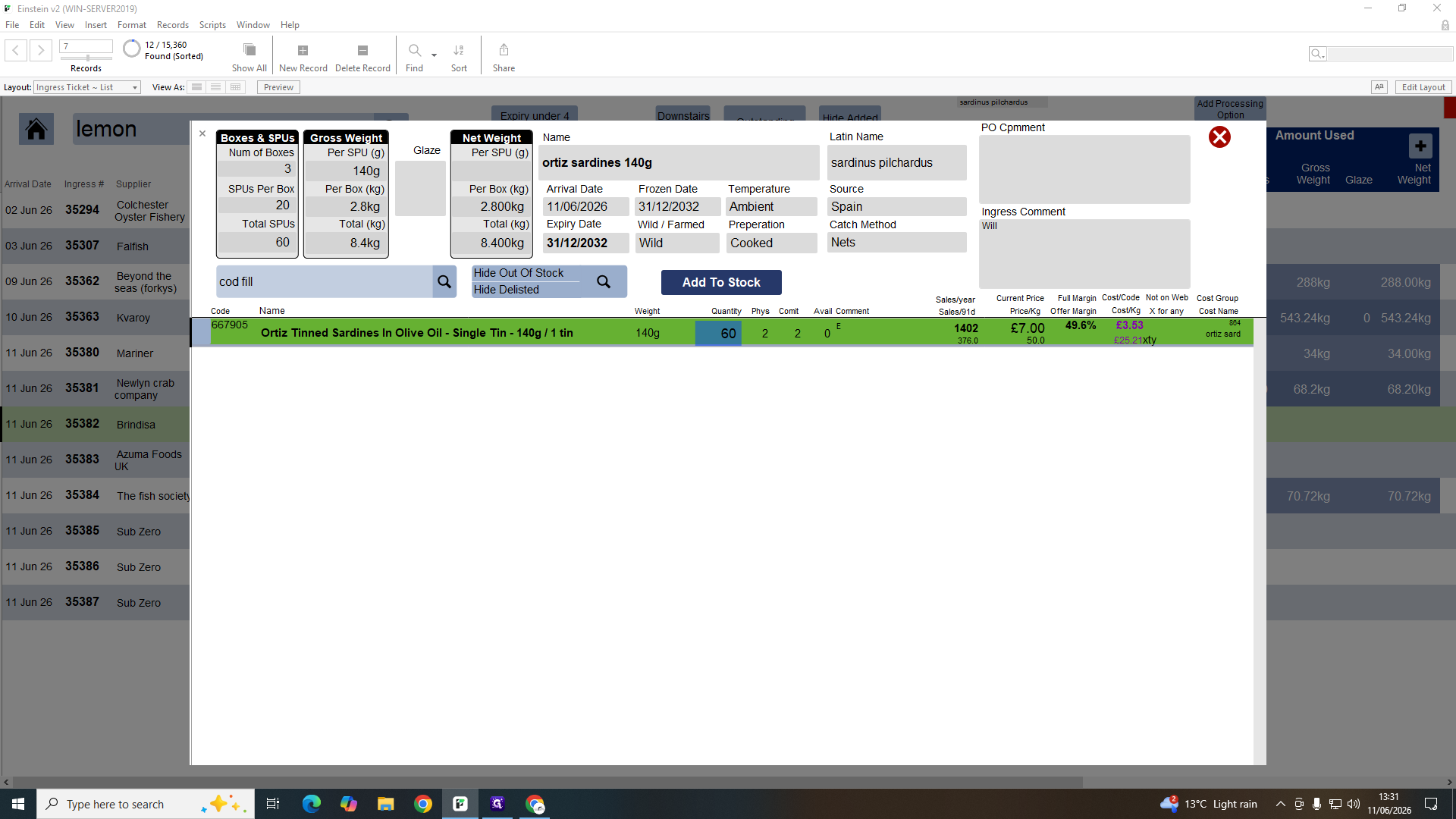
Type the received quantity.
34
Click Add To Stock to formally push the inventory into the database.
Step #34: Click Add To Stock to formally push the inventory into the database.
35
Select Ingress on the prompt to return to the active list without opening the complex costing ticket.
Step #35: Select Ingress on the prompt to return to the active list without opening the complex costing ticket.

Q: What is the difference between the Einstein order list and Shopify?

A: They are an identical mirror. When a customer orders online via Shopify, it instantly populates into Einstein. If you manually input a phone or B2B order into Einstein, it pushes back into Shopify.

Q: What happens to a dispatch batch if we exceed the 75-order limit?

A: The warehouse shelves support up to 75 boxes. If daily volume exceeds this limit, the system automatically overflows the remaining orders into a second batch.

Q: Why do daily orders appear as negative values on the stock summary?

A: Orders represent physical stock leaving the building. As dispatch finalizes at the end of the day, those items are subtracted from your on-hand stock valuation.

Q: How often does the fish inventory list update available stock?

A: Physical commitments update instantly when a customer checks out online. The total physical stock count is permanently reduced during the overnight processing sweep once items are confirmed as dispatched.

Q: Should I untick the B2B checkbox once an item is sold?

A: No, the B2B tick is a permanent visual marker designed to distinguish wholesale business stock from direct-to-consumer retail inventory.

Term

Definition

Einstein v2

The custom internal database software used for managing orders, logistics, and inventory.

Ingress

The process of logging incoming shipments from suppliers before they are officially cleared into stock.

Traceability

The practice of scanning batch numbers into individual orders to track product origins.

Repack Room

The processing facility where bulk raw materials are portioned and packaged into retail units.

Picking Ticket

A printed dispatch document instructing warehouse staff on the freezer locations and quantities required for a batch.