
How to Manage Phone Subaccounts and Sync Call Data
Learn how to manage phone integration subaccounts, consolidate numbers for A2P 10DLC compliance, and sync call recordings and transcriptions using webhooks.
This guide walks through configuring and managing phone integration subaccounts, consolidating numbers for A2P messaging compliance, and ensuring call data and transcriptions sync properly across your CRM and Airtable database. Completing this process ensures accurate call logs, transcriptions, and successful SMS delivery for all client accounts.
This guide is intended for operations managers and agency administrators responsible for managing client phone systems and integrations. Use this workflow when setting up new client accounts, consolidating numbers for compliance, or troubleshooting missing call transcriptions in your database.
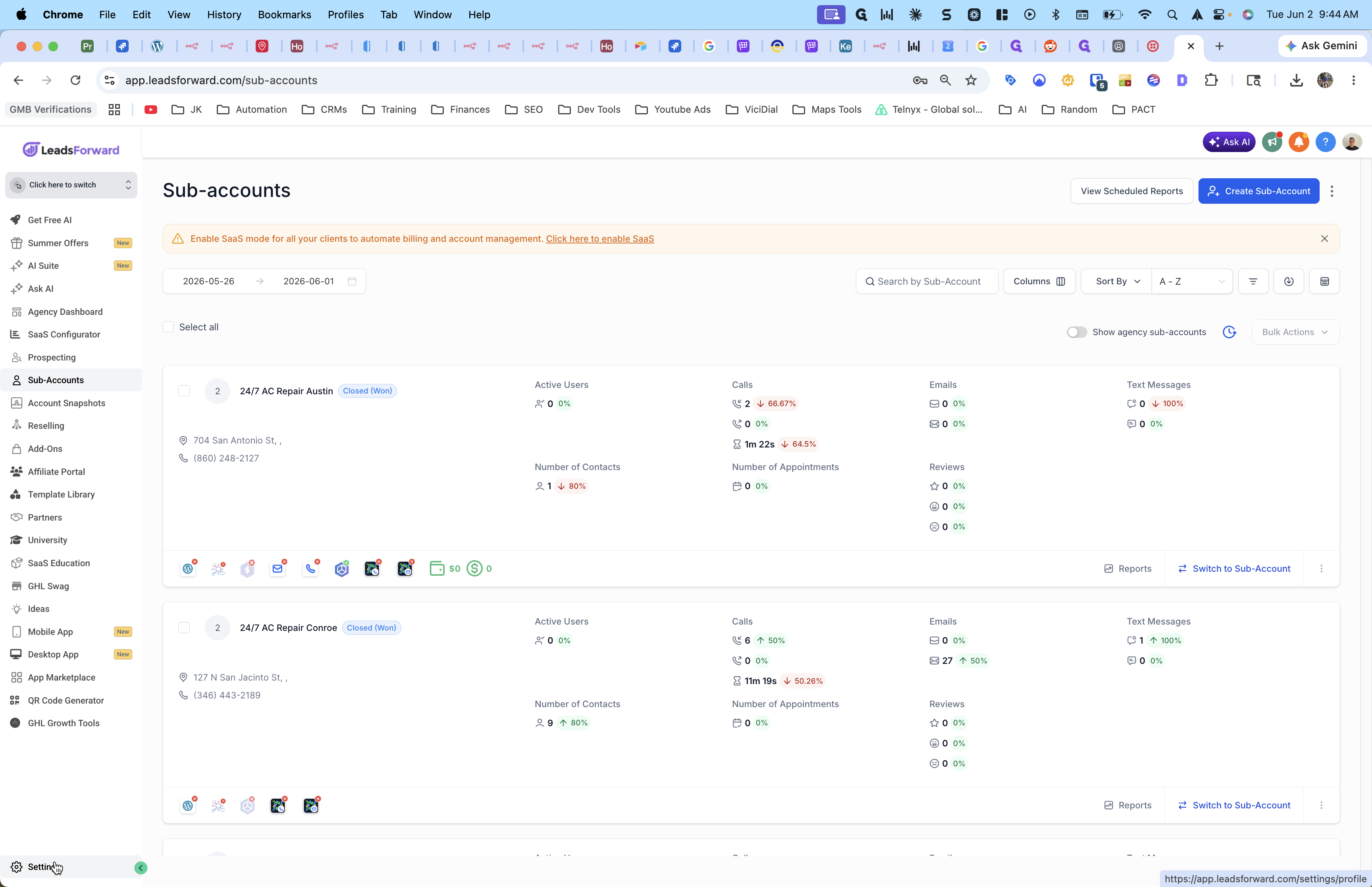
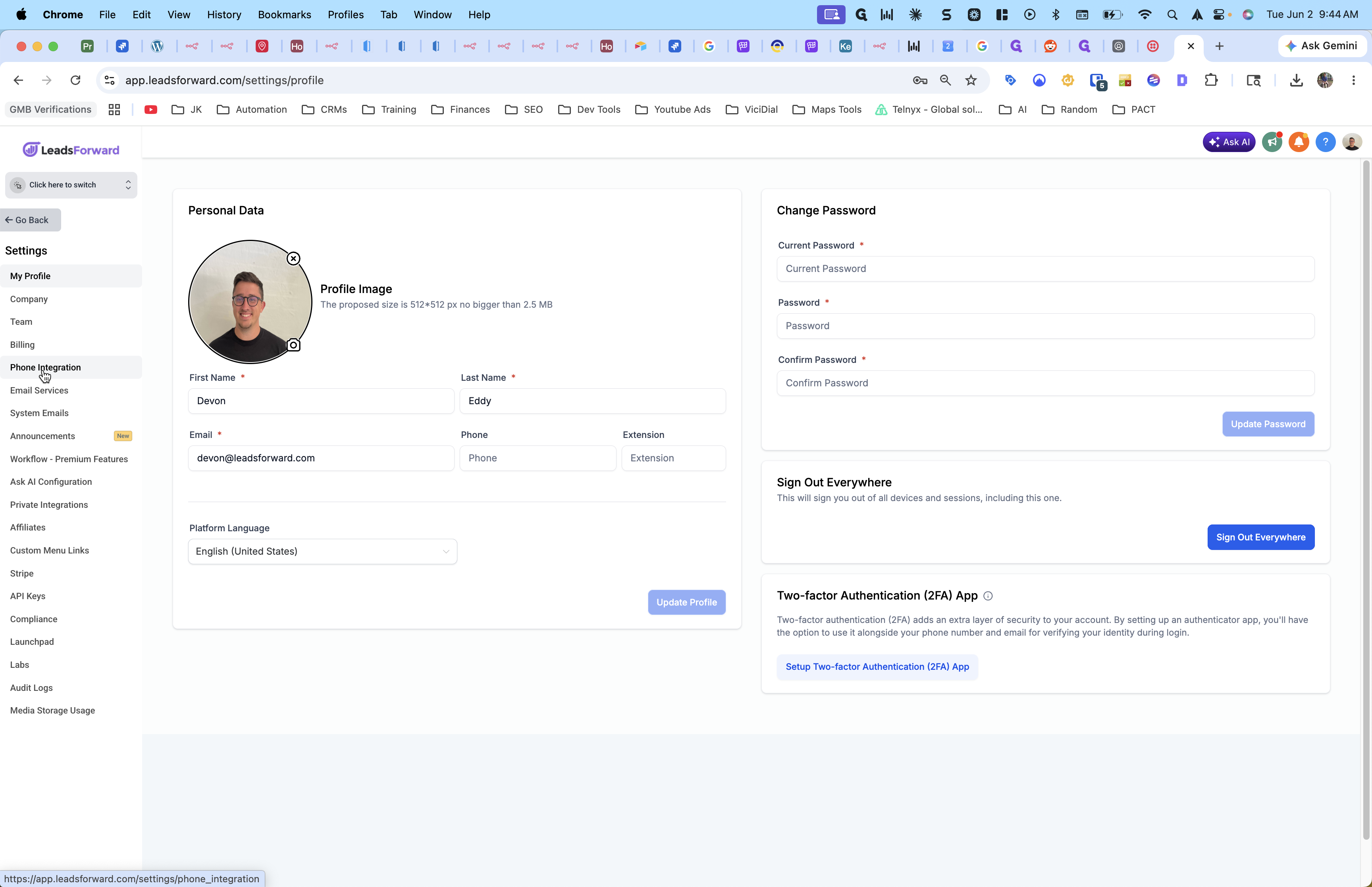
Accessing Phone Integration
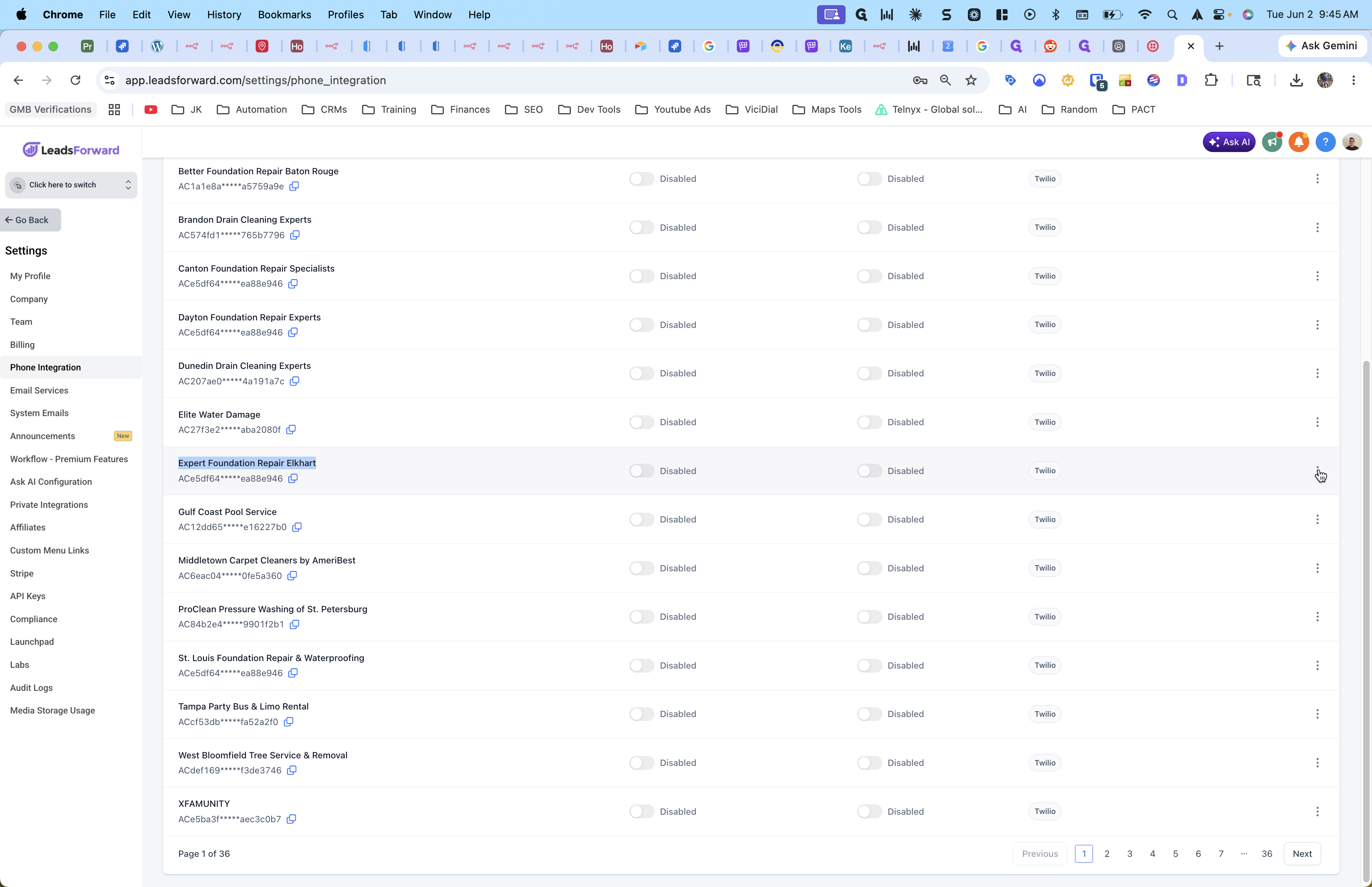
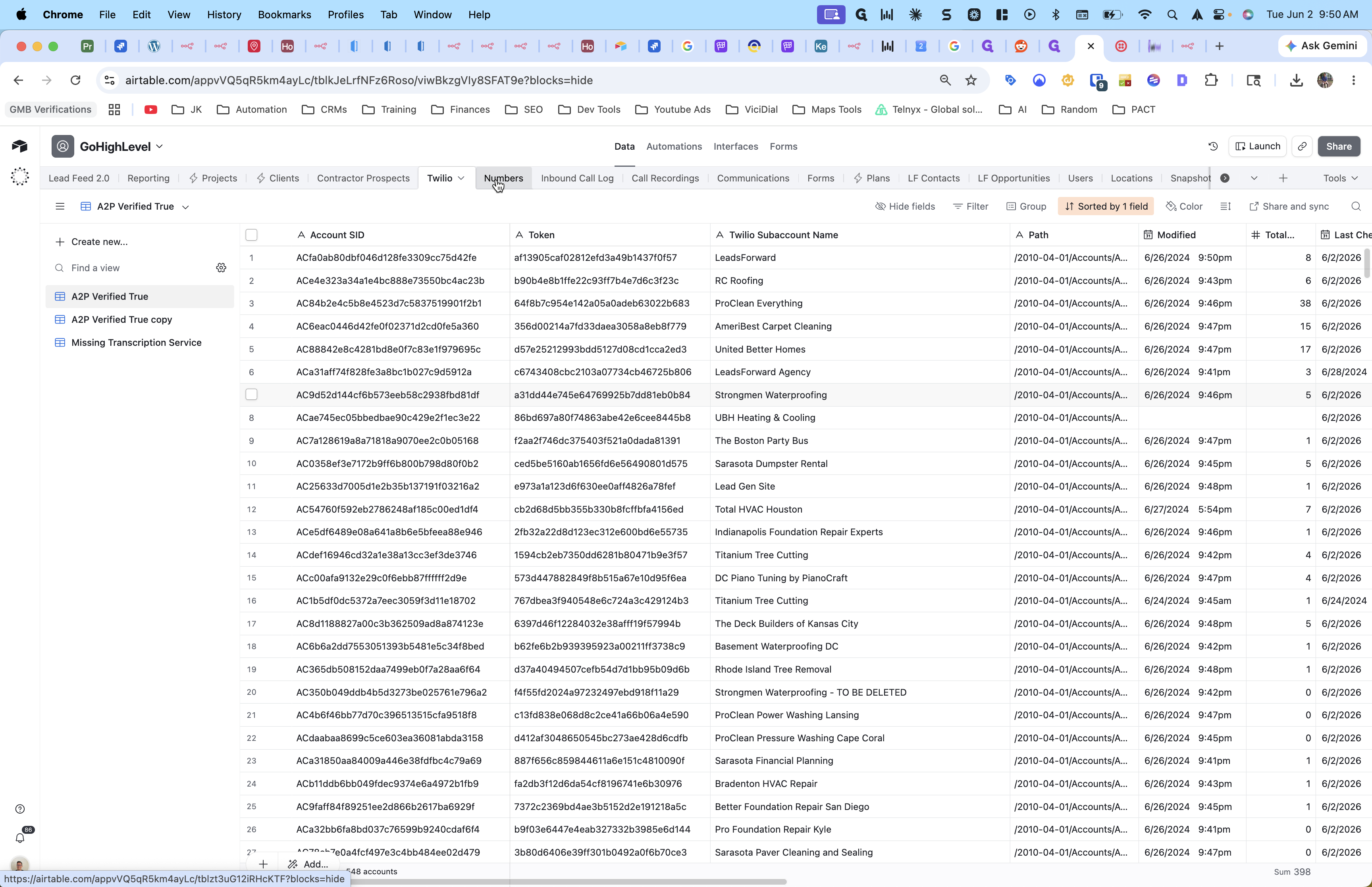
By default, creating a subaccount in the CRM creates a mirrored subaccount in Twilio. You can manage these connections in your settings.
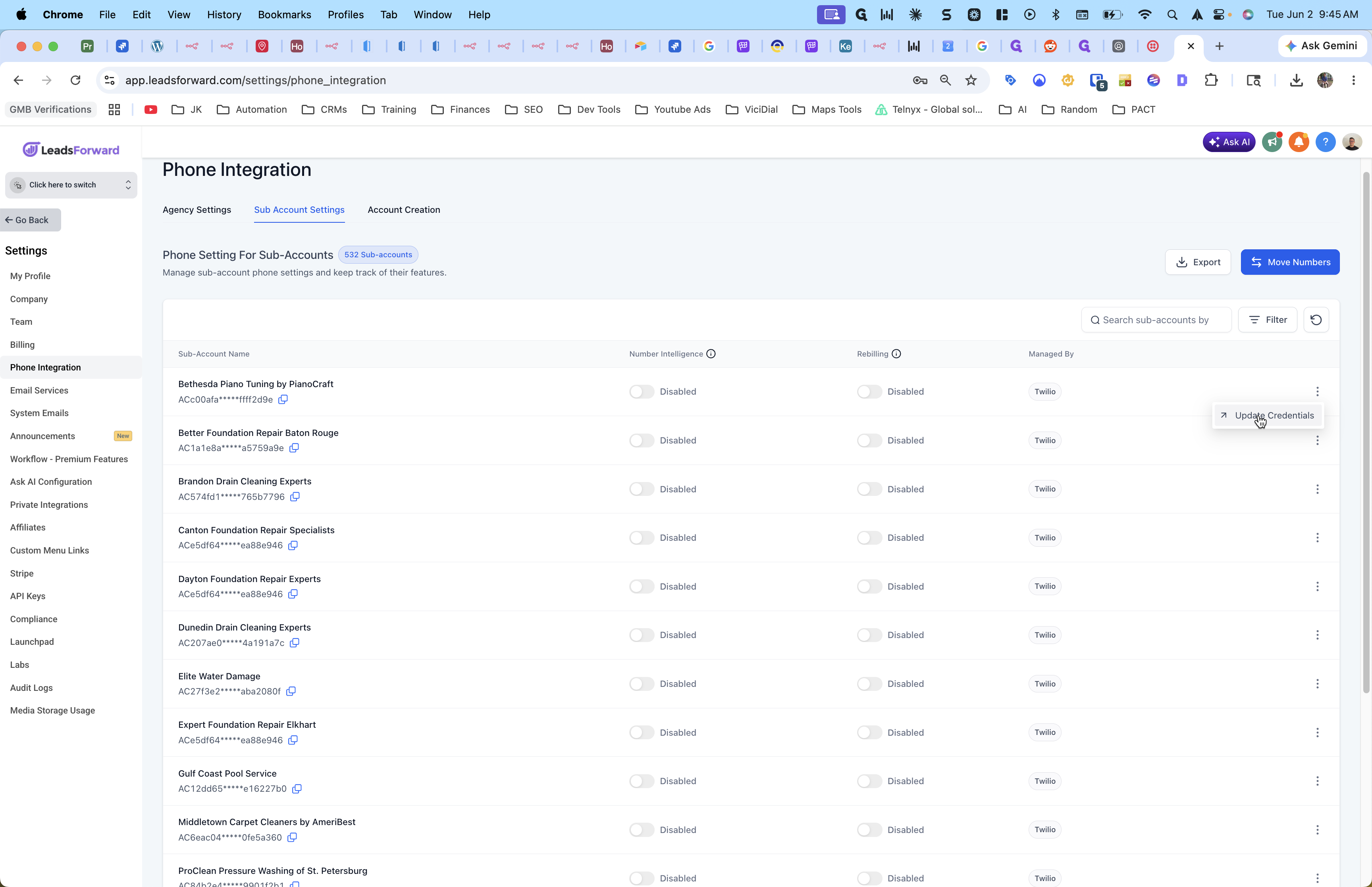
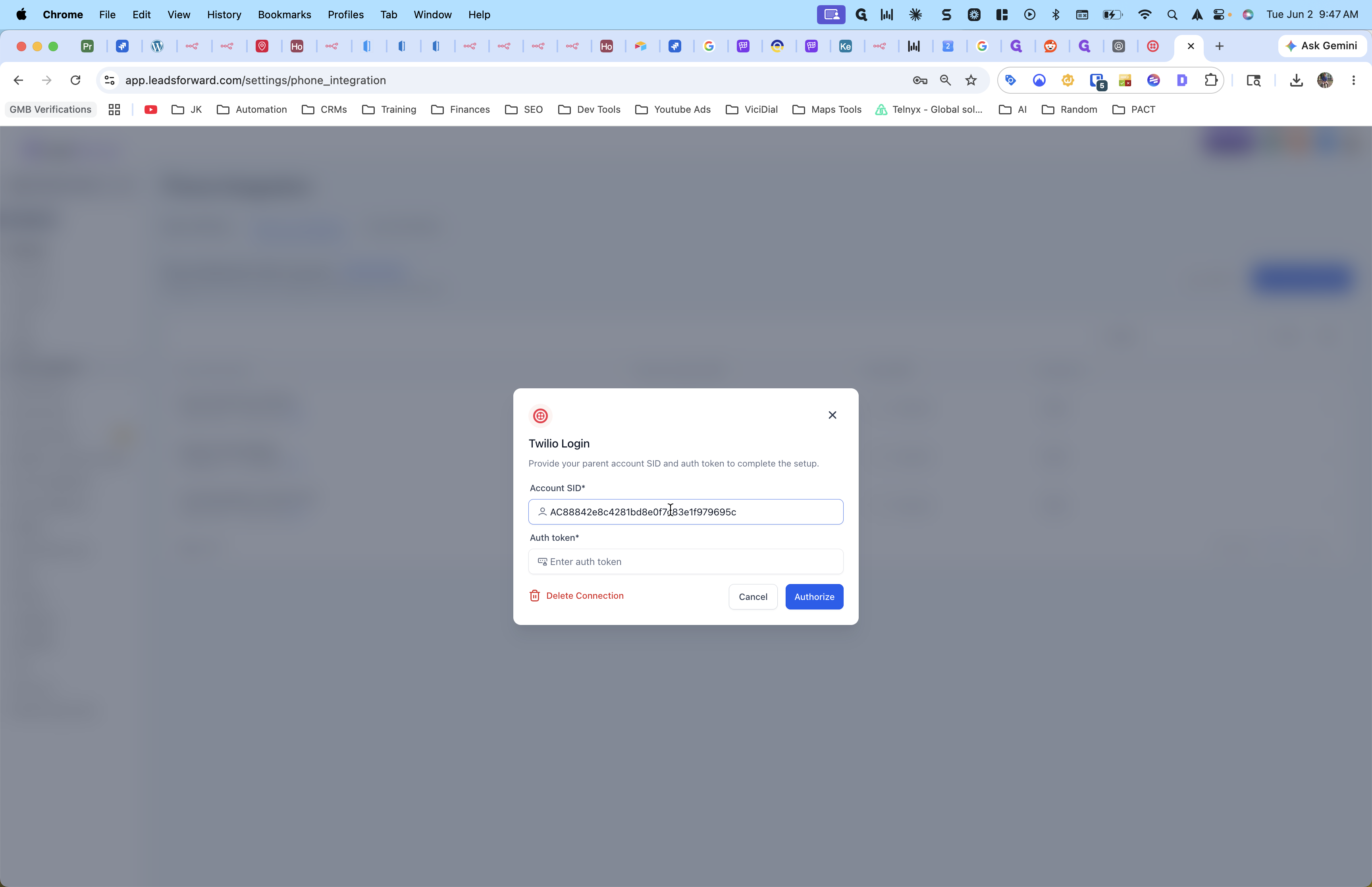
Updating Twilio Credentials
If you need to connect a specific CRM subaccount to a different Twilio subaccount, you can override its default connection.
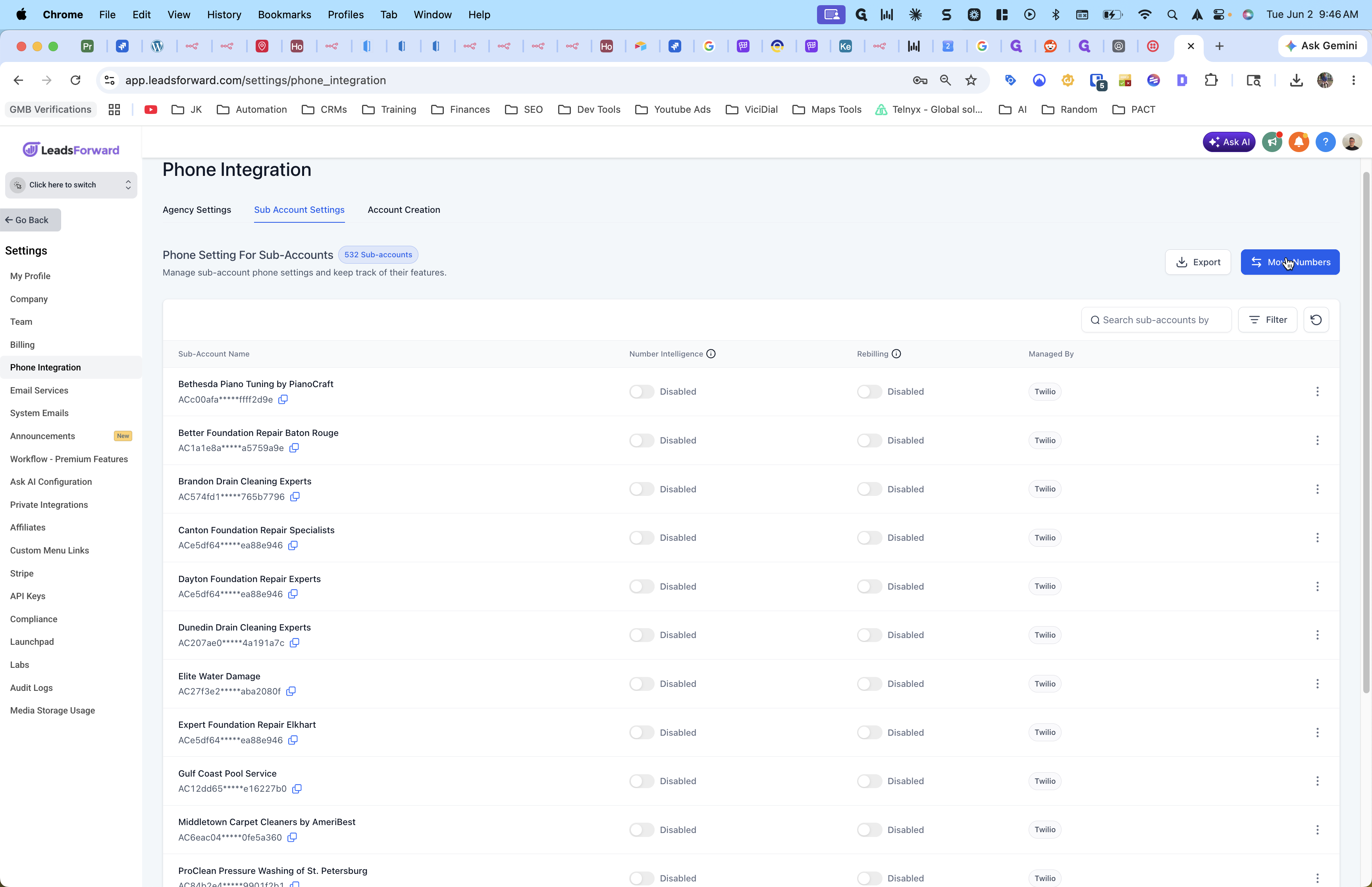
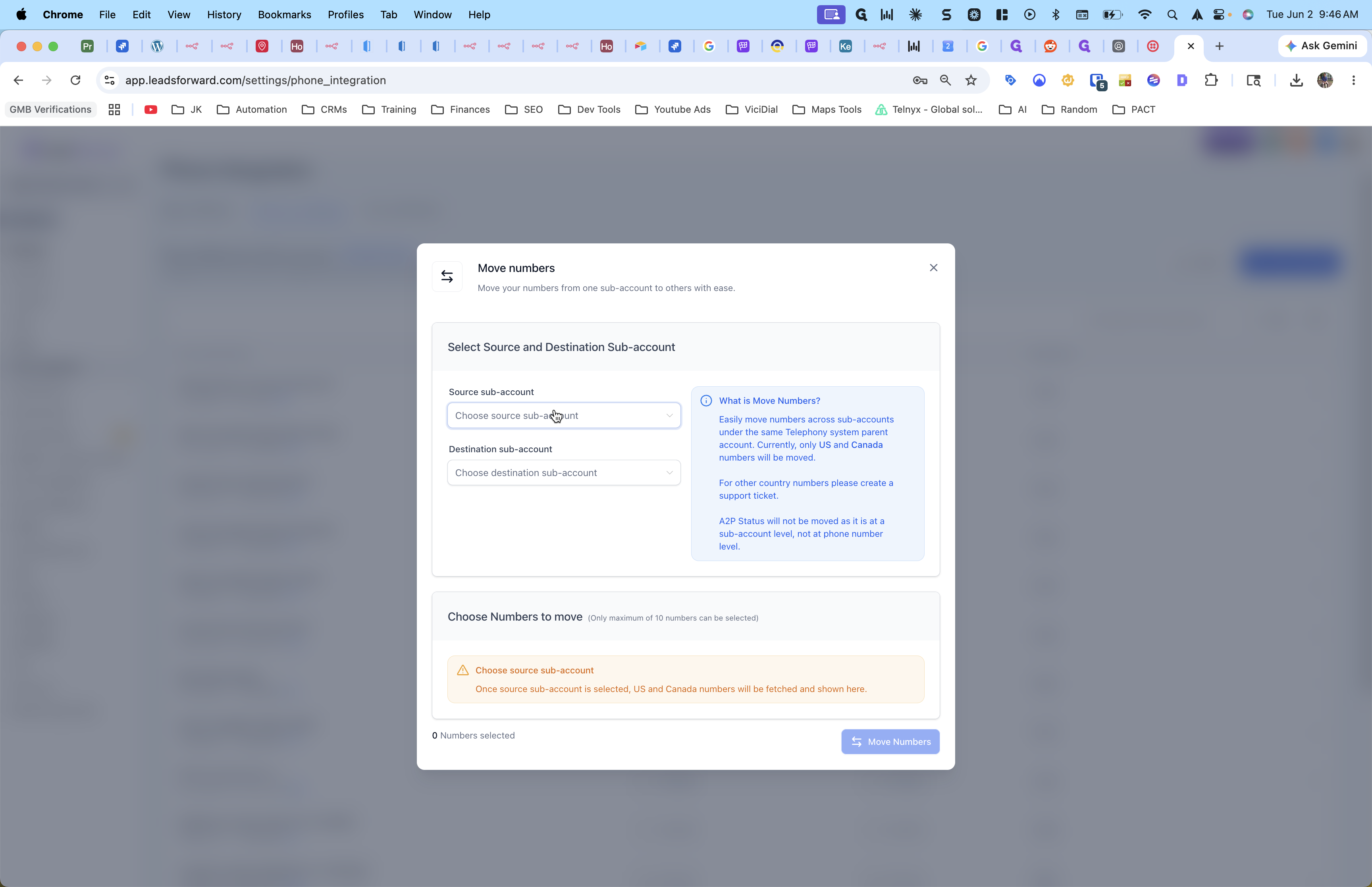
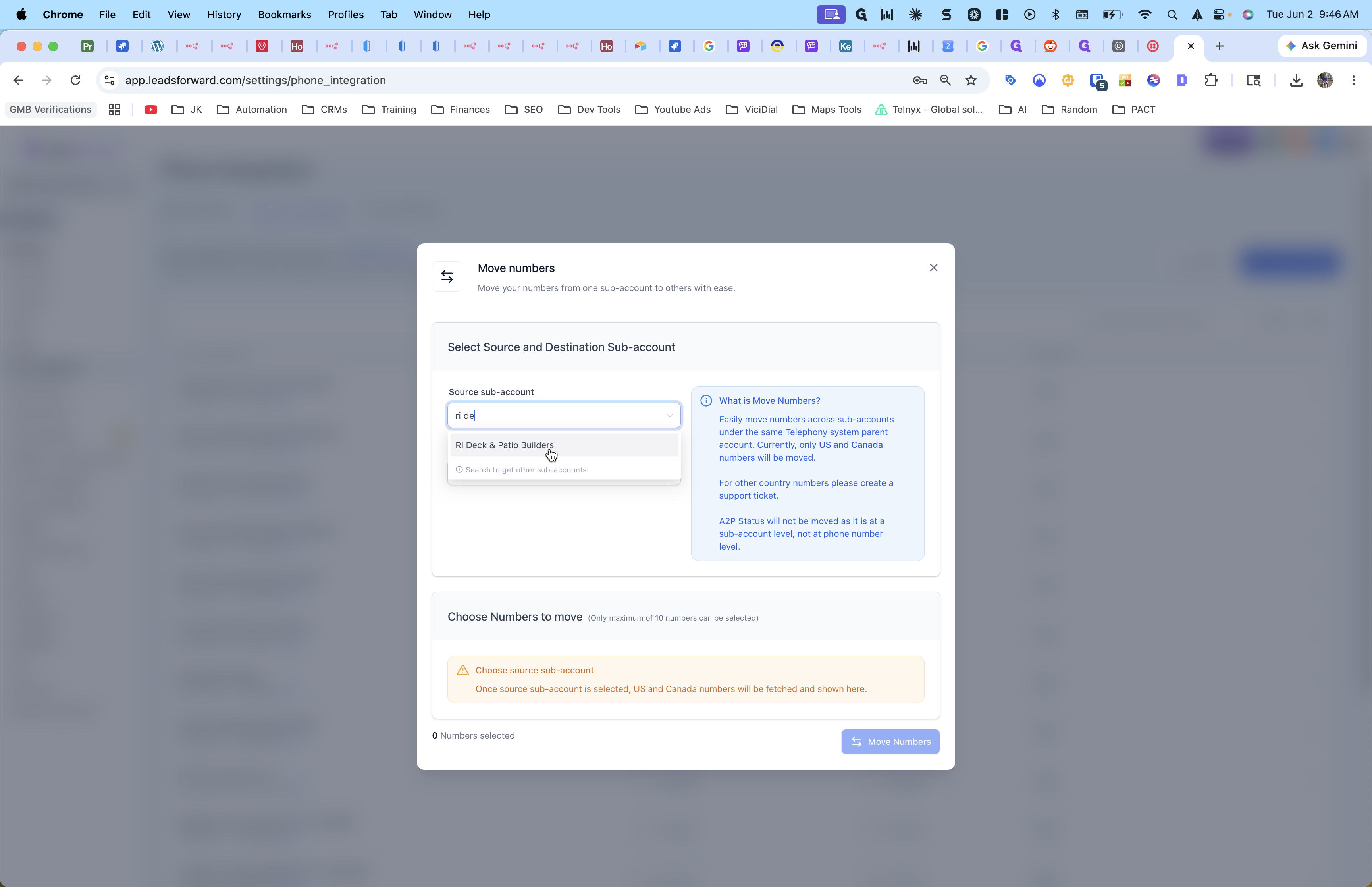
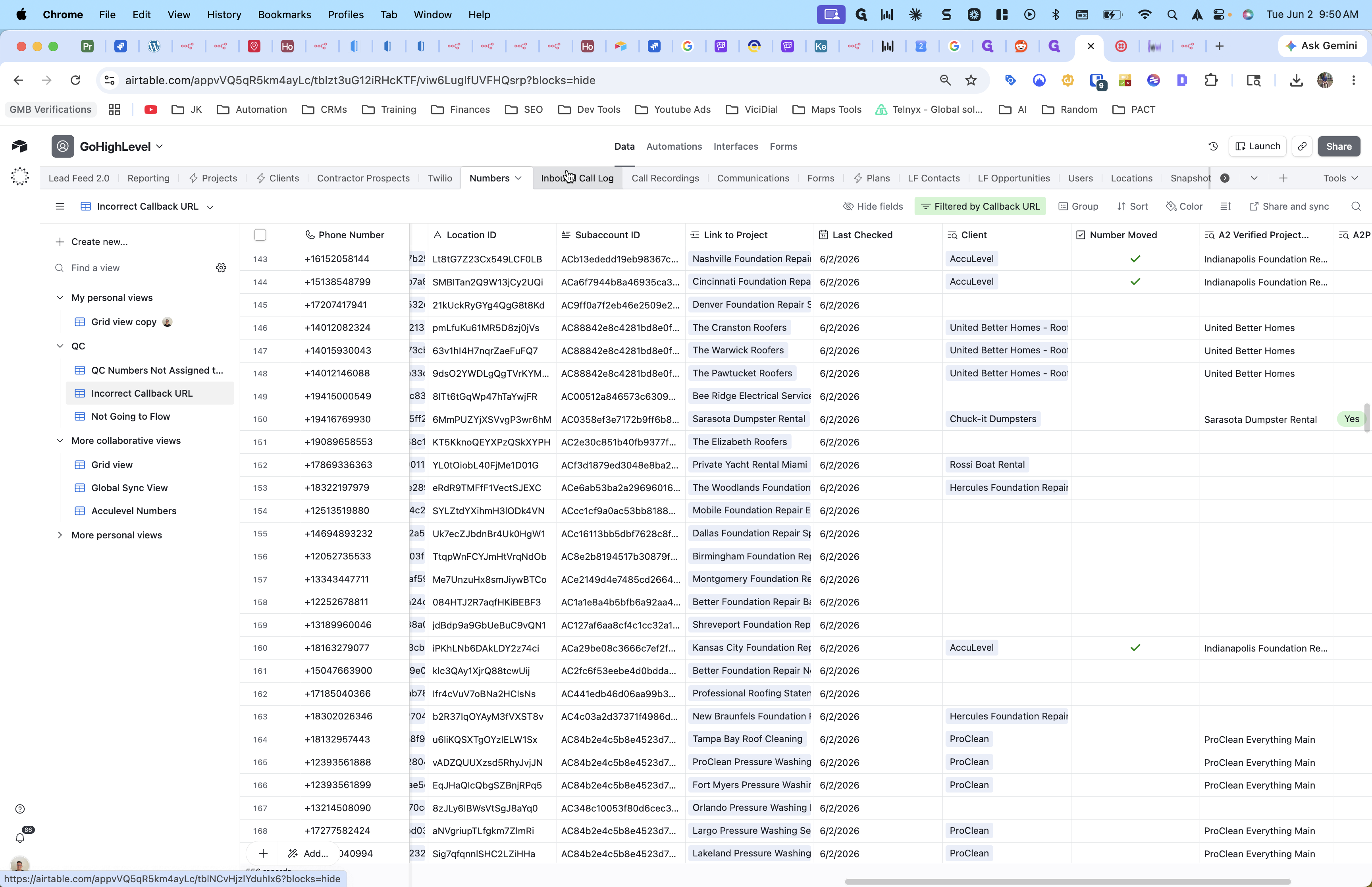
Moving Numbers for A2P Verification
To successfully send text messages on behalf of your clients, you must be approved for A2P 10DLC messaging. Instead of running the approval process for every individual subaccount, it is faster to consolidate phone numbers into a single approved Twilio master account.
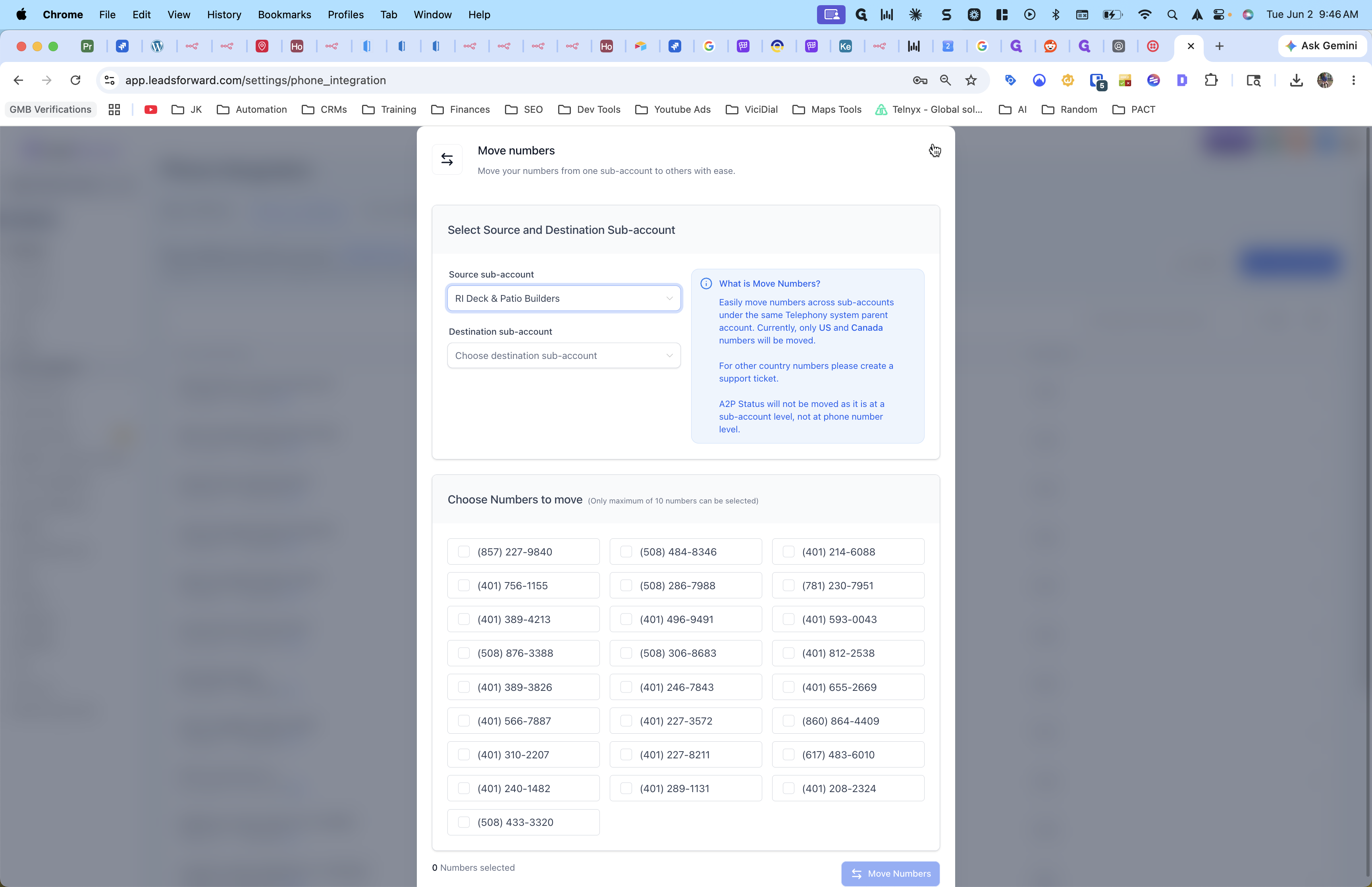
Configuring Call Data Processing Paths
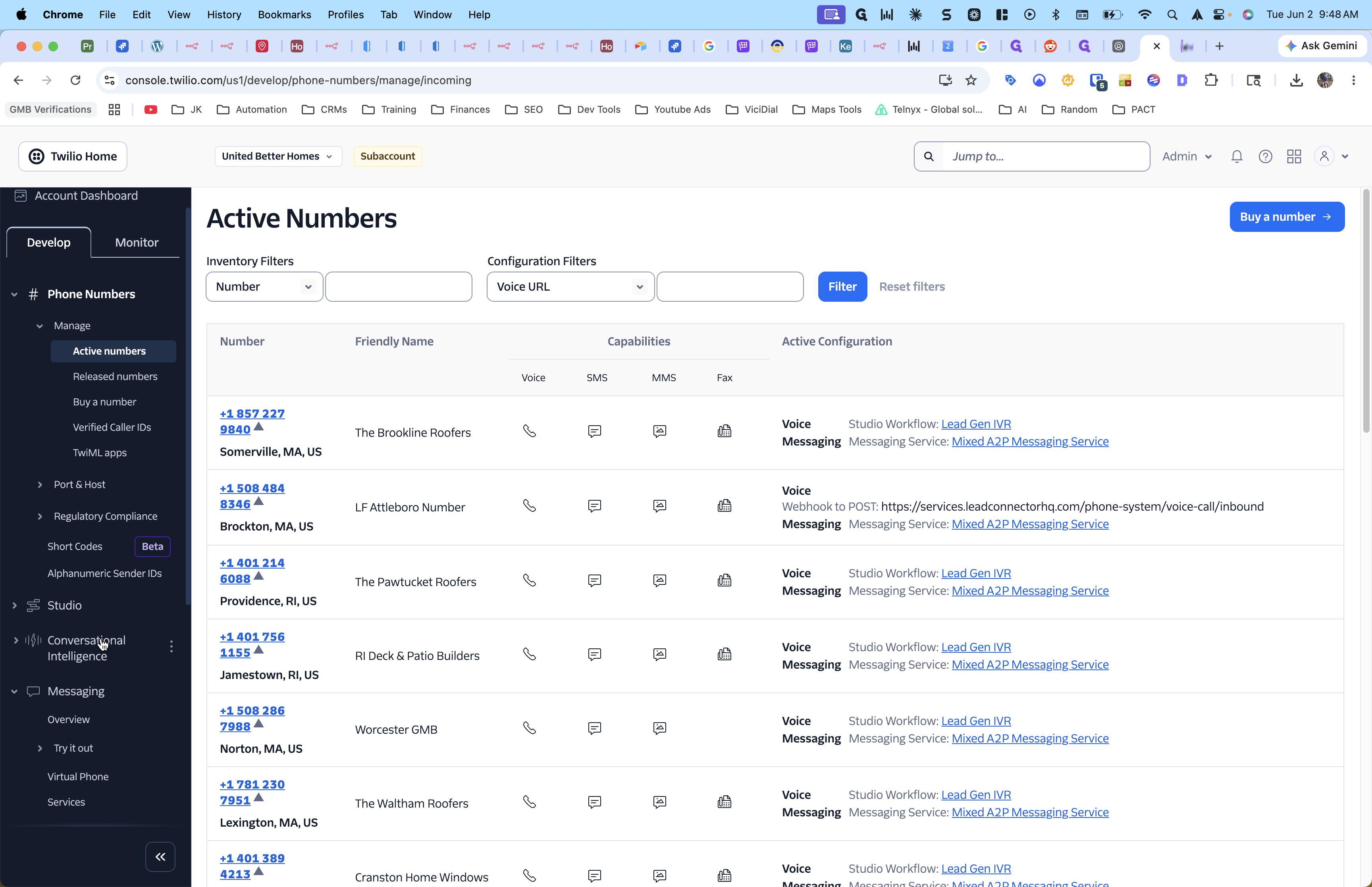
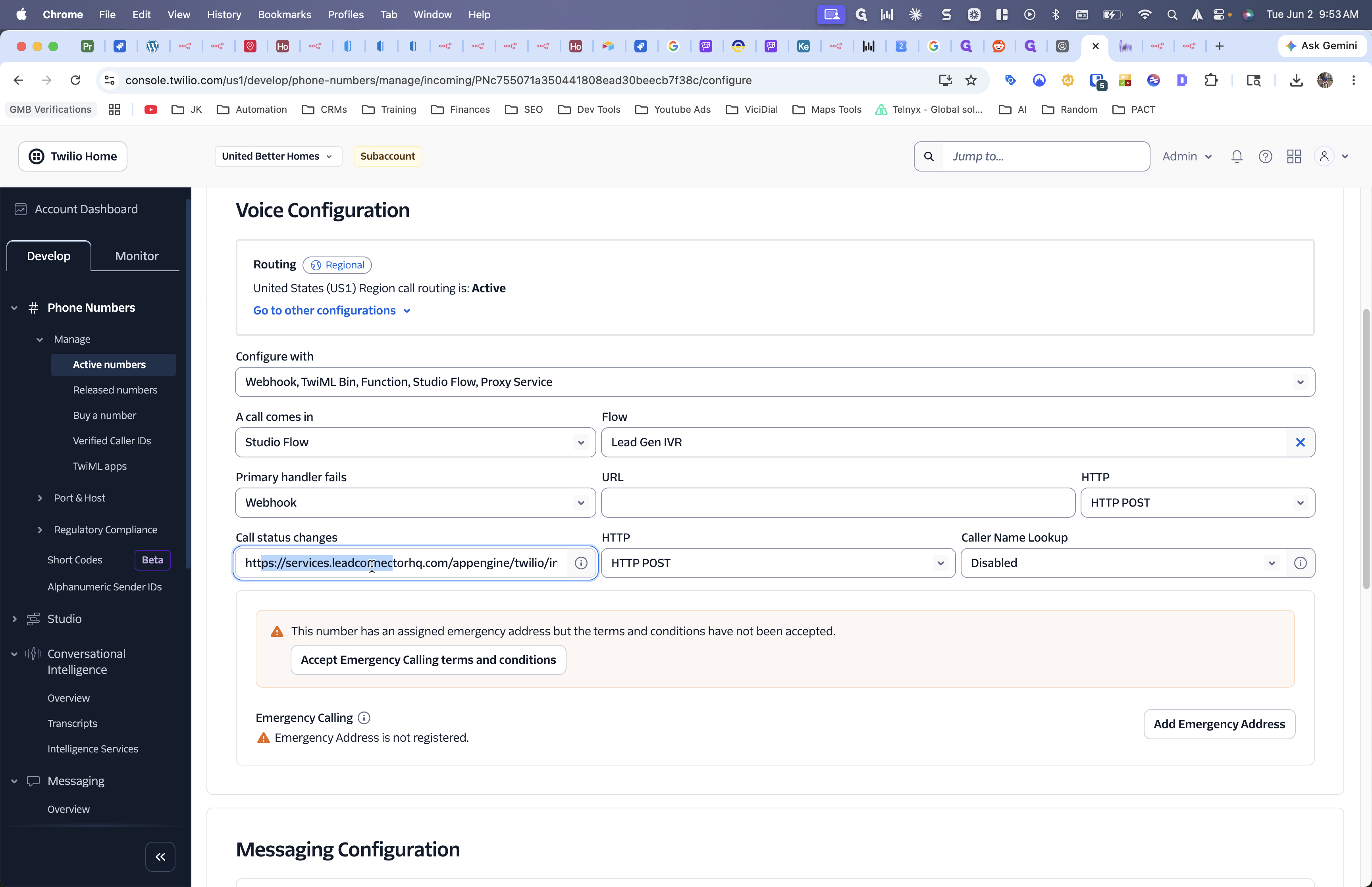
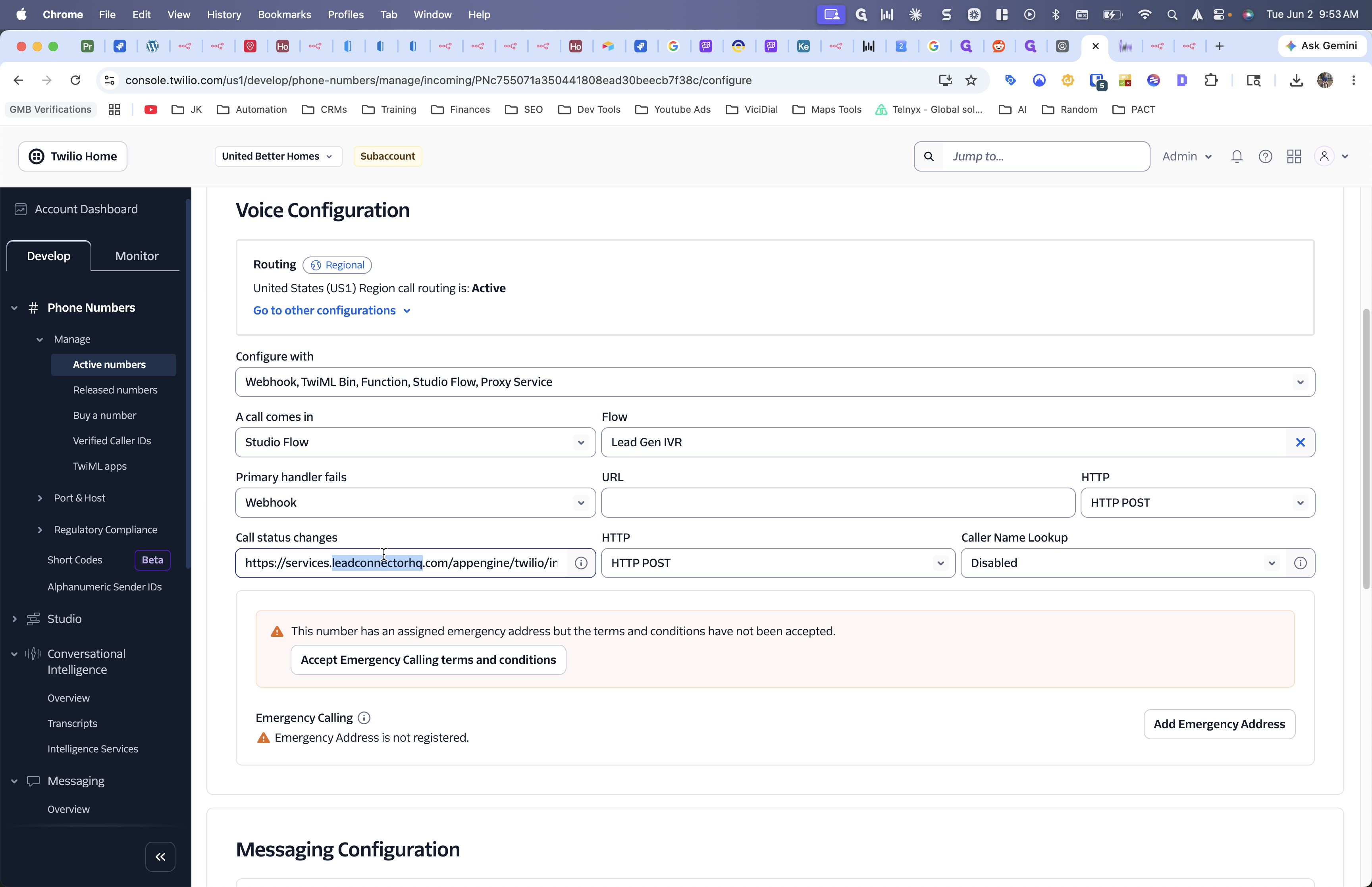
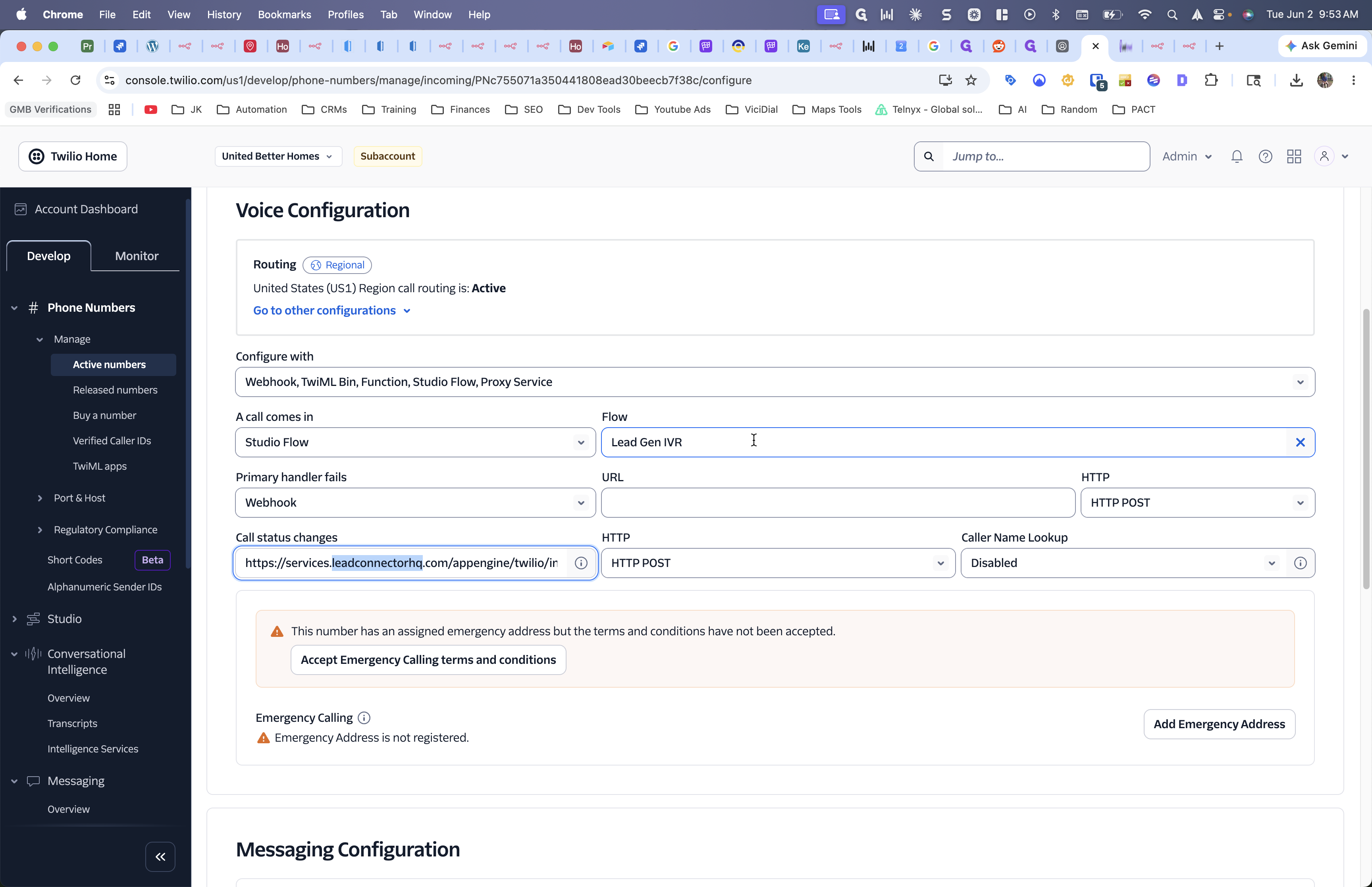
Because raw call data is difficult to extract directly from the CRM, we route Twilio call events through three distinct automation paths to update Airtable and the CRM simultaneously.
Processing Path | Destination | Method / Trigger | Purpose |
|---|---|---|---|
Native CRM Integration | CRM Logs | Call Status Changes Webhook | Populates standard call logs and durations natively. |
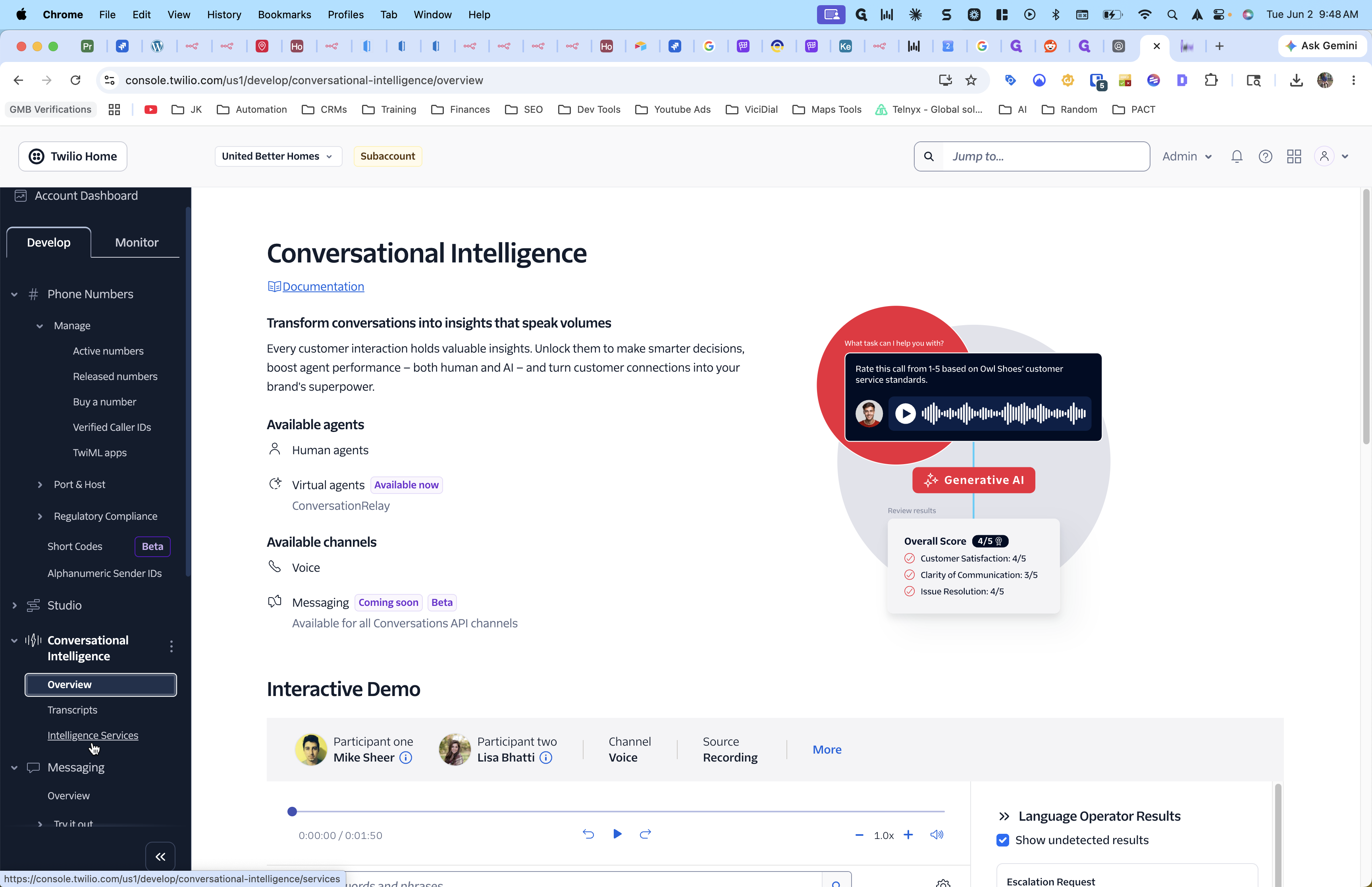
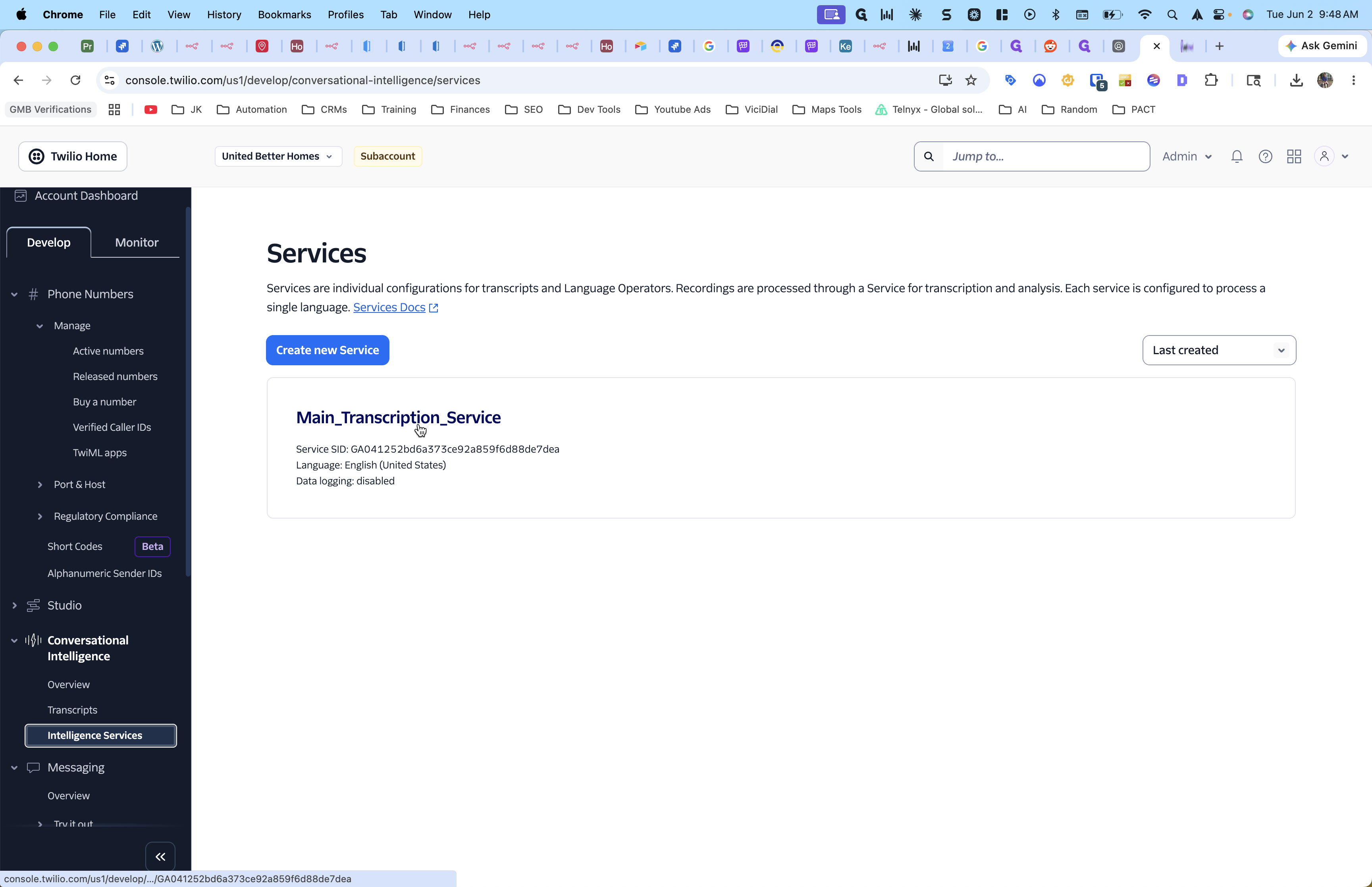
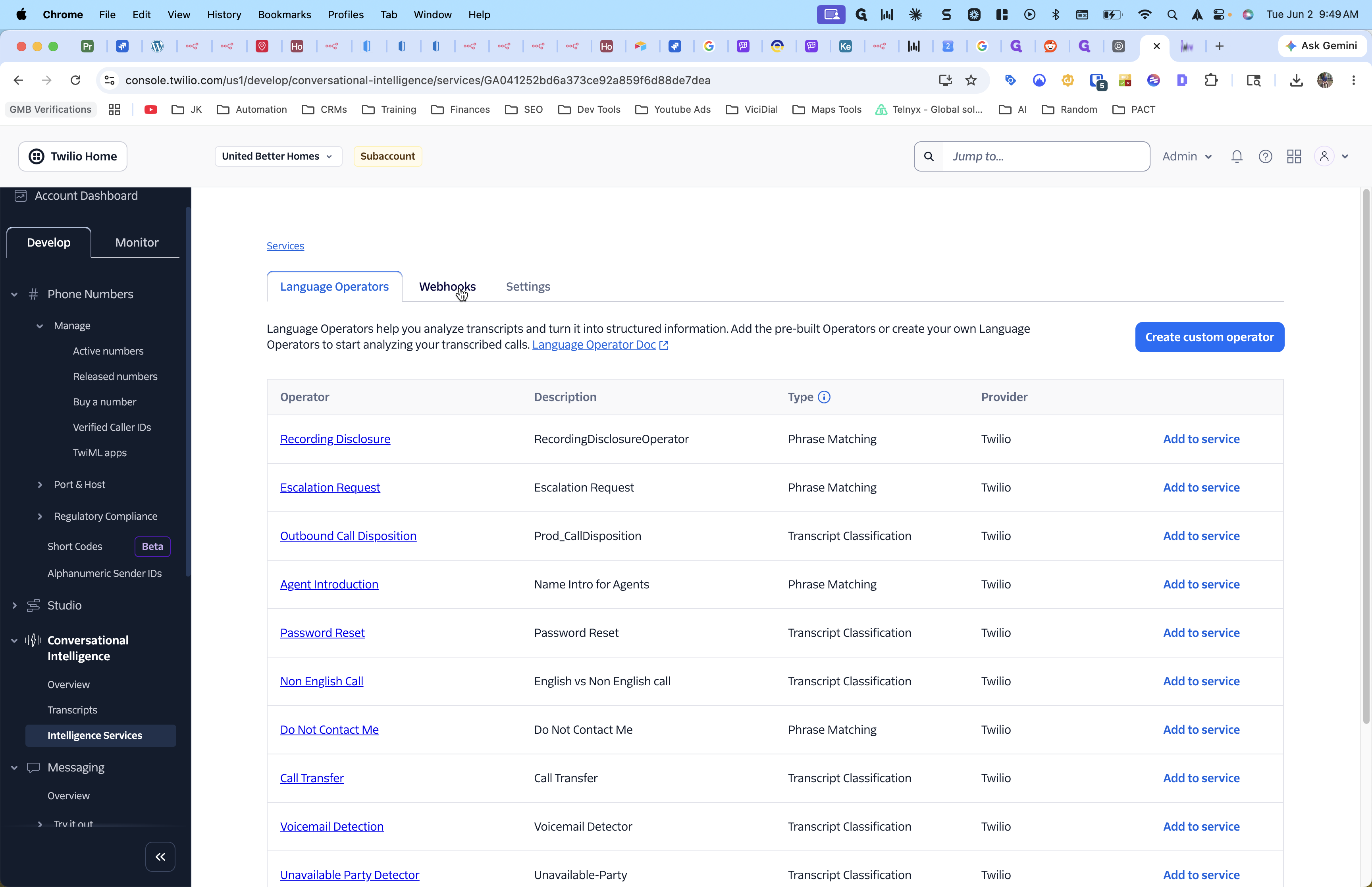
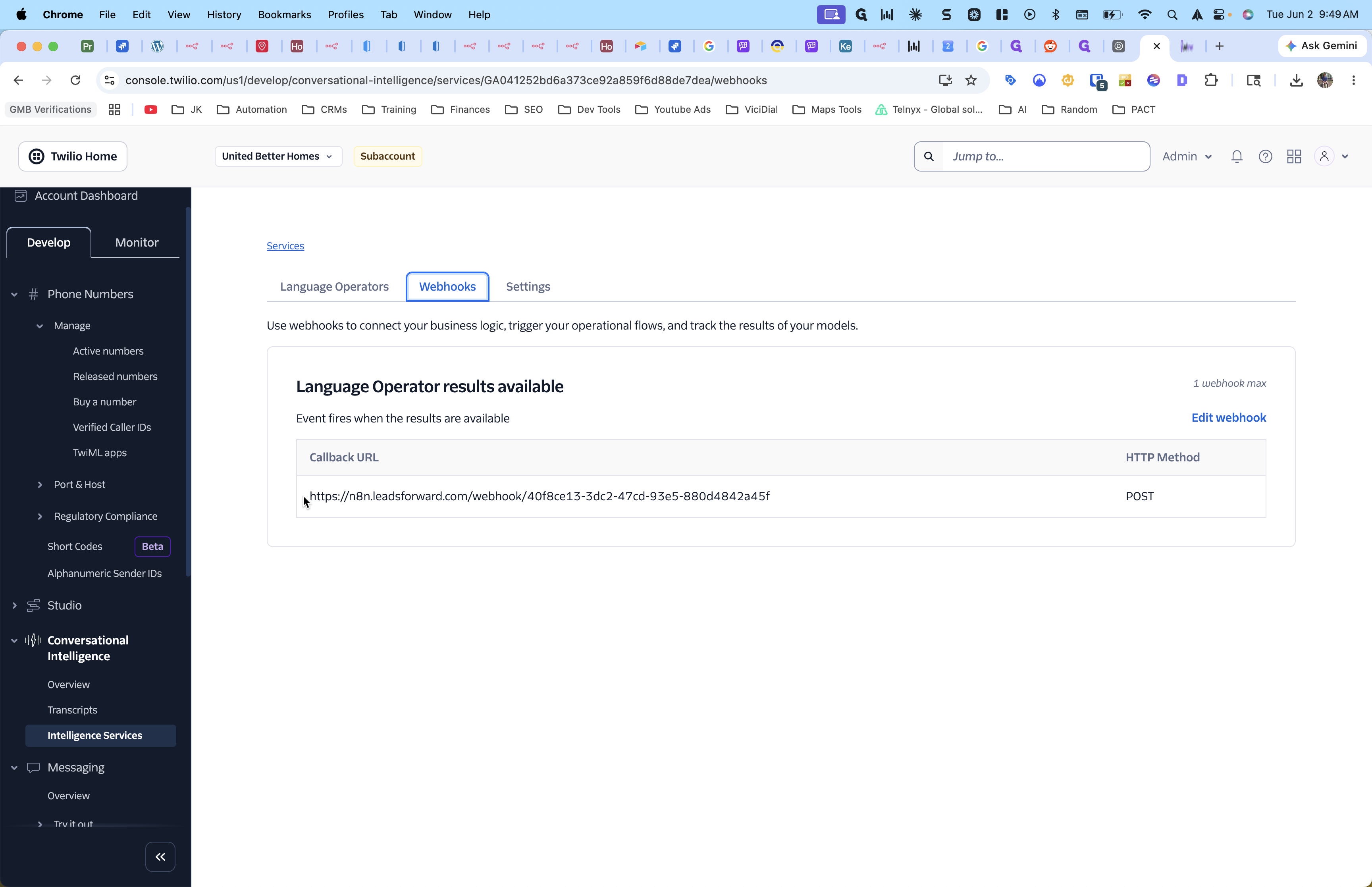
Conversational Intelligence | Airtable (via n8n) | Intelligence Service Webhook | Analyzes call audio and sends the transcription text to Airtable. |
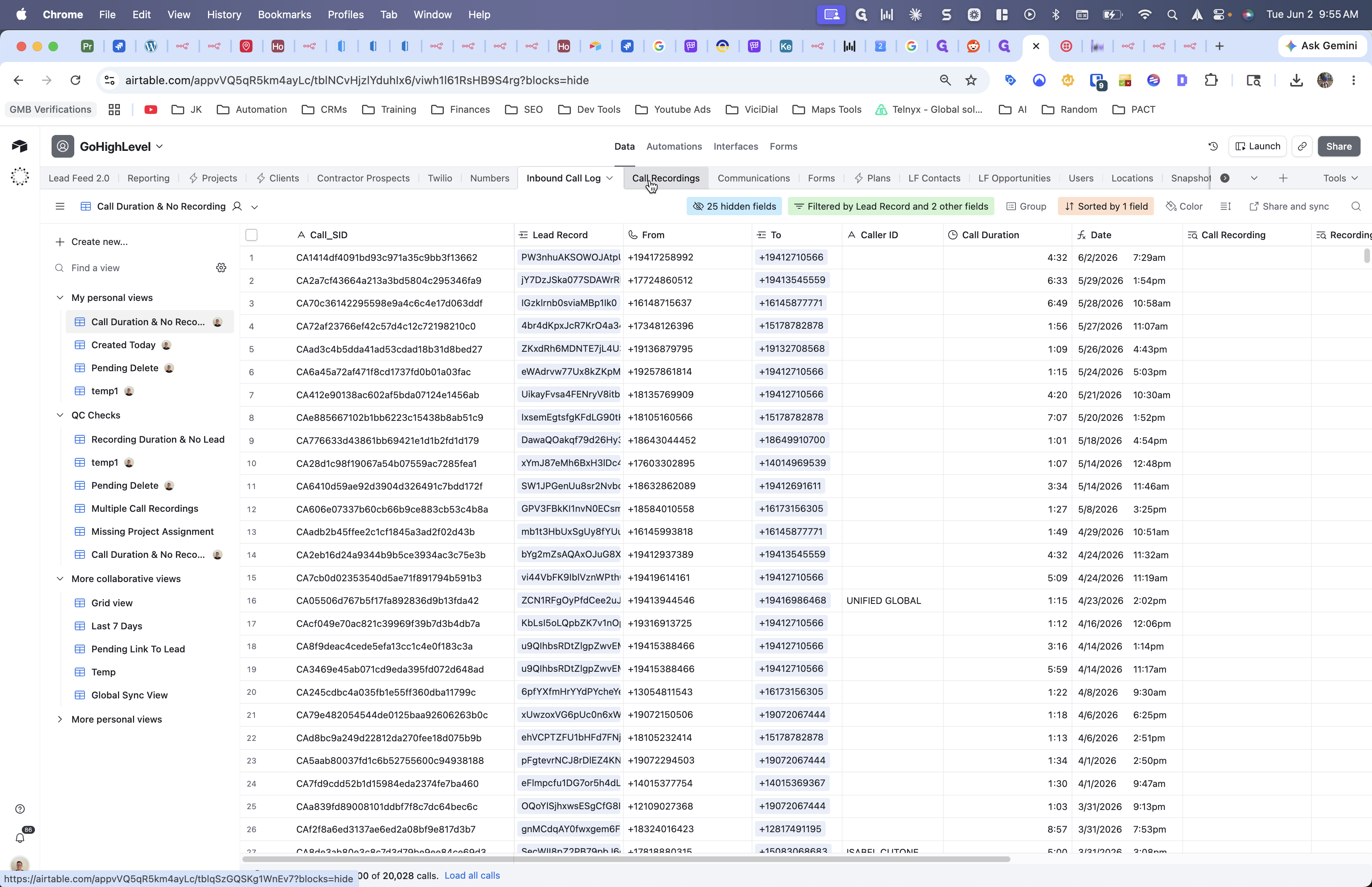
Studio Flow Post-back | Airtable (via Hookdeck) | Studio IVR HTTP Request | Captures raw call data and recording URLs to upsert into the Airtable log. |
1. Conversational Intelligence Webhooks
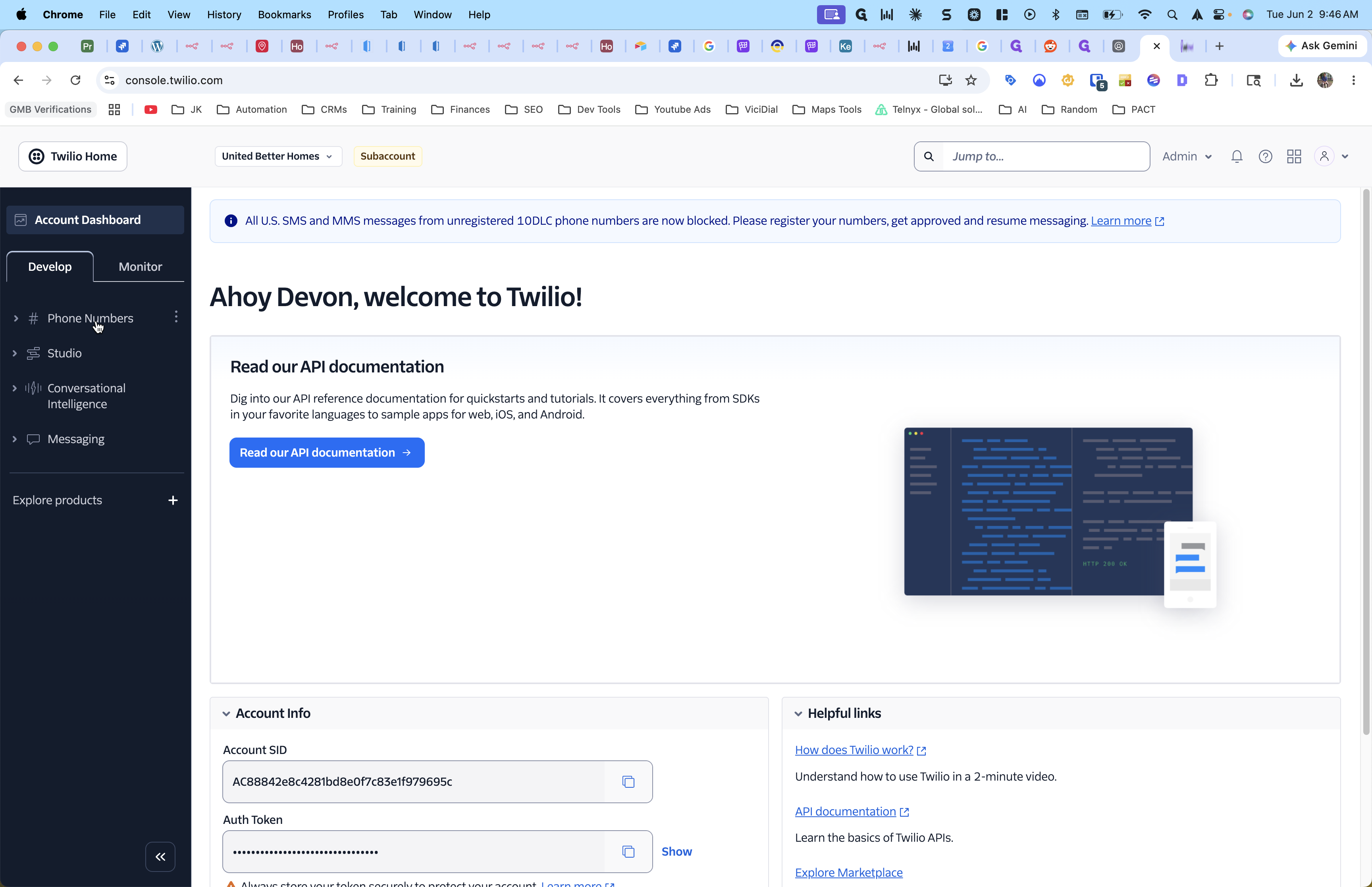
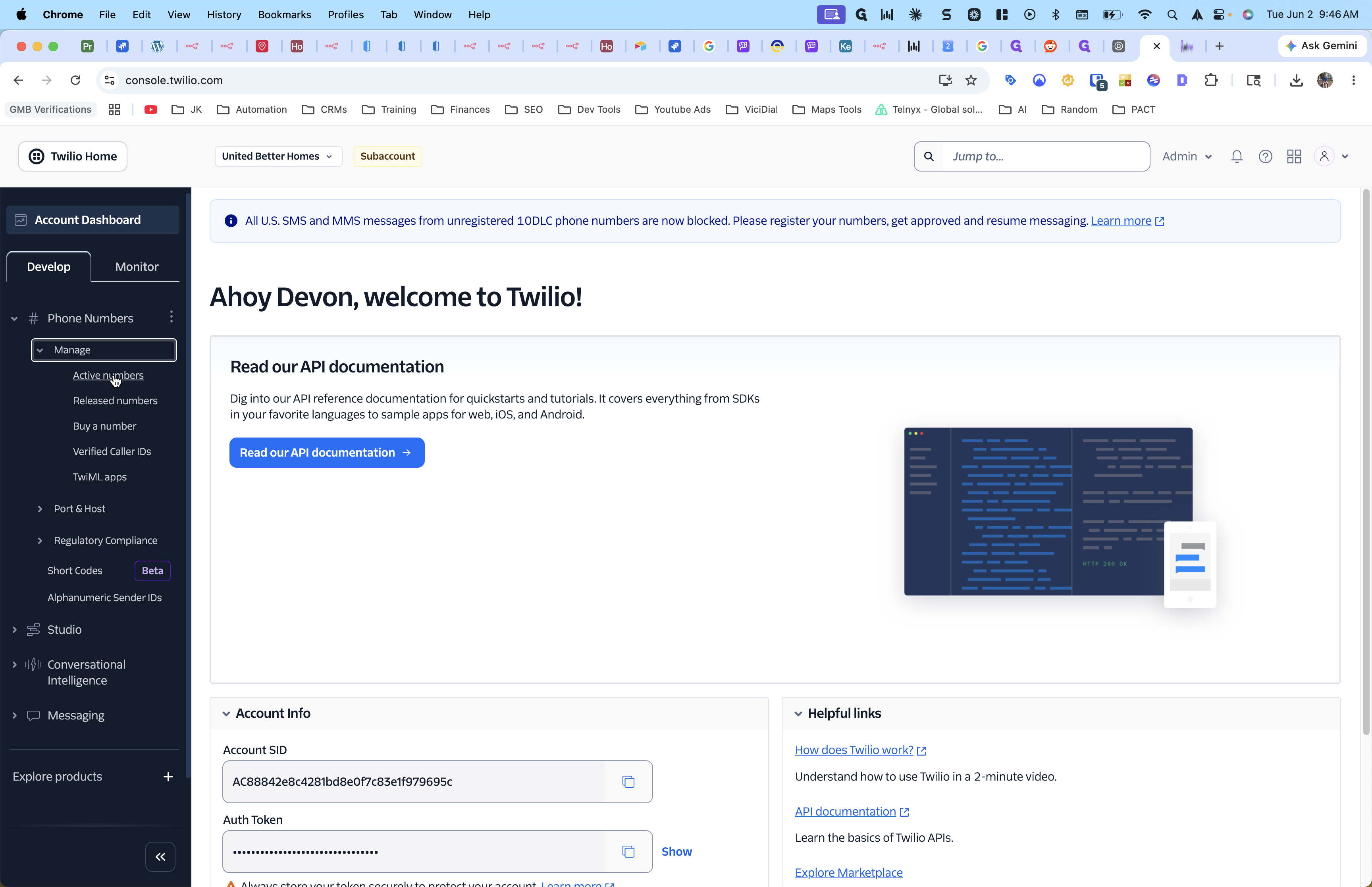
2. Validating the Call Status Webhook
Verifying Data in Airtable
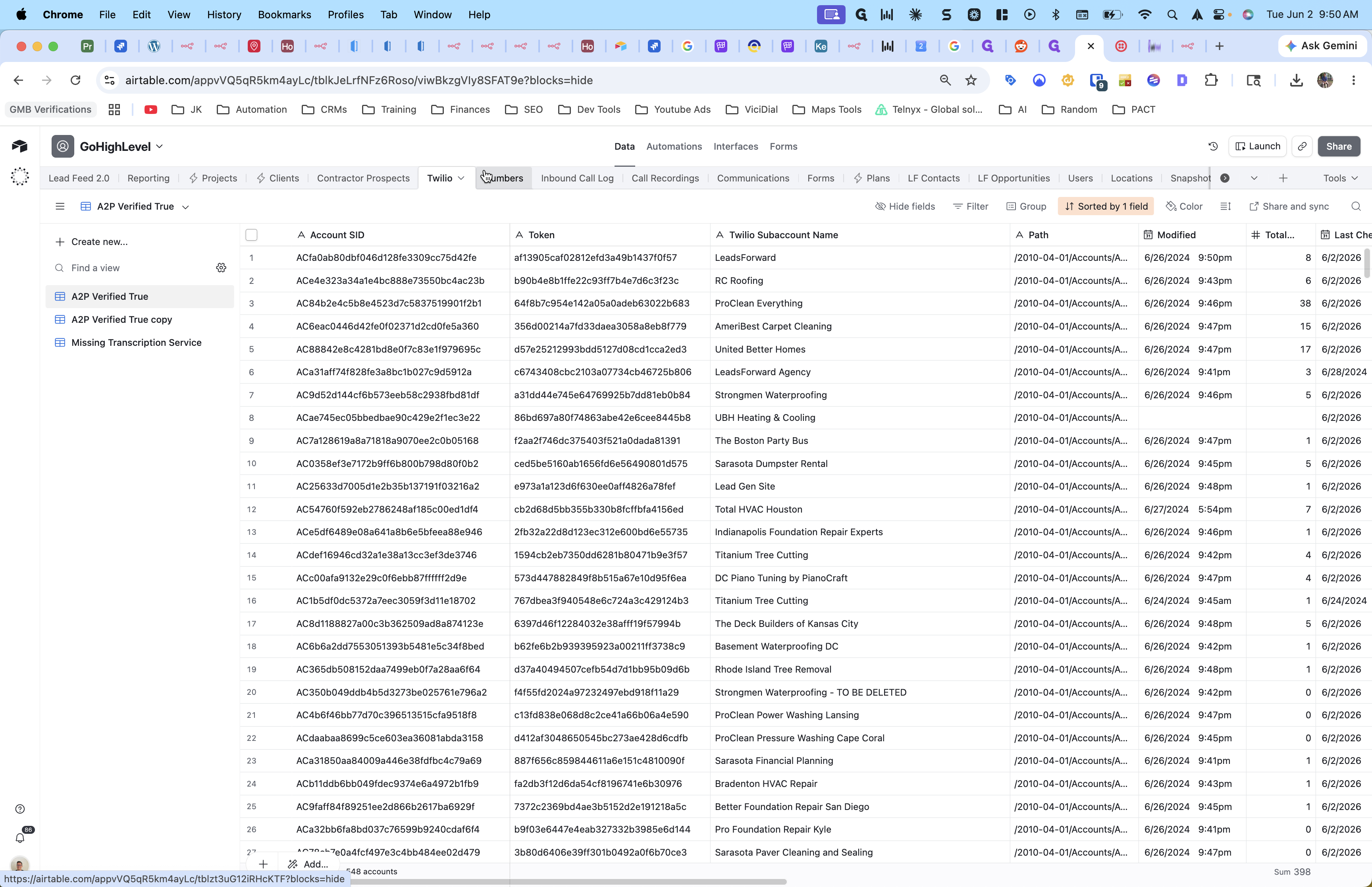
Once webhooks are firing successfully, confirm the raw data is populating your Airtable database.
Q: Why do we move phone numbers from individual subaccounts into a single main account?
A: Consolidating numbers into one master Twilio account simplifies the A2P 10DLC verification process. It allows you to get approved for A2P messaging once rather than running separate approval campaigns for every single client subaccount.
Q: How do I ensure my CRM subaccount connects to the newly consolidated Twilio account?
A: After moving the numbers in Twilio, you must update the Twilio credentials within your CRM's Phone Integration settings. Input the Account SID and Auth Token of the main Twilio account so that the CRM routes traffic properly.
Q: Why is my call duration populating in Airtable, but the transcription is missing?
A: This often happens if the automation maps the transcription payload to the recording_sid rather than the call_sid. Updating your n8n workflow to link incoming transcriptions via the call_sid usually resolves mismatched records.
Q: How does raw call data bypass the CRM and get straight into Airtable?
A: A webhook from the Twilio Studio Flow (often routed through Hookdeck) triggers an n8n workflow directly. This workflow pulls the call details and recording URLs from Twilio and upserts them directly into your Airtable database.
Term | Definition |
|---|---|
A2P 10DLC | A standard for application-to-person messaging over 10-digit long code phone numbers, requiring registration to ensure text messages aren't flagged as spam. |
Account SID | A unique alphanumeric string that acts as the primary identifier for a specific Twilio account or subaccount. |
Conversational Intelligence | A Twilio service that automatically transcribes voice calls and analyzes communication for key phrases or intent. |
Webhook | An automated mechanism that allows one application to send real-time data or HTTP payloads to another application when a specific event occurs. |
IVR | Interactive Voice Response; an automated phone system technology that interacts with callers, gathers information, and routes calls appropriately. |