Manage the Deals Page / Pitch Deck Info
Learn how to update pitch deck details, manage project attachments, and organize collections in your project management dashboard.
Here is how you can manage your pitch deck details, add collaborators, and browse collections within your workspace.
Navigating the Page
To easily jump from section to section, select the tabs underneath the title.
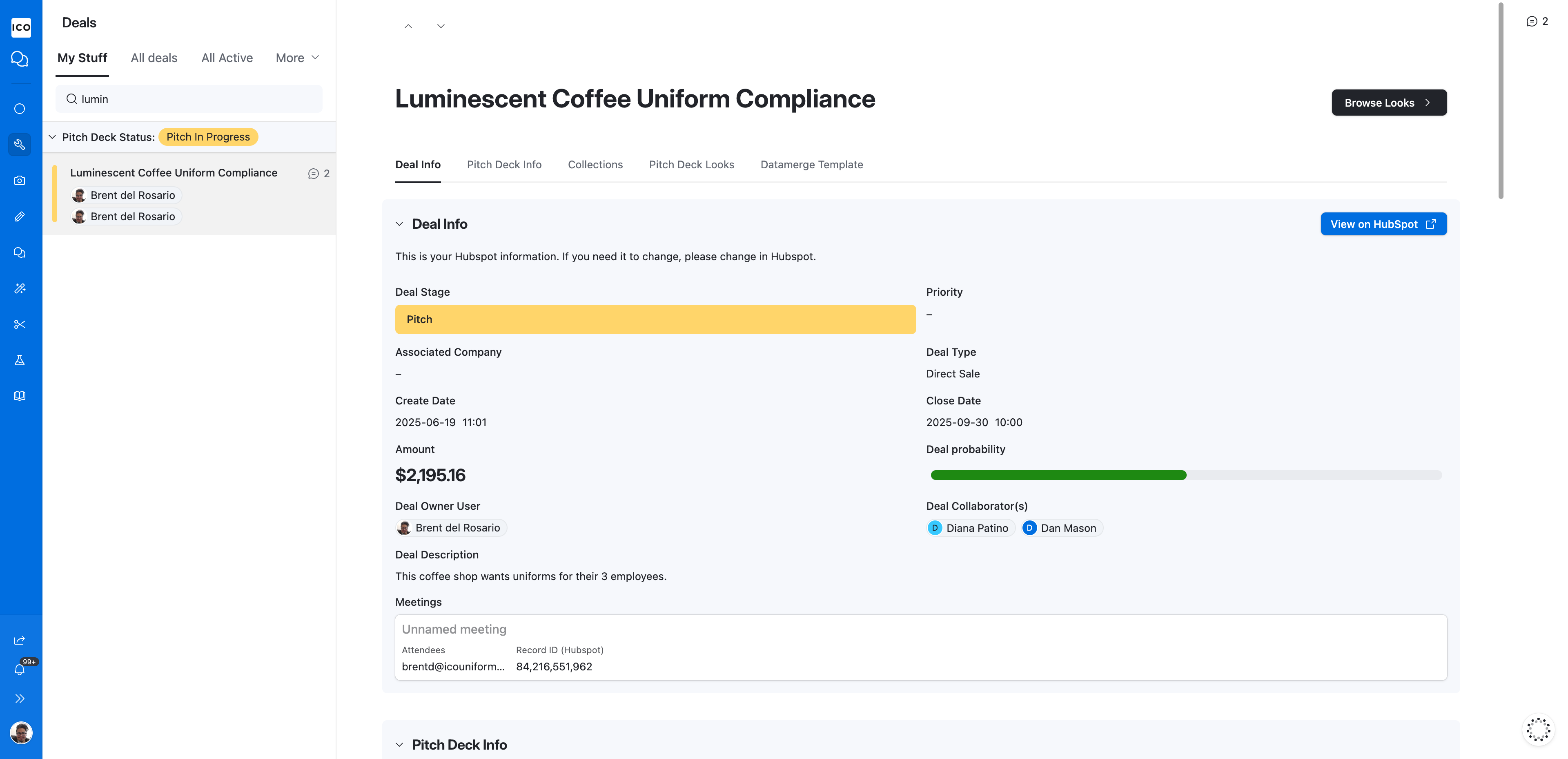
Deal Info
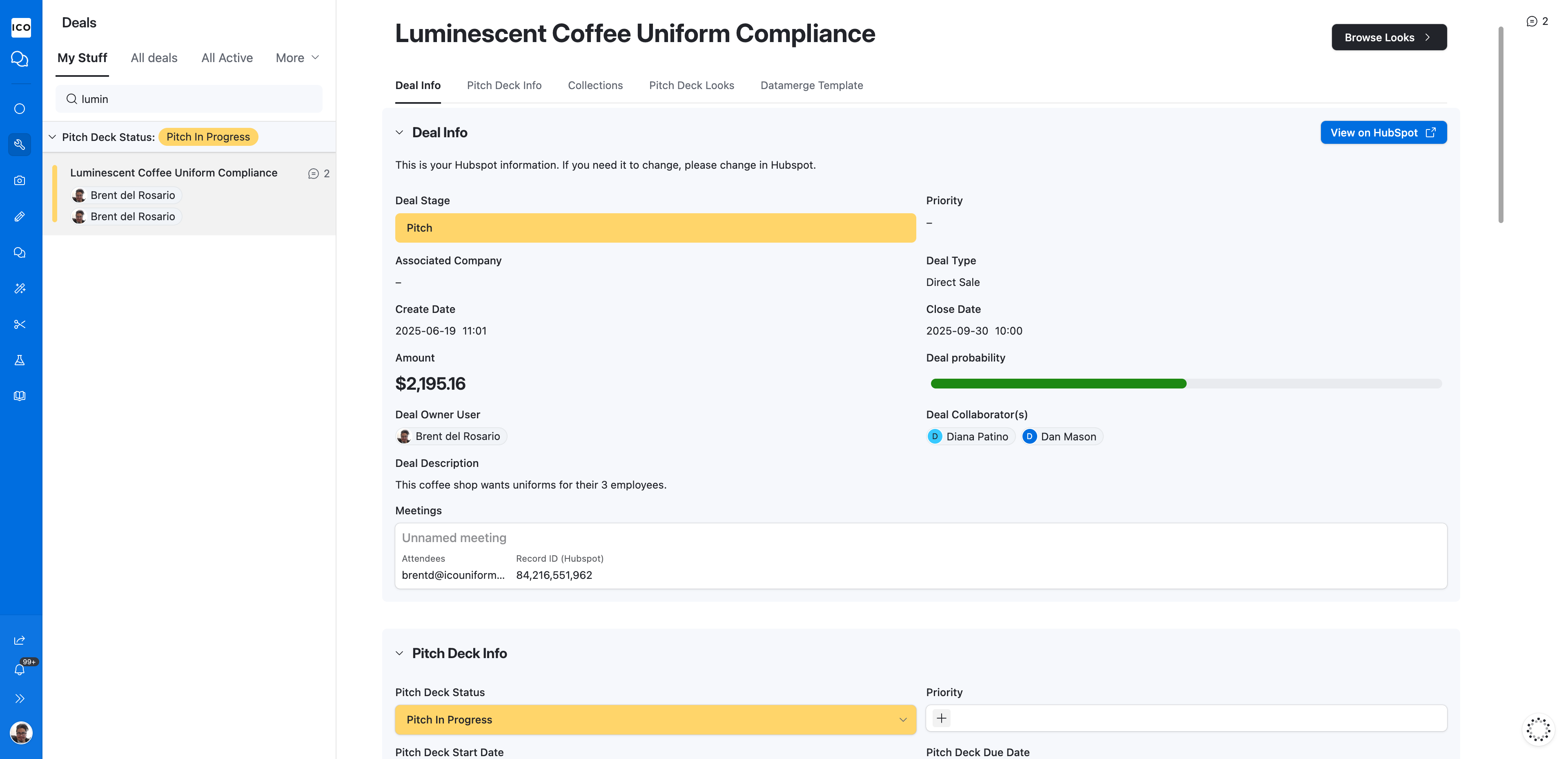
Pitch Deck Section
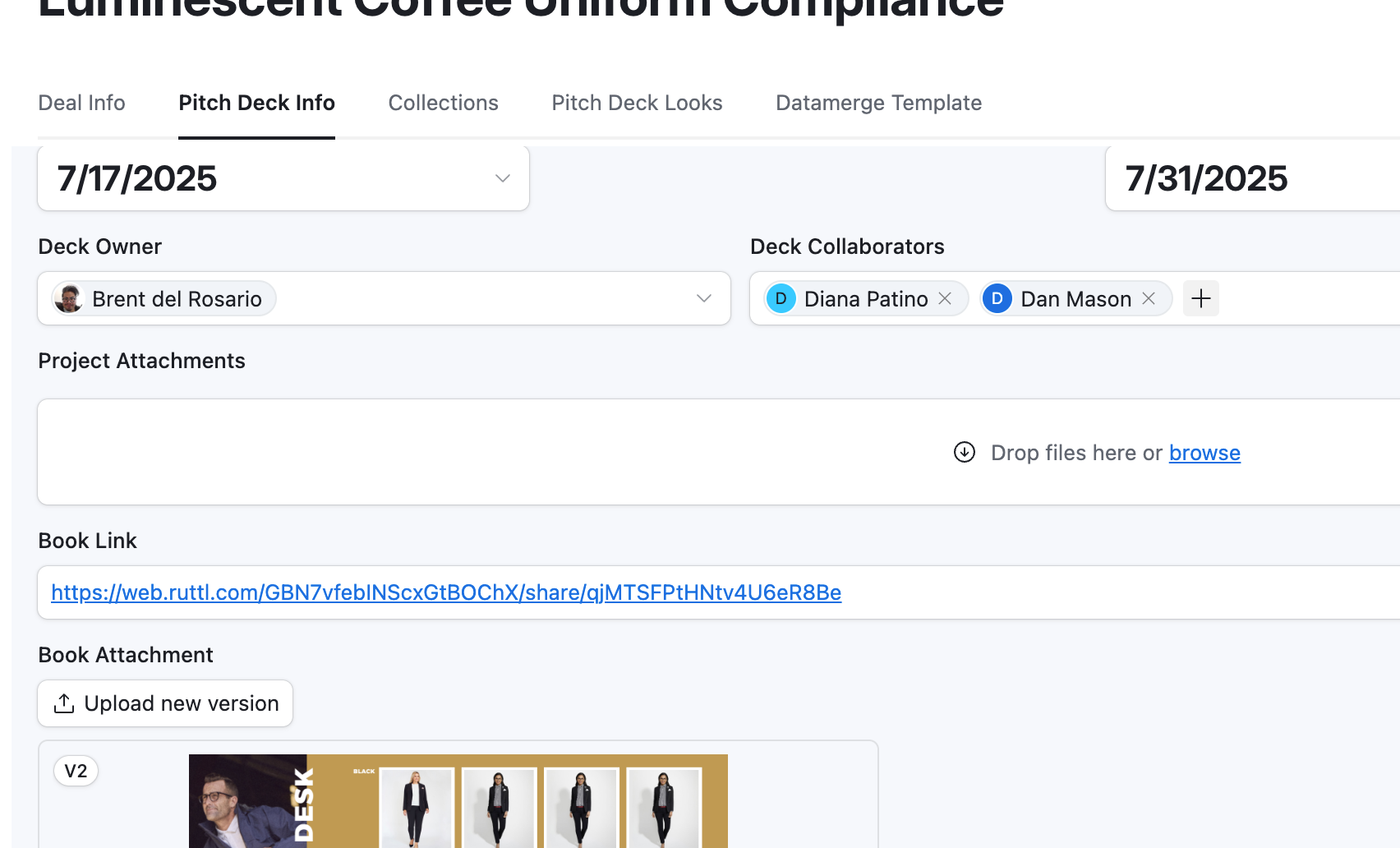
Pitch Deck Section Field Info
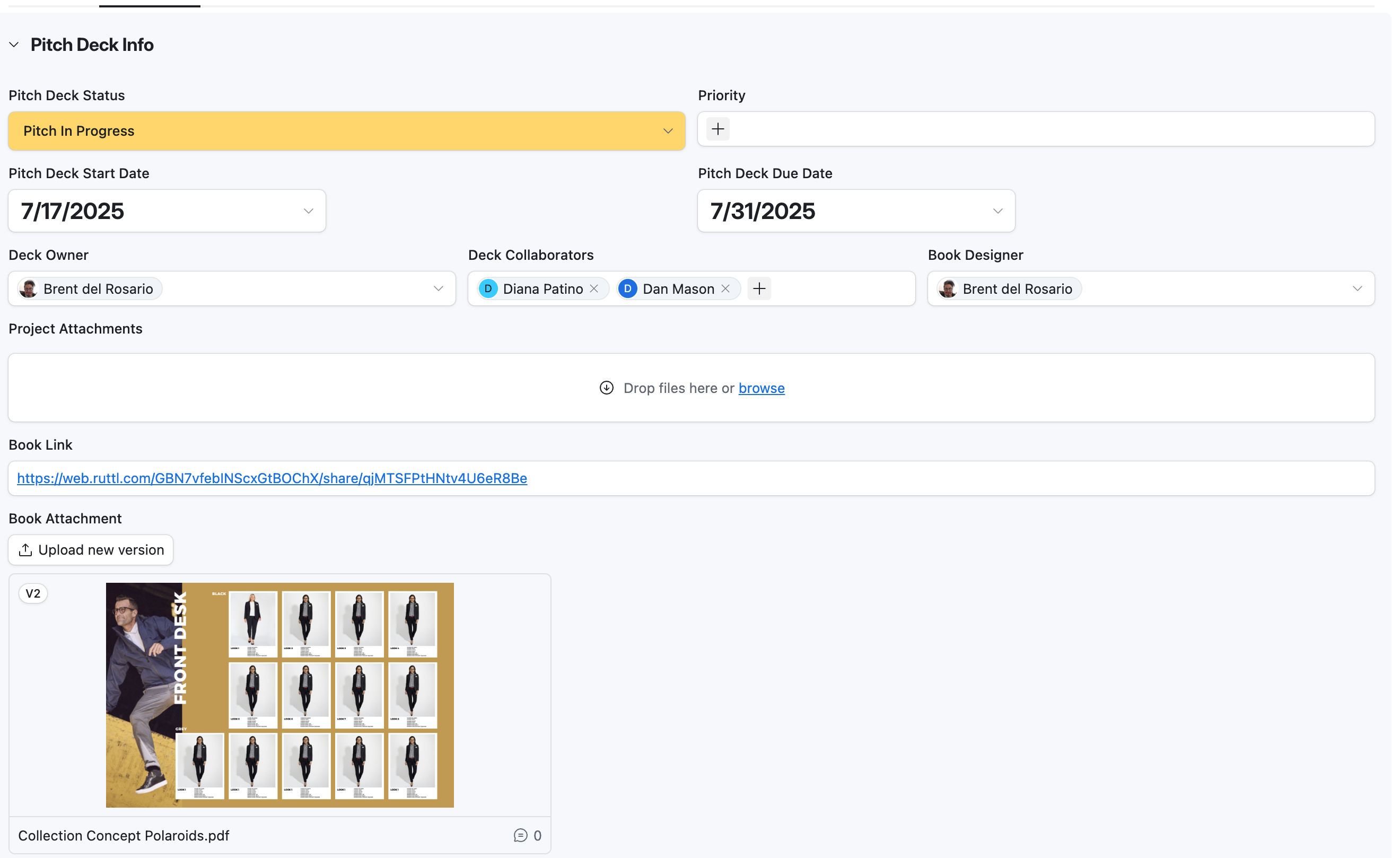
Field Name | Description | Notes |
|---|---|---|
Deal Stage* | Current deck stage | This is important to keep up to date as there are many |
Start Date | Date Starts | Reserved for whomever is working on adding looks to the deck |
Due Date | Due Date | Delivery date |
Deck Owner** | User most responsible for building deck & direction | Also responsible for keeping Pitch Deck Status updated and current |
Deck Collaborators** | Collaborative Users | Either by adding looks or consulting |
Book Designer | Book Designer | Someone from Art that will build the deliverable |
Project Attachments | All files related to the pitch | Logos, Inspiration, Brand guides, etc. |
Book Attachment | Pitch Deliverable | You can annotate, and comment on these |
Deck Description | Main field for Info & Direction | Scope of work based on discovery and review meetings. |
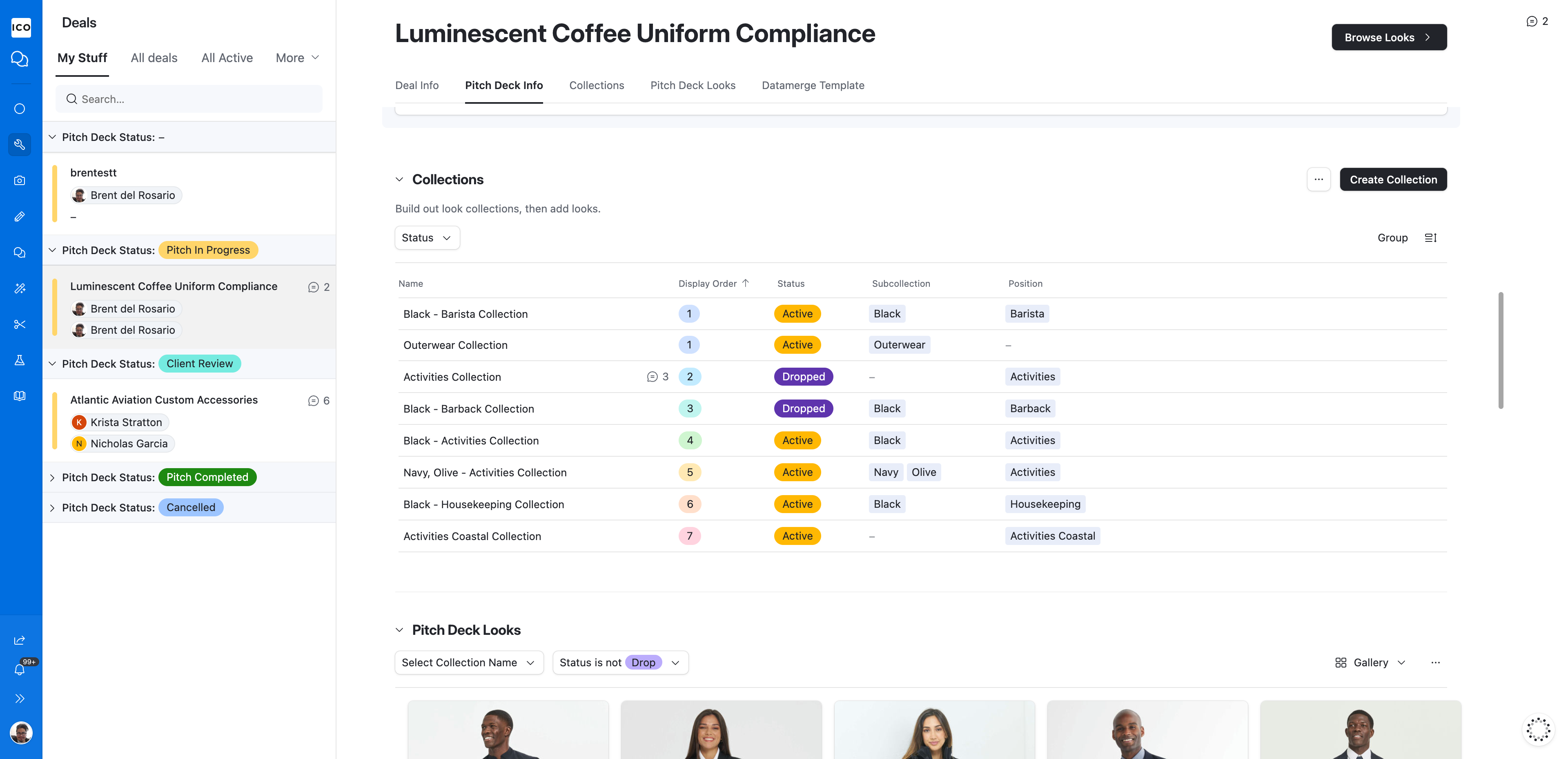
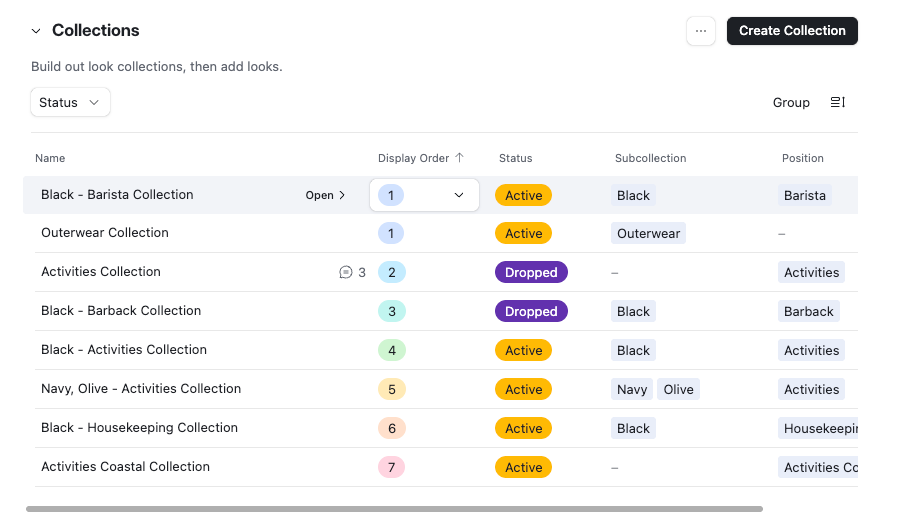
Collections
Collections are how you organize a pitch deck. They are made up of Positions and Sub-Collections.
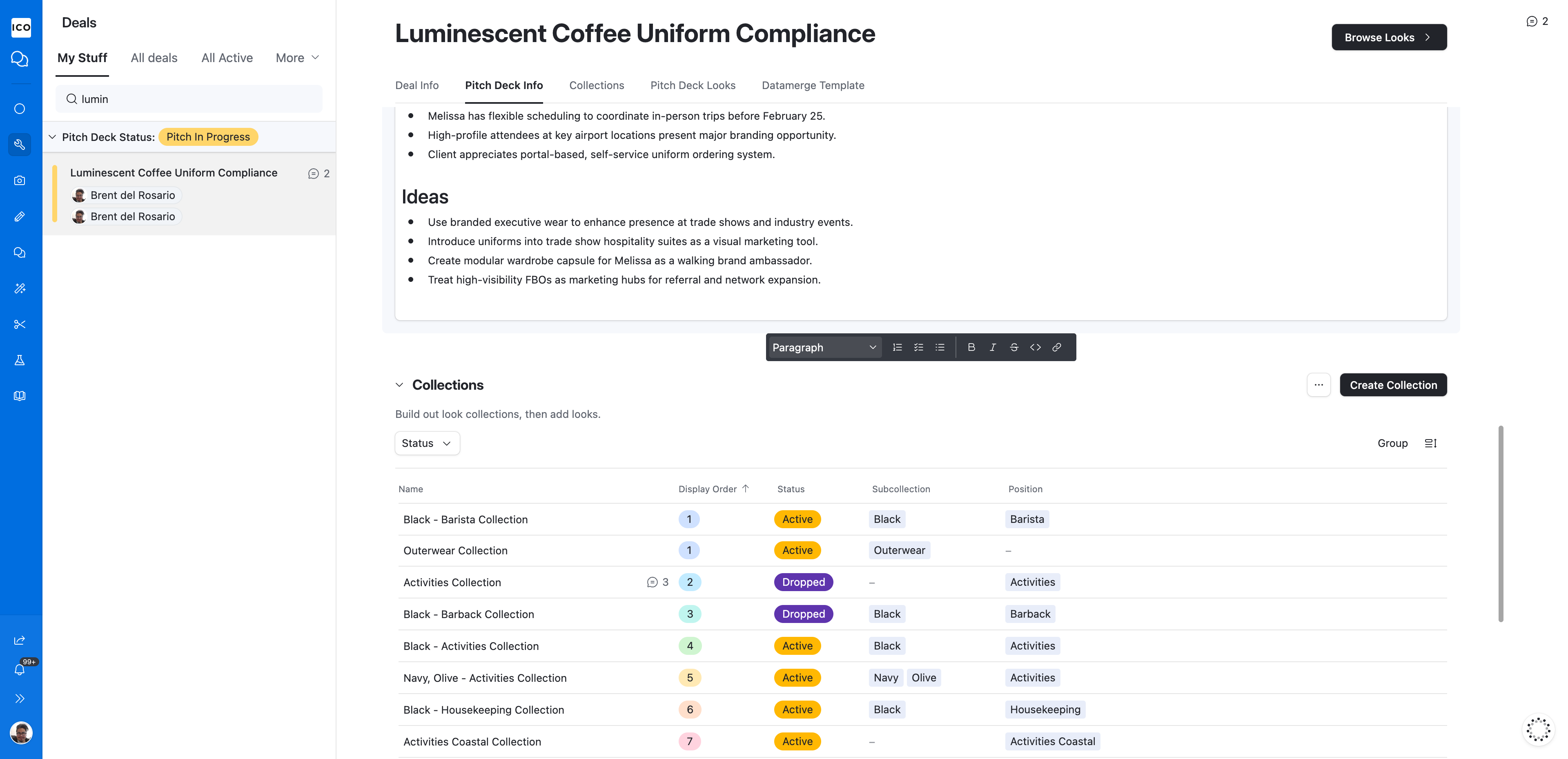
Main Actions
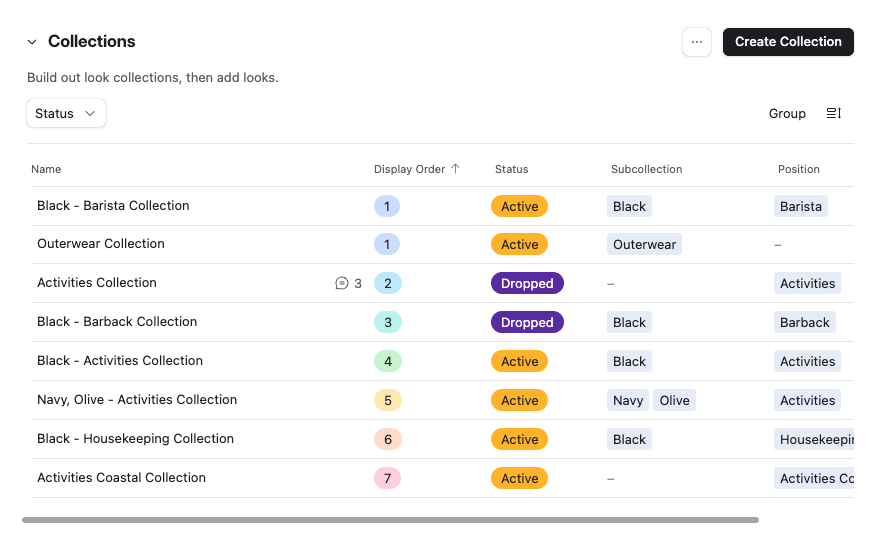
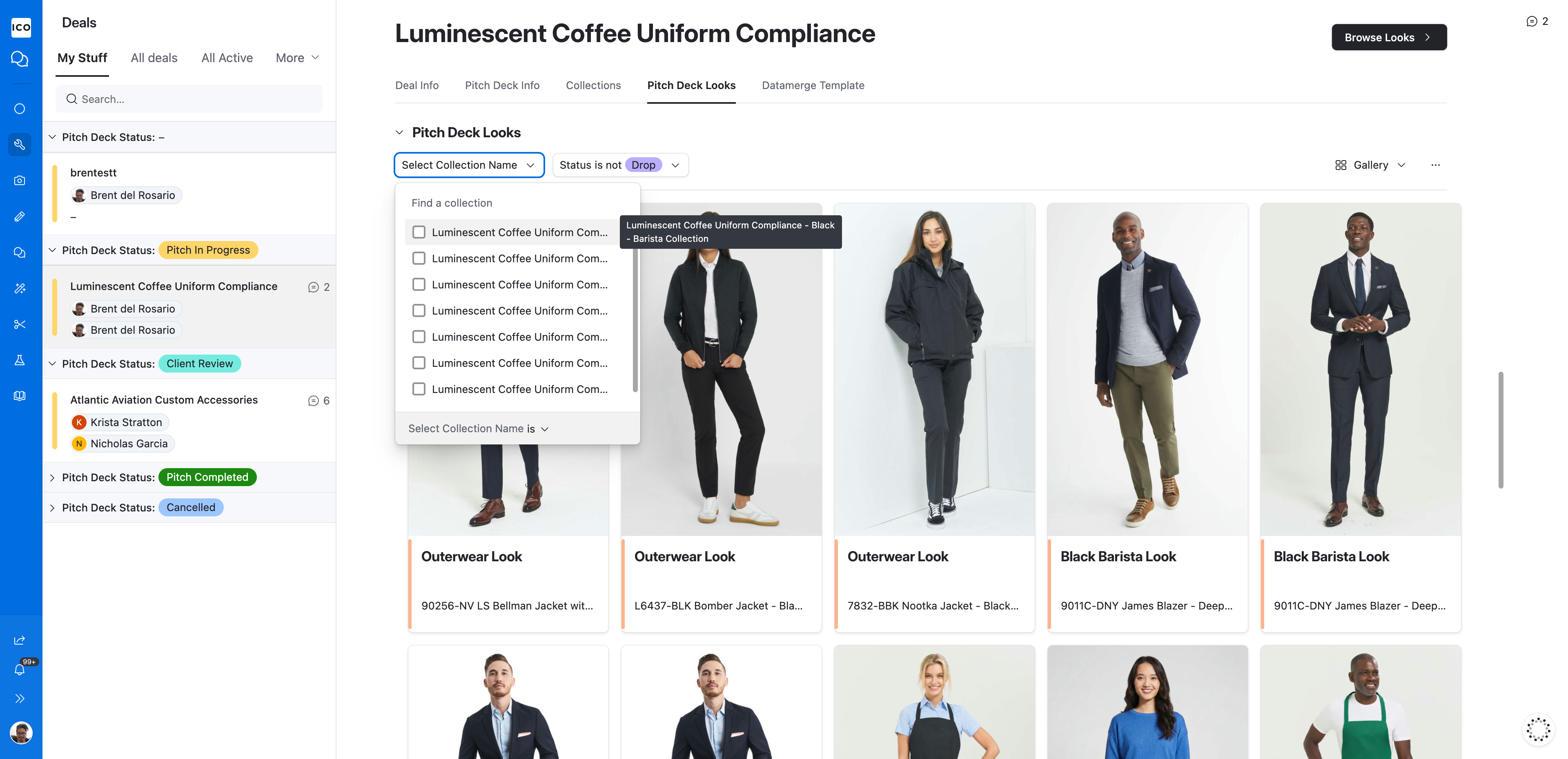
Pitch Deck Looks