
Manager Message Deployment in Volie
Learn how to schedule new SMS campaign deployments in Volie. Follow this step-by-step guide to select and deploy pending campaigns efficiently.
This guide provides instructions on how to manage and schedule pending campaign deployments in Volie. Completing this ensures all daily campaign messages are properly dispatched to their target audiences.
This process applies to marketing or administrative teams handling SMS campaigns. It should be performed first thing in the morning and periodically throughout the day to clear out pending requests as they populate.
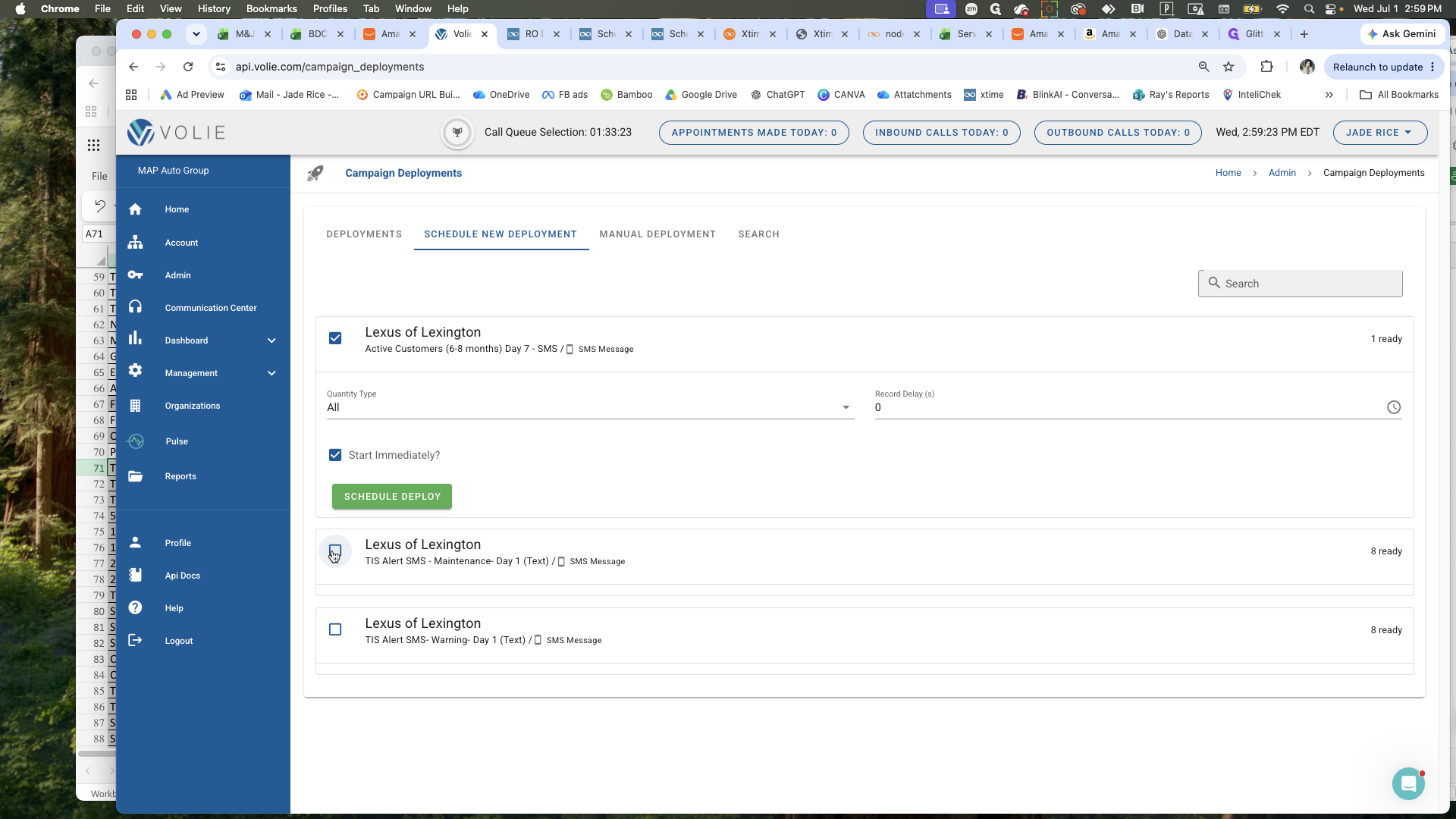
Navigate to the campaign scheduling interface to view any pending deployments.
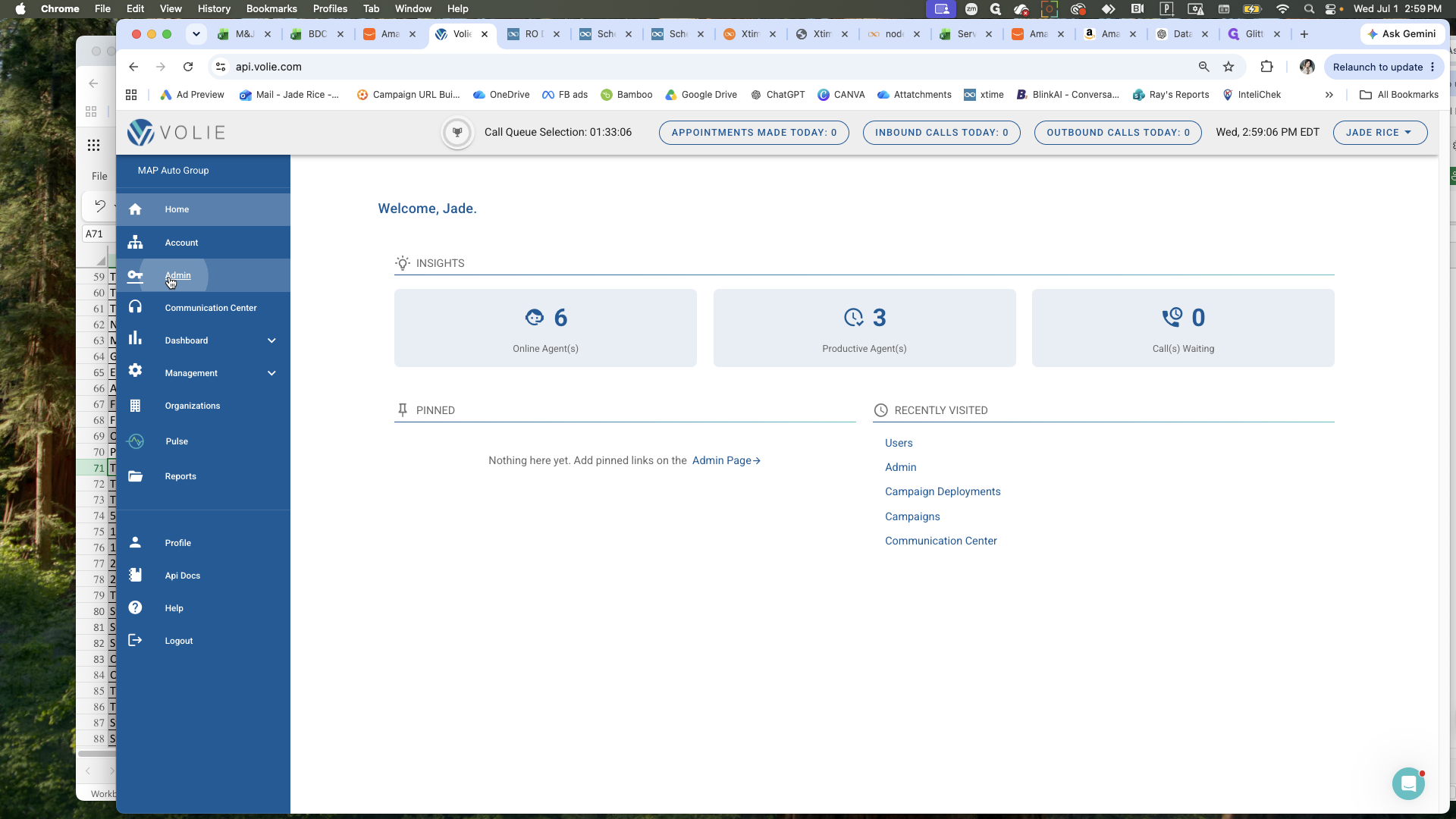
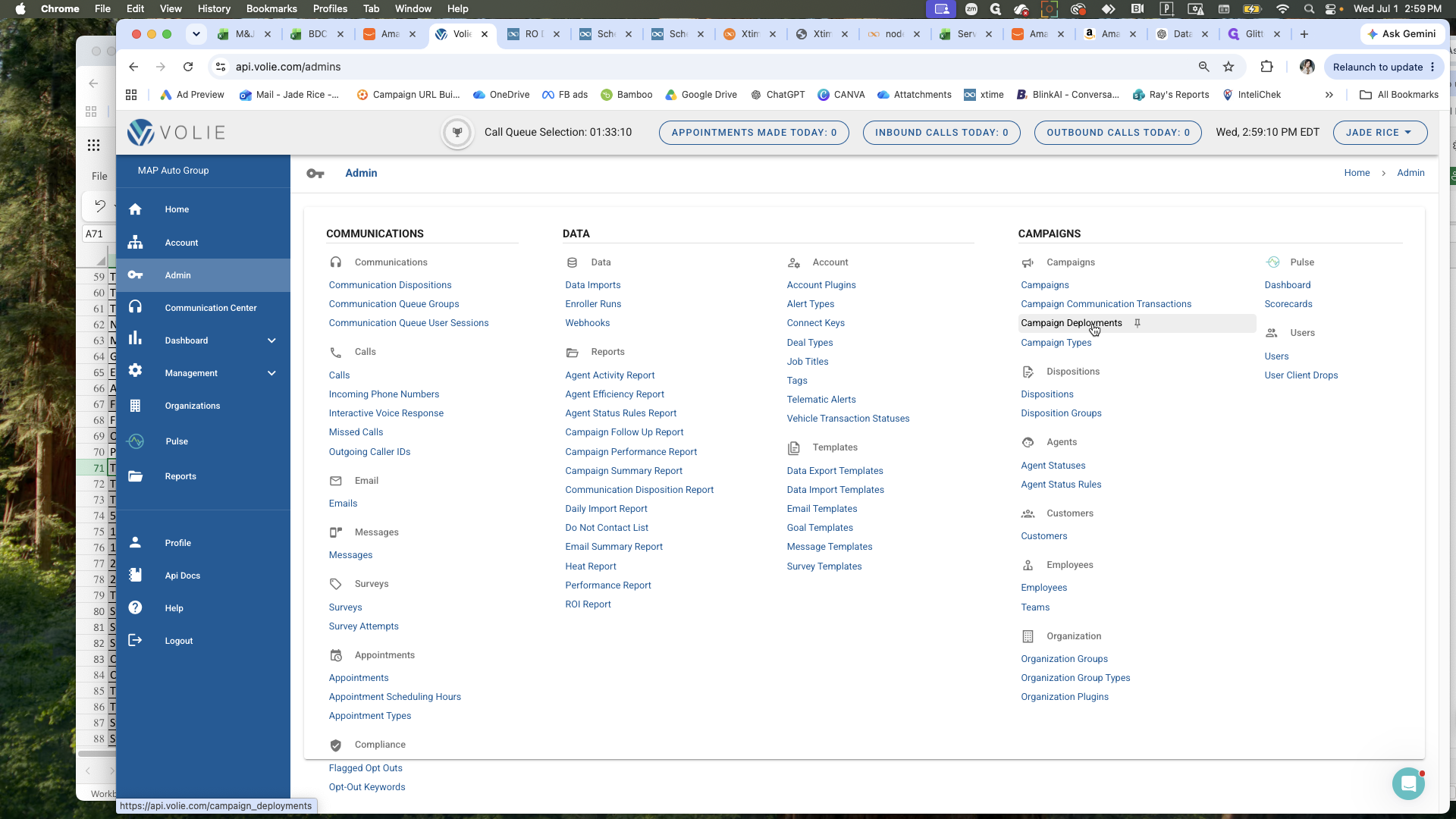
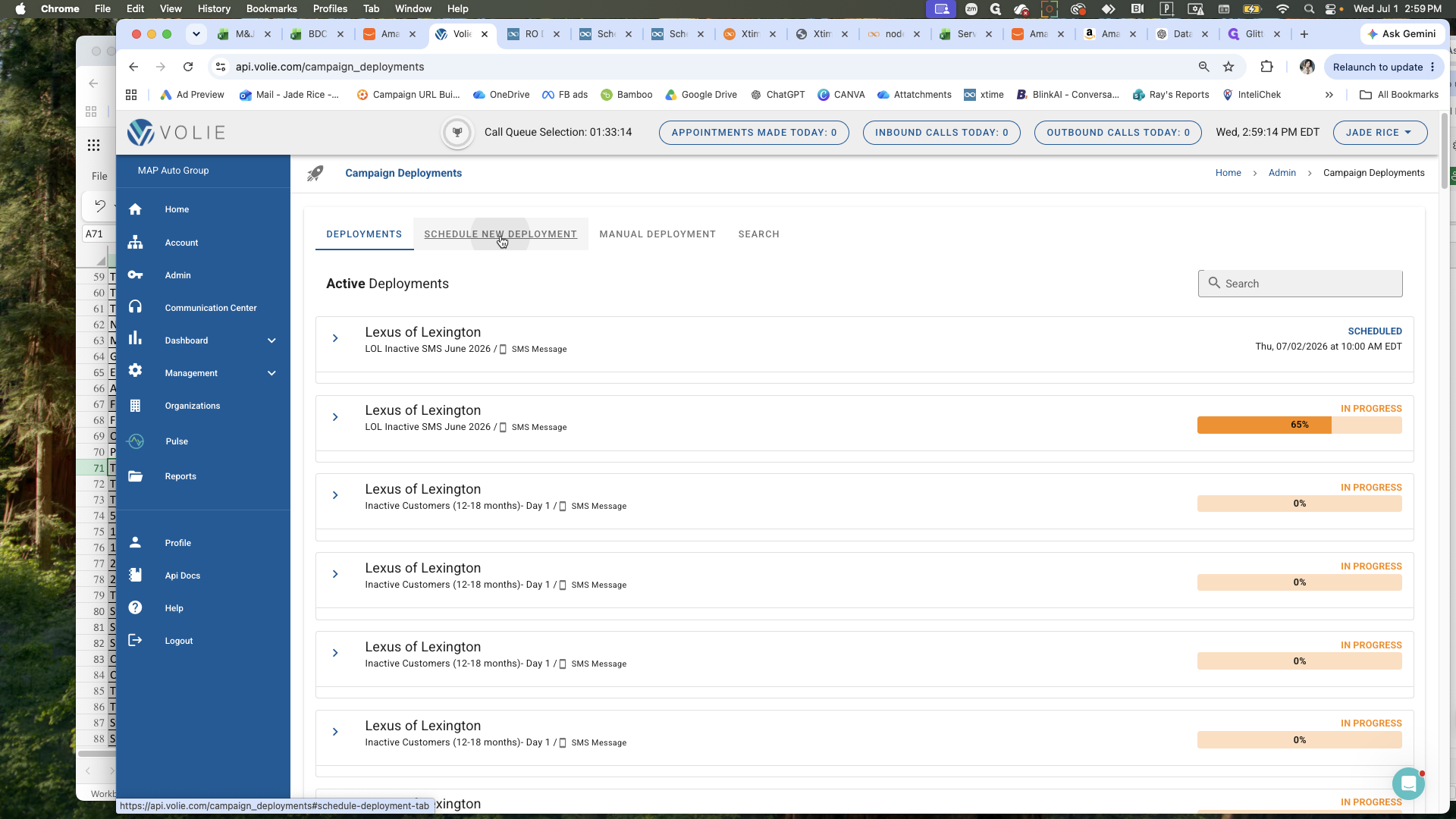
Process each campaign one by one until the list is clear.
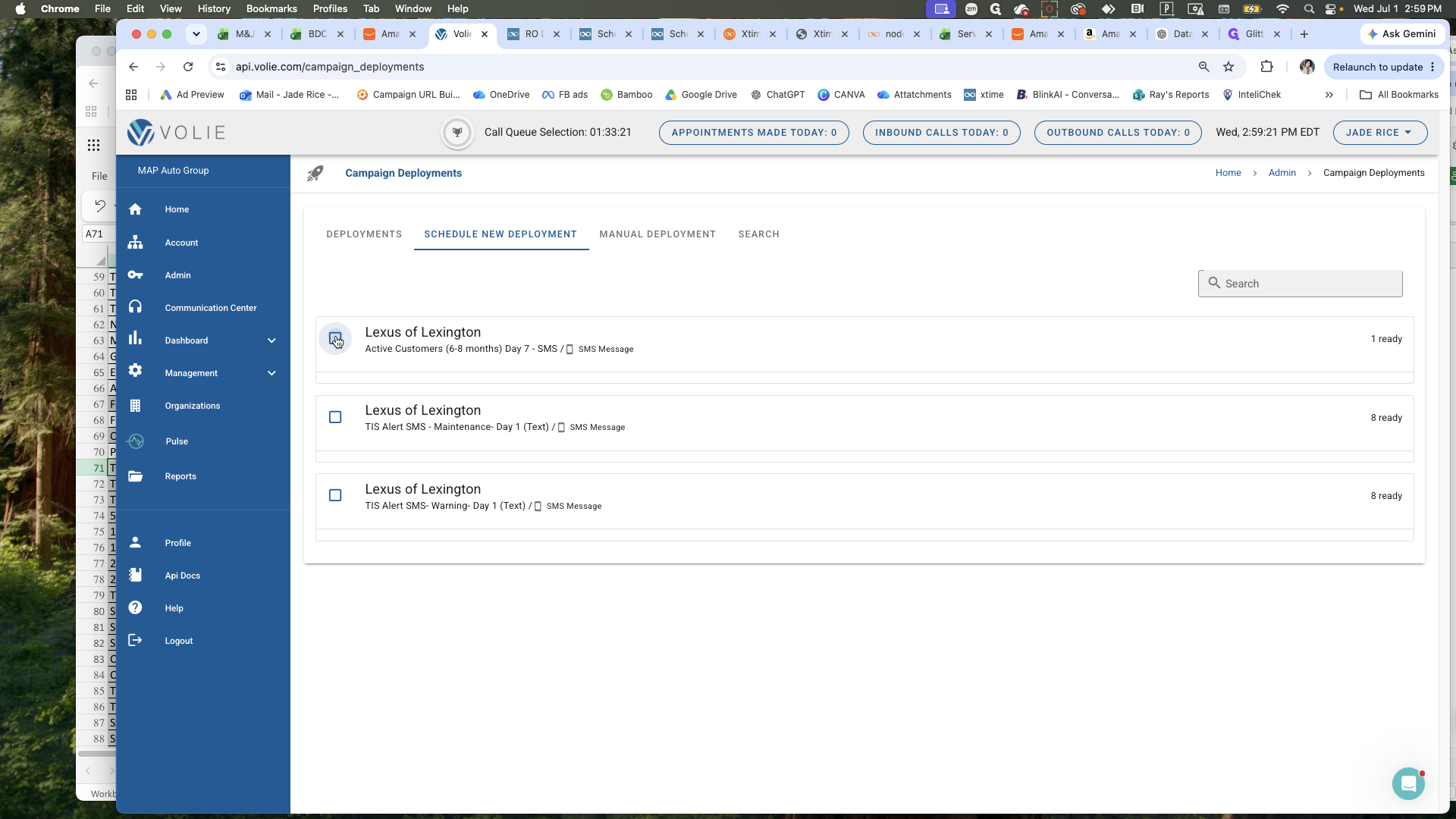
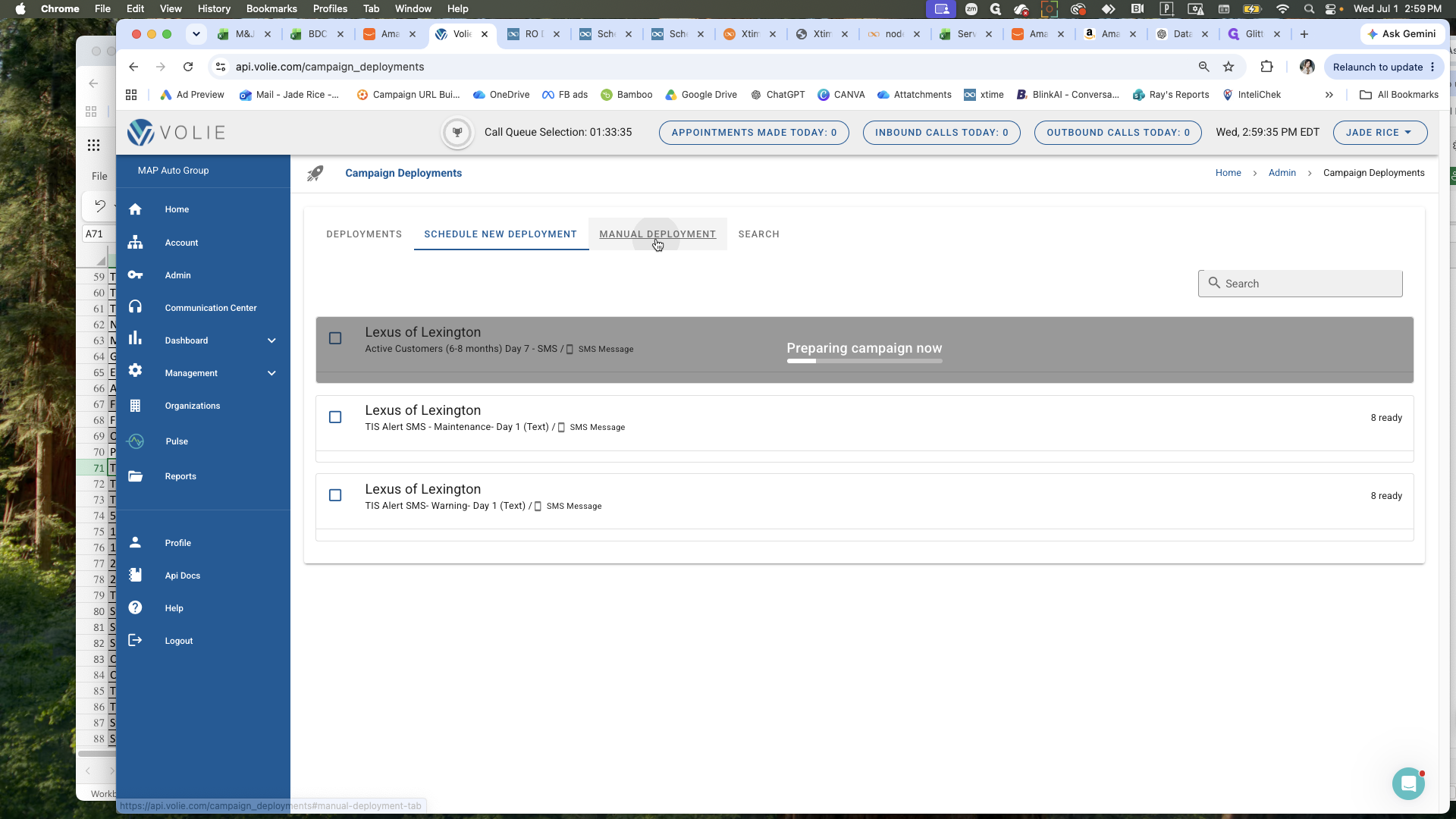
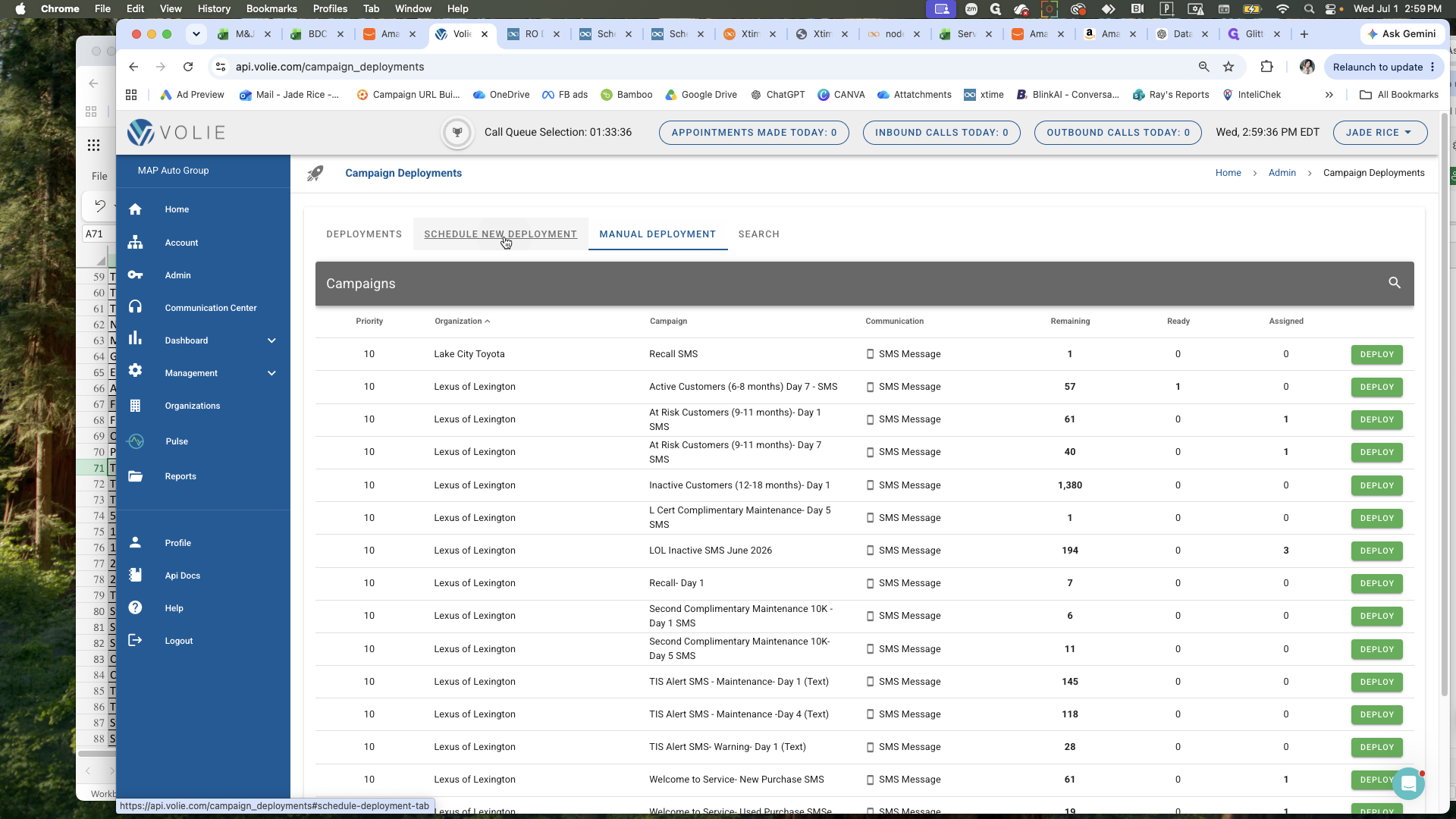
If the interface does not immediately update to remove the campaigns you just scheduled, you can force a refresh by toggling between tabs.
Q: When should I check for new campaign deployments?
A: It is best practice to check first thing in the morning, and one or two more times throughout the day as campaigns trickle in.
Q: What should I do if a deployed campaign still appears on the list?
A: Sometimes the list does not visually update immediately. Click a different tab (like Manual Deployment) and then click back to Schedule New Deployment to refresh the list.
Term | Definition |
|---|---|
Volie | The software platform used to manage and deploy the organization's campaigns. |
Campaign Deployment | The process of scheduling and dispatching communications to a targeted audience. |
SMS Campaign | A deployment specifically utilizing text messages to send alerts or marketing communications. |