
How to Manually Push a Workflow to Existing Staff
Learn how to manually assign and distribute a pre-built workflow template to existing employees immediately or at a scheduled time.
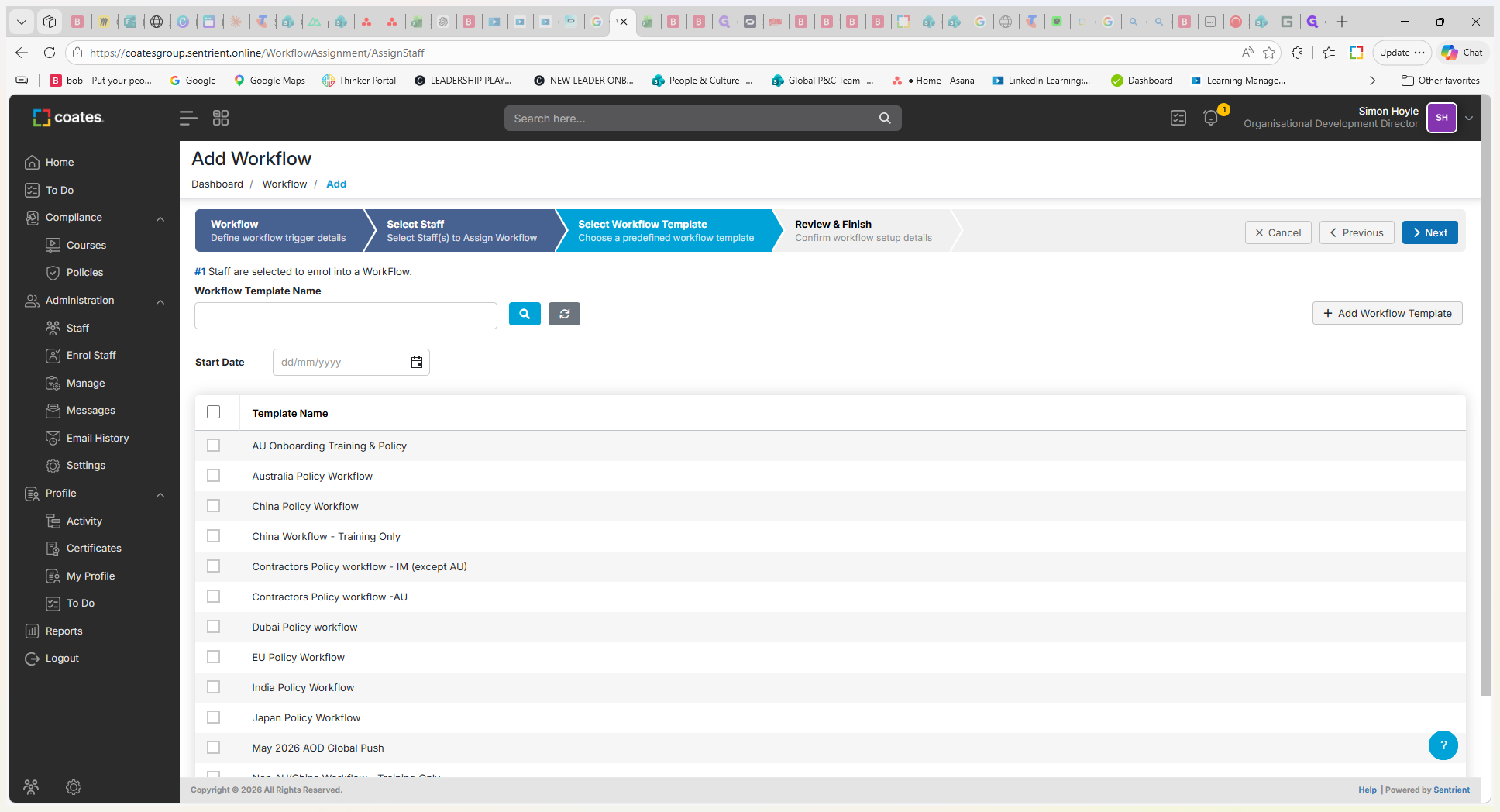
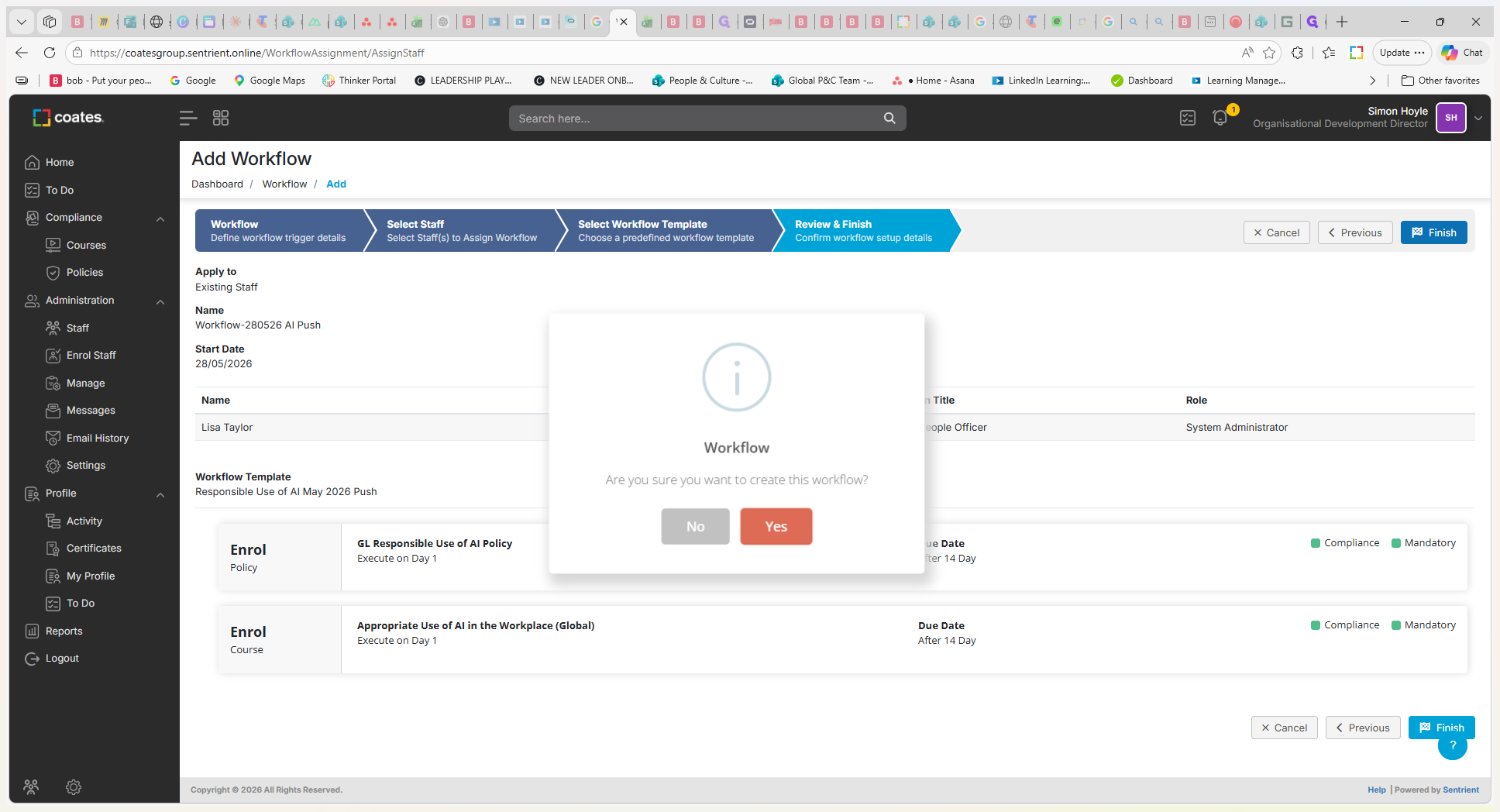
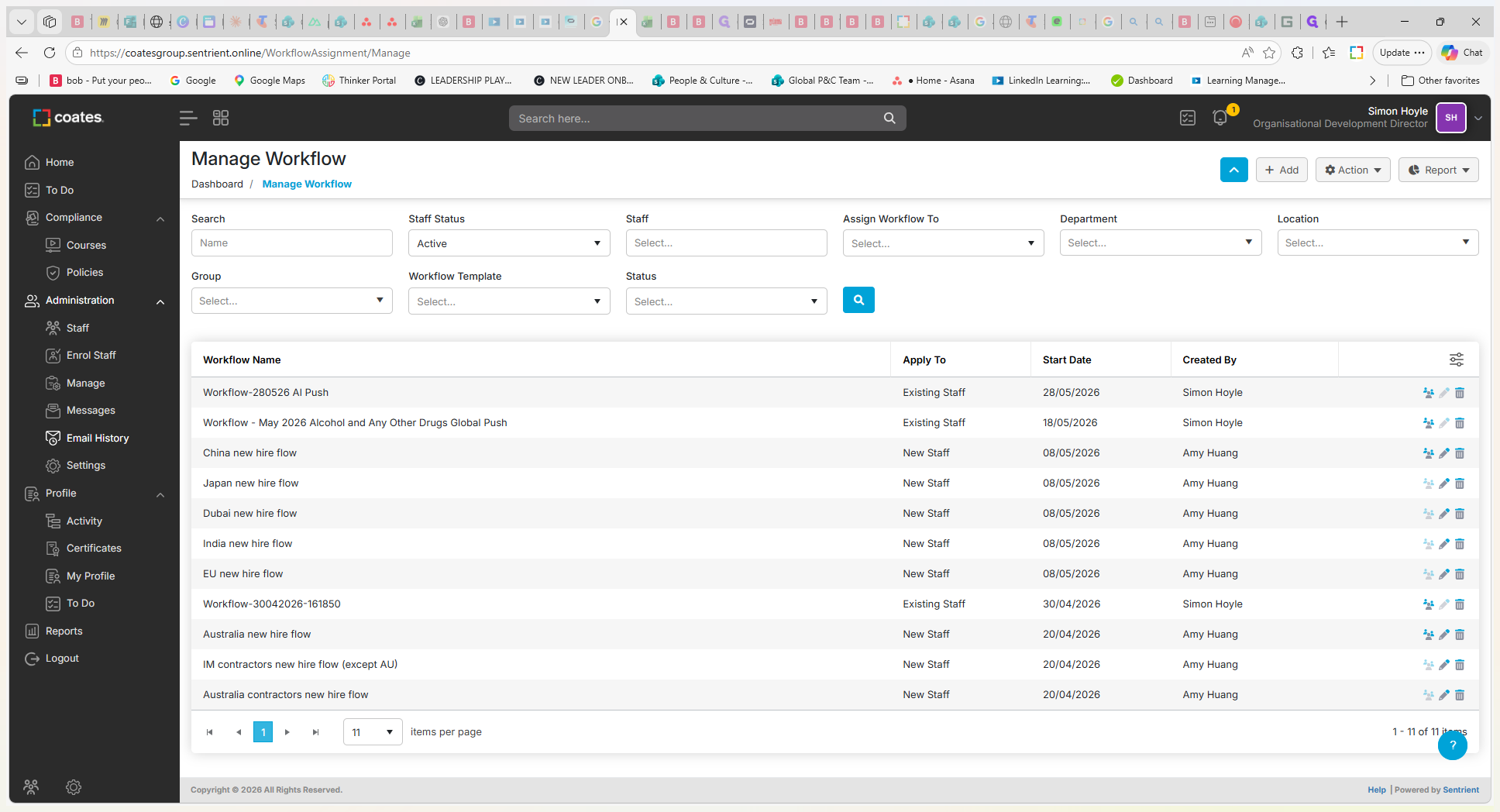
This guide explains how to manually push a workflow template out to existing employees. Completing this ensures you can immediately distribute new policies or training content without waiting for automated triggers, such as a new hire onboarding.
This process is relevant for administrators, HR professionals, or compliance managers who handle employee training and policy distribution. Use this when you have already created a workflow template and need to immediately assign it to specific current employees or the entire organization.
Before you begin, ensure you have already created the workflow template you intend to distribute.
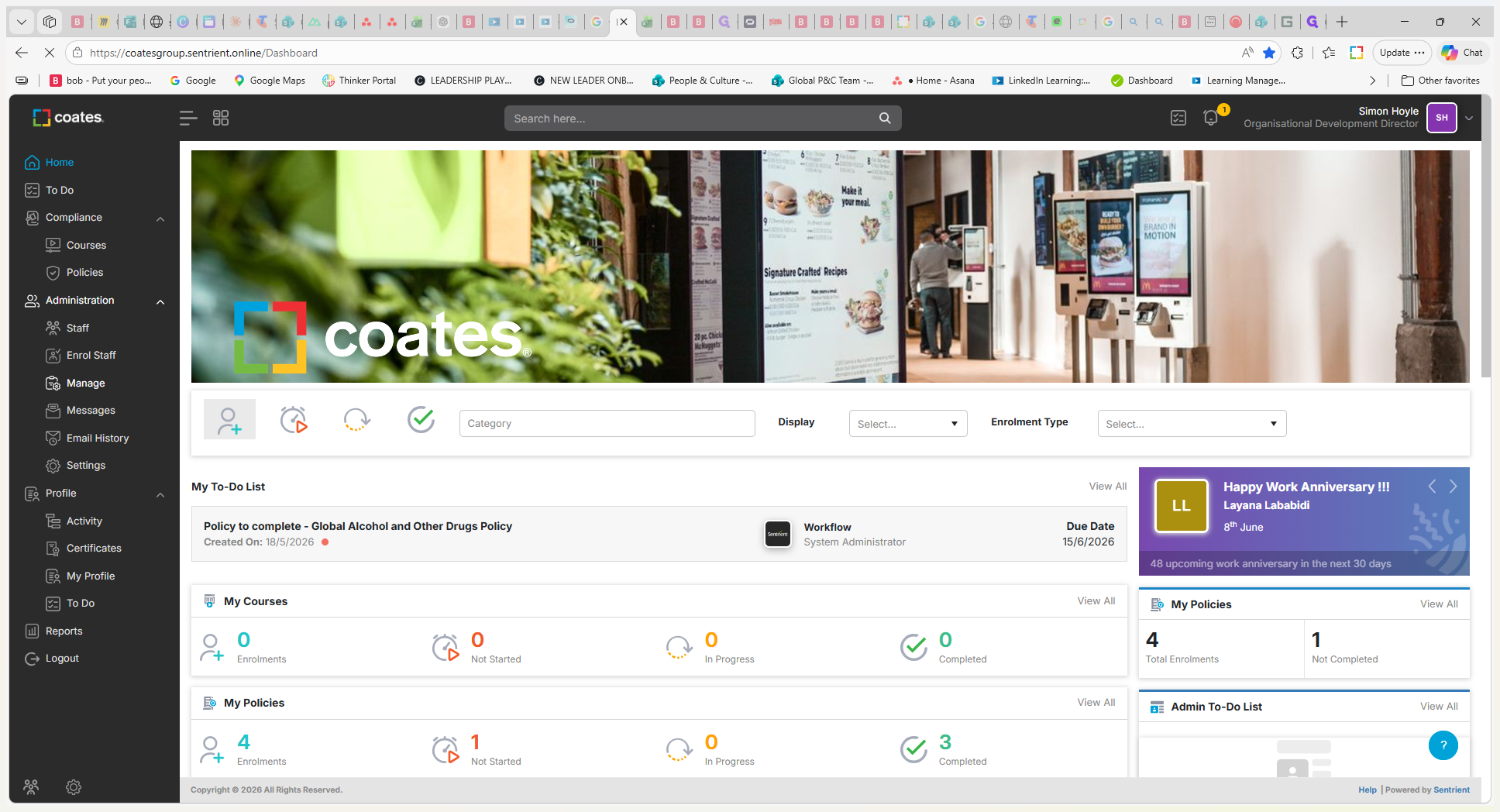
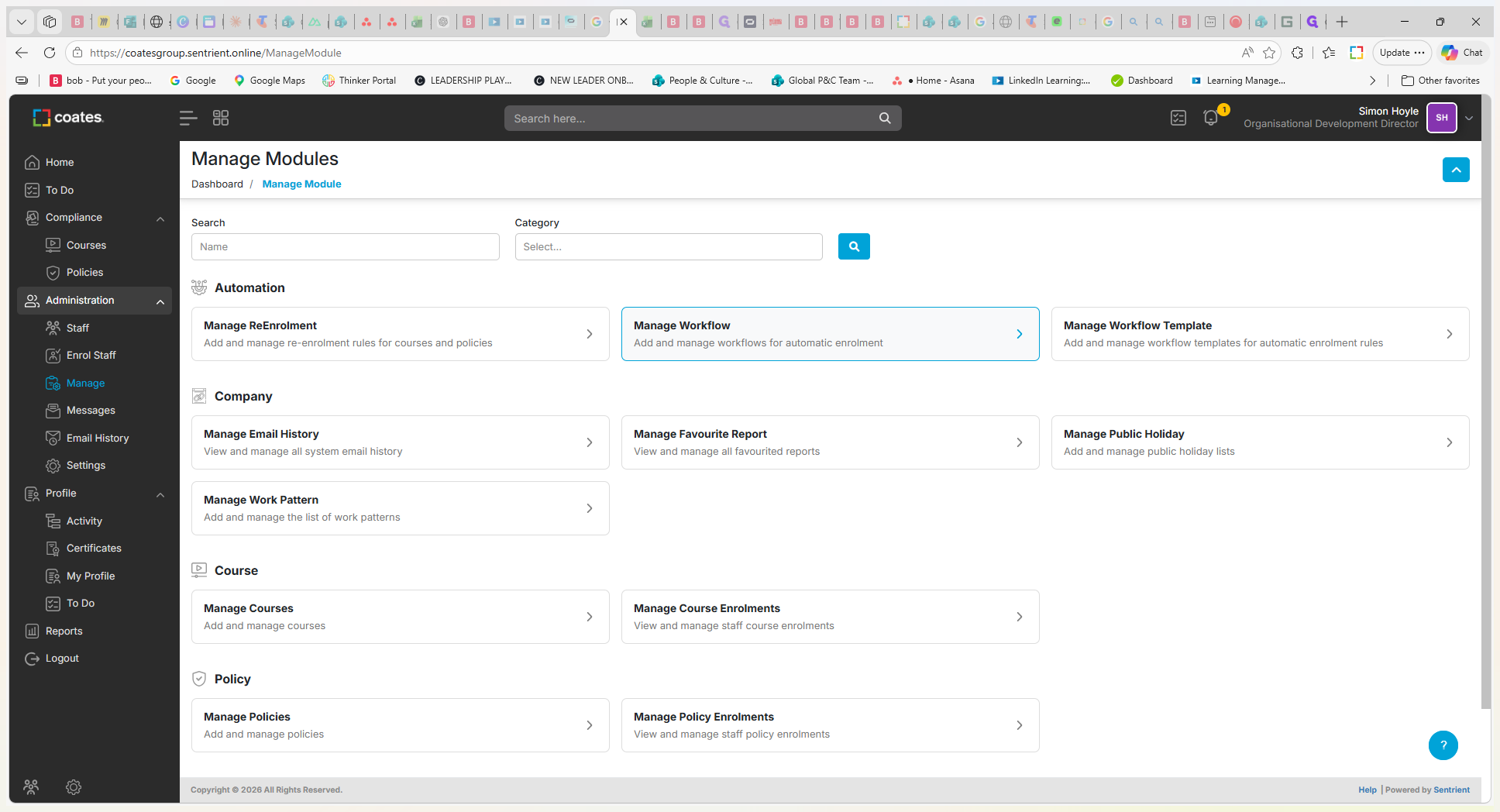
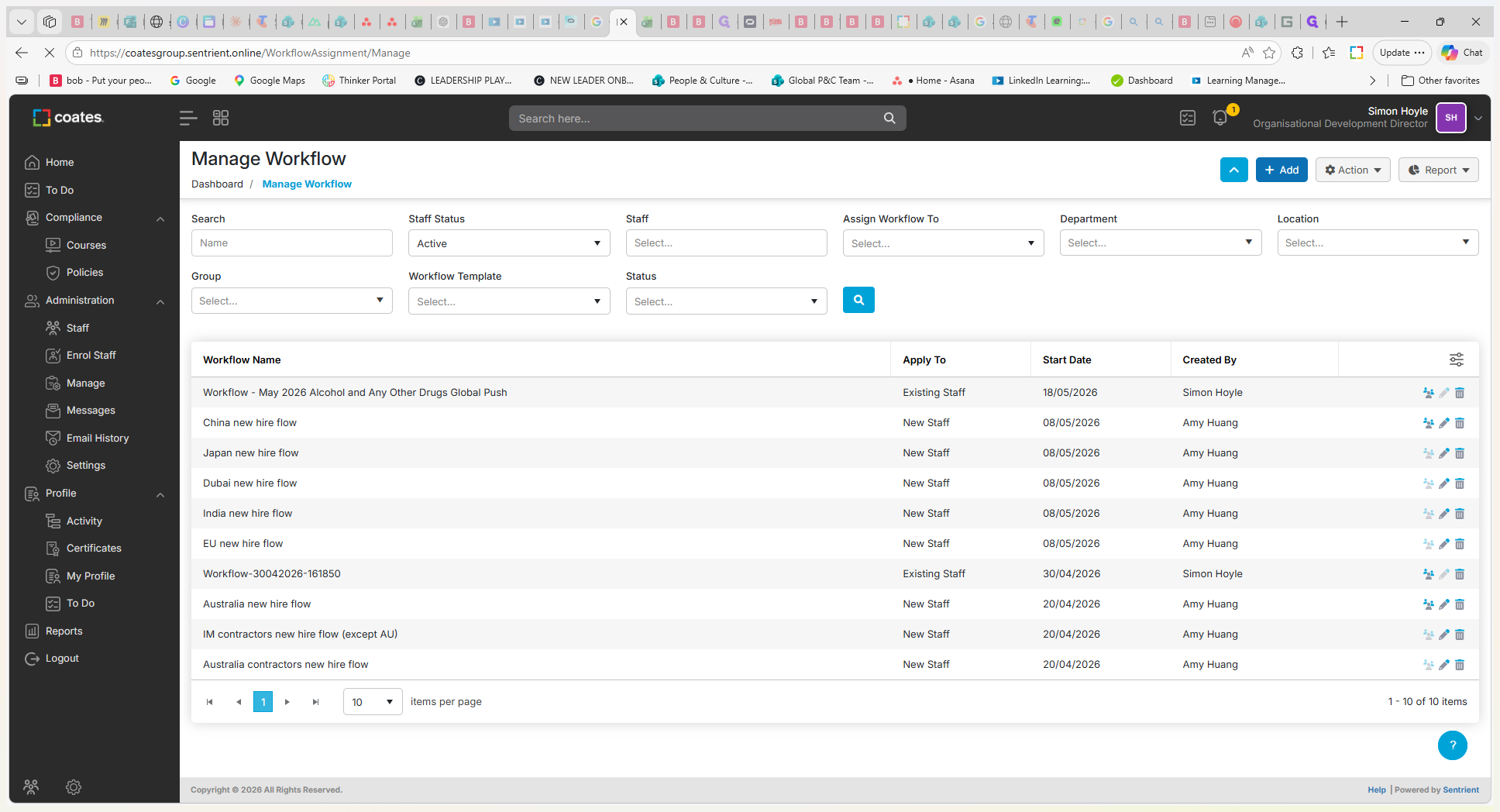
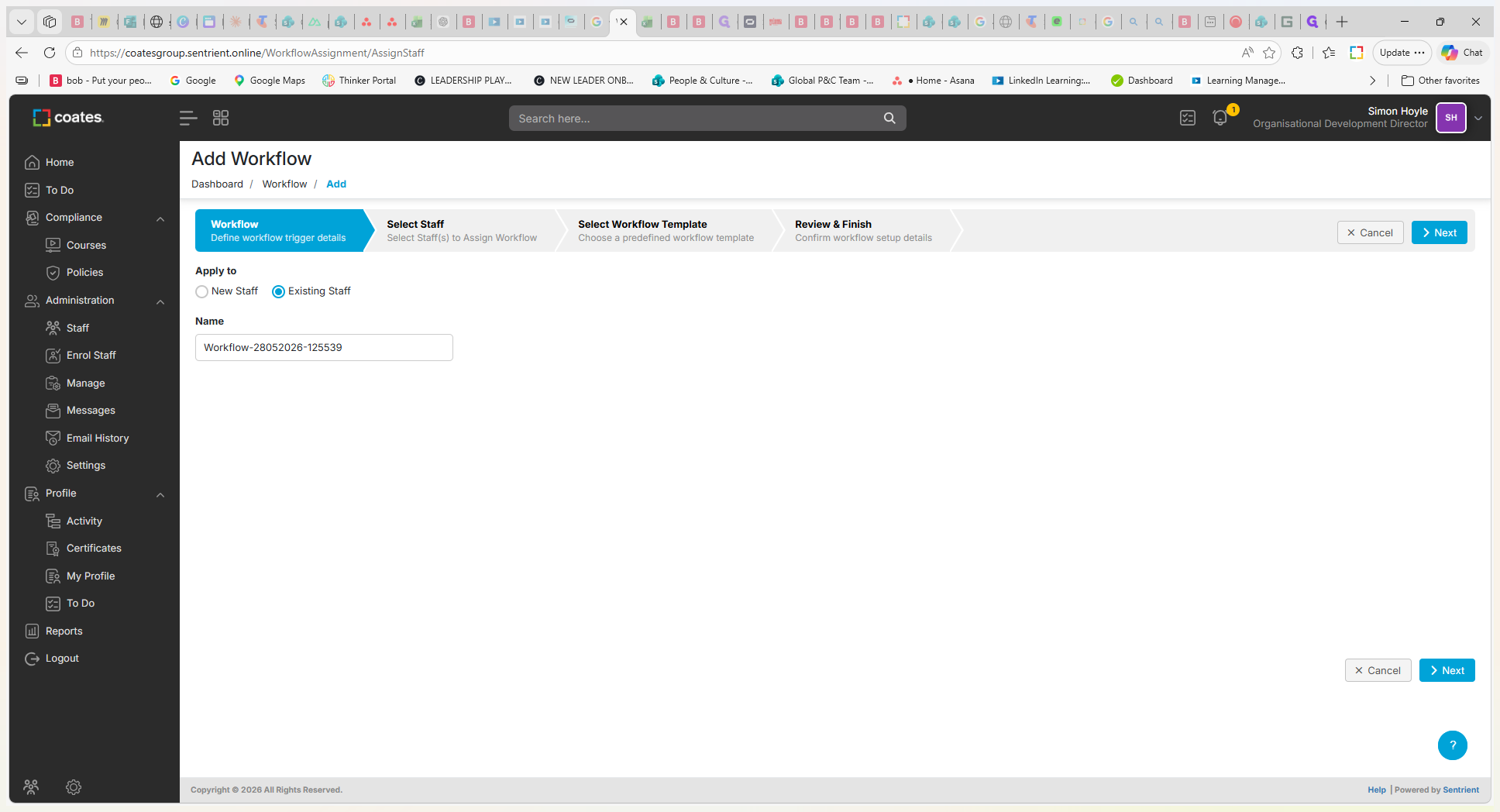
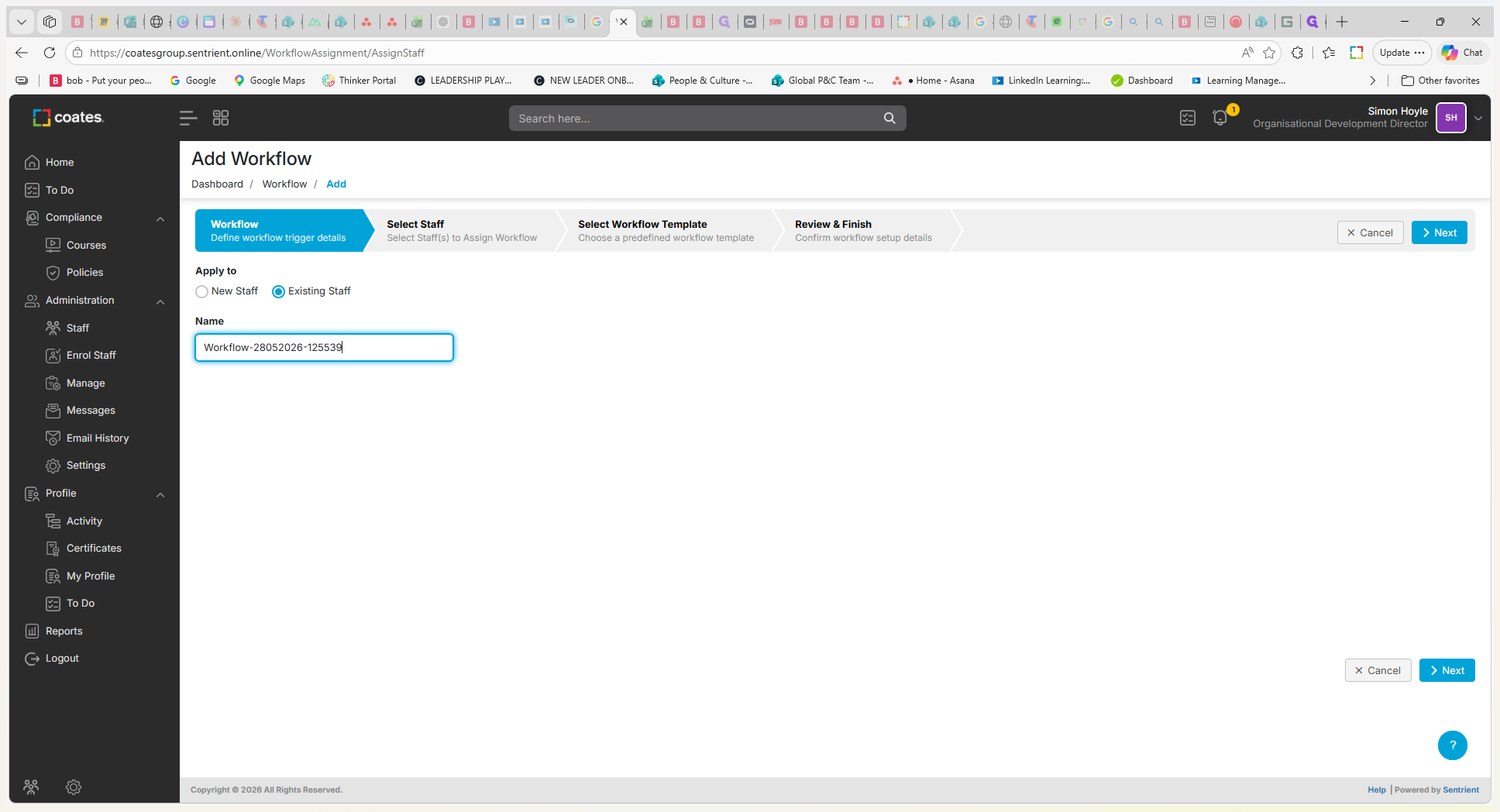
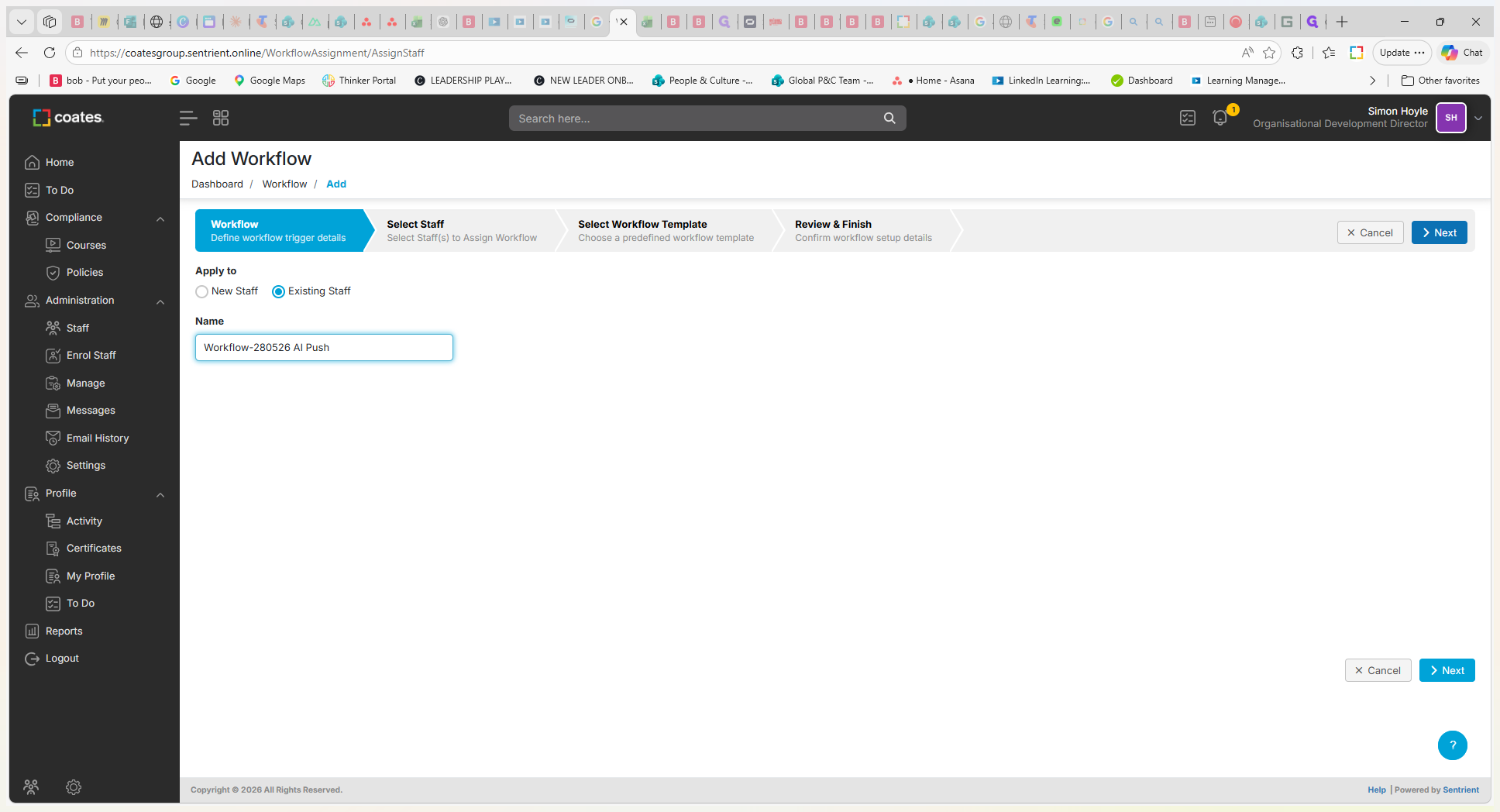
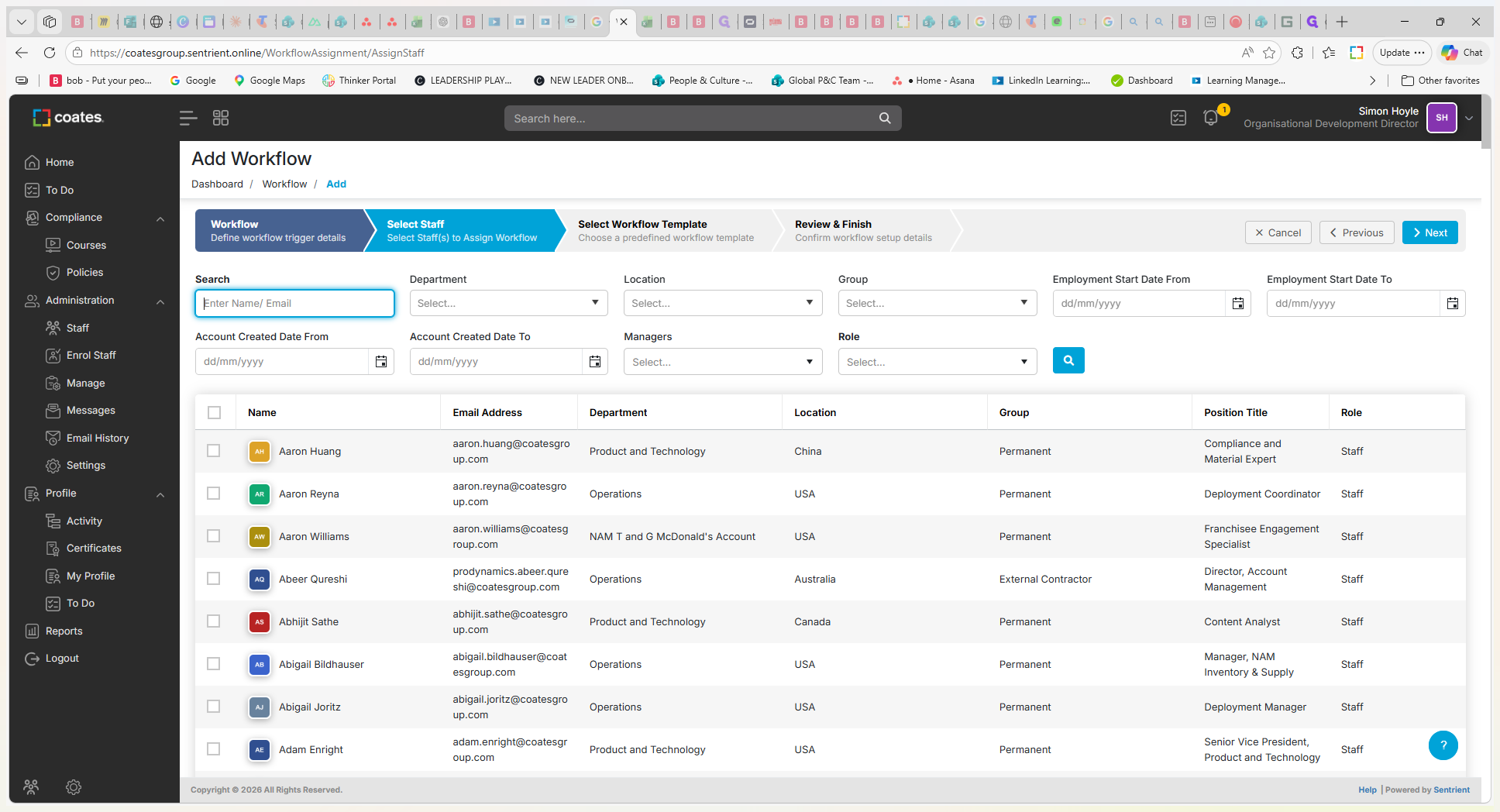
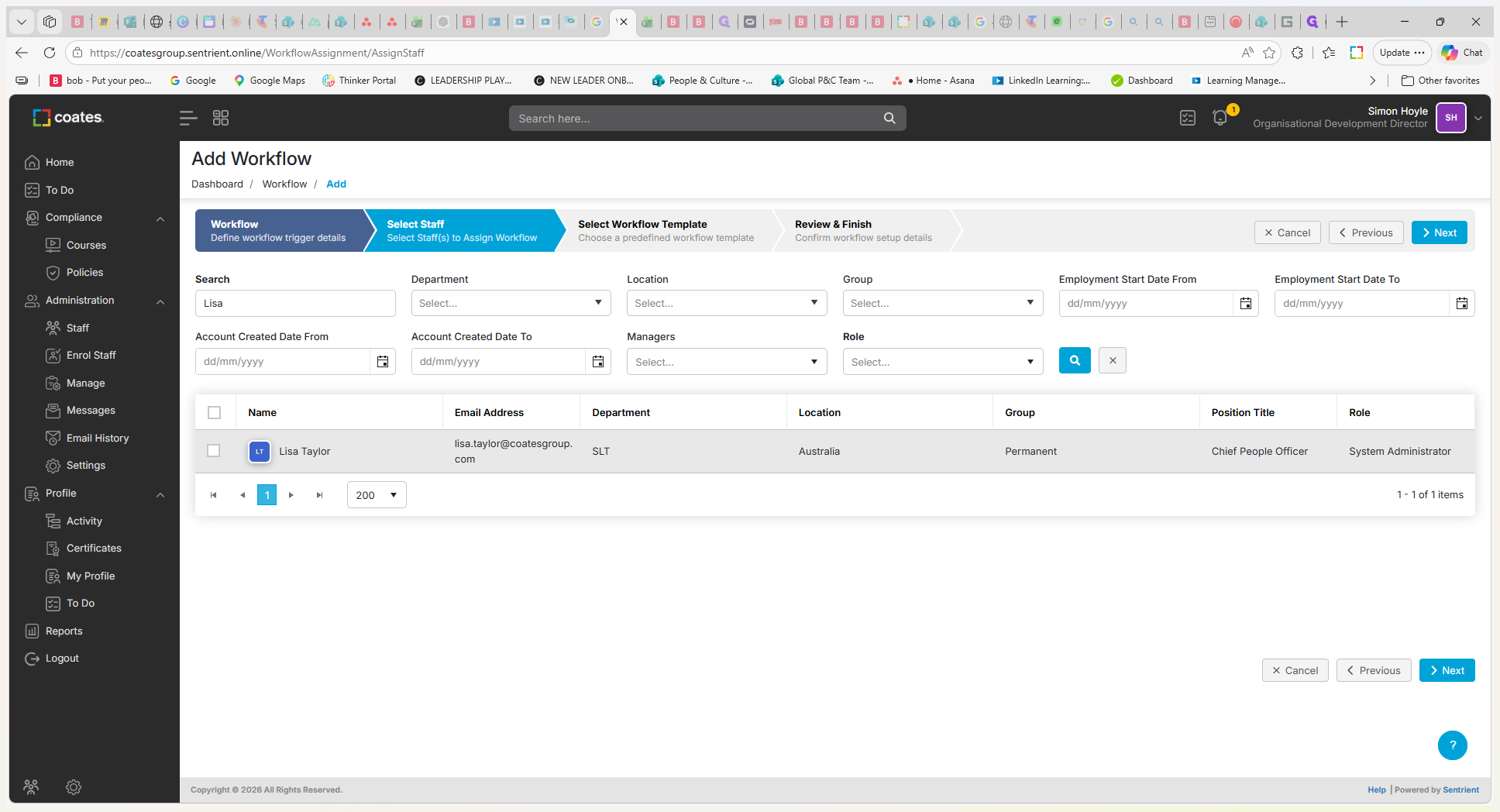
When selecting staff, you can target specific audiences based on several criteria:
Targeting Option | Description |
|---|---|
Entire Organization | Select all staff to push a company-wide update, such as a universal policy change. |
Department / Location | Filter staff by their assigned department or geographic location to distribute relevant localized compliance materials. |
Individuals | Search for and select specific individuals by name or email for targeted assignments. |
Q: Can I schedule a manual workflow to be sent at a later date?
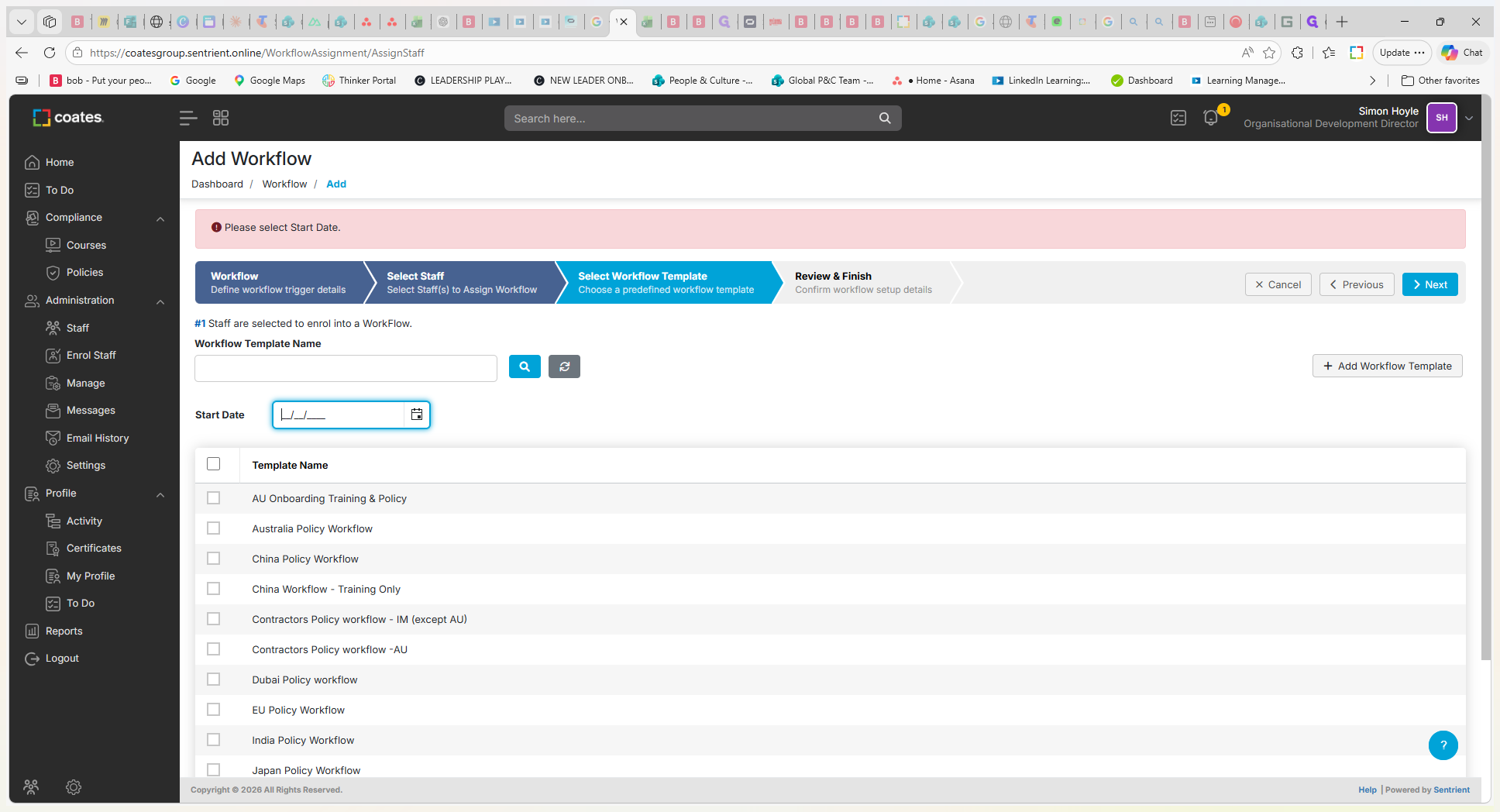
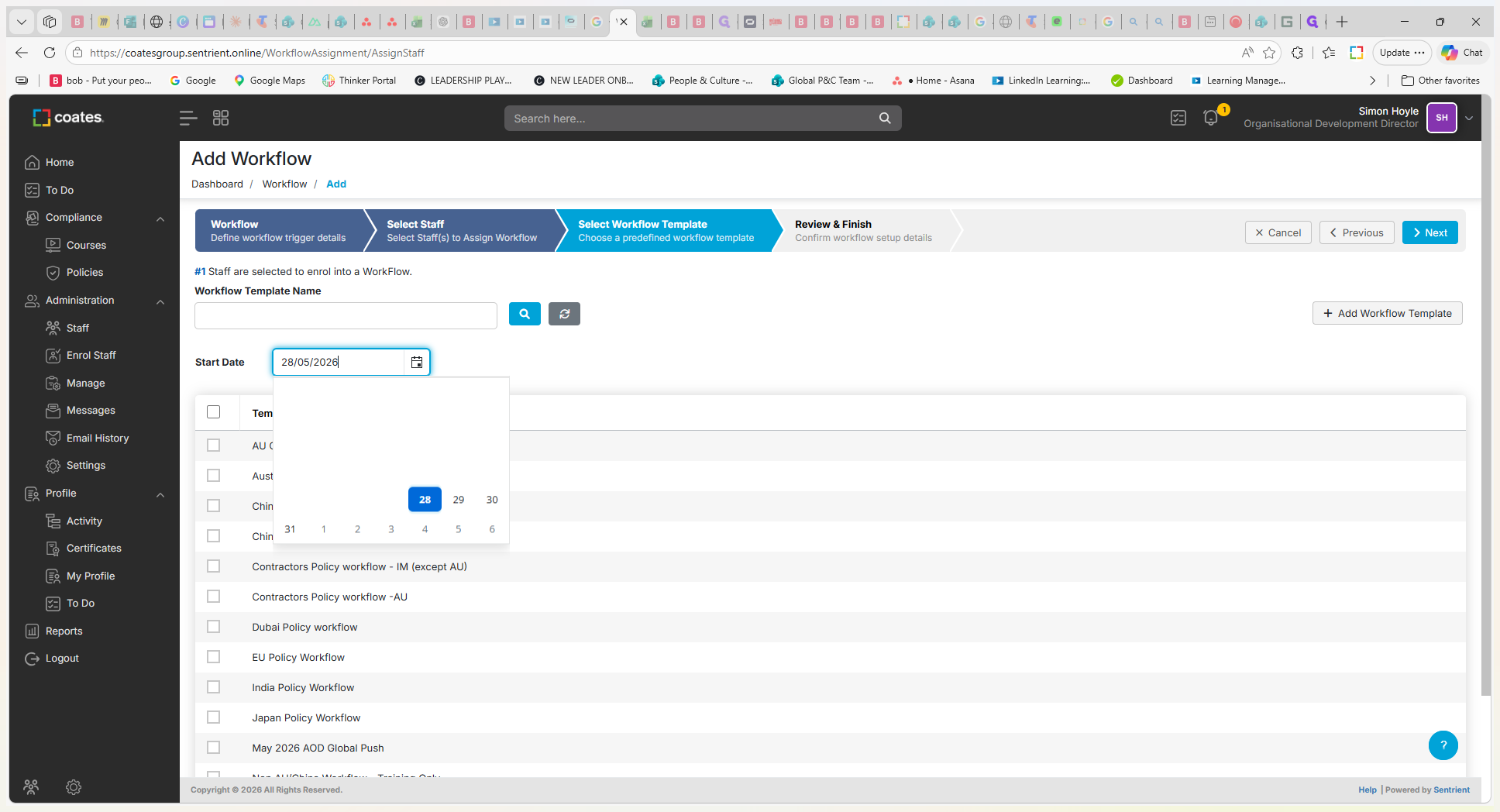
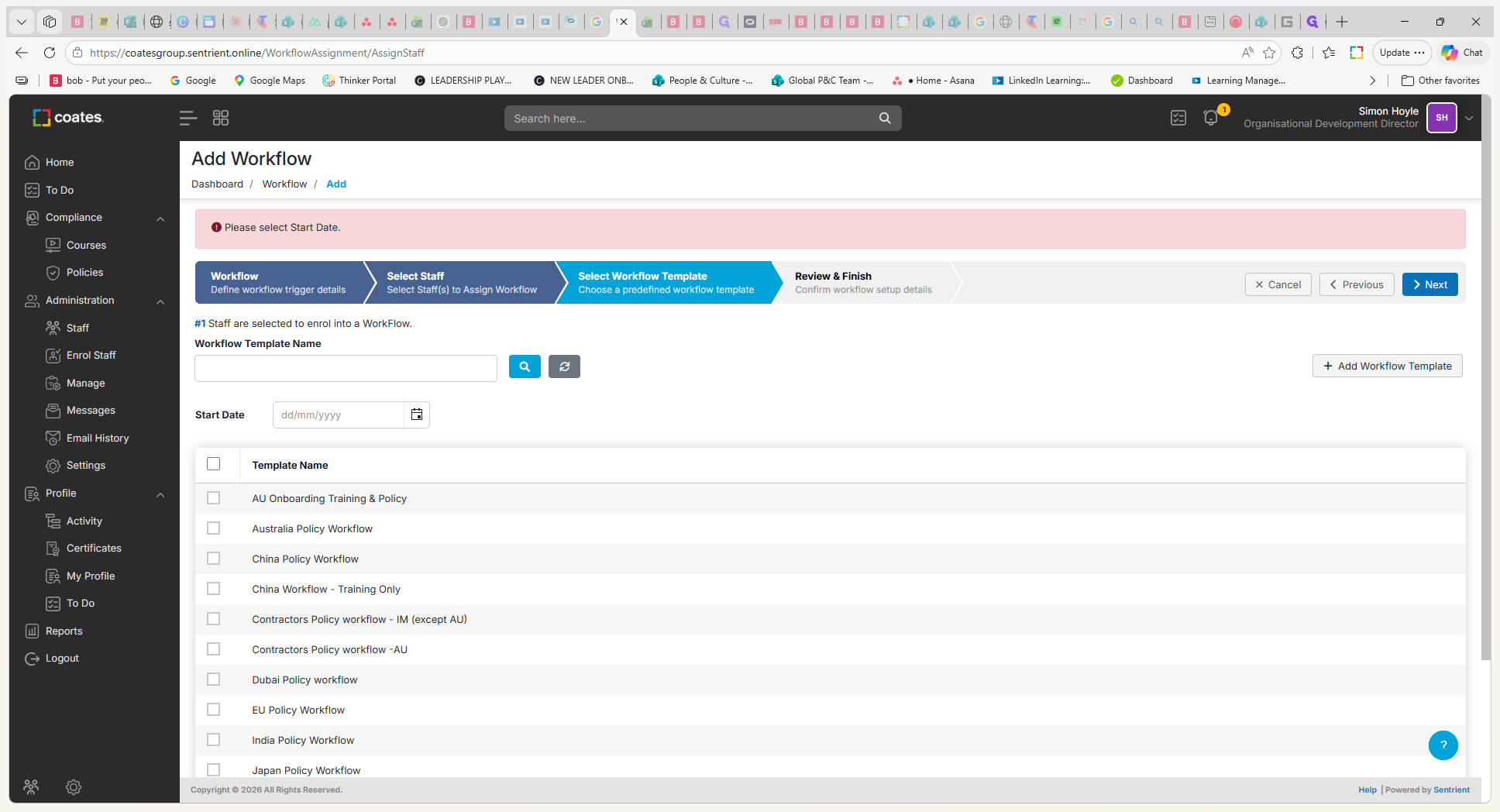
A: Yes, during the workflow setup, you can select a future start date from the calendar picker instead of today's date.
Q: How do I verify that the workflow was successfully sent to employees?
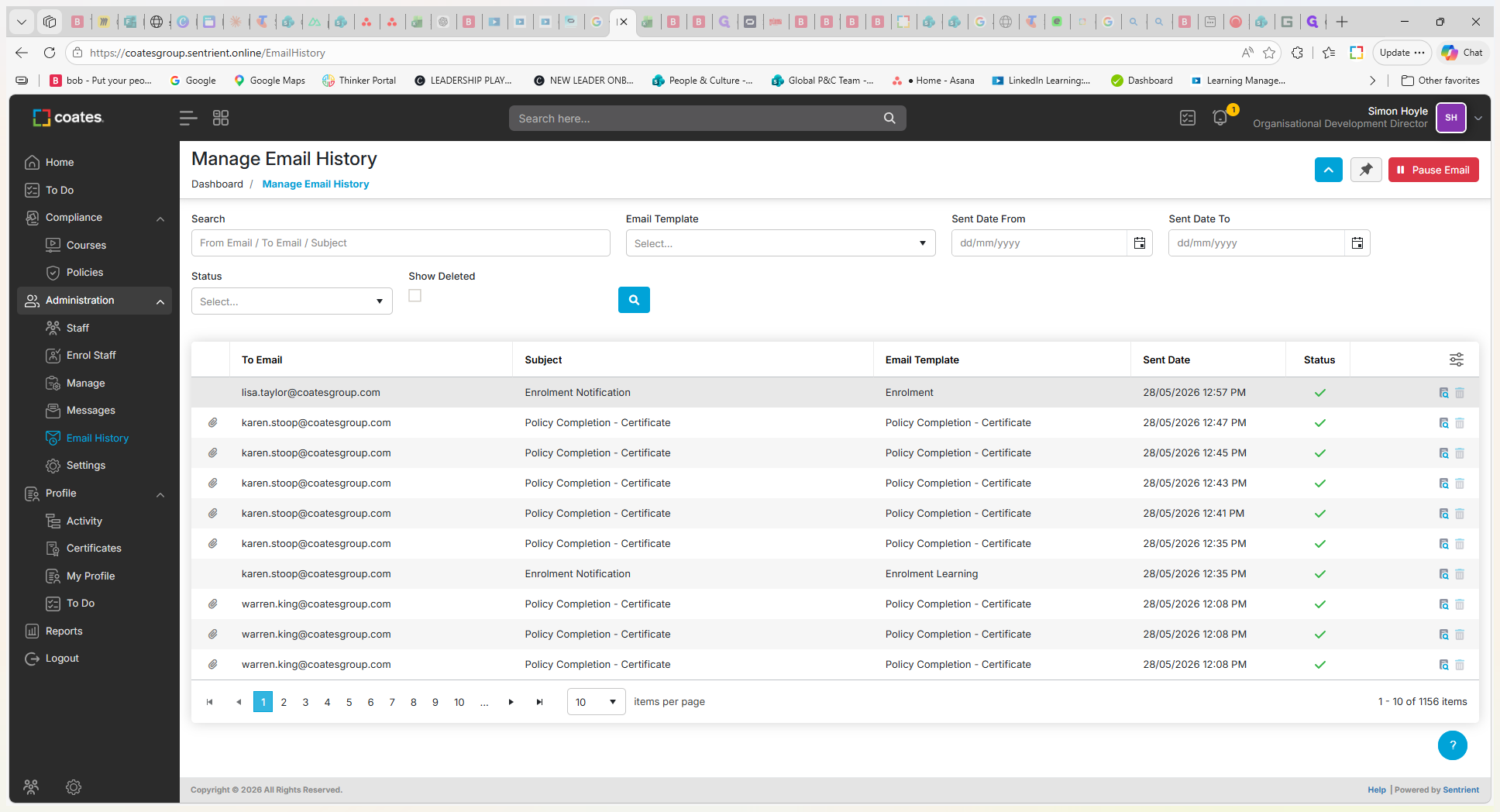
A: Navigate to the Email History section and look for the enrollment notification sent to the targeted employees. You can click on the notification to view the specific courses and policies that were attached.
Q: Do I have to assign a manual workflow to the entire organization?
A: No, you can use the filters during the staff selection step to target specific individuals, departments, locations, or employee types.
Term | Definition |
|---|---|
Workflow Template | A pre-configured collection of courses, policies, or other training materials that can be assigned to employees. |
Automated Workflow | A workflow triggered automatically by system events, such as a new employee starting in a specific location. |
Manual Workflow | A workflow actively dispatched to existing employees on demand, rather than waiting for an automated system trigger. |