
Map Asset Inspections to Uptick Properties
Learn how to verify and map property data from extinguisher inspection spreadsheets to exact Uptick property records for successful asset imports.
This guide explains how to map information from asset inspection spreadsheets to exact property names in Uptick. Completing this process ensures that imported assets, such as fire extinguishers, are correctly assigned to their respective properties.
This guide is for operations and administrative staff responsible for managing data imports. It should be referenced during the data preparation phase when aligning field inspection data with existing system records.
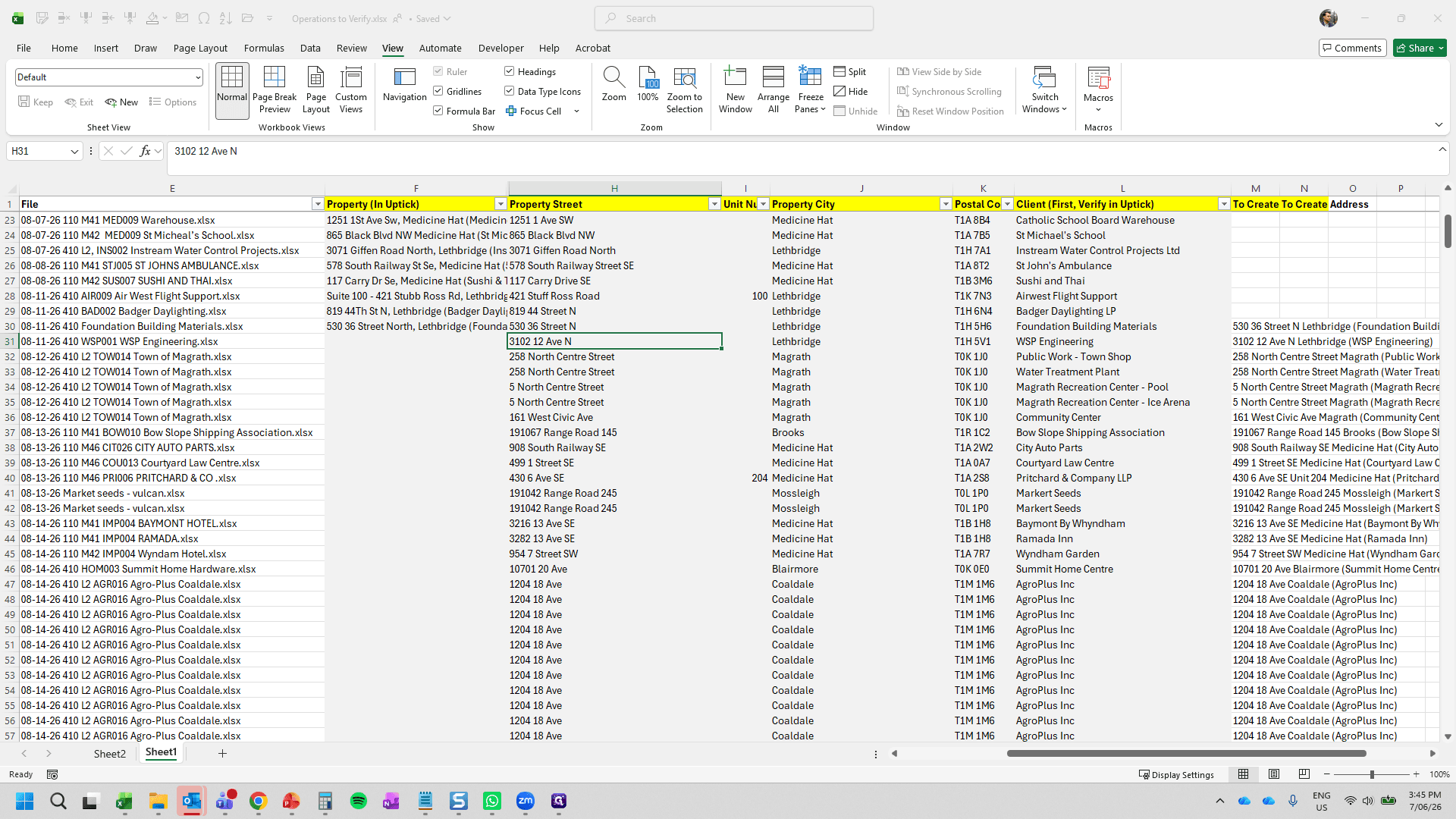
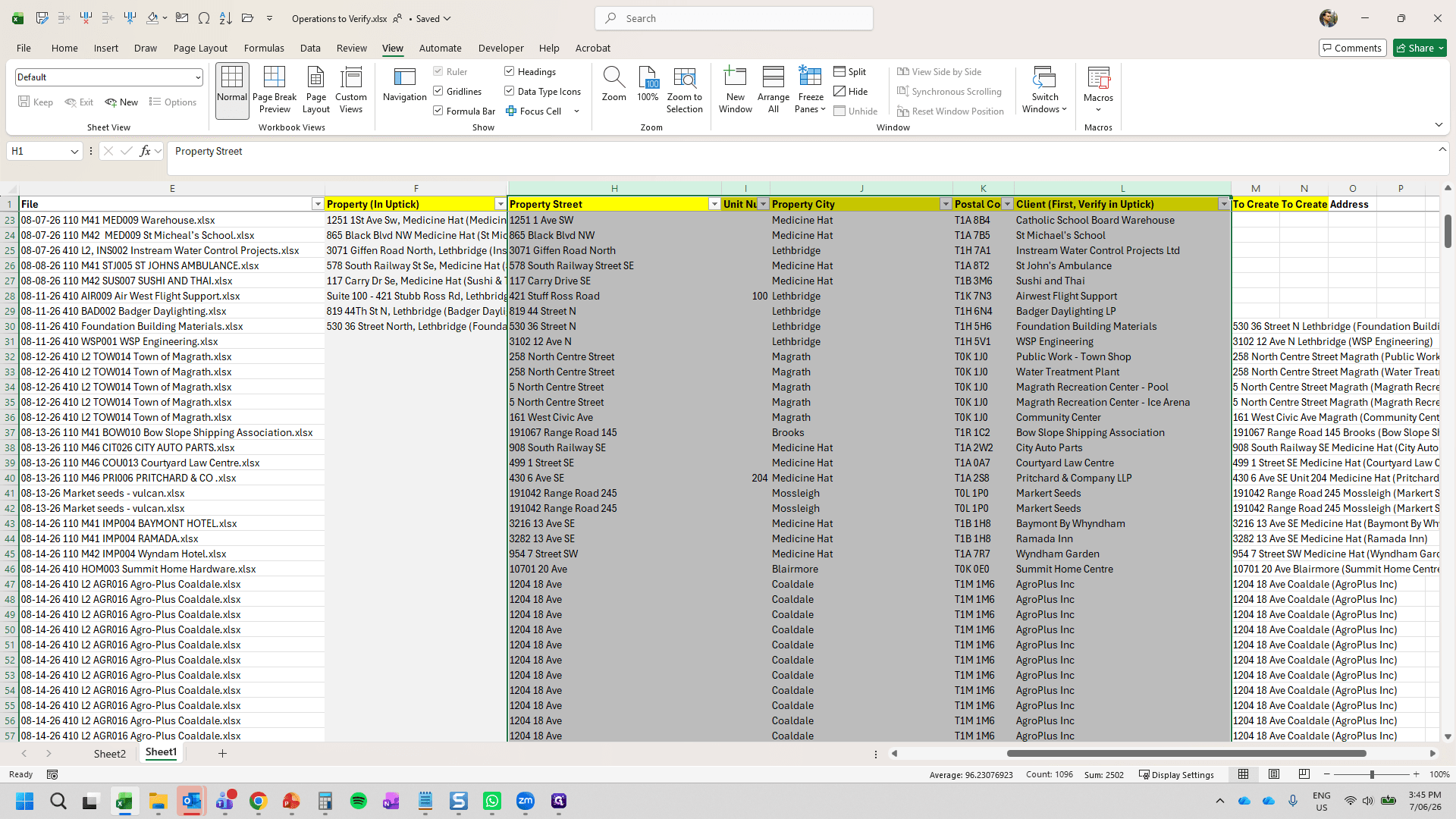
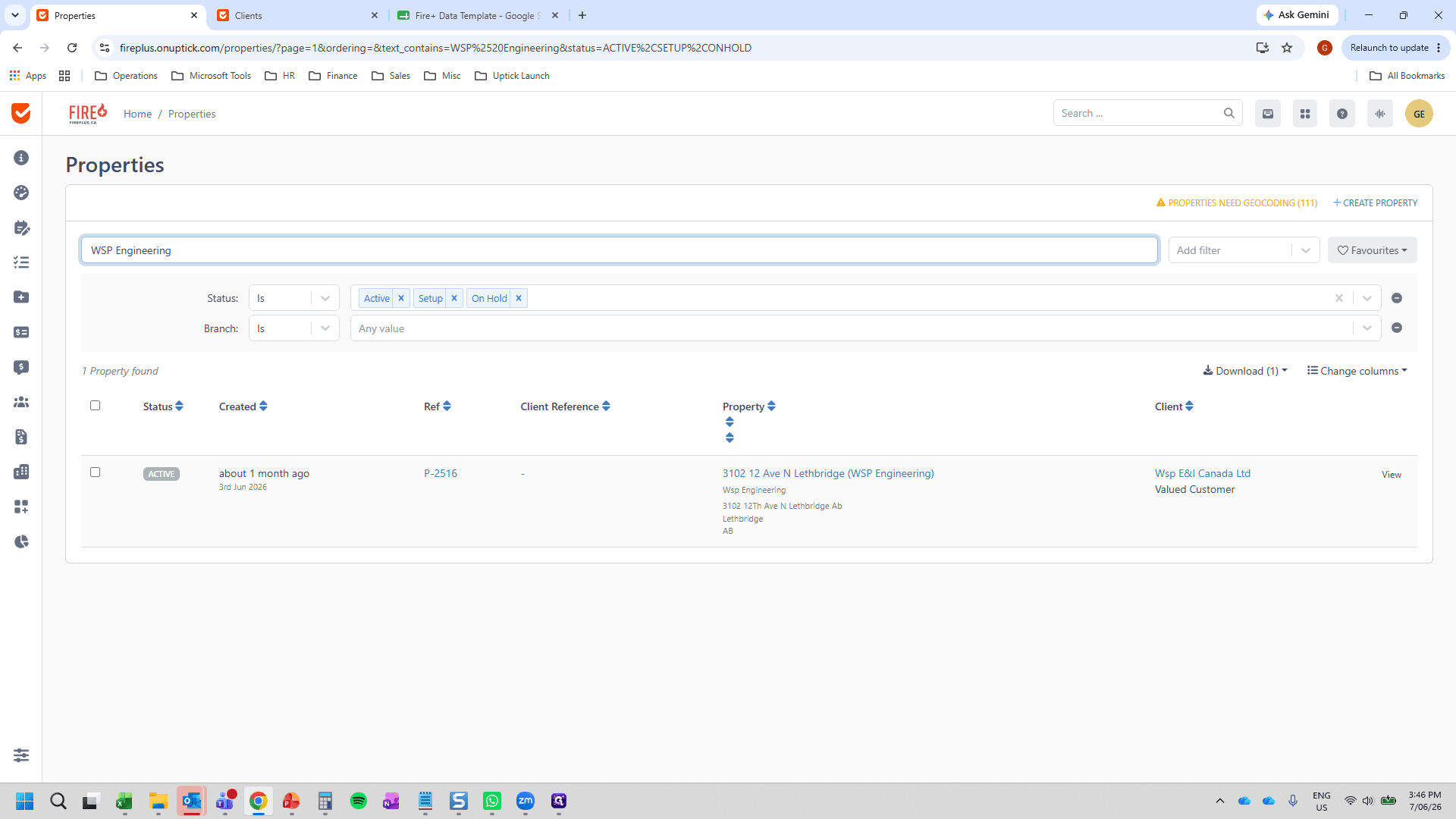
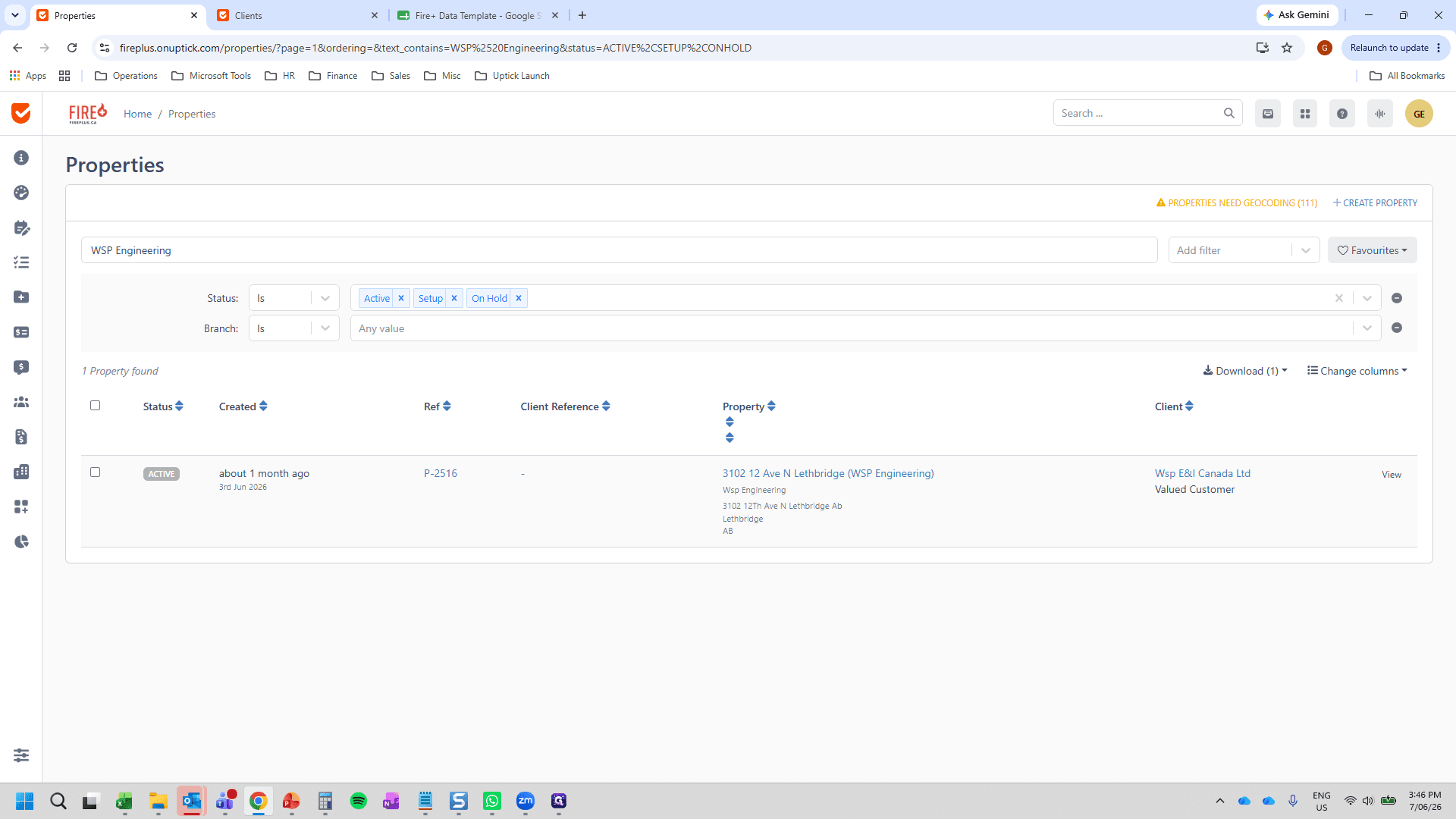
property_name column in the Fire+ Data Template prior to importing your assets.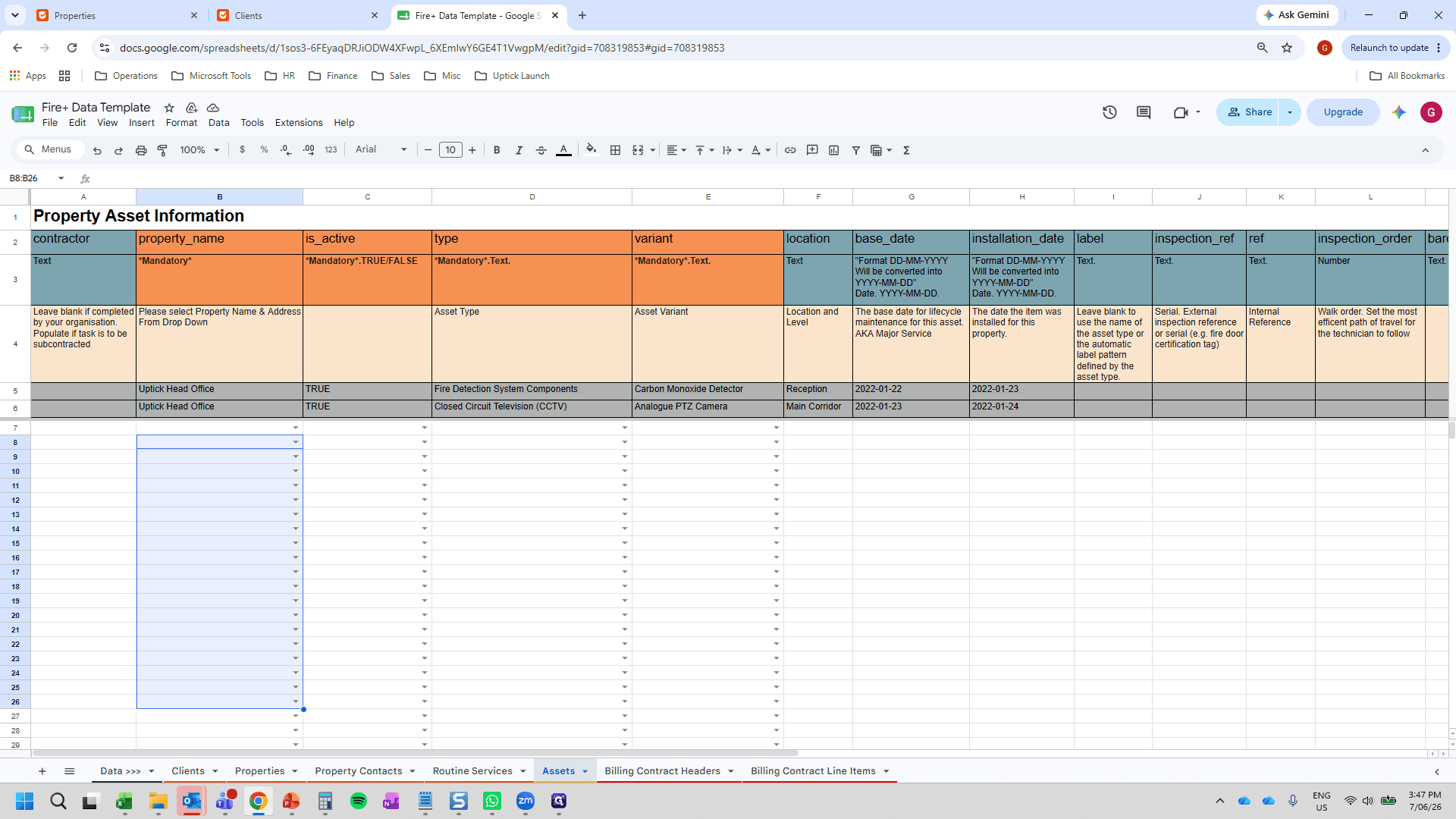
Q: Why do I need to paste the exact property name into Column F?
A: When importing assets, they must be assigned to an existing property. Using the exact name from Uptick ensures the assets map correctly during the import process.
Q: What happens if the property name in the spreadsheet doesn't perfectly match Uptick?
A: Even minor discrepancies will cause the asset mapping to fail. The name must be an identical match to the record in Uptick.