
How to Match Staff with Clients in Lumina
Learn how to use Lumina's Client Coverage Planner to adjust staff travel ranges and assign clients to ABA practitioners on the interactive map.
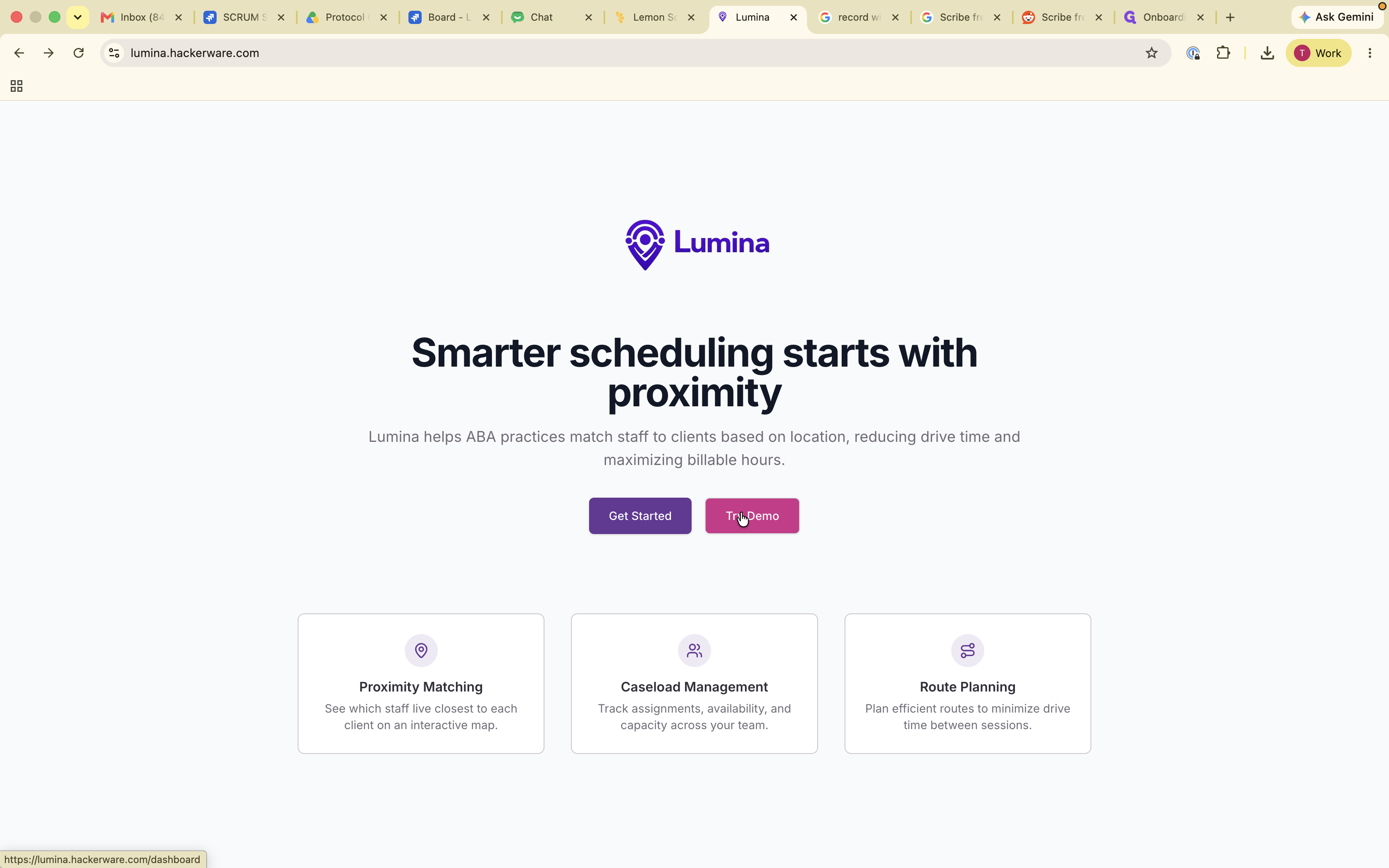
This guide shows how to match ABA practitioners with clients based on geographic proximity and capacity. Completing this process allows you to efficiently assign clients from your waitlist and automatically generate optimal travel routes for your staff.
This workflow is designed for ABA practice managers, scheduling coordinators, and clinical directors. It is used during client intake or schedule planning to assign cases based on available capacity and travel range.
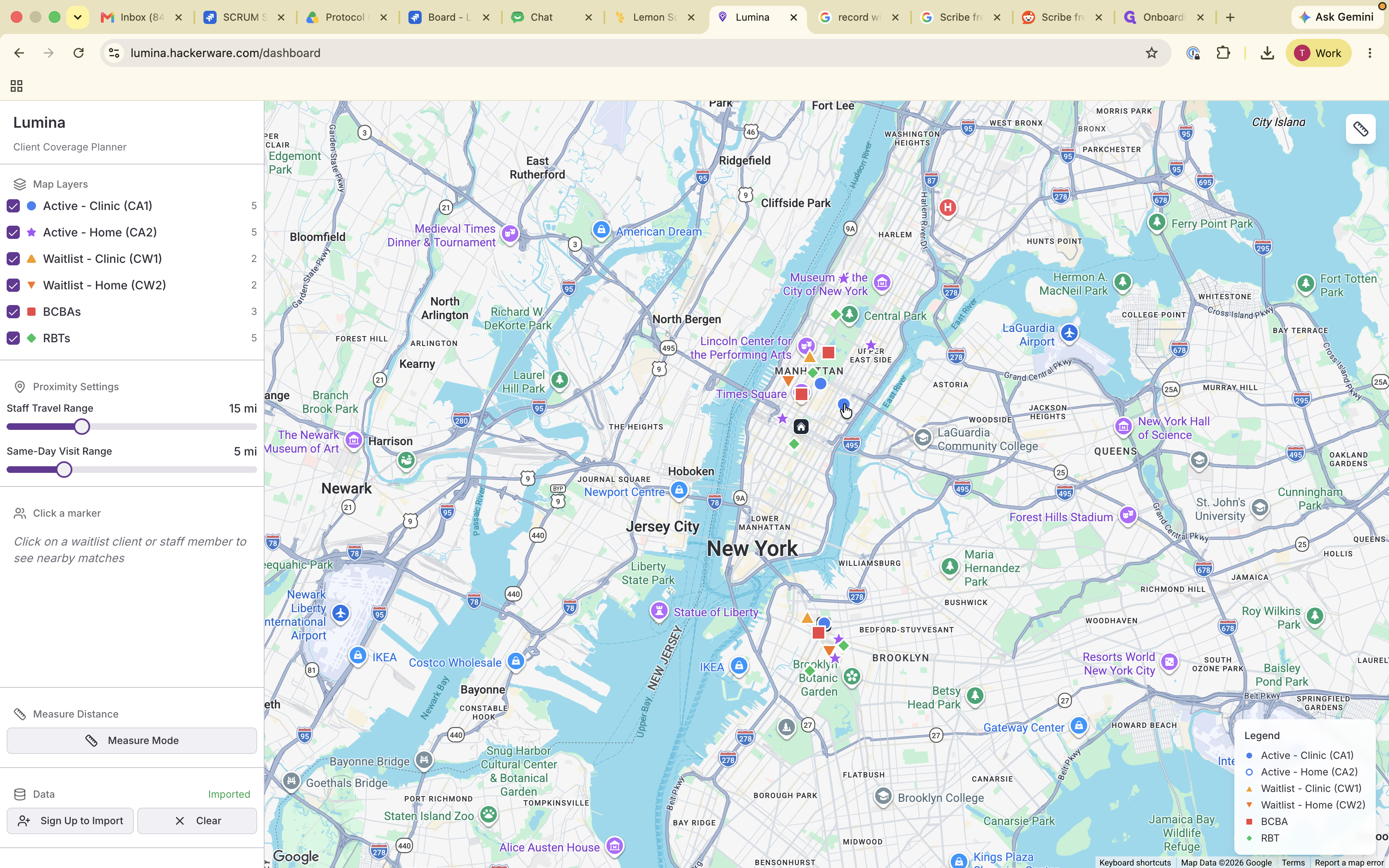
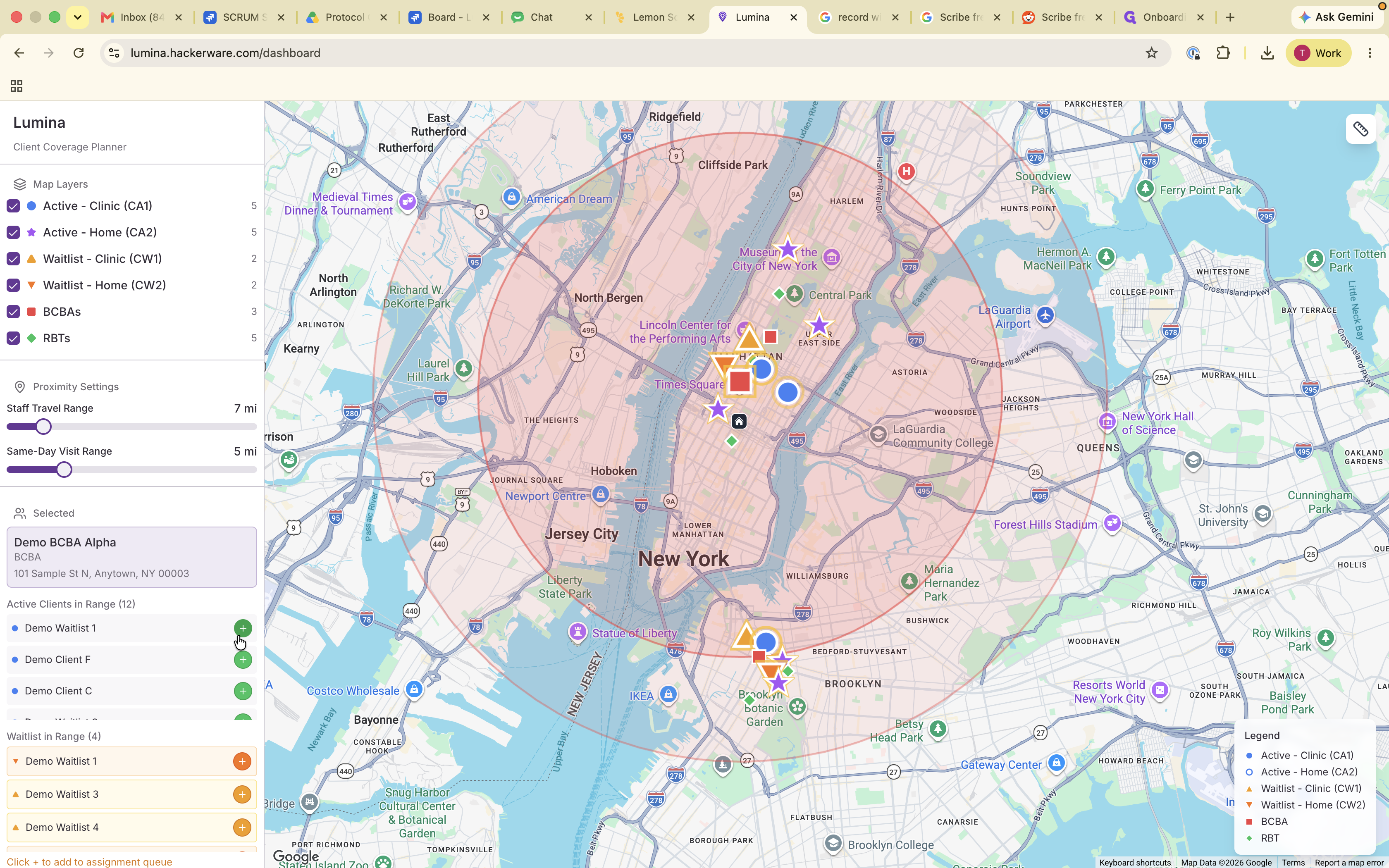
Access the coverage planner to view the location and capacity of active clients, Board Certified Behavior Analysts (BCBAs), and Registered Behavior Technicians (RBTs).
The map displays location markers for clinics, homes, and active staff in the area.
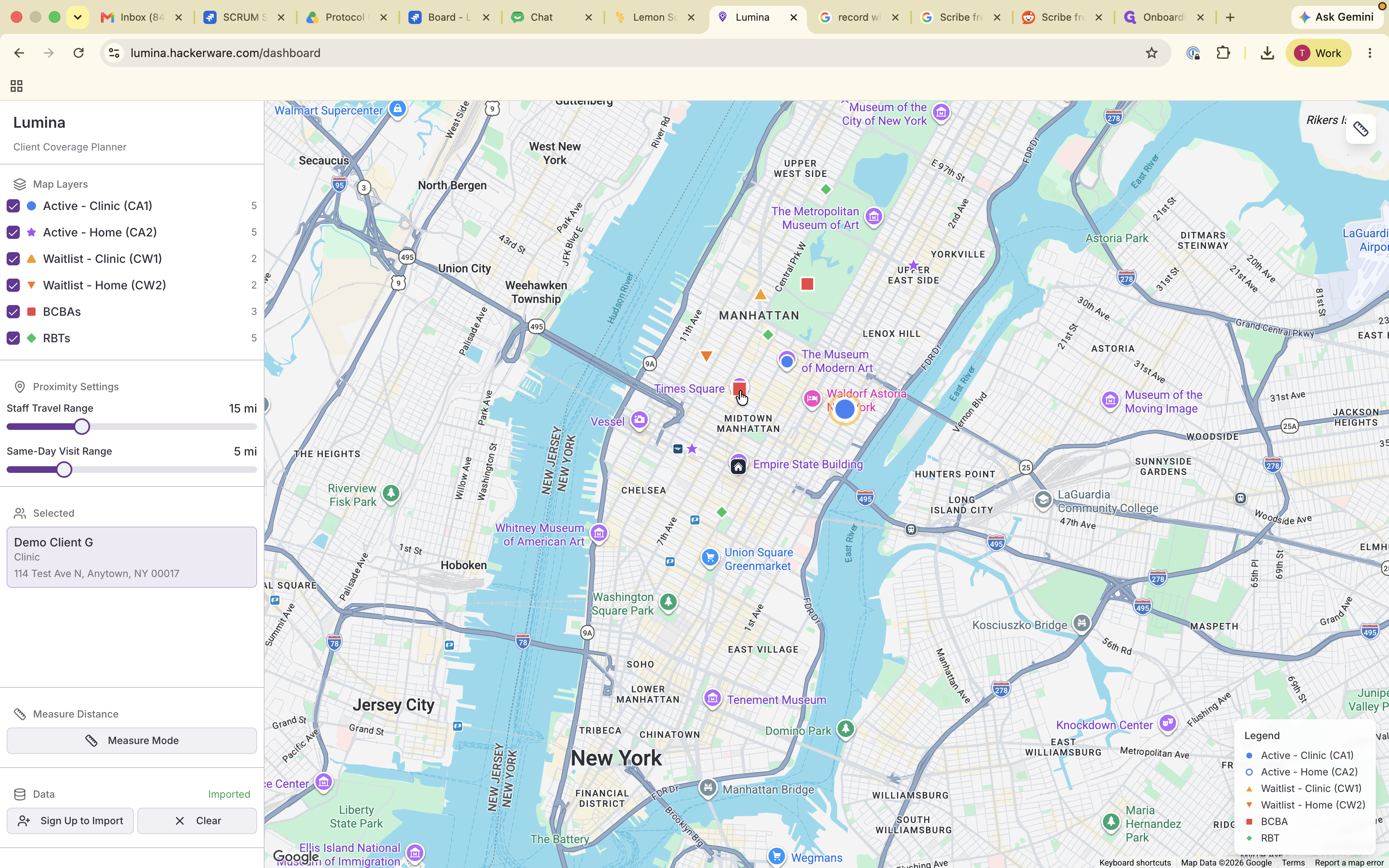
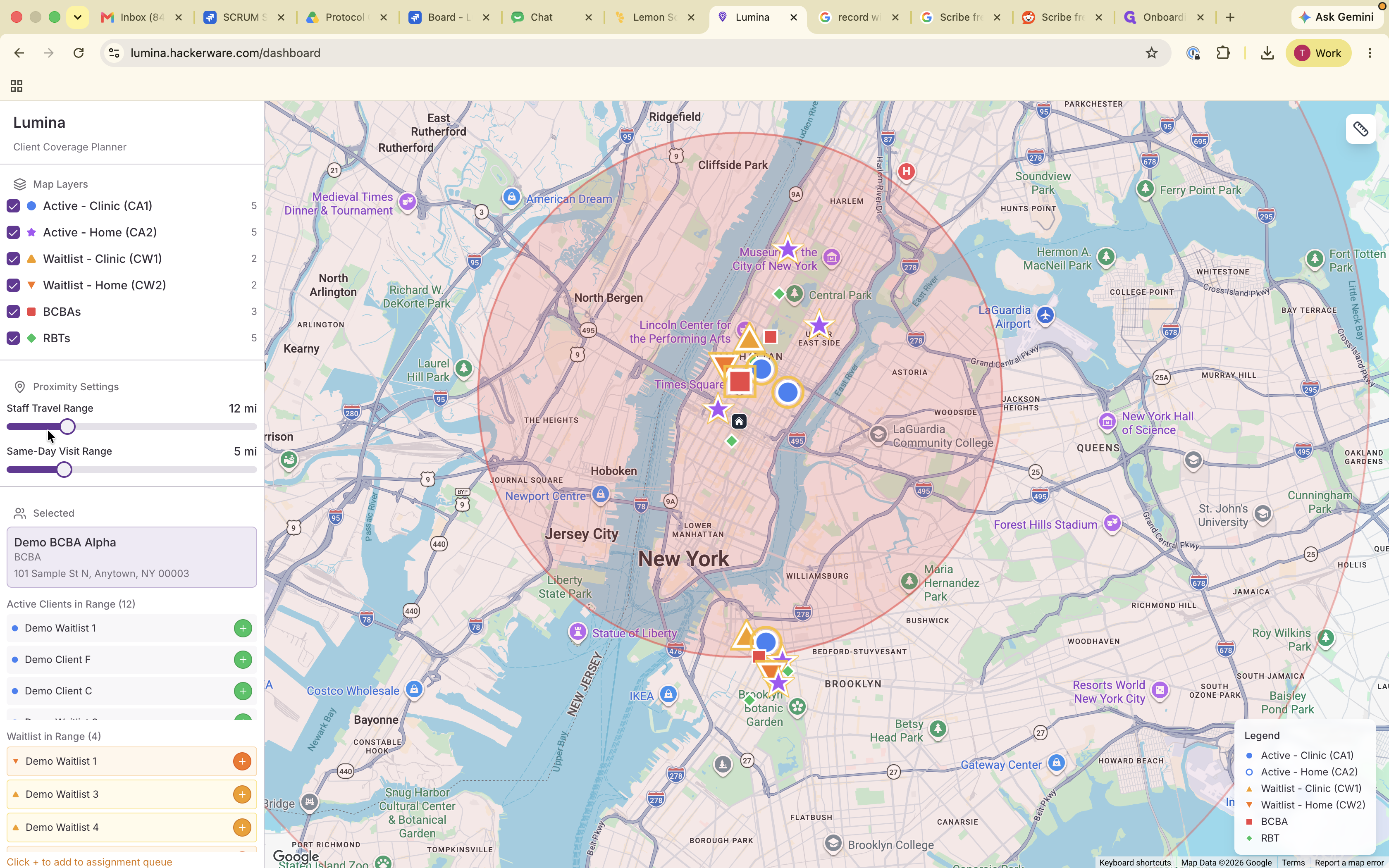
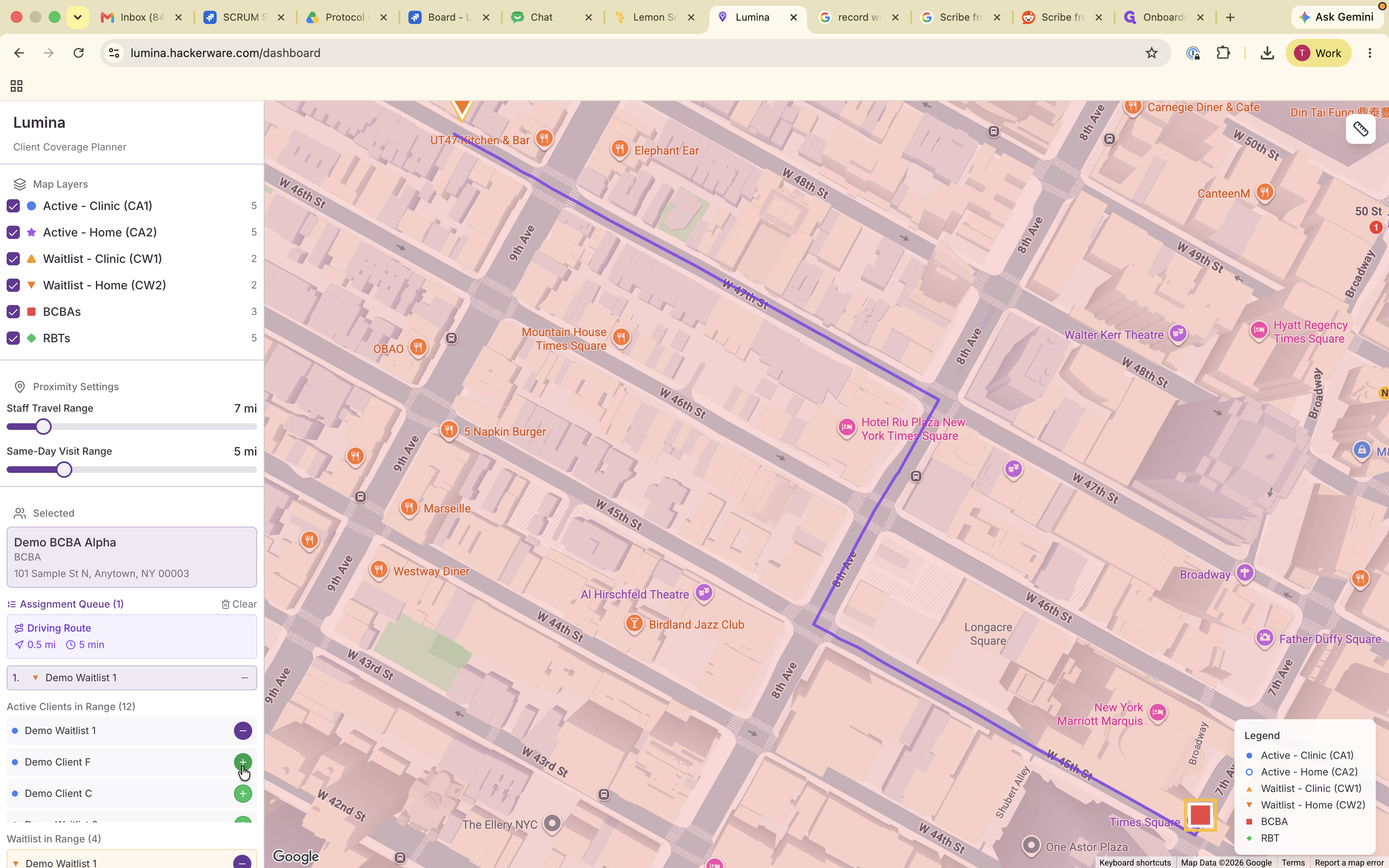
Based on the travel range you set, the system filters the list to show clients close enough to be assigned to this practitioner.
Q: What do the two different radius circles on the map represent?
A: One radius shows the general travel range for the practitioner, while the other indicates their same-day visit range.
Q: Do I need to manually map out the travel paths for my staff?
A: No. As you add clients to a practitioner's queue based on proximity, the system automatically creates optimized travel routes for you.
Term | Definition |
|---|---|
ABA | Applied Behavior Analysis, a type of therapy commonly used to improve specific behaviors. |
BCBA | Board Certified Behavior Analyst, a graduate-level practitioner who designs and oversees behavior analysis programs. |
RBT | Registered Behavior Technician, a paraprofessional who works directly under a BCBA to implement behavior analysis services. |