Metabase Platform Overview: Viewing tables and Downloading Data
Learn how to use the Metabase platform to view and download data, including building information and geographic attributes. Step-by-step guide for accessing and exporting data in CSV, XLSX, or JSON formats.
By Robin Neri
In this guide, we'll learn how to use Metabase to explore and download building data from a database. We will look at how to view tables, filter information, and access details about each building, including geographic attributes. We will also cover how to download the data in different formats for further use.
Let's get started
2
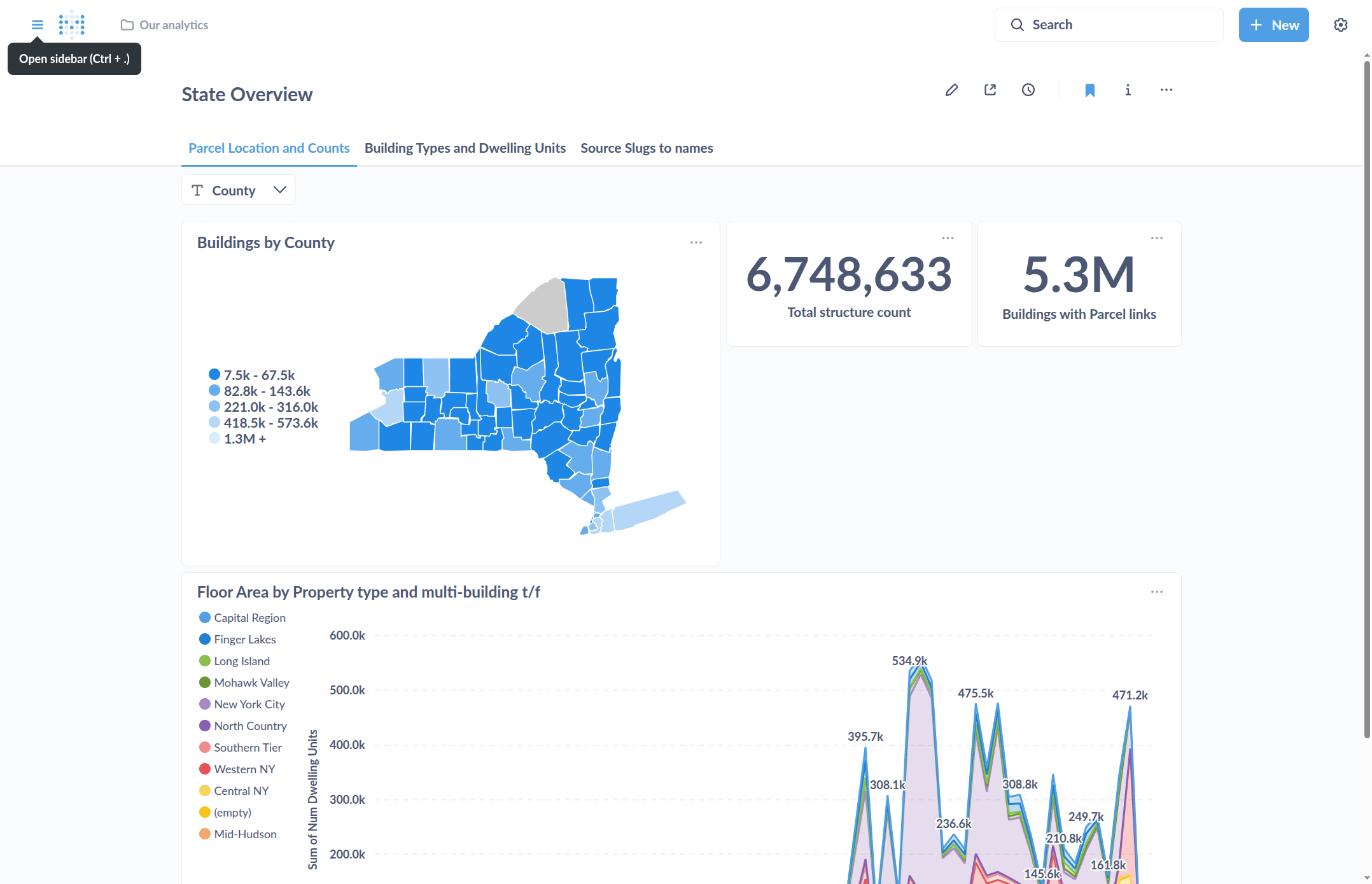
To view data tables and other analytics, open the sidebar in the upper left.
3
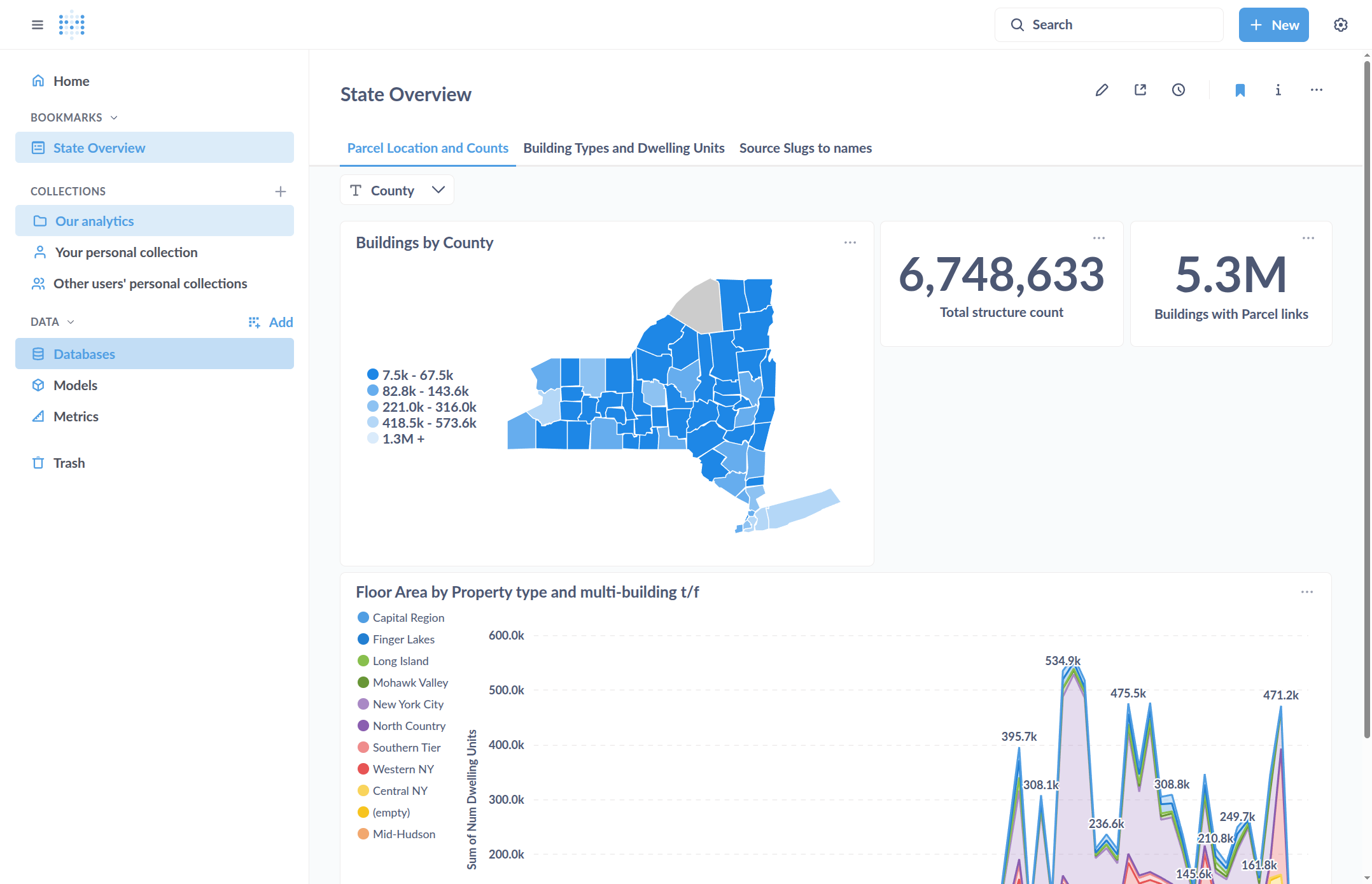
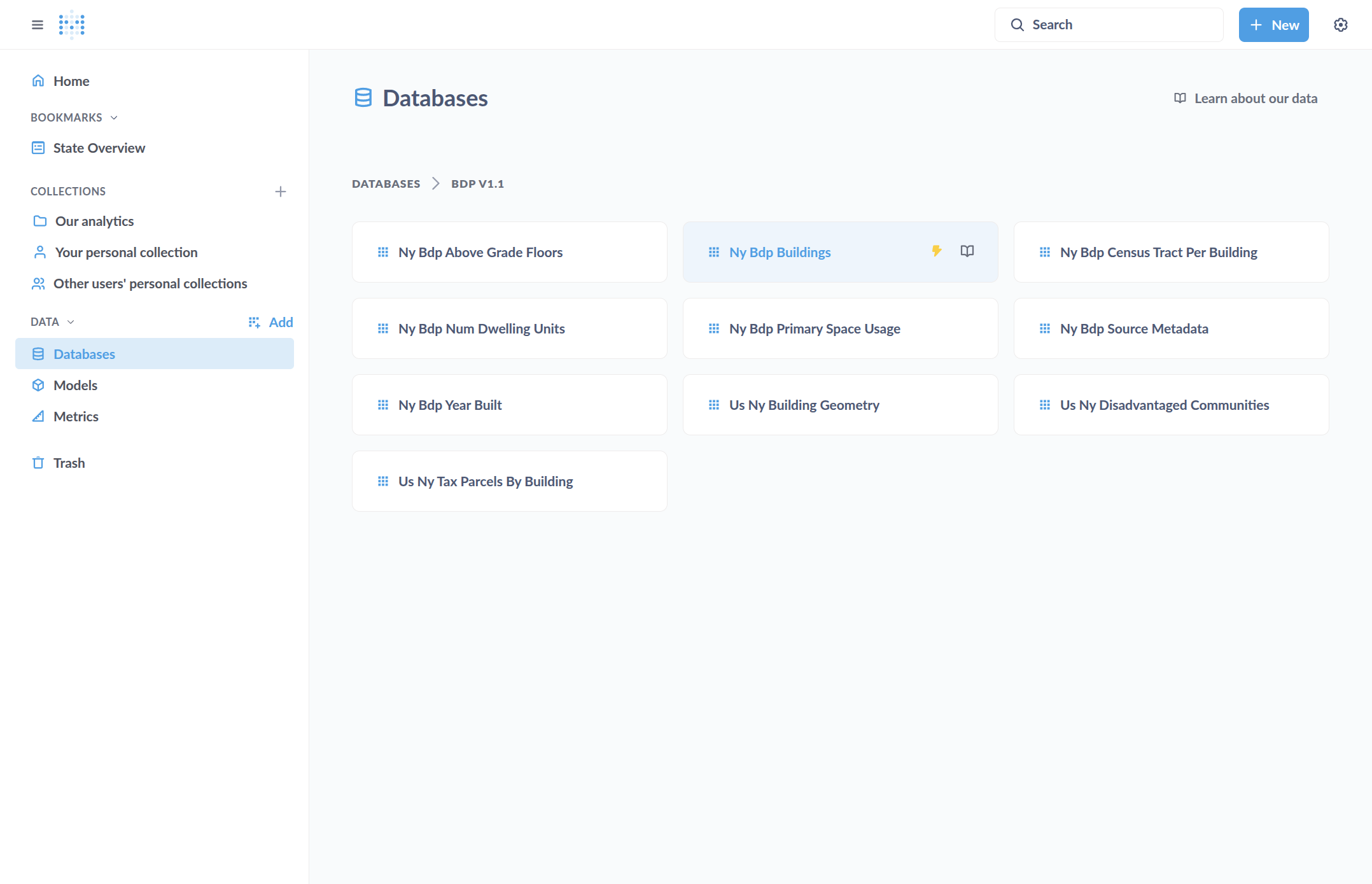
To view the database and tables in it, go to "Databases"
4
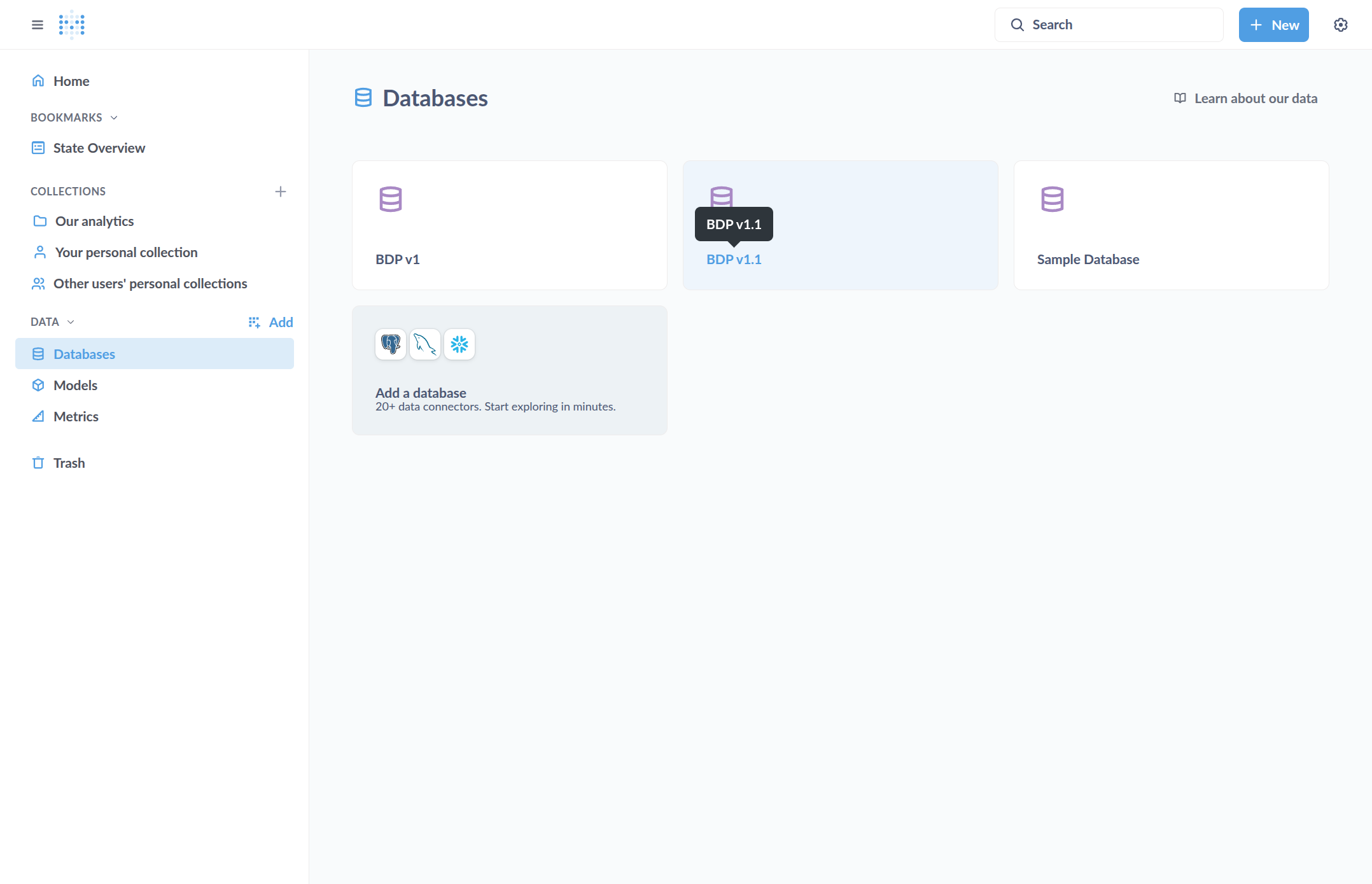
Click on the available database
5
Click on a table of your choice
6
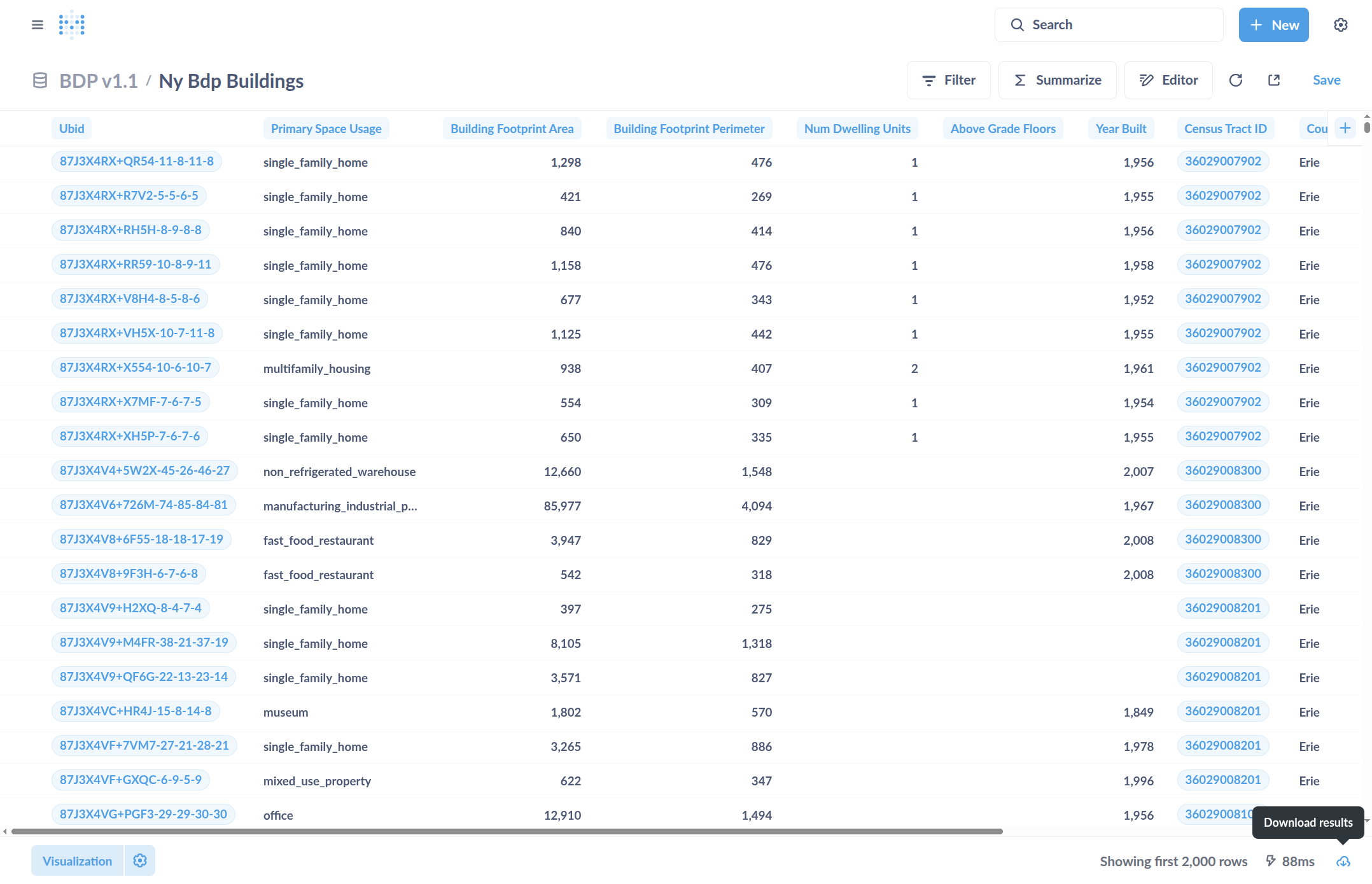
You can download data with the button in the bottom right