How to Monitor Multi-Marketplace Amazon Sales and Profit
Learn how to track multi-region Amazon sales using the Global Snapshot, view Business Reports, and measure product profitability metrics in Sellerboard.
This guide demonstrates how to monitor your e-commerce sales performance across various Amazon marketplaces. By completing these steps, you will be able to track sales volume, analyze historical data, and measure per-product profitability.
This applies to Amazon sellers, account managers, and e-commerce analysts. Use this workflow during daily or weekly check-ins to evaluate regional sales performance and overall store profitability.
There are three main ways to track your sales and performance metrics depending on the level of detail you need.
Method | Use Case | Tool |
|---|---|---|
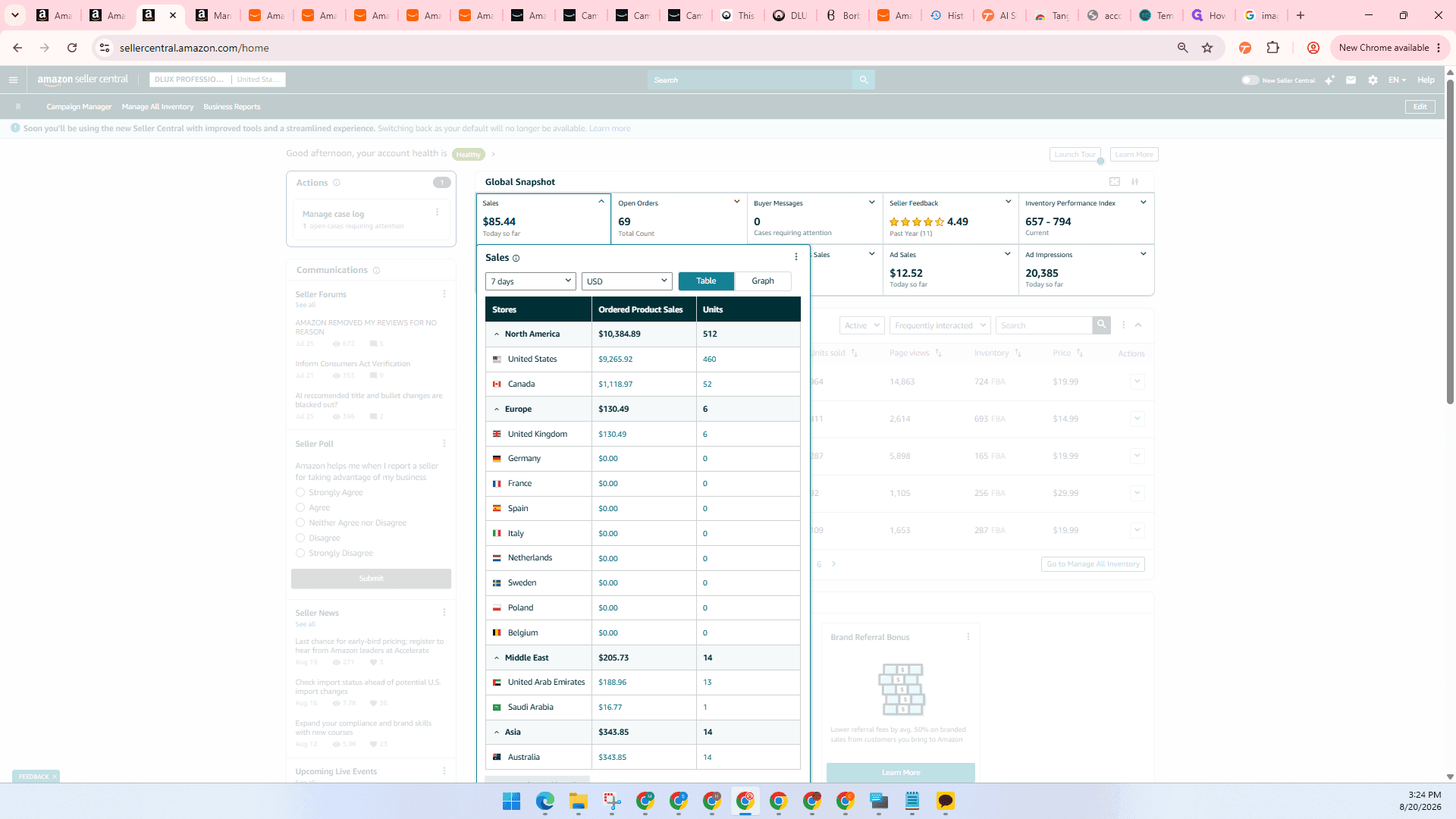
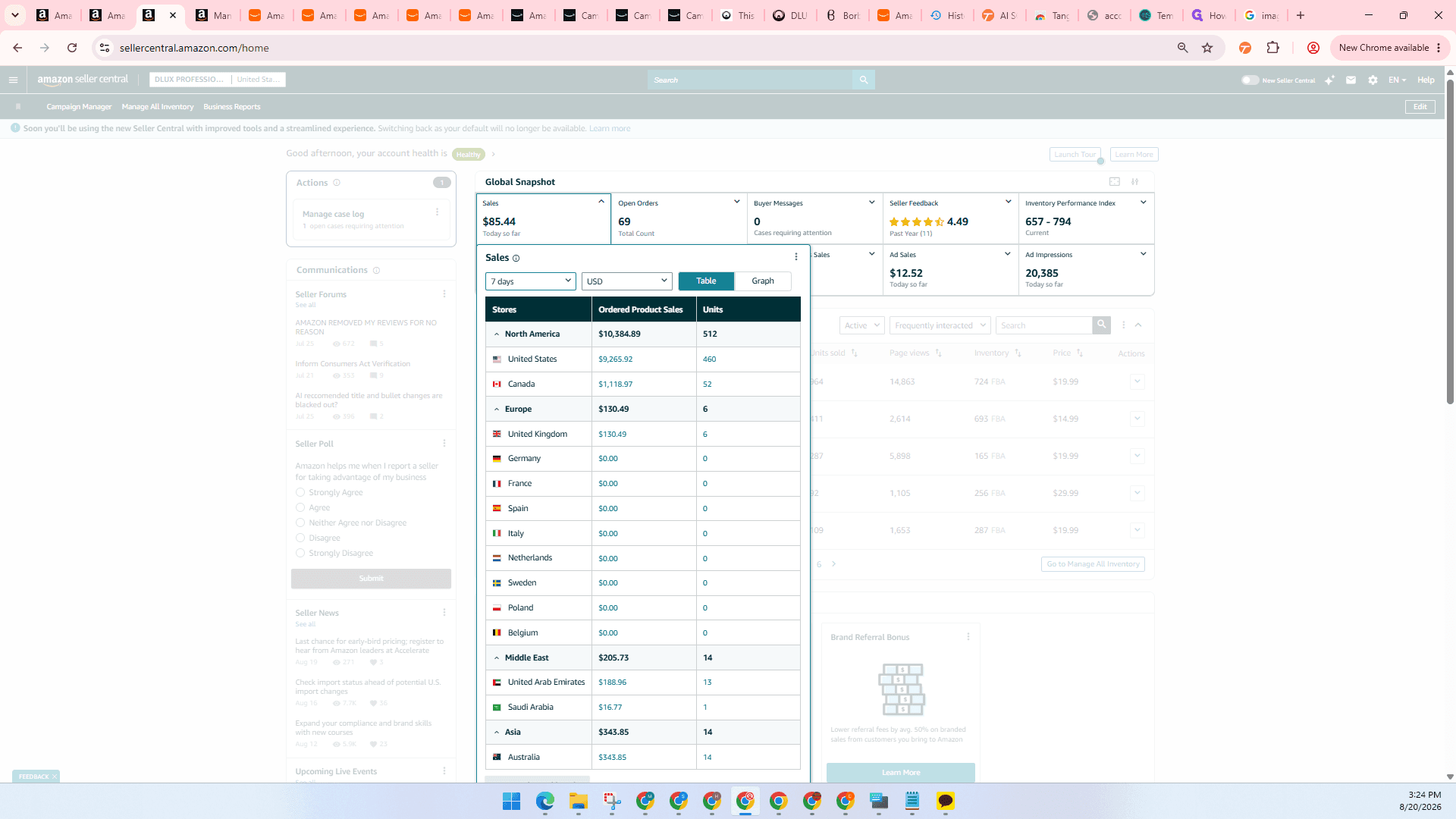
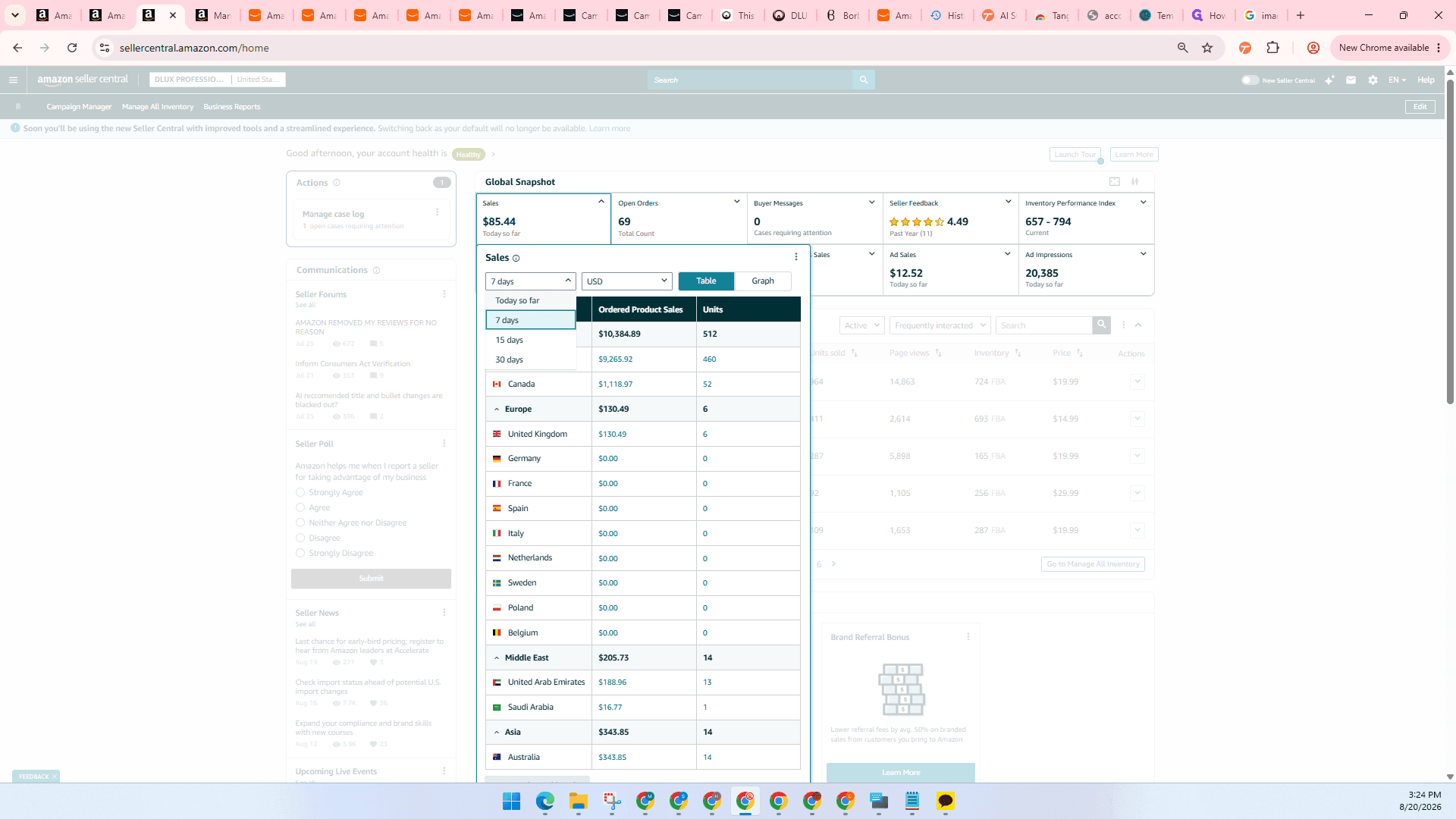
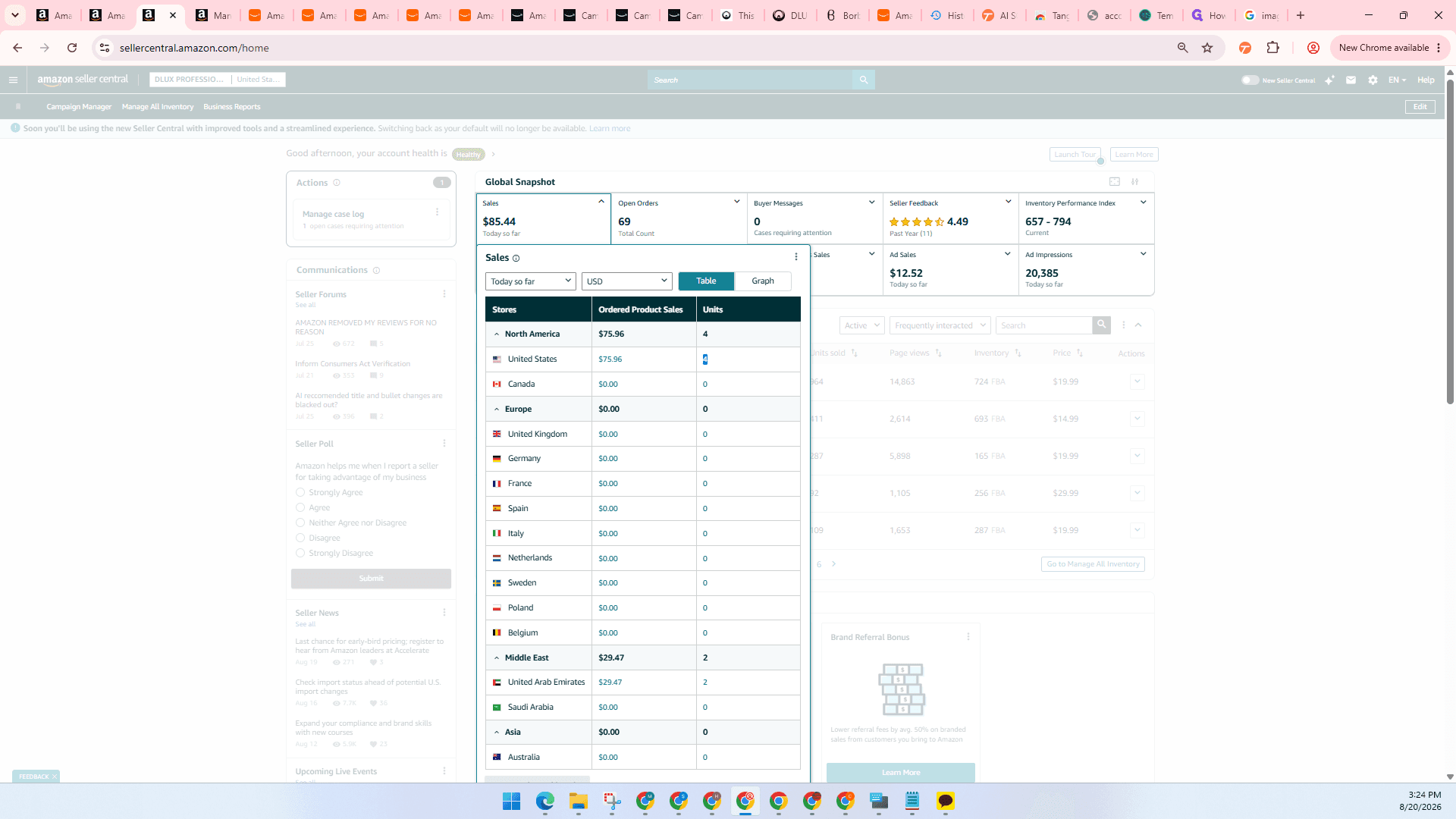
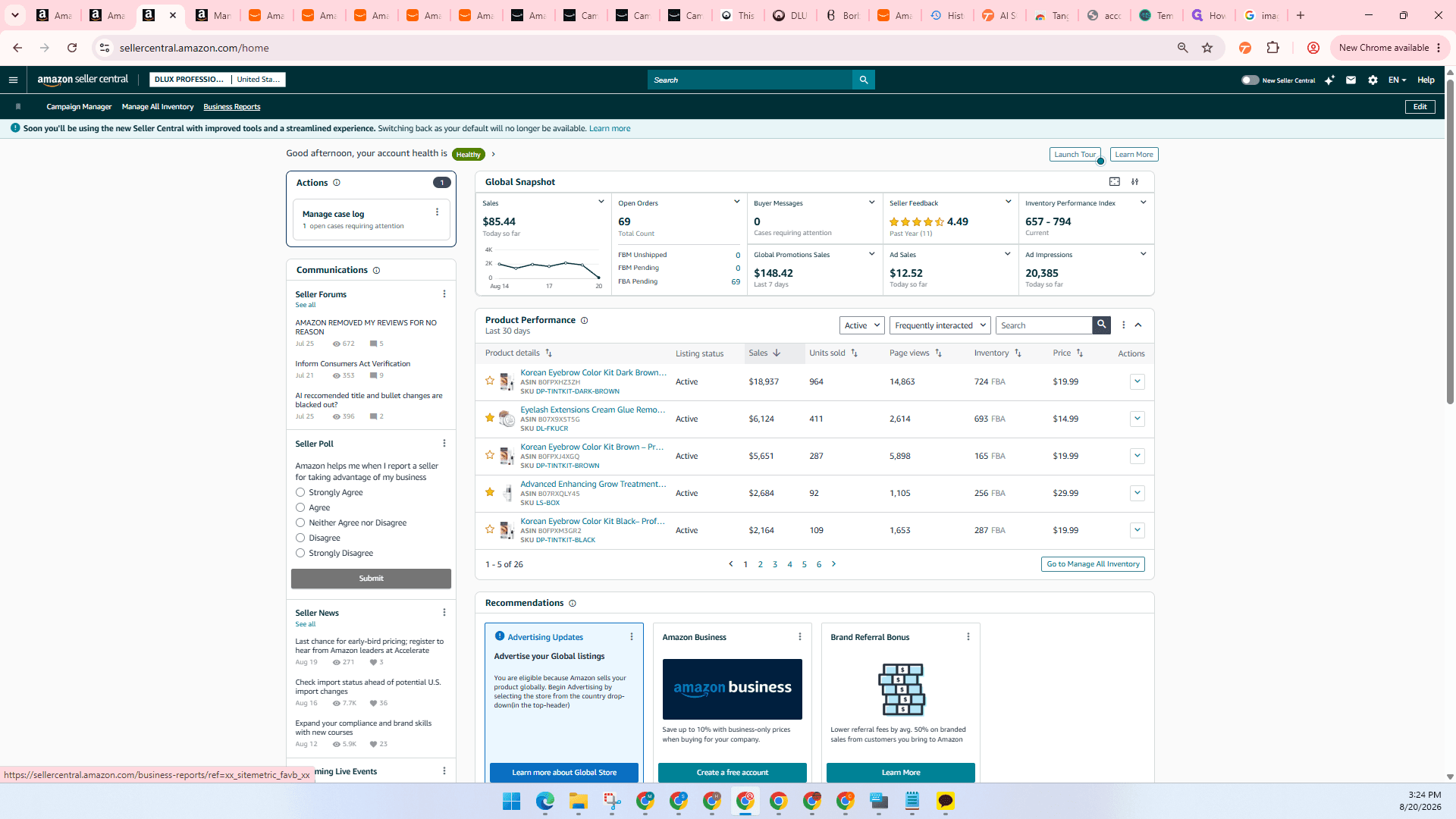
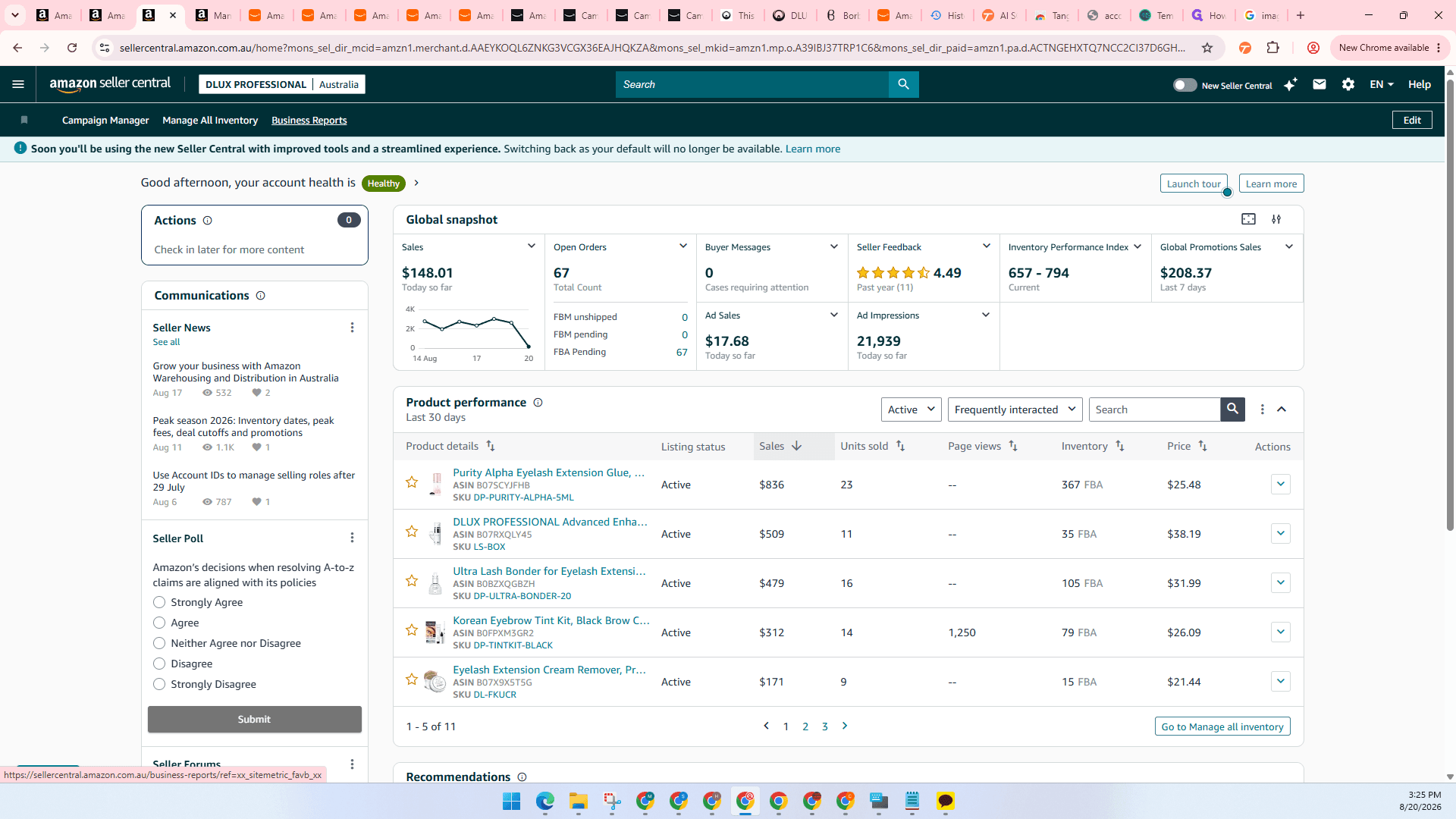
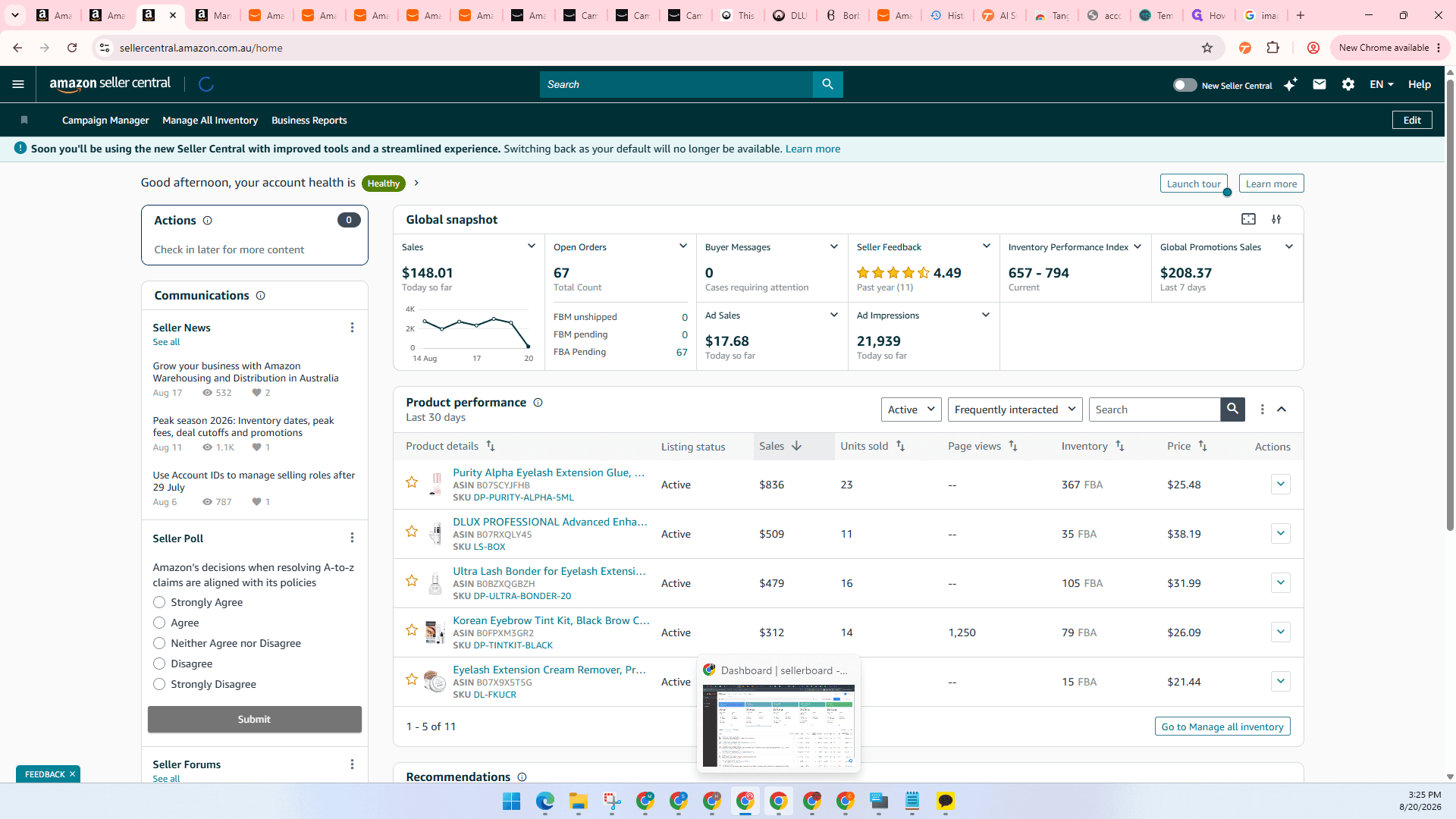
Global Snapshot | Quick glance at real-time or recent sales across all global regions at once. | Amazon Seller Central |
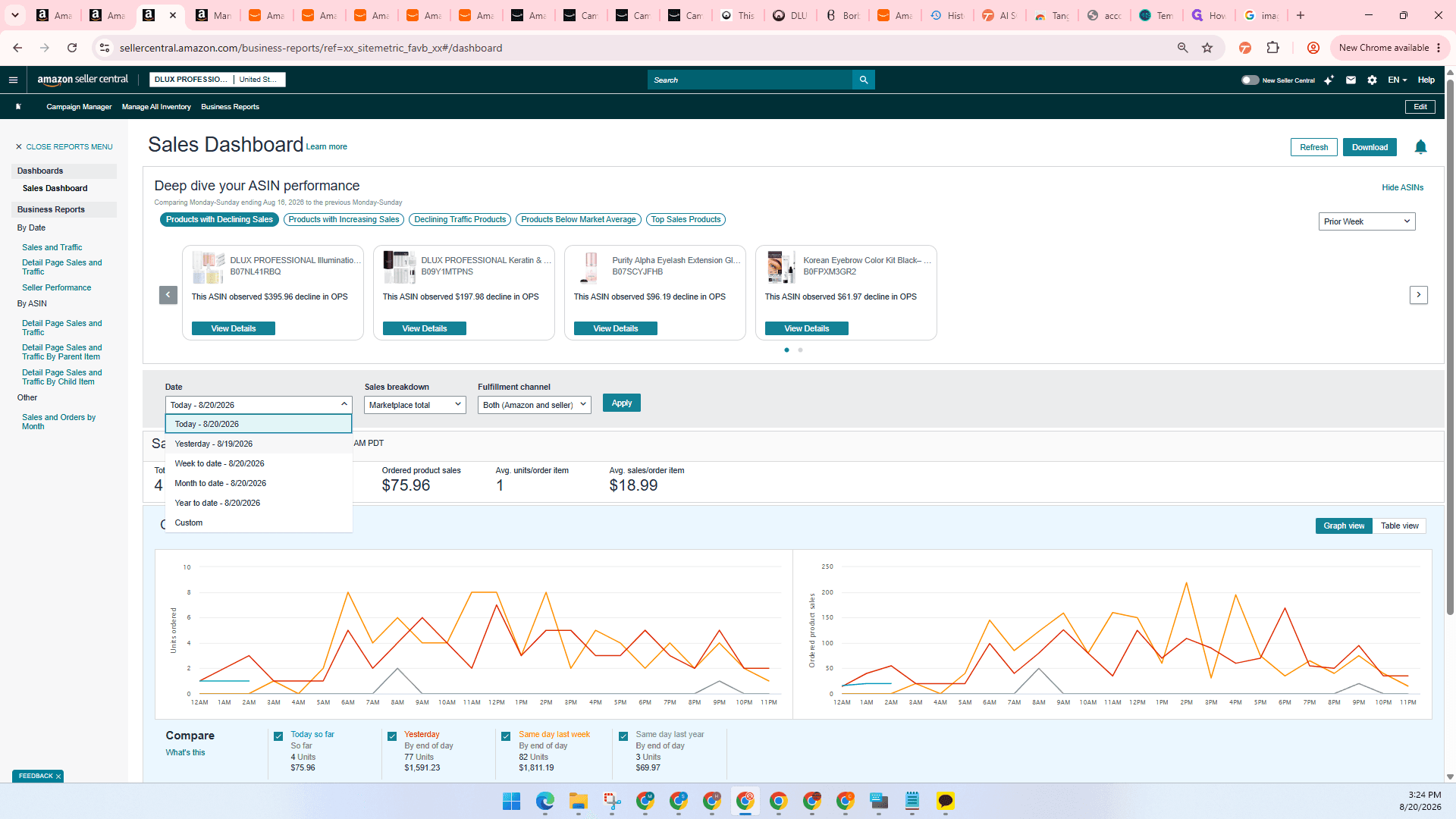
Business Reports | Detailed historical sales data for a specific marketplace. | Amazon Seller Central |
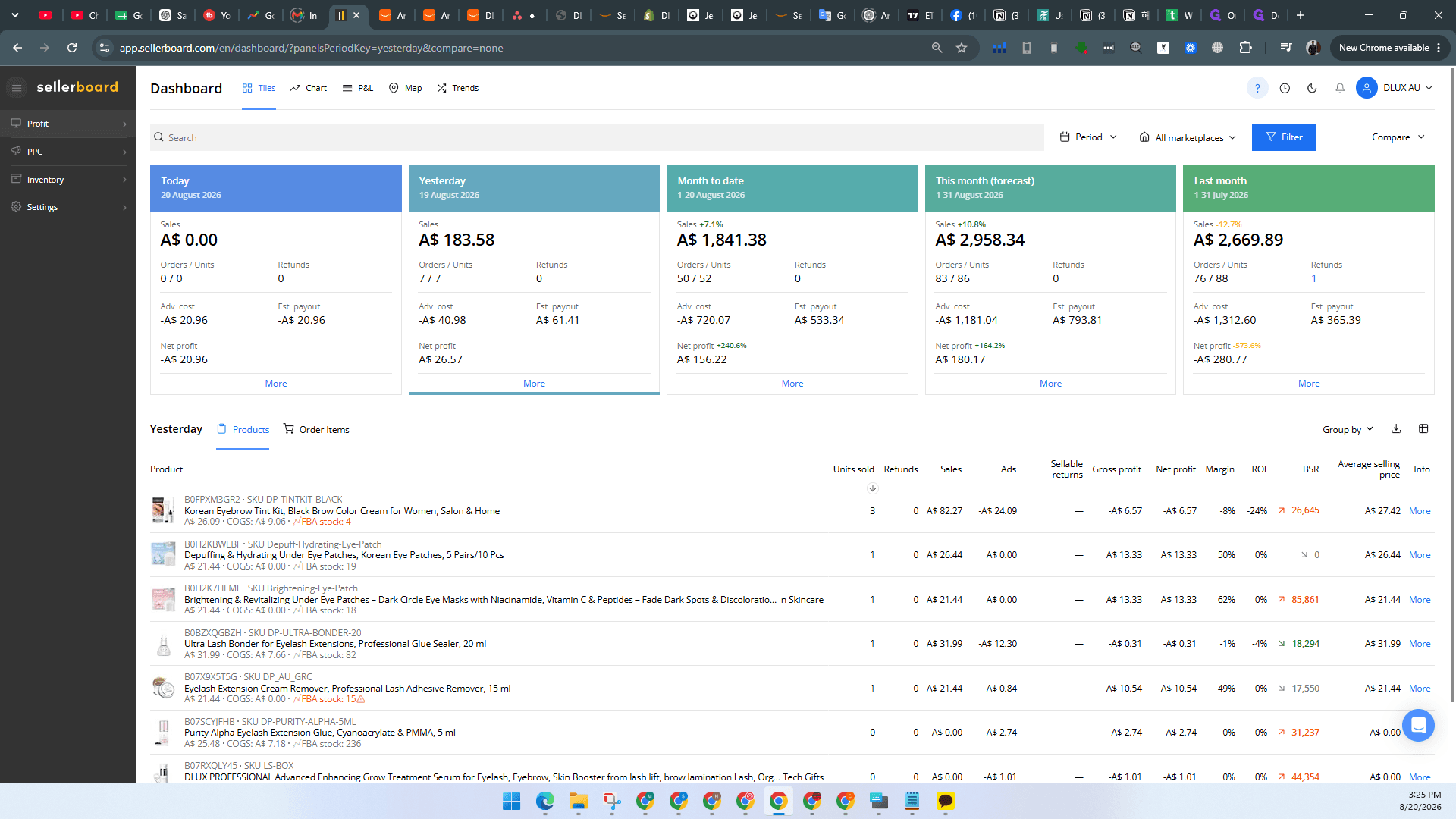
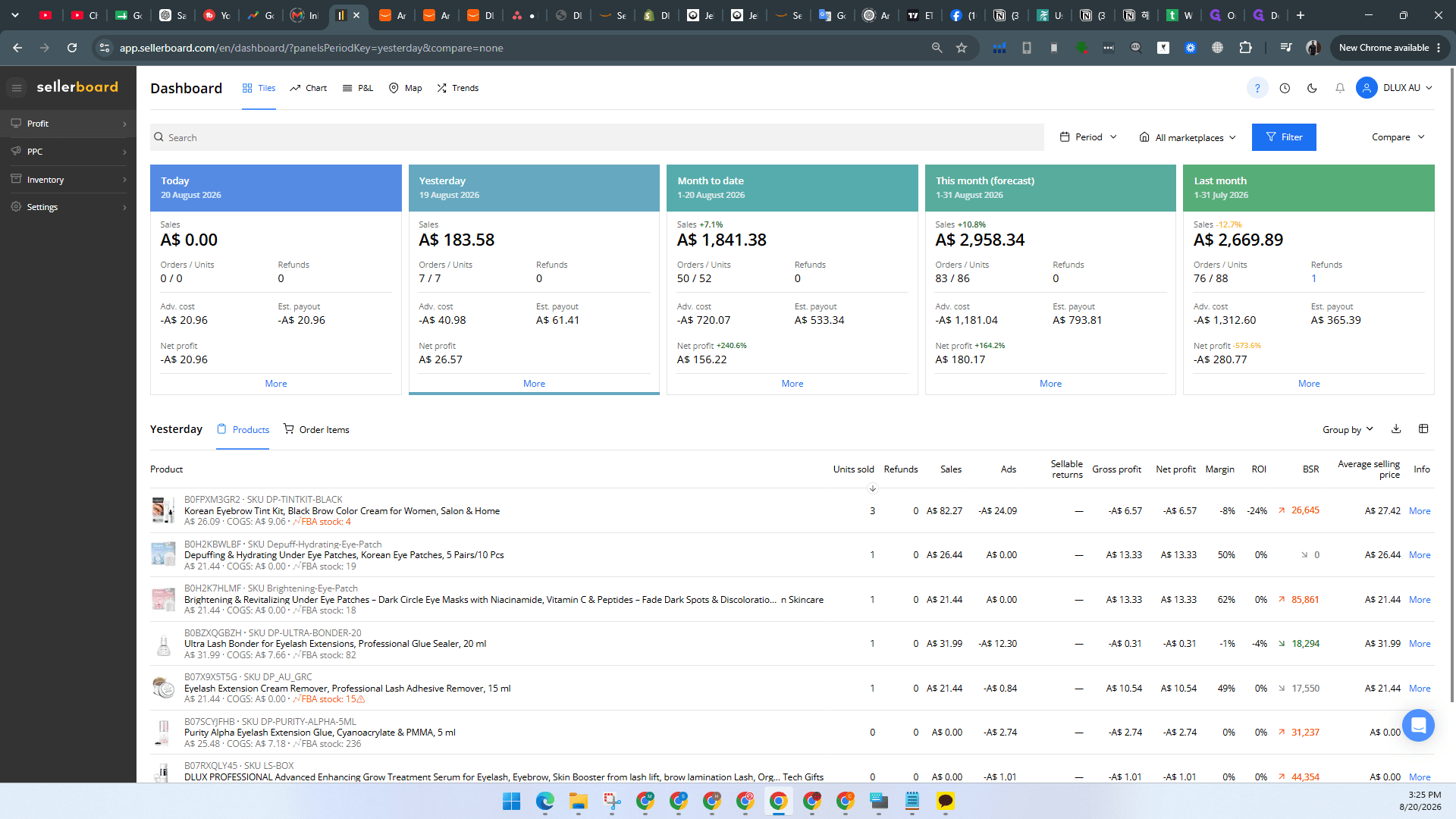
Sellerboard | Deep dive into profitability, ad spend, and per-product performance. | Sellerboard |
Monitor Sales via the Global Snapshot
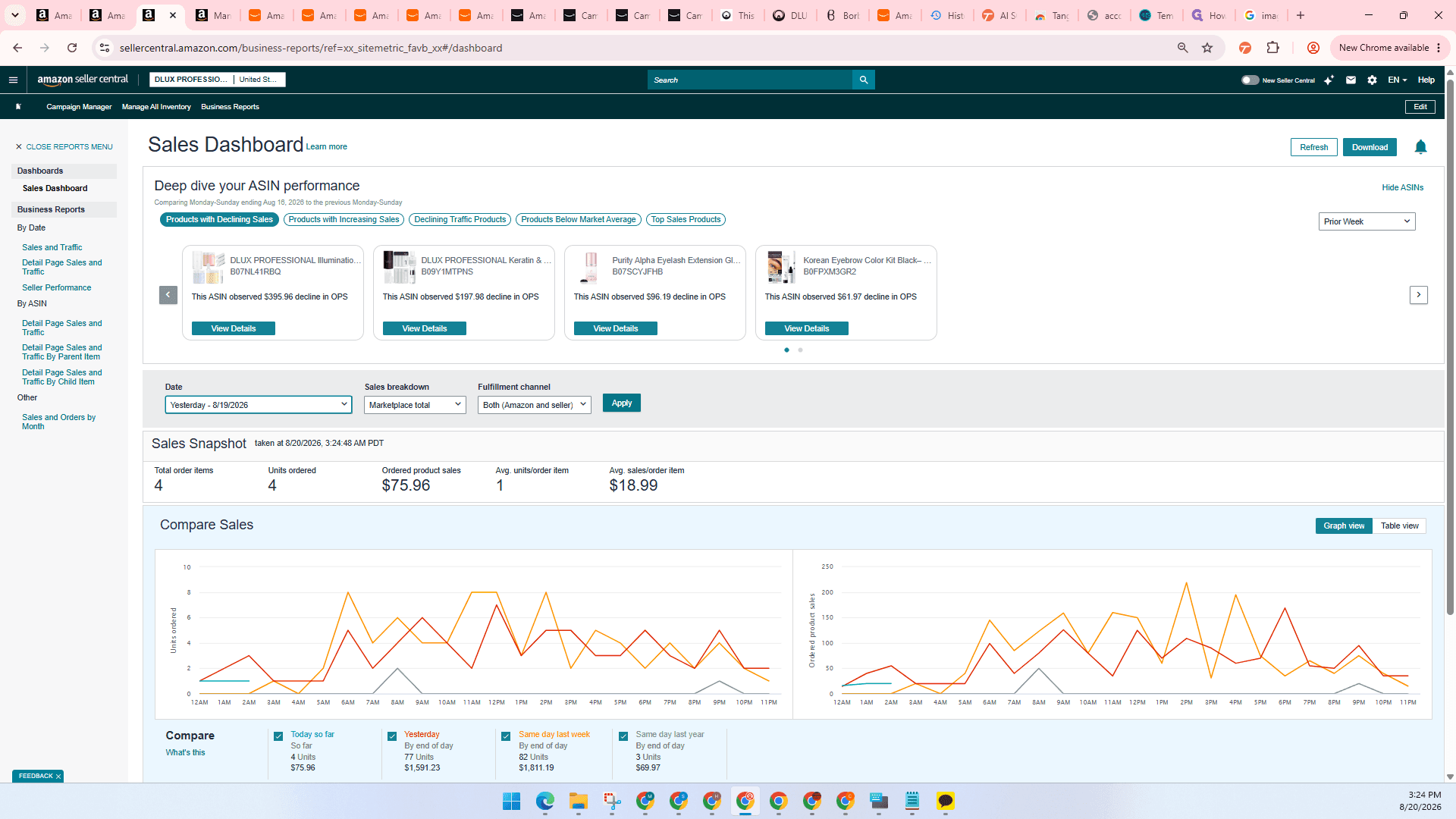
View Specific Sales in Amazon Business Reports
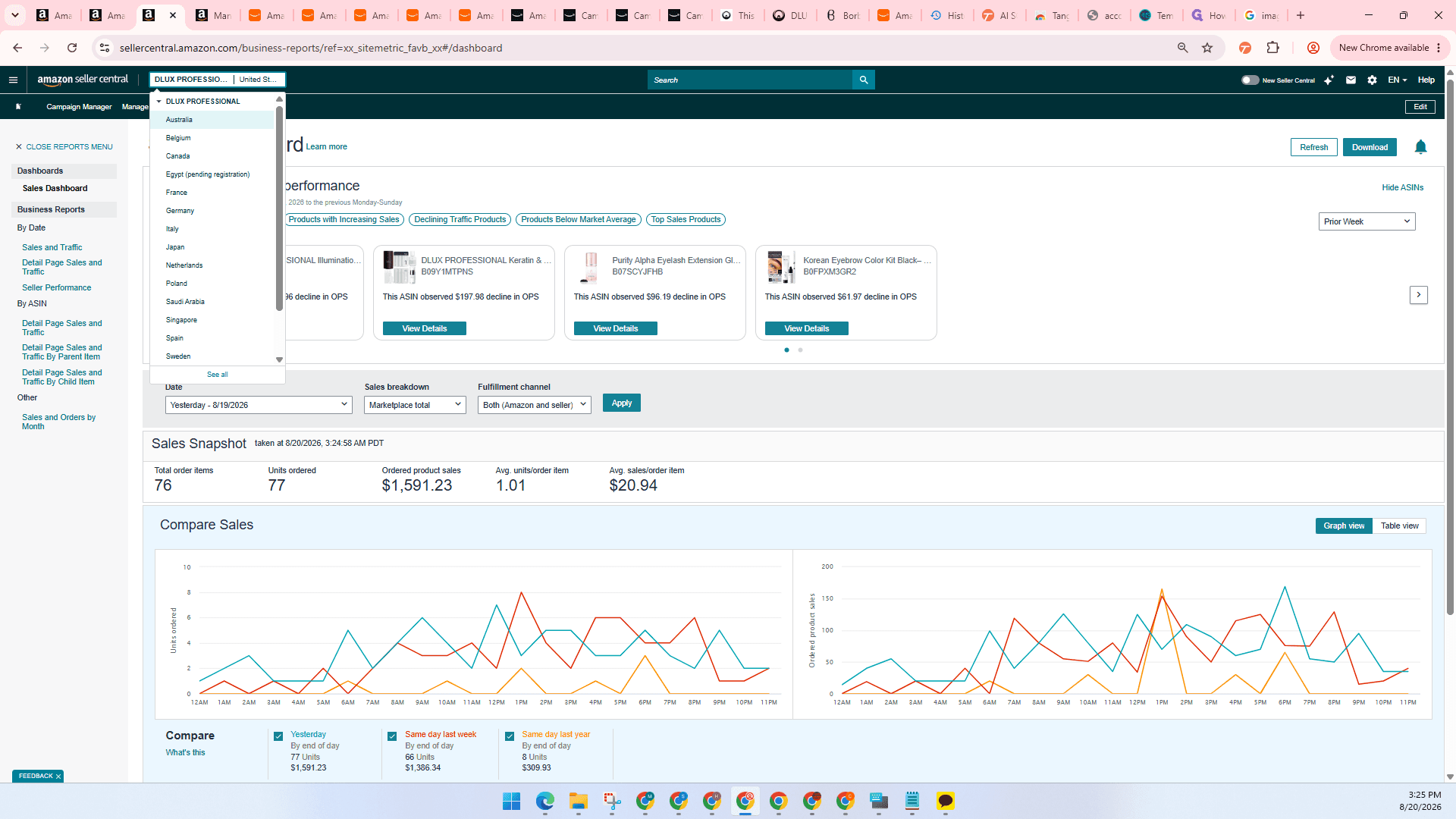
To see specific historical sales, such as yesterday's performance for a single marketplace, use Business Reports.
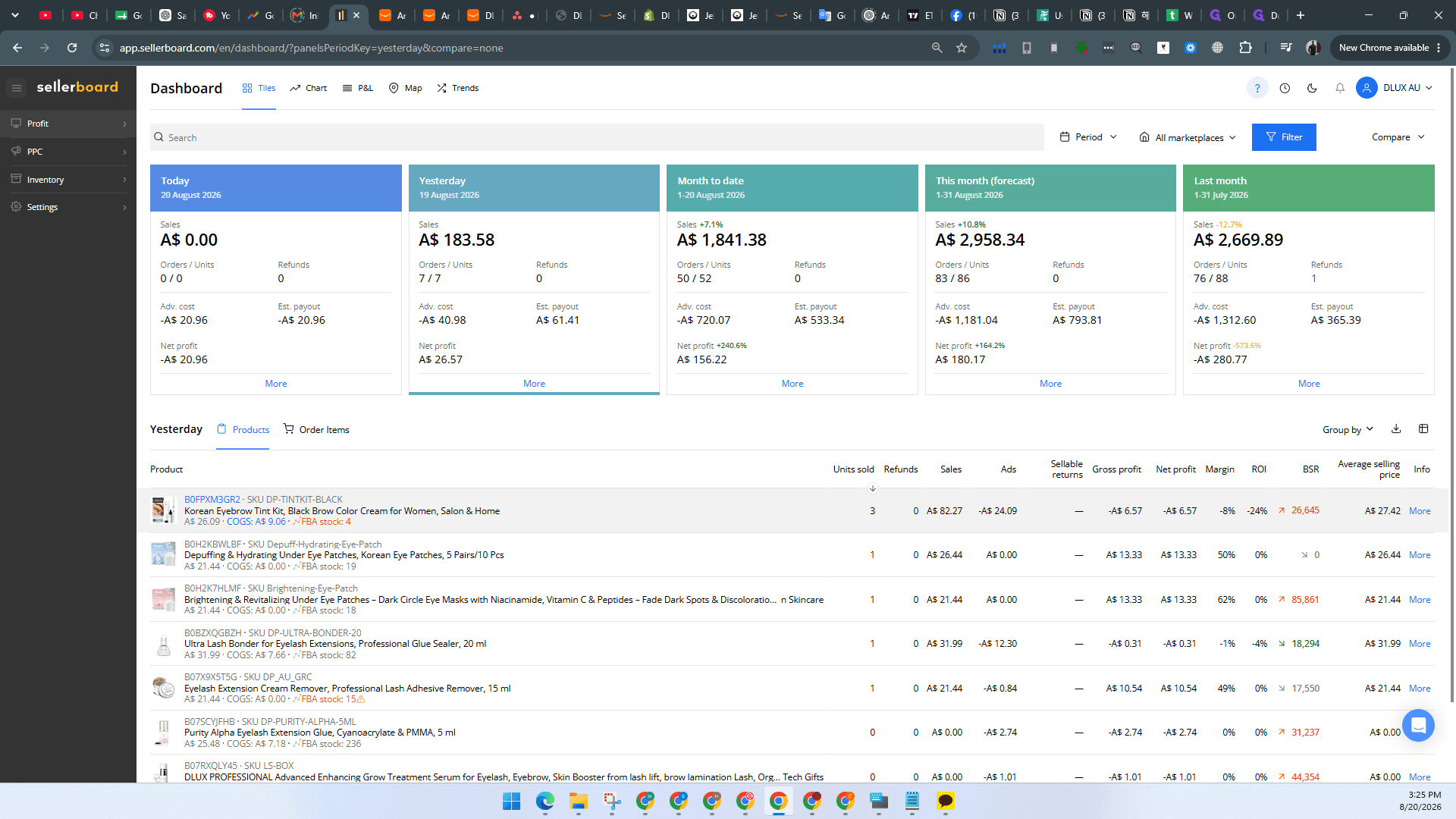
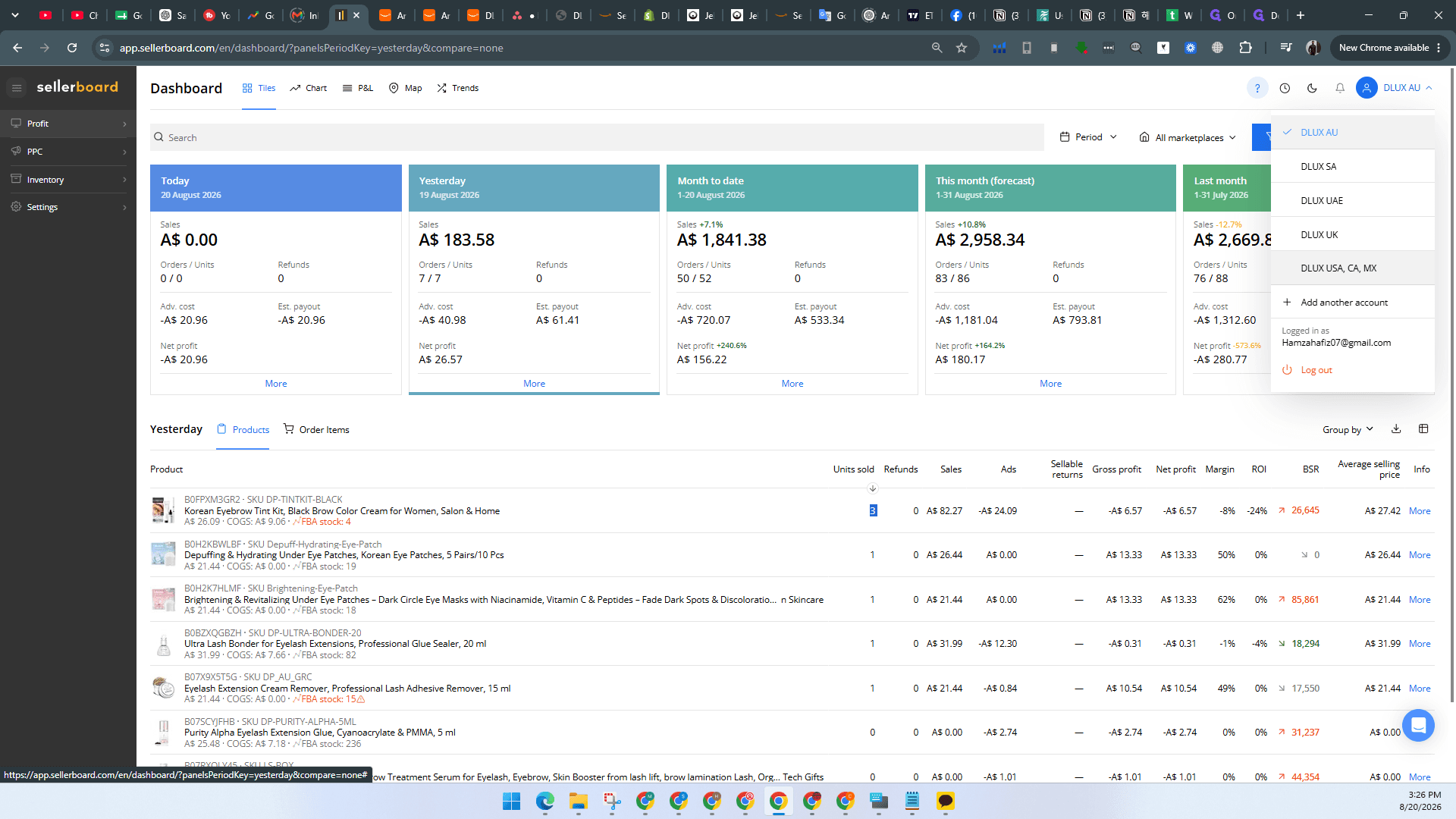
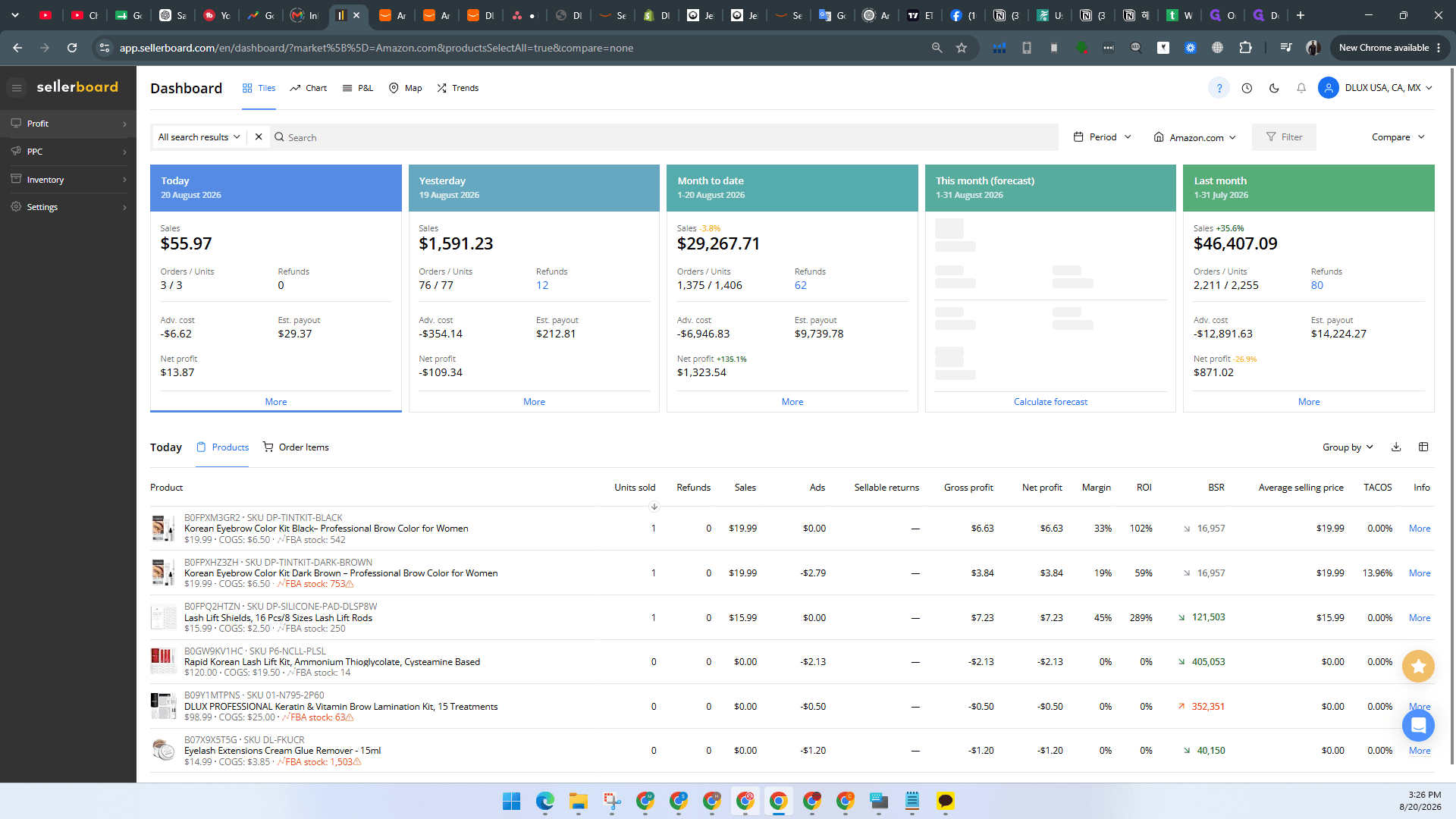
Track Profitability in Sellerboard
For a more comprehensive view of your profitability, advertising spend, and product-level performance, you can use Sellerboard.
Q: Why am I only seeing sales for one country in Business Reports?
A: Business Reports only display data for the specific marketplace you currently have active. To see sales for another country, you must use the store switcher dropdown to change your selected marketplace first.
Q: Can I see my detailed profit margins directly in Amazon Seller Central?
A: While Seller Central provides gross sales data, you should use a third-party analytics tool like Sellerboard for a detailed, itemized breakdown of your ad spend, net profit, and per-product profitability.
Term | Definition |
|---|---|
Amazon Seller Central | The web interface used by merchants to manage and view their brand's orders and inventory on Amazon. |
Global Snapshot | A feature in Amazon Seller Central that provides a quick, aggregated view of sales data across all international marketplaces. |
Business Reports | A section in Seller Central that provides detailed metrics on sales, traffic, and conversion rates over specific date ranges. |
Sellerboard | A third-party profitability analytics tool for Amazon sellers that tracks fees, ad spend, and net profit. |