How to Move Students Between Classes in edusua
Learn how to transfer students from one class roster to another in the edusua application.
By Seth Tawiah Nortey Jr (NSJ)
This guide shows you how to transfer students from one class roster to another in edusua. Following these steps helps keep your classroom rosters up to date whenever class reassignments occur.
This applies to school administrators and teachers managing student enrollment and class rosters within edusua during term setup or student transfers.
1
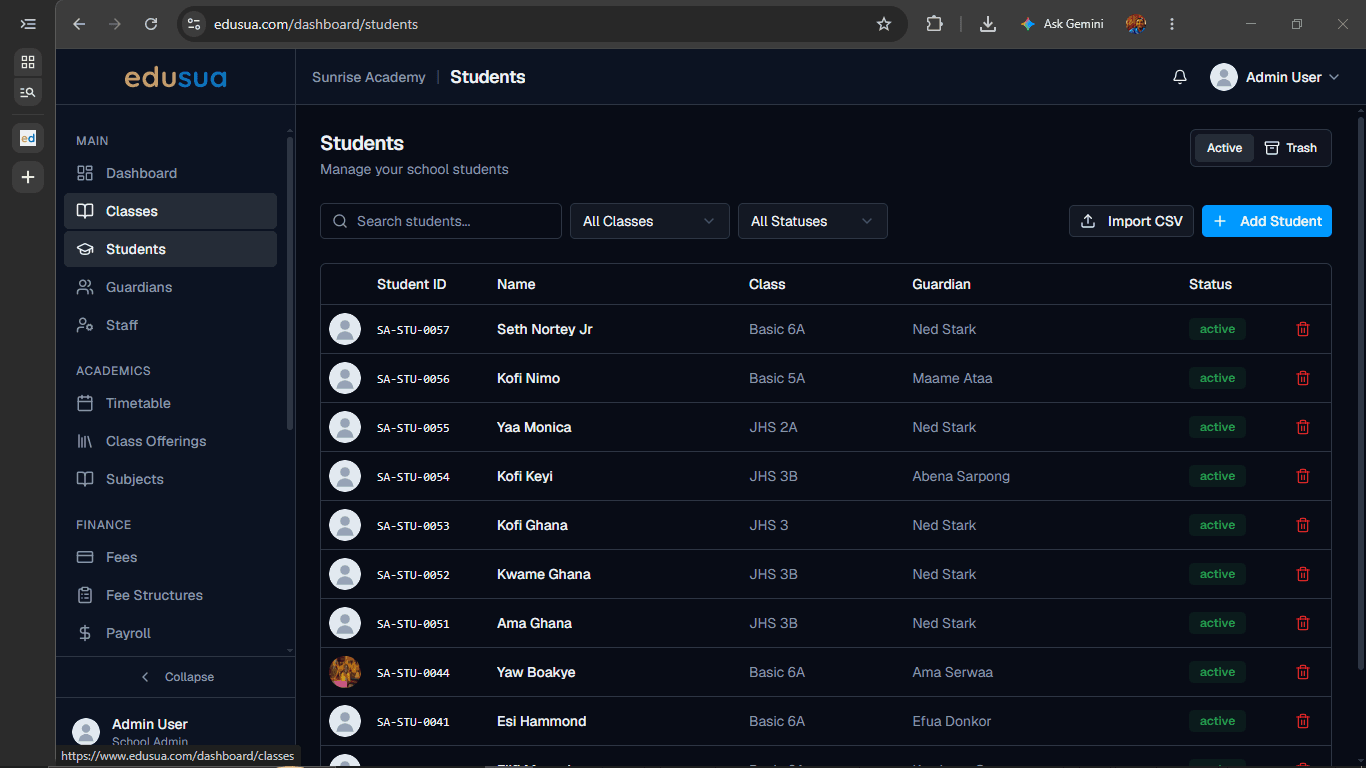
Click Classes in the left navigation sidebar.
2
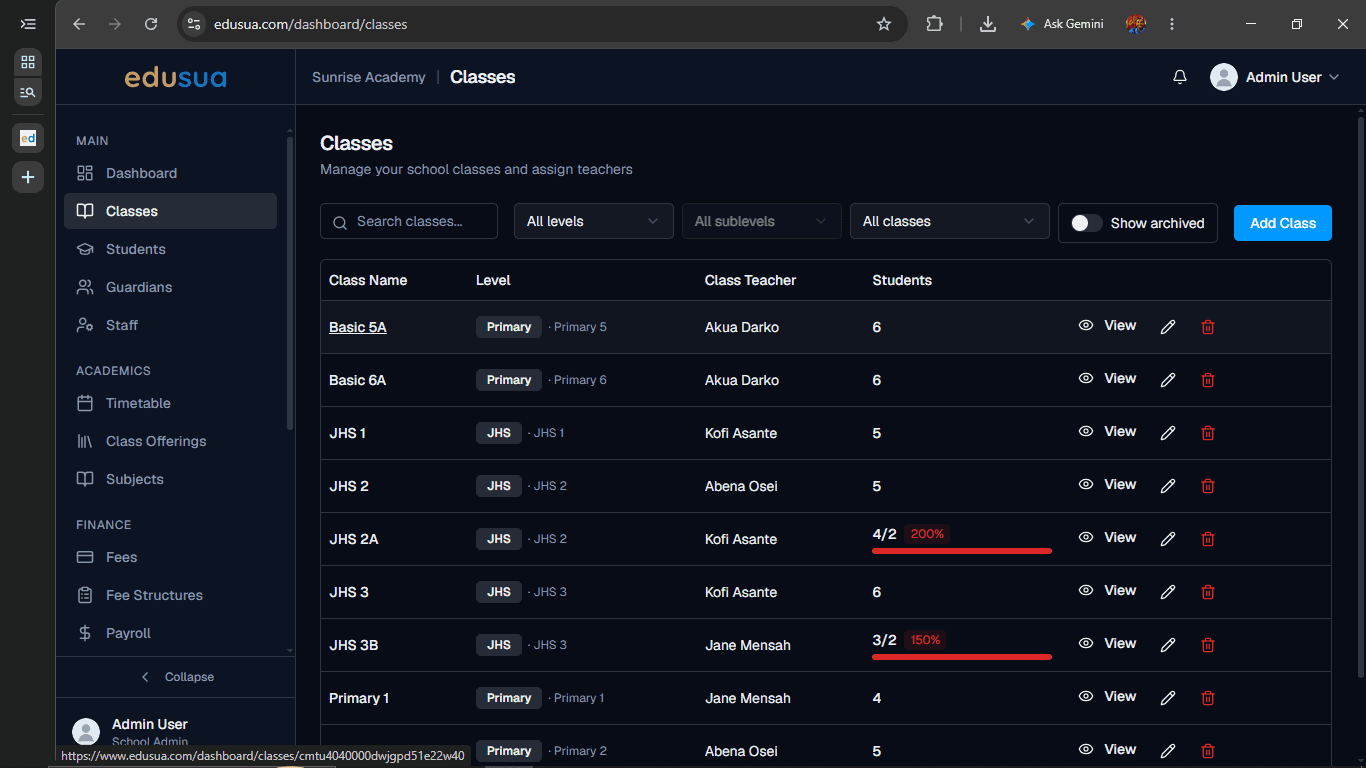
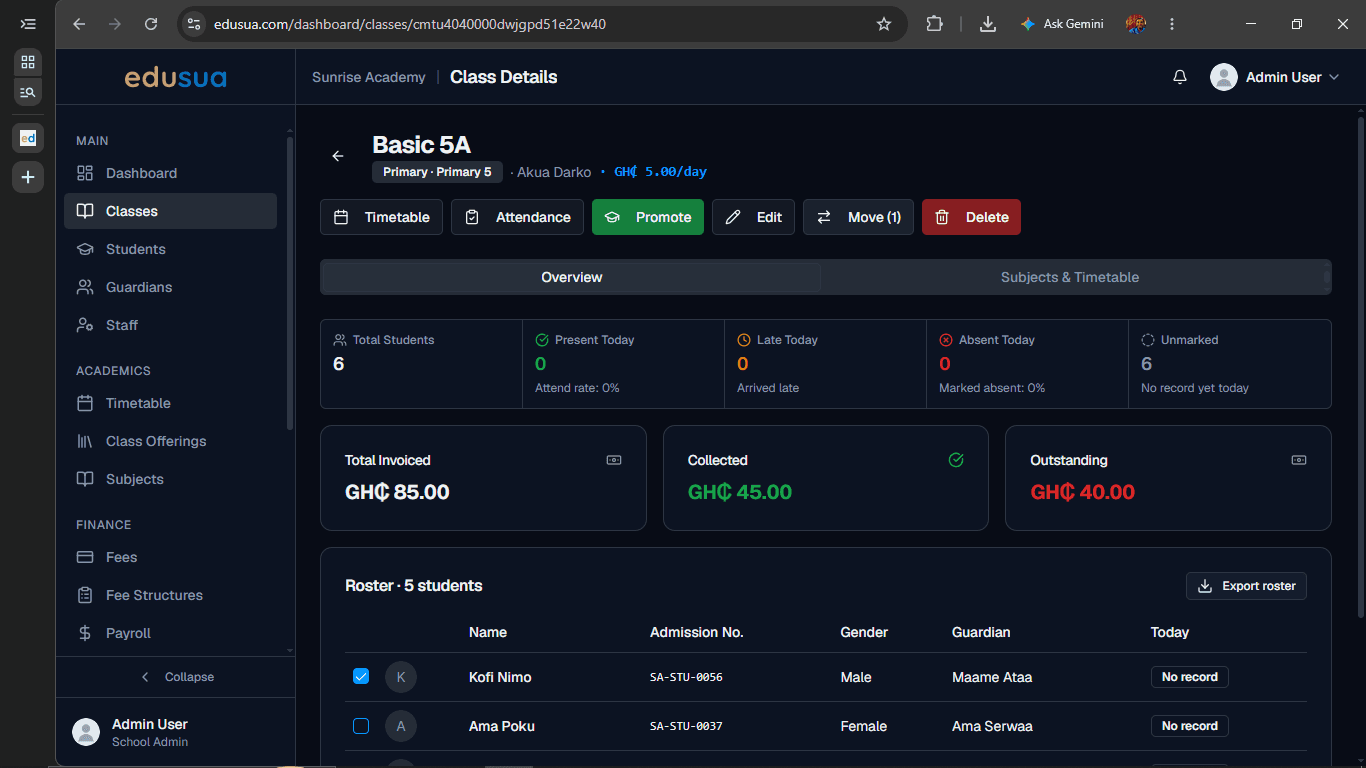
Click on Basic 5A in the Classes list.
3
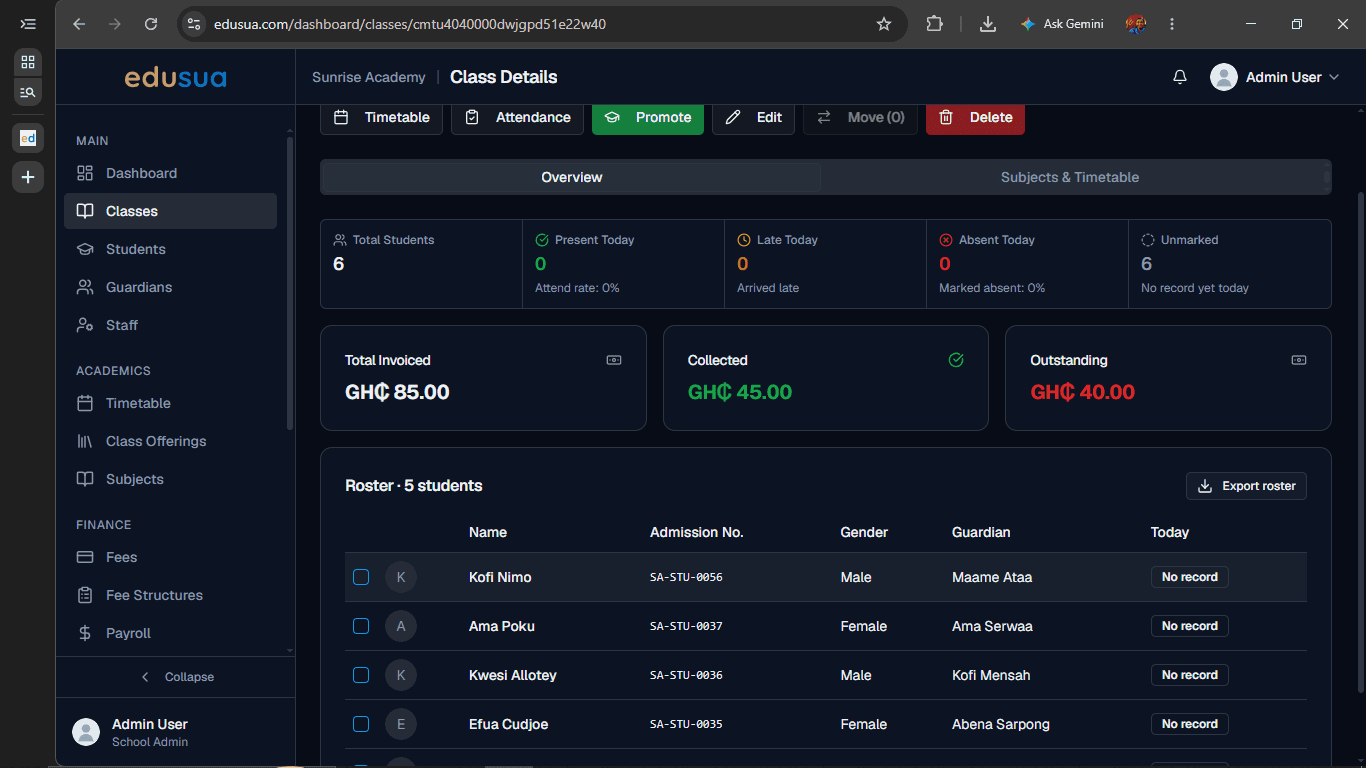
Click the checkbox next to the student you want to transfer in the Roster table.
4
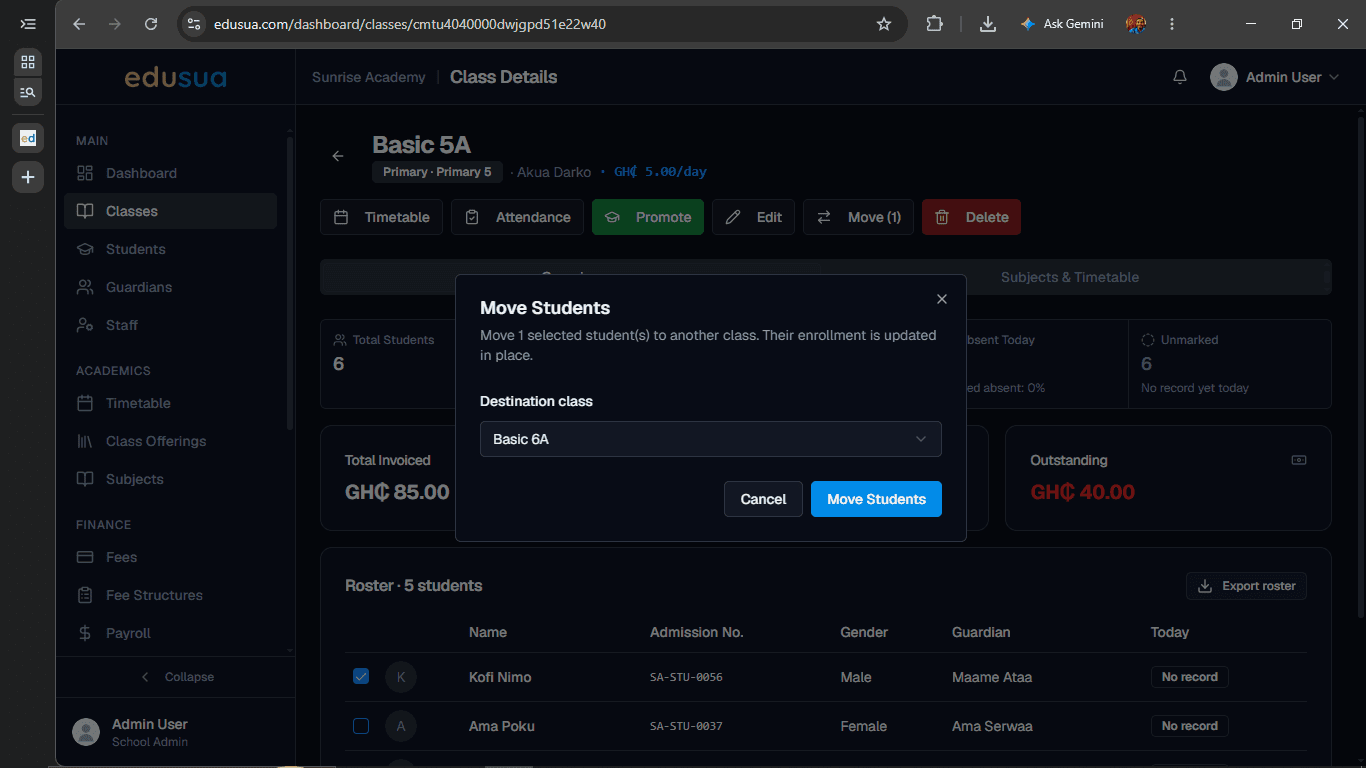
Click Move (1) in the toolbar above the roster.
5
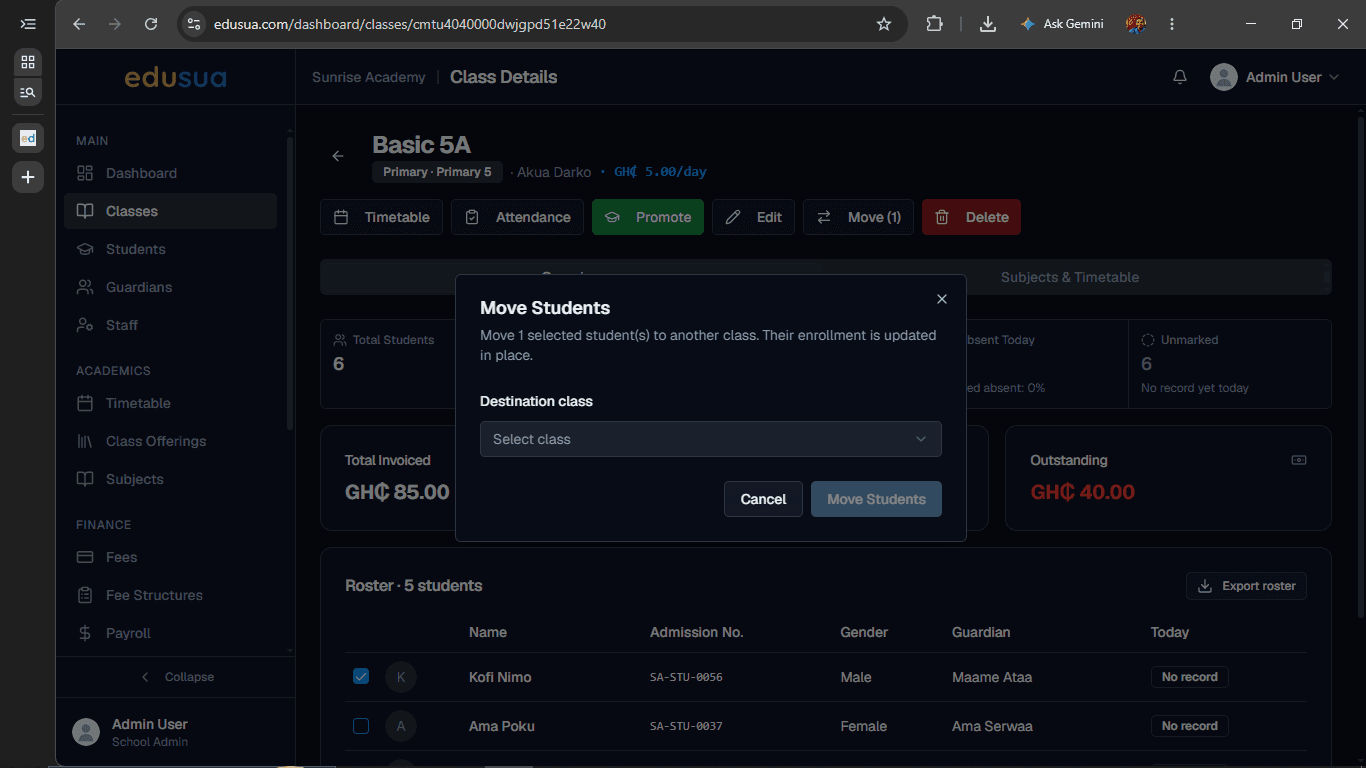
Click the Select class dropdown field under Destination class.
6
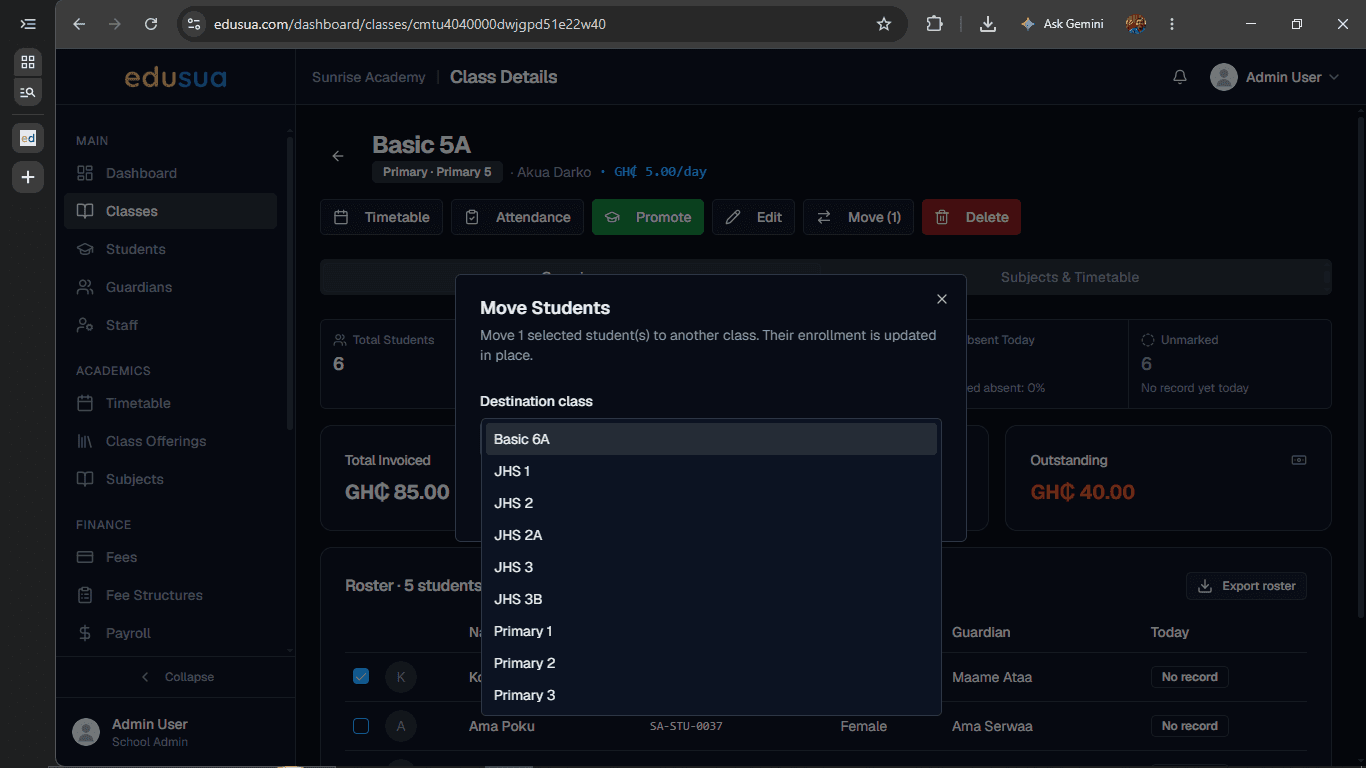
Click Basic 6A in the dropdown list.
7
Click Move Students to complete the transfer.