
Navigating the QxControl Dashboard
Learn how to navigate the Qumulex QxControl dashboard to view door statuses, search security events, run reports, and manage system configurations.
This guide provides a comprehensive walkthrough of the QxControl platform to help you familiarize yourself with its core modules. By the end, you'll know how to navigate views, access reports, and locate system configuration settings.
This guide is intended for security administrators and facility managers who are new to Qumulex QxControl and need to understand the platform's layout and primary features.
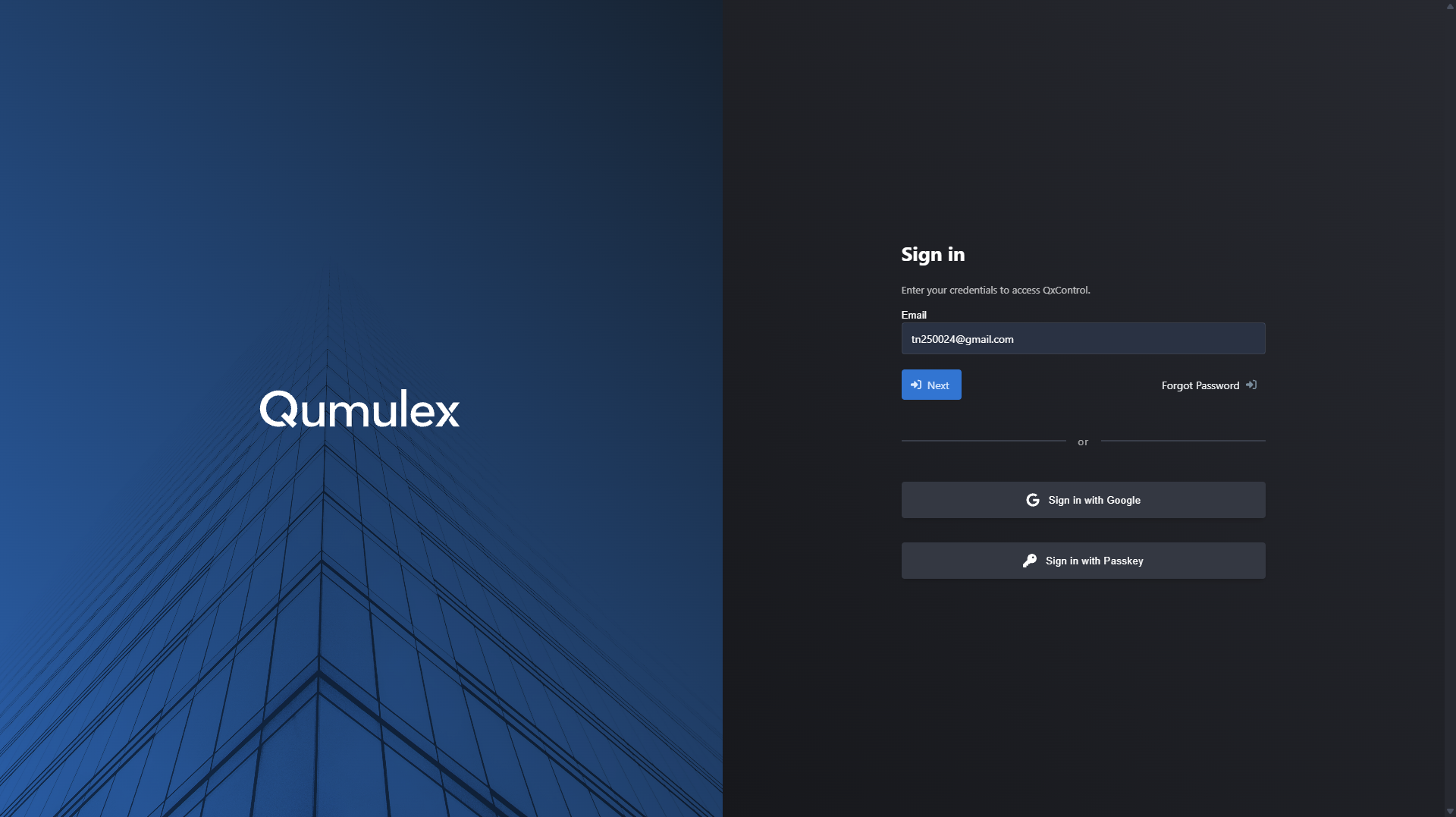
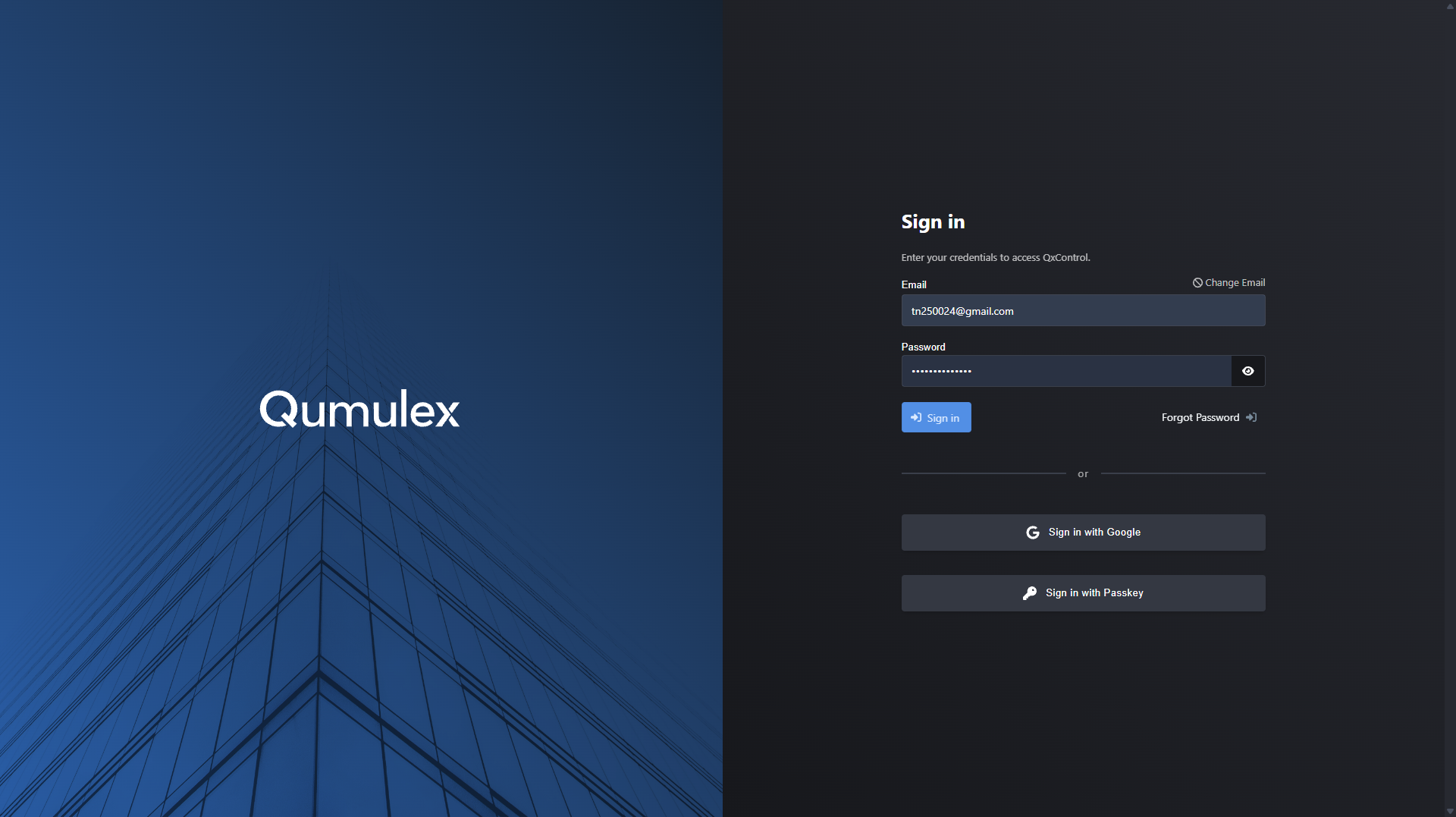
Accessing QxControl
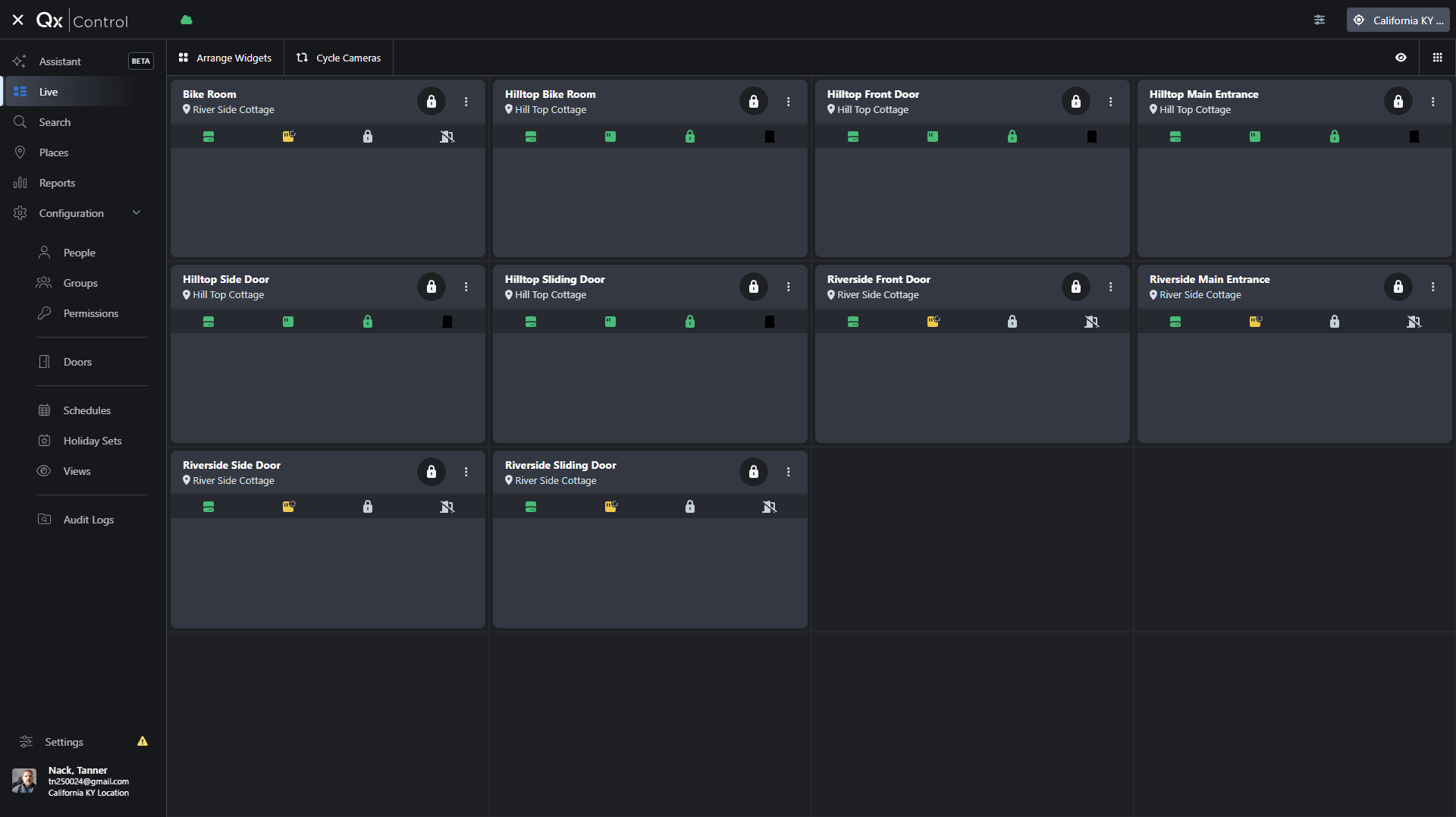
Viewing Camera and Door Status
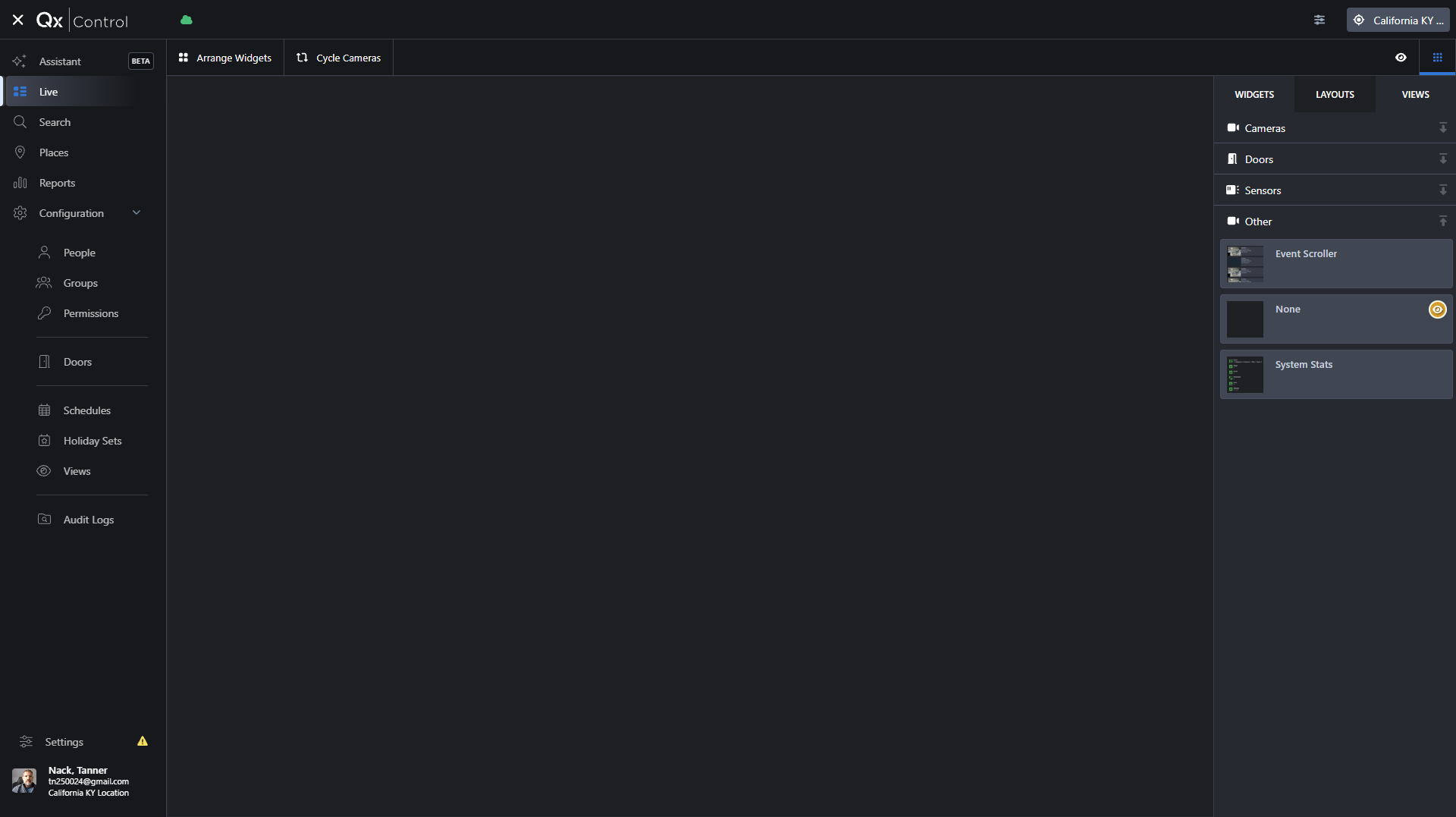
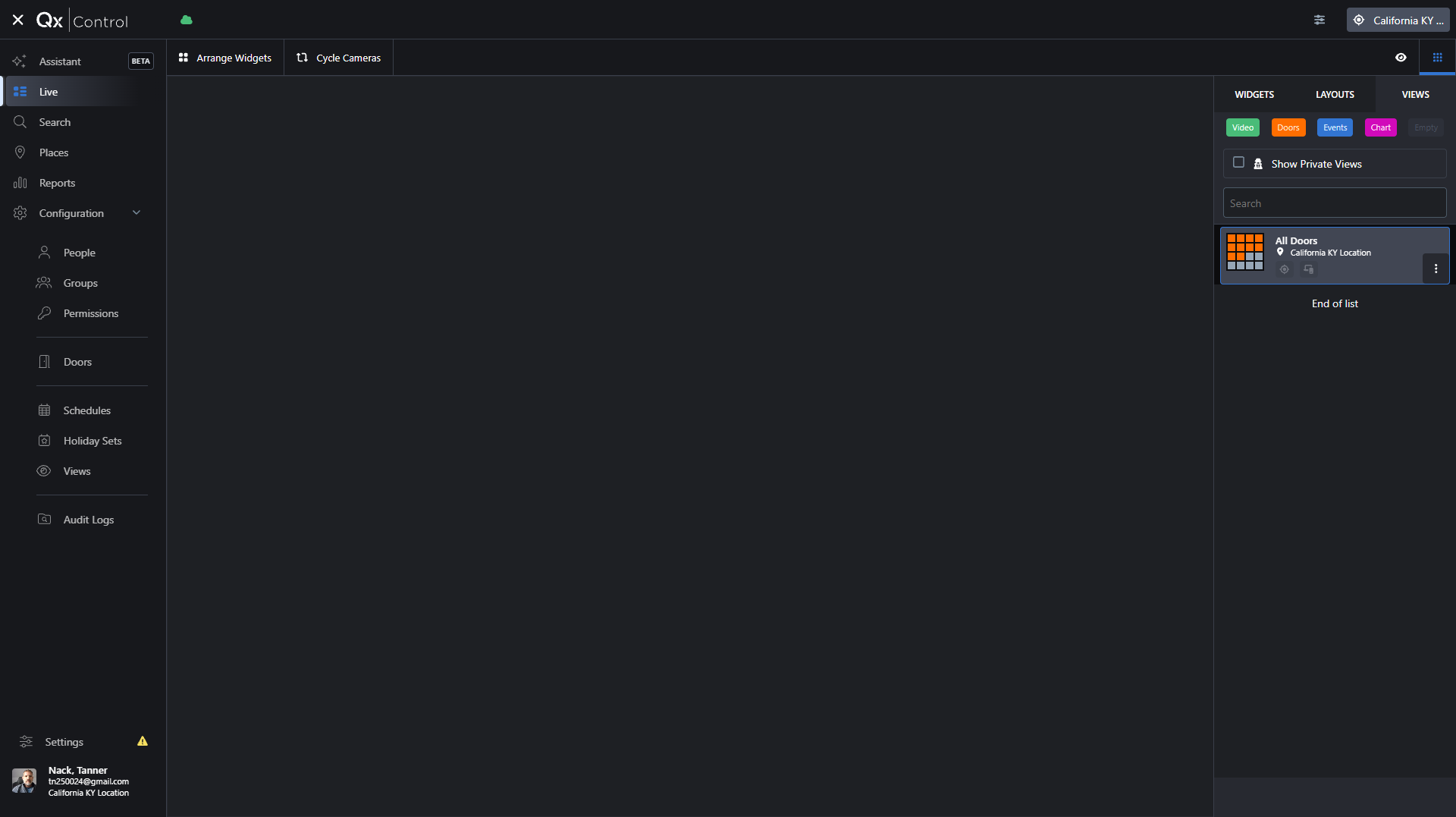
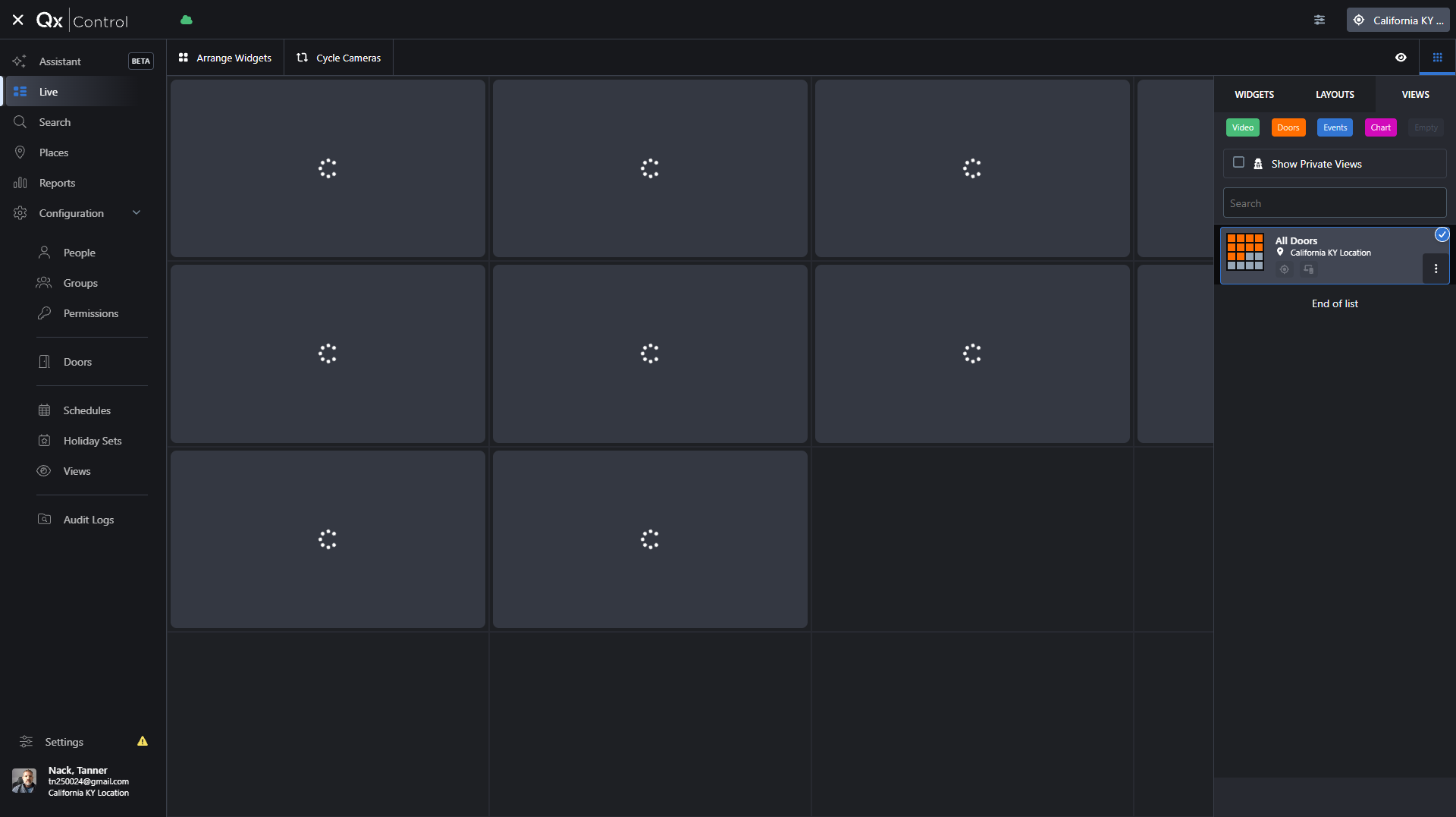
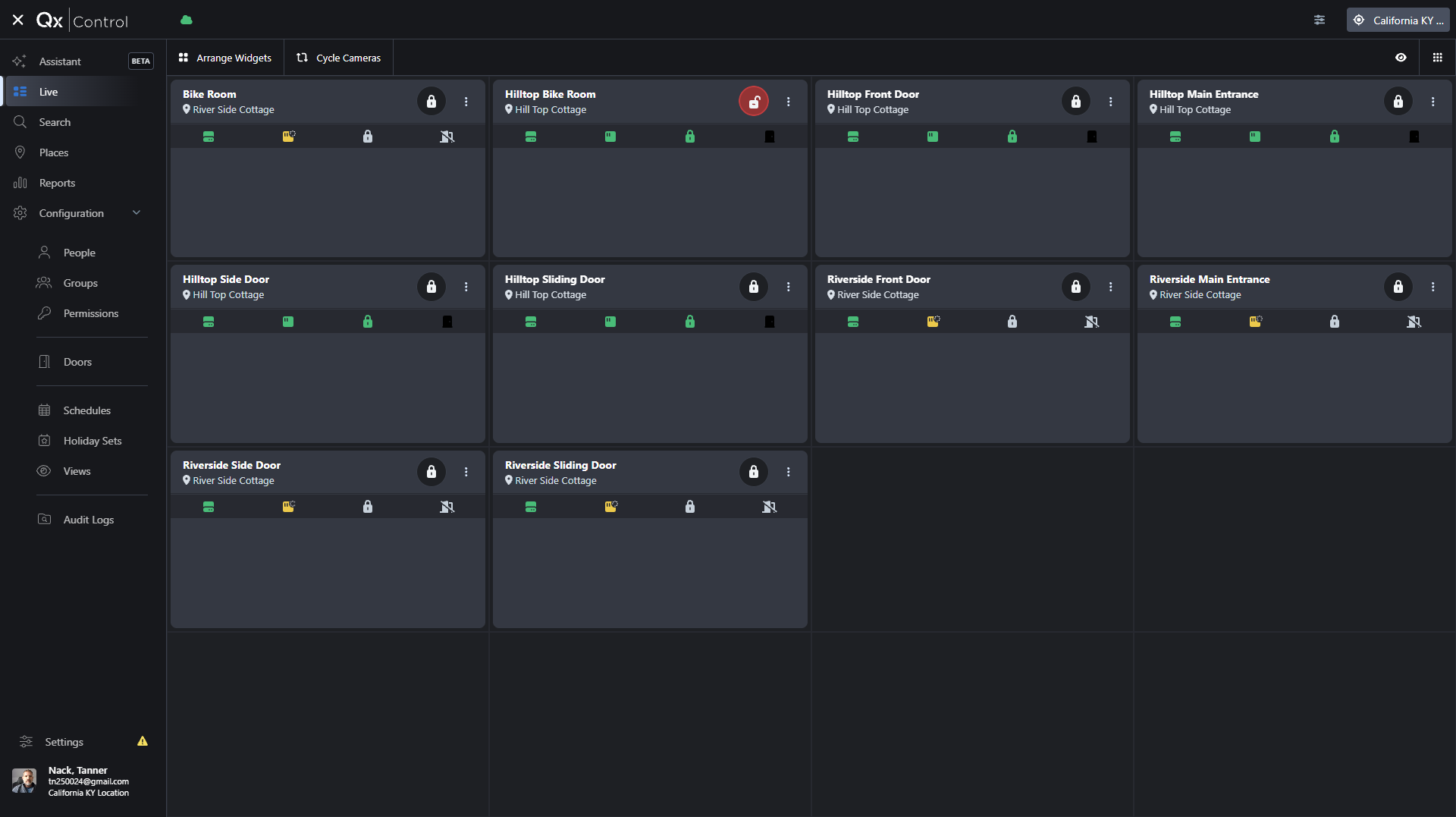
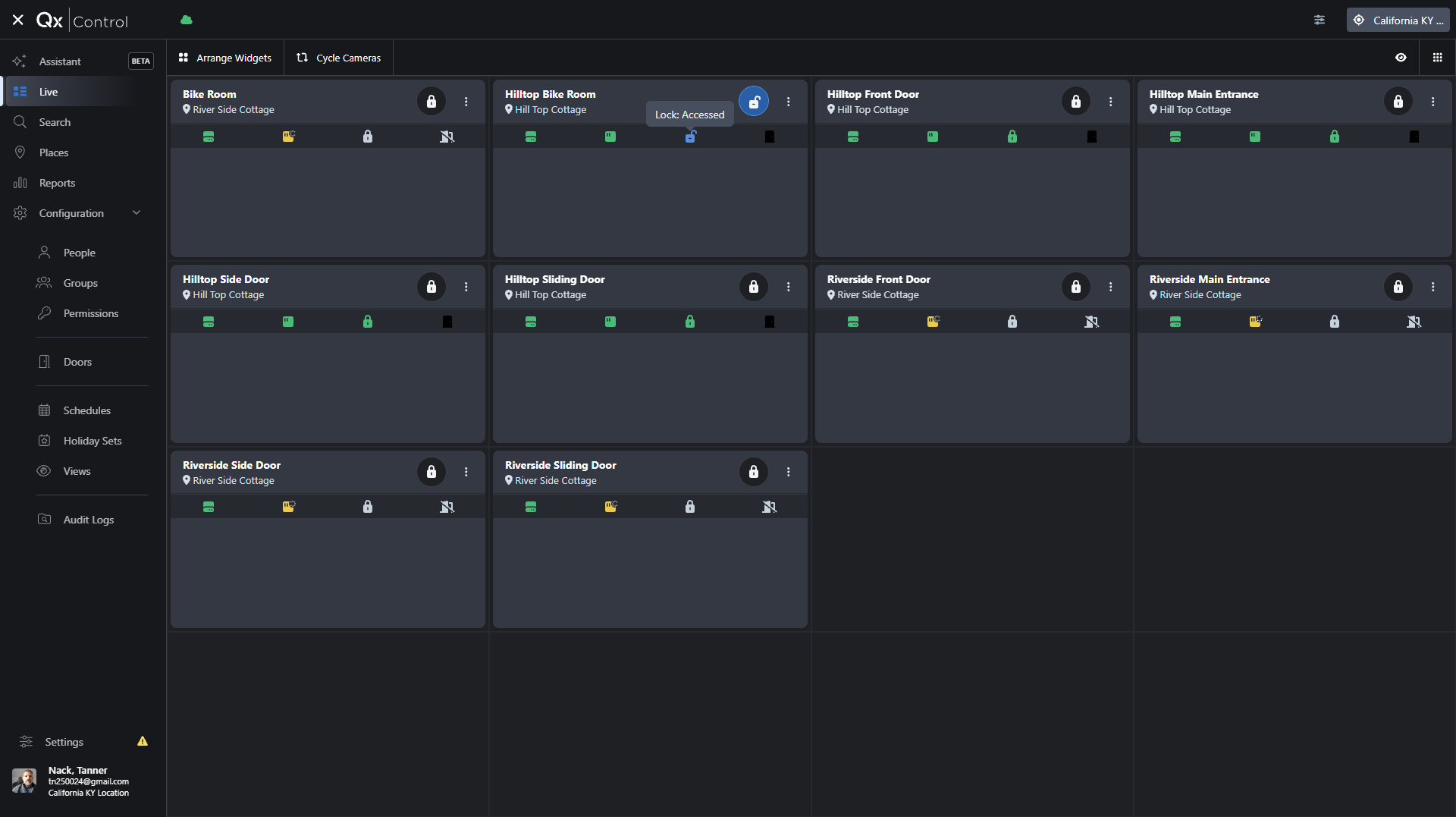
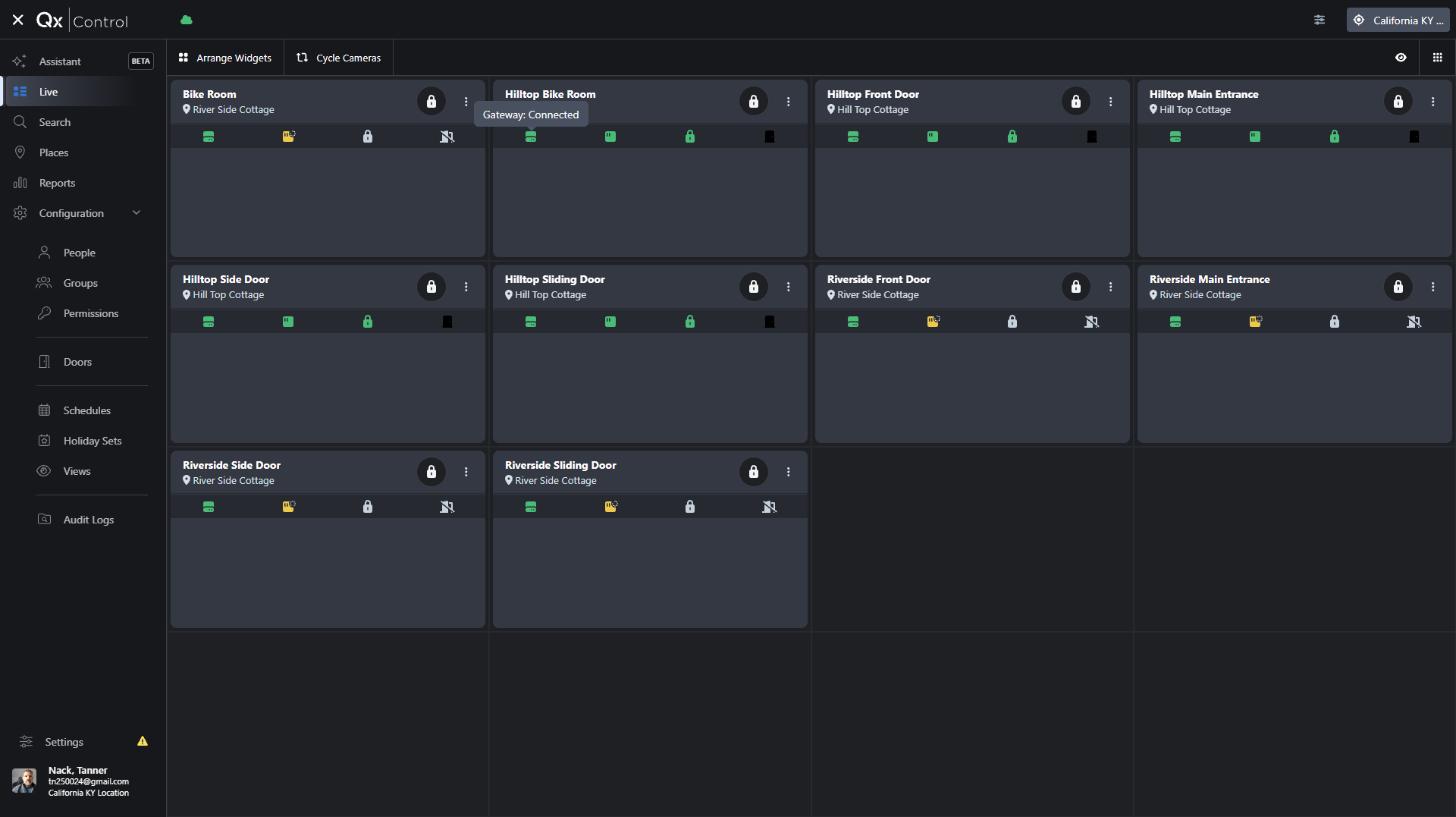
Once logged in, you can access your configured views to monitor live video feeds and door statuses.
Searching Events and Places
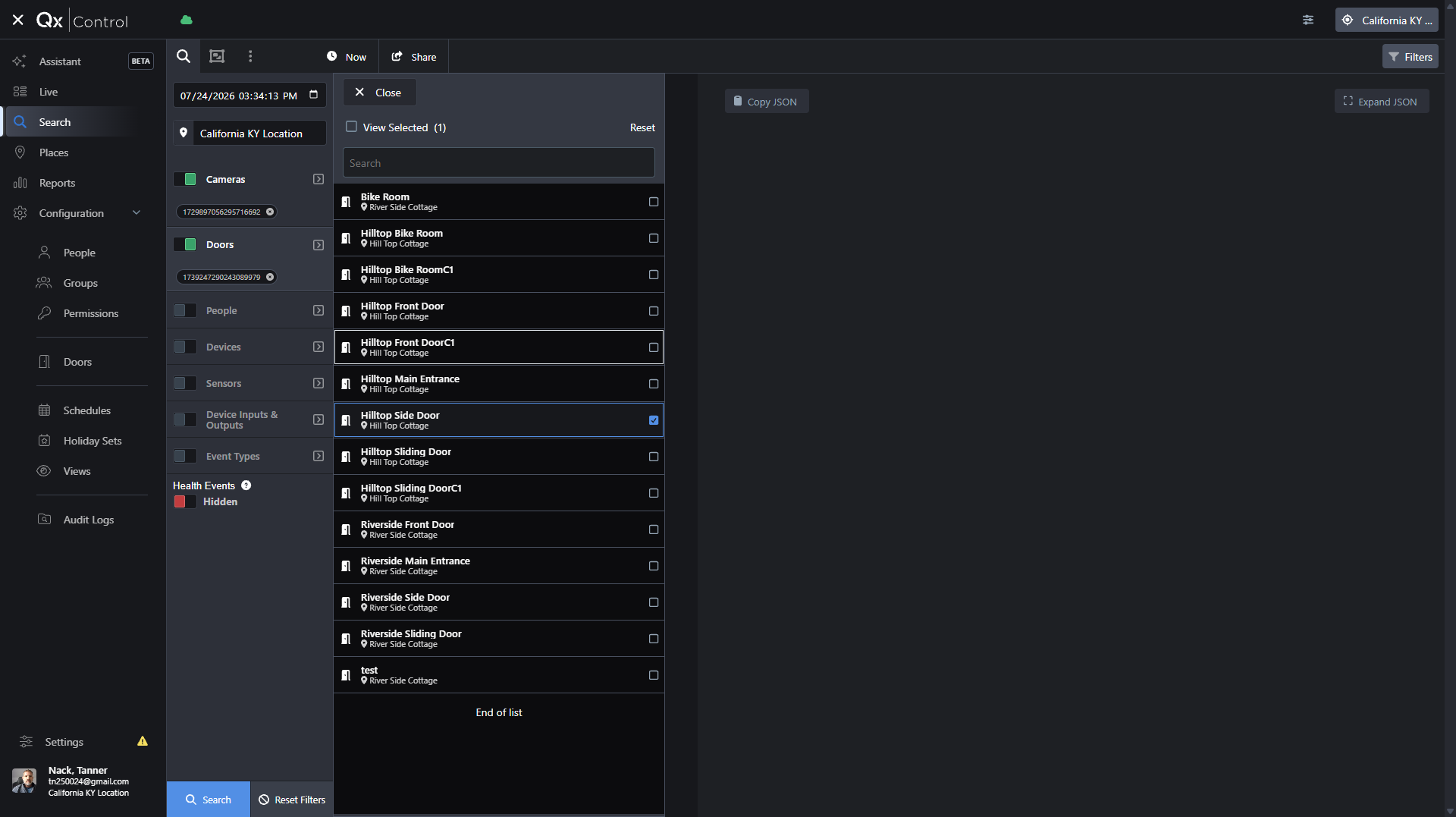
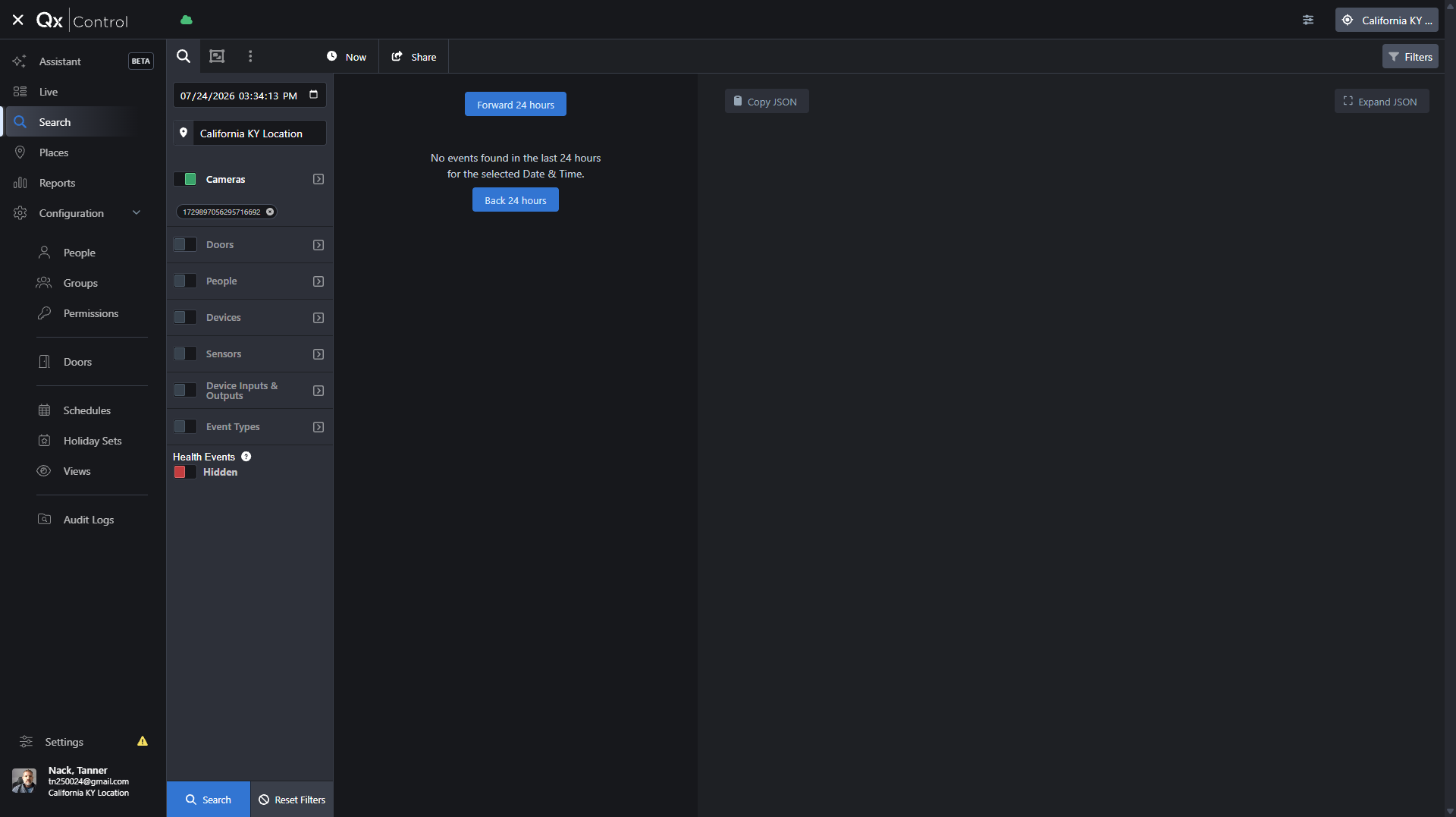
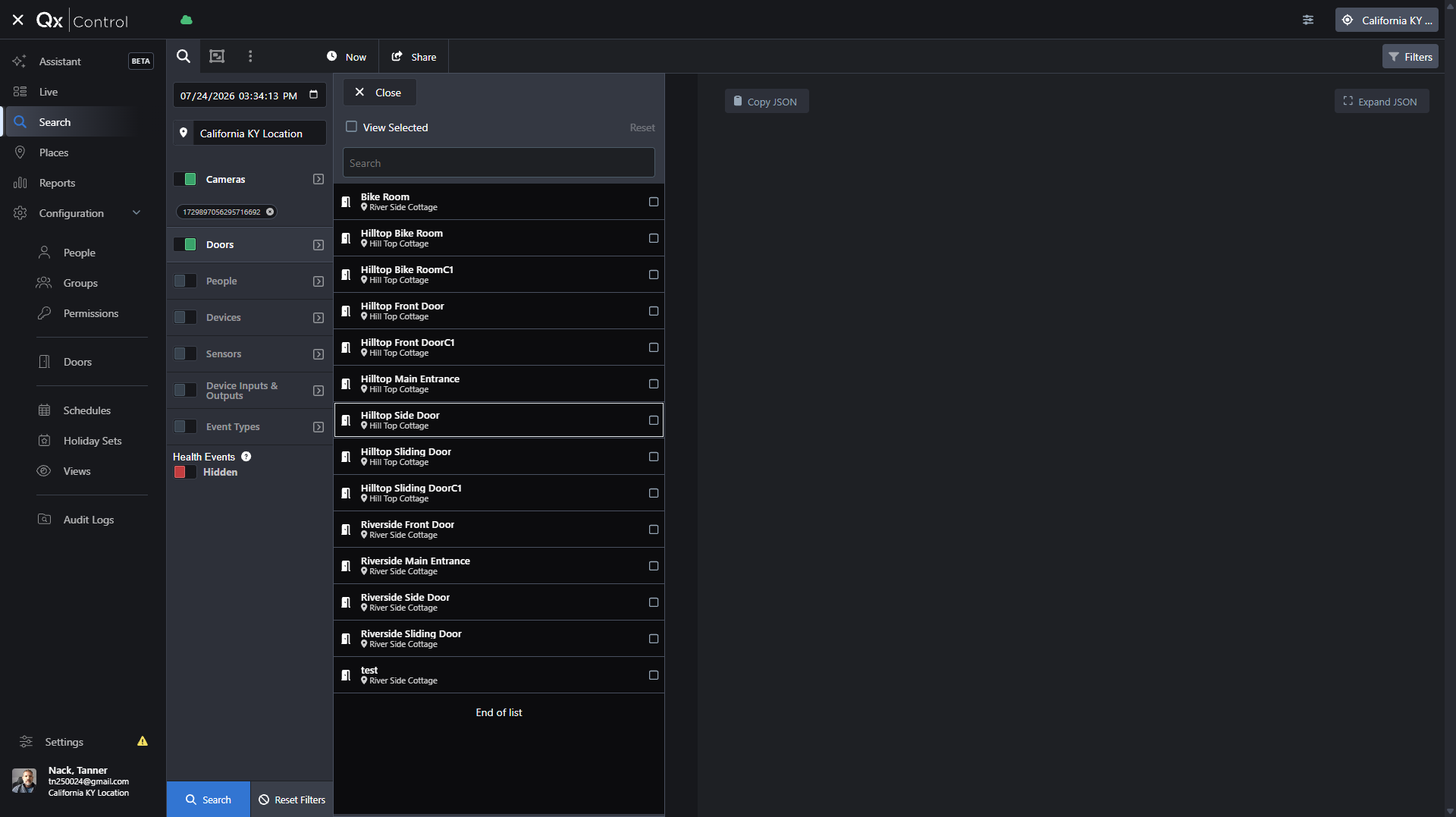
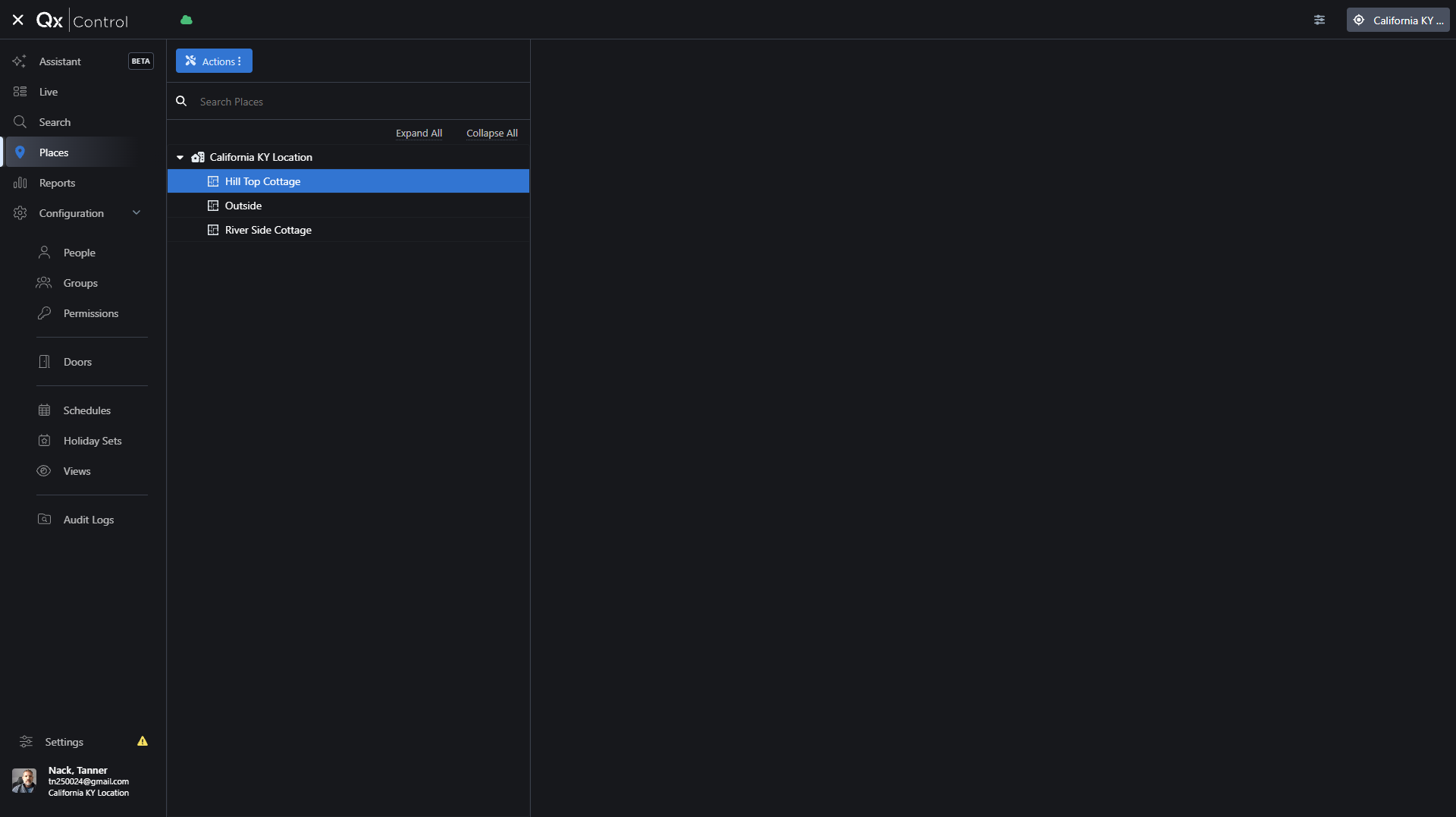
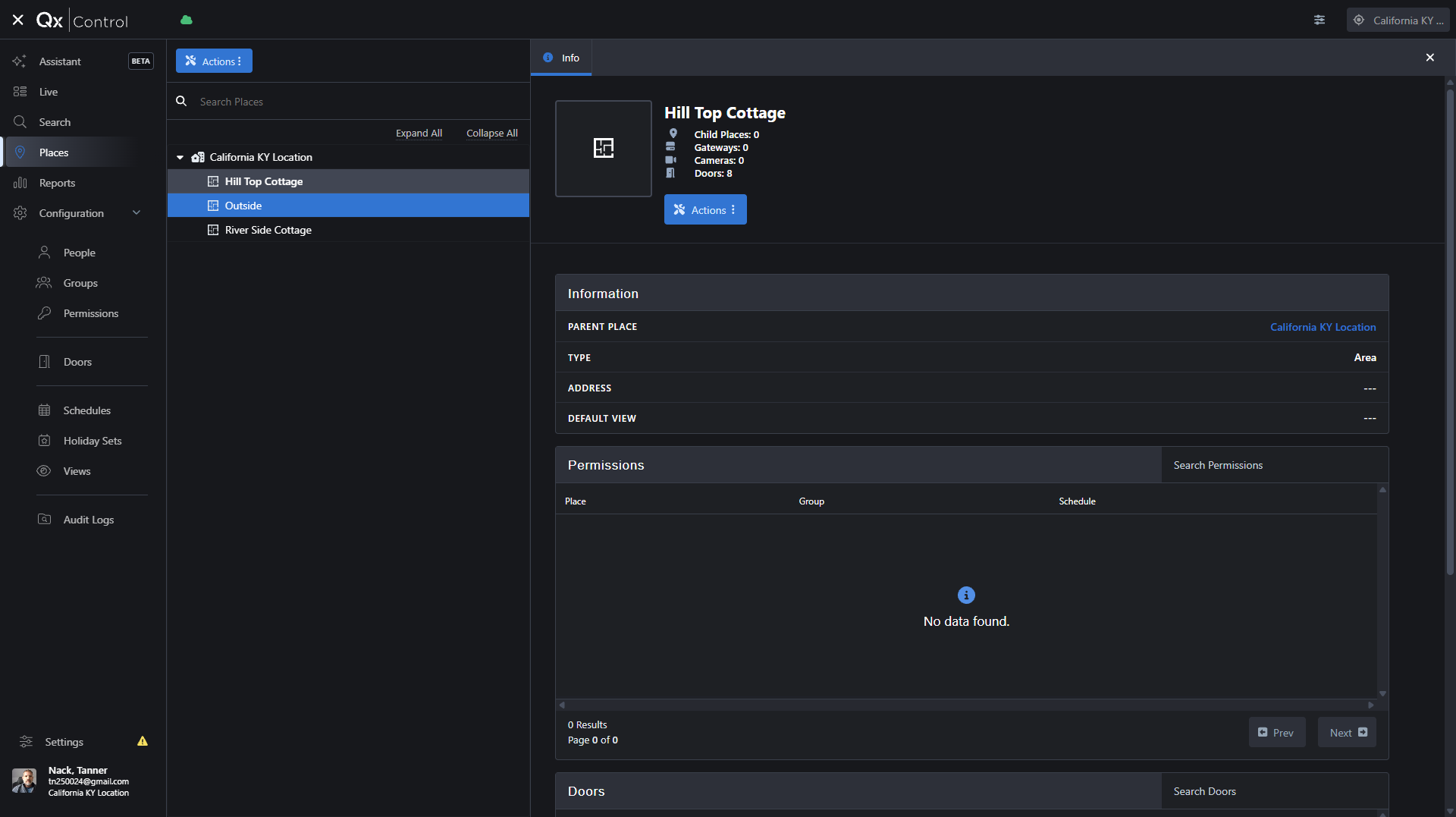
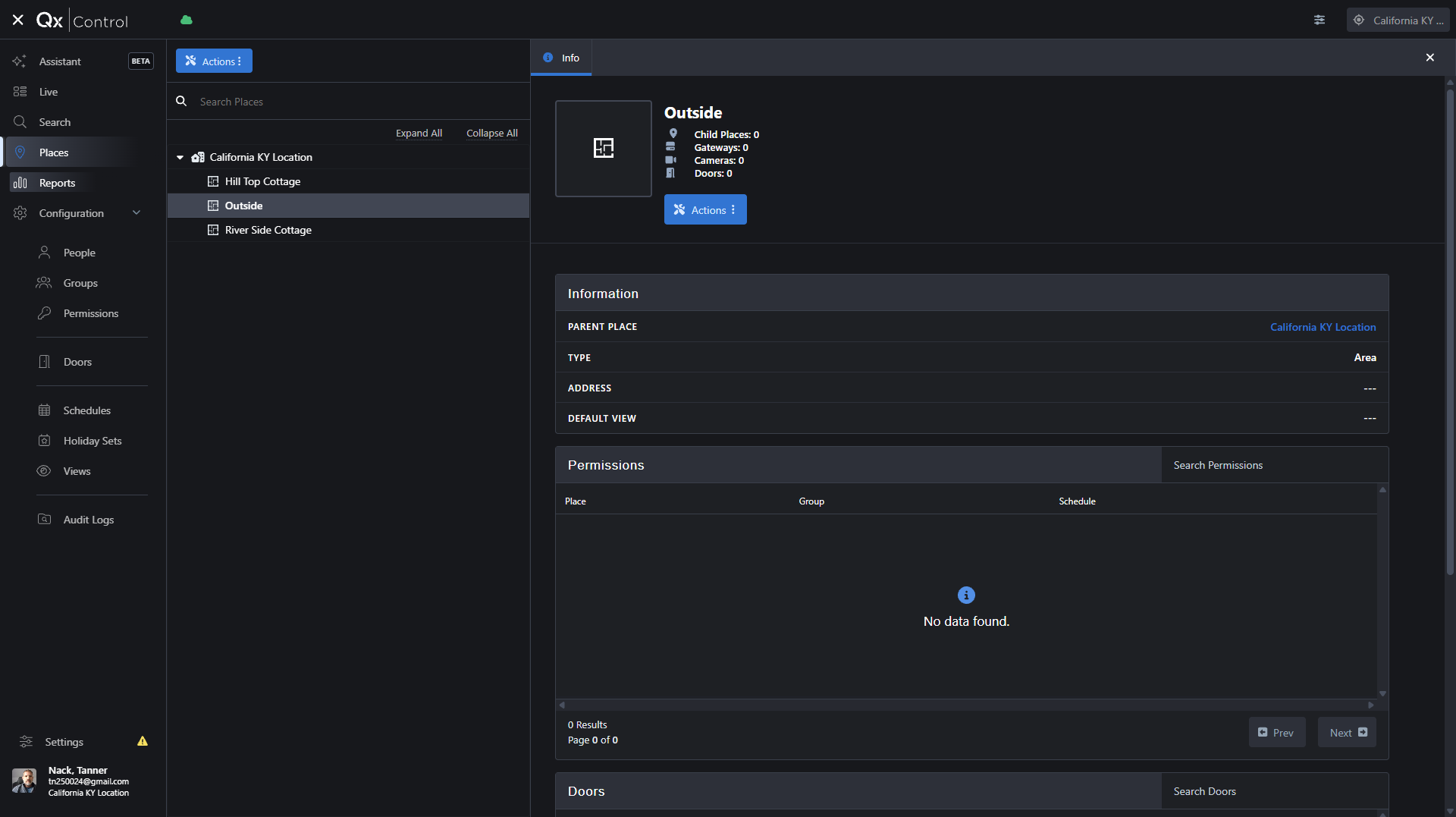
Use the Search and Places menus to investigate security events or drill down into specific site areas.
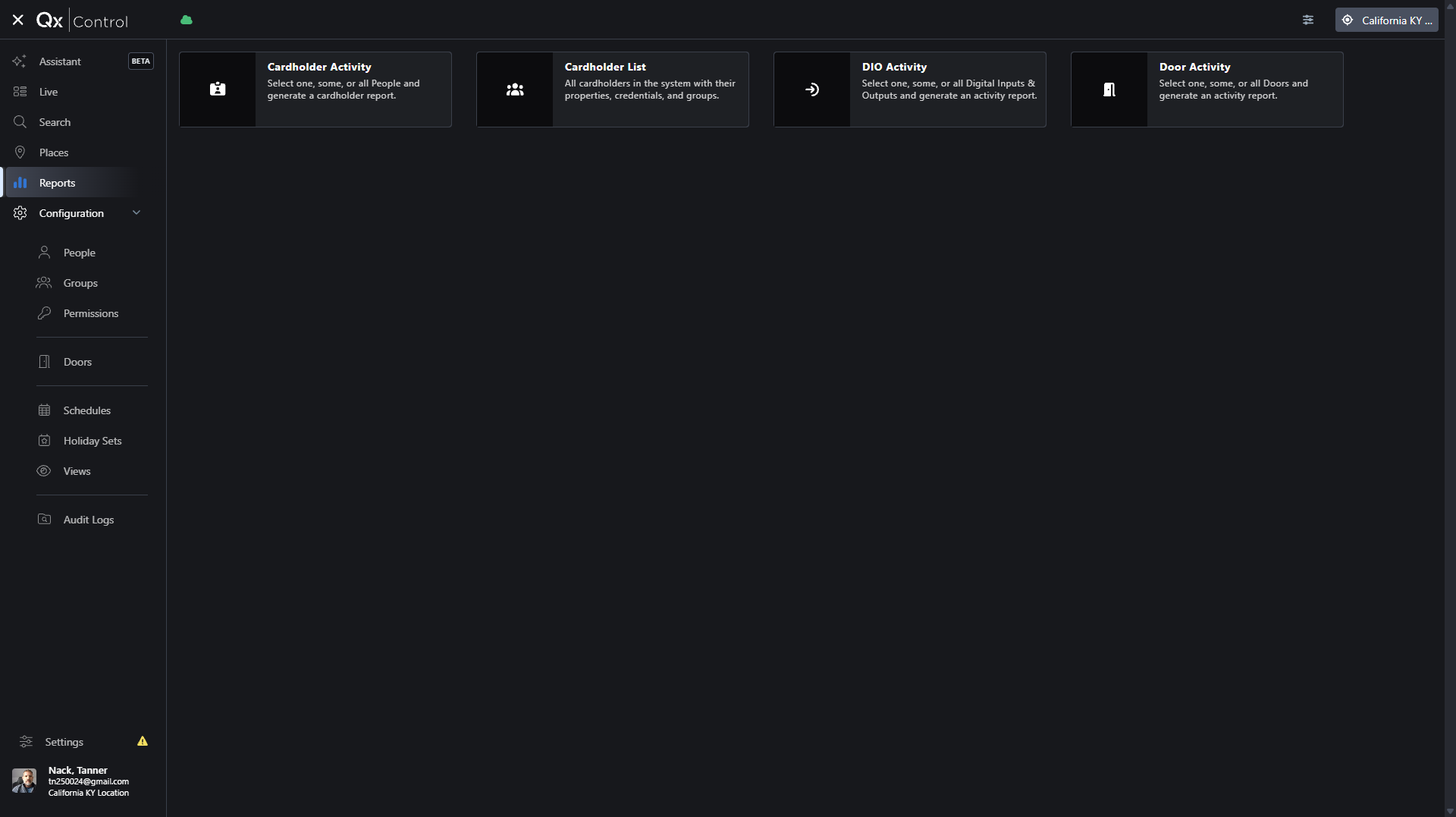
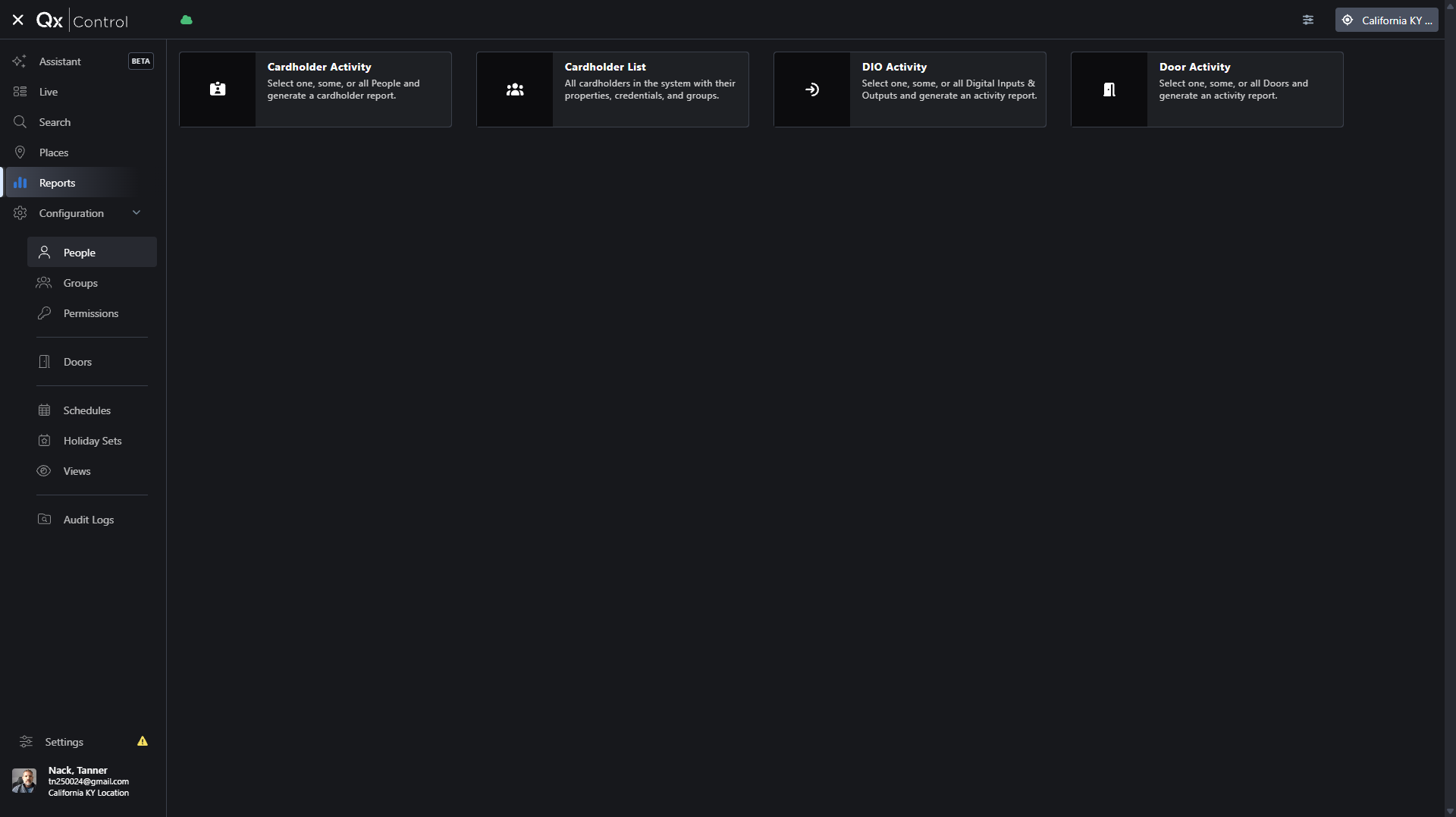
Running Reports
Managing System Configuration
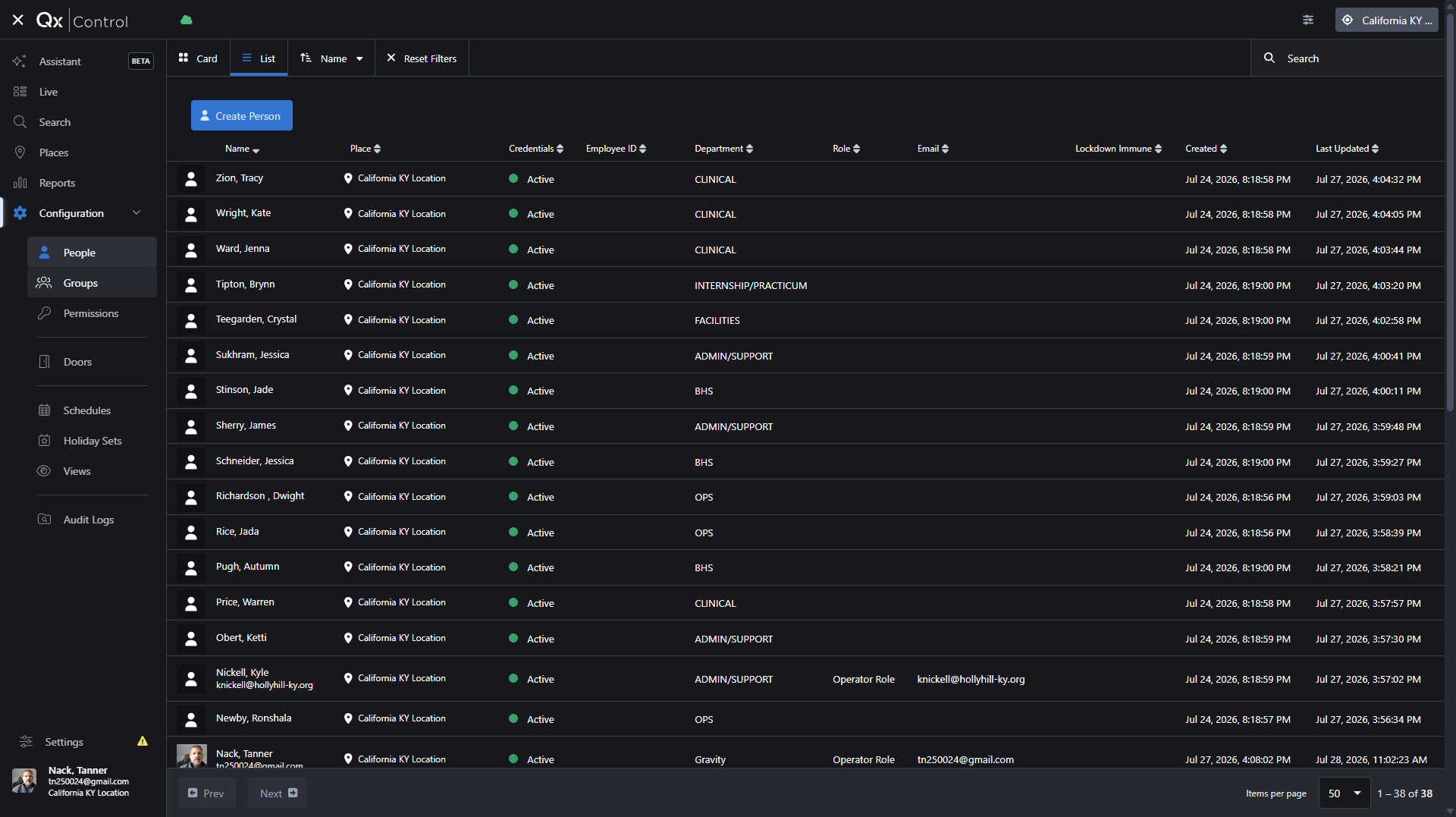
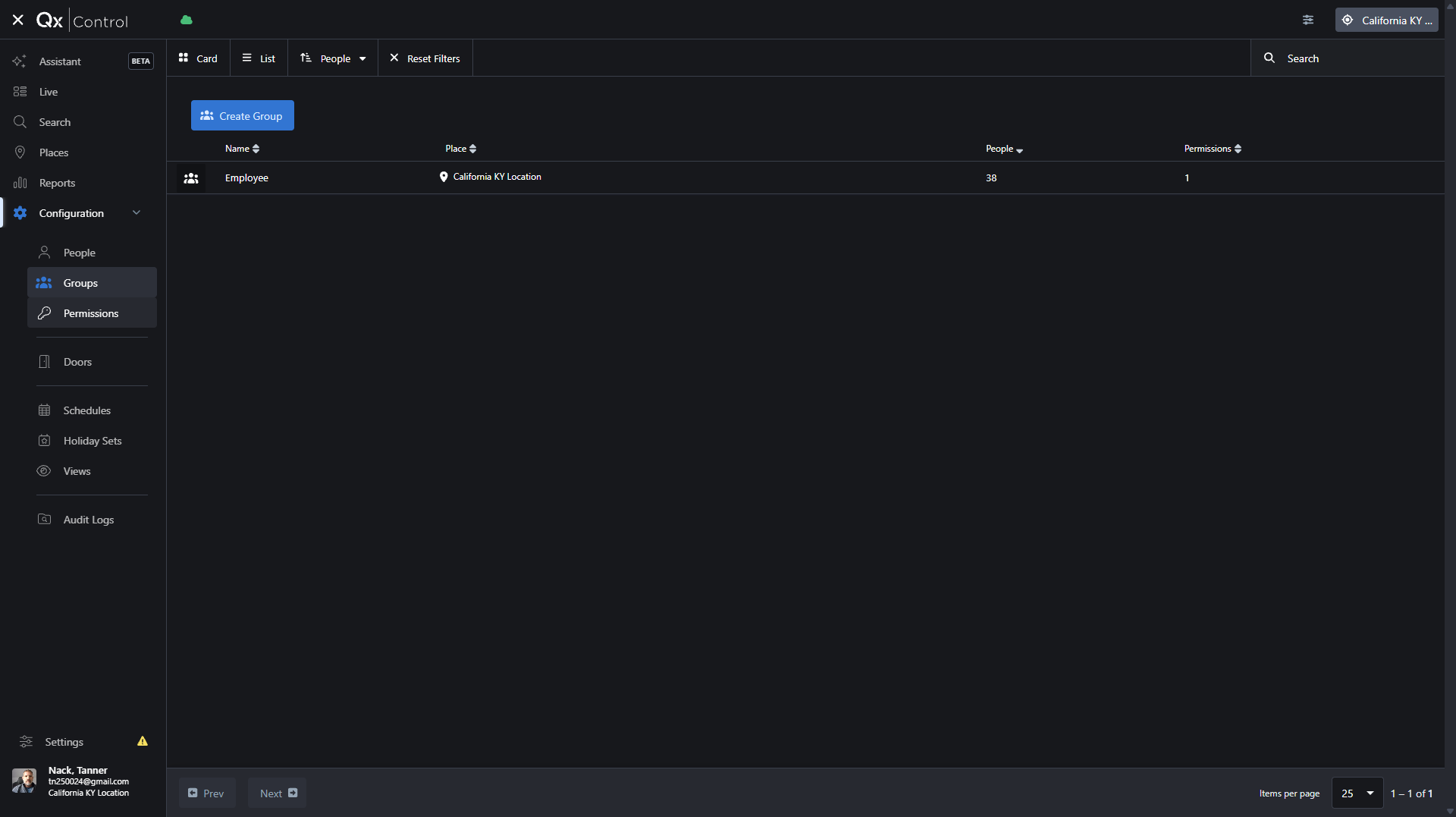
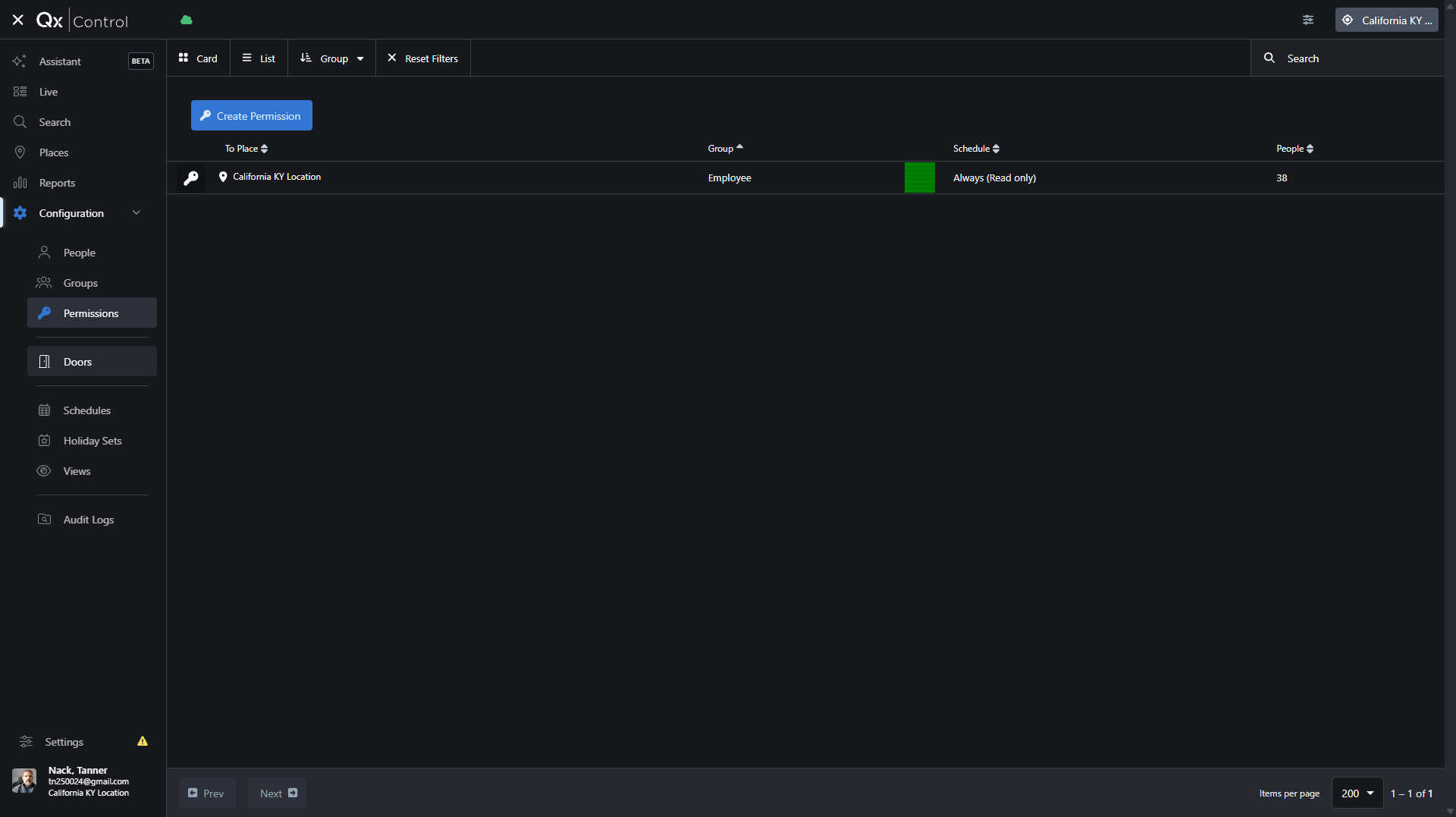
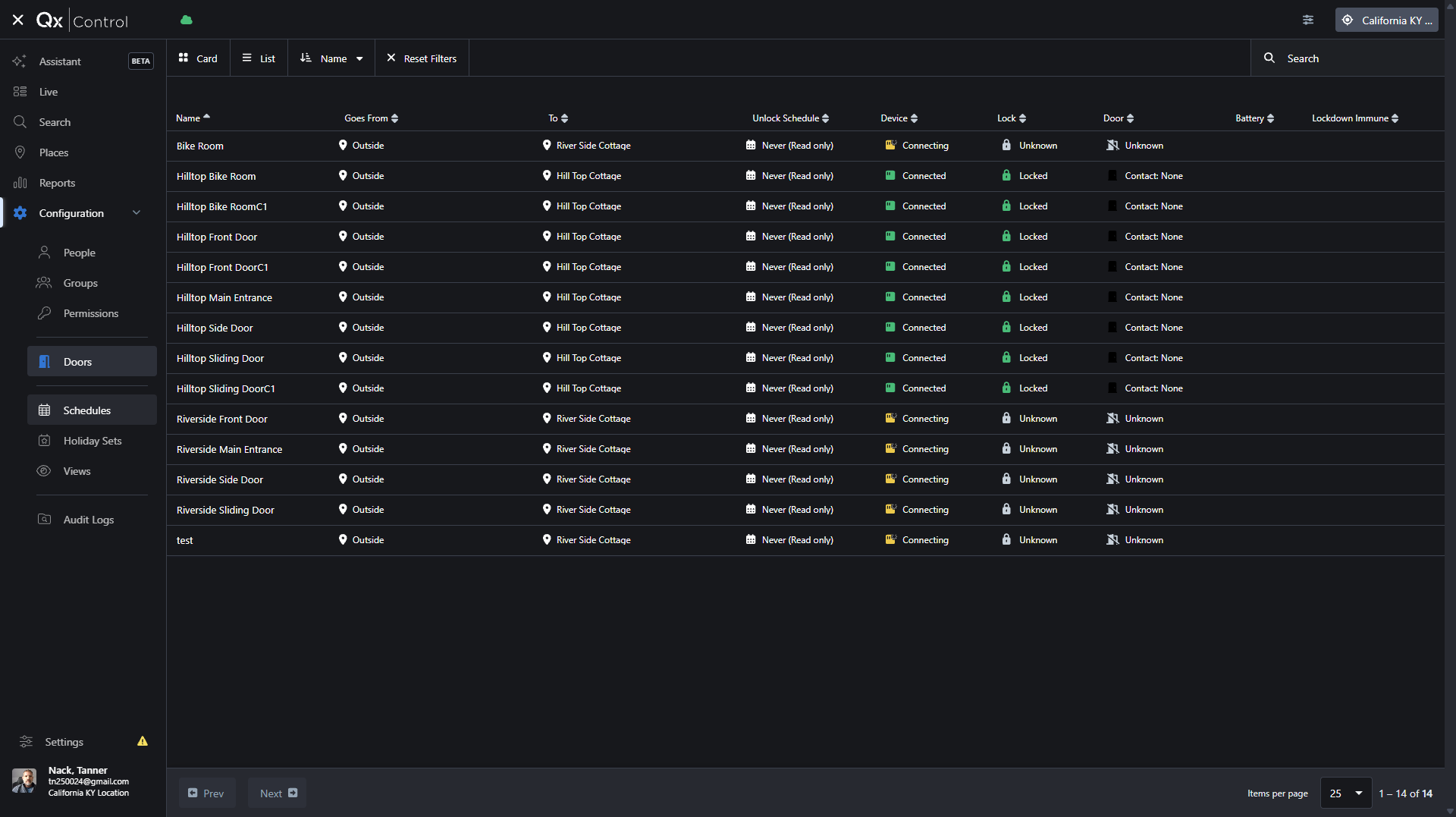
The Configuration section allows administrators to manage access control parameters, users, and schedules. Navigate through the following tabs to administer your system:
Configuration Menu | Purpose |
|---|---|
People | Manage employee profiles, credentials, and individual user details. |
Groups | Organize users into logical groups (e.g., Employees, Contractors) for easier management. |
Permissions | Assign specific access rights to groups or individuals for designated doors or locations. |
Doors | Monitor door connectivity status and configure hardware settings for access points. |
Schedules | Create and manage time-based access schedules and holiday exceptions. |
Term | Definition |
|---|---|
Cardholder | An individual who has been issued a credential to access secured doors. |
Gateway | A hardware device that connects local access control panels and cameras to the cloud platform. |
Widget | A customizable dashboard panel that displays specific information, such as a live camera feed or door status. |