
Navigating Cerner FirstNet and Canceling Discharges
Learn how to access Cerner applications, navigate the FirstNet emergency department tracking board, and use the AppBar to cancel a patient discharge.
This guide explains how to navigate the Cerner FirstNet patient tracking board and use the AppBar application to cancel a patient discharge and return them to the active registry.
This procedure applies to emergency department clinical staff and patient access teams responsible for managing patient flow, bed assignments, and hospital registration status.
Accessing Cerner Applications
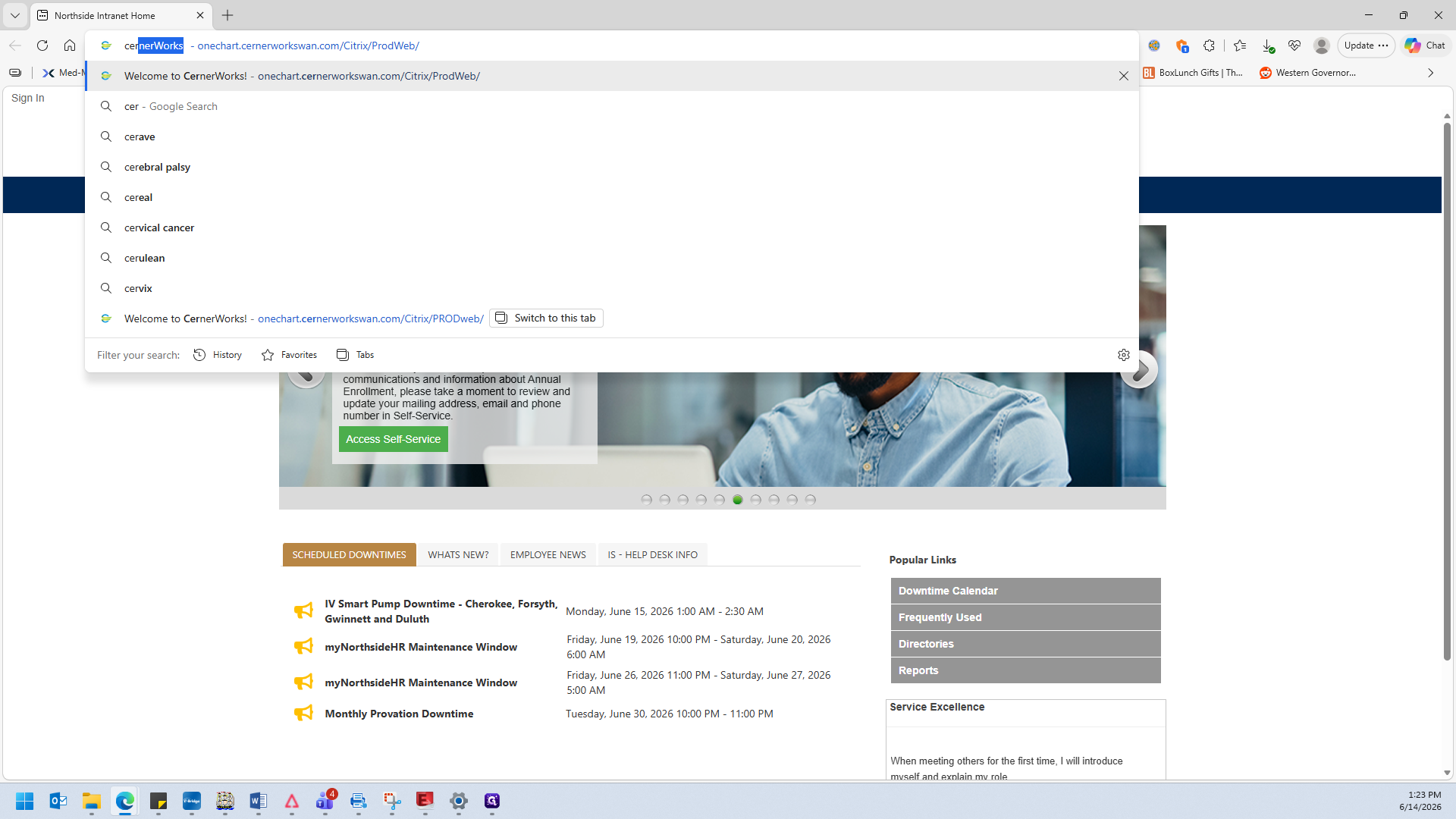
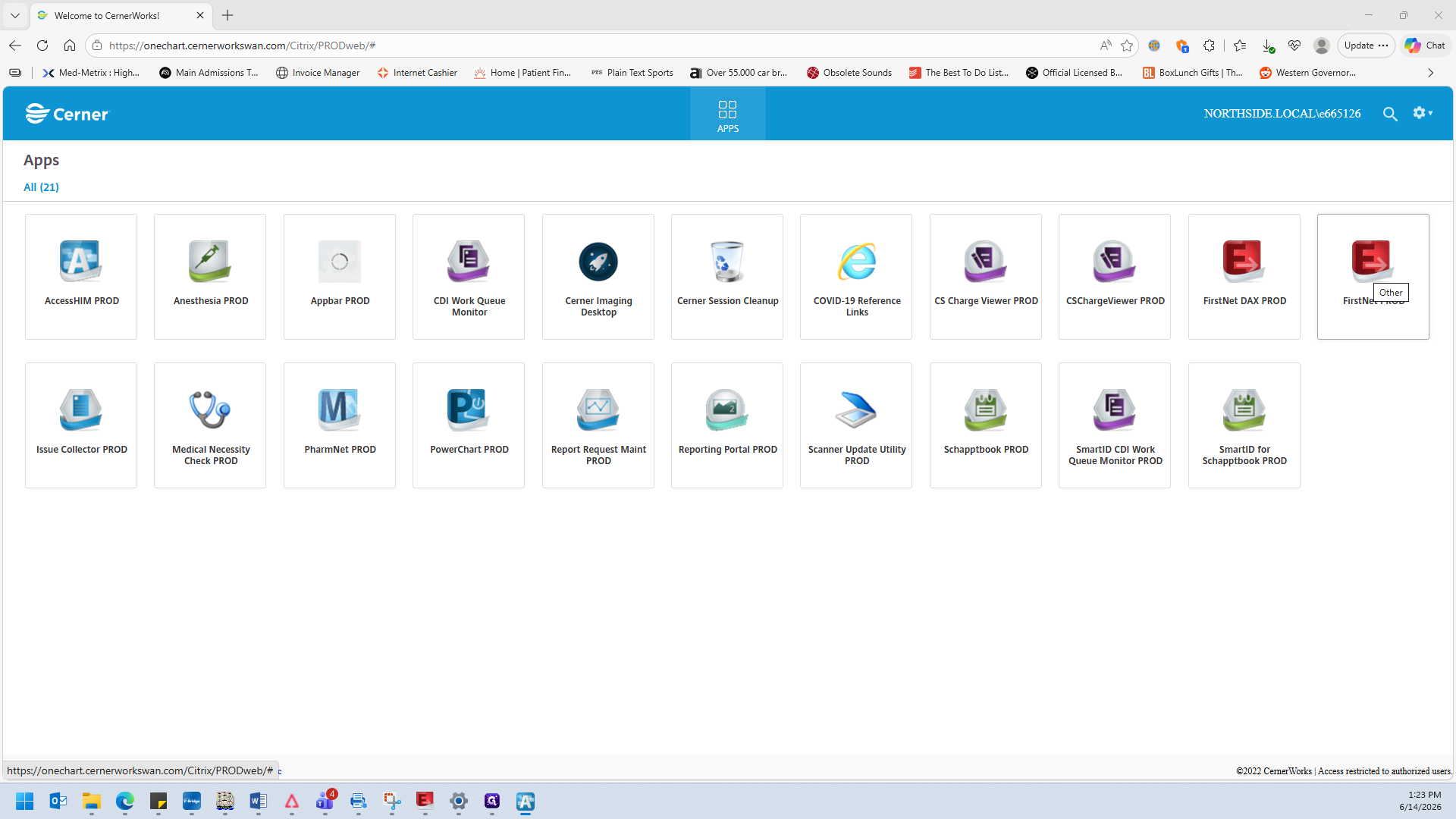
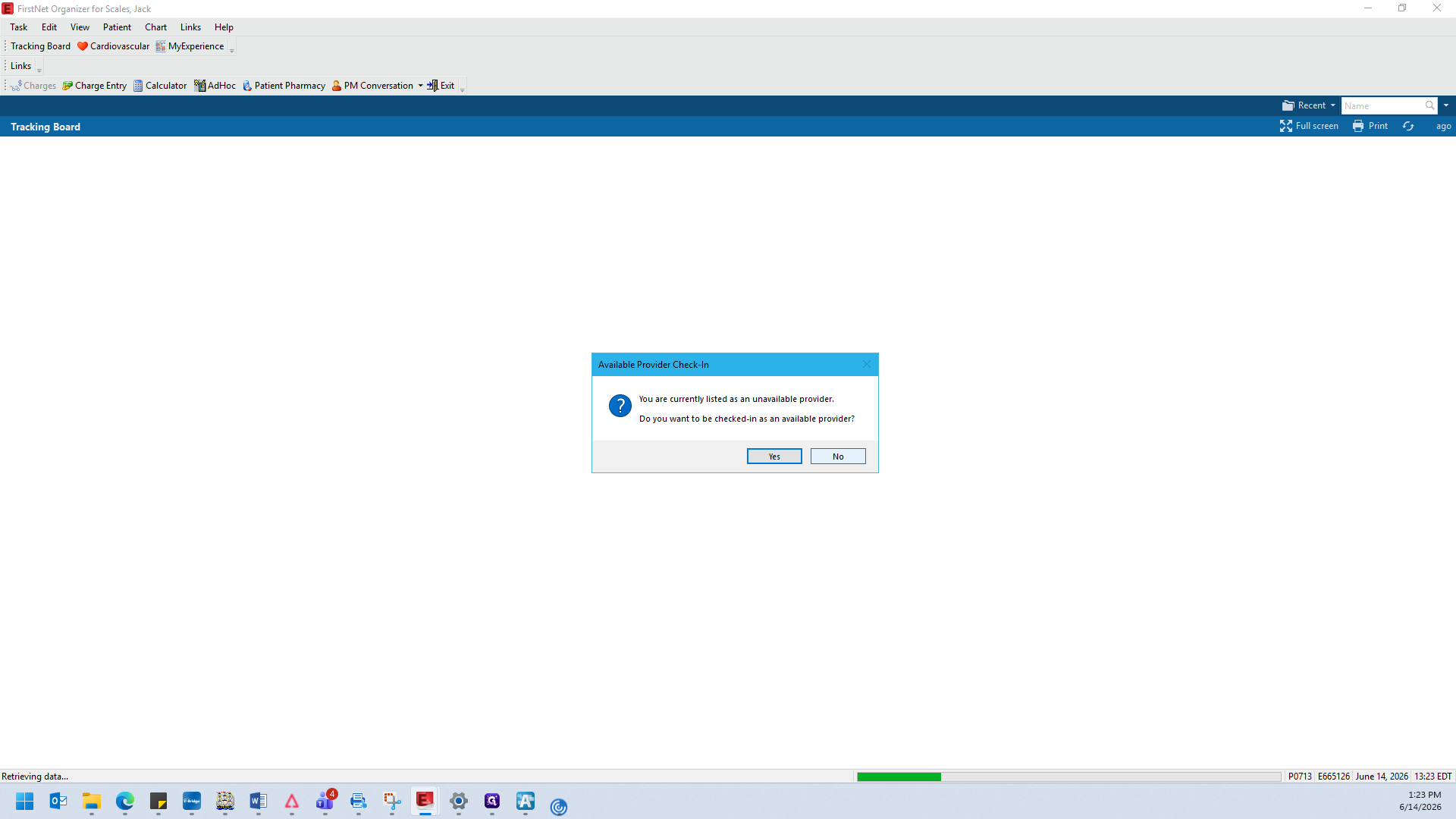
Navigating the Tracking Board
When FirstNet opens, it defaults to a primary location (such as Atlanta). To manage a different hospital branch, you must switch your tracking board tabs.
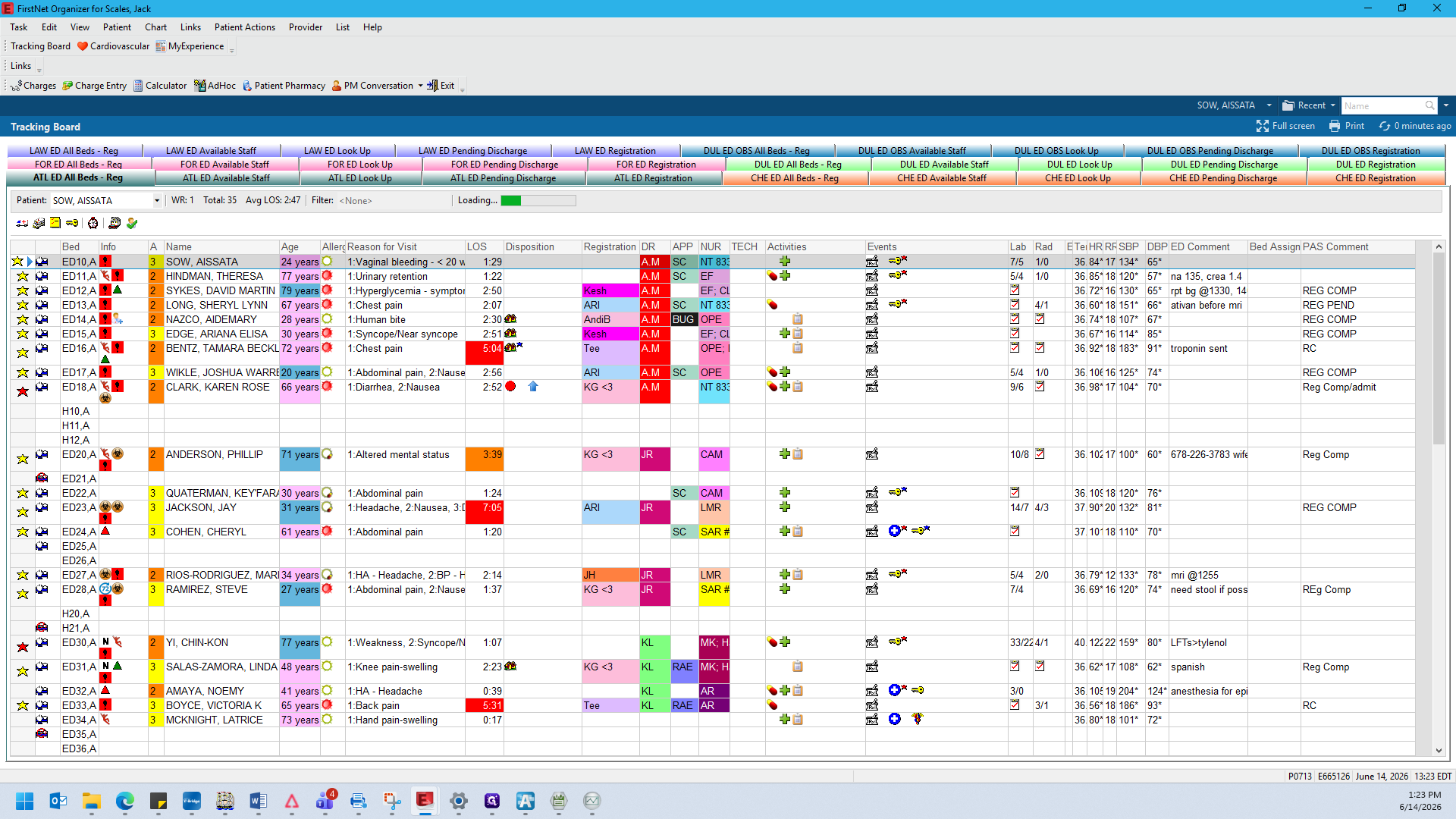
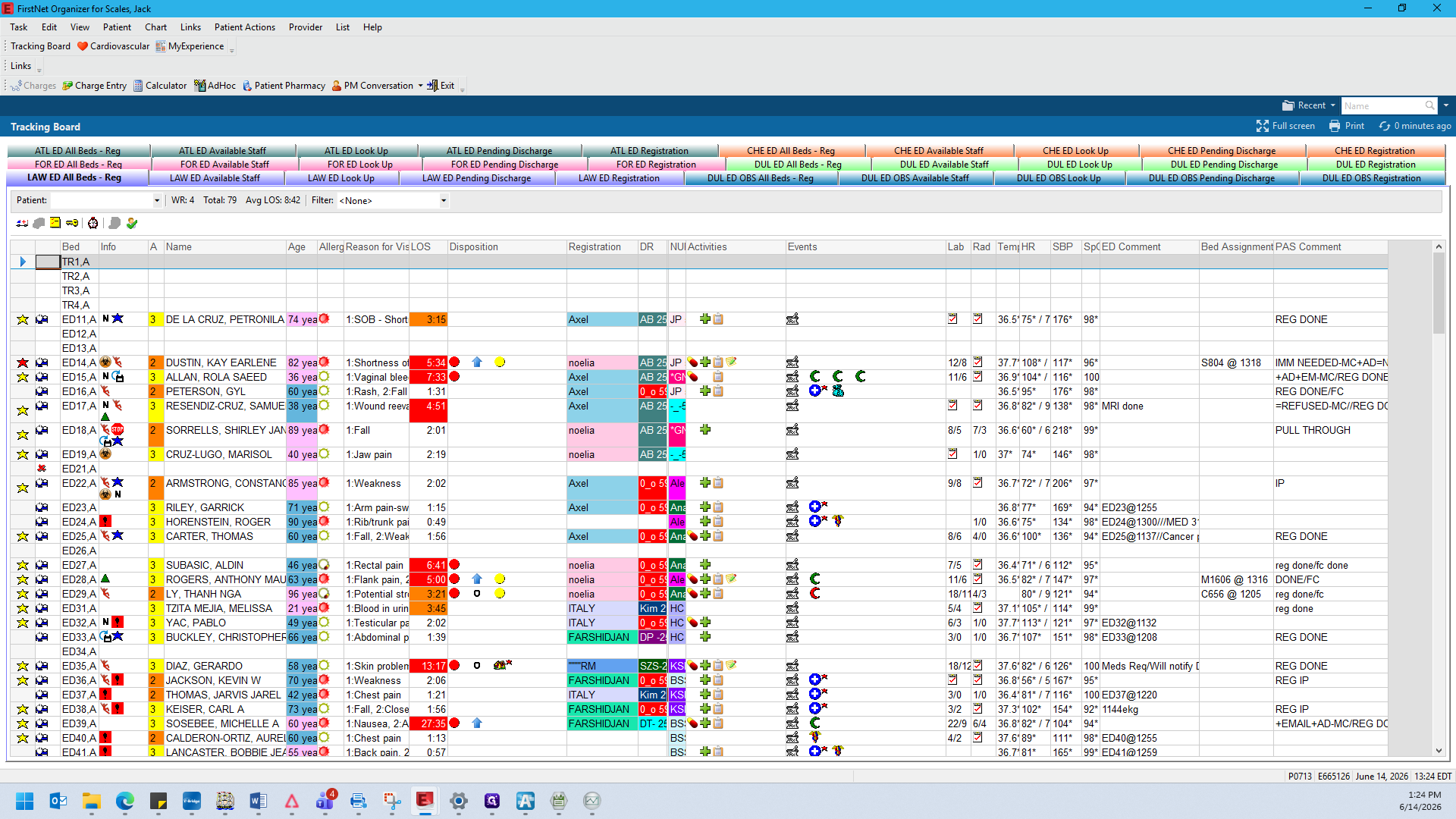
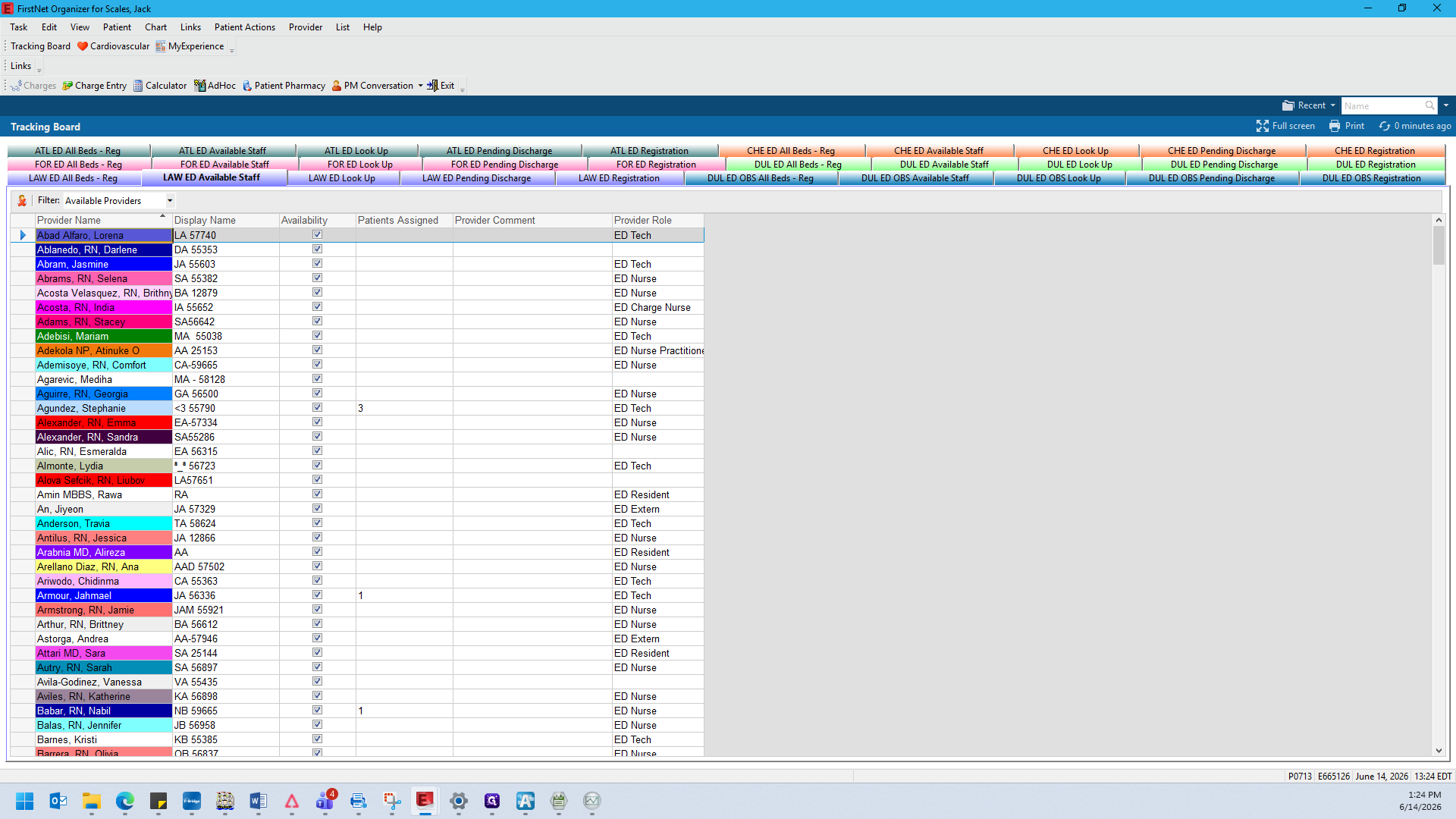
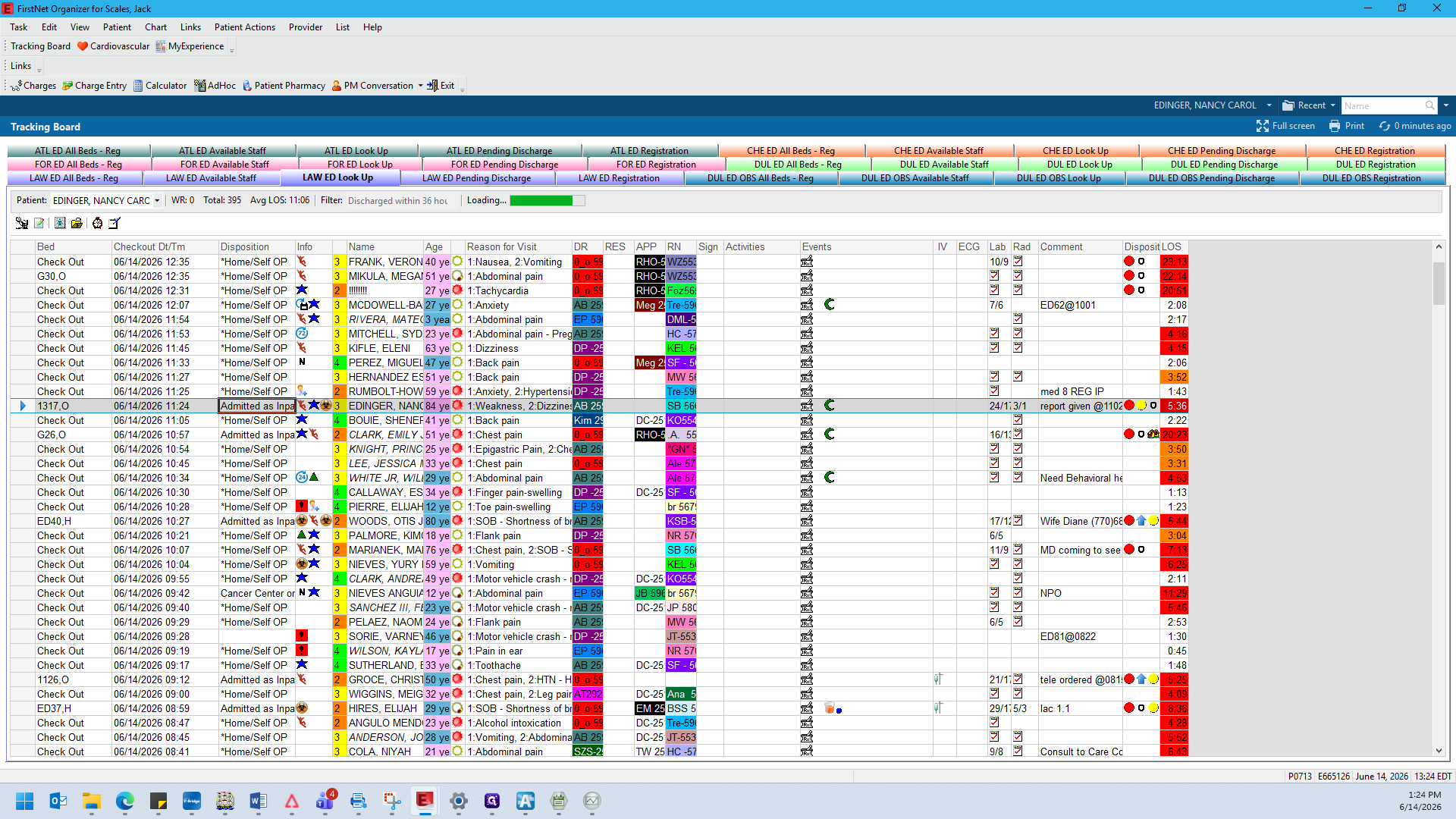
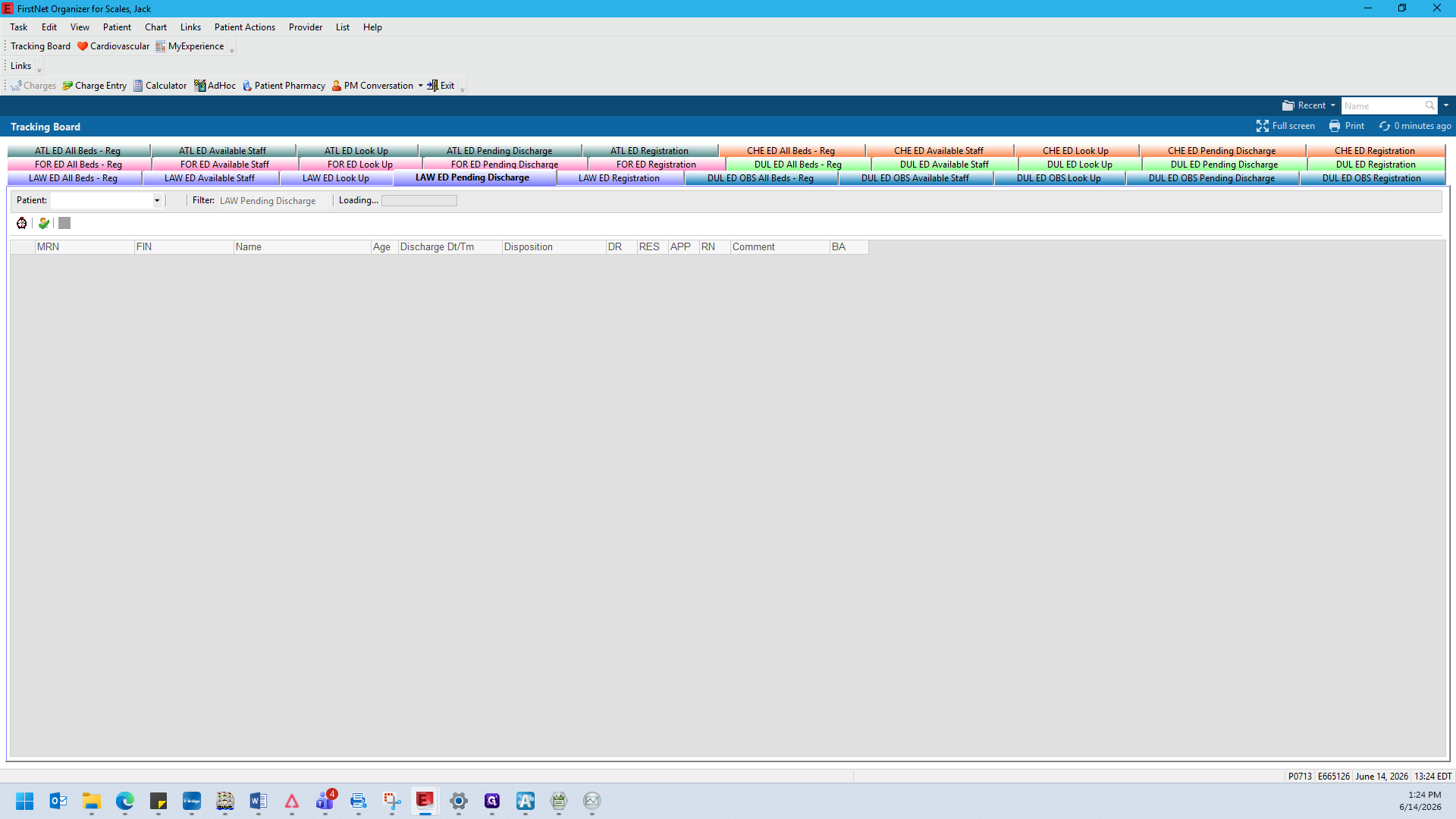
You can narrow or filter the patient tracking board using several different preset department views:
Tracking Board View | Description |
|---|---|
All Beds | Displays all currently occupied beds in the emergency department. Patients are sorted by last name, then first name. |
Available Staff | Lists all clinical staff and providers who are currently working or checked in. |
Look Up | Displays patients who have been recently discharged from the tracking board, including their final disposition. |
Pending Discharge | Used by patient access teams to identify patients who are missing registration details before they can be officially released. |
Registration | Displays the active registry sorted by first name, and immediately displays both the MRN and FIN. |
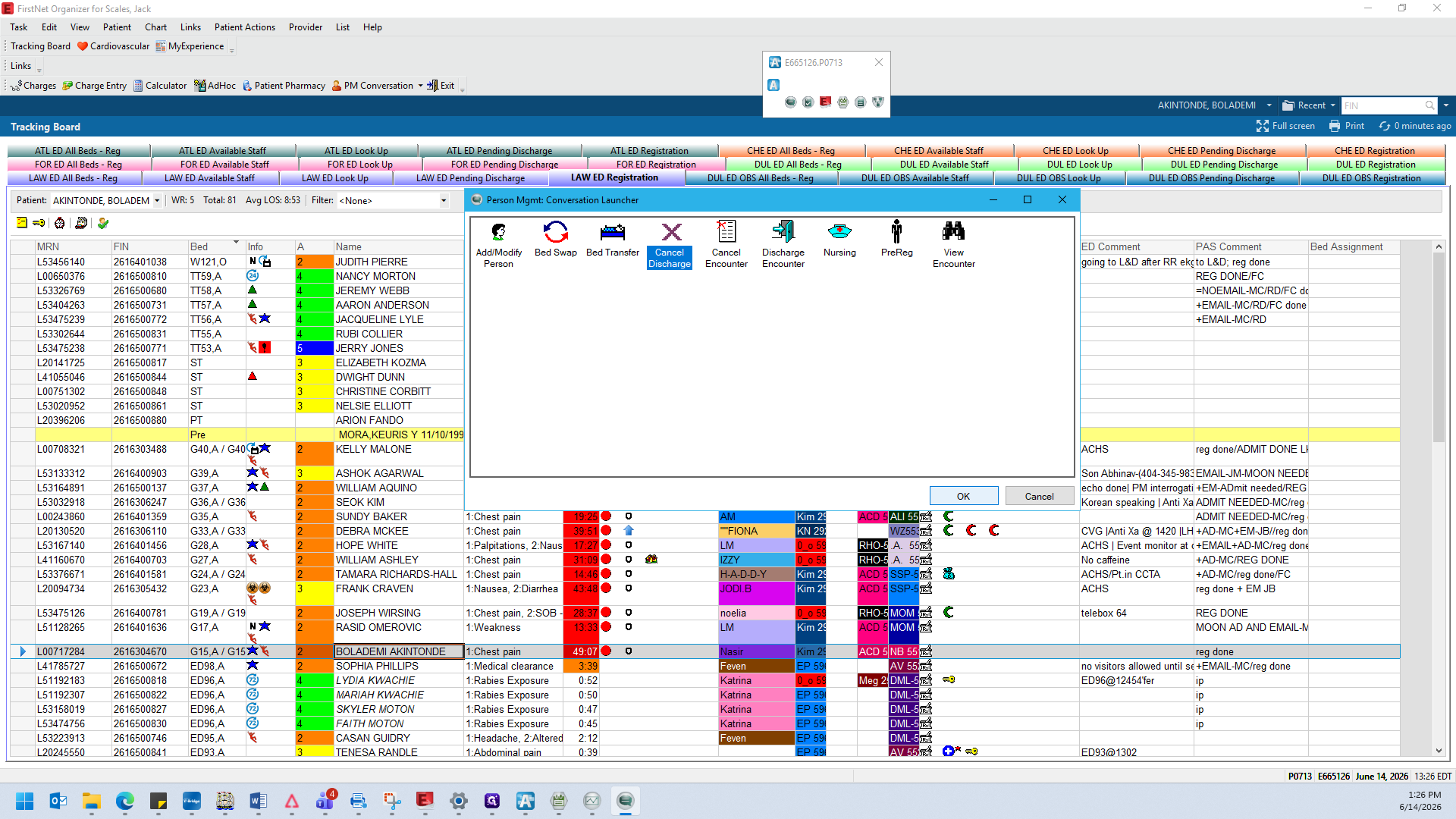
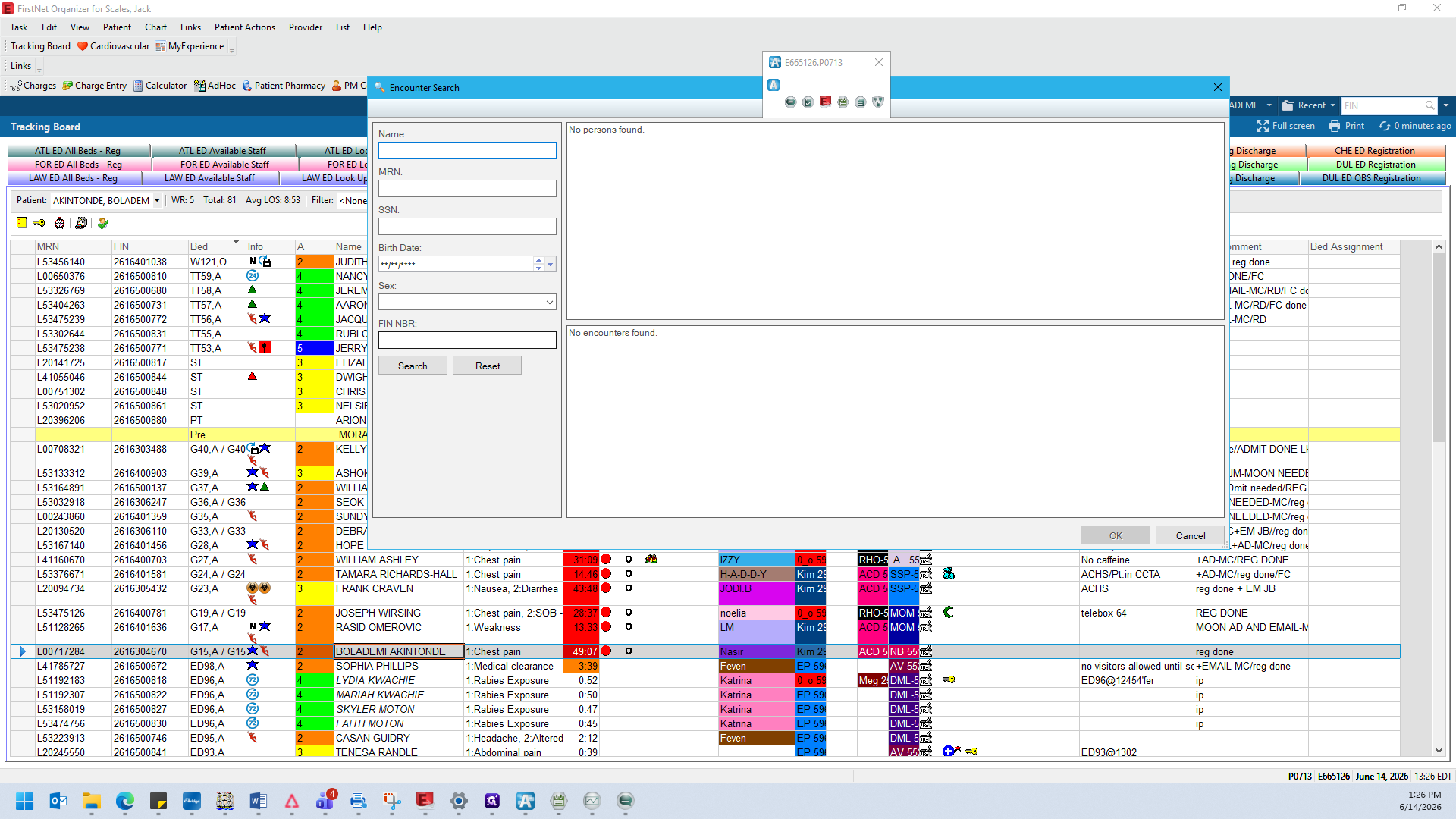
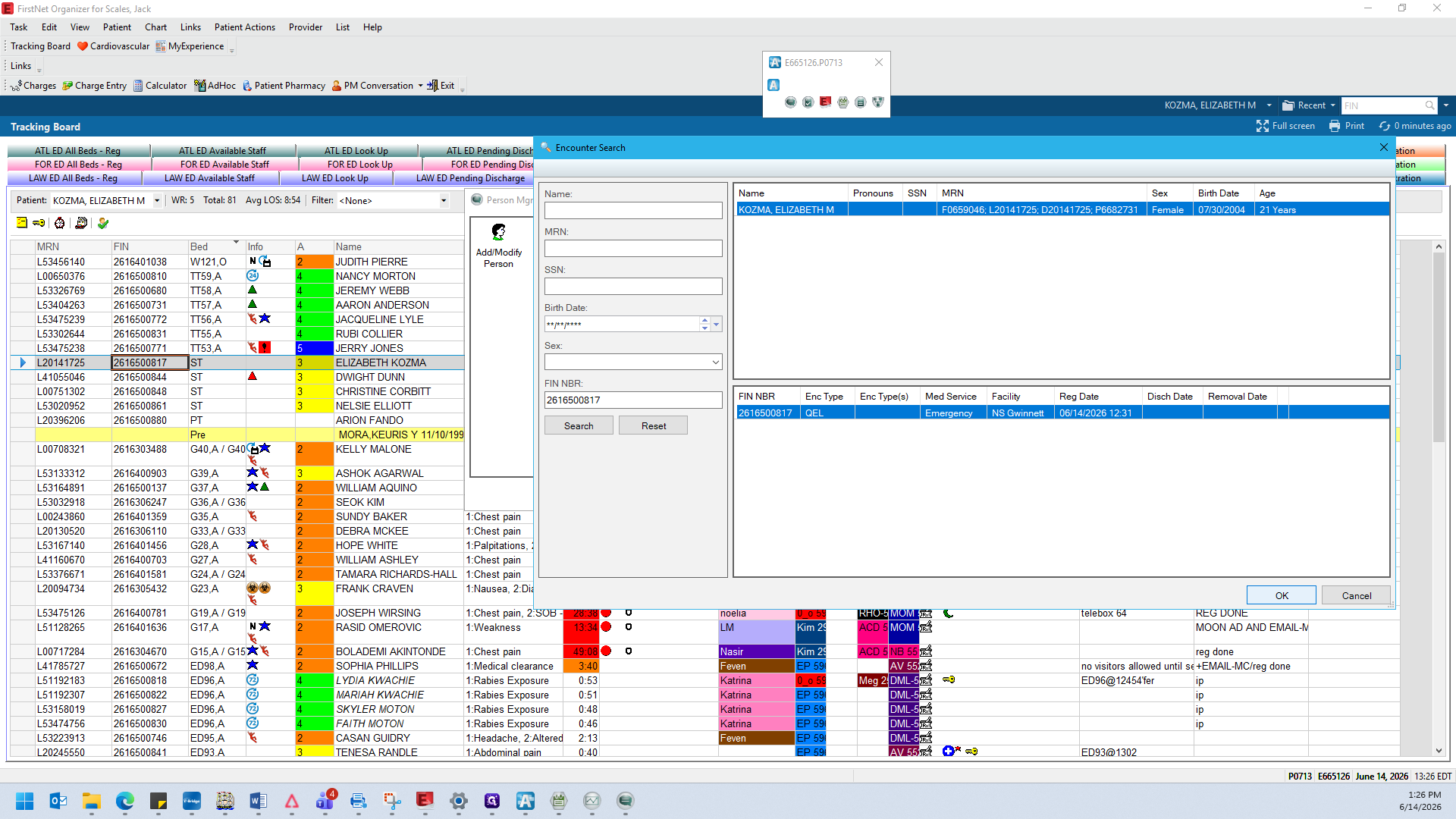
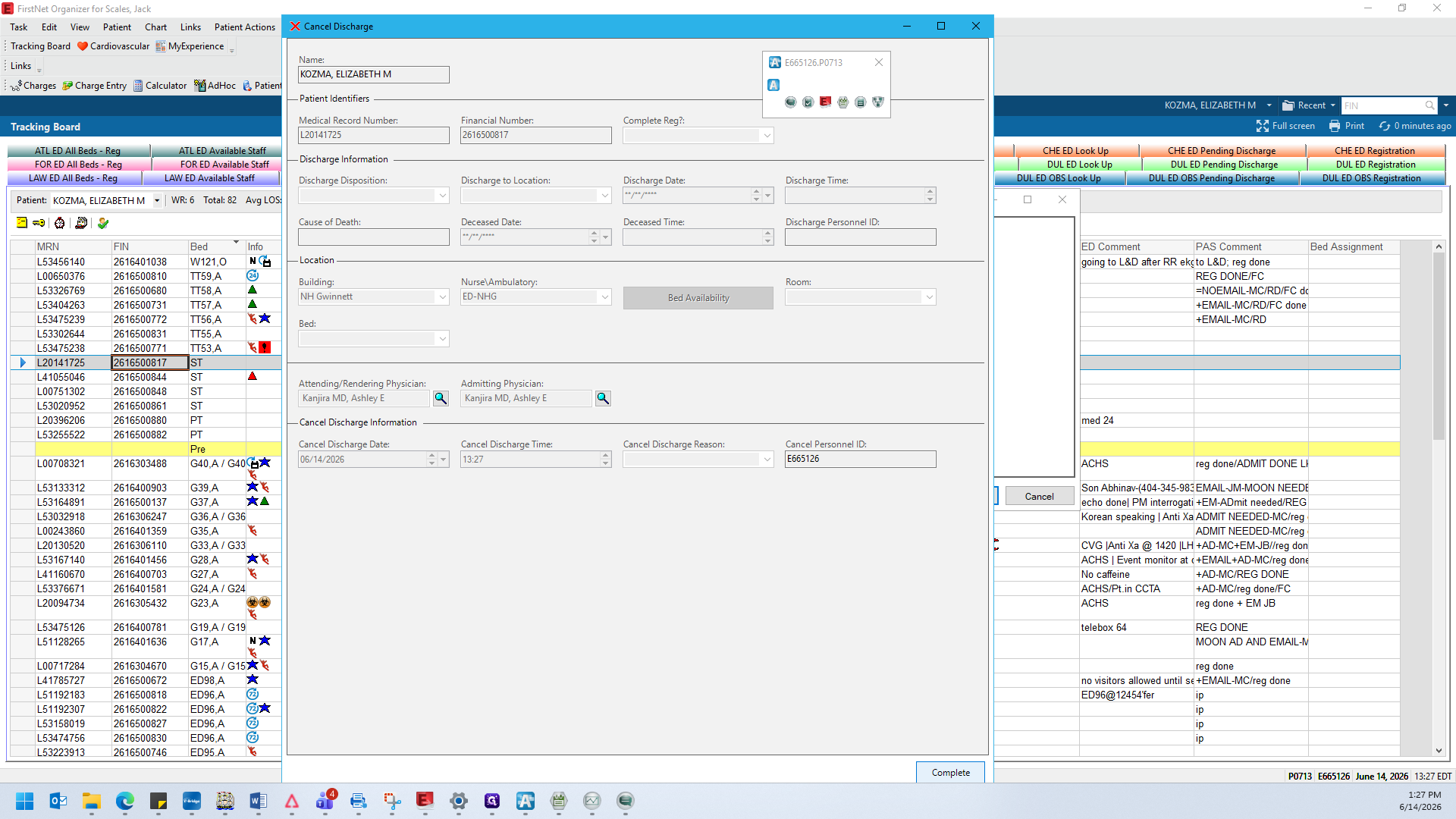
Canceling a Discharge via AppBar
AppBar is a secondary application used to manage administrative actions. When a patient's discharge is canceled through AppBar, it automatically updates their status on the FirstNet tracking board for all staff.
Q: How do I find patients who have already been discharged from the tracking board?
A: Switch to the ED Look Up tab. This view filters for everyone who has been discharged and shows their final disposition, such as whether they went home or were admitted to inpatient care.
Q: What happens if I try to cancel a discharge for a patient who is currently active in a bed?
A: The system will display an alert stating that the encounter is not discharged, and it will open the patient management window in a restricted view-only mode.
Term | Definition |
|---|---|
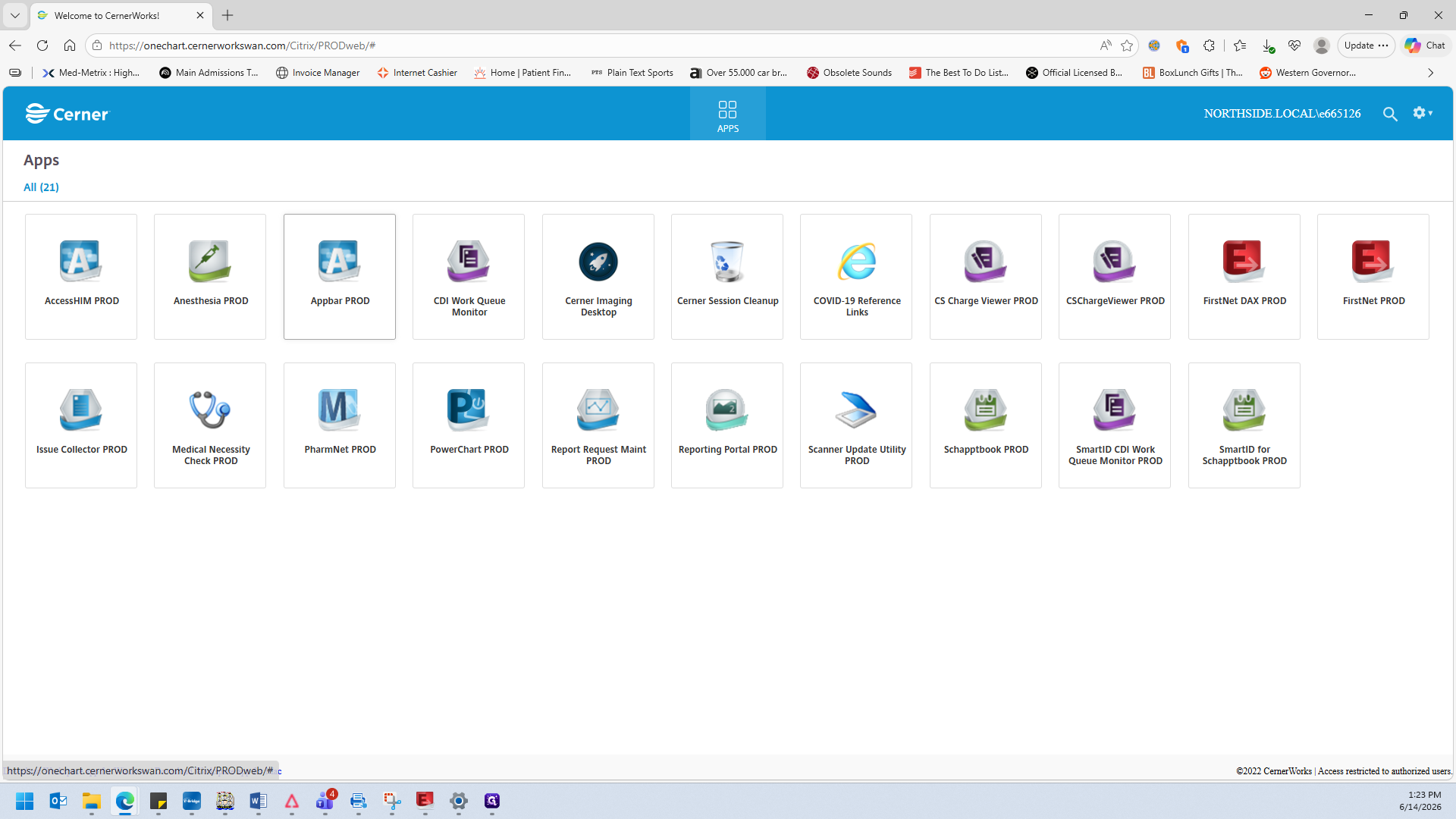
CernerWorks | The primary web portal used by clinical staff to launch medical applications like FirstNet and AppBar. |
FirstNet | An electronic health record (EHR) tracking board application used specifically for managing patient flow in emergency departments. |
AppBar | A supplementary utility tool in Cerner used for administrative patient management tasks, such as modifying encounters and canceling discharges. |
FIN | Financial Identification Number, a unique identifier assigned to a specific patient encounter or visit for tracking and billing purposes. |
MRN | Medical Record Number, a permanent unique identifier assigned to a patient across all of their hospital visits. |
Disposition | The patient's recorded destination or status upon completion of their emergency department visit (e.g., discharged home, admitted). |