
Navigating Your HITMKR Dashboard
Learn how to use your HITMKR dashboard to track revenue, manage pending orders, analyze page performance, and engage with your top fans.
By Josef Maxwell
The HITMKR dashboard provides a high-level overview of your music business, surfacing essential metrics, pending actions, and quick links to manage your account at a glance.
Using the Quick Start Menu
1
Go to your HITMKR Dashboard
2
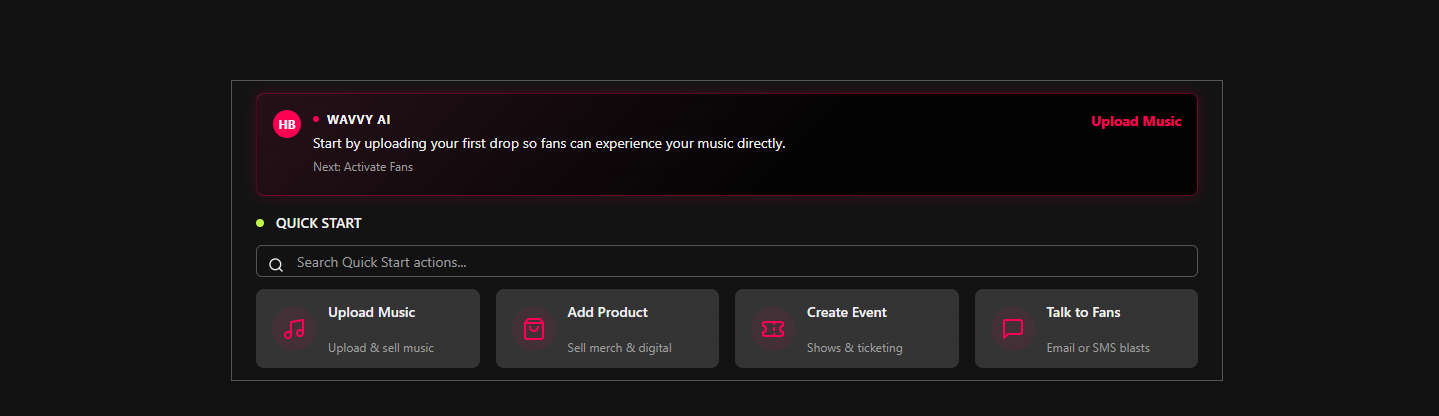
You'll find the most common actions in the Quick Start menu
Tracking Sales and Revenue
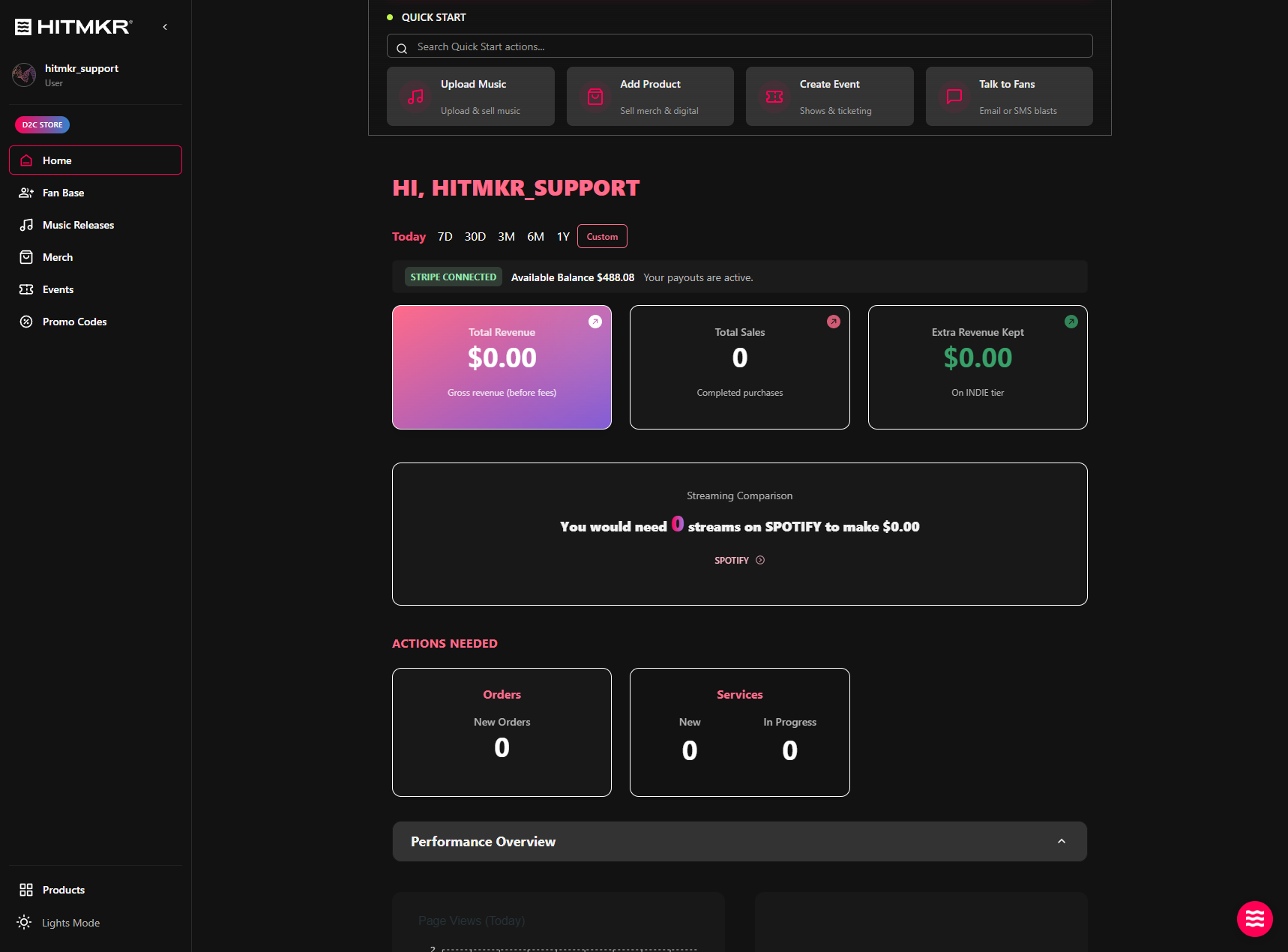
Below the quick actions, you can track your overall financial metrics, including total revenue, sales volume, and streaming comparisons.
3
Select a preset date range to filter your data
4
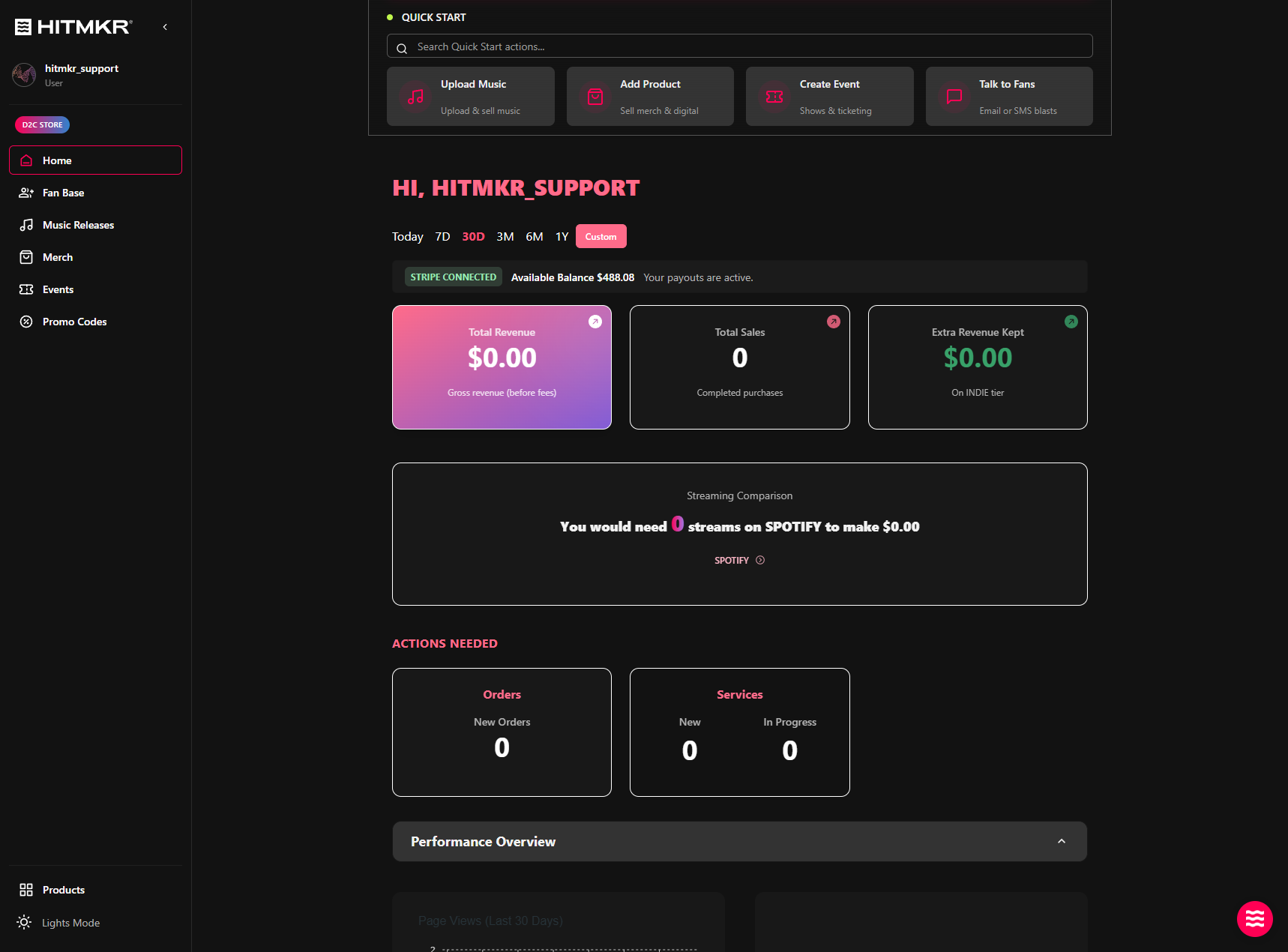
Or set a Custom start and end date for your analytics
5
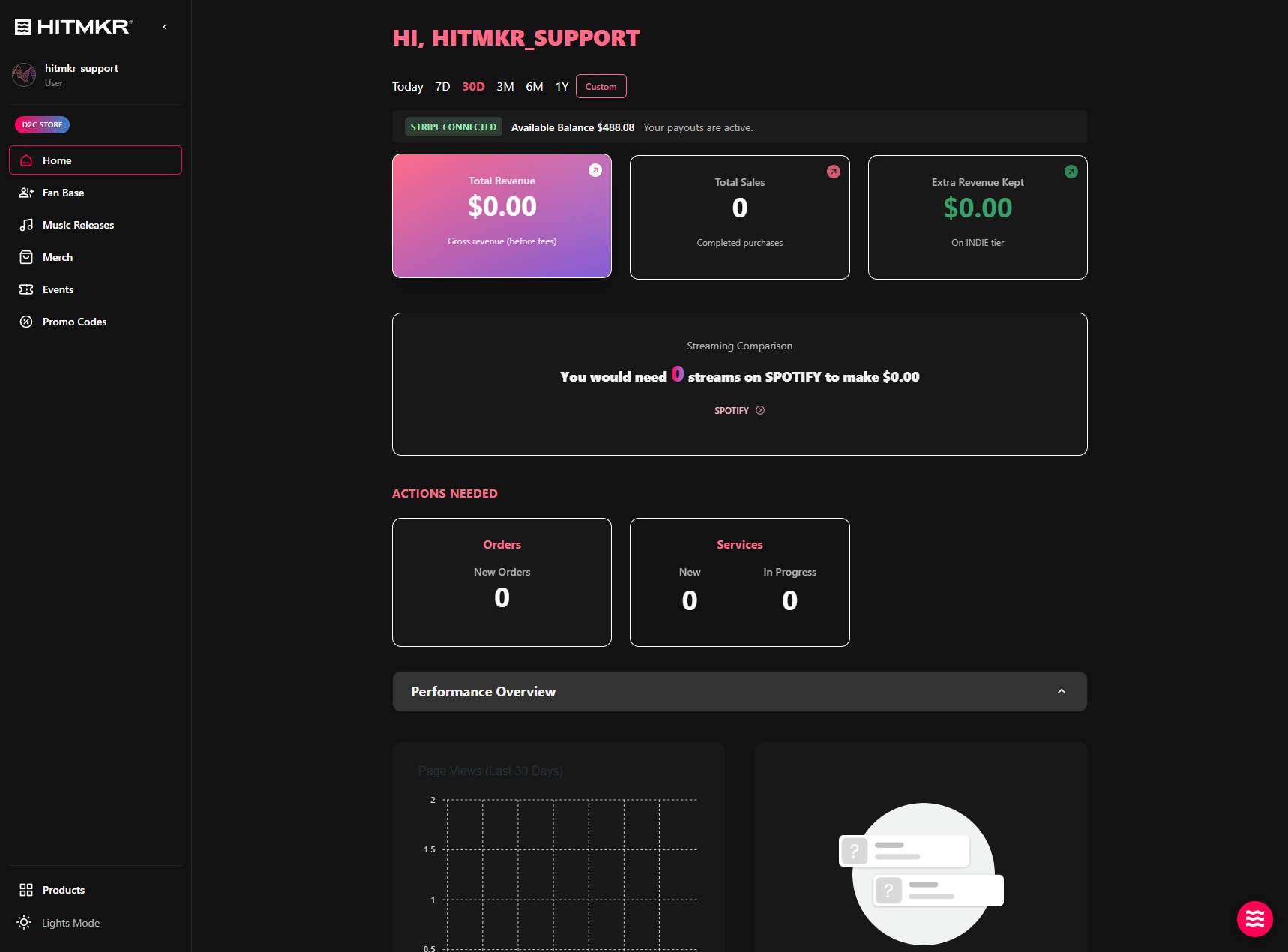
Click on individual metric cards like Gross revenue to view a detailed breakdown of your earnings
Managing Pending Actions
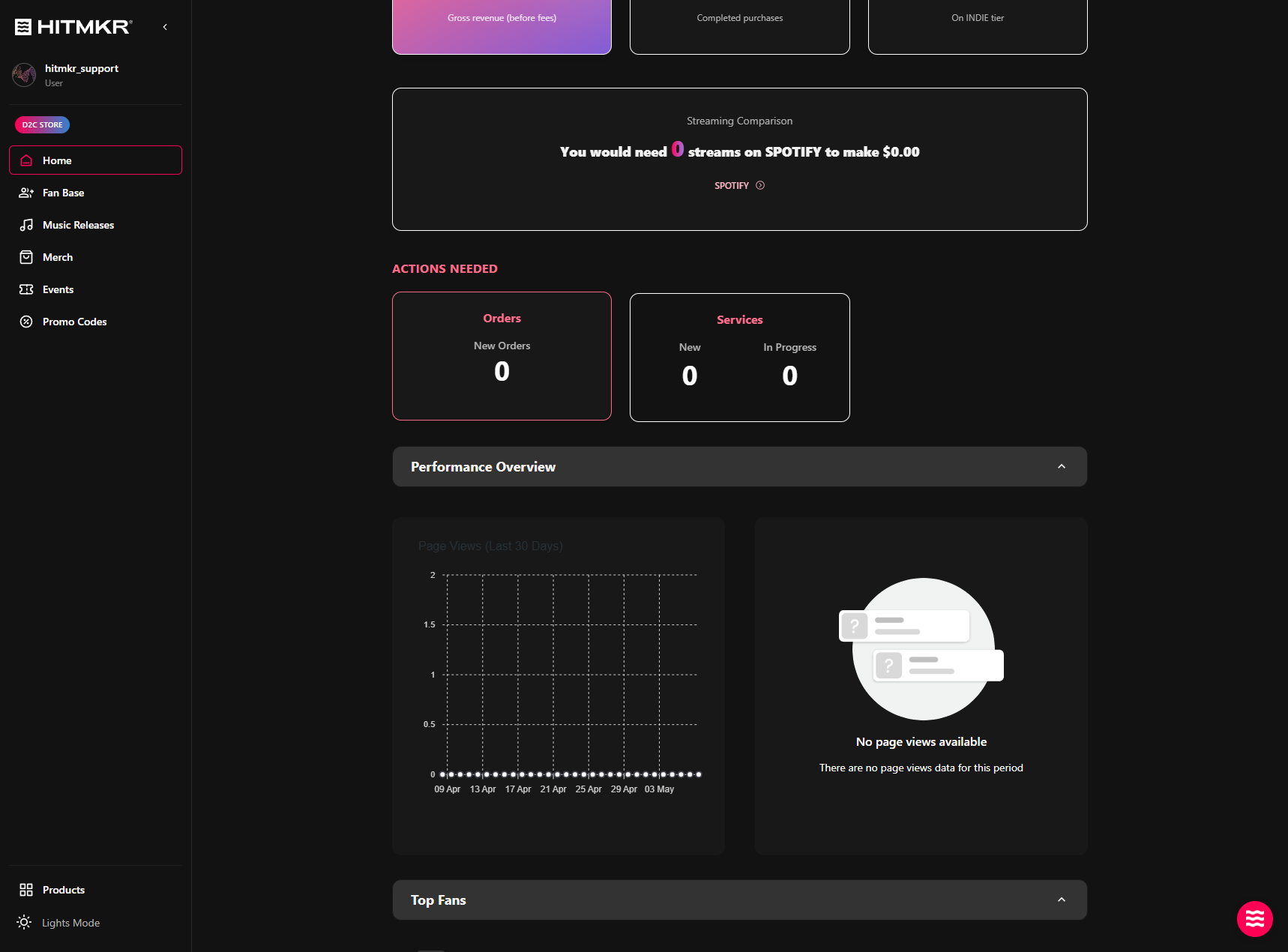
The dashboard highlights any immediate tasks that require your attention so you never miss a fulfillment deadline.
6
The Actions Needed section will show if you have any tasks due
Performance and Audience Insights
Scroll down to access deeper insights into your brand's growth, page traffic, and audience engagement.
7
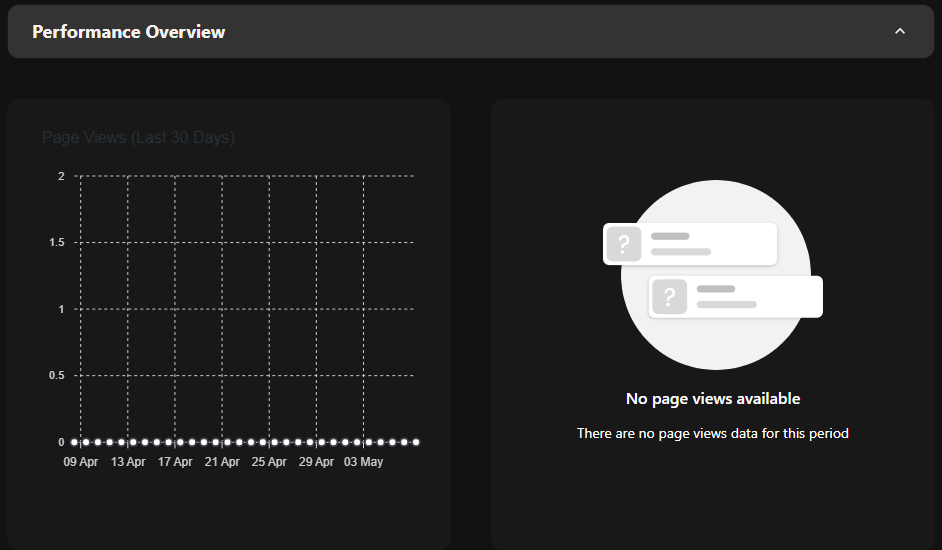
Expand the Performance Overview section to monitor page visits and track your most popular pages over time
8
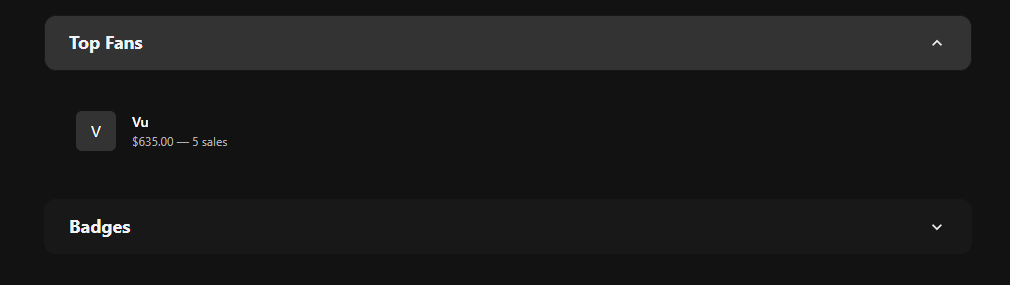
Check the Top Fans section to identify and segment your most engaged supporters for special shoutouts or targeted campaigns
9
View your Badges to see unlocked achievements like "Day One" or other significant sales milestones as your brand grows
