
Onboarding New User in Google Workspace
Learn how to provision a new user in Google Workspace, assign a workspace license, and verify account login and email functionality.
This guide walks through creating a new employee account in Google Workspace, assigning the appropriate product license, and verifying account access by sending a test email.
This procedure applies to IT administrators and onboarding specialists provisioning accounts for new hires during the IT onboarding process.
Add a New User
Log in to the Google Workspace Admin Console using administrative credentials.
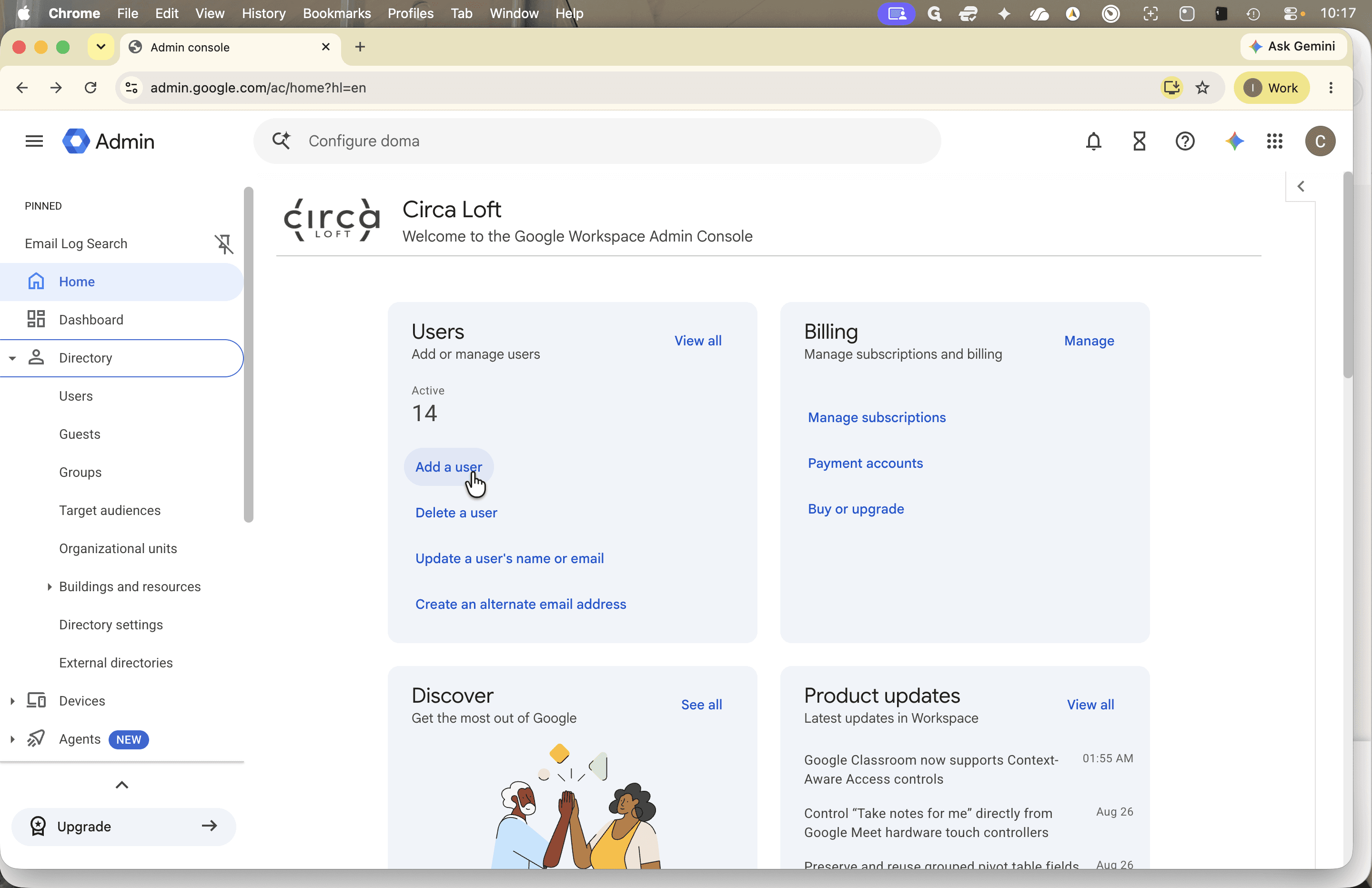
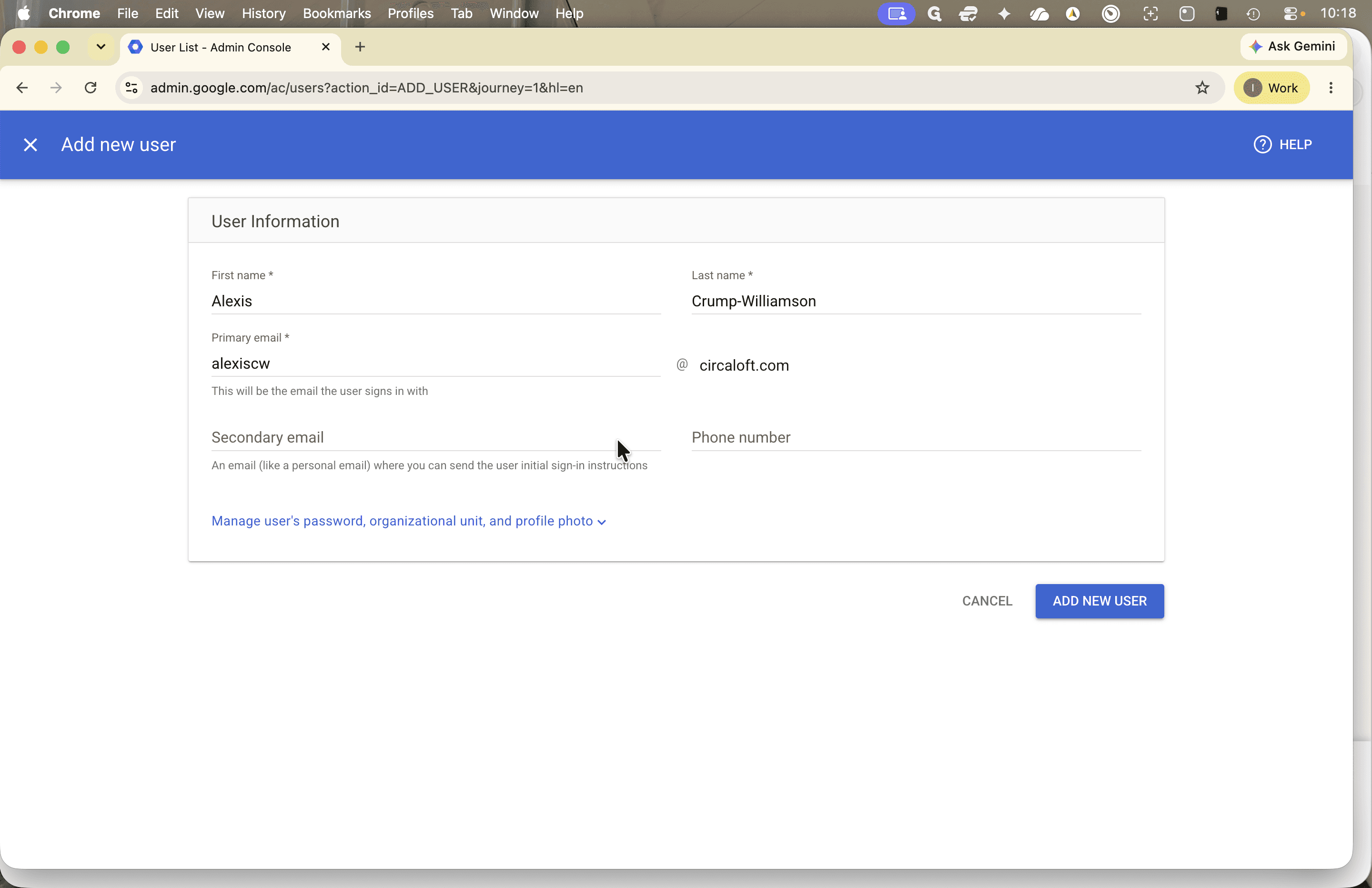
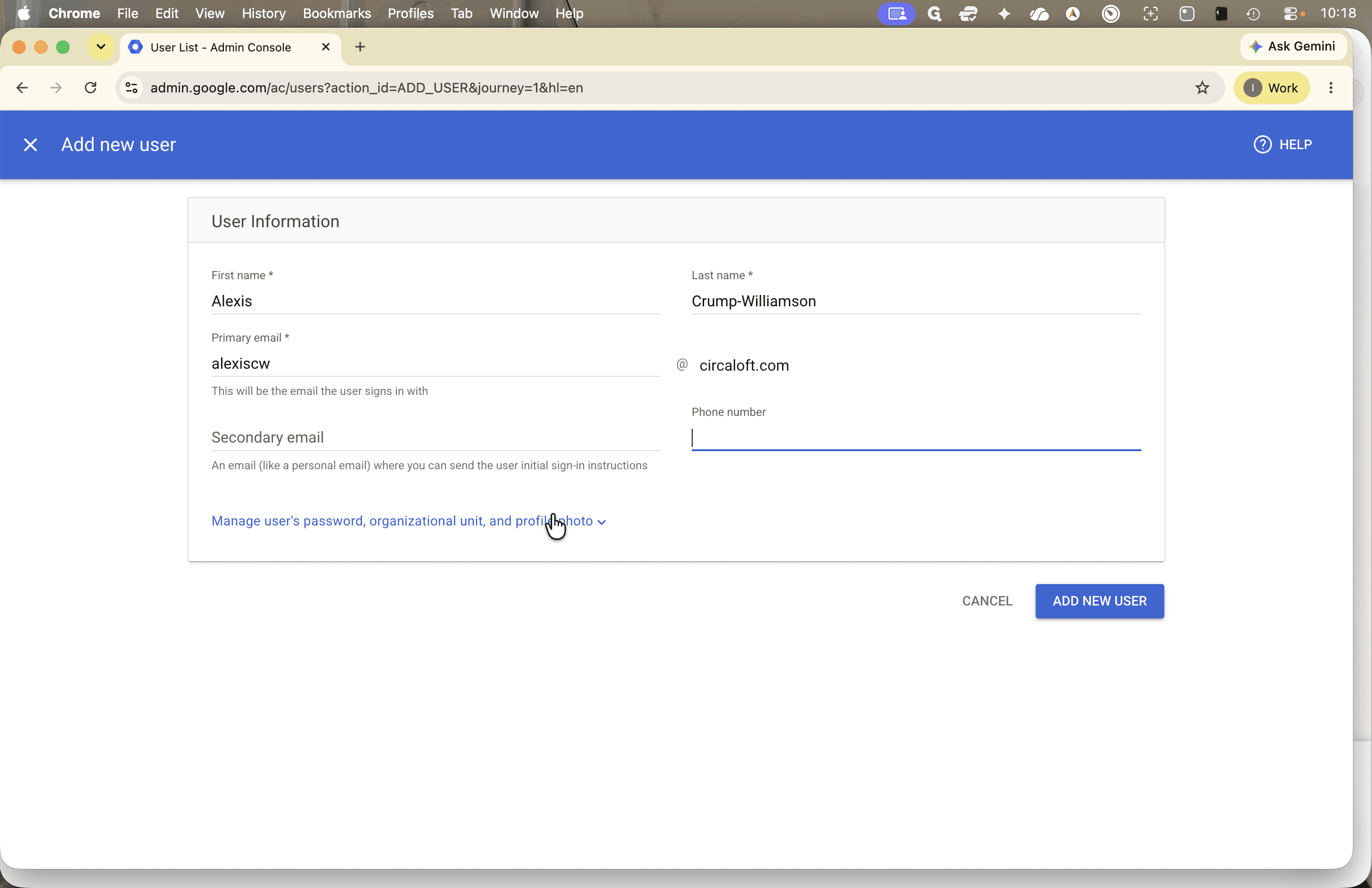
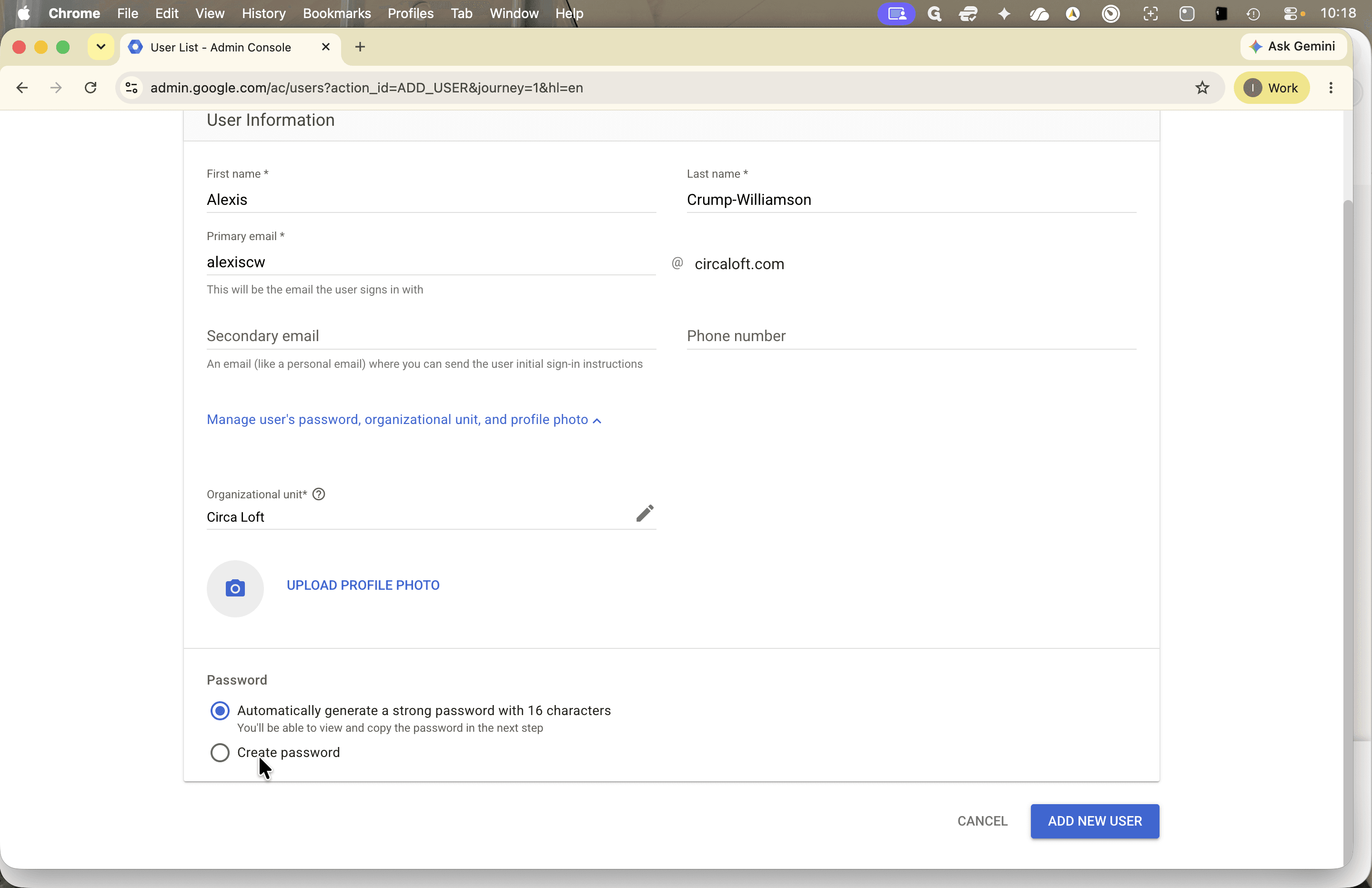
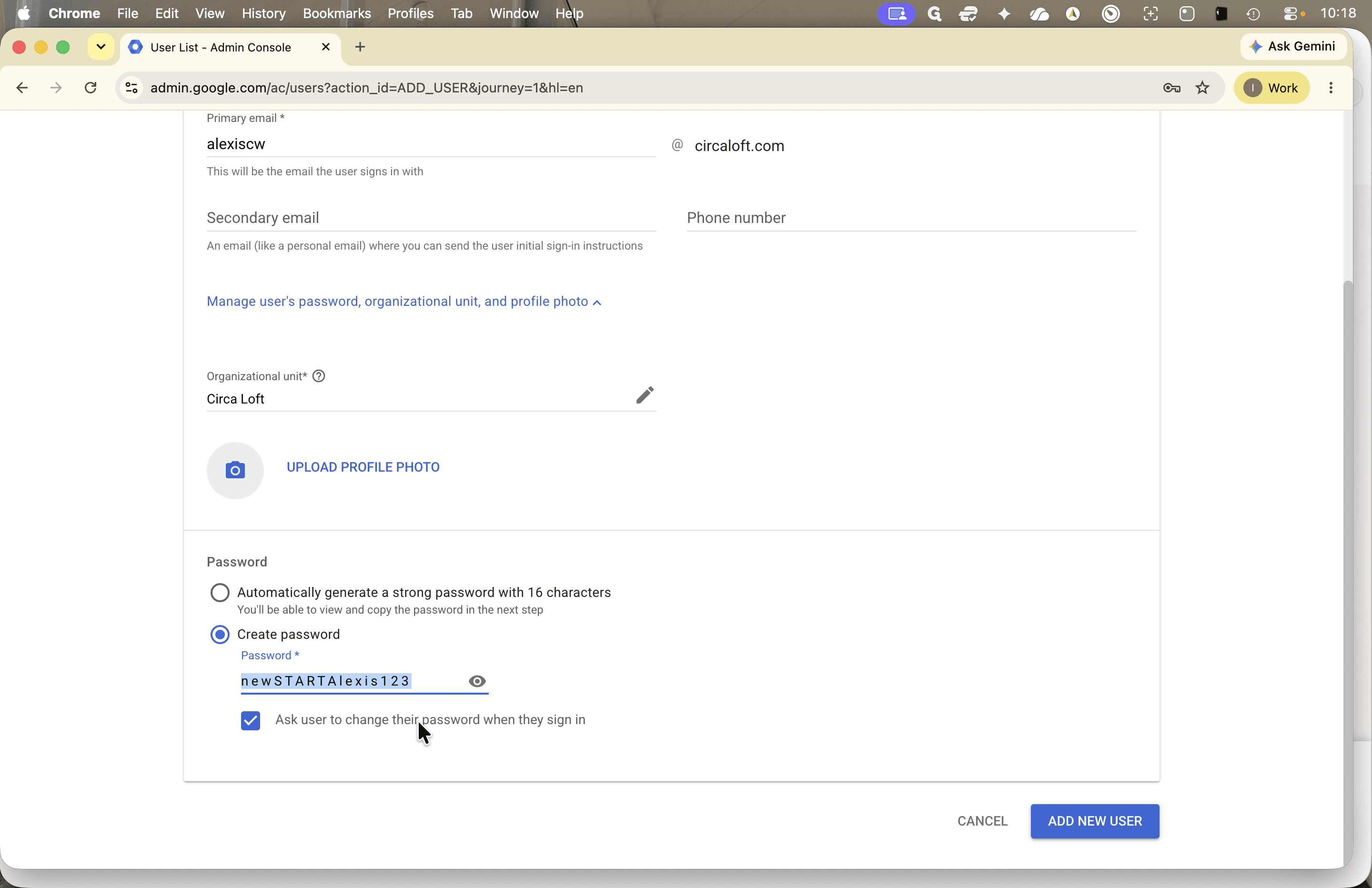
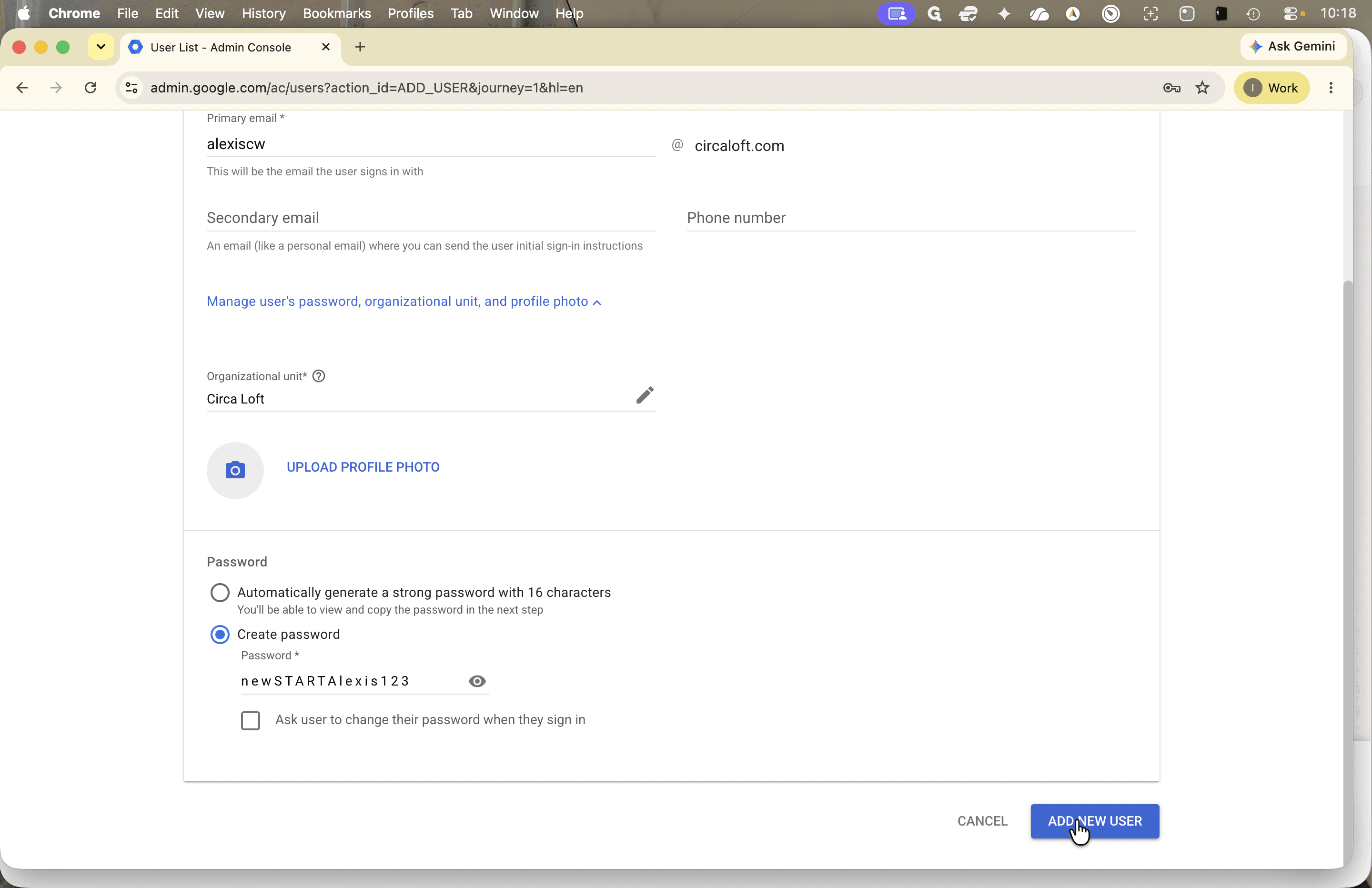
newSTART<Name>123).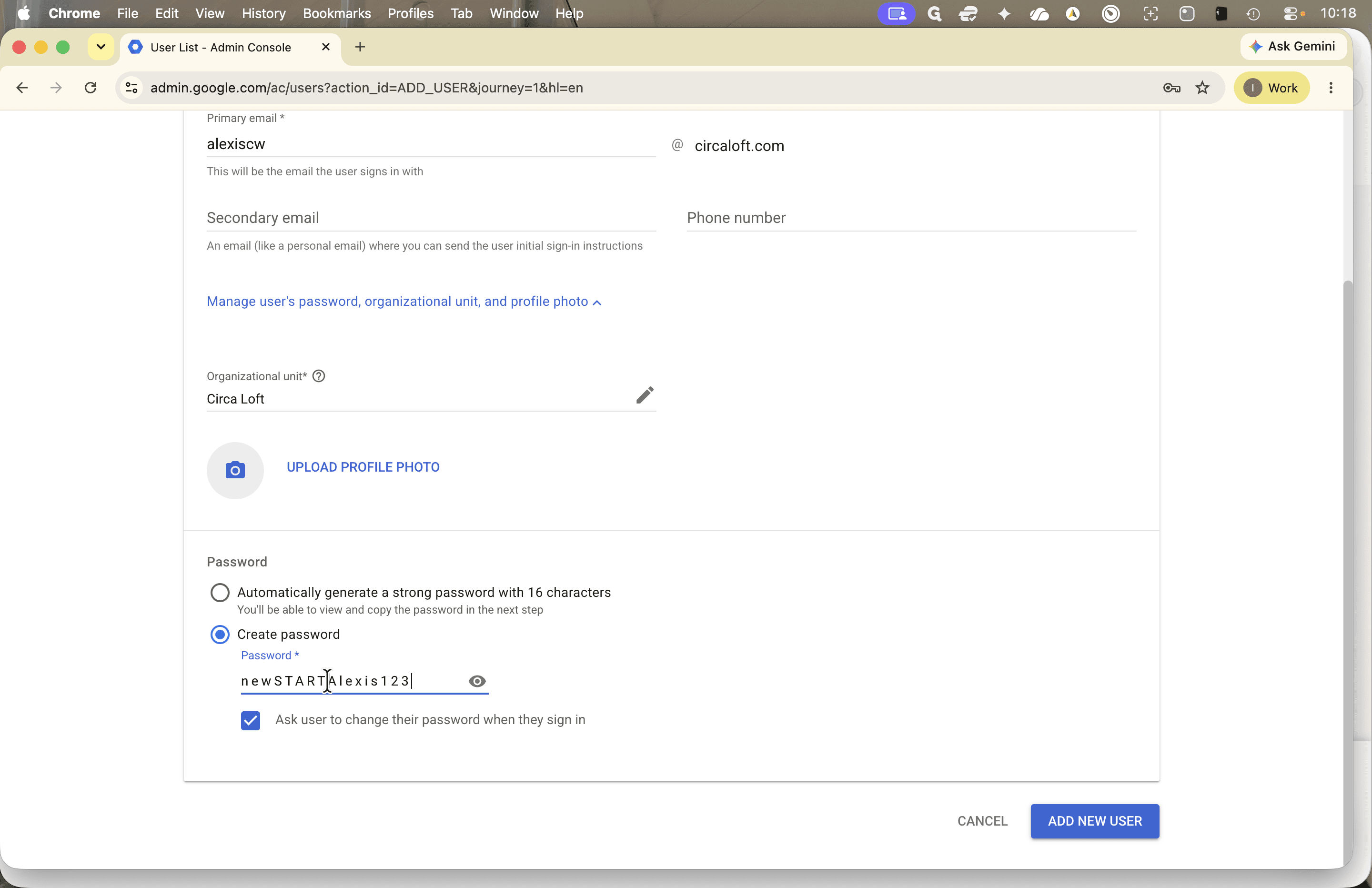
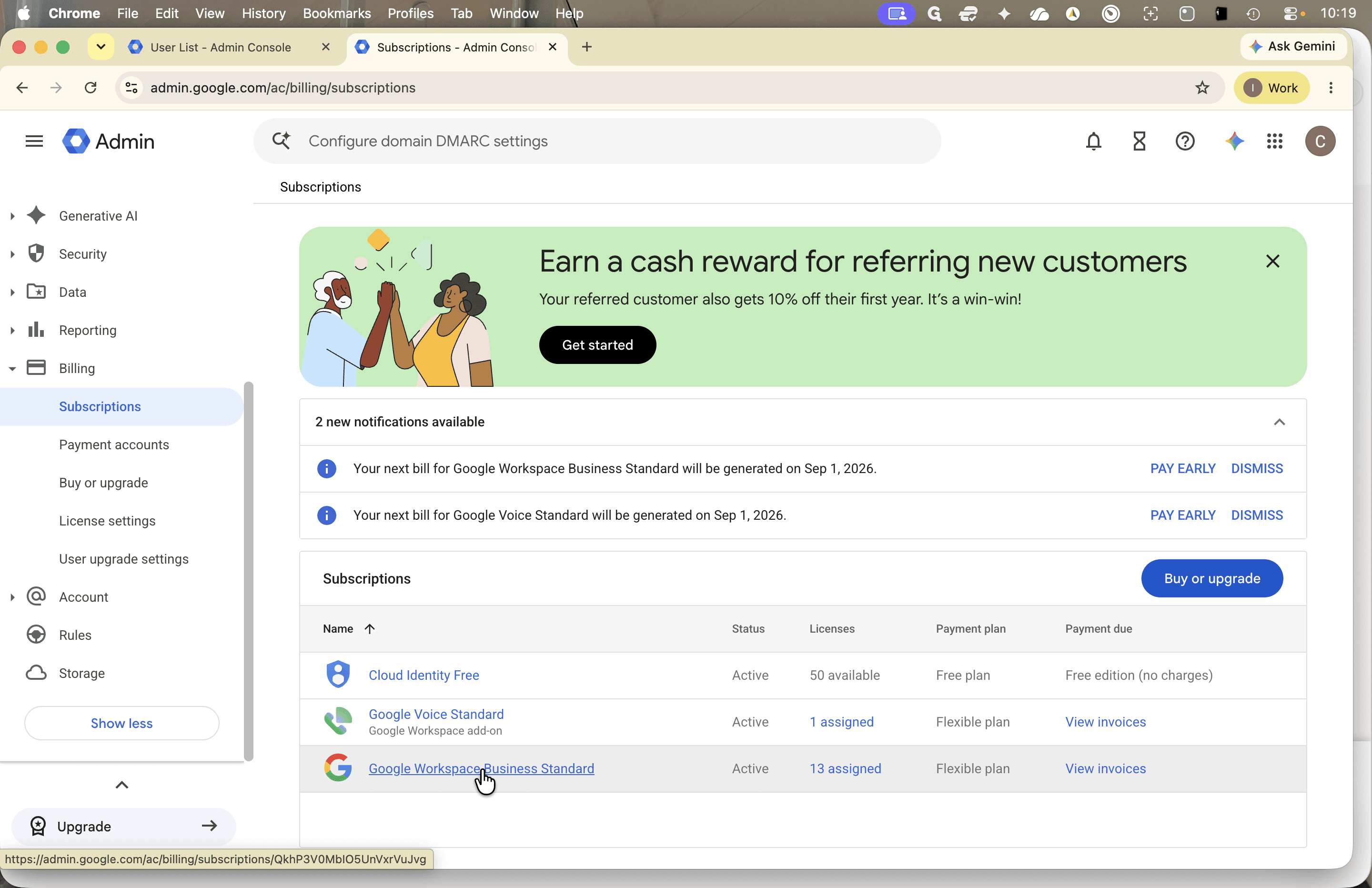
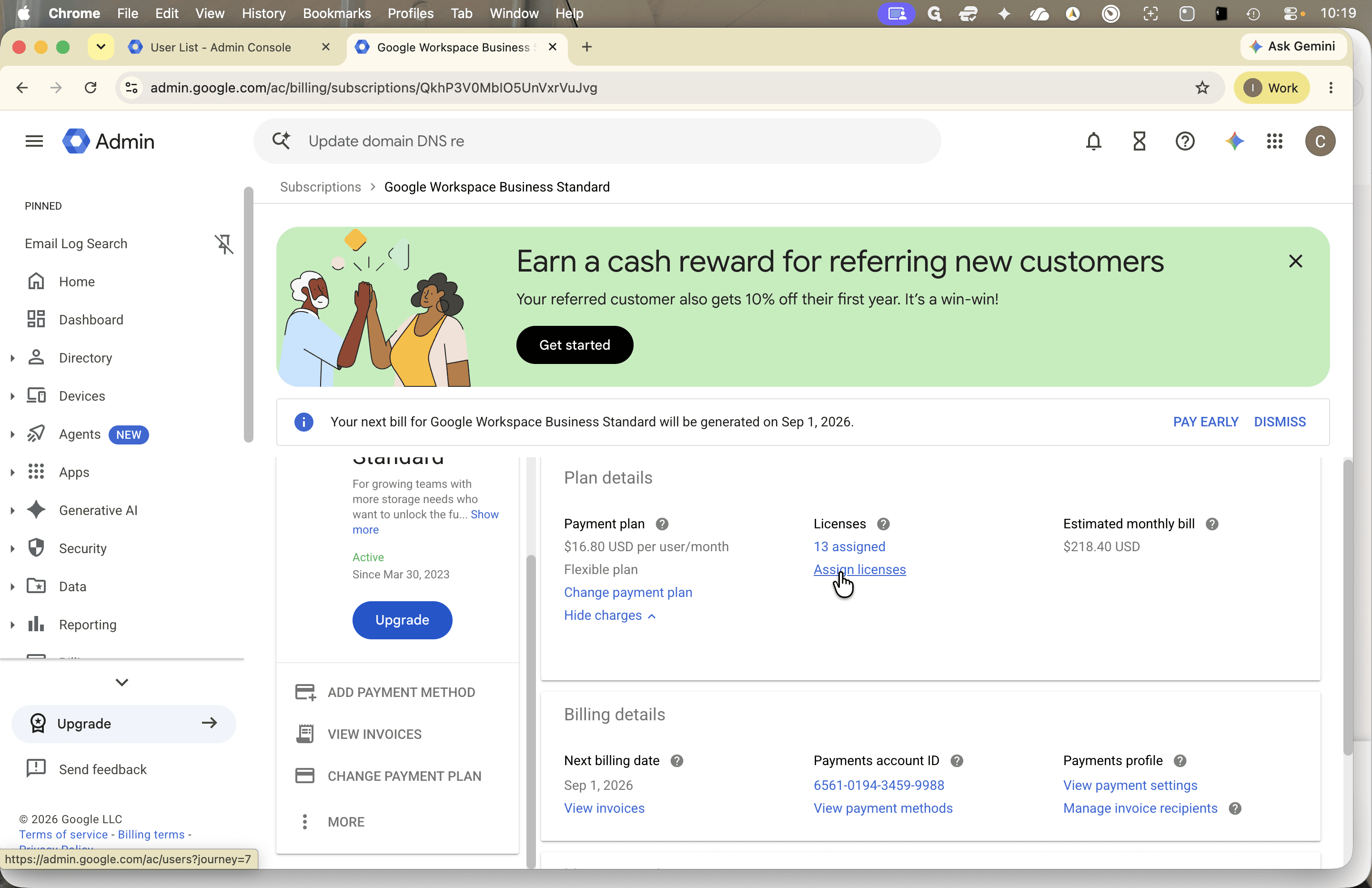
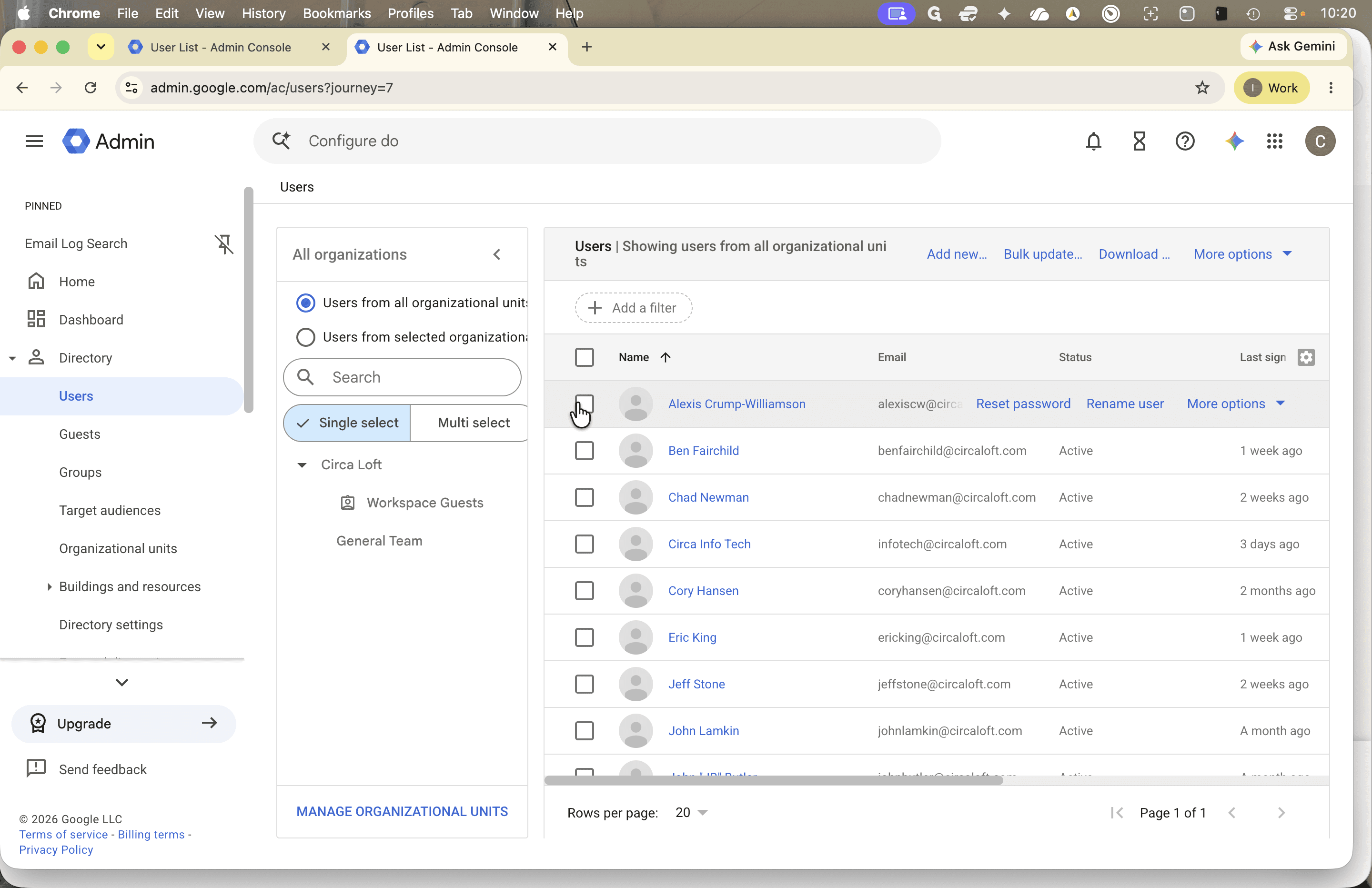
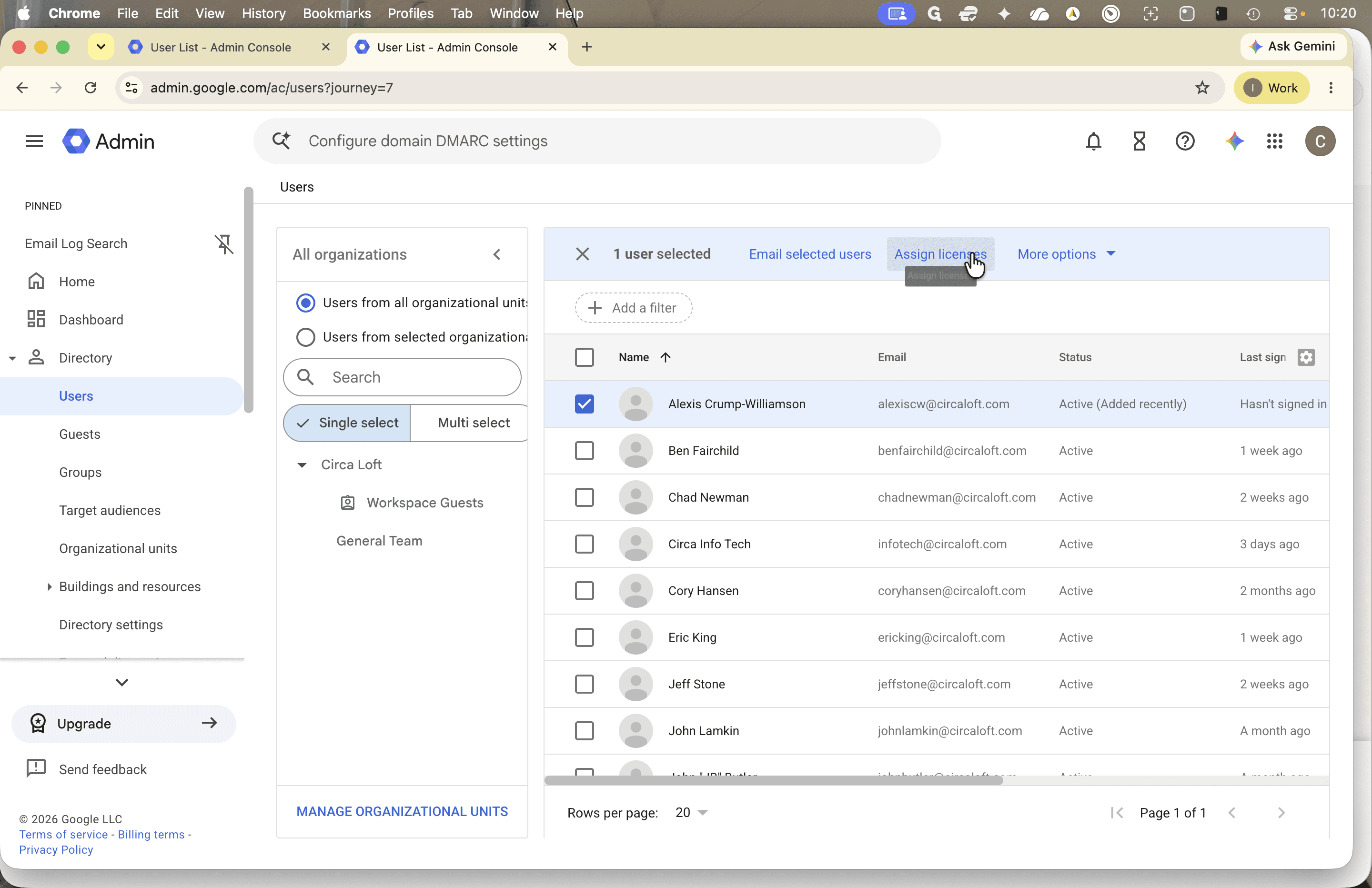
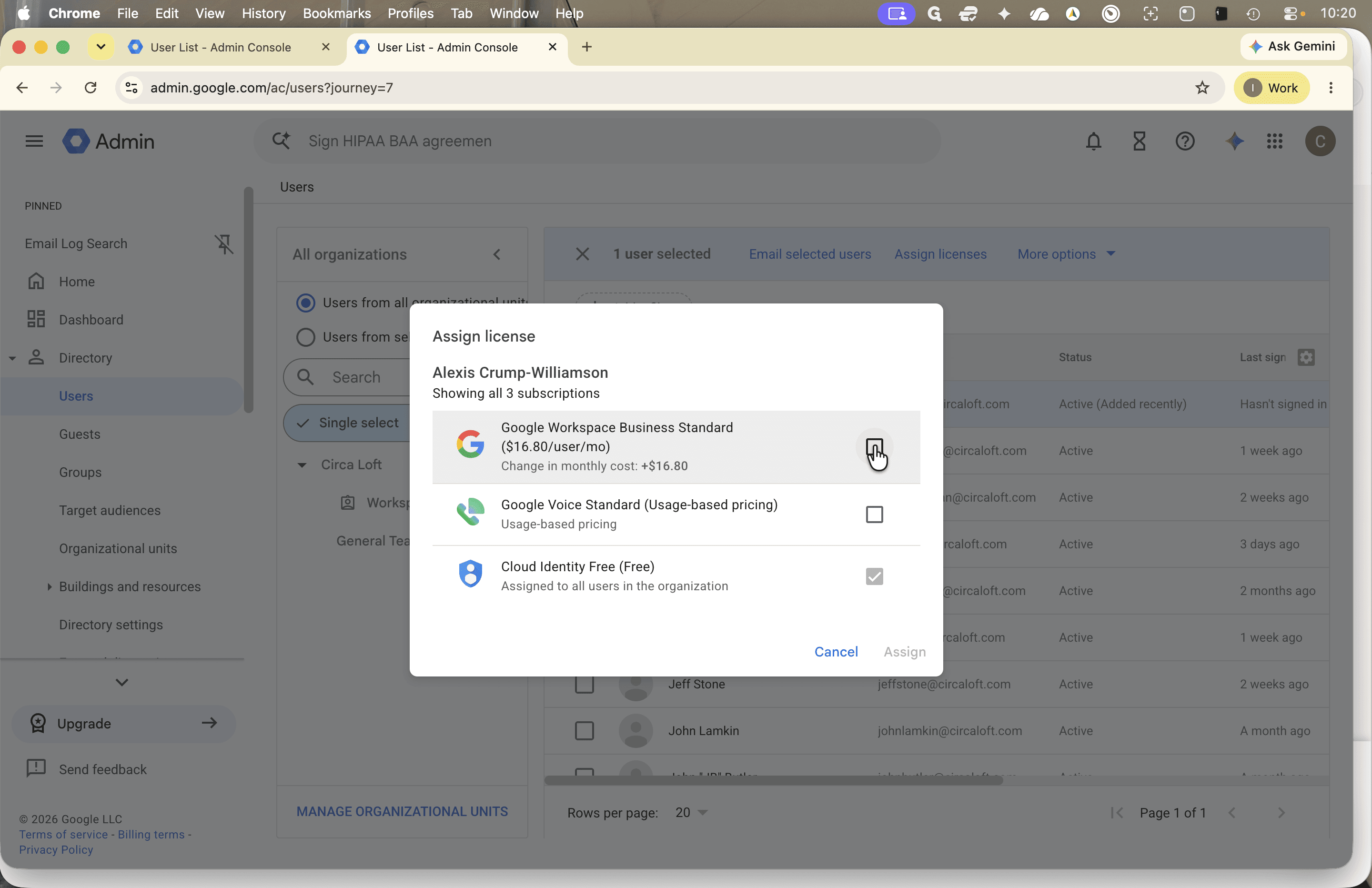
Assign a Workspace License
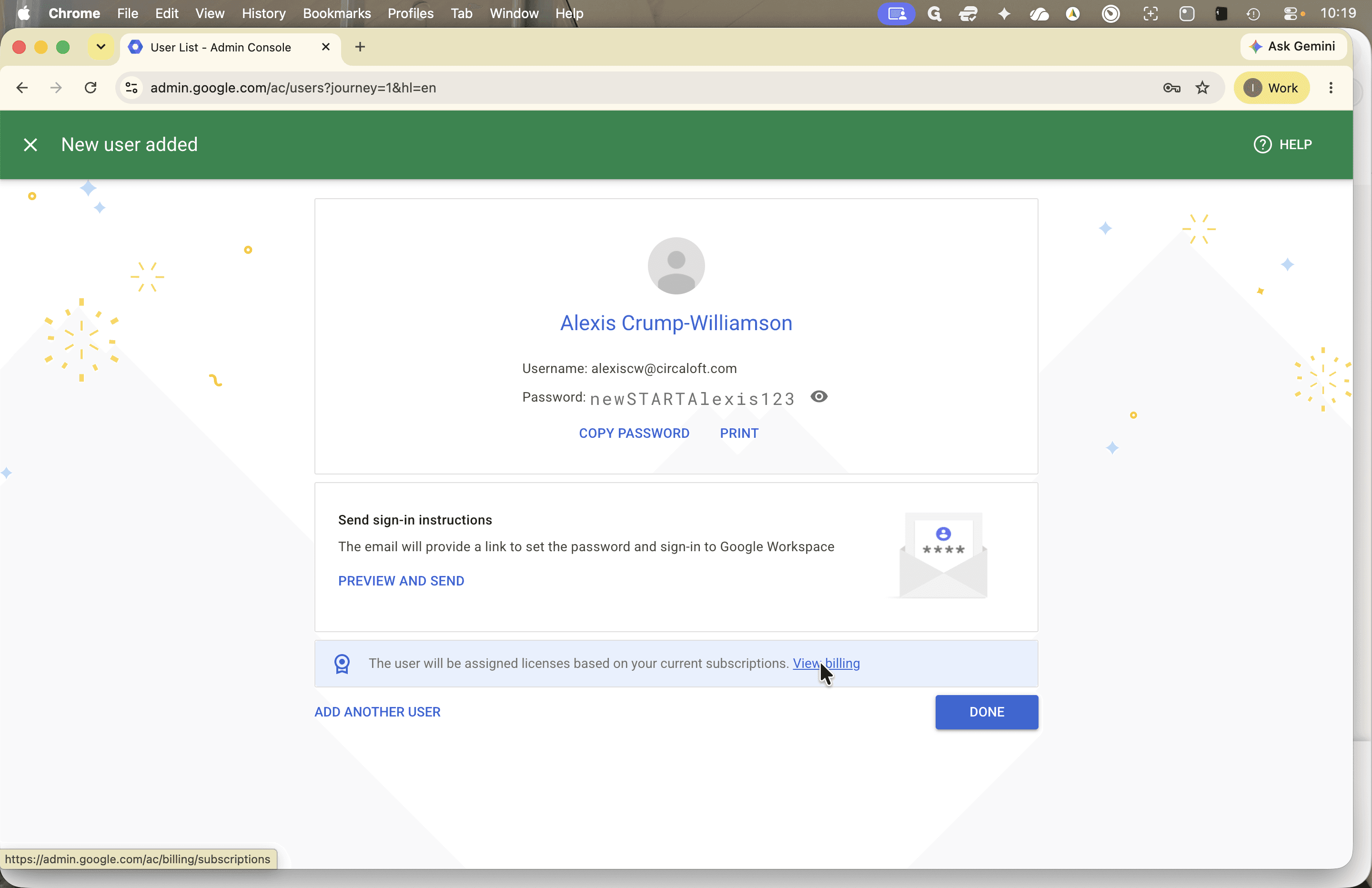
New accounts require an active license to access services such as Gmail.
Verify Account Login and Send Test Email
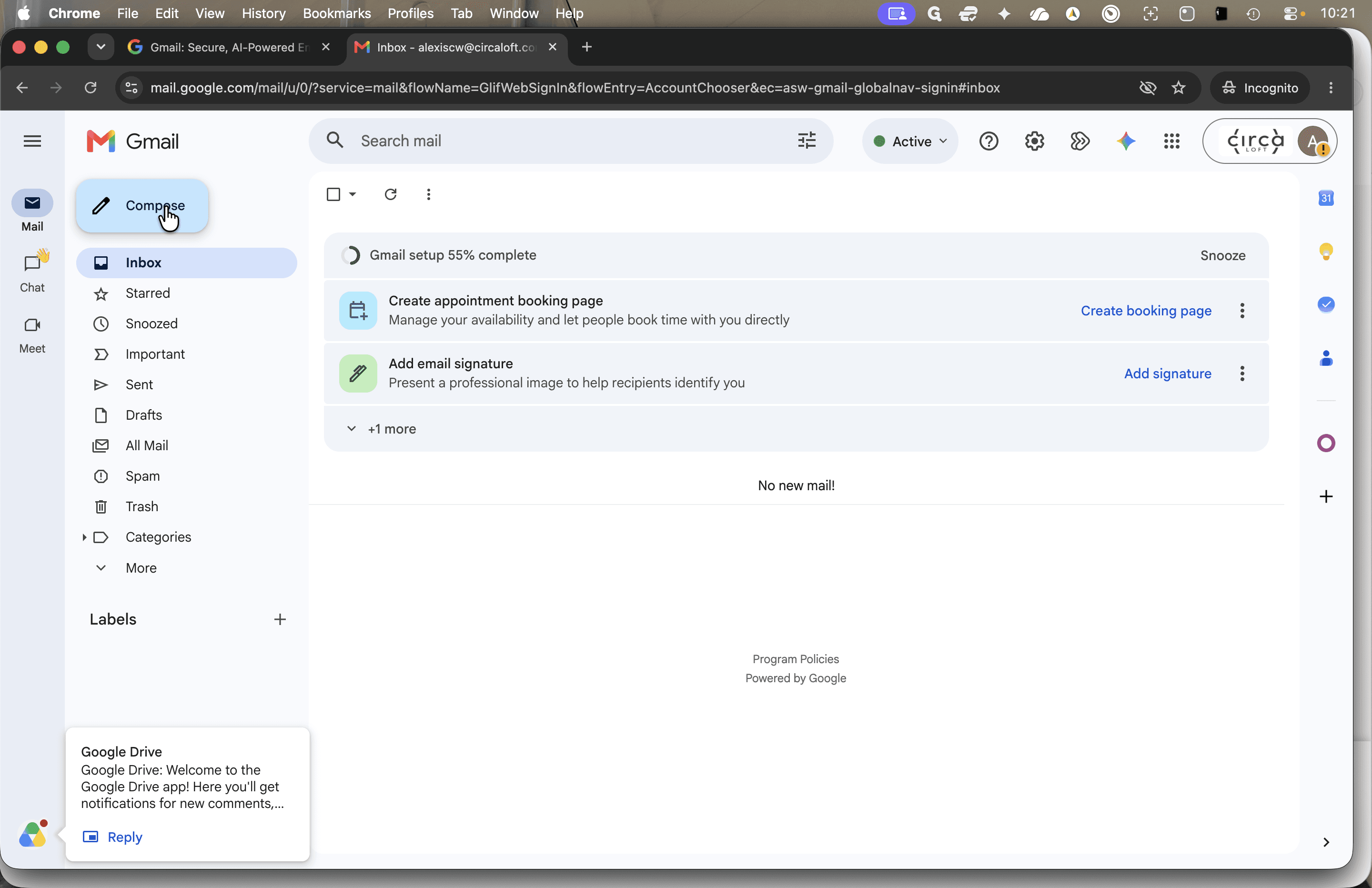
Verify that the account is operational by signing in and sending a test message.
Shift + Cmd + N (or Ctrl + Shift + N on Windows).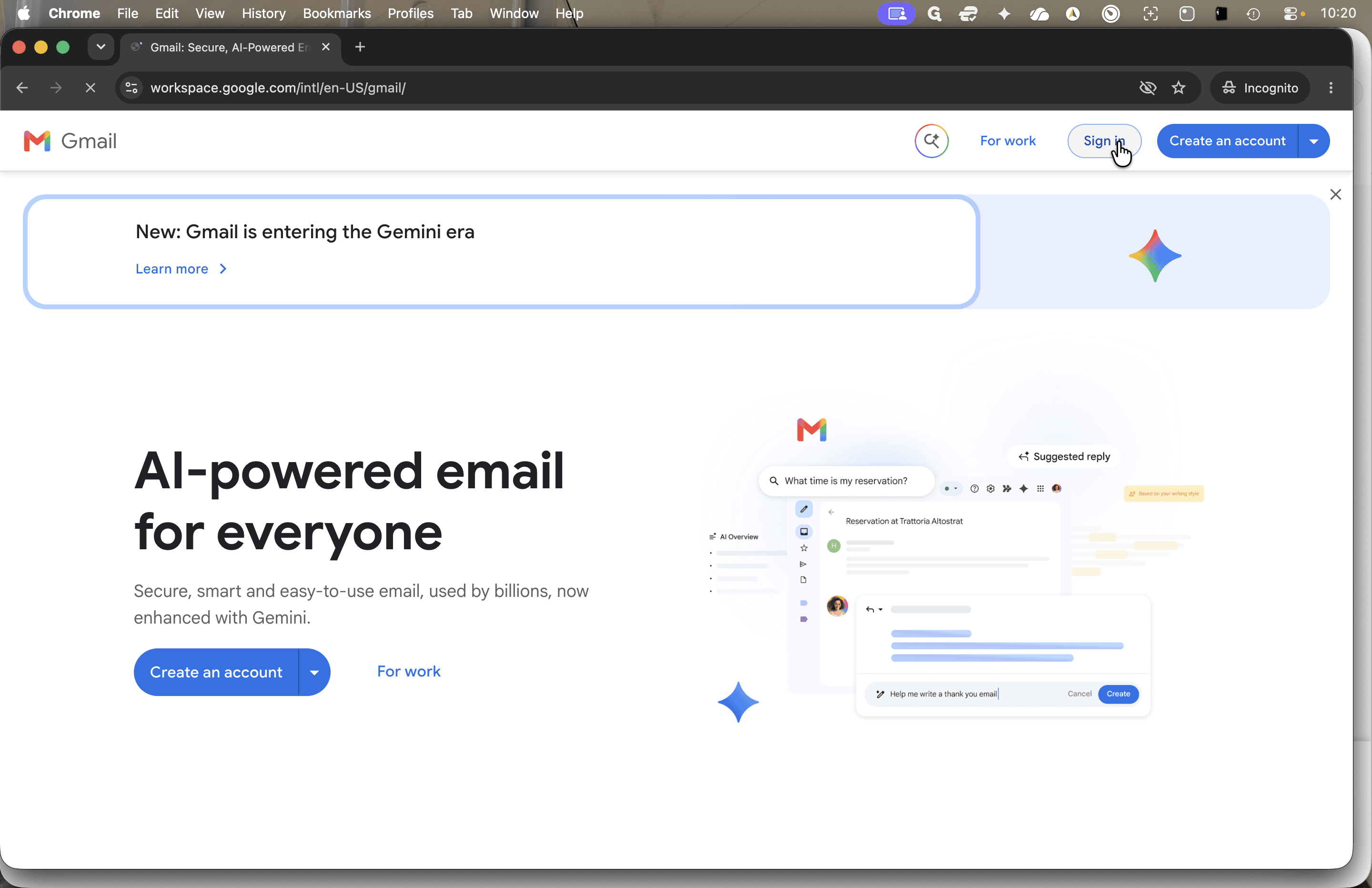
Q: Why is automatic license assignment turned off by default?
A: Automatic licensing is disabled to prevent incurring unnecessary subscription charges when accounts are created for administrative or non-user purposes.
Q: Why uncheck the option to require a password change on first sign-in?
A: Disabling this requirement during creation allows administrators to log in to the account and verify that email delivery works before handing credentials over to the employee or manager.