
Overview of Google Ads Campaigns for Dental Services in Didsbury
Get a detailed overview of the current Google Ads setup for dental services in Didsbury, including campaigns for teeth whitening, private dental care, crowns and veneers, and emergency dentist services. Learn about keyword strategies, ad groups, targeting, budgets, and conversion tracking.
In this guide, we'll learn how to review and understand the current setup of Google Ads campaigns for a dental practice. We will look at how campaigns and ad groups are organized, how keywords and match types are used, and how budgets and targeting are set. This overview will help you see how Google Ads can be structured to reach different patient needs and track conversions.
Let's get started
All right, I thought I would give you an overview.
course. Here’s an overview of the current Google Ads setup.
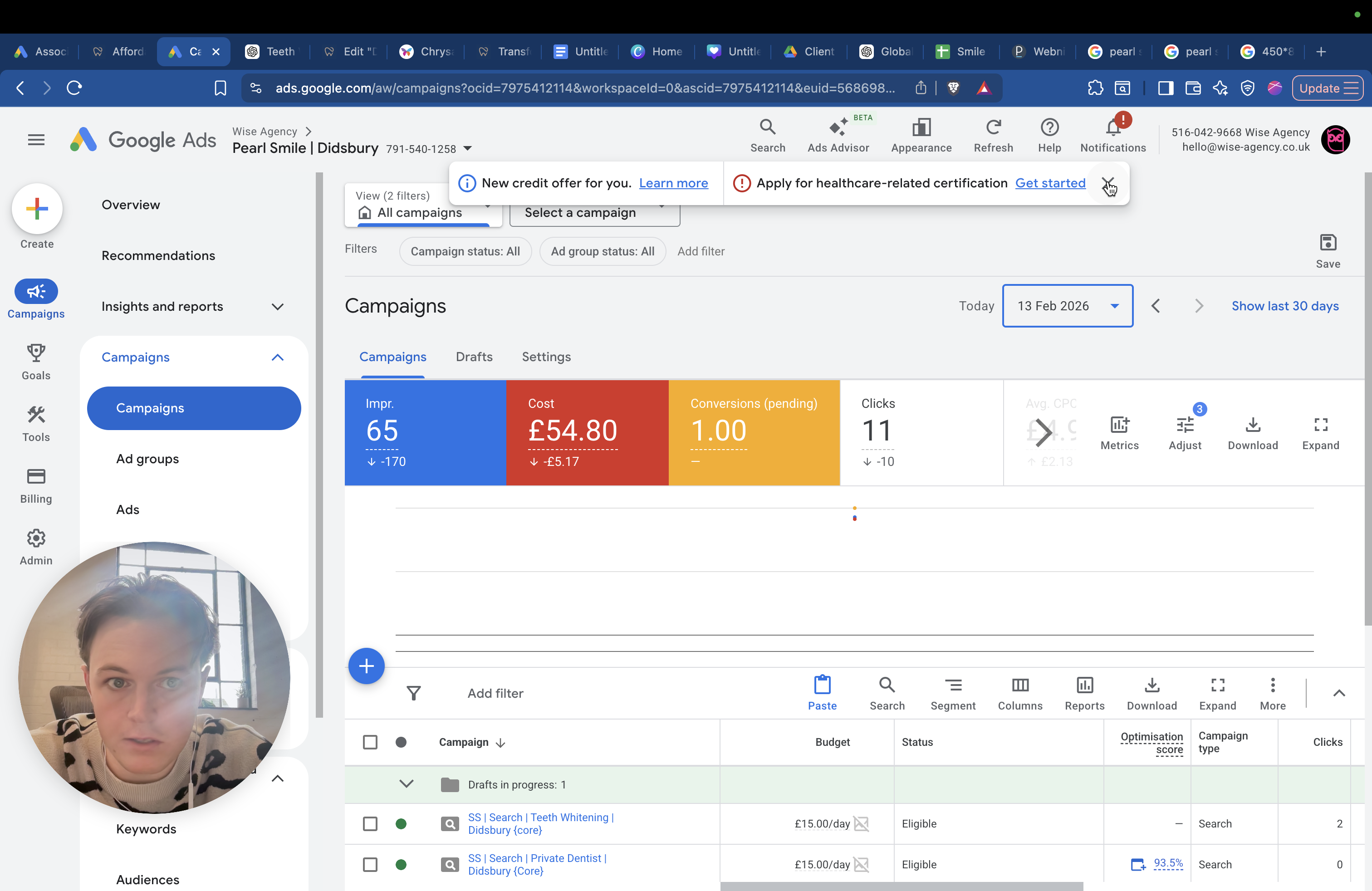
Meta Ads is not set up yet for obvious reasons. It's set up, but it's not active. It's waiting for access. I wanted to keep you updated on what is currently being advertised. I'll go through it now.
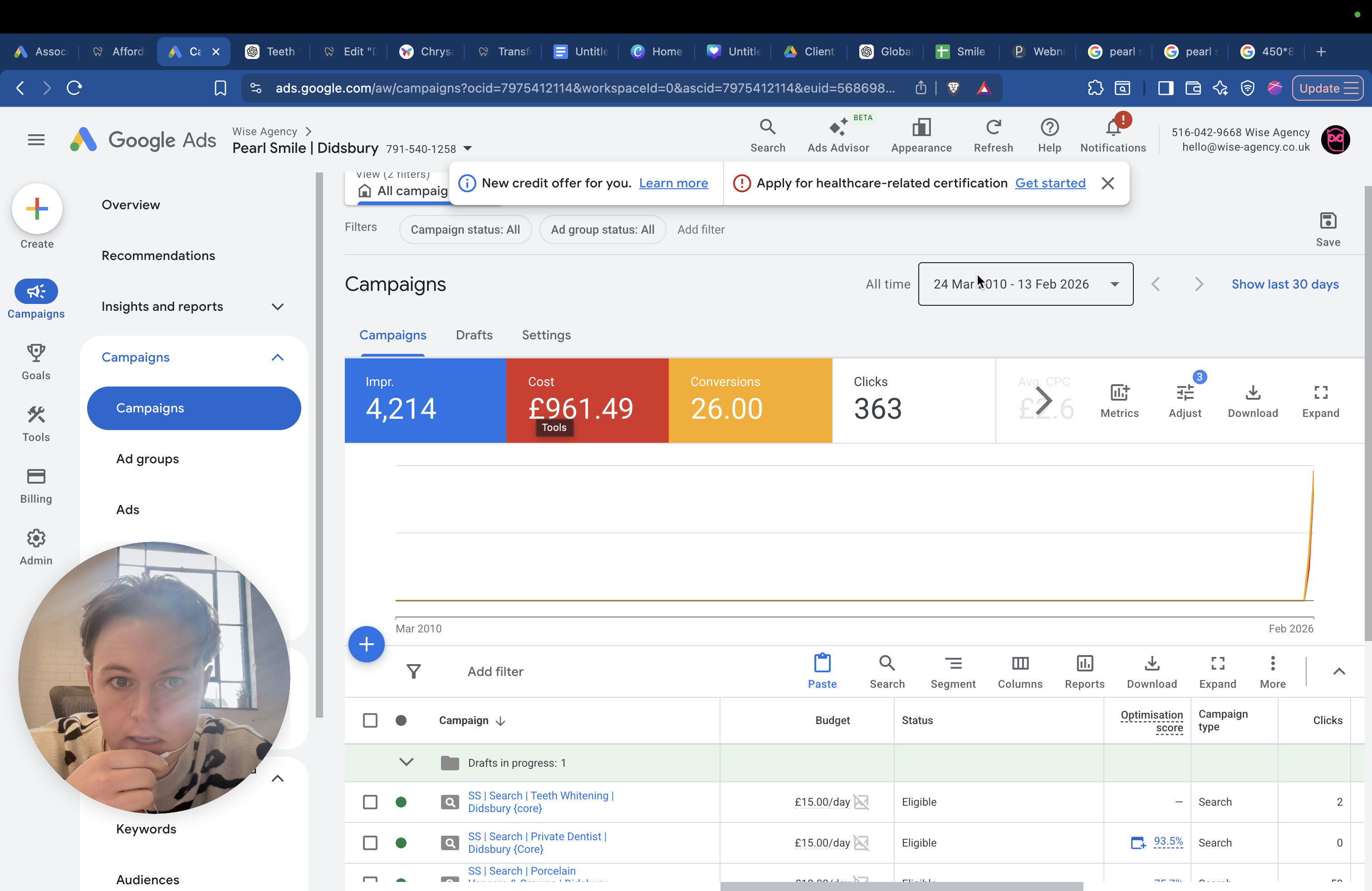
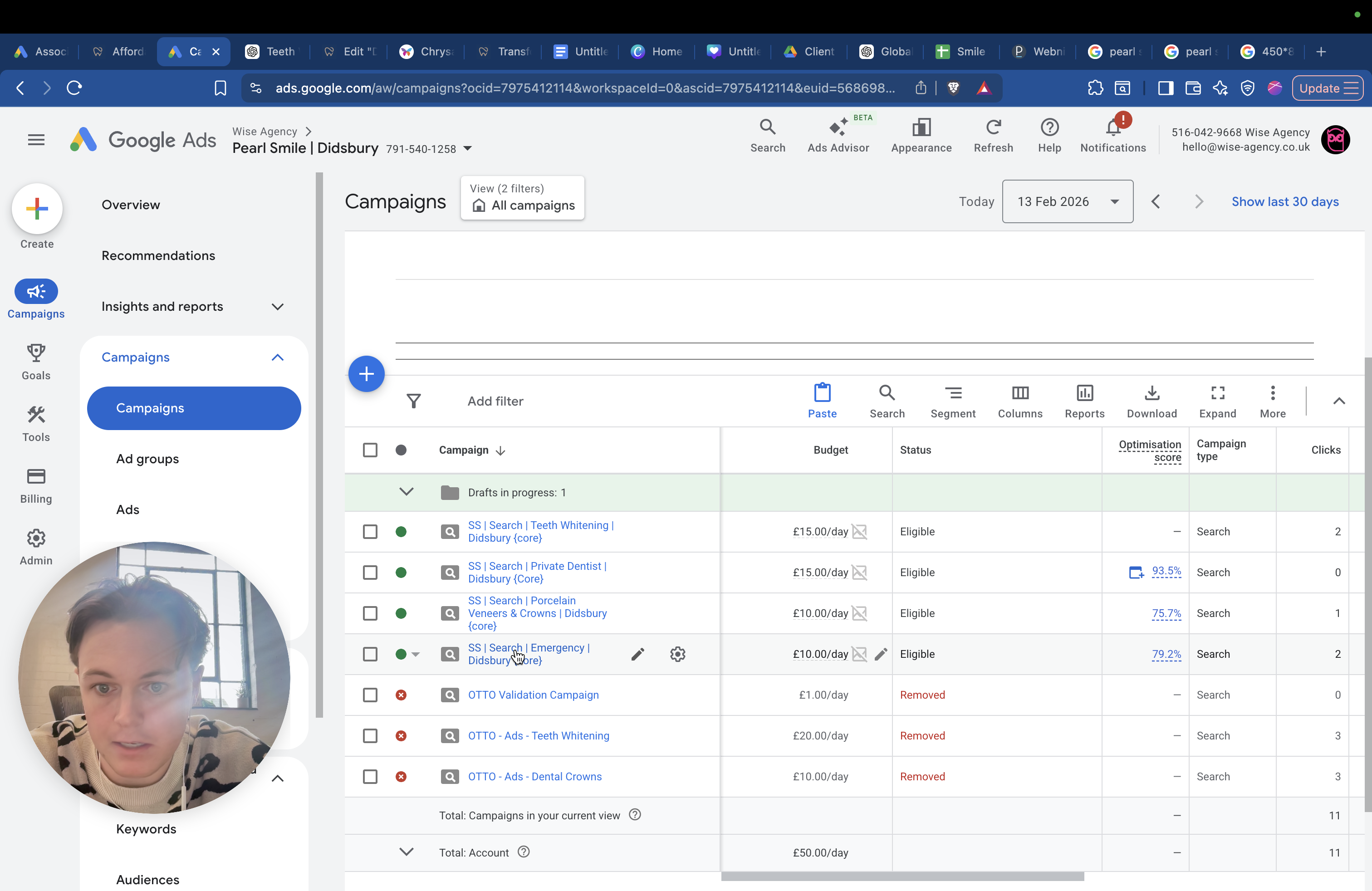
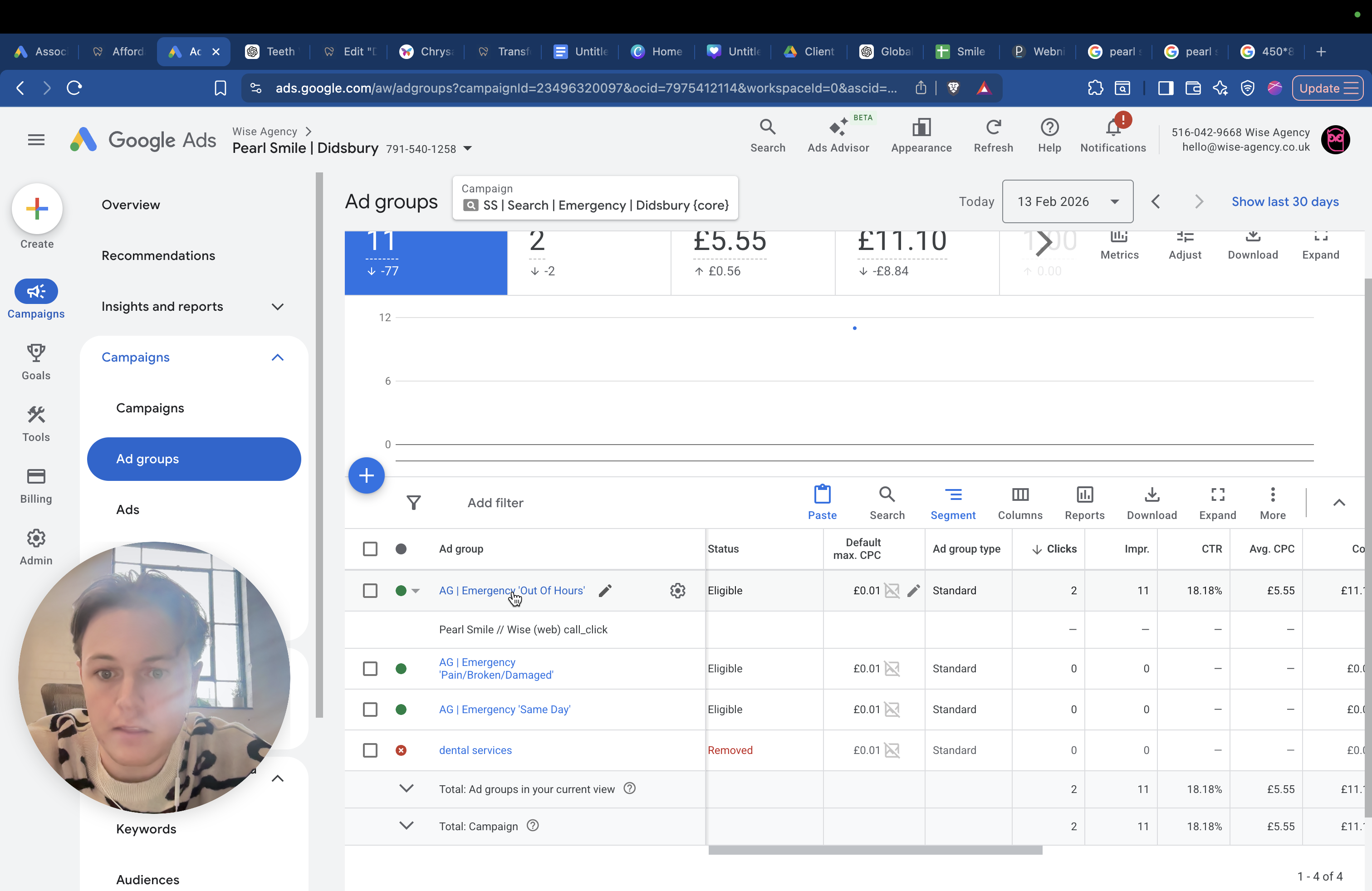
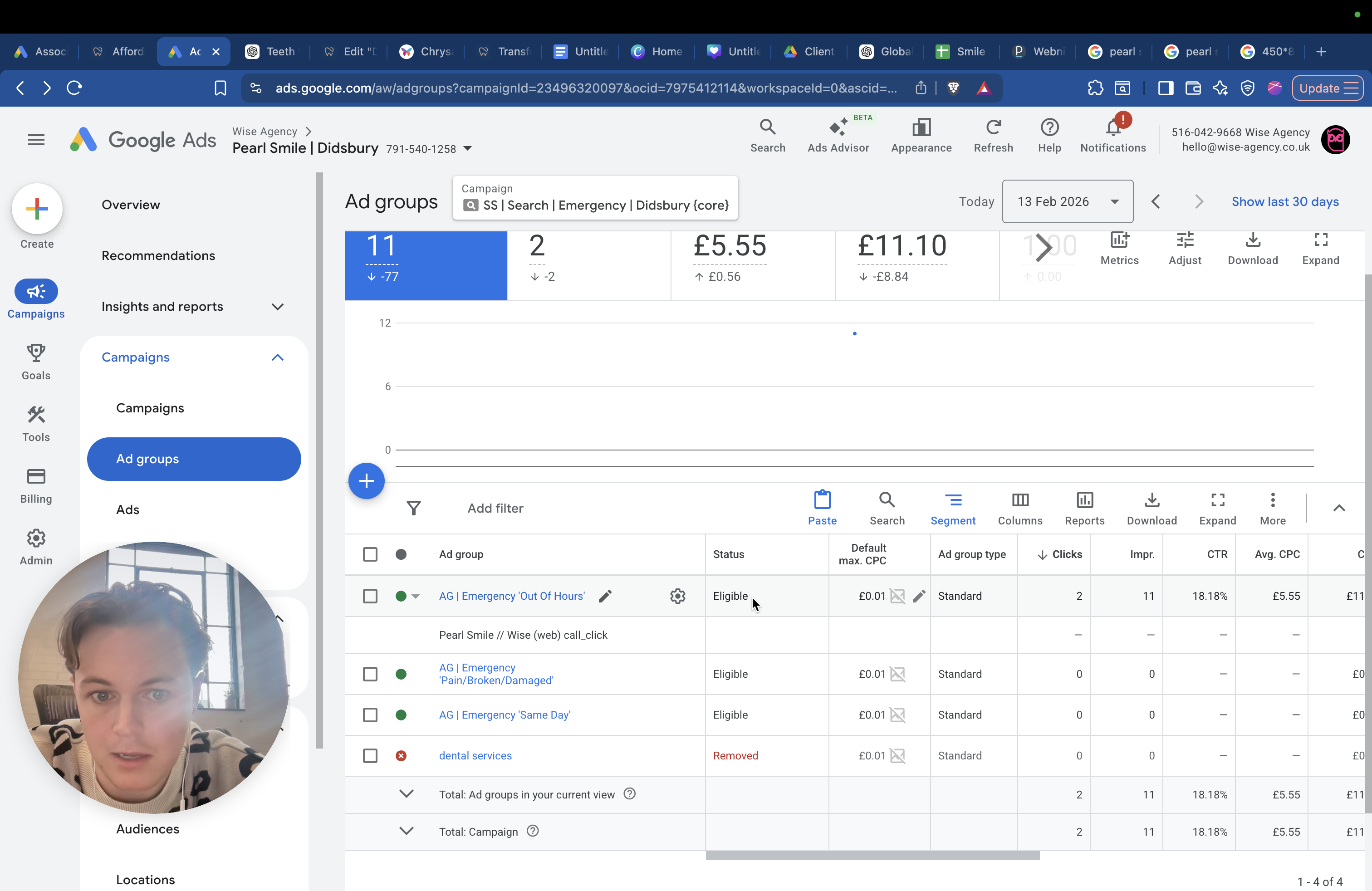
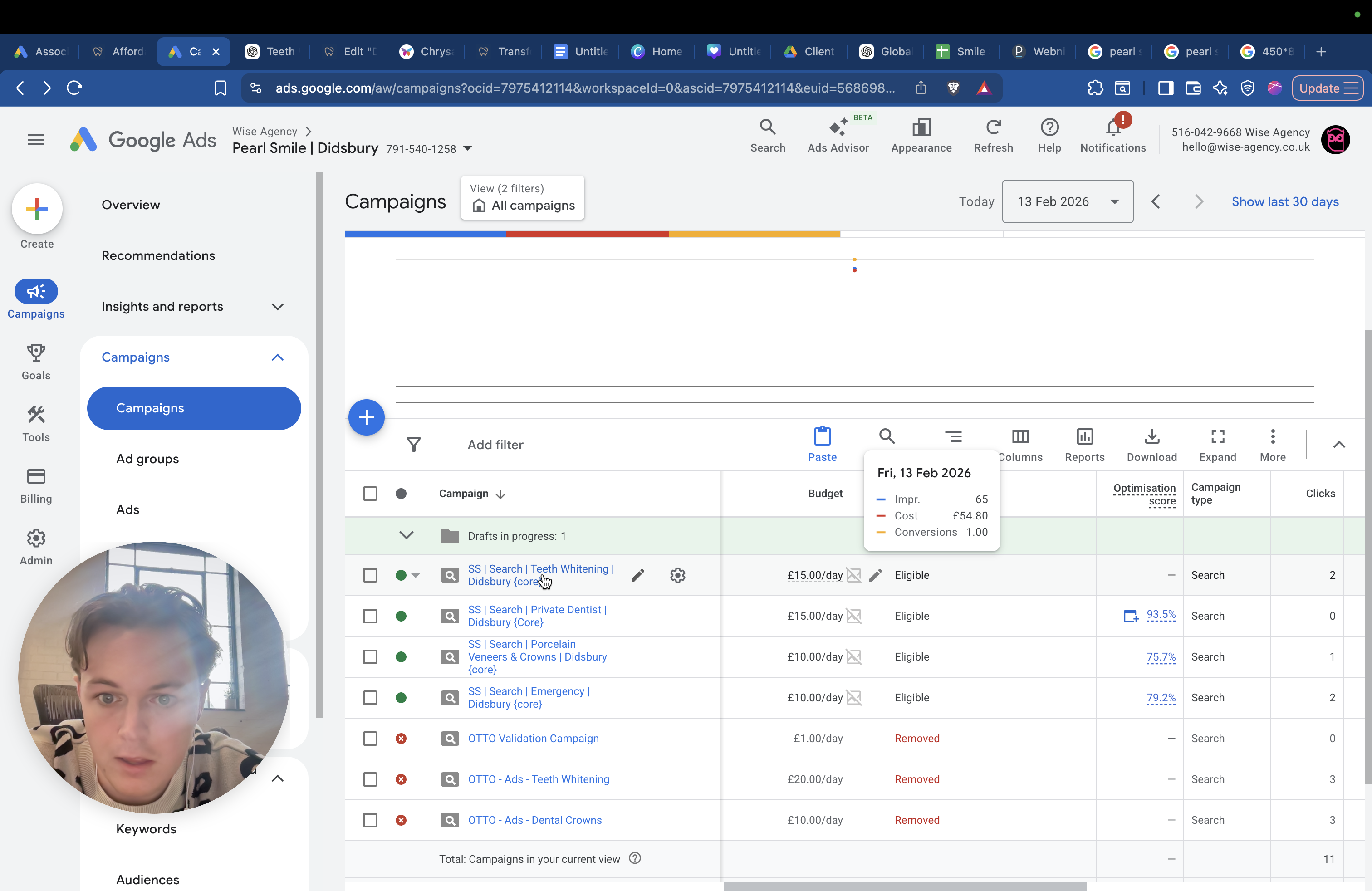
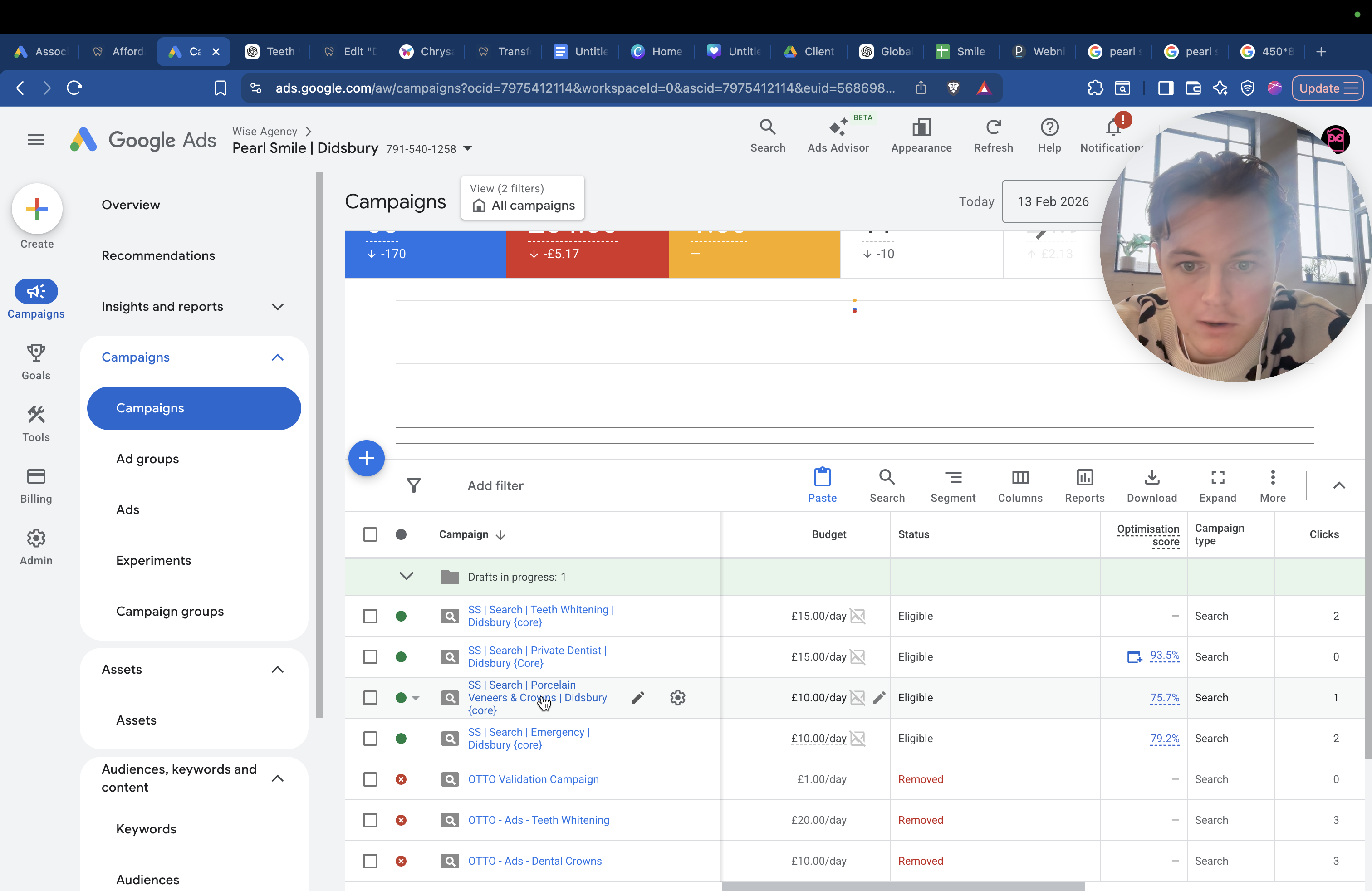
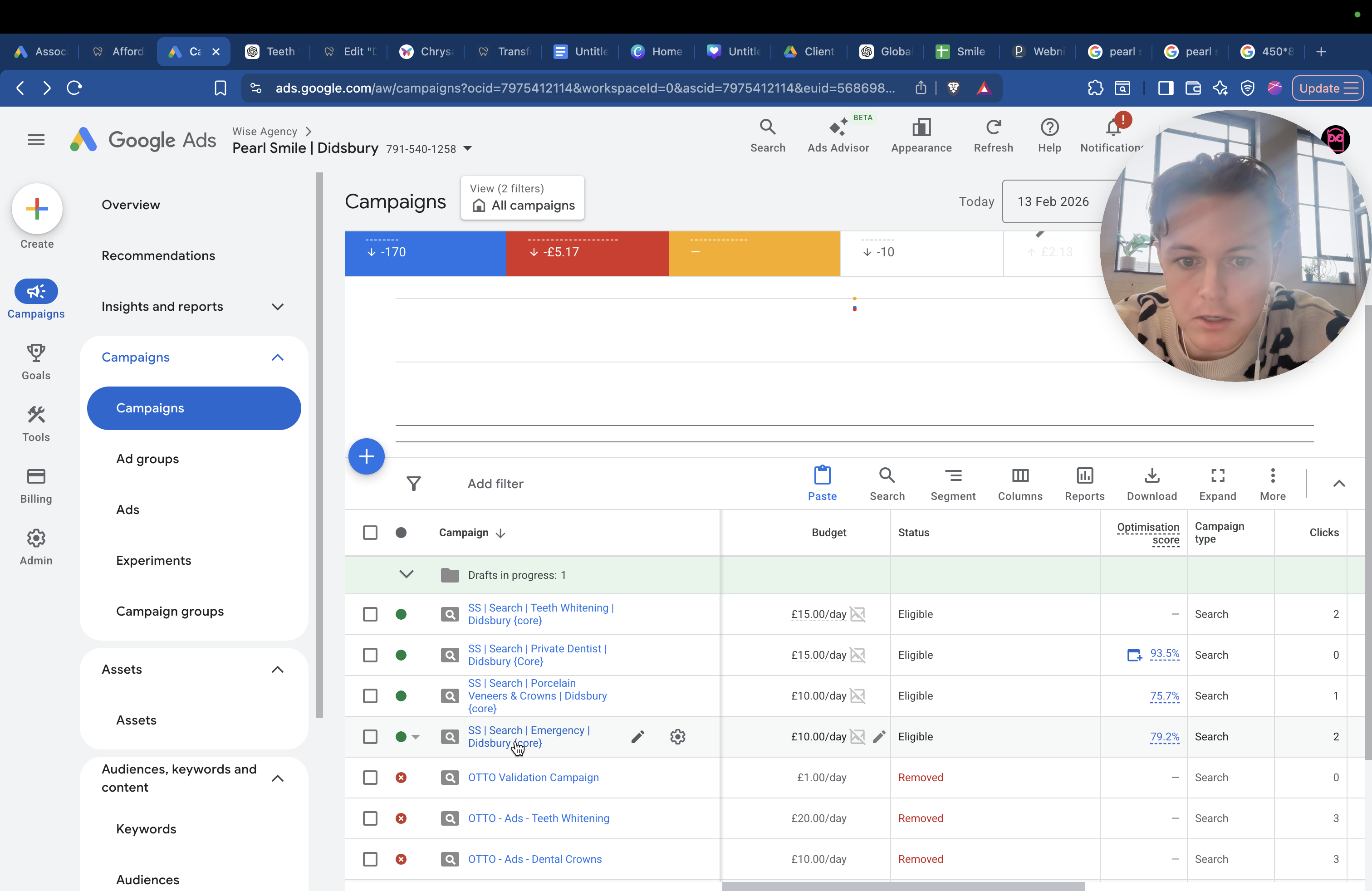
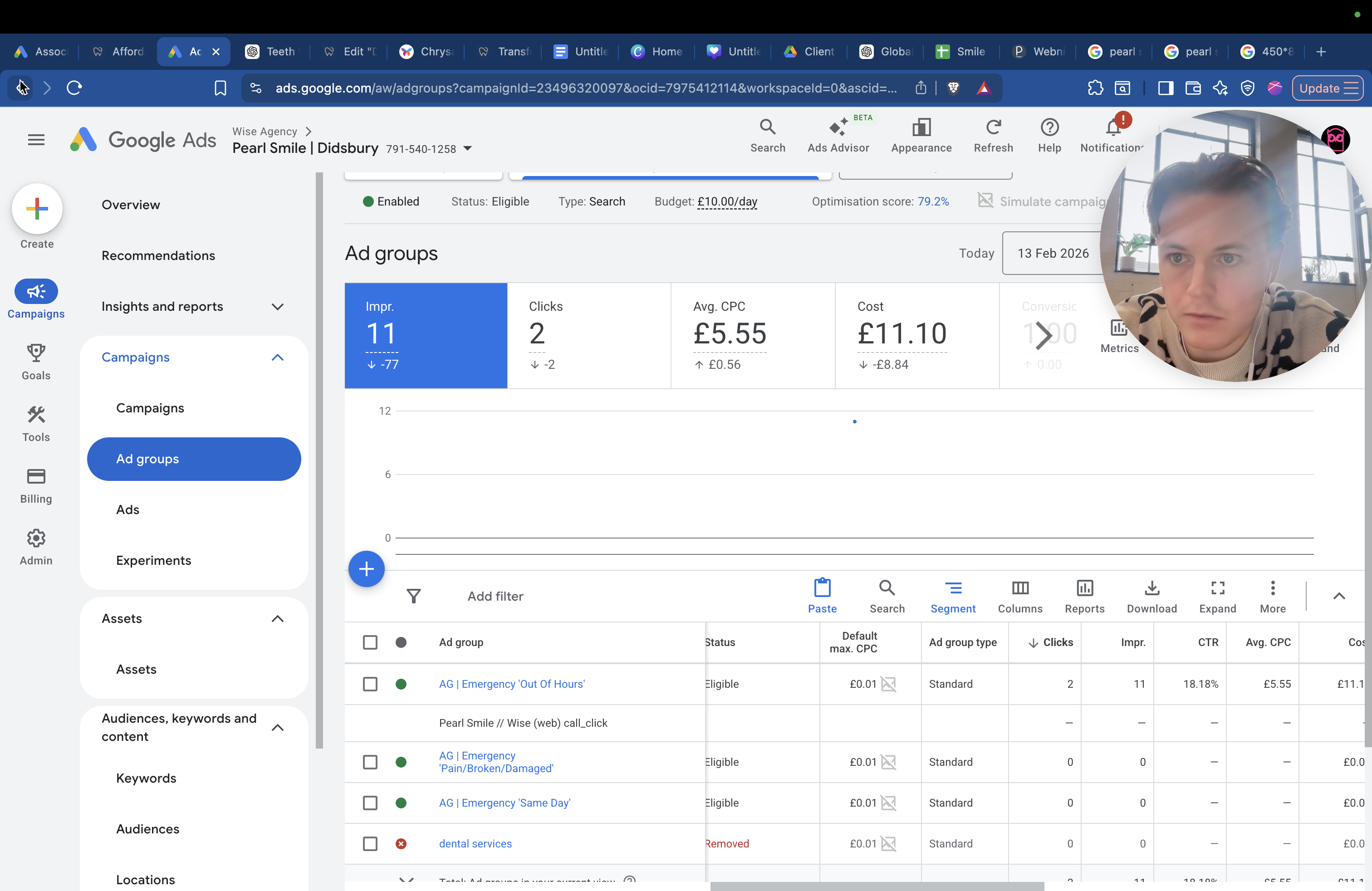
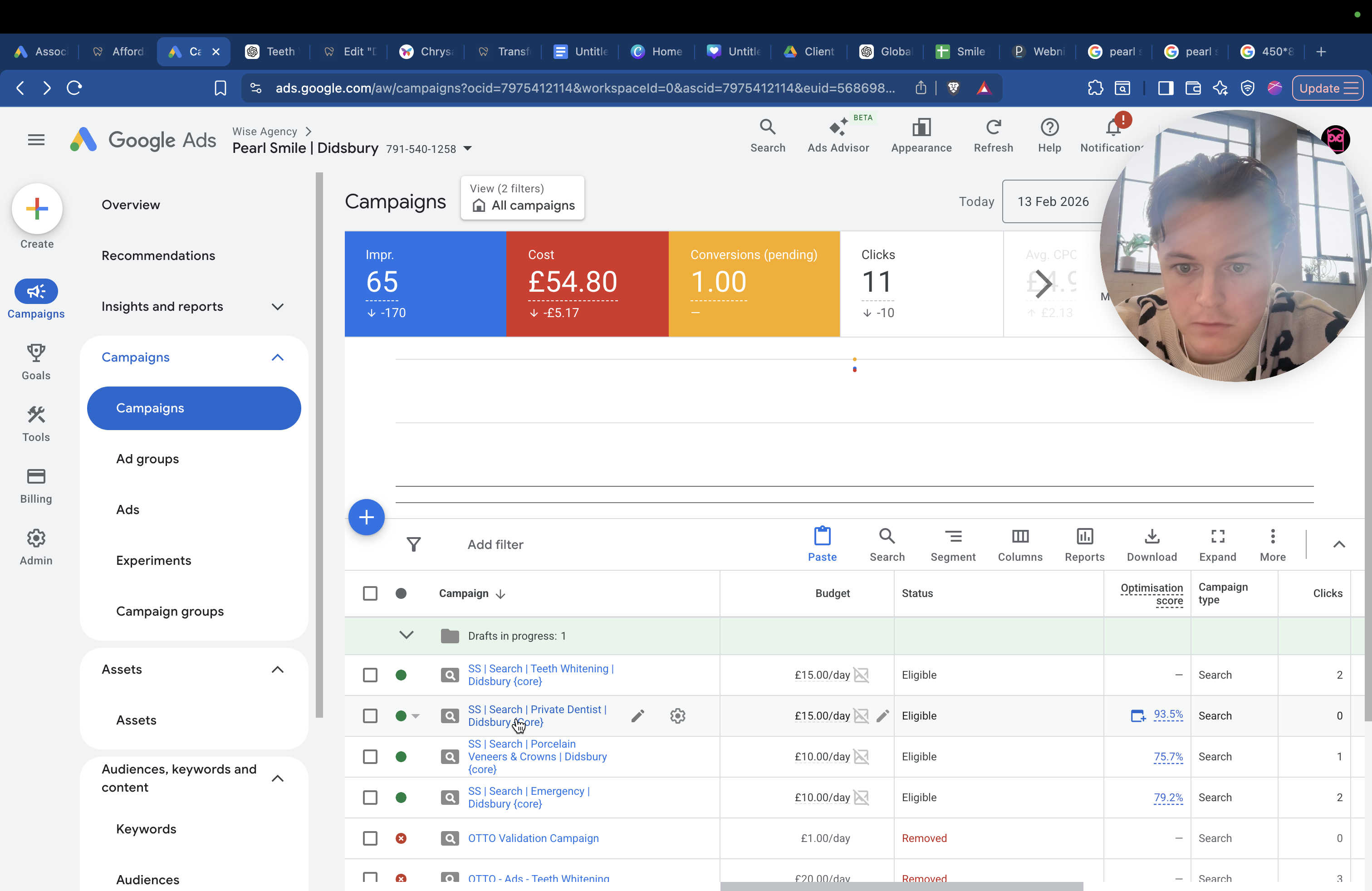
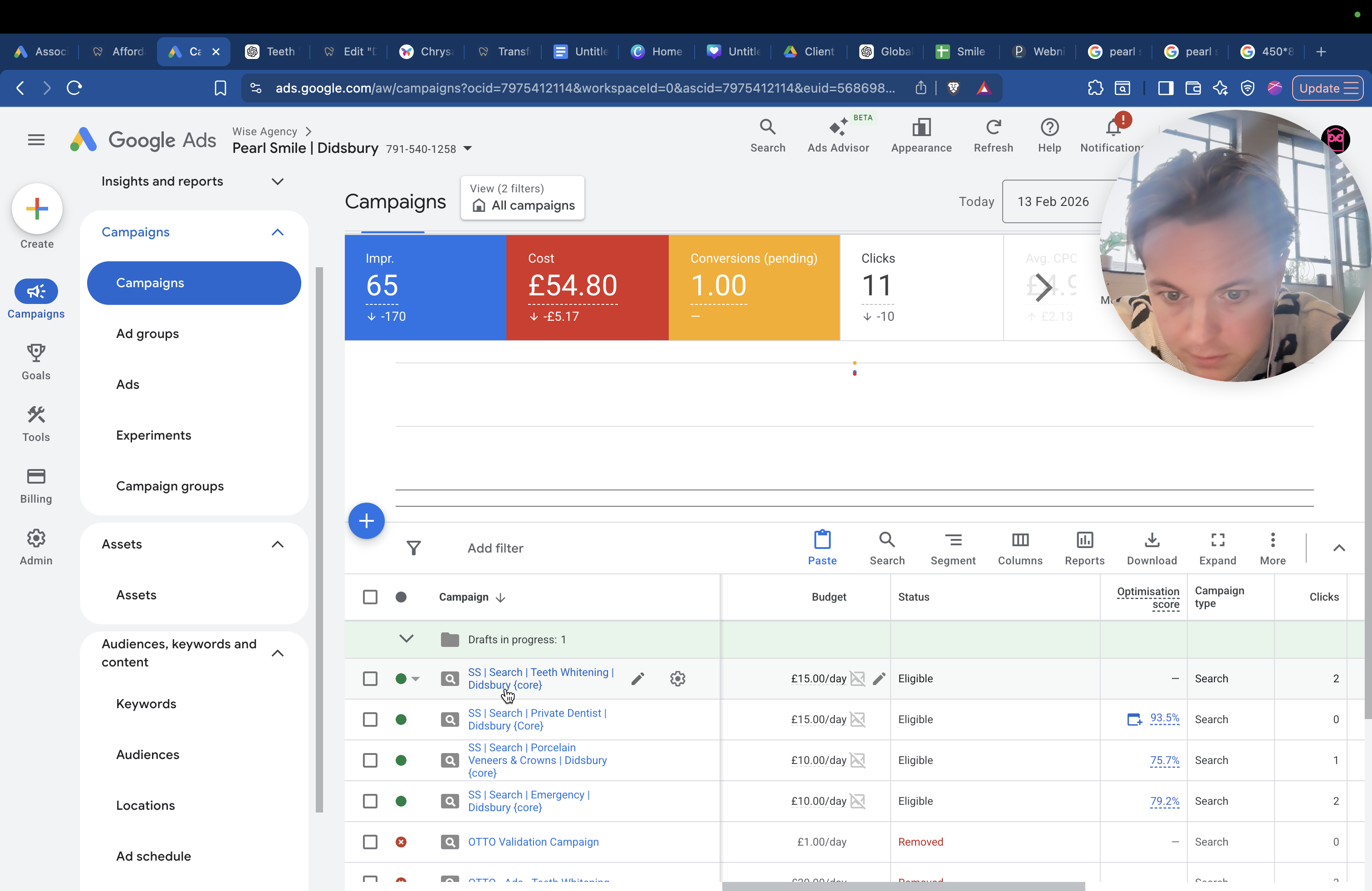
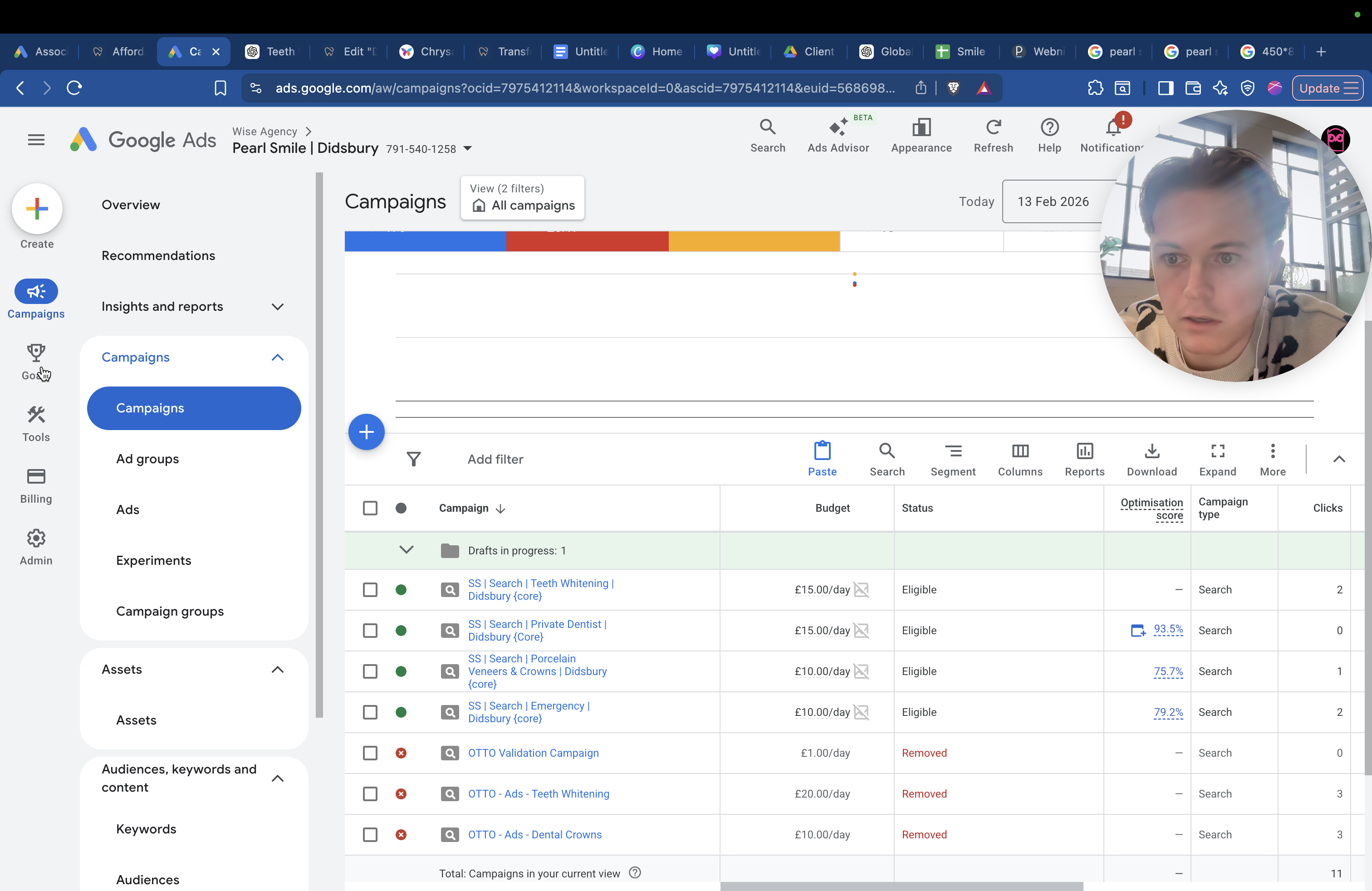
We have four campaigns running. You have teeth whitening, private dental care, crowns and veneers, and emergency services. Within each campaign, you have different ad groups. For example, if I go into the campaign "Emergency Dentist," you will see three ad groups.
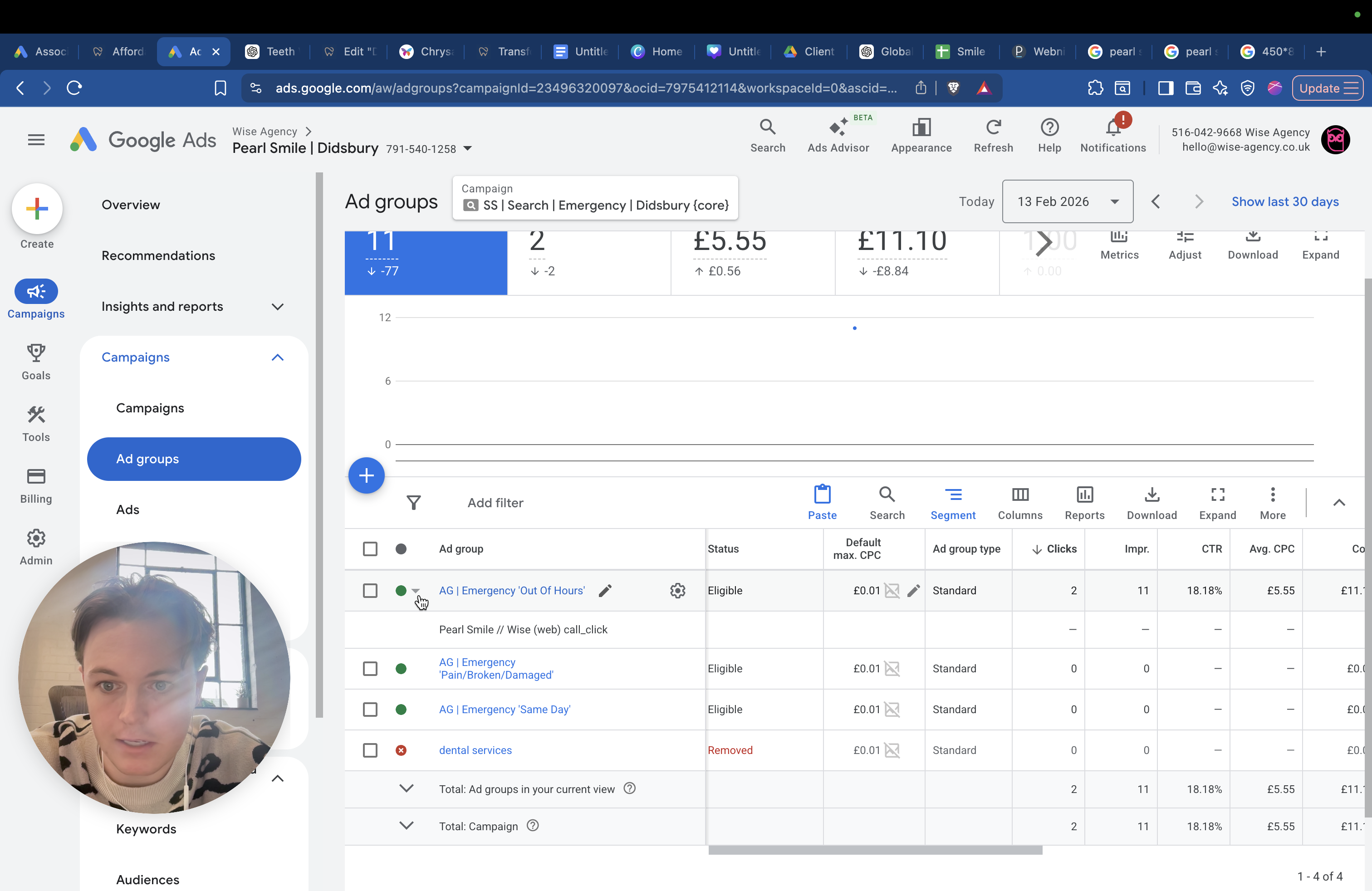
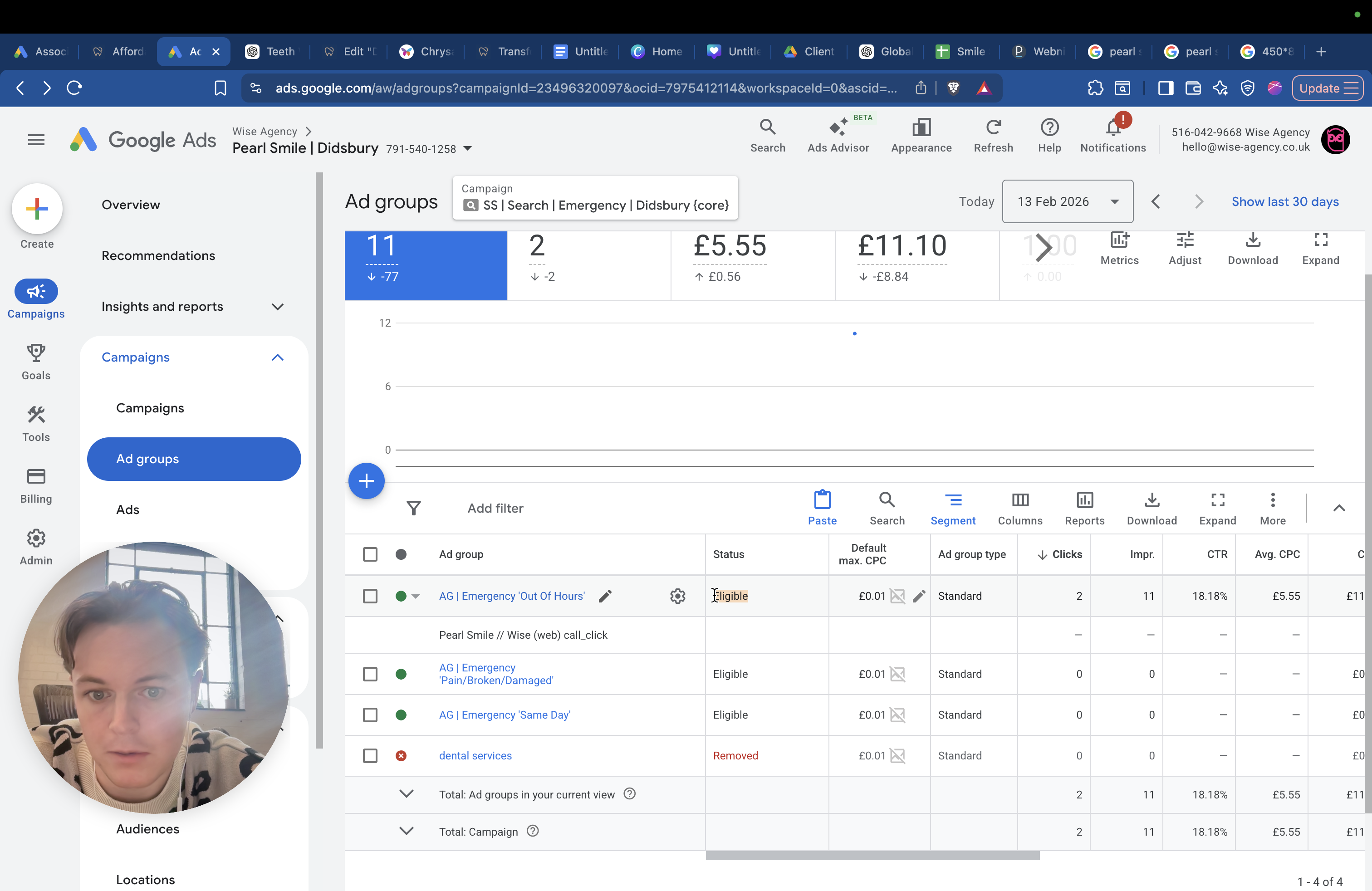
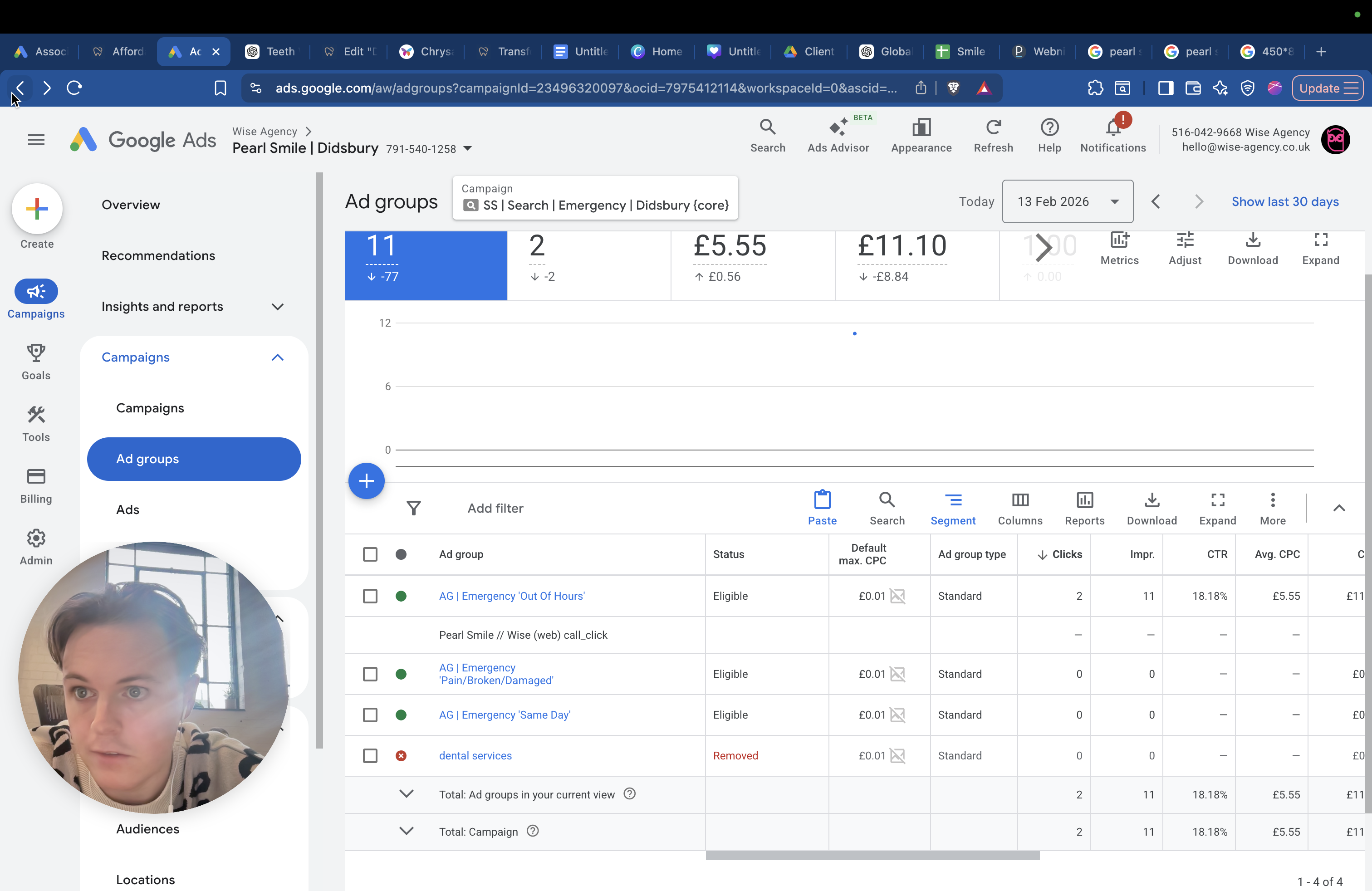
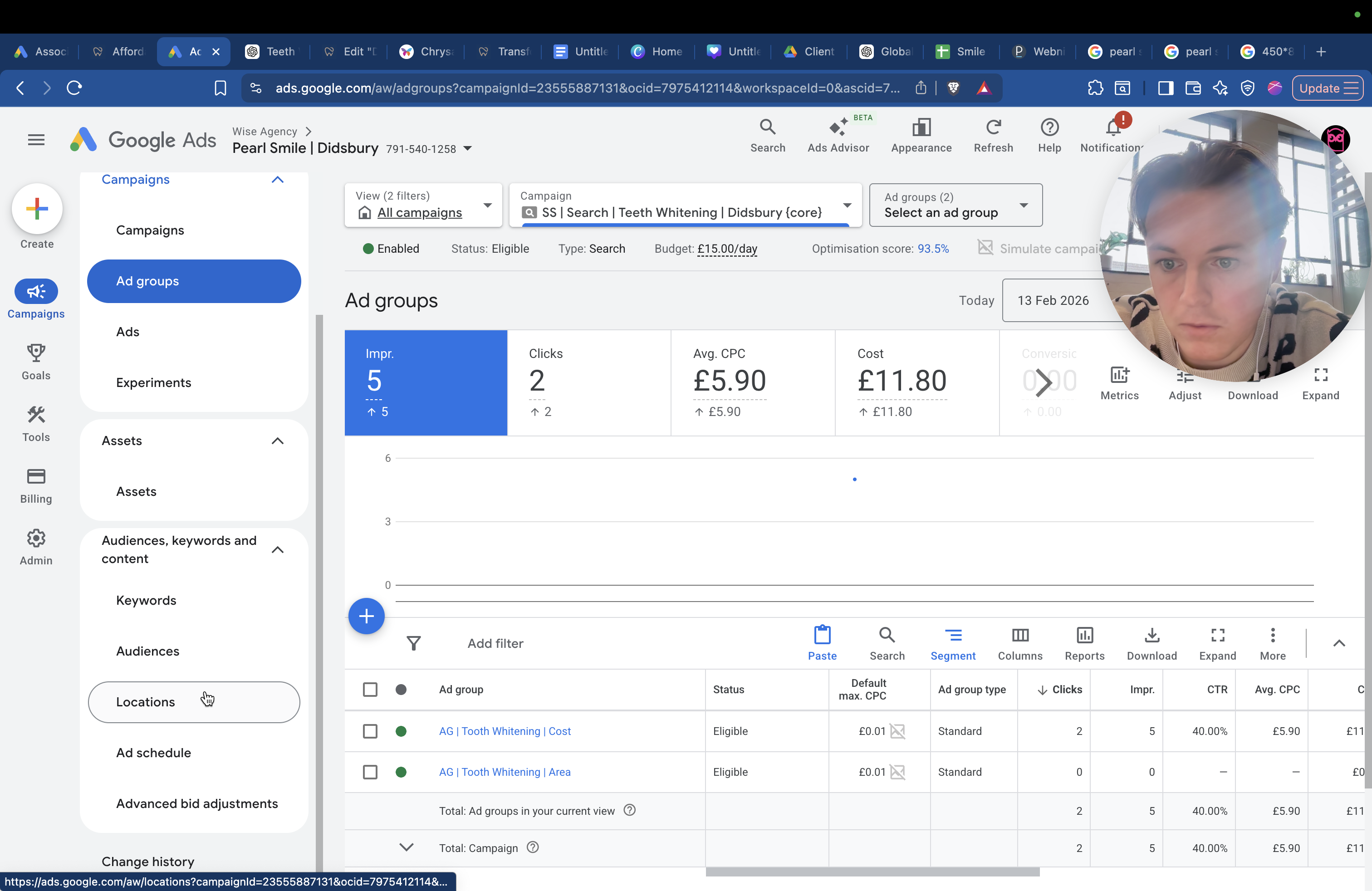
You have out-of-hours, pain, broken and damaged, and same-day services.
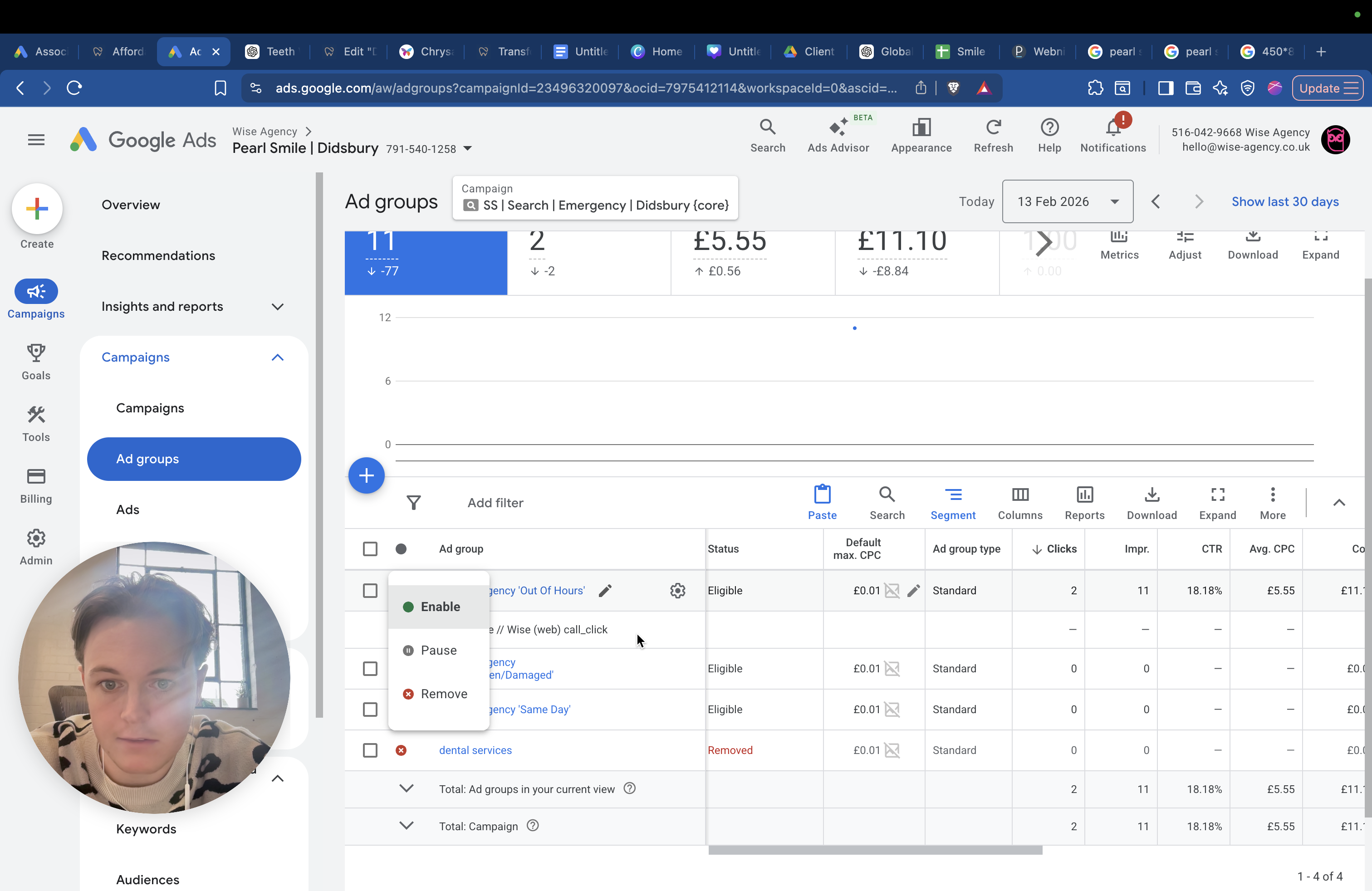
When you click into "out of hours," there are two different types.
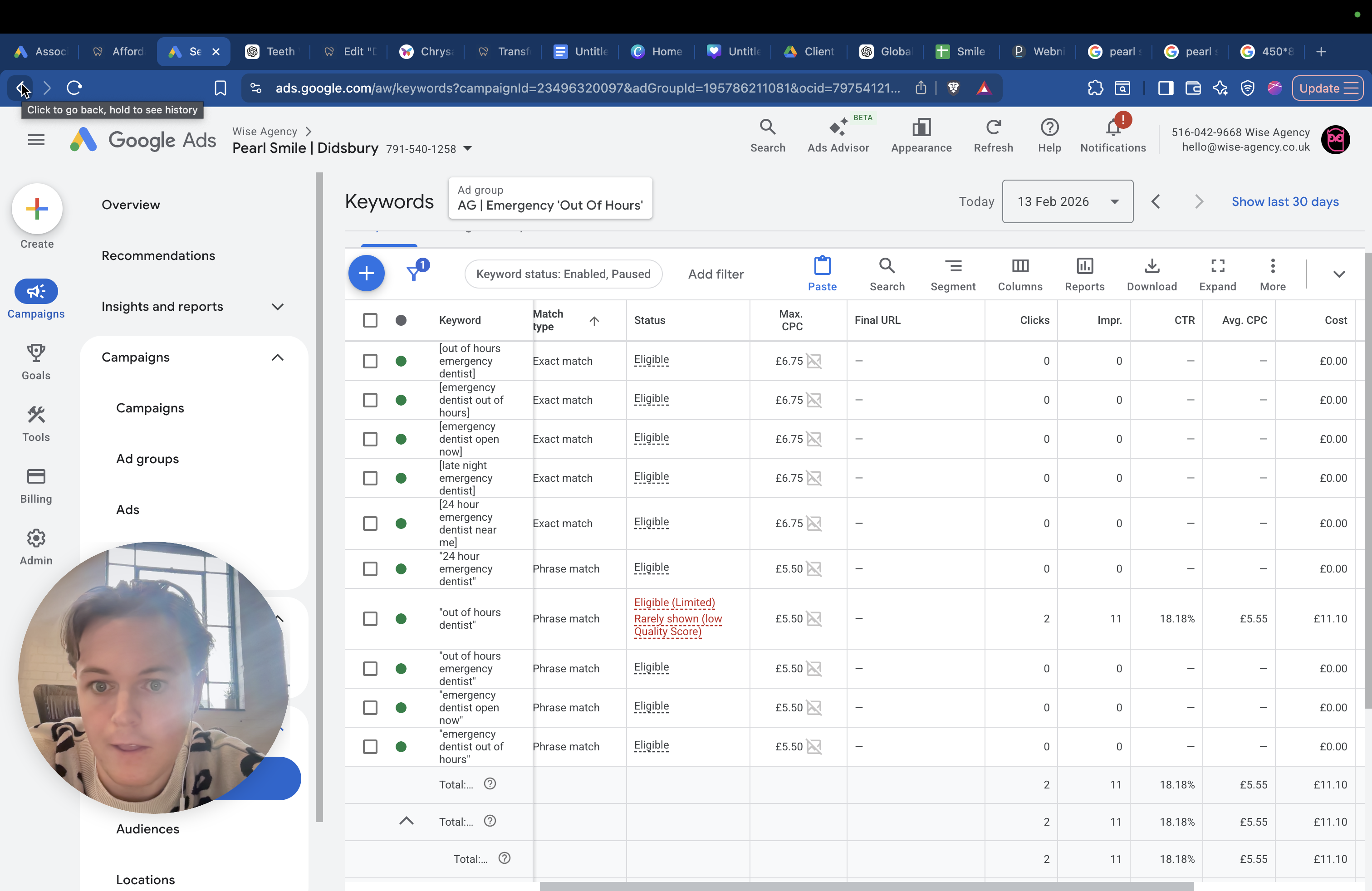
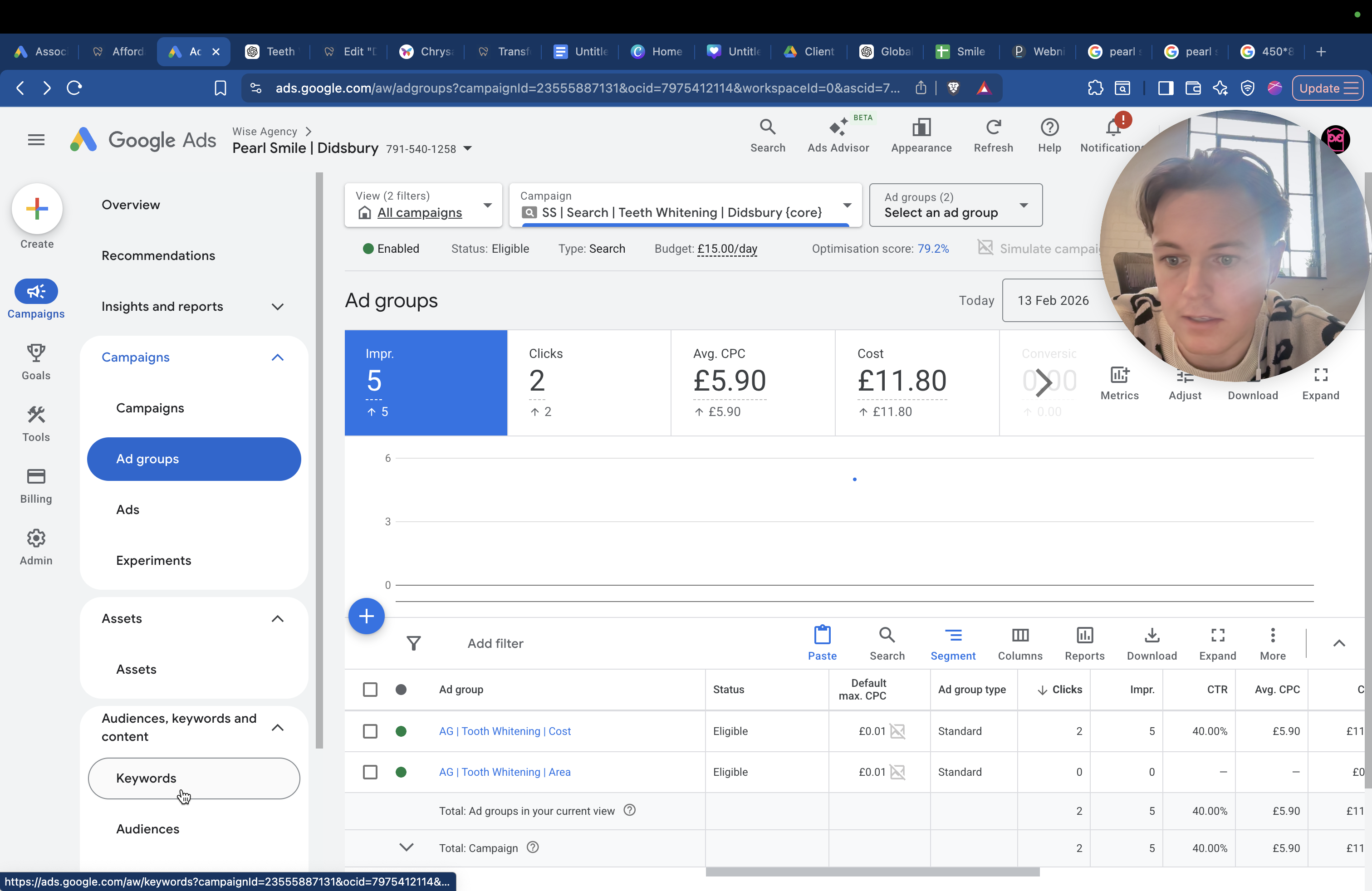
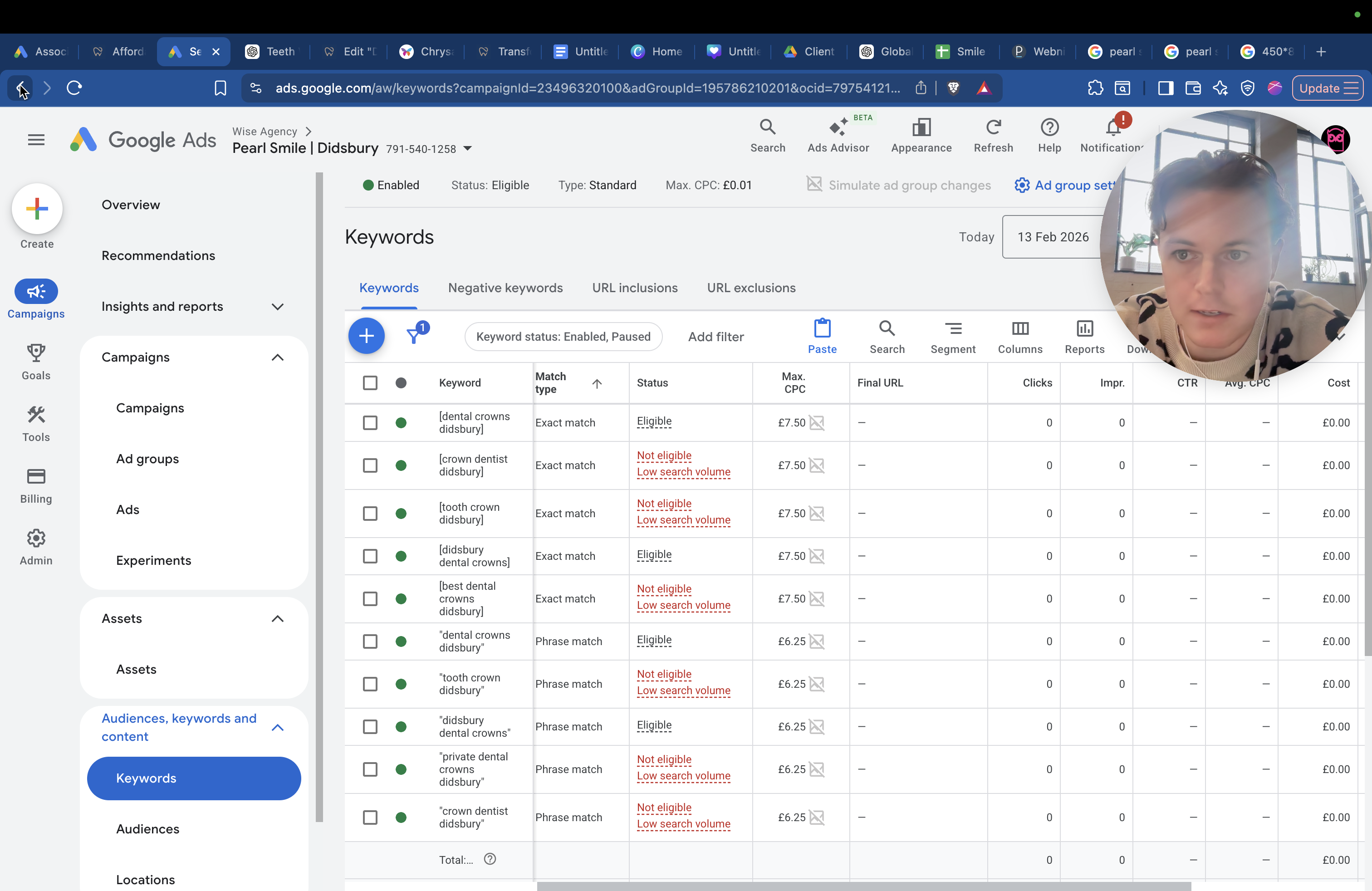
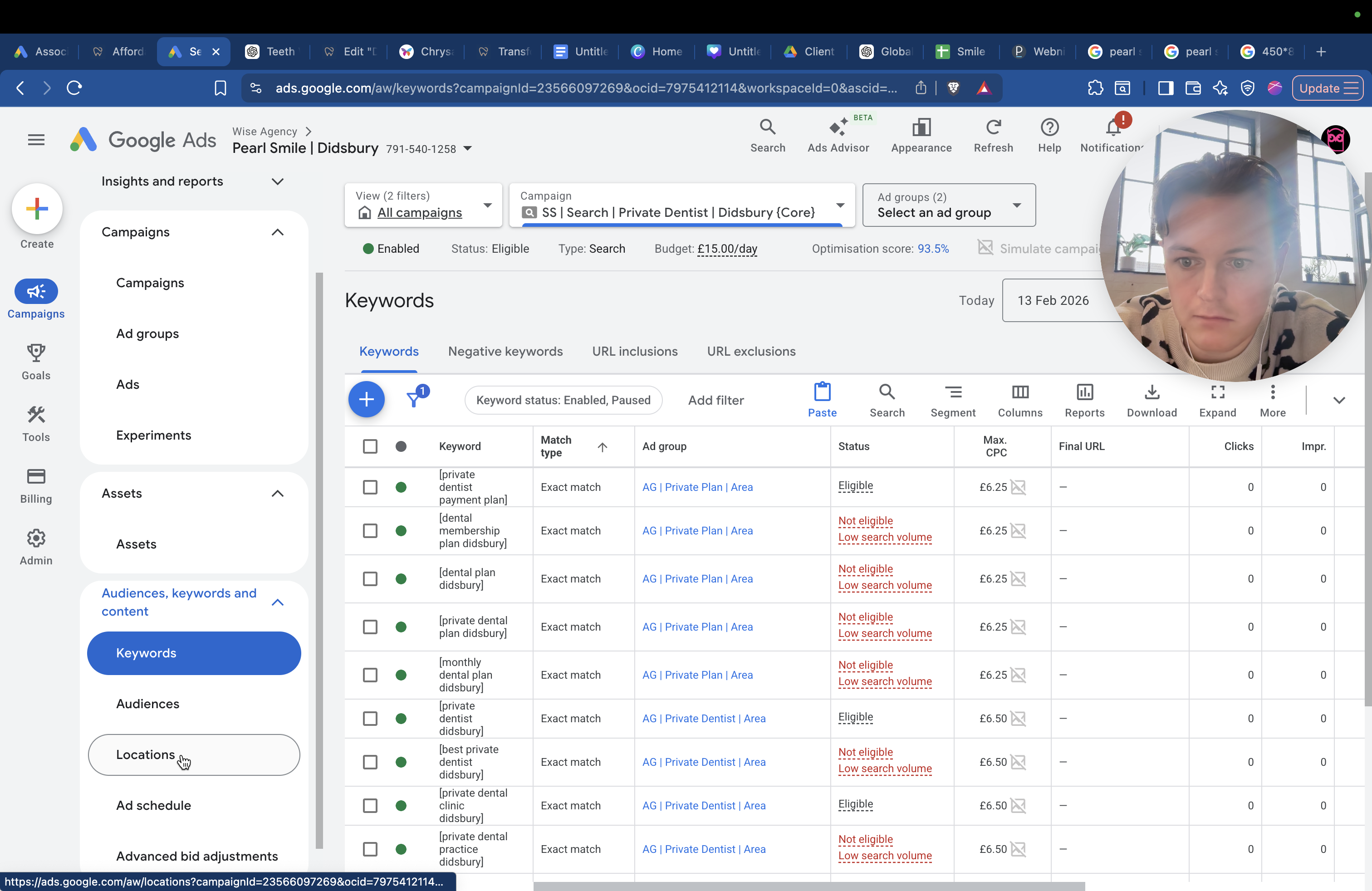
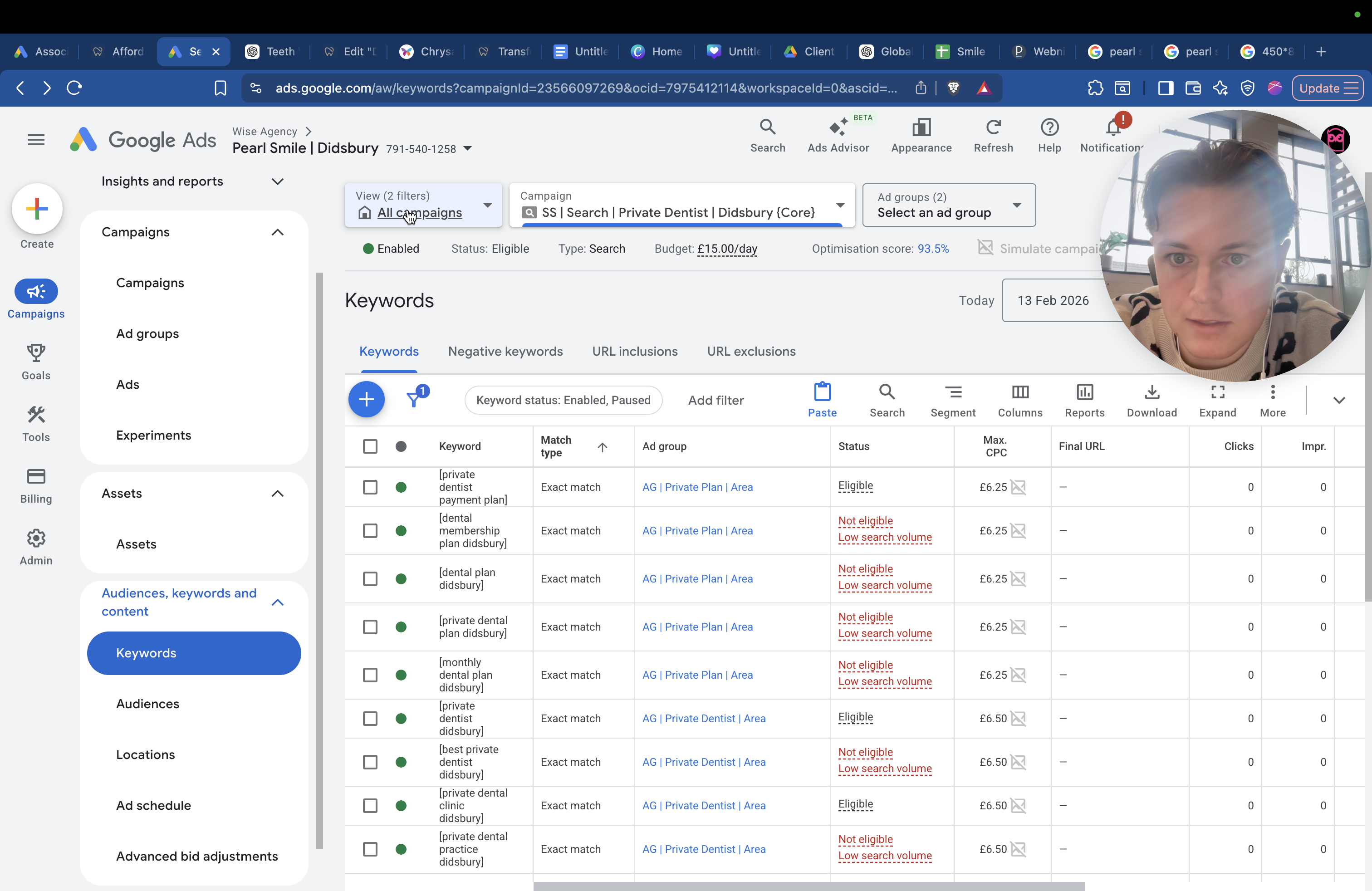
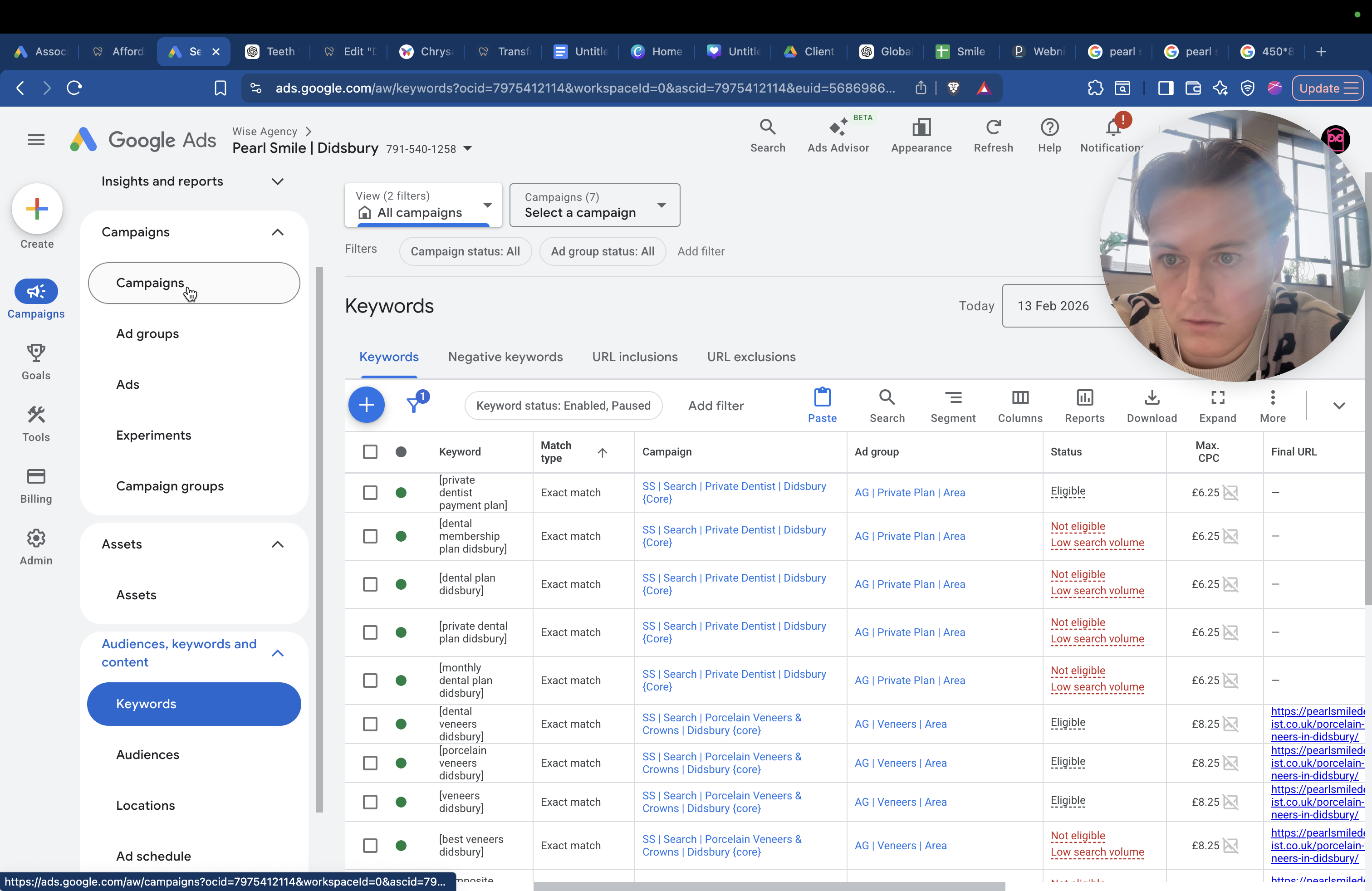
Here are your keywords below. There are two different types of keywords. You have exact match and phrase match. When words are in brackets like this, it means someone must type these exact words, exactly as shown, for us to appear. We have set it for now. This is still early, so don't focus on this too much. This is normal when you have a new Google Ads account and campaign.
You have the maximum cost per click. The maximum you are willing to pay for that cost per click is £6.75. It might seem high now, but it will come down. We need to keep it broad for now and then reduce it later. You'll see that the exact match keywords, such as "out of hours emergency dentist" and "emergency dentist open now," are set higher at £6.75 compared to the phrase match. This happens because, for example, if someone searches for "24-hour emergency dentist near me Didsbury," you won't appear in the exact match results.
They must type the exact word. If someone types that exact phrase and your result appears, they are highly interested and likely to click through because your content matches their search exactly. You’re willing to pay a bit more because they’re more likely to convert. Phrase match is still useful, but you might want to pay a bit less. For example, if someone searches for "24-hour dentist Manchester" but they're on the other side of Manchester, then... They might search for "24-hour dentist" or "broken tooth," for example.
You will appear in this because the ad will show due to phrase match. It matched the phrase to some extent. That's a little bit less. I won't go into the details of how it works, as it would take too long. We have set up the emergency campaign.
We have it set up for after-hours. Again, it says 24/7, etc. Even if you're not open 24/7, if your team calls first thing in the morning, around eight o'clock, you should still reach them. No one else will have answered the phone yet at that time.
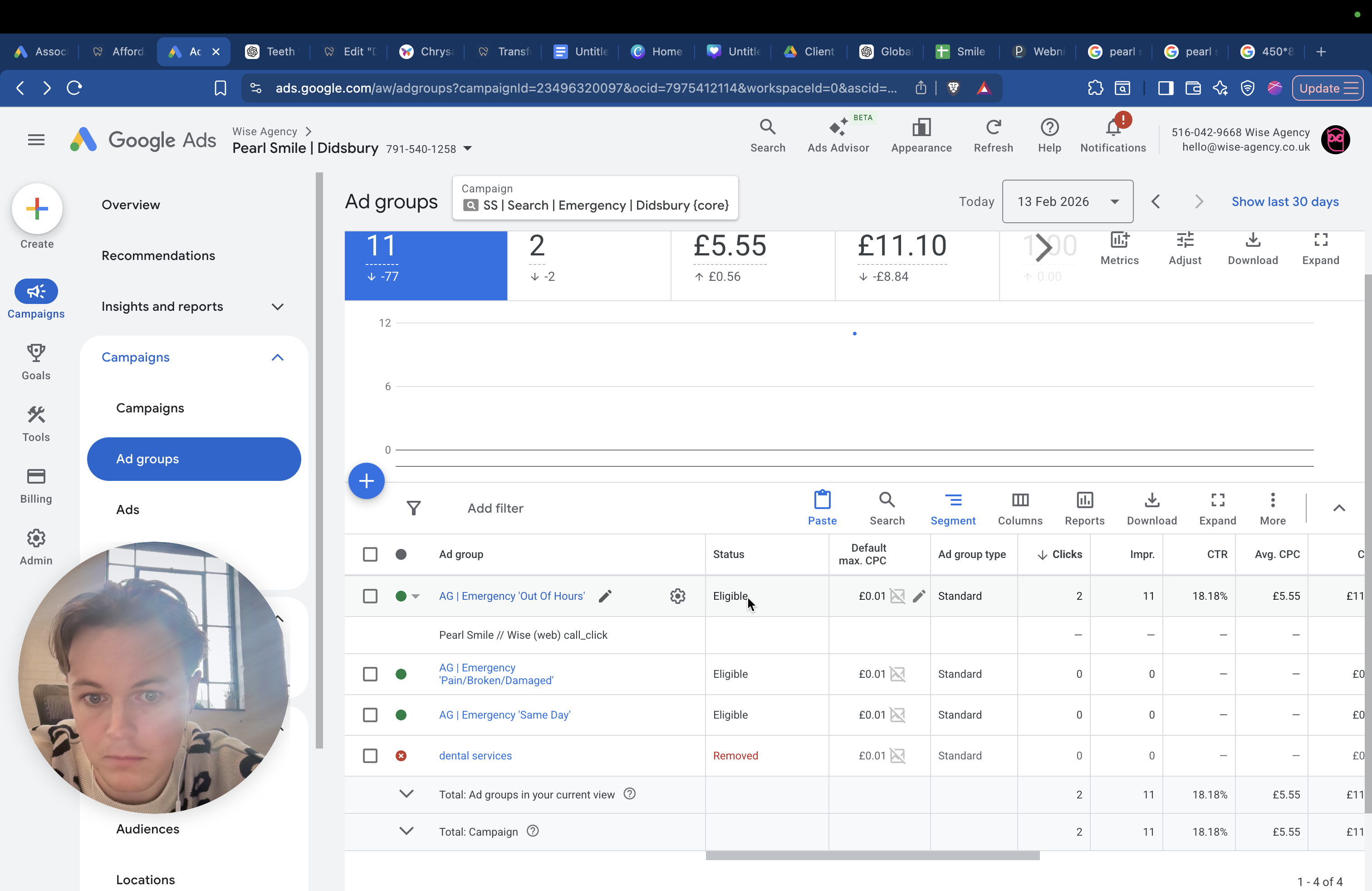
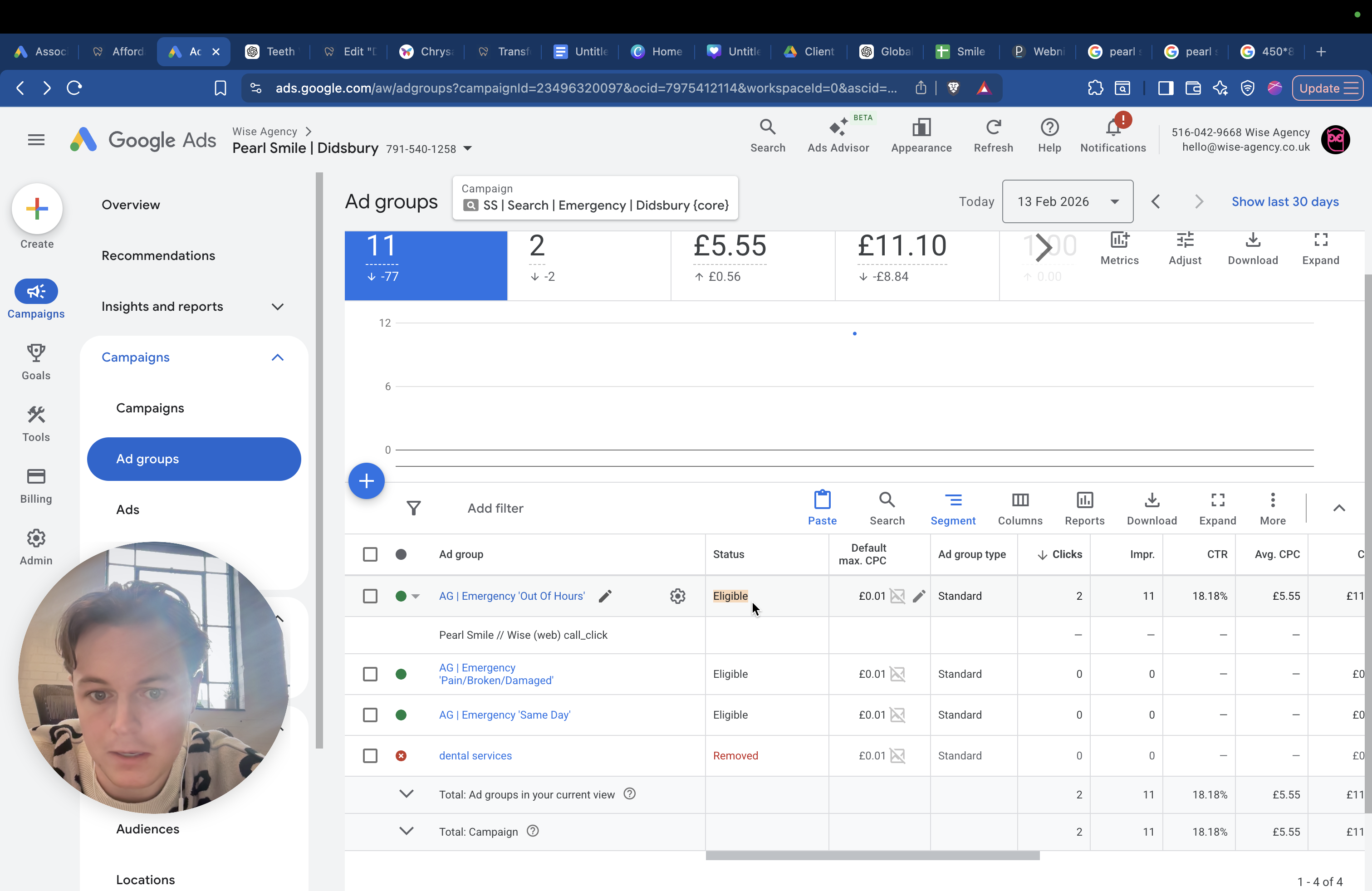
And then you have it for pain or injury. These are useful because if a tooth is broken, damaged, or falls out, it may require a crown or an implant. The emergency option usually leads to good results most of the time.
You have a teeth whitening ad group, which includes keywords like "teeth whitening in Didsbury" and "professional teeth whitening."
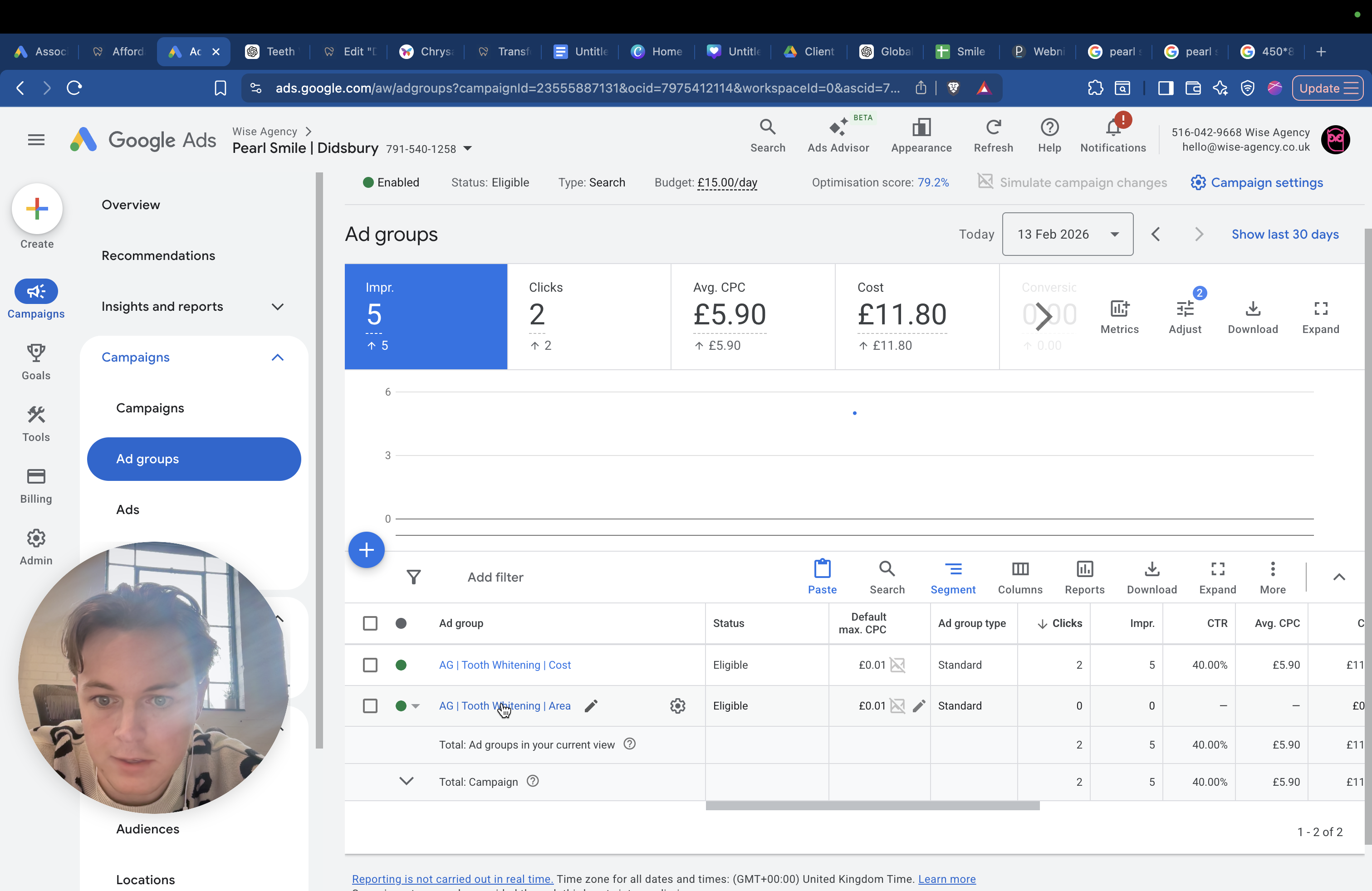
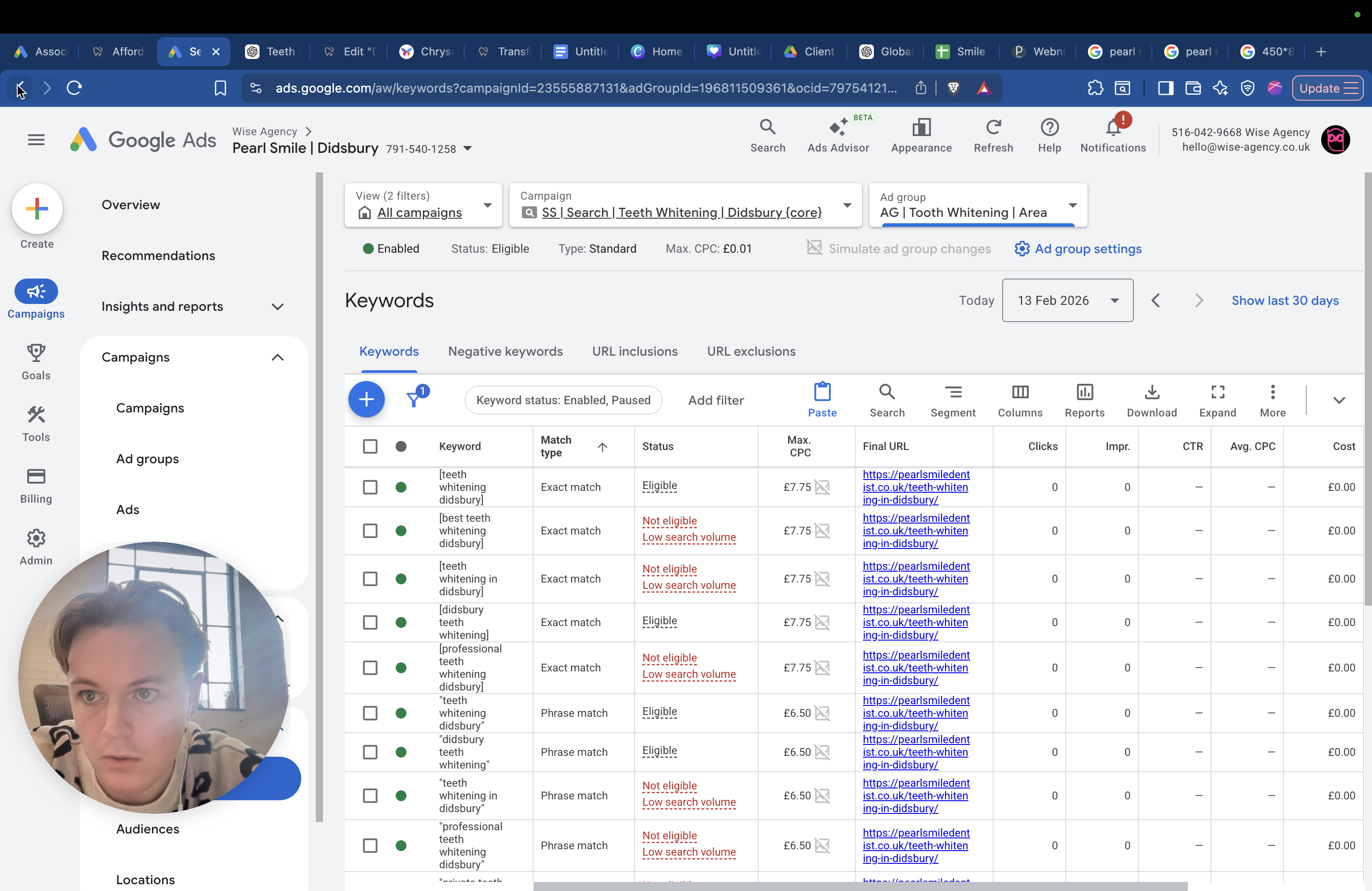
Then there's the cost of teeth whitening.
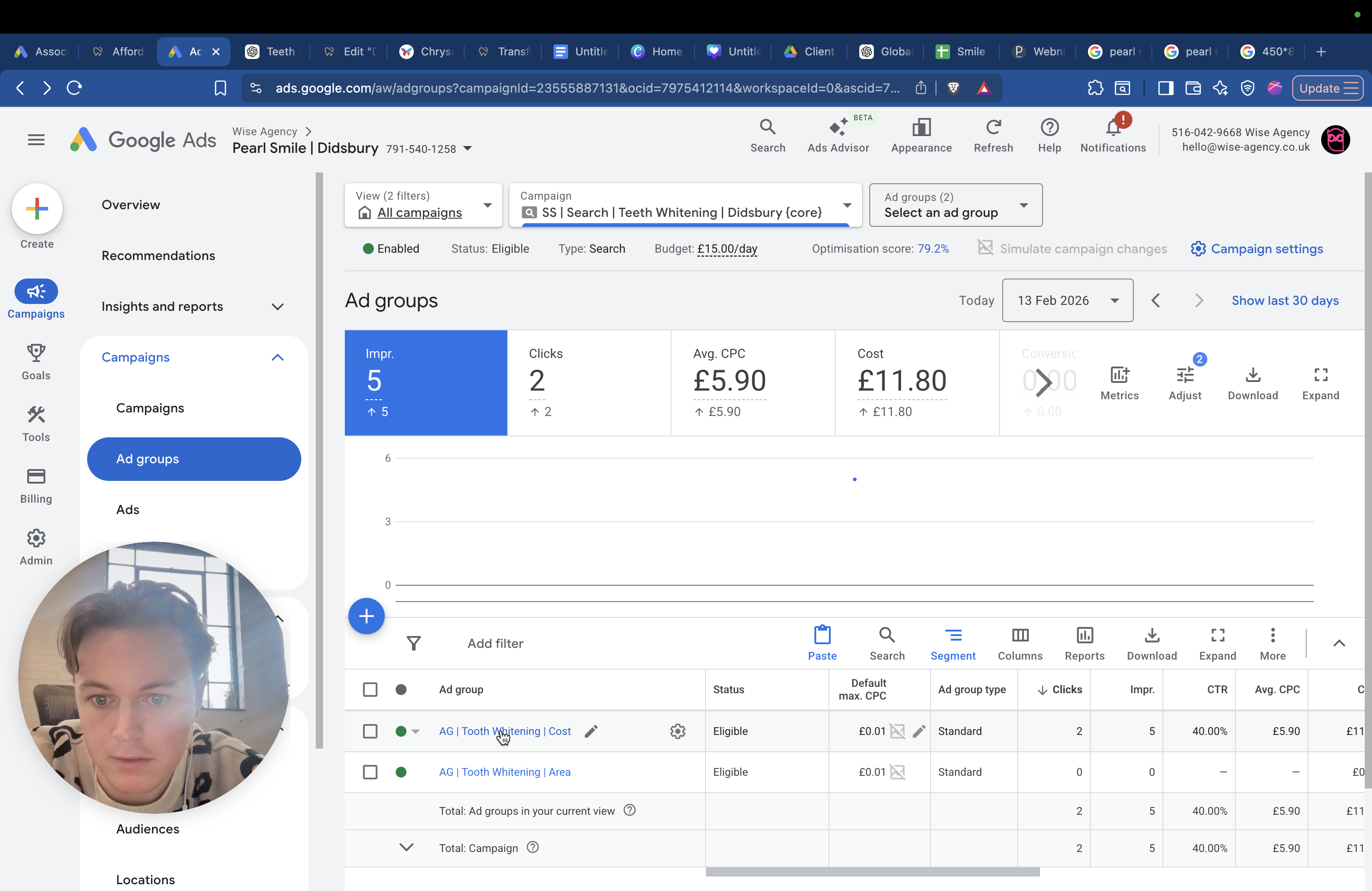
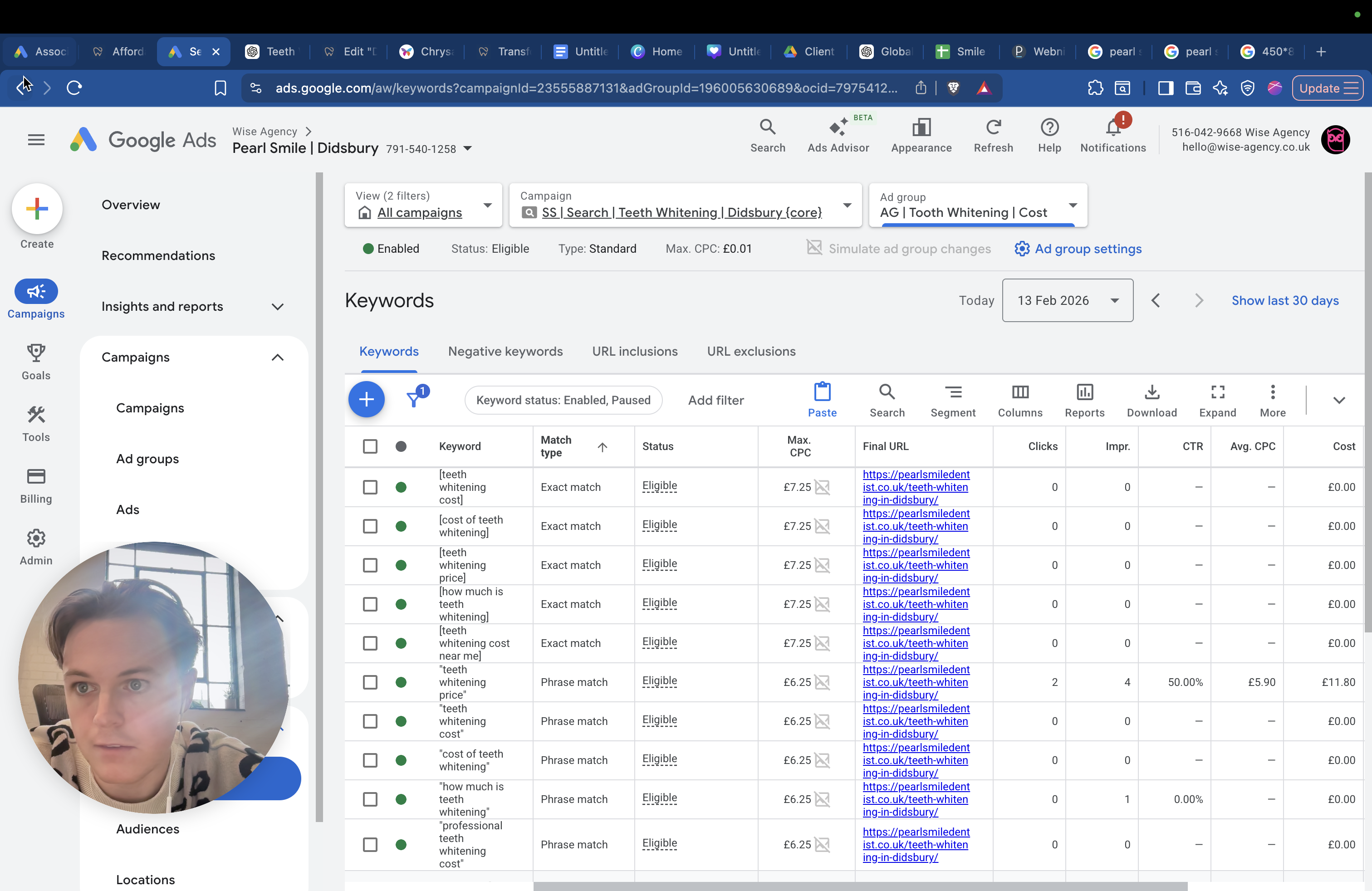
This is for people searching for the cost of teeth whitening, teeth whitening prices, or teeth whitening financing options. When people search for the cost and click your ad, they'll see you offer it for a specific amount, like four or five hundred pounds, and then they'll book. That's also good to have.
In each campaign, you'll see keywords and negative keywords such as "Amazon" and "home."
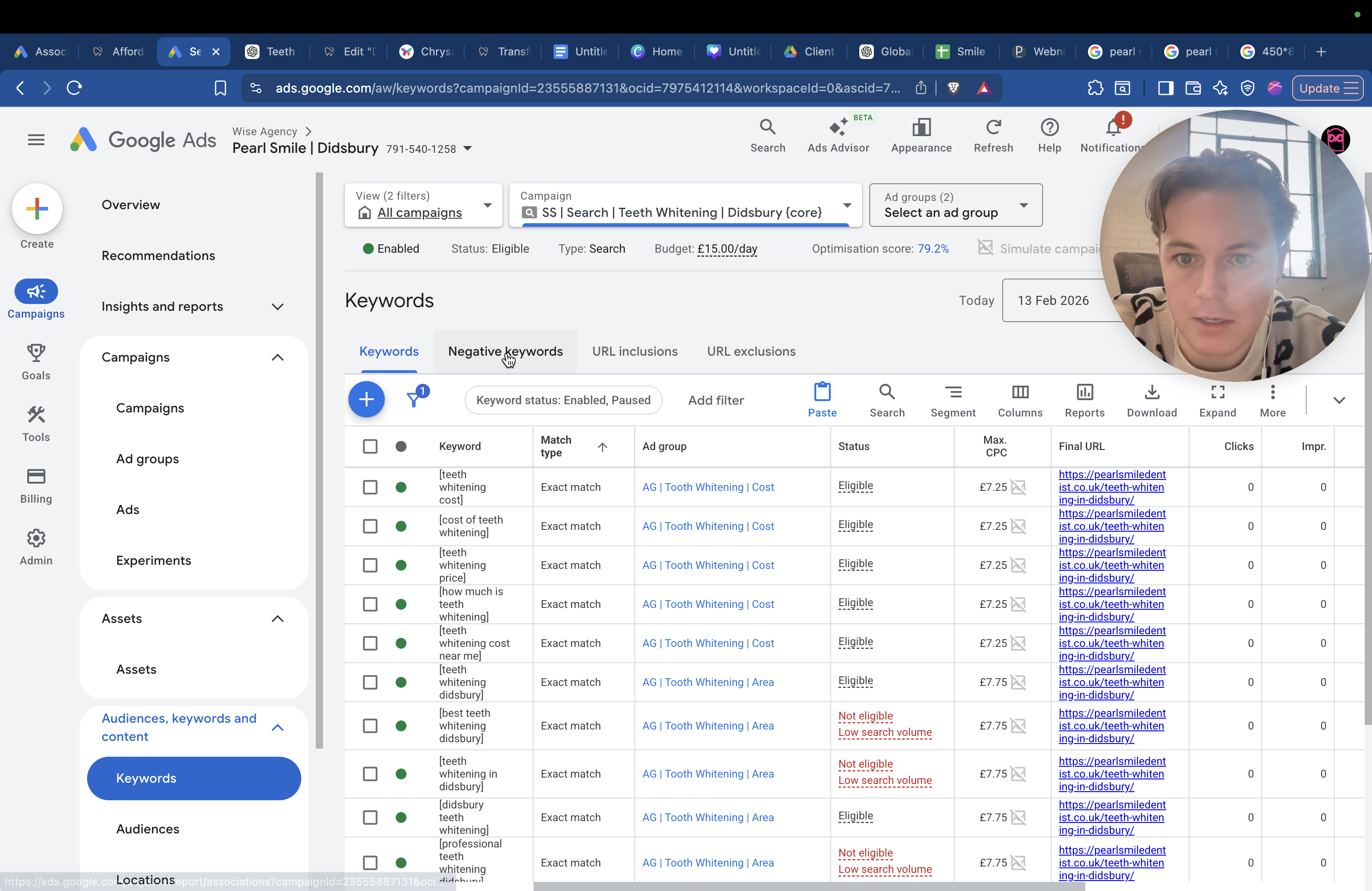
For the entire account, we have NHS and free services included. If someone searches for "free," "NHS," "grants," or similar terms, our site will not show up. I'll go back to campaigns. We have crowns and veneers.
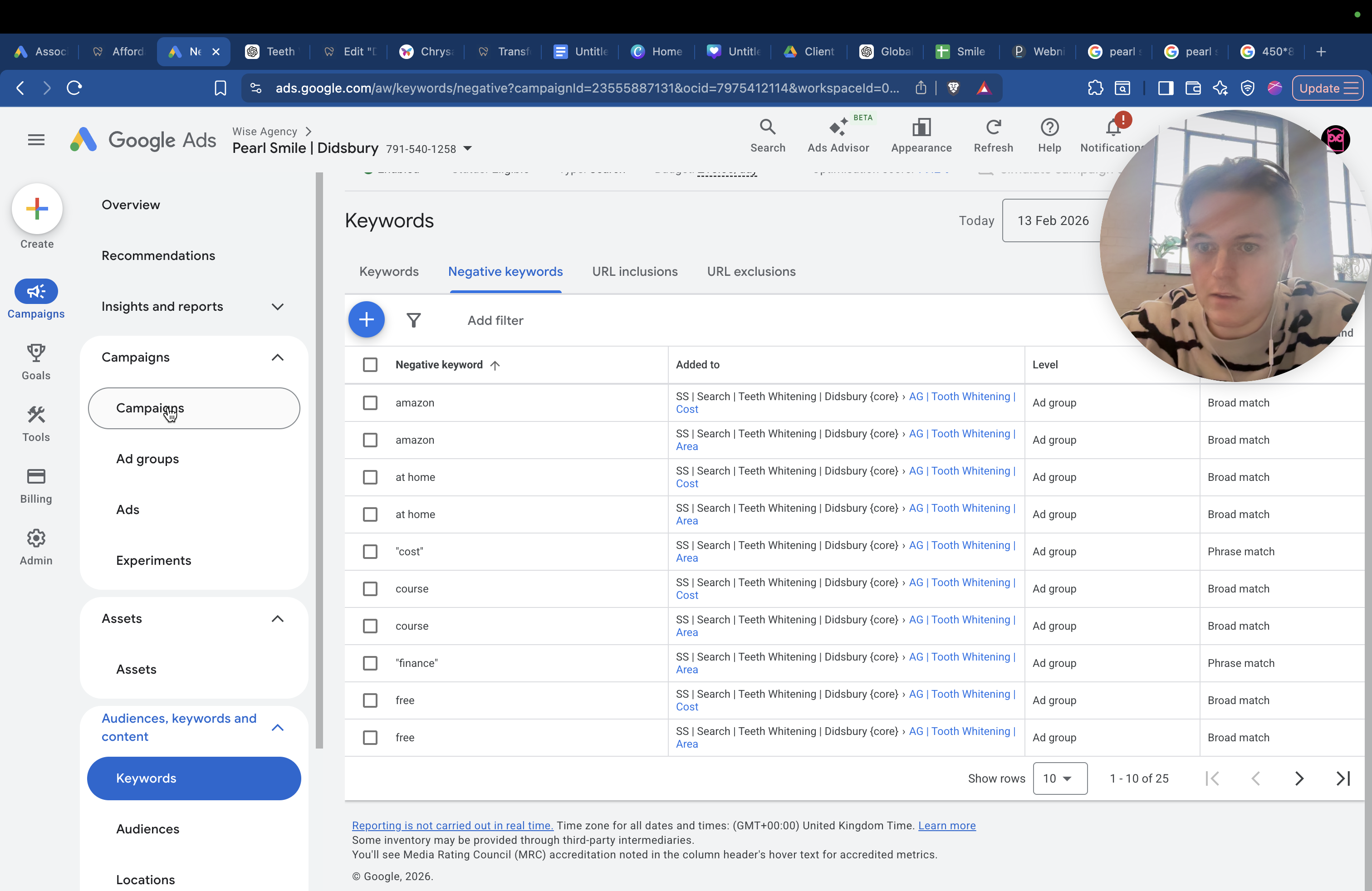
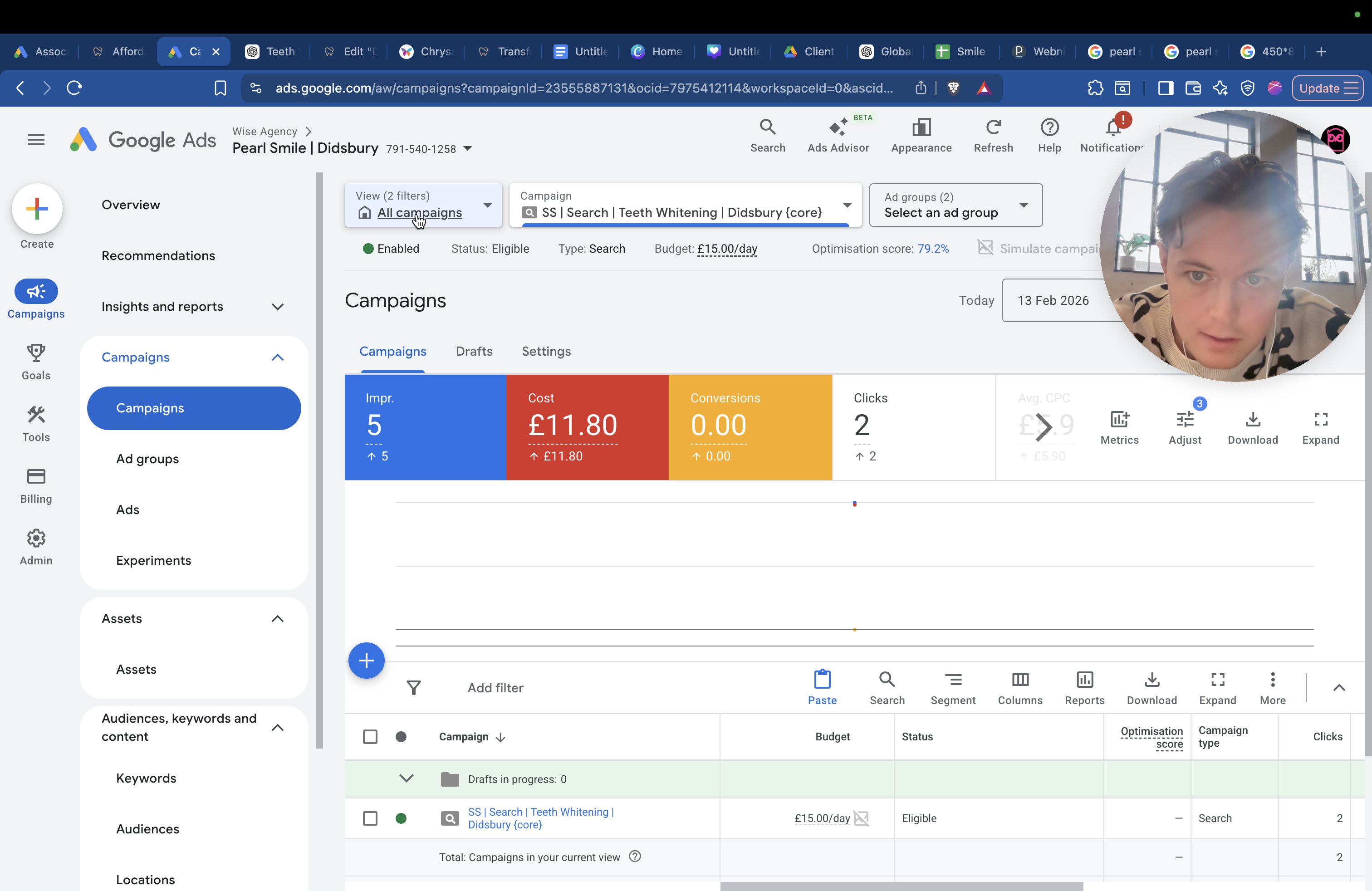
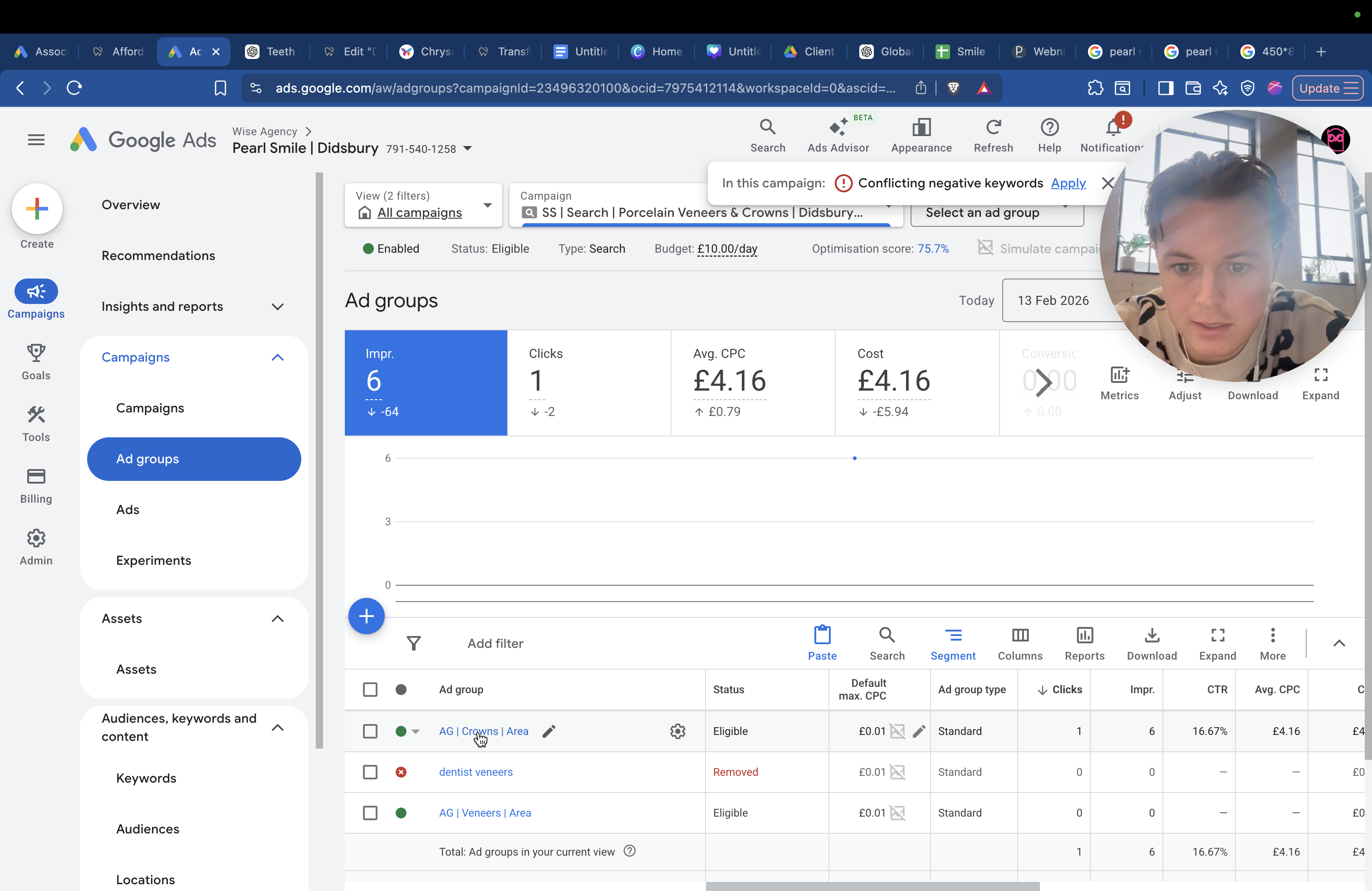
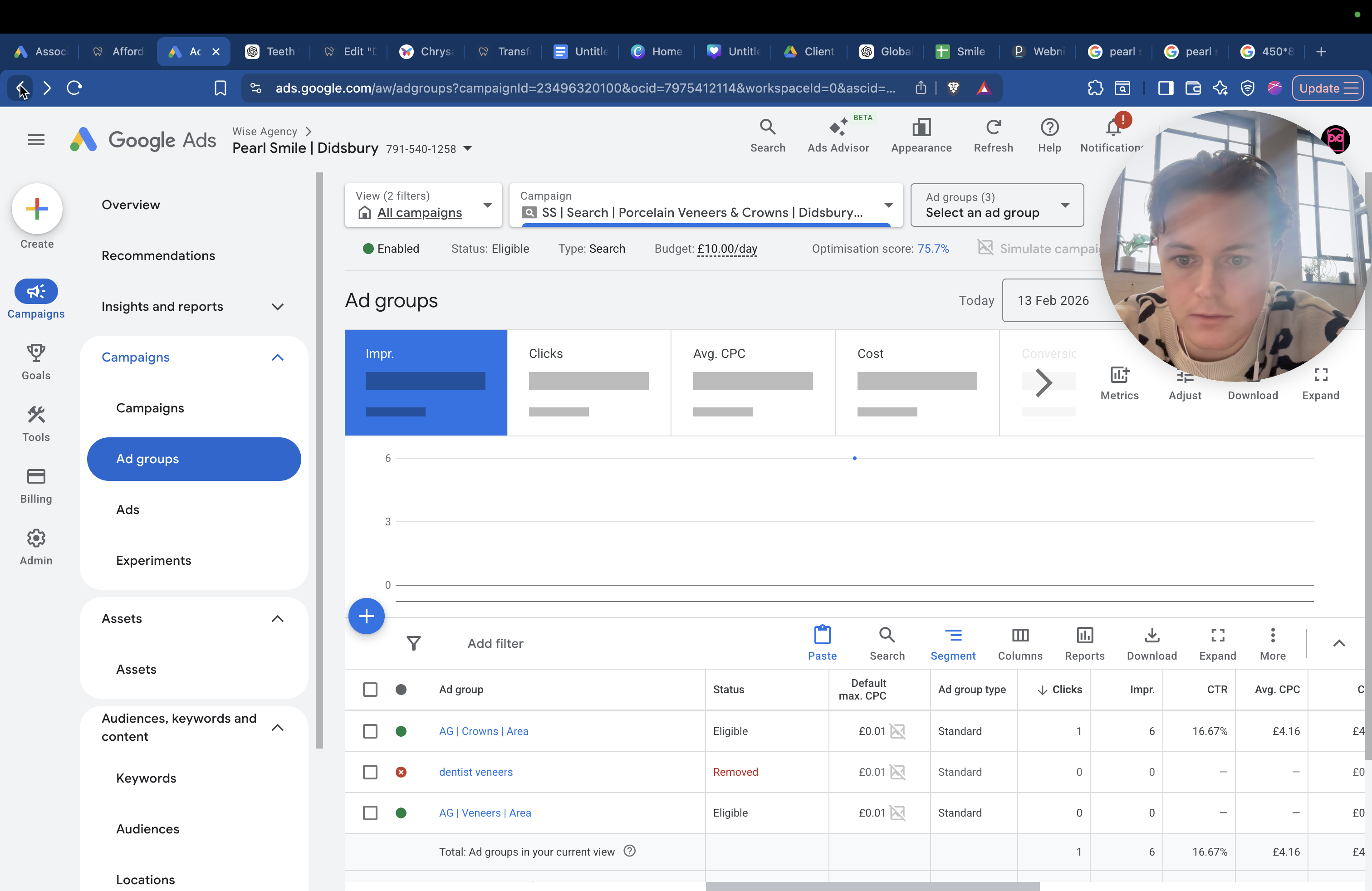
We have two separate ad groups: one for crowns and one for veneers. These target people searching for terms like "best crowns in Didsbury," "dental crowns in Didsbury," and "private dental plans in Didsbury," while excluding keywords such as "cheap," "free," and "NHS."
And then we have emergency.
Uh, we don't ... Sorry, we've handled the emergency.
Which one have we not done yet?
I think it's private. People are looking for a private dentist in Didsbury.
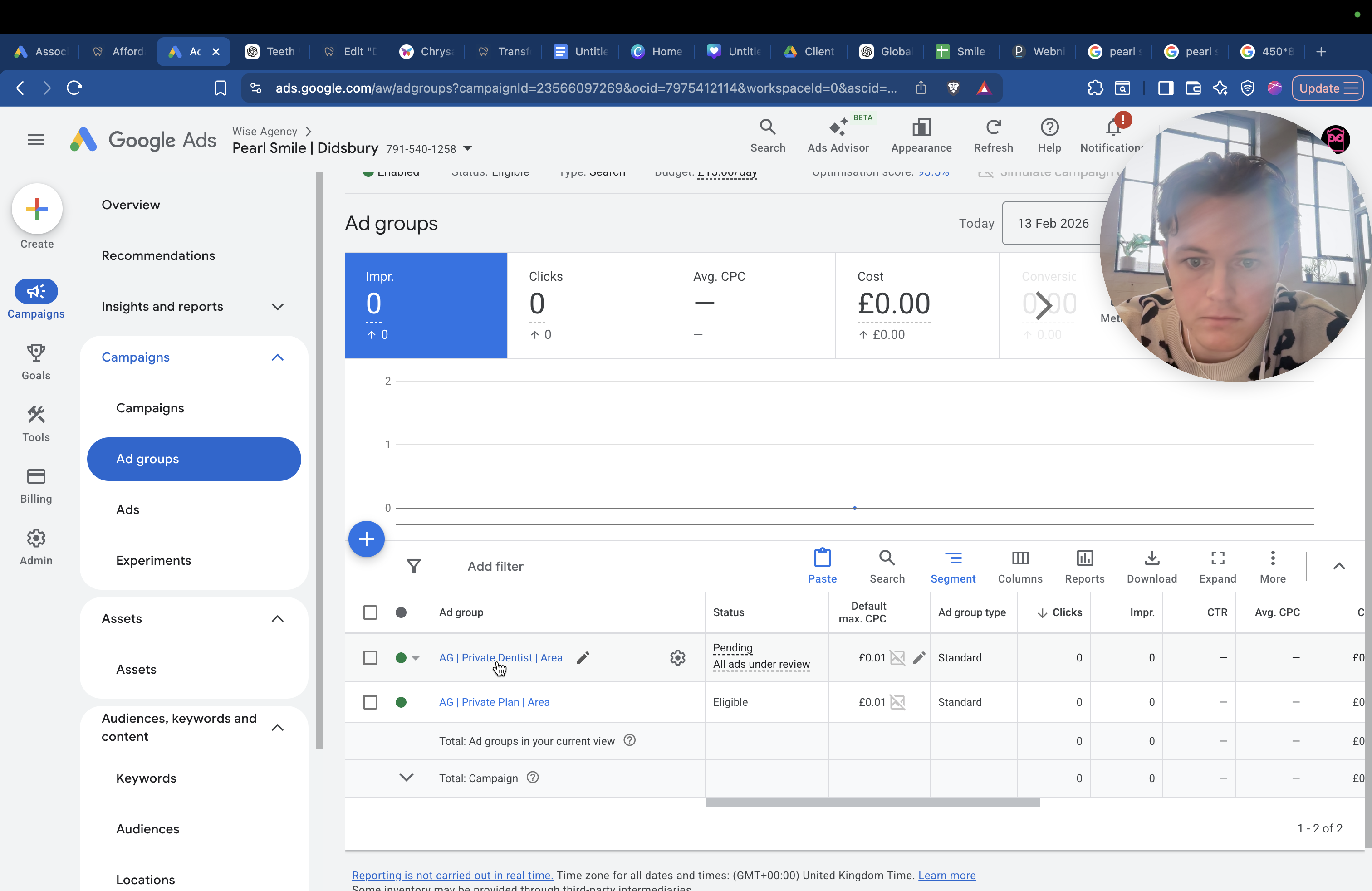
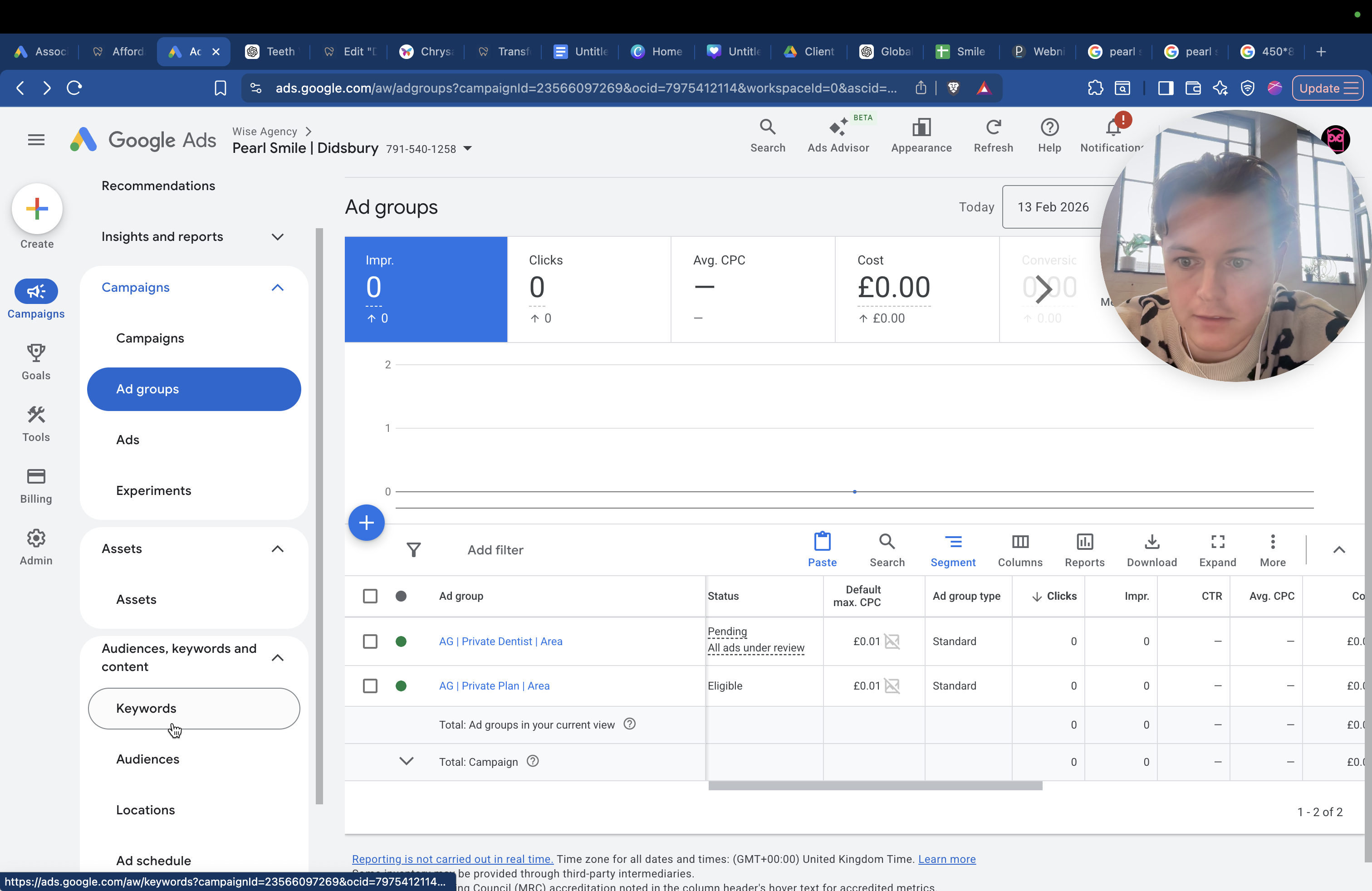
We also have a separate ad group for private dentist payment plans, dental membership plans, and monthly plans.
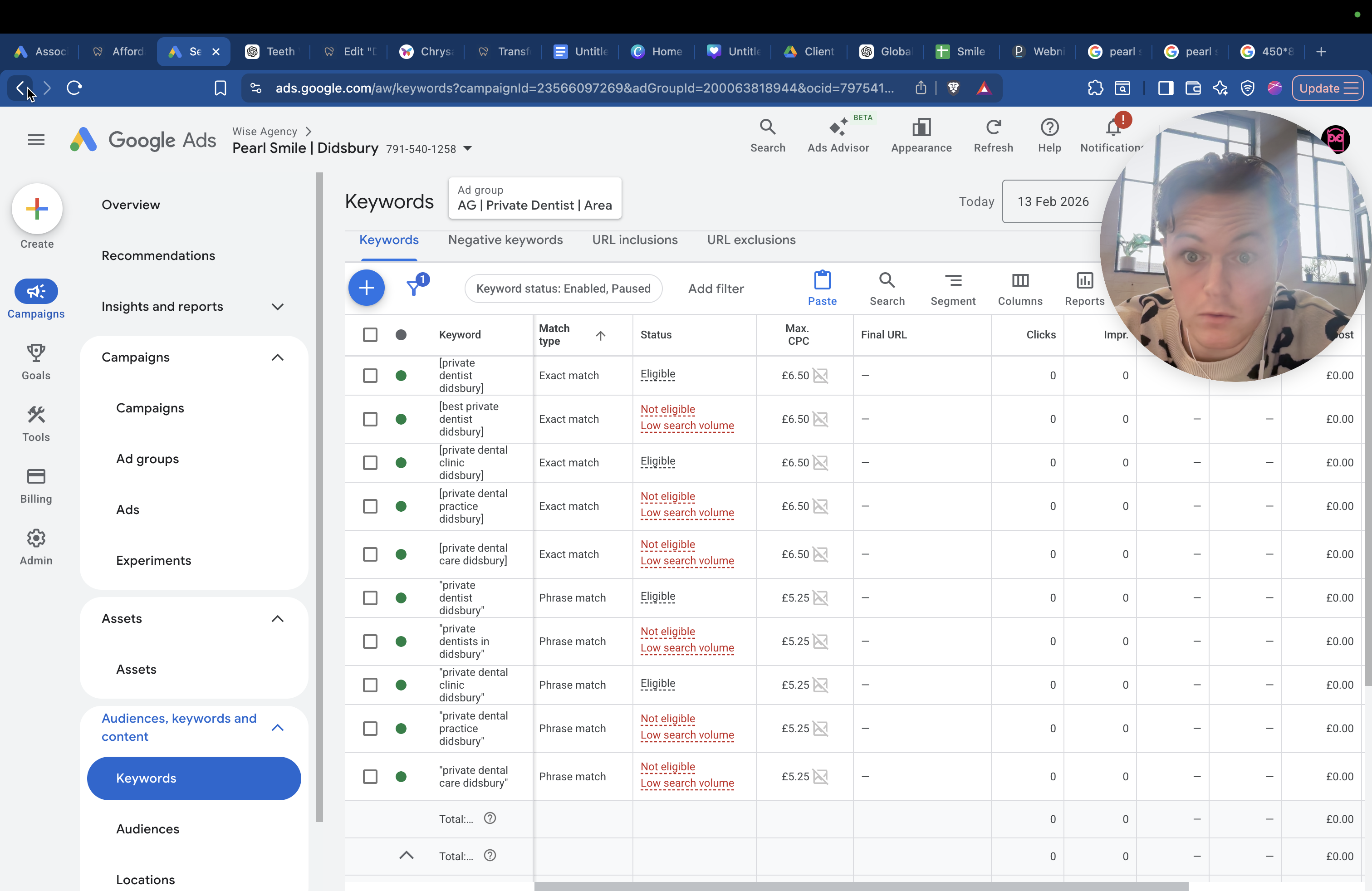
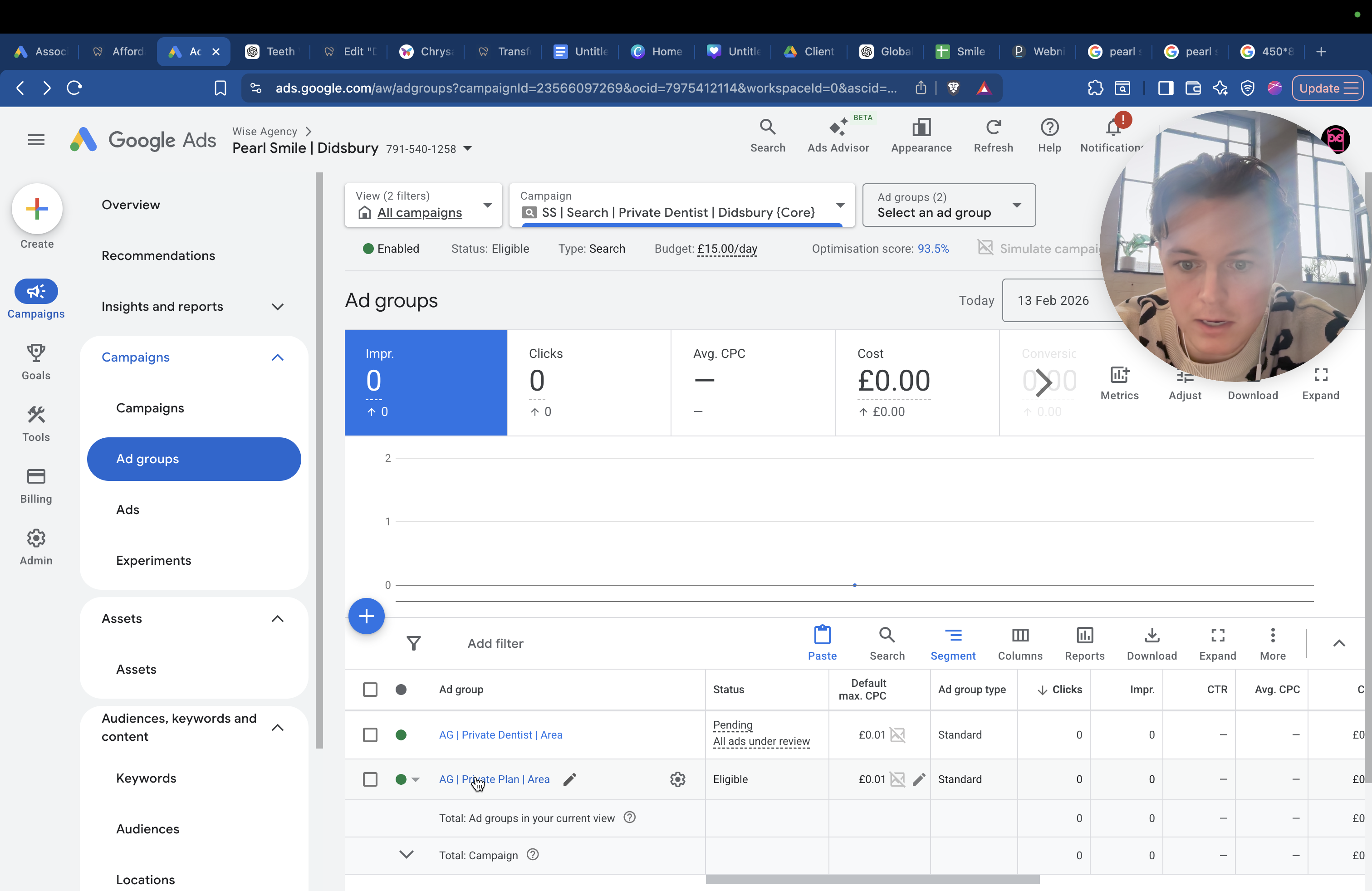
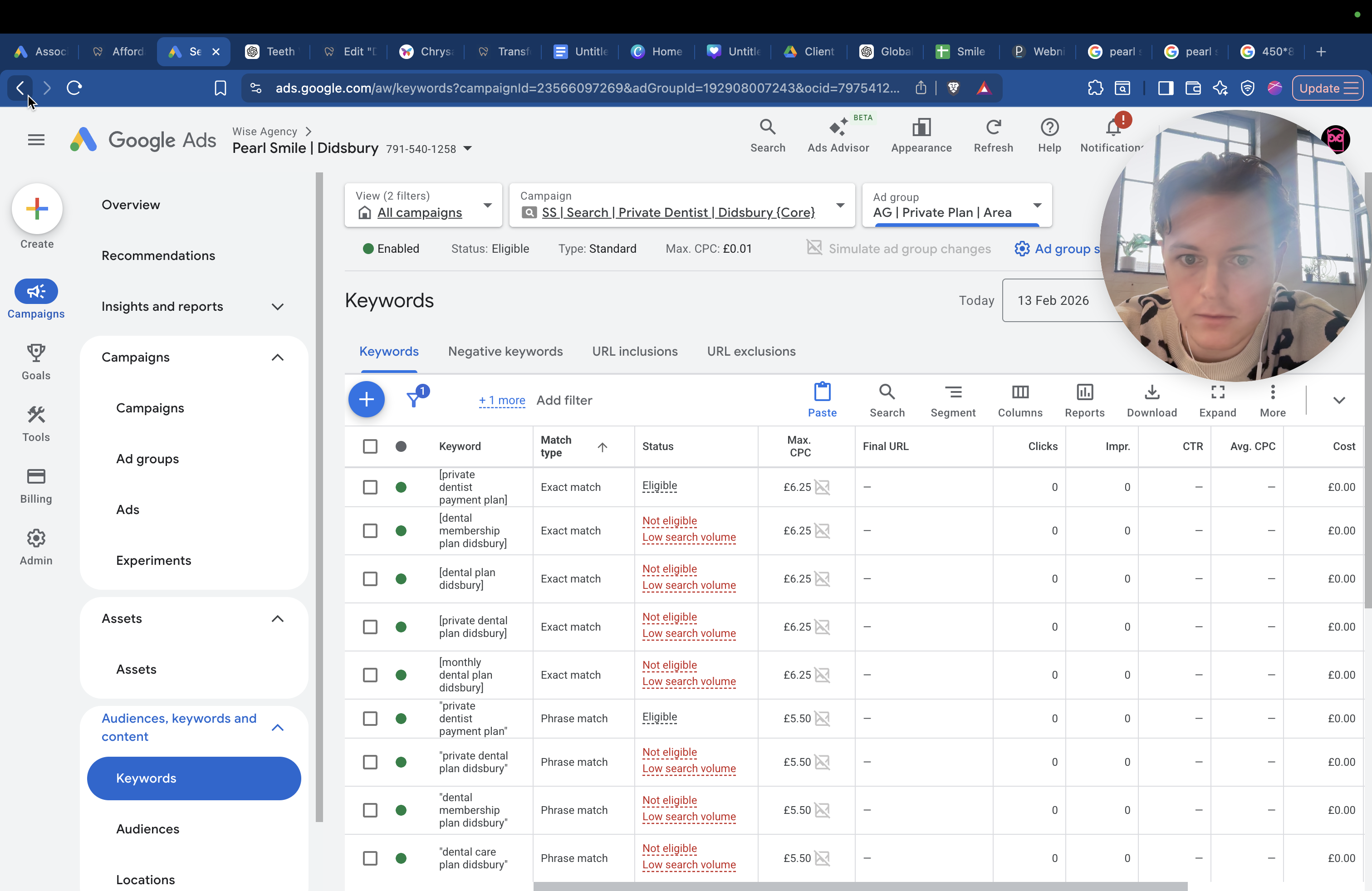
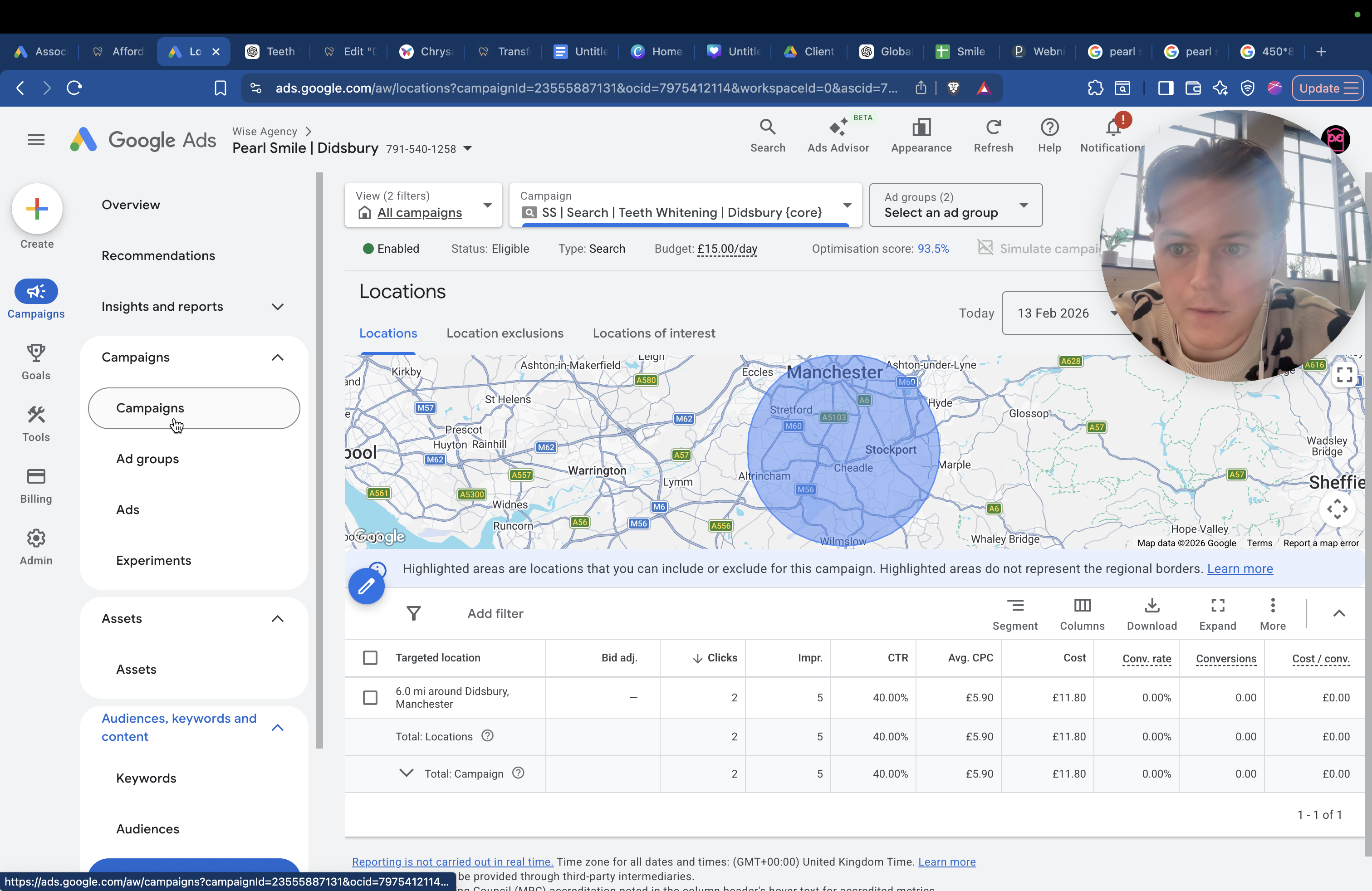
All the cost-per-clicks are sorted. They all have different radii, but the main ones are usually six miles or three miles.
This route is three miles around Didsbury because it is a popular search.
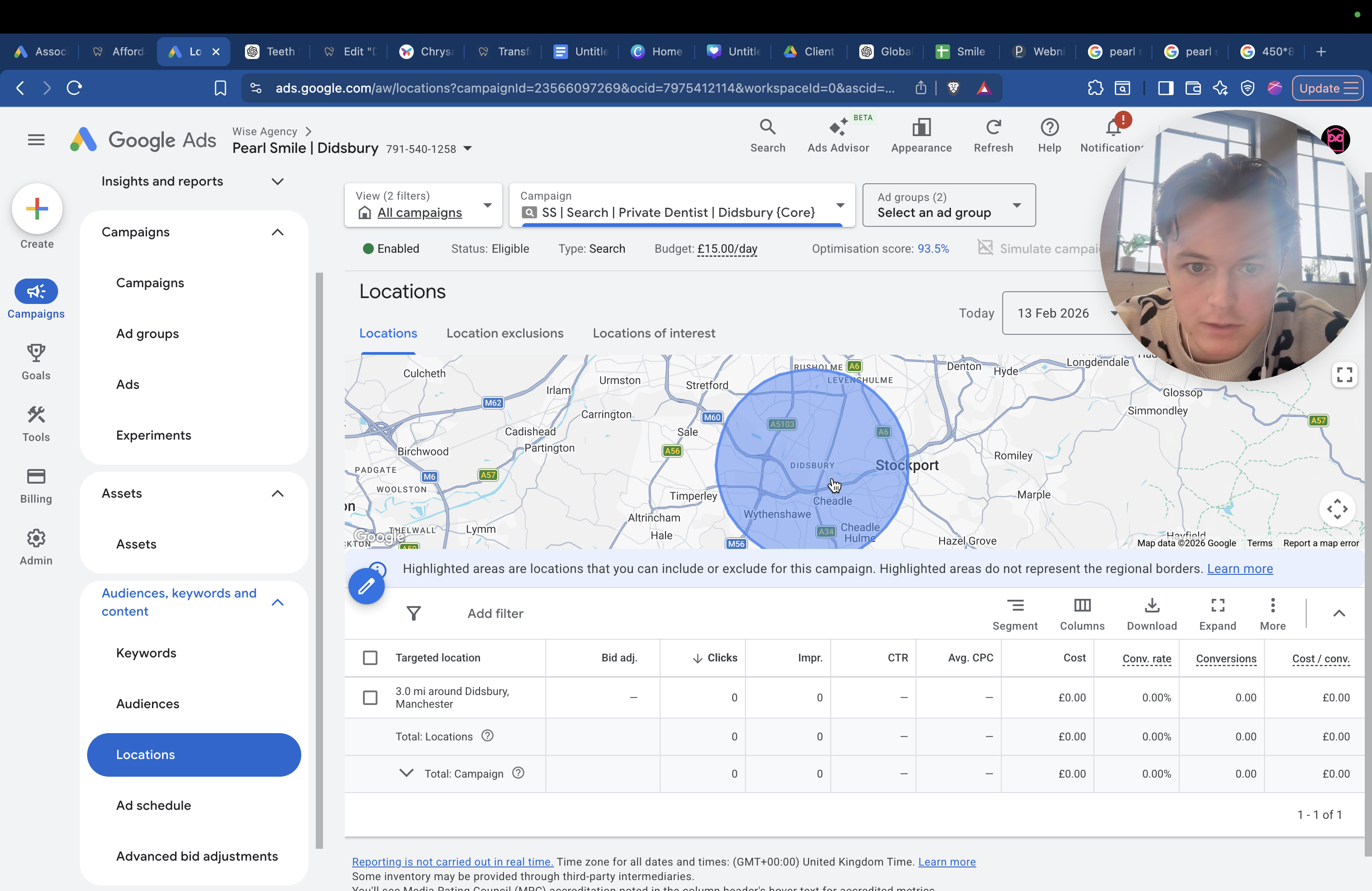
We don't want to expand the radius too much because there will be more competition, and we won't stand out as much. People looking for a private dentist usually want one close to home, within one to three miles. If we look at campaigns, such as teeth whitening, the radius is usually five or six miles.
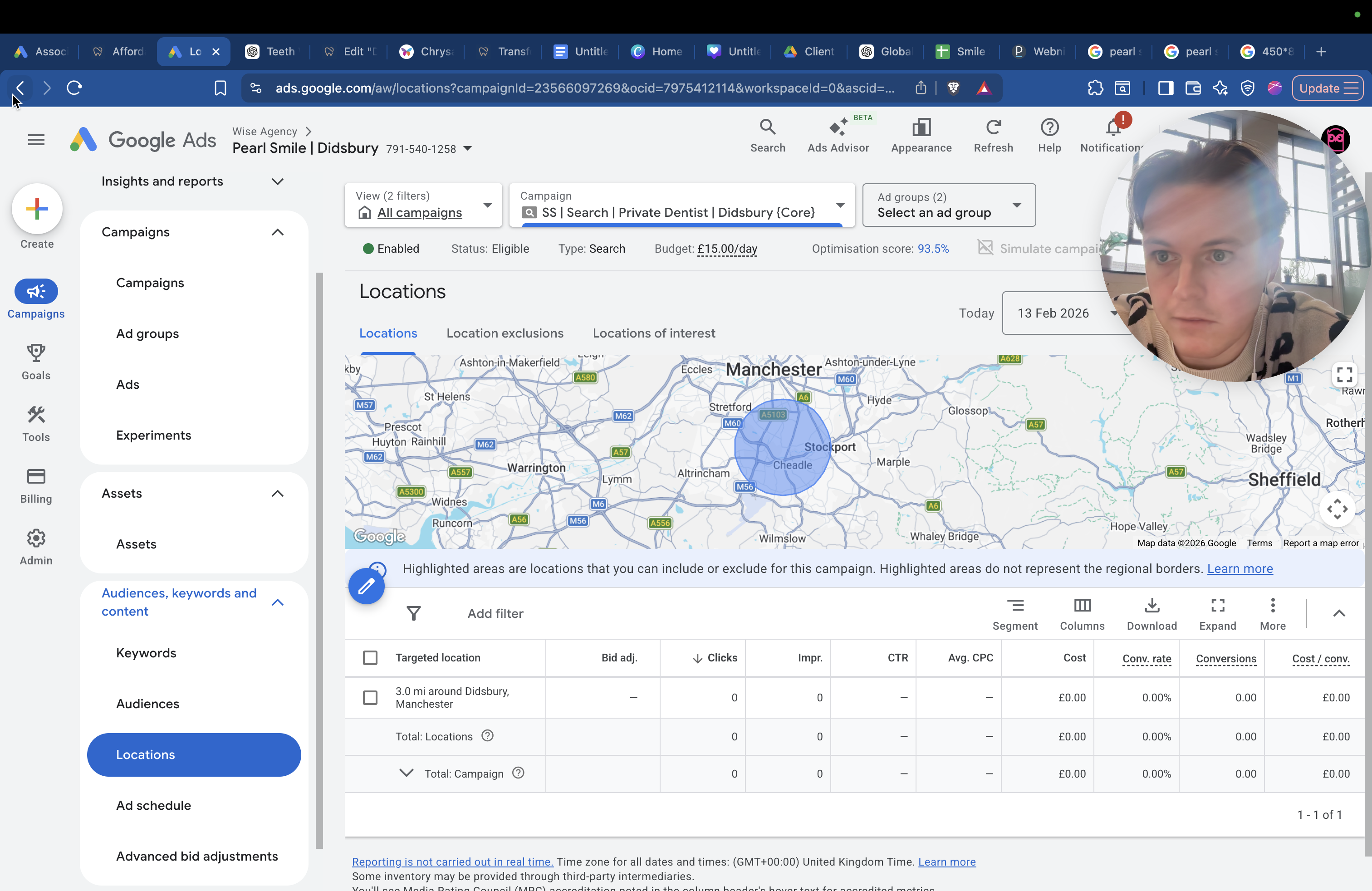
Yes, six miles. People might be willing to travel a bit farther since they won't be coming as often. After their whitening treatment, they won't need to return if it's just a one-time procedure. I believe that's all I need to explain.
The daily budgets are as follows: - Teeth whitening: £15 - Private dentist: £15 - Crowns and veneers: £10 - Emergencies: £10
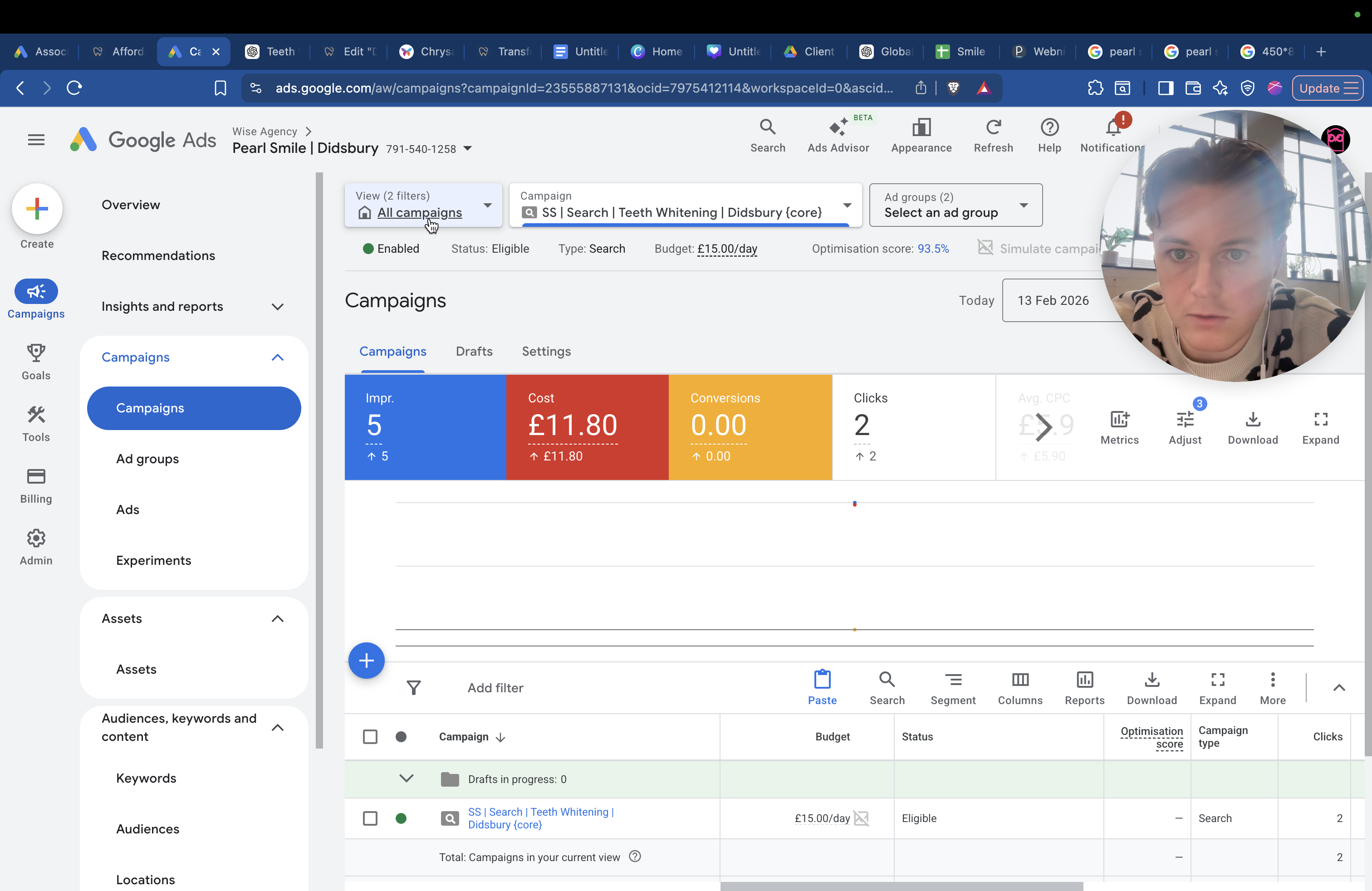
That's £304 a month. Let's clear that. That's £304 per month. This one is £304 per month. This one is ...
That's not correct. Let me ... The budget will be 15 times 30, plus 15 times 30, plus 10 times 30, plus 10 times 30. The current budget for Google Ads is £1,500 per month. We can increase this if we're still waiting for Meta access. We've left some resources available for when Meta is ready, expecting it to be available by now.
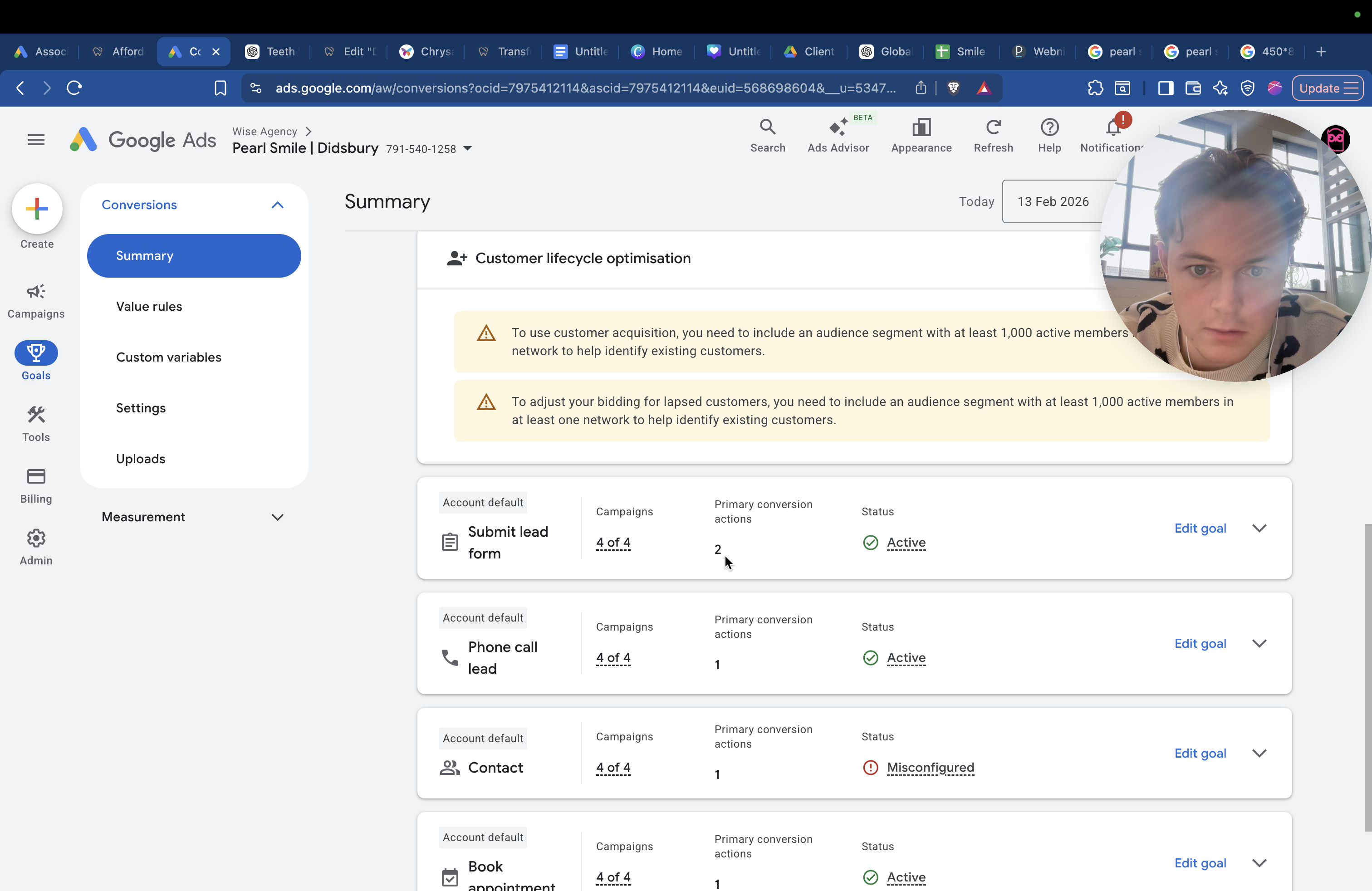
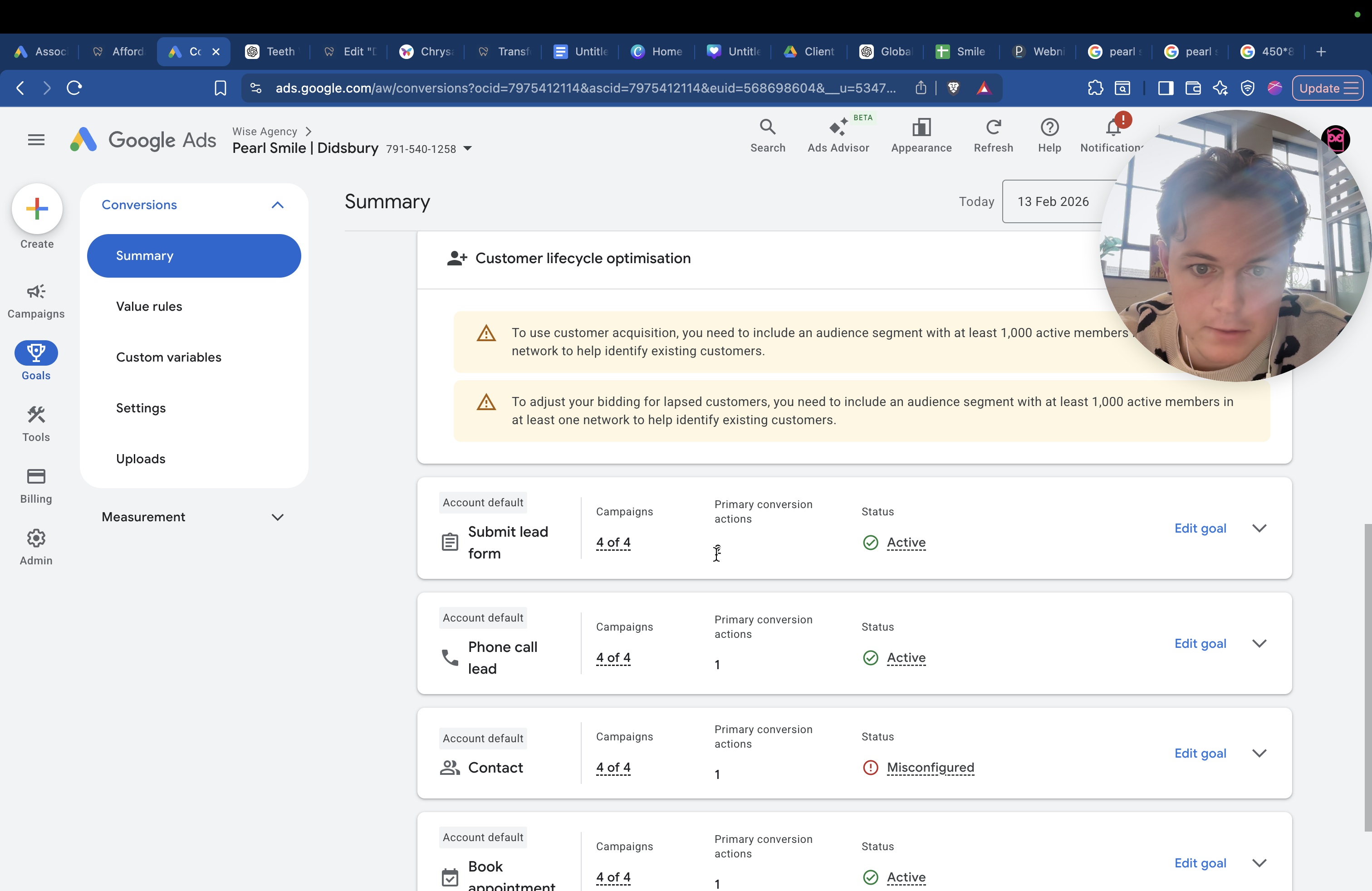
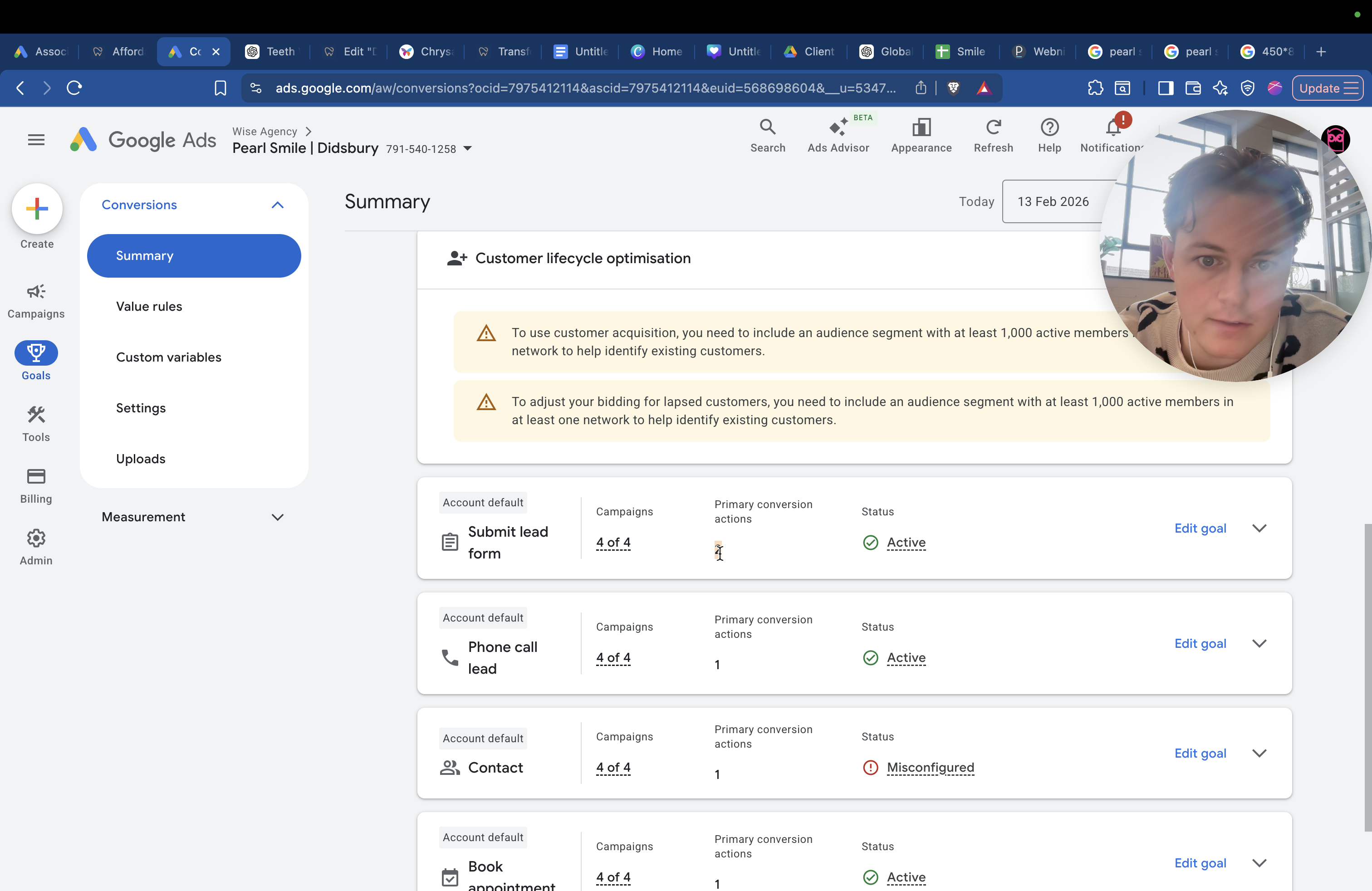
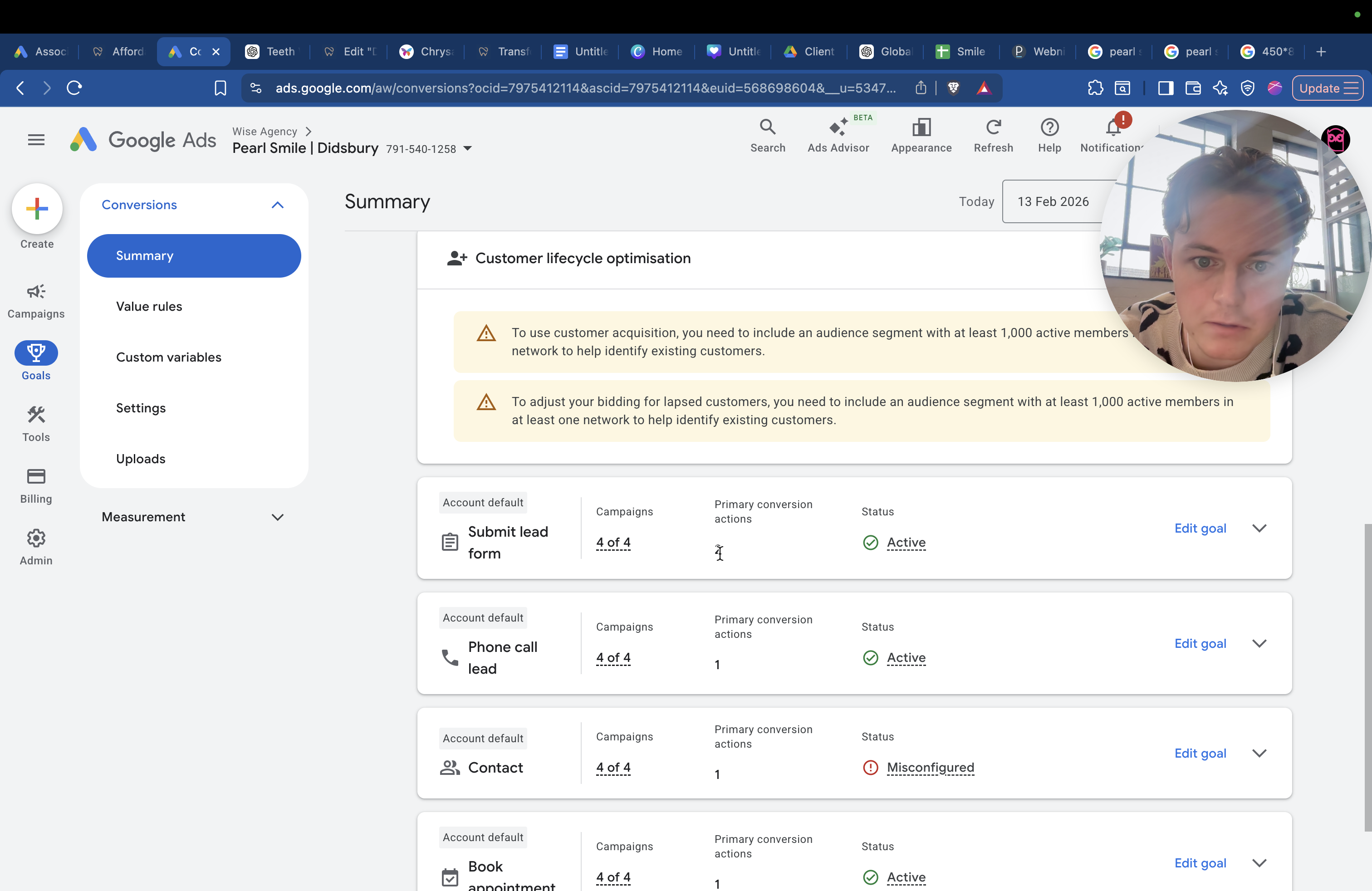
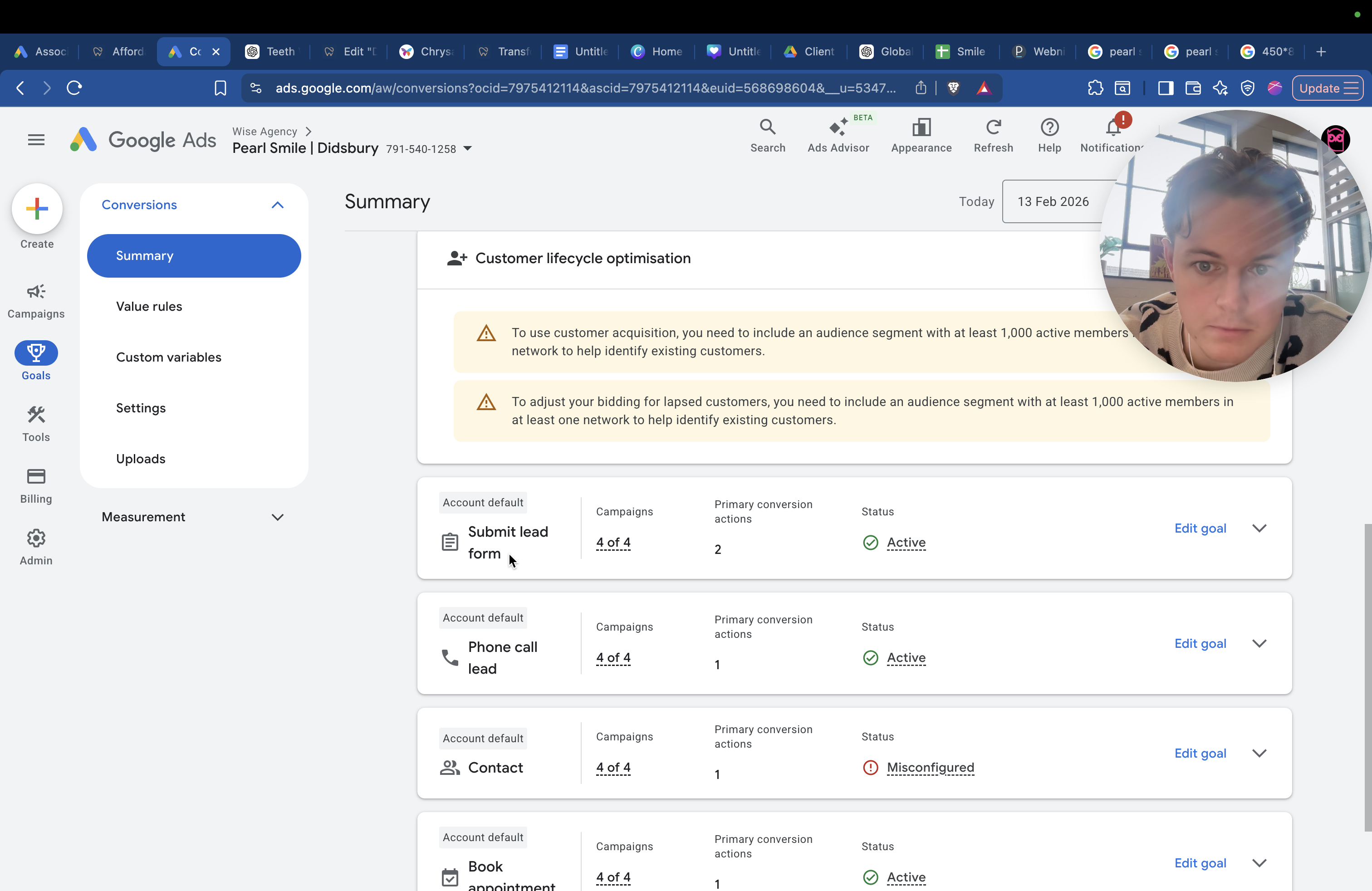
That's a brief overview of how everything works. Tracking is all set up. If we go into Goals here, you will see...
The goals are set up. When someone submits the form on the website, it counts as a conversion. Google detects this. For example, if John from Didsbury submits a lead form, it is recorded as a conversion.
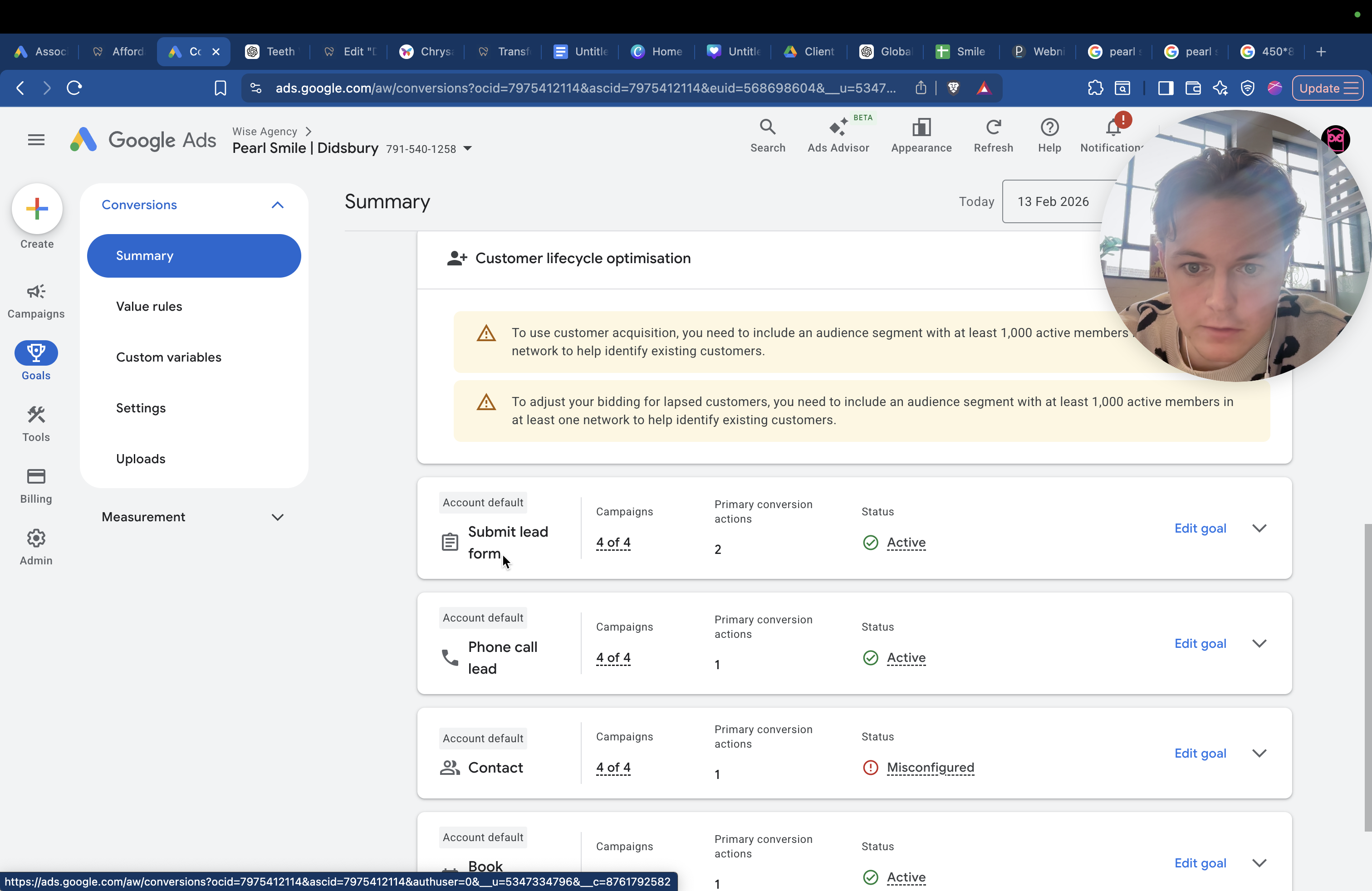
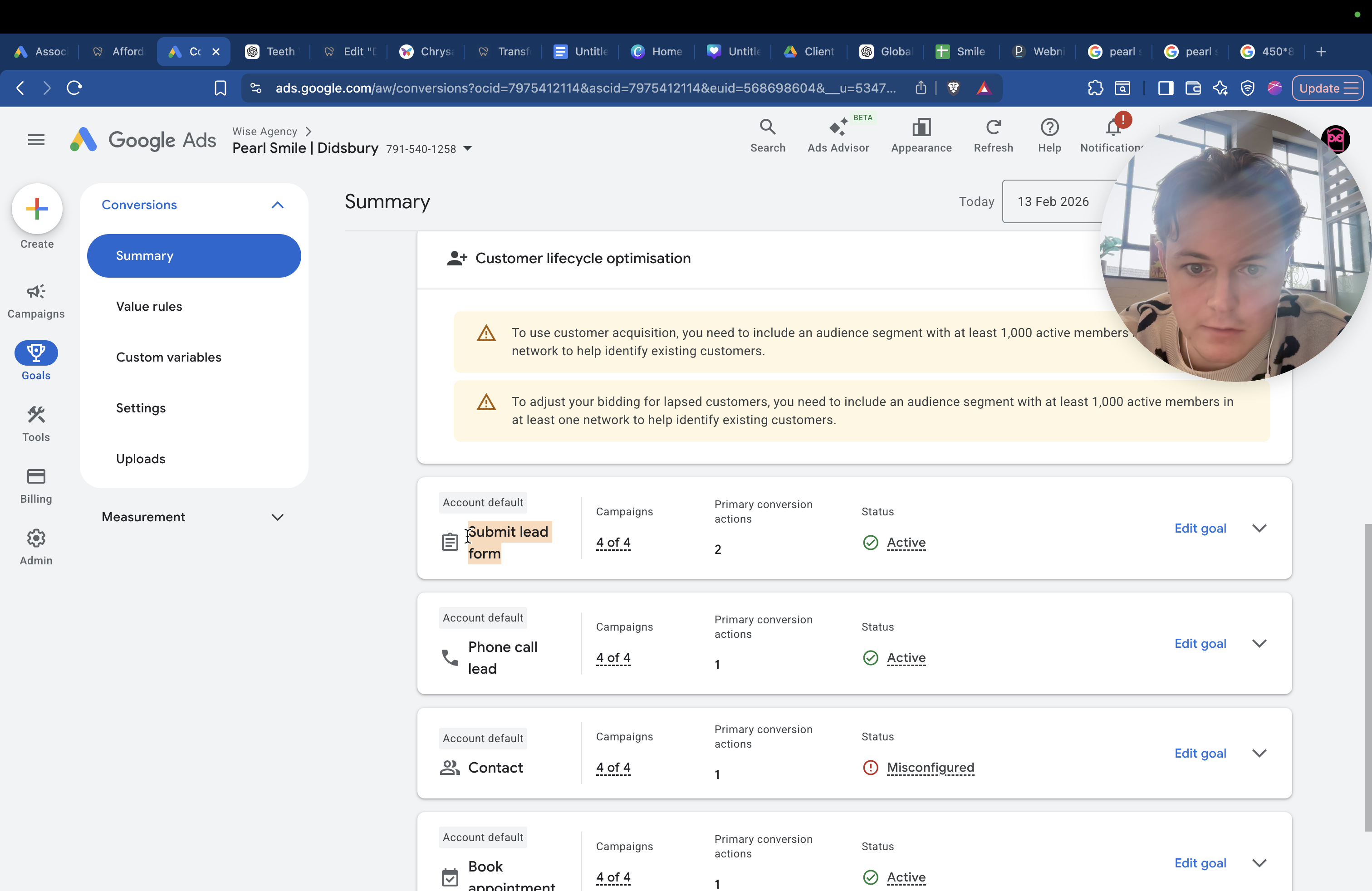
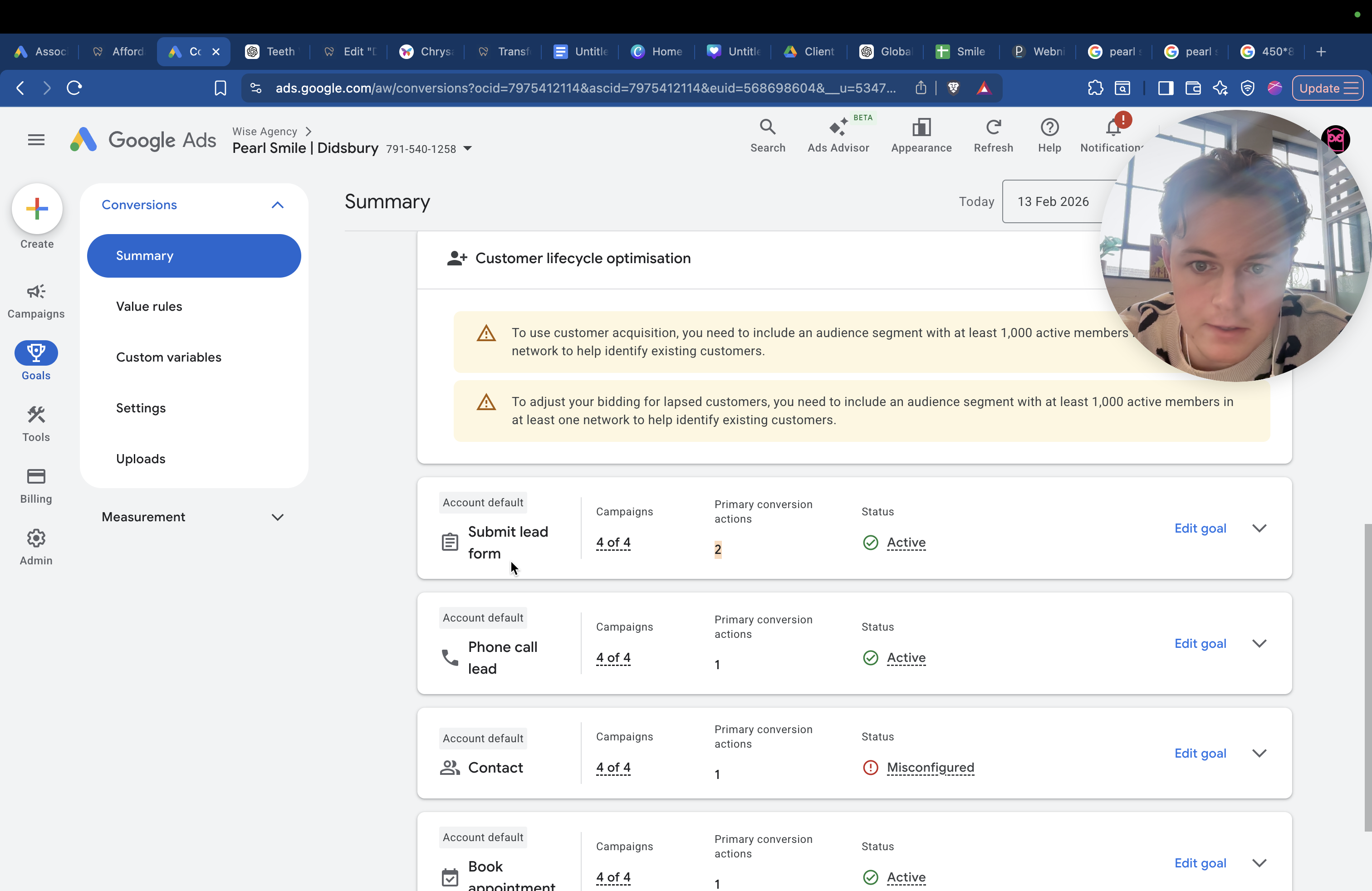
It will submit more Johns and target more people named John from Didsbury.
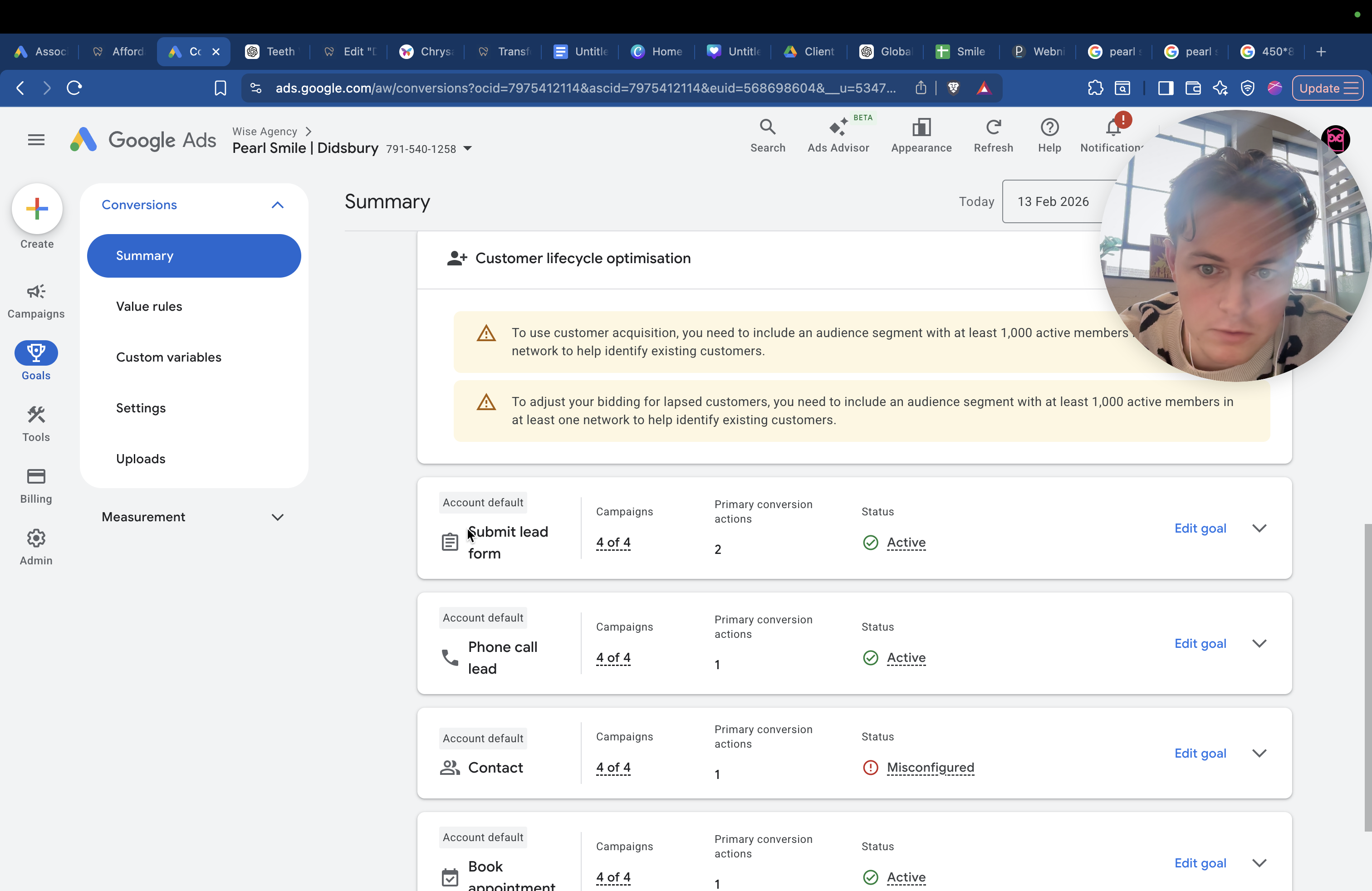
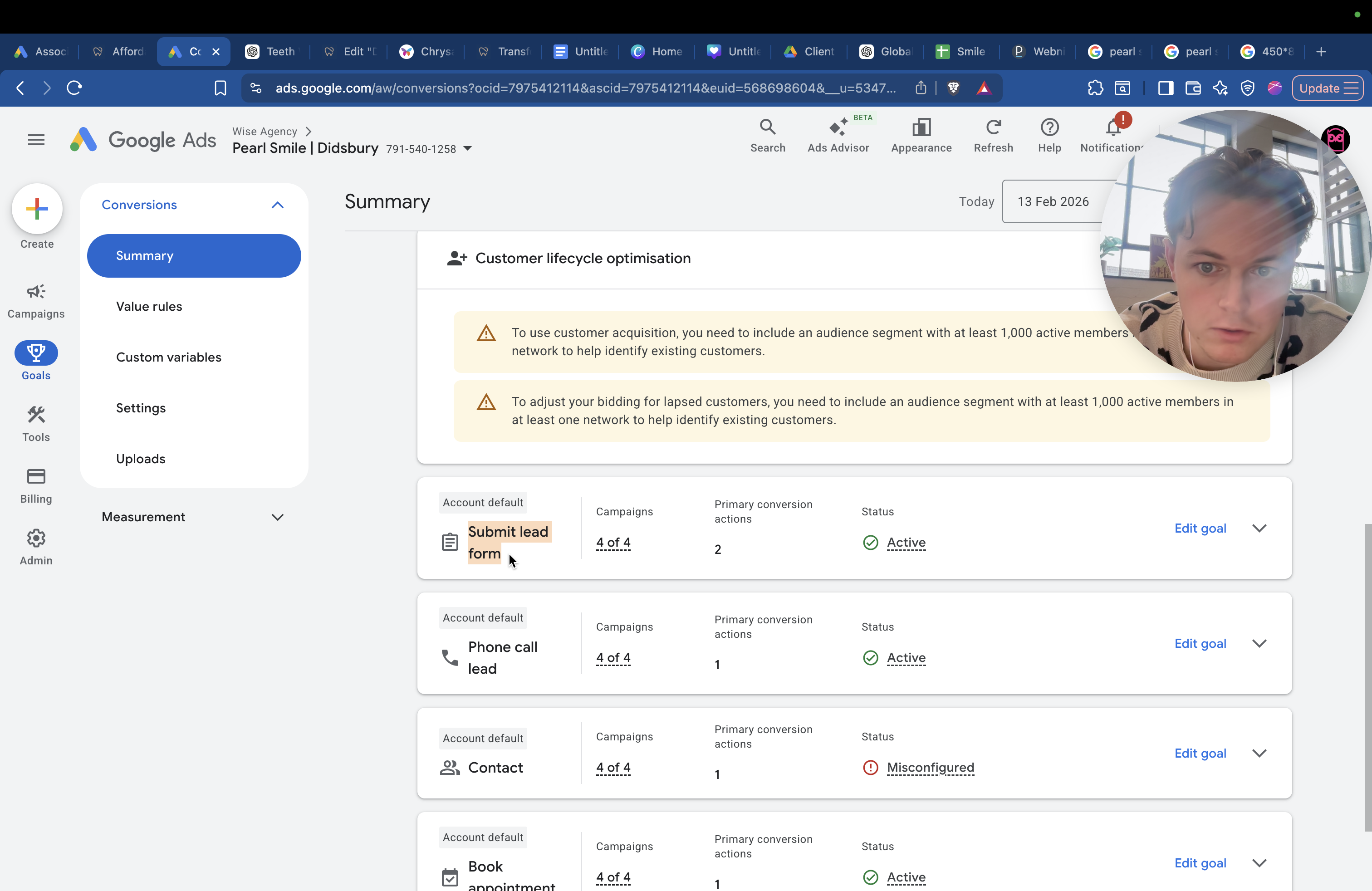
It will say, "Hey, that's a good lead. That's a good user."
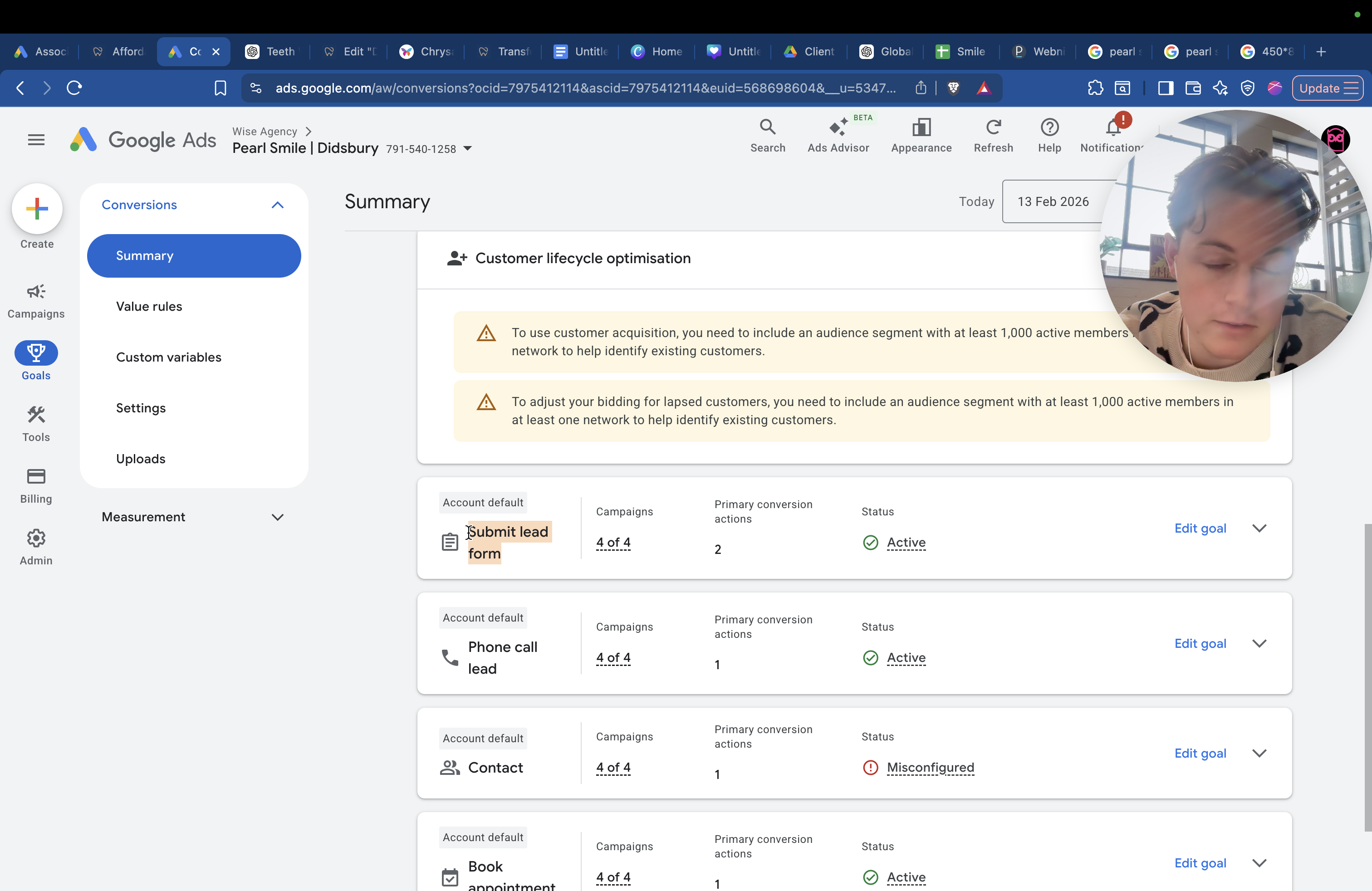
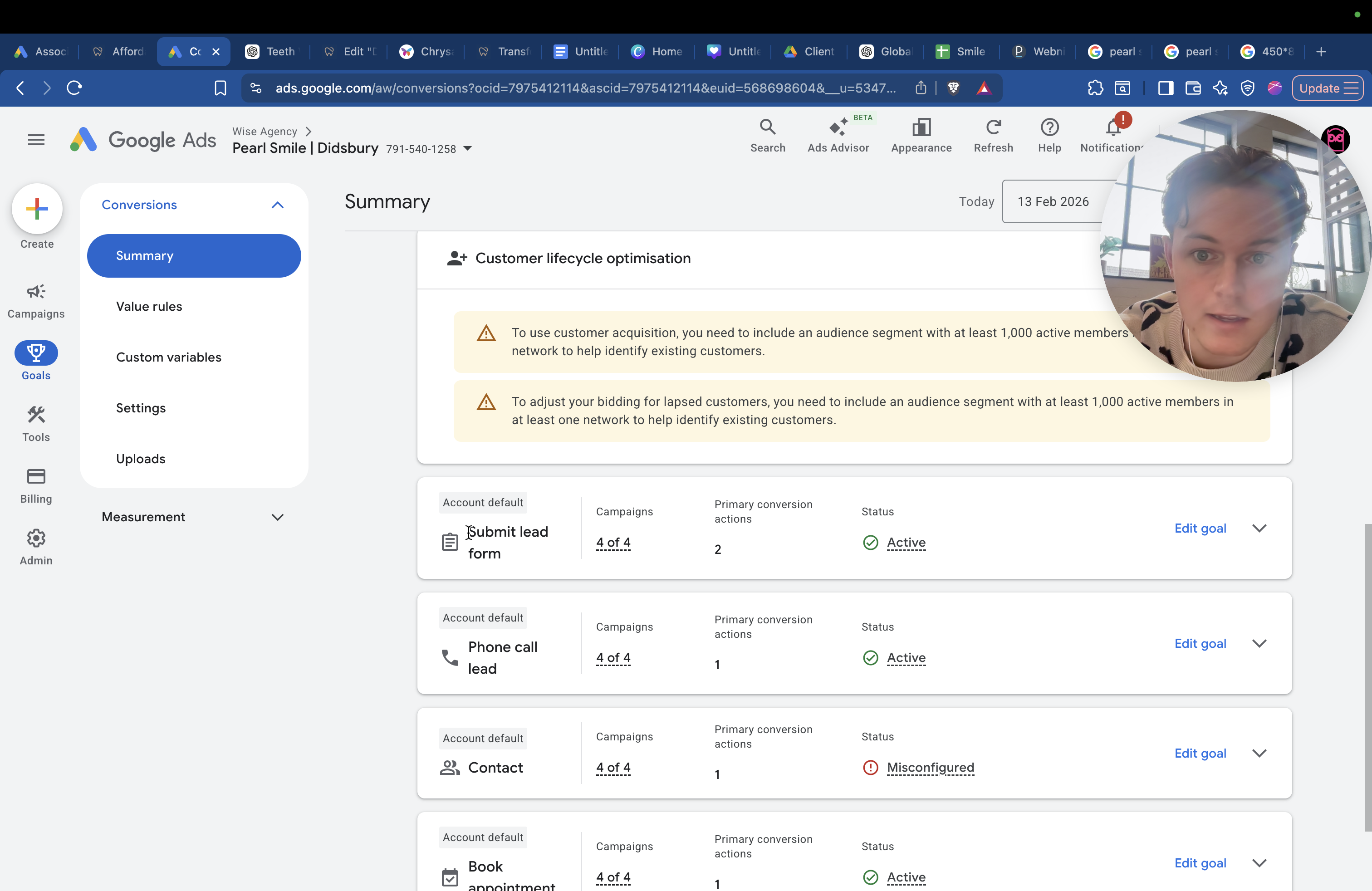
Let's focus on his age group and people who use the same phone type, such as iPhone or Samsung. Also, consider targeting by age and location.
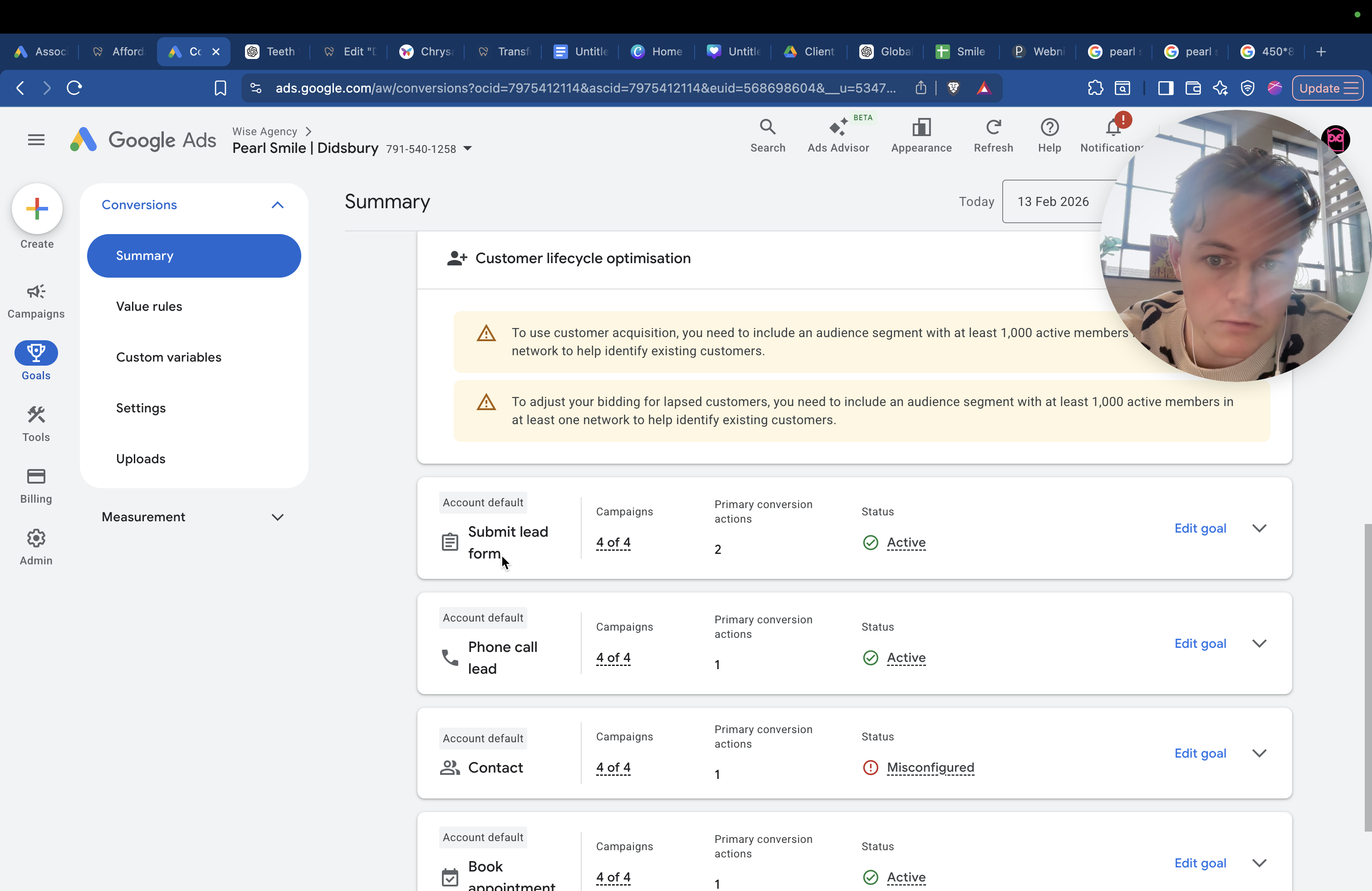
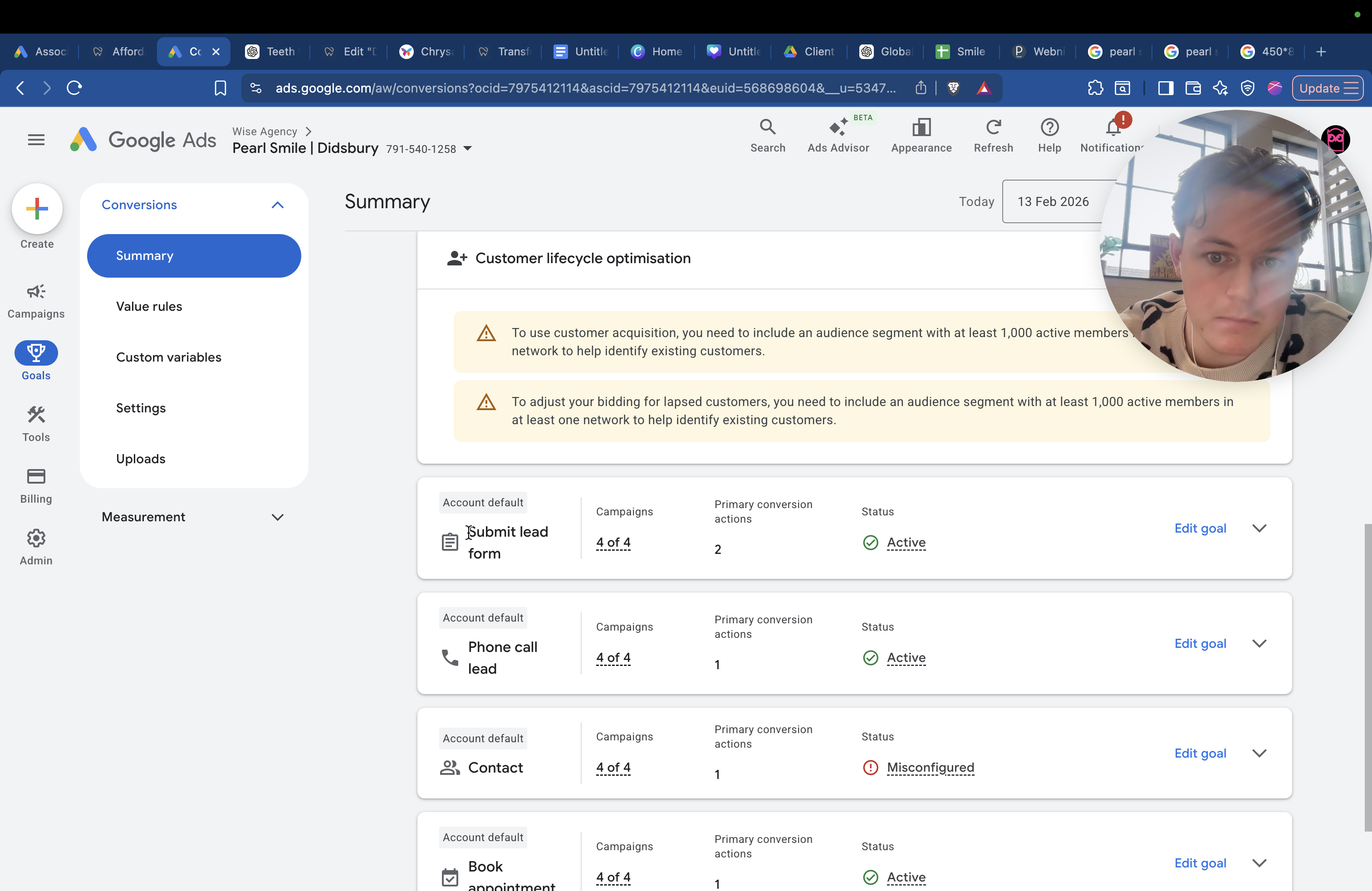
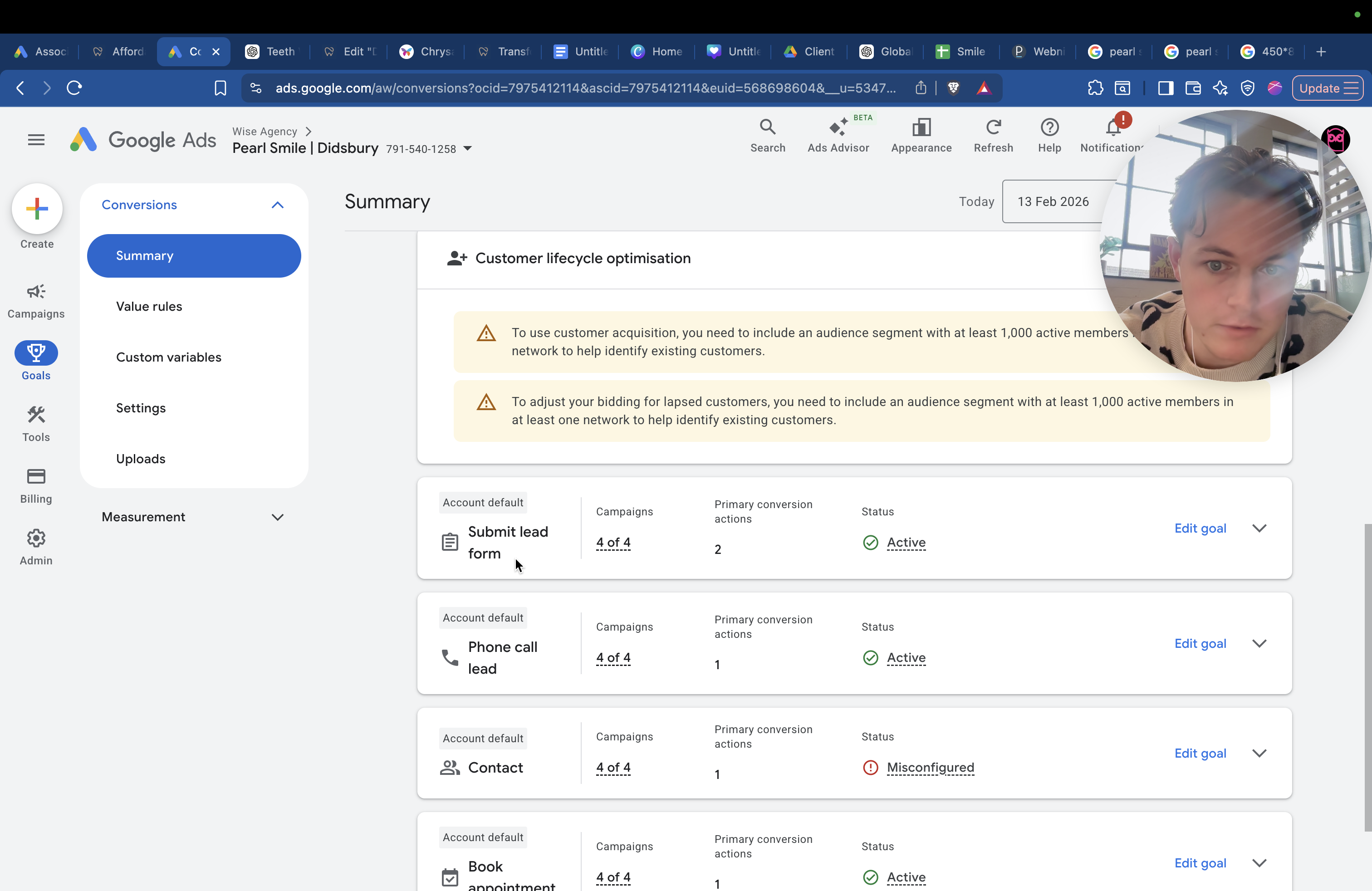
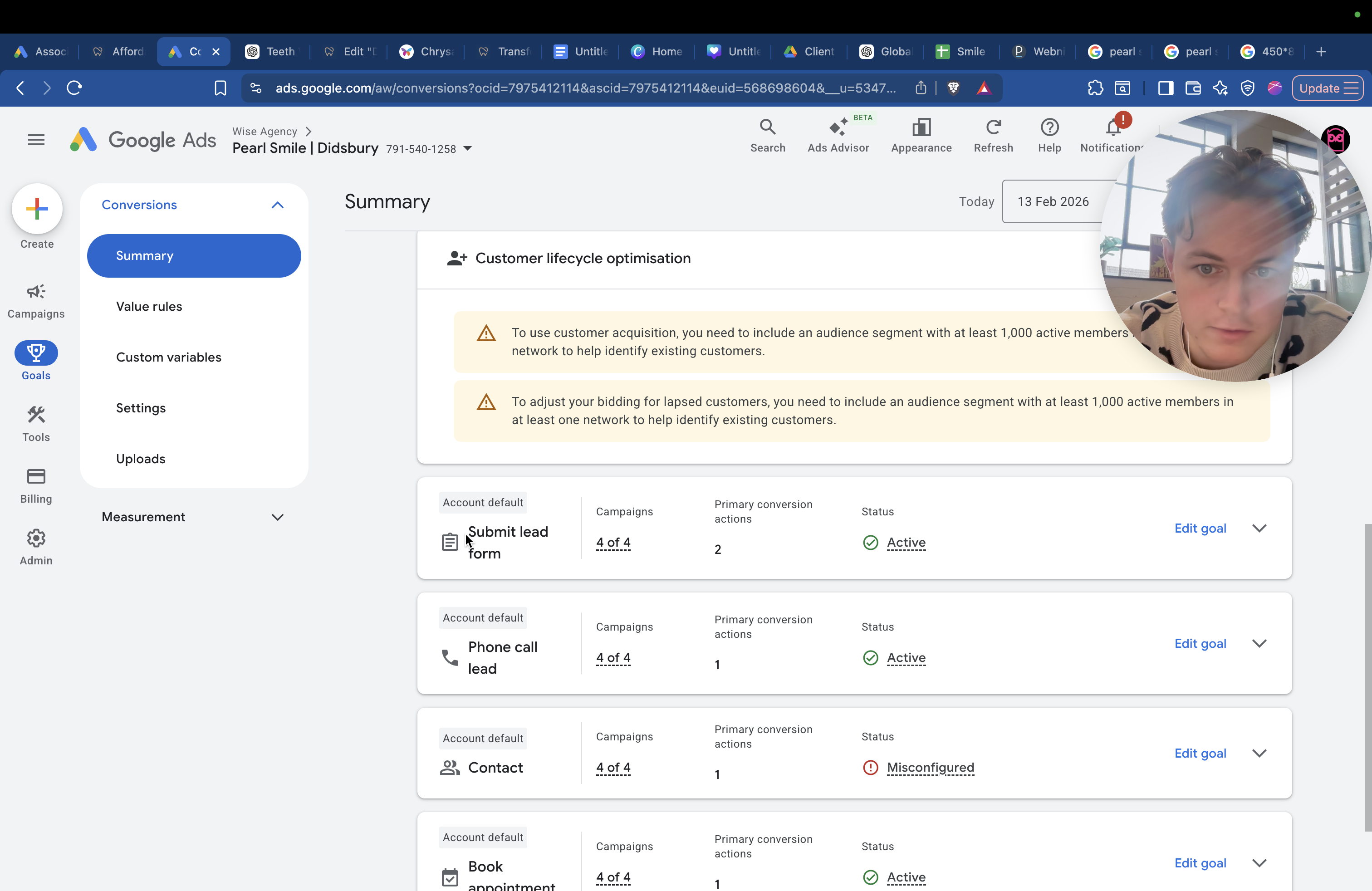
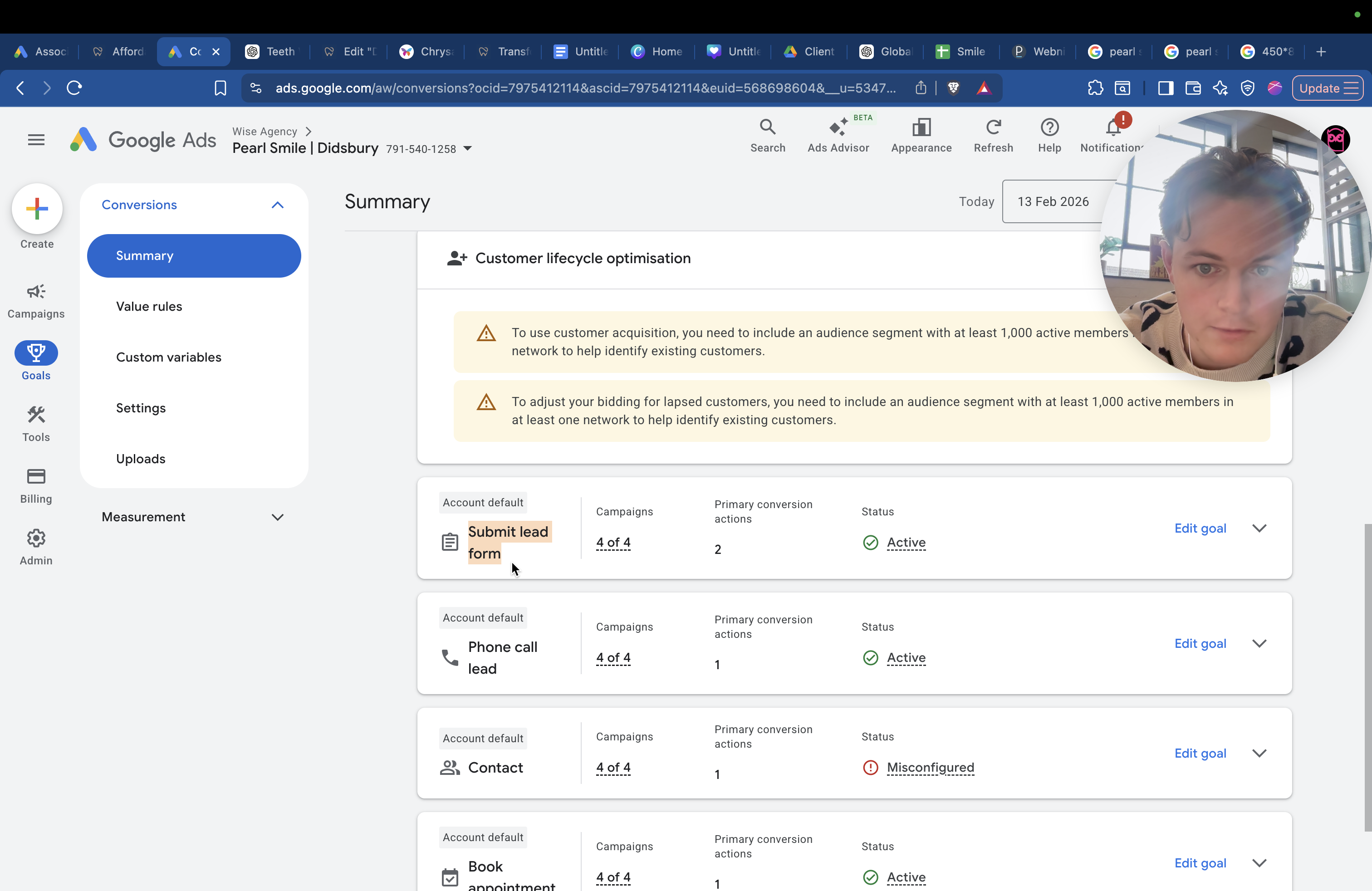
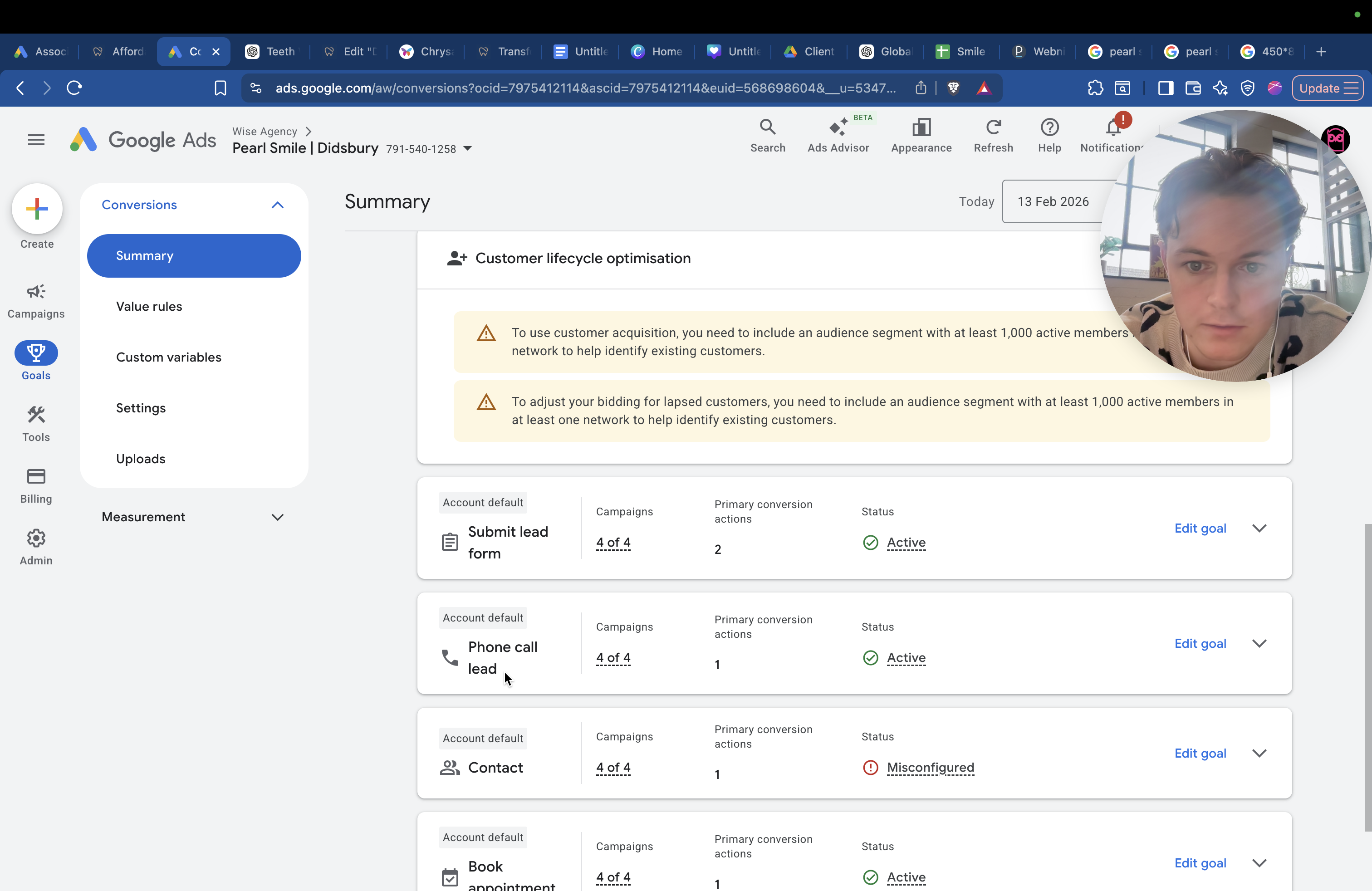
Phone call is one option, and booking an appointment is another.
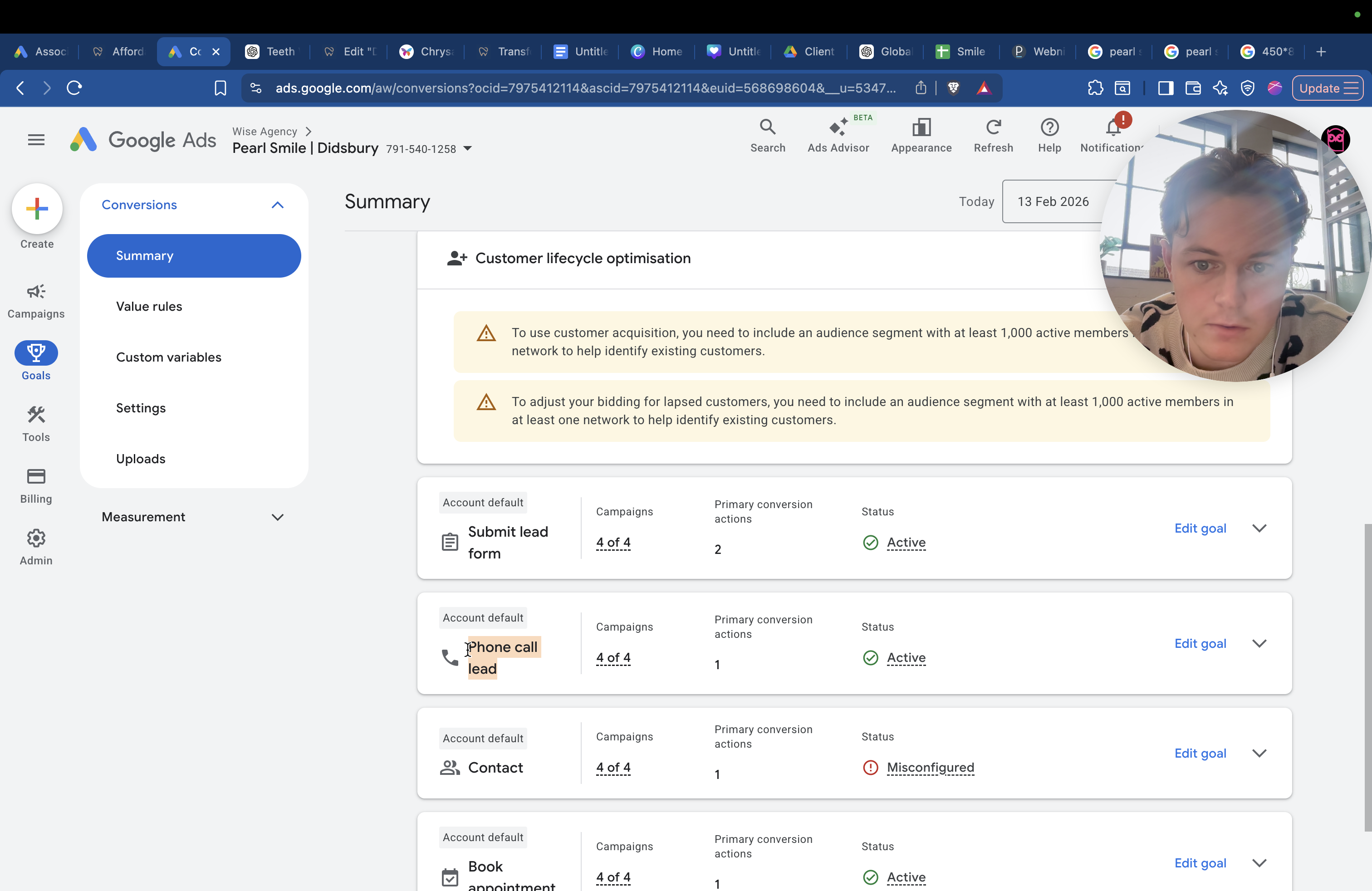
Contact is not needed. That's just a default setting from Google. Hopefully, that gives you a brief breakdown. It keeps you informed and helps you understand what is happening.