Overview of Wi-Fi, Networks, Internet, VPN, and CyberSecure
Explore an overview of Wi-Fi networks, internet connectivity, VPNs, and CyberSecure, including a review of policy tables and network security essentials.
By Eric
In this guide, we'll learn how to review network activity and settings by exploring different sections such as Overview, Wi-Fi networks, internet connections, VPN, and CyberSecure. We will also check the policy table to understand how network policies are applied.
This process helps you understand your network environment and security settings.
Let's get started
1
Click here
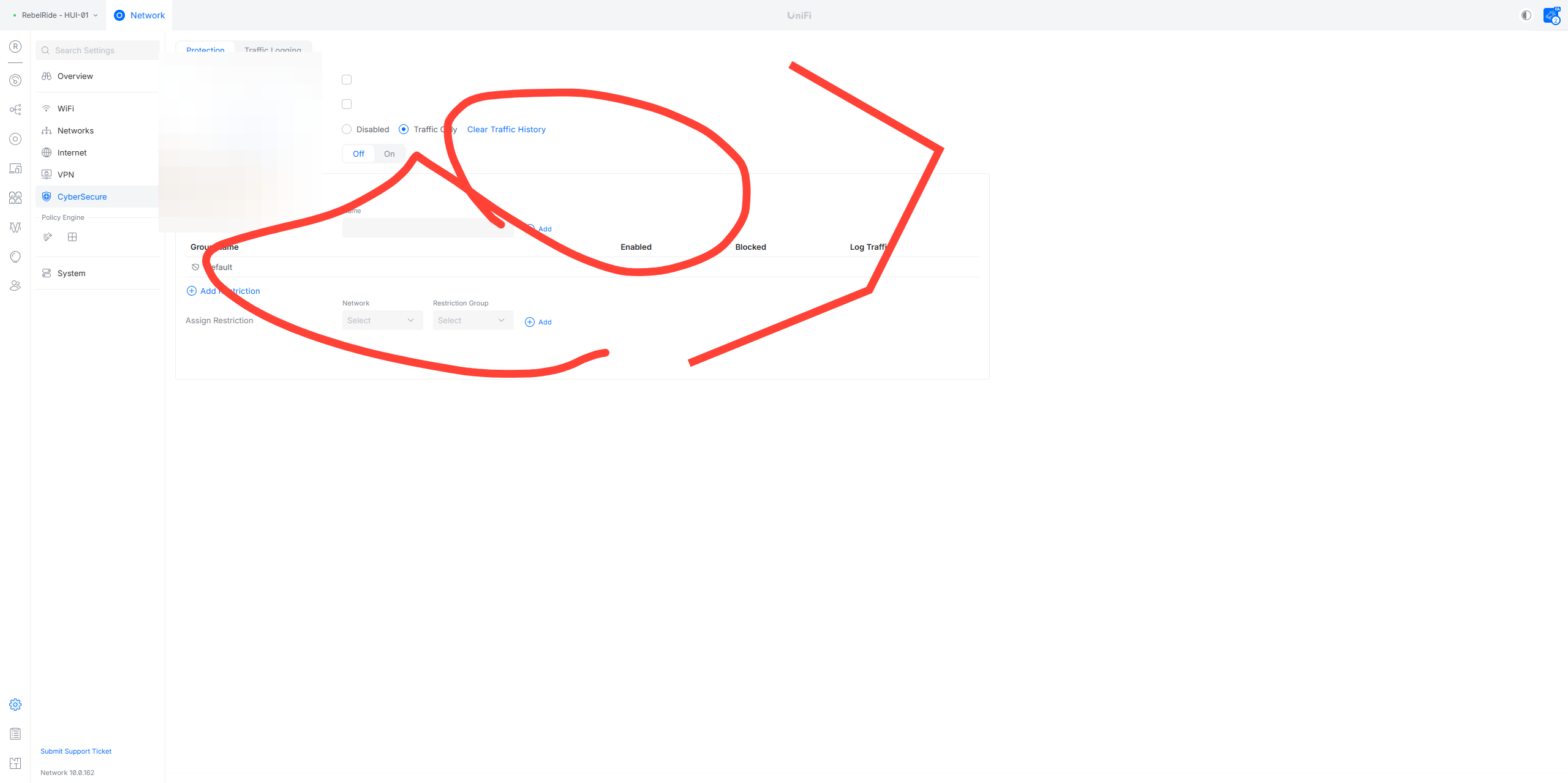
You put the ding-a-ling in my ear, but you didn't do the capture.
2
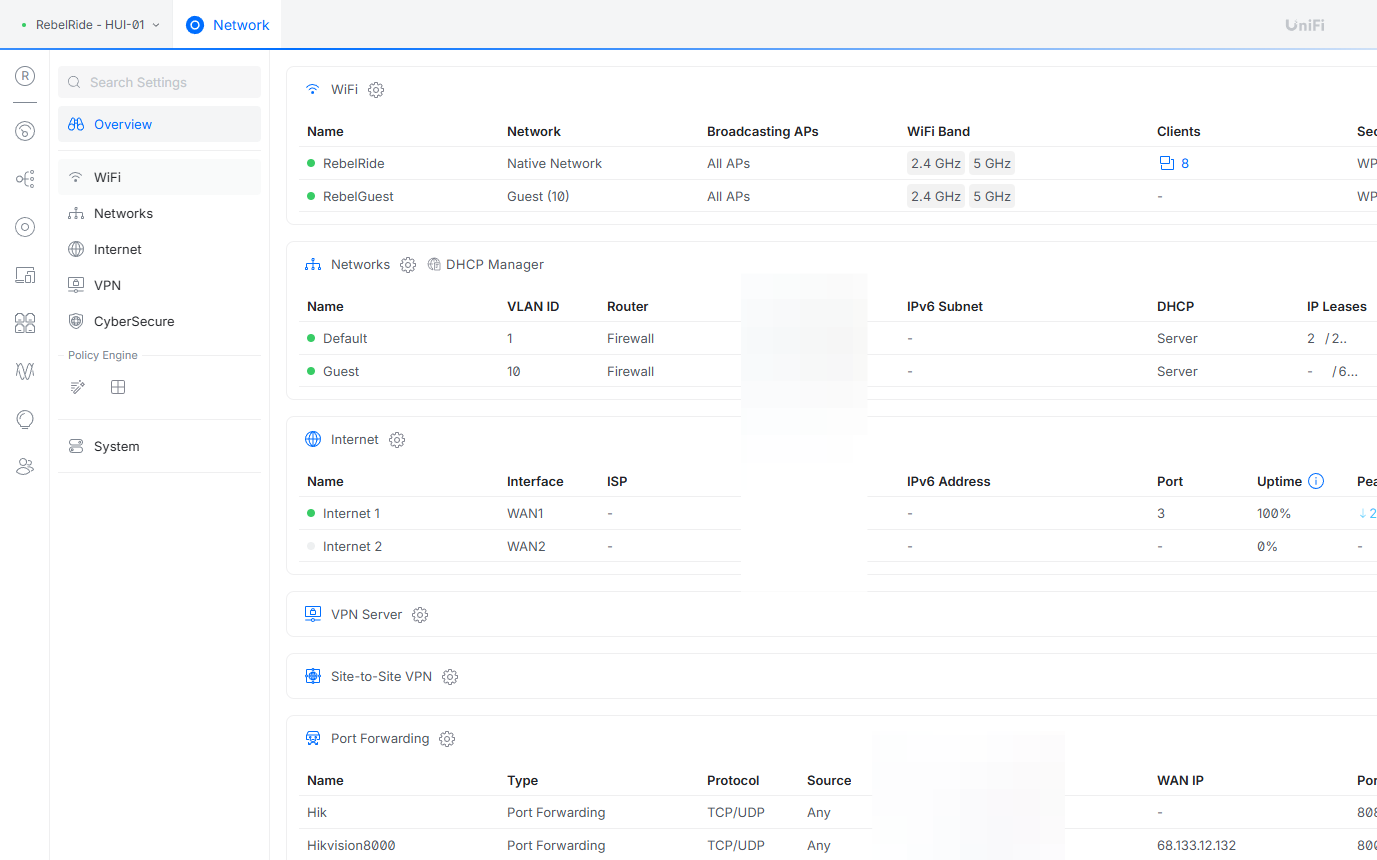
Click on "Overview"
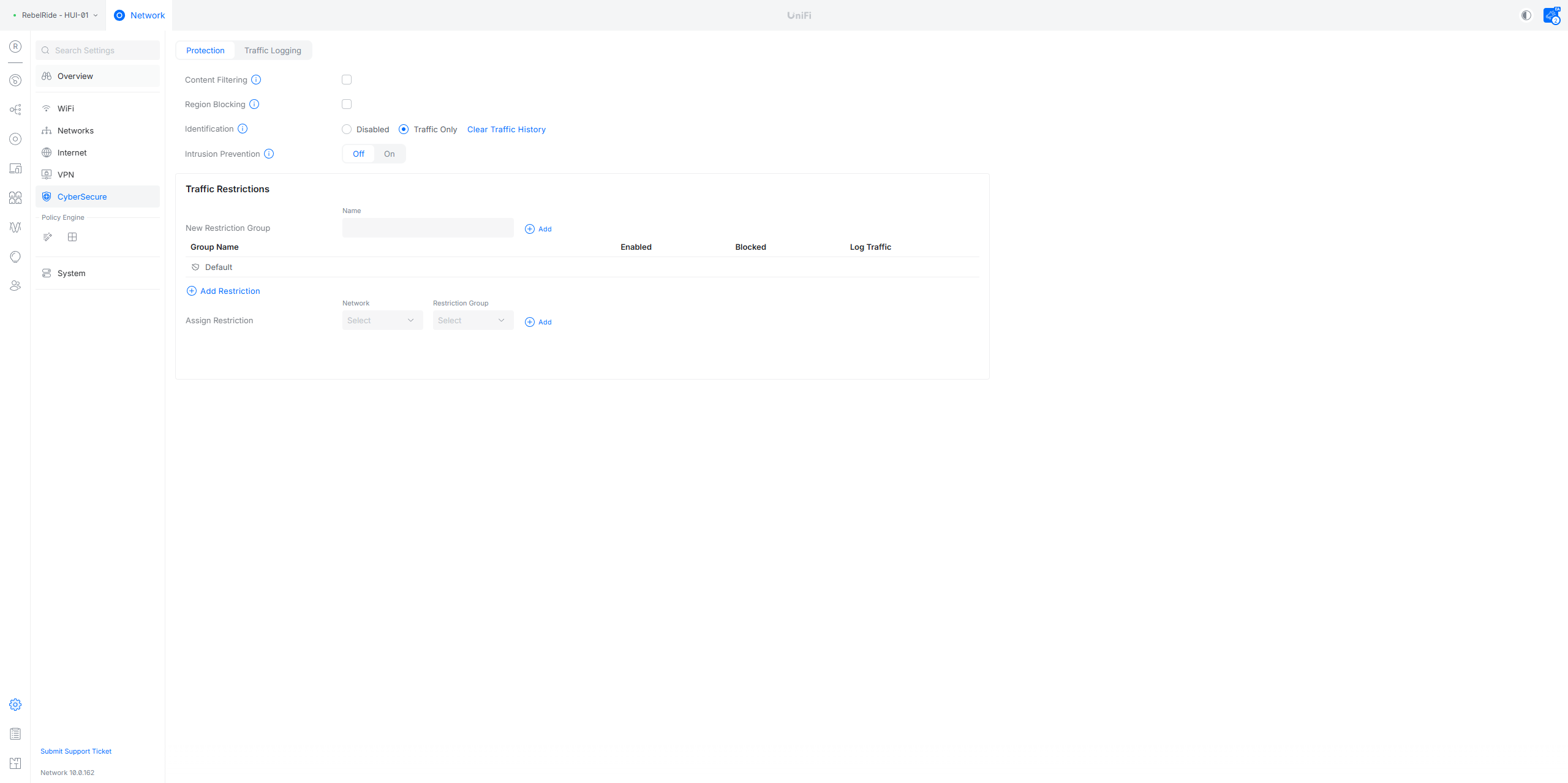
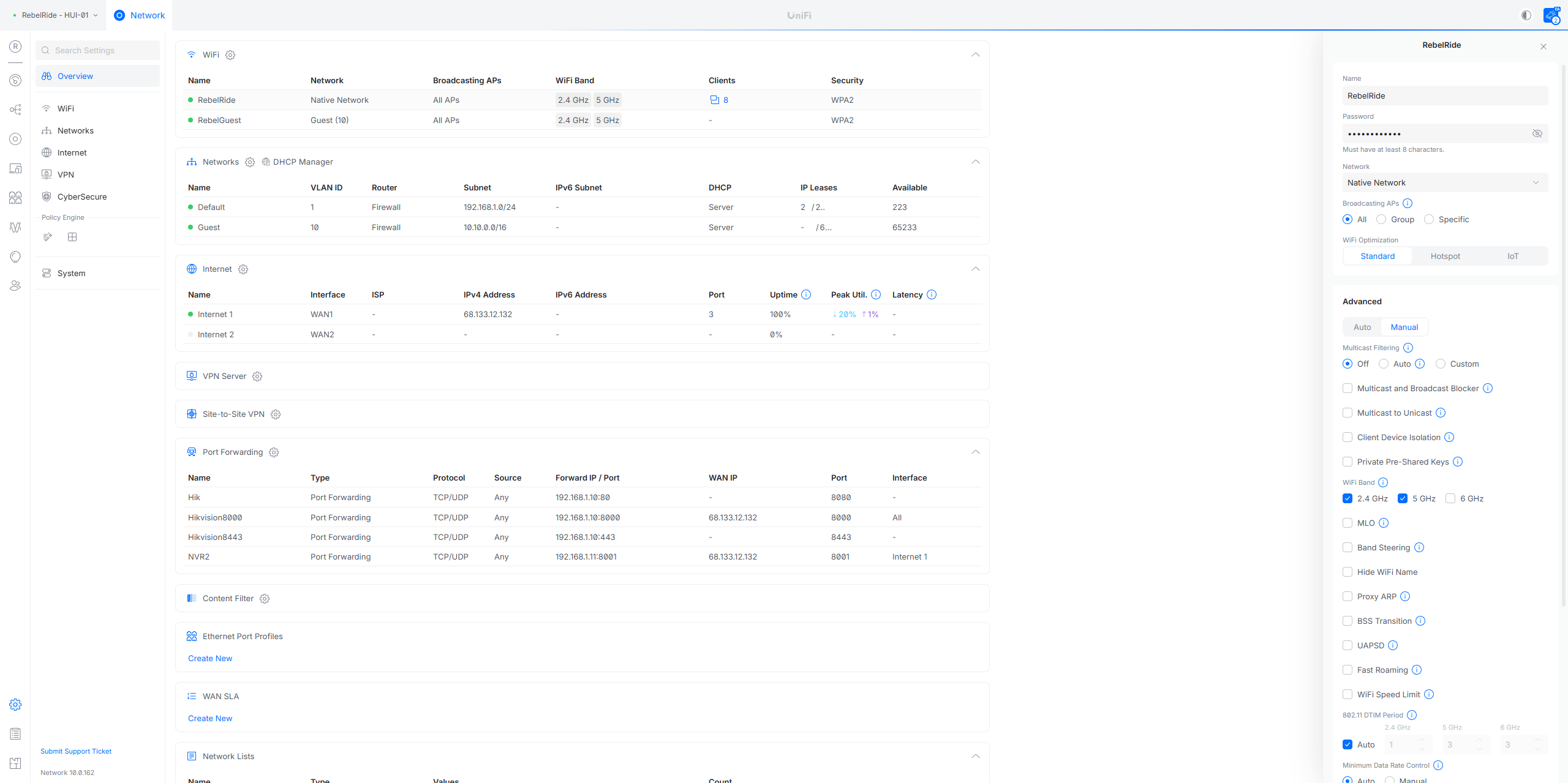
Let's start with Overview. Next, we'll look at a Wi-Fi, then another Wi-Fi. After that, we'll check some networks, the internet, the VPN, and CyberSecure.
3
Click on "• RebelRide"
4
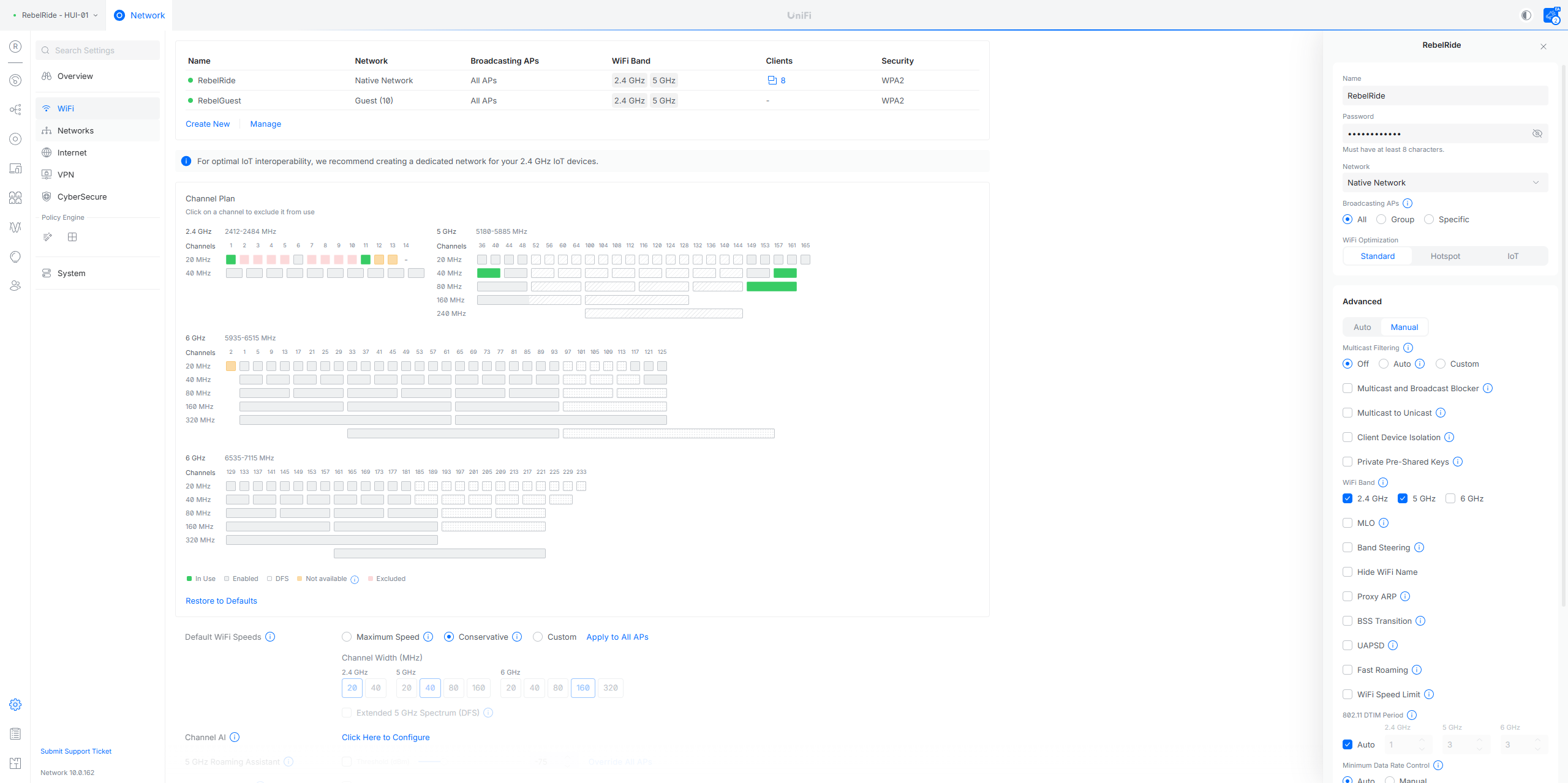
Click on "WiFi"
5
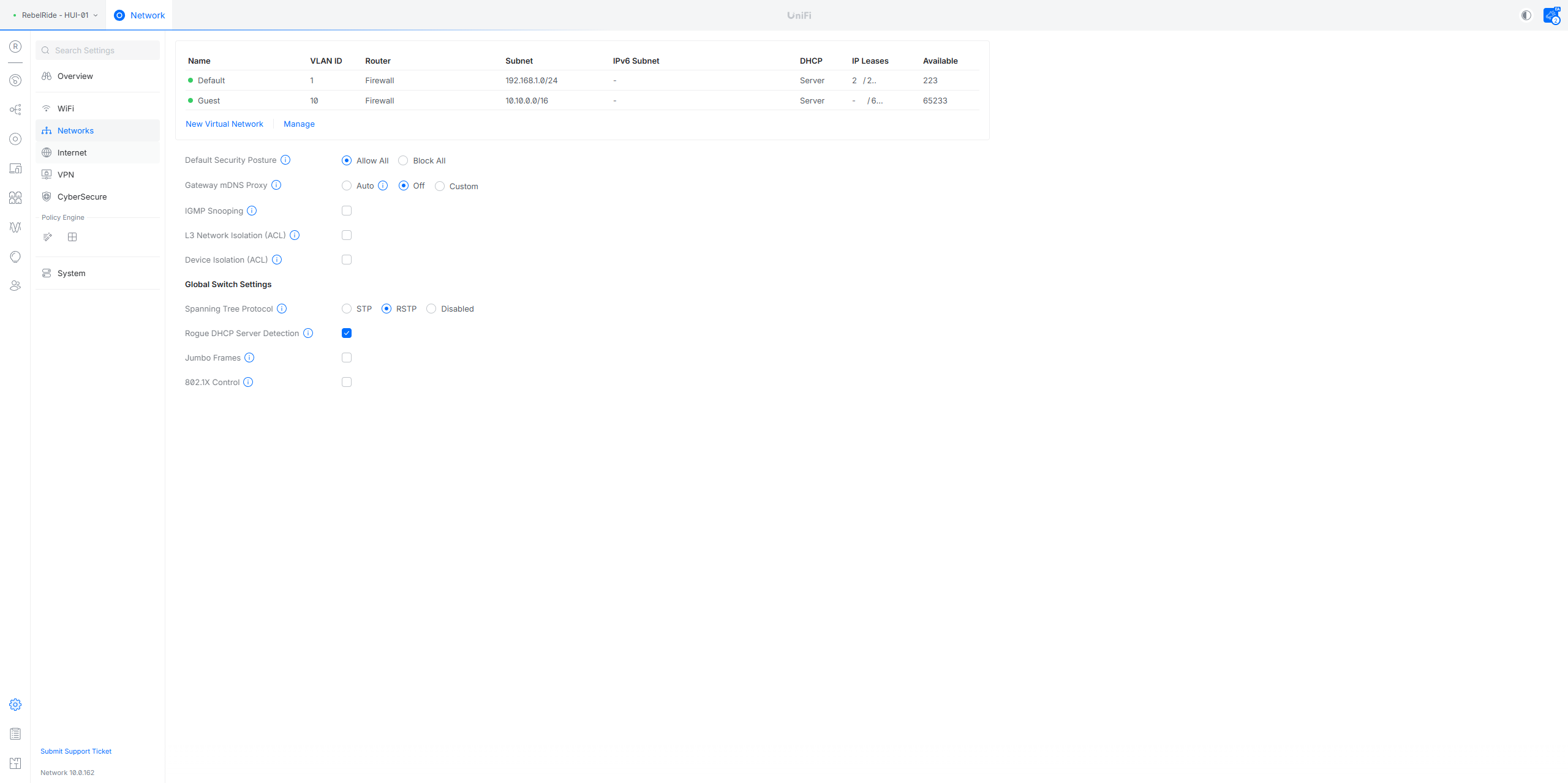
Click on "Networks"
6
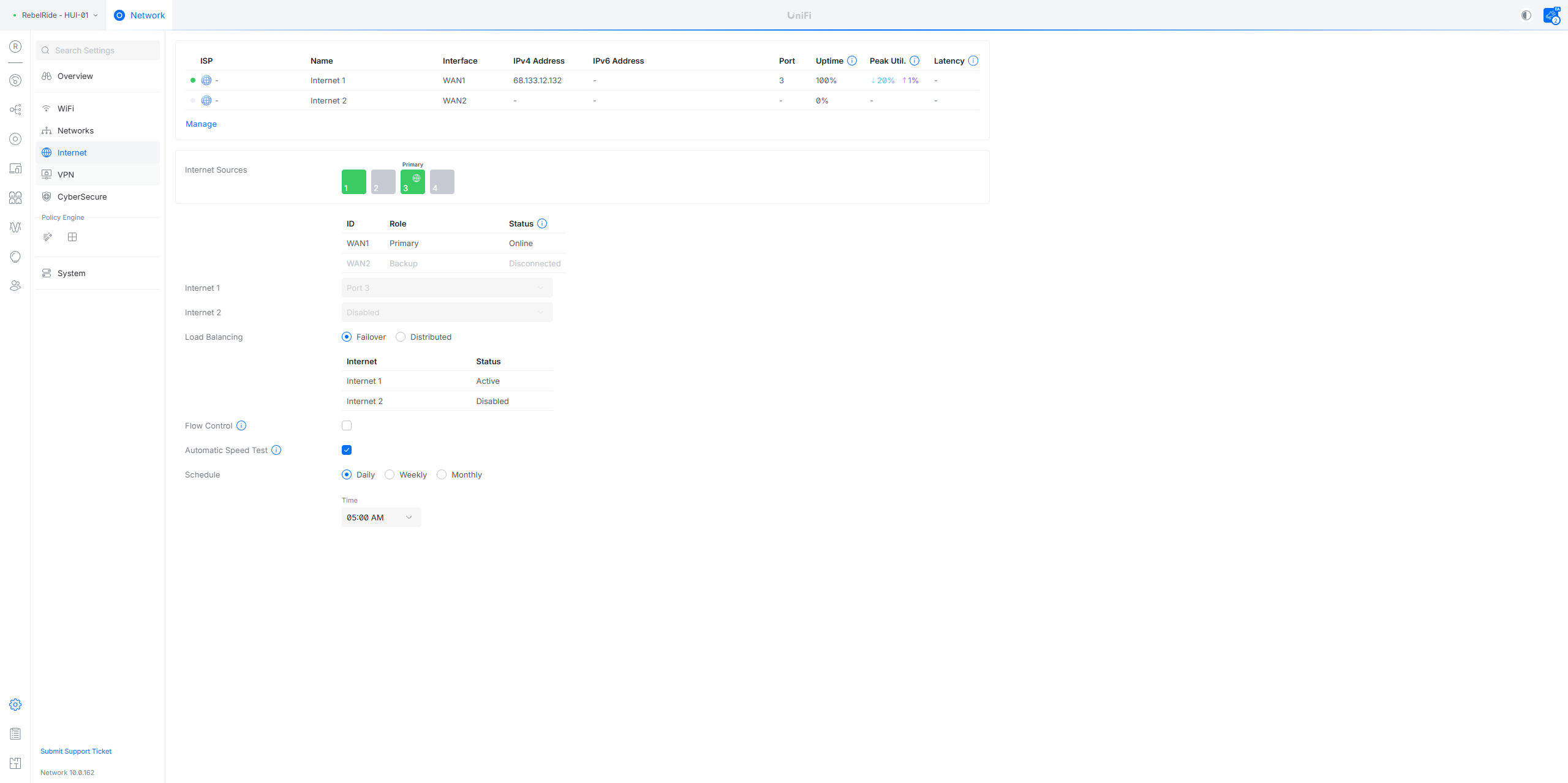
Click on "Internet"
7
Click on "A VPN"
8
Click on "CyberSecure"

"" Next, we'll review the policy table. After that, we'll be finished.
9
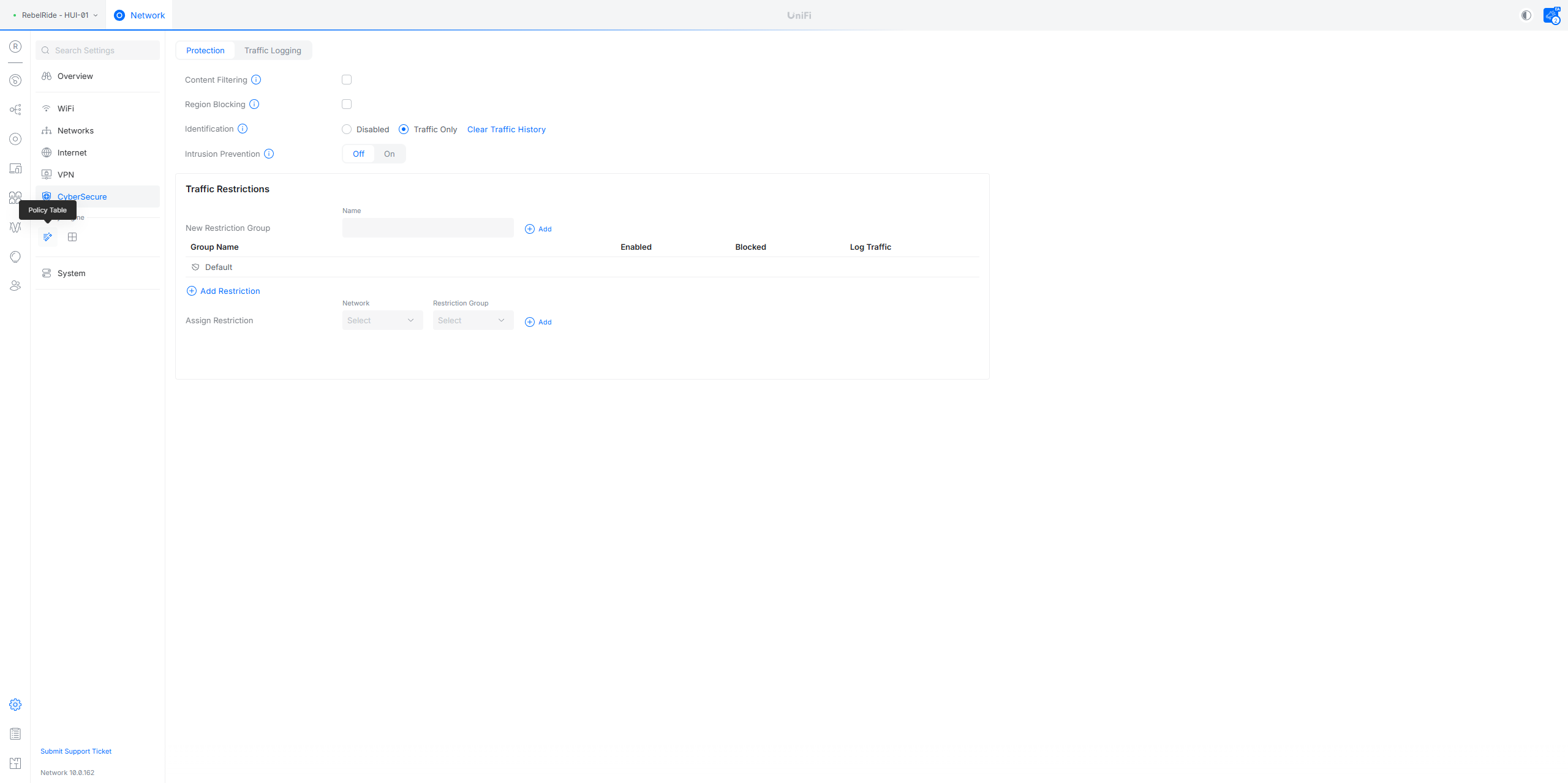
Click here