
Phone Scheduled Consult and Sending Payment Link in Clio Grow
Learn how to update a lead's status, schedule a consultation, and send an automated payment link for consultation fees using Clio Grow.
This guide walks you through updating a potential client's status to schedule a consultation and sending them an email to collect the consultation fee. Completing these steps ensures the client is properly booked and billed for their initial appointment.
This process is for intake specialists and legal assistants managing new client leads in Clio Grow. Use this workflow when a prospective client calls to schedule a consultation over the phone or requires follow-up from the answering service.
Review Automated Drips
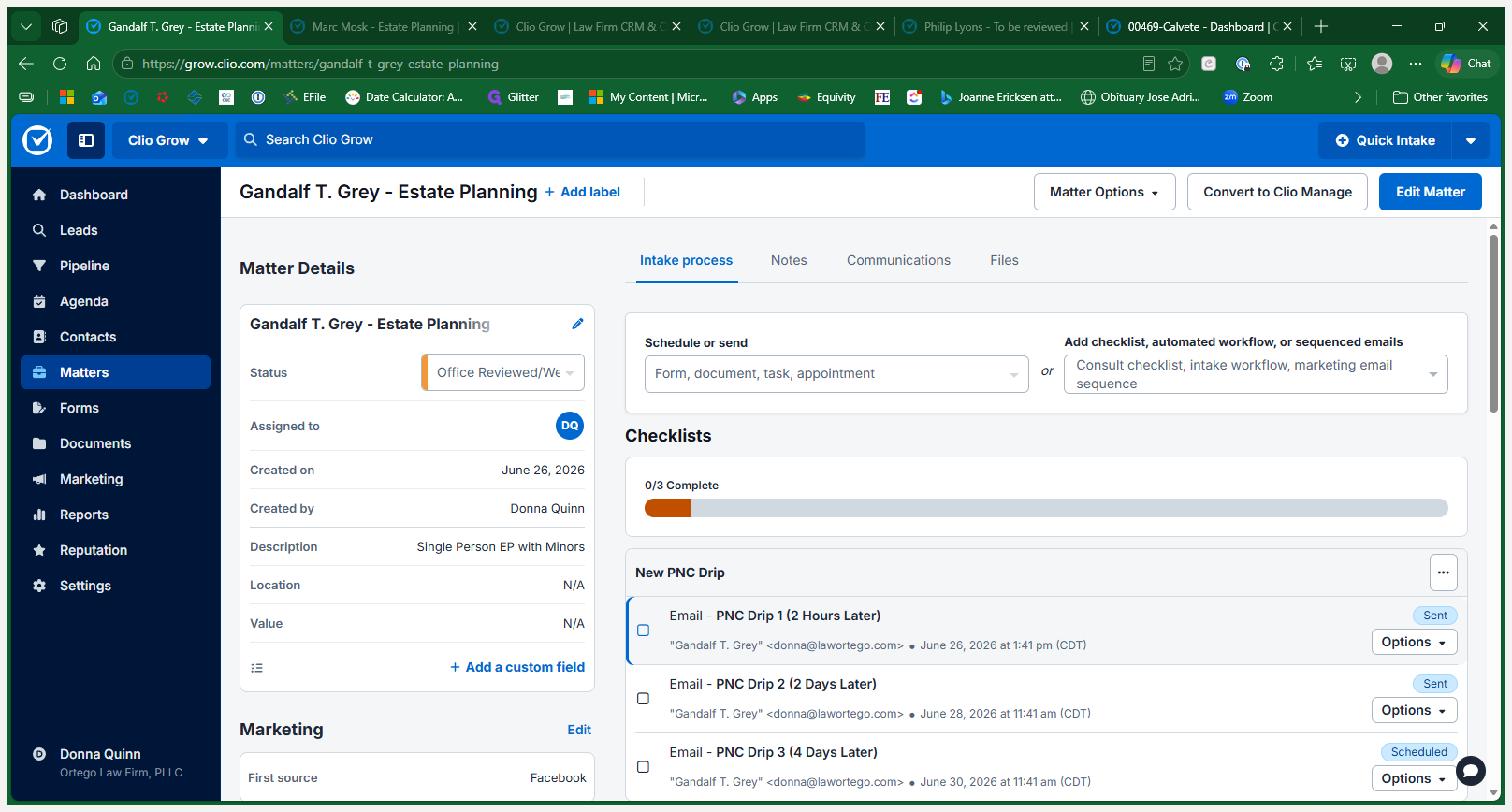
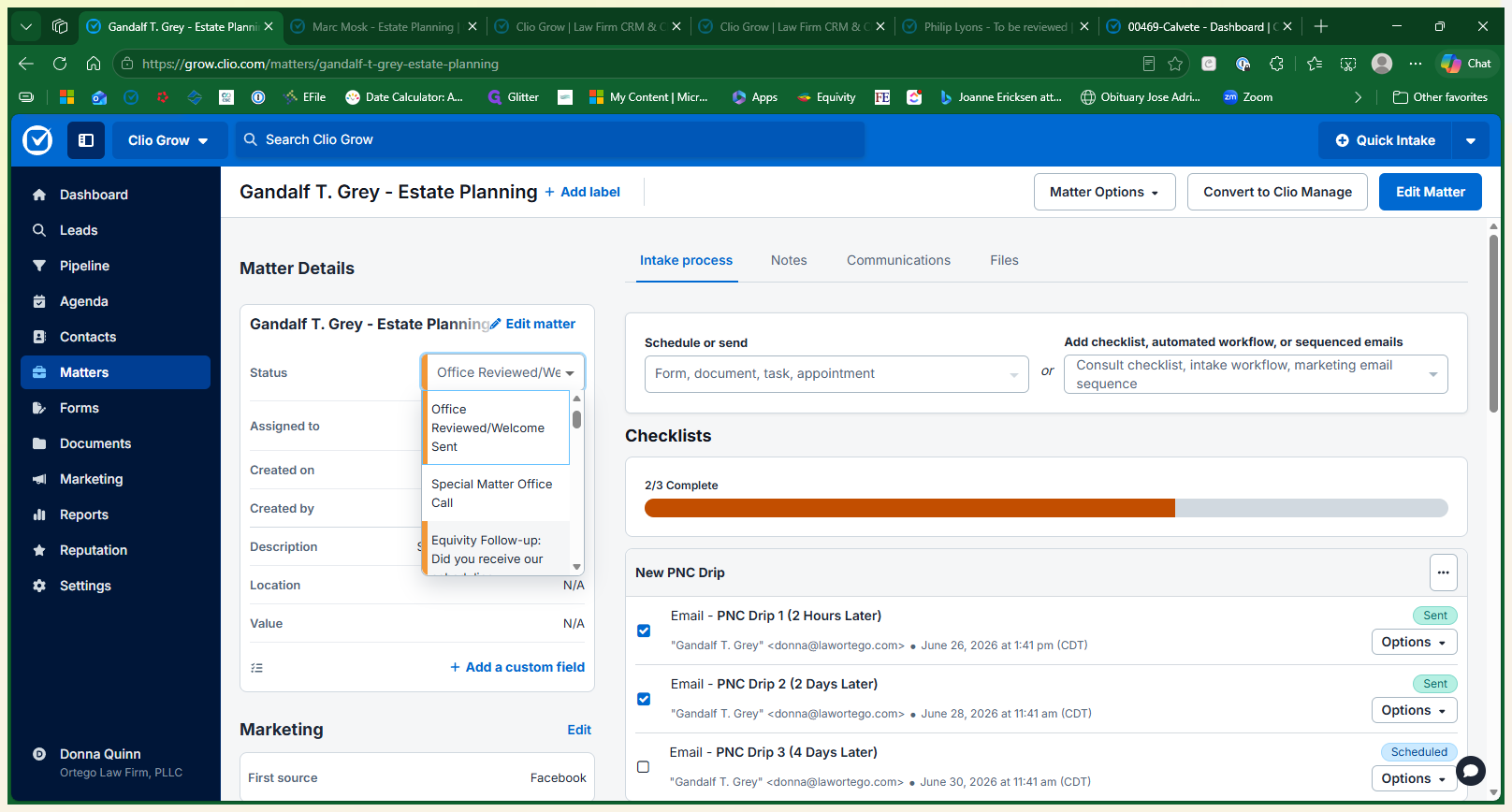
Schedule a Phone Consultation
Once the prospect calls in and wants to schedule over the phone, update their pipeline status and send the consultation details.
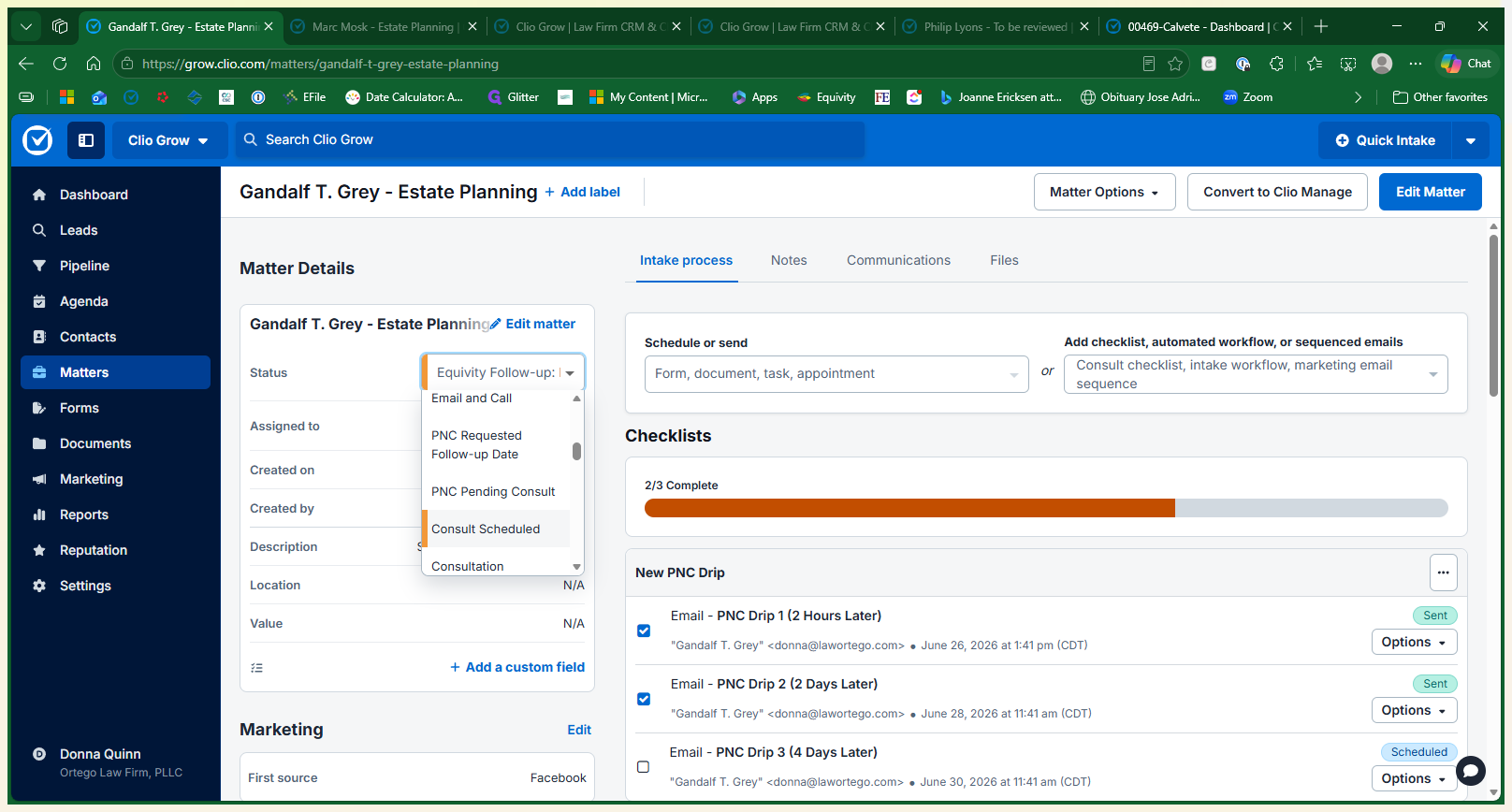
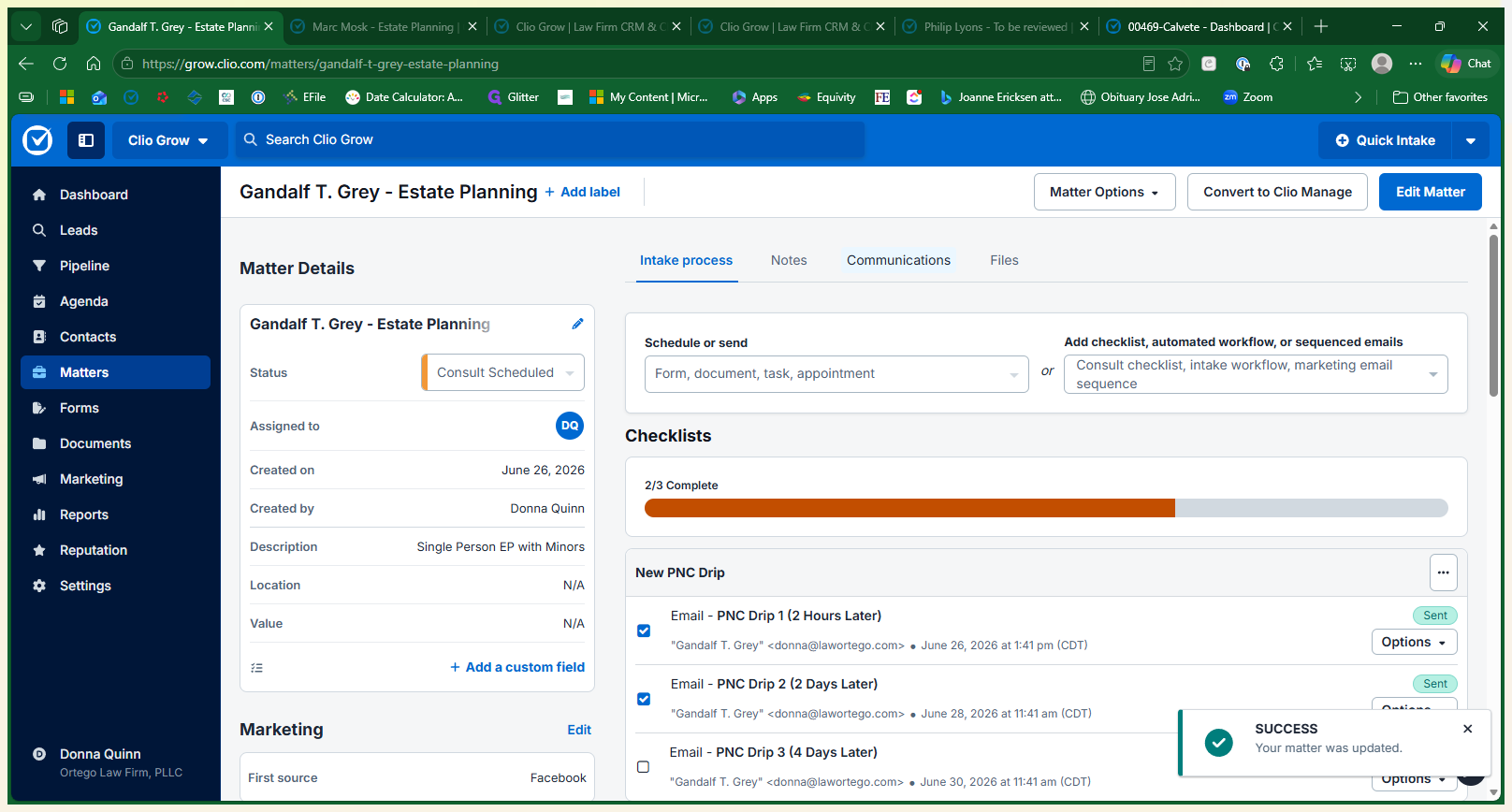
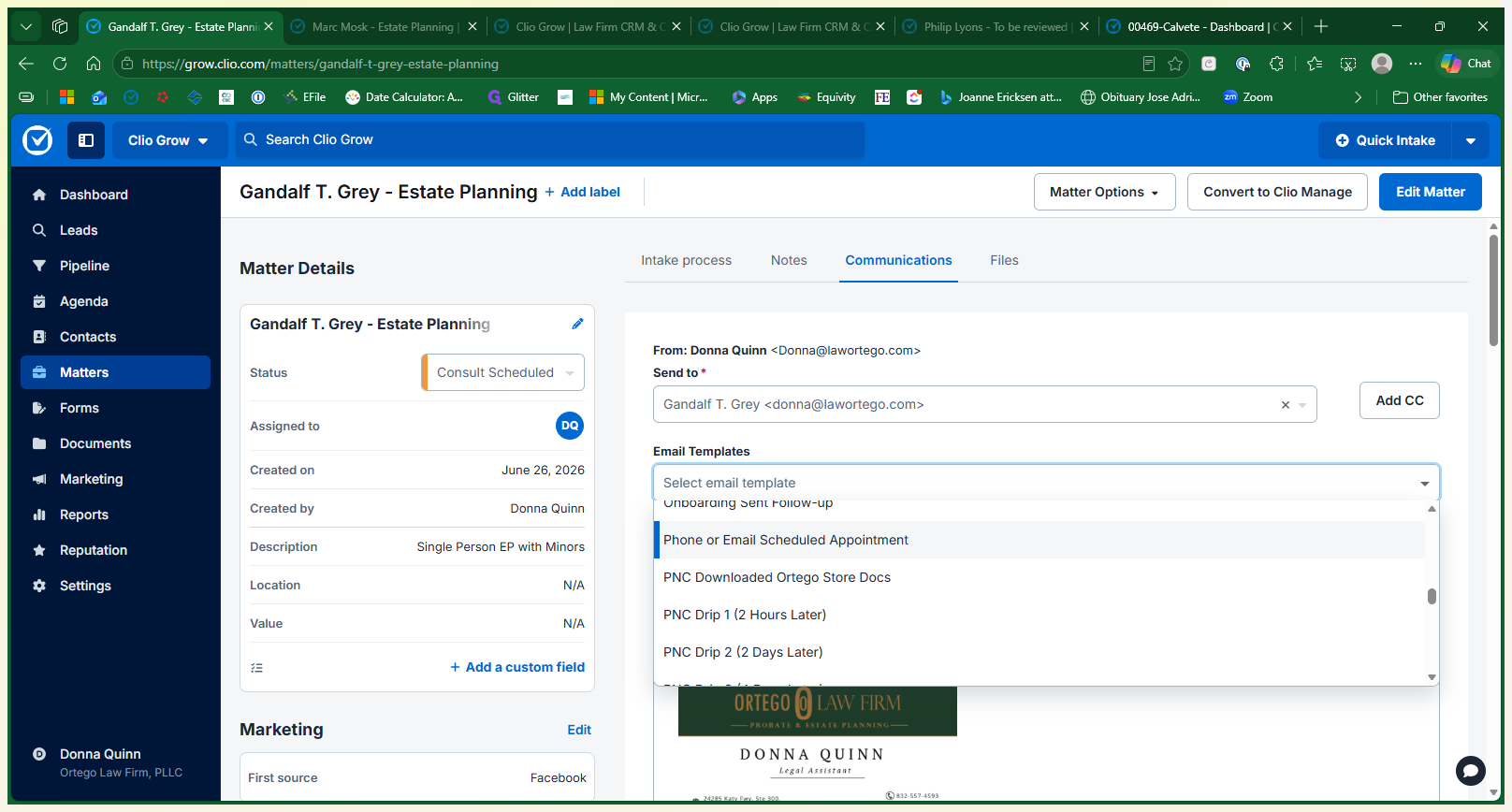
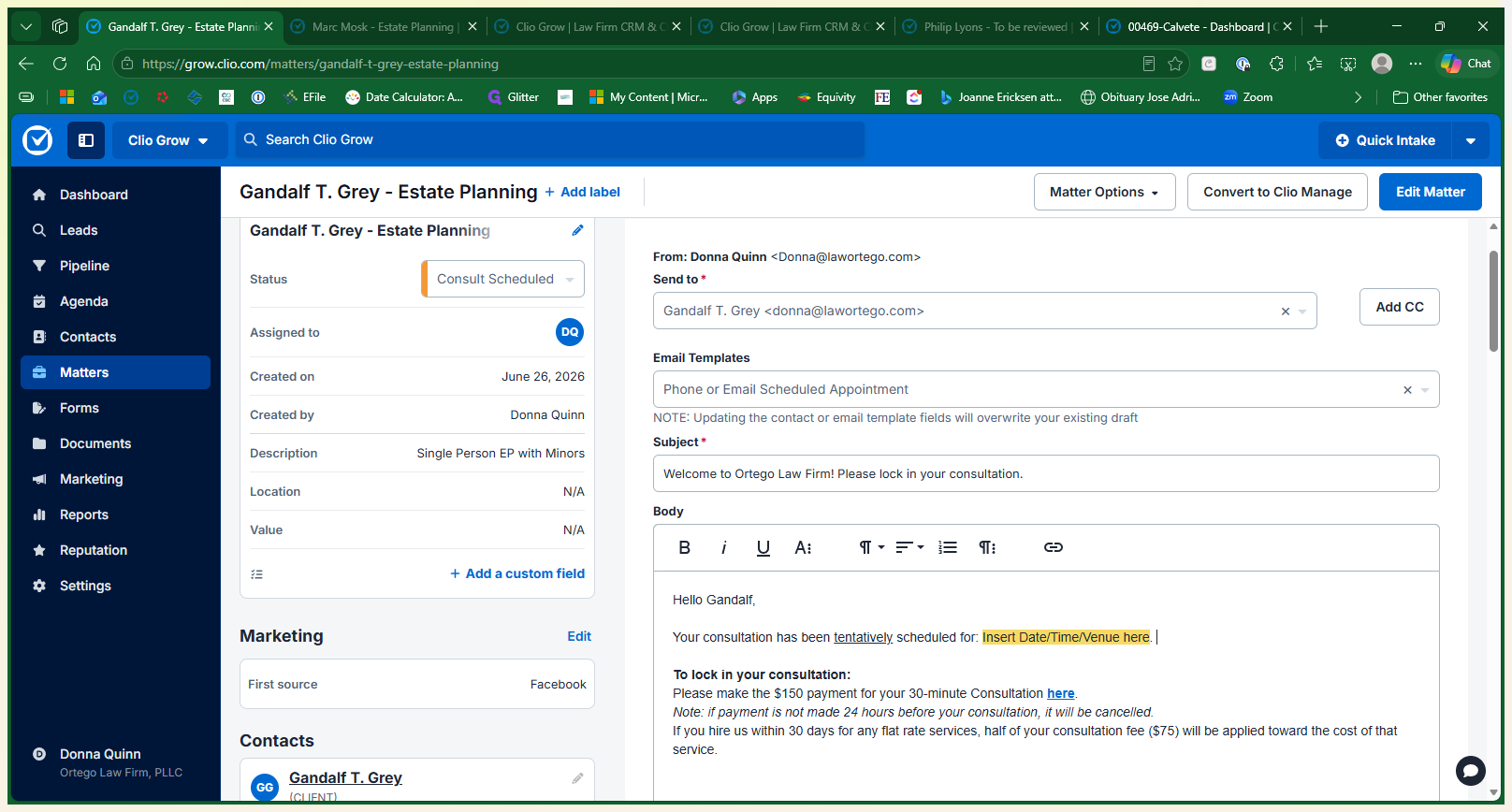
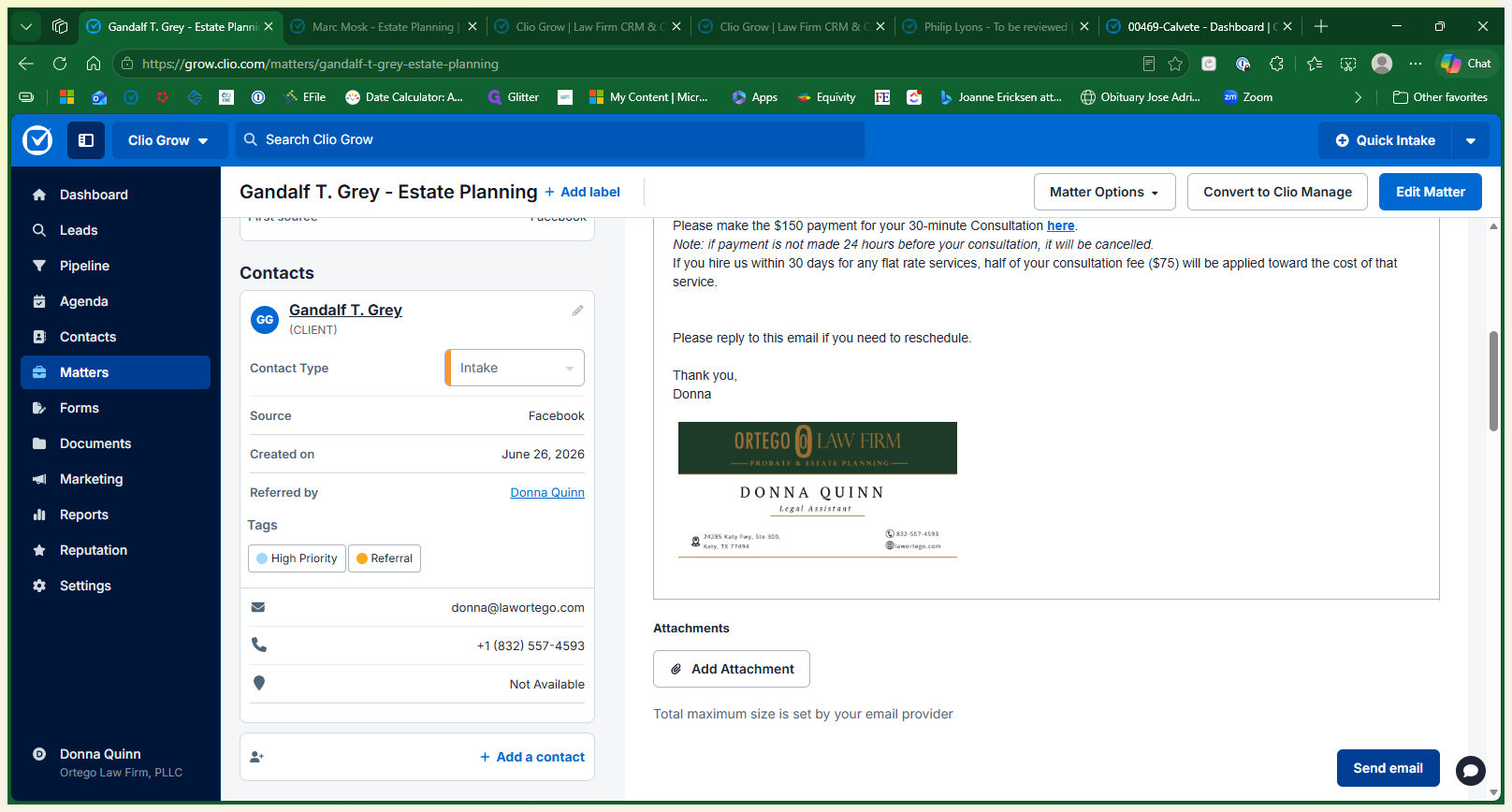
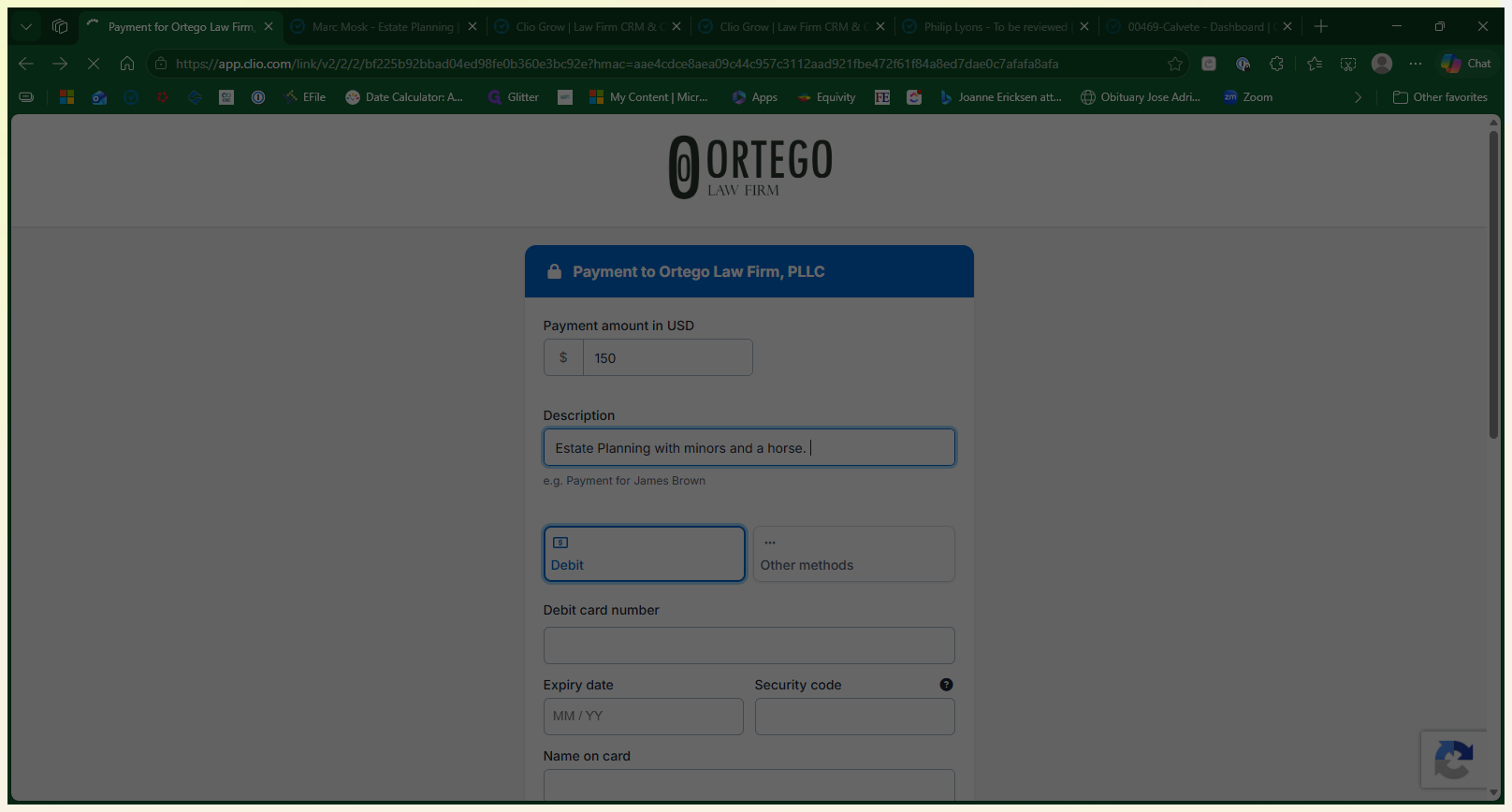
Process the Consultation Fee
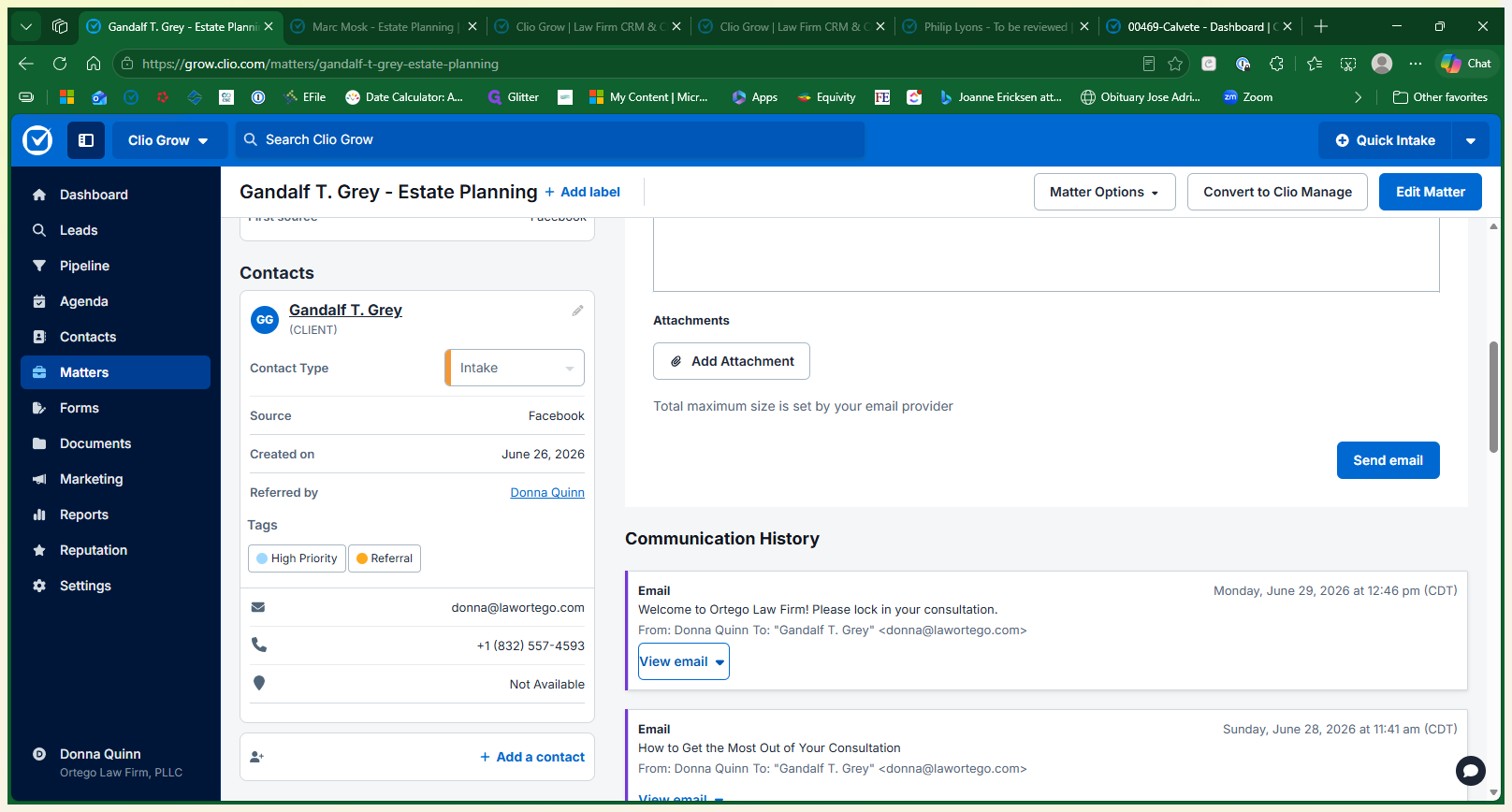
Q: What happens if the client doesn't pay the consultation fee?
A: The consultation will be canceled if the payment is not made within 24 hours of scheduling.
Q: Can the consultation fee be applied to the client's future legal bill?
A: Yes, if the client hires the firm for a flat-fee matter, half of their consultation fee is refunded or credited toward their case.
Q: Does scheduling this consult in Clio automatically add it to our calendar?
A: No, sending the scheduling email and payment link does not automatically sync the event to your firm's calendar. You must manually block out the time.
Q: Can we process the payment for the client while they are on the phone?
A: Yes, you can click the payment link provided in their email and enter their billing and credit card information over the phone.
Term | Definition |
|---|---|
PNC | Potential New Client; a prospective lead who has contacted the firm but has not yet been retained. |
Drip sequence | A series of automated emails or messages sent to a contact on a predetermined schedule. |
Clio Grow | A client intake and legal customer relationship management (CRM) software platform. |