Icon

Portal Data and Database Design Review for User Path on Homepage

Comprehensive review of portal data and database design for optimizing the user path on the homepage. Includes feedback on decision maker contact verification, form design, font sizes, email notifications, and lead tracking systems.

By Tristan Sigerson

In this guide, we'll learn how to review and improve the design of a user path on a homepage, focusing on data and database elements. We will address issues such as font size, form layout, email notifications, and flagging systems for tracking leads. The goal is to create a user experience that is clear, efficient, and easy to navigate.

Let's get started

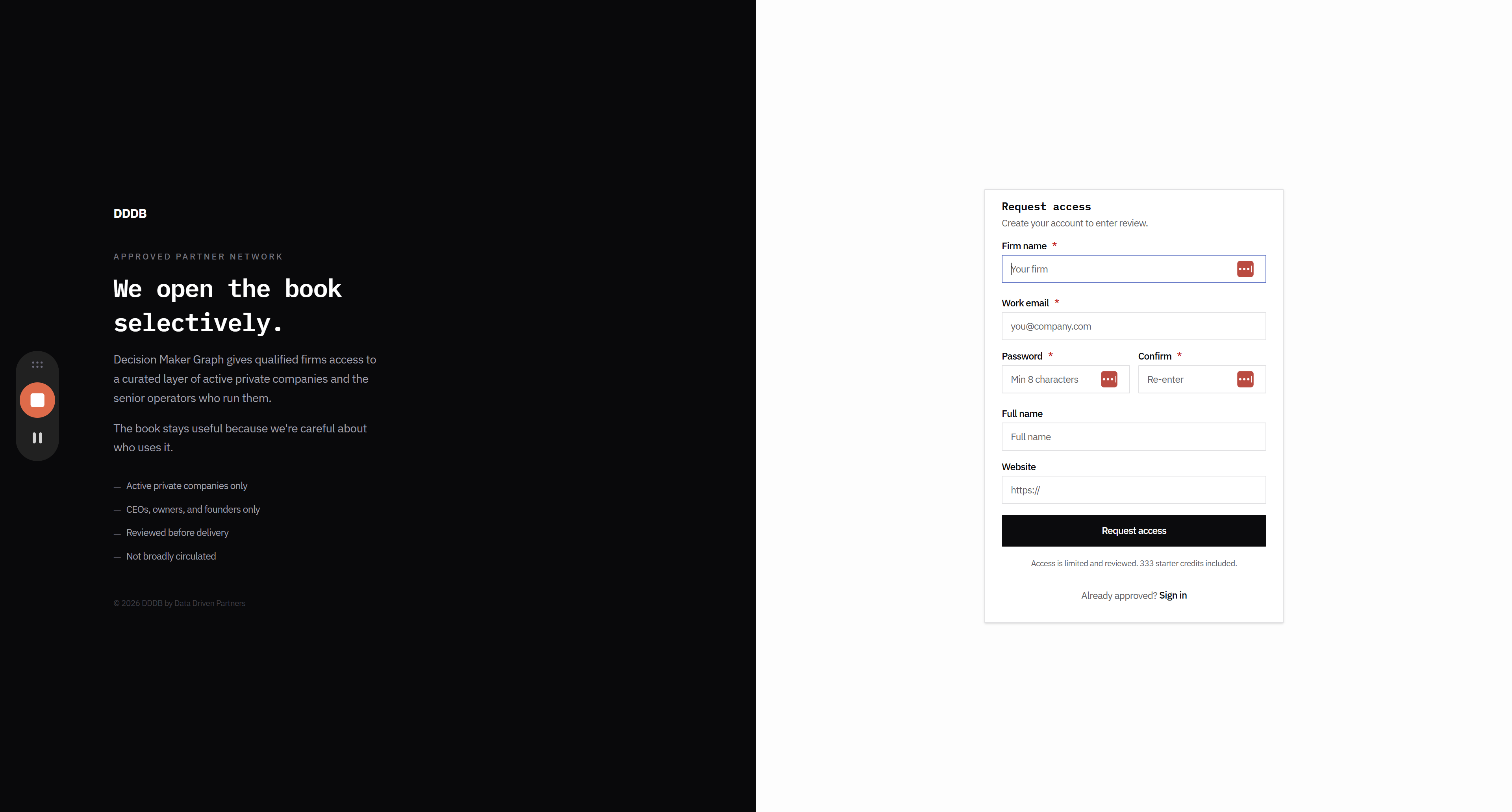
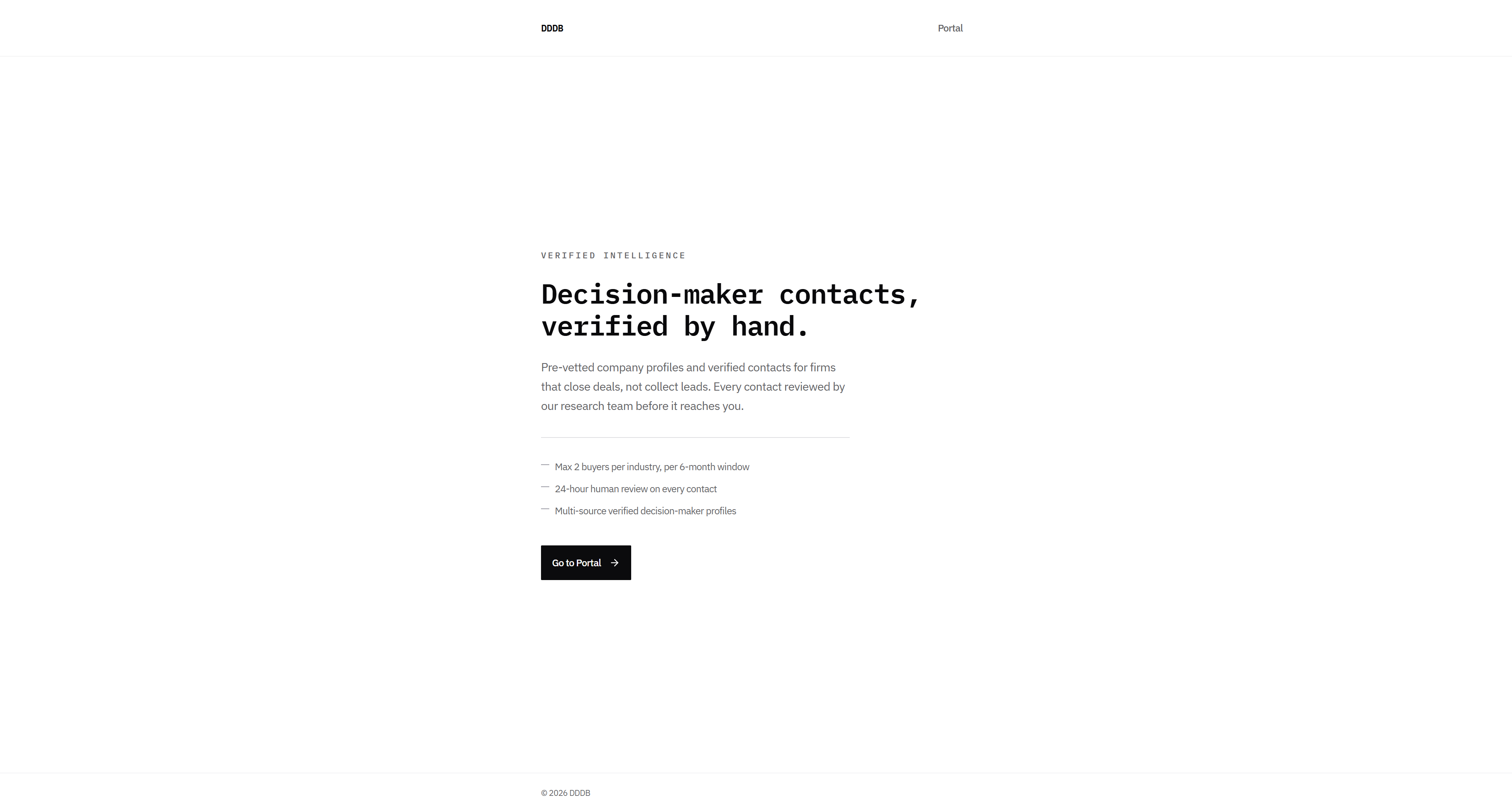
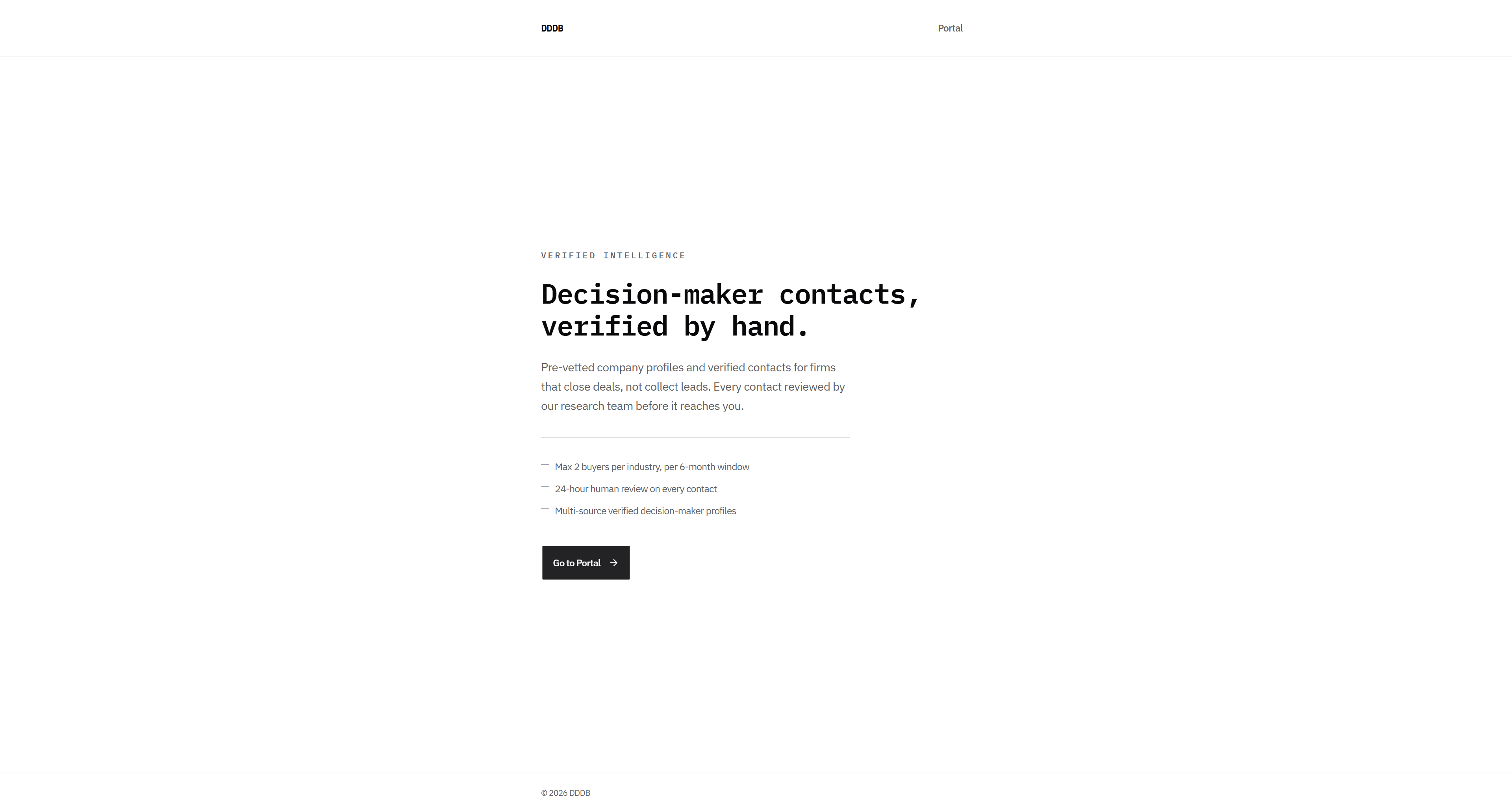
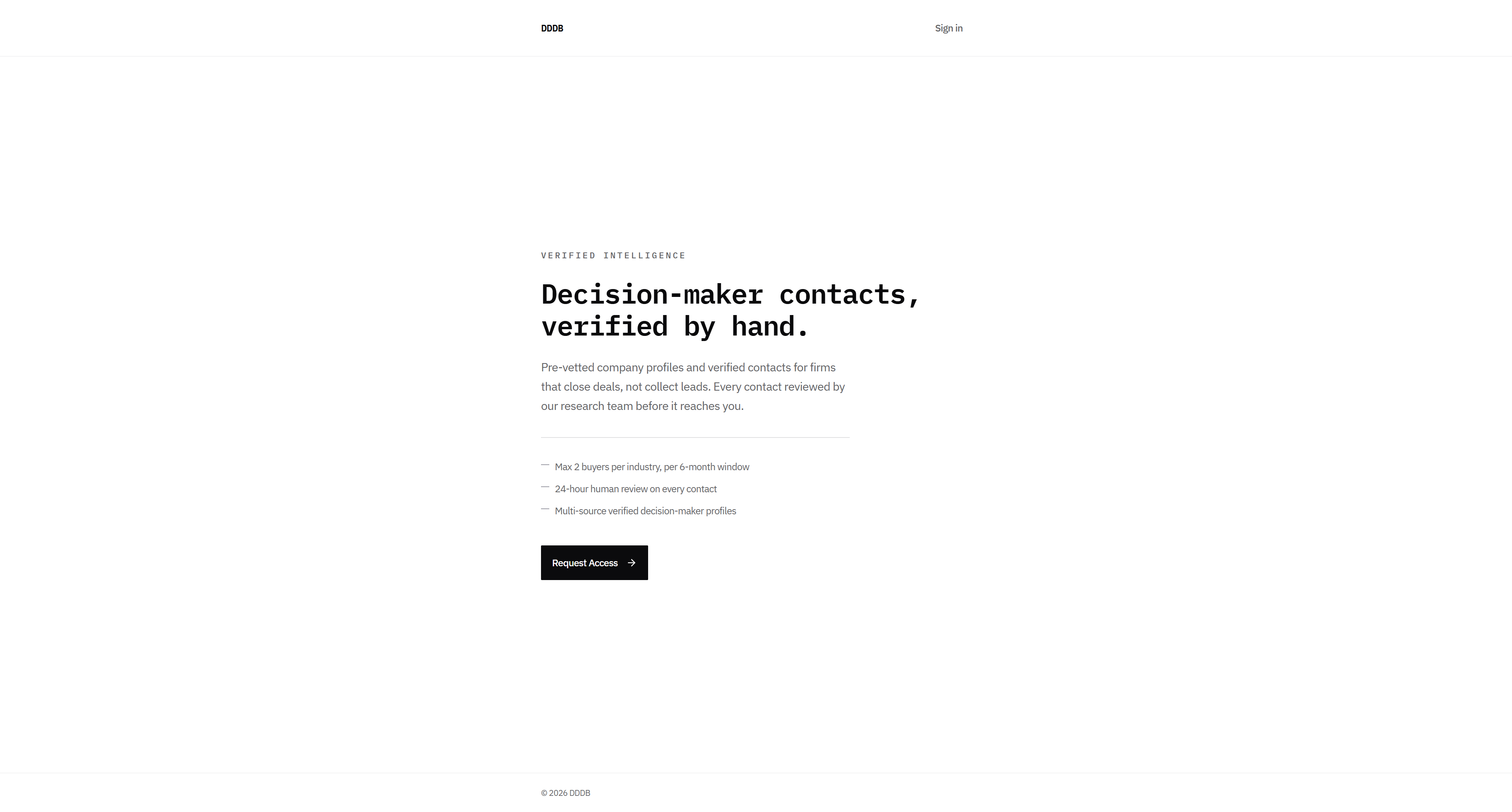
Okay, portal data and database design review for user path on the homepage. I don't really like this: decision maker contacts verified by hand or verified intelligence.
1
Go to DDDB
2
Click here
Step #2: Click here

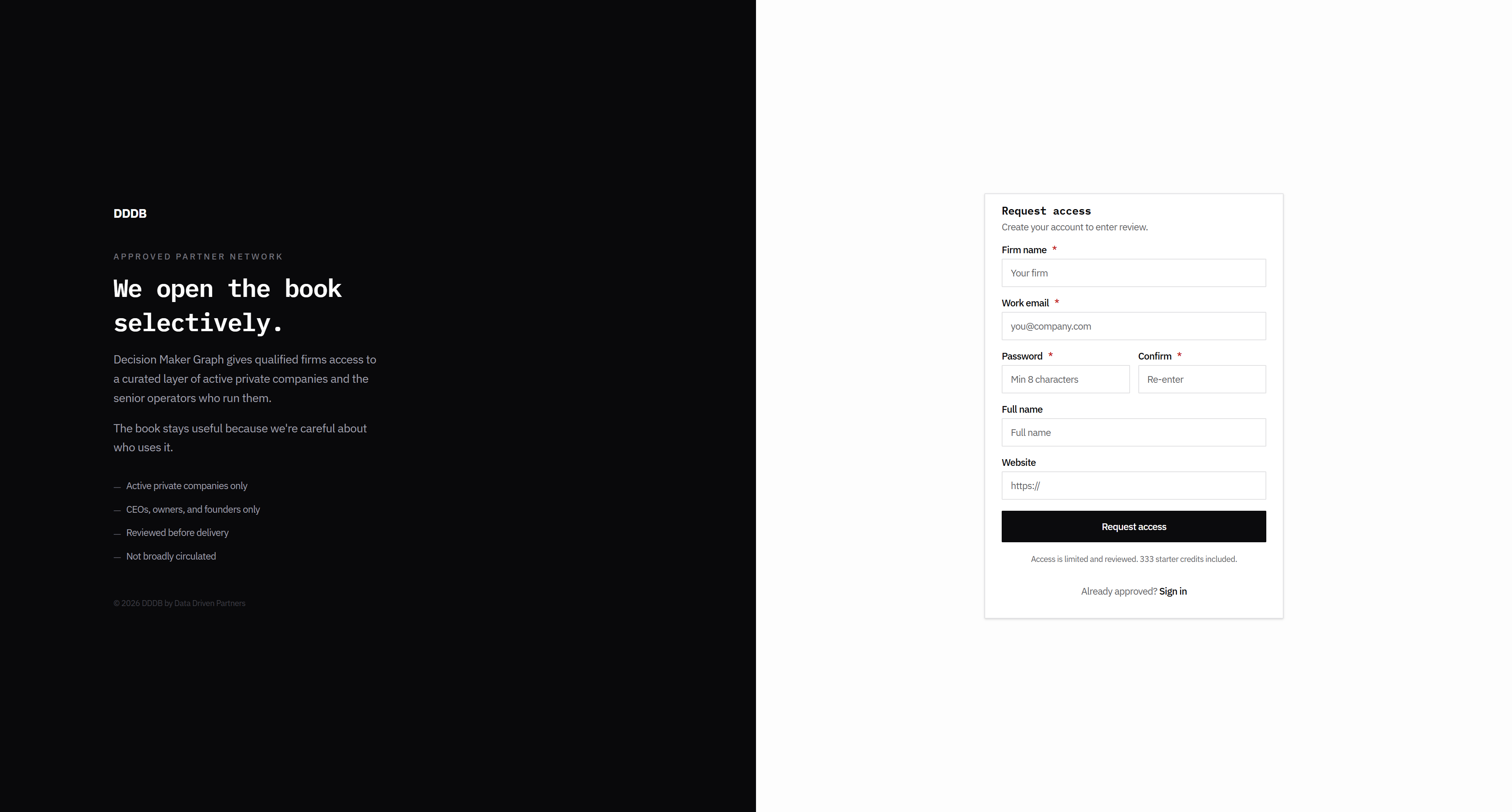
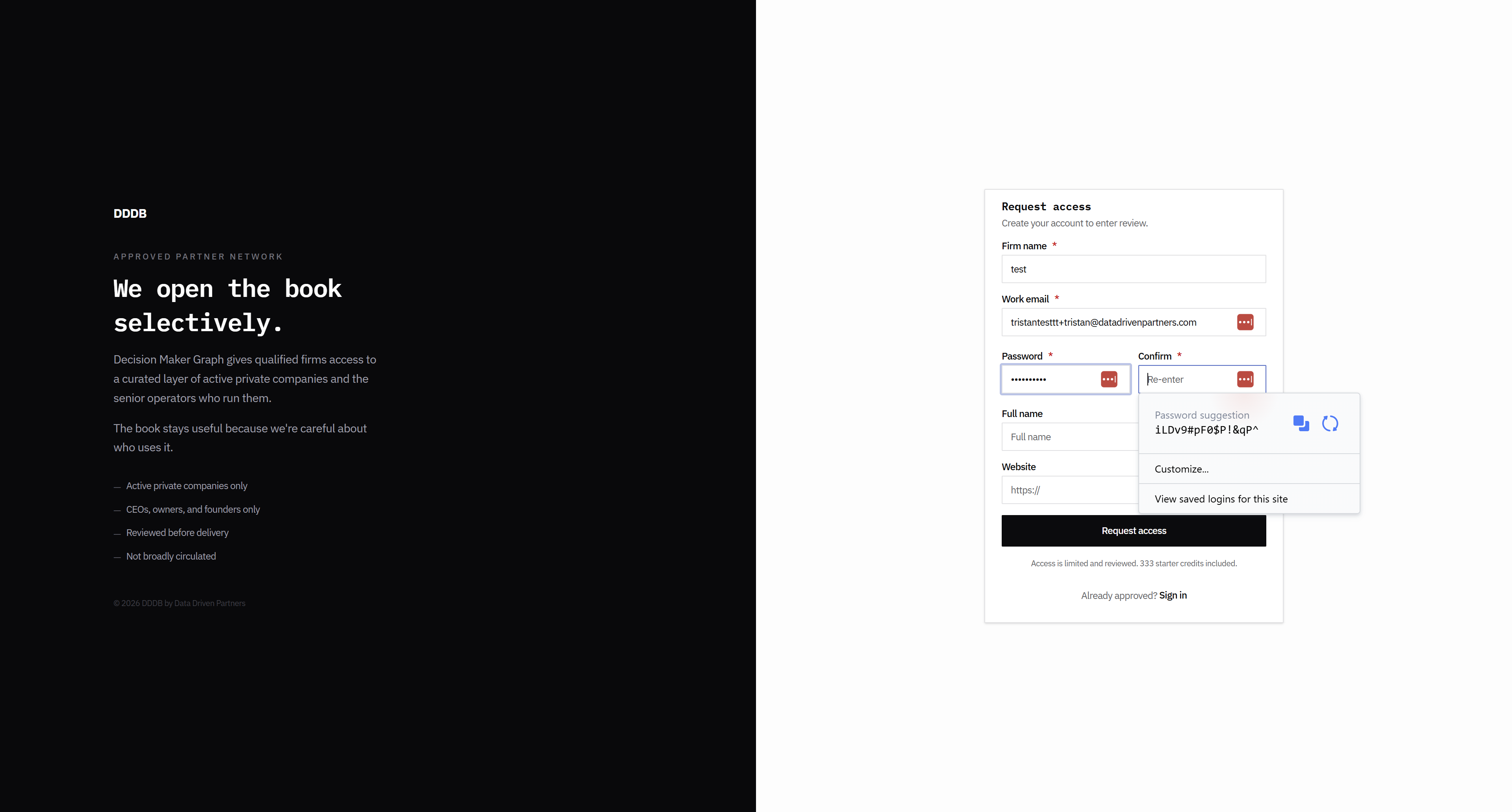
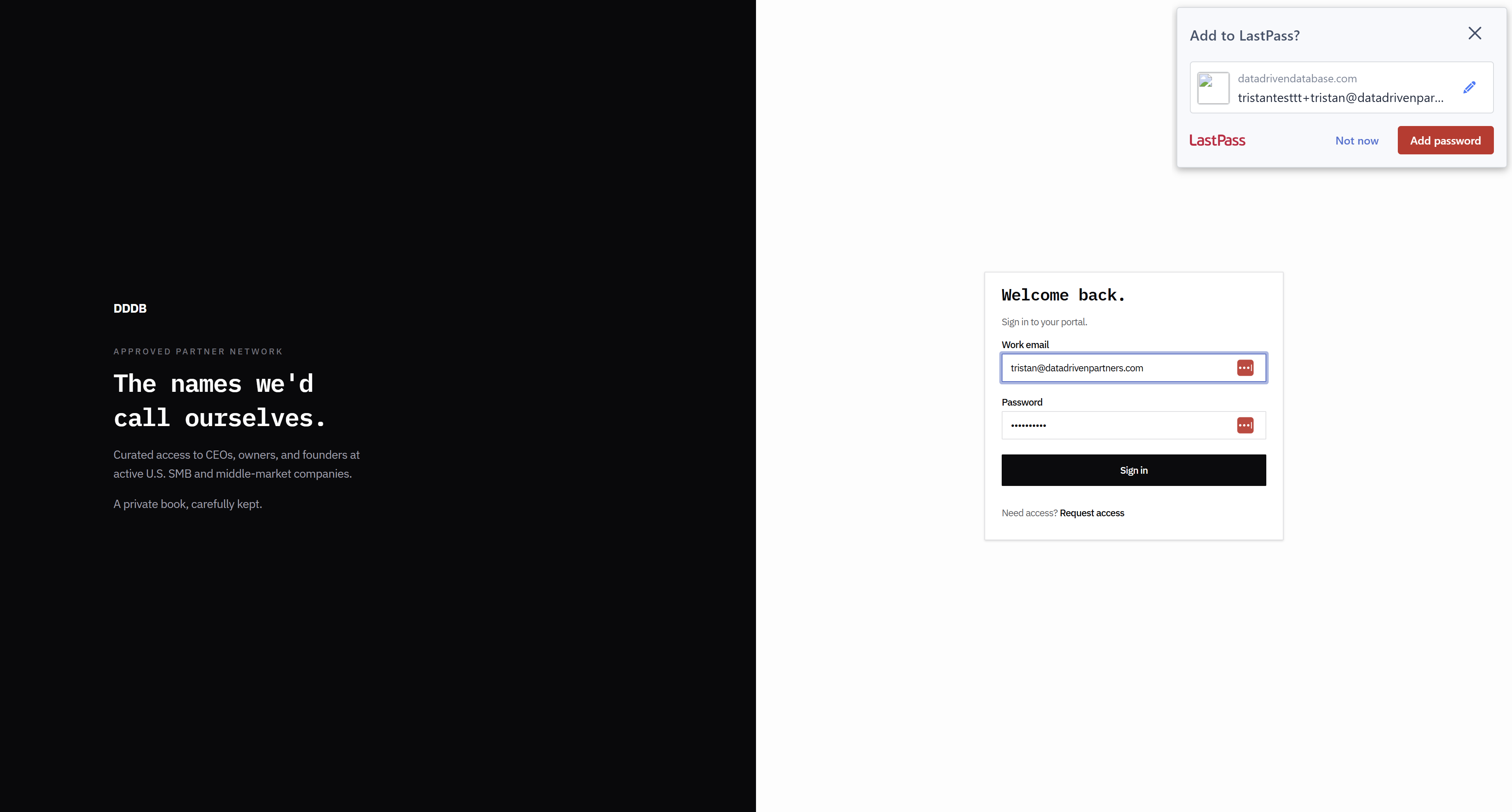
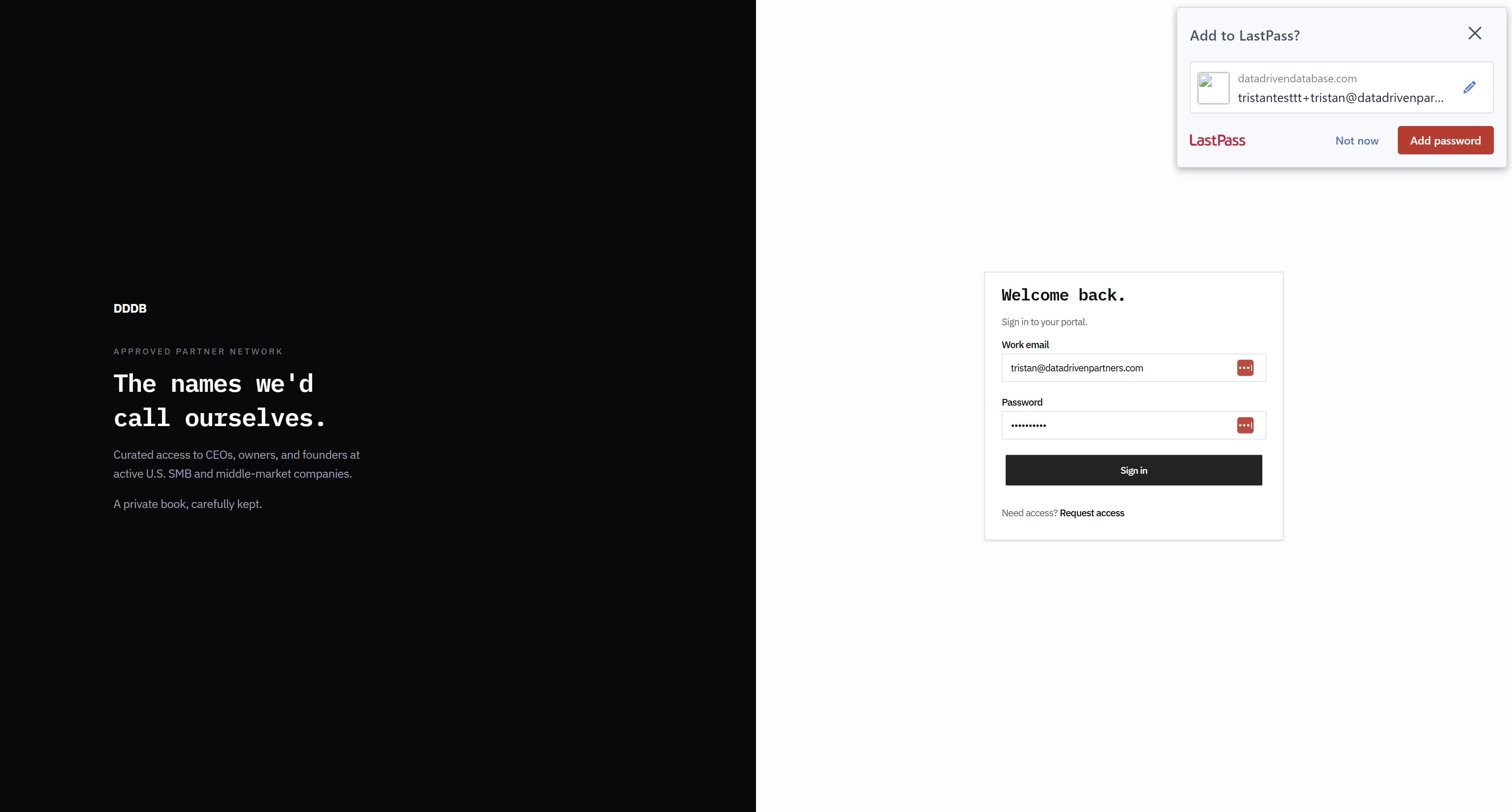
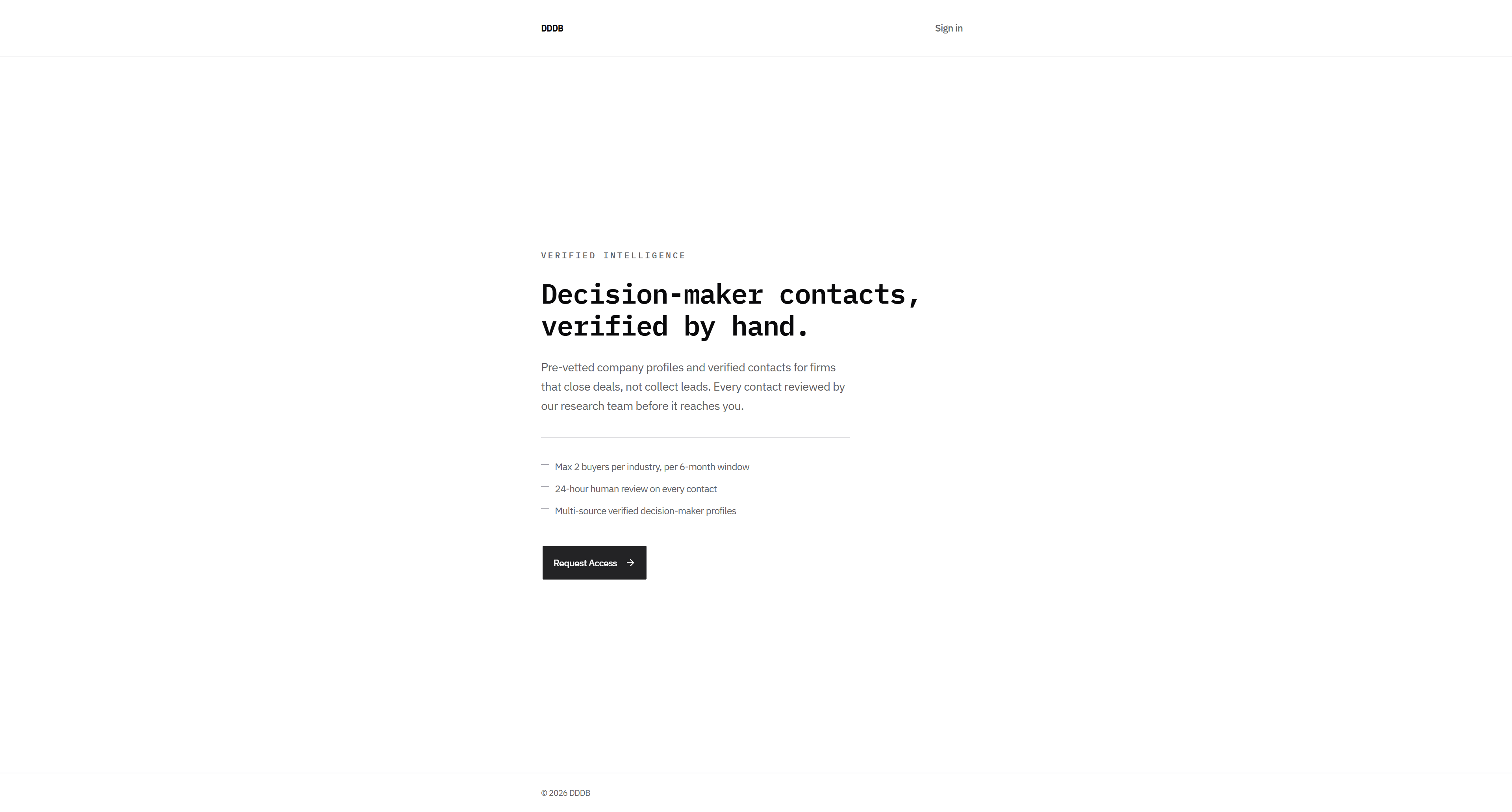
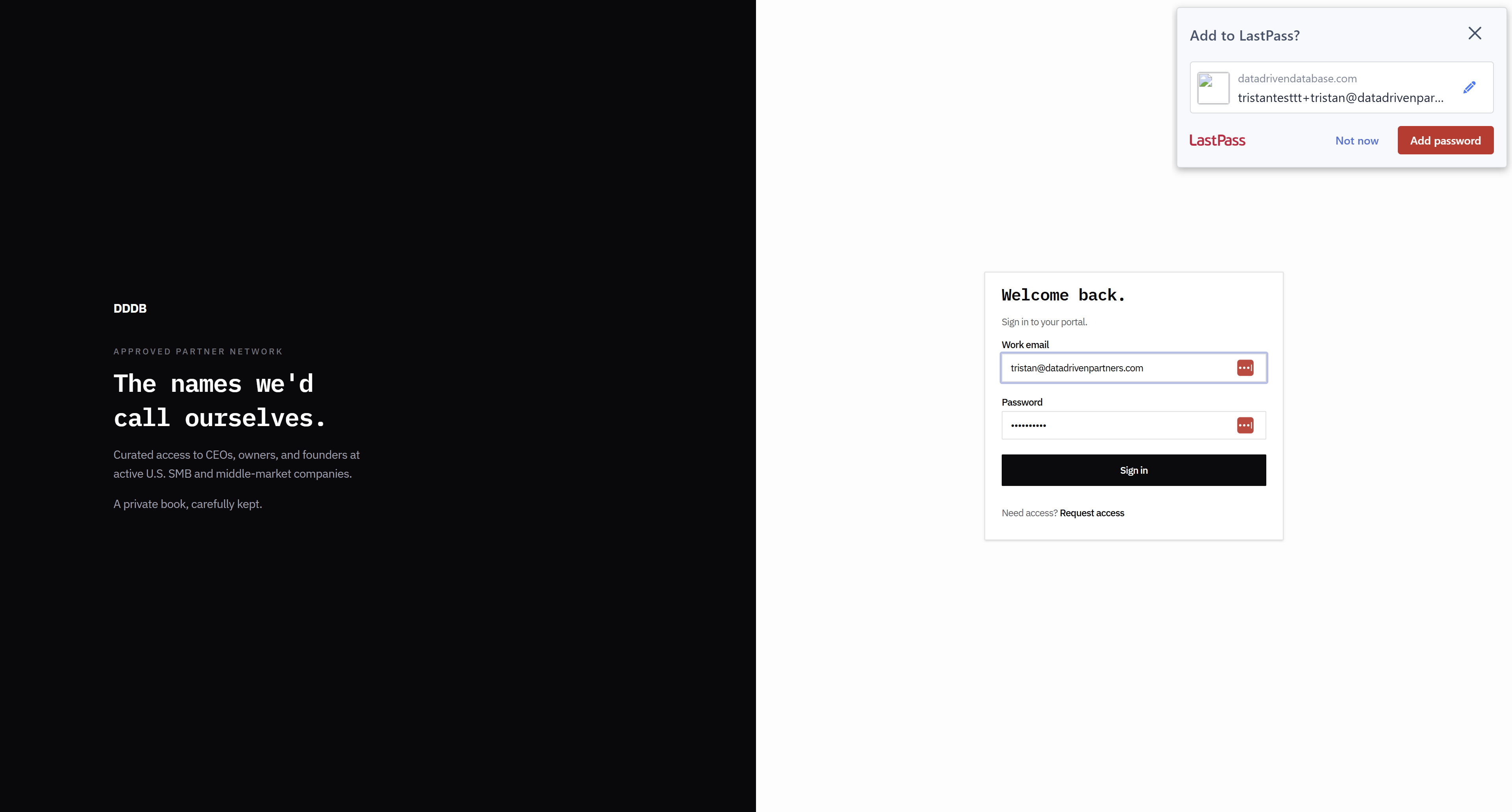
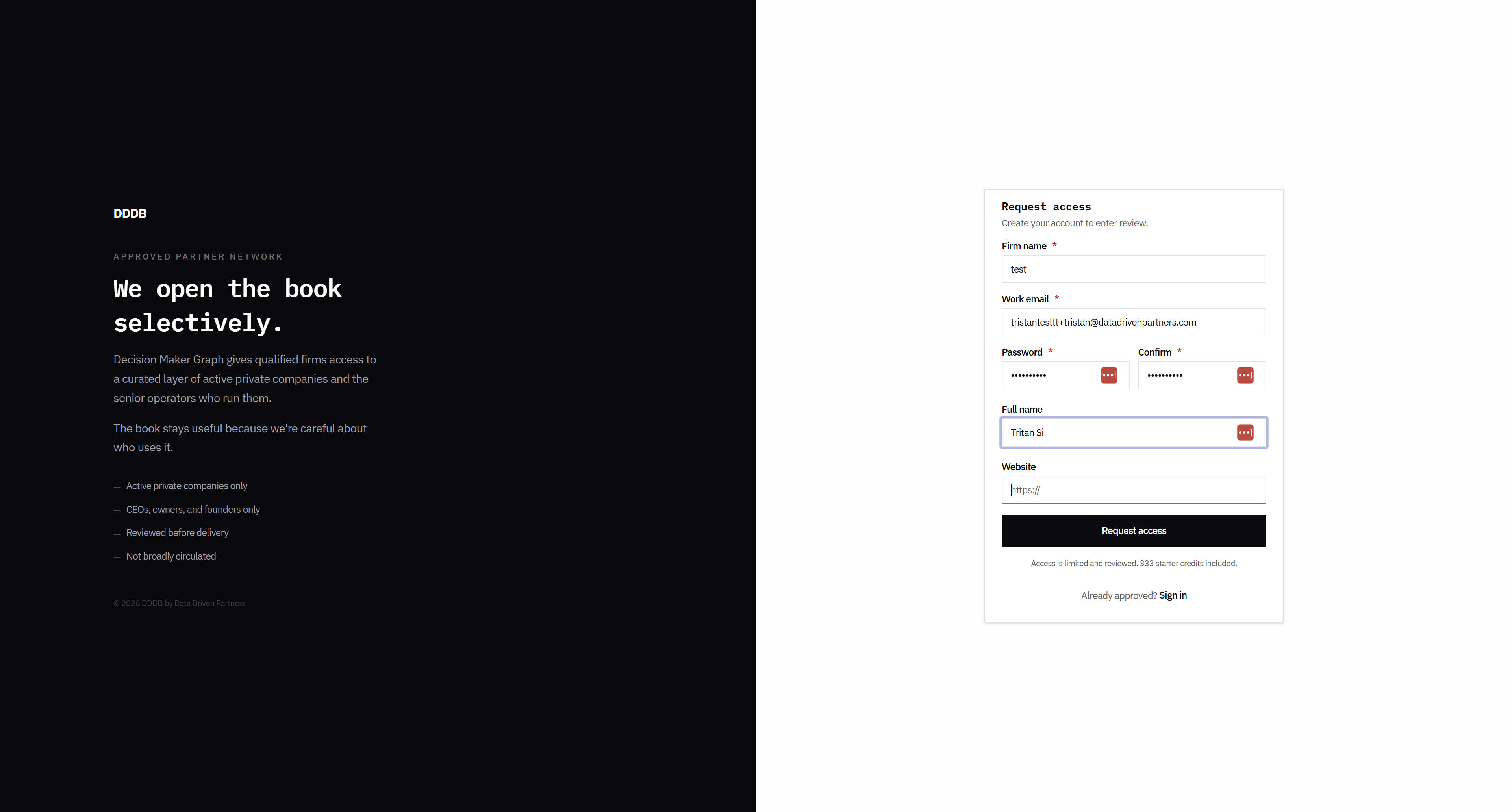
I have a couple of other solutions. And then, do not include these three bullet points here. It should be simple text. Request access. This is correct. These fonts should be large.

These are too small, and this is too small. The language here feels like we're trying too hard.
3
Click here
Step #3: Click here
4
Click on "We open the book"
Step #4: Click on "We open the book"

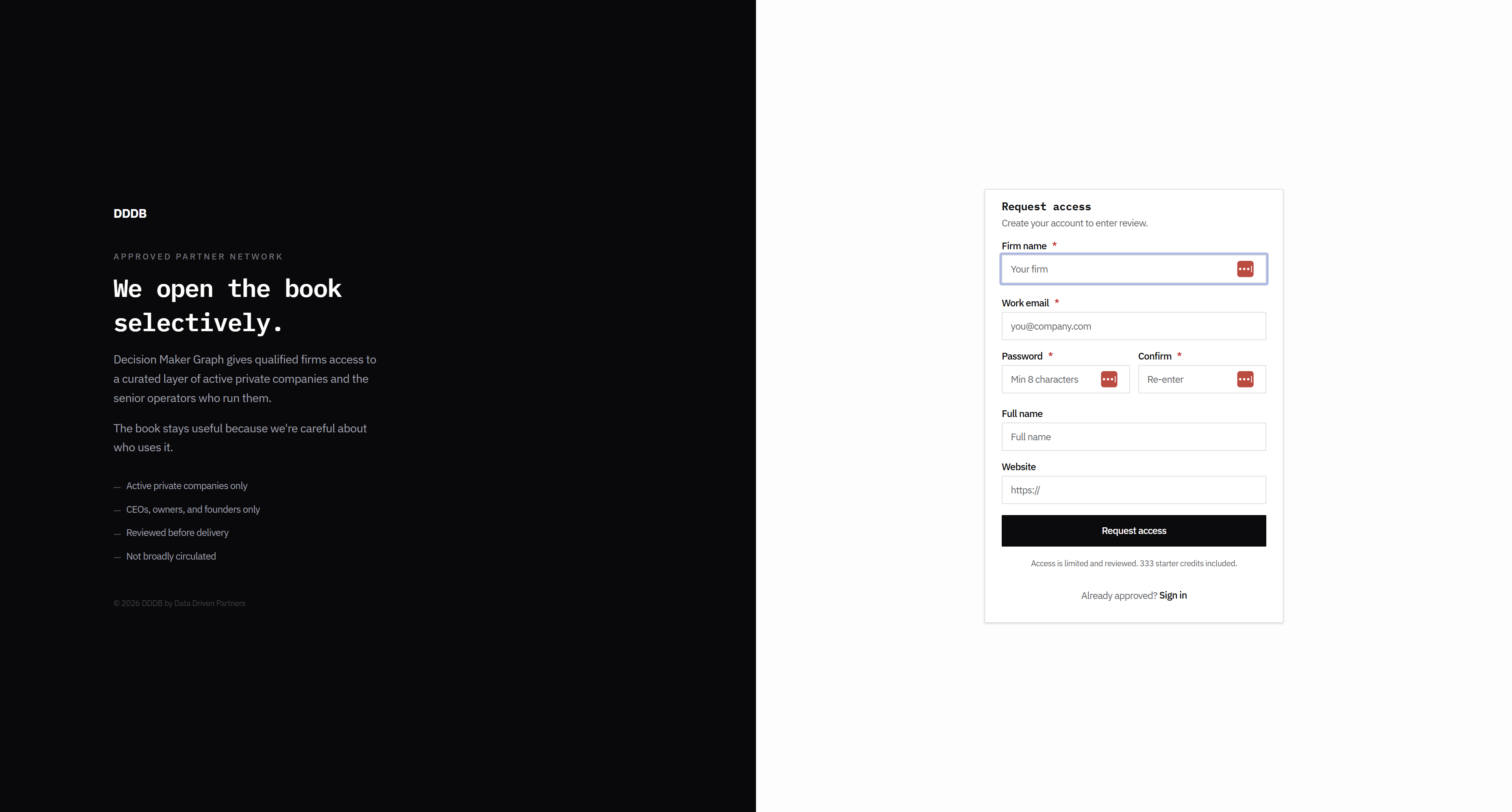
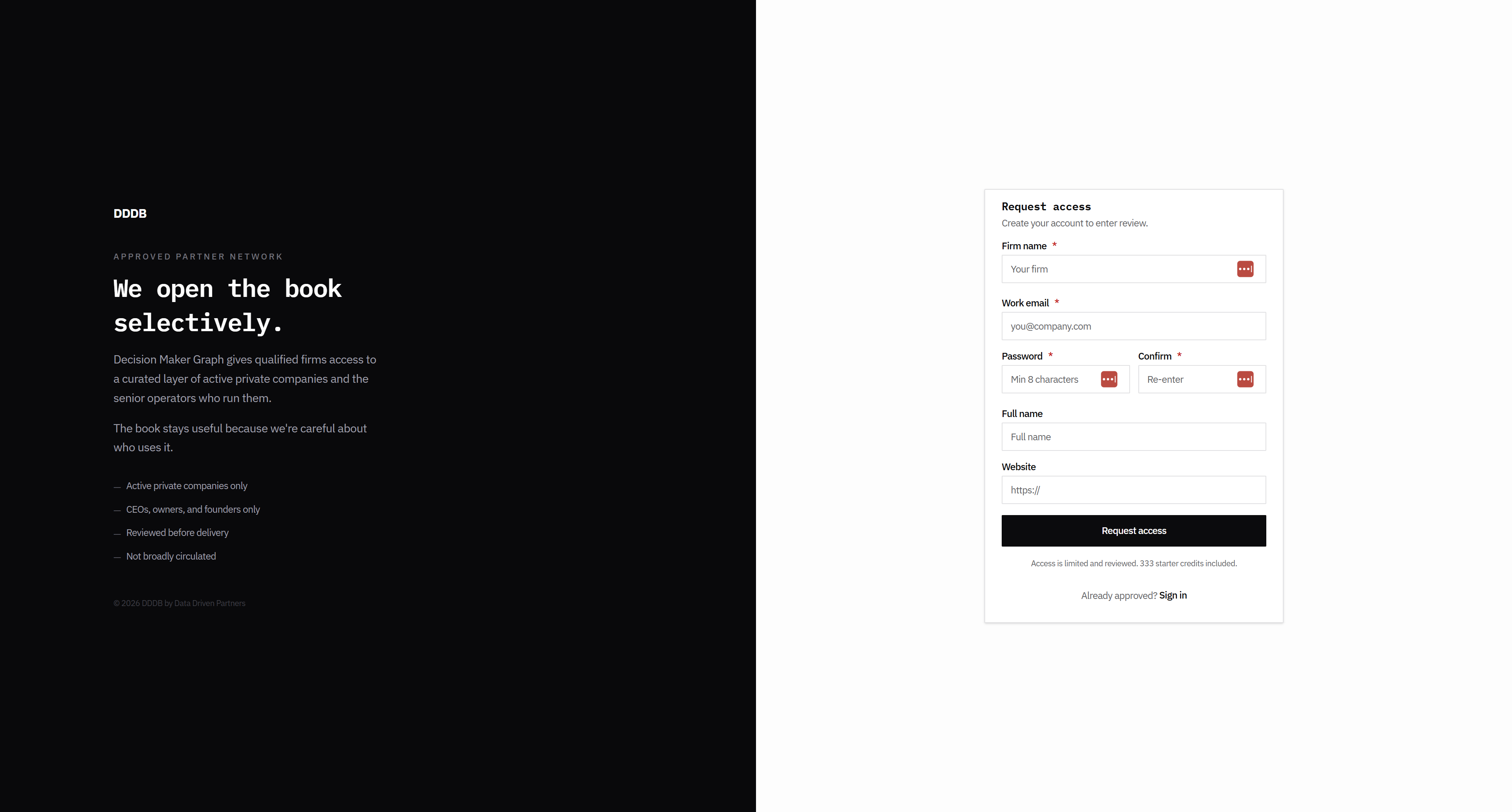
The font size is too small.

5
Click here
Step #5: Click here

This must be in six or eight-point font.
6
Click here
Step #6: Click here

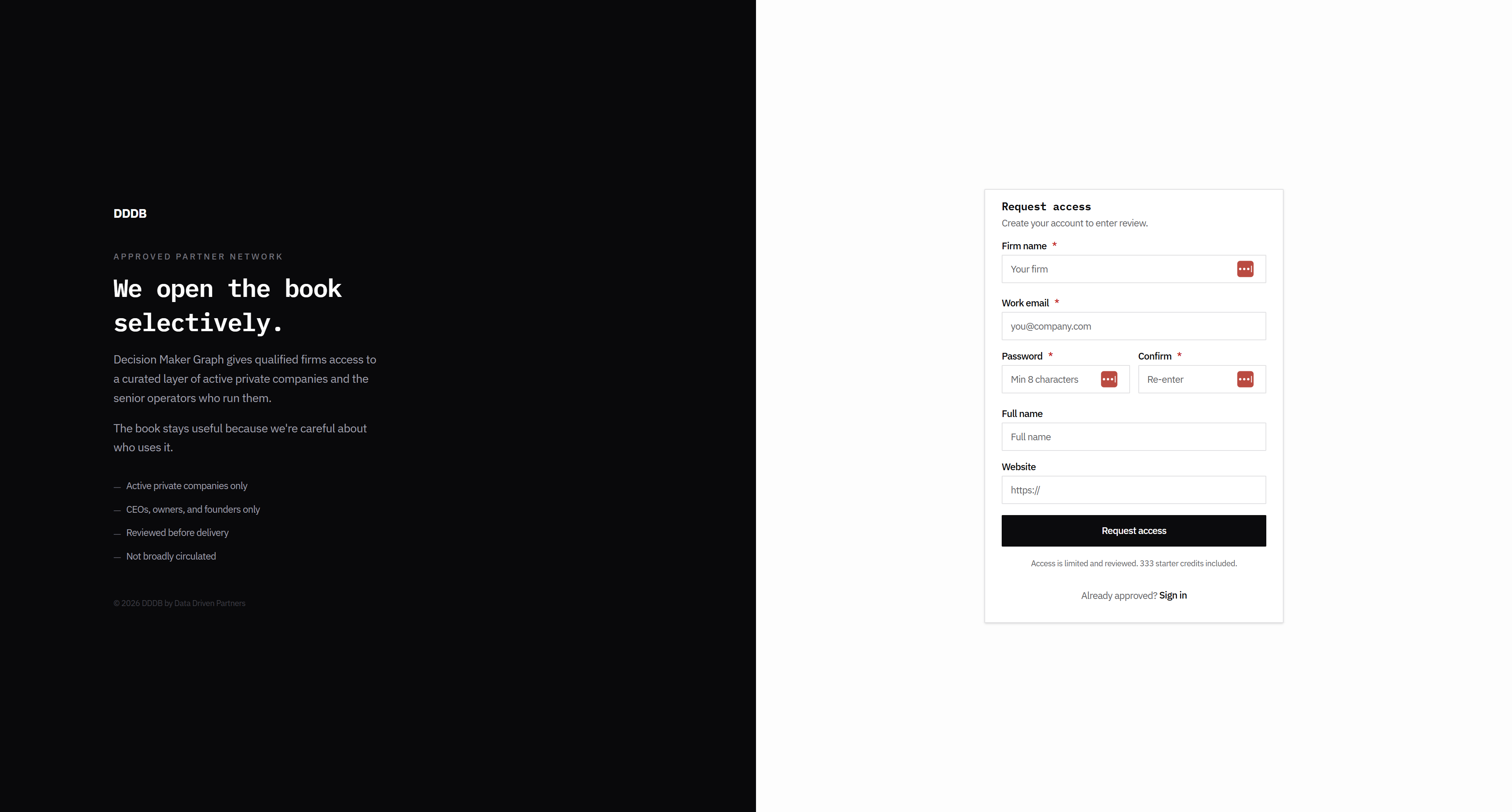
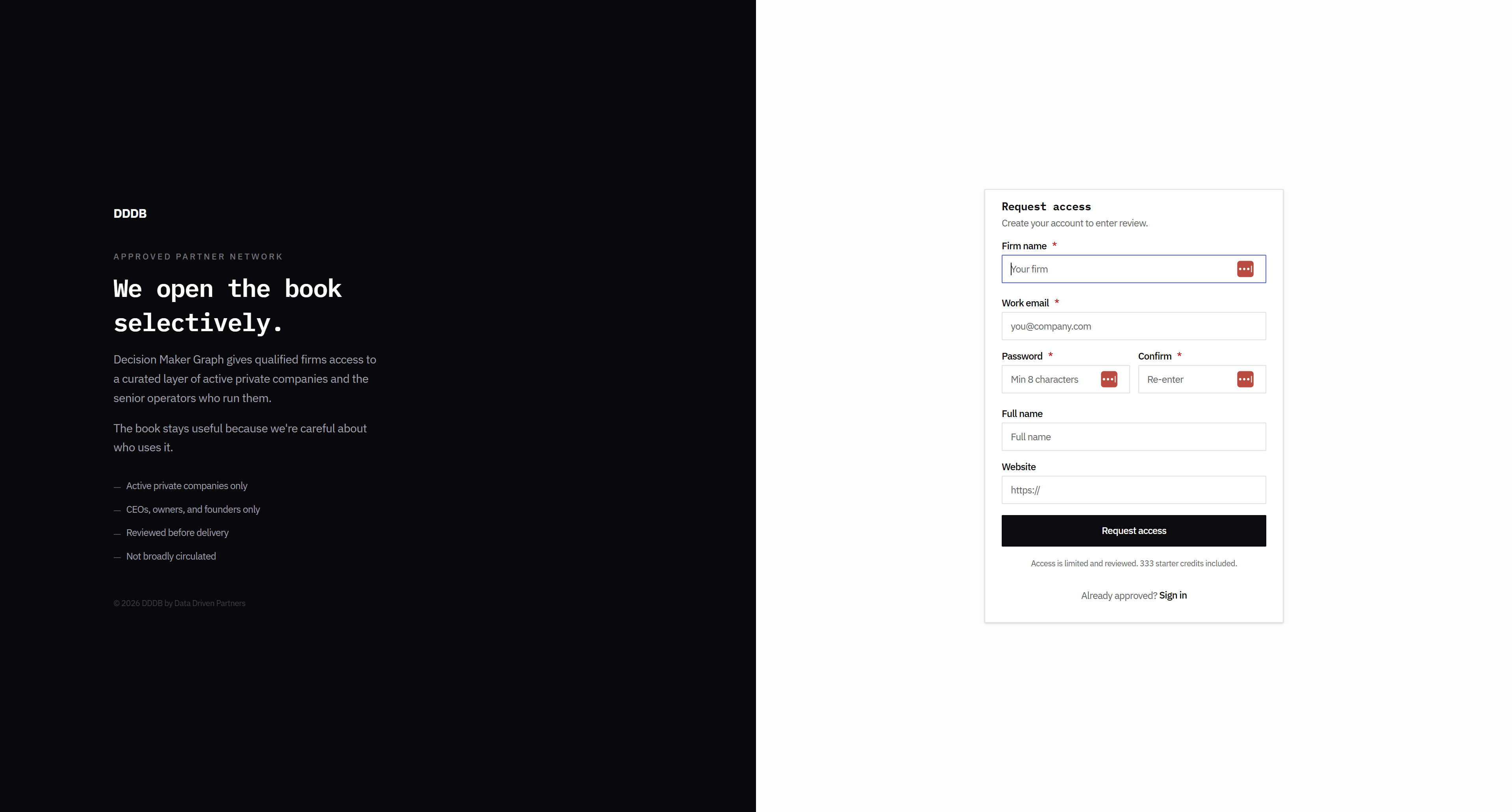
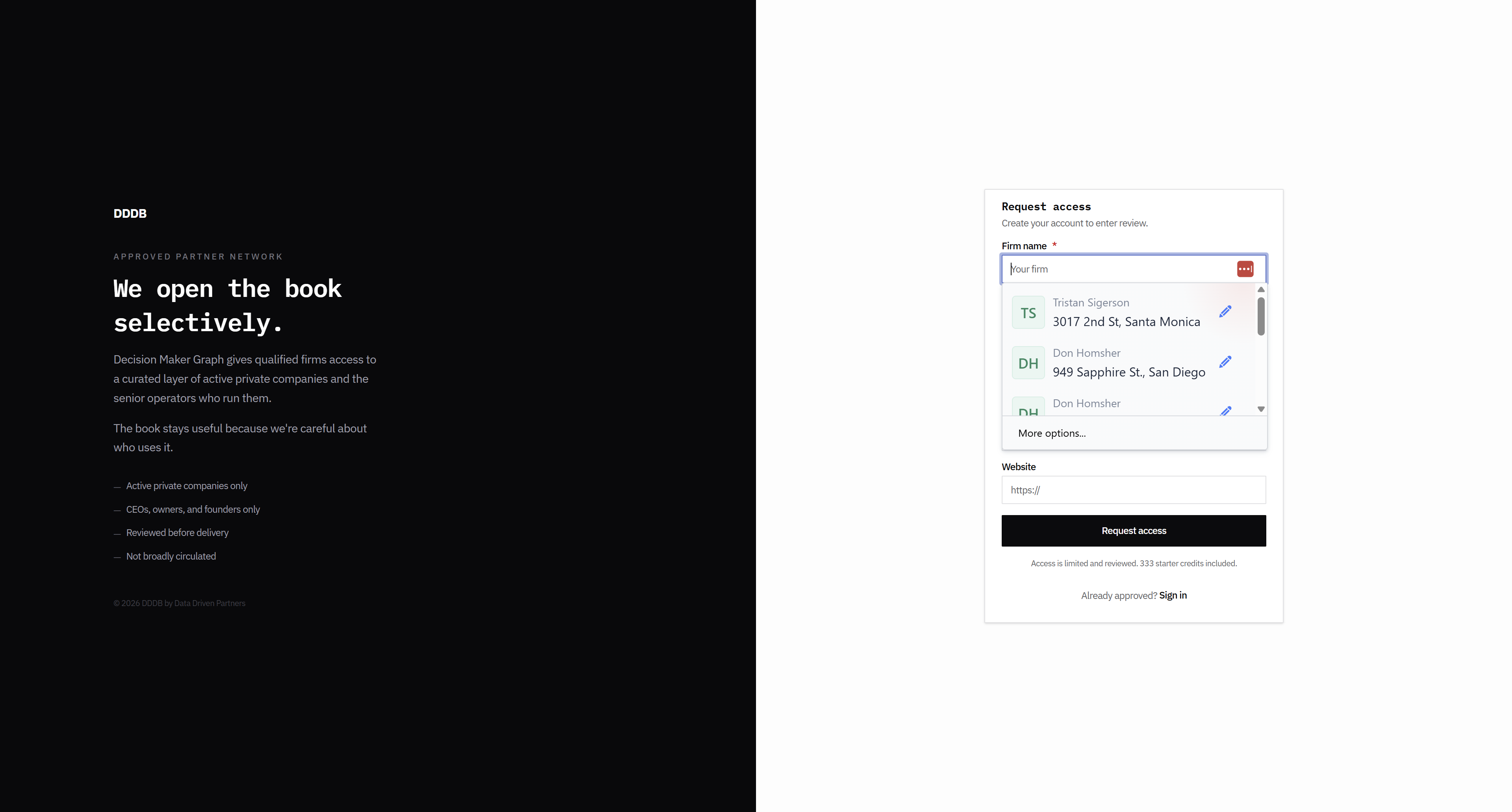
This could be the company name or firm name.
7
Click here
Step #7: Click here

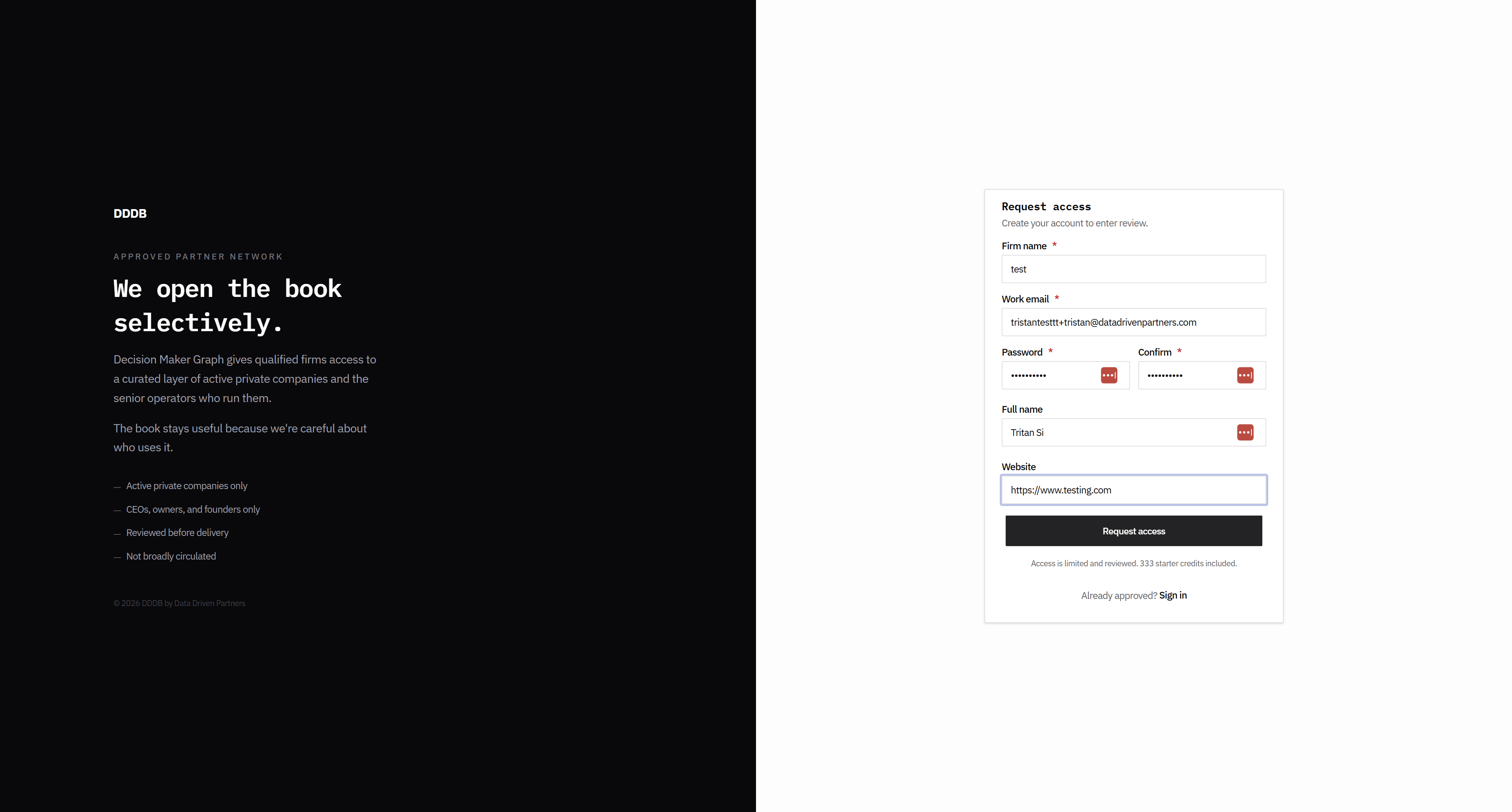
I think this form could be a little wider.
8
Click here
Step #8: Click here
9
Click here
Step #9: Click here
10
Click here
Step #10: Click here

Like this.

11
Click here
Step #11: Click here

This. Let's see how that looked.
12
Click here
Step #12: Click here
13
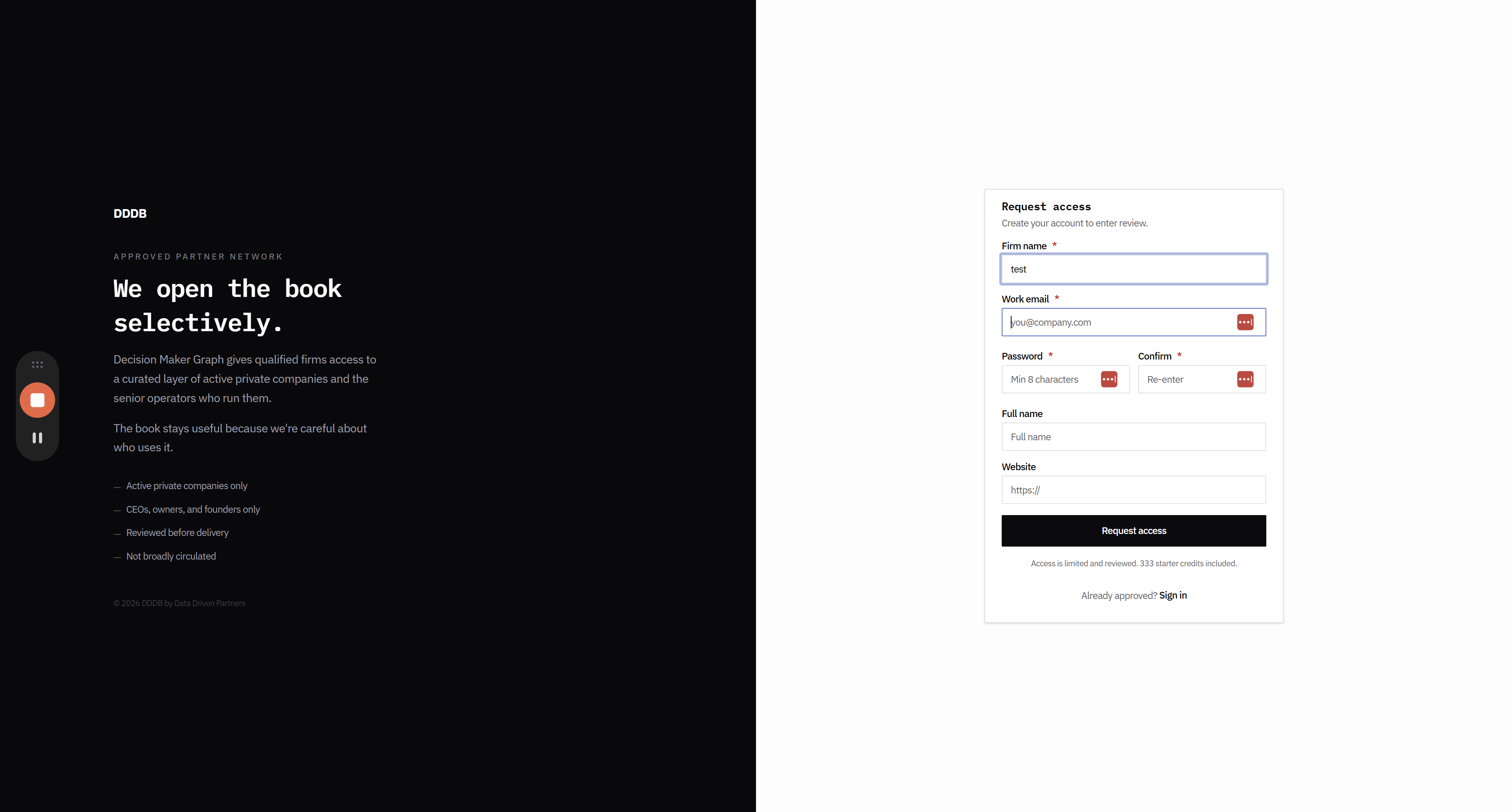
Type "test"
14
Click here
Step #14: Click here
15
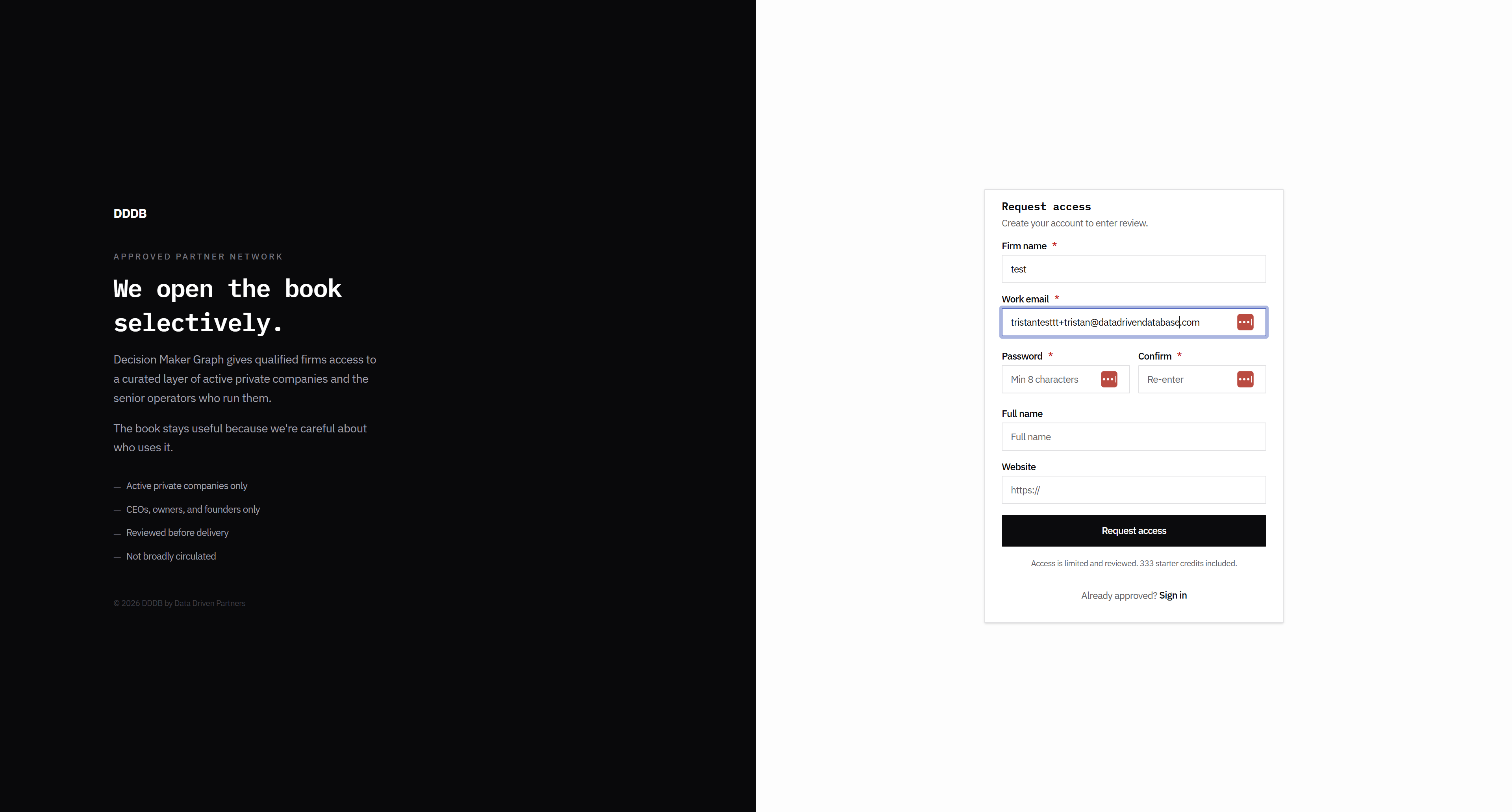
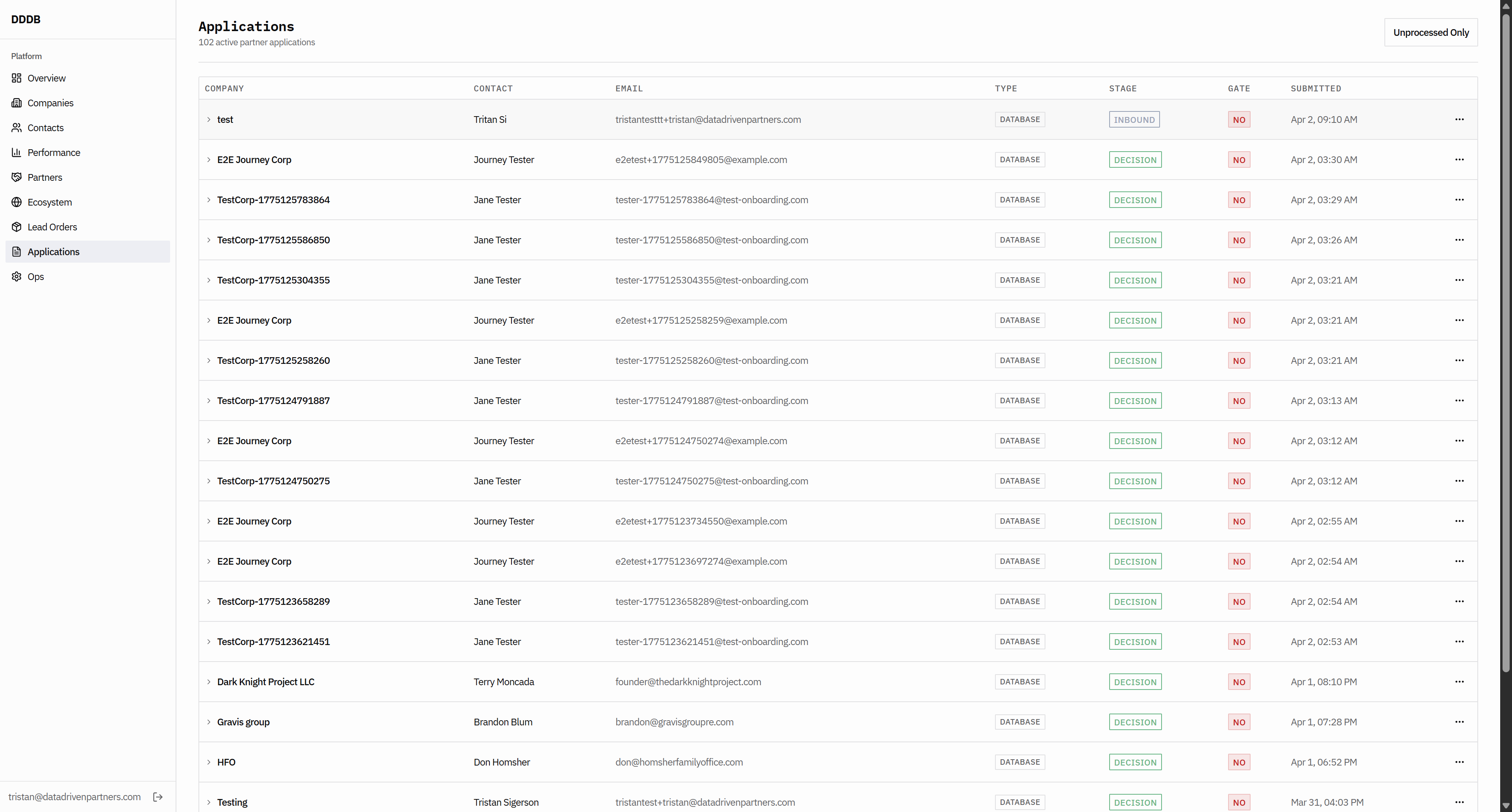
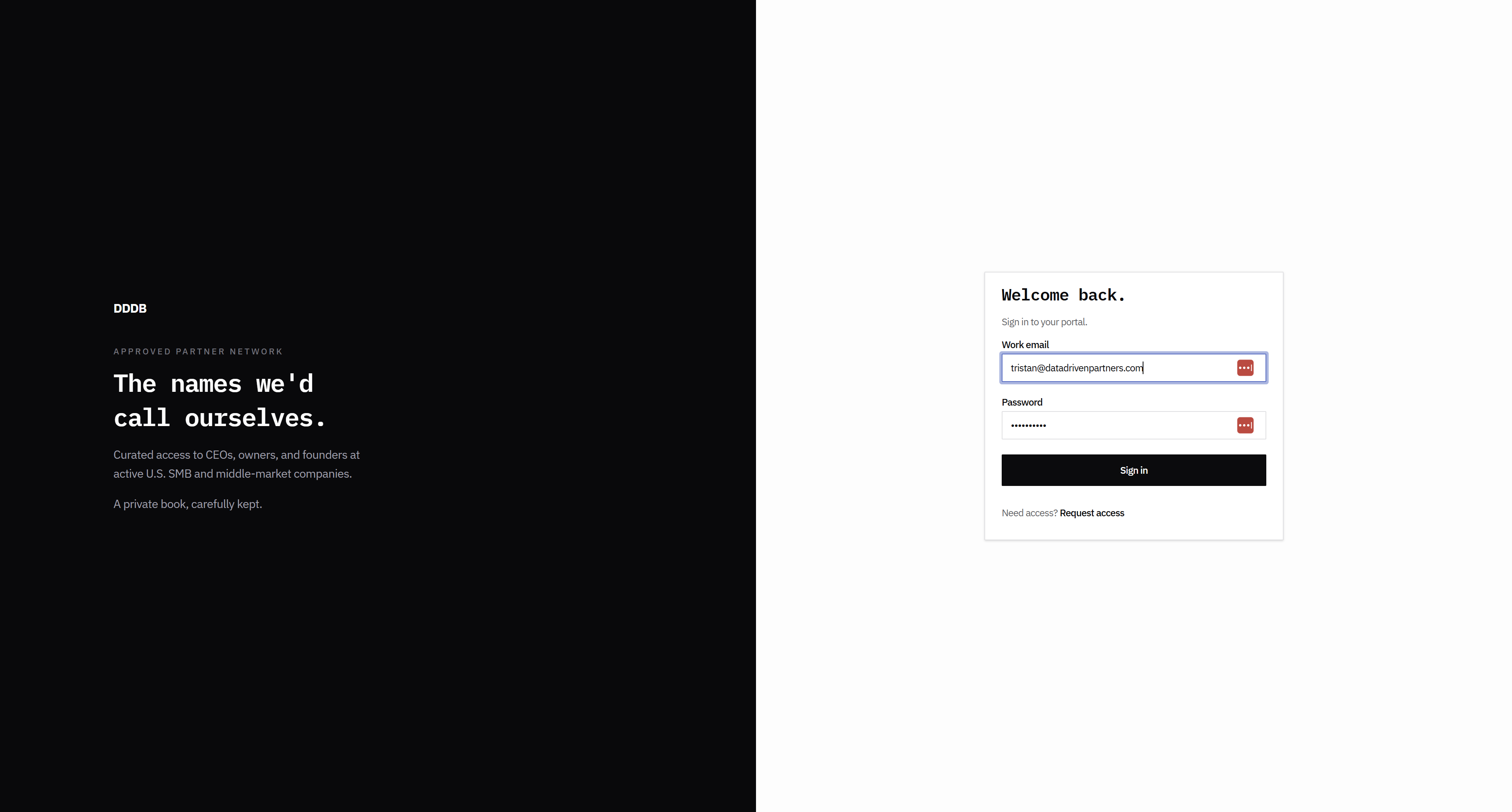
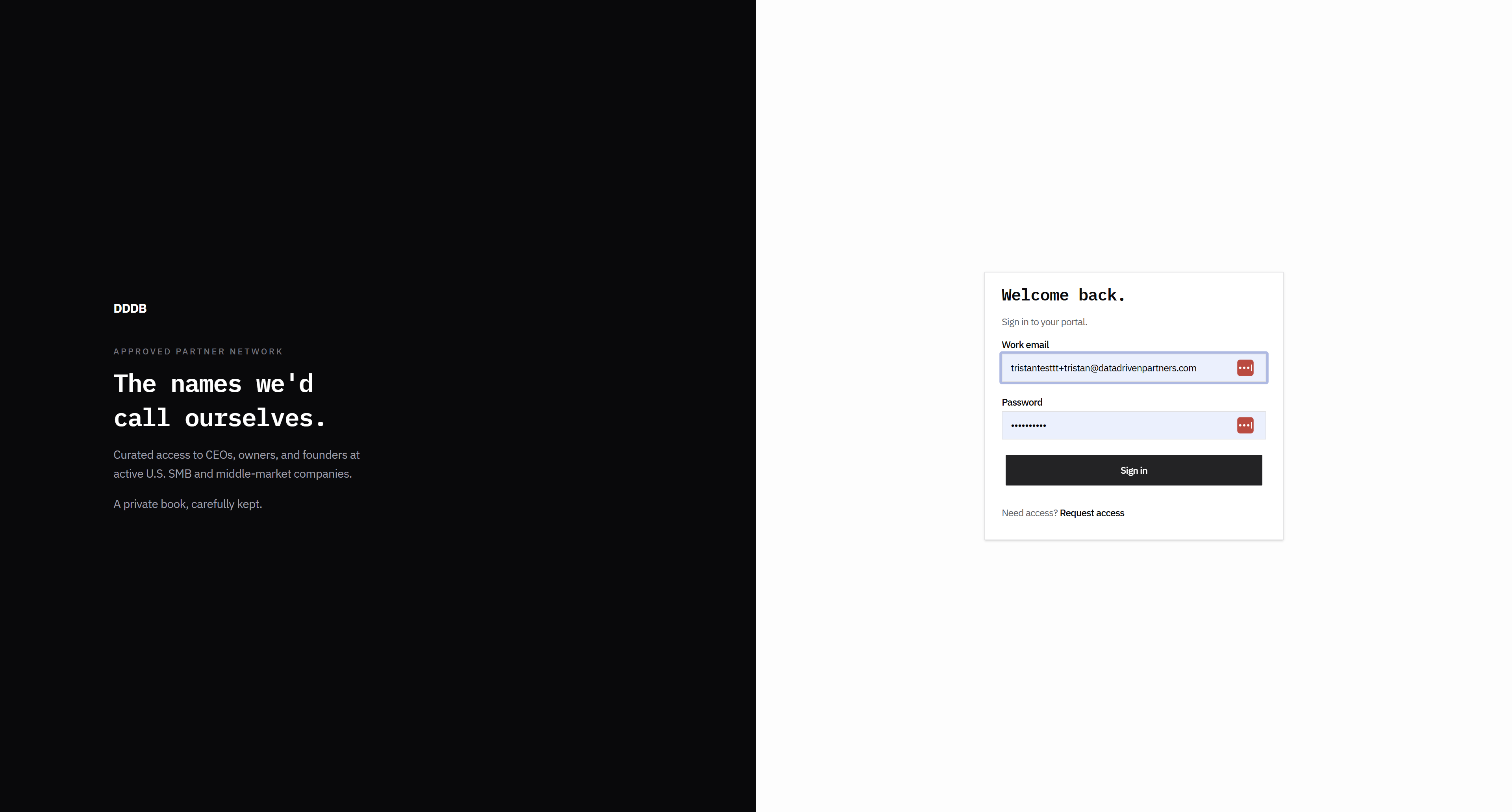
Type "tristantesttt+tristan@datadrivendatabase.com"
16
Type "Backspace"
17
Type "Backspace"
18
Type "Backspace"
19
Type "Backspace"
20
Type "Backspace"
21
Type "Backspace"
22
Type "Backspace"
23
Type "Backspace"
24
Click here
Step #24: Click here
25
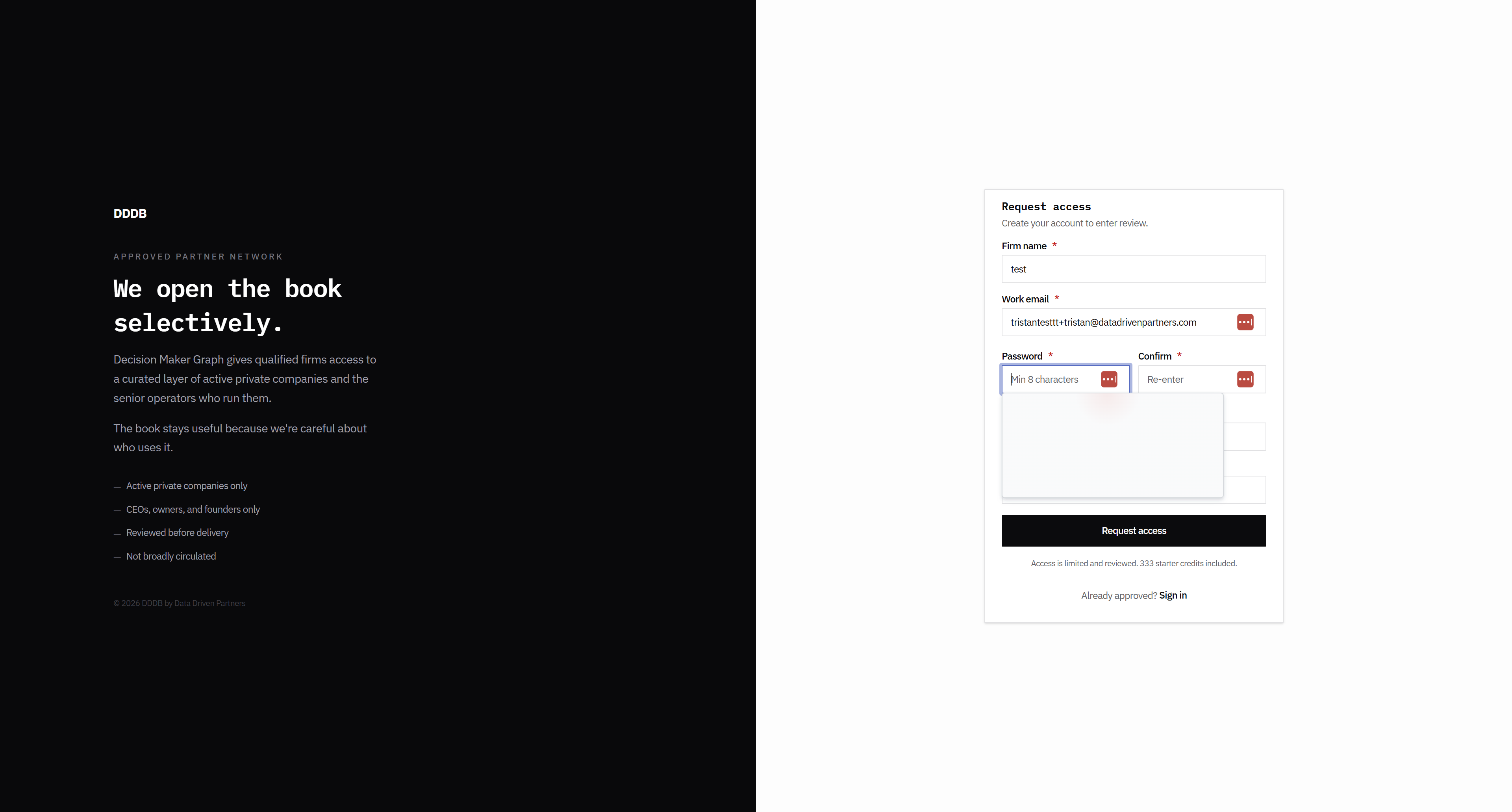
Type "partners"
26
Click here
Step #26: Click here
27
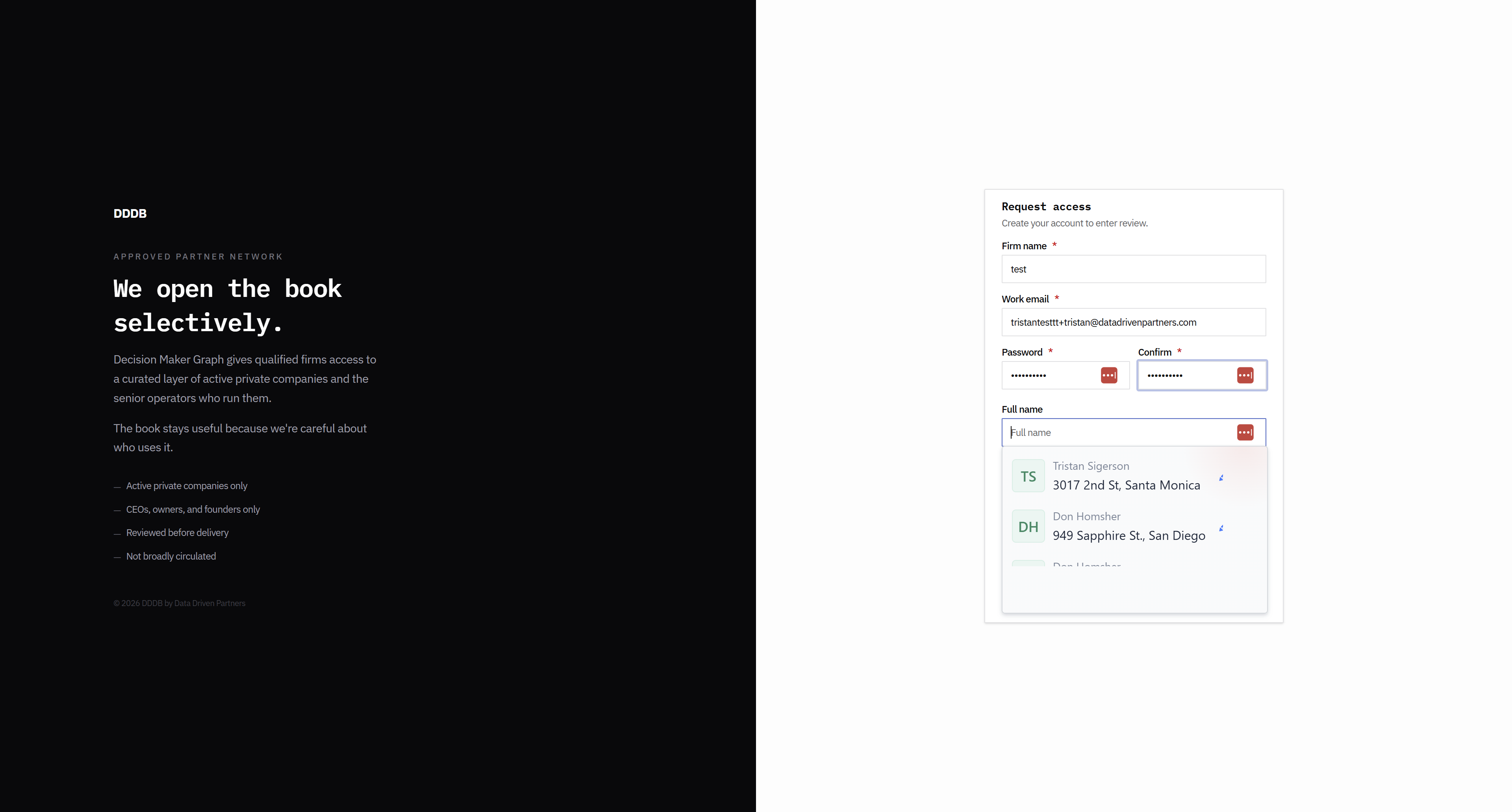
Type "Bongo9999$"
28
Click here
Step #28: Click here
29
Type "Bongo9999$"
30
Type "Tritan Si"
31
Click here
Step #31: Click here
32
Type "https://www.testing.com"
33
Click here
Step #33: Click here

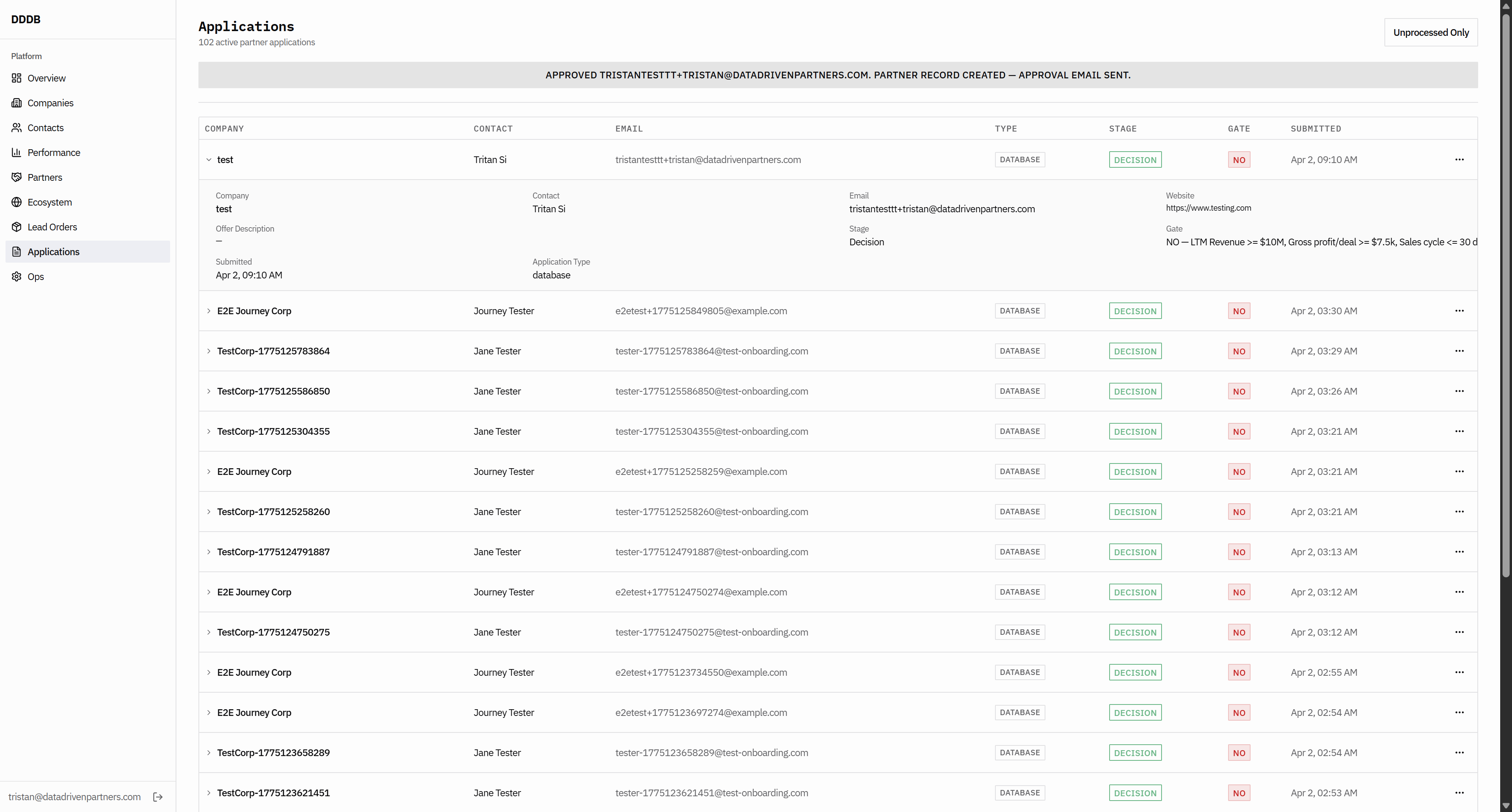
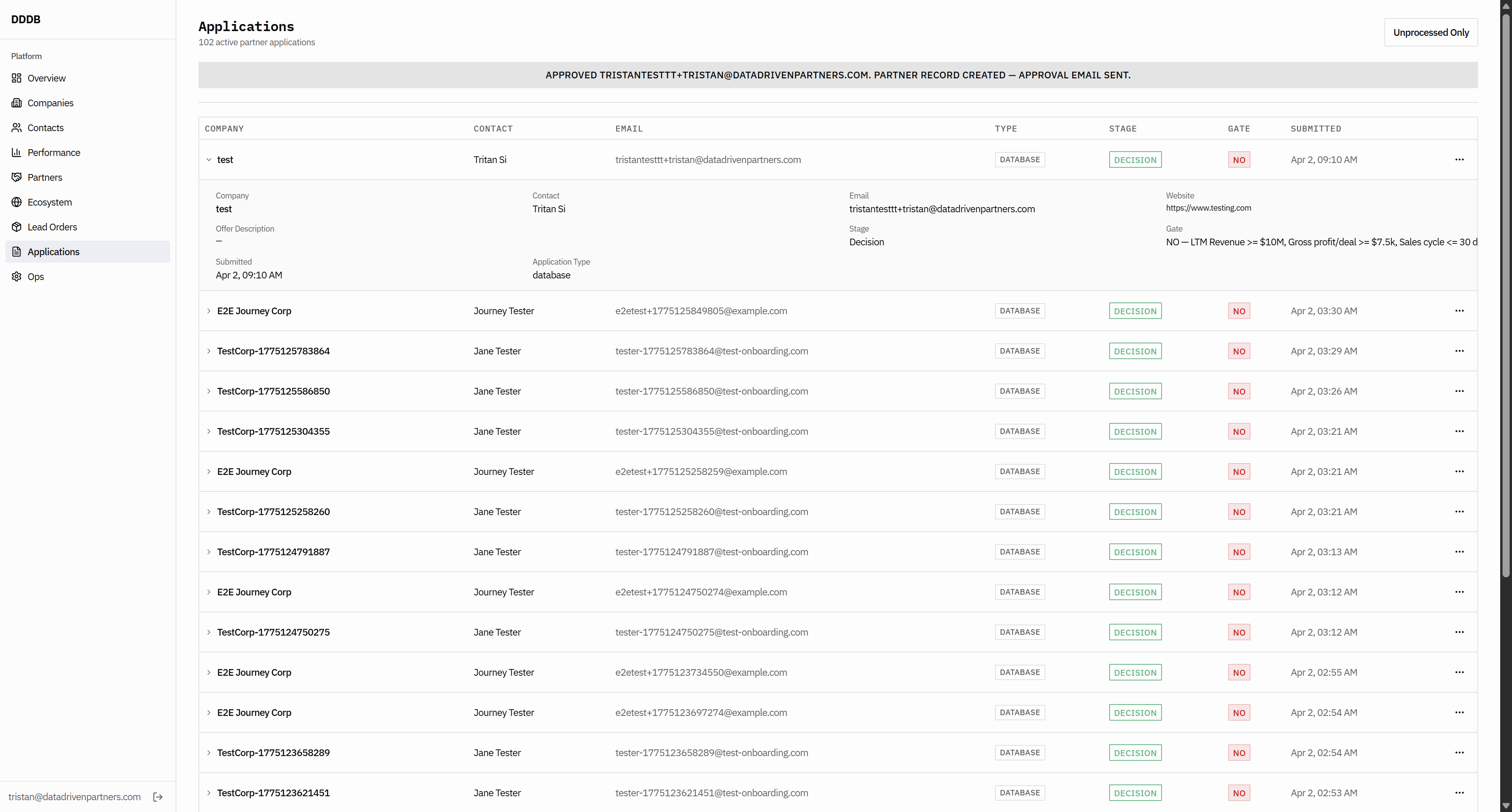
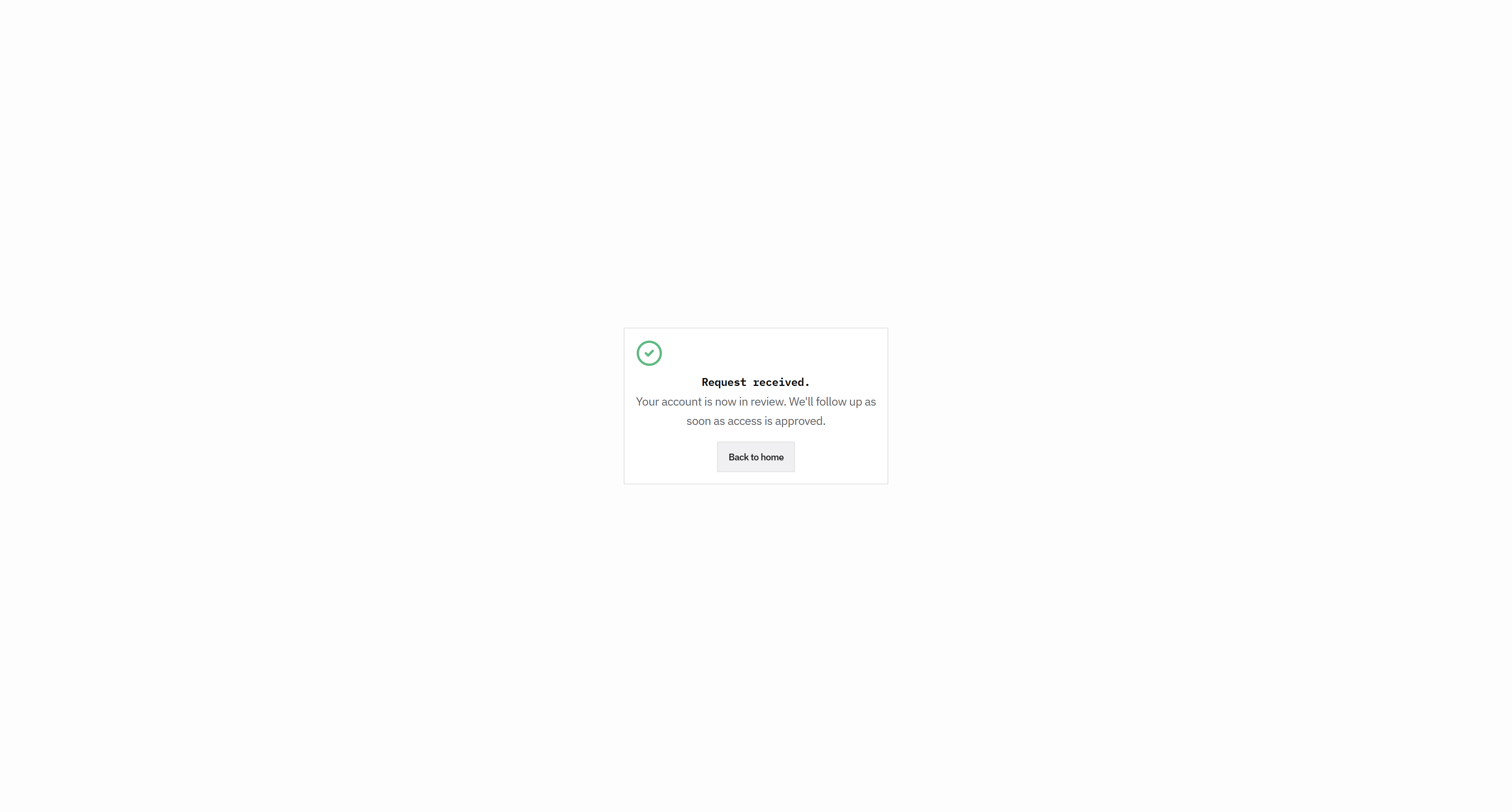
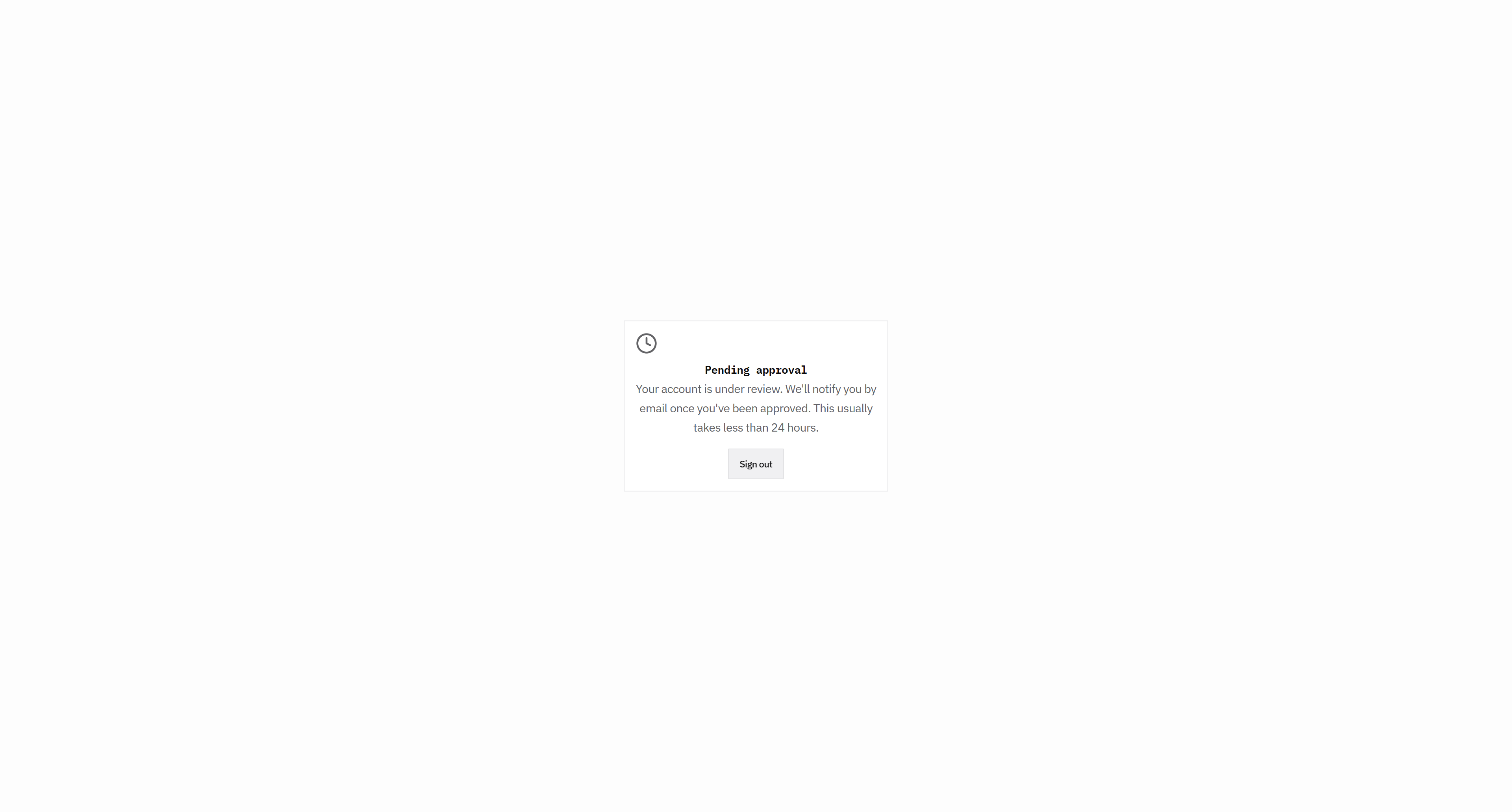
Okay, that worked. That all makes sense.
34
Click here
Step #34: Click here
35
Click here
Step #35: Click here
36
Click here
Step #36: Click here

Let's see. Okay, so I'm not sure if I've gotten the...
37
Click here
Step #37: Click here
38
Click here
Step #38: Click here

All right, so...

39
Click here
Step #39: Click here

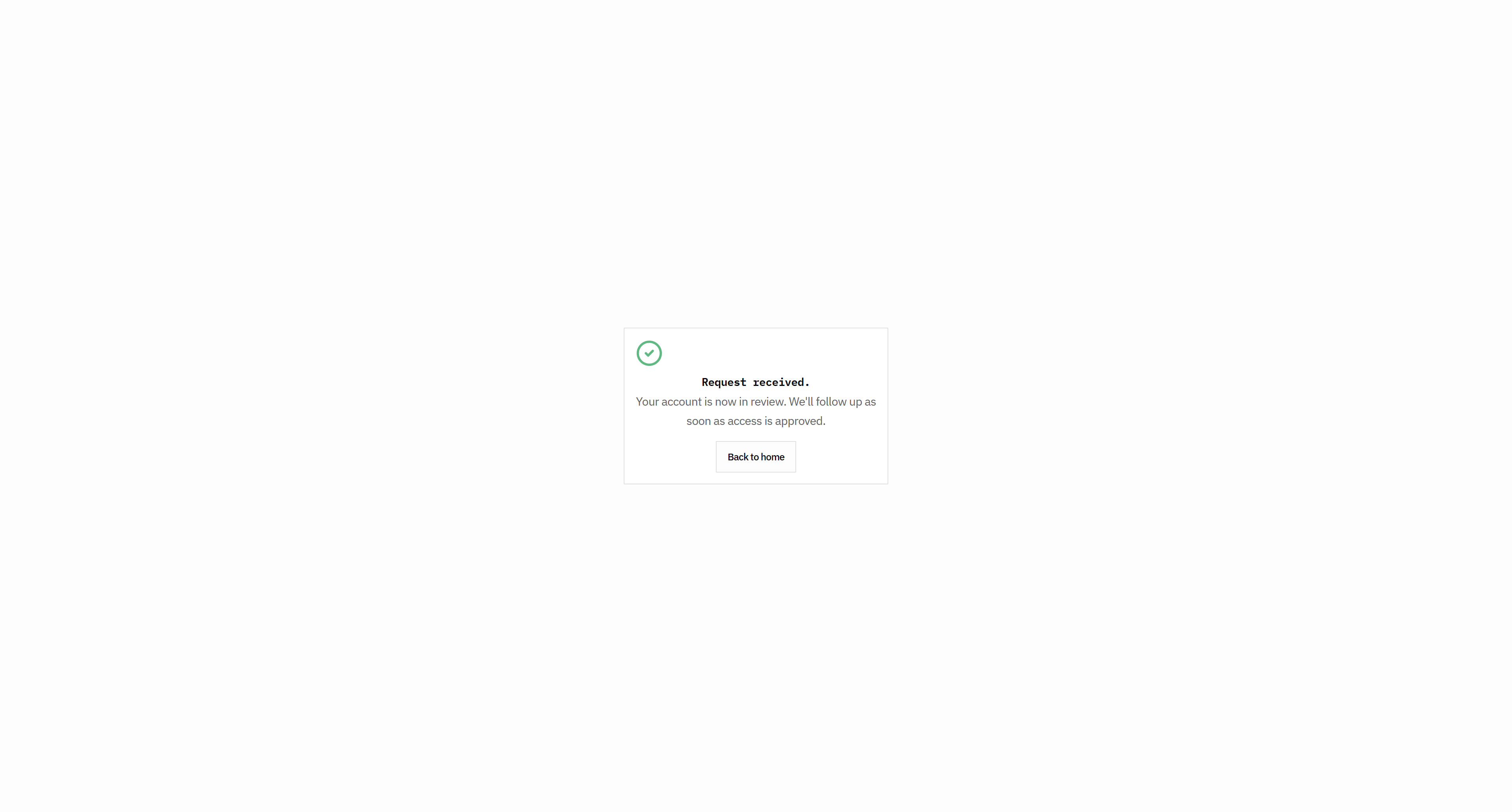
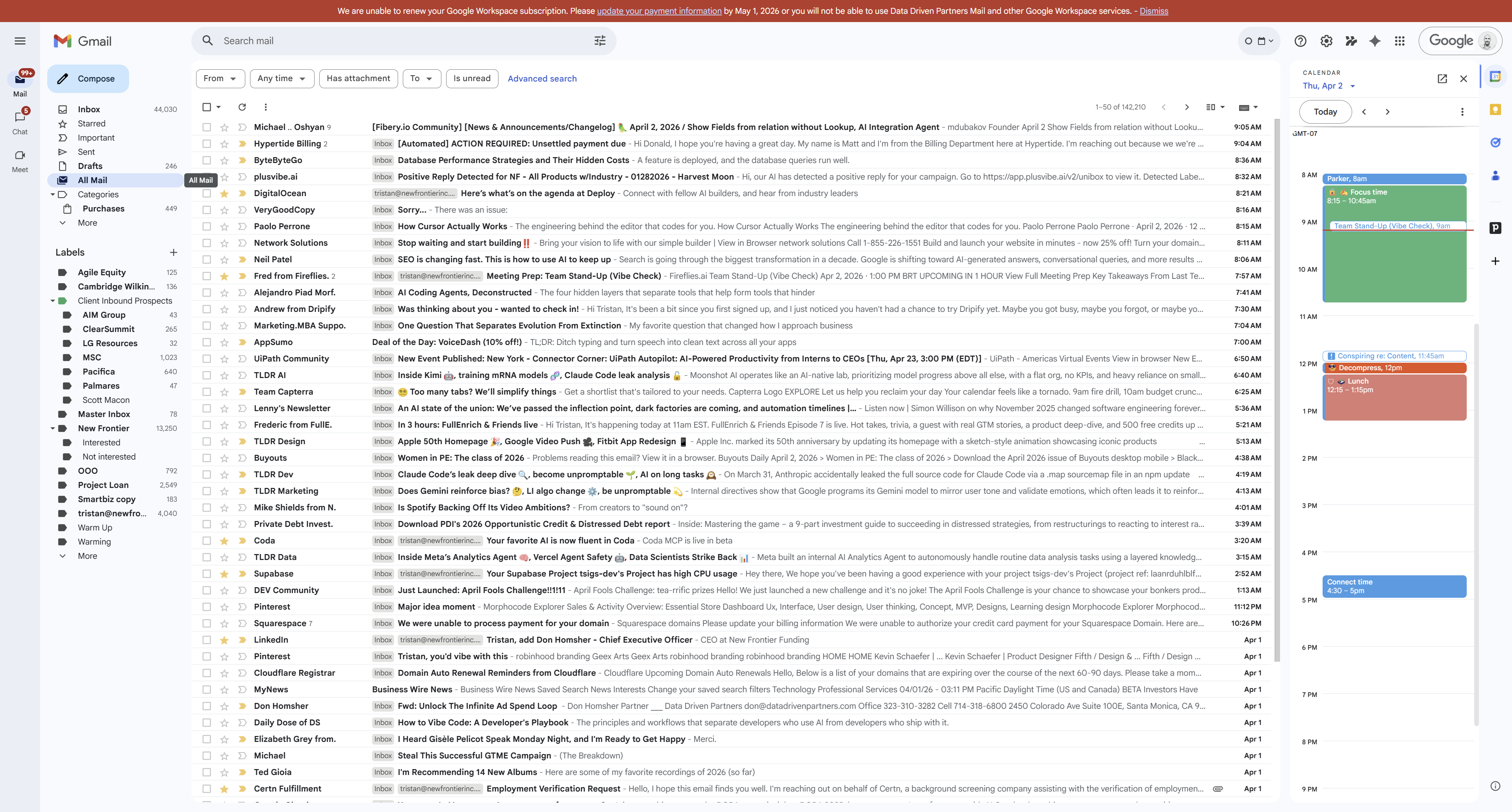
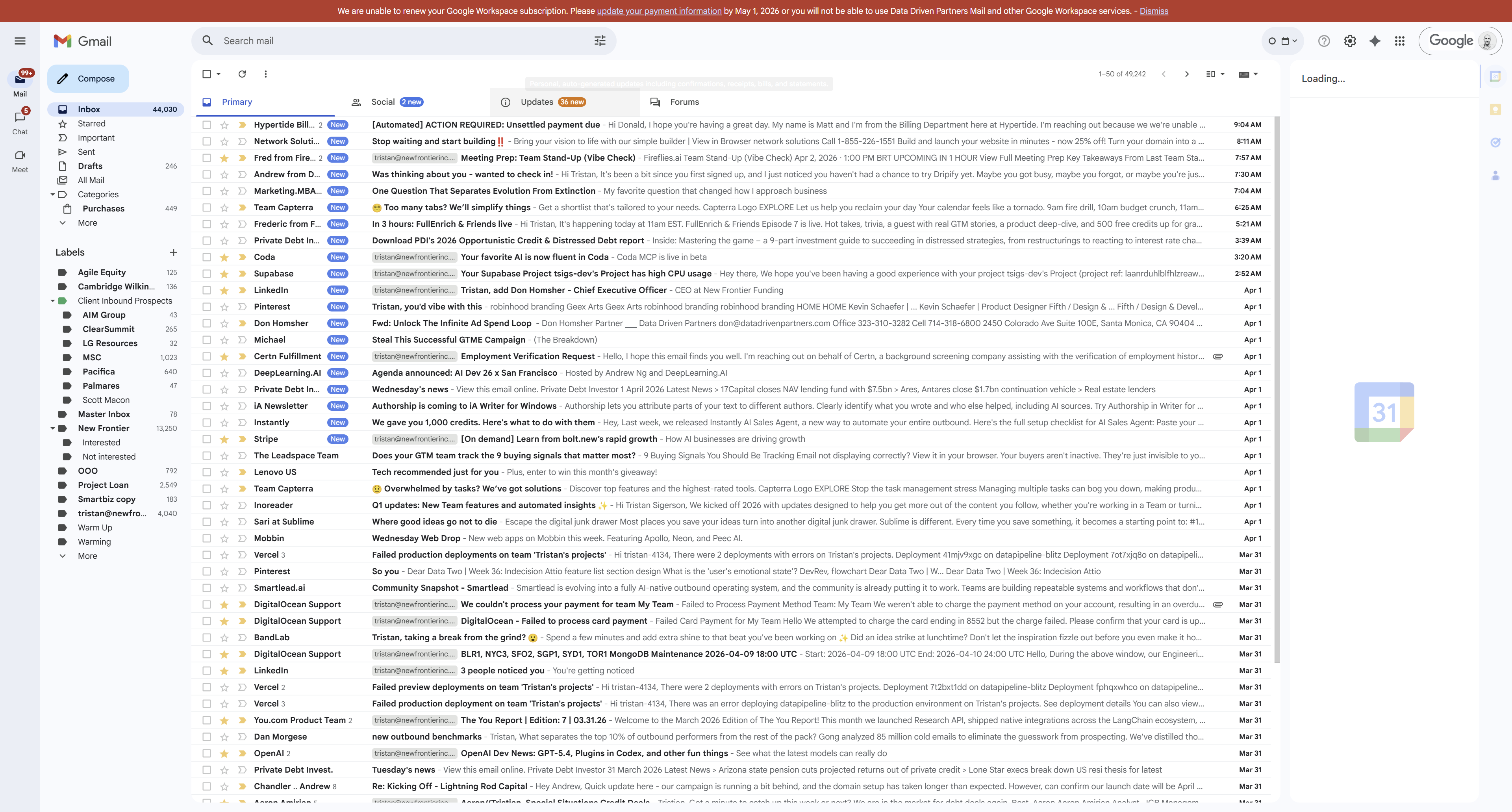
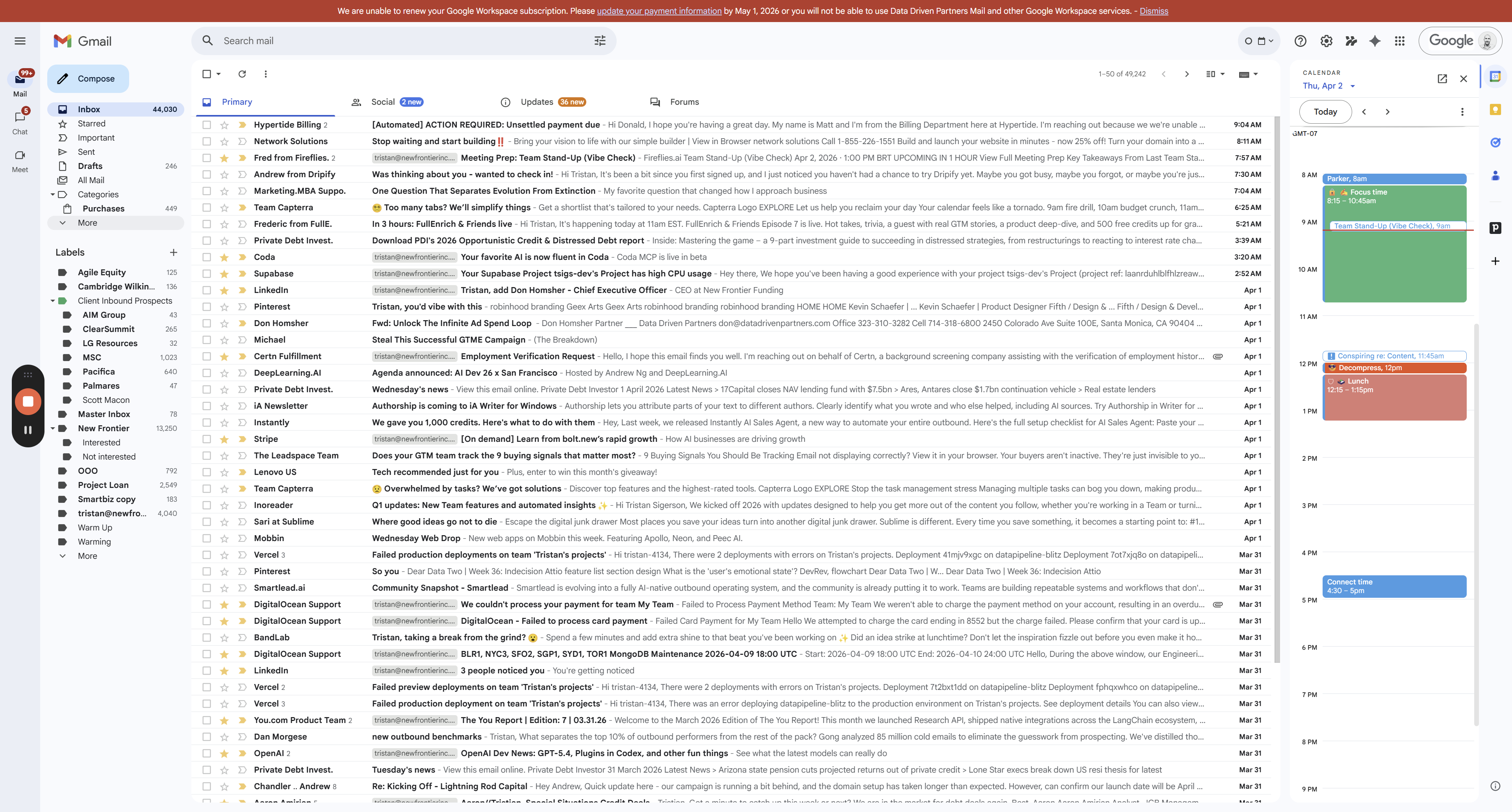
I'm not sure if the email is working. I think I should receive an email immediately that says, "Hey, we got your submission."
40
Click on "Sent"
Step #40: Click on "Sent"
41
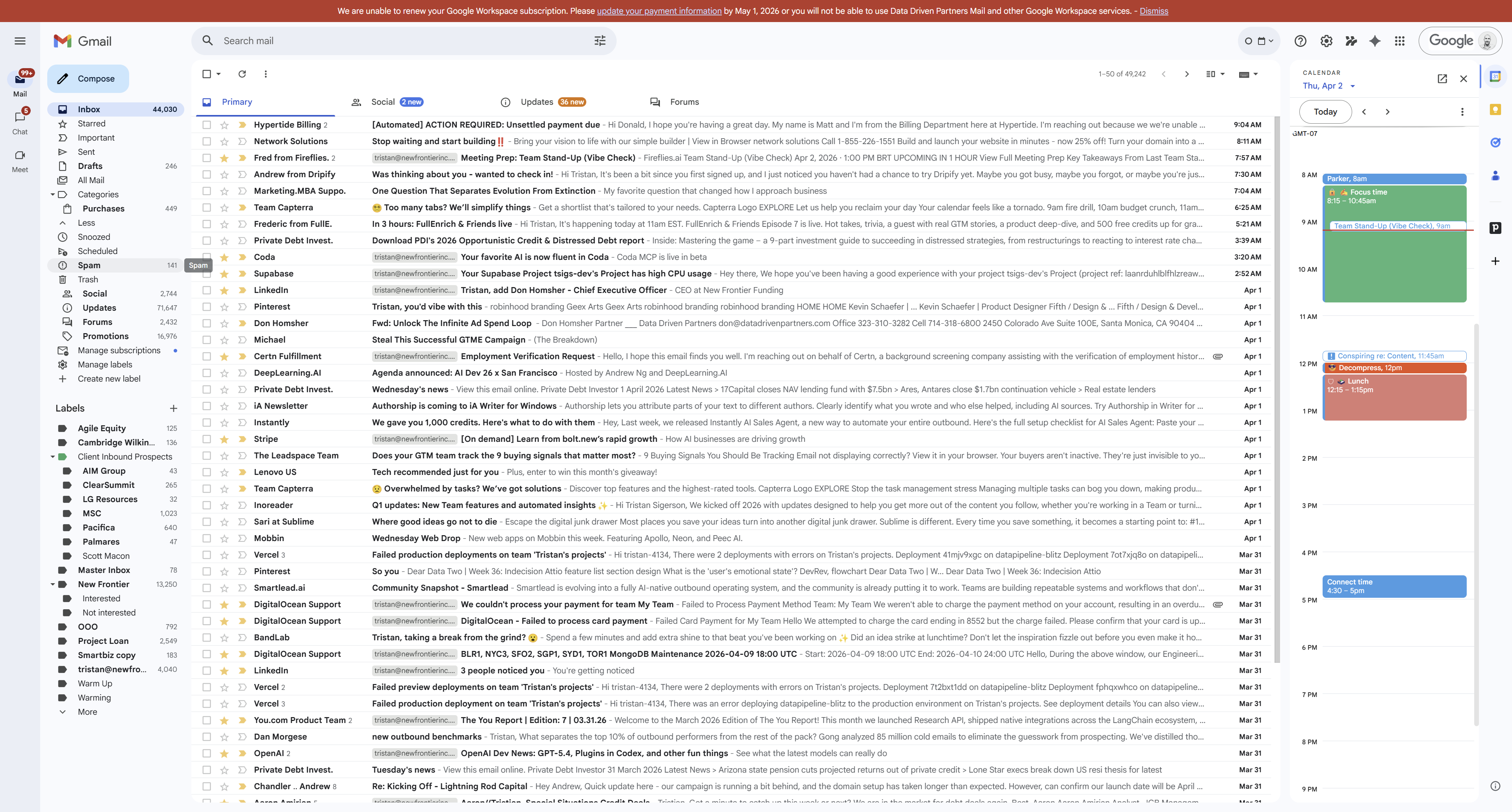
Click on "All Mail"
Step #41: Click on "All Mail"
42
Click on "✰"
Step #42: Click on "✰"
43
Click here
Step #43: Click here

Keep going. The names for your carousels don't really make sense.
44
Go to DDDB
45
Click here
Step #45: Click here

It sounds silly.

46
Click here
Step #46: Click here

It sounds silly. We need to get to these pages.
47
Click here
Step #47: Click here
48
Click here
Step #48: Click here

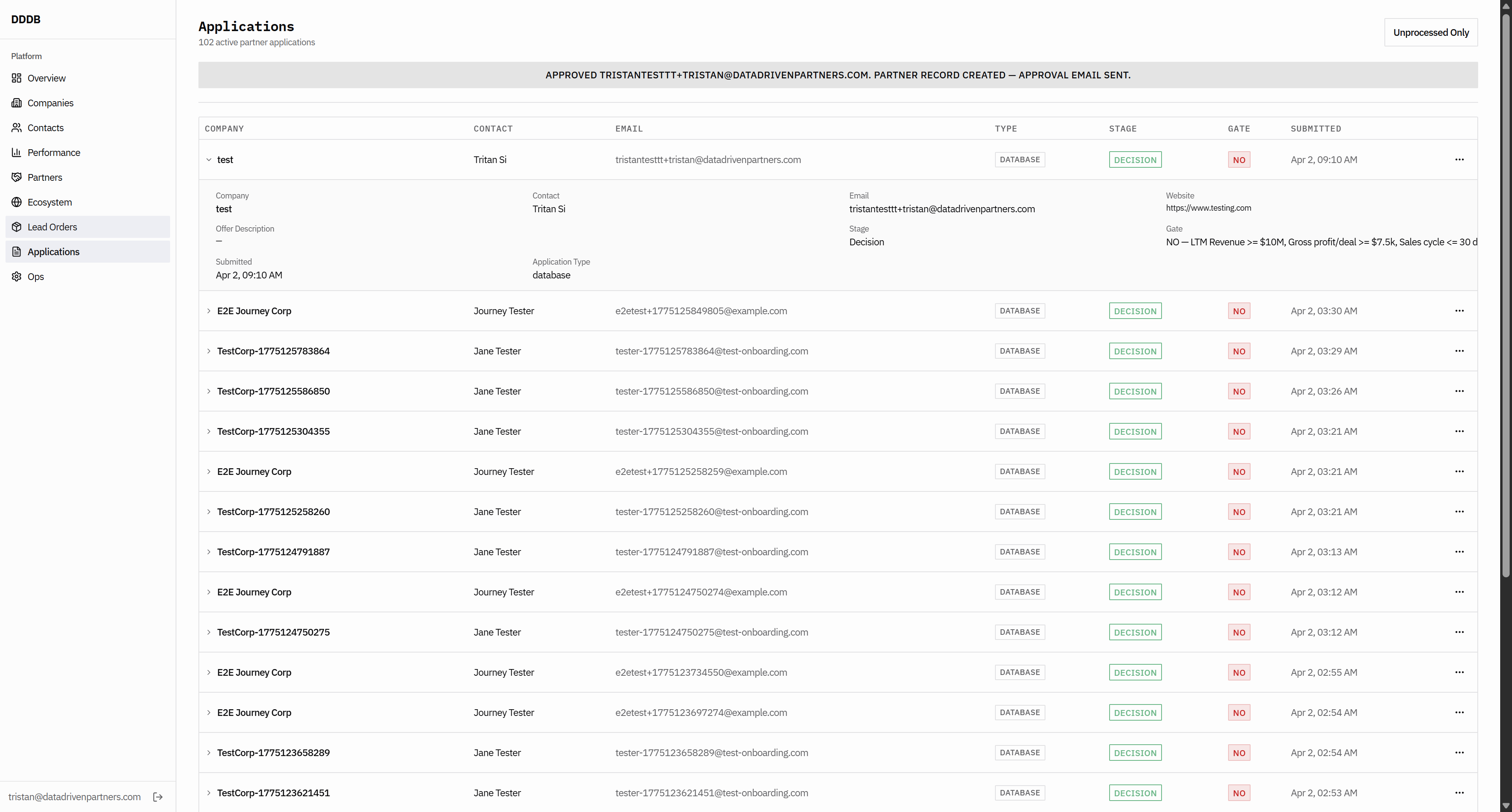
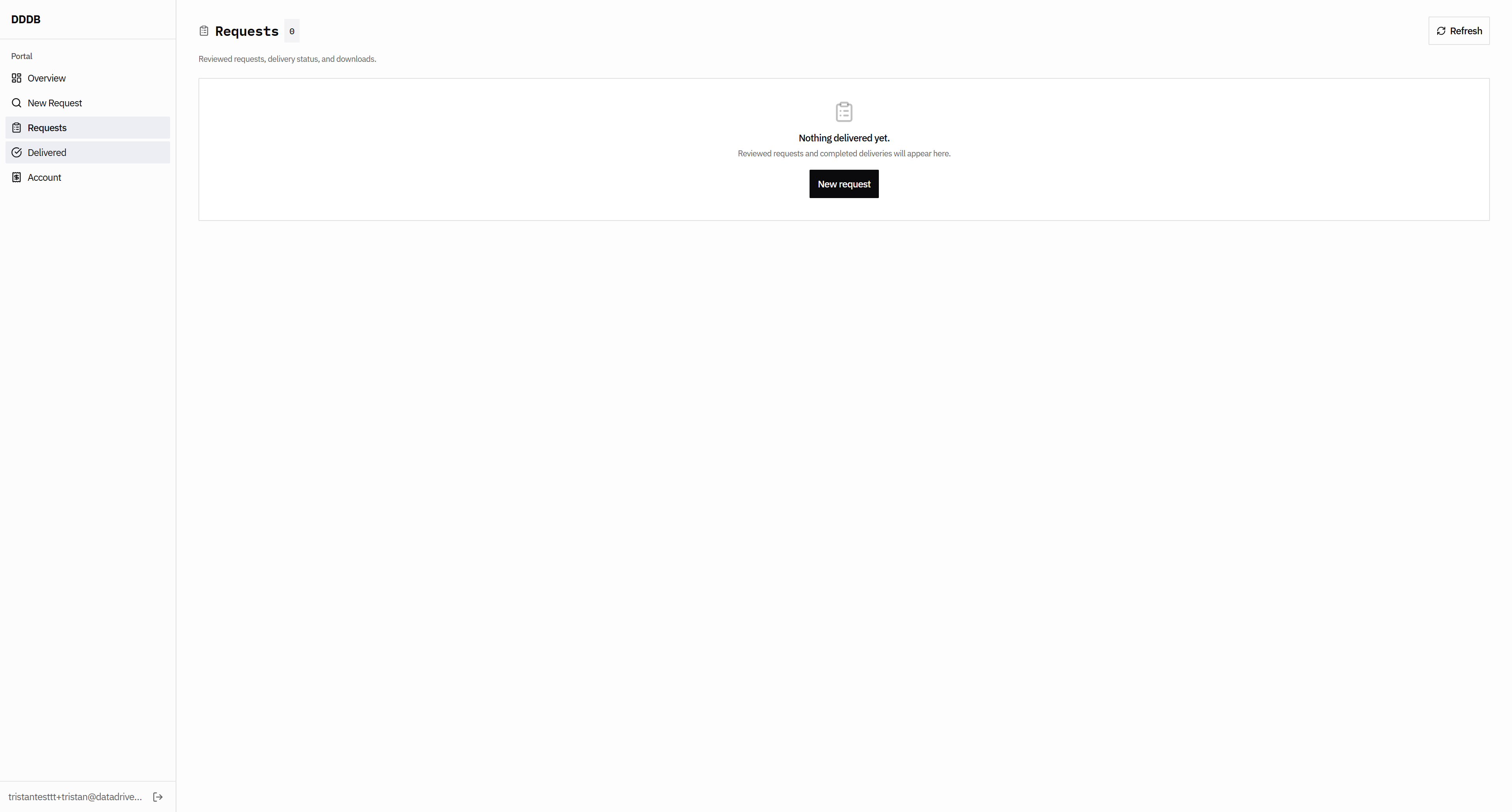
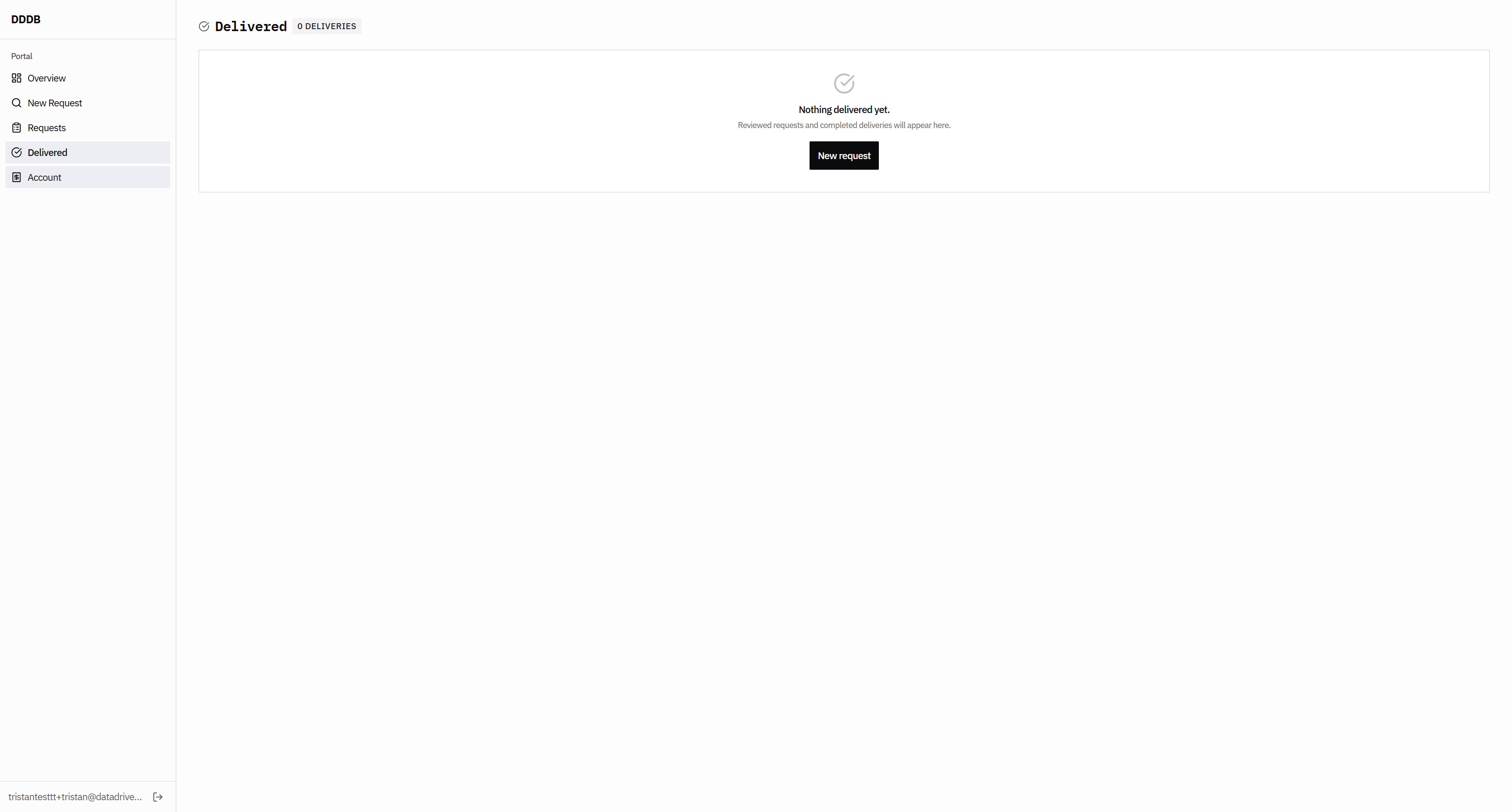
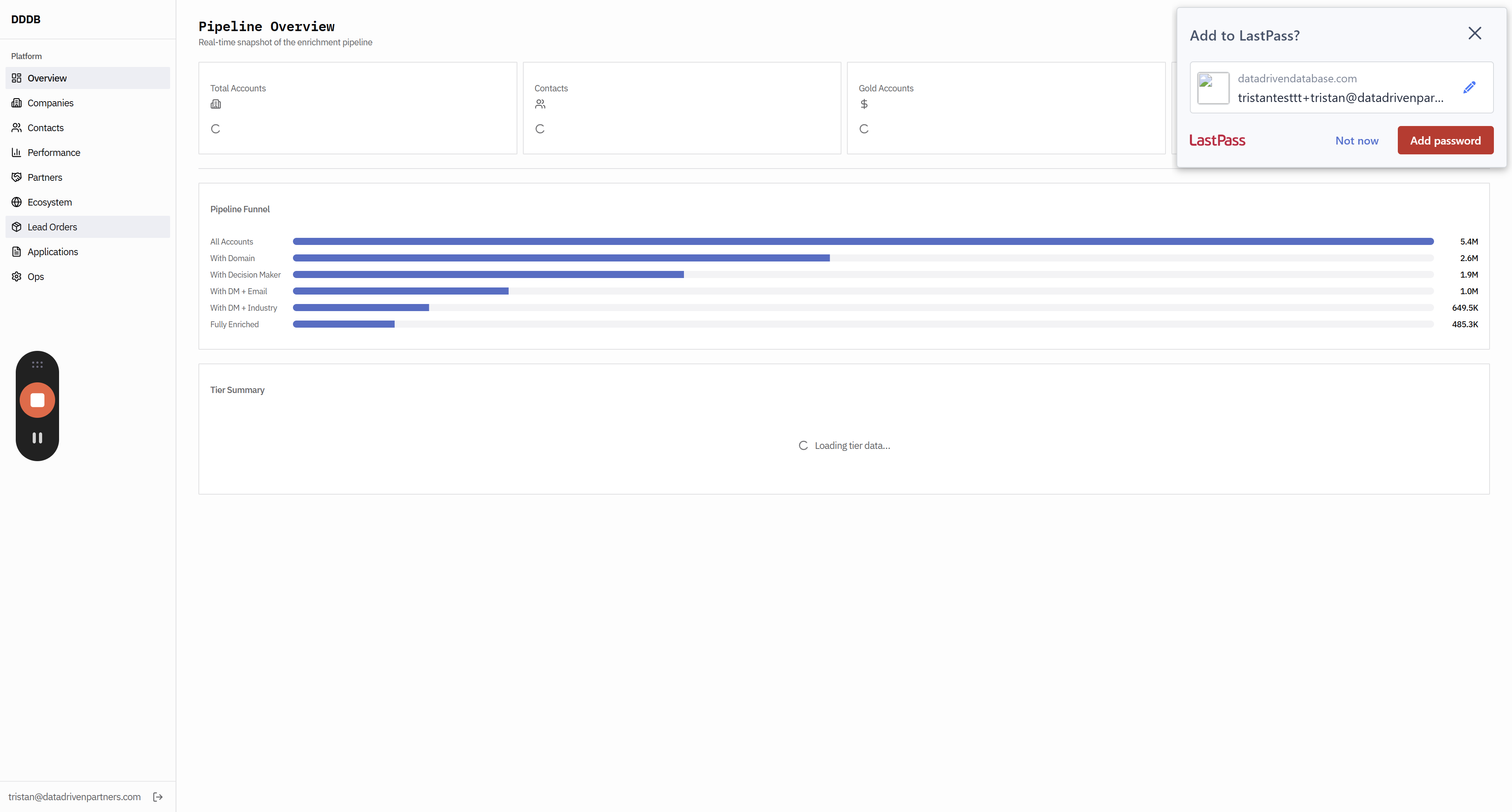
The rest of these pages, such as the pipeline overview, do not work as they should. But we're going to continue to veto, viewers. Has this font changed?
49
Click on "Companies"
Step #49: Click on "Companies"

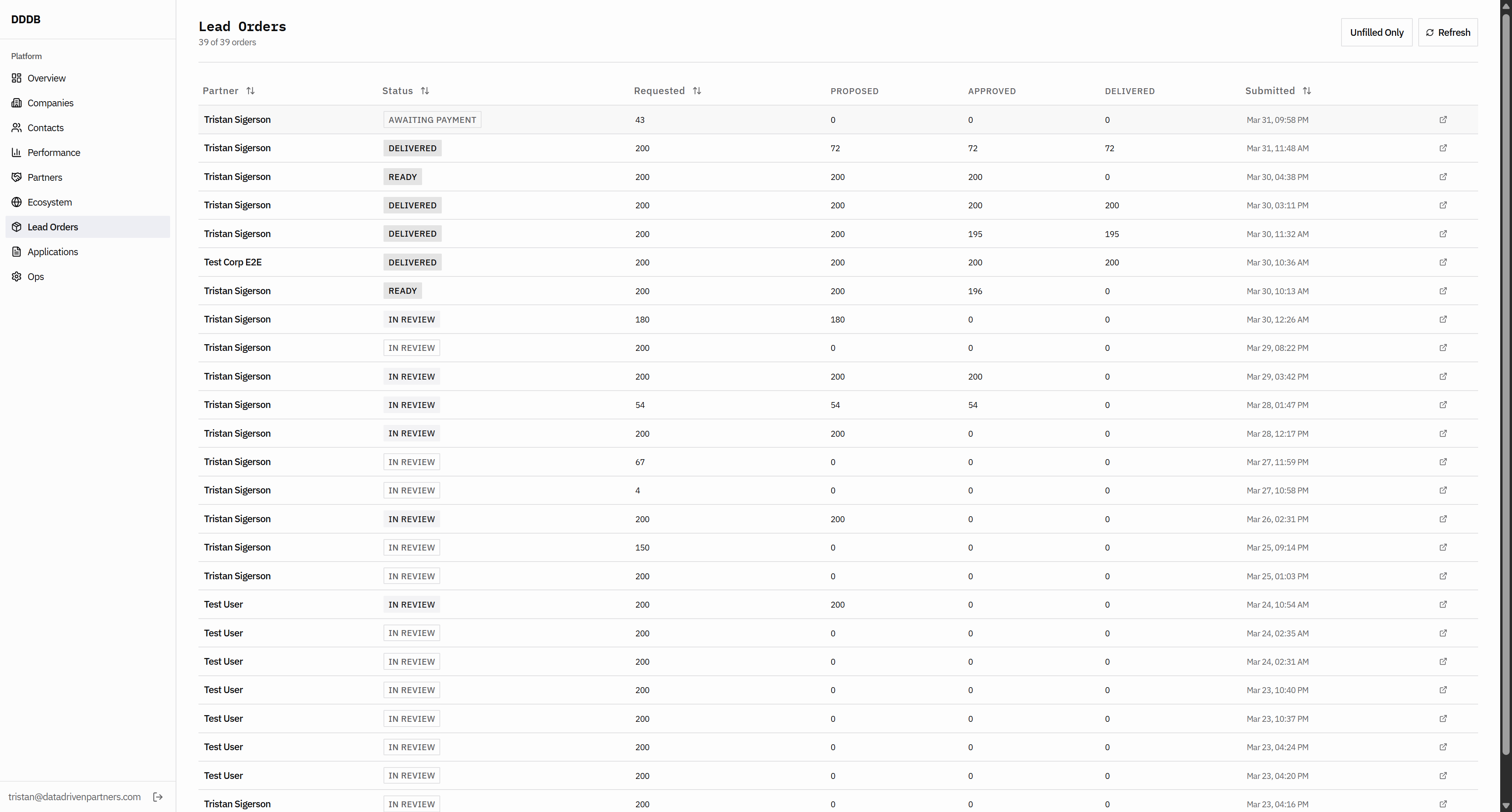
Did we... The font seems too small here. Okay, that's...
50
Click here
Step #50: Click here
51
Click here
Step #51: Click here

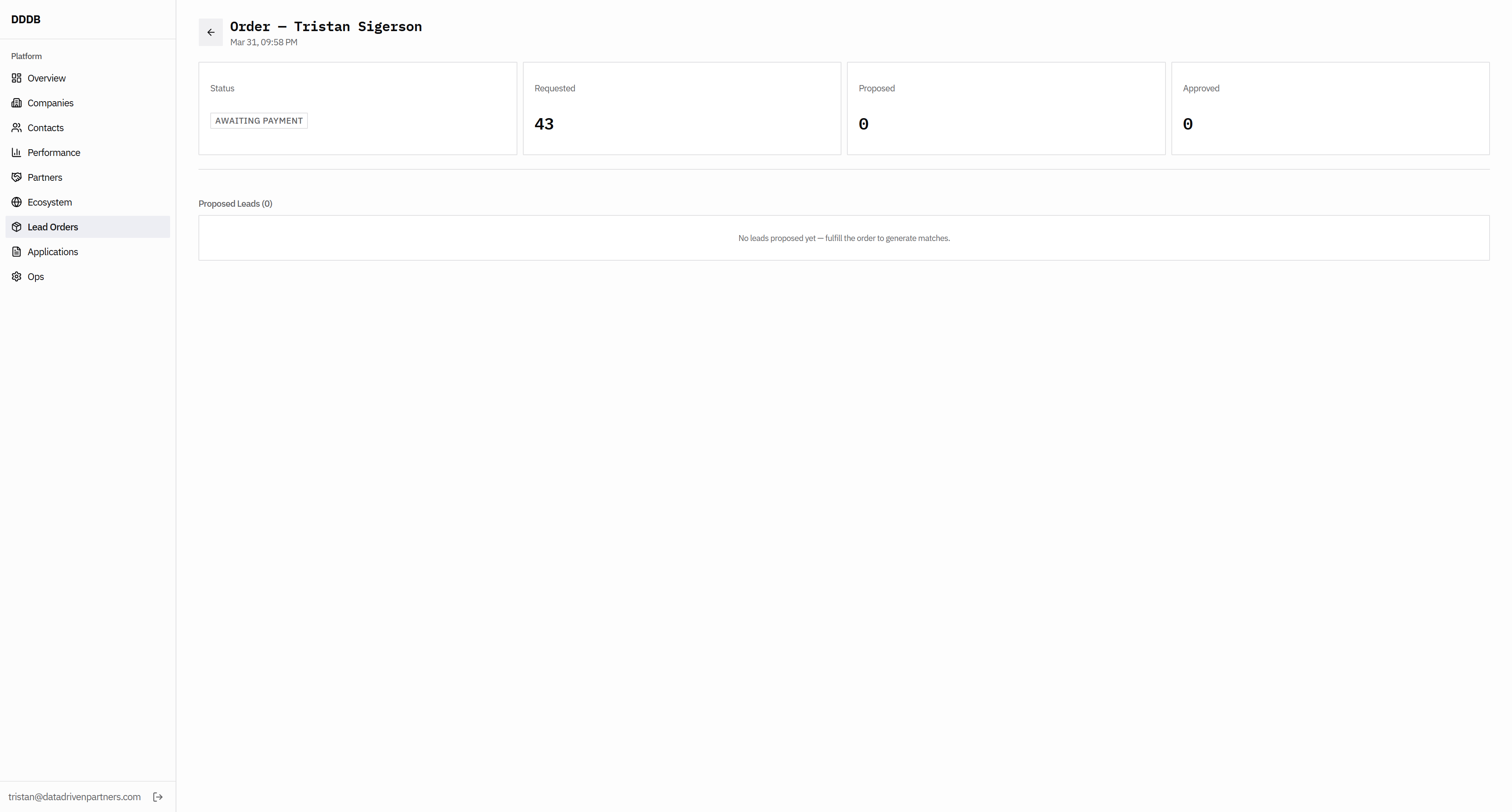
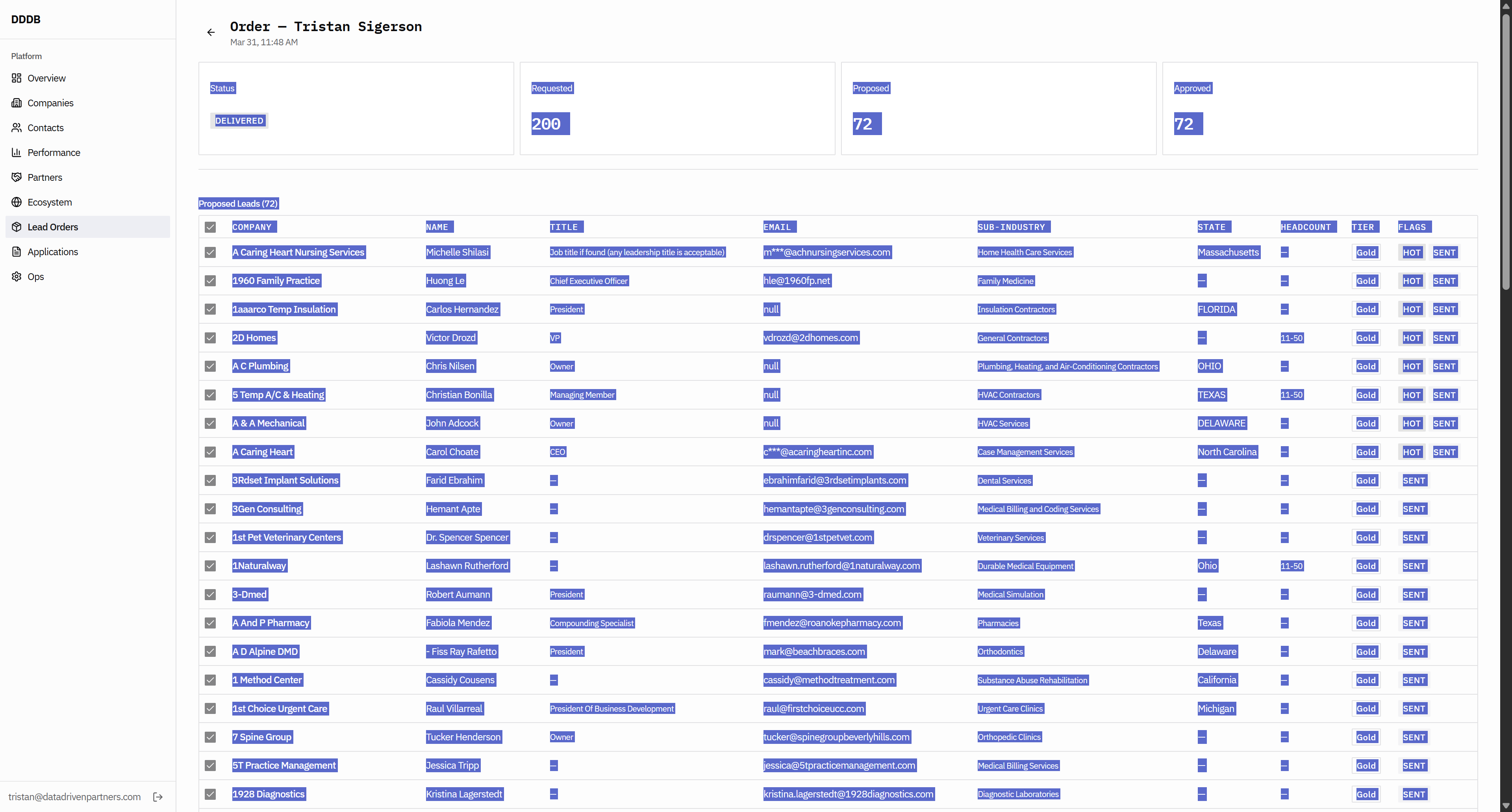
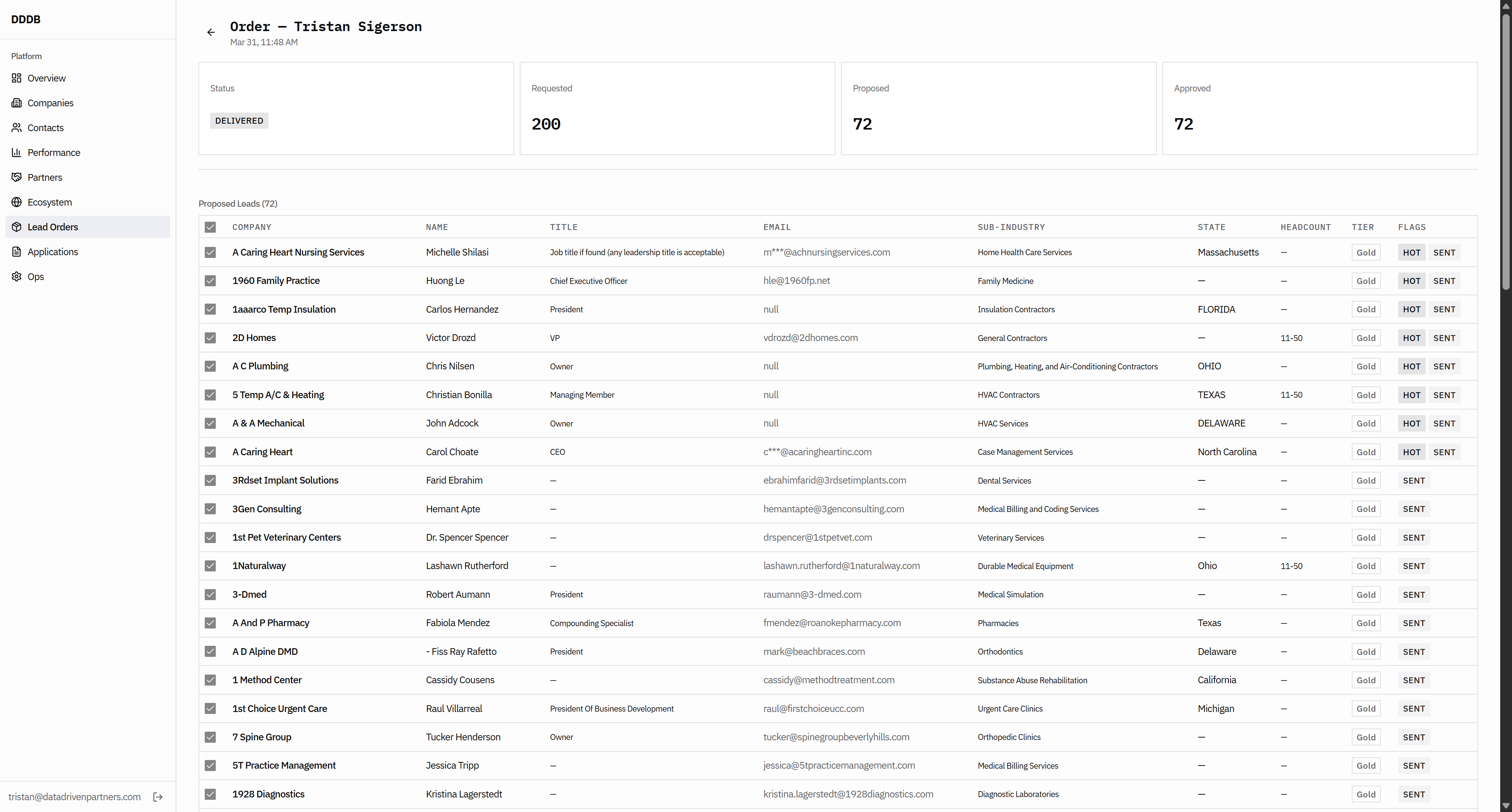
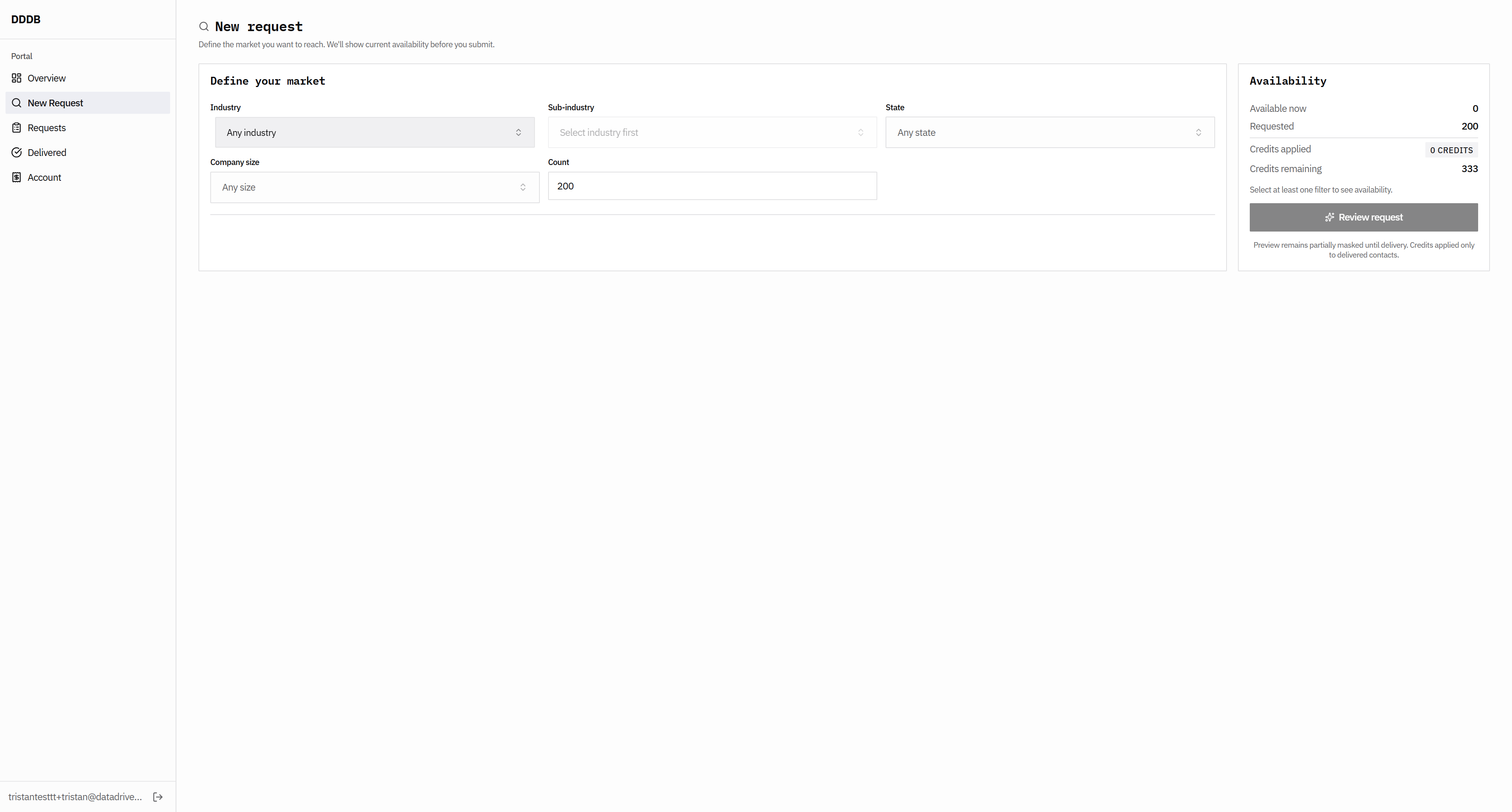
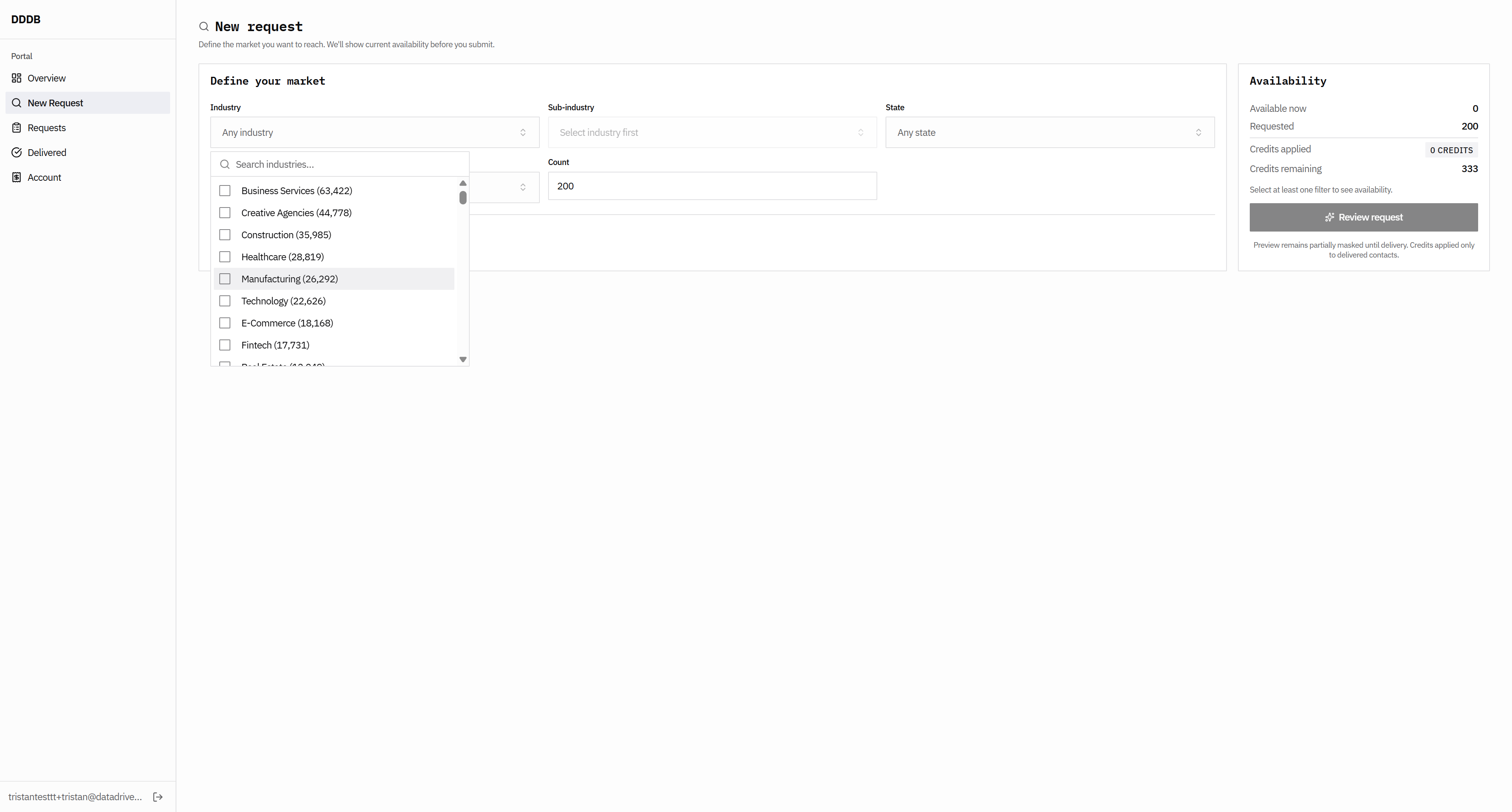
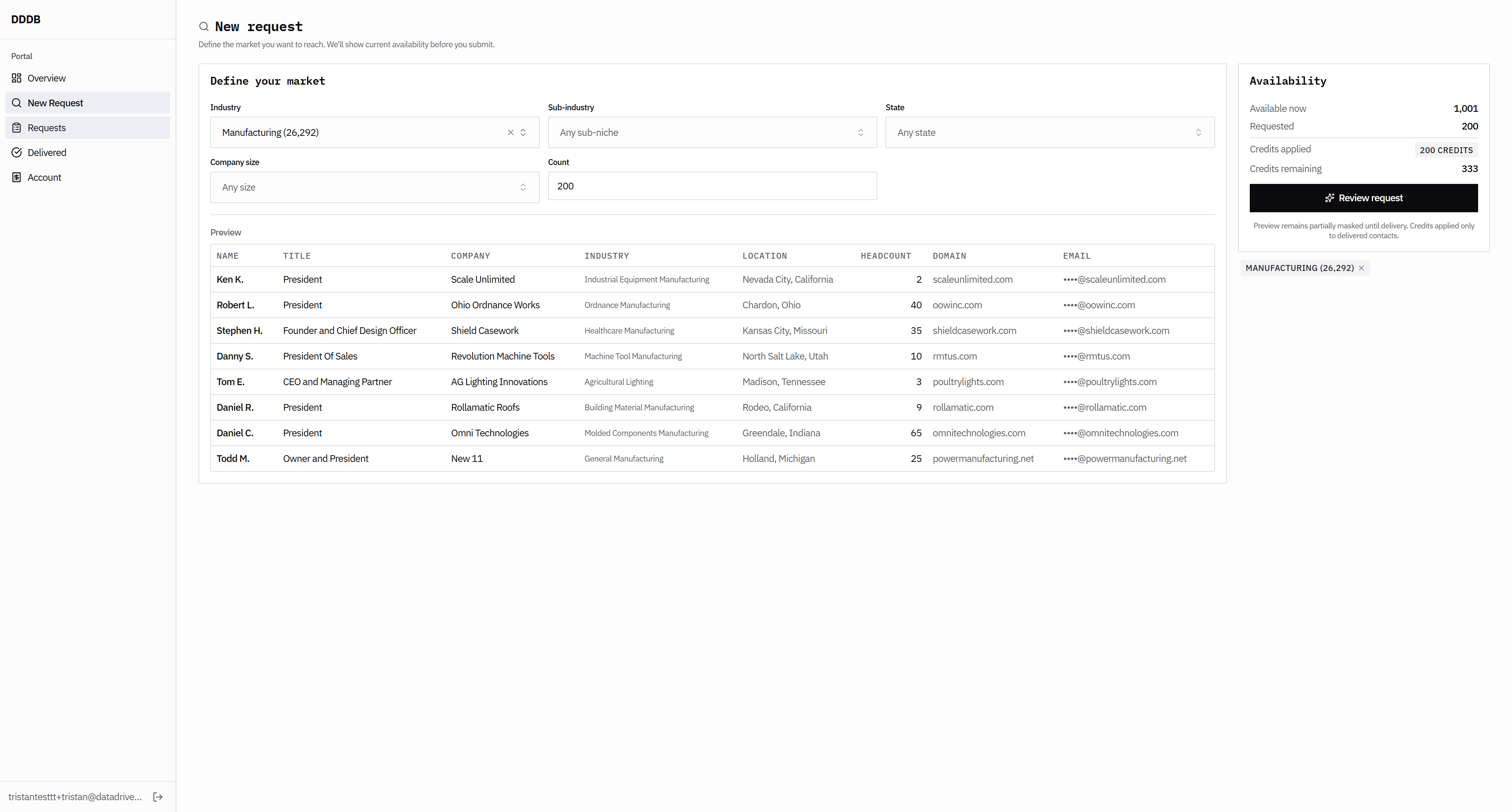
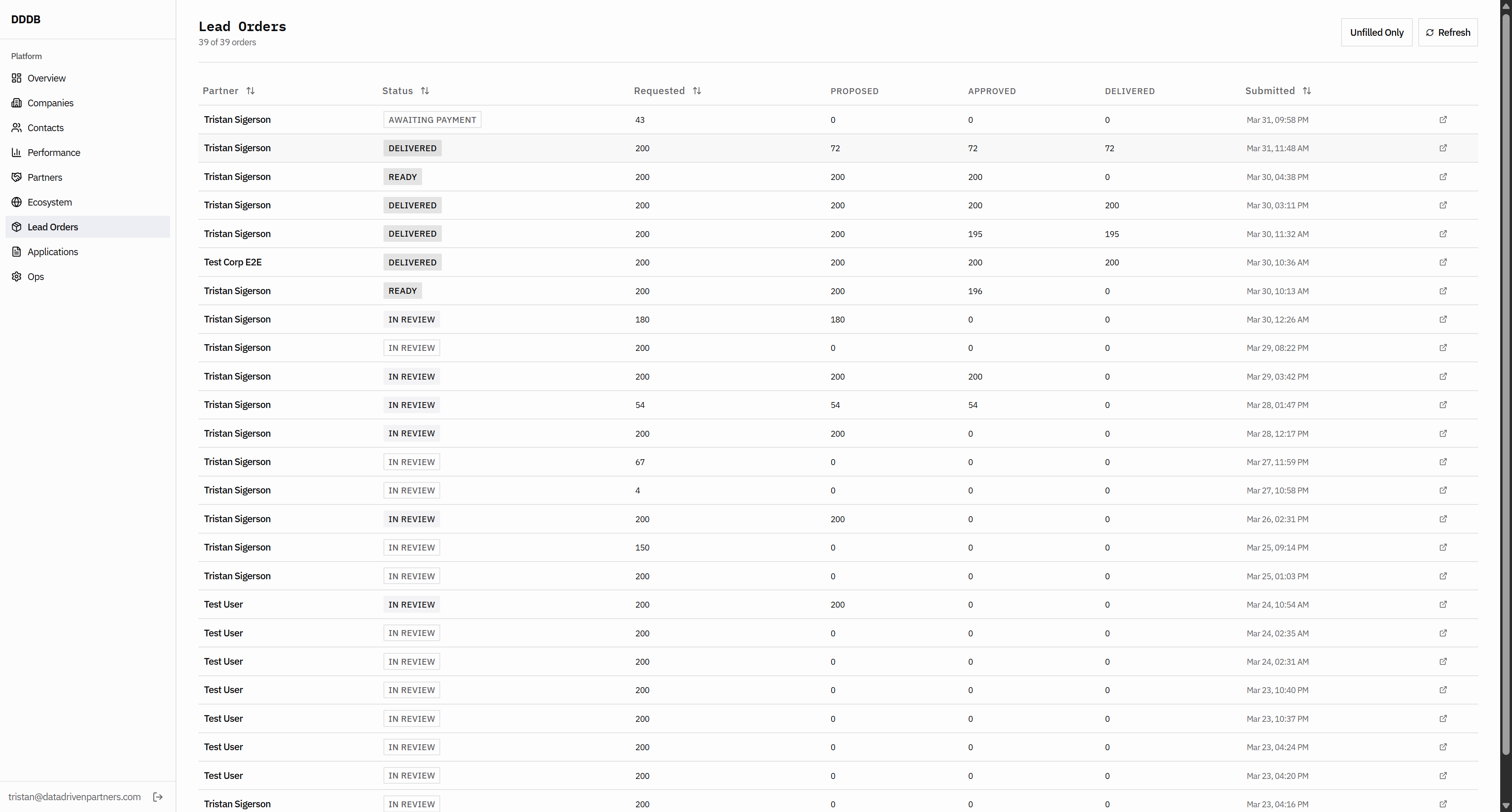
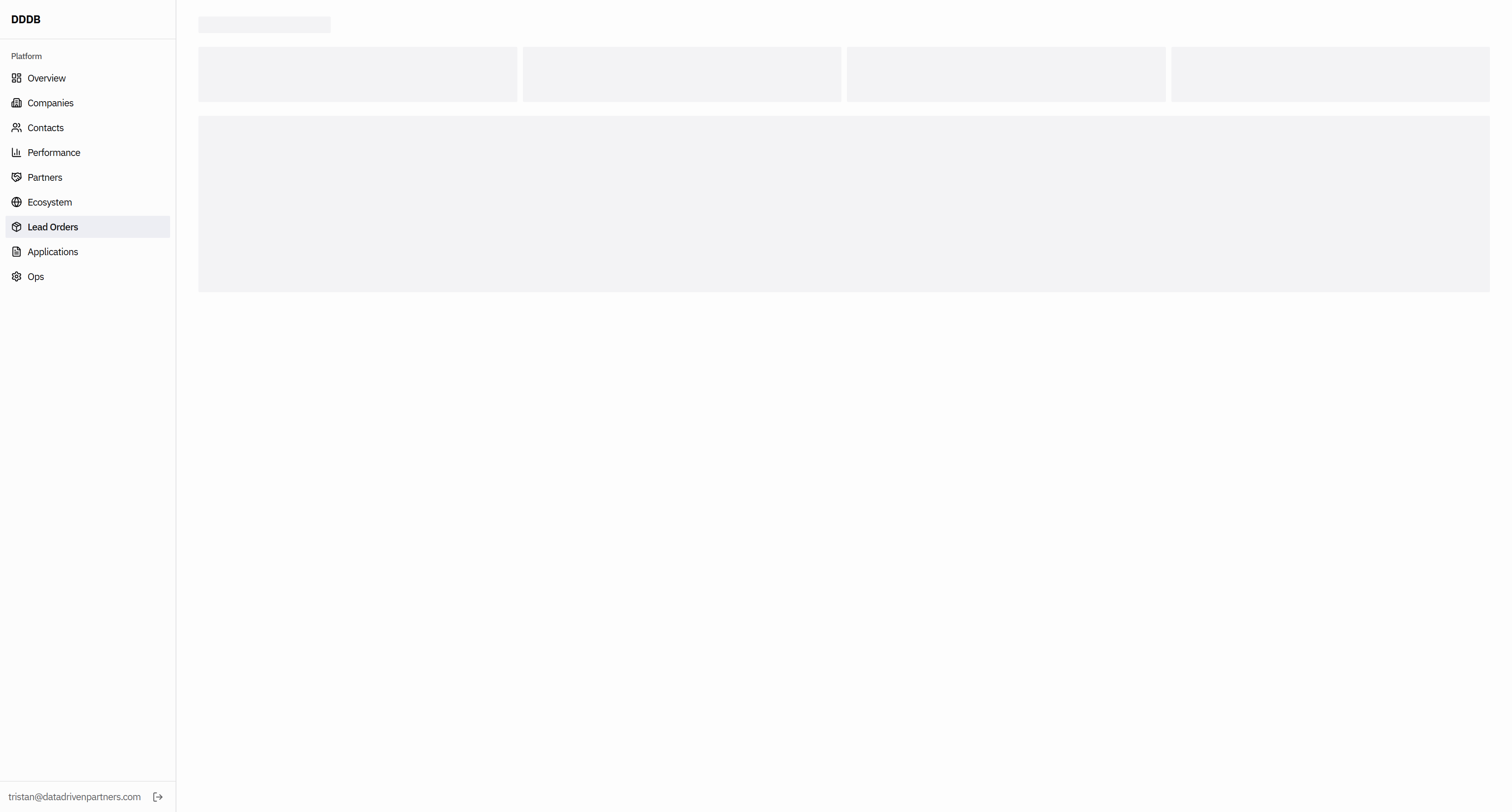
If they request 200 and we don't have to fill out a form, we should probably create something that is not like...
52
Click here
Step #52: Click here
53
Click here
Step #53: Click here
54
Click here
Step #54: Click here
55
Click here
Step #55: Click here

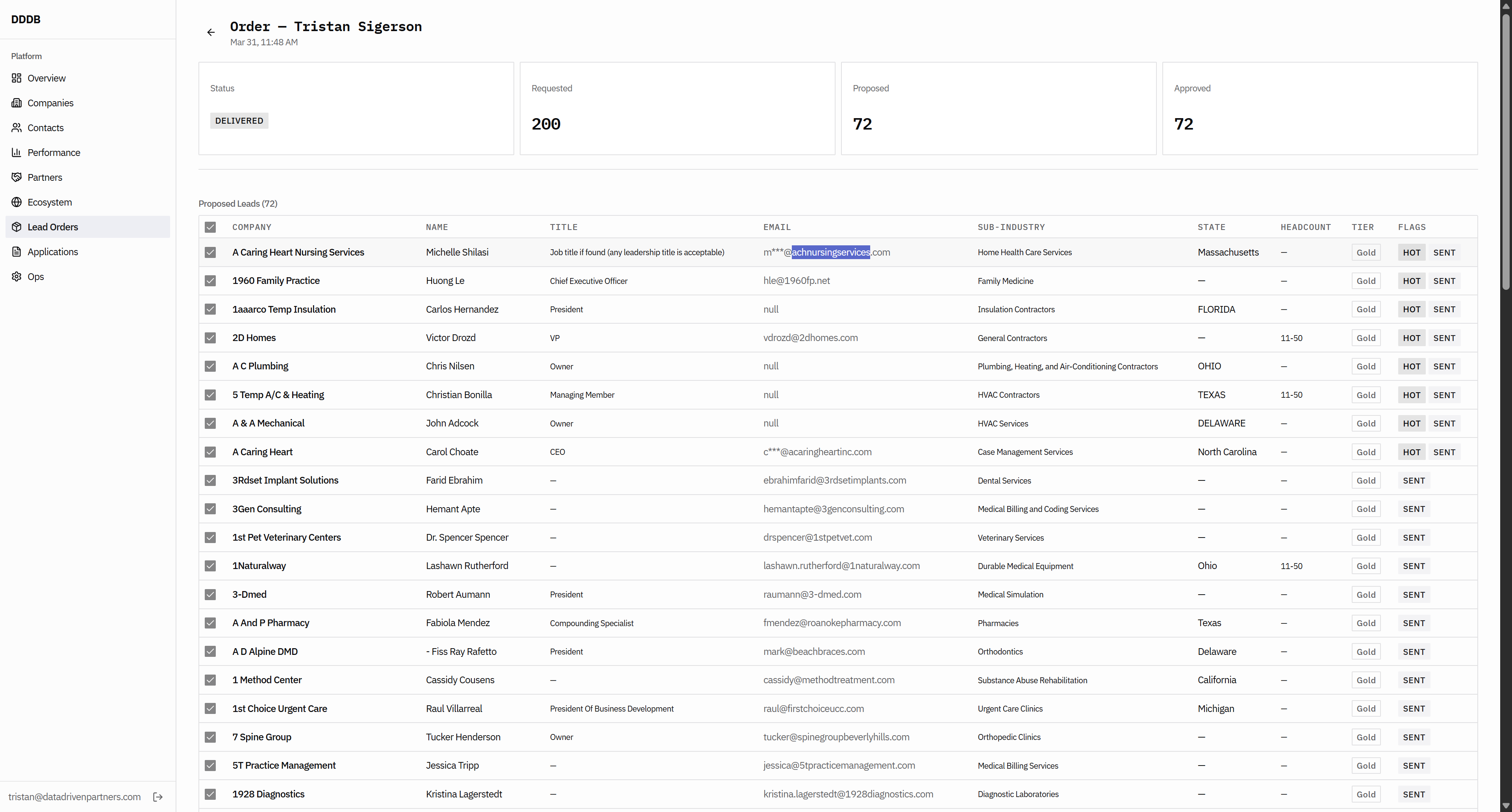
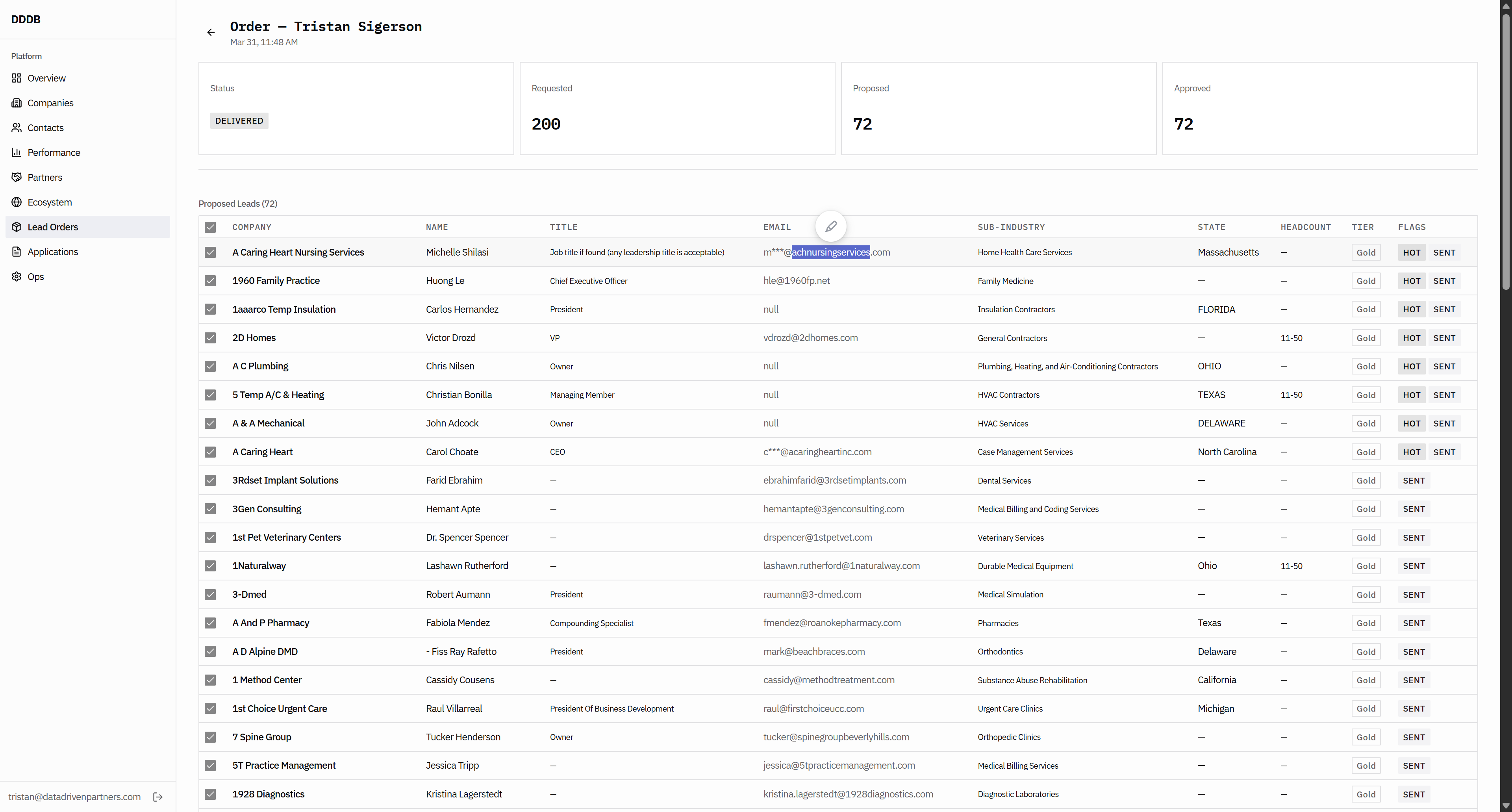
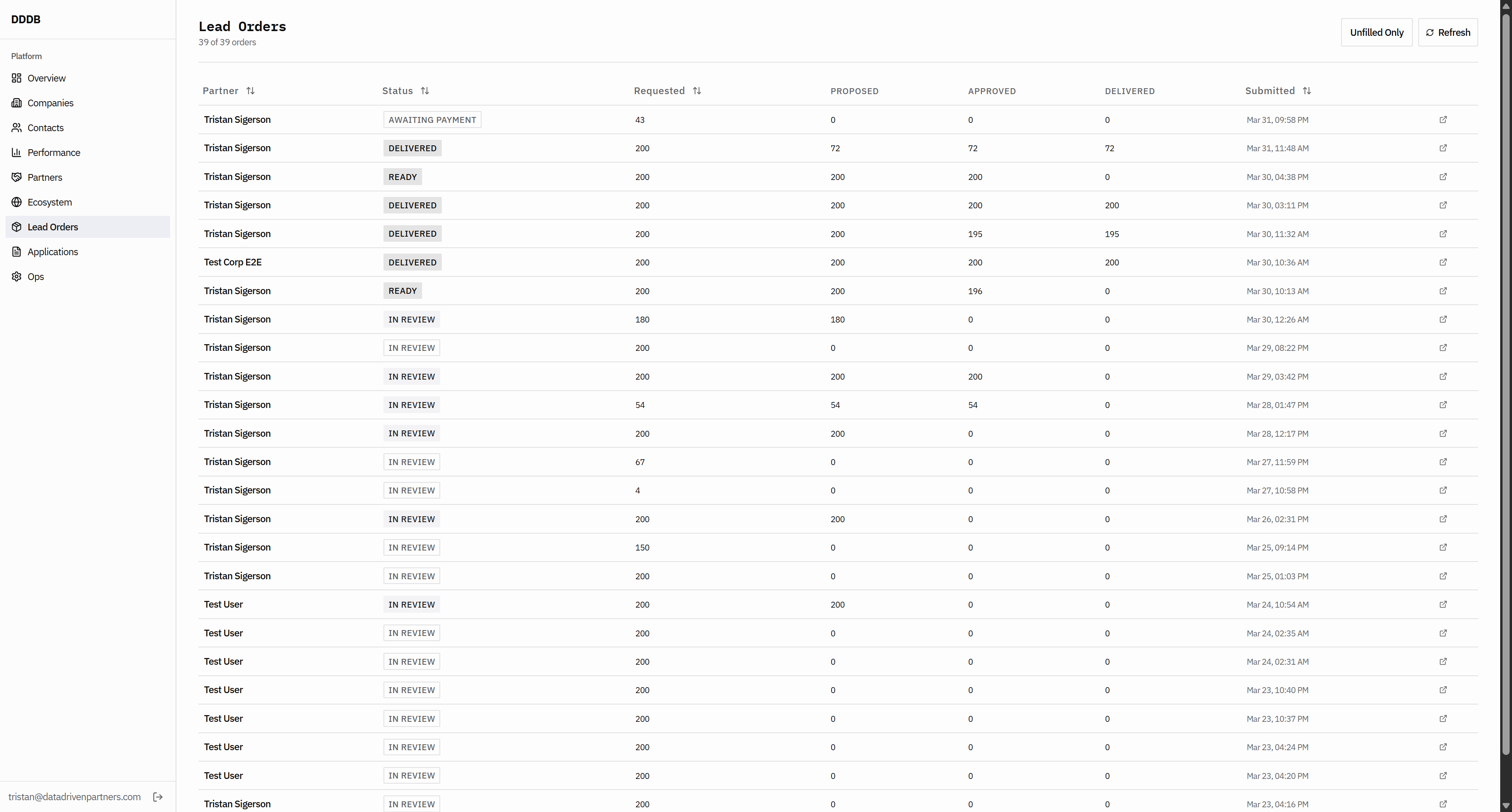
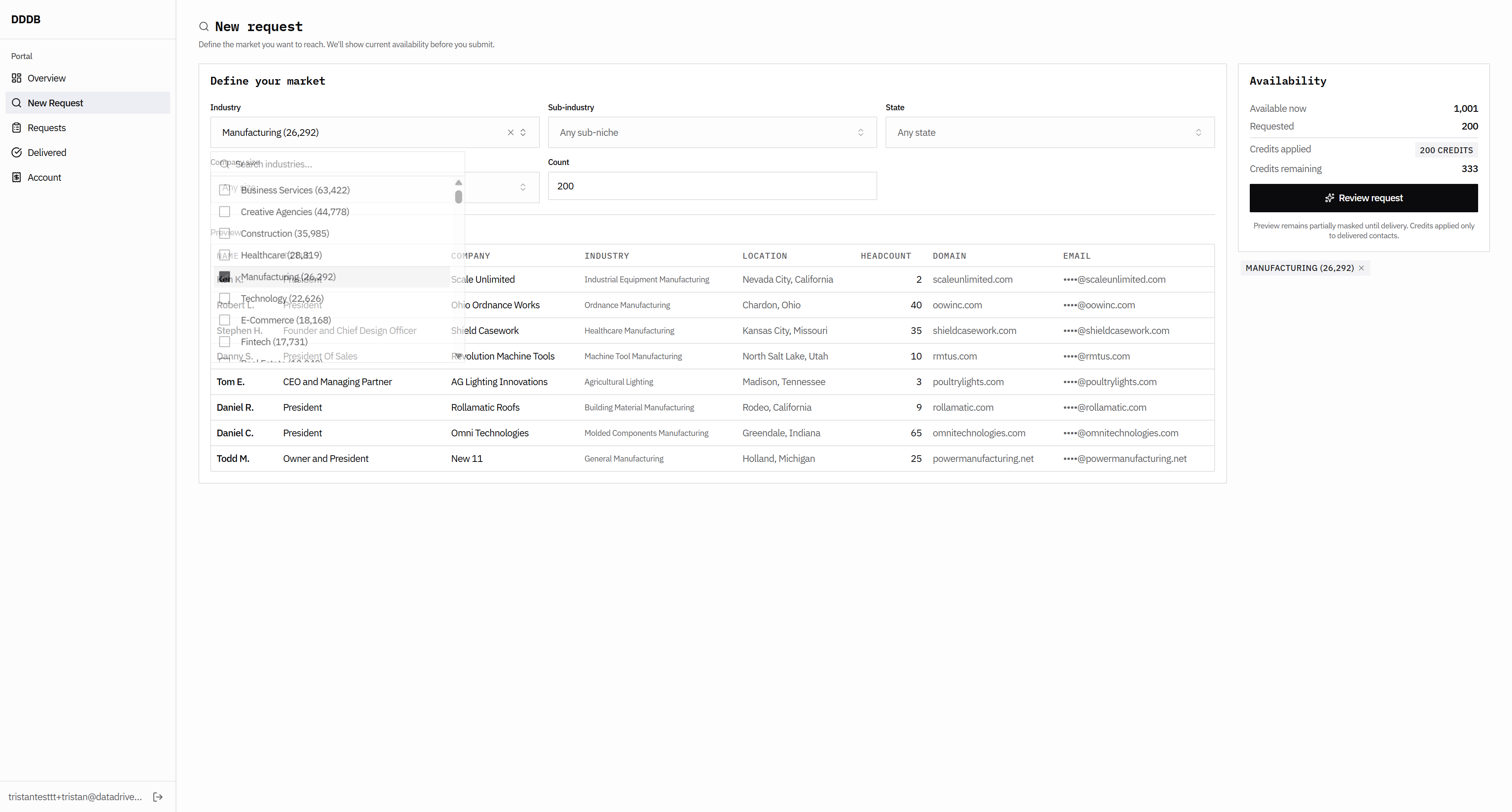
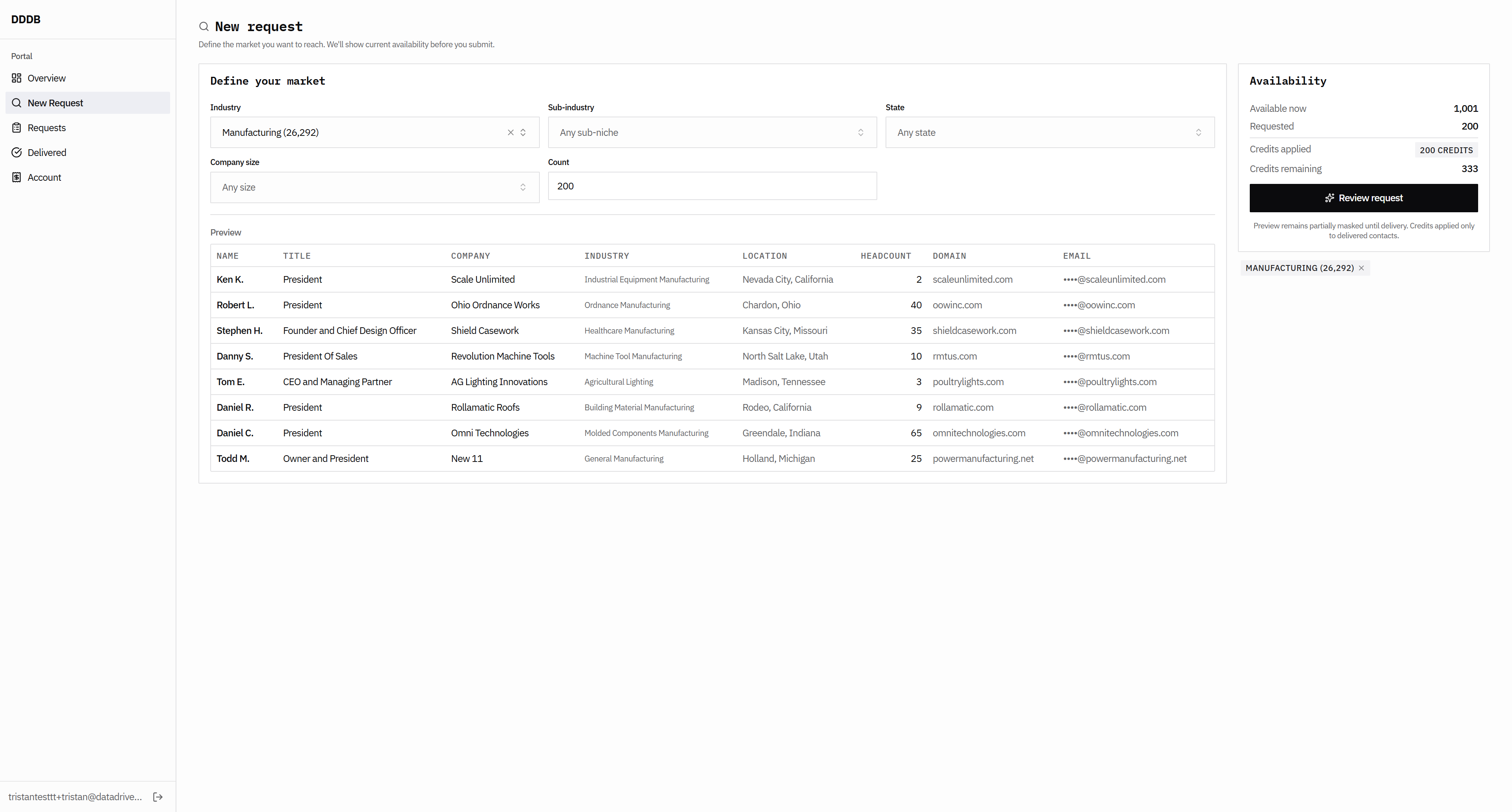
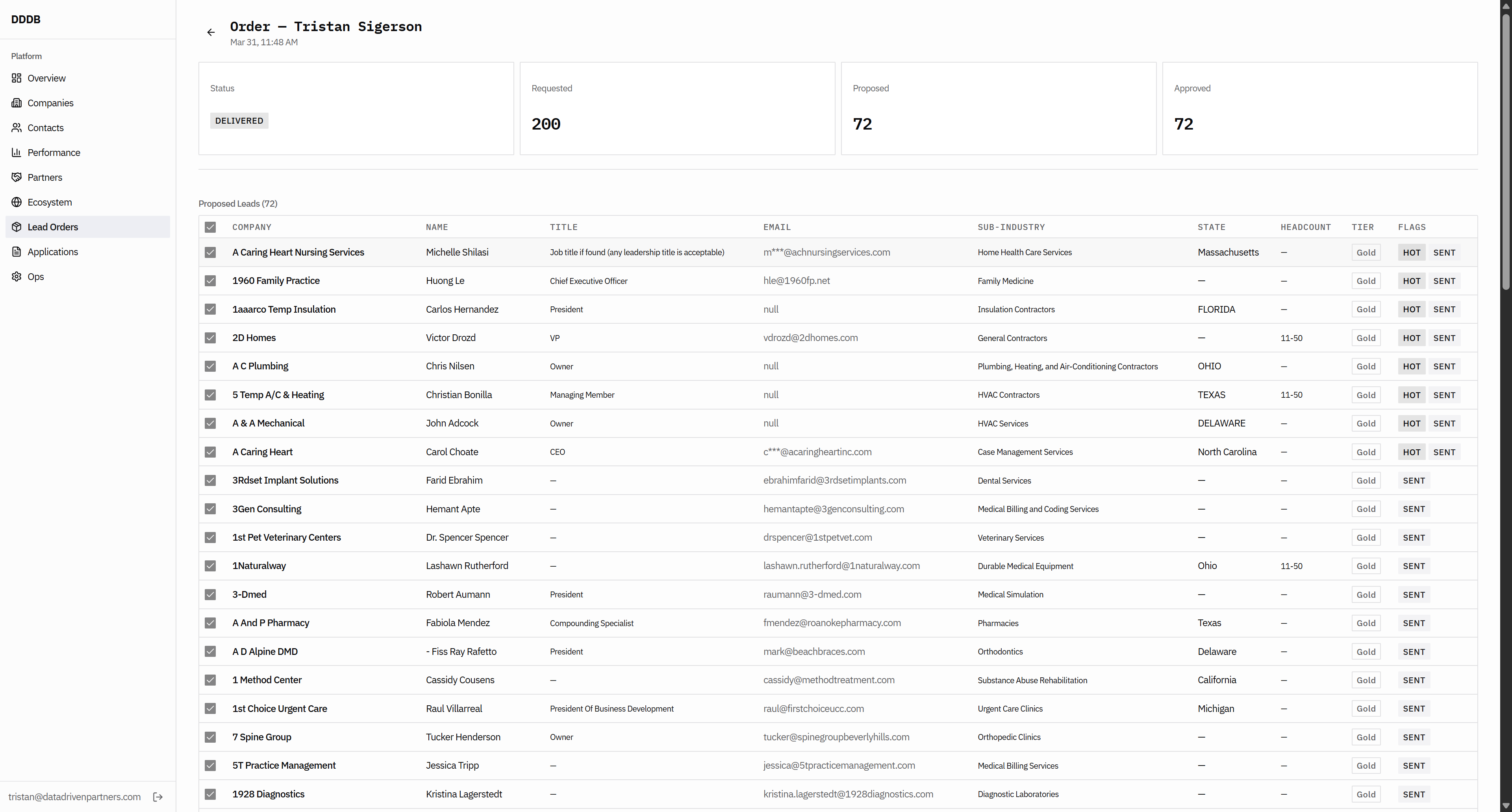
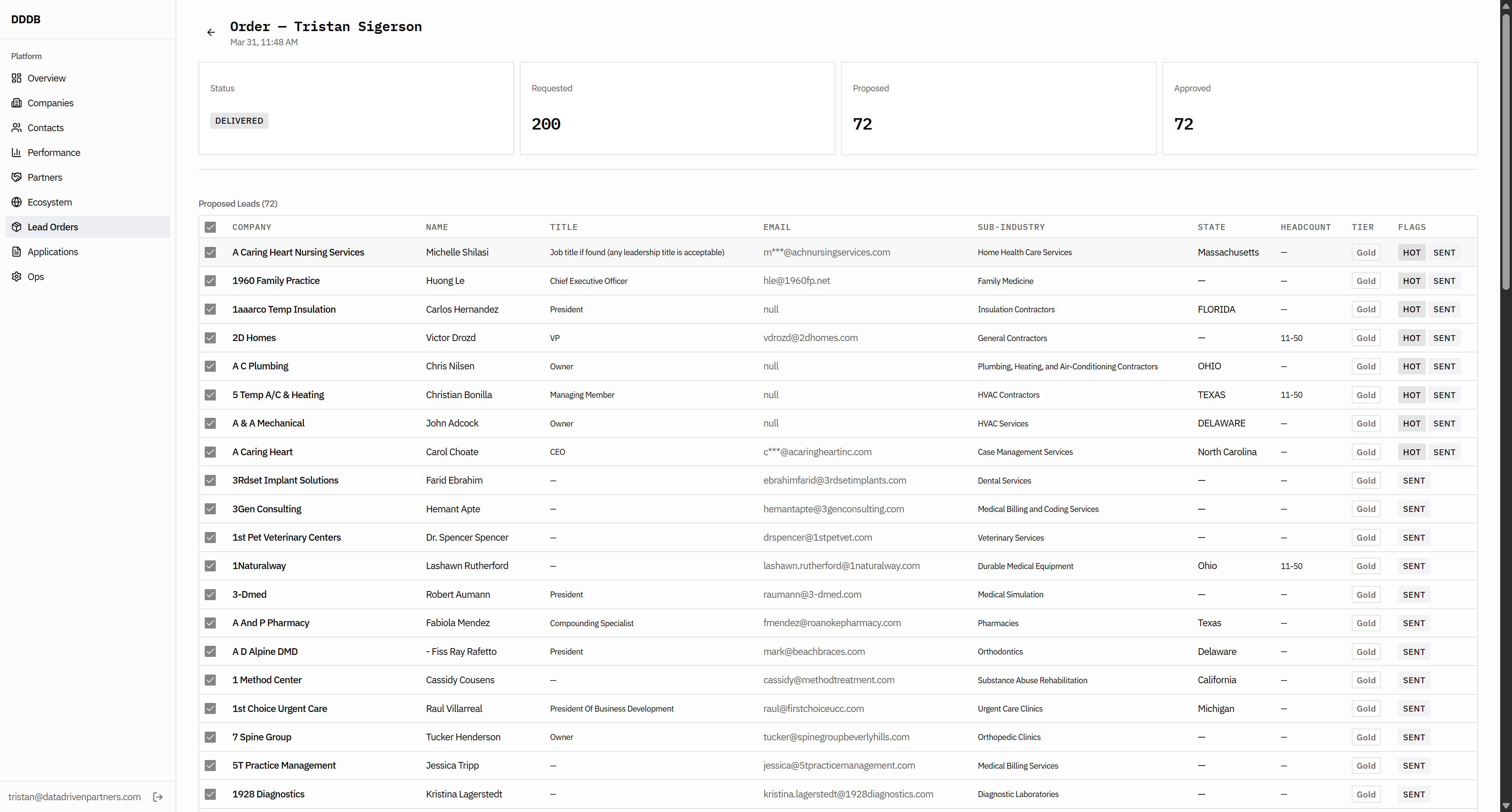
I need the ability to continue working on this, to fill more of this order, or to fill a separate order. We also need to make sure this email is here with M three stars. I'm not sure why it is included.
56
Click here
Step #56: Click here
57
Click here
Step #57: Click here
58
Click here
Step #58: Click here
59
Click here
Step #59: Click here

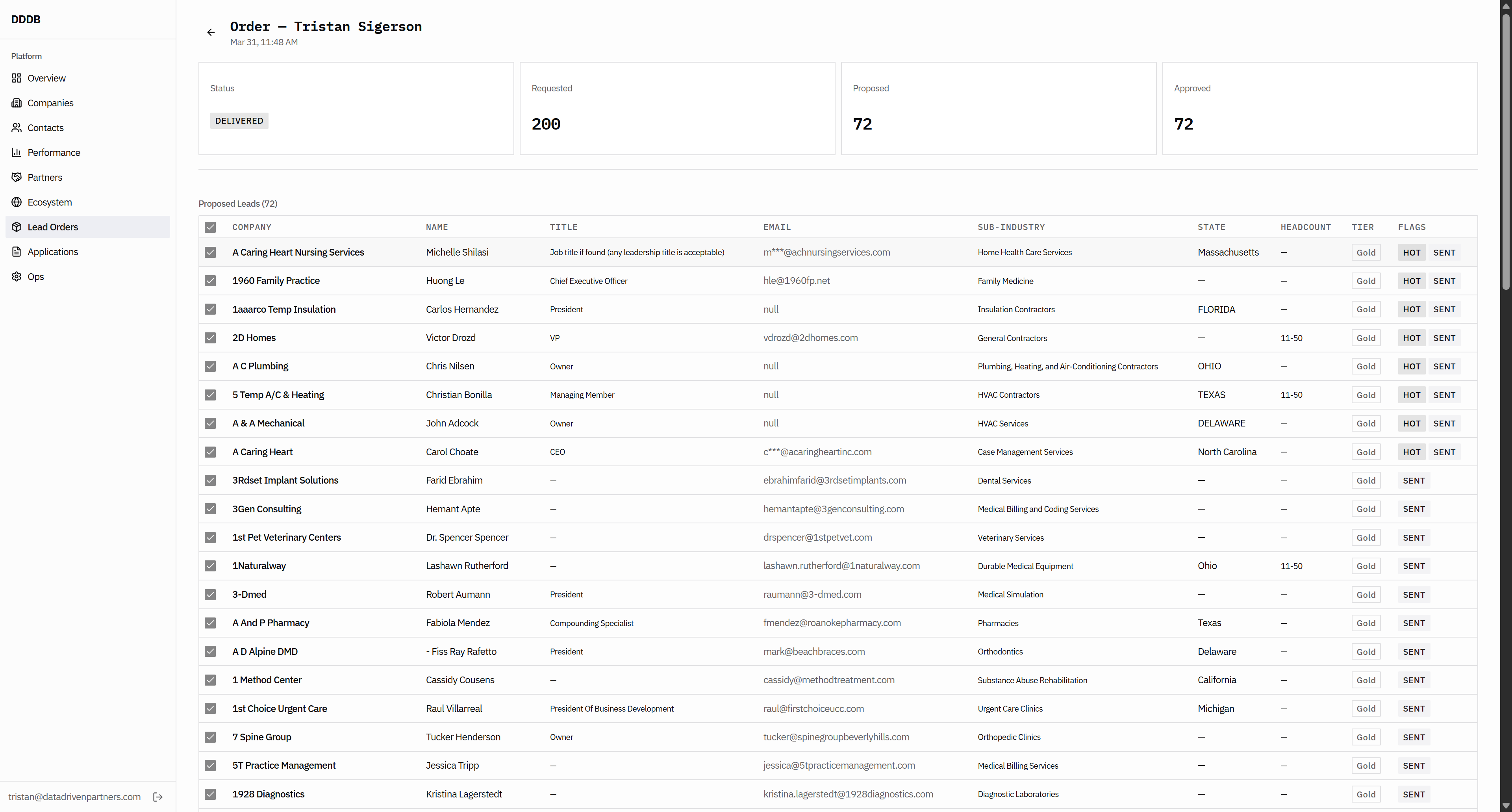
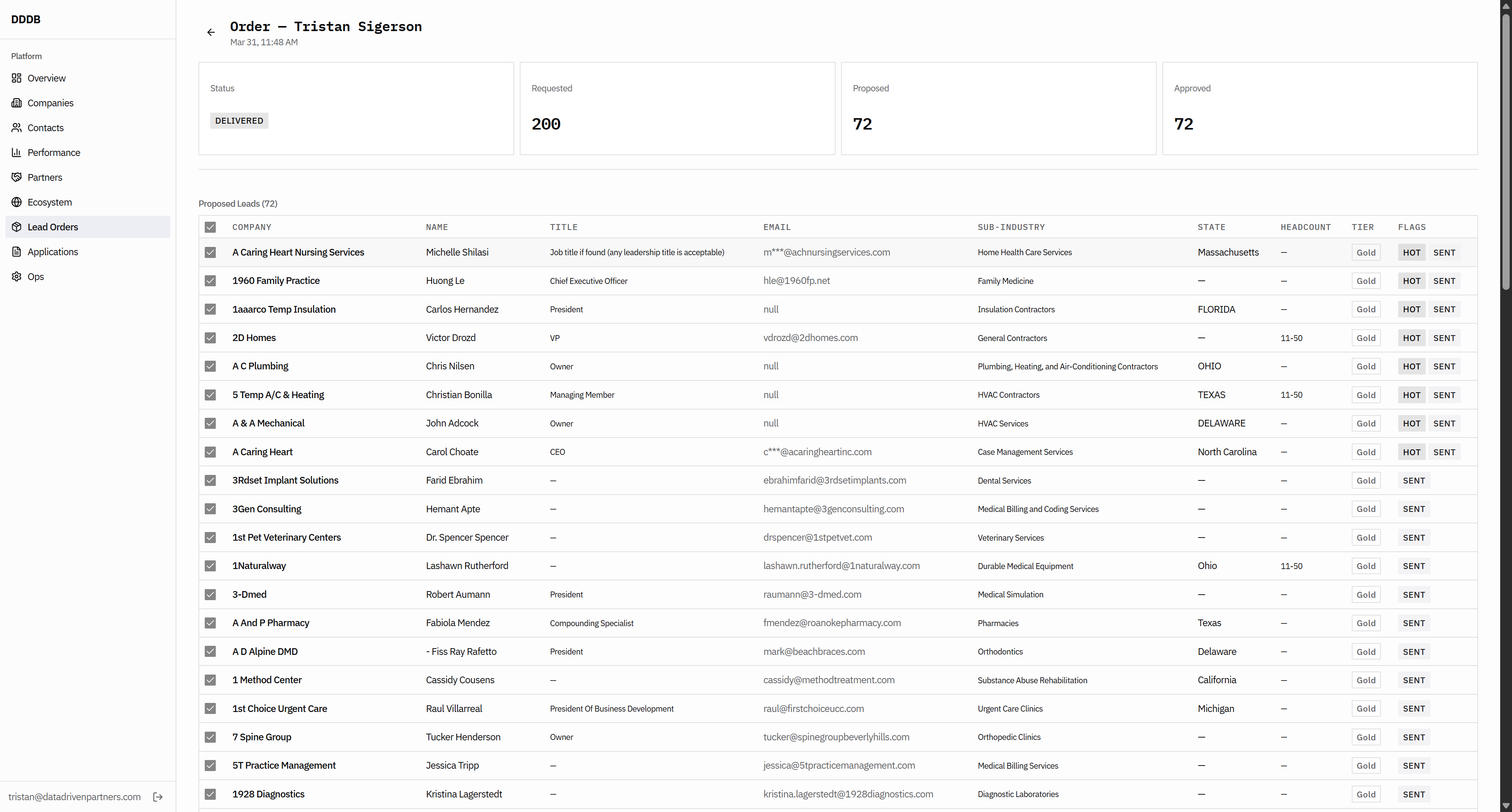
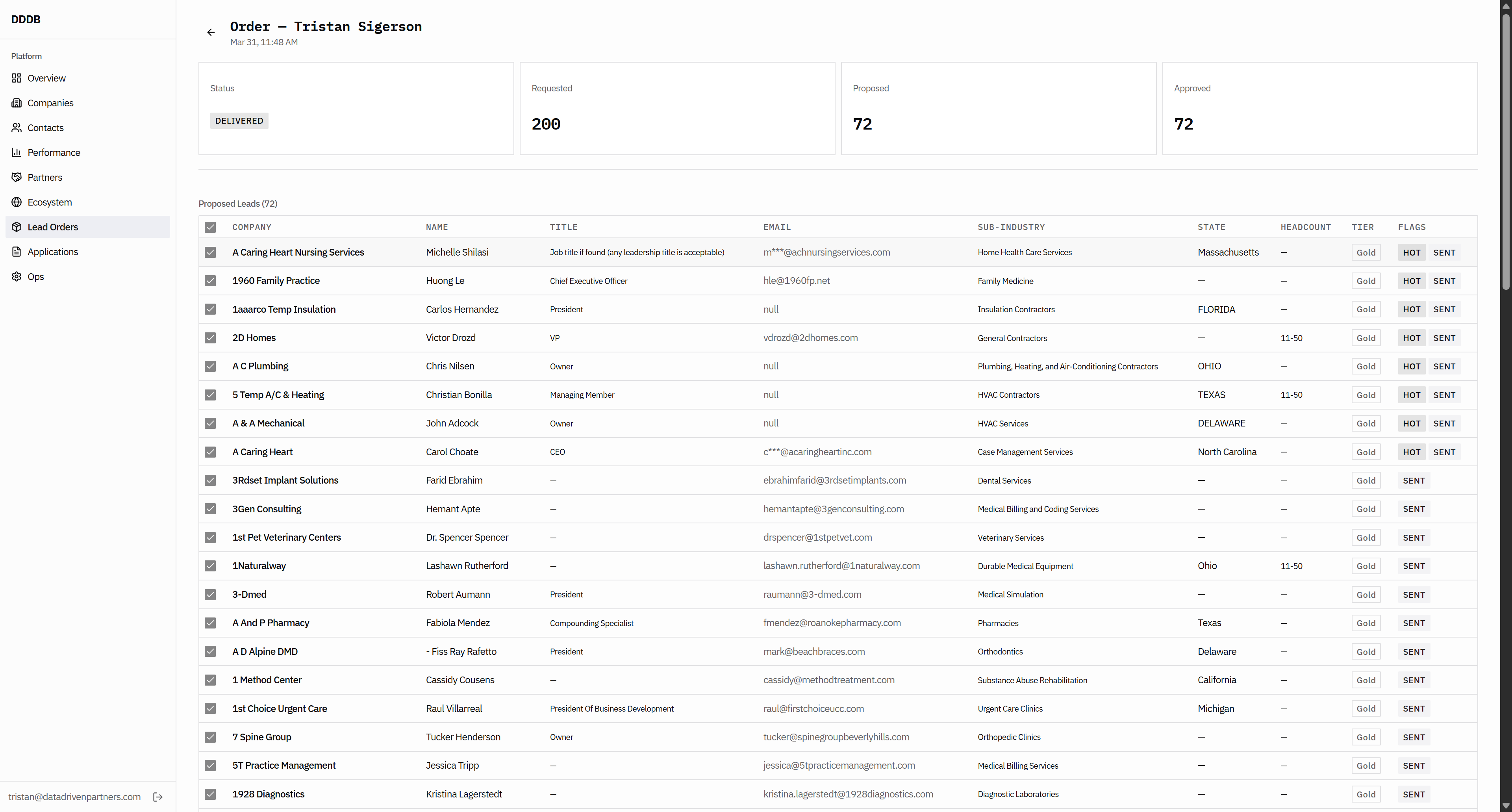
That means we don't have their email address, so it should be filtered out. And then, on the flags, if we can confirm they have already sent the sent flag when this happened... So it should be like a...
60
Click here
Step #60: Click here
61
Click here
Step #61: Click here

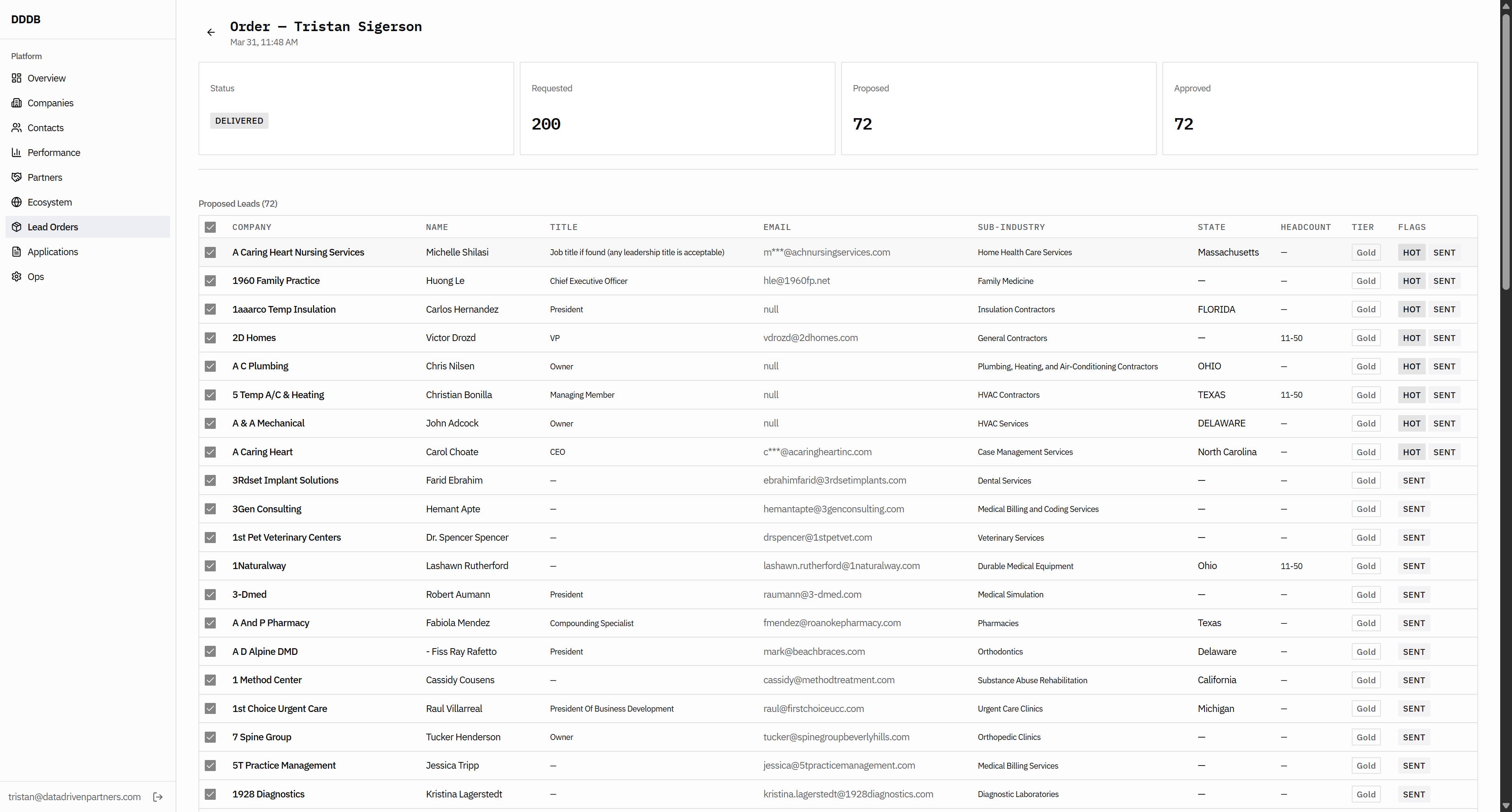
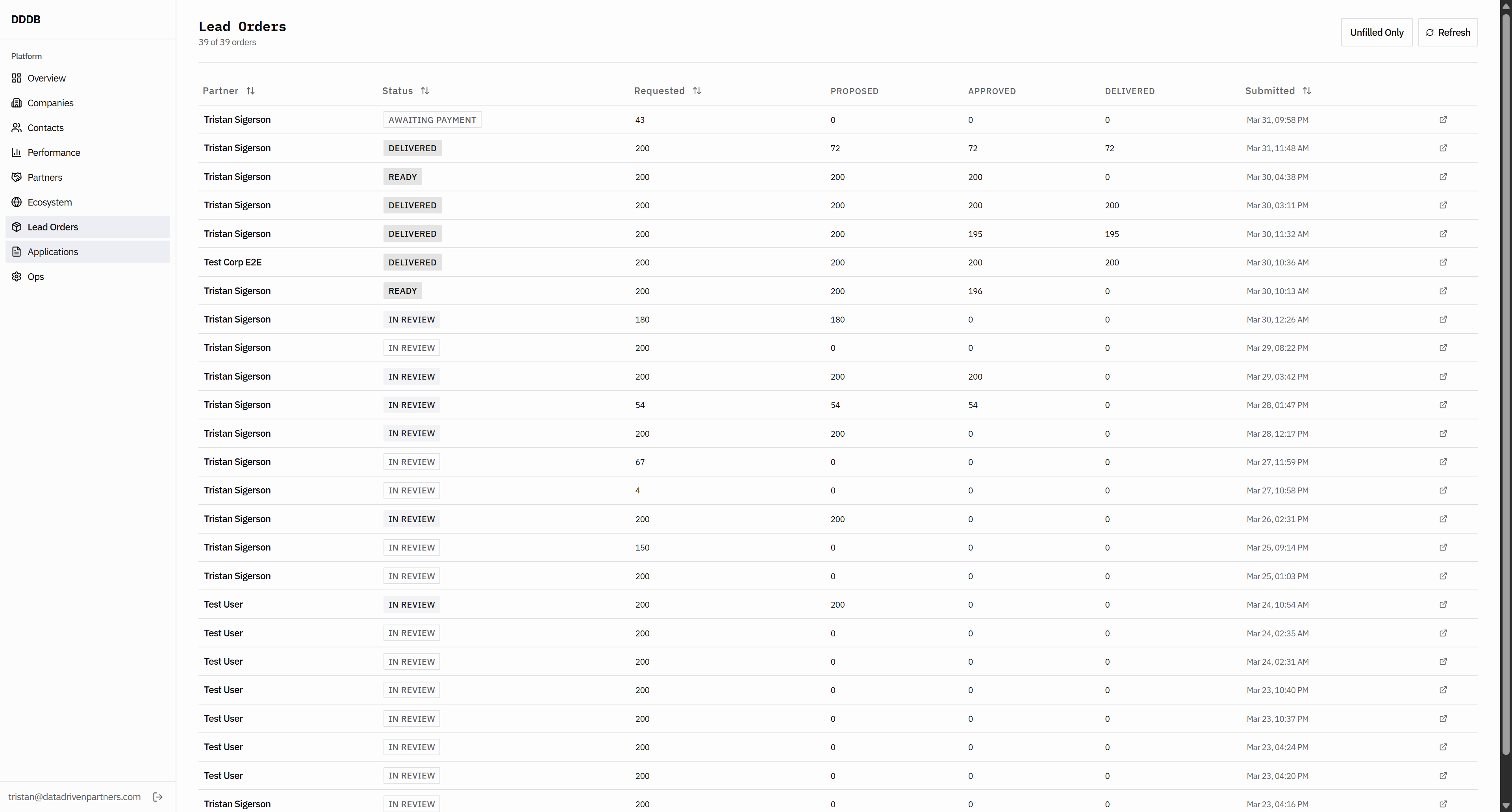
We need a system for keeping track of which leads we've given to whom.
62
Click here
Step #62: Click here

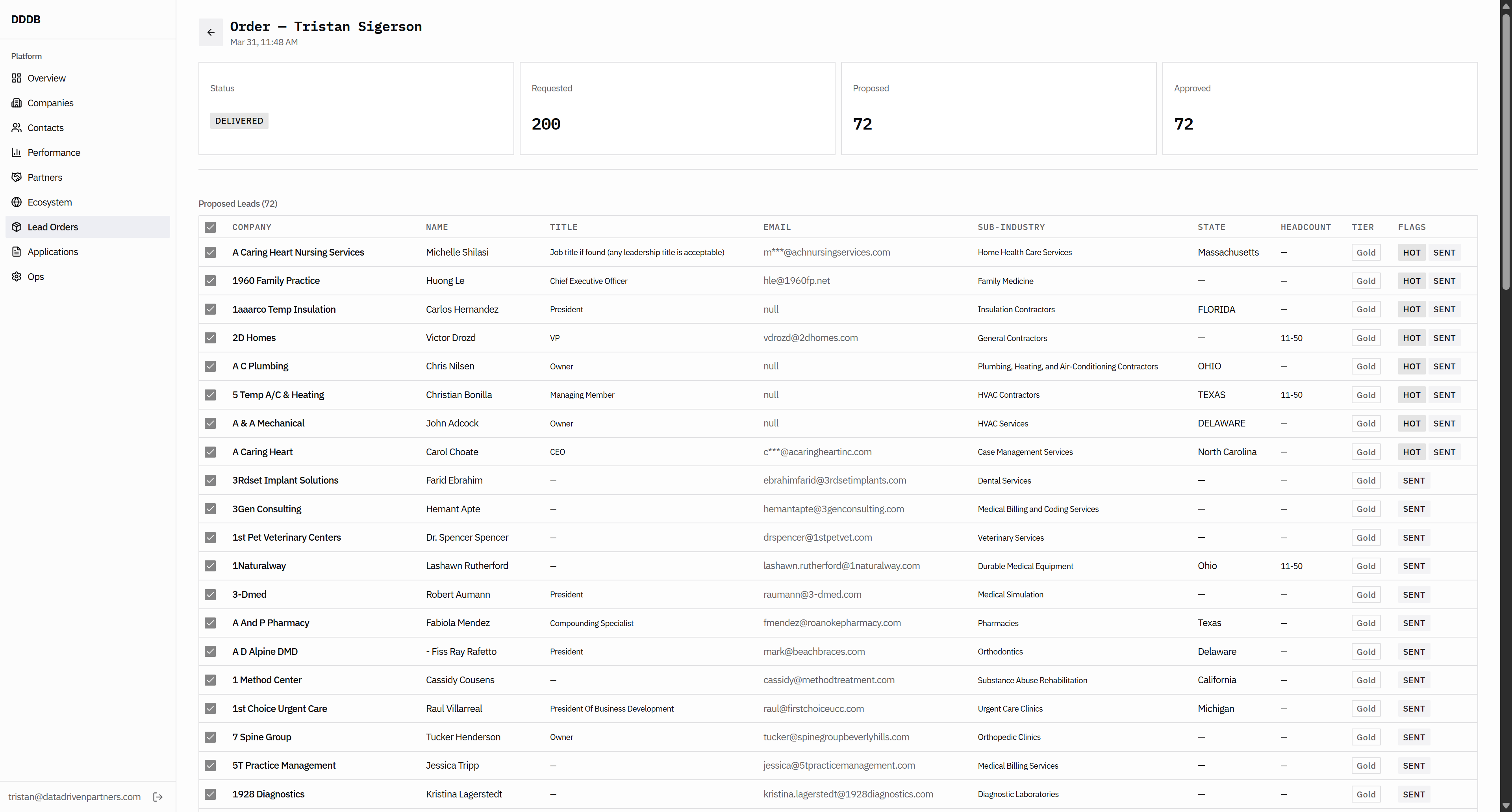
Then you probably have a flag for industry.
63
Click here
Step #63: Click here

For which industry we have sent this flag or lead. Insurance brokerage or something similar should be the flag. Let's see this.
64
Click here
Step #64: Click here
65
Click on "Contacts"
Step #65: Click on "Contacts"

Okay.

66
Click here
Step #66: Click here
67
Click here
Step #67: Click here

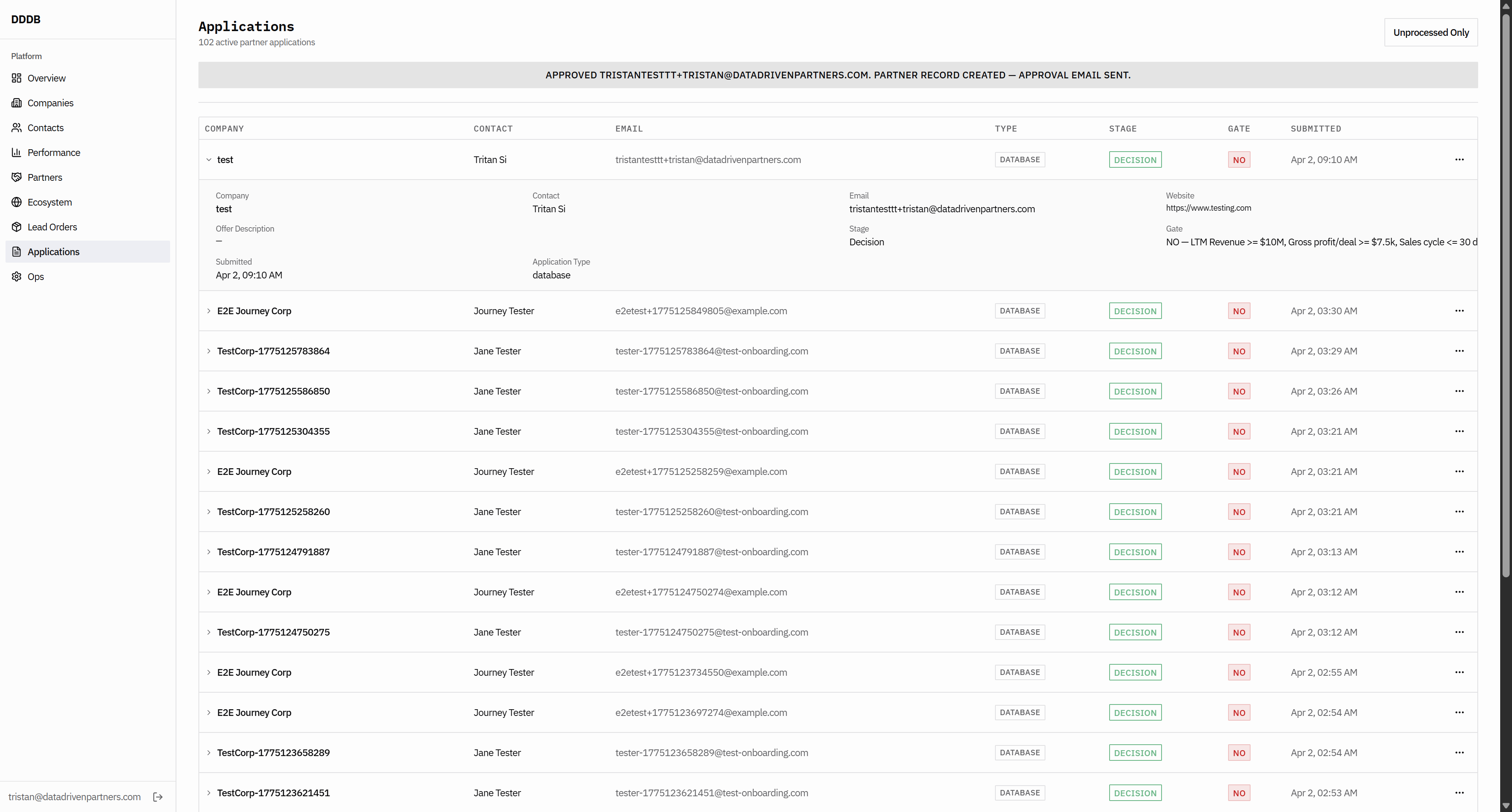
We haven't found a better flag to use here than this one.
68
Click here
Step #68: Click here

This just seems funky. Okay.

69
Click on "applications"
Step #69: Click on "applications"
70
Click on "Applications"
Step #70: Click on "Applications"
71
Click on "Companies"
Step #71: Click on "Companies"
72
Click on "Companies"
Step #72: Click on "Companies"
73
Click here
Step #73: Click here
74
Click here
Step #74: Click here
75
Click here
Step #75: Click here
76
Type "Ctrl + A"
77
Type "undefinedundefined"
78
Click here
Step #78: Click here

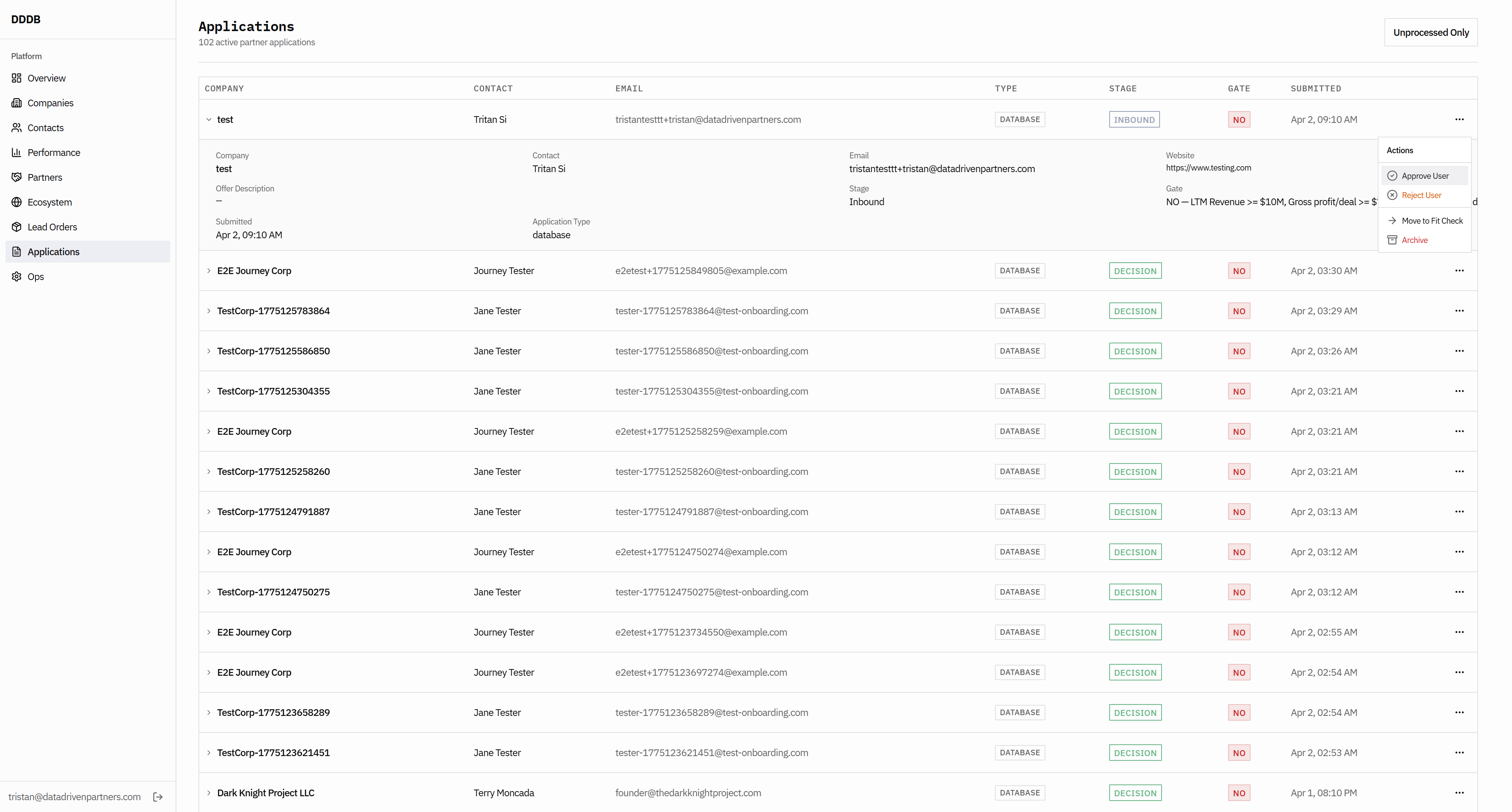
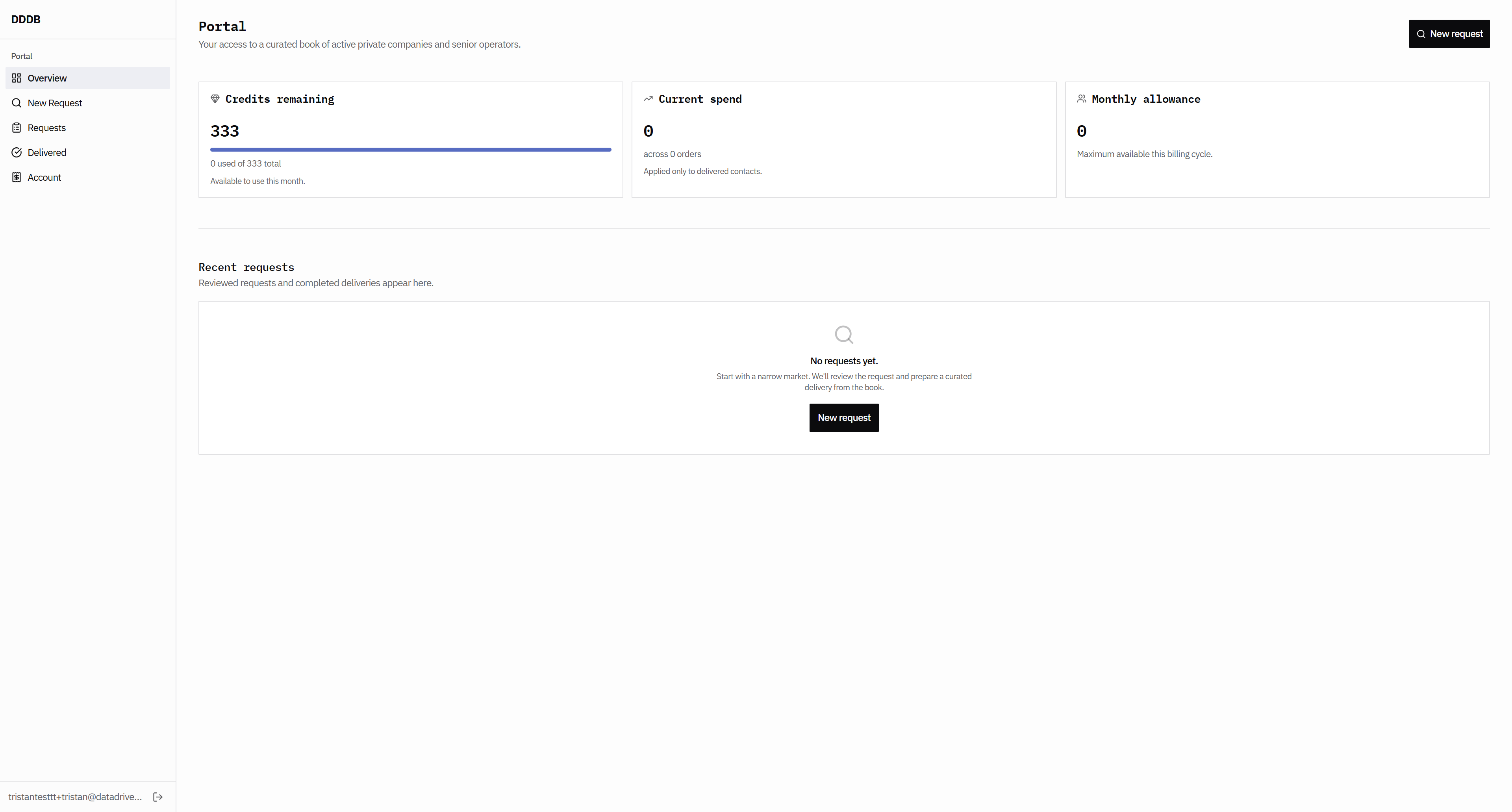
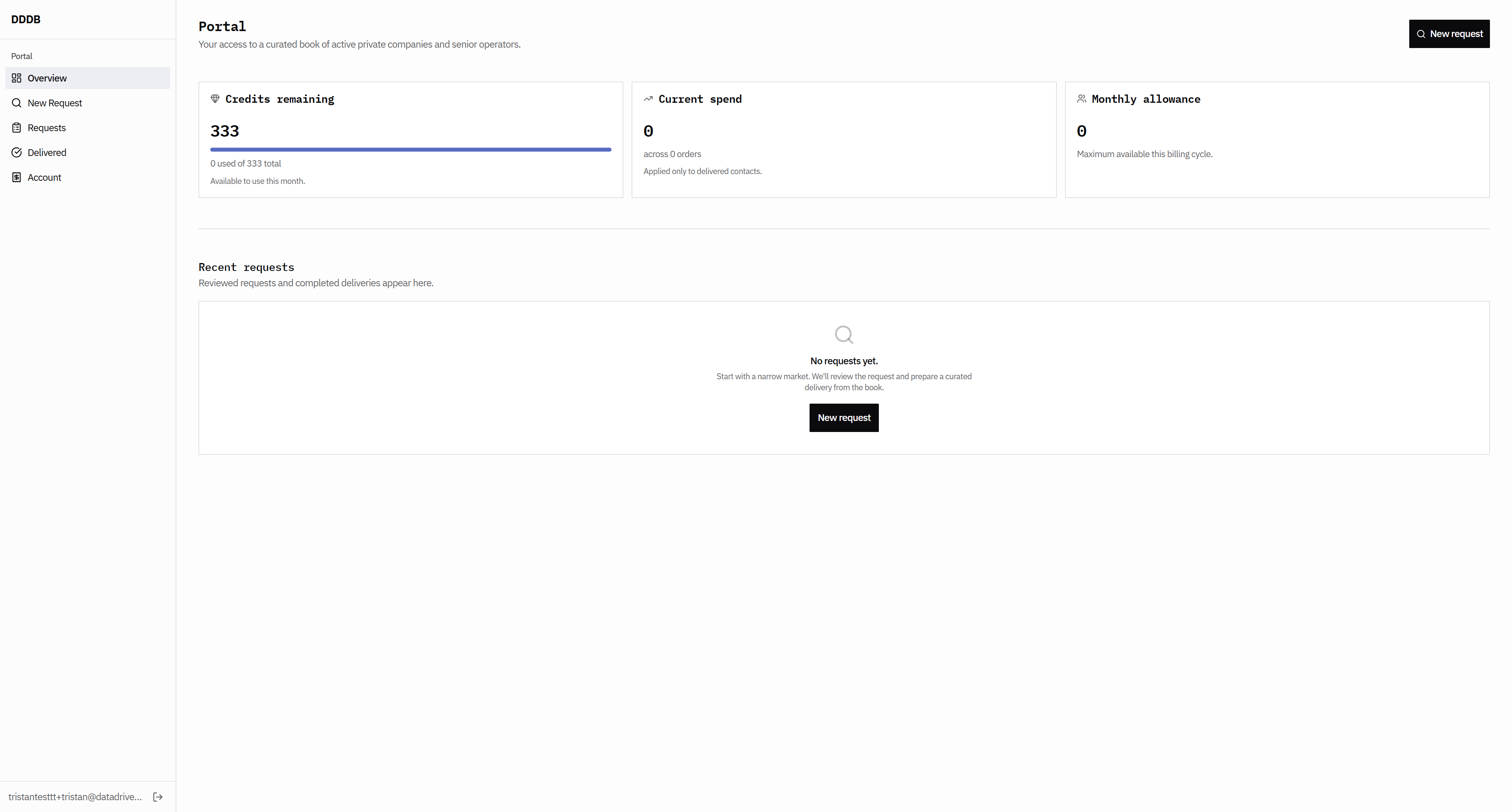
That means user.

79
Click here
Step #79: Click here

They should have allowed us to set it to 1000 instead of zero. Okay. That means user. They should have allowed us to set it to 1000 instead of zero. Yes.
80
Click here
Step #80: Click here
81
Click here
Step #81: Click here
82
Click here
Step #82: Click here
83
Click here
Step #83: Click here
84
Click here
Step #84: Click here
85
Click on "."
Step #85: Click on "."

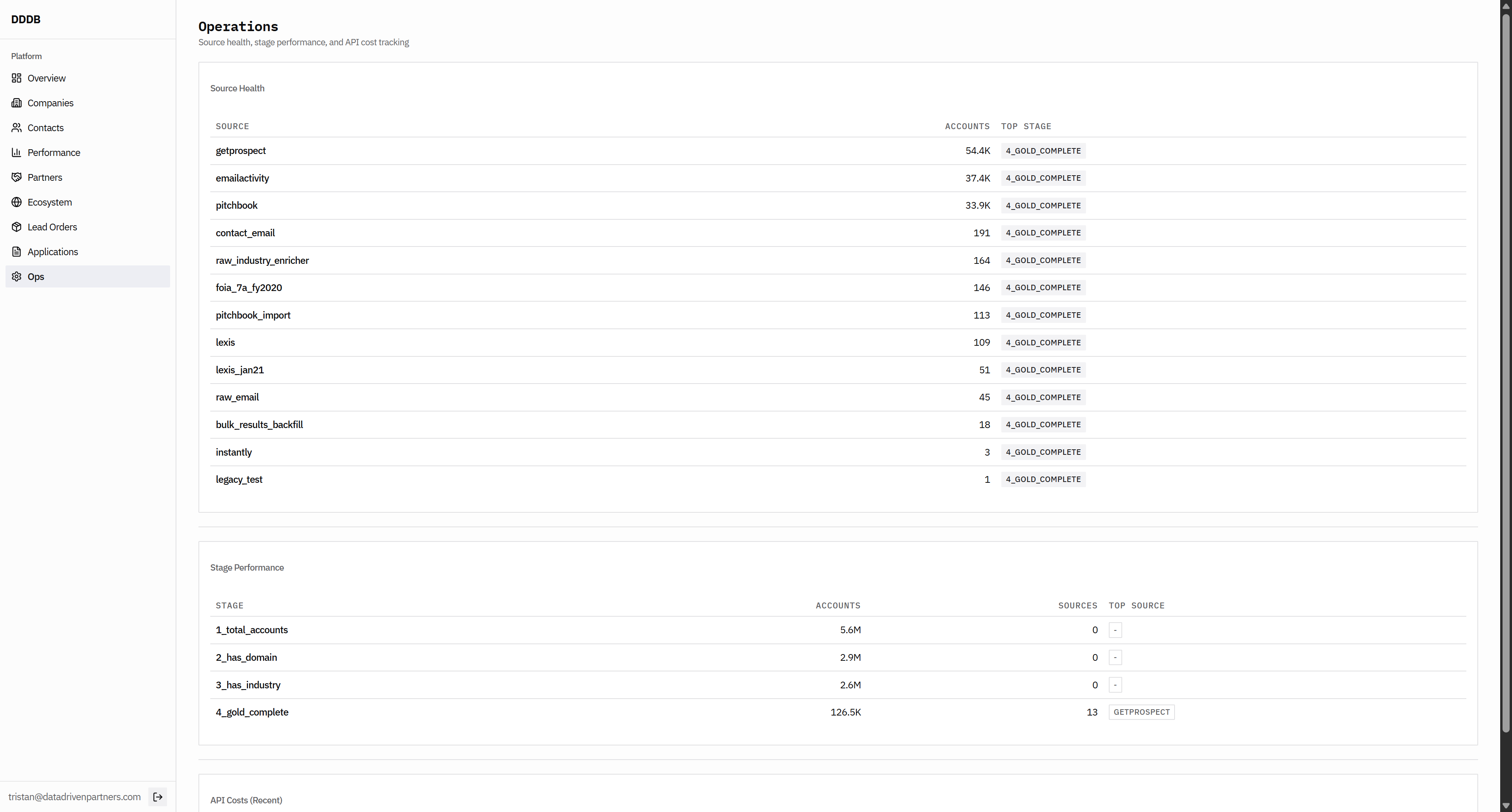
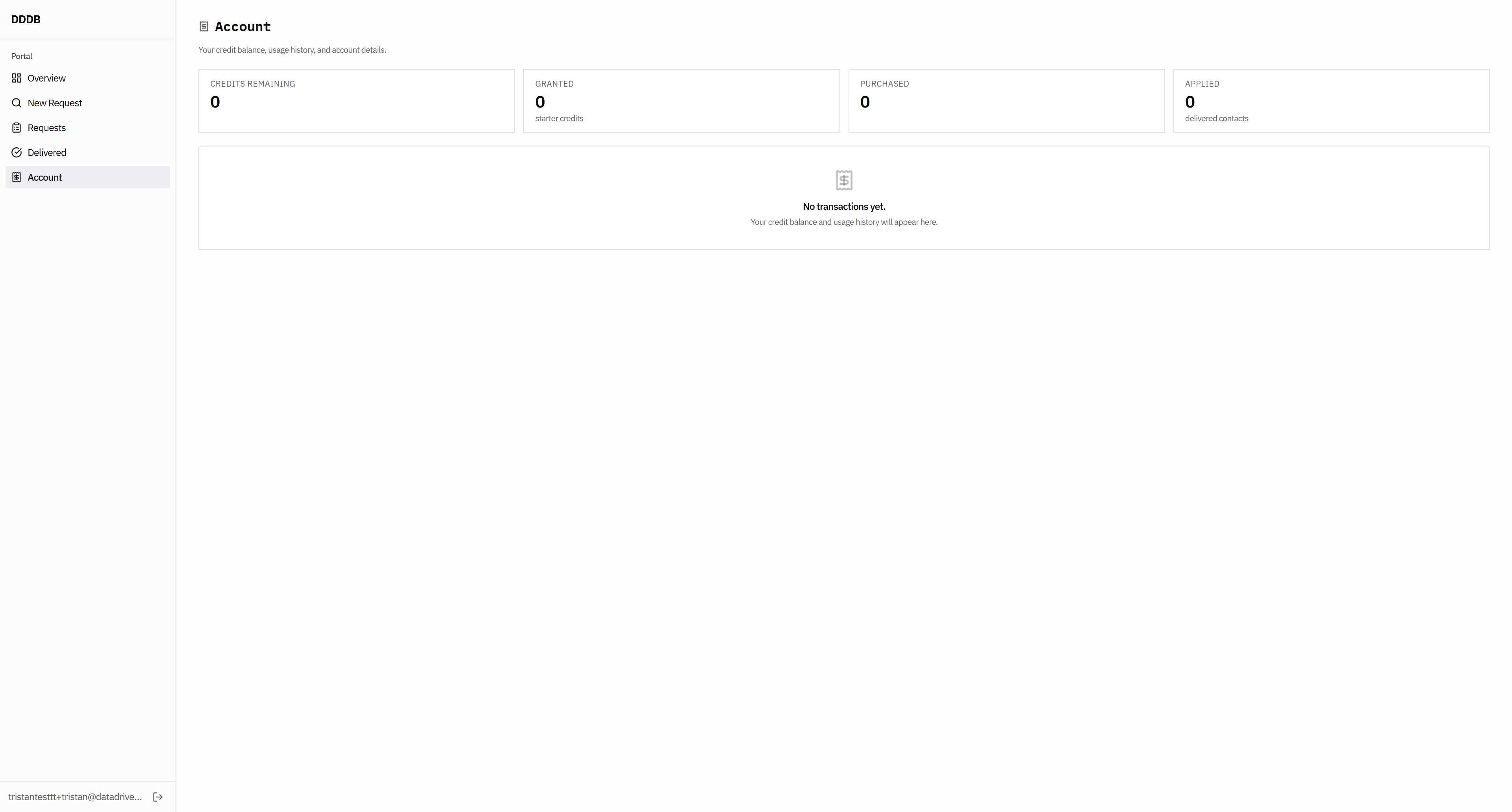
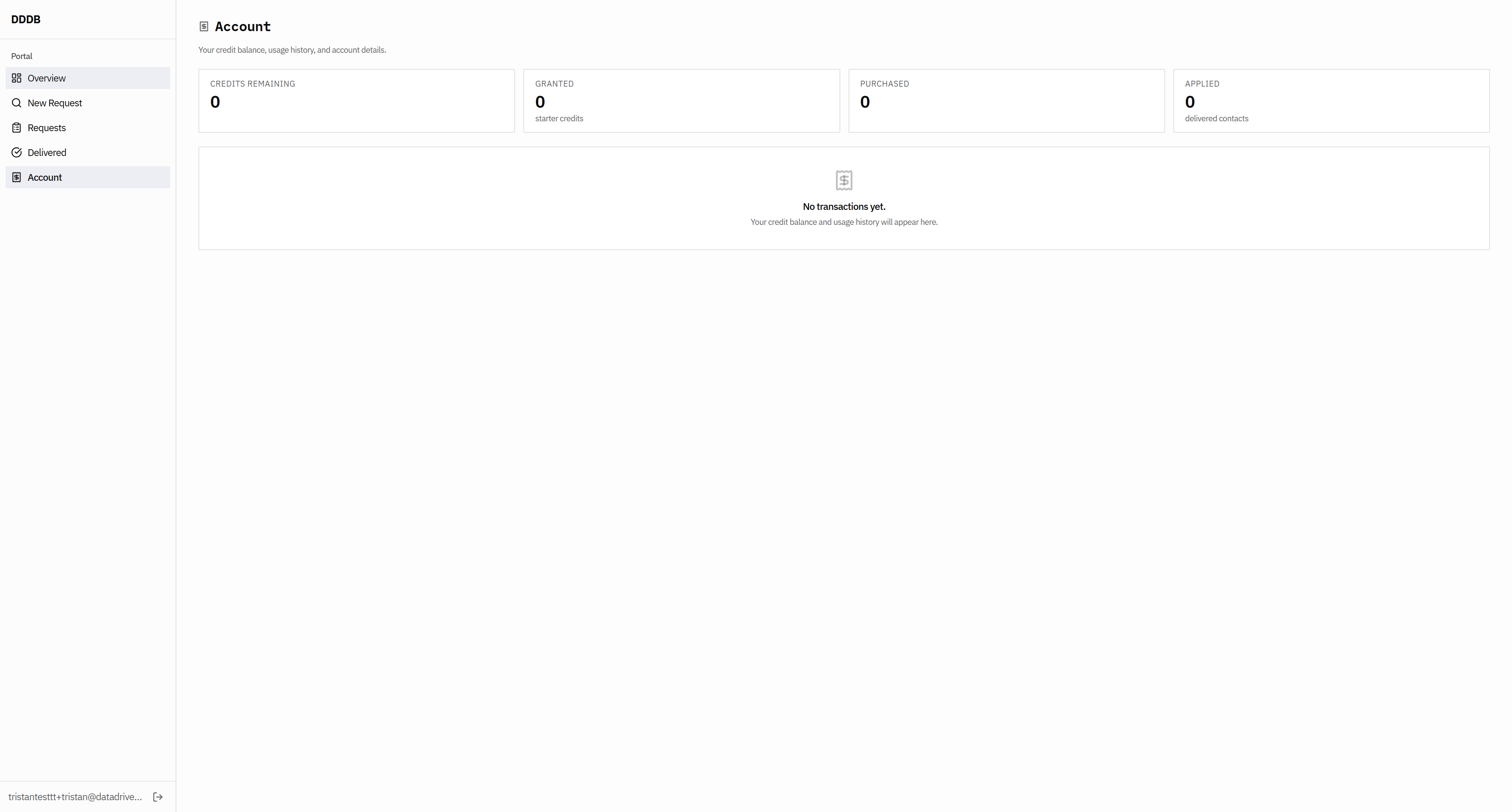
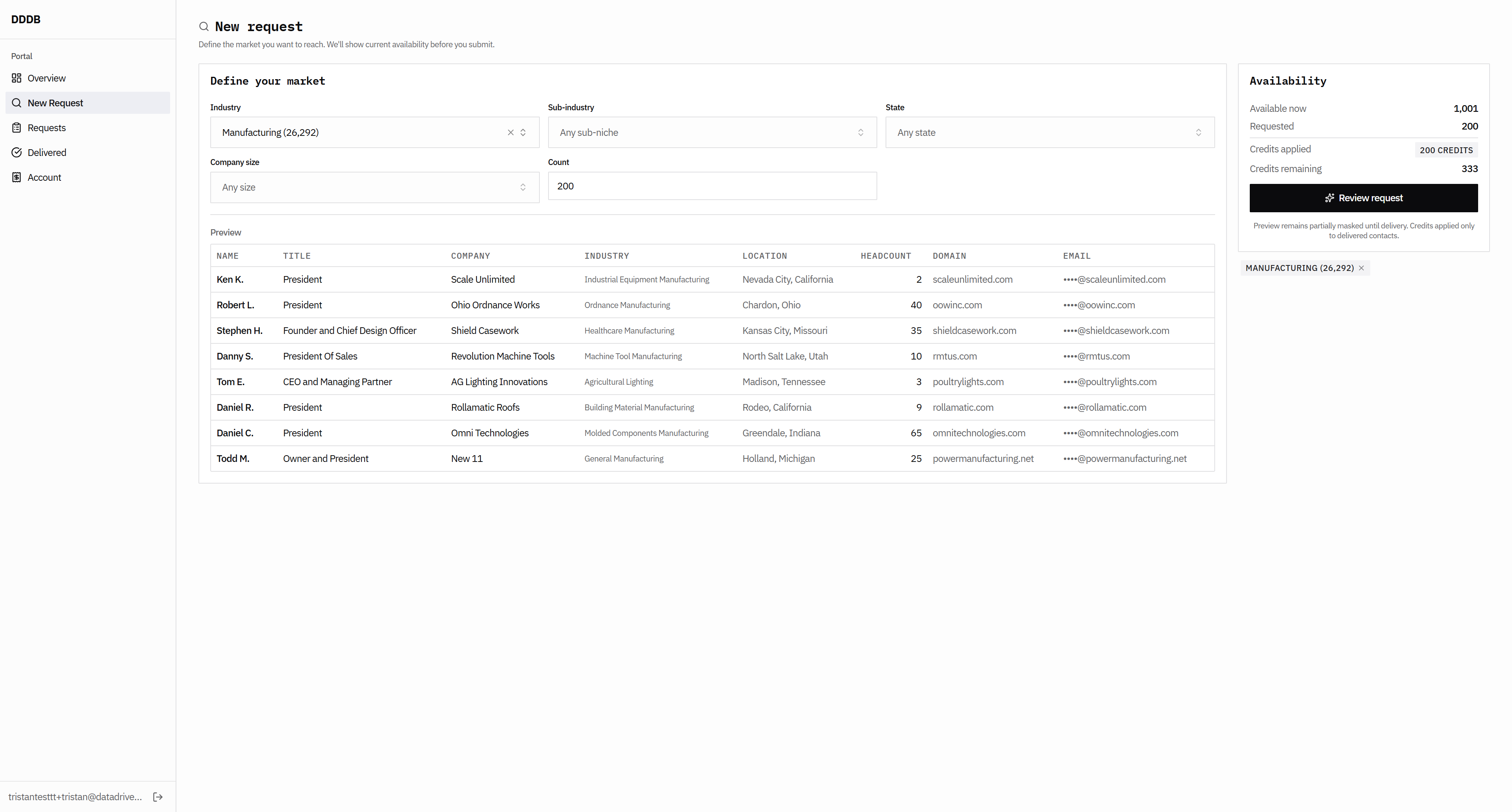
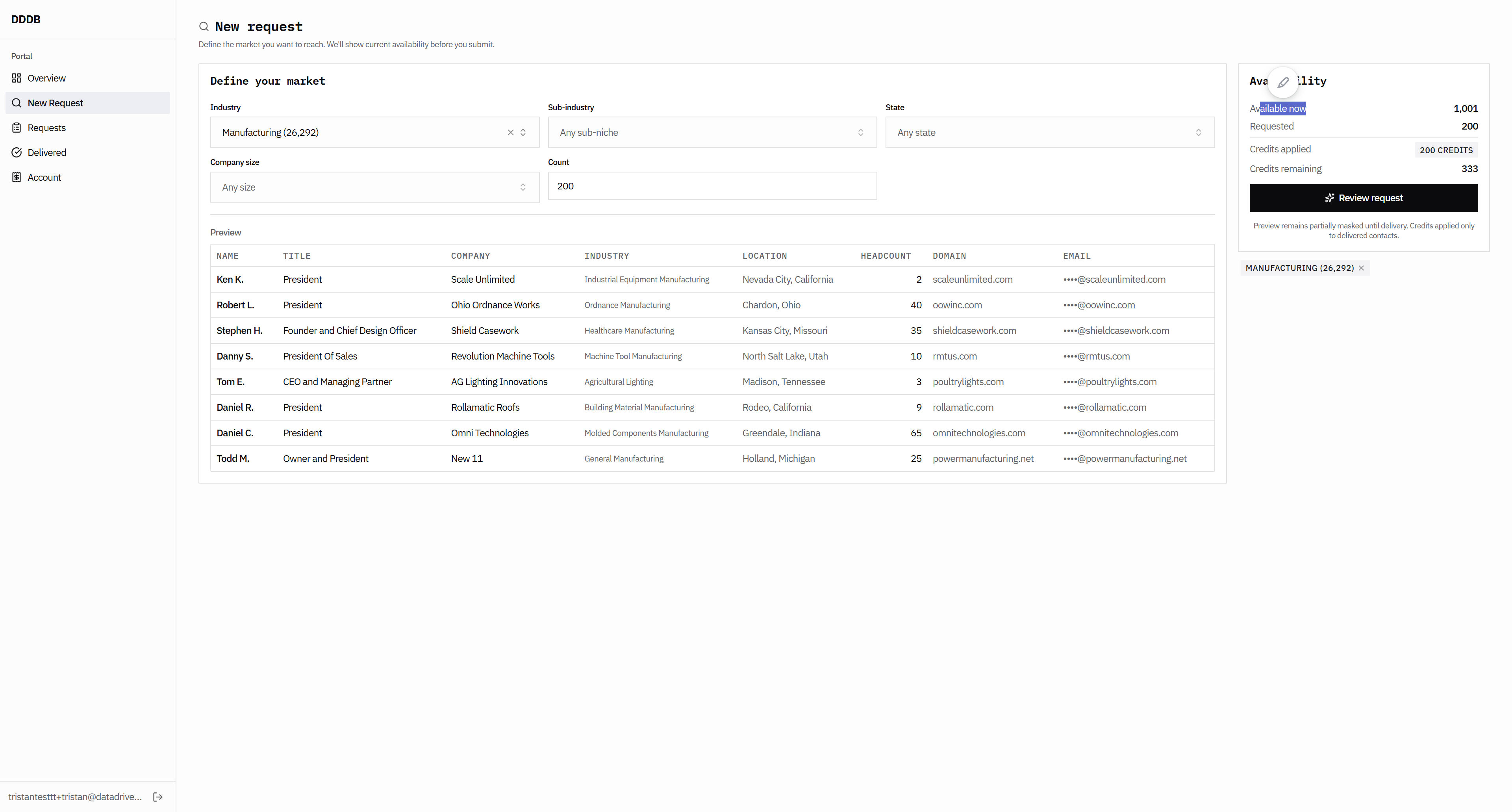
I think what may be available to you has changed. This doesn't make sense; these numbers are incorrect.
86
Click here
Step #86: Click here
87
Click here
Step #87: Click here
88
Click here
Step #88: Click here

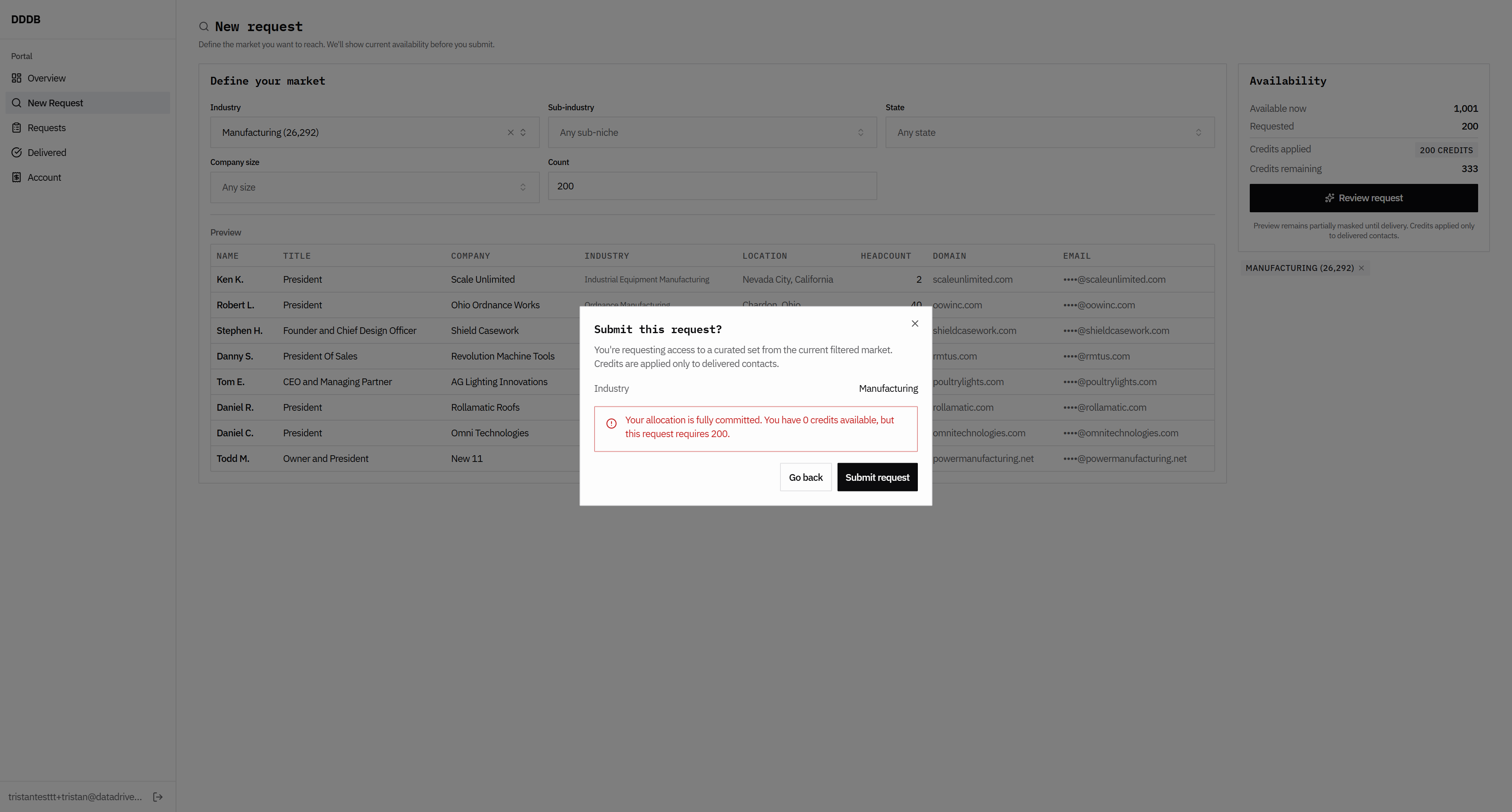
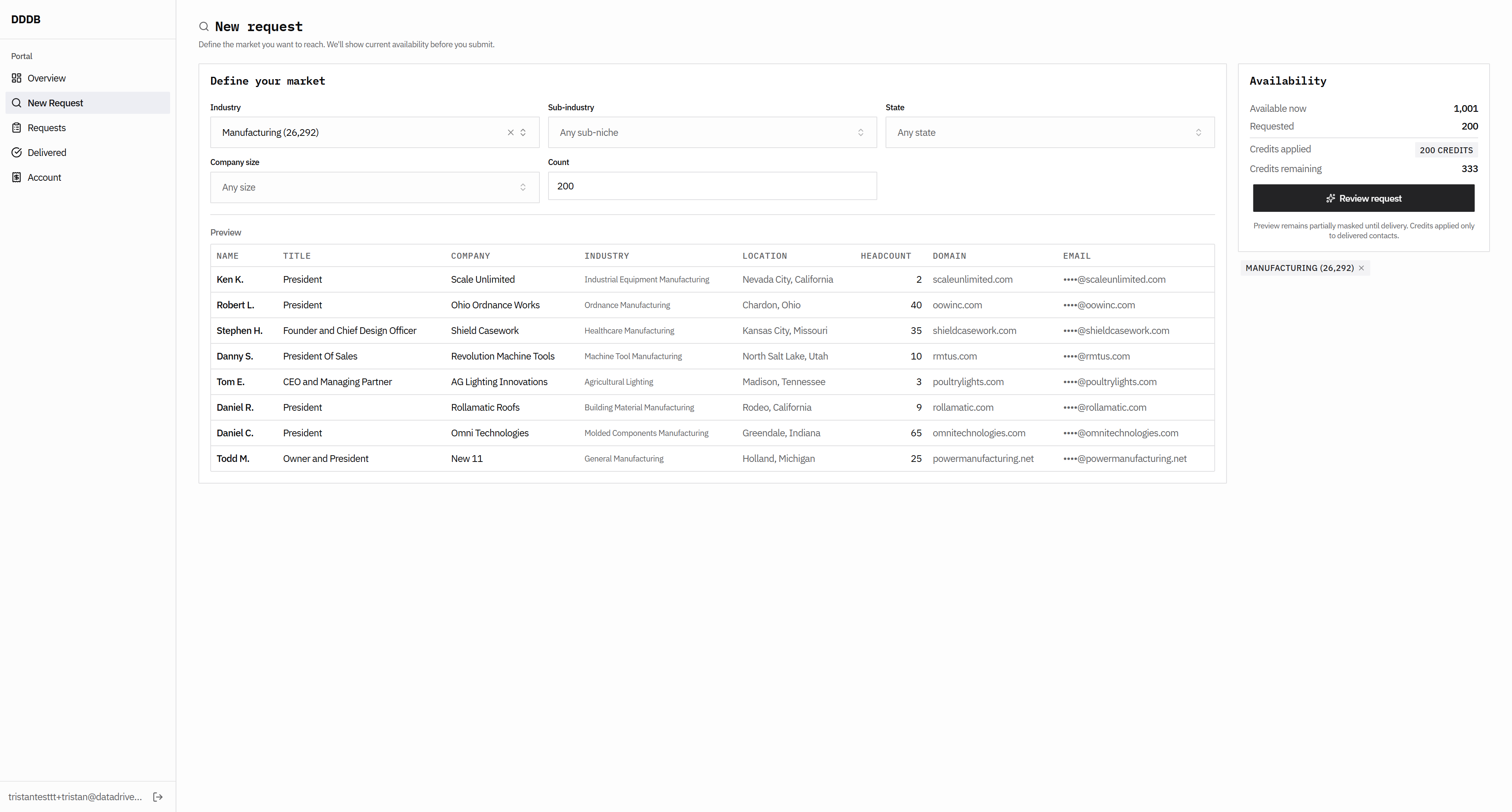
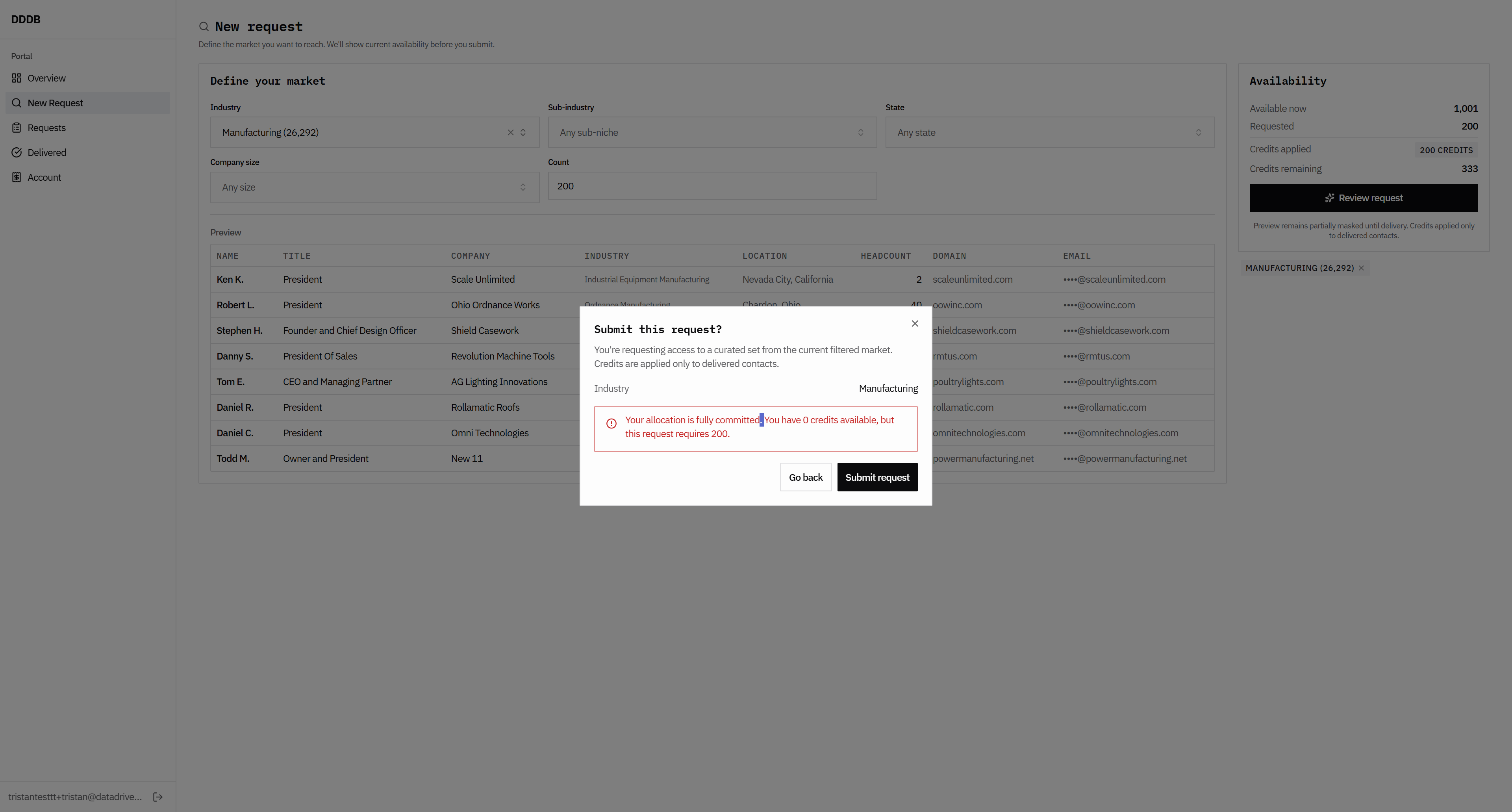
Uh, requested... Oh, yeah. That's return. This should be 143 credits. Do we have a subtotal here on the submit request?
89
Click here
Step #89: Click here

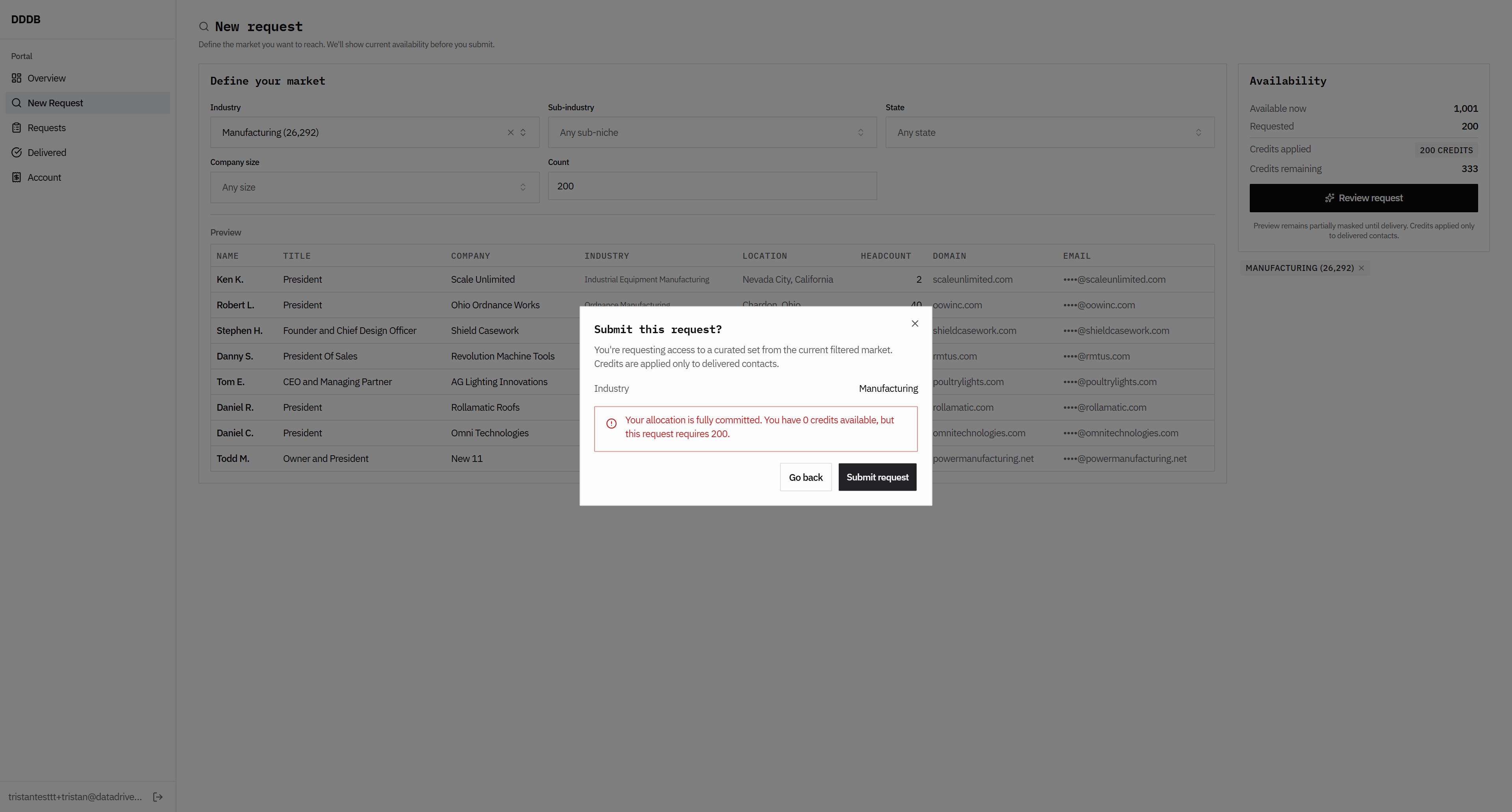
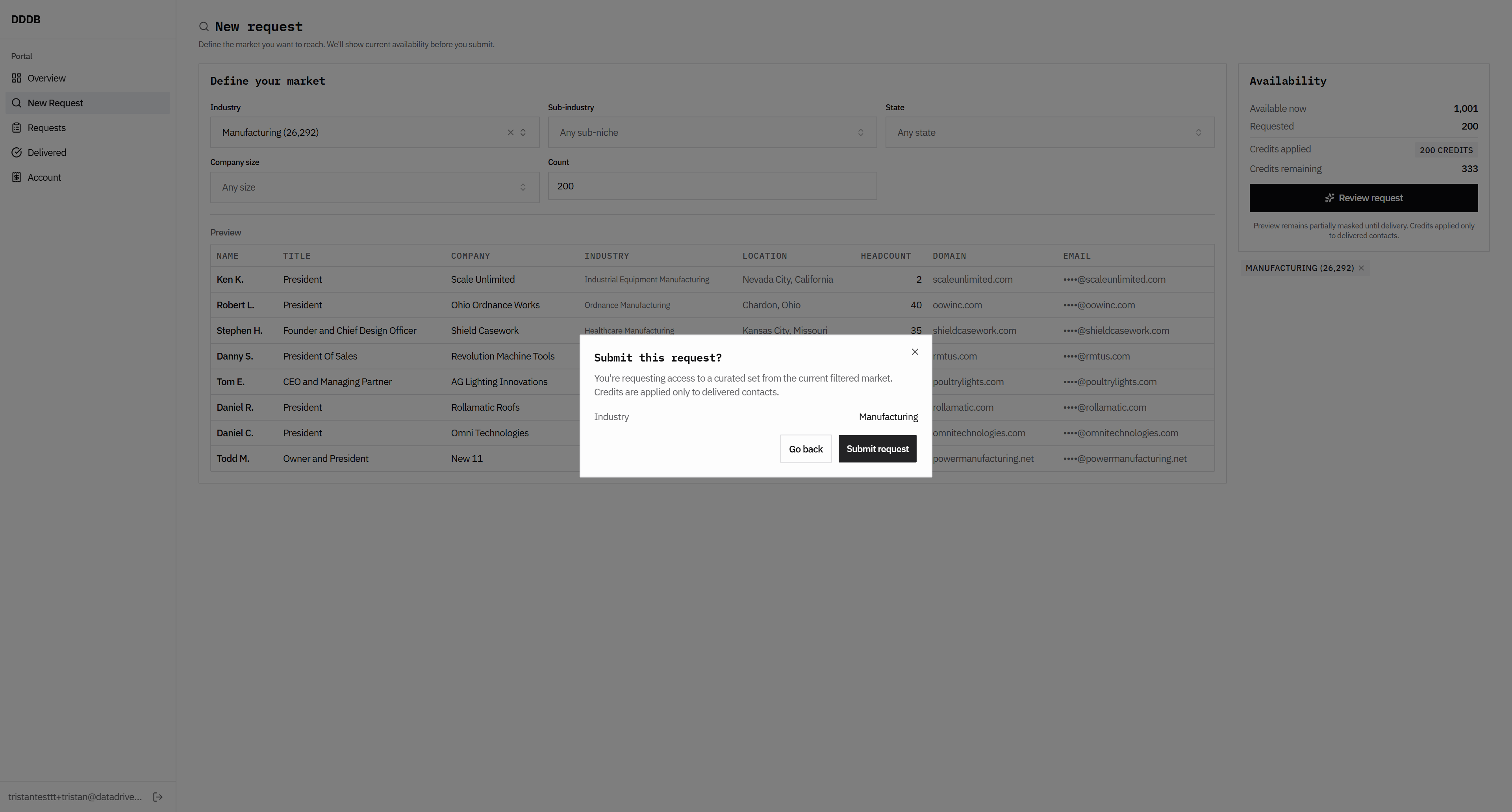
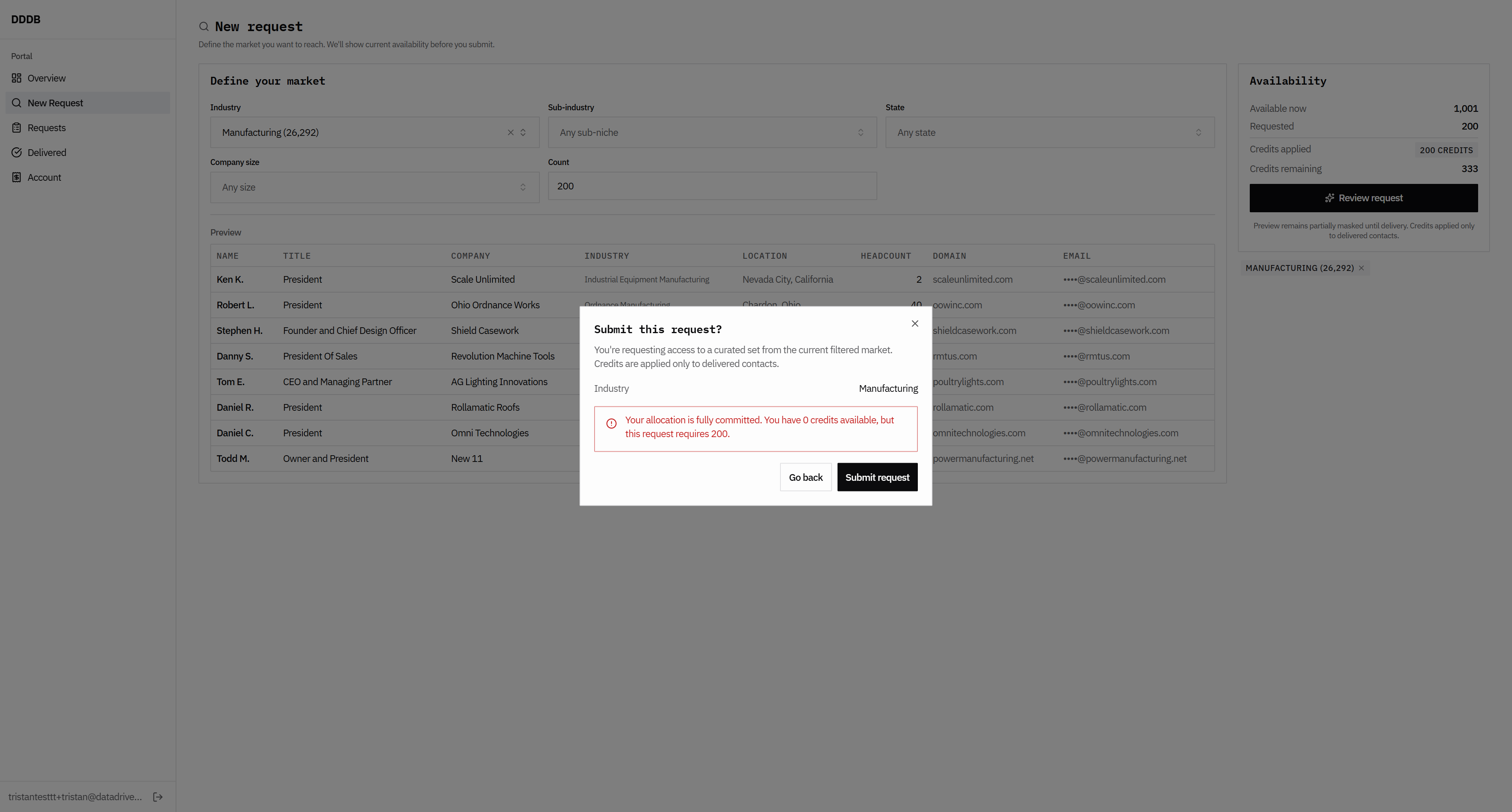
Then we get the error message, so they shouldn't click OK.
90
Click here
Step #90: Click here

There isn't an opportunity to generate an invoice. I'm not sure where our invoice is, because we should allow them to request as many as needed to generate an invoice.
91
Click here
Step #91: Click here
92
Click here
Step #92: Click here
93
Click here
Step #93: Click here

That's incorrect.

94
Click here
Step #94: Click here
95
Click here
Step #95: Click here

To review the previous version.
96
Click on "Portal"
Step #96: Click on "Portal"
97
Click on "Overview"
Step #97: Click on "Overview"
98
Click on "Overview"
Step #98: Click on "Overview"
99
Click here
Step #99: Click here
100
Click here
Step #100: Click here
101
Click here
Step #101: Click here