
How to Process a LoanForce Ticket for VHDA Certification
Learn how to process an IT service ticket for VHDA certification, including verifying loan data in Encompass and provisioning user accounts.
This guide outlines how to process LoanForce tickets for the VHDA certification class. Completing this workflow ensures employees receive their system credentials and that loan information is properly verified.
This process applies to the IT service team. Follow these steps when an employee finishes their certification class and submits an IT service ticket for access.
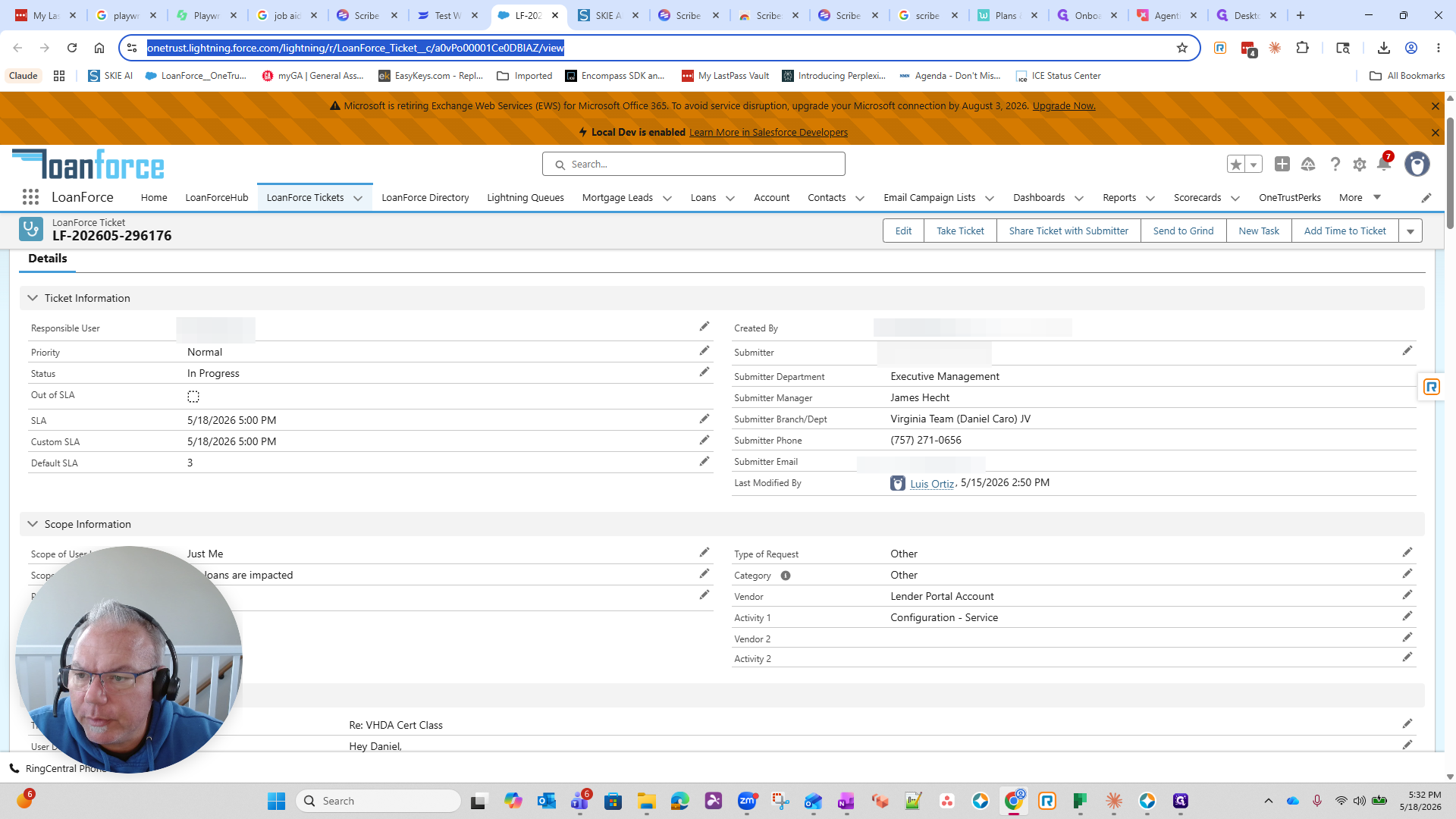
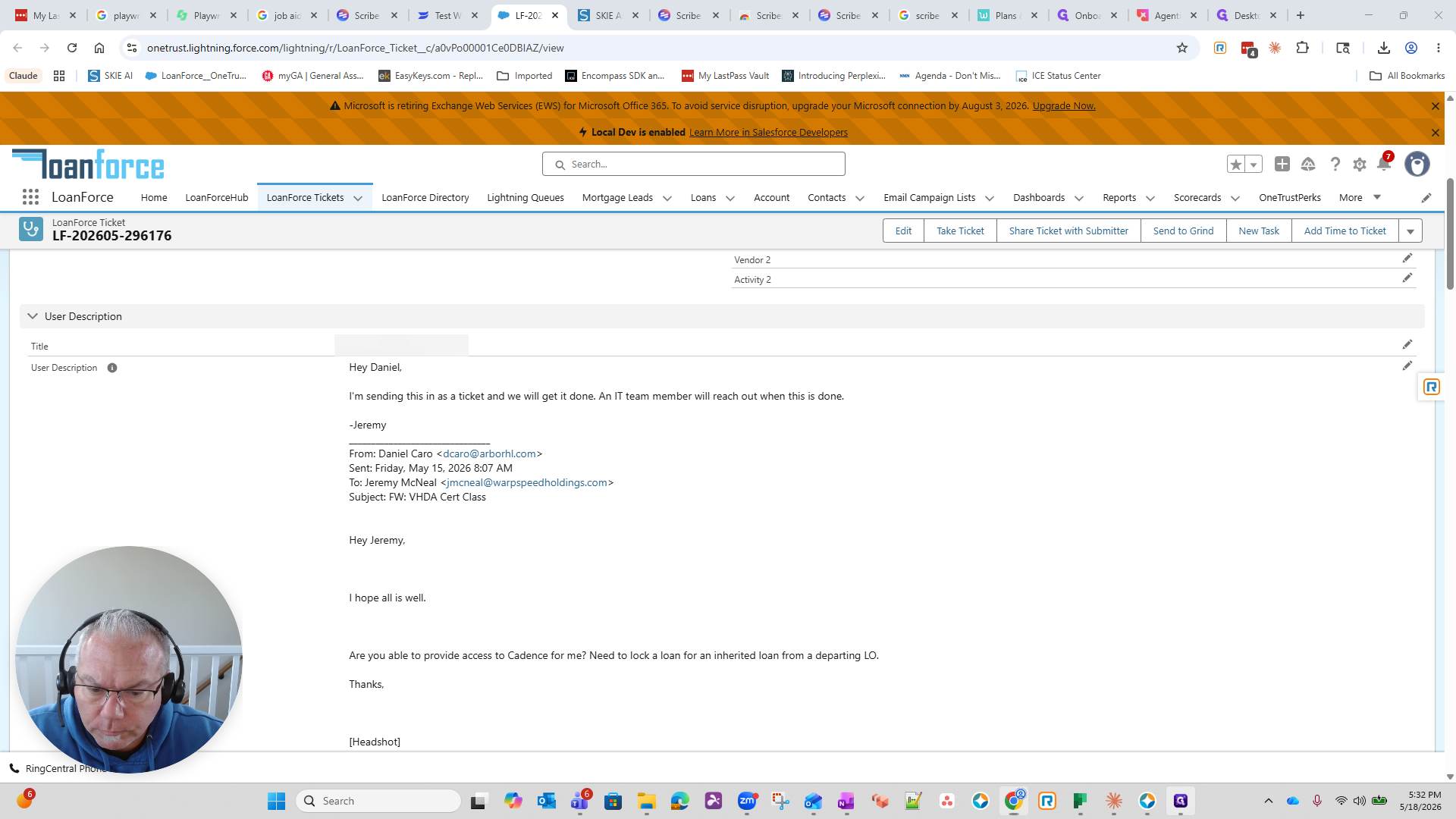
Review the Support Ticket
When a request comes in, the first step is to locate and review the ticket details.
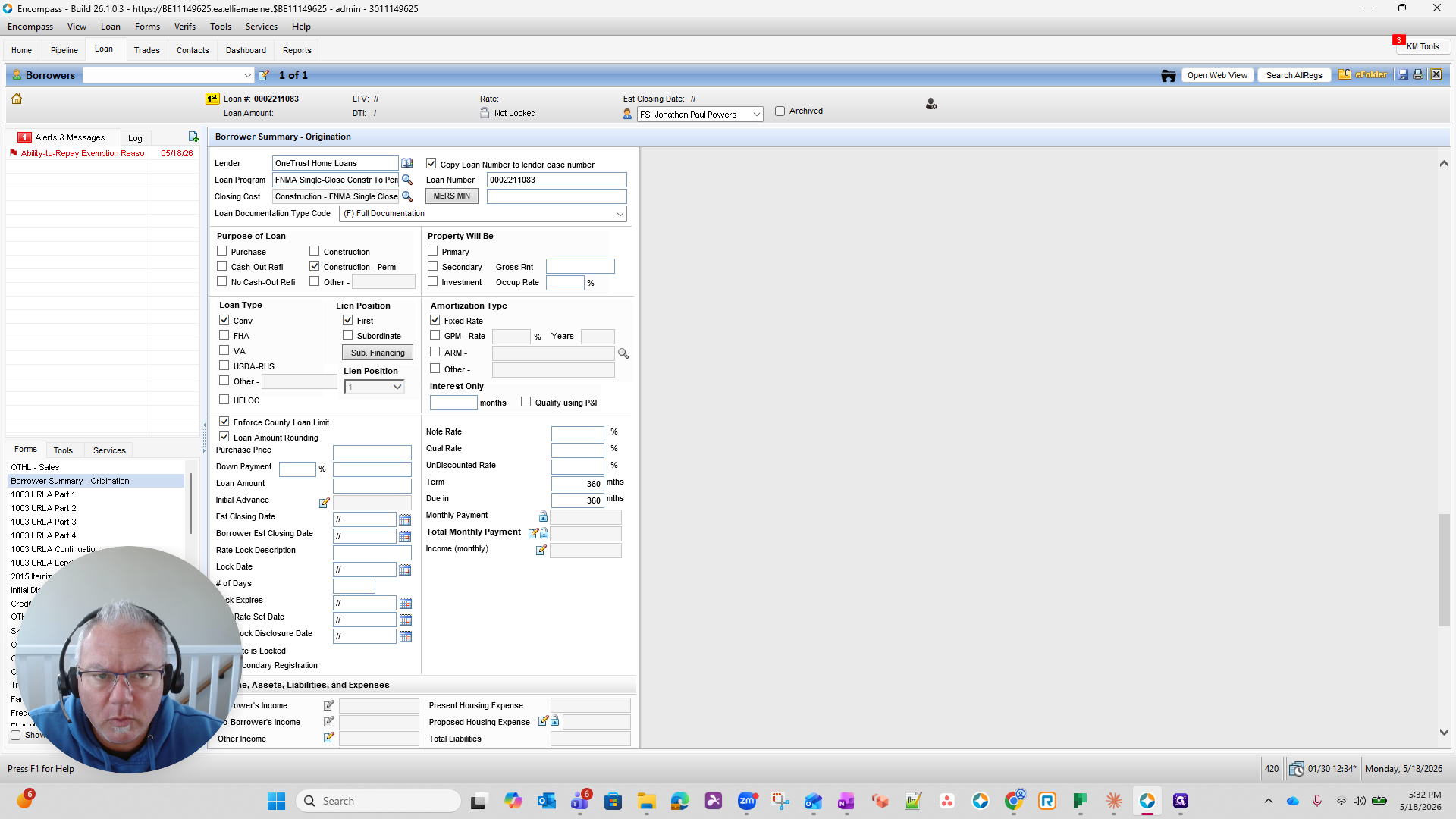
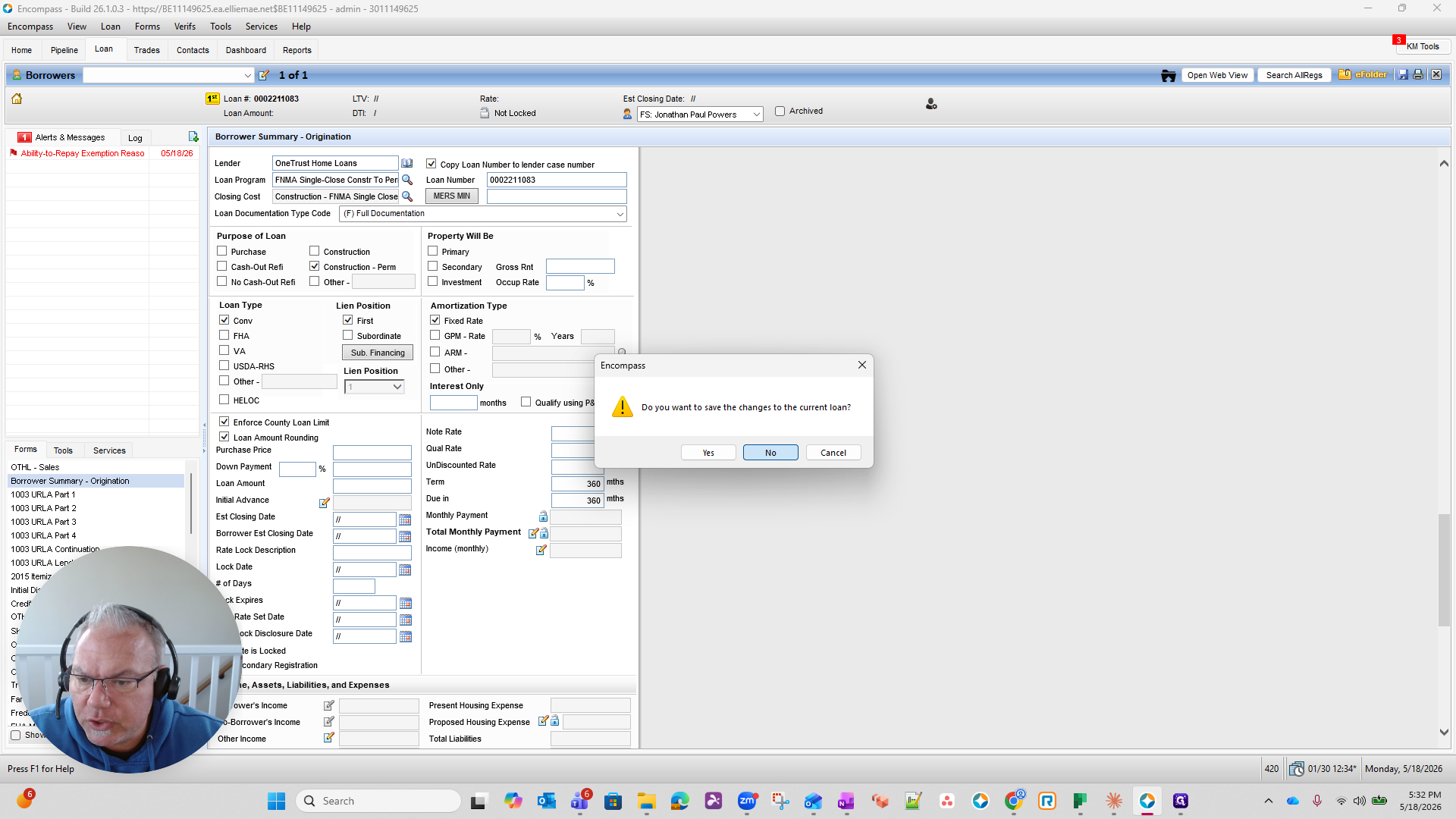
Verify Loan Information in Encompass
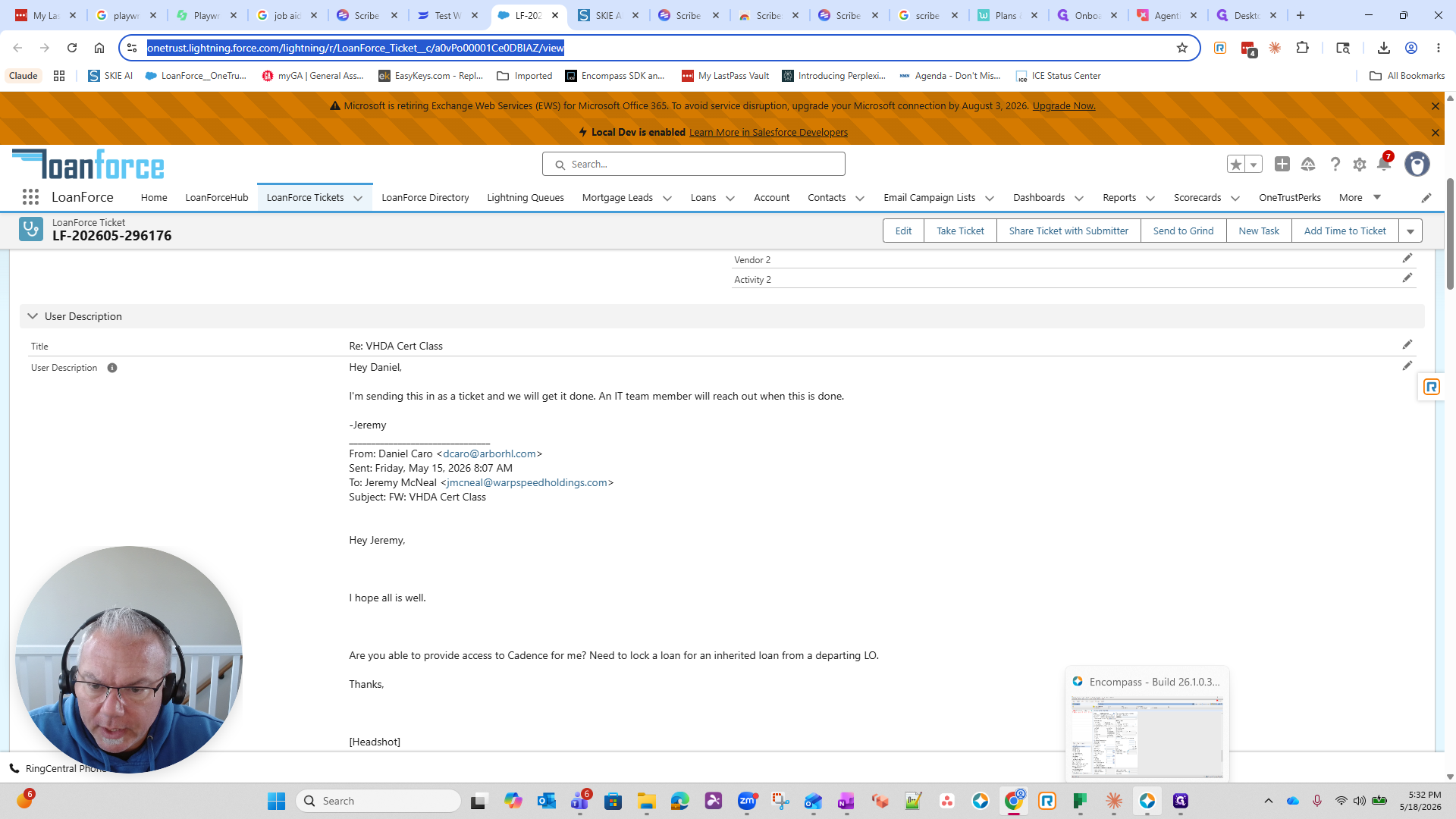
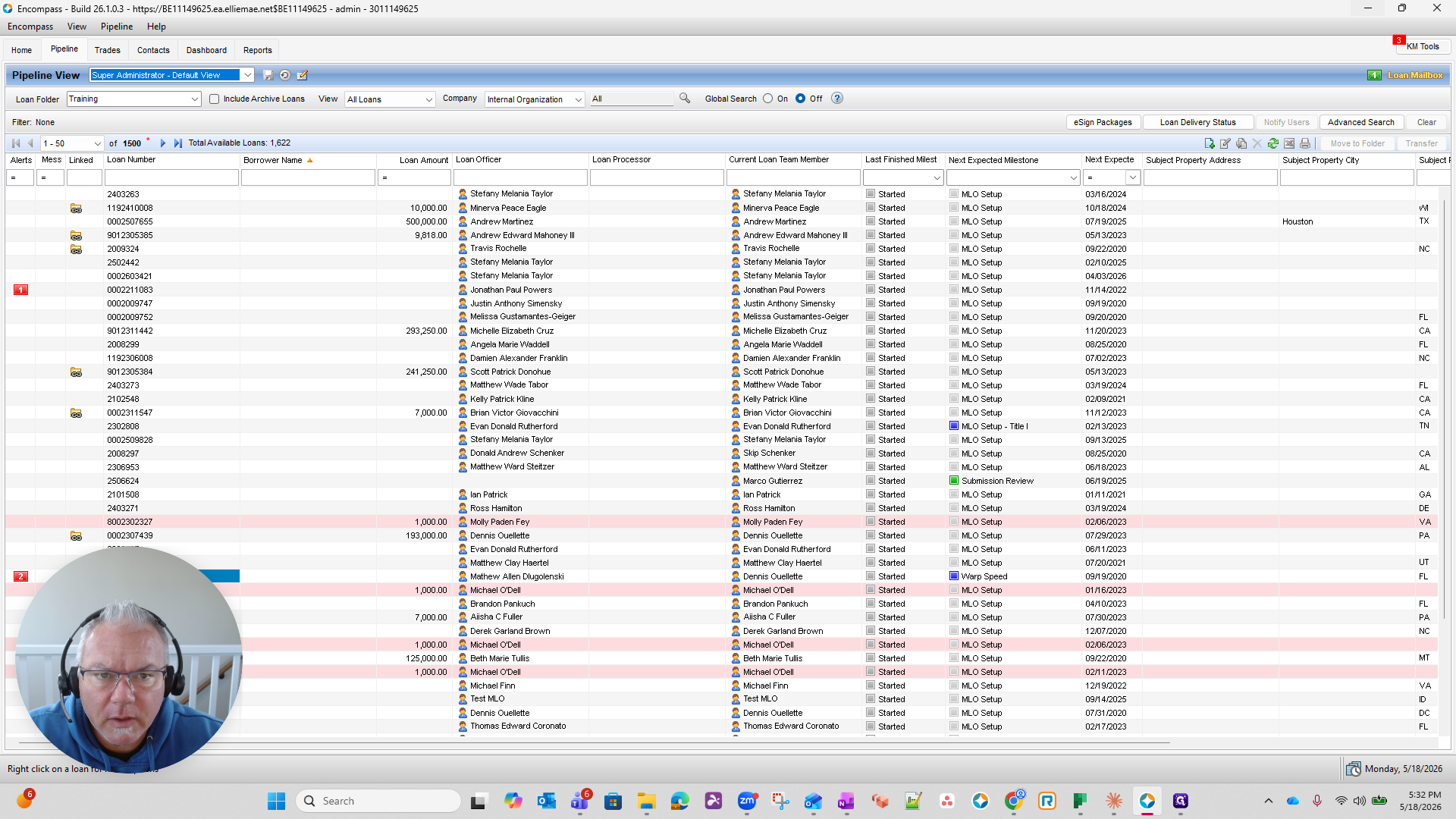
In some cases, you must verify information within a specific loan to ensure it is valid before provisioning the account.
Provision the Account
After verifying the necessary information, you can finalize the user's access.
Navigate to the admin portal and create the user account based on the ticket details.
Glossary
Term | Definition |
|---|---|
Encompass | A desktop loan origination and management software application used to view borrower data. |
LoanForce | The Salesforce-integrated ticketing platform used to track IT and support requests. |
VHDA Certification | A required training class employees must complete before requesting system credentials. |