
Convert Proofpoint Users to Functional Accounts
Learn how to convert terminated users to Functional Accounts in Proofpoint Essentials to reclaim licenses after converting them to M365 shared mailboxes.
This guide explains how to convert a standard Proofpoint user into a Functional Account. This is necessary to prevent unnecessary billing and to reclaim user licenses when an employee is terminated and their Microsoft 365 account is converted into a shared mailbox.
This process applies to the IT Support team handling offboarding requests. It should be performed immediately after the Microsoft 365 shared mailbox conversion is complete so that inbound mail routing continues uninterrupted.
Log In to Proofpoint Essentials
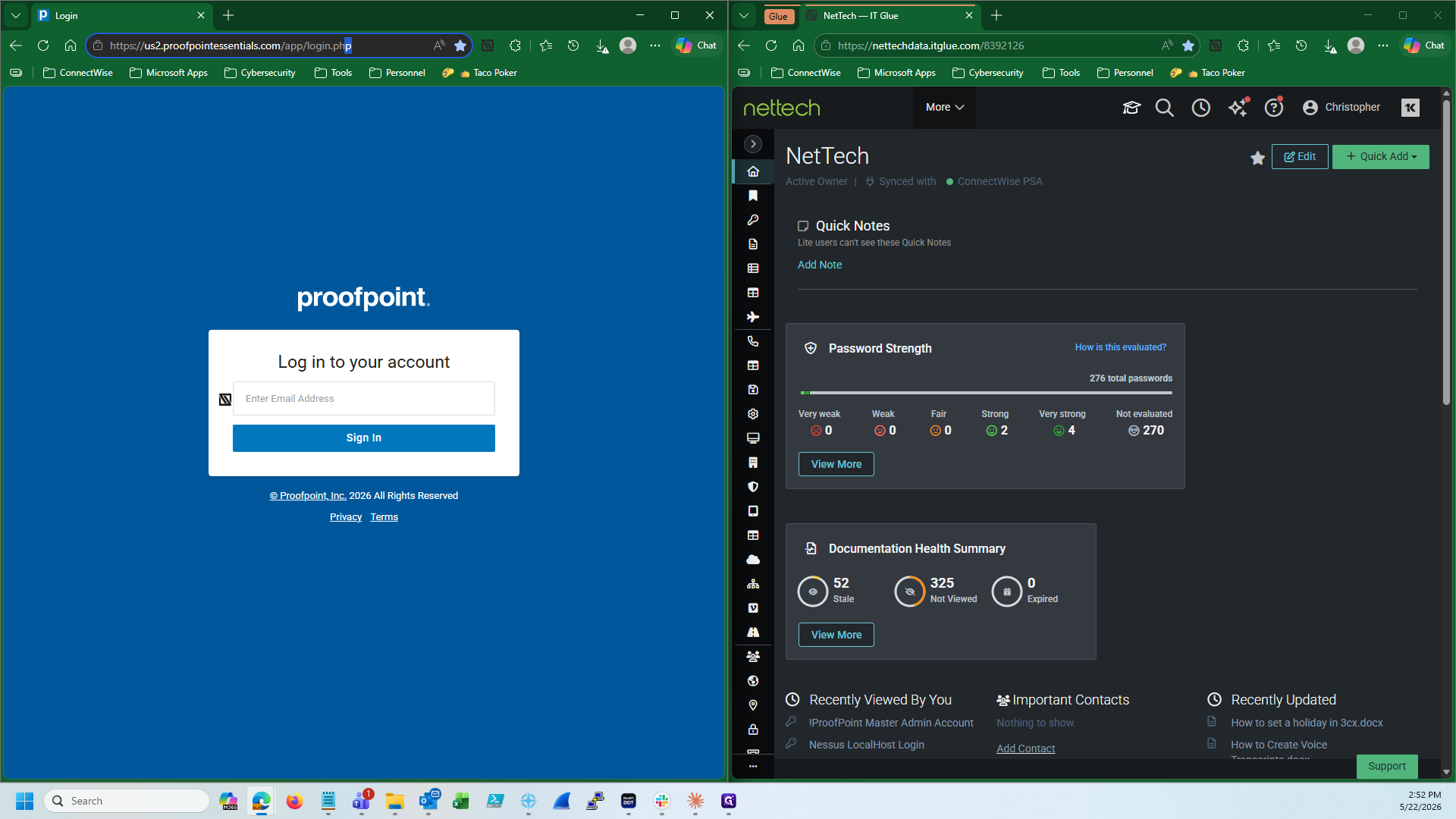
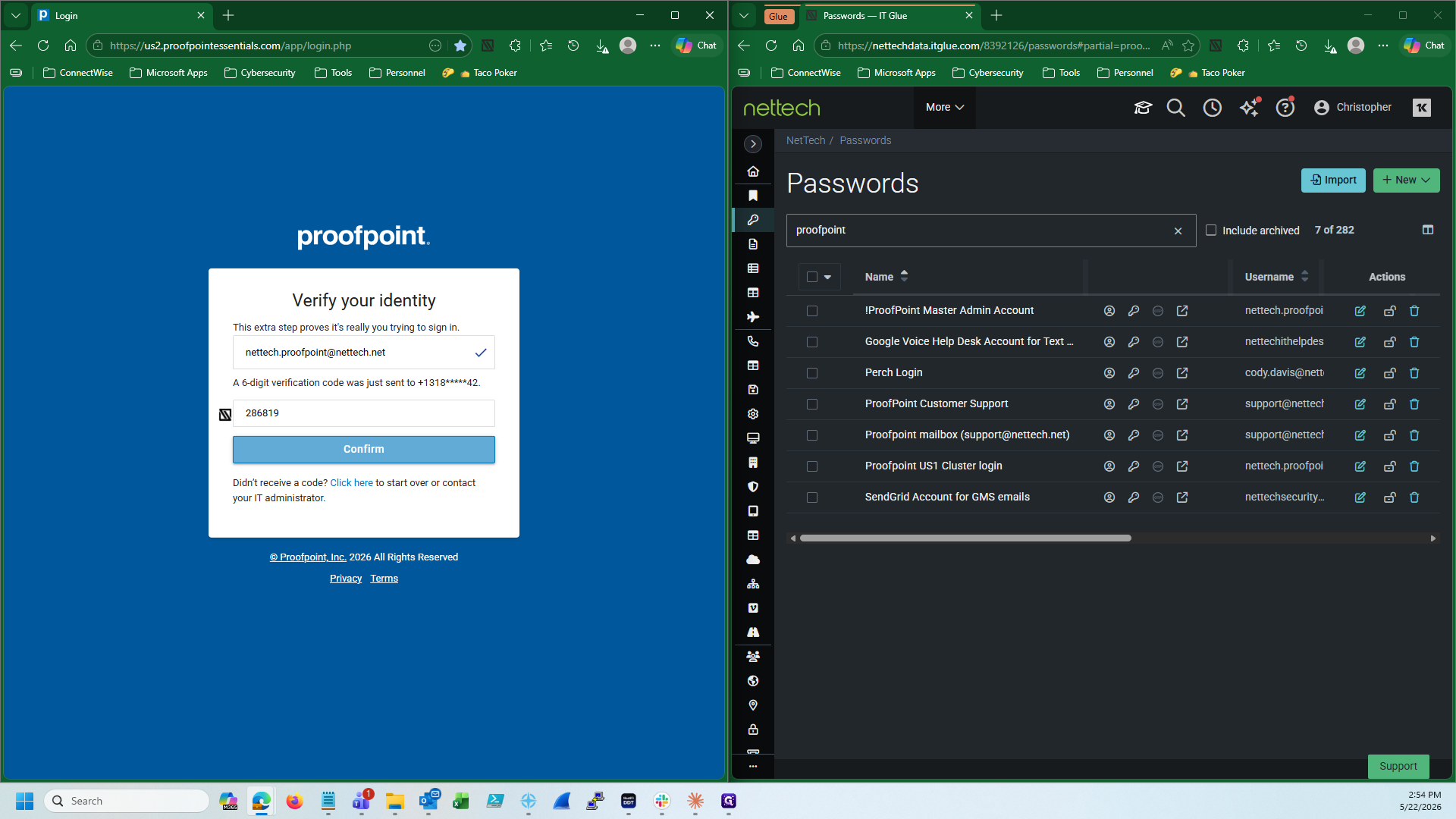
proofpoint to locate the Master Admin account credentials.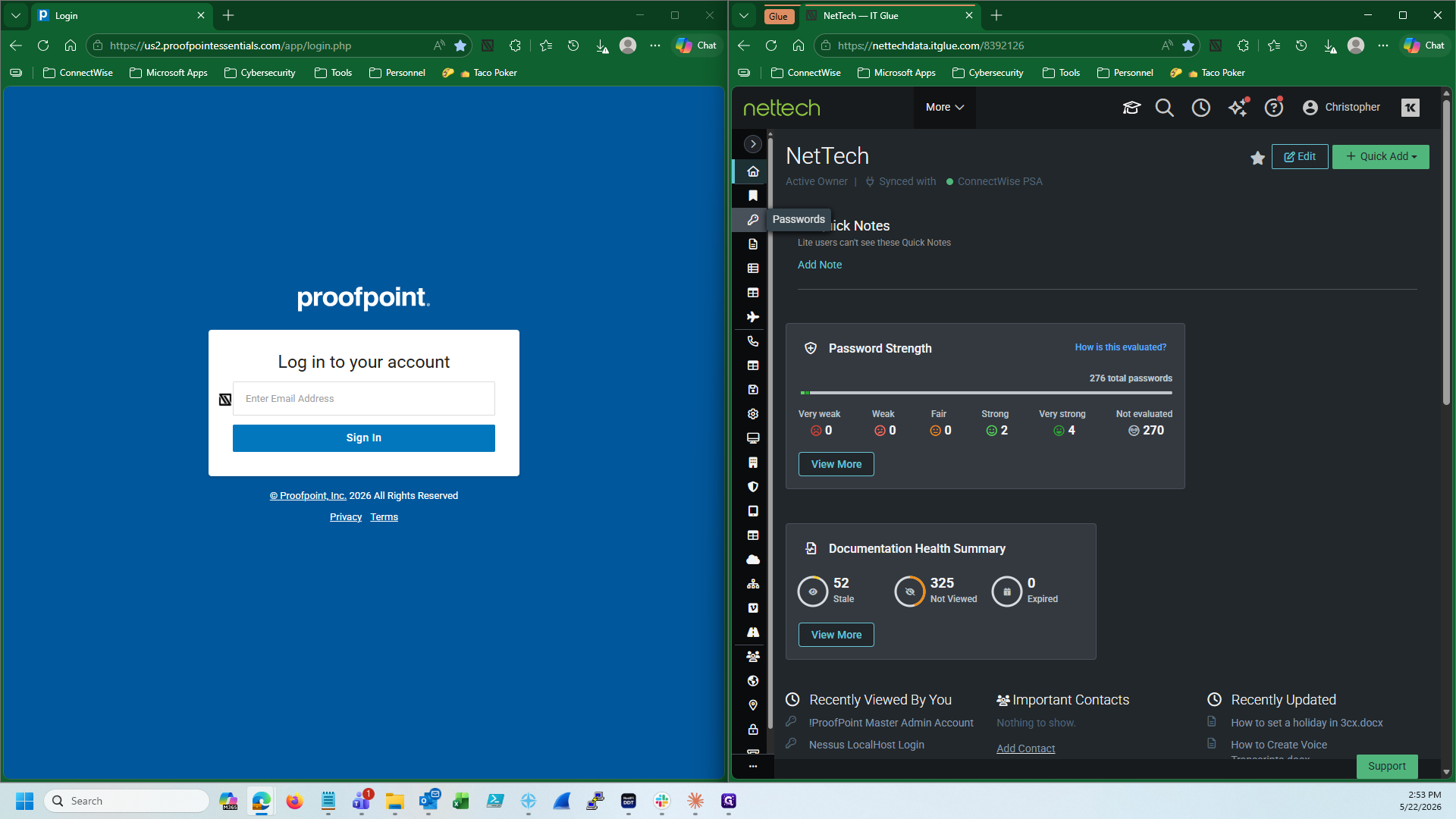
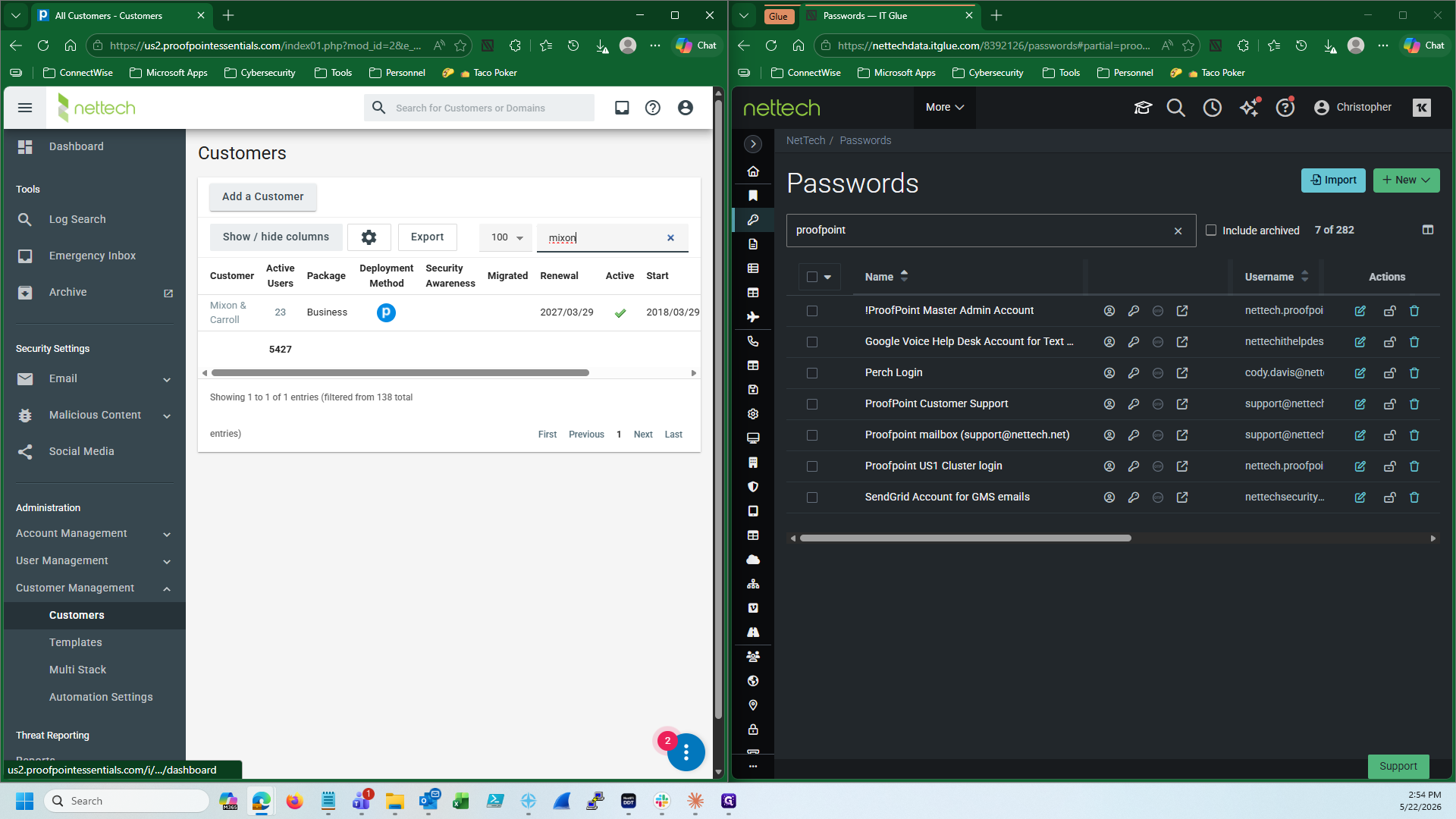
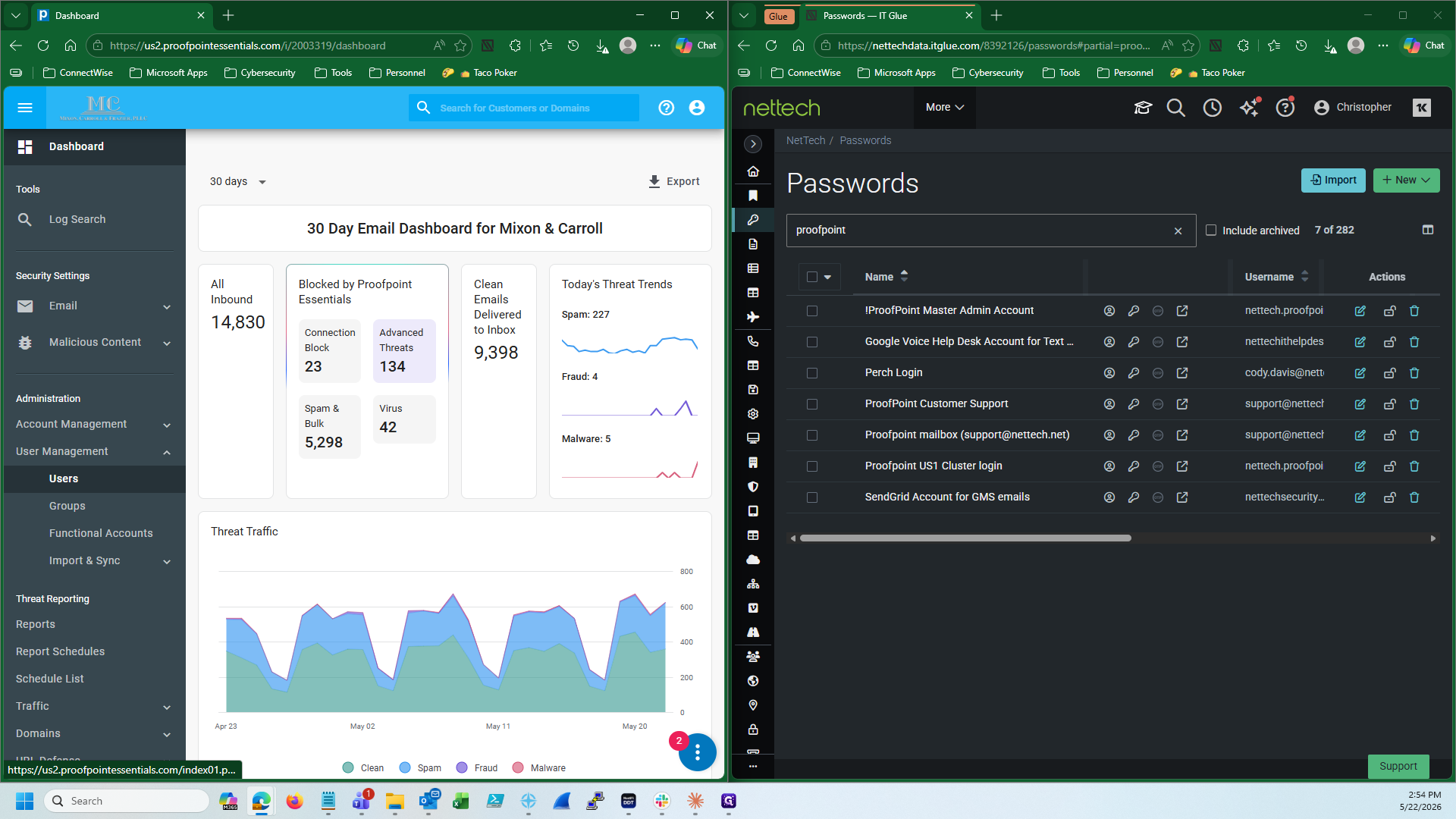
Navigate to the Customer Organization
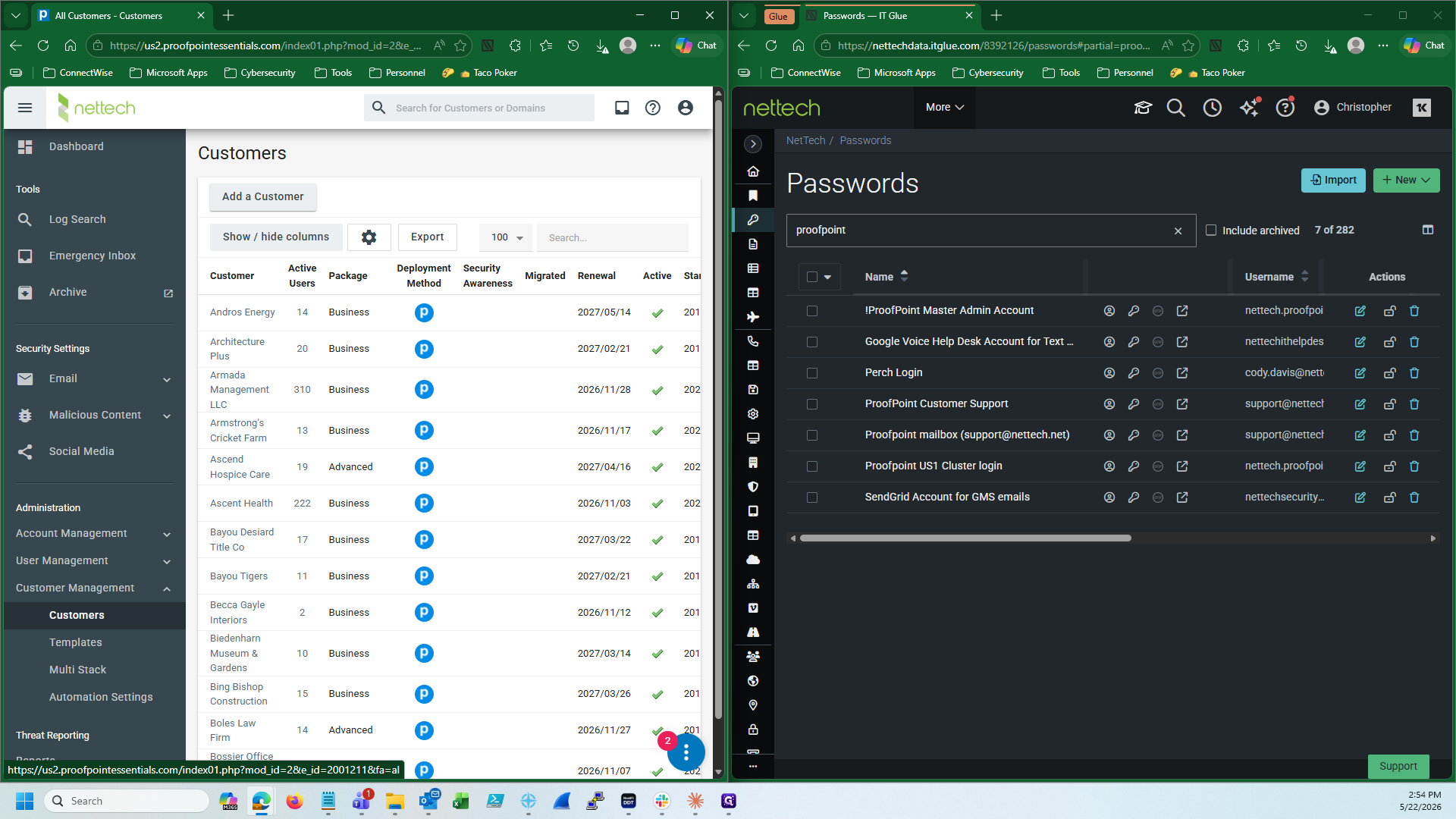
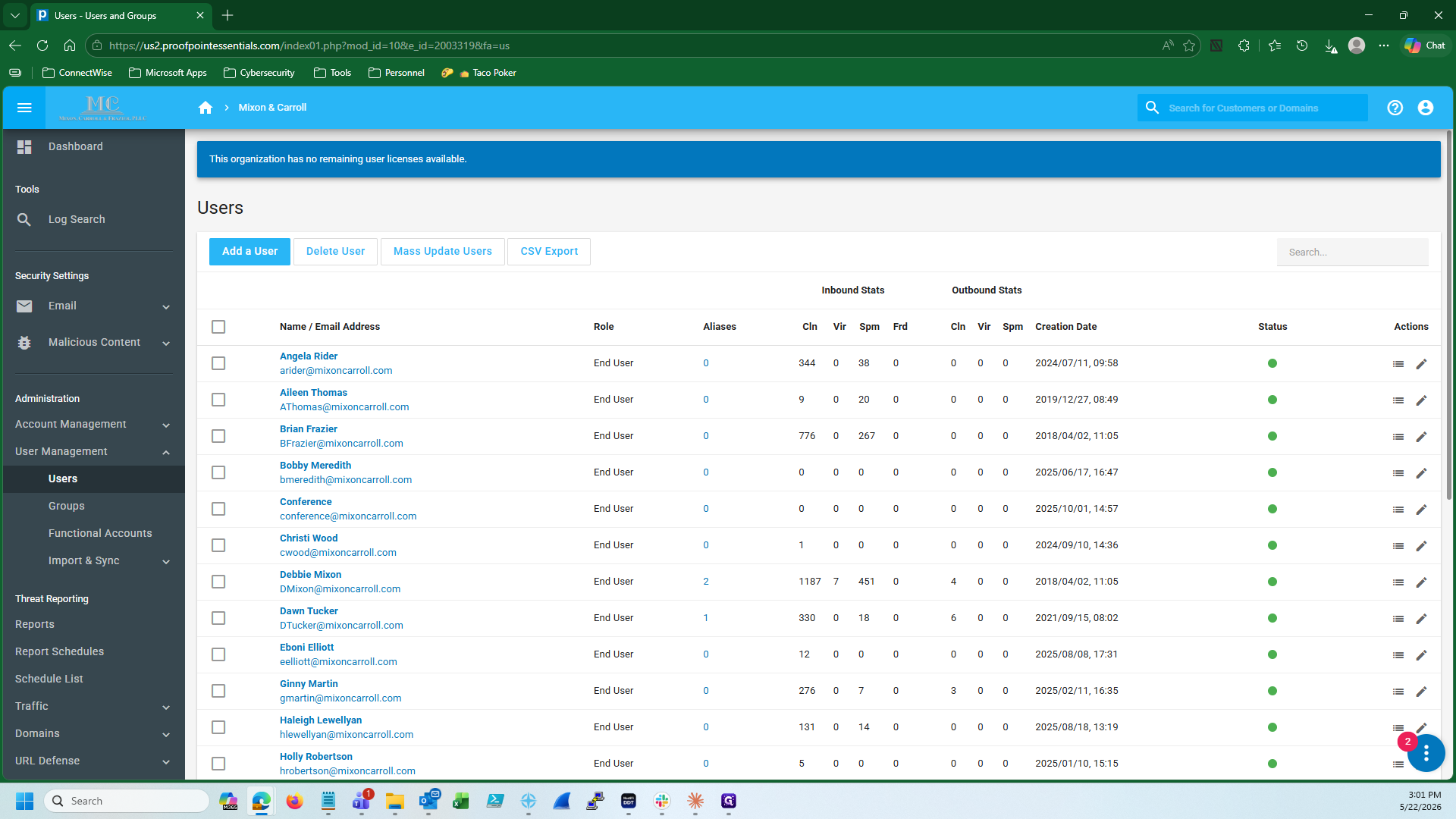
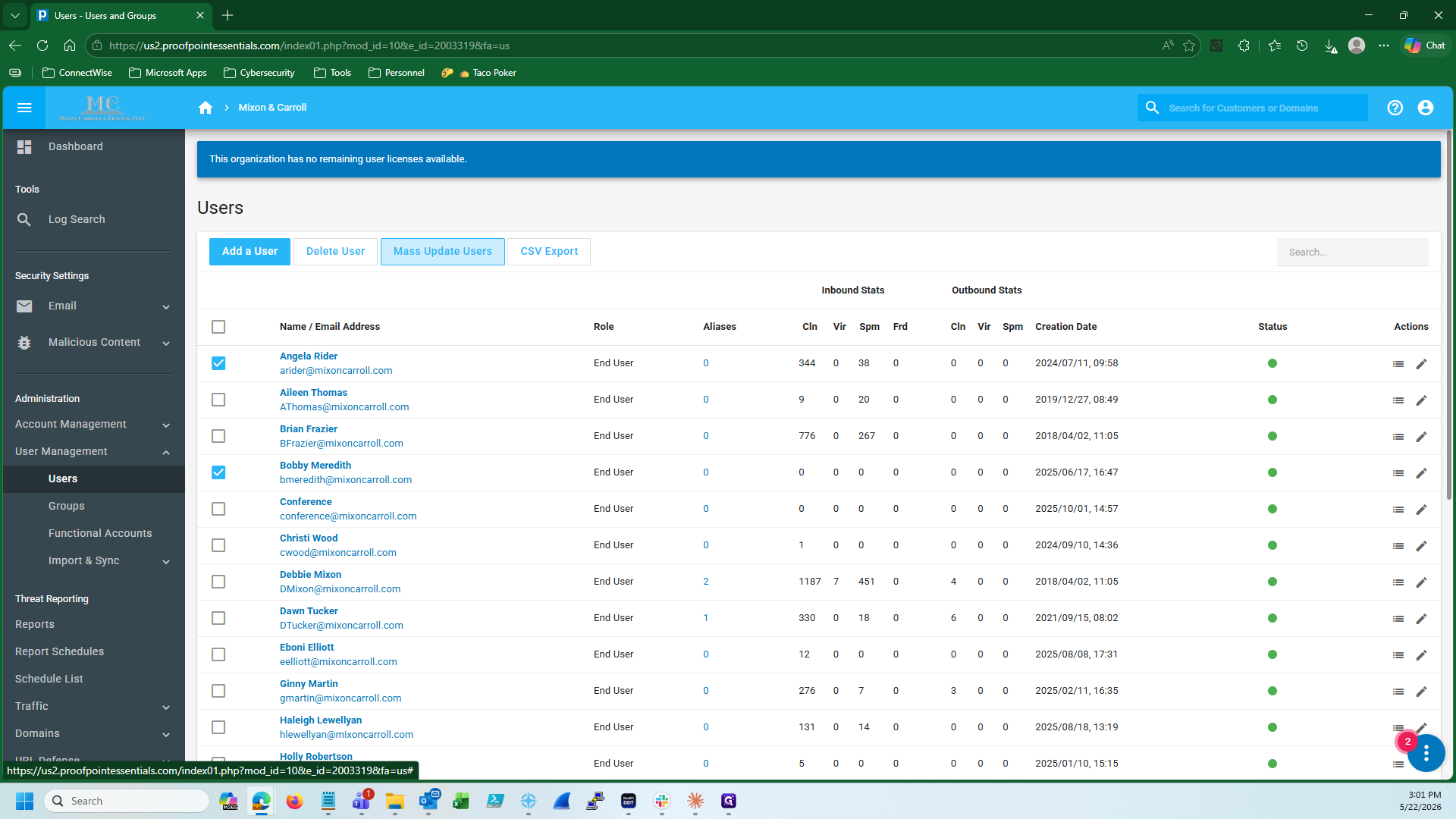
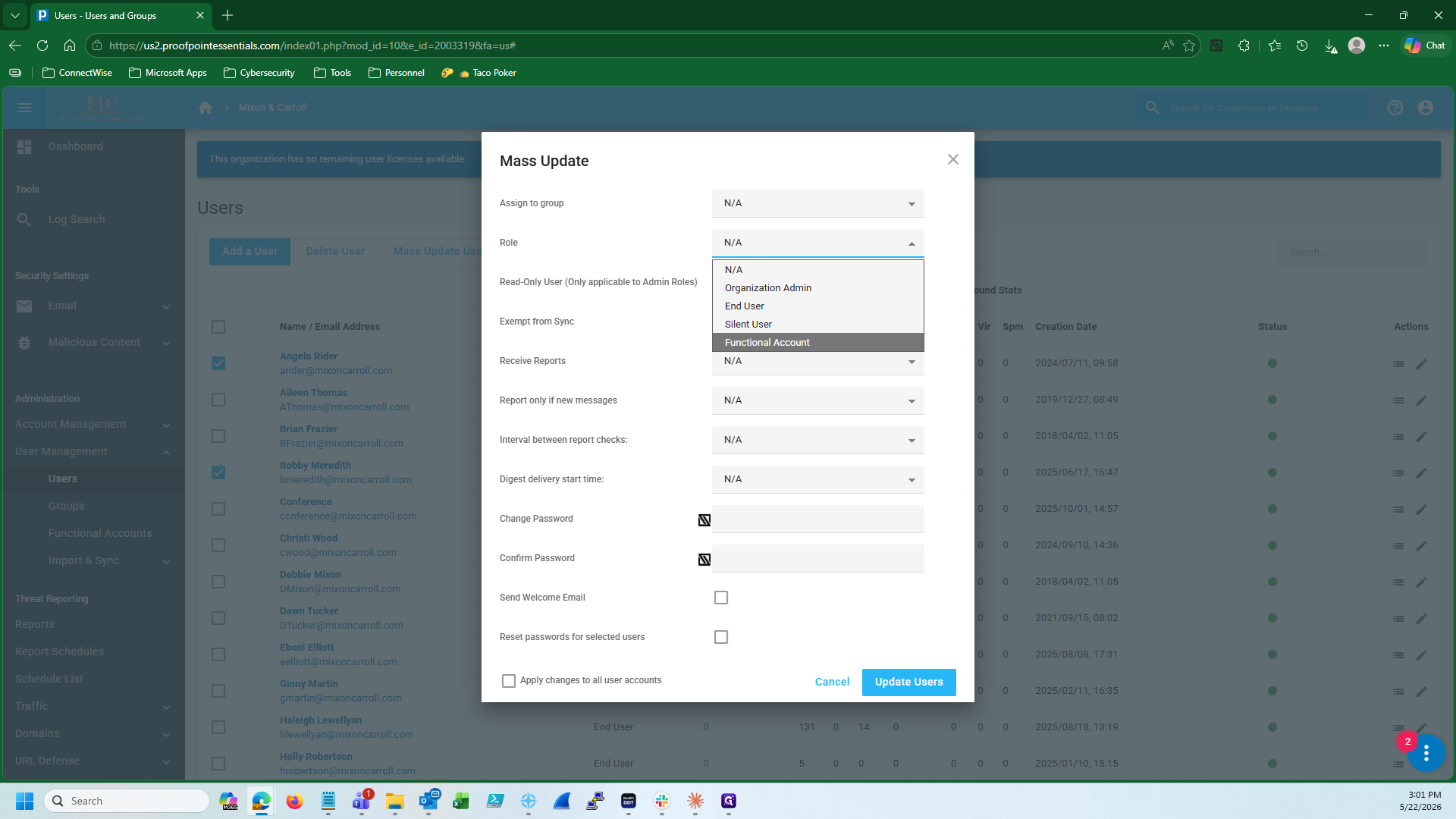
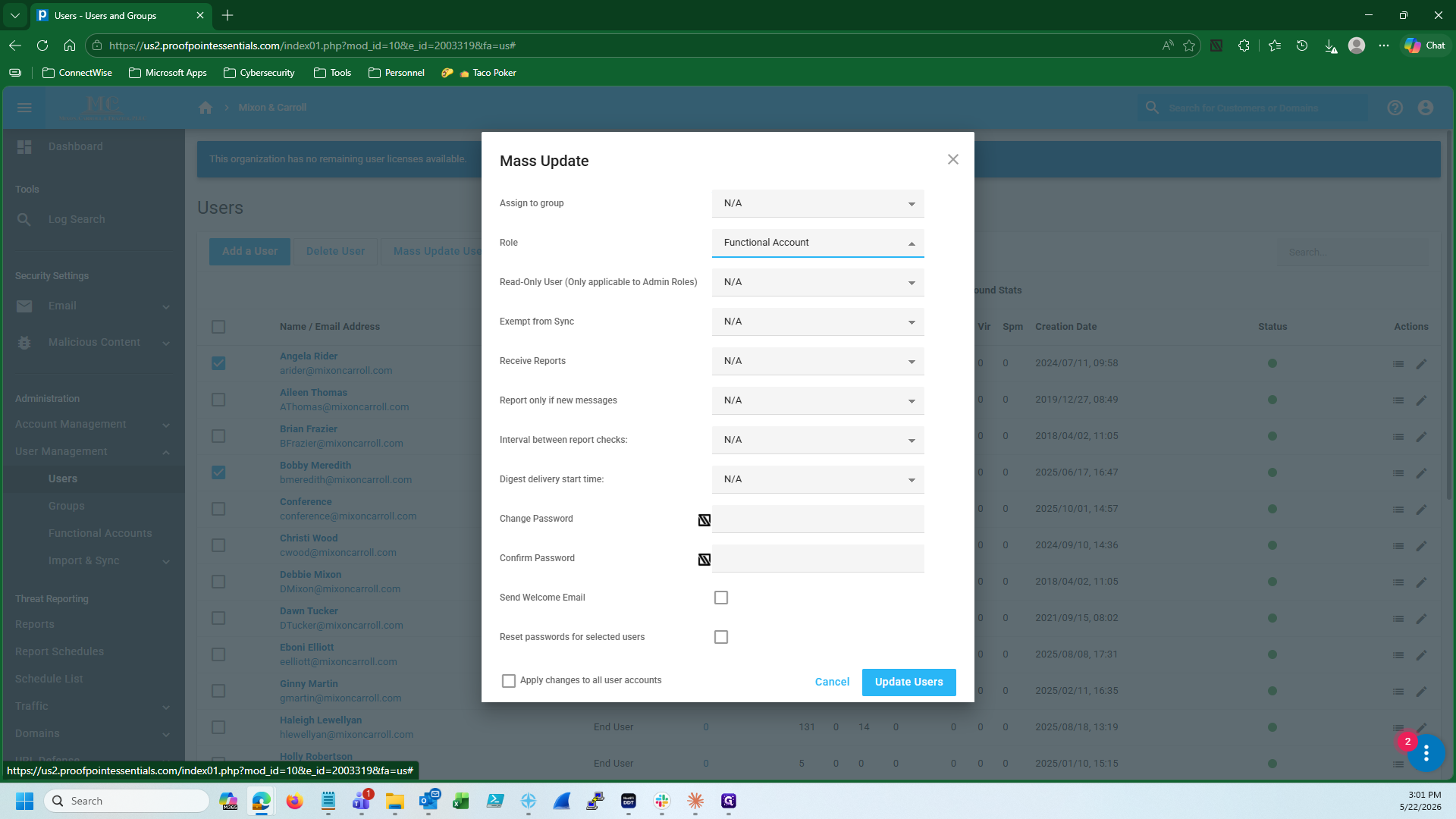
Convert Users to Functional Accounts
FAQ
Q: How long does it take for the role change to apply?
A: It can take up to 20 minutes for the Functional Account conversion to fully process and update the system's routing and billing records.
Q: Where do I find the MFA code to log in to the Proofpoint Master Admin account?
A: The 6-digit verification code is automatically routed to the Google Voice SMS channel in Slack.
Q: Should I delete the user if they were terminated?
A: No. If their Microsoft 365 account was converted to a shared mailbox and still needs to receive email, deleting the Proofpoint user will break mail delivery. Always convert them to a Functional Account to retain routing while freeing up the license.
Glossary
Term | Definition |
|---|---|
Functional Account | A mailbox type in Proofpoint used for shared or utility accounts that do not consume a billable active user license. |
Master Admin Account | The top-level administrative account used to manage all downstream customer organizations within Proofpoint Essentials. |
Shared Mailbox | A Microsoft 365 mailbox that multiple users can access, which does not require an individual paid user license. |