
Pt 1 Optimize Amazon Product Titles and Headlines with AI
Learn how to use AI to generate optimized, benefit-driven Amazon product titles and headlines by providing precise context and scraping brand websites.
This guide demonstrates how to prompt an AI assistant to analyze product data, refine its context using direct brand research, and generate highly targeted, benefit-driven Amazon copy.
This guide is for Amazon sellers and SEO copywriters who use AI tools to optimize product listings and manage catalog copy at scale.
Provide Initial Context to the AI
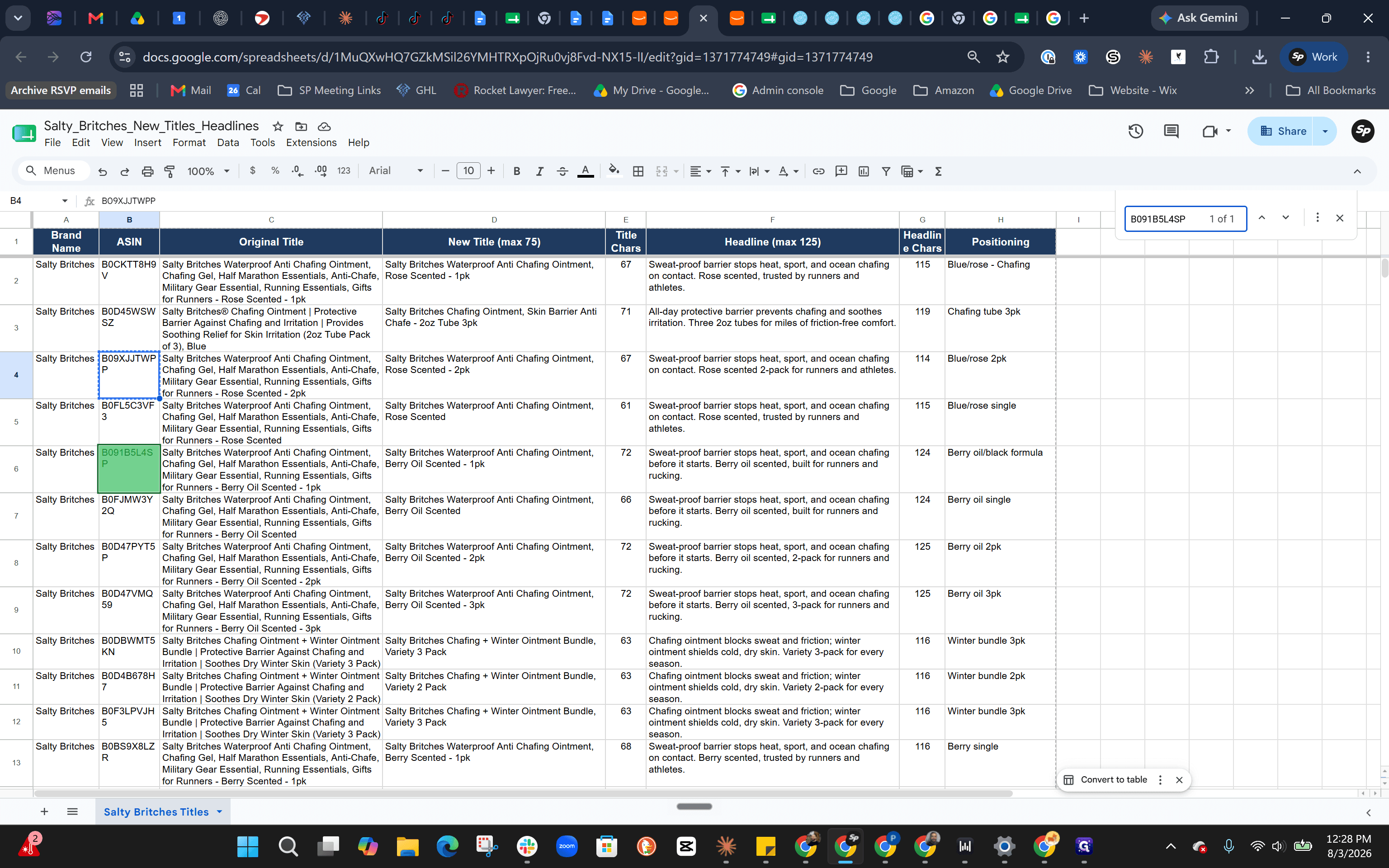
Start by supplying your AI assistant with a spreadsheet containing your ASINs, current titles, and a list of converting keywords. Assign the AI a persona, such as an "expert-level Amazon SEO copywriter," and instruct it to ask clarifying questions before generating any copy.
Answer Clarifying Questions
The AI will likely ask several questions to ensure the output matches your brand standards.
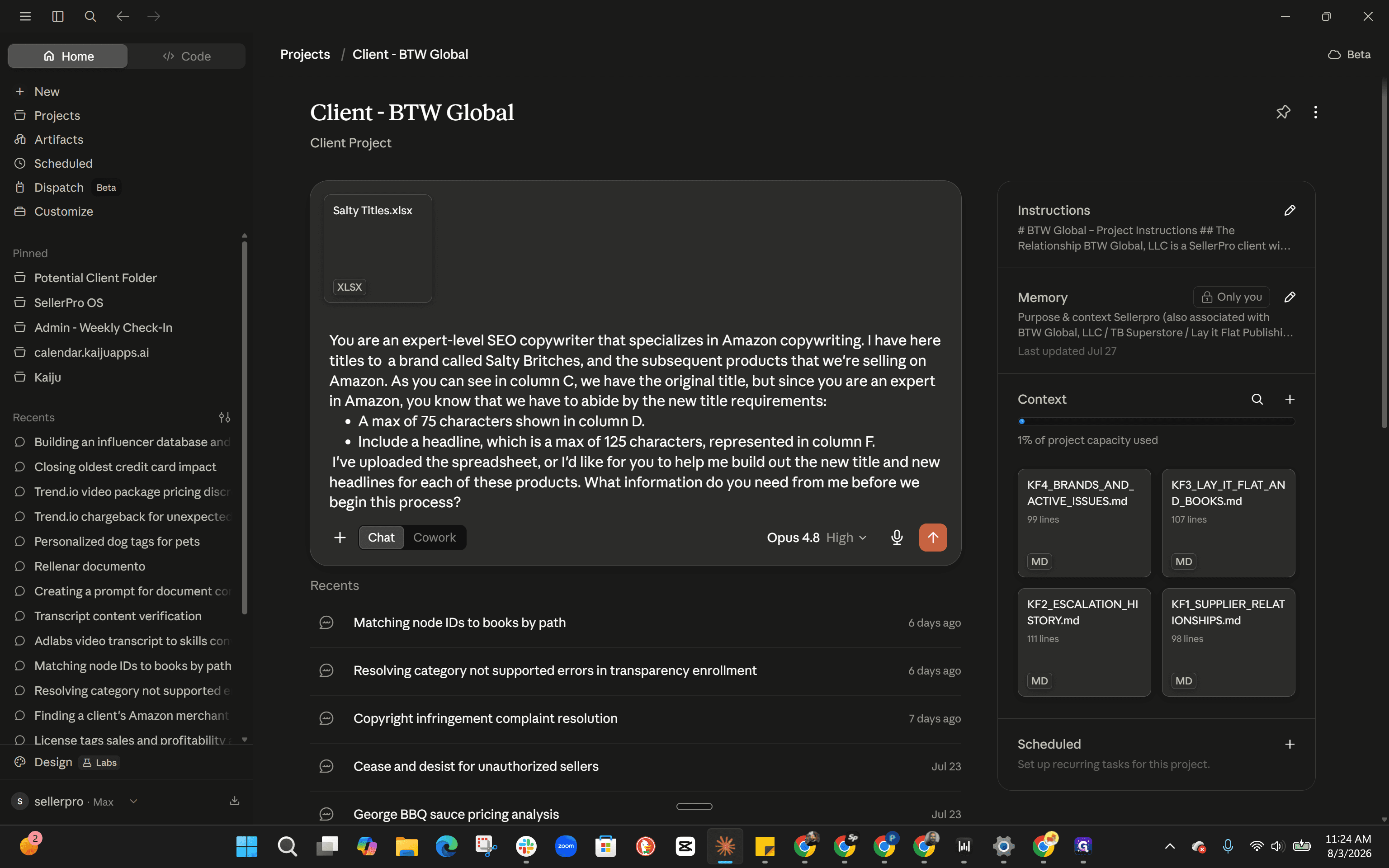
Address common formatting rules in your response:
Brand Name: Confirm that the brand name should be included at the beginning of the title.
Keywords: Direct the AI to the specific column containing your converting keywords.
Product Details: Confirm that scents, flavors, and pack counts should be included.
Packaging: Specify that packaging details (like "jar" or "tube") should be added to the headline if there isn't room in the character-limited title.
Tone: Emphasize that headlines must be benefit-driven rather than keyword-stuffed.
Define the Project Scope
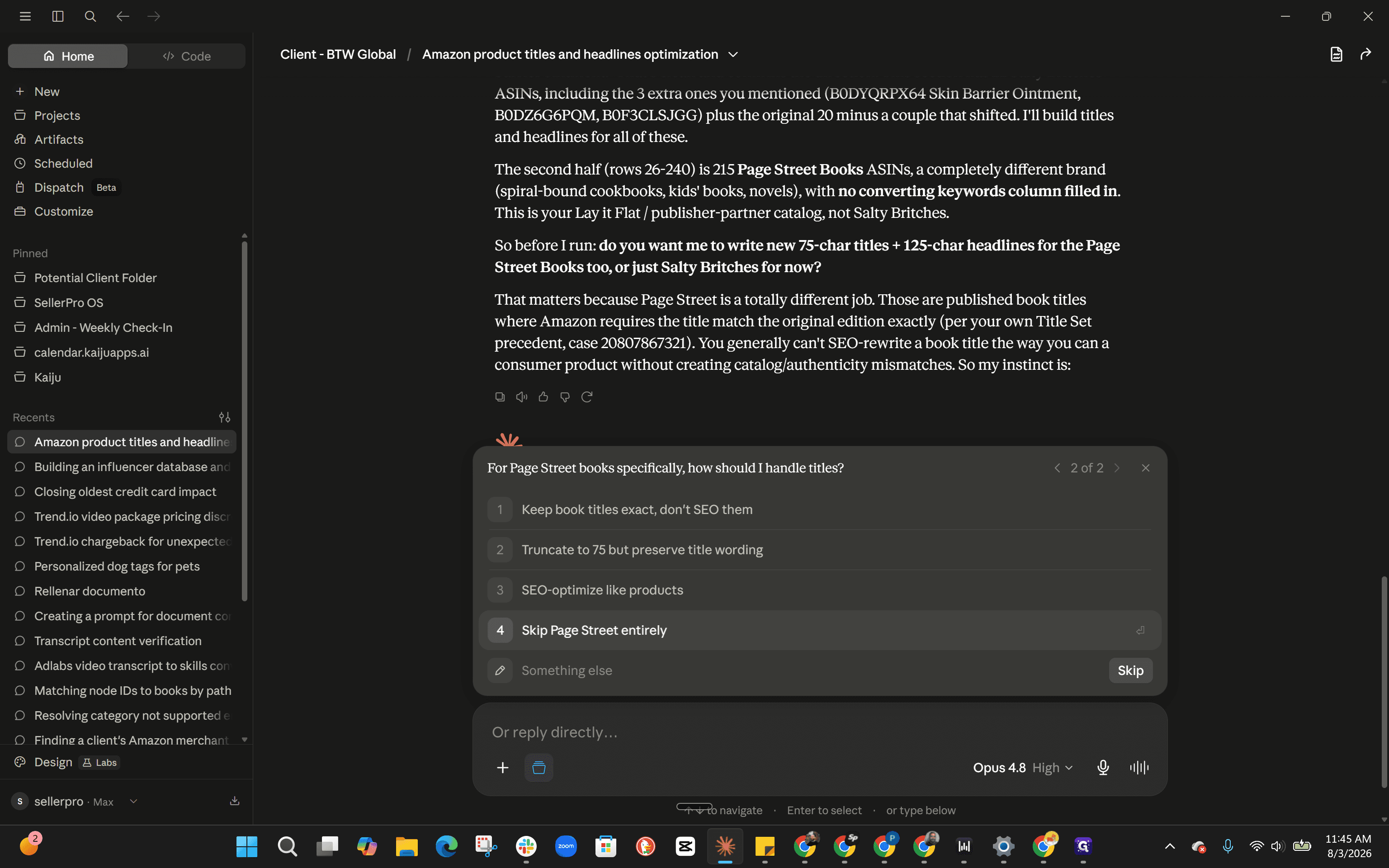
If your spreadsheet contains multiple brands or out-of-scope ASINs, the AI may prompt you to define the exact scope of the project.
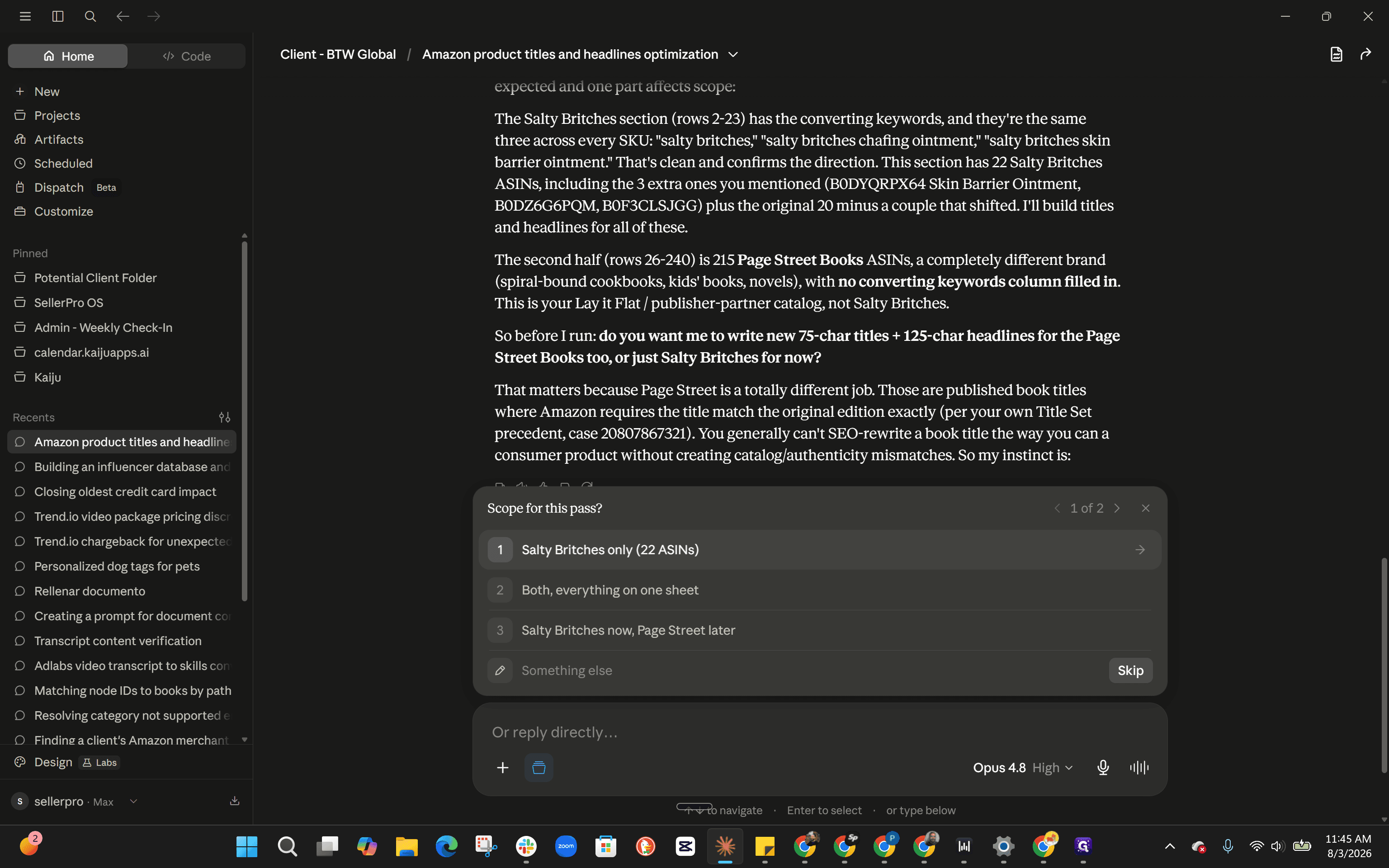
Supplement AI Knowledge with Brand Research
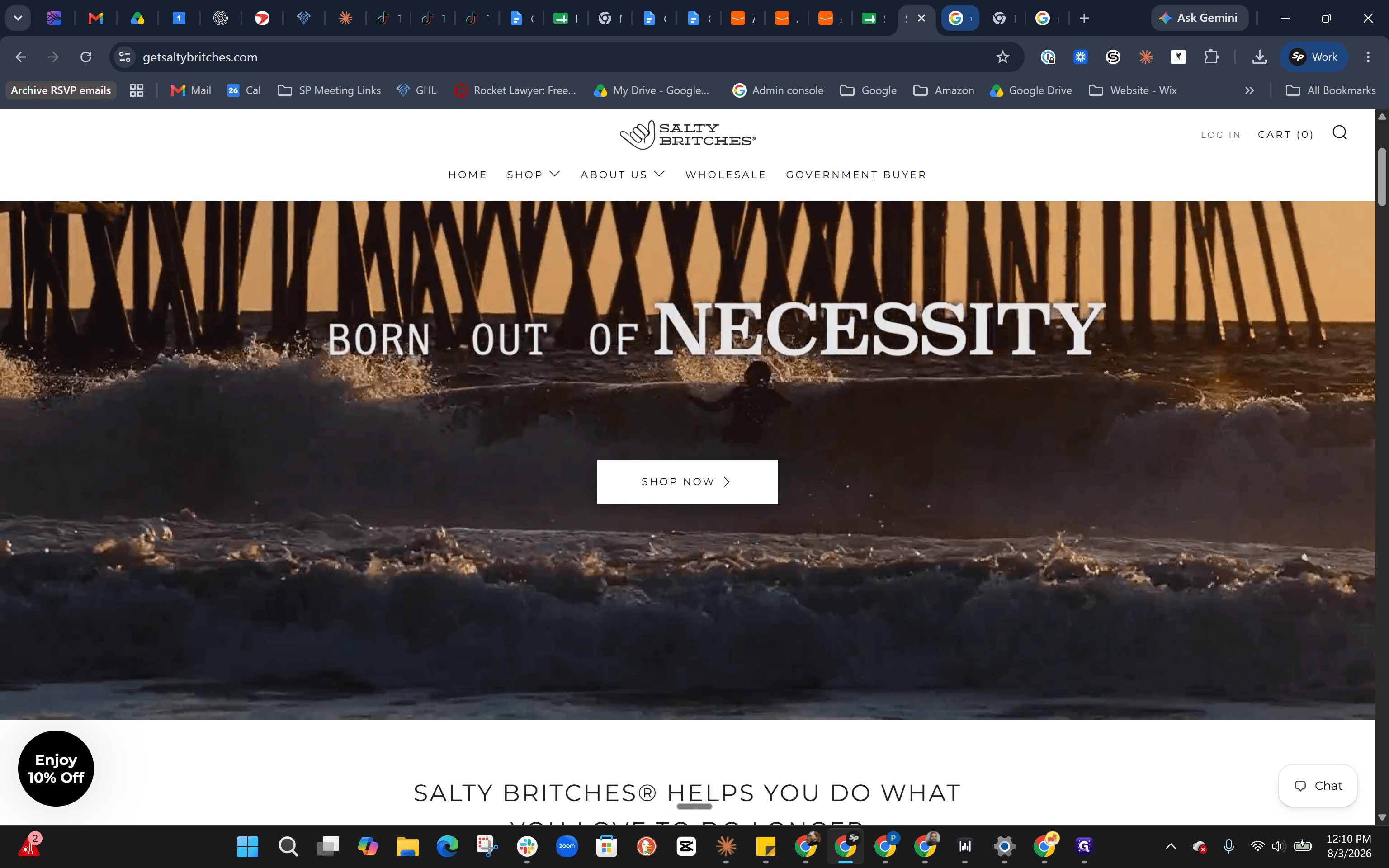
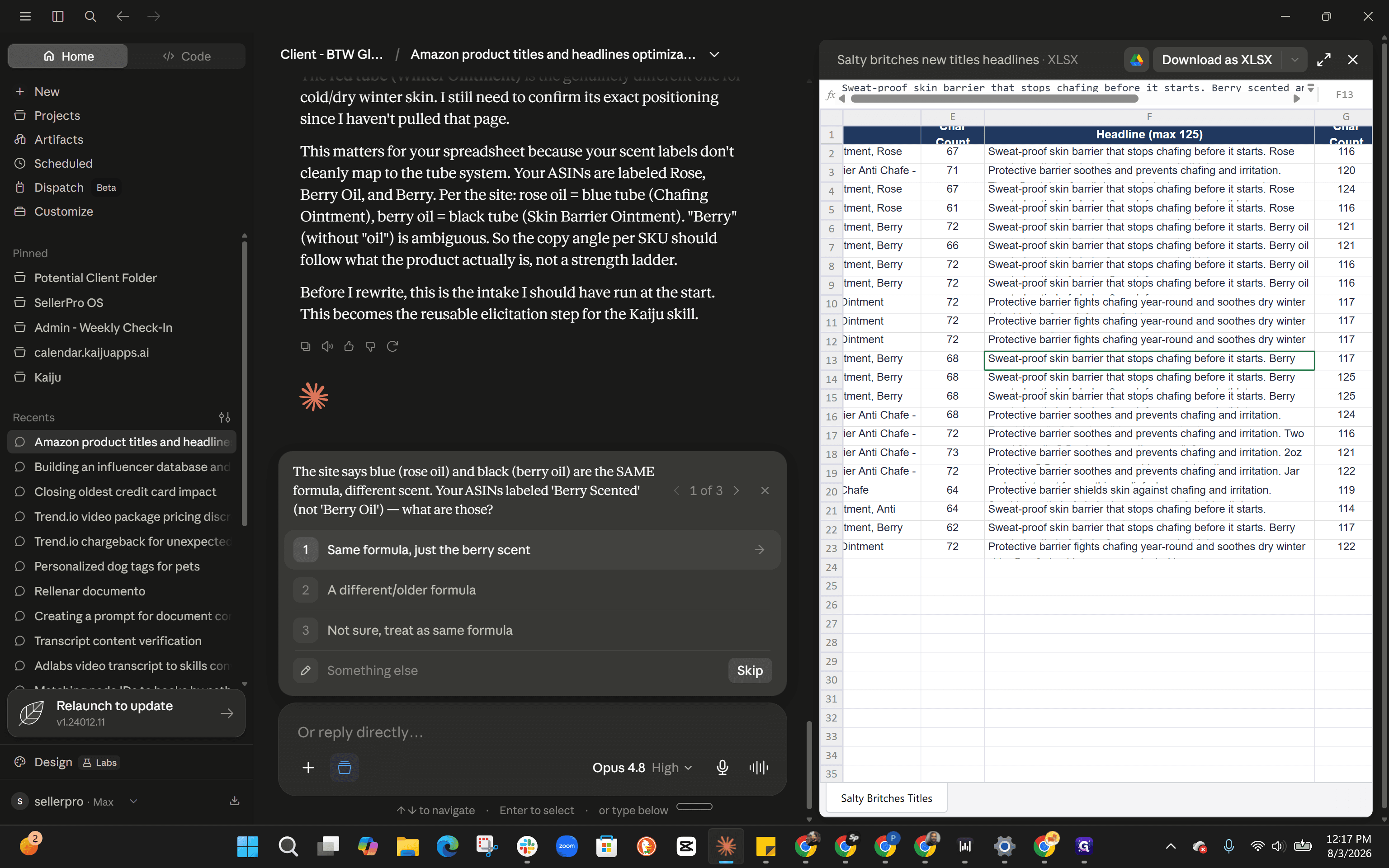
If the original spreadsheet titles are too generic, the AI's initial output may lack nuance. Direct the AI to scrape the brand's website or manually provide it with the unique differentiators for each product variant.
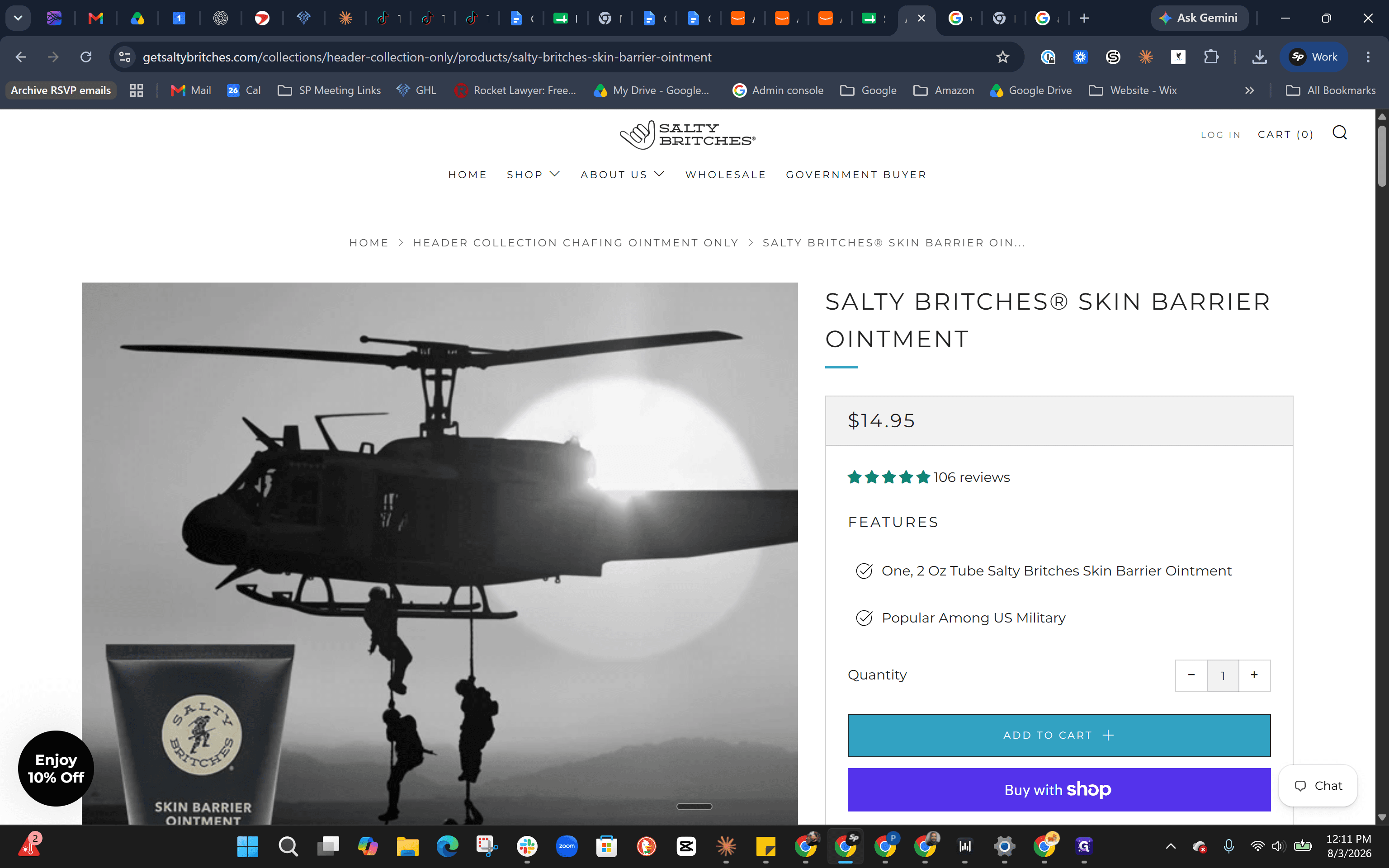
When optimizing a product line with similar formulas, establish clear positioning for each variant:
Product Variant | Scent/Formula | Primary Positioning |
|---|---|---|
Black Tube | Berry Scent | Military-grade, heavy-duty |
Red Tube | Berry Scent | Winter specific |
Blue Tube | Original Formula | Sport, summer, and water |
Finalize the Output
Q: Why did the AI generate generic titles at first?
A: The AI relied solely on the original generic titles provided in the spreadsheet. It requires additional context or web scraping capabilities to extract nuanced product details.
Q: Should we include packaging details like "jar" or "tube" in the title?
A: If character limits allow, yes. Otherwise, place packaging details naturally into the product headline so they don't consume valuable title space.
Q: How do we handle irrelevant ASINs in the spreadsheet?
A: Instruct the AI to ignore them or use the scoping tools in your interface to isolate only the ASINs you want to optimize.
Term | Definition |
|---|---|
ASIN | Amazon Standard Identification Number, a unique 10-character alphanumeric identifier assigned to products. |
Headline | A short, benefit-driven phrase used in Amazon advertising or A+ content to grab customer attention. |
Keyword Stuffing | The practice of overloading a product title or description with search terms, often resulting in unreadable copy. |