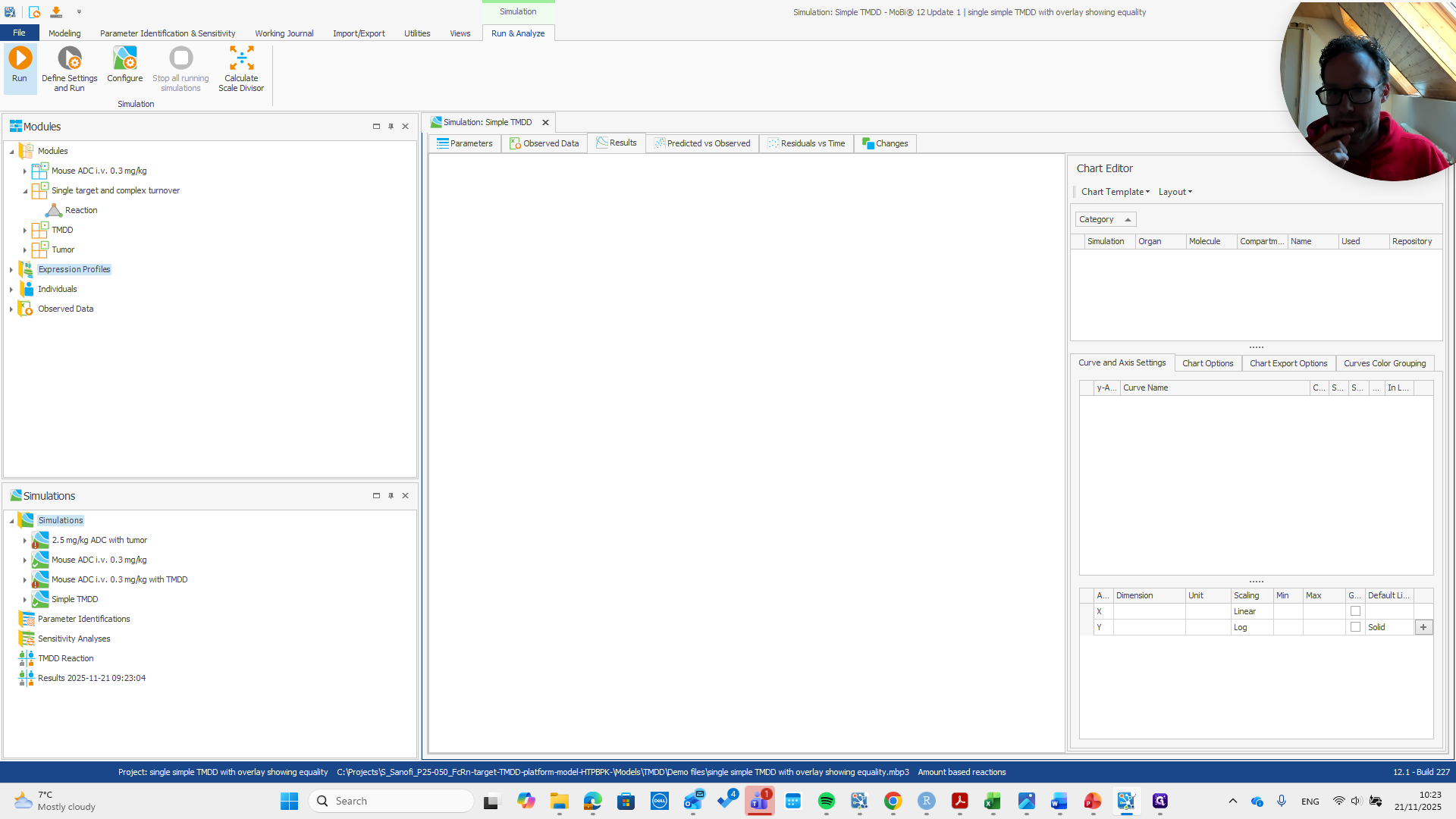
Quick Guide: How to Use the Base TMDD Module
Learn how to use the base TMDD module with this step-by-step guide. Discover how to load the single TMDD module, rename molecules, and run simulations efficiently.
In this guide, we'll learn how to use the base TMDD module to set up a simulation. We will cover how to load the module, rename molecules to match your base PKSim module, and remove unnecessary building blocks. By following these steps, you will prepare your simulation for accurate results.
Let's get started
Here’s a quick guide on how to use the base TMDD module. First, we load the module.
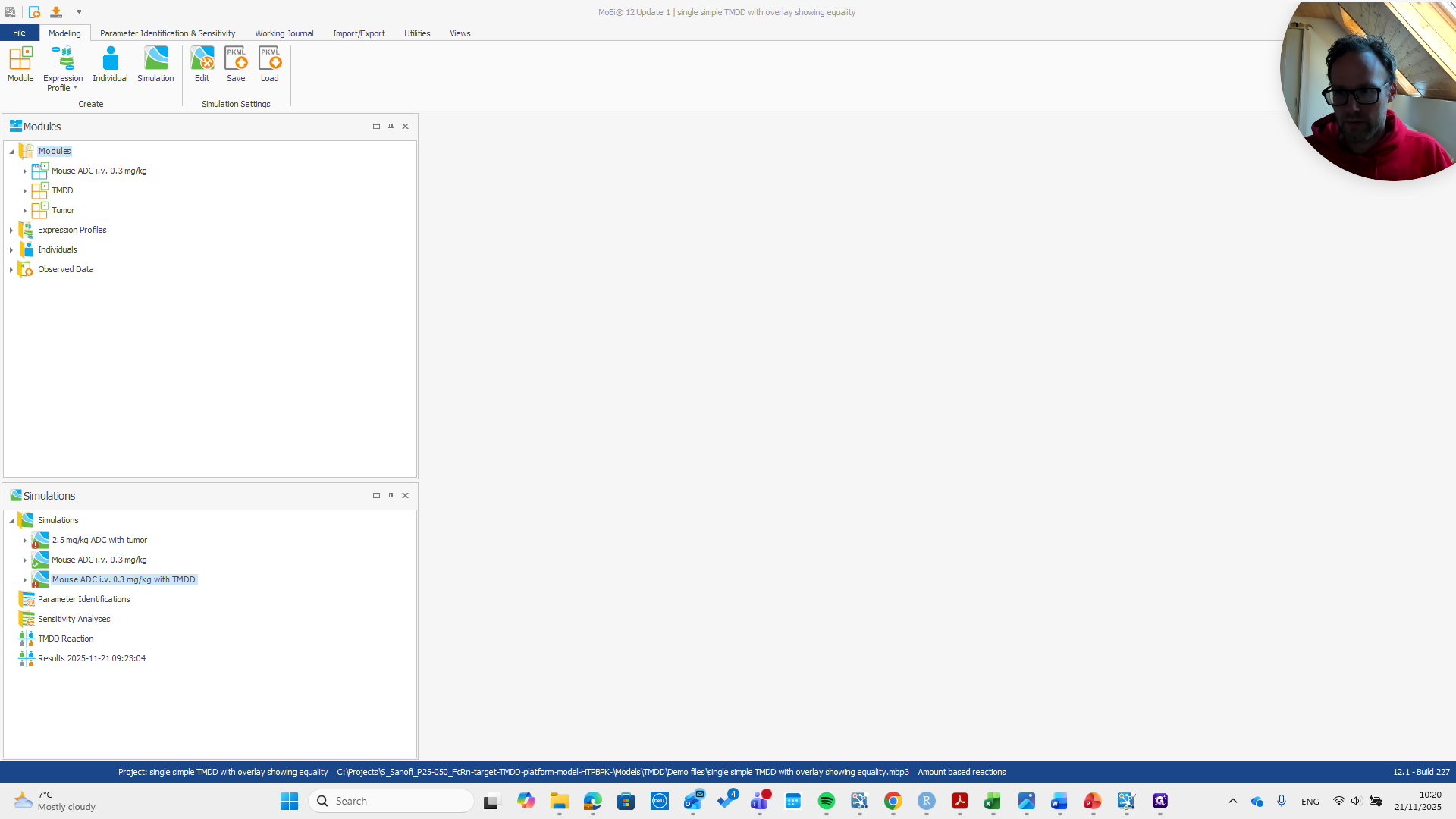
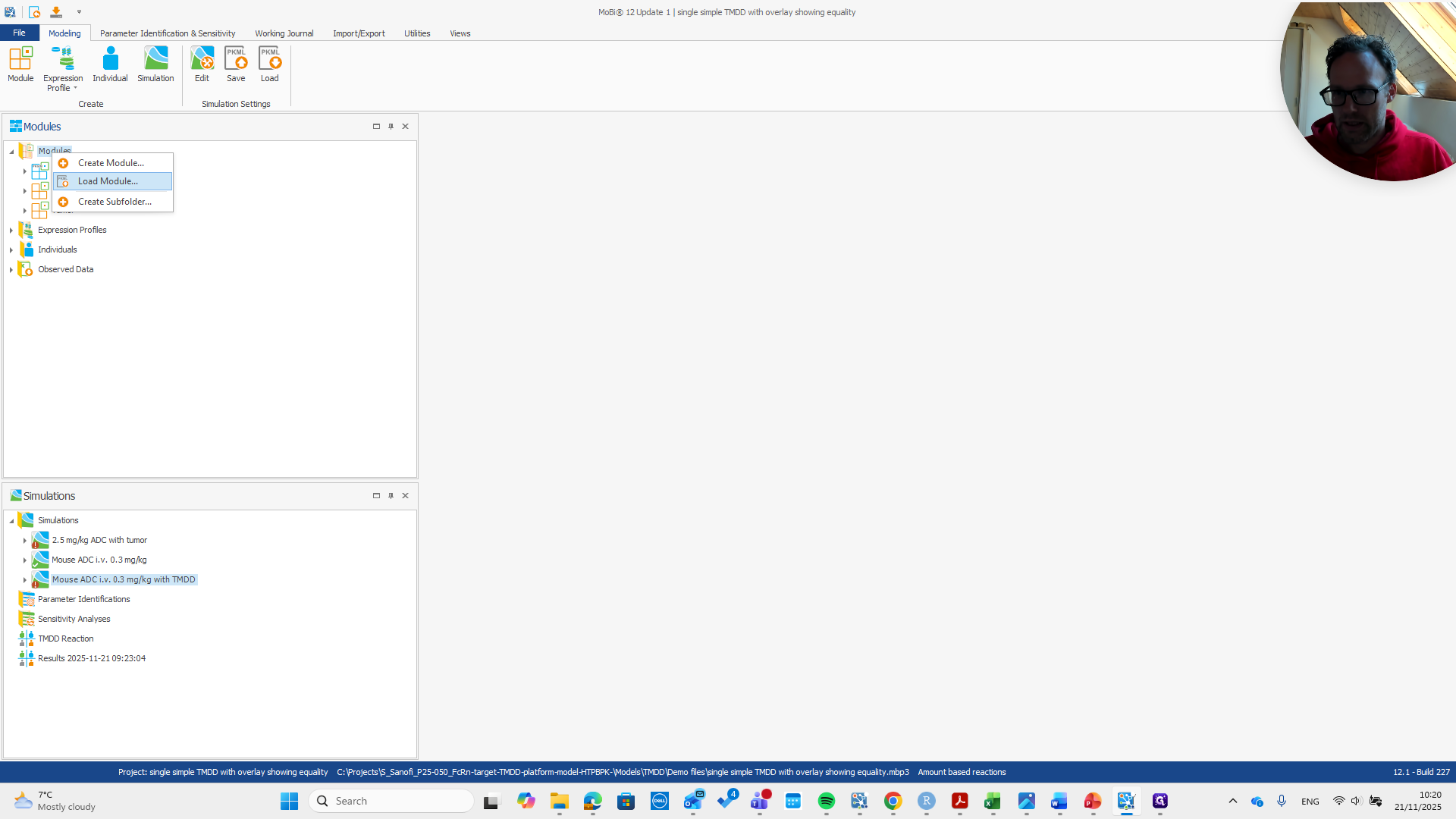
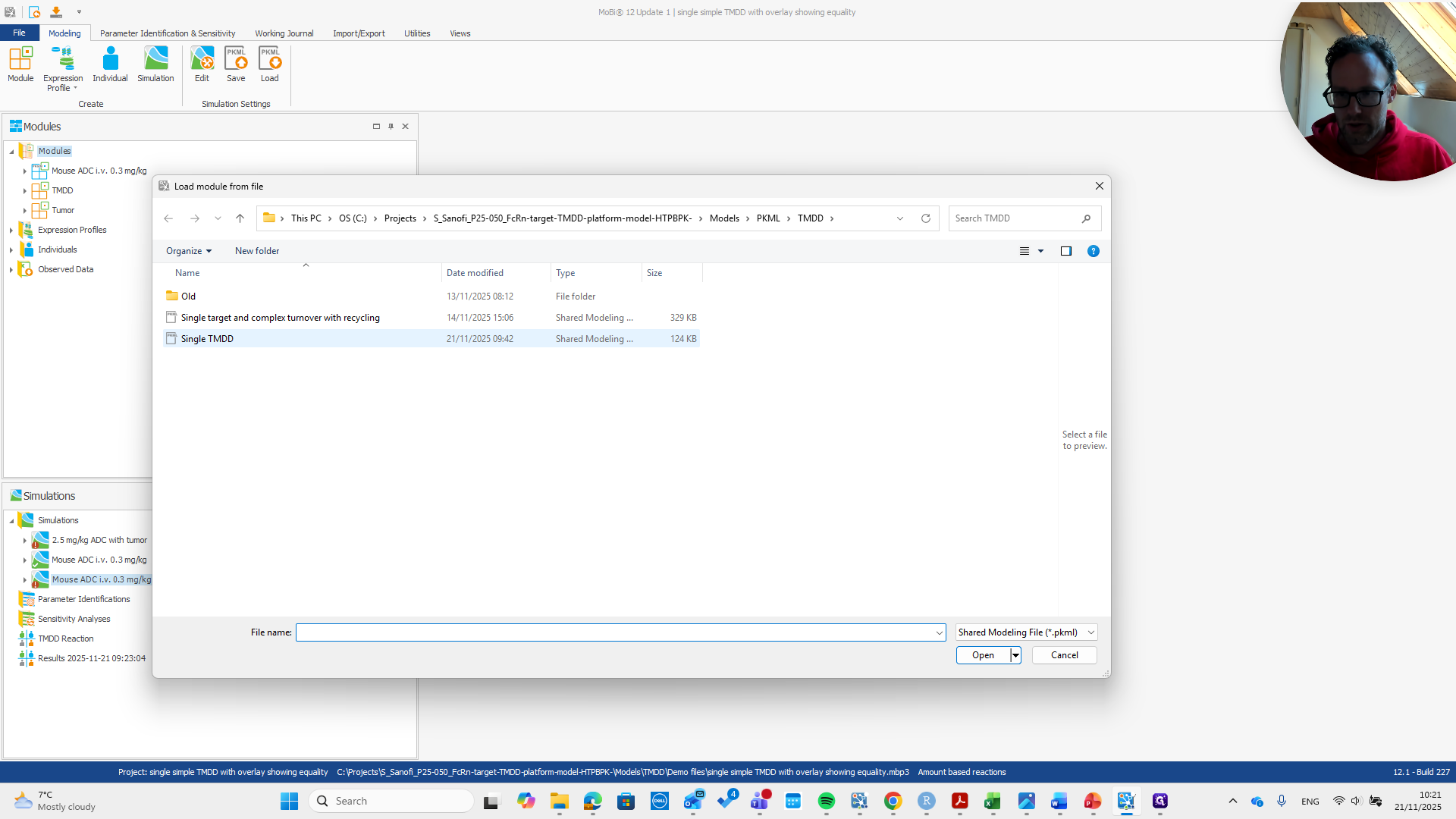
It's called single TMDD. It has two building blocks: one for molecules and one for reactions.
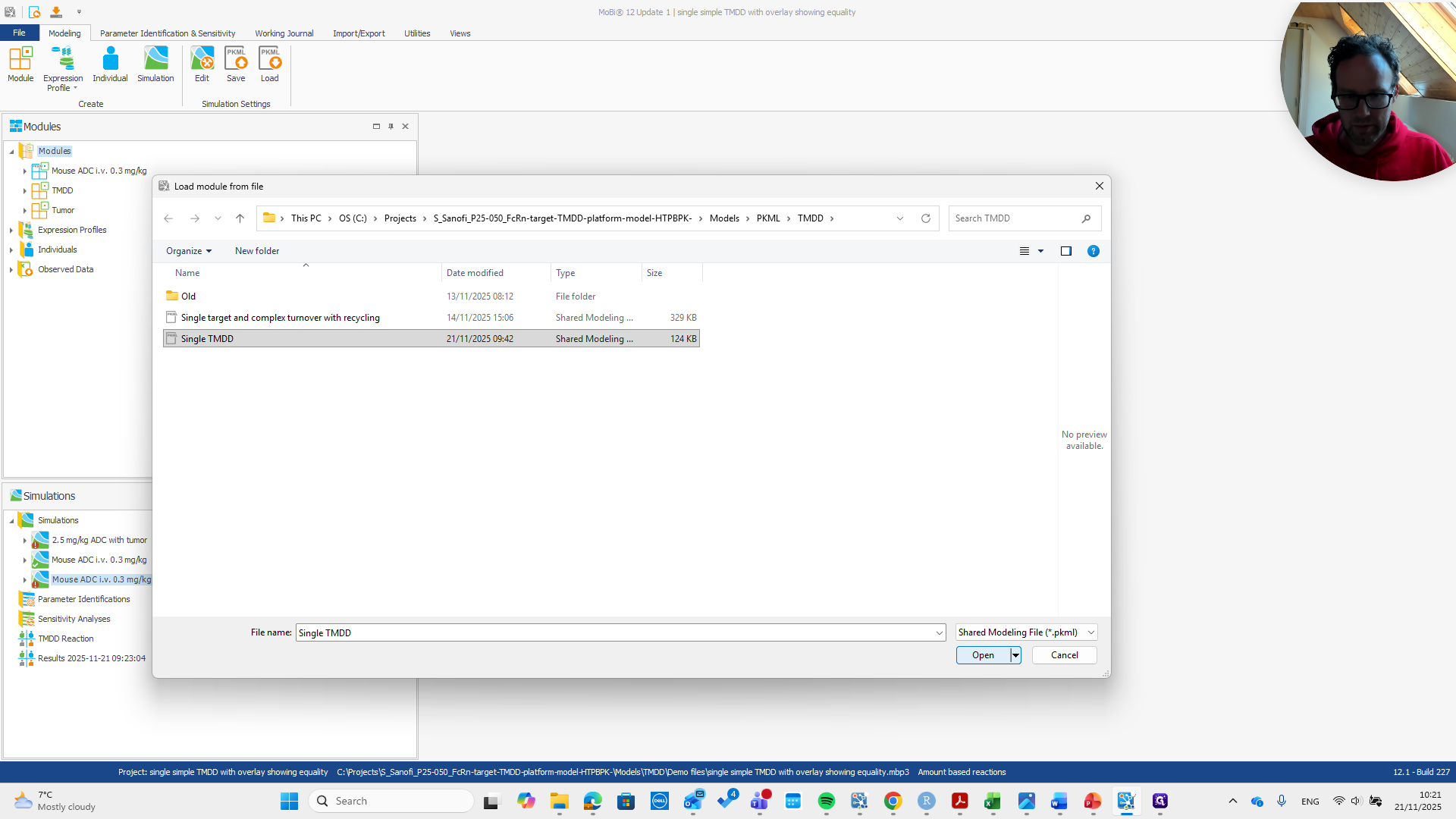
For the molecules, it says to remove them after renaming.
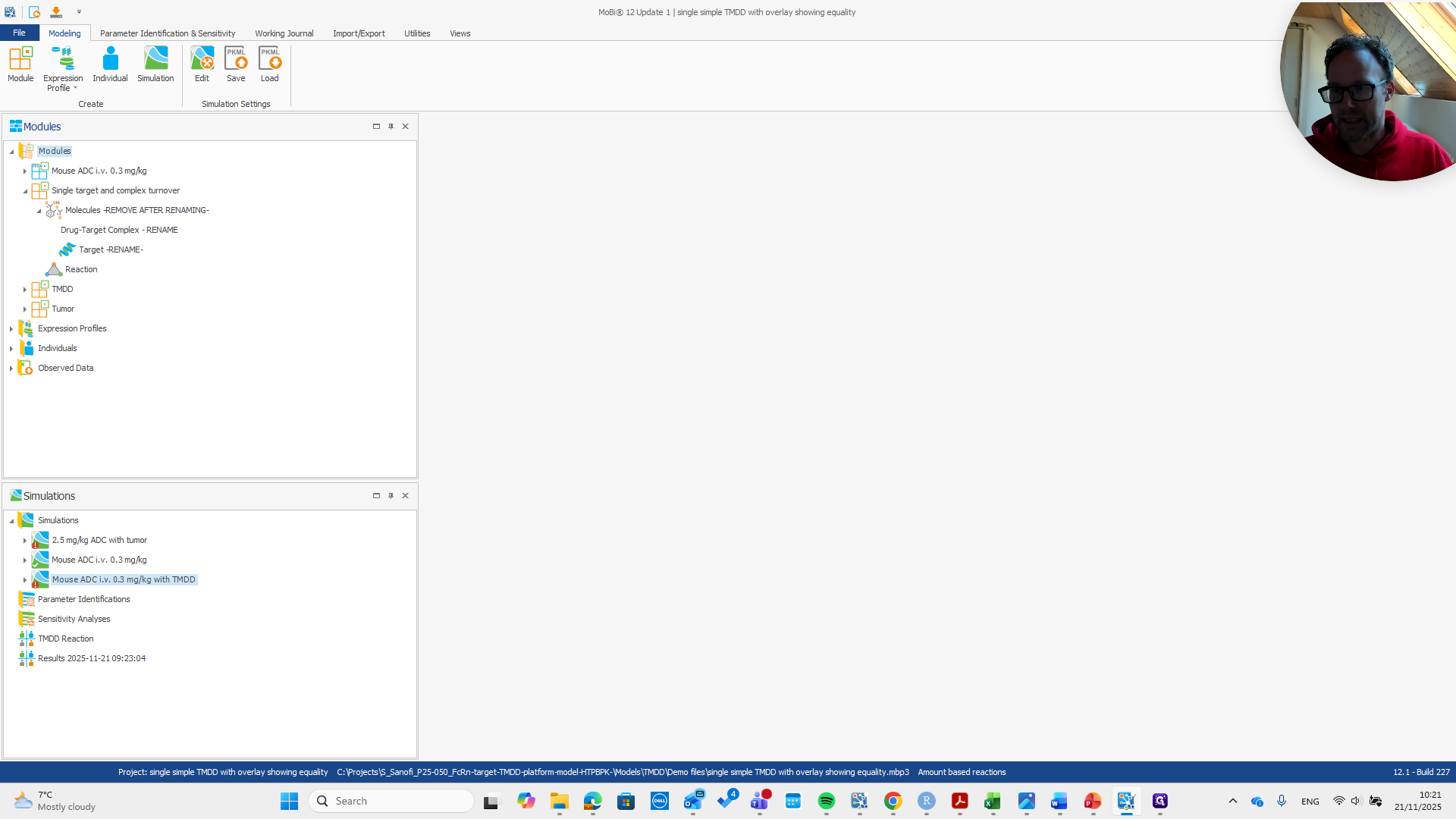
We need to rename these molecules and give them the same names as in our base PKSim module.
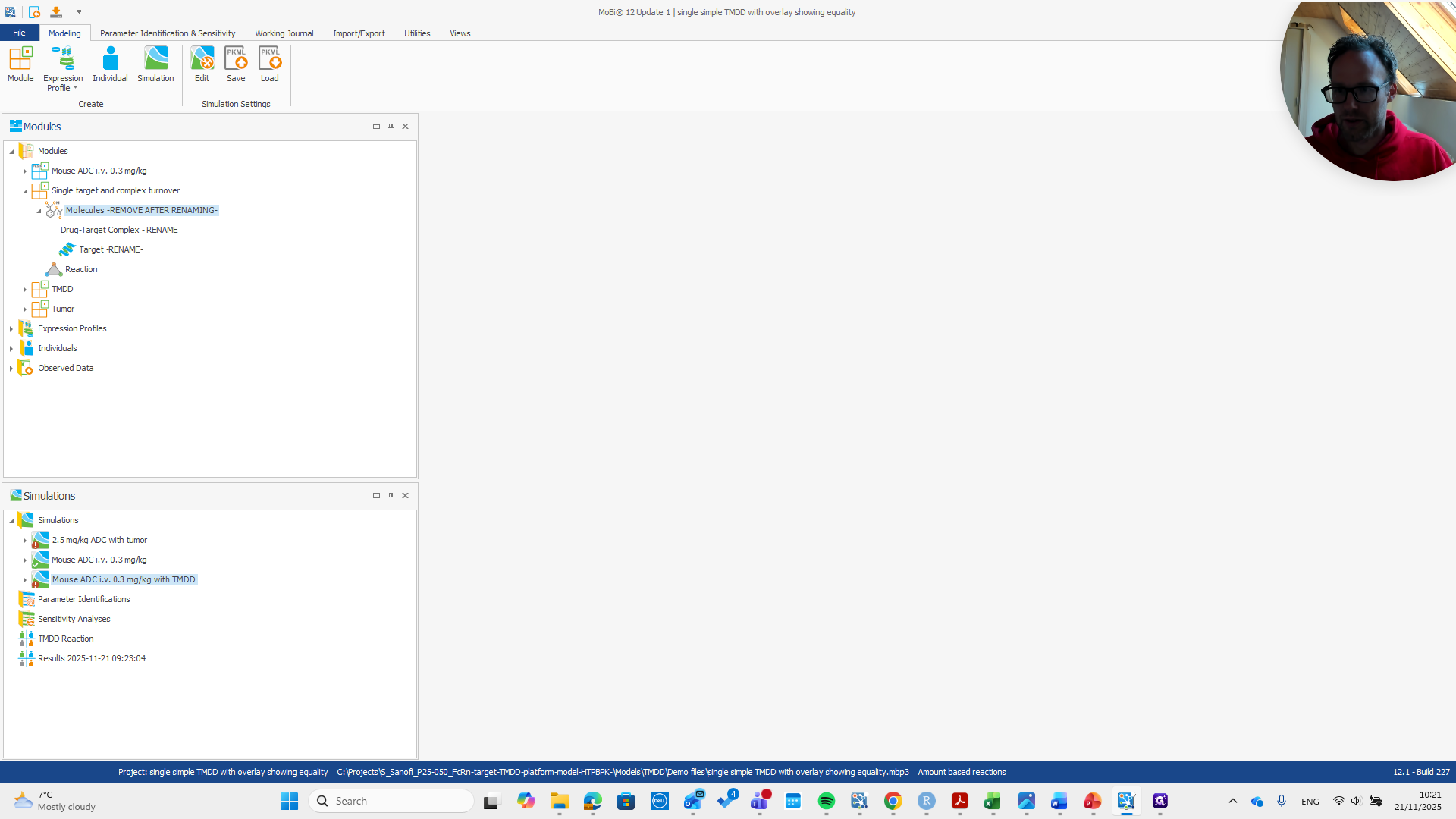
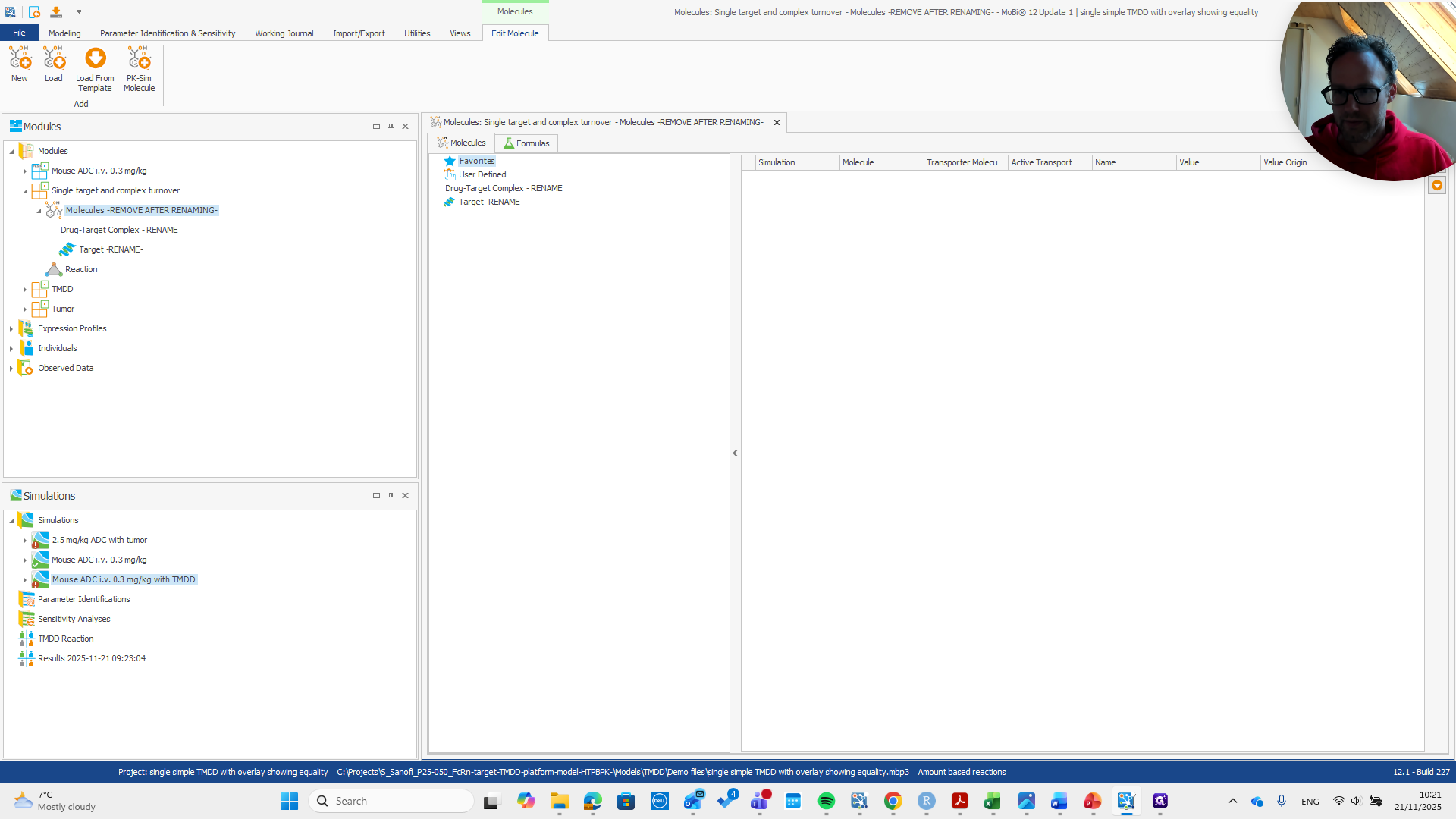
What we do here is...
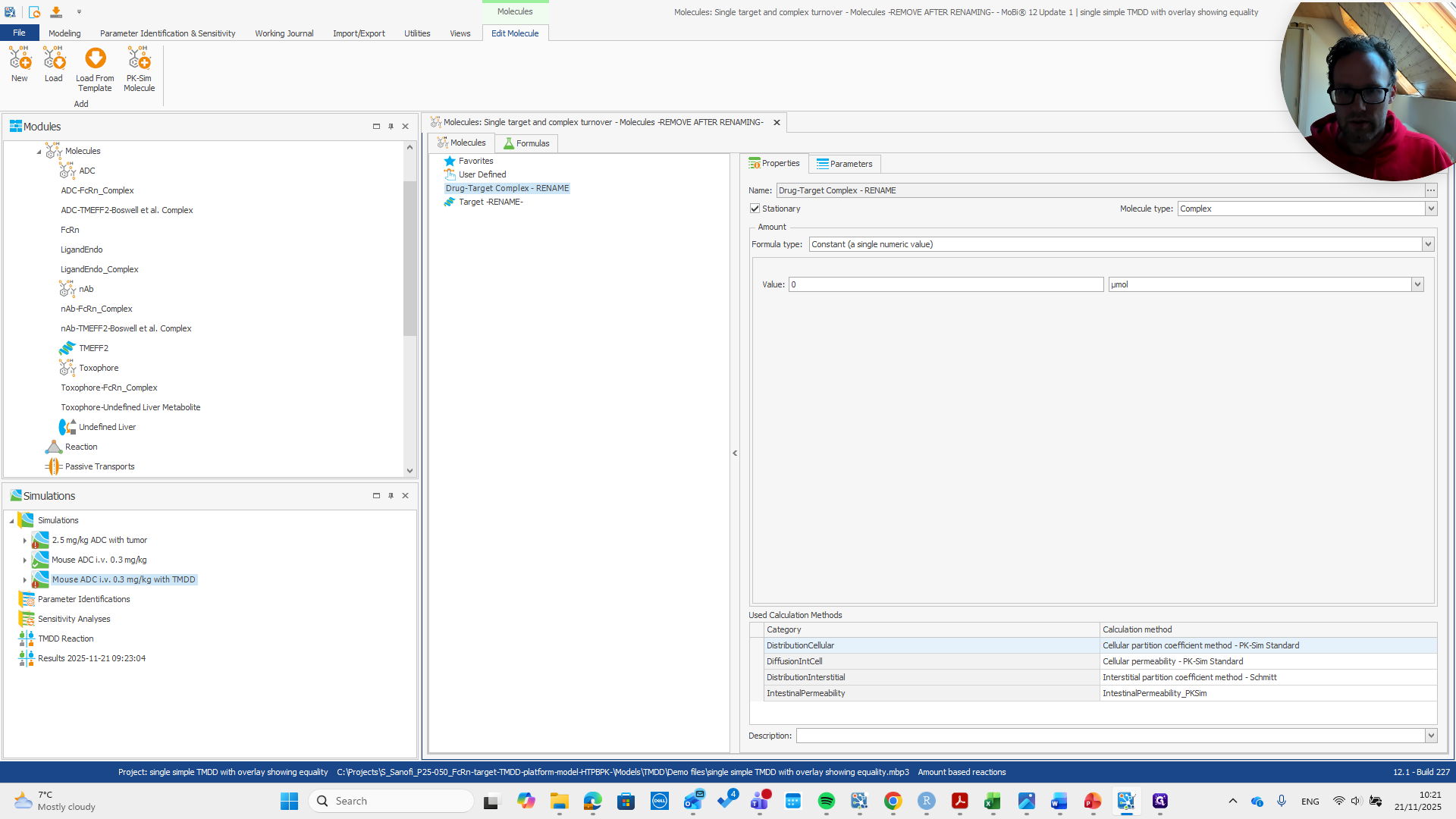
We rename the drug target complex.
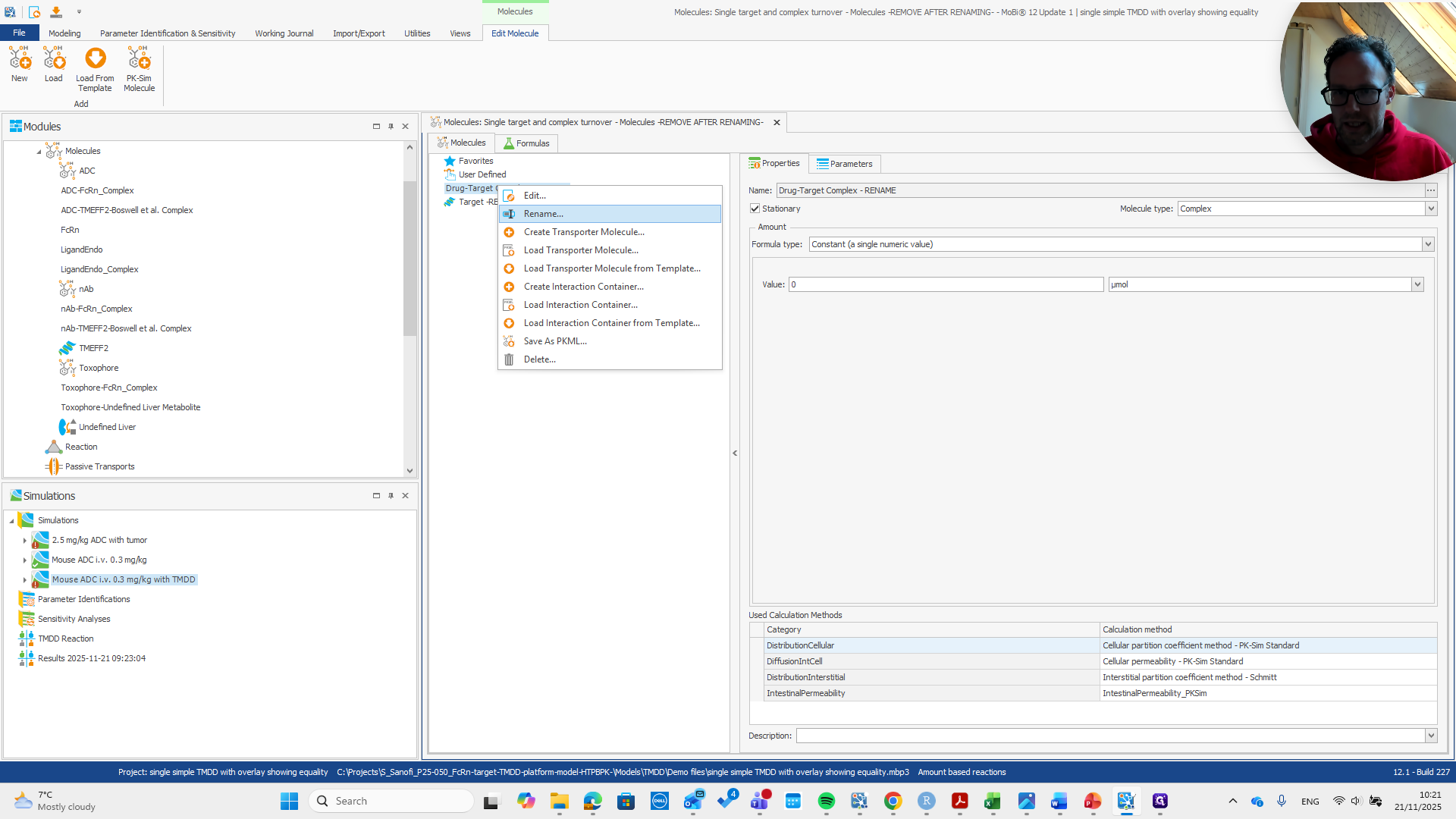
To the name of the drug target complex in the base module.
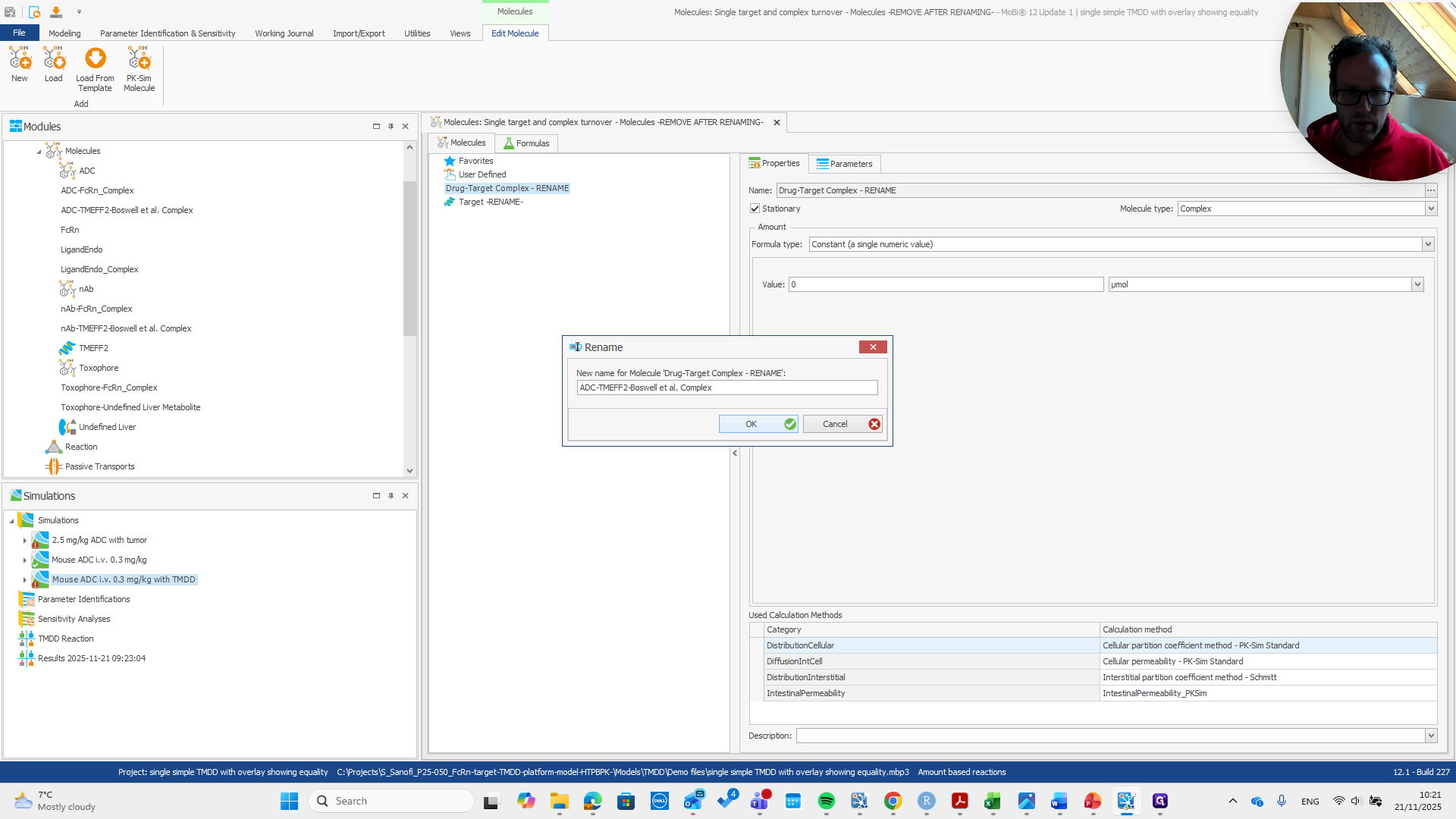
Okay.
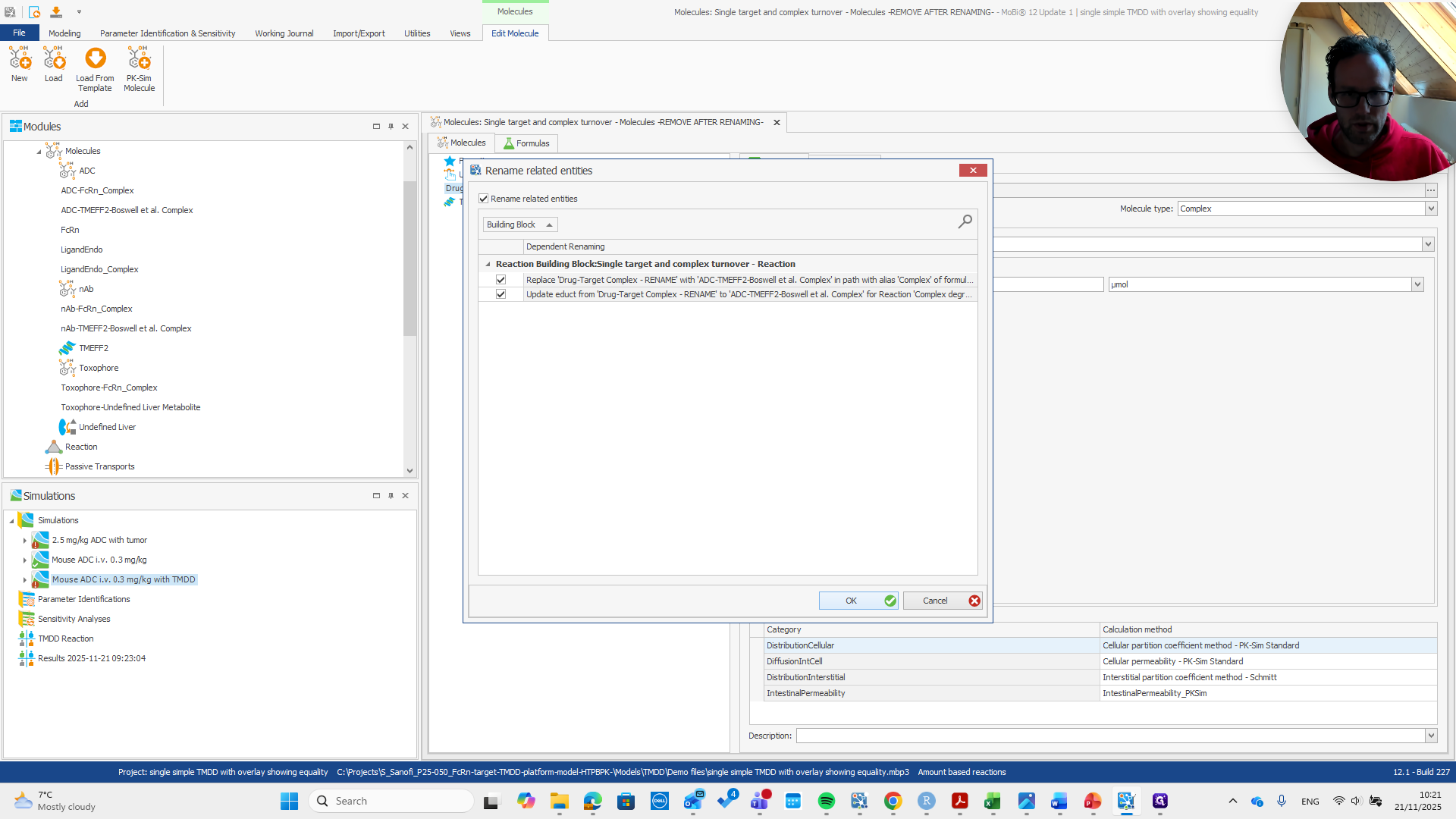
Next, rename the target.
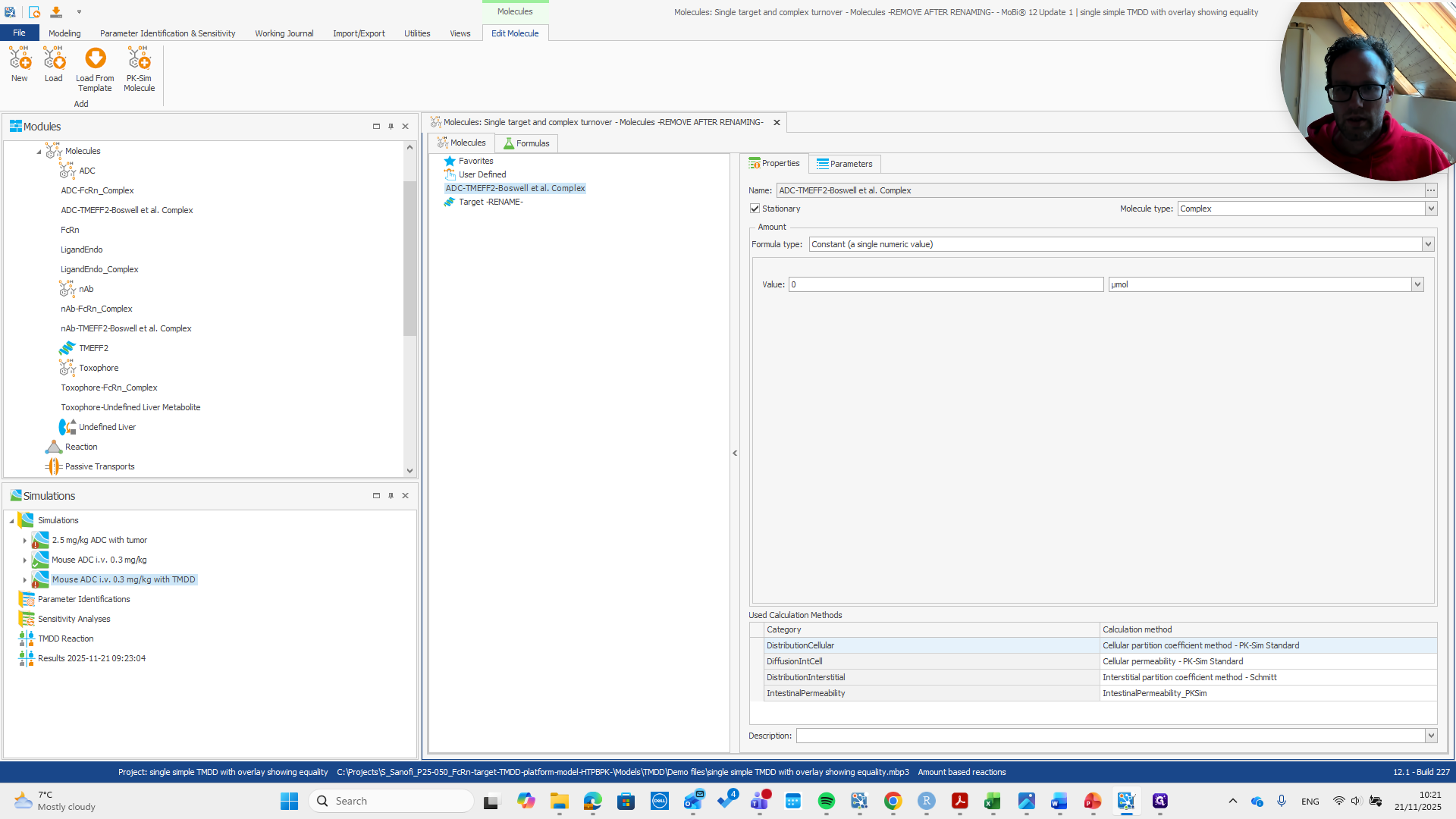
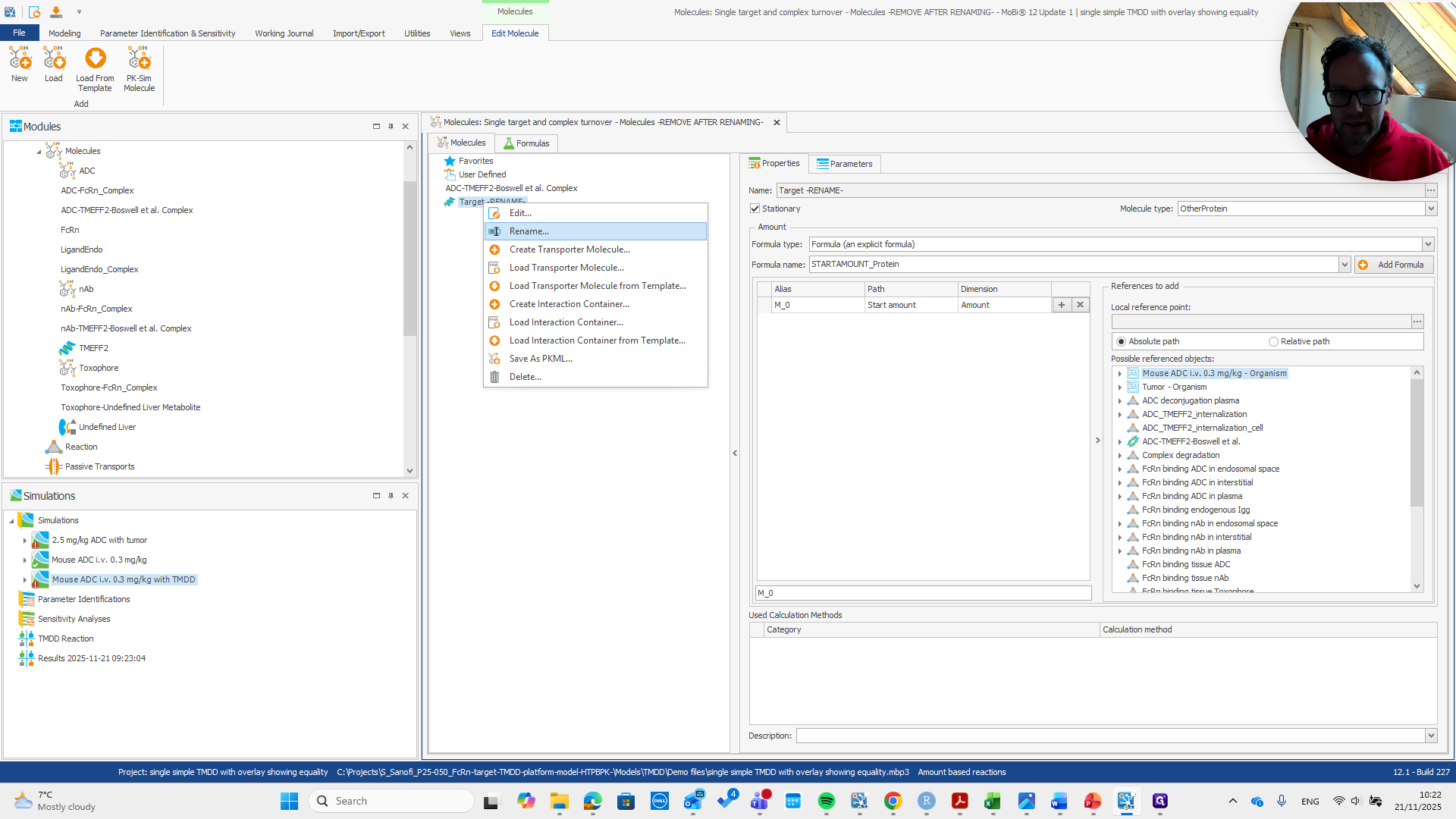
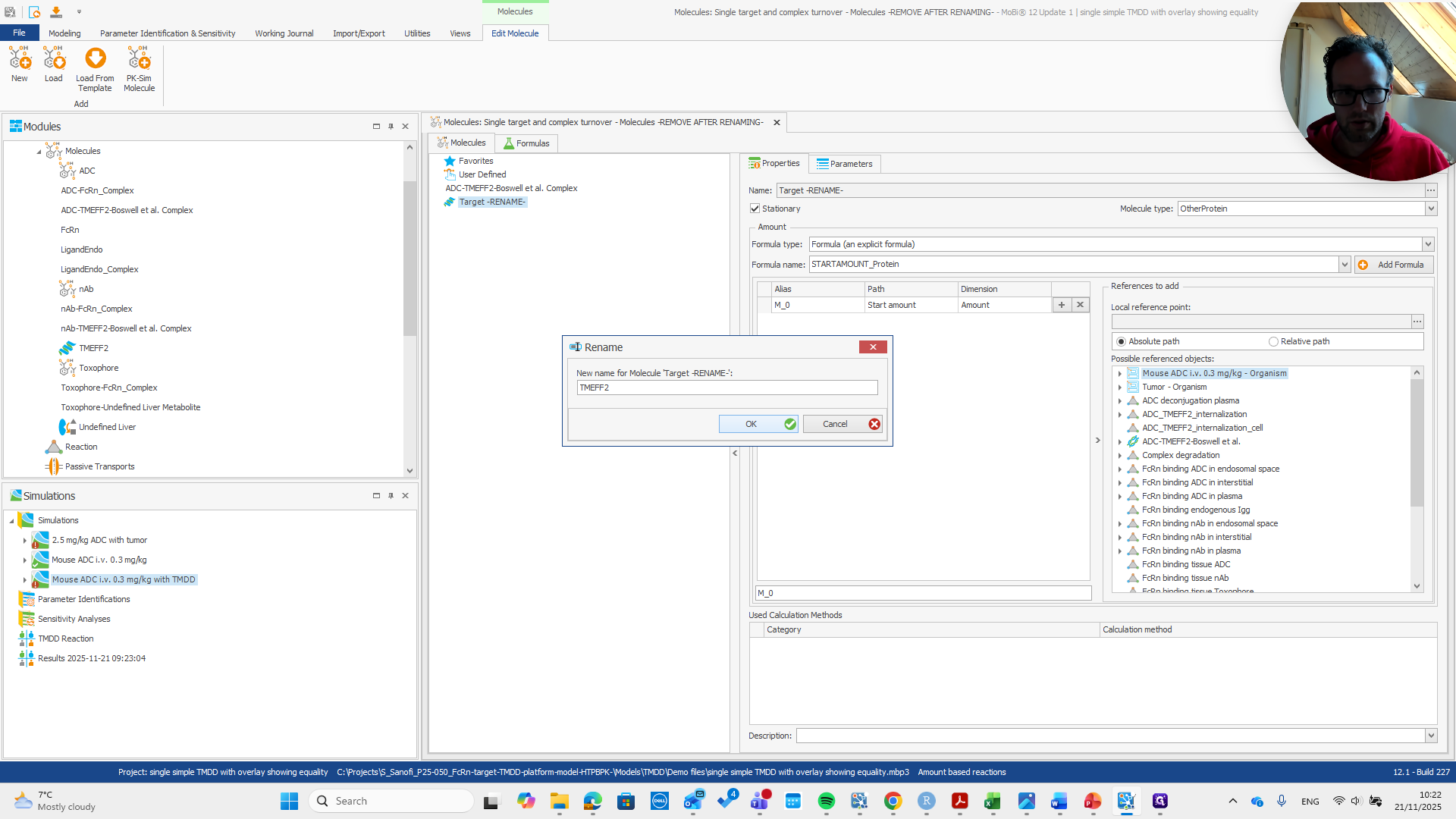
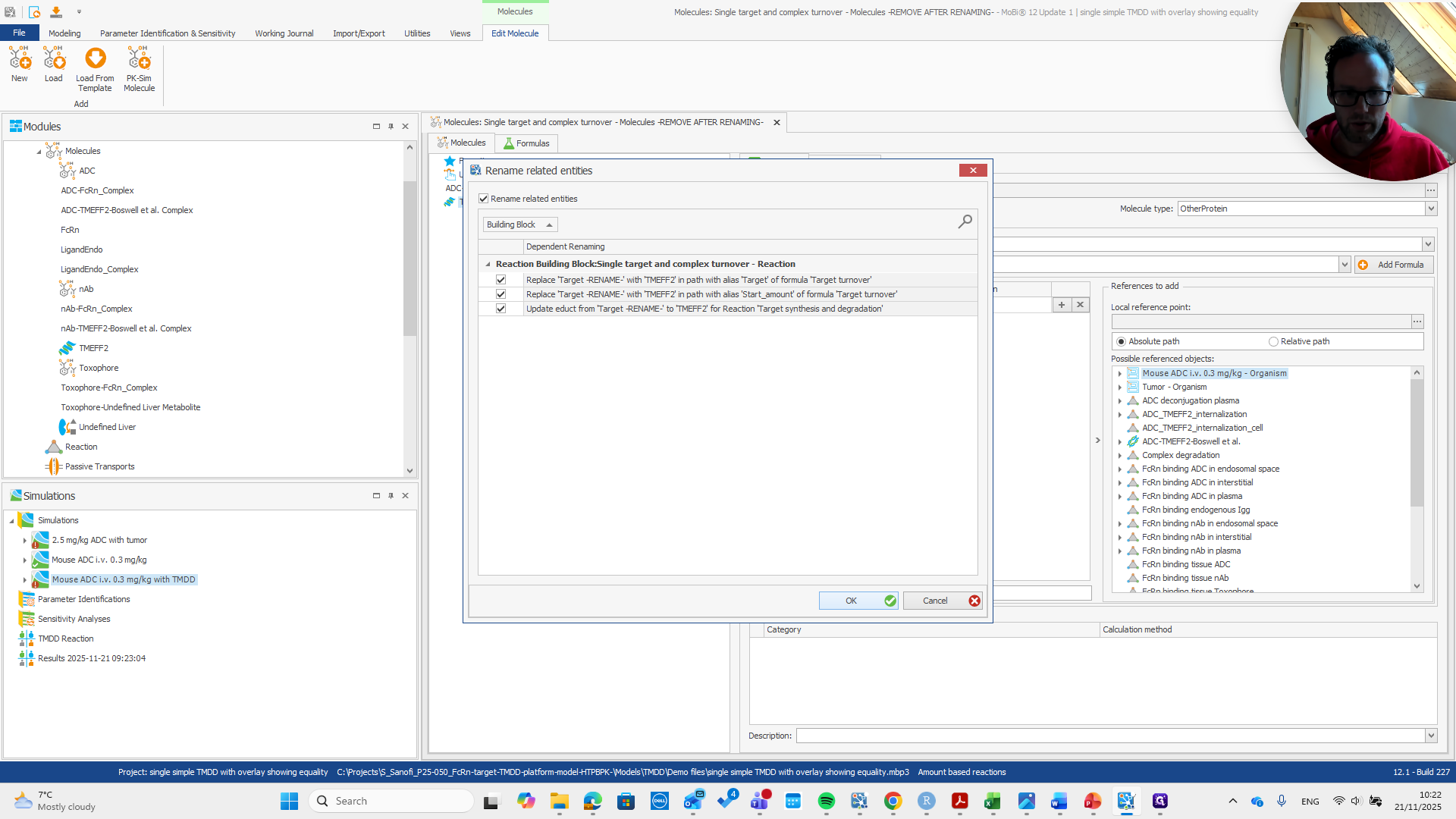
We are almost finished. Now, we just need to remove the entire molecule's building block.
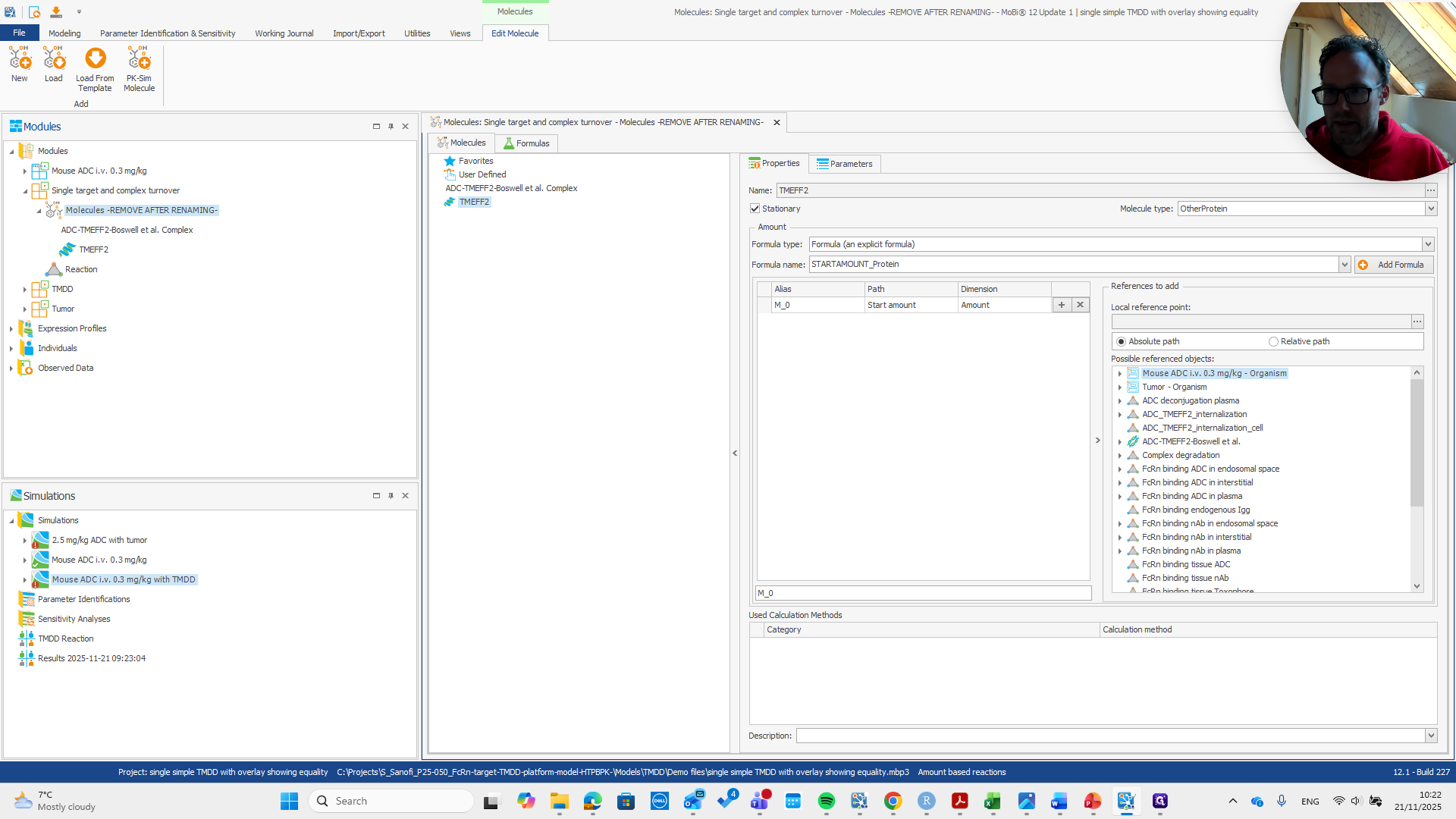
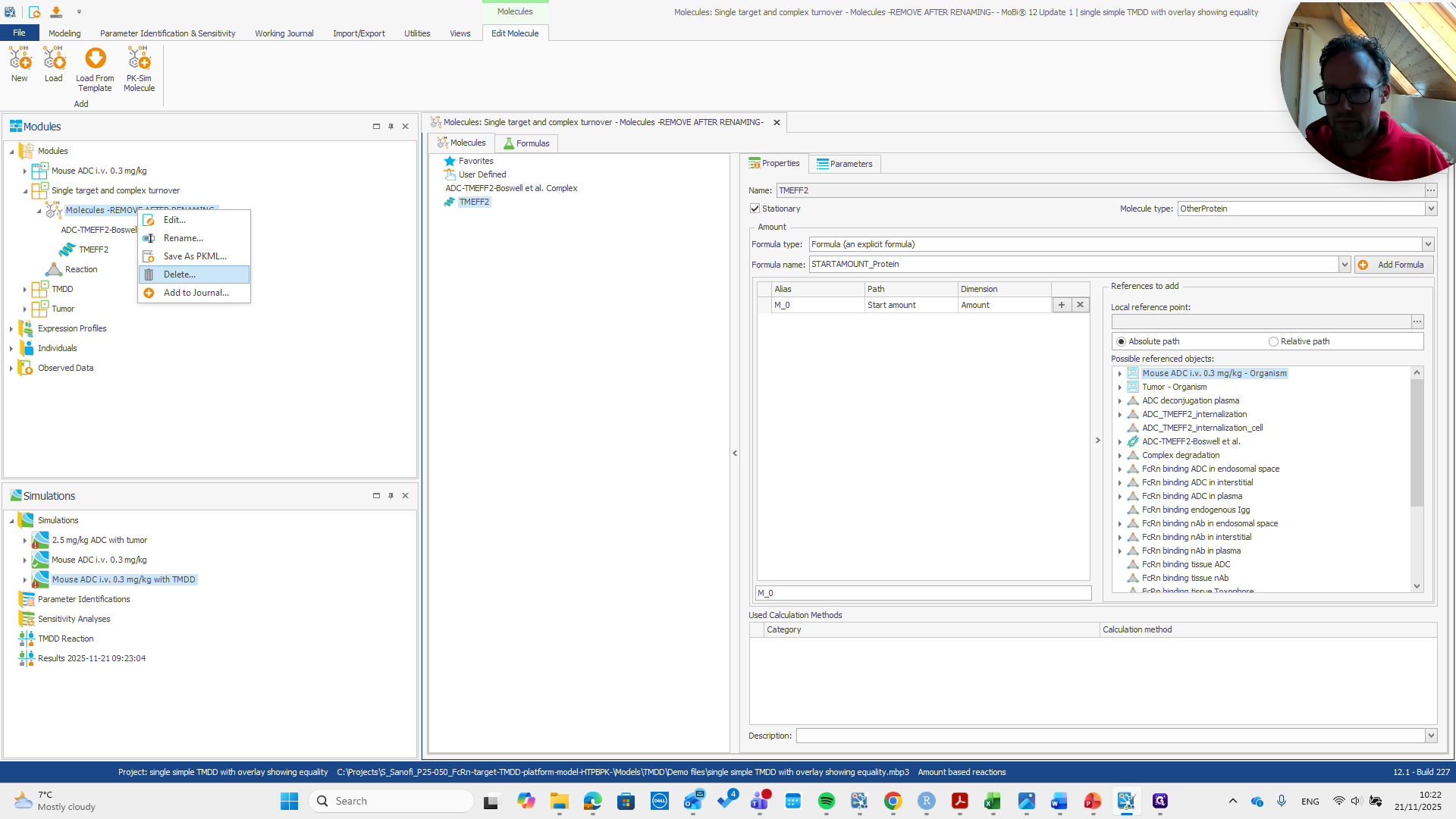
I delete this one, then we build a new simulation.
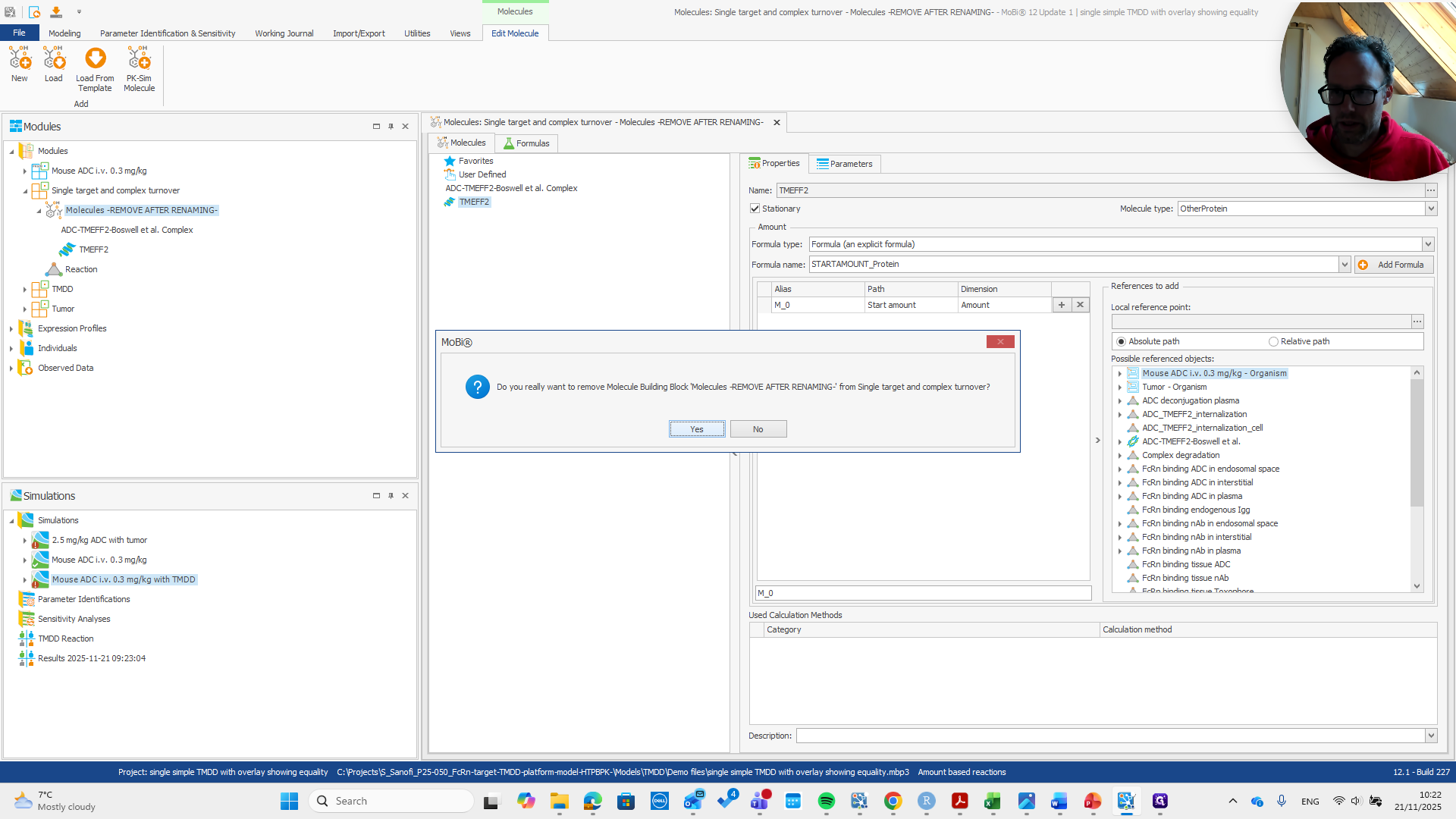
Add our TMDD module to the base module.
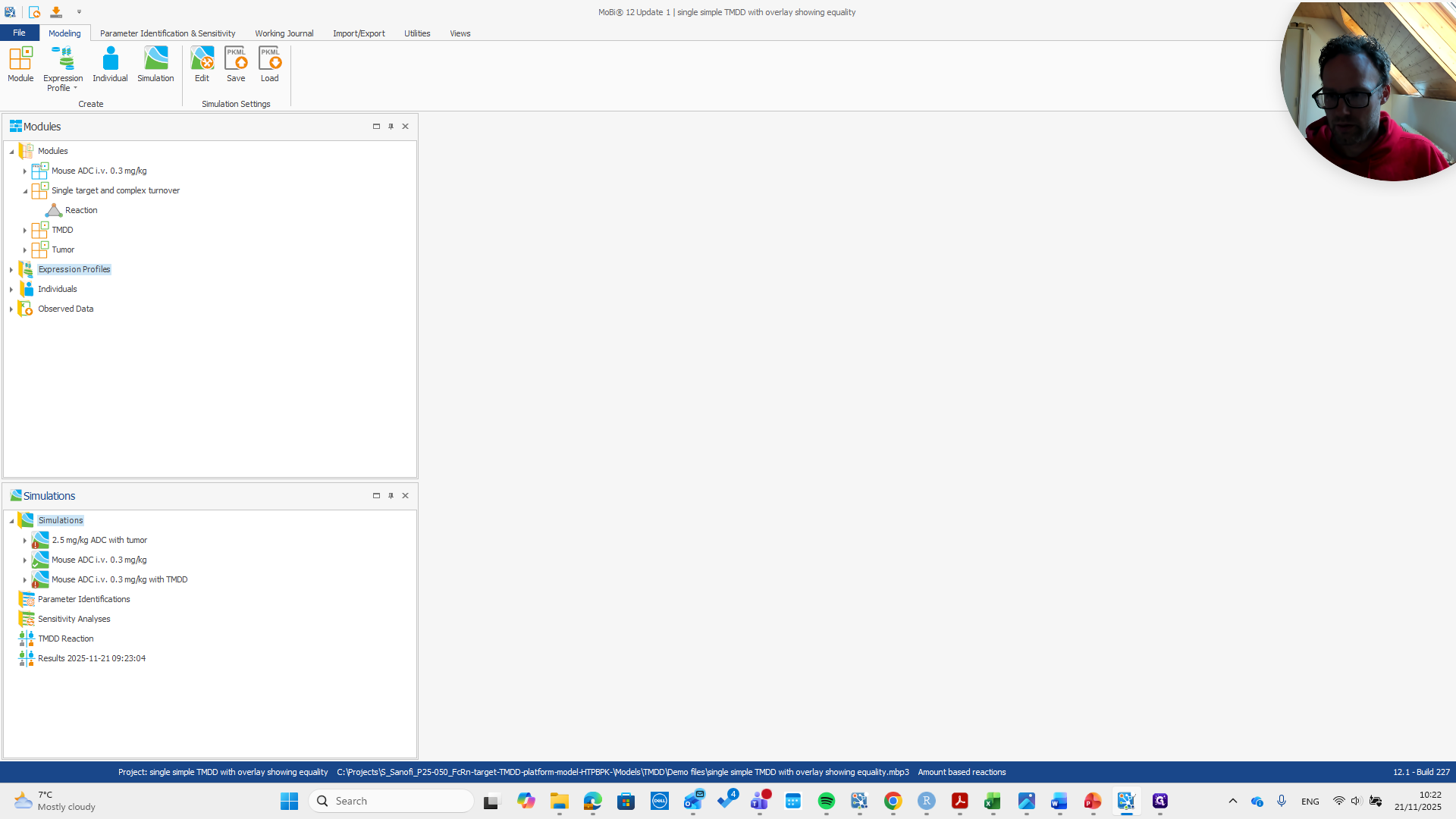
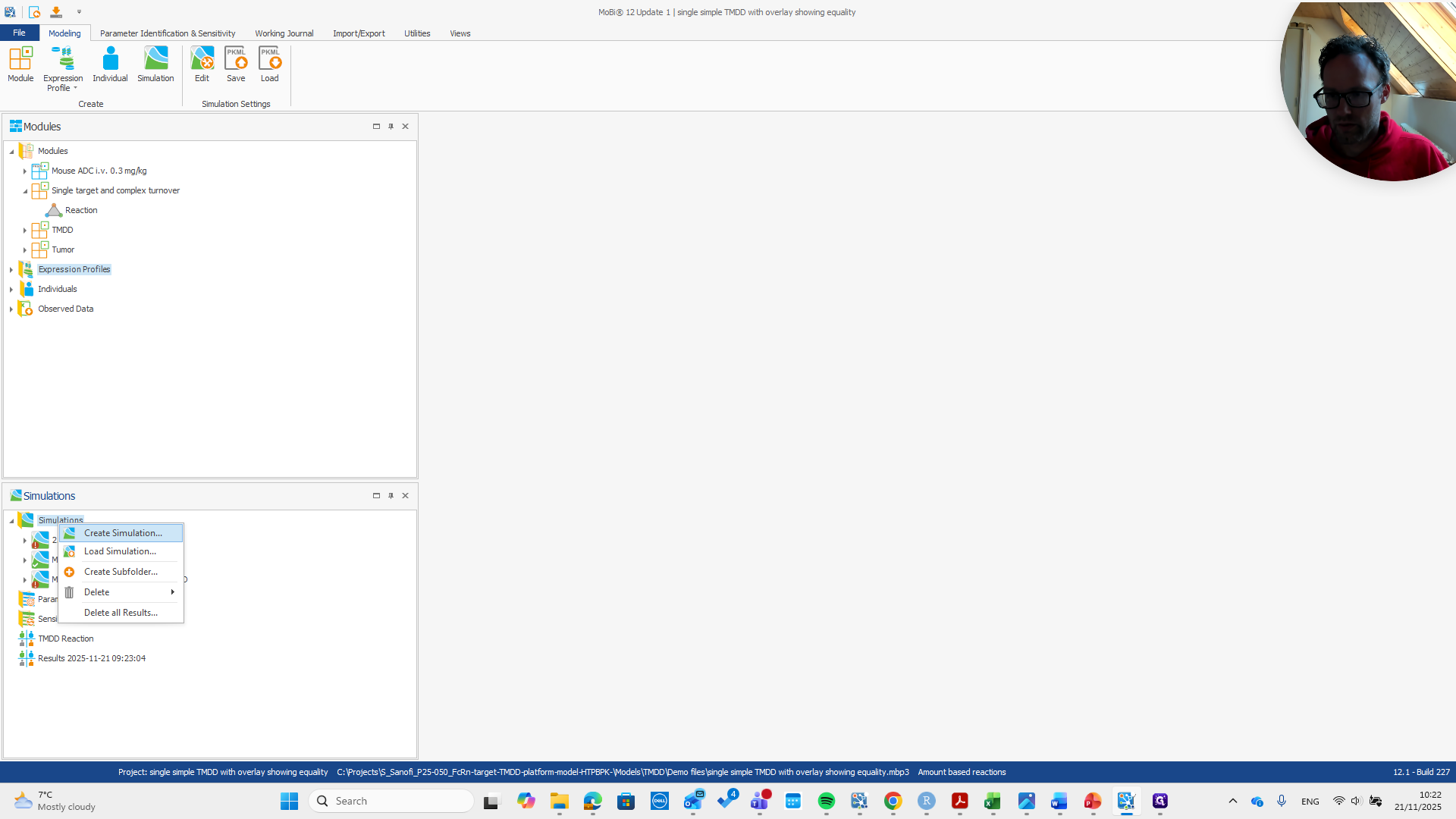
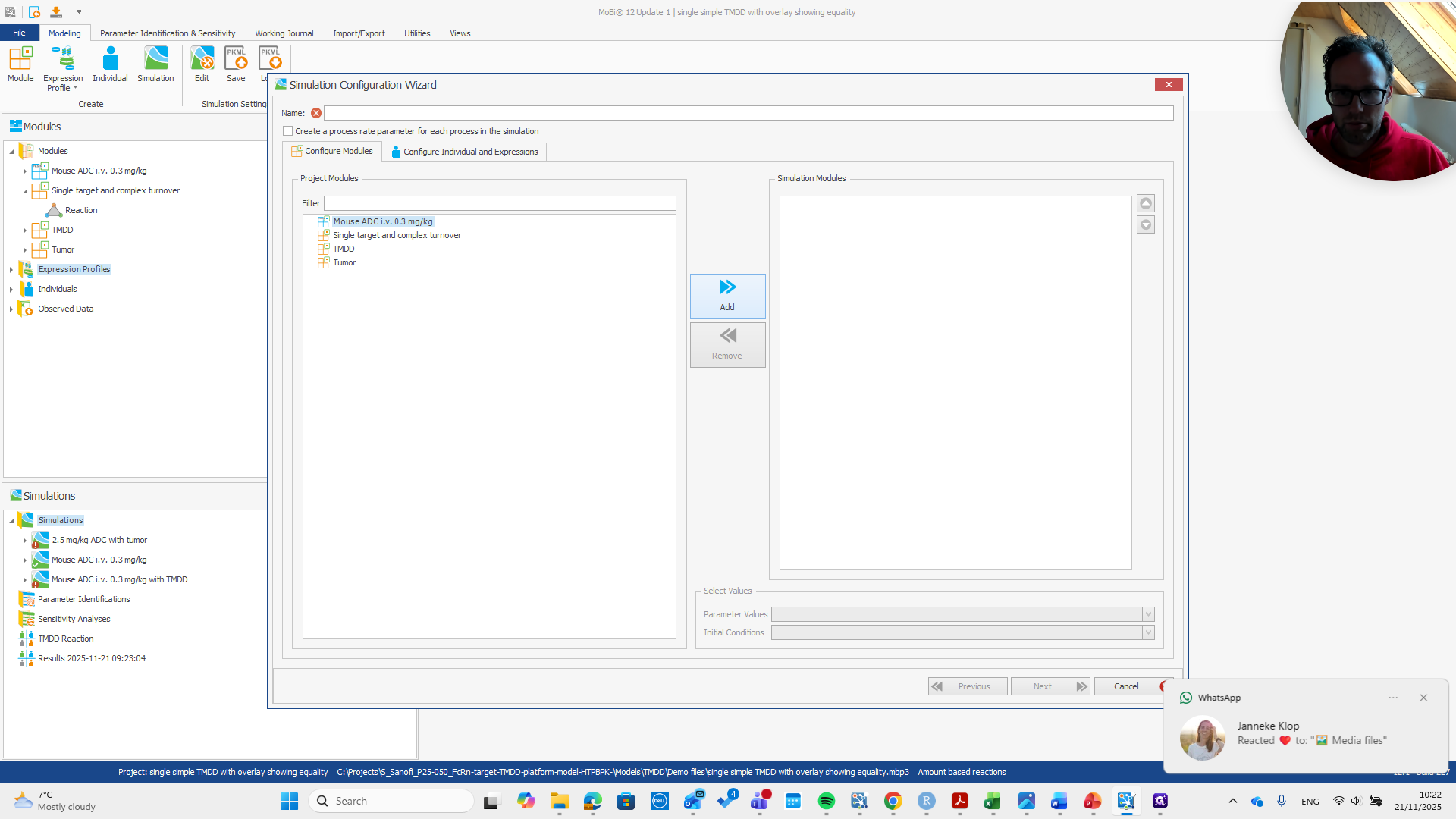
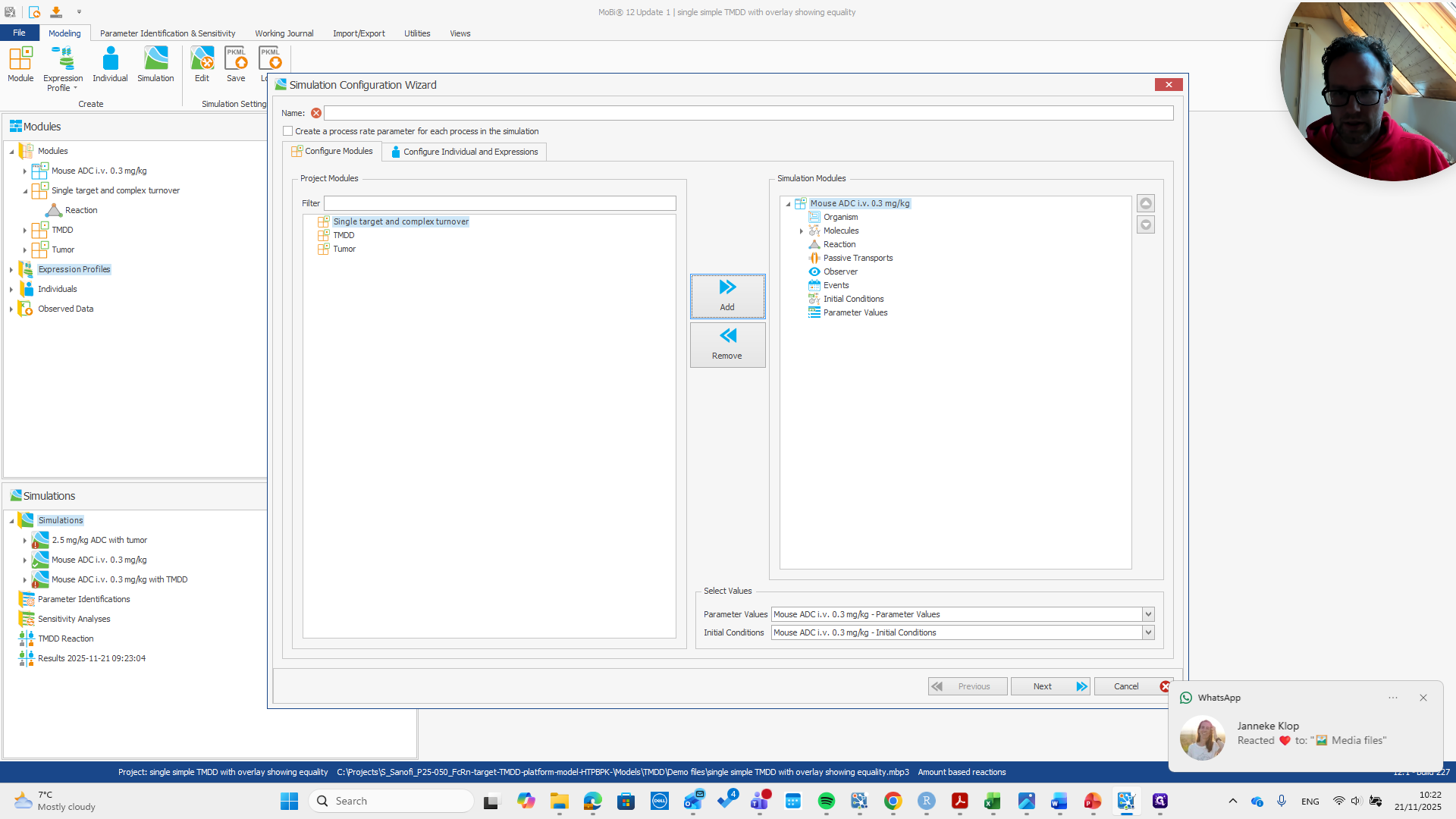
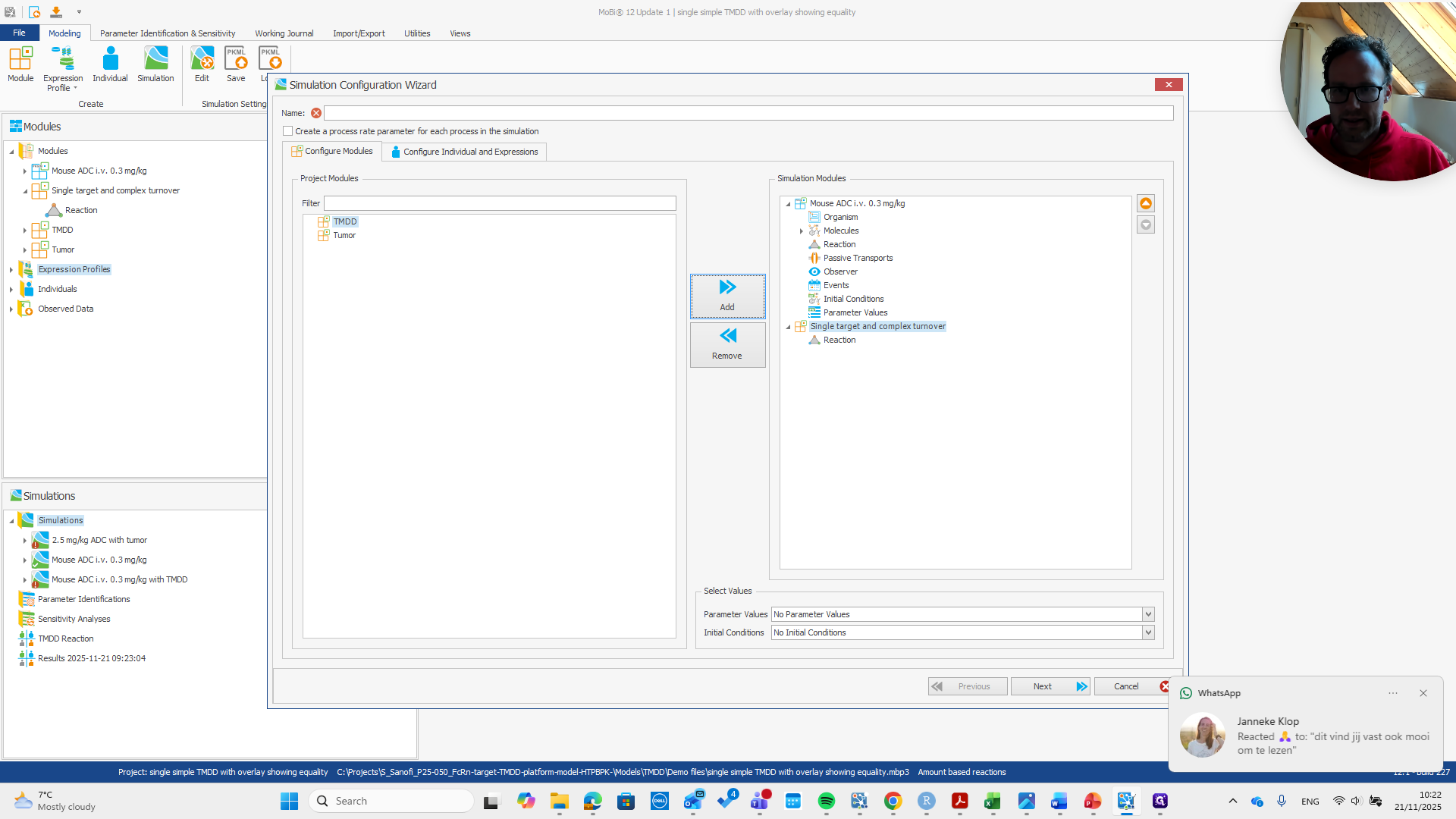
We need the target expression profile and should give the simulation a name.
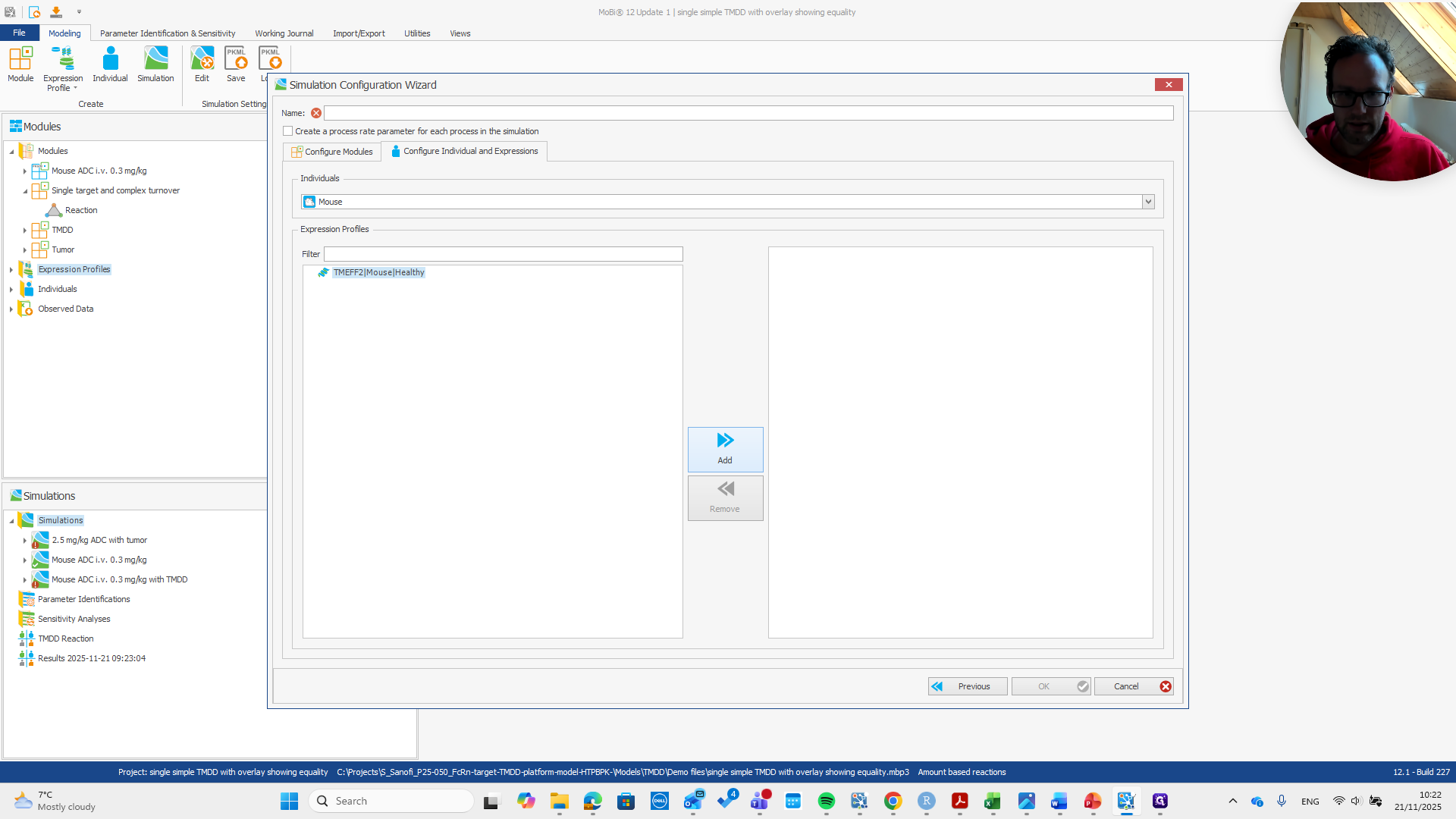
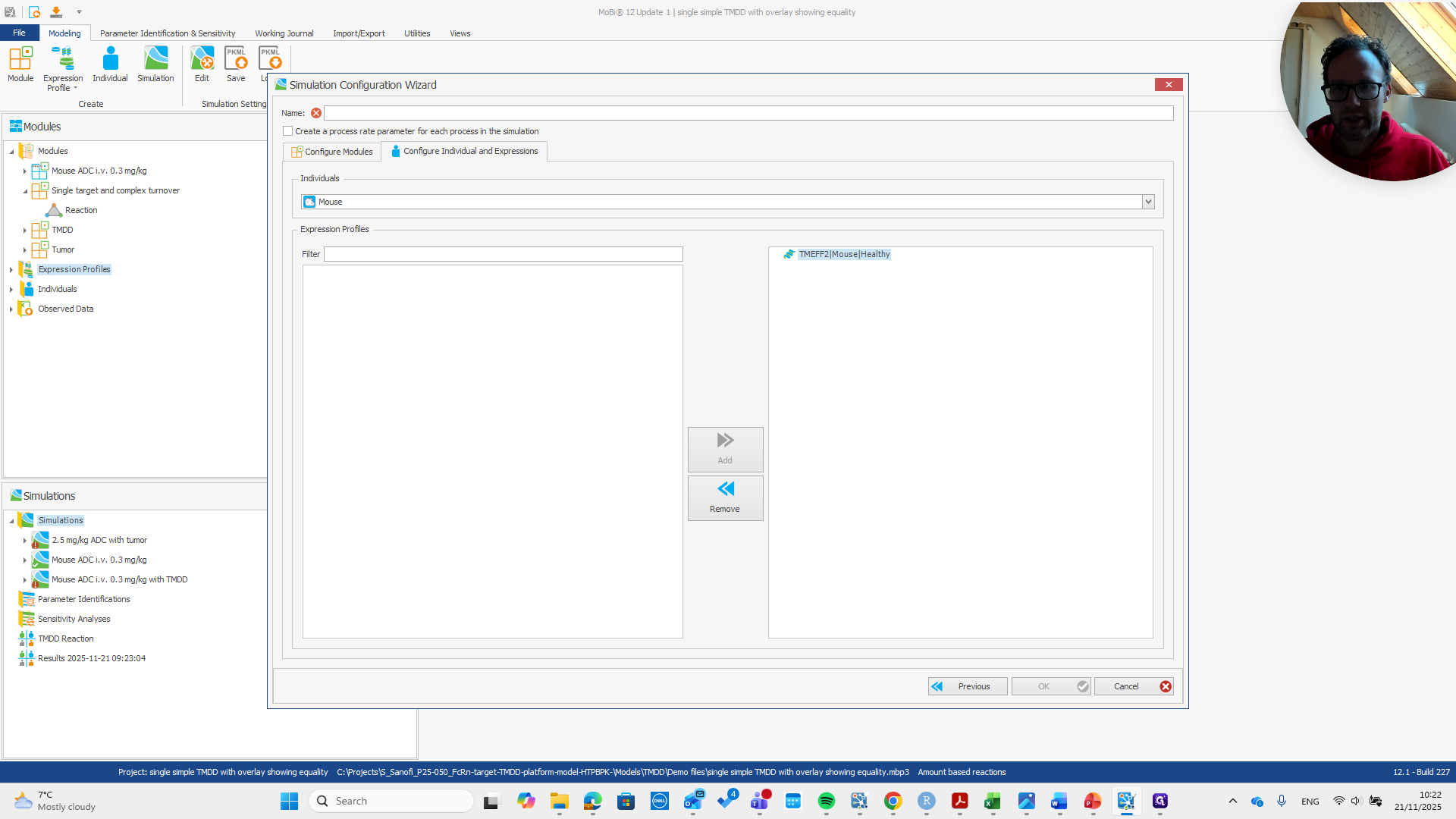
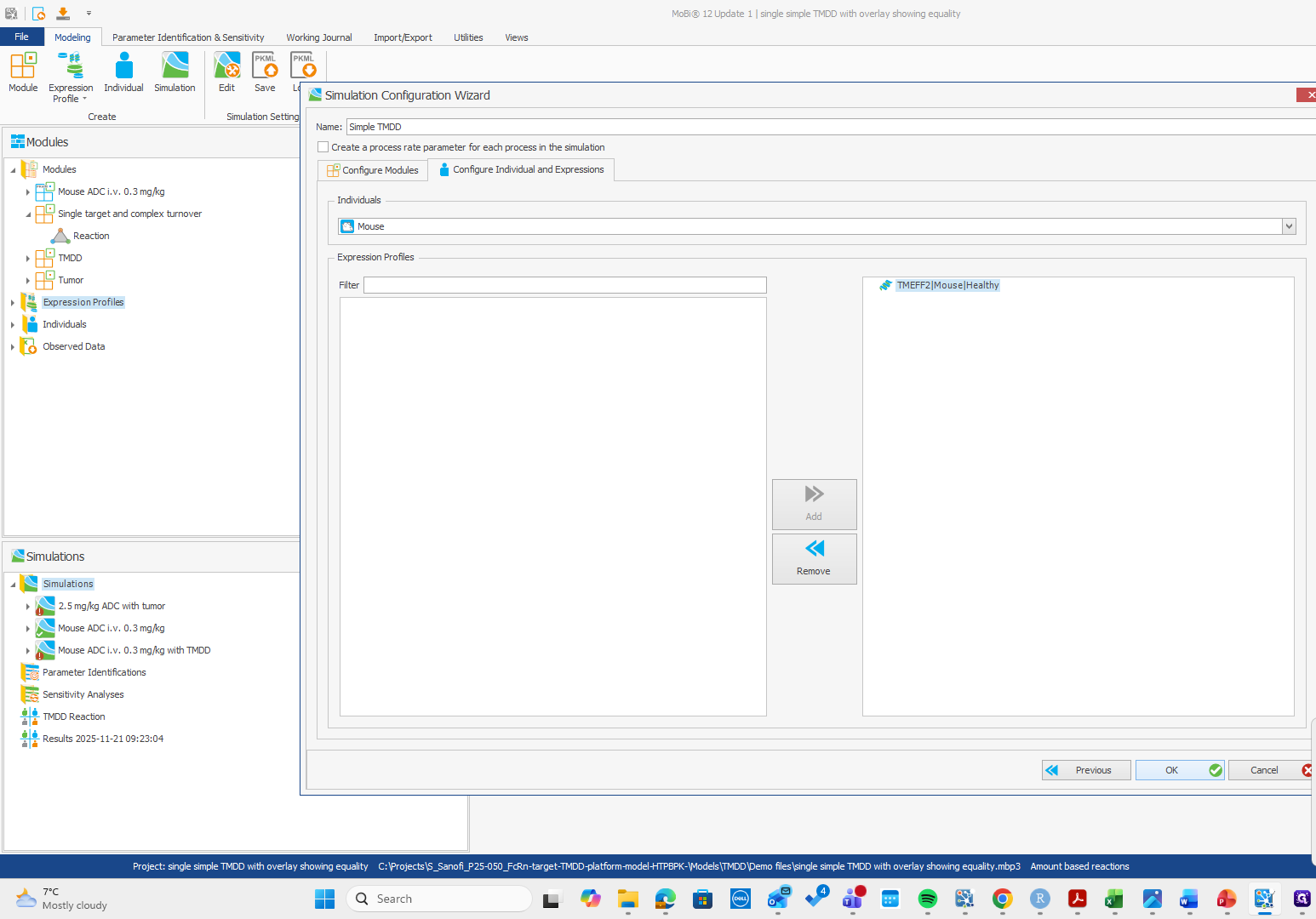
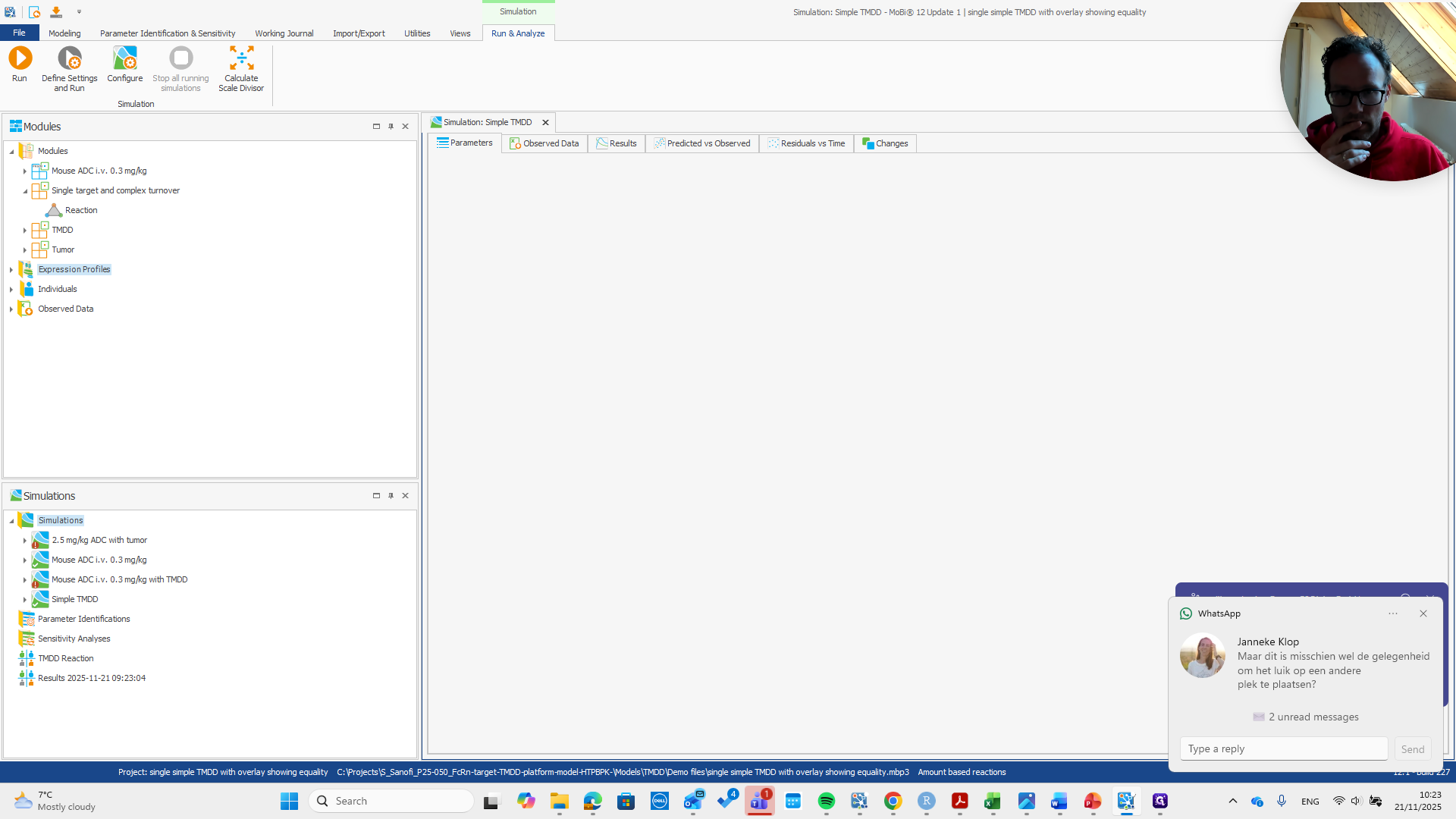
Now we can run the simulation and finish.