Reconciling Inventory Discrepancies in Excel
Learn how to filter inventory data, verify physical stock counts, and reconcile item variances using Microsoft Excel.
This guide explains how to investigate and reconcile inventory discrepancies between the system count and physical warehouse stock. Verifying stock levels ensures accurate inventory tracking and prevents shortages during order fulfillment.
This workflow is designed for inventory controllers and warehouse managers. You will use this process during cycle counts, project audits, or whenever you spot unexpected adjustments in the inventory database.
Access and Filter Inventory Data
Start by opening your inventory report to locate items with potential variances.
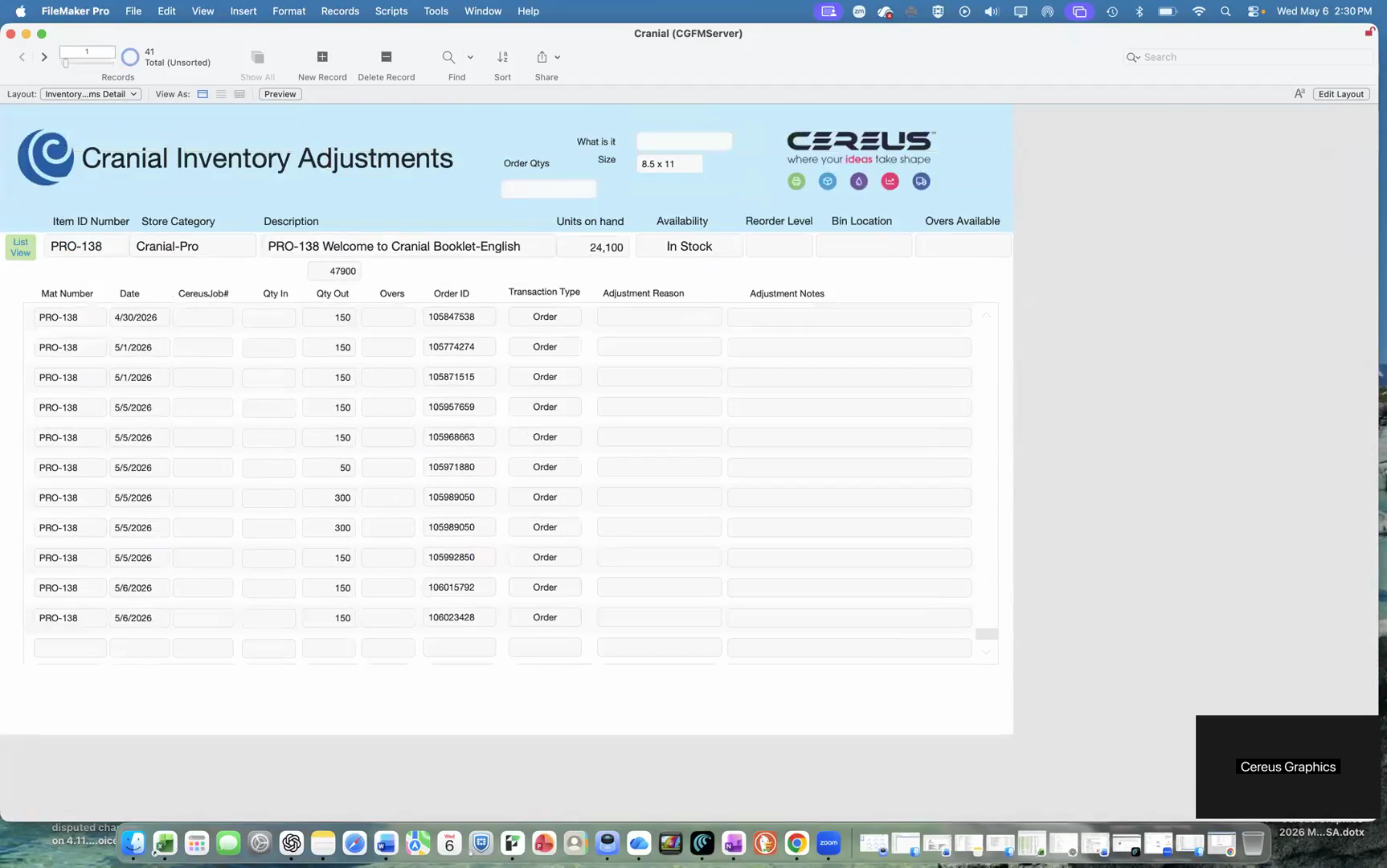
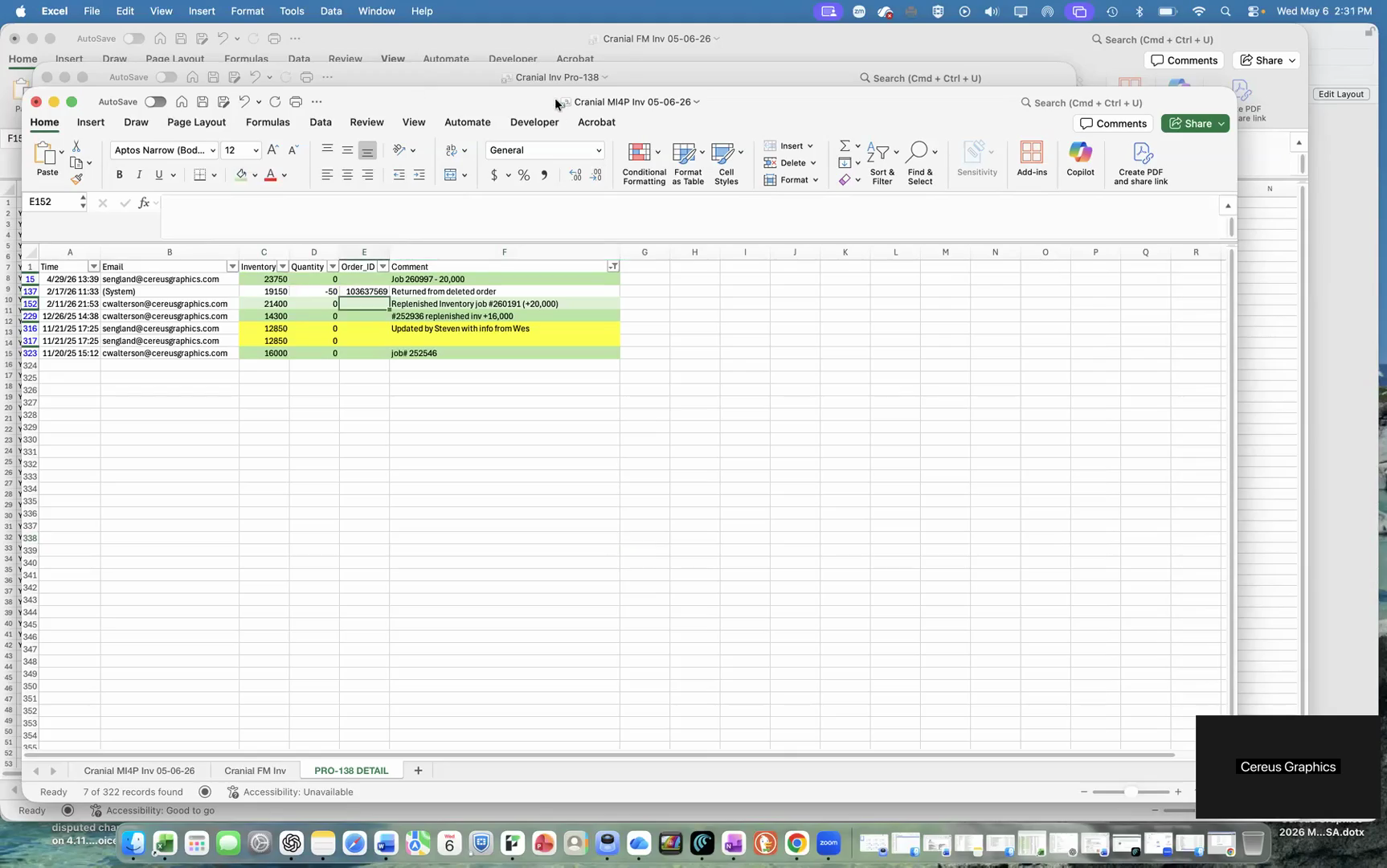
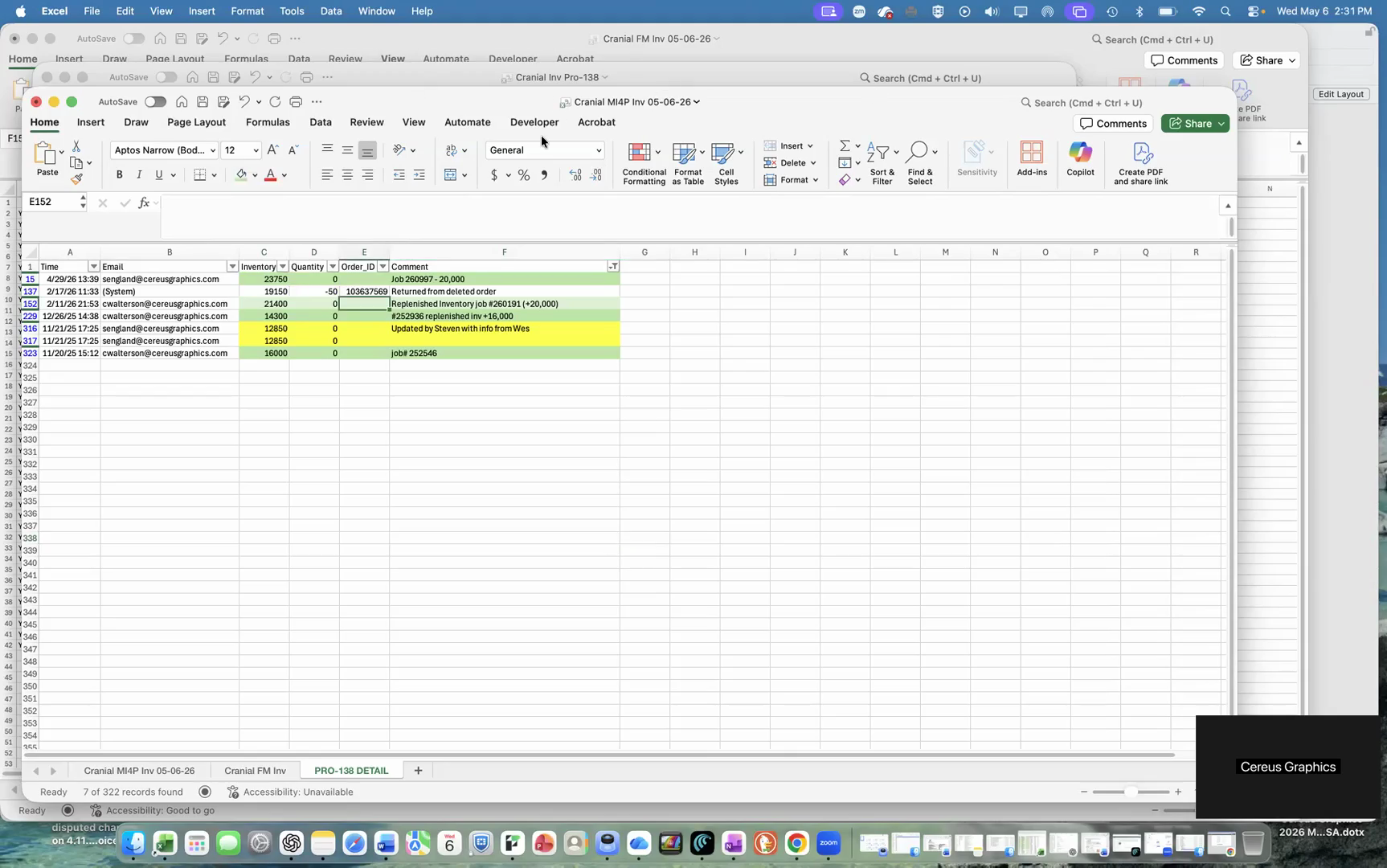
Isolate Specific Items
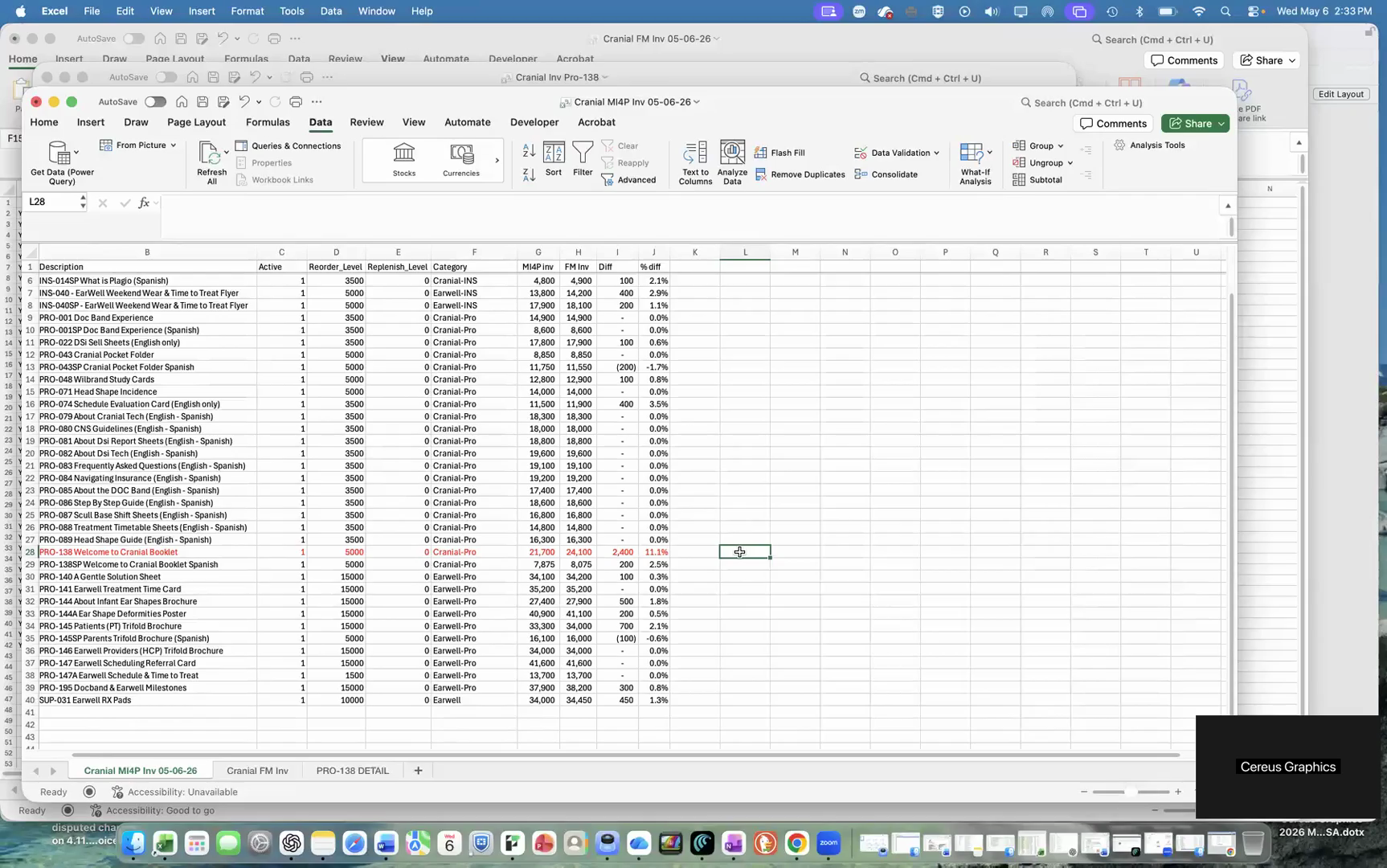
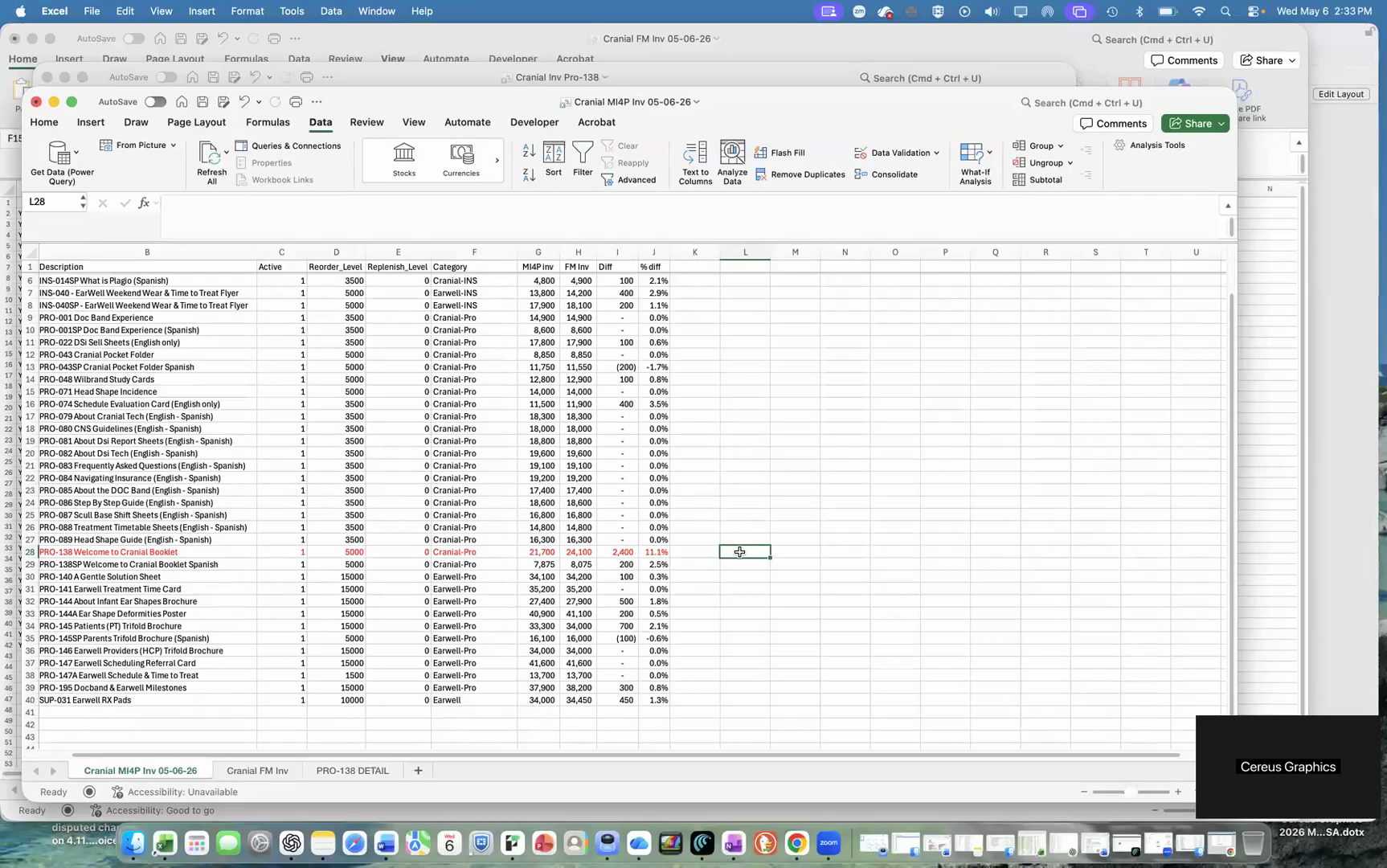
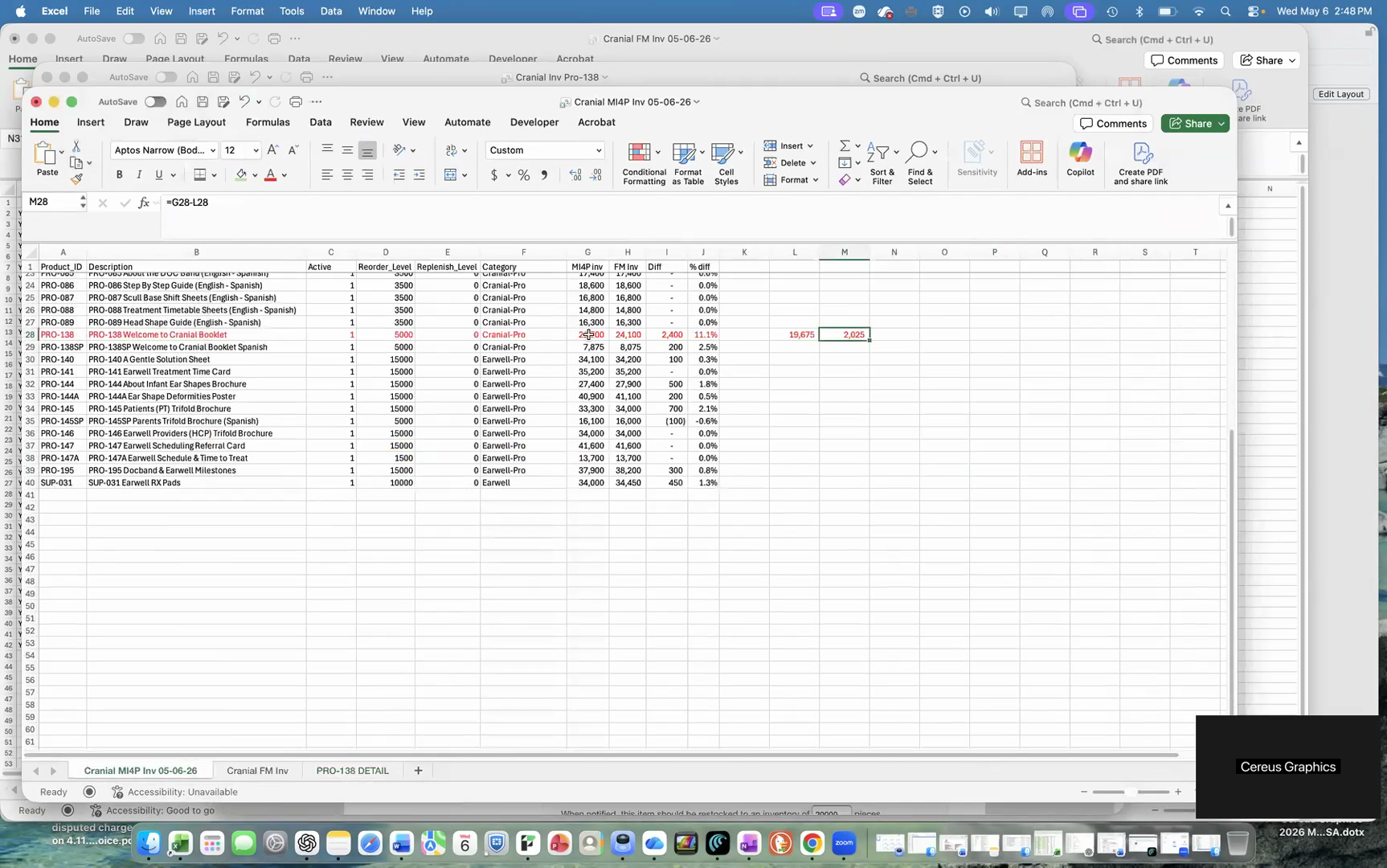
When you notice an unexpected total adjustment, narrow down the spreadsheet to the specific item (e.g., PRO-138) to investigate the difference.
Filter Action | Expected Result |
|---|---|
Open the item dropdown | Shows all available products in the column. |
Clear current selections | Deselects all active items to prepare for a targeted search. |
Search for specific product | Filters the list to only match the target item. |
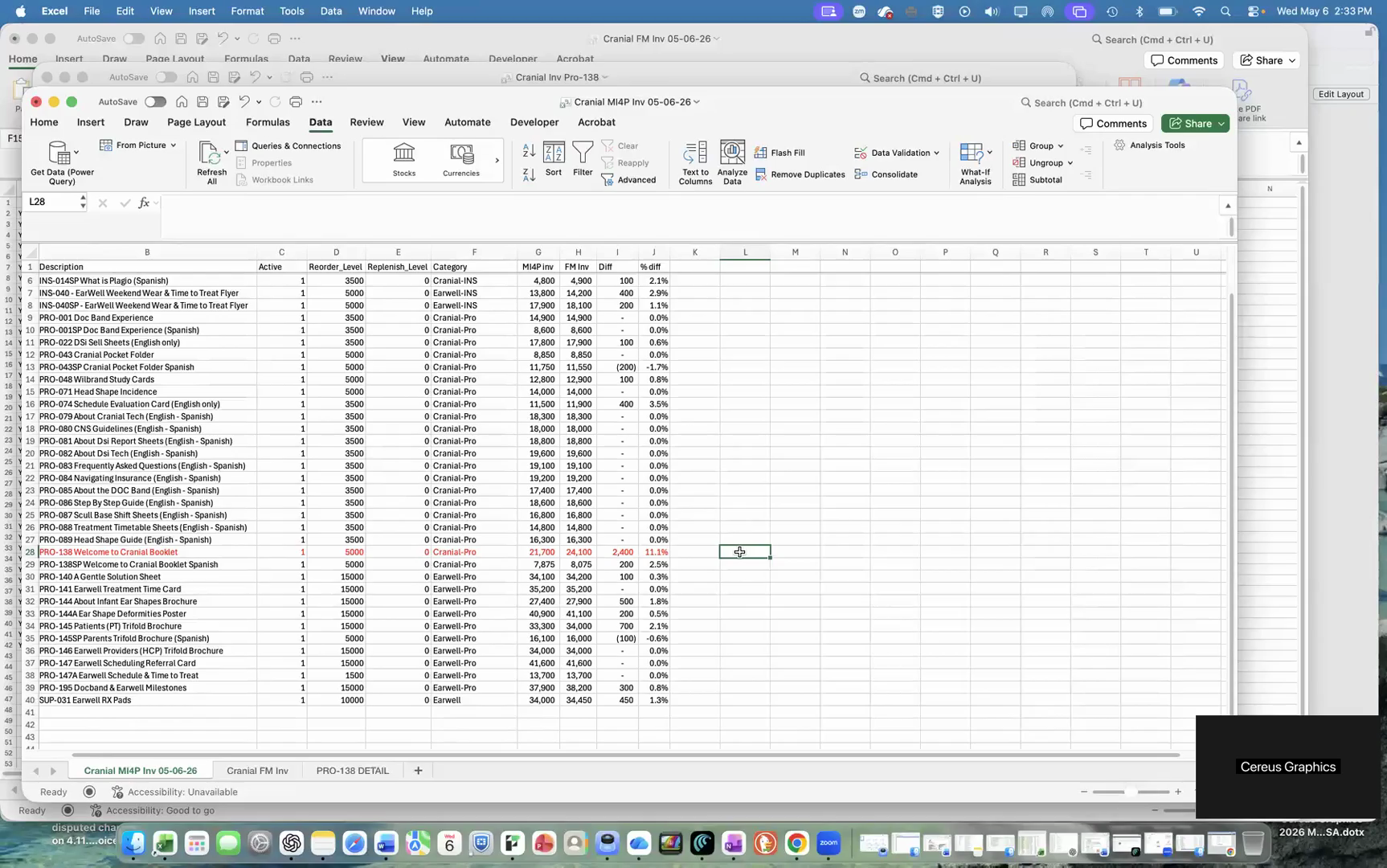
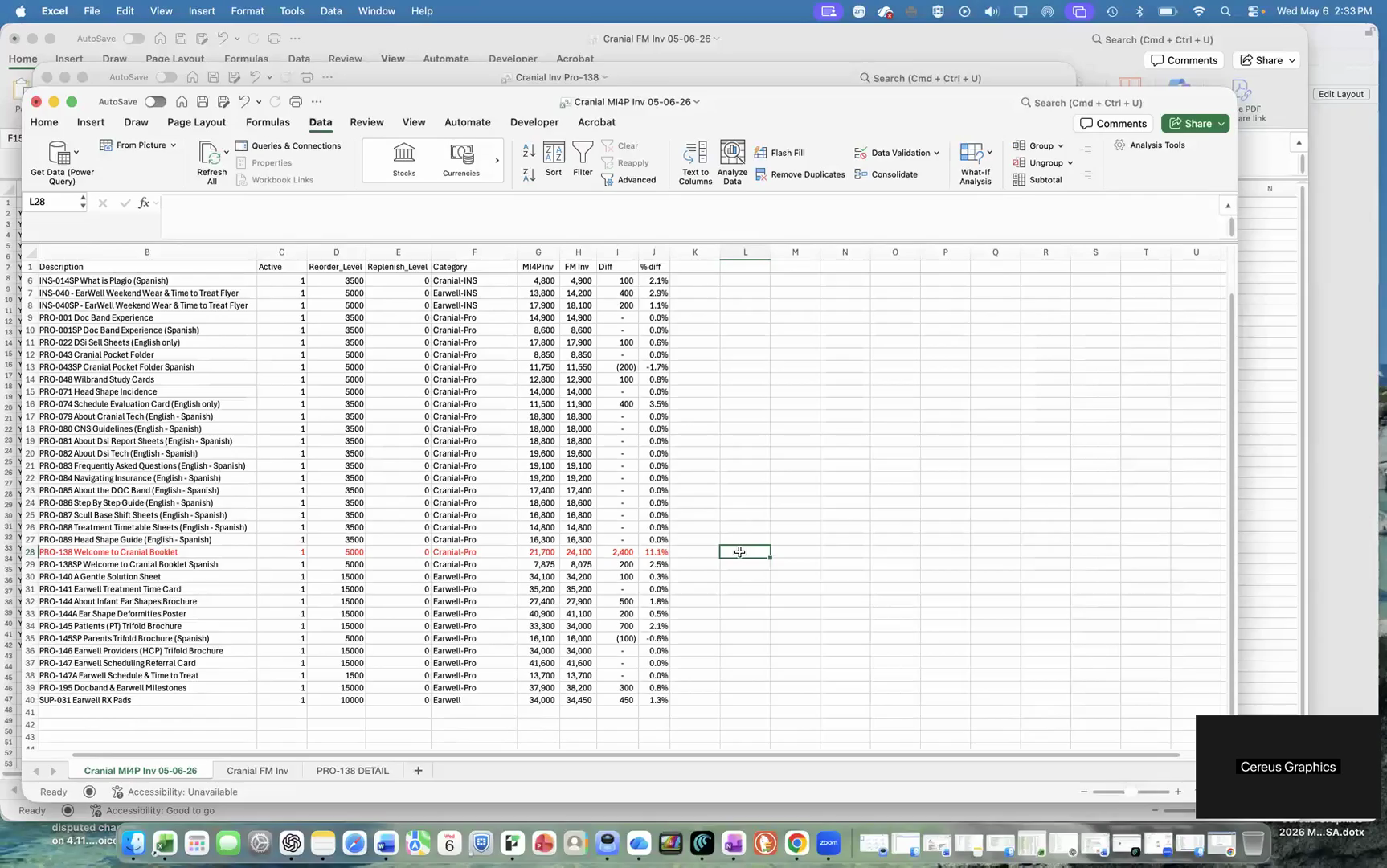
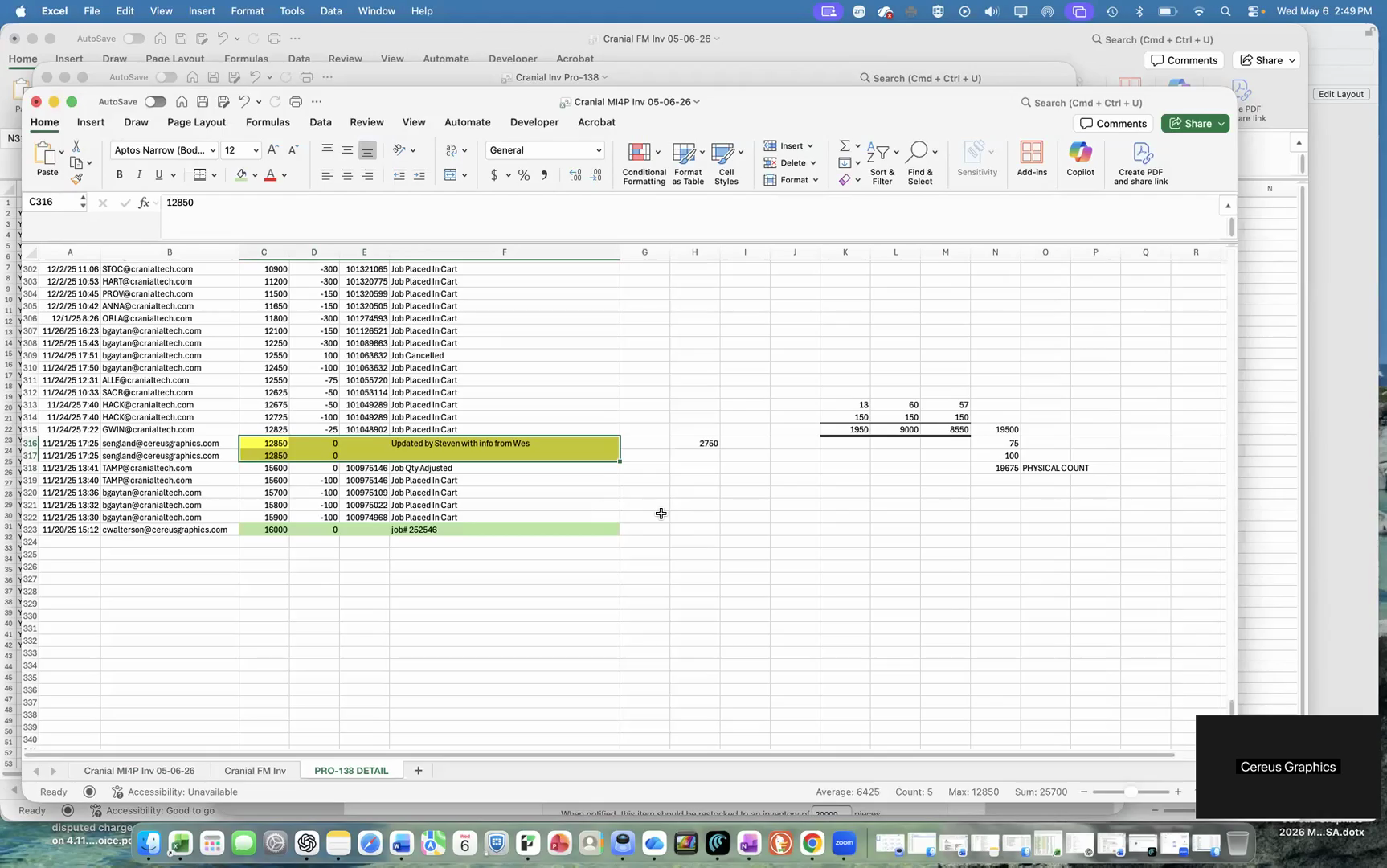
Verify Against Physical Counts
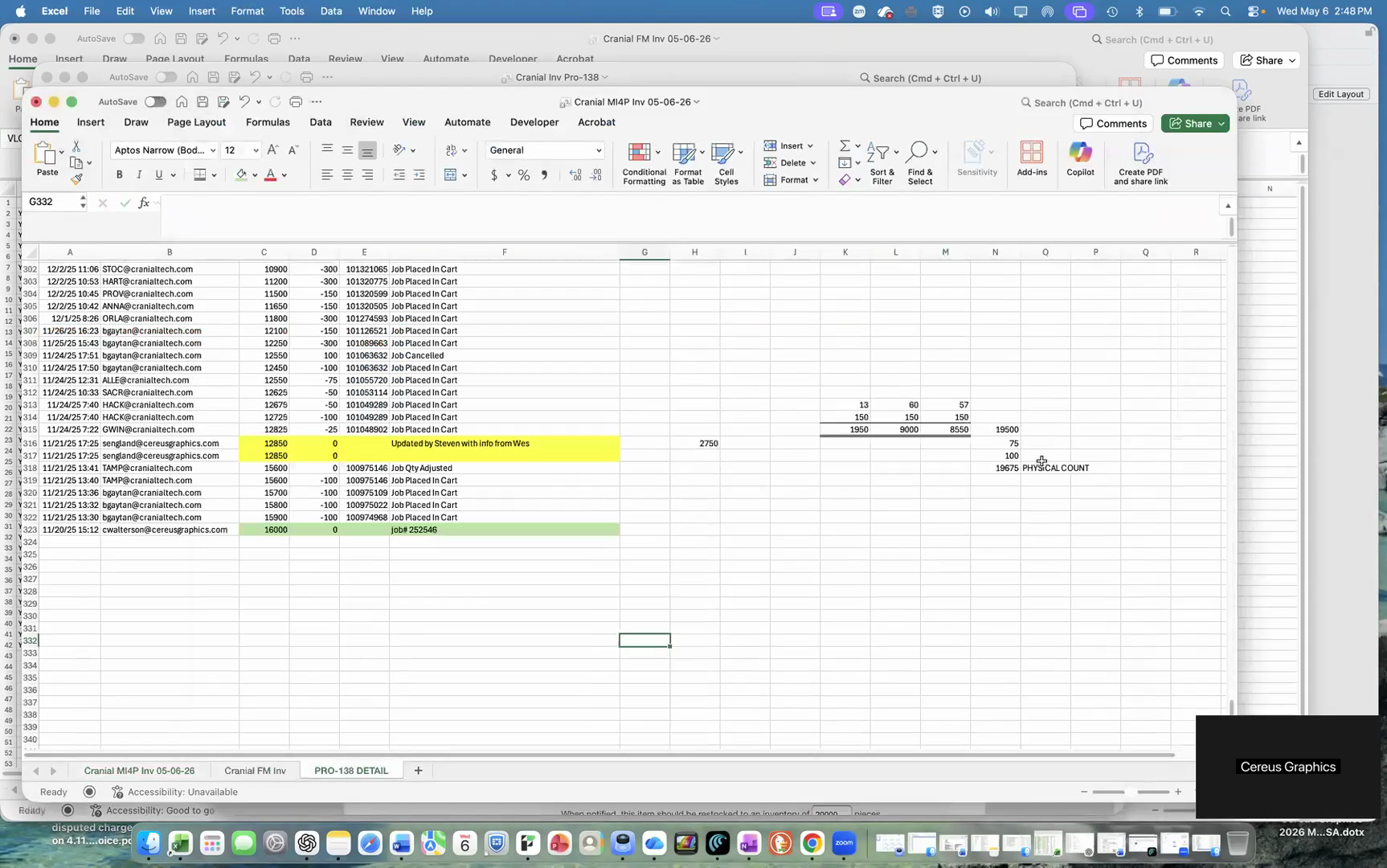
Always cross-reference the system's calculated variance with a physical count from the warehouse floor.
FAQ
Q: Why might the system adjust out more inventory than expected?
A: Bulk shipments early in a project are a common reason for larger-than-expected system adjustments. Always verify these against physical floor counts to ensure accuracy.
Q: Is one person enough to perform an inventory count?
A: No. Best practice for warehouse cycle counting is to have two team members verify the physical count independently. This prevents standard manual counting errors.
Glossary
Term | Definition |
|---|---|
MI4P | The internal inventory management database tracking expected system quantities. |
Physical Count | The actual number of items verified manually on the warehouse floor. |
Variance | The mathematical difference between the system's expected inventory and the actual physical stock. |