
Reconcile Multi-Channel Car Rental Bookings
Learn how to export payment and reservation data from Causeway Malaysia HQ and reconcile orders across booking channels like Klook and Trip.com.
This guide walks through exporting payment and reservation reports from Causeway Malaysia HQ and cross-referencing customer bookings across external distribution channels (Q2Q, Klook, and Trip.com) into a consolidated Excel sheet.
This procedure is intended for operations, fleet managers, and reservation dispatch staff performing daily manifest checks and booking reconciliations.
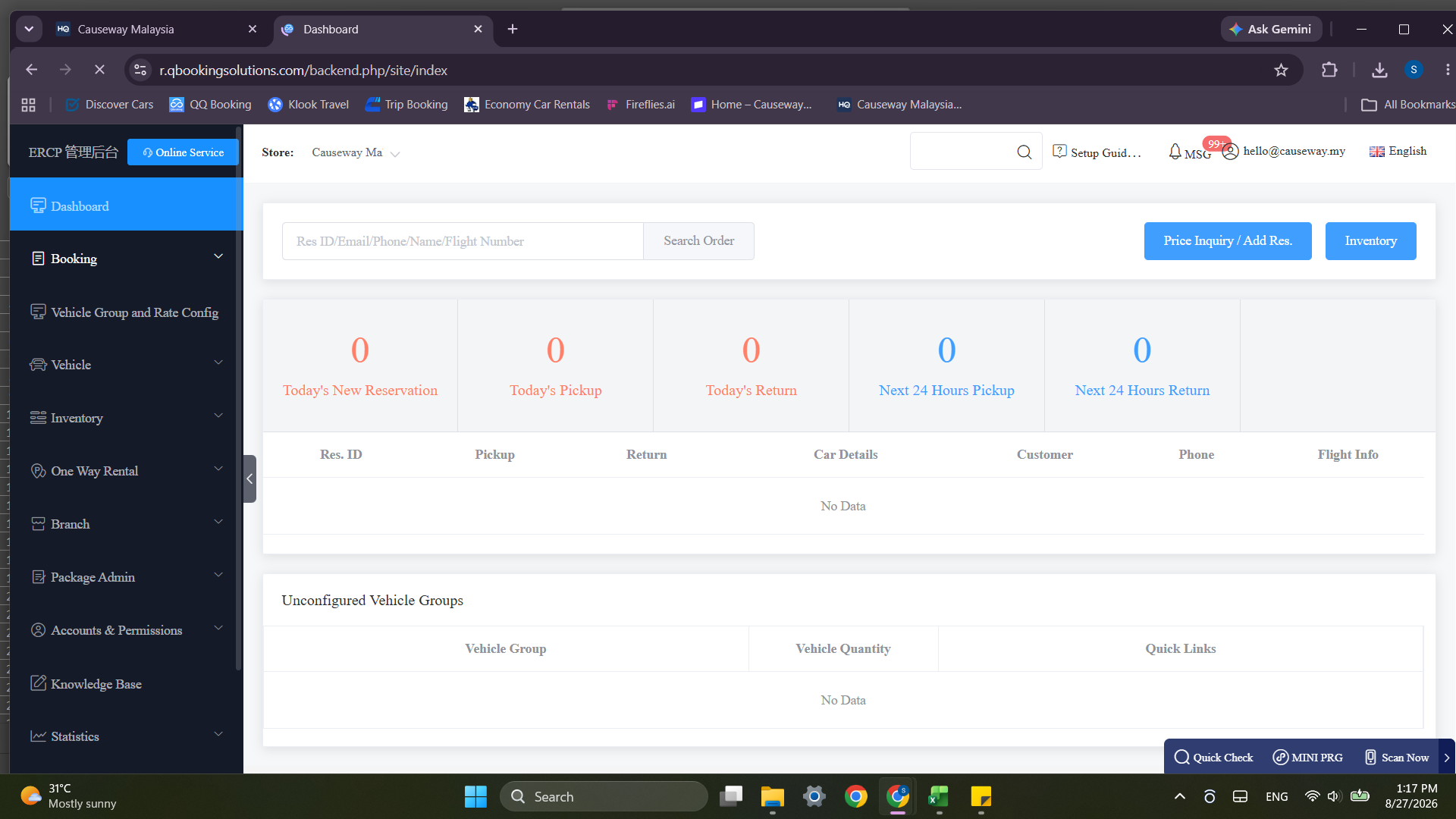
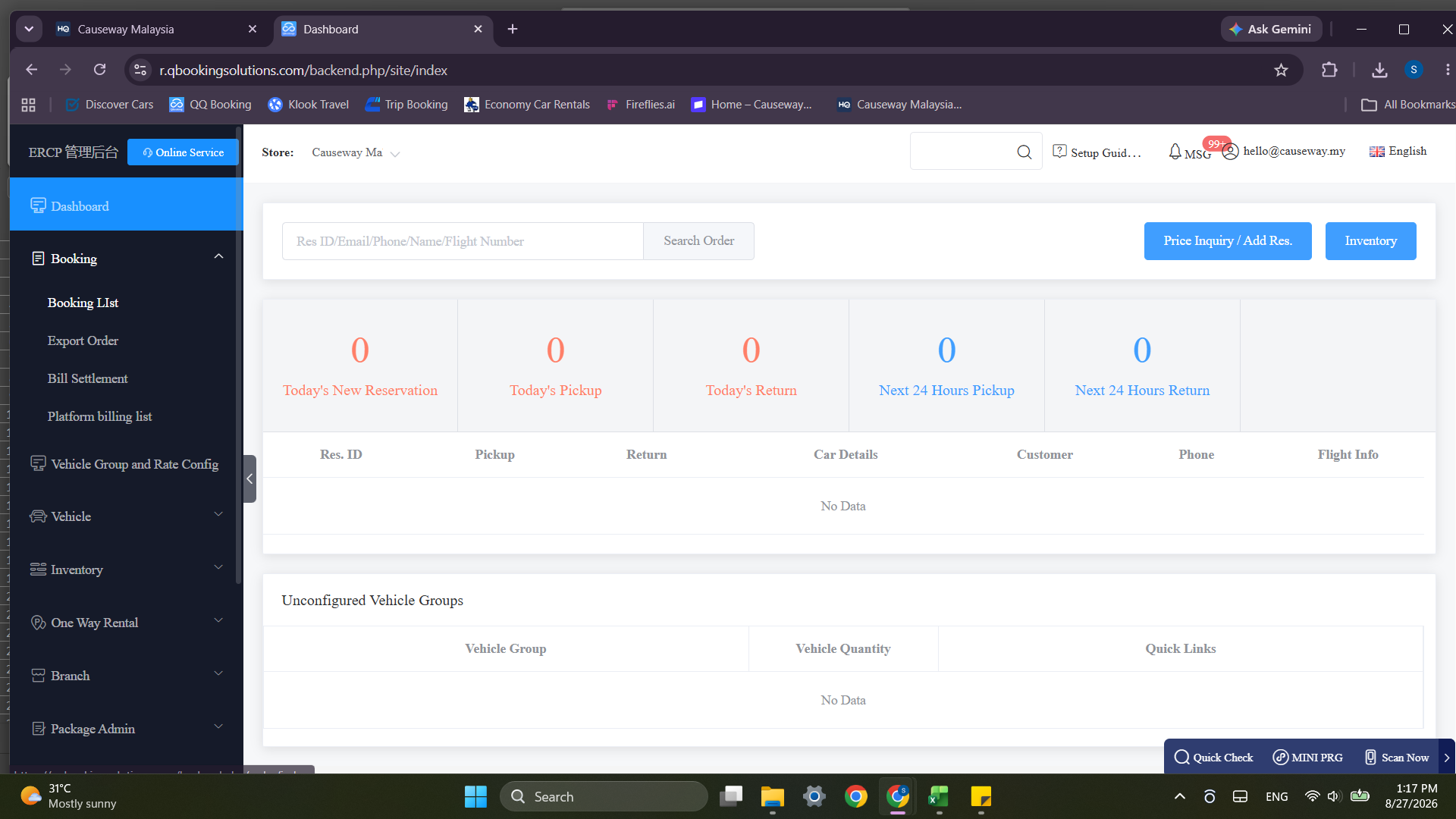
Sign In to Causeway Malaysia
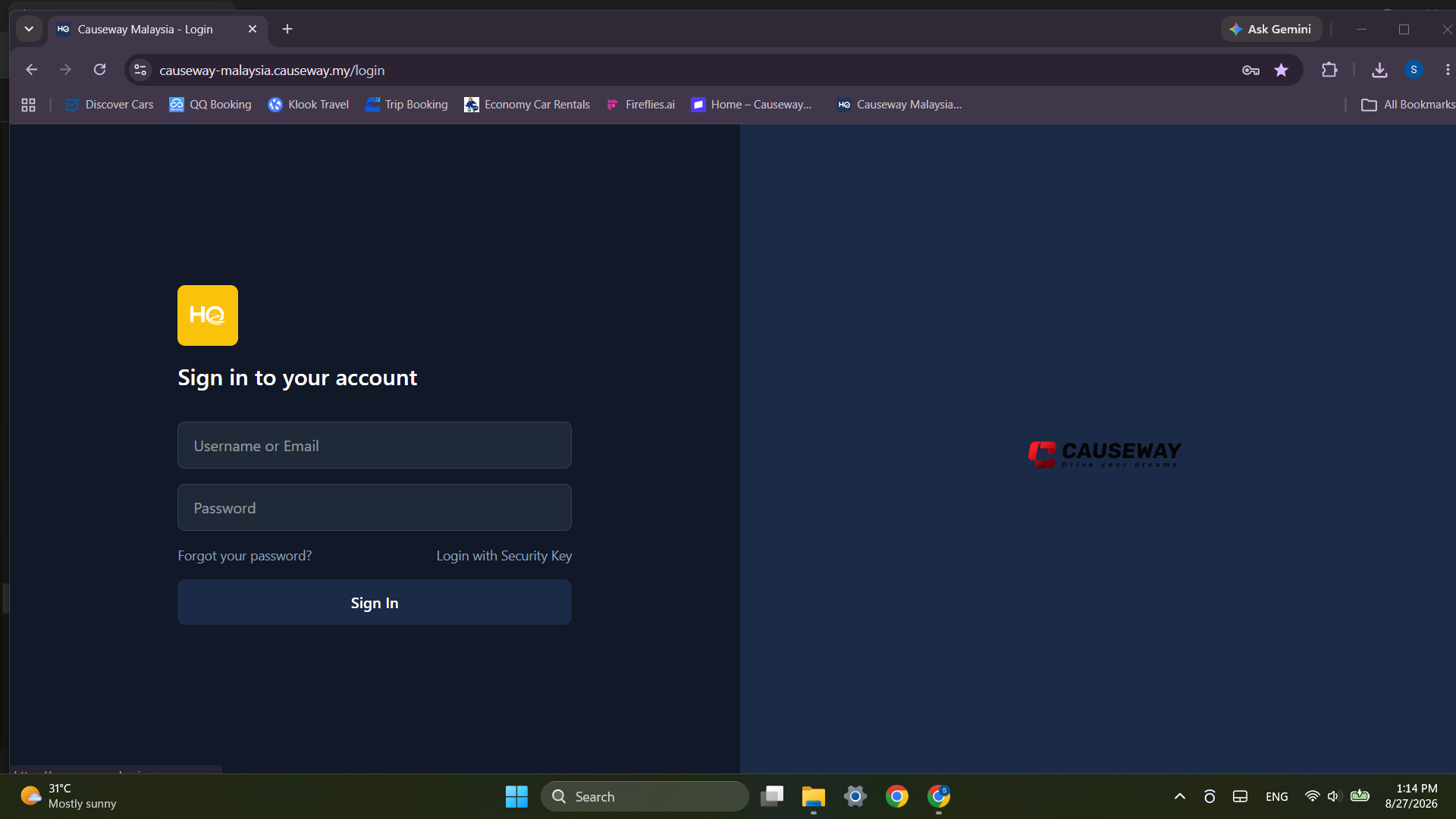
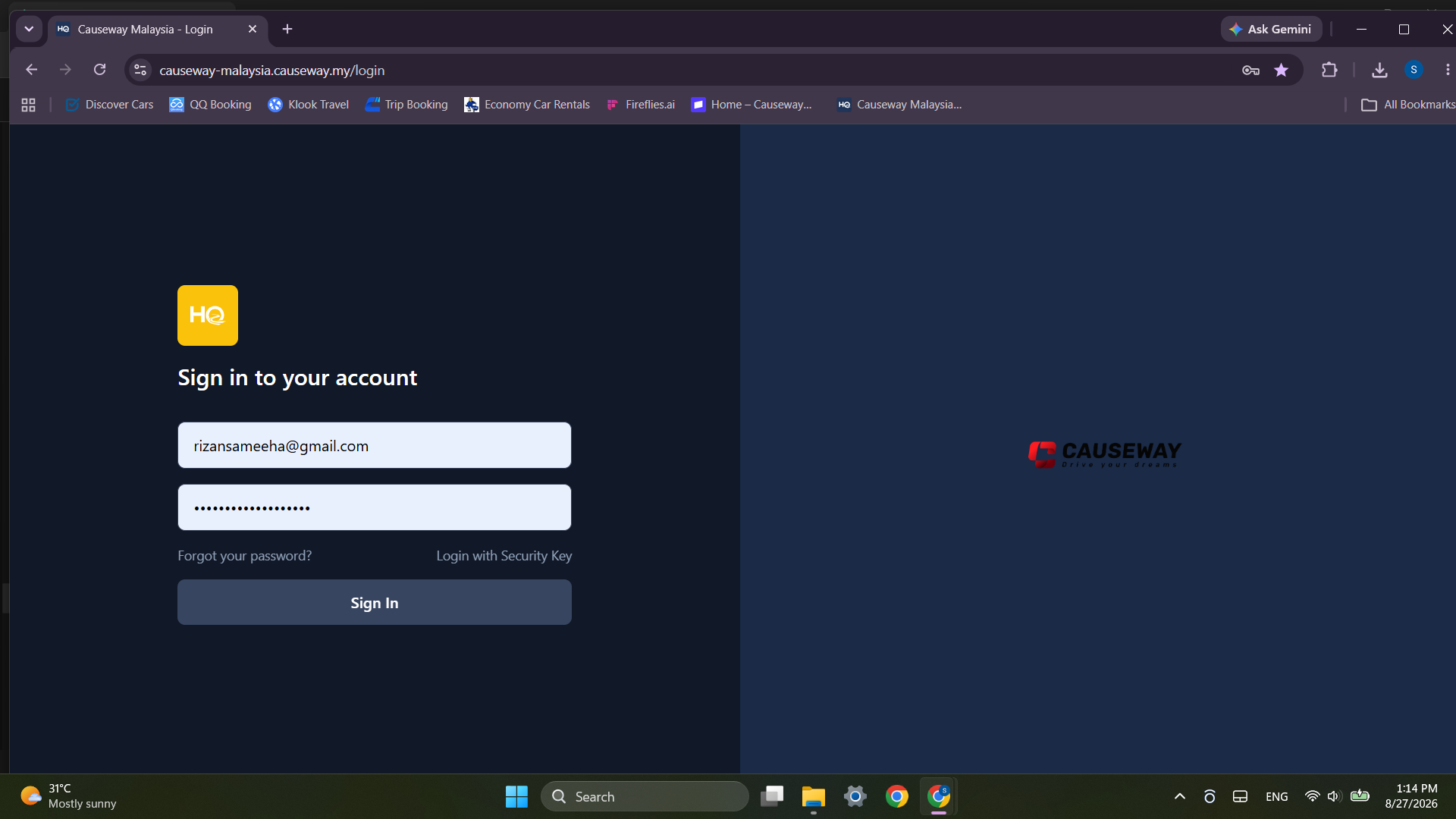
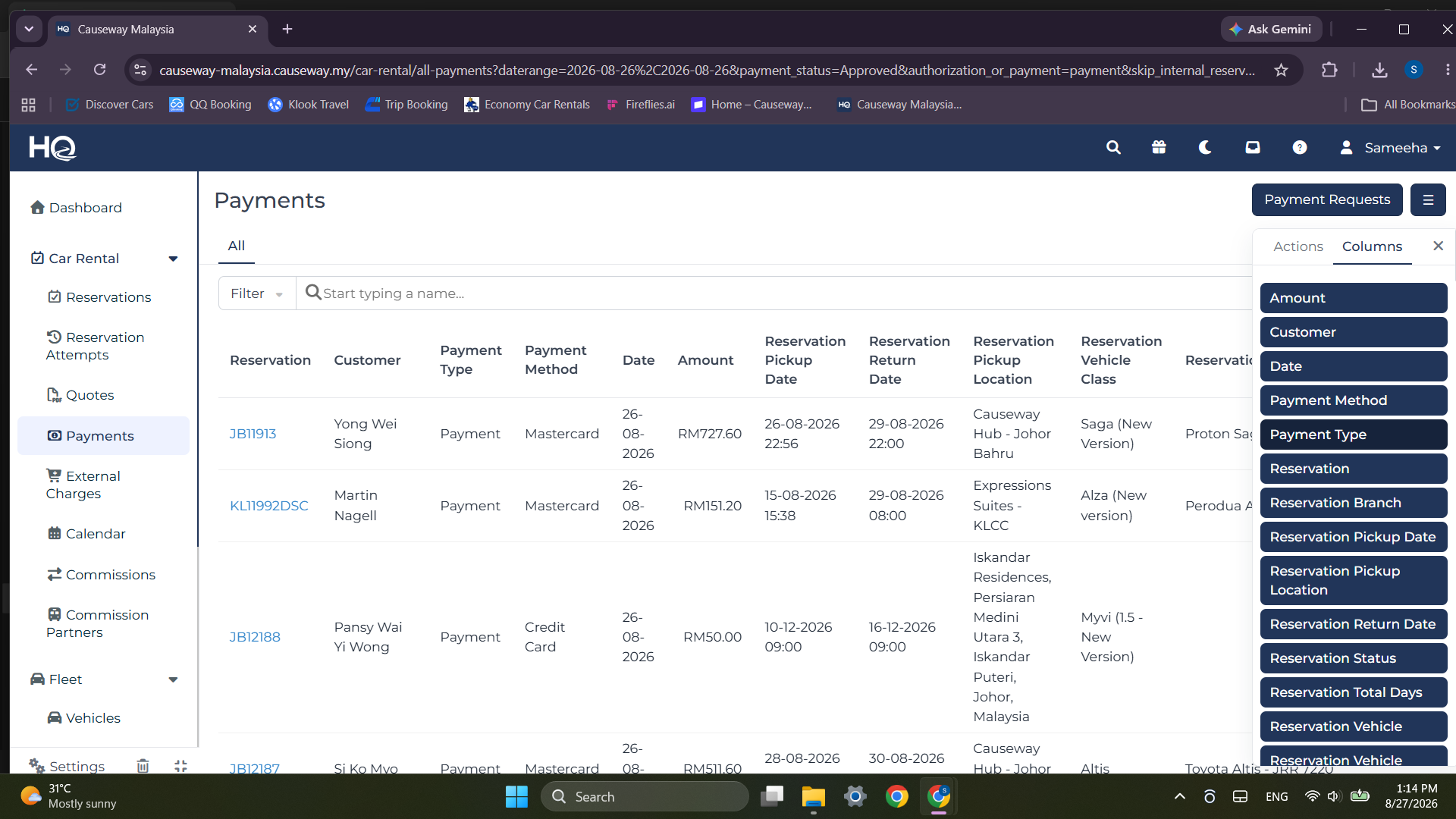
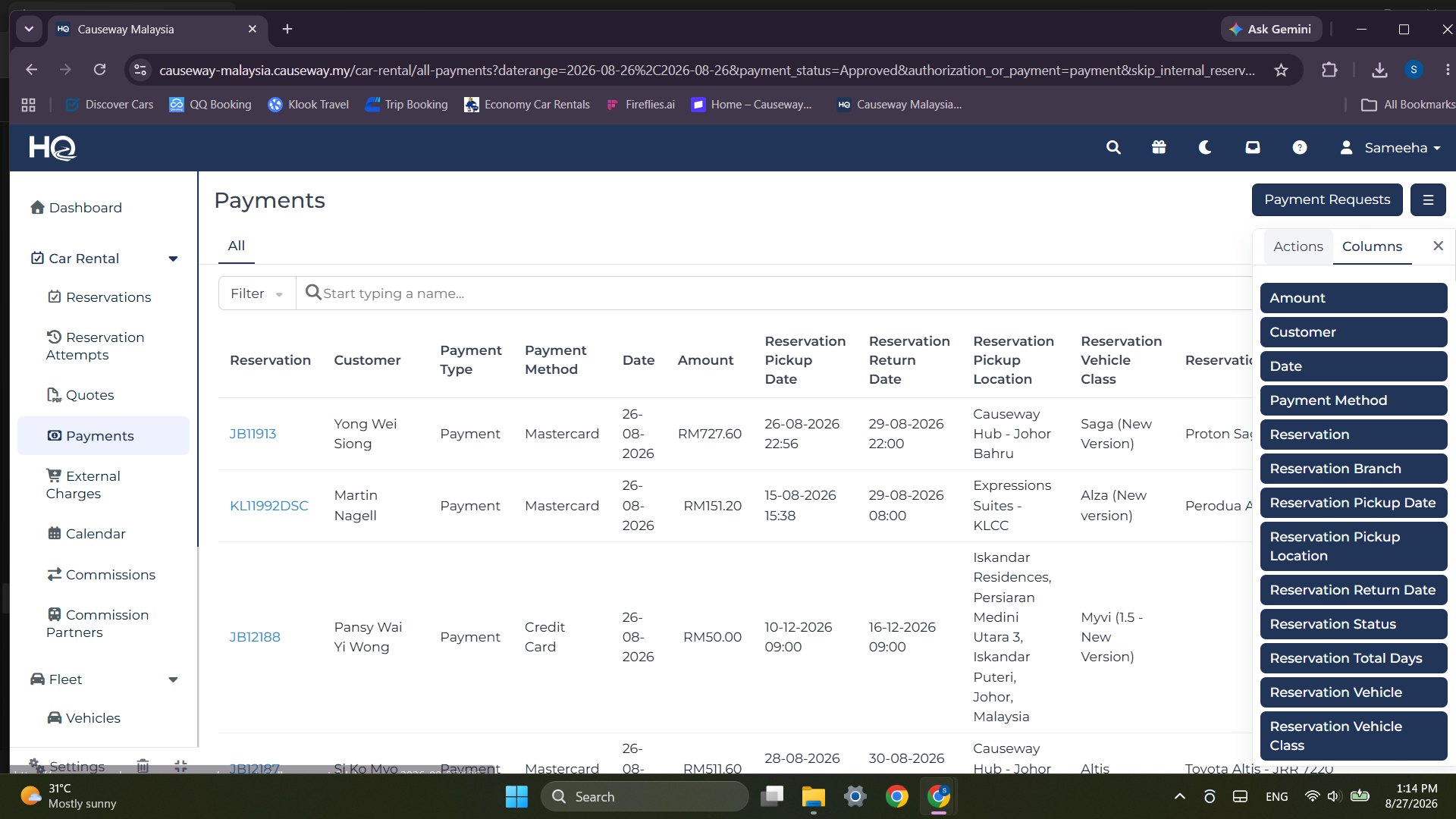
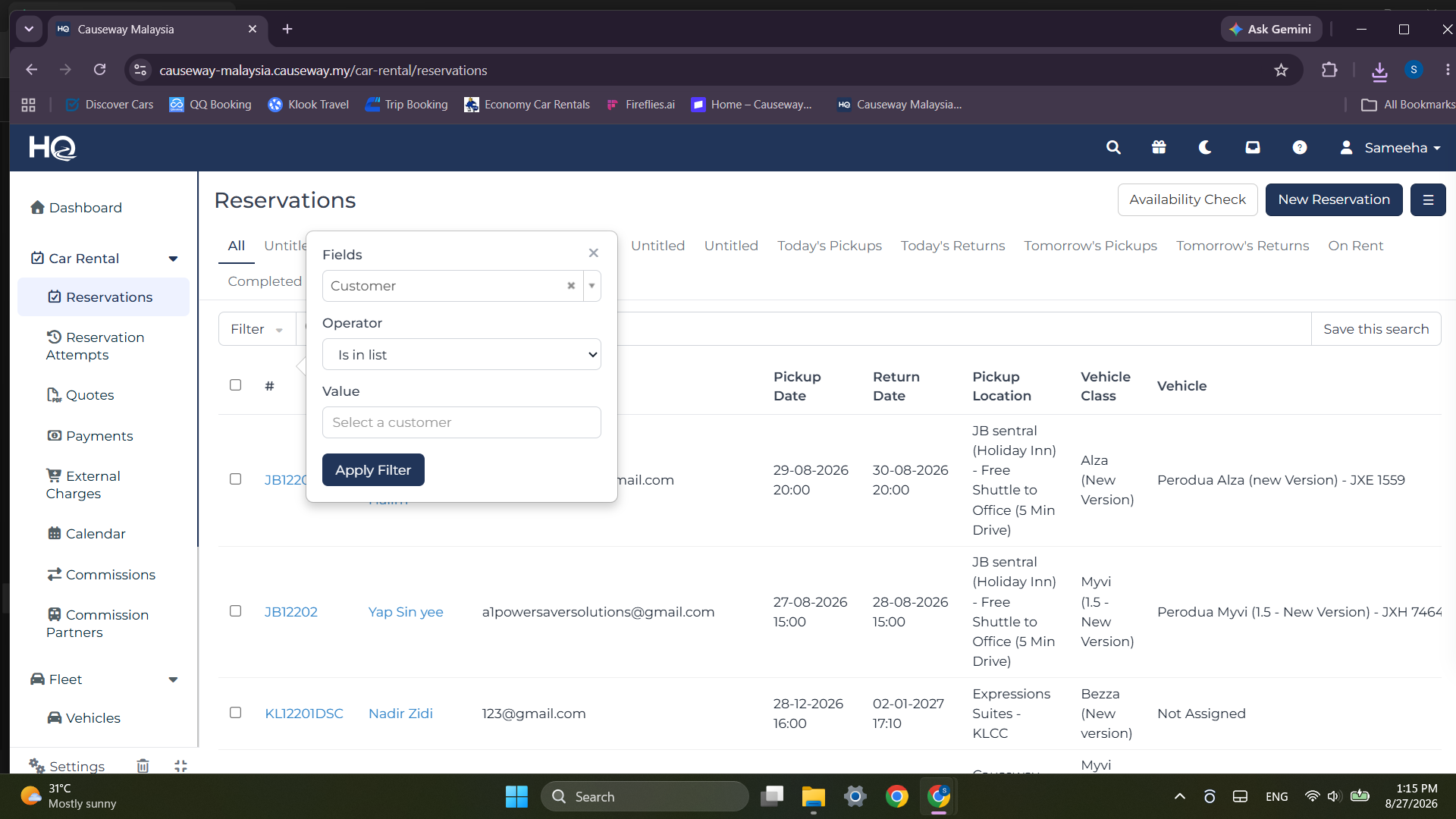
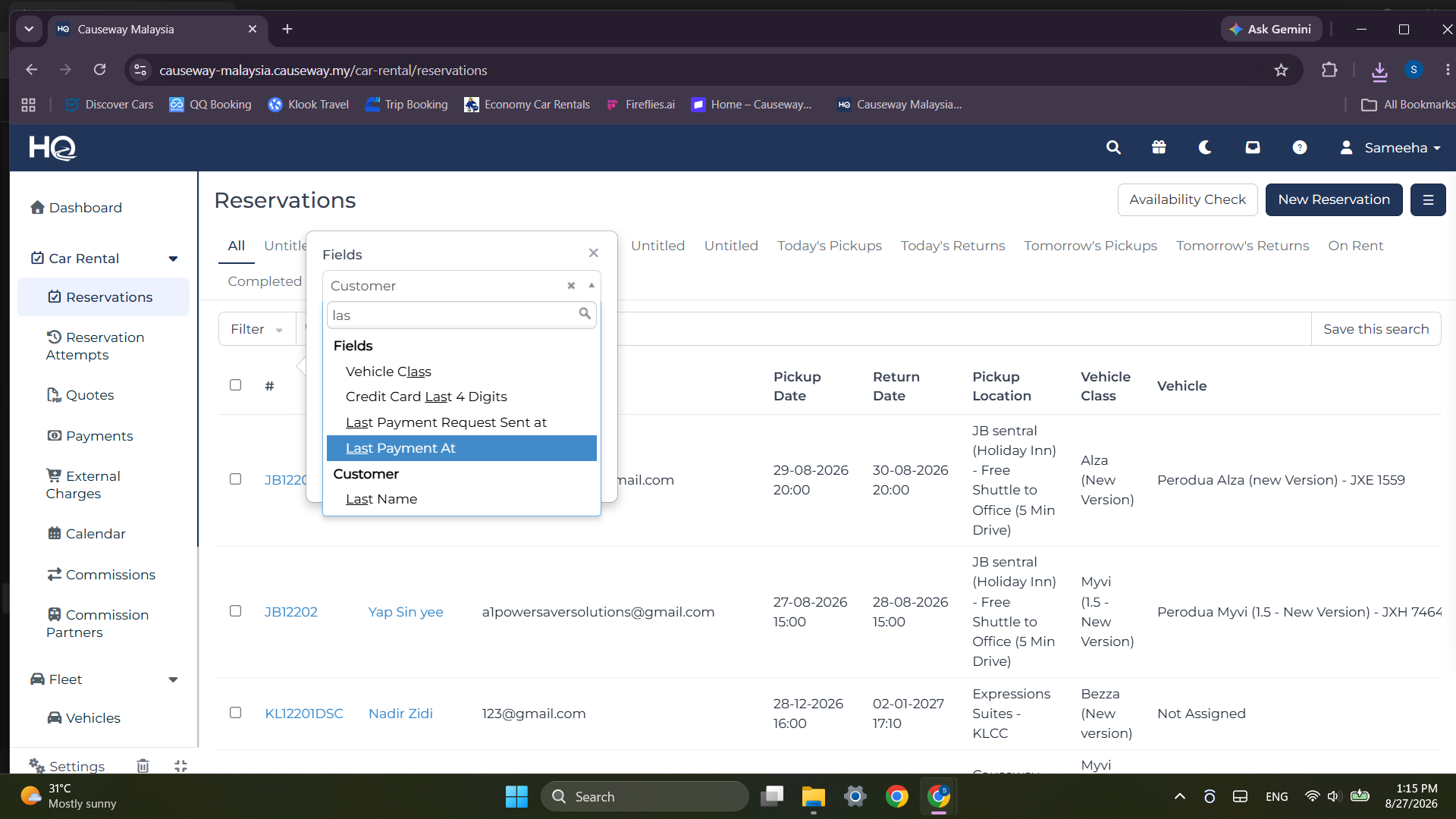
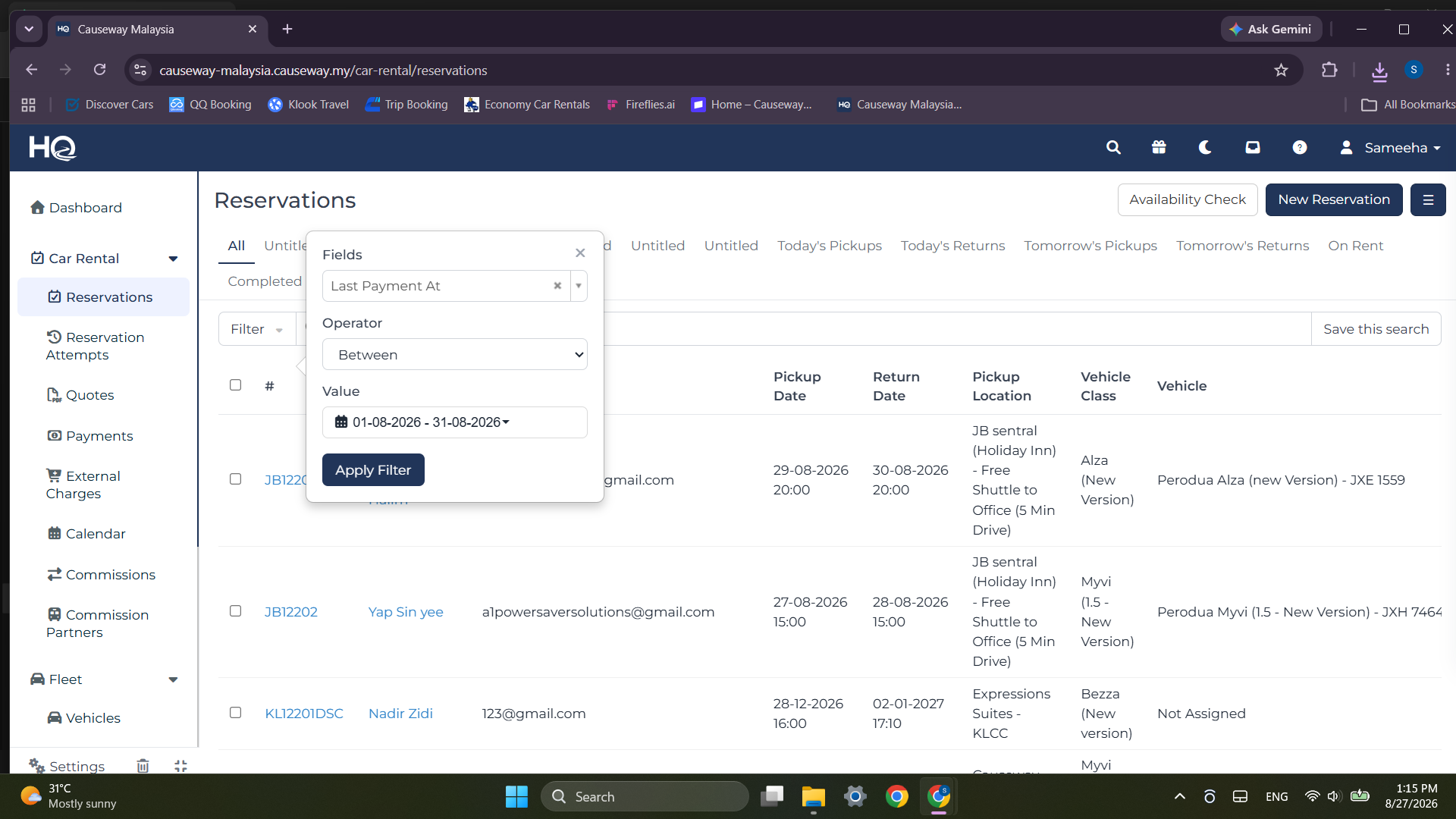
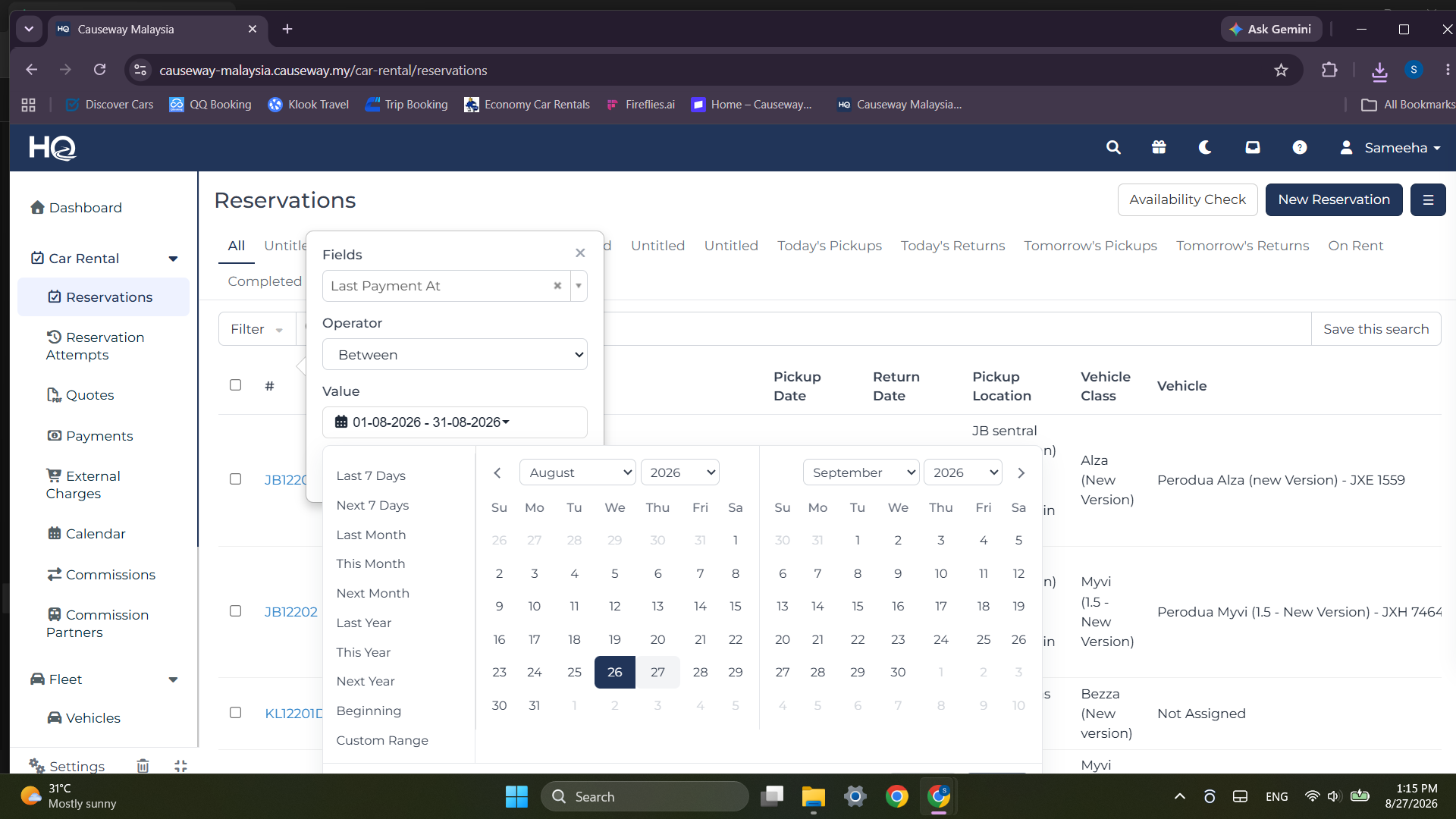
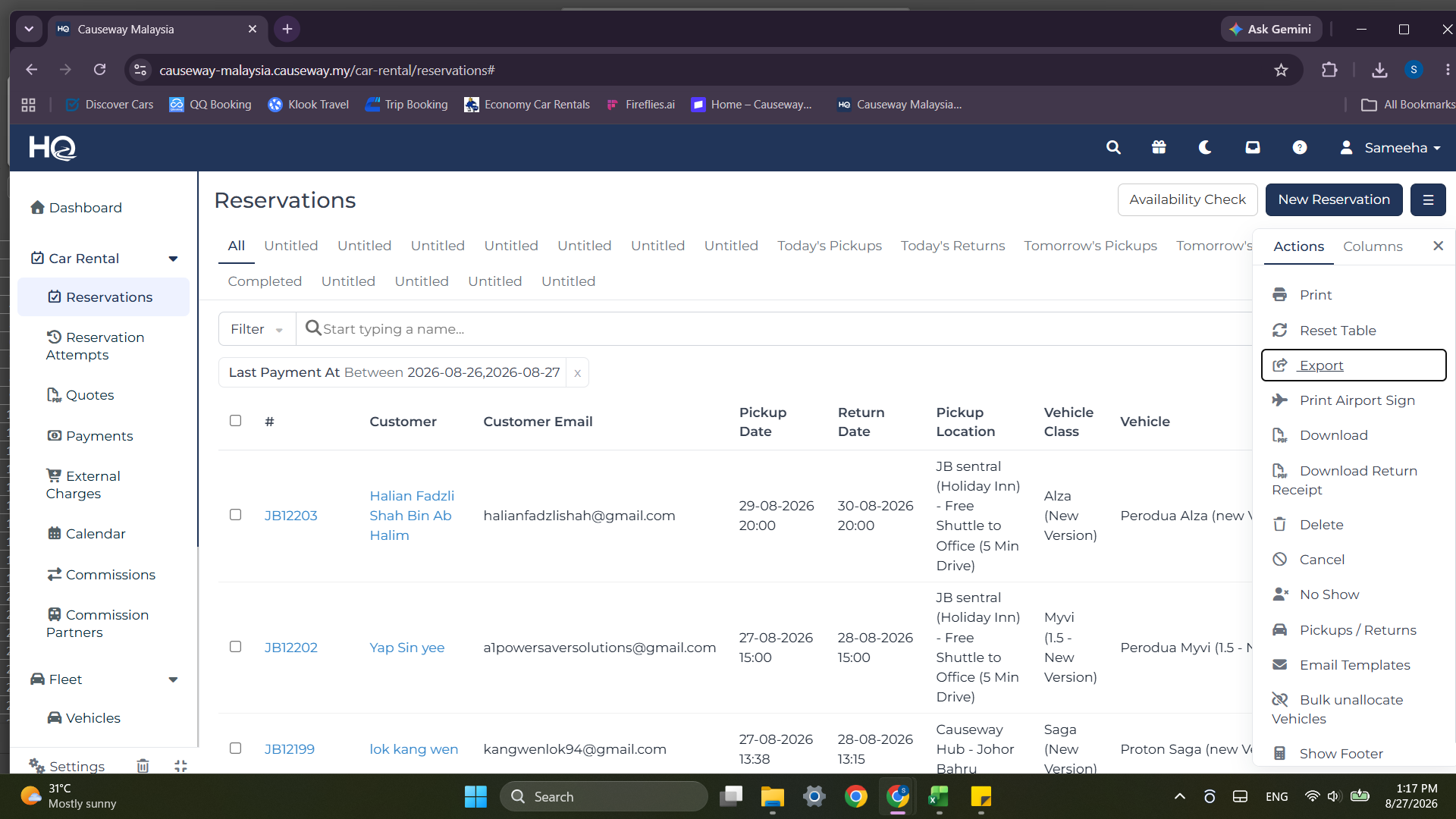
Export Payment Data
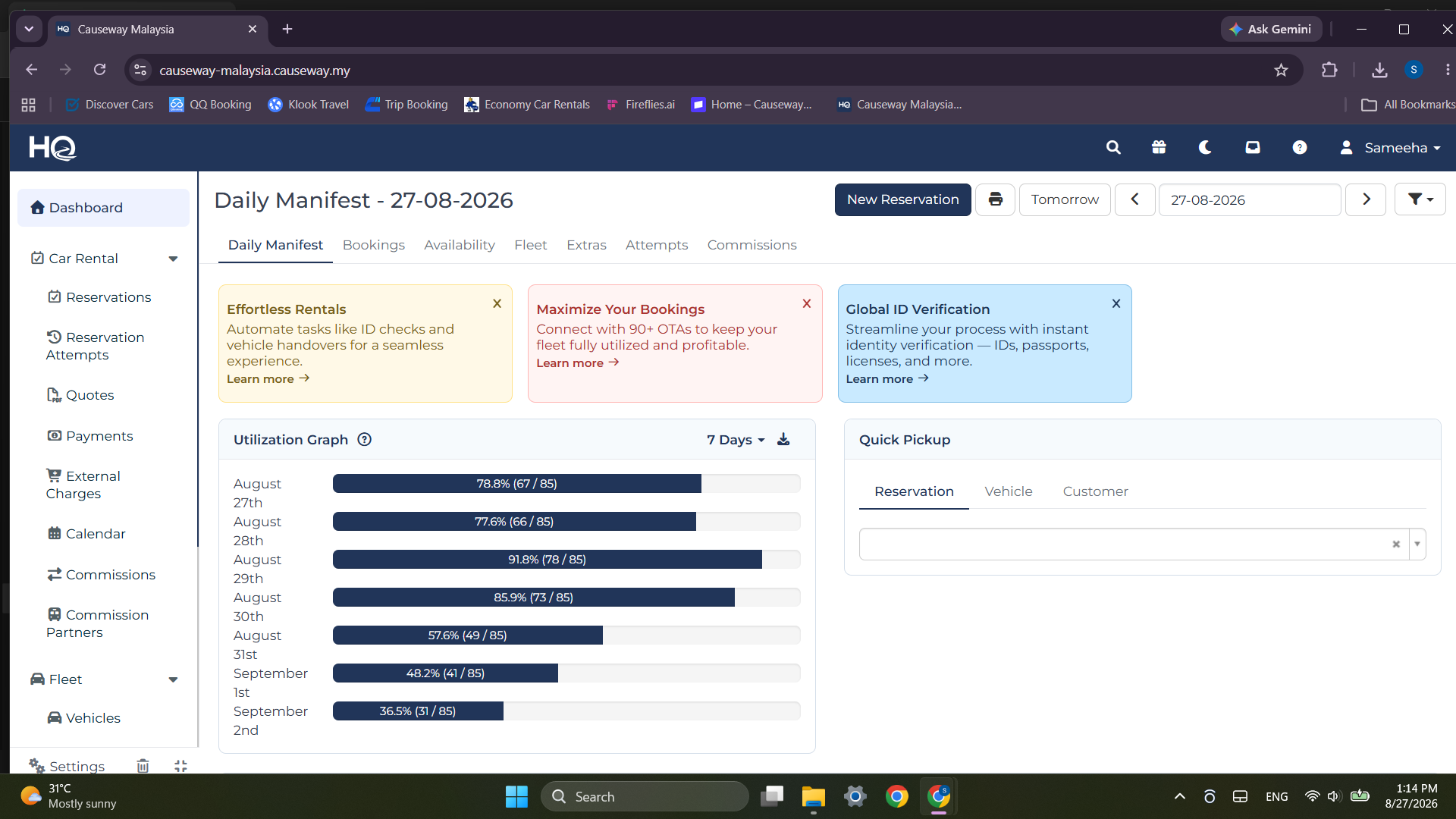
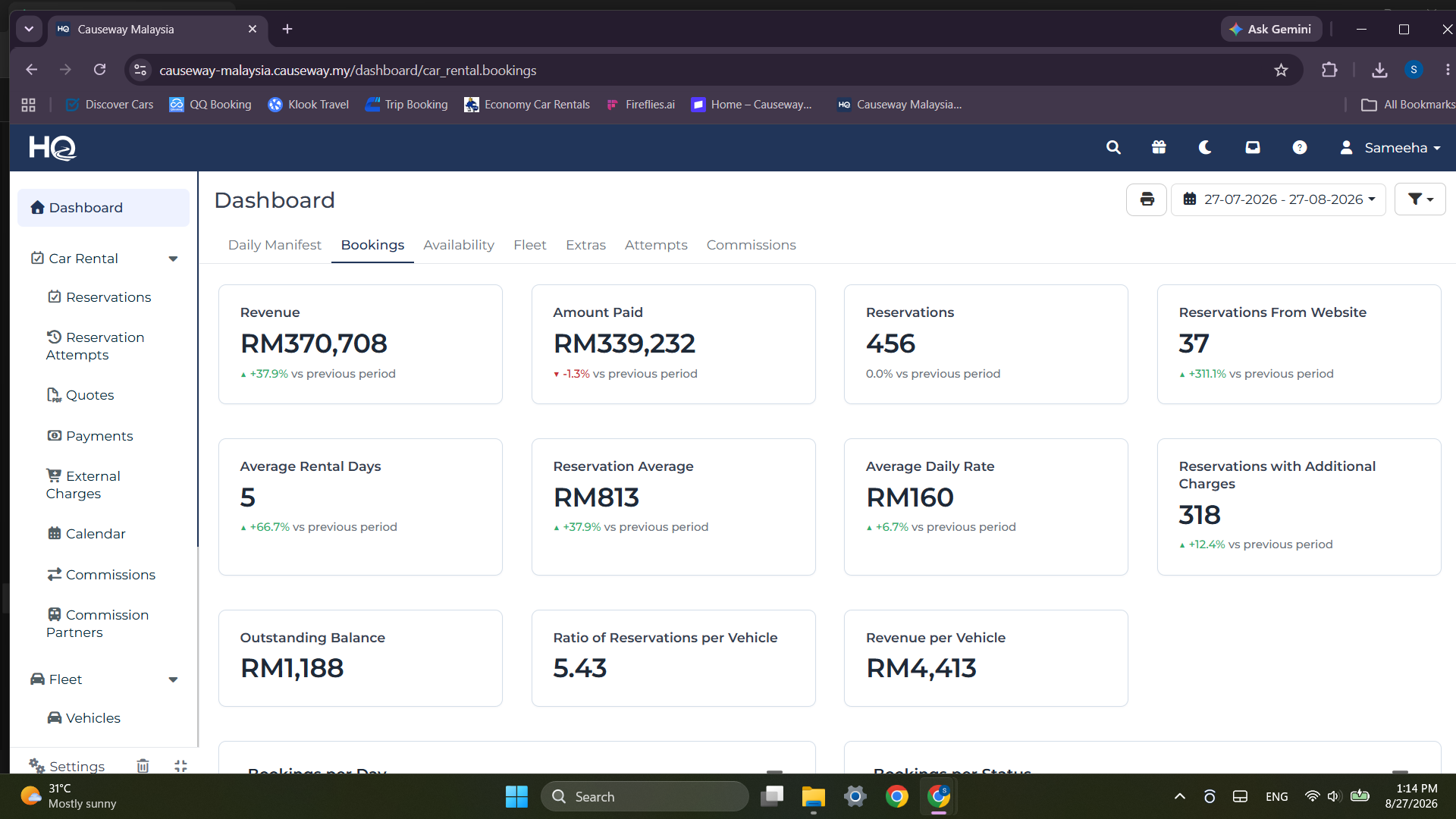
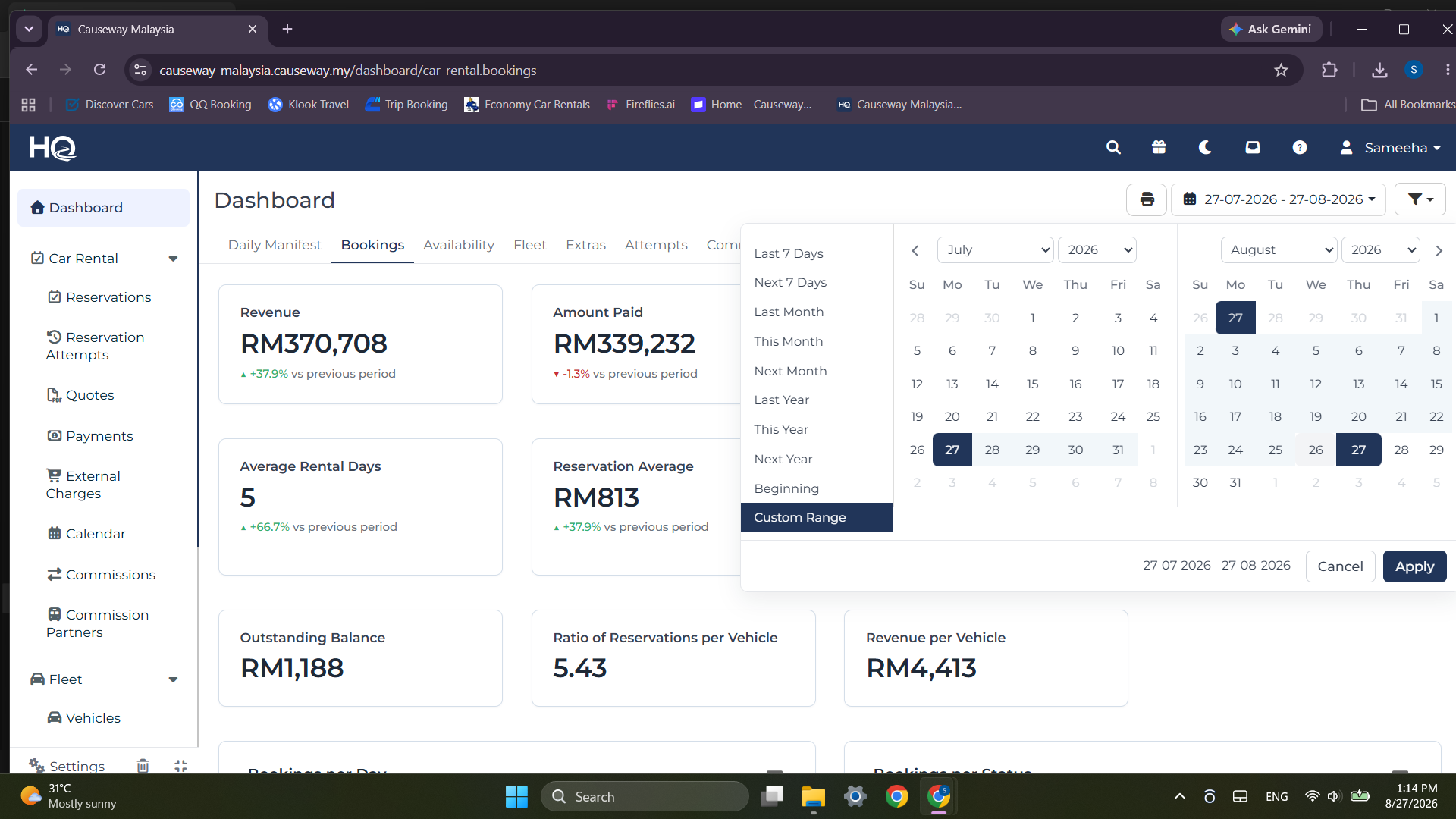
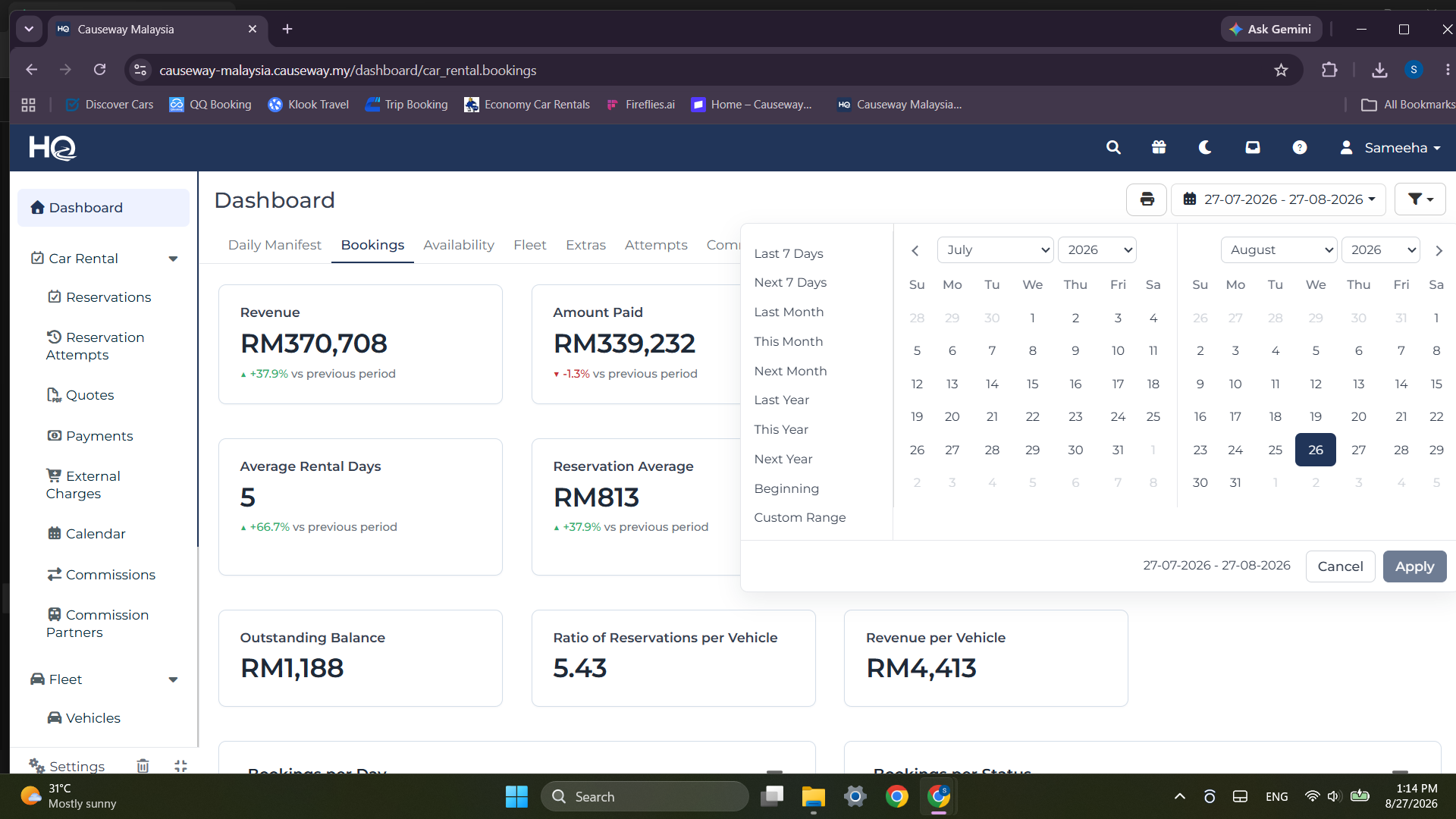
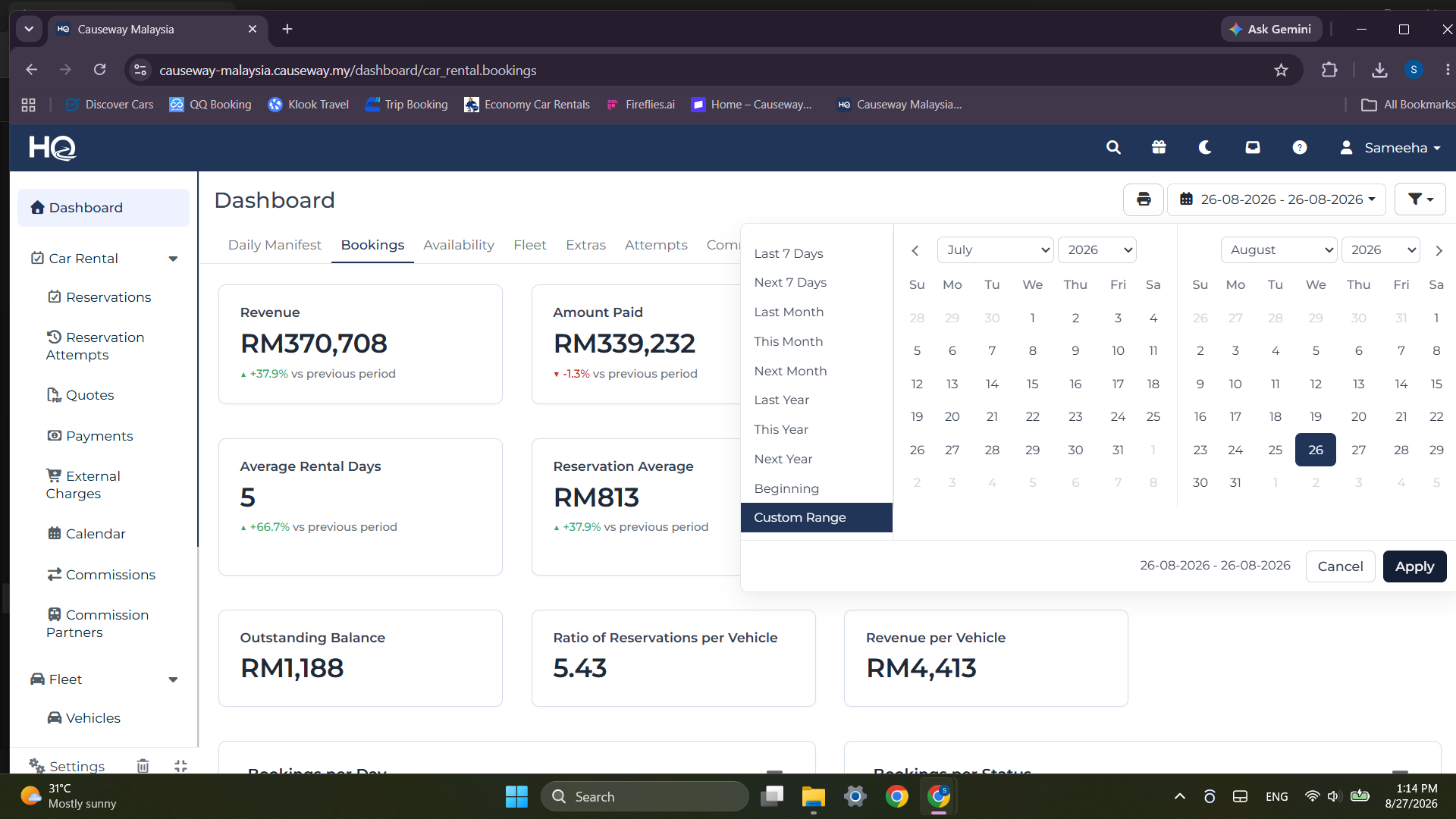
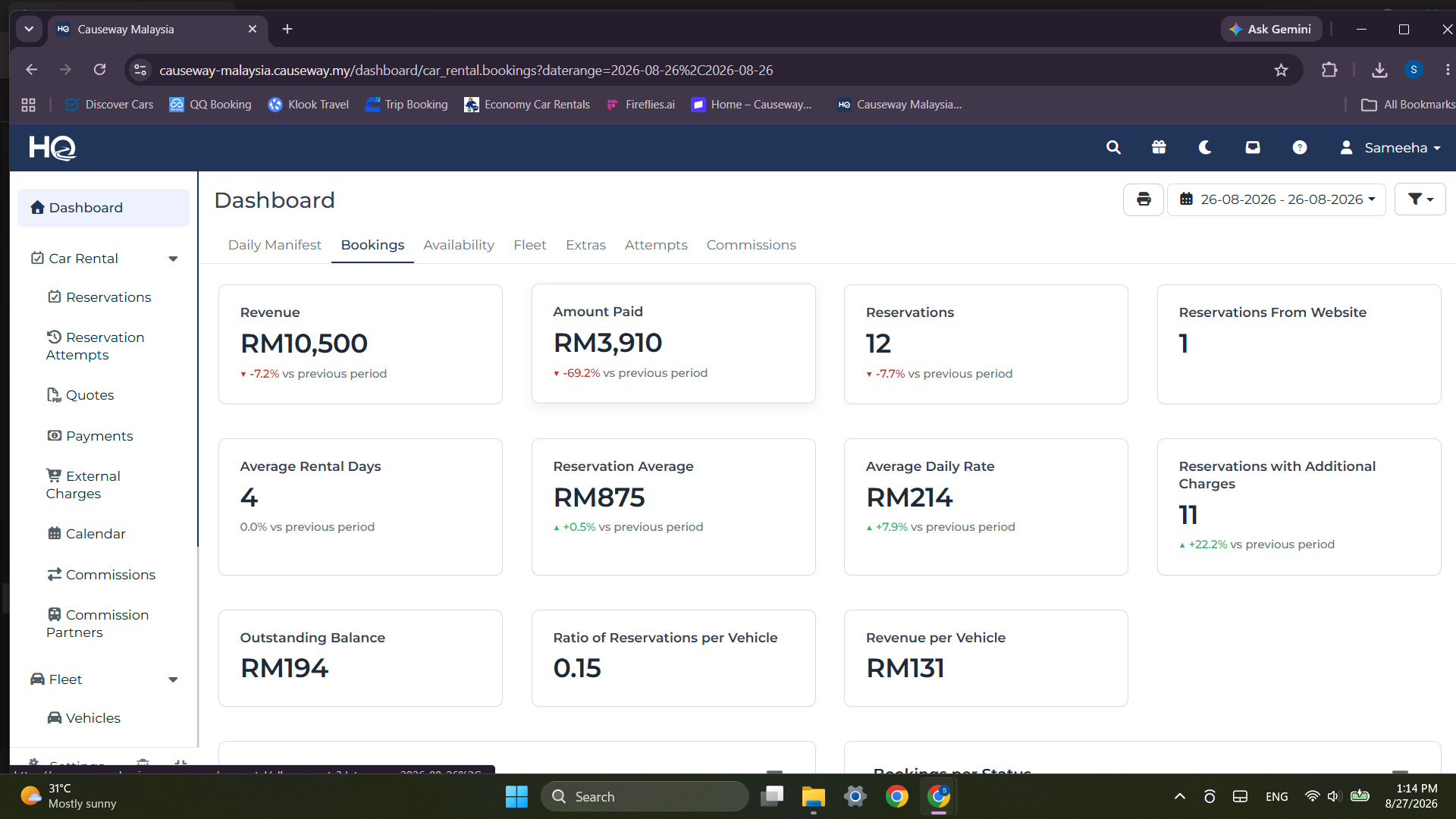
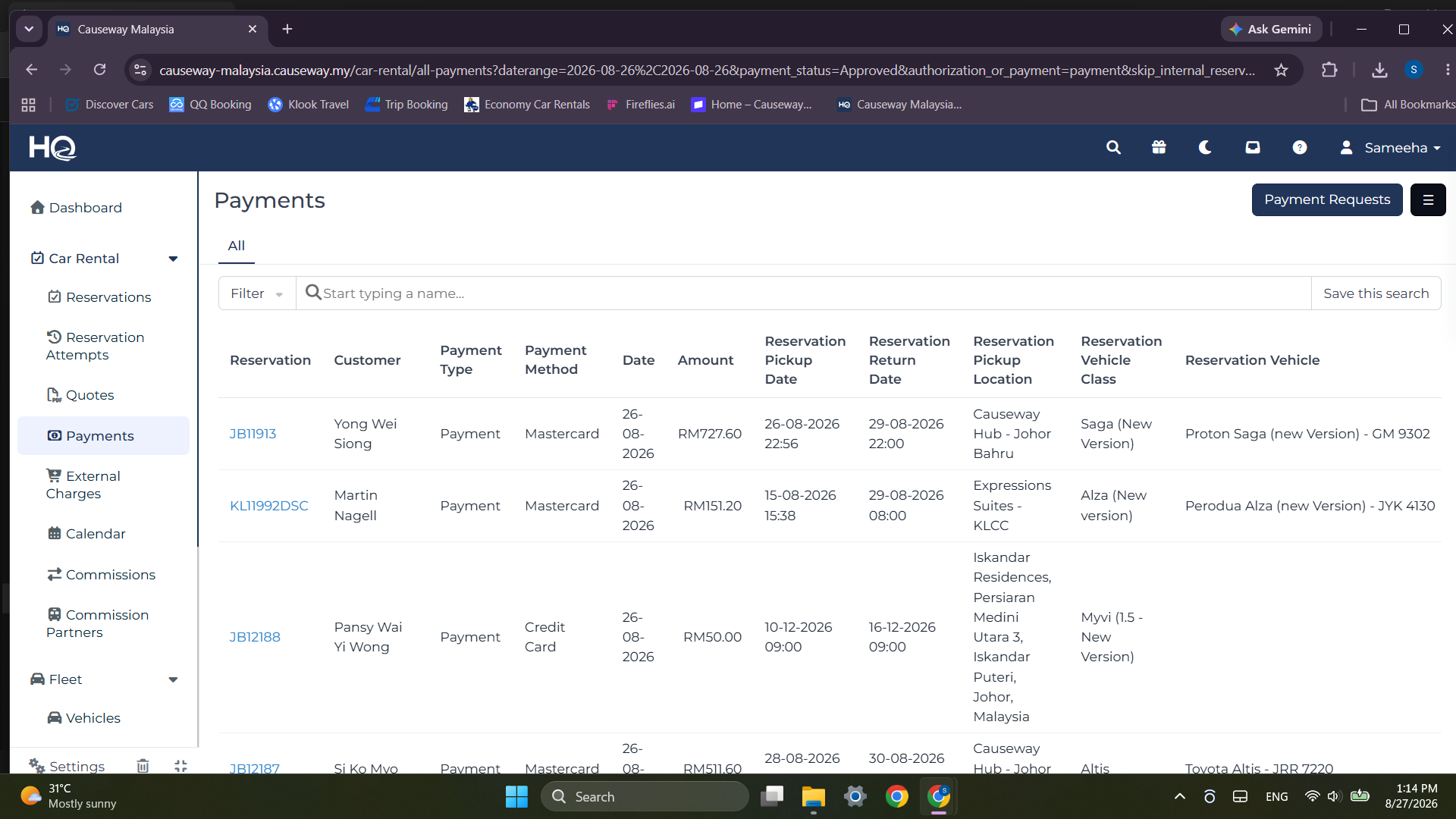
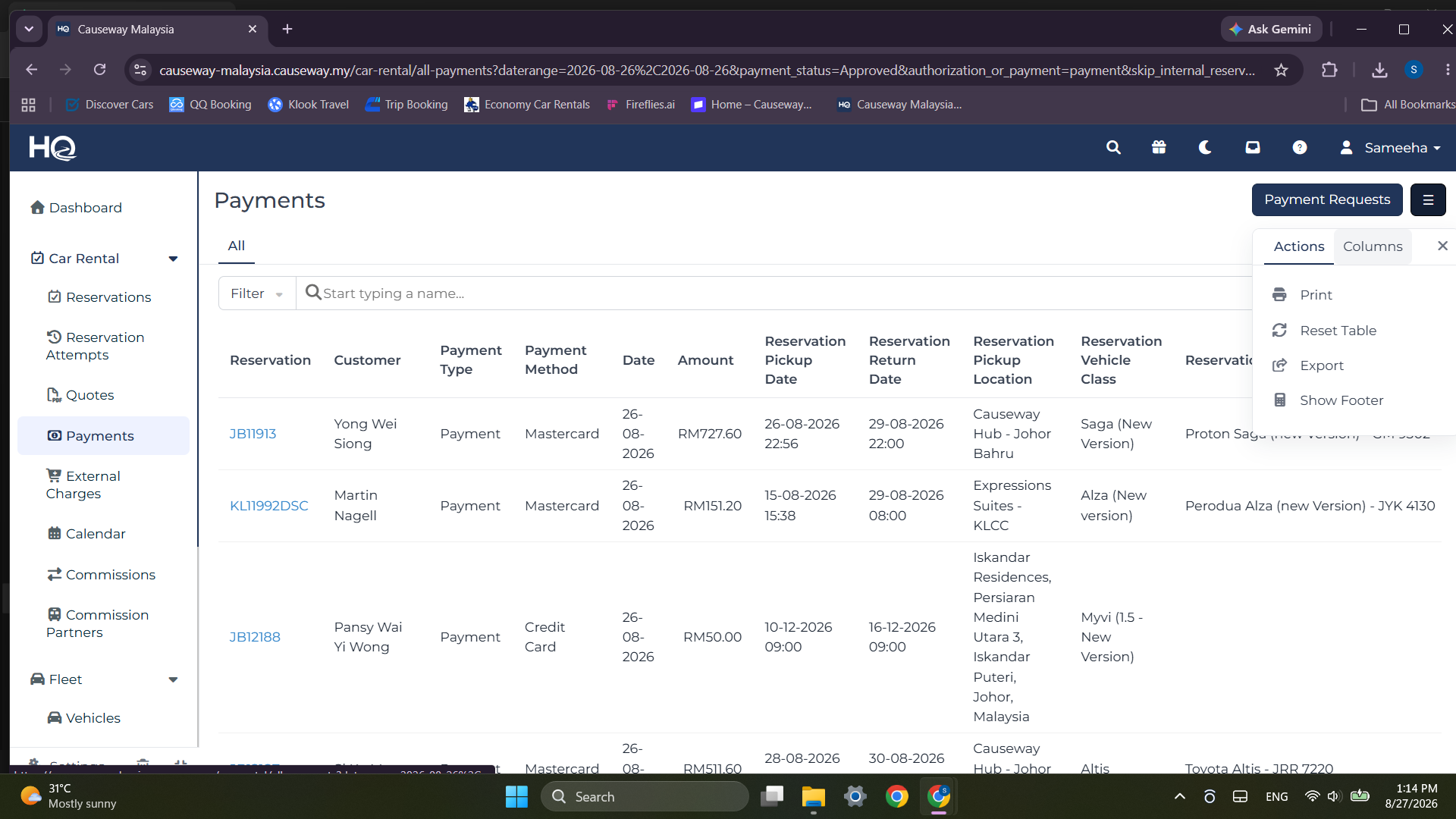
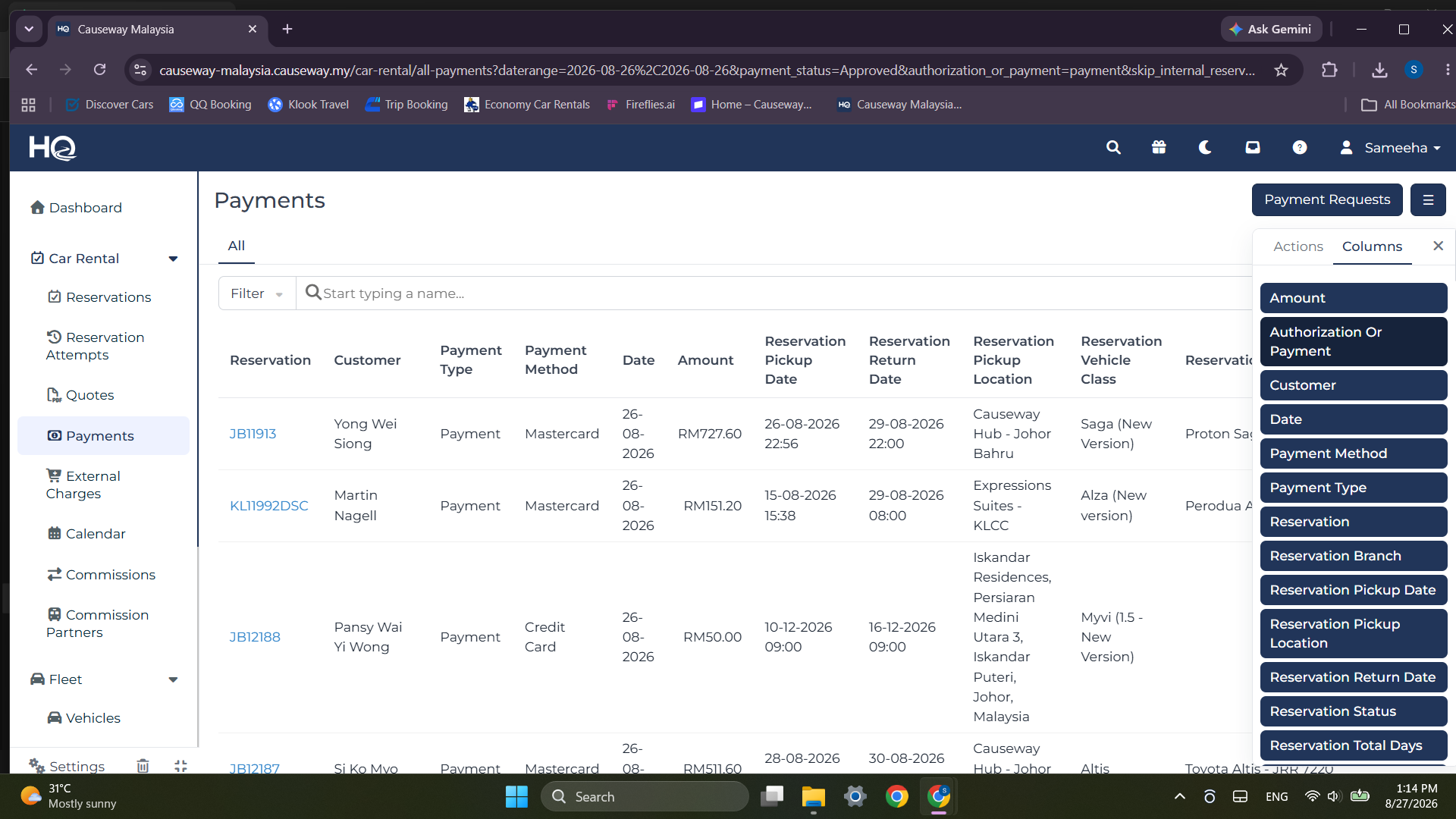
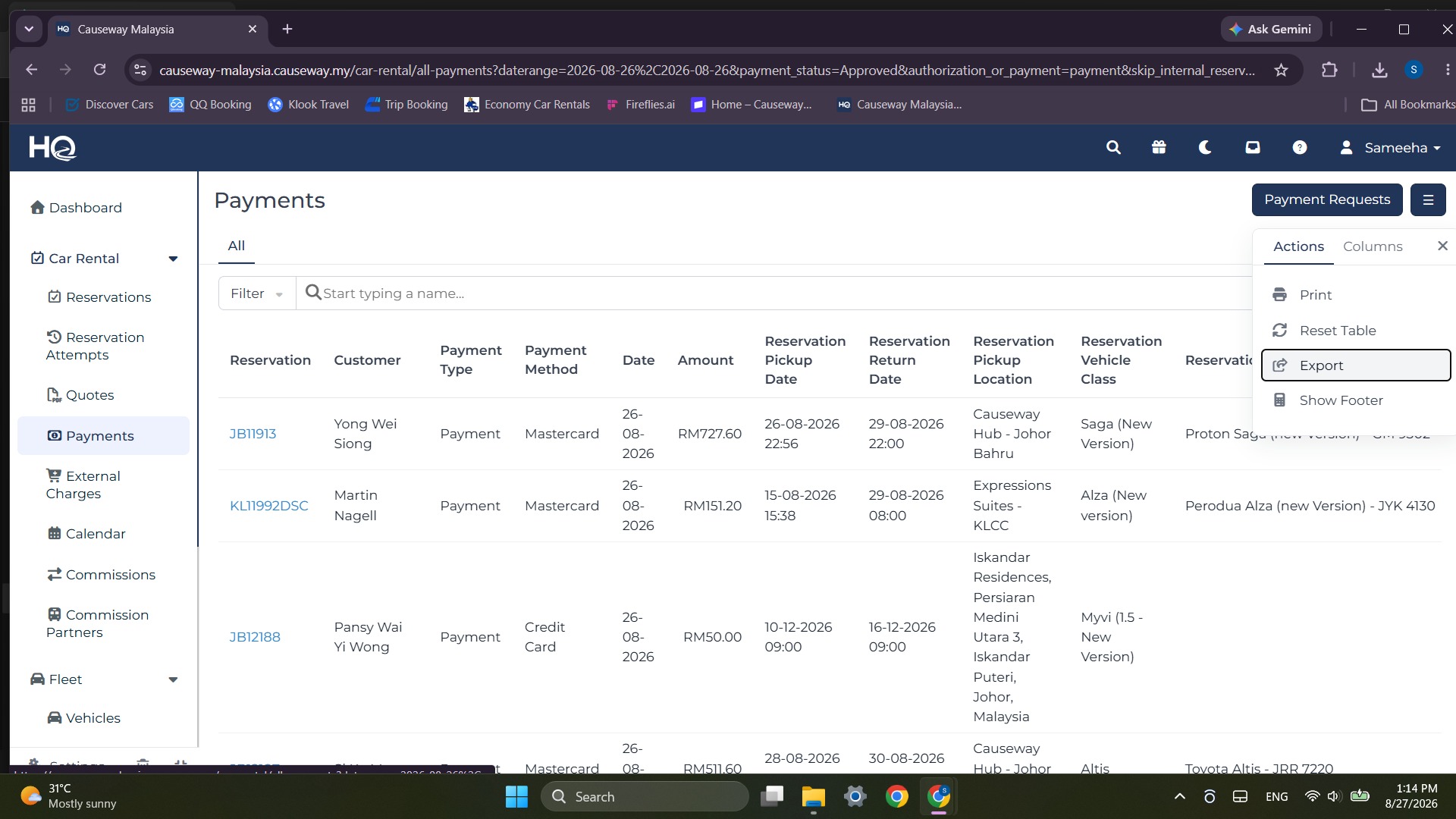
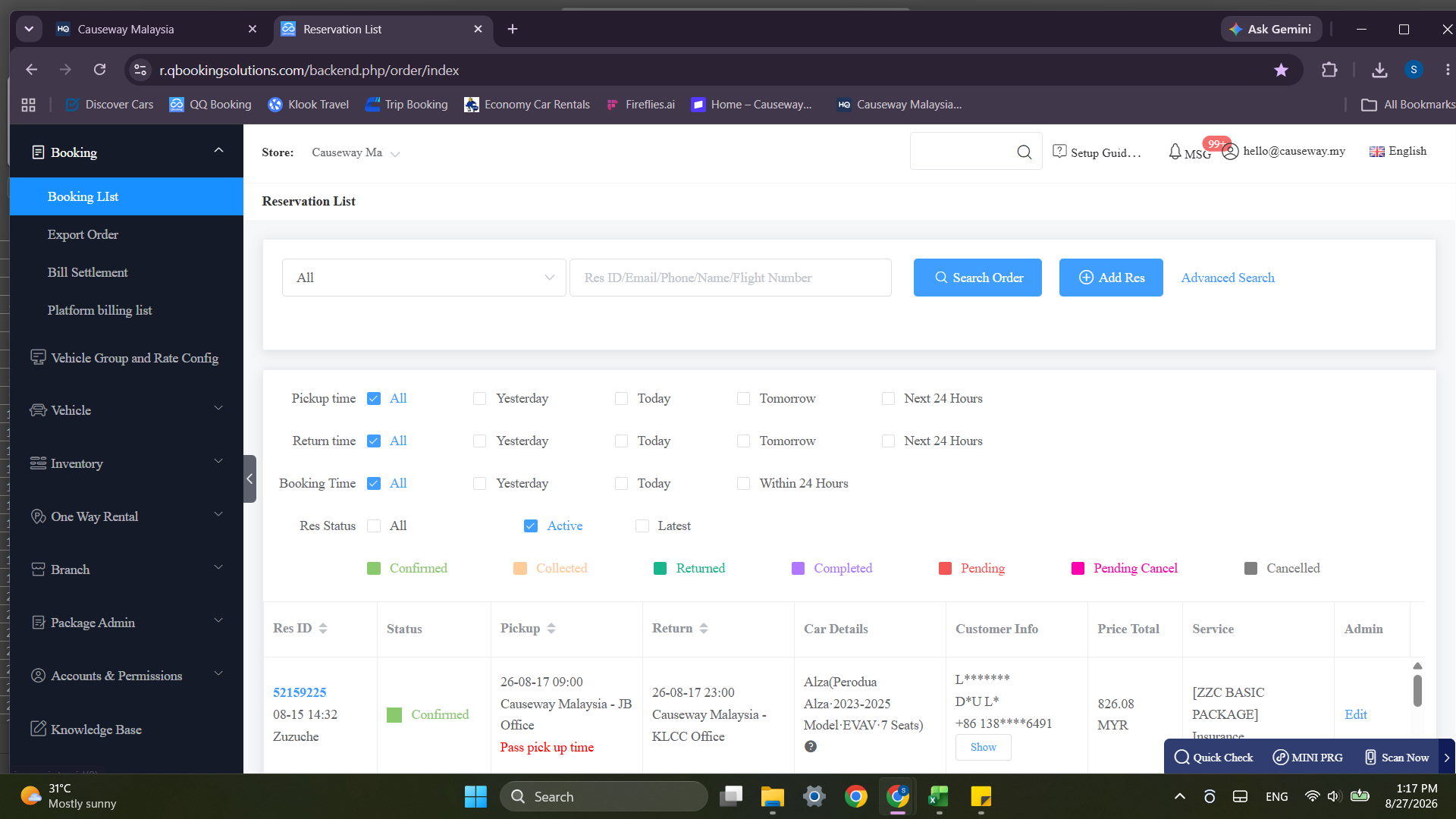
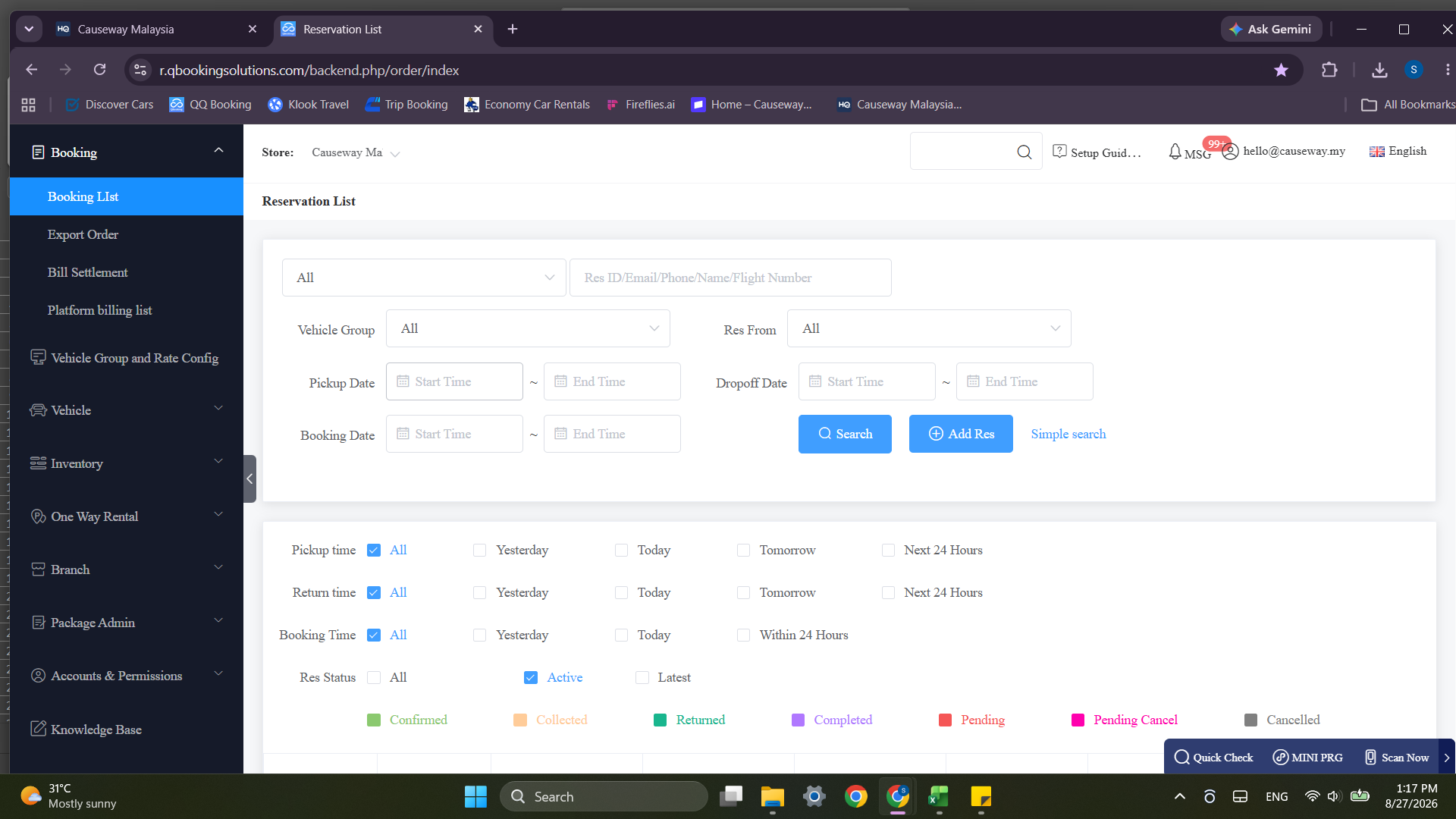
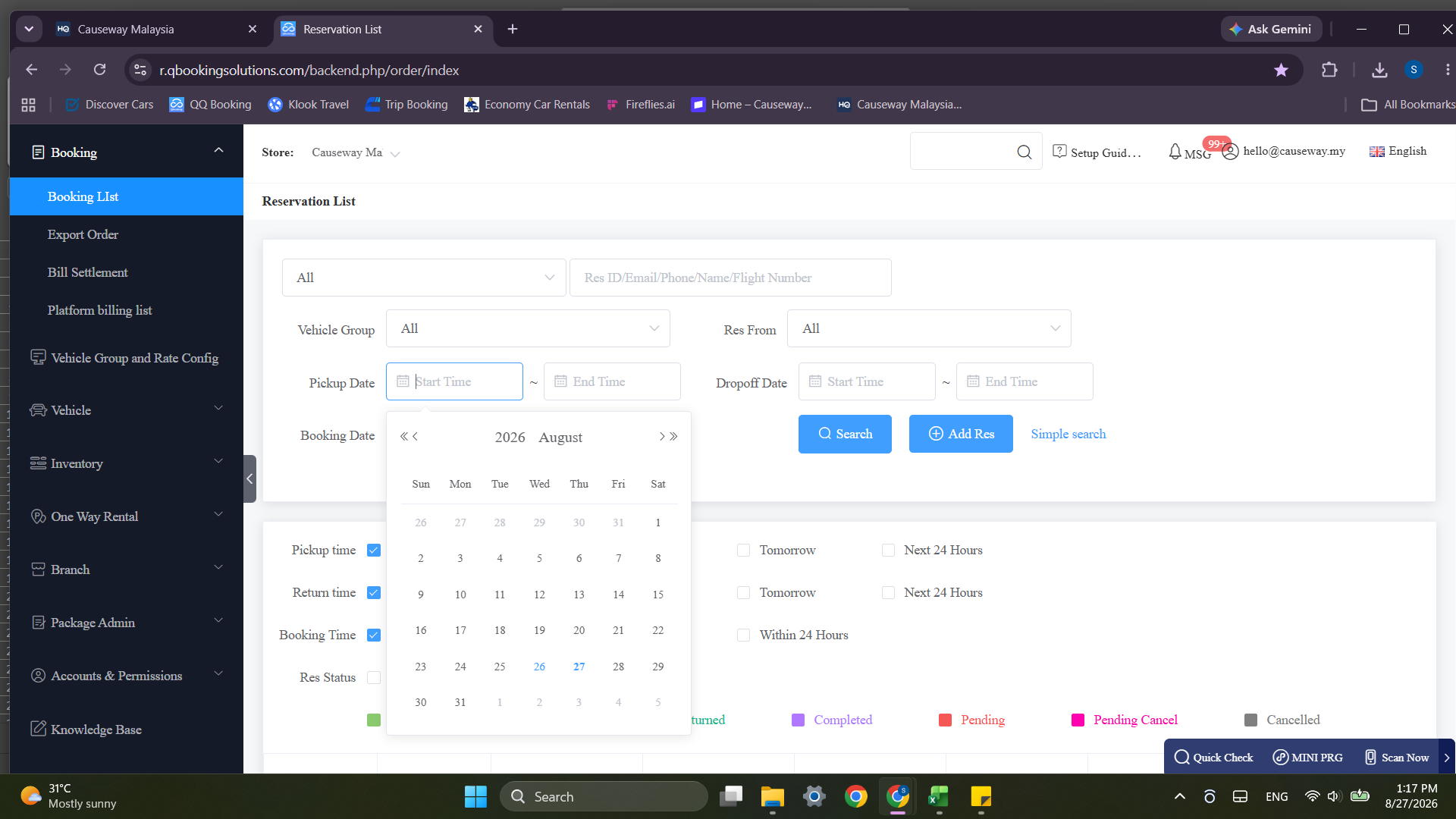
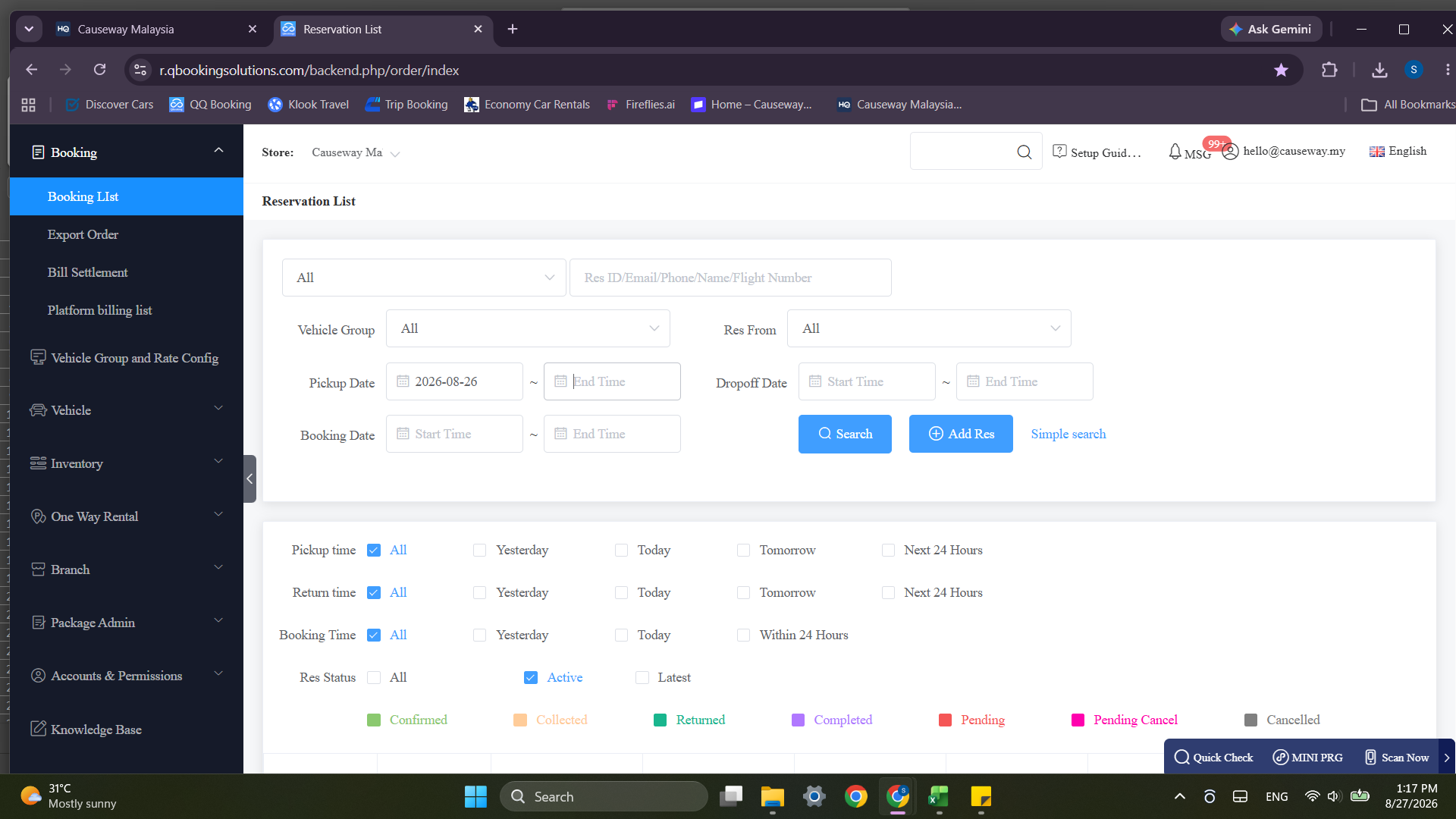
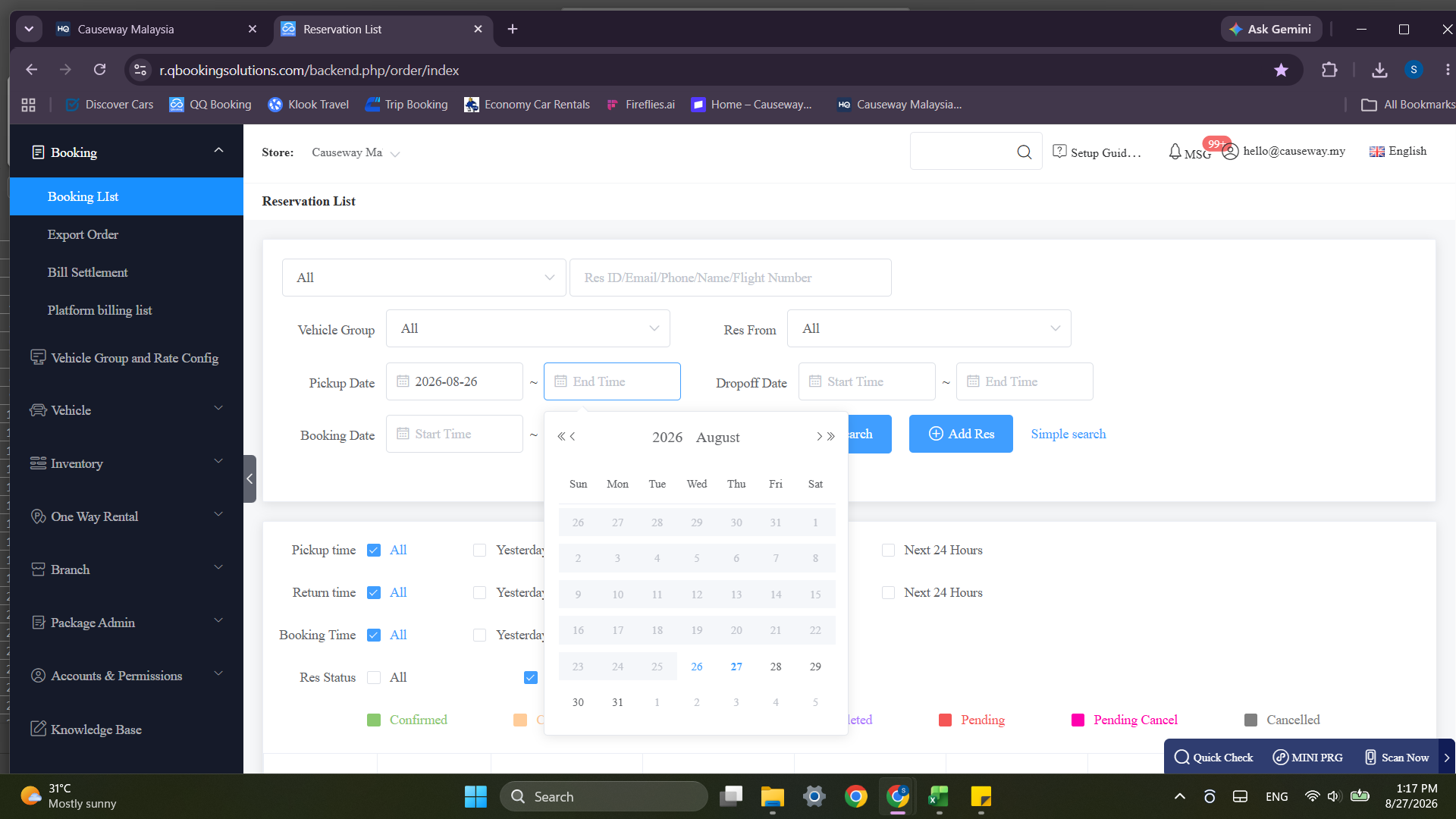
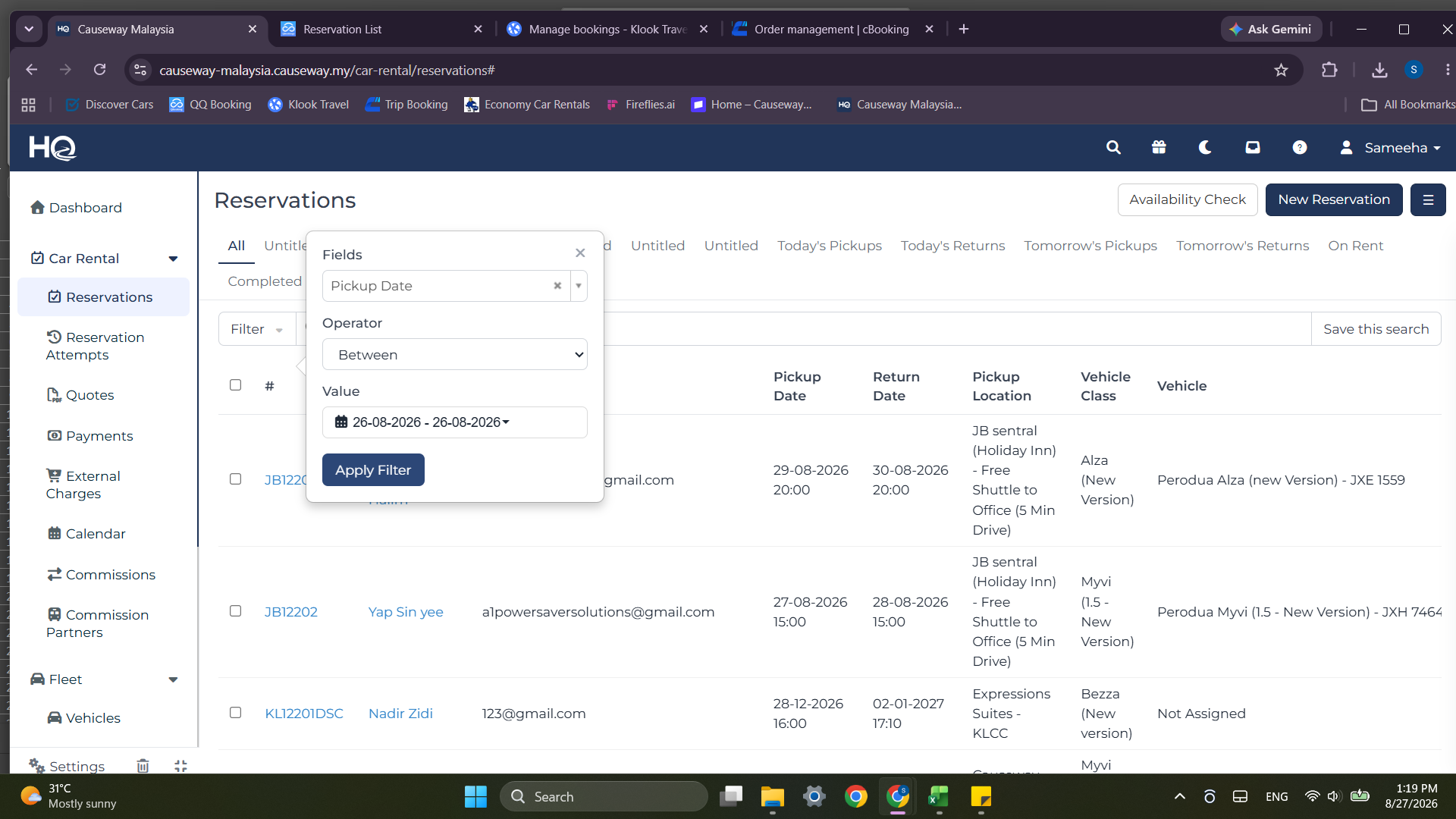
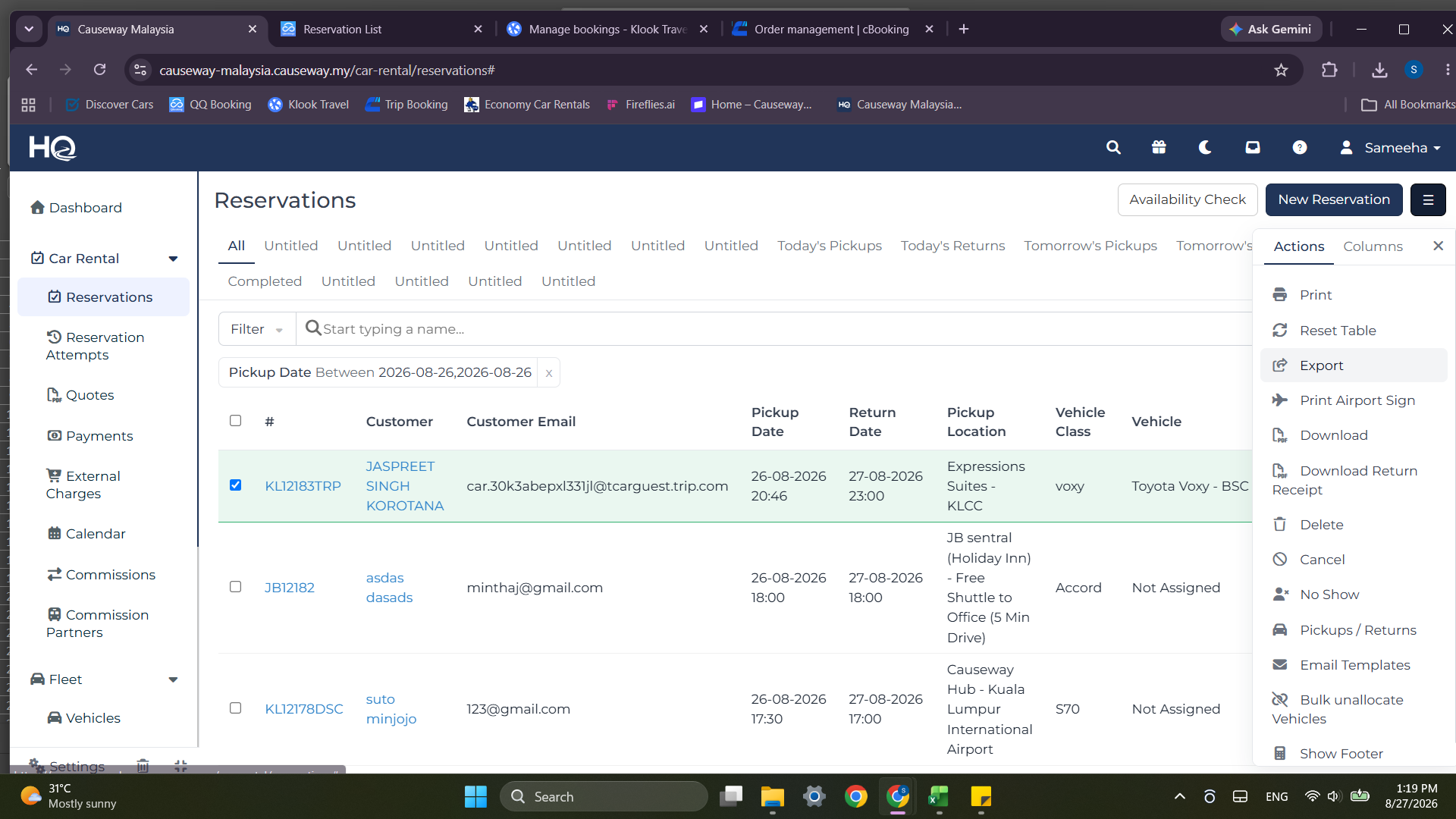
Export Initial Reservations Report
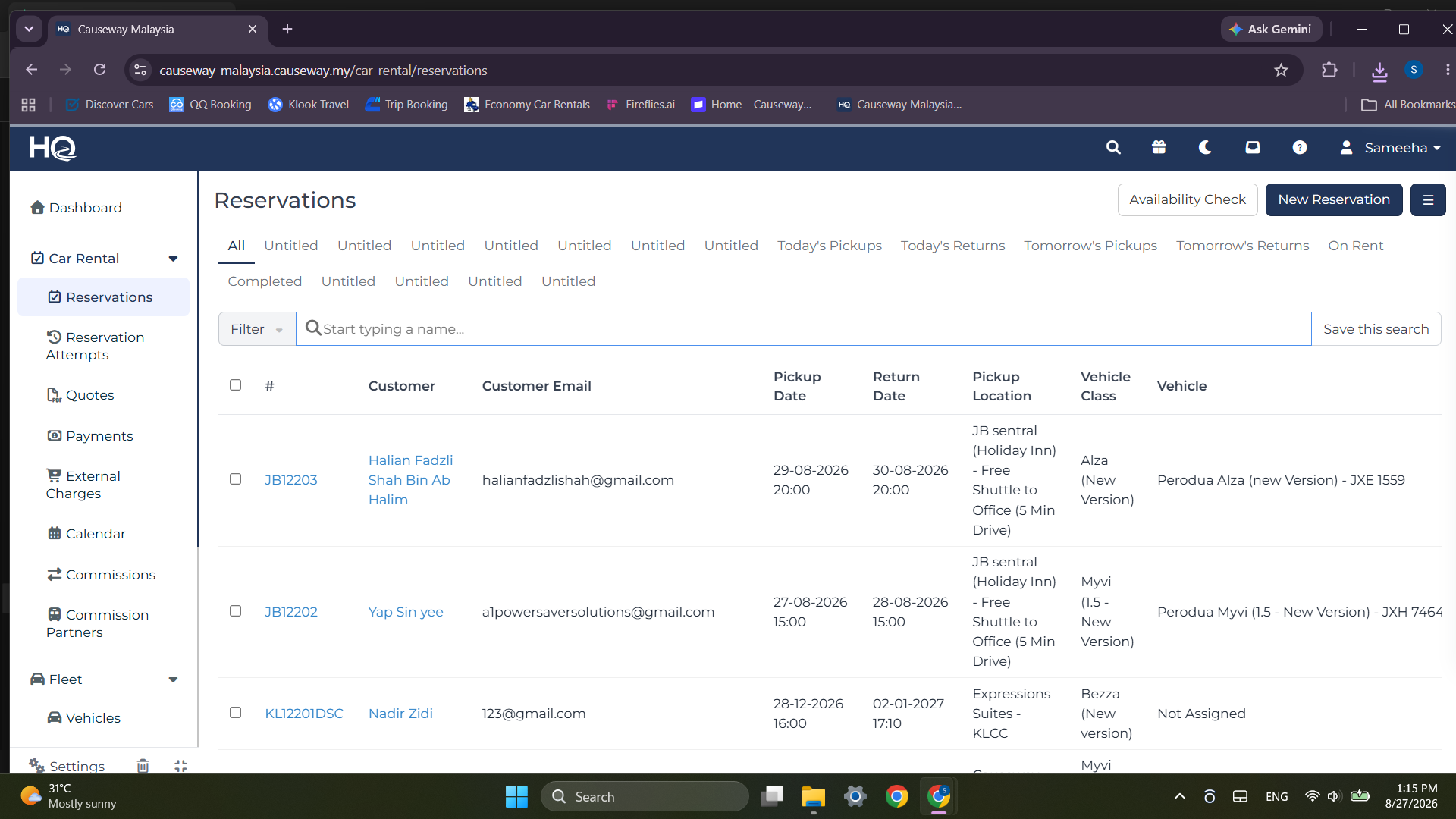
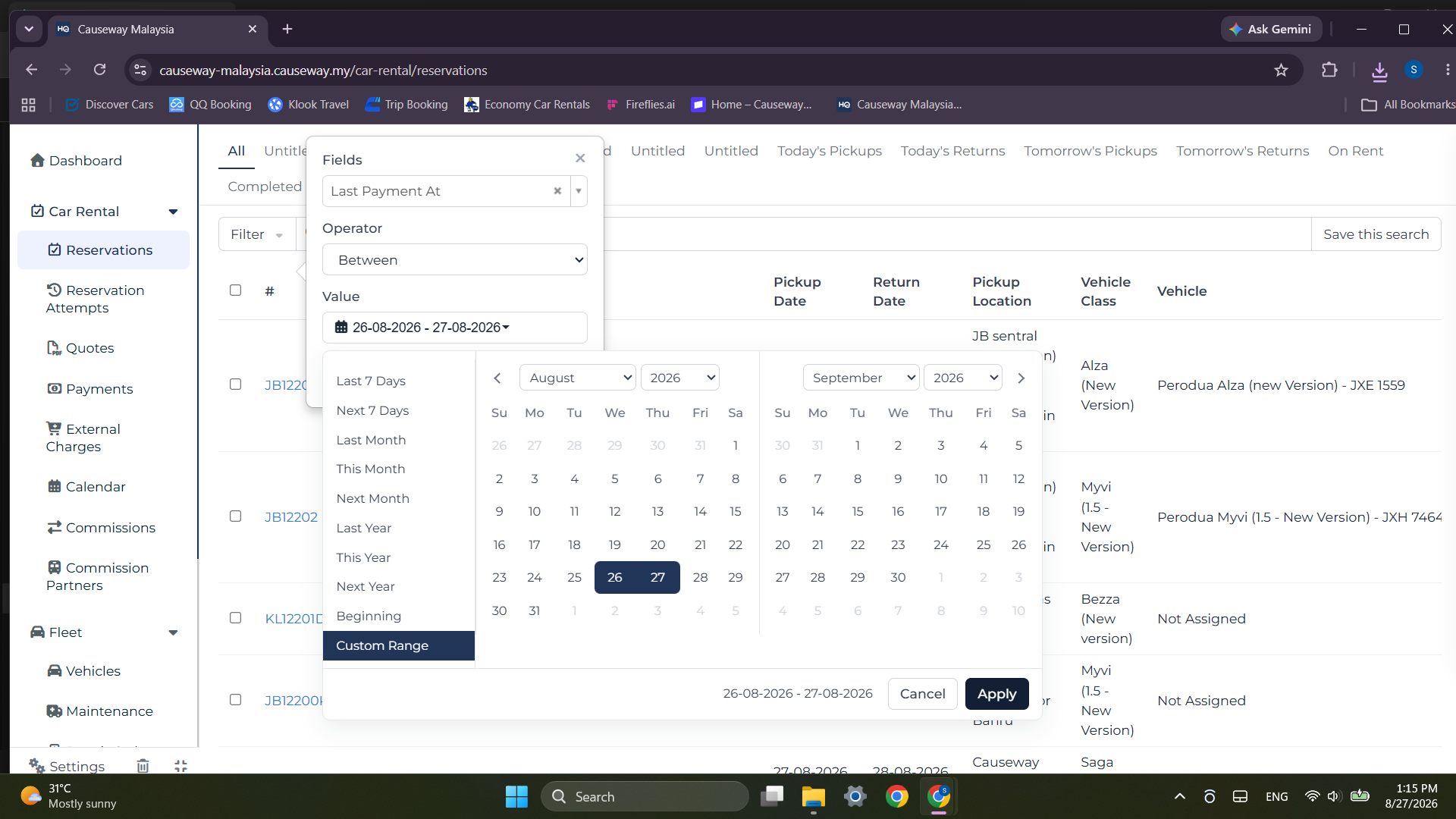
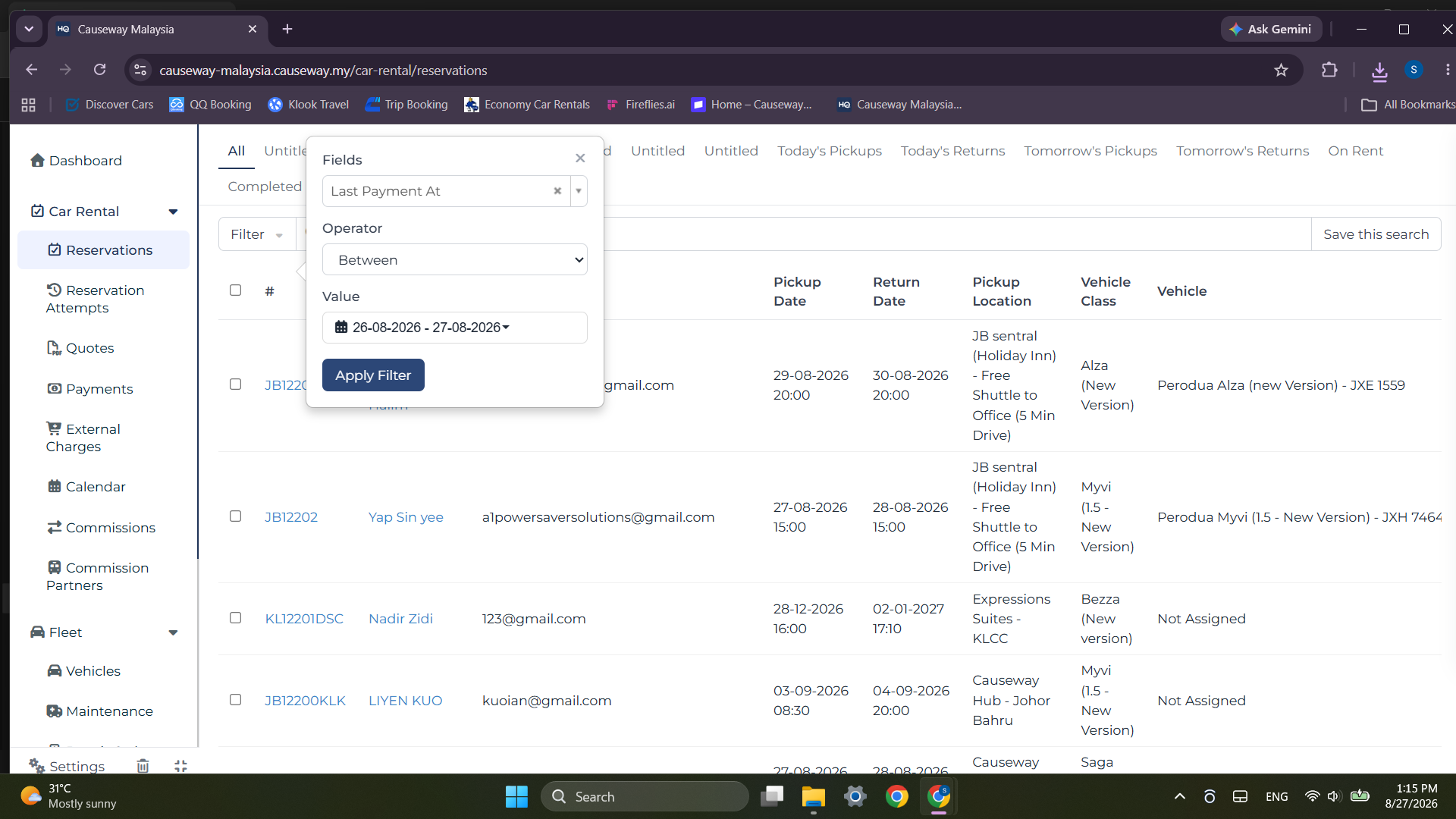
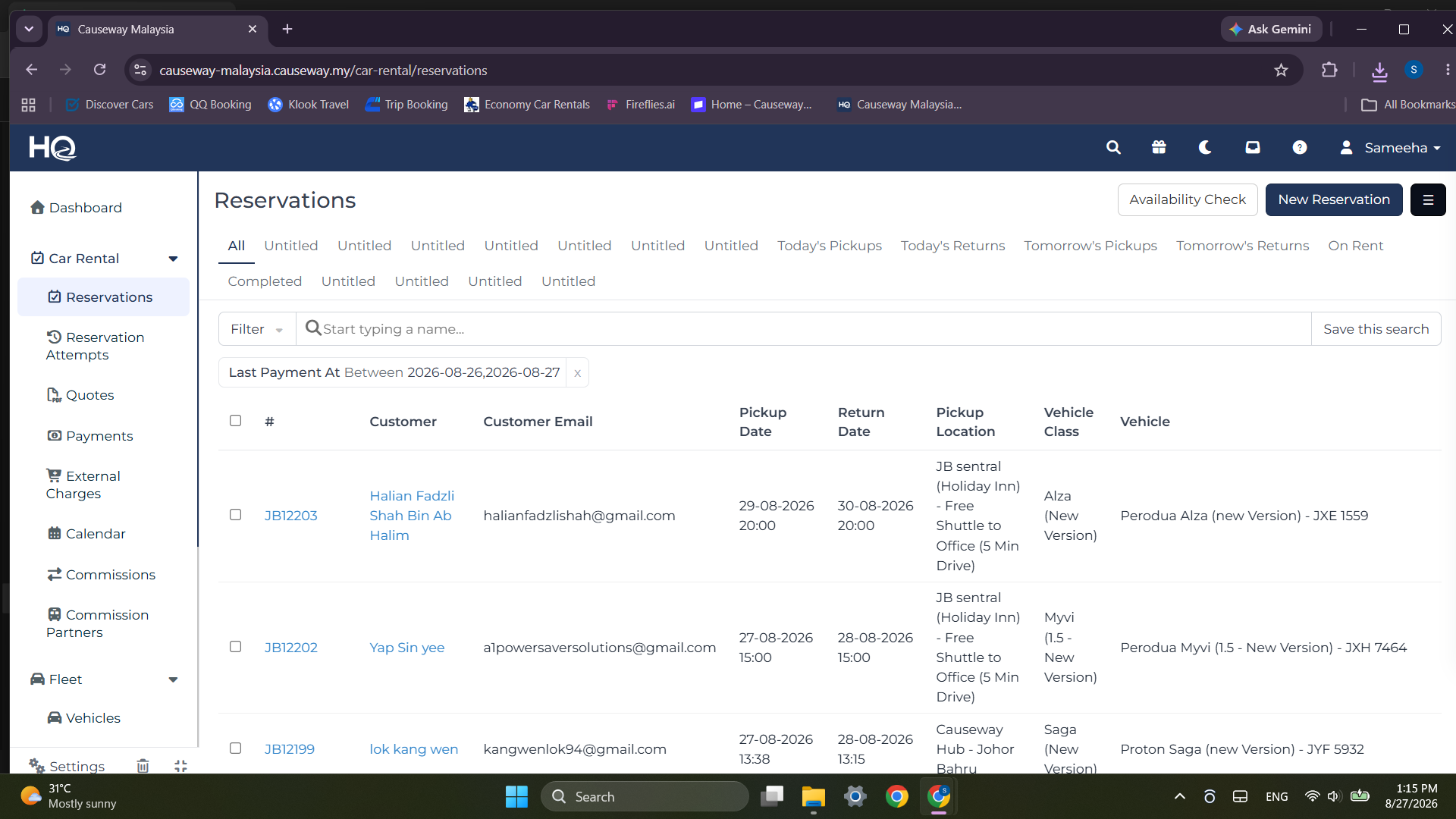
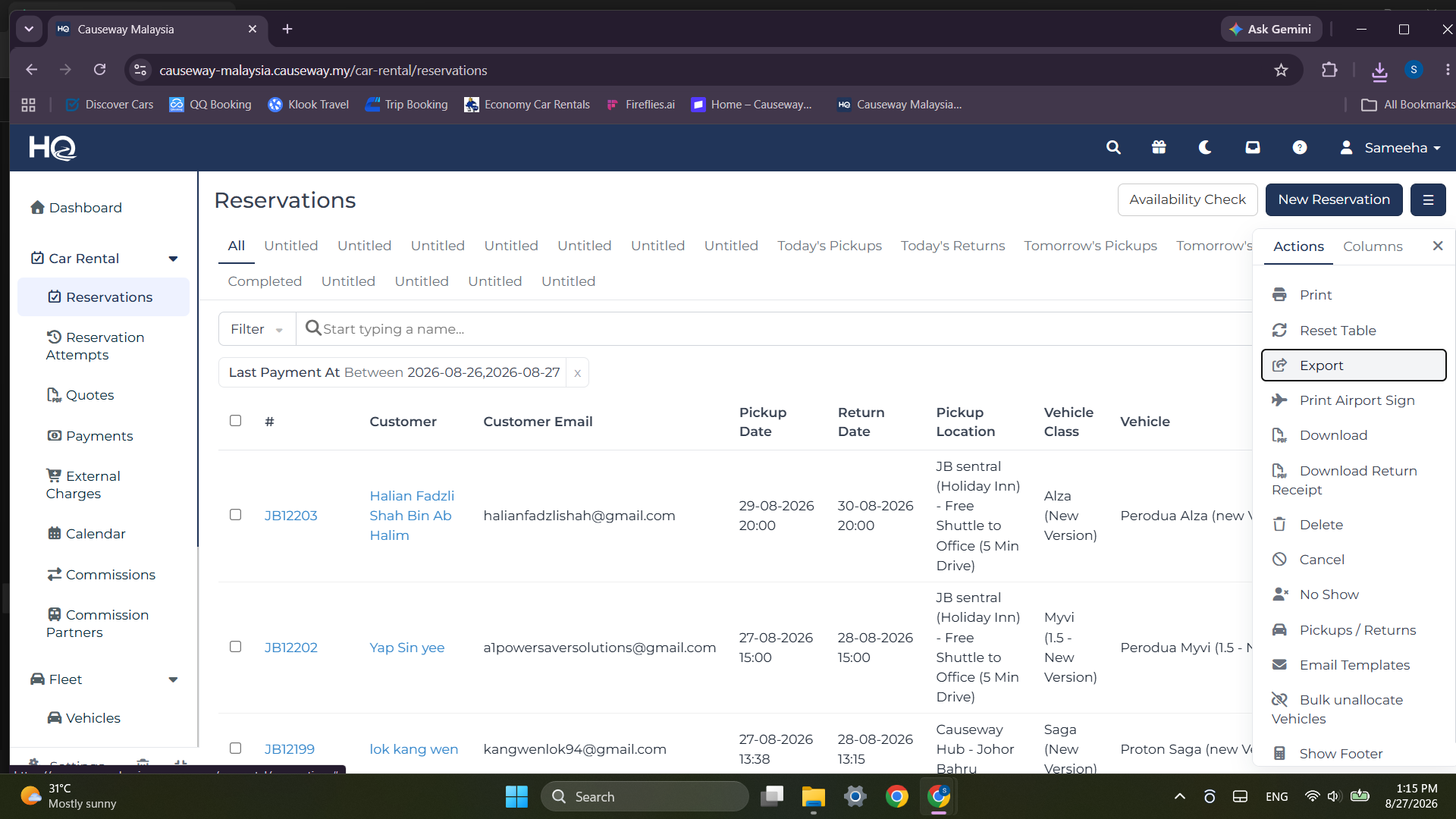
Organize Master Excel Workbook
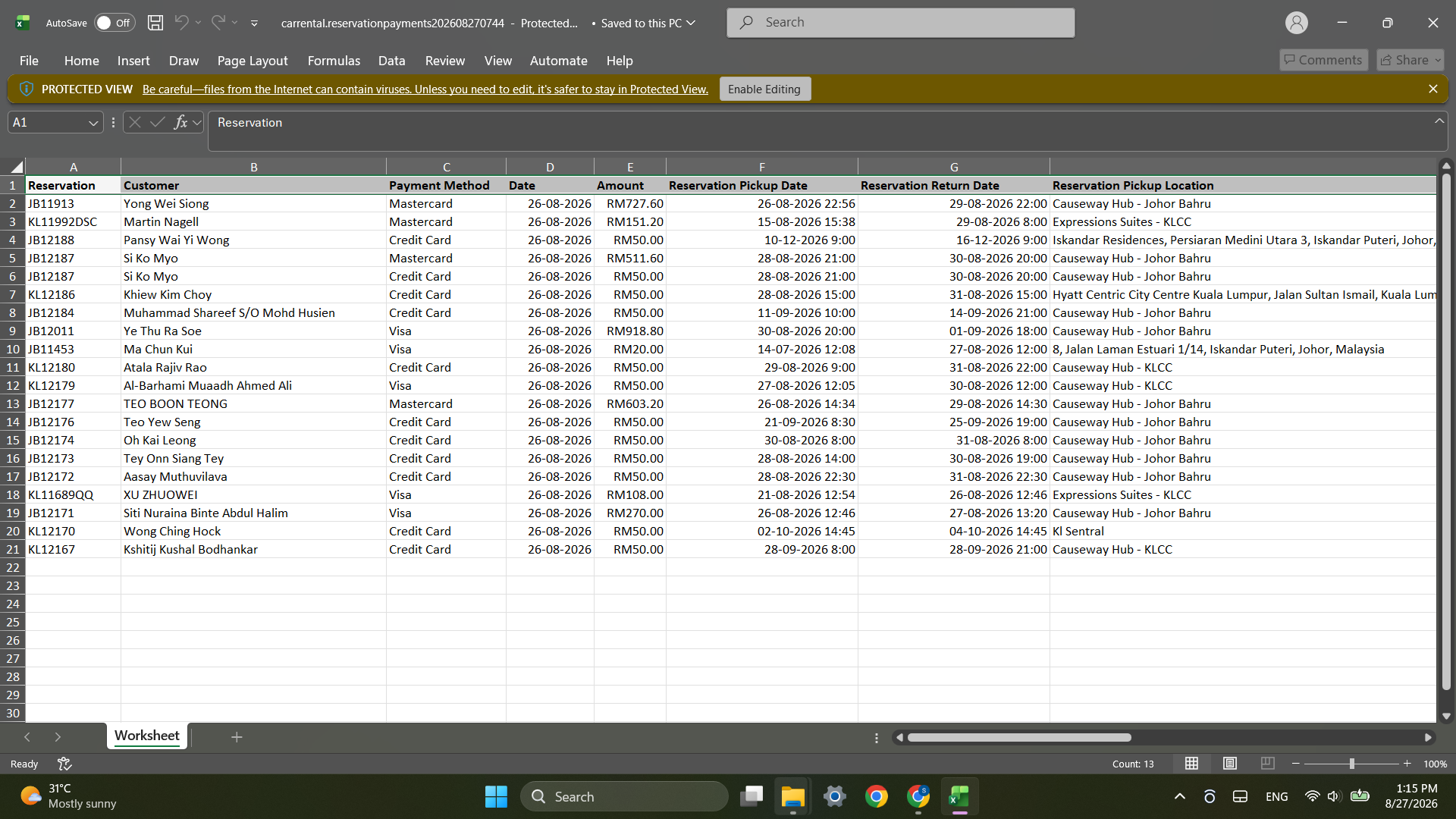
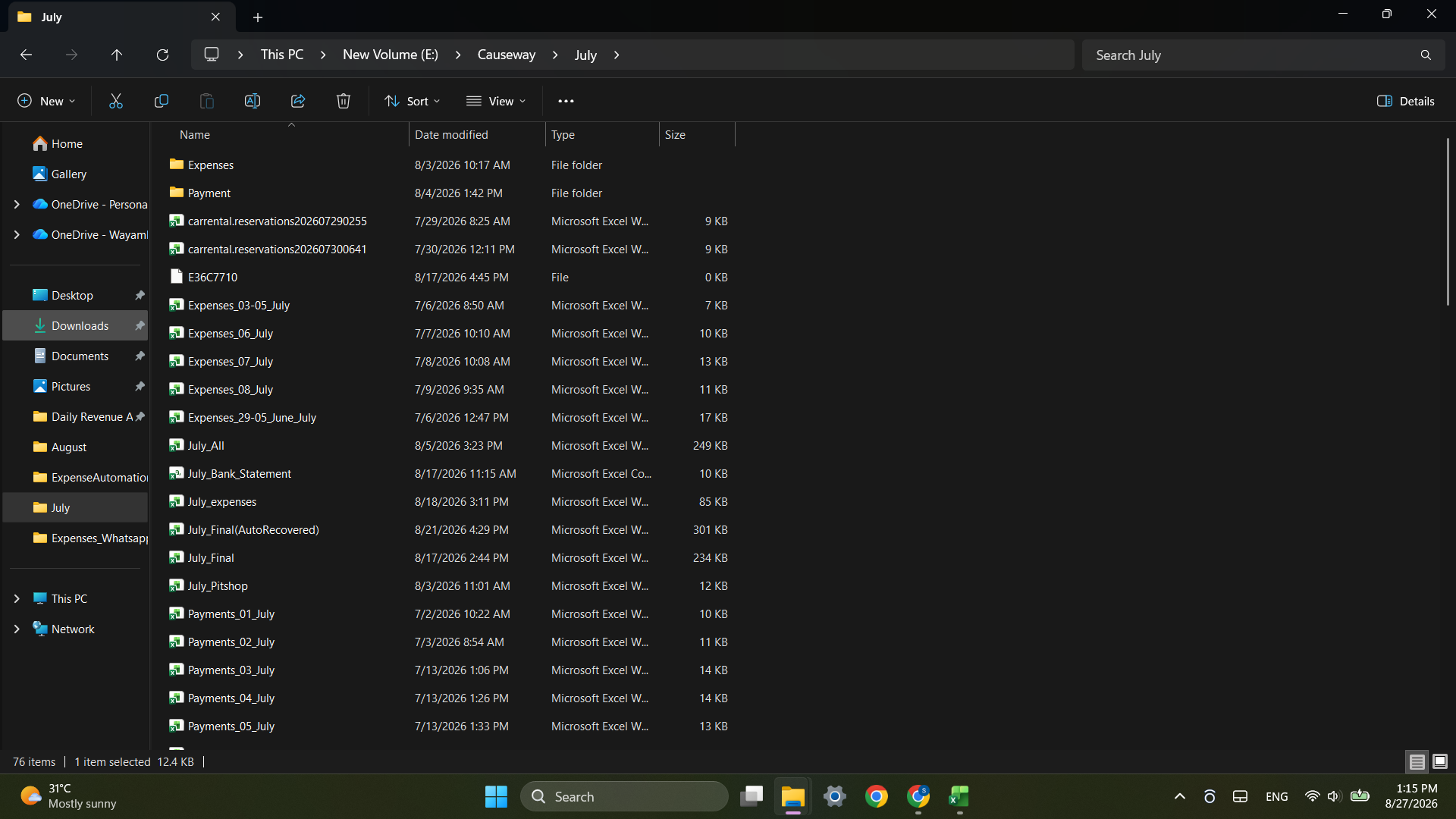
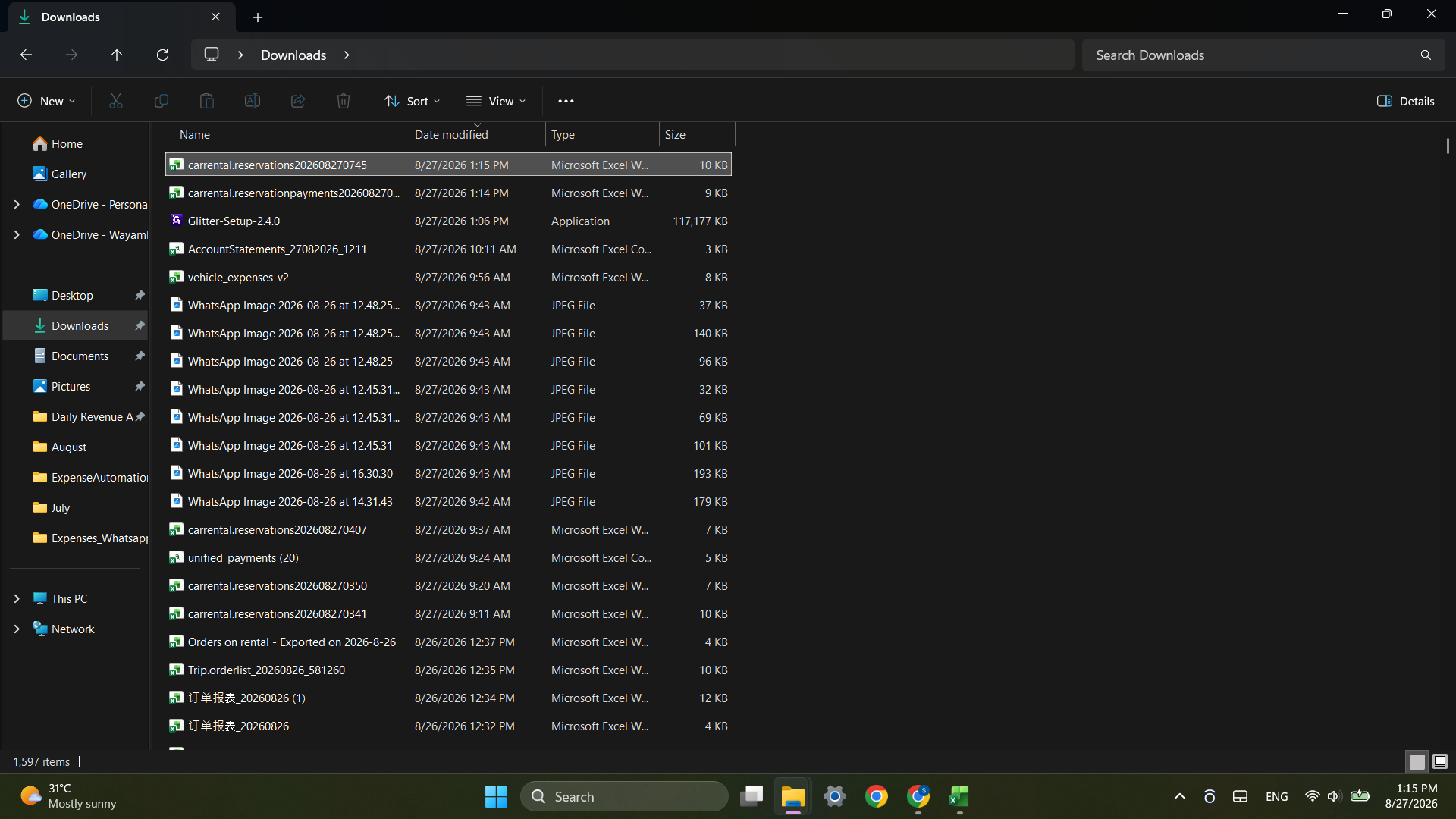
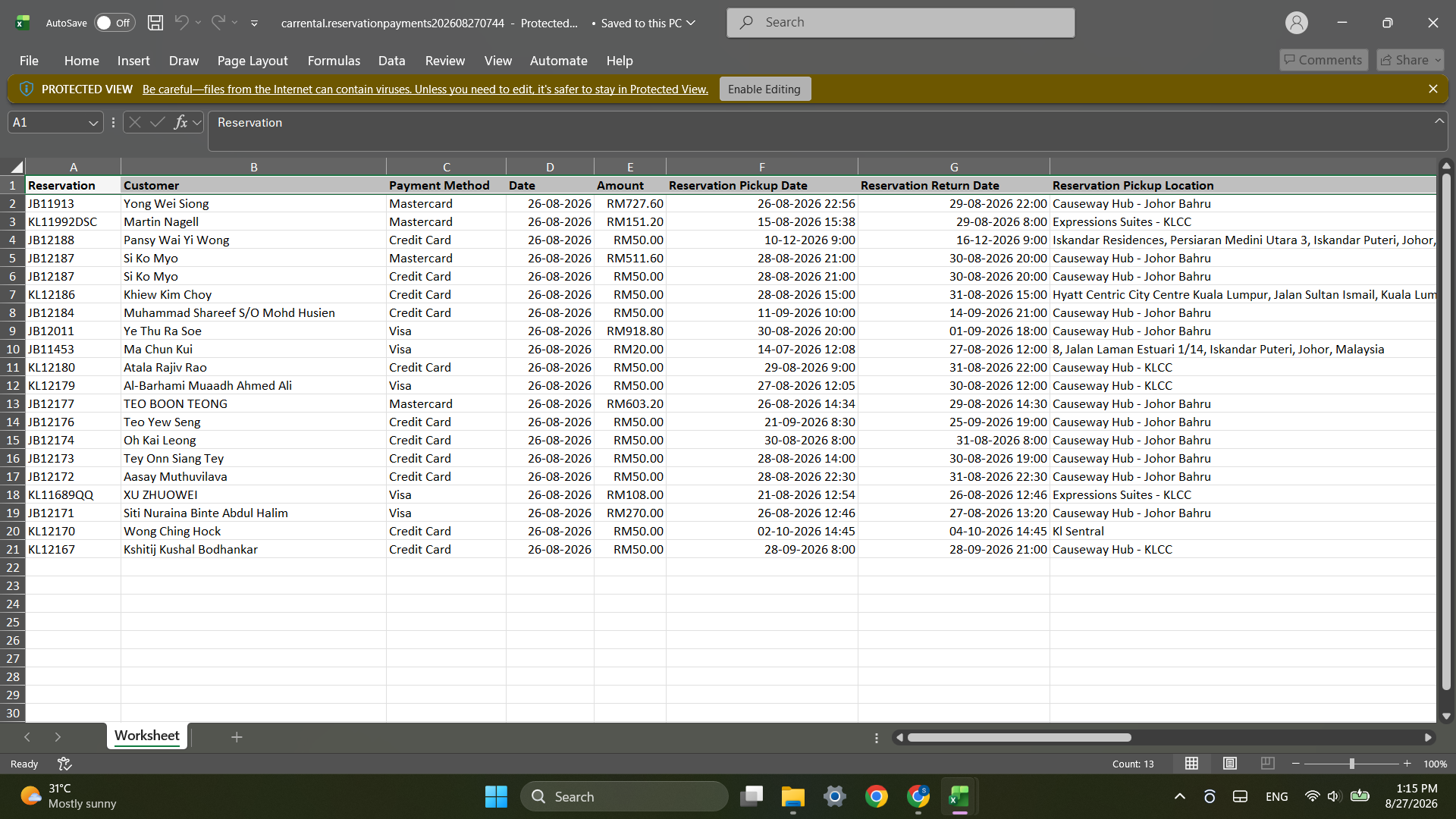
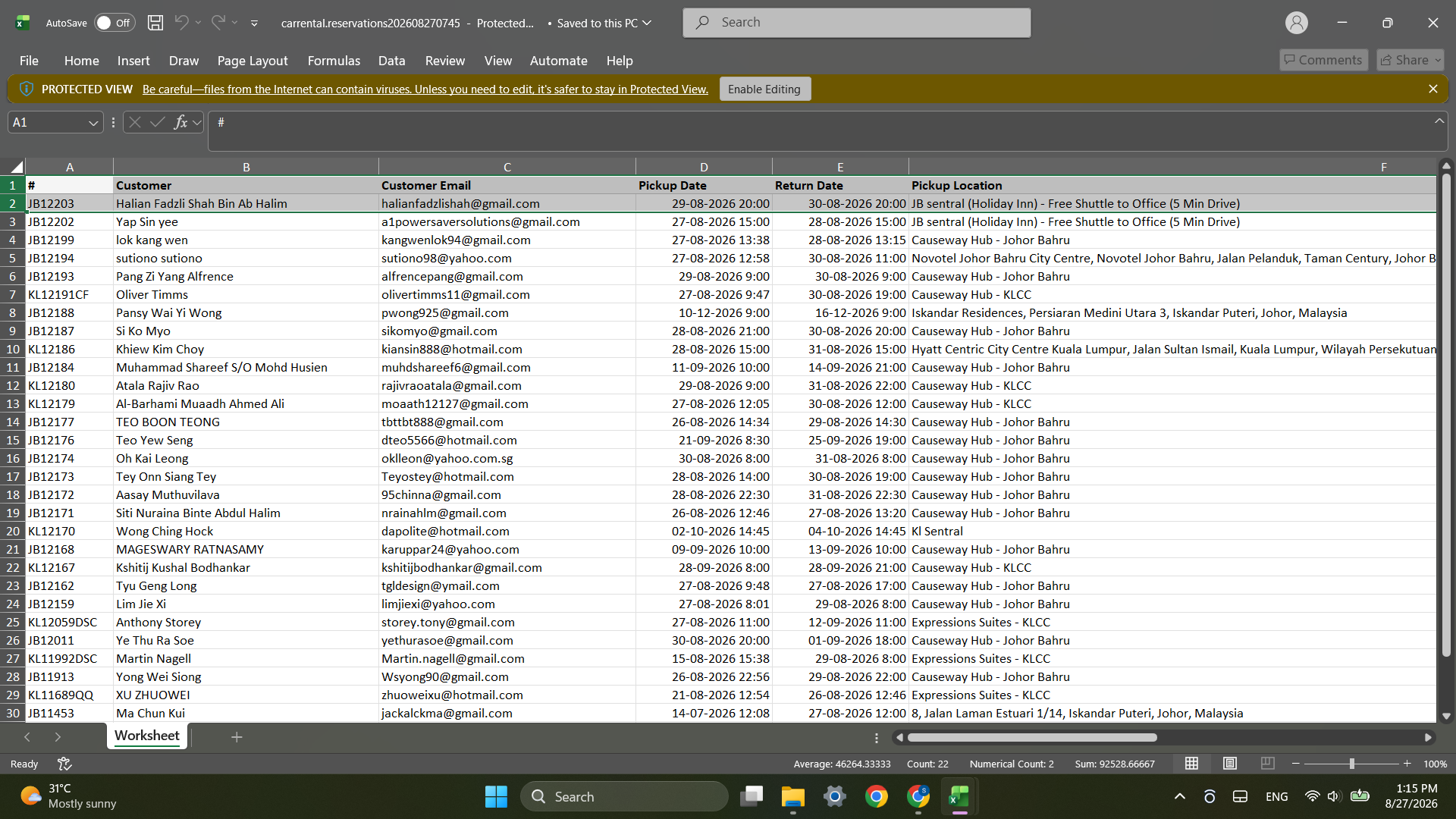
Ctrl + C to copy the data.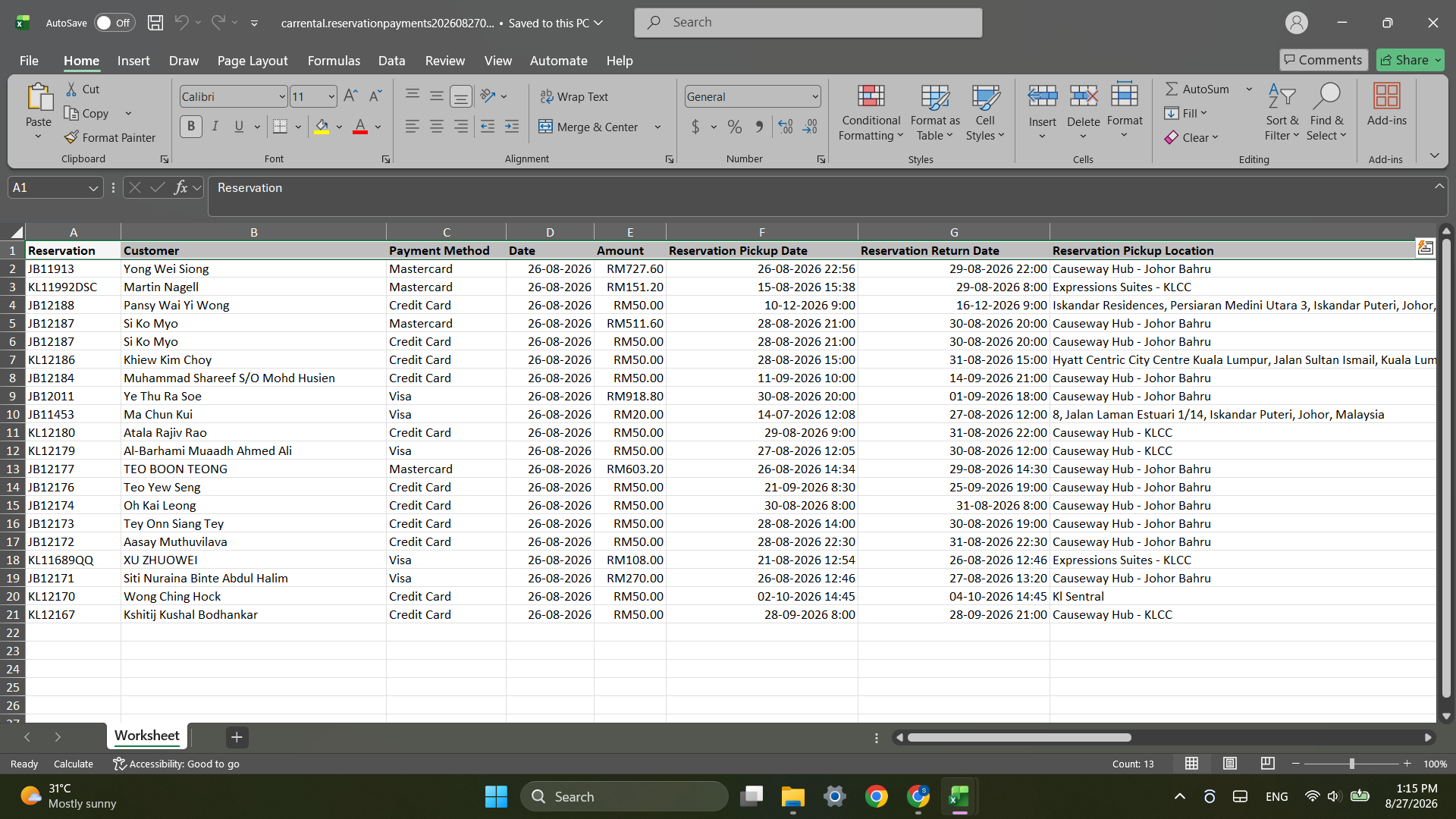
Ctrl + V to paste the reservation records.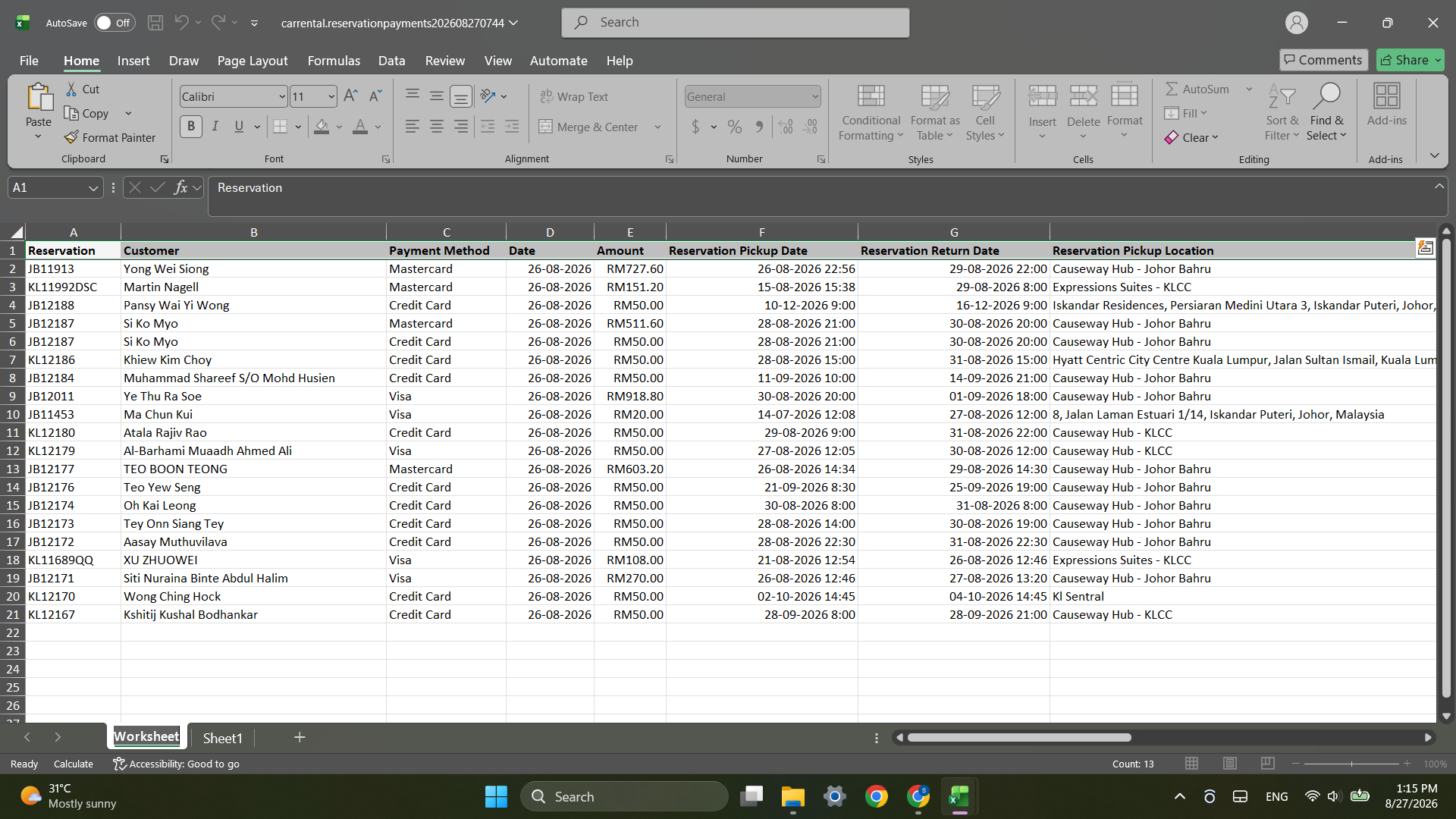
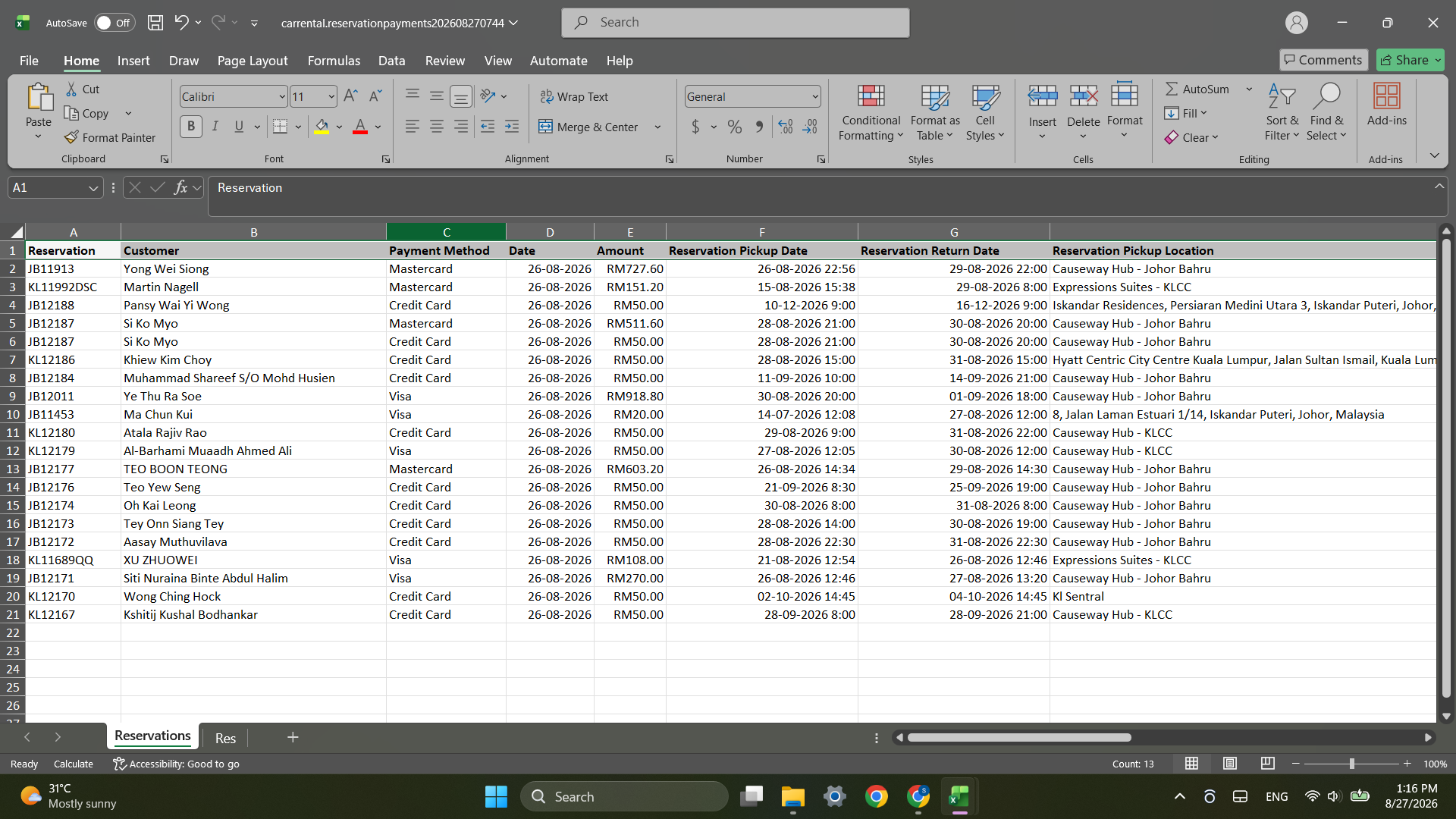
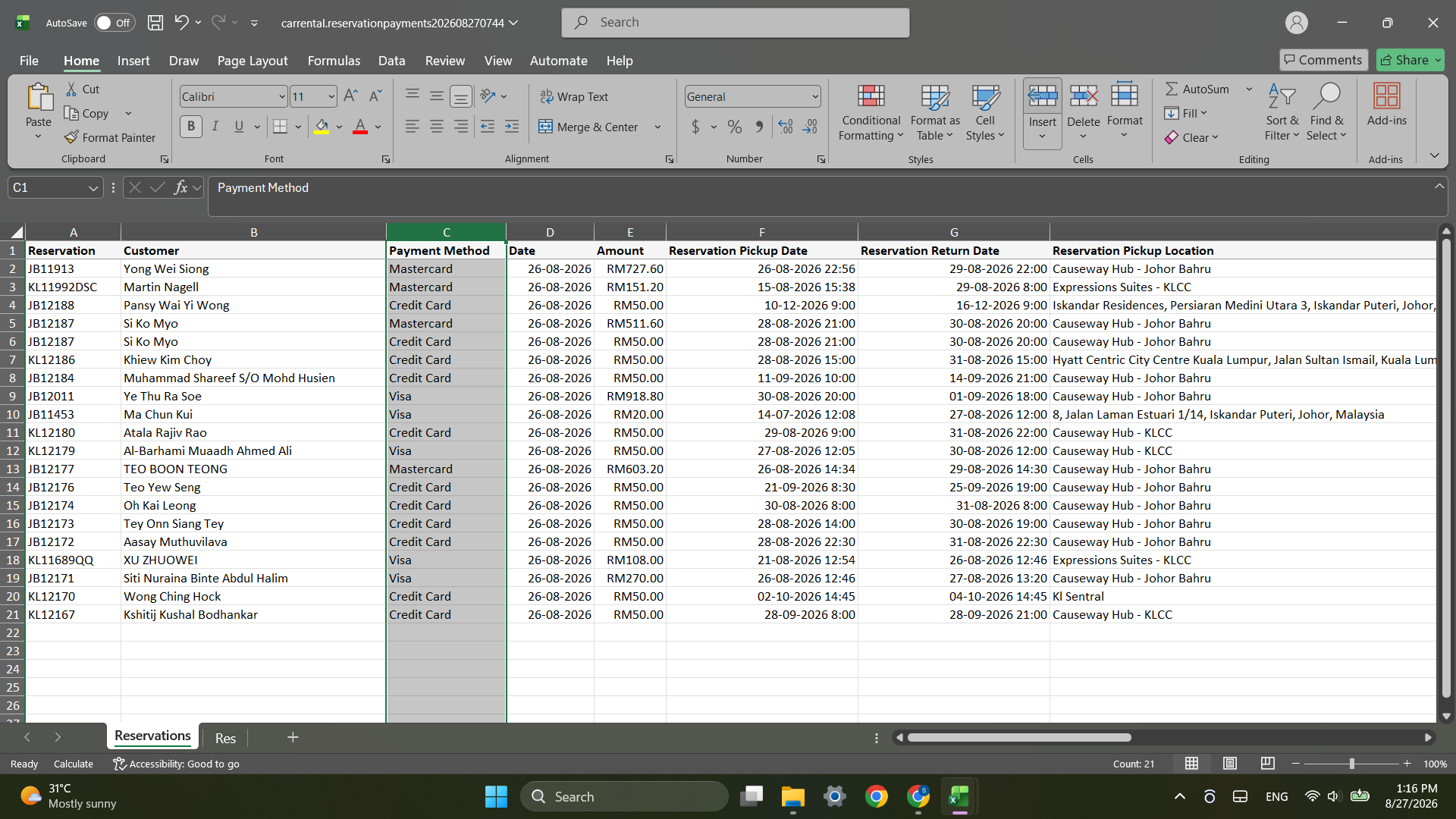
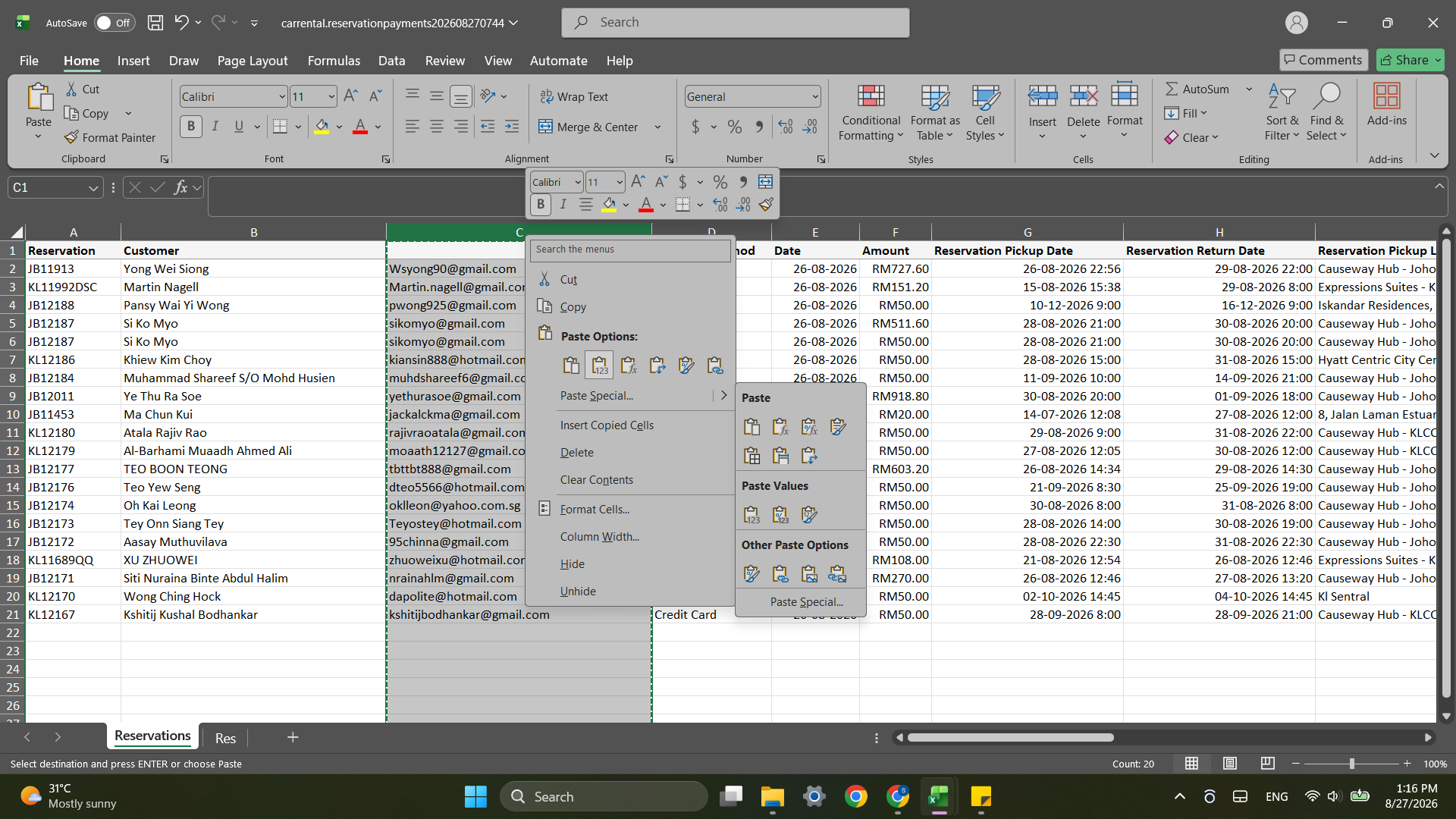
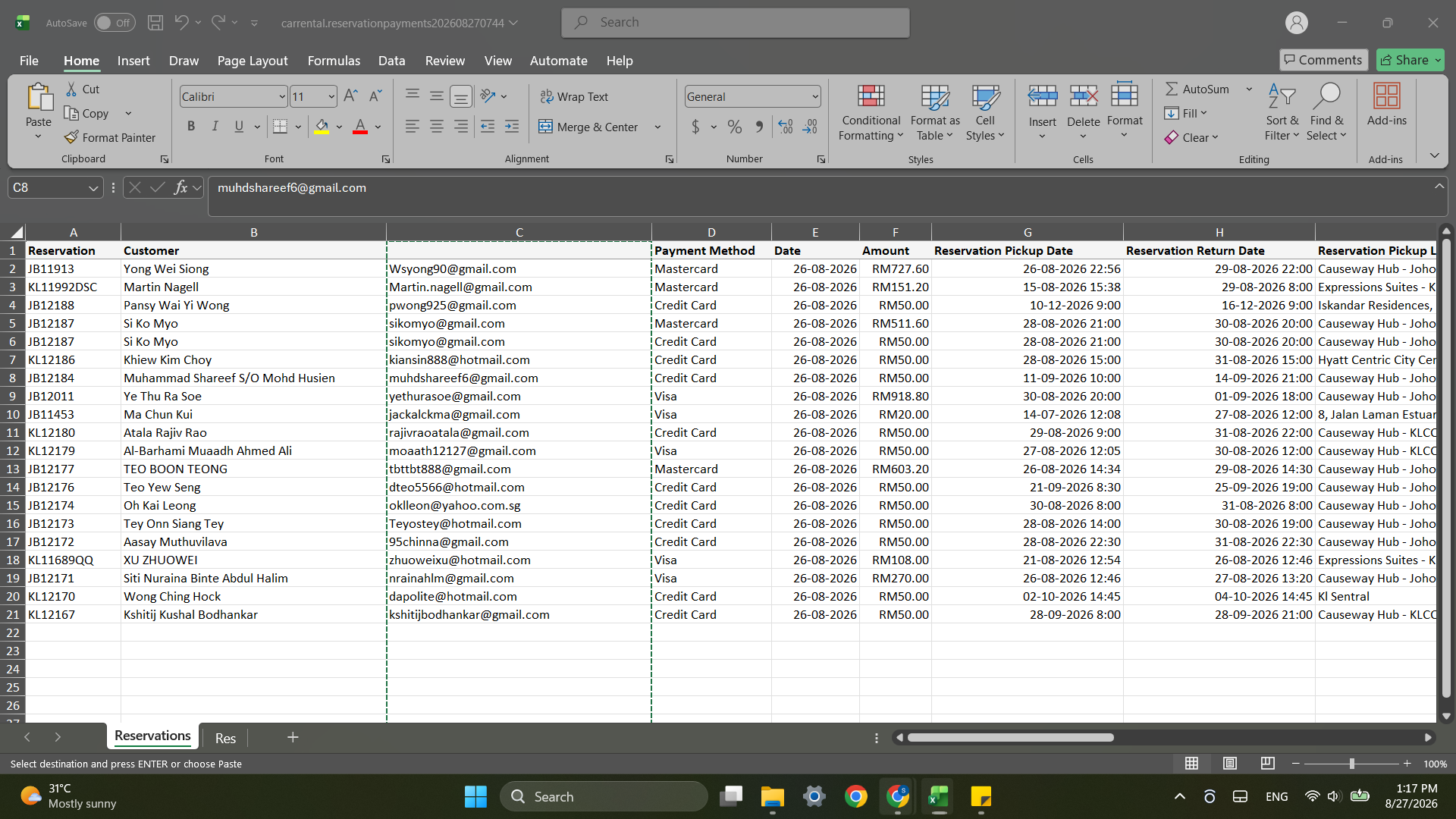
Ctrl + C.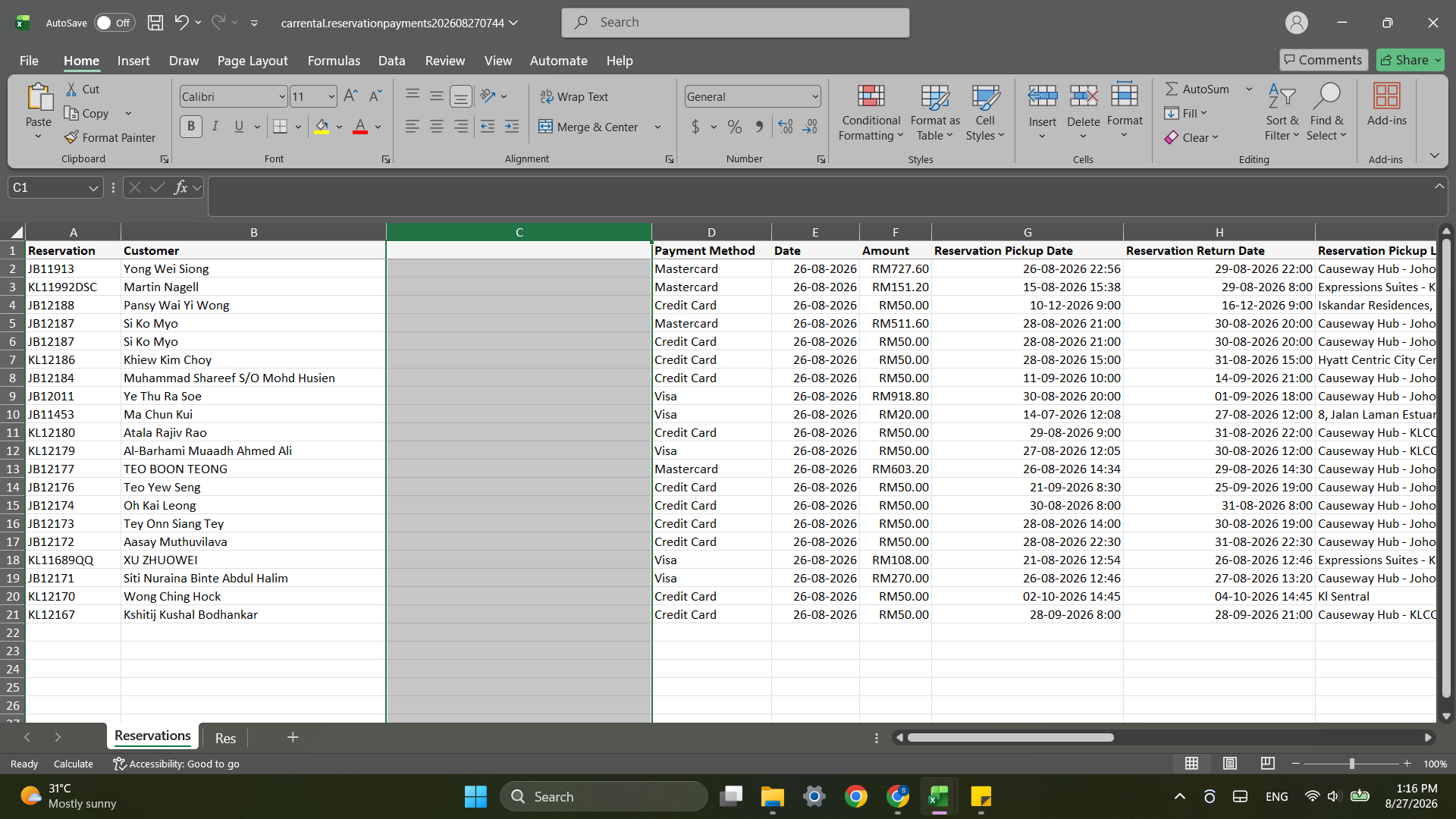
Ctrl + V to paste.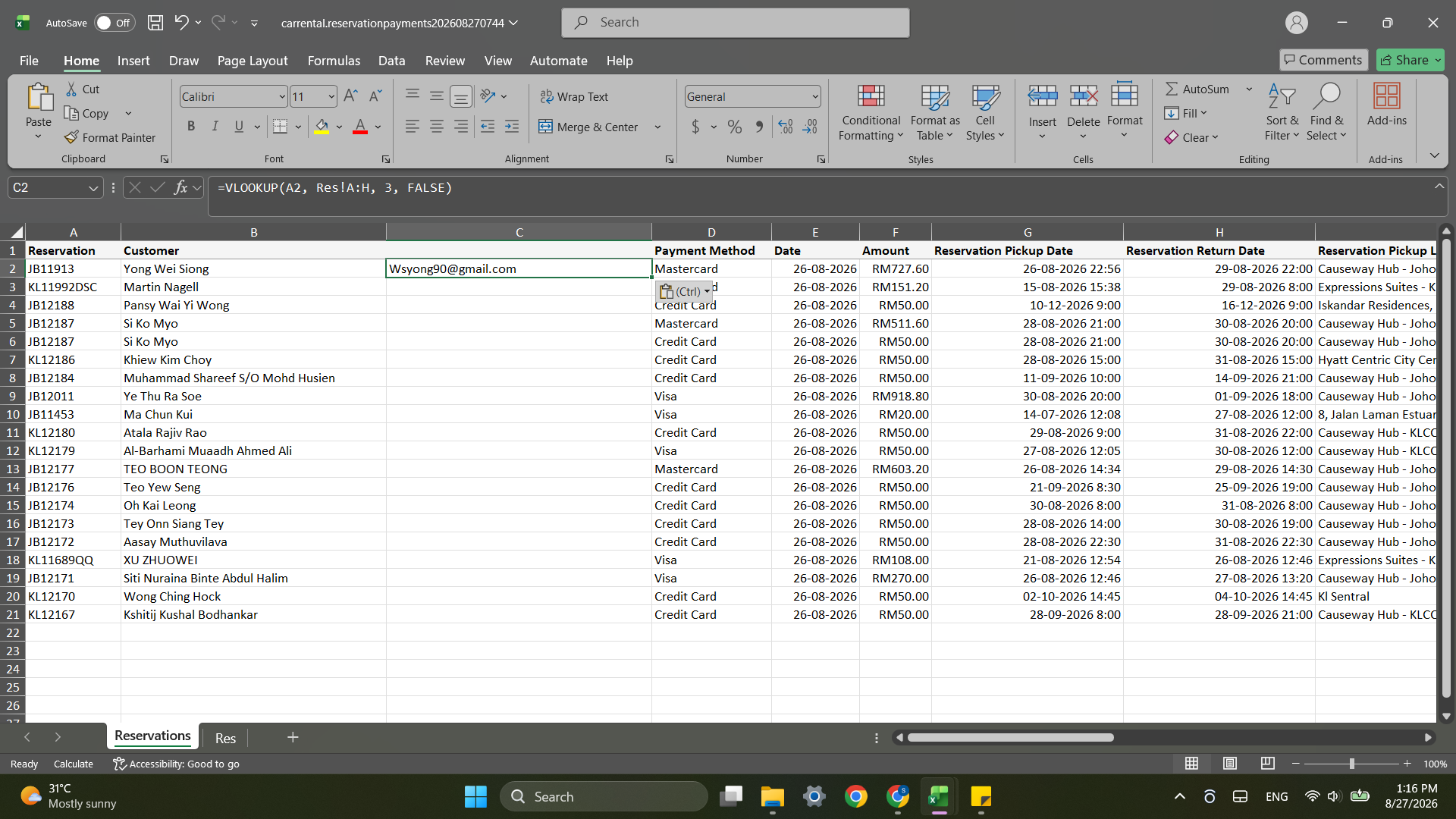
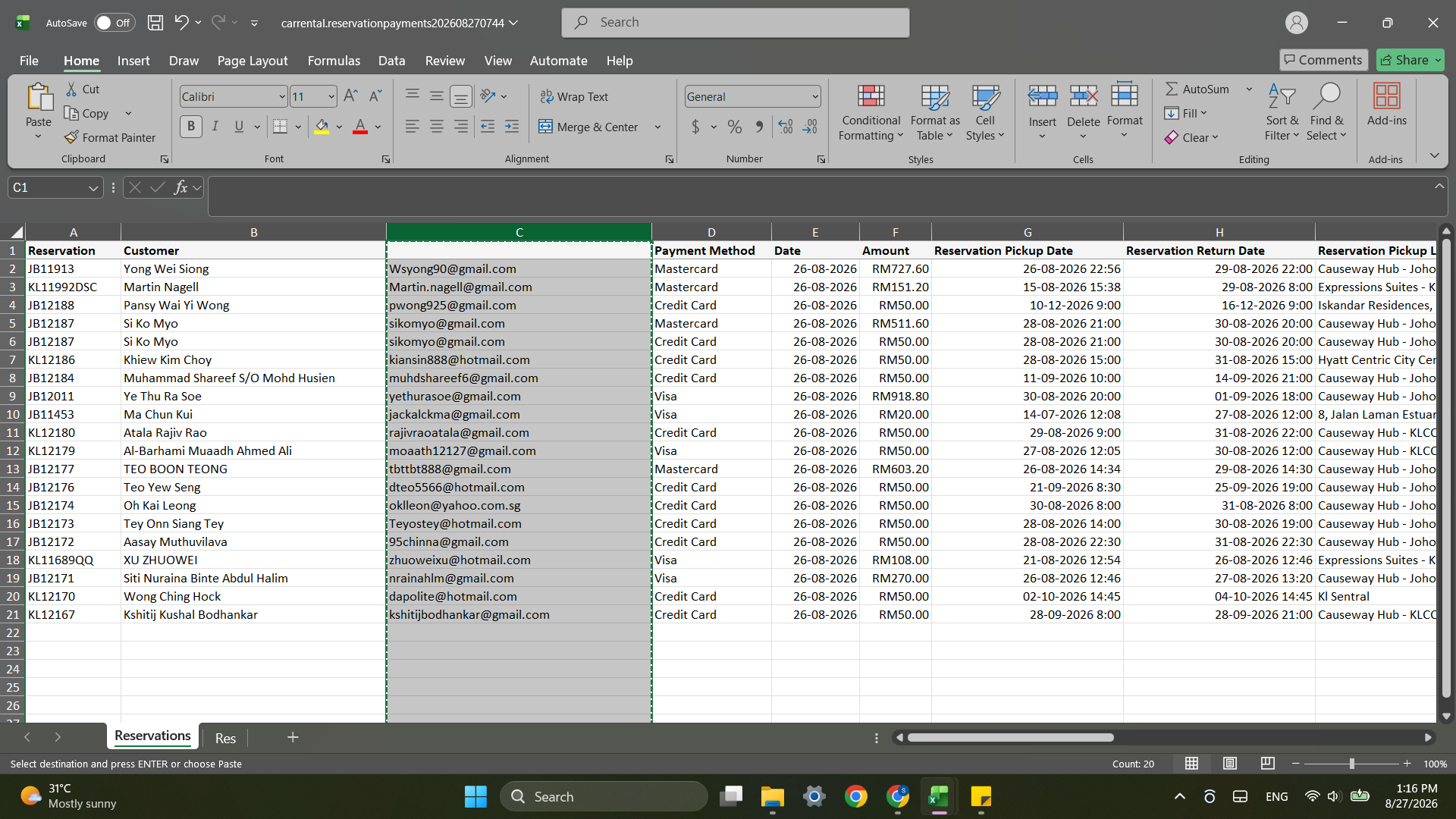
Cross-Reference External Booking Channels
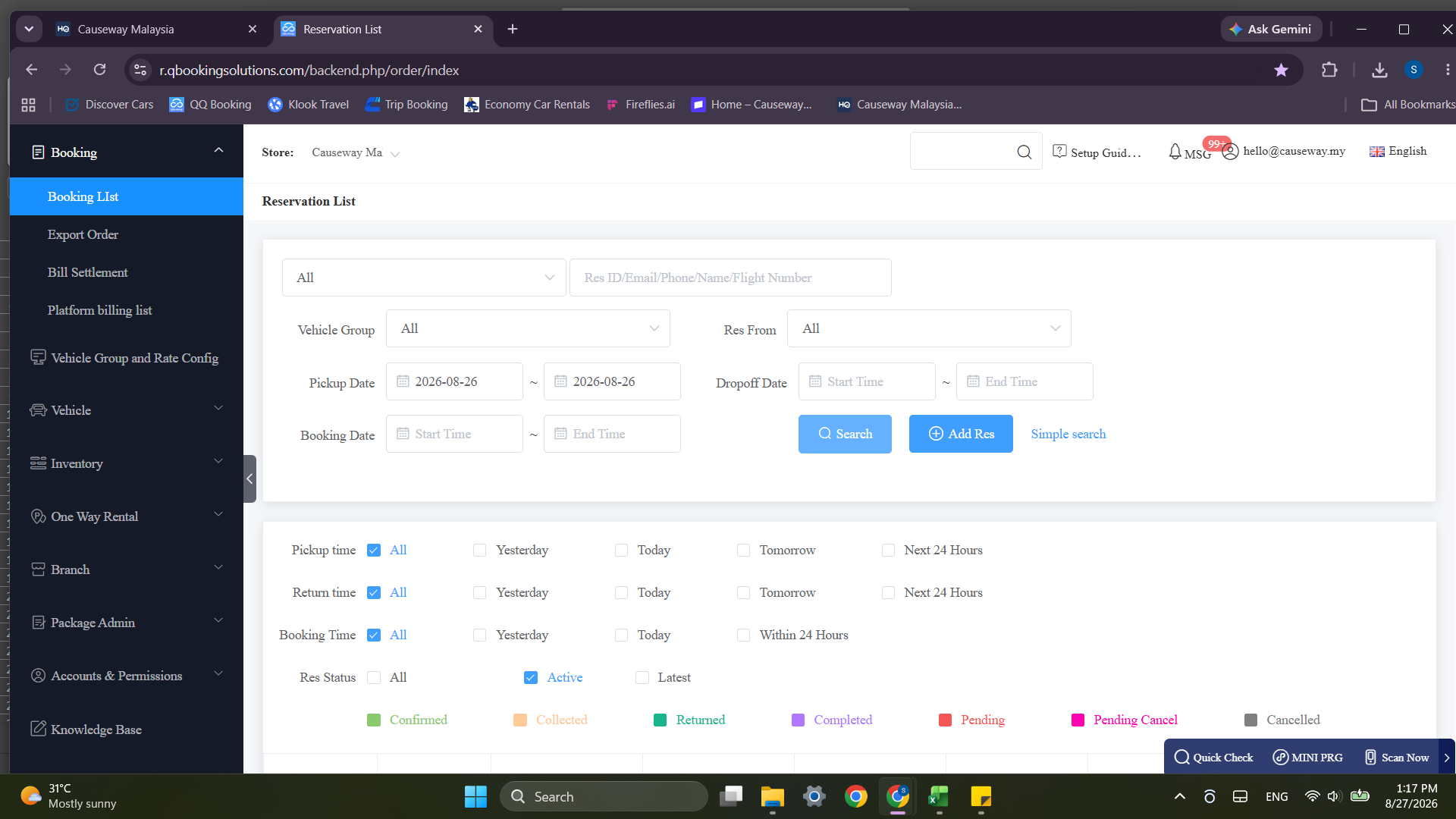
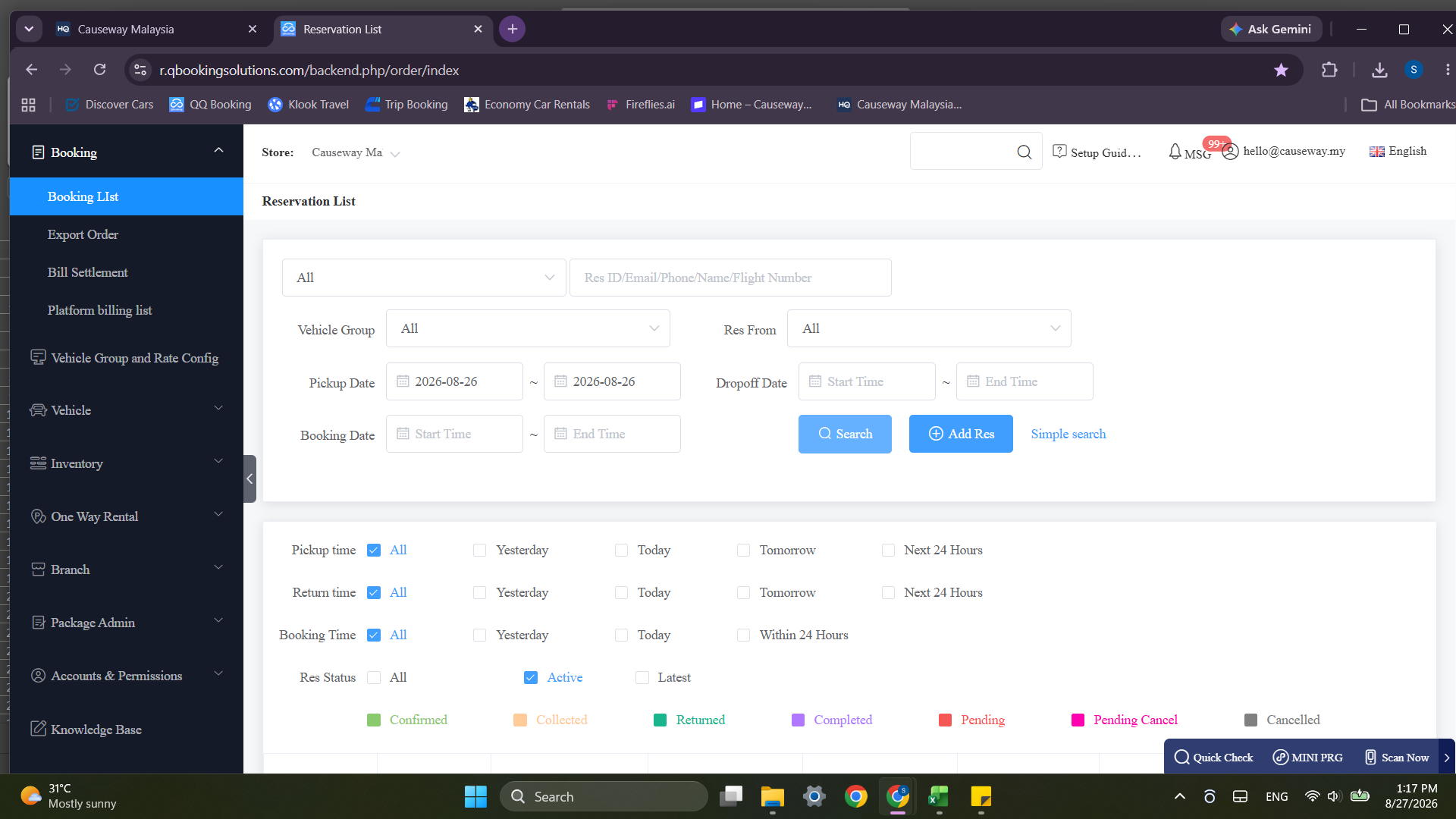
QQ / Q2Q Bookings
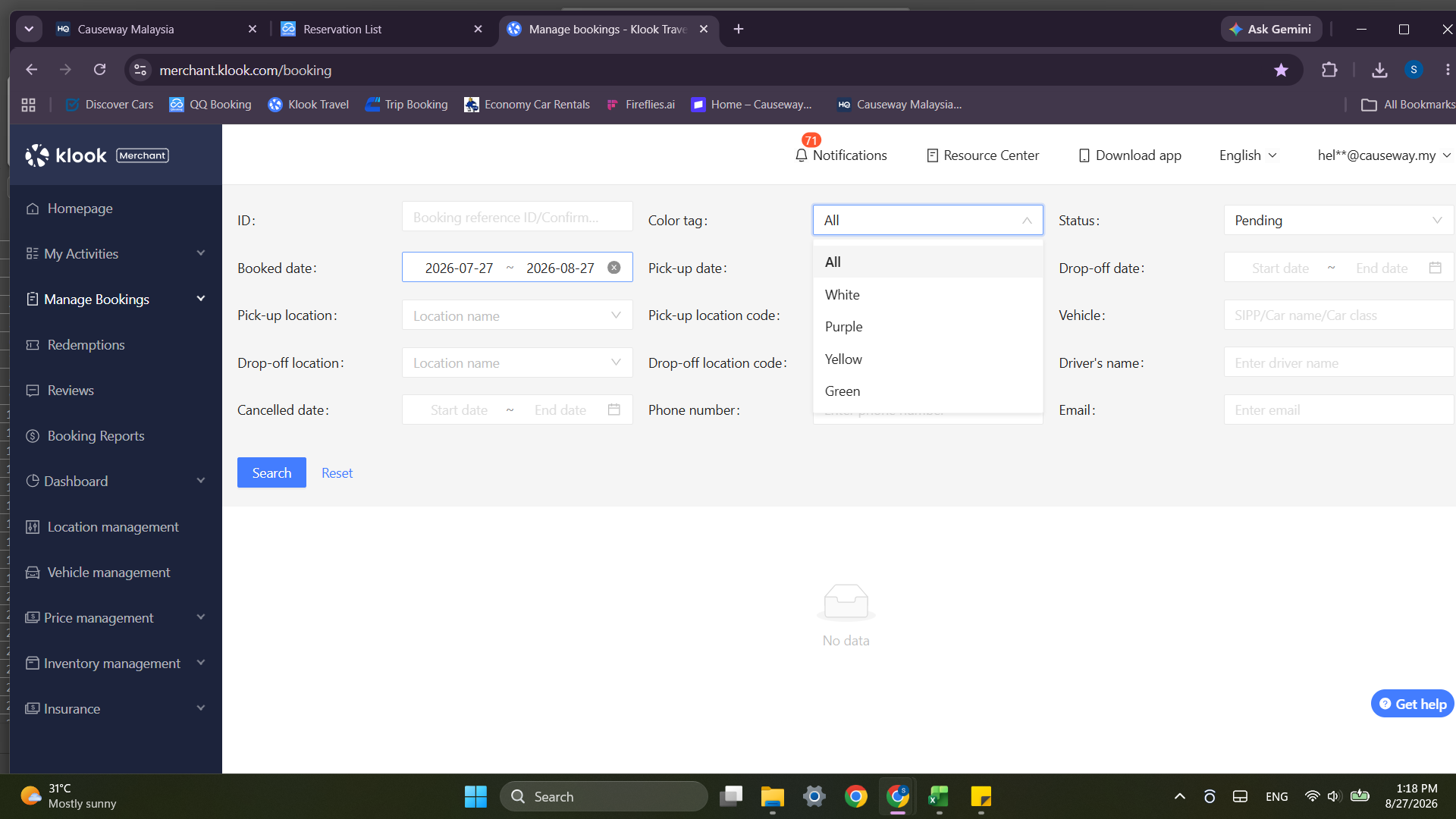
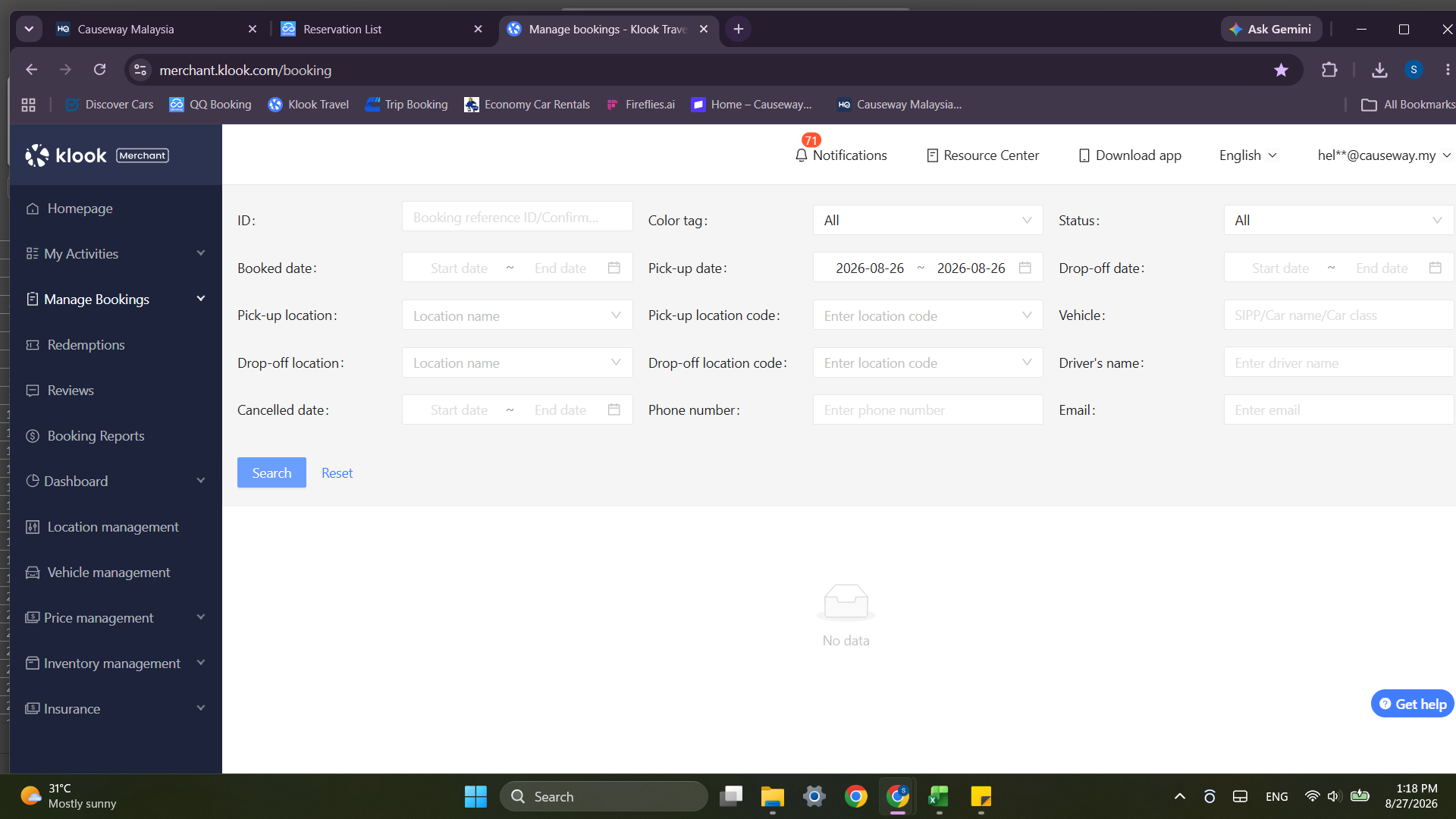
Klook Merchant Portal
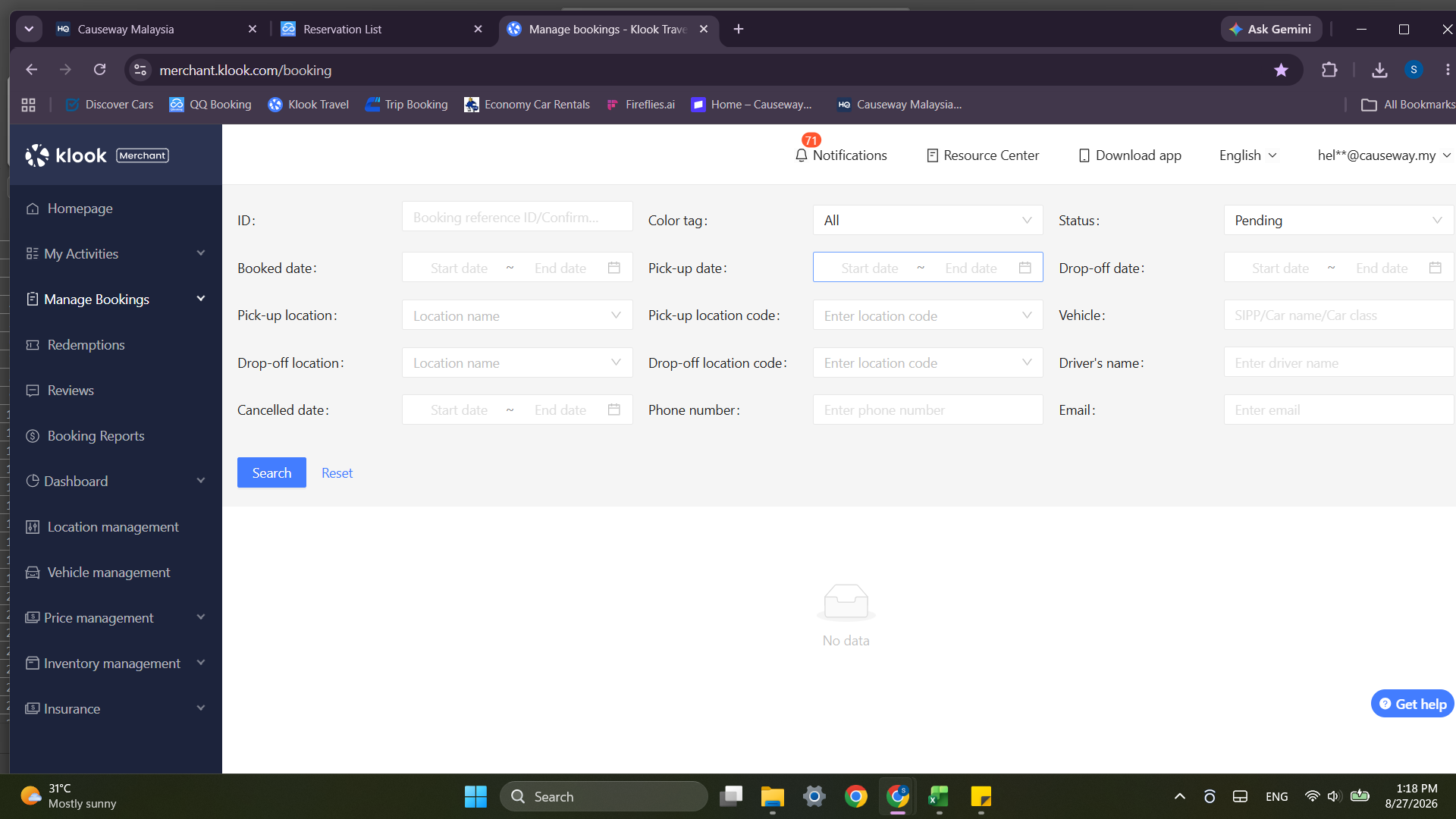
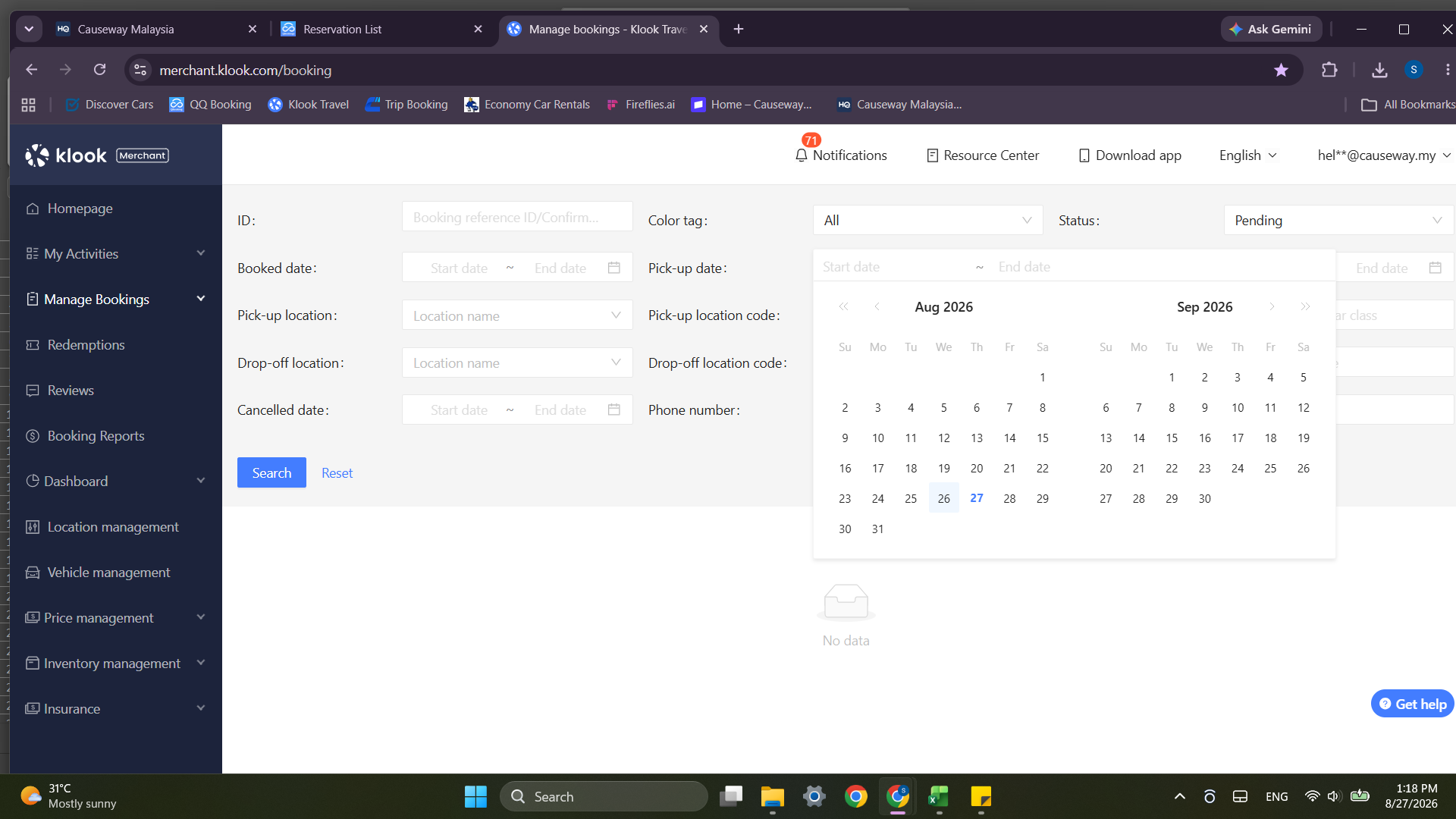
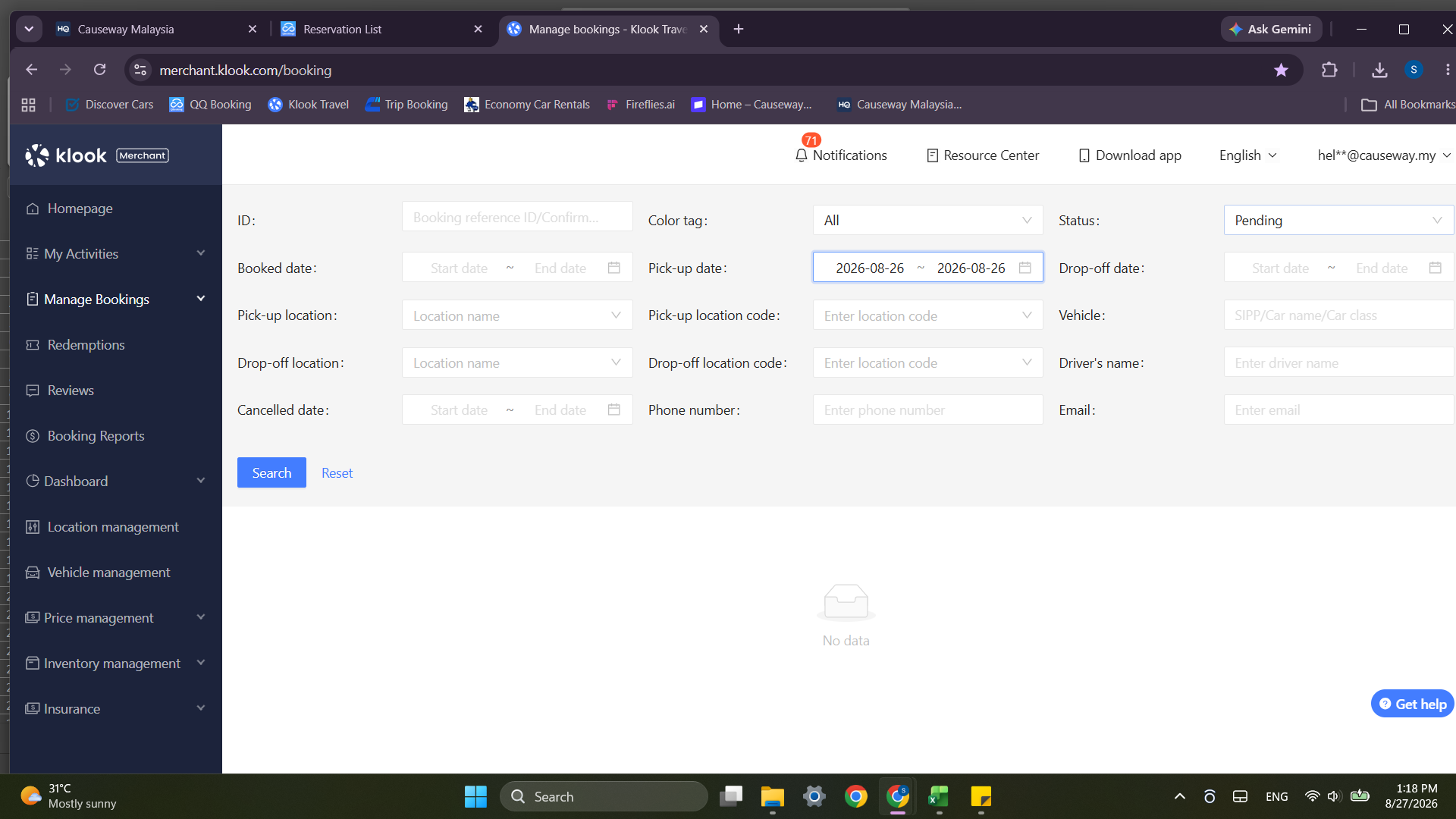
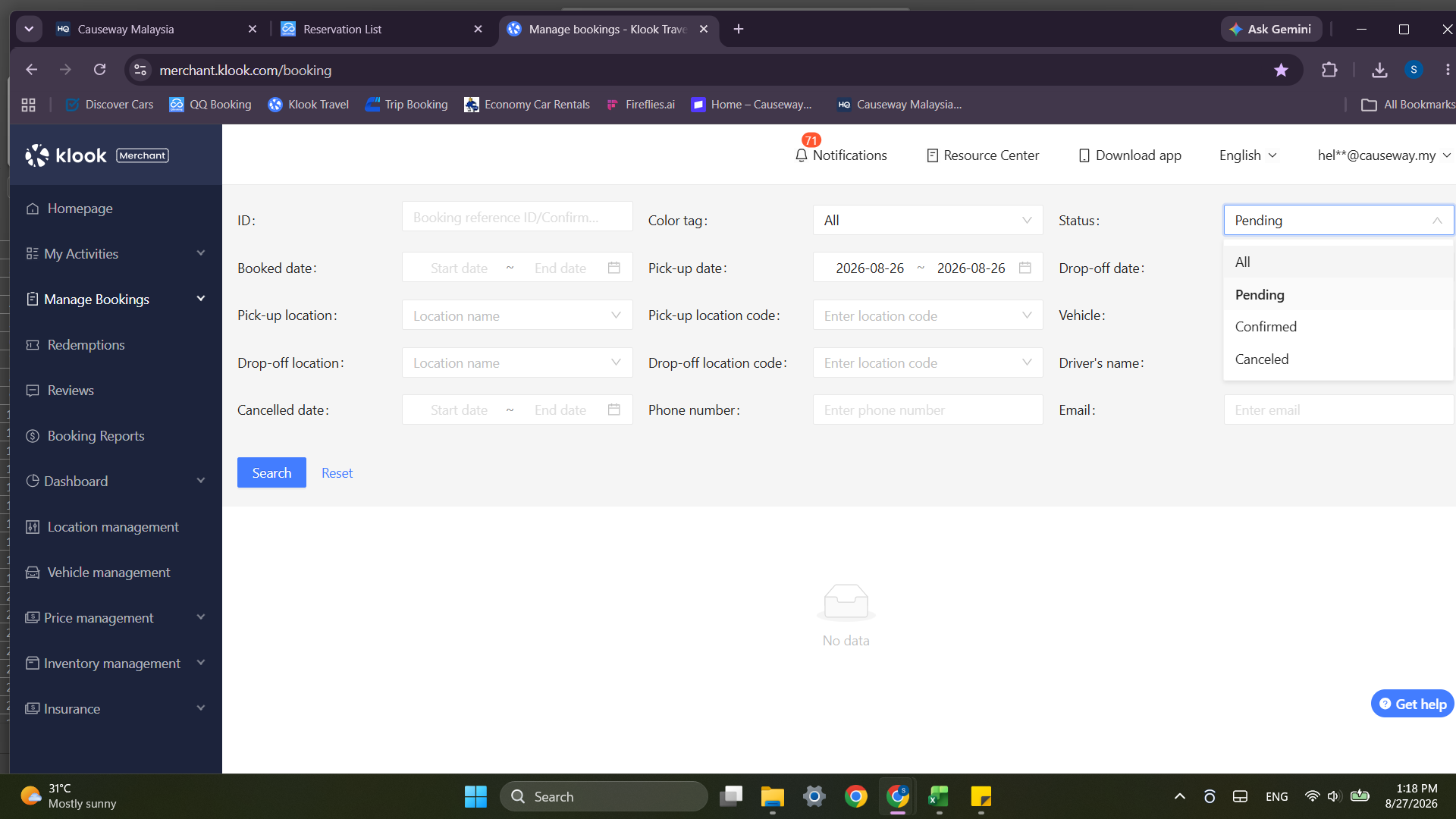
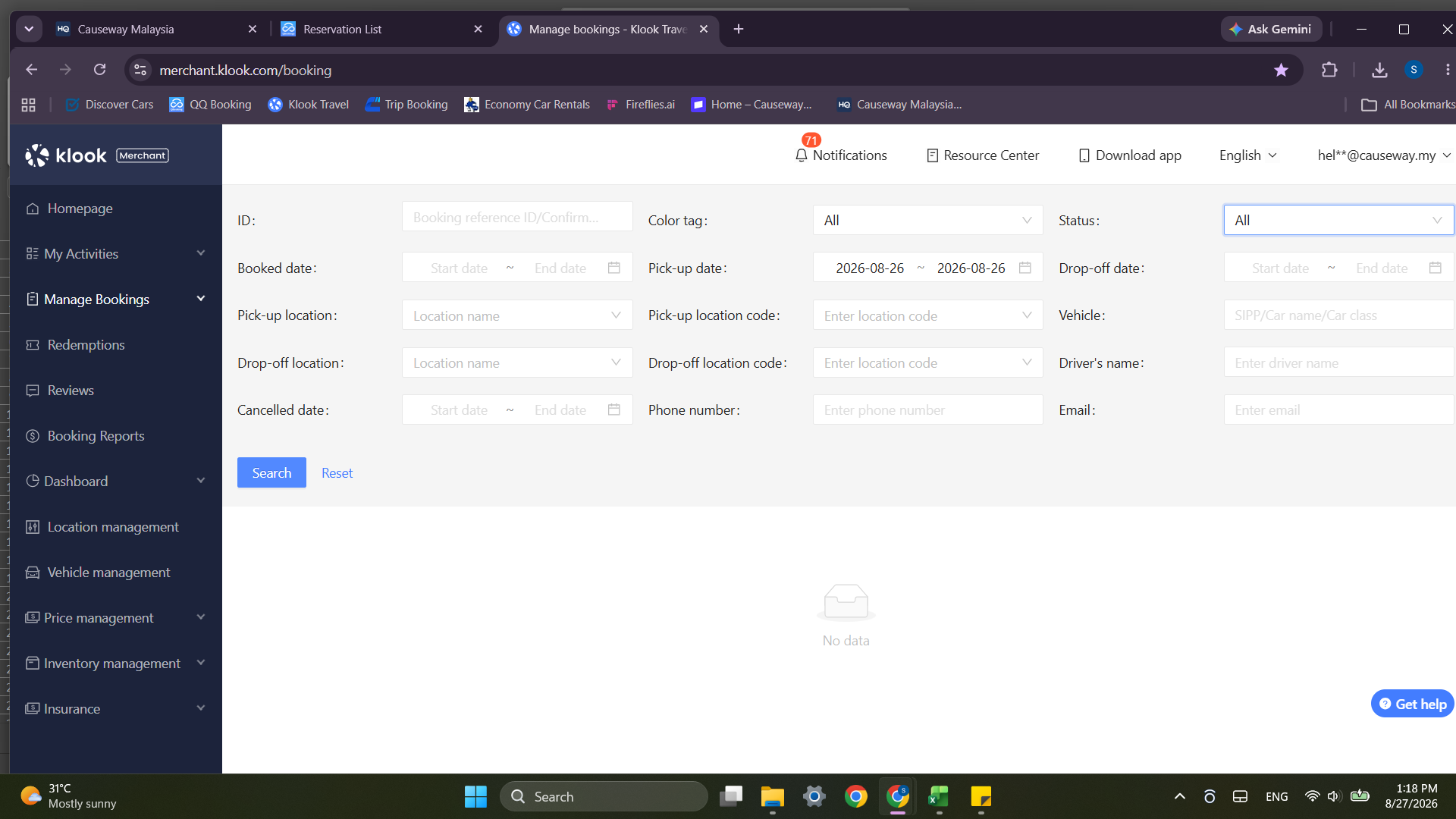
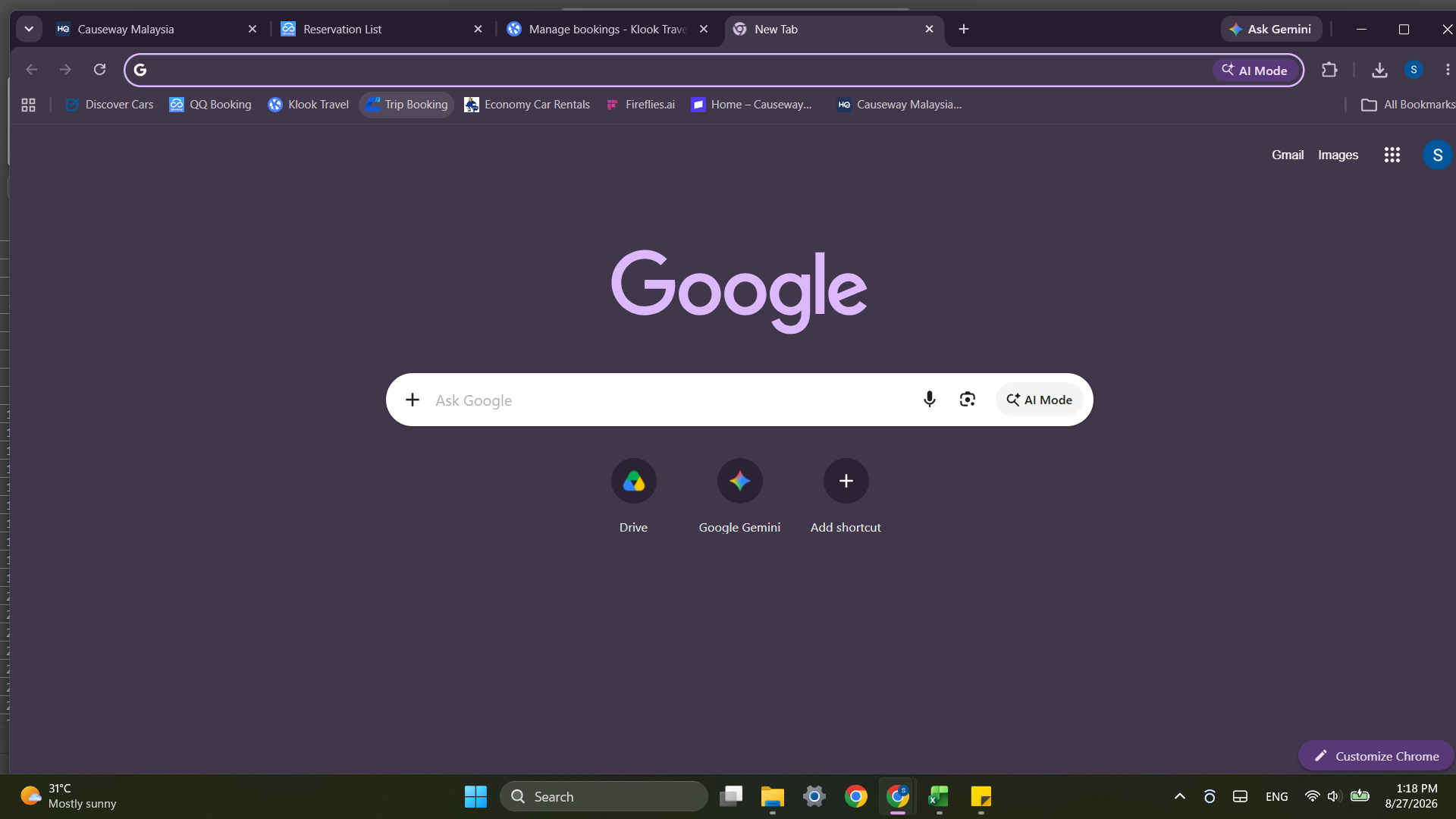
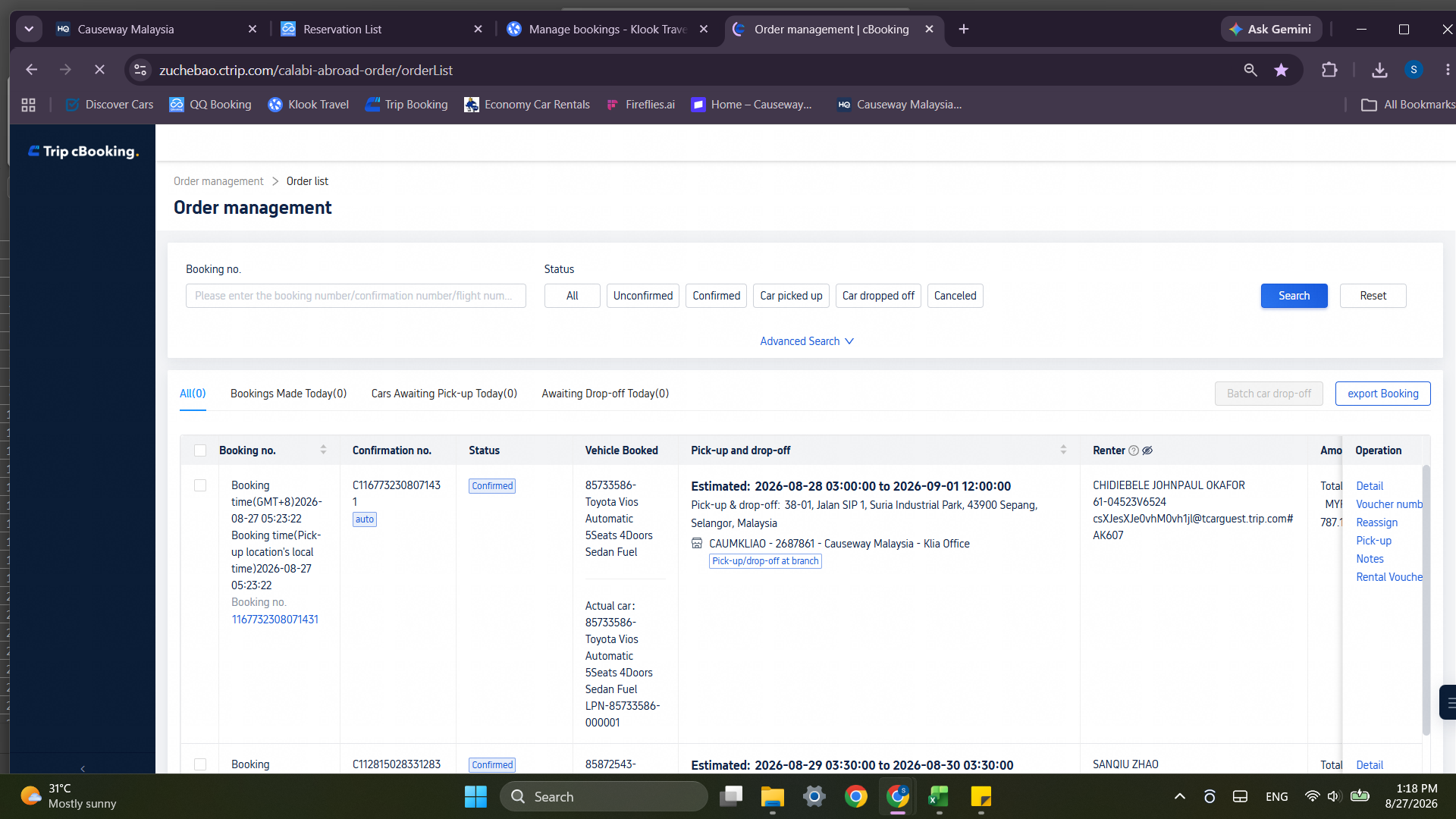
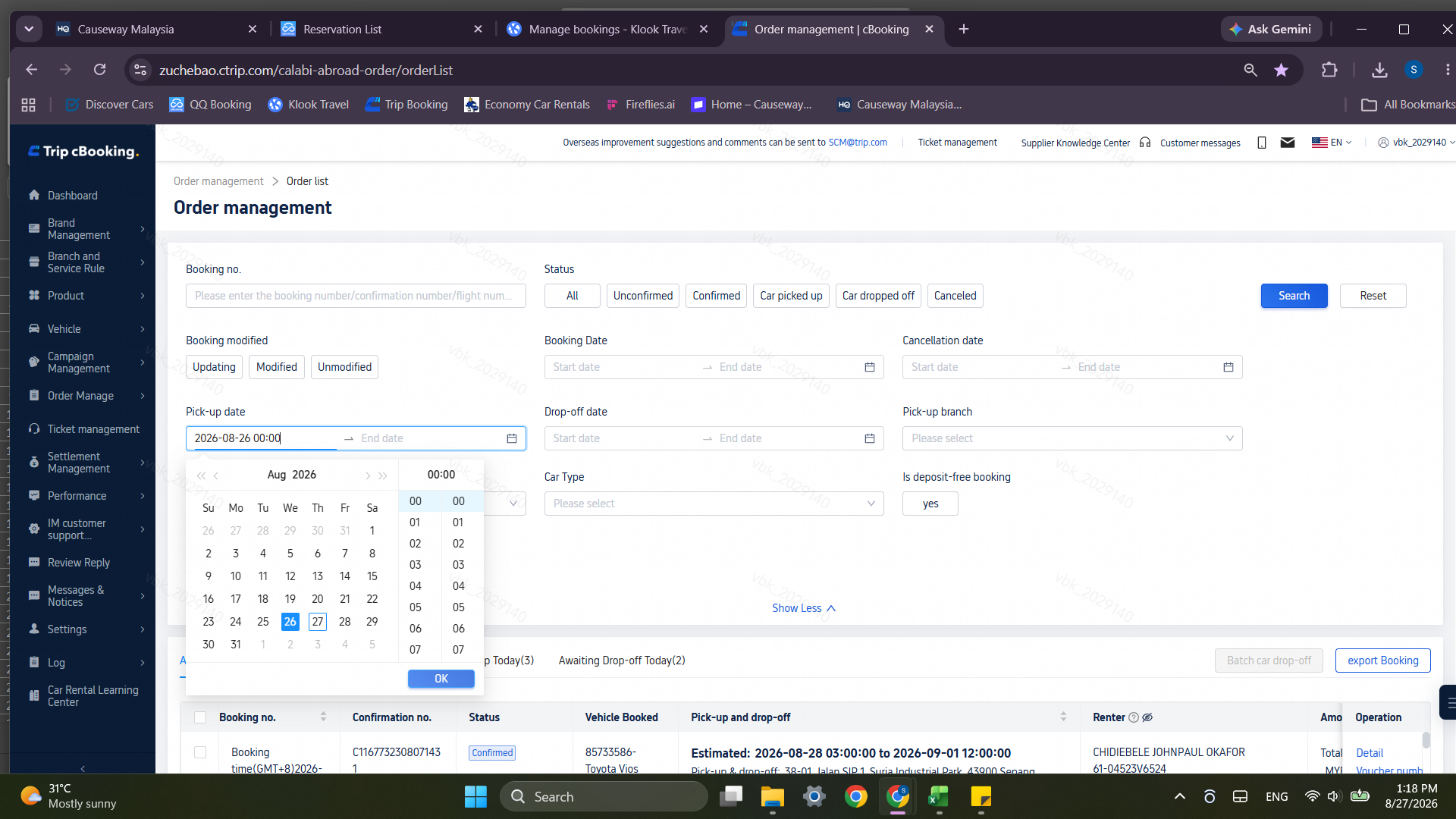
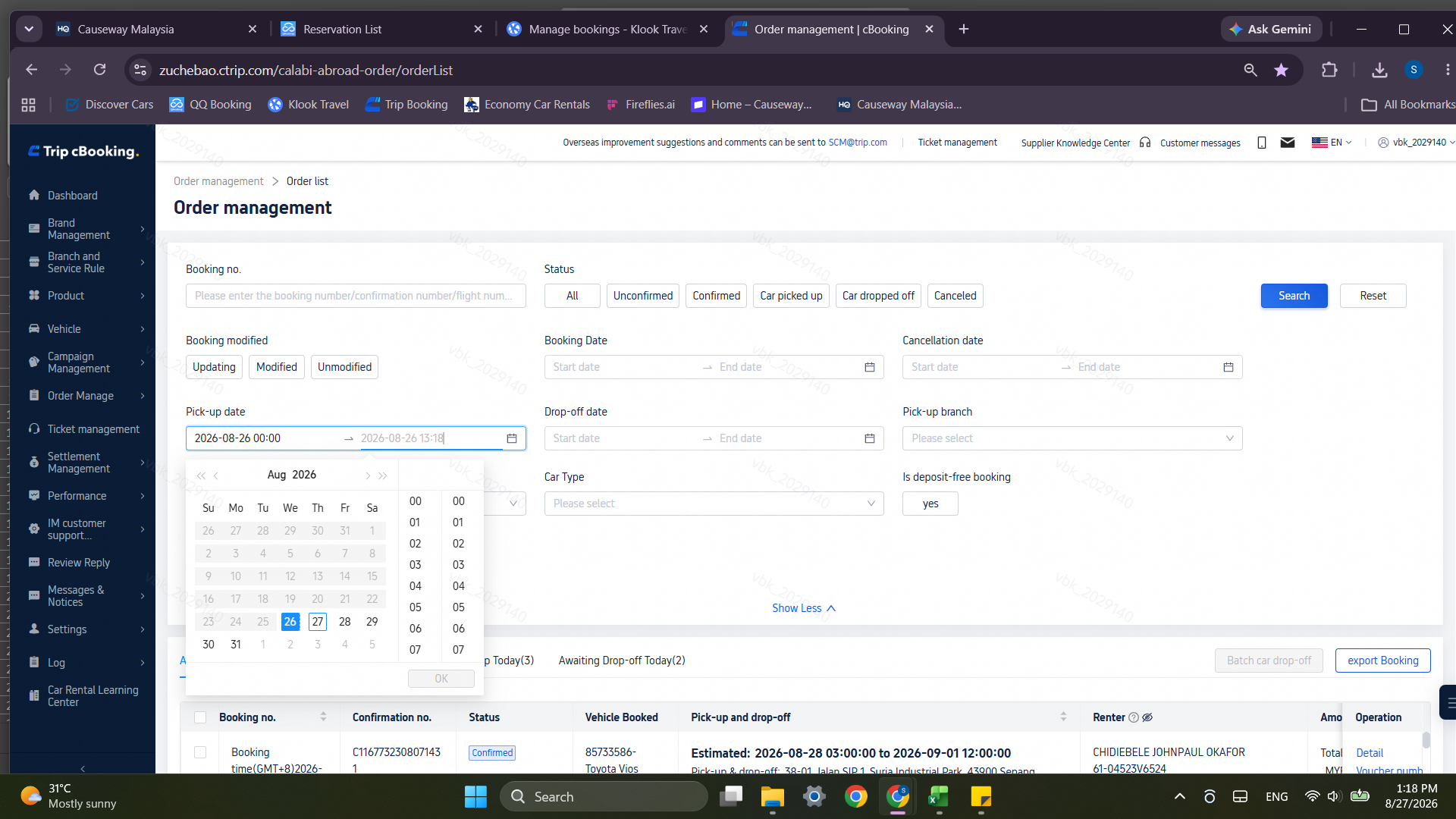
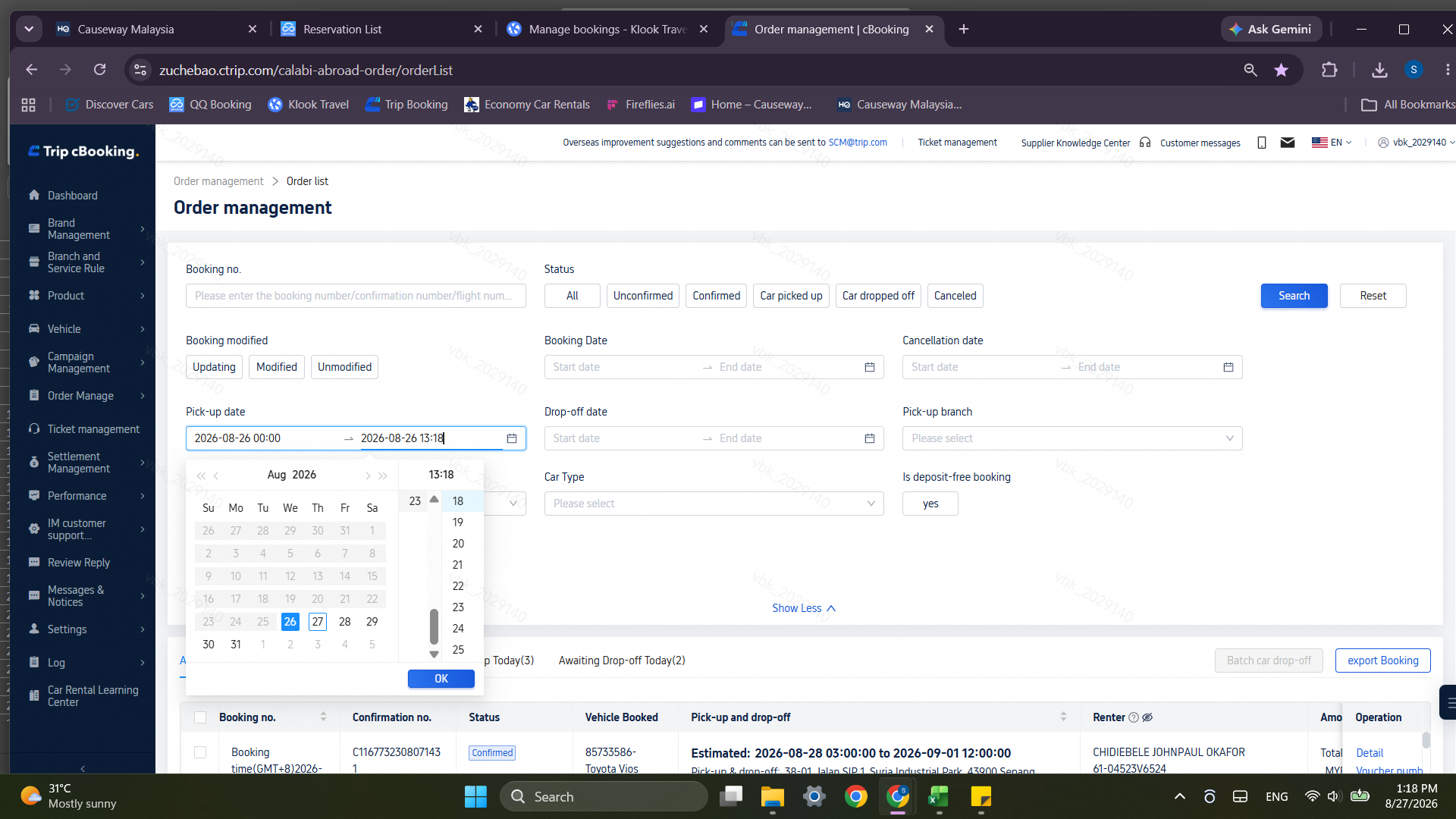
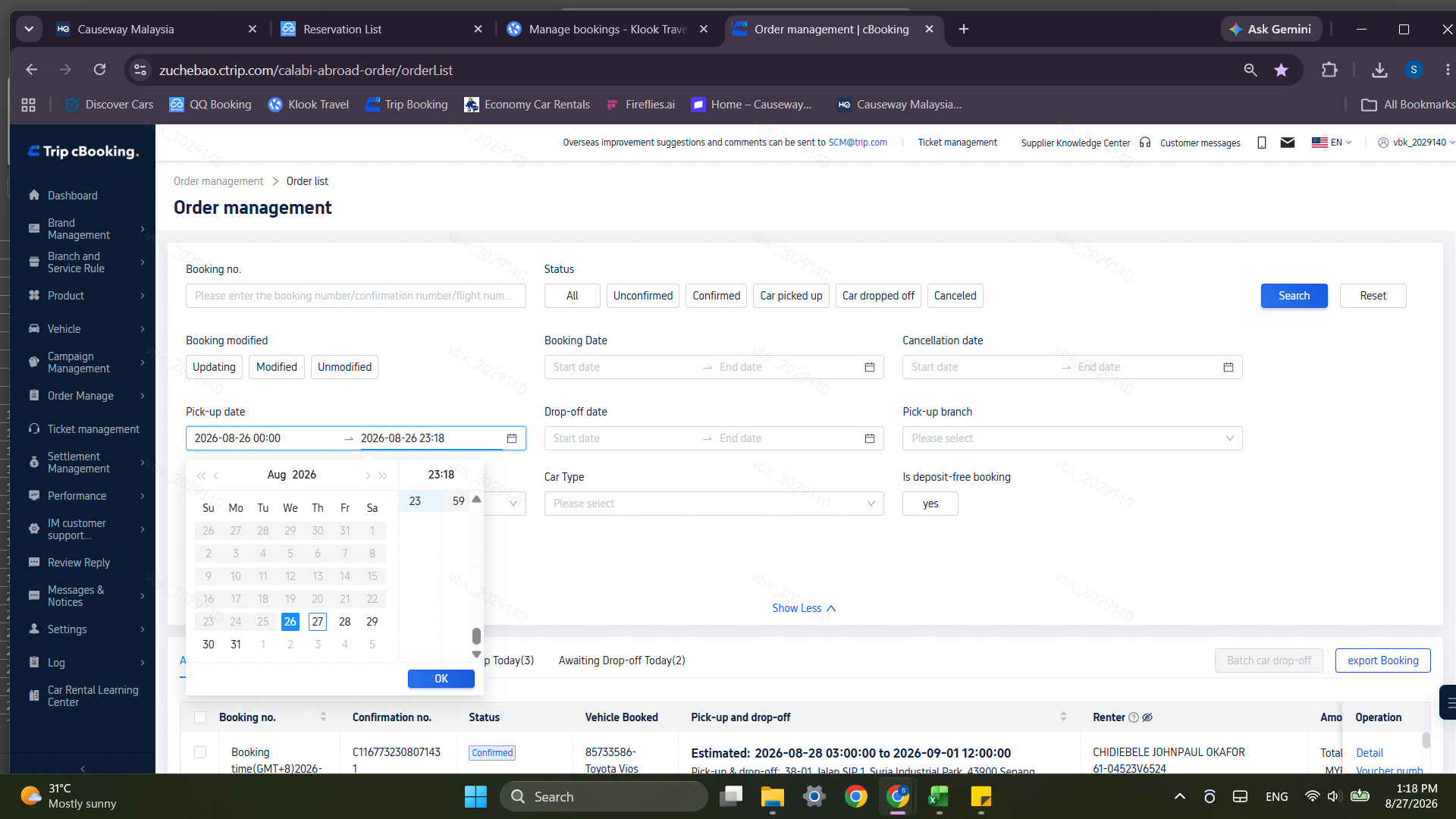
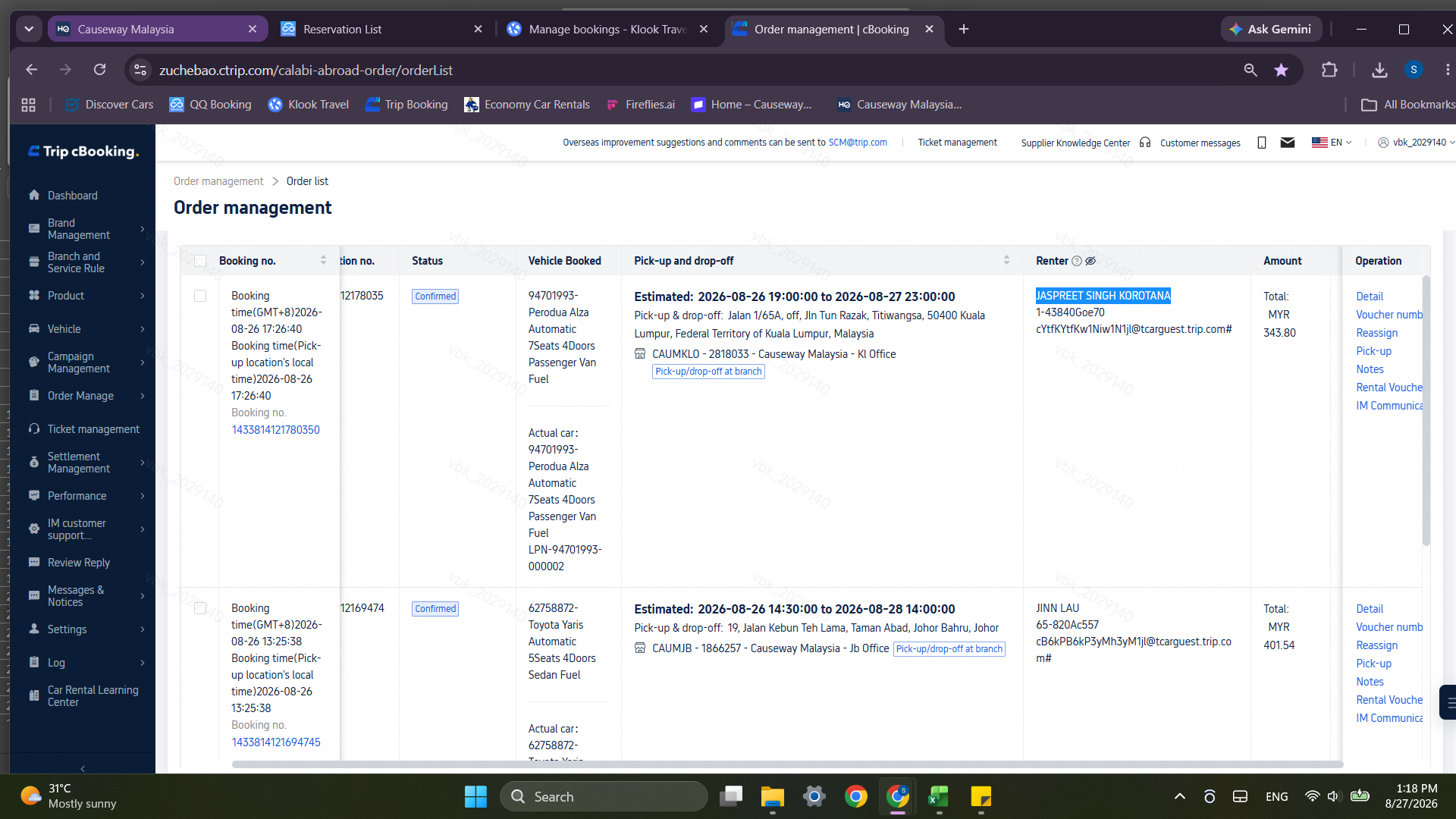
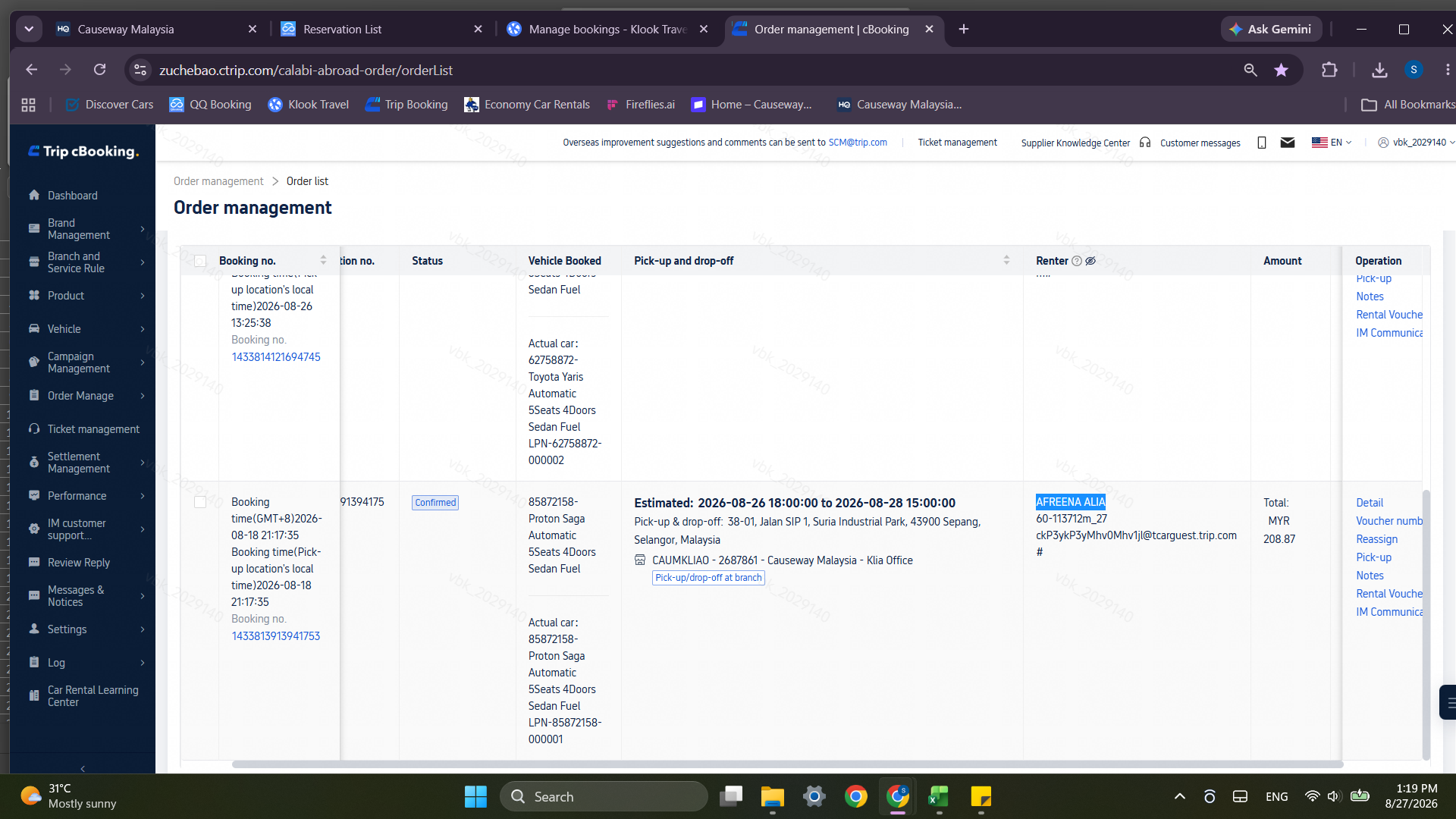
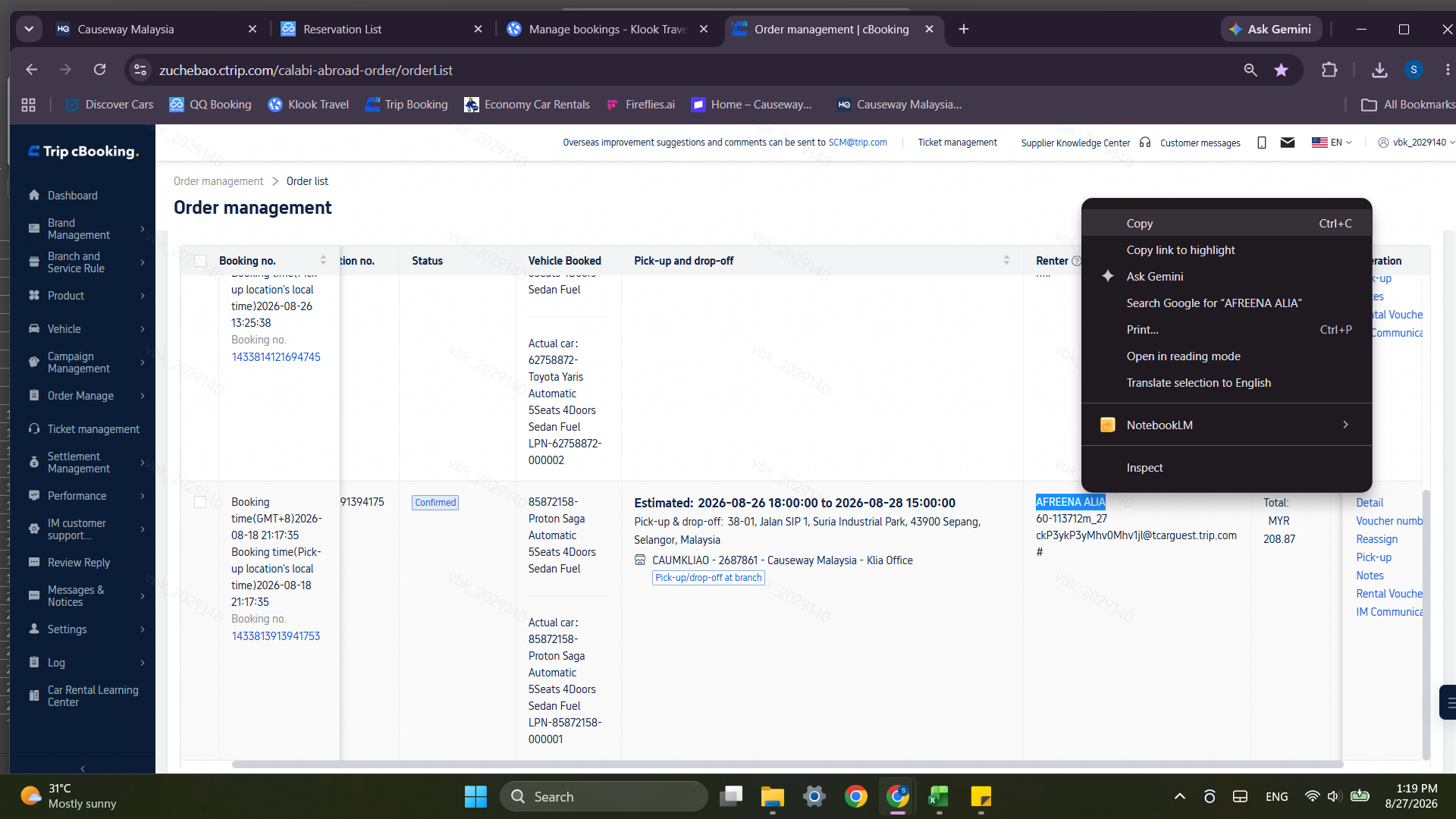
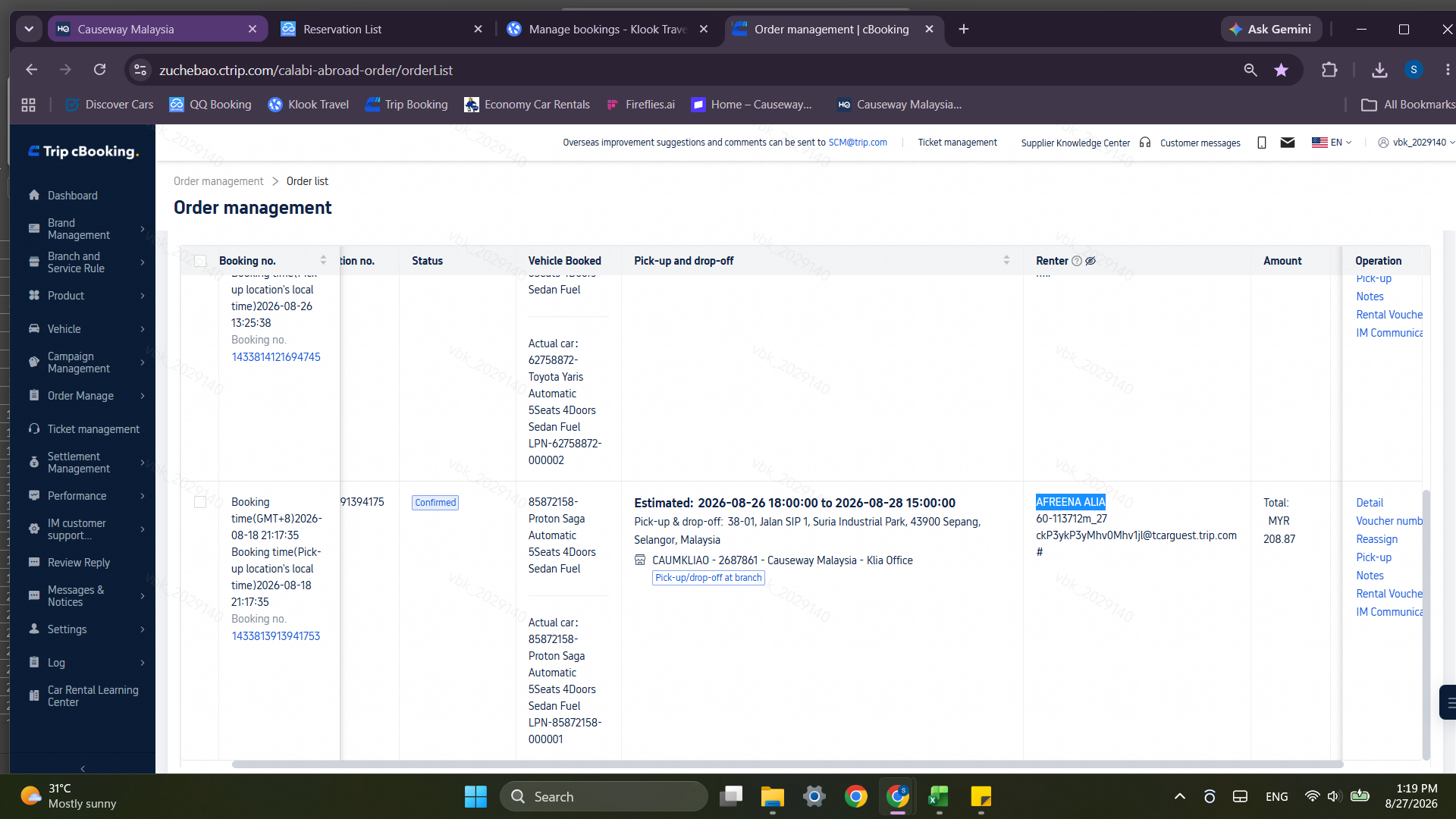
Trip.com (cBooking)
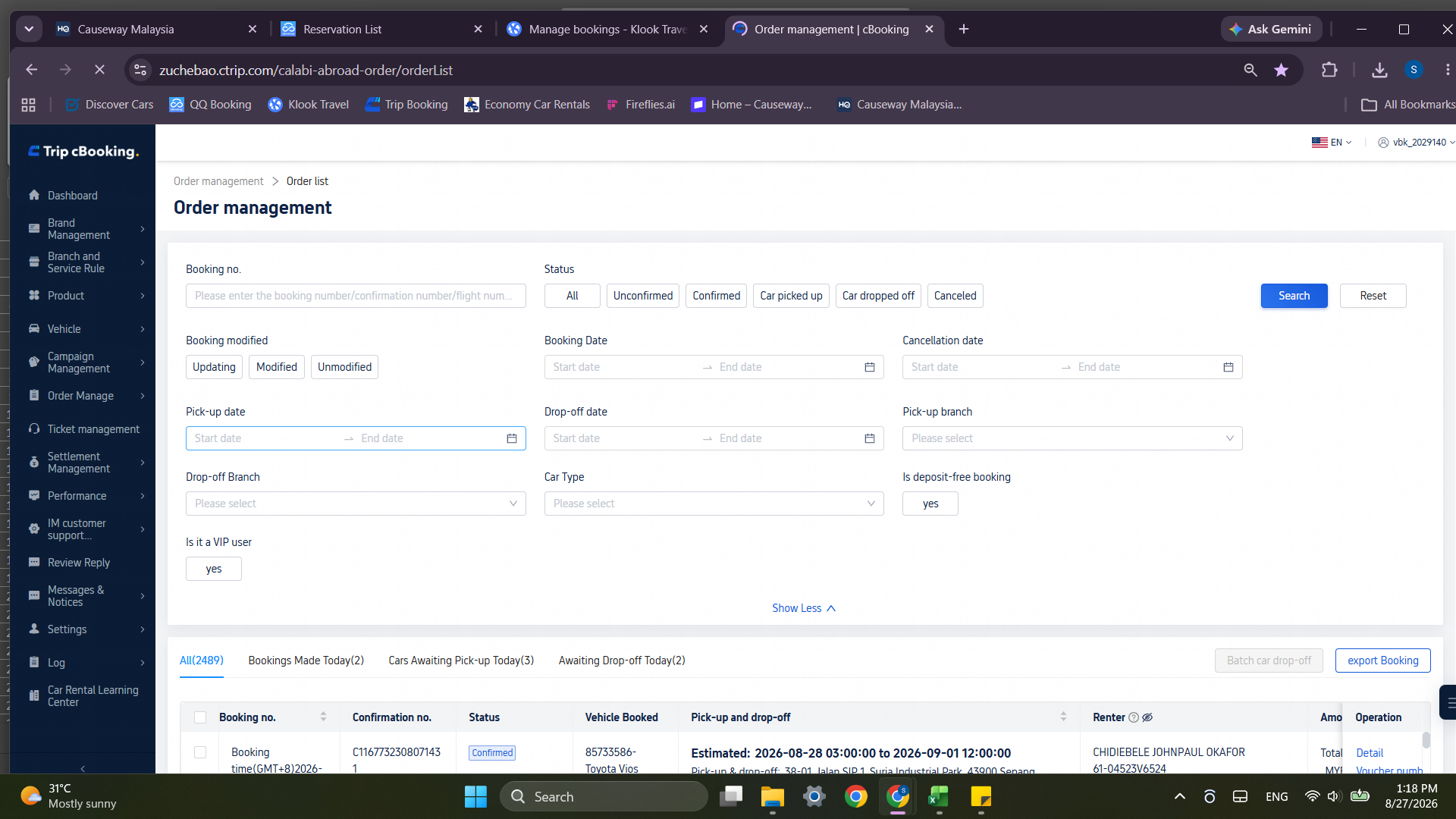
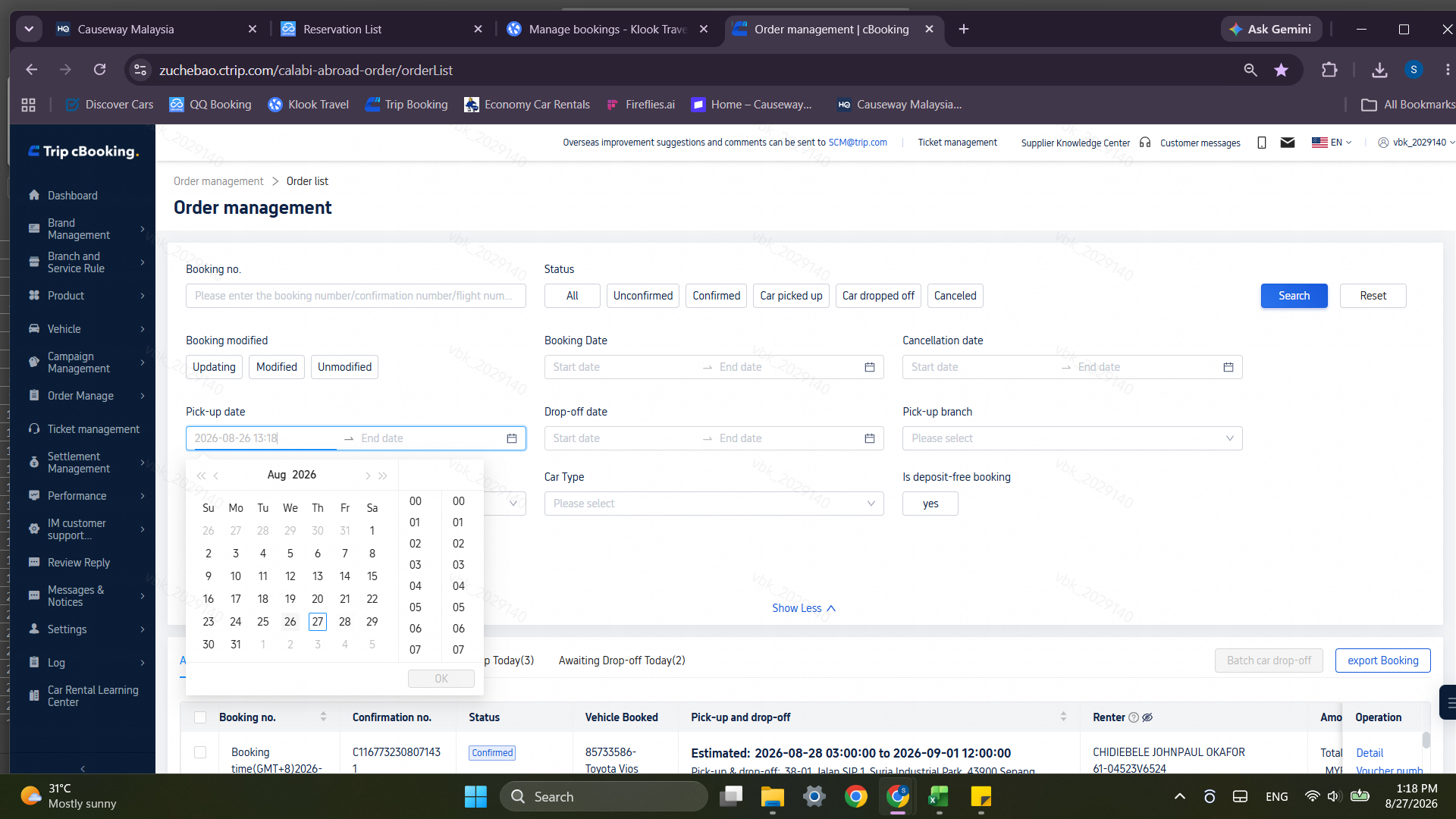
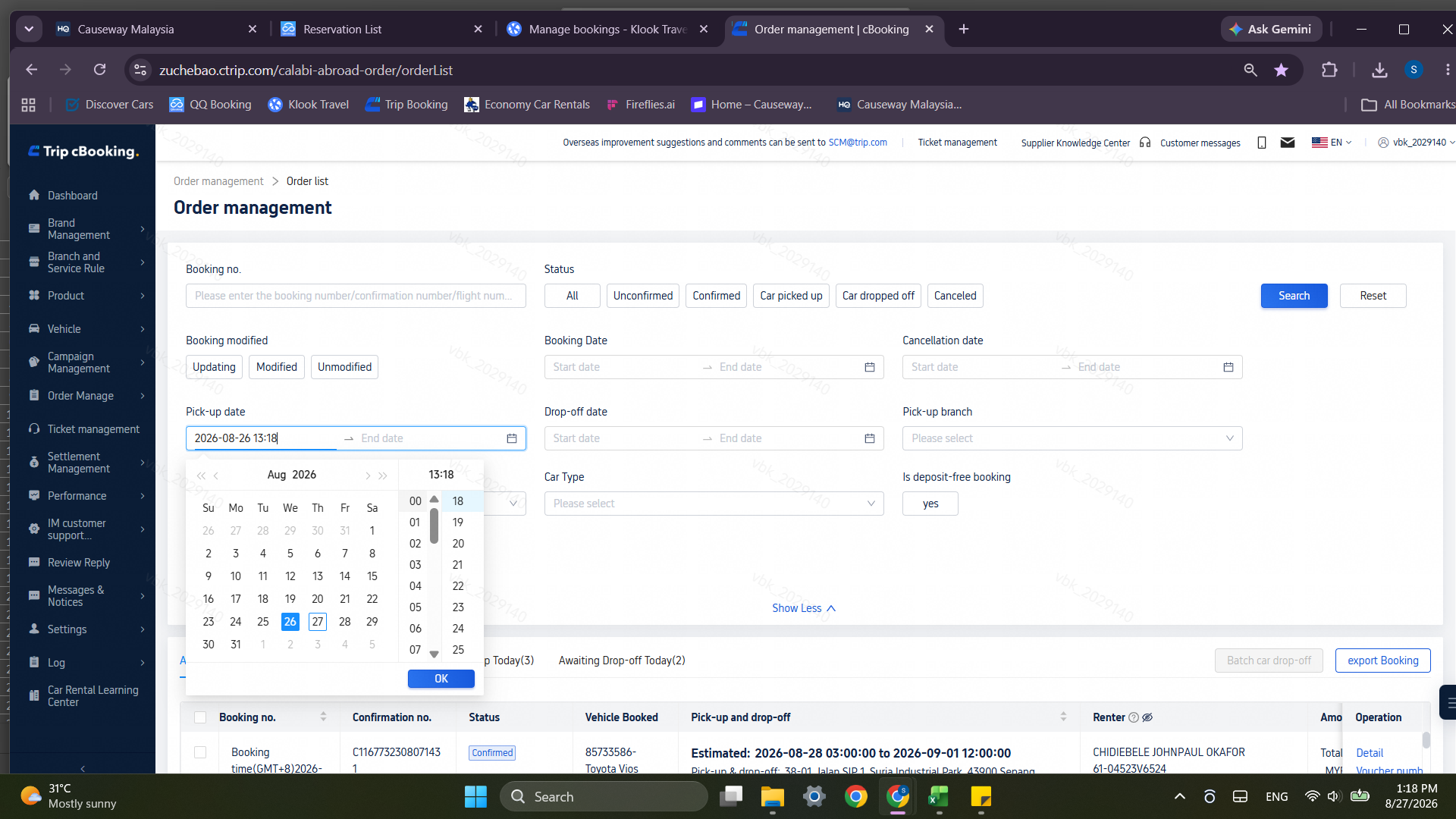
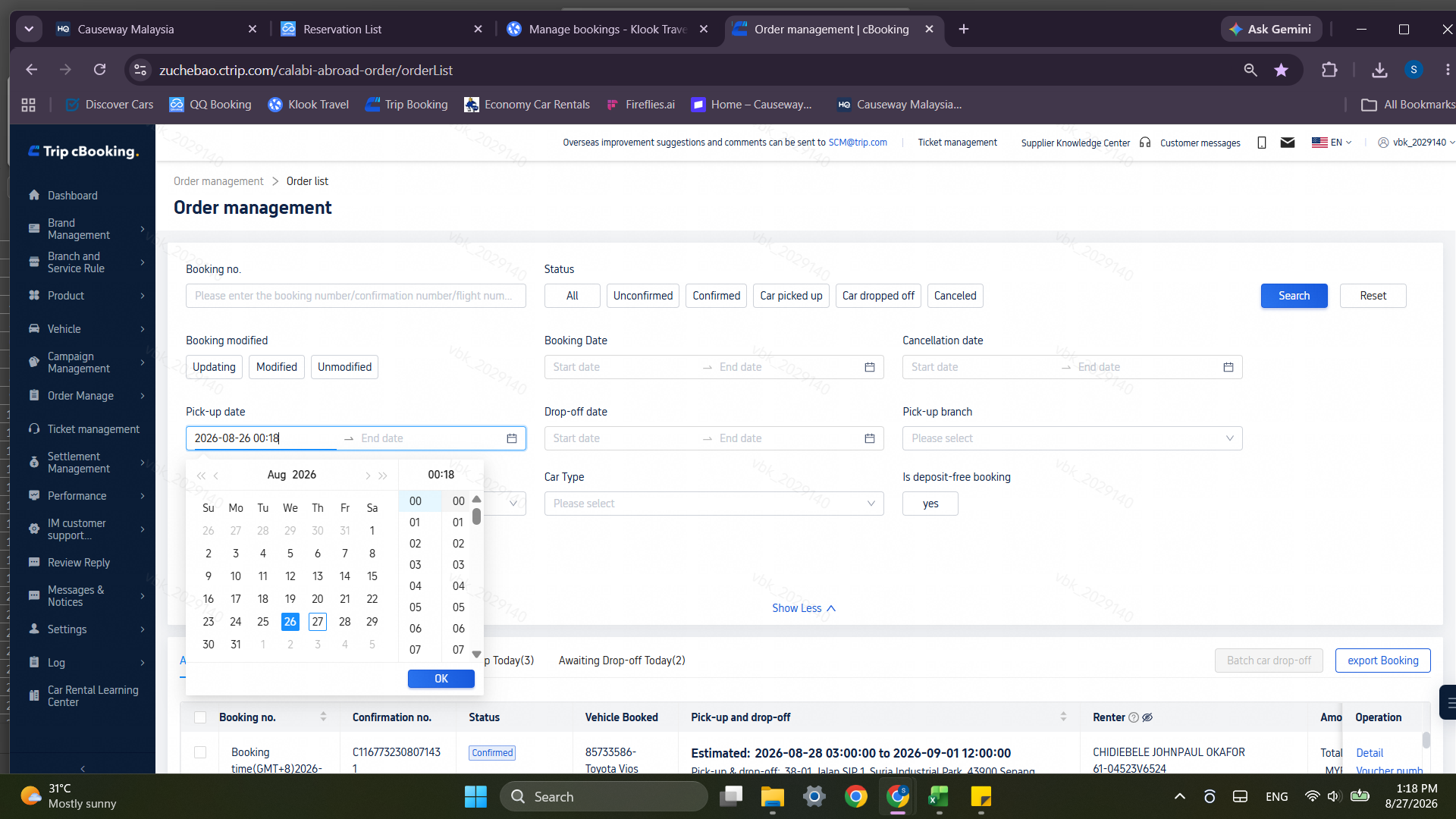
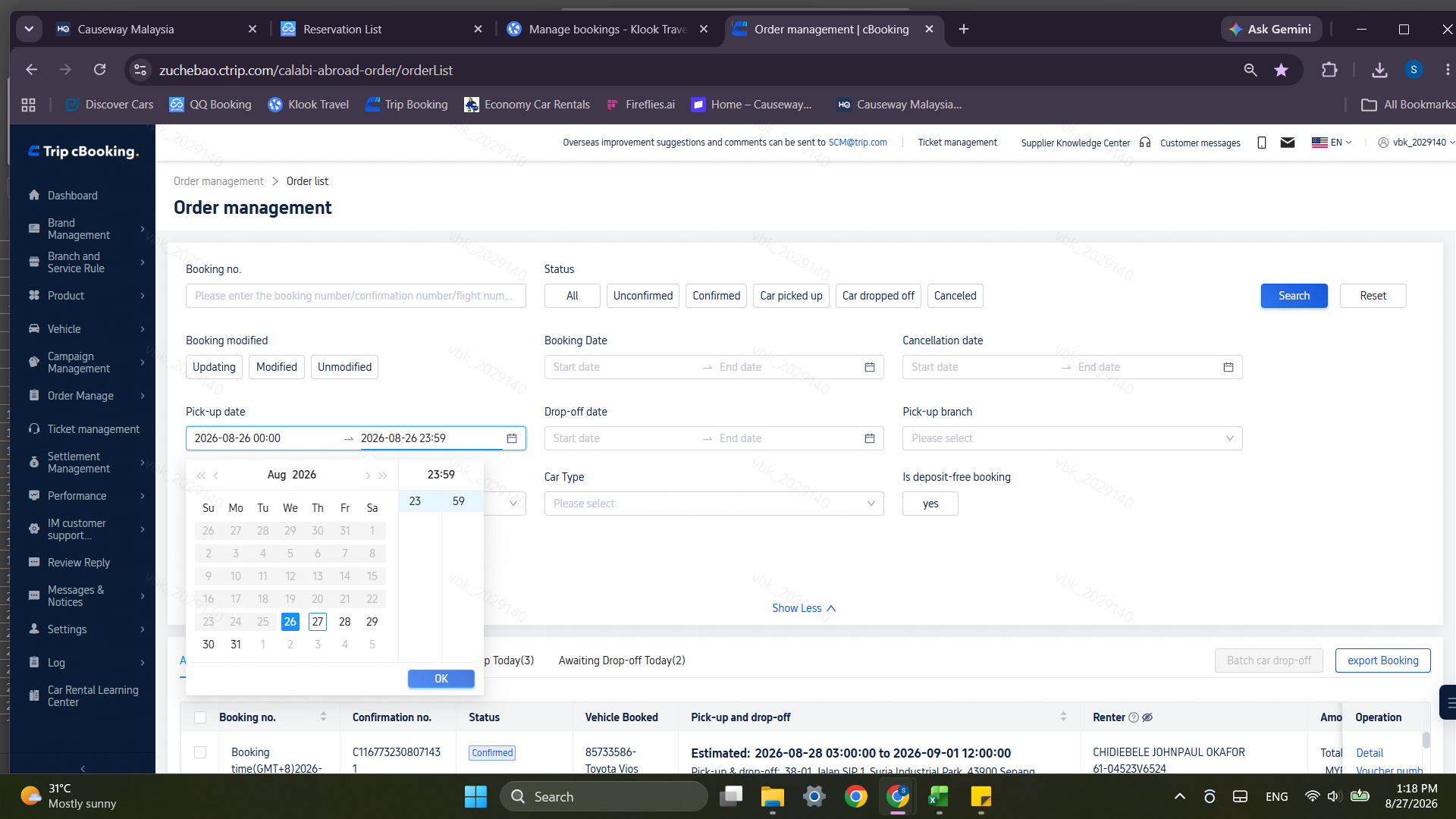
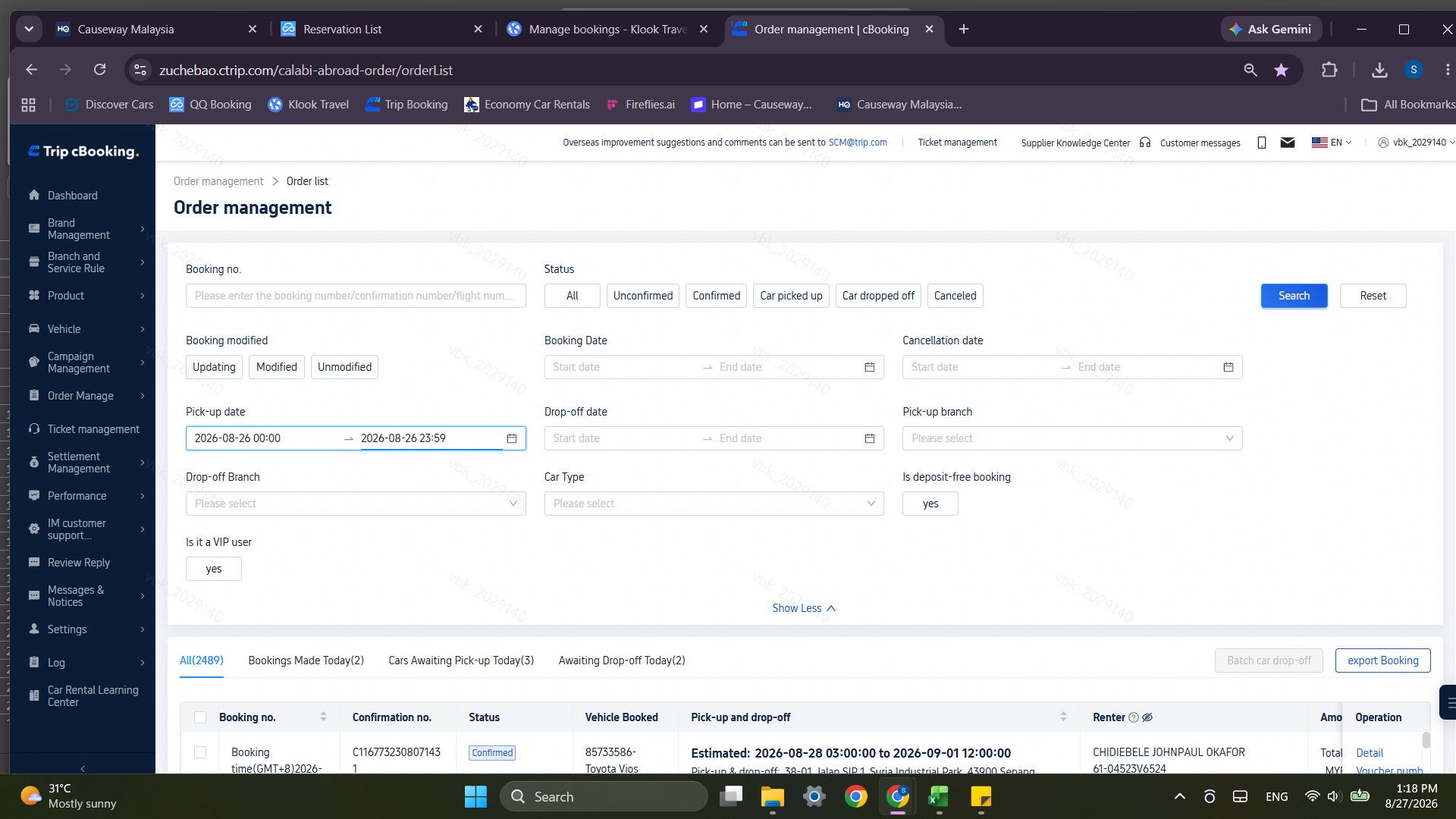
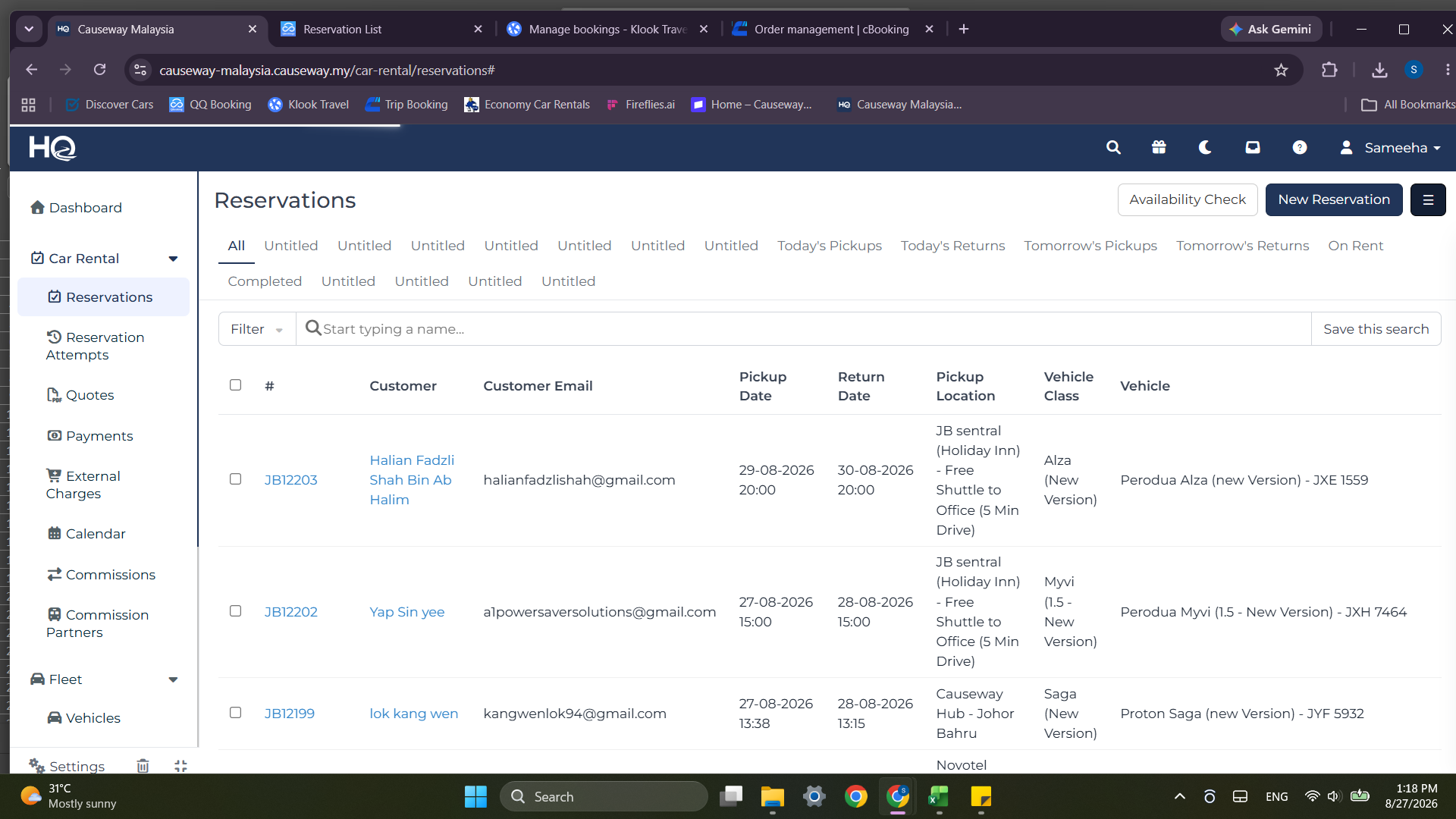
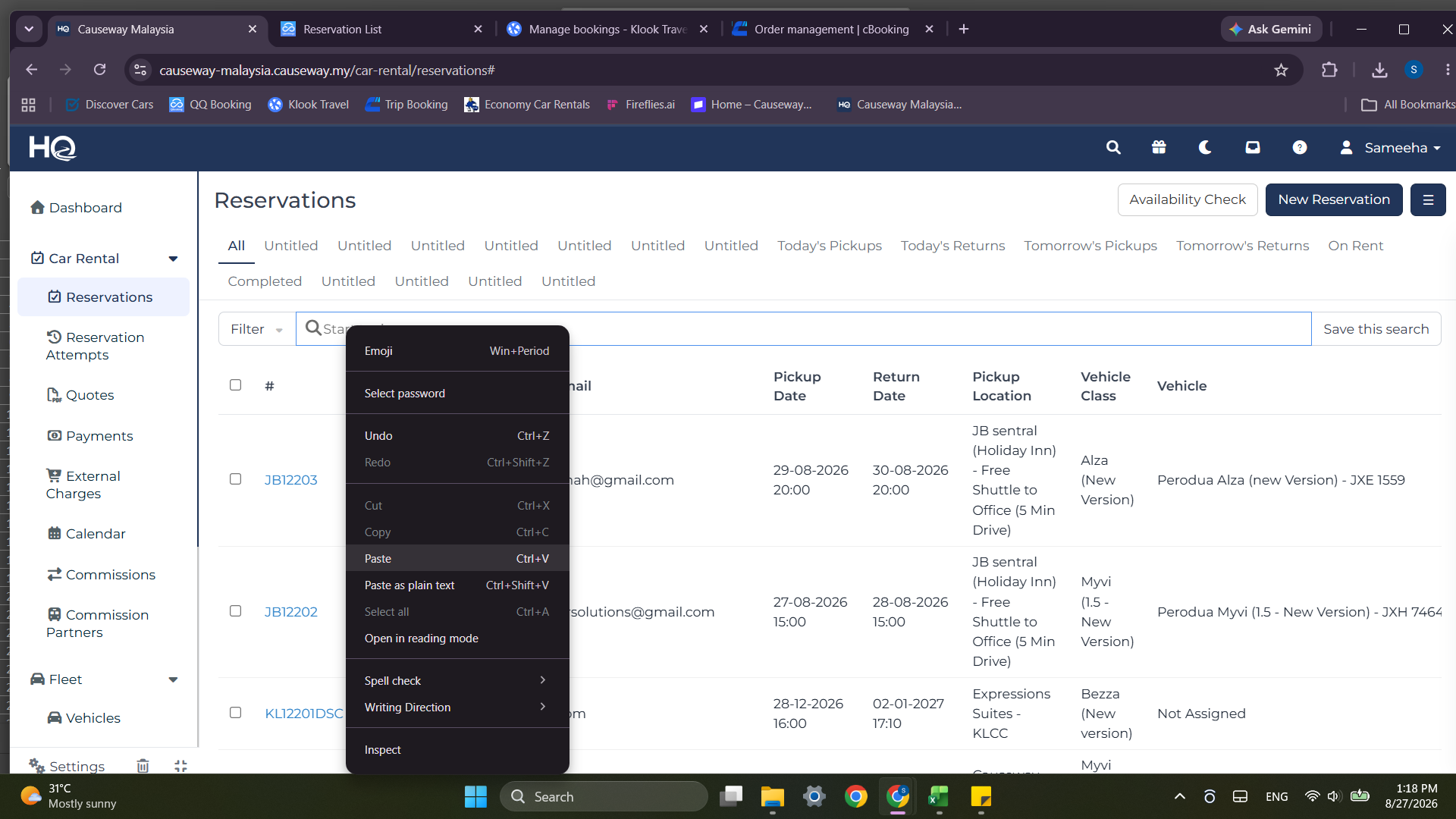
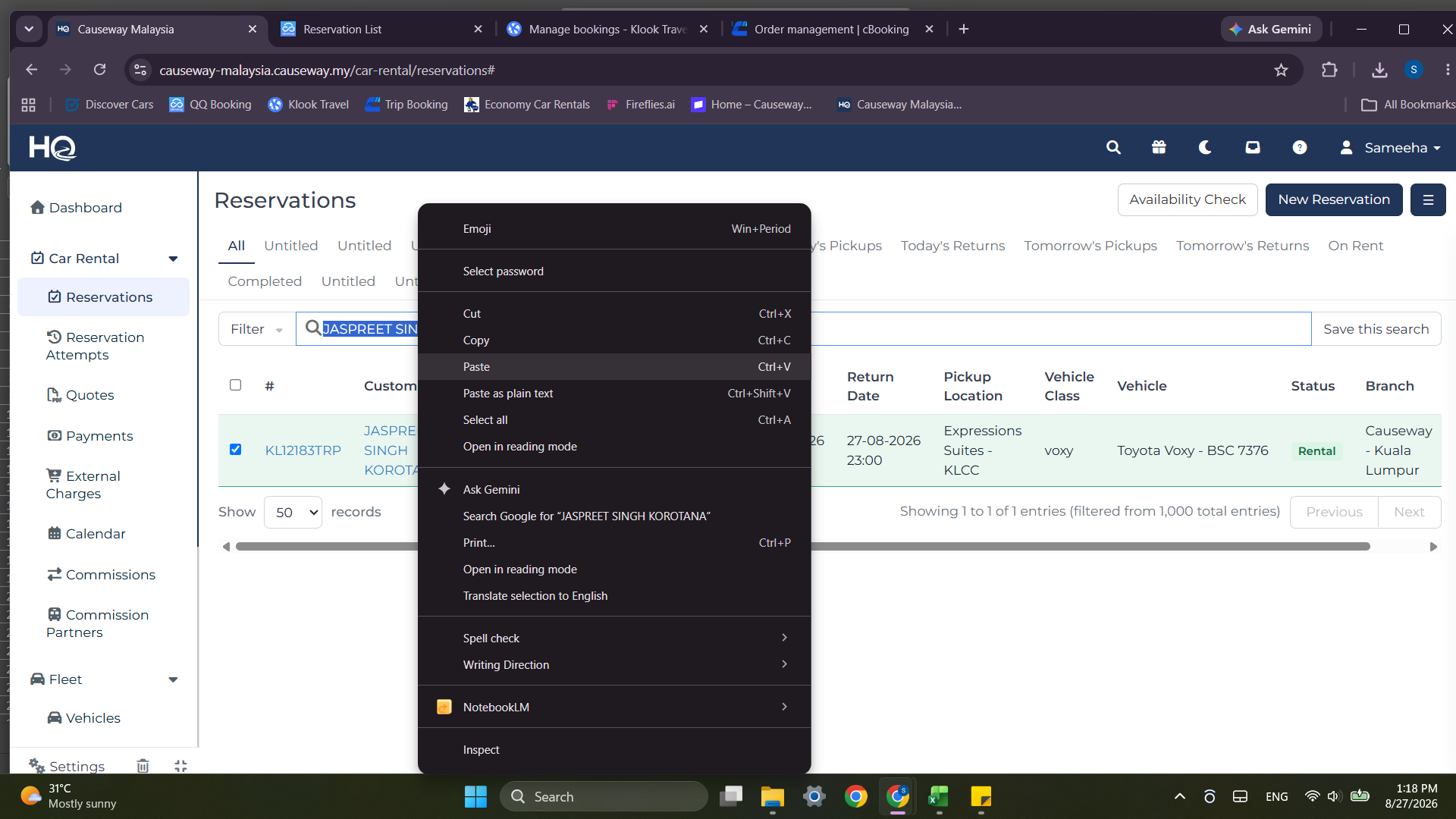
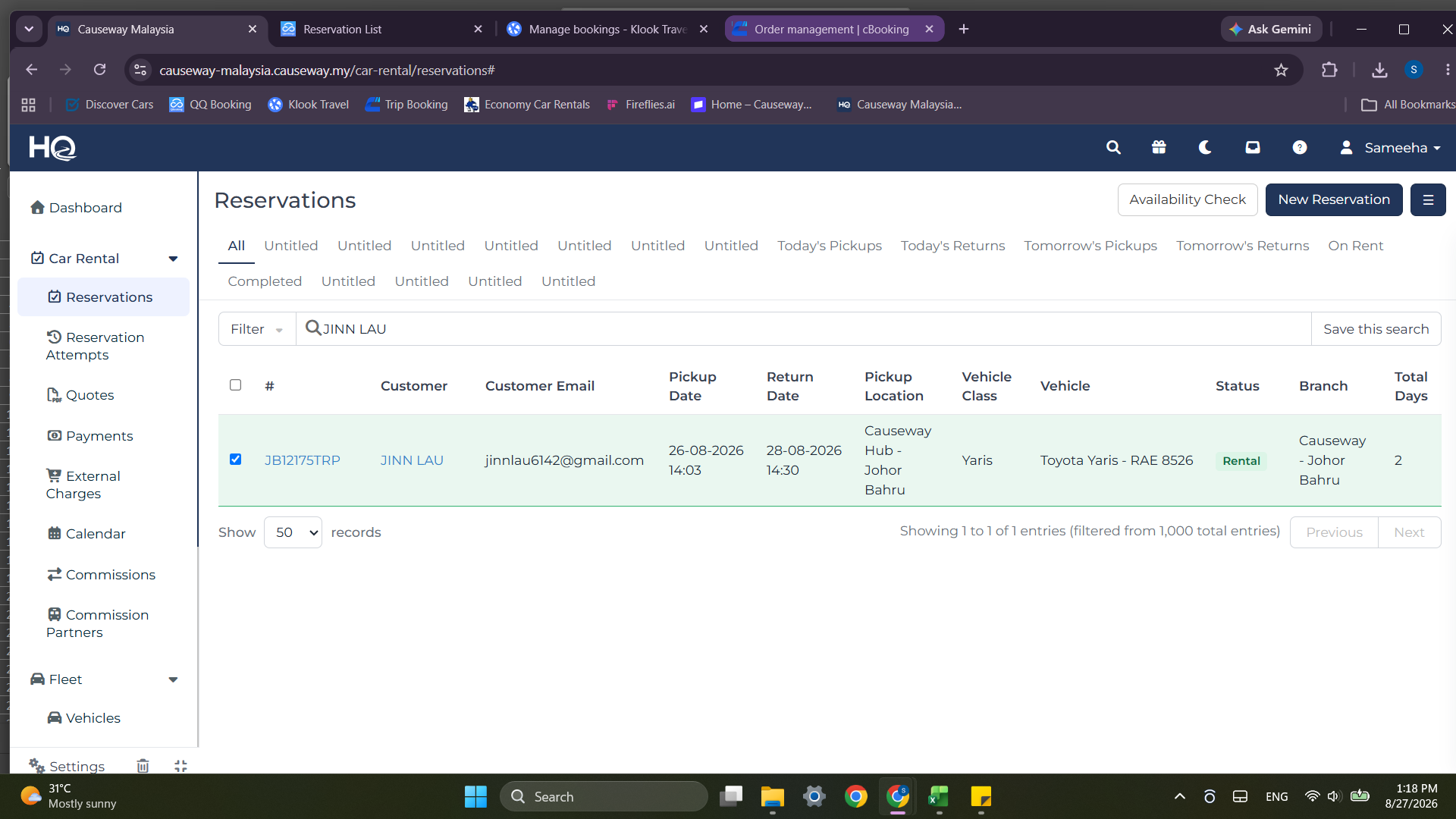
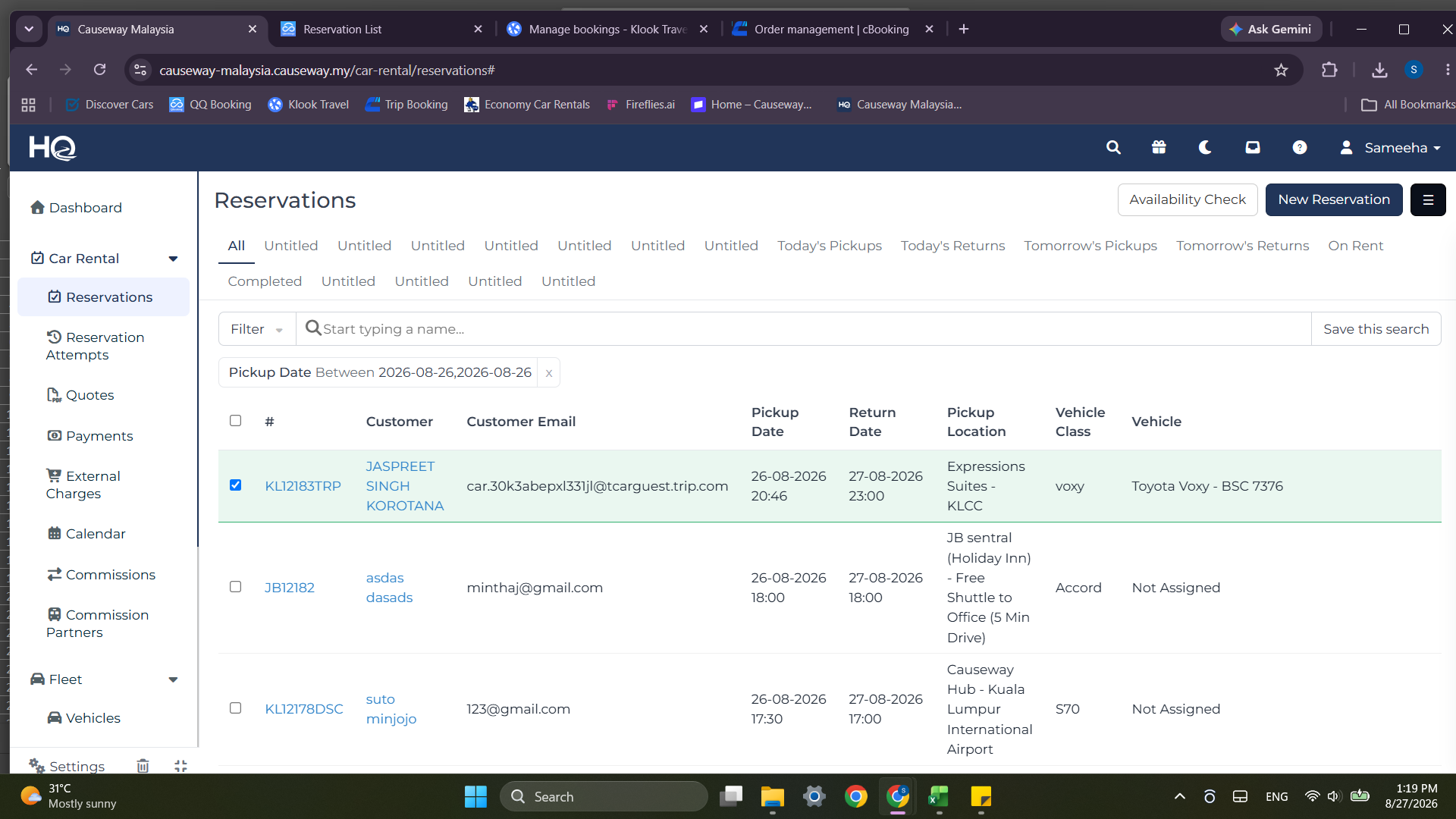
Search and Match Customer Records in Causeway HQ
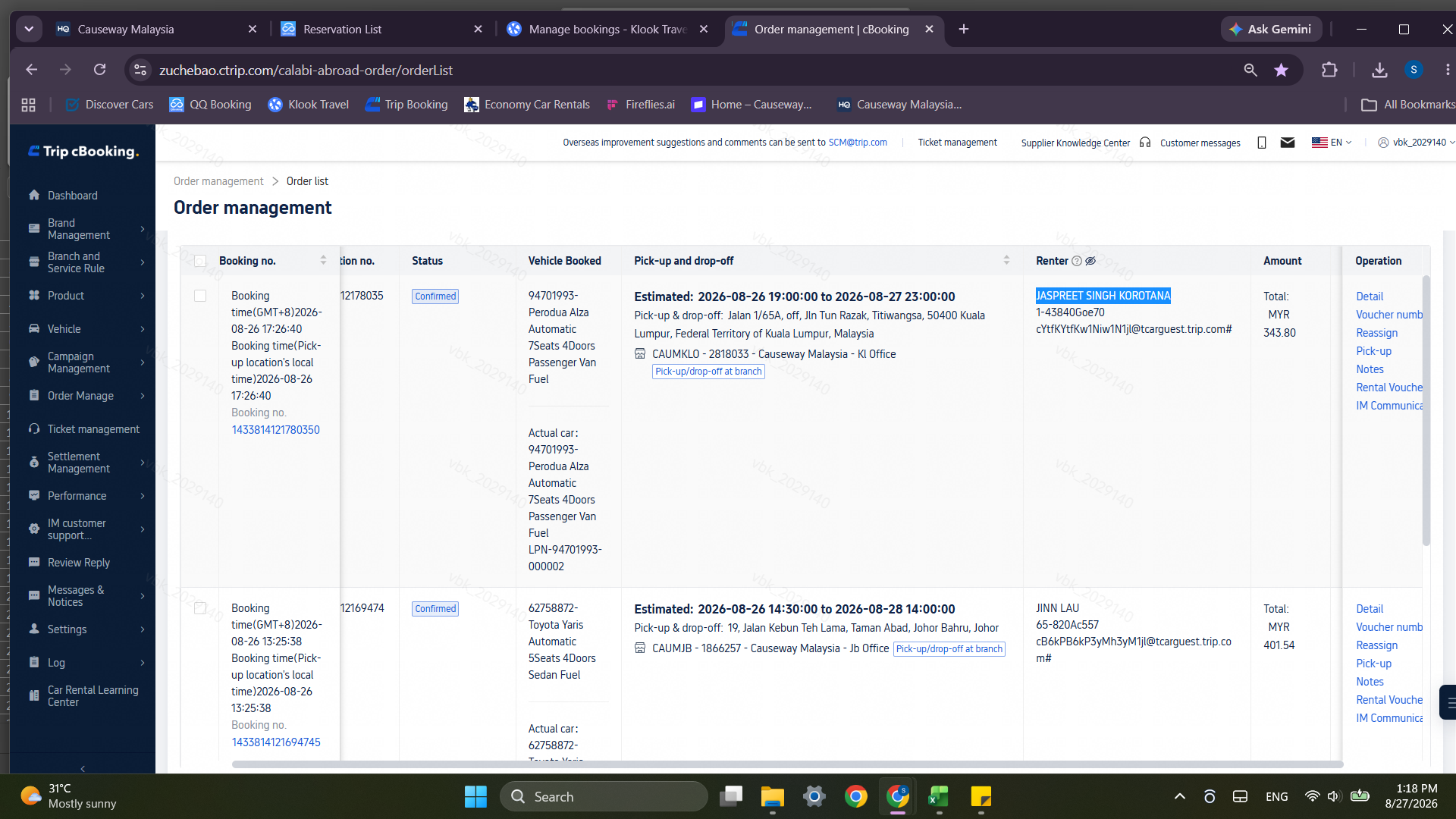
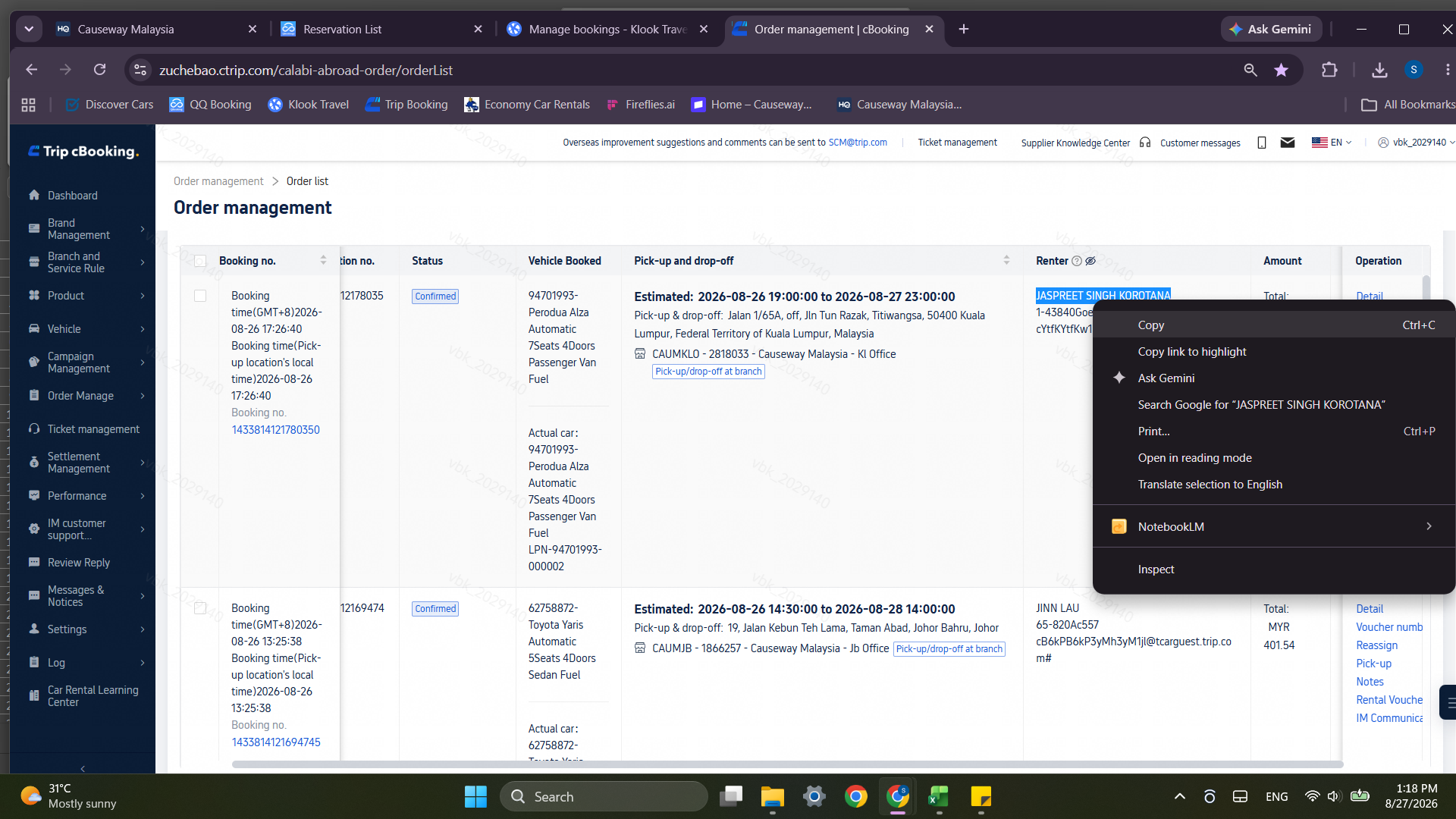
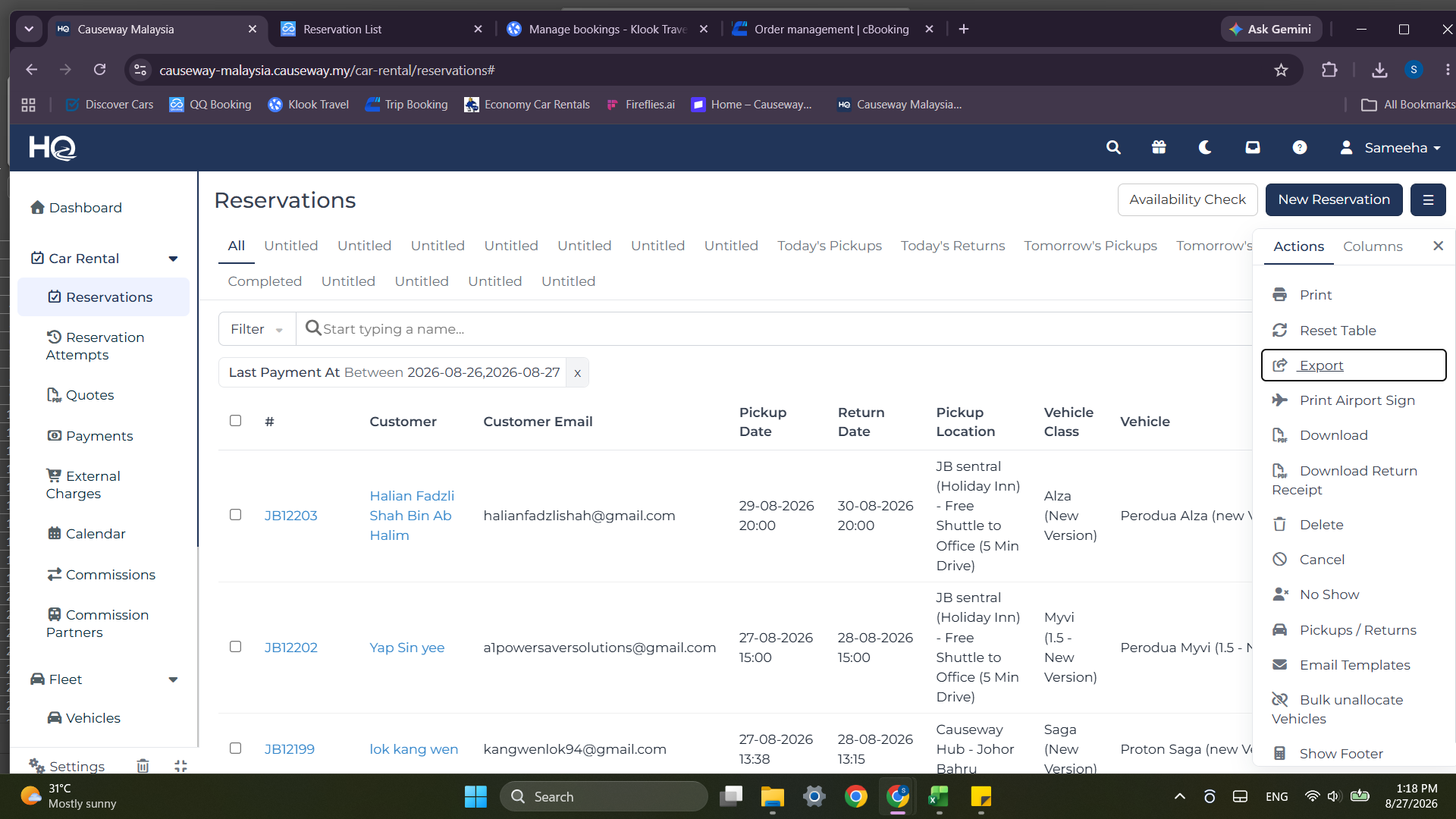
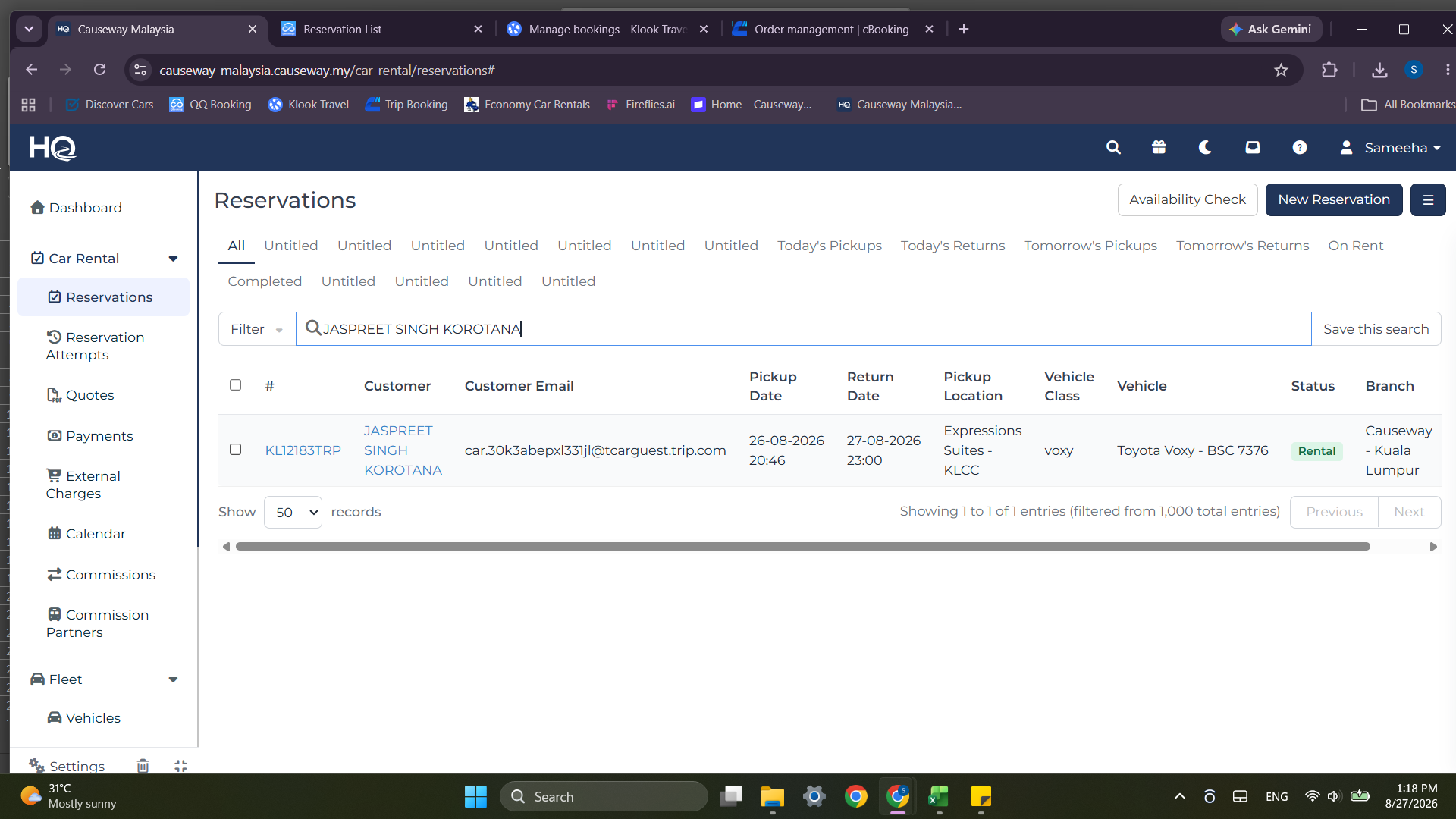
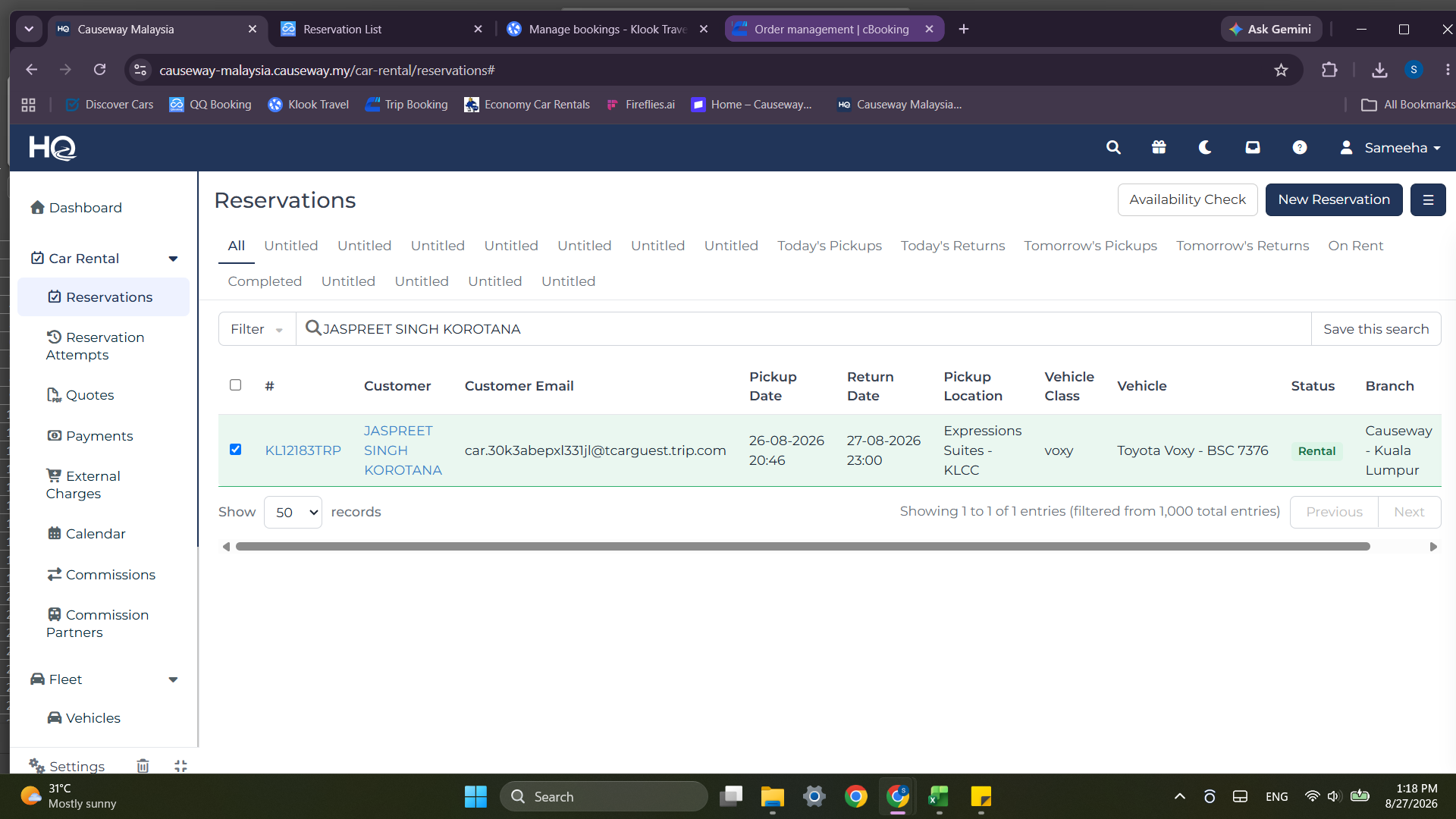
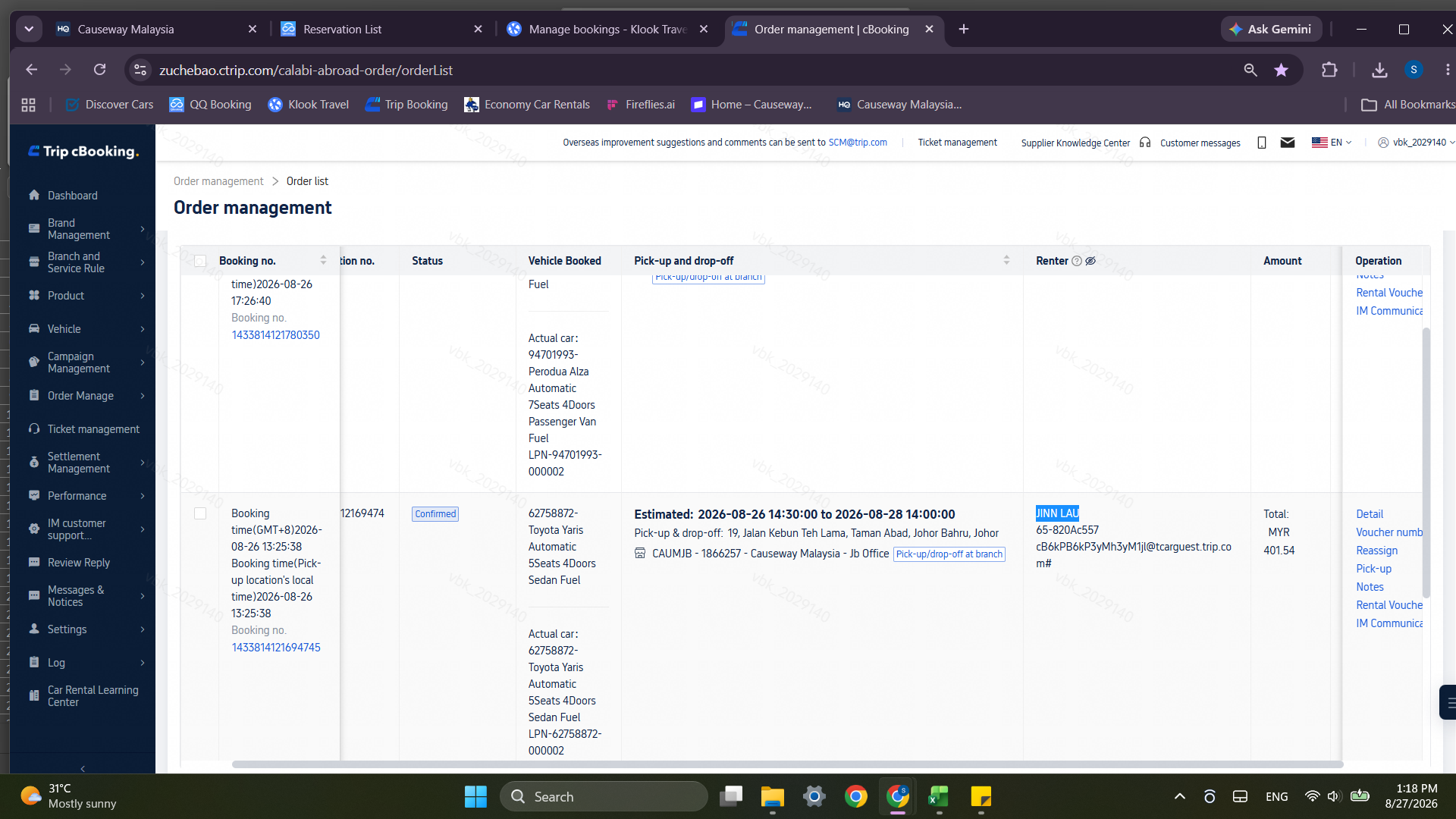
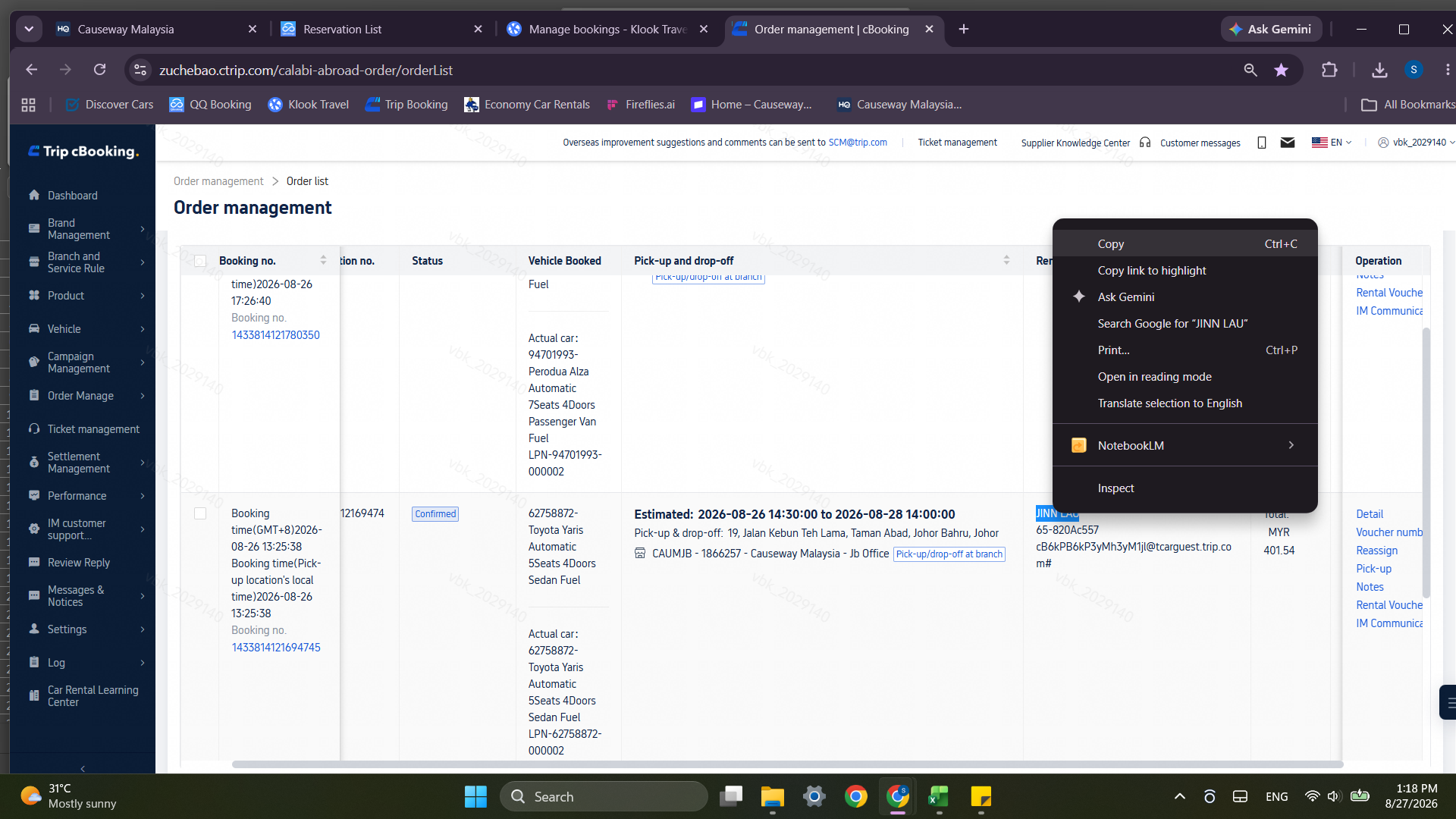
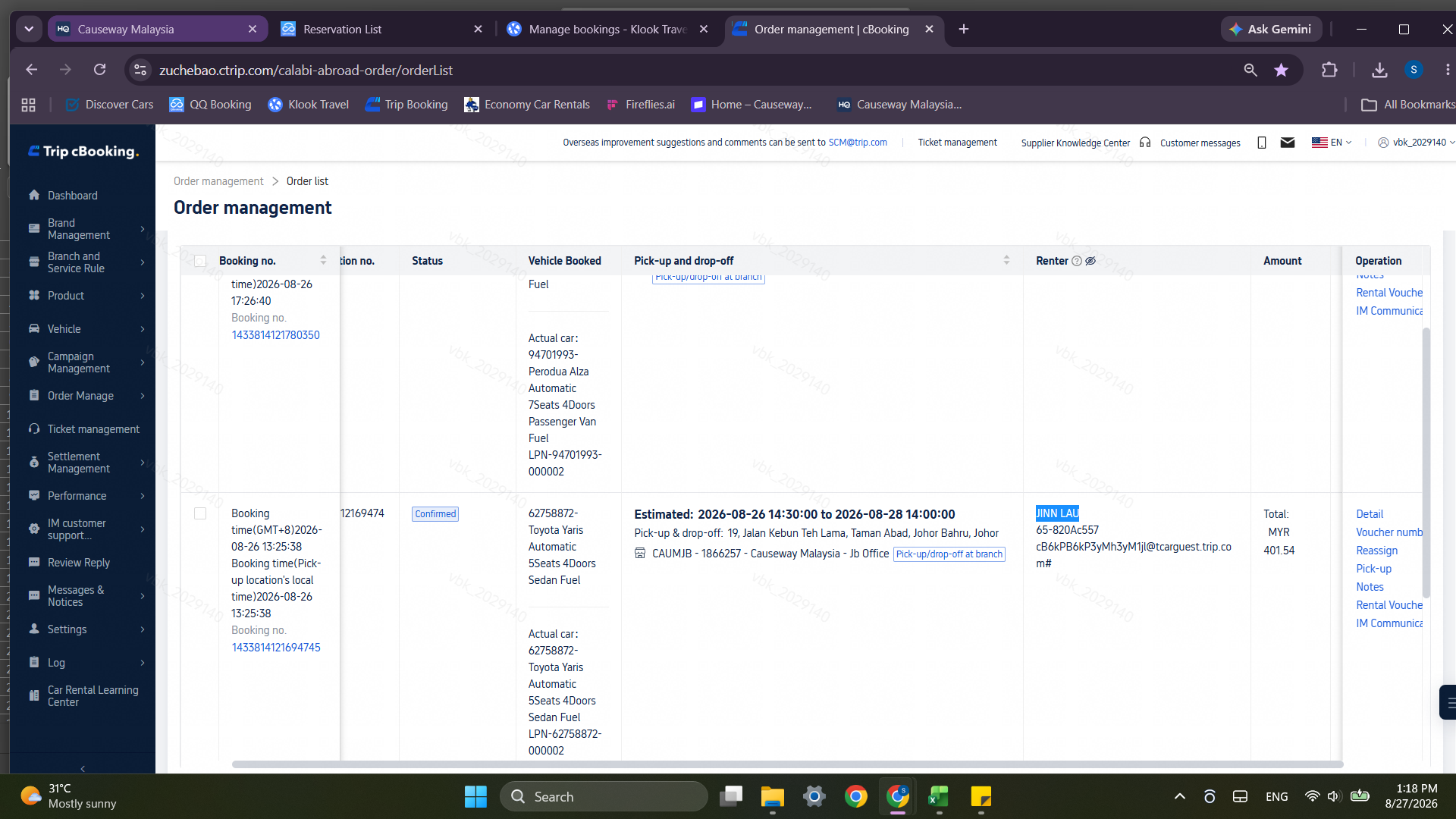
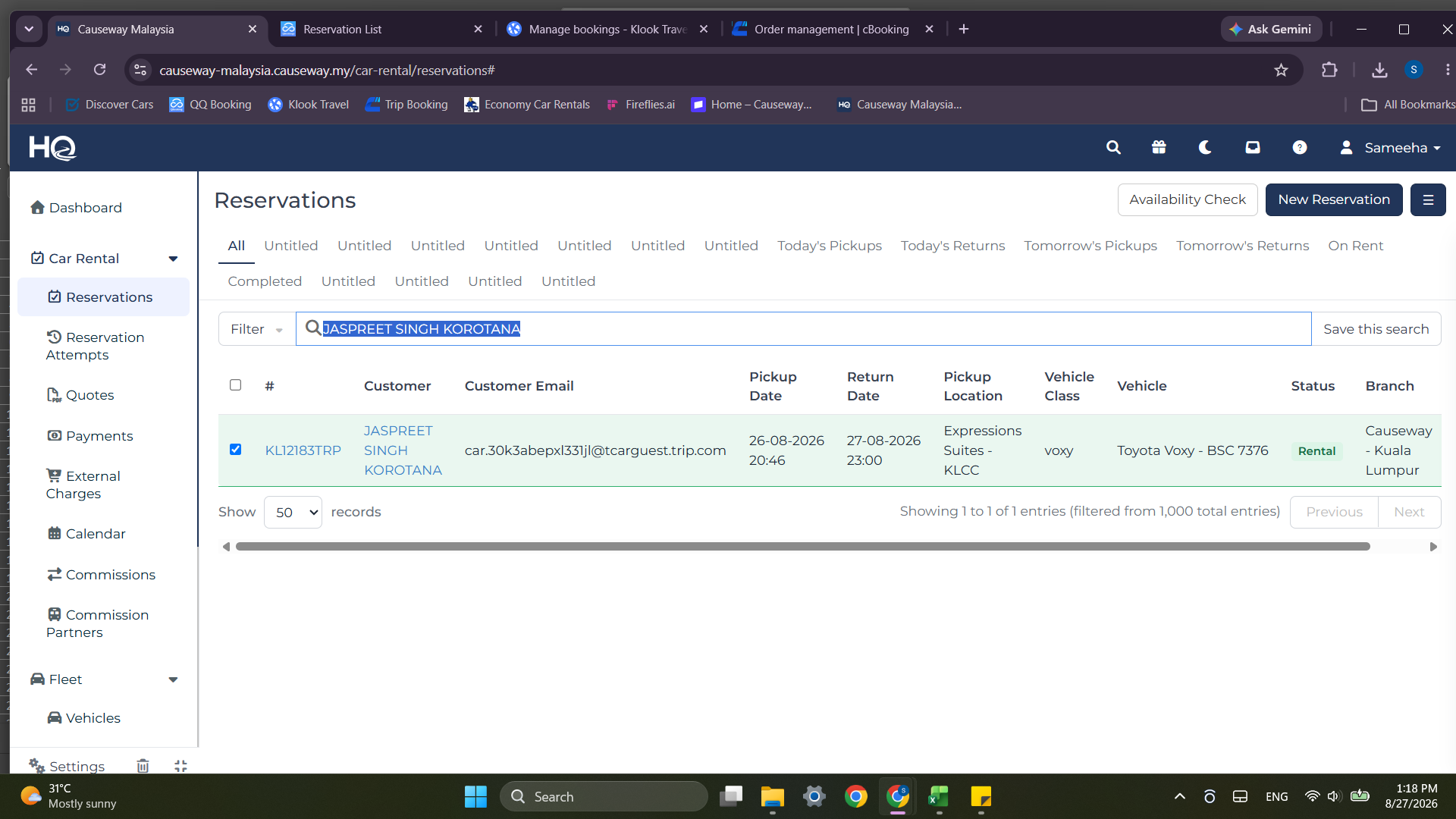
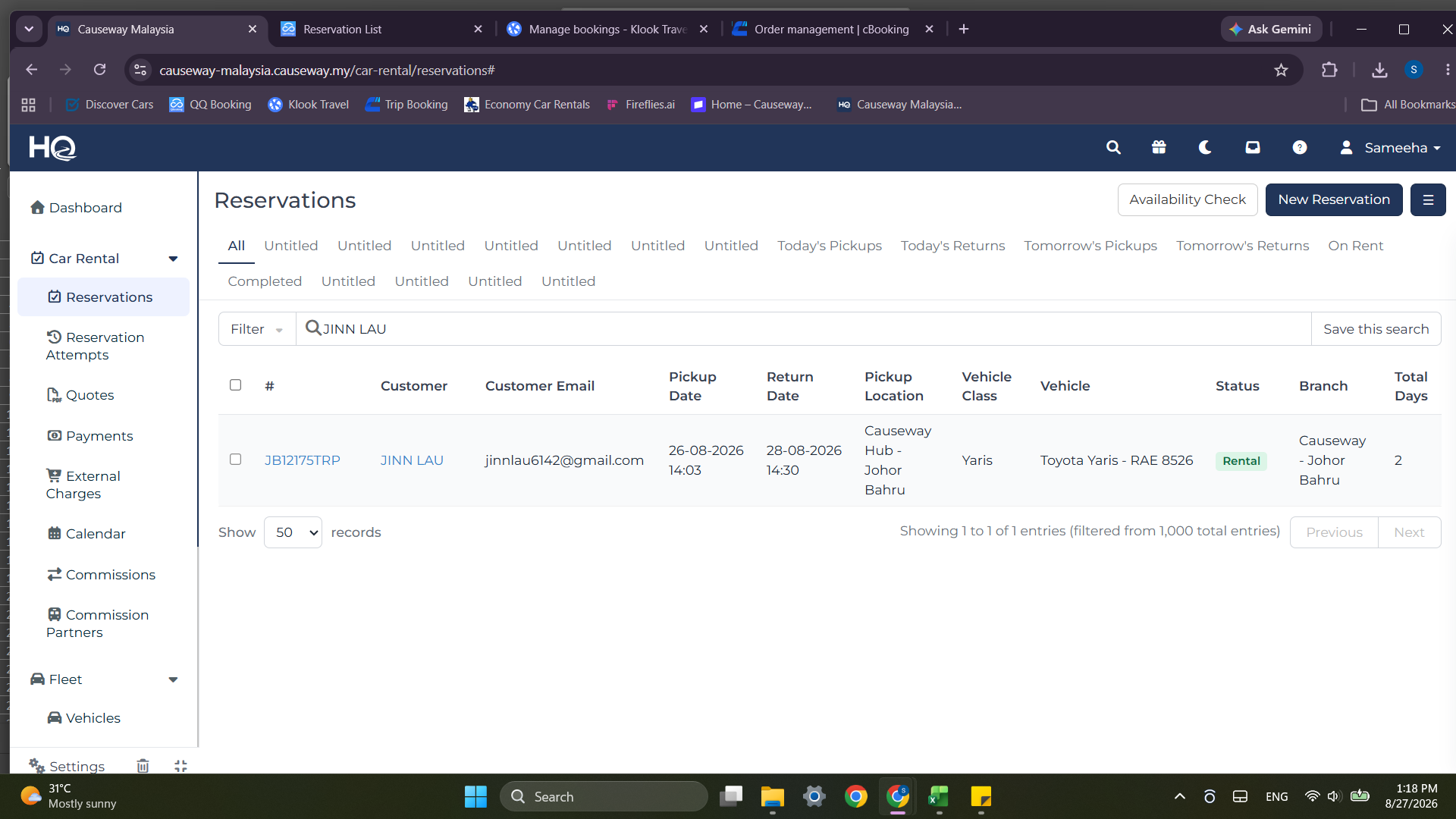
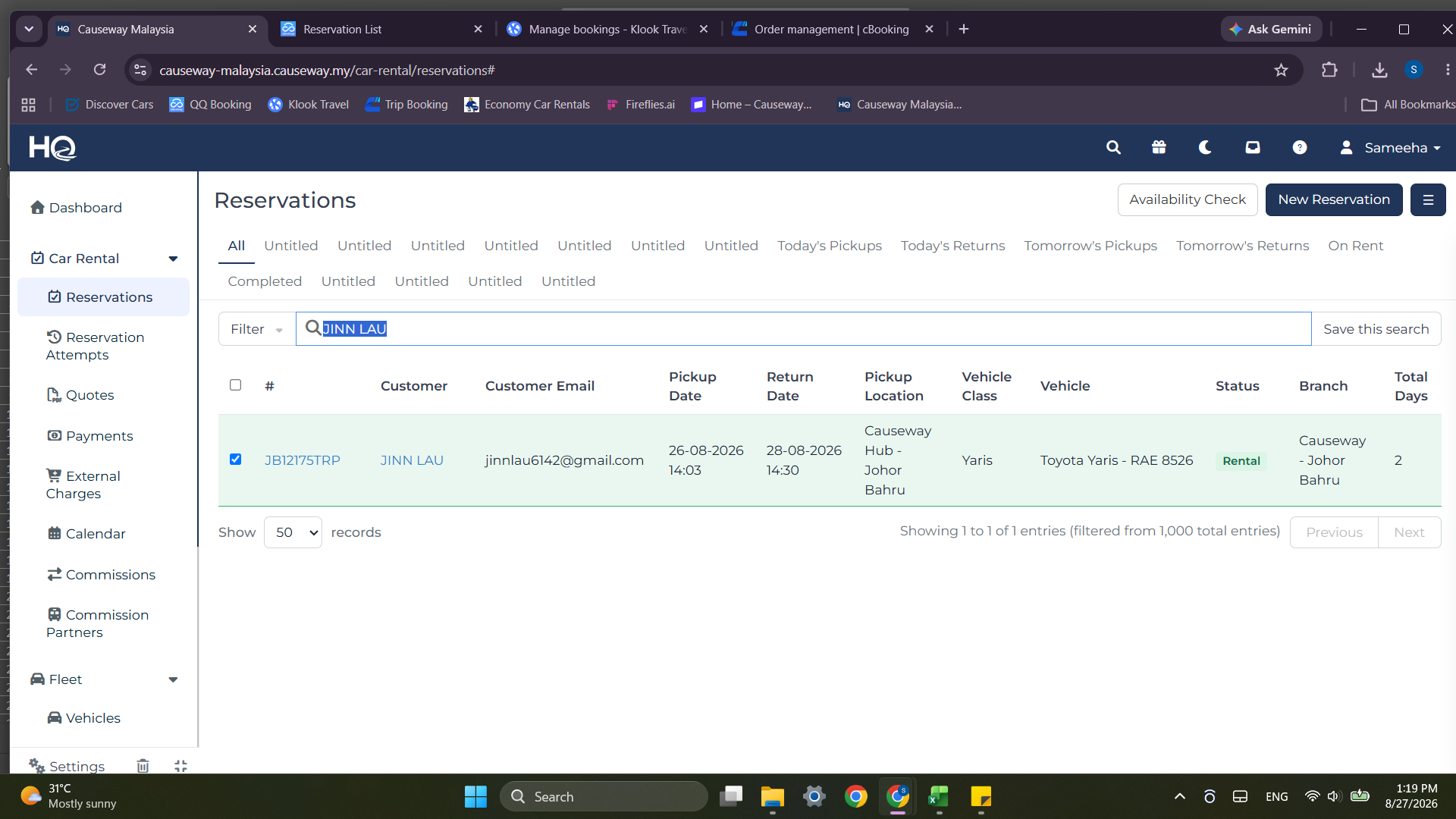
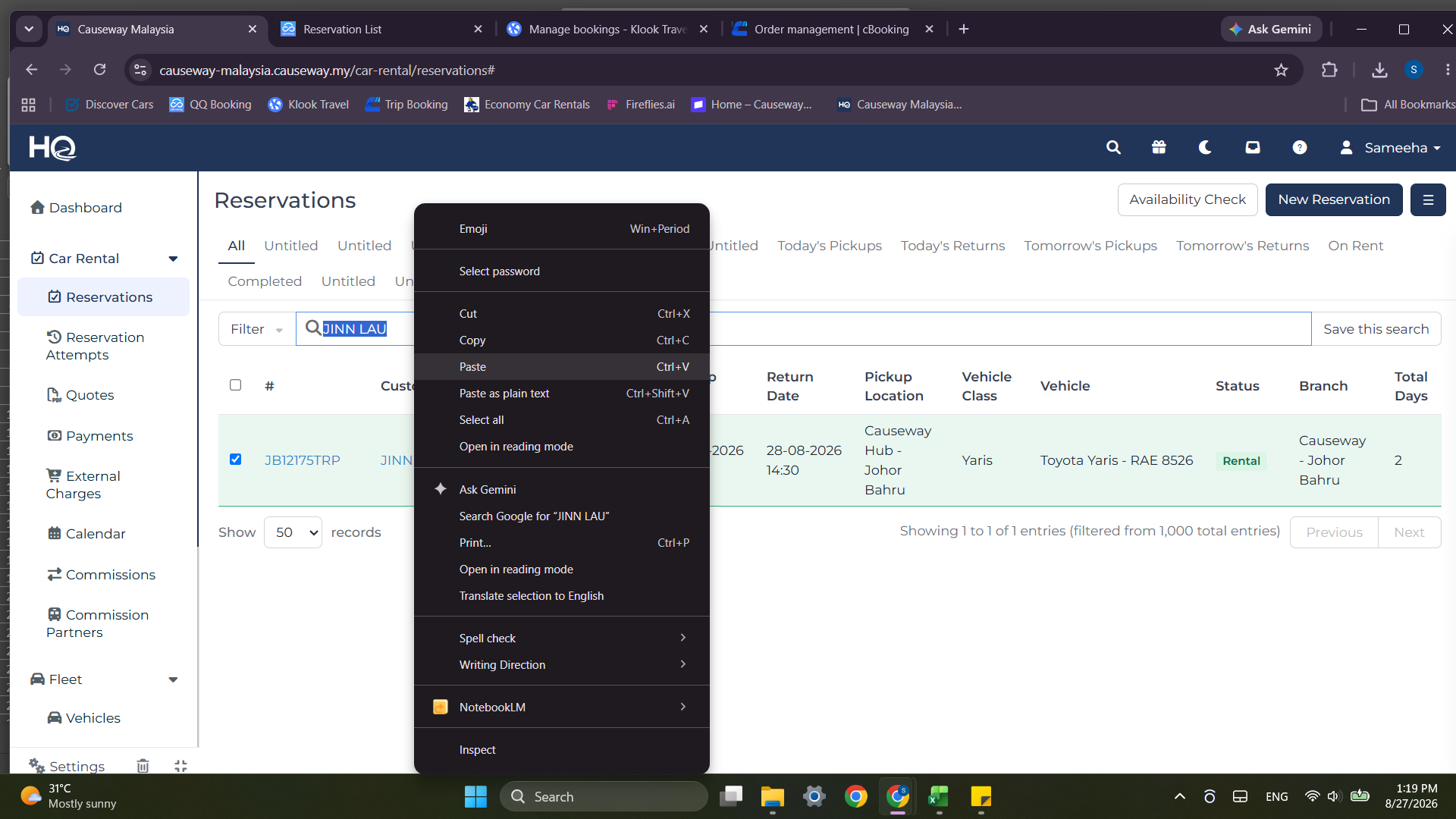
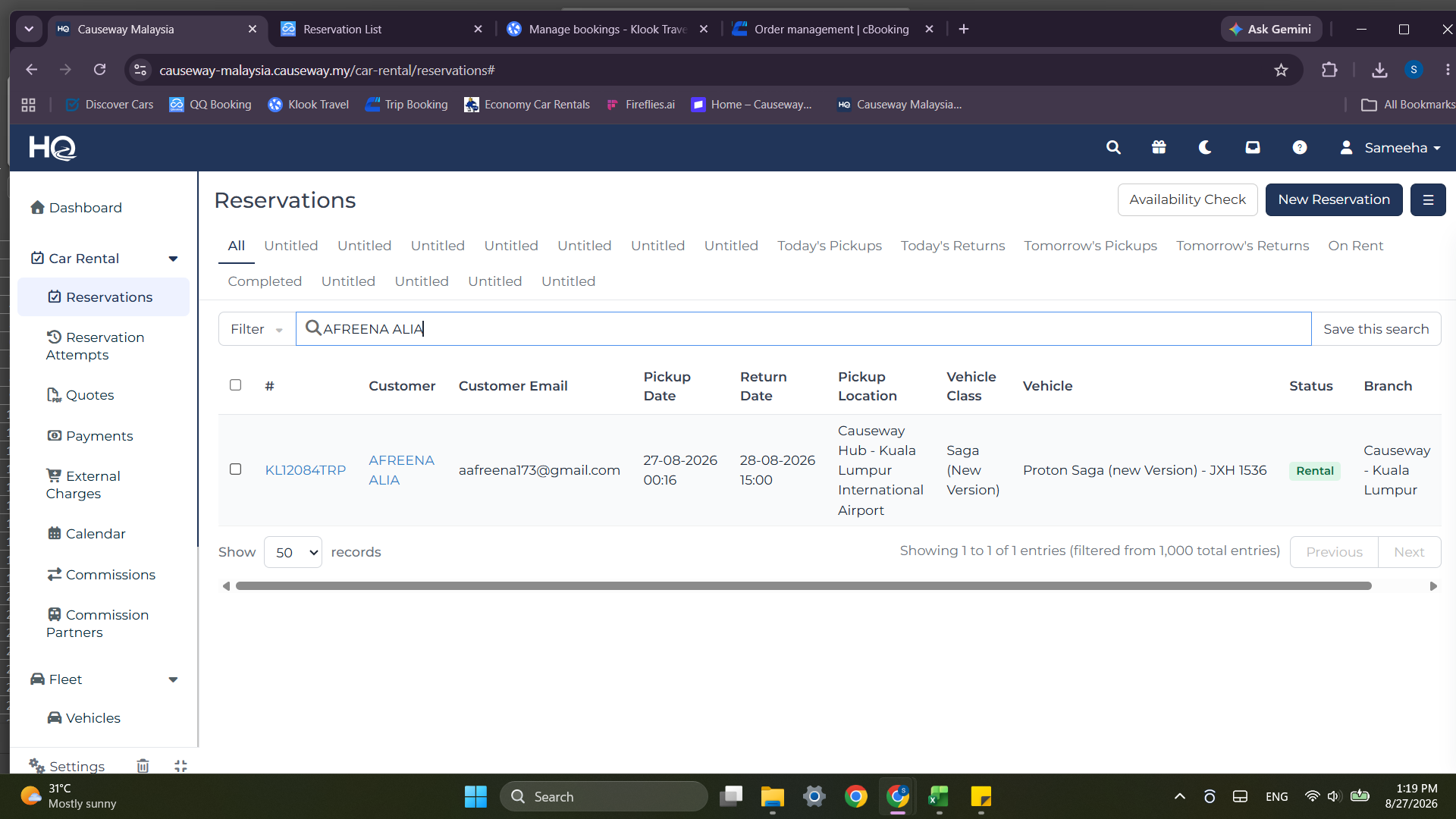
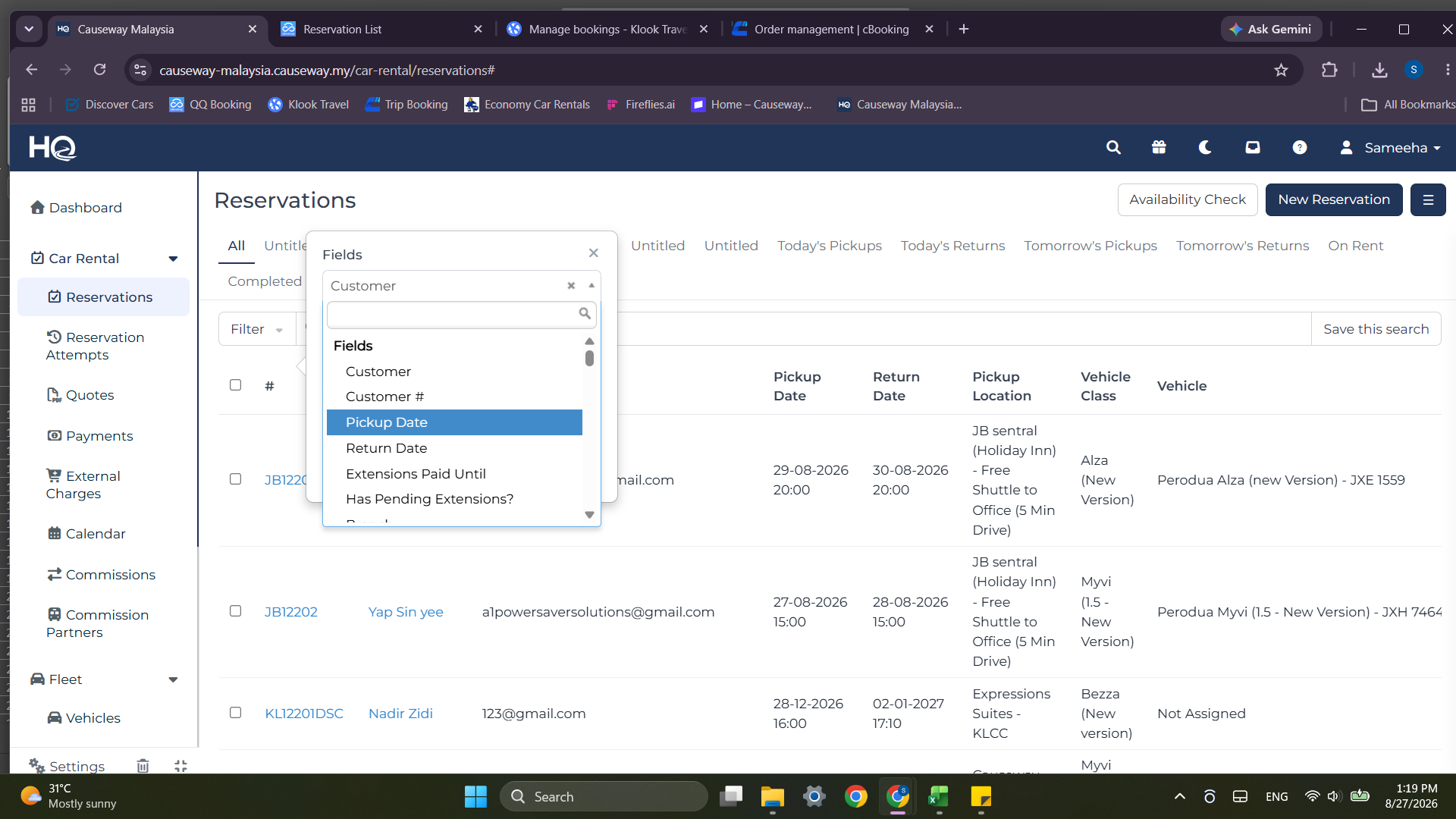
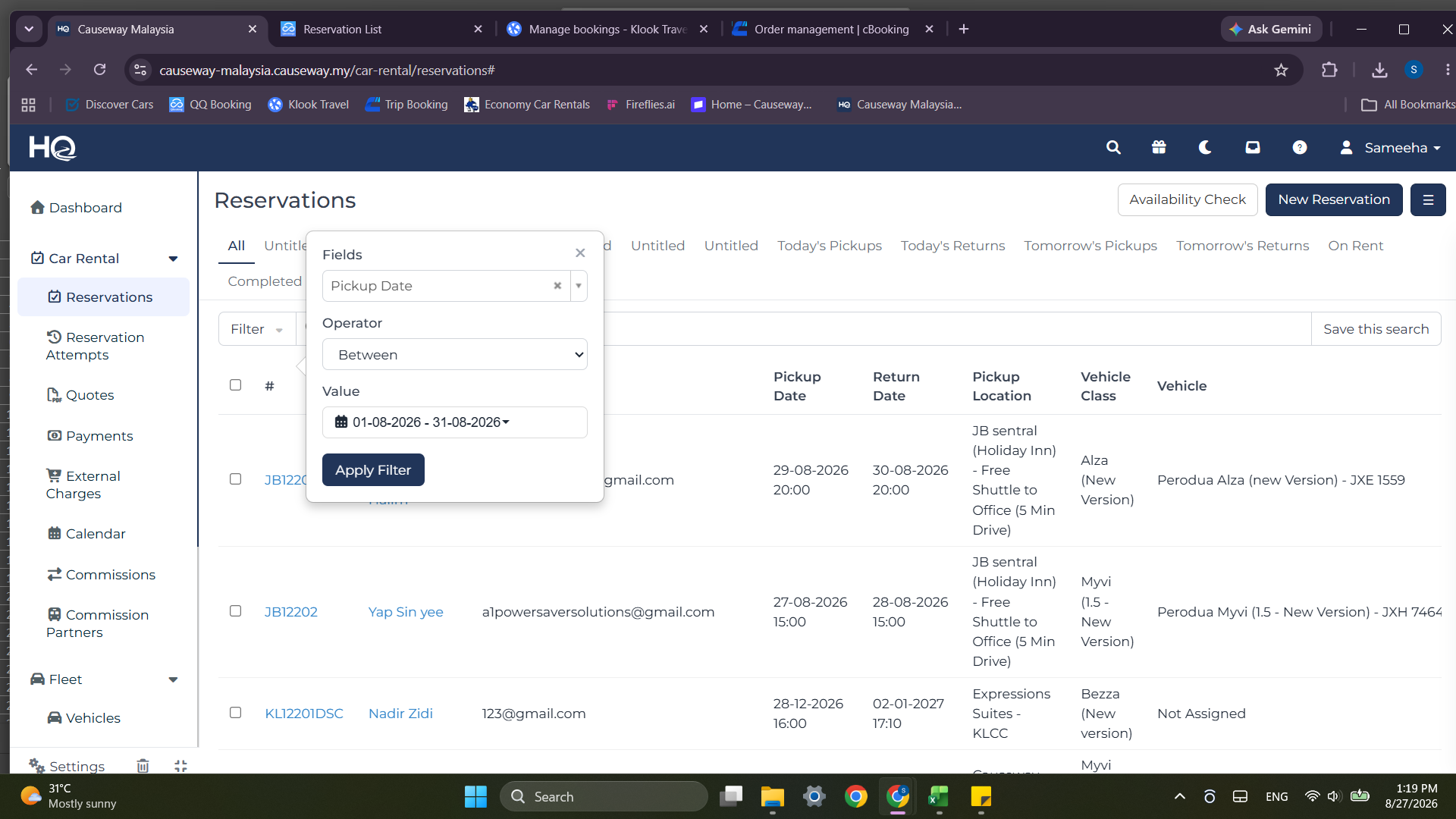
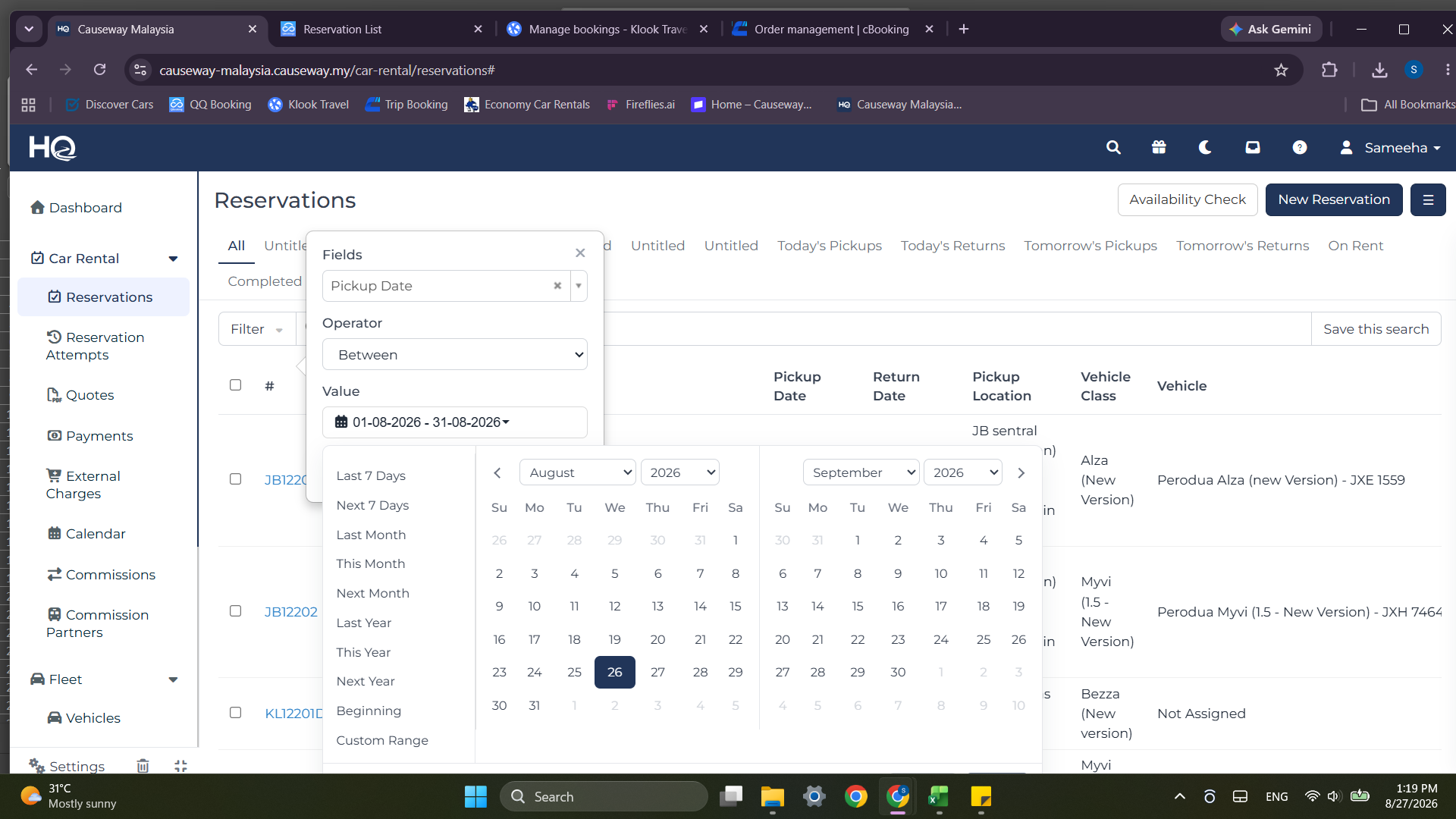
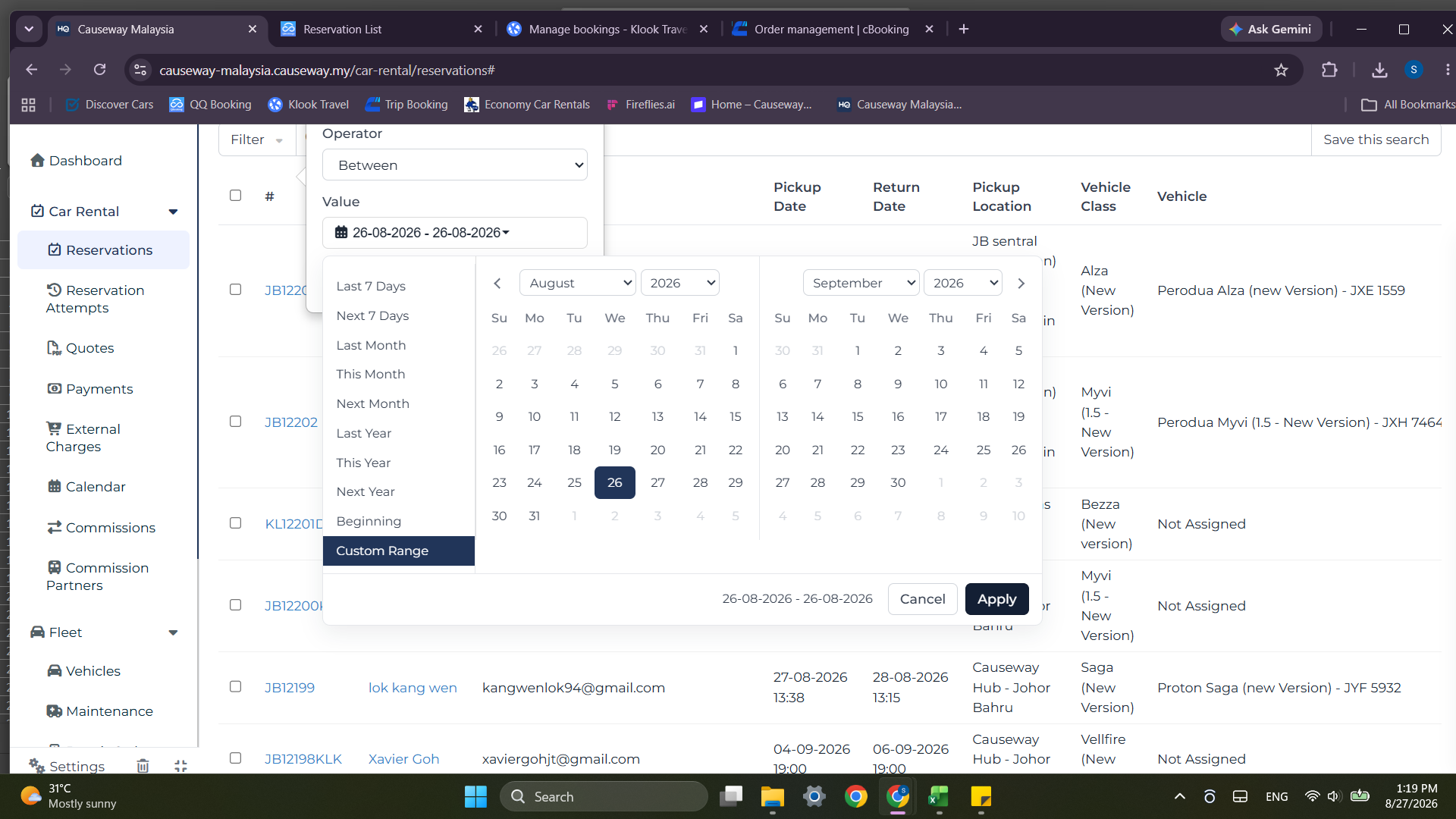
Export Final Pickup Date Manifest
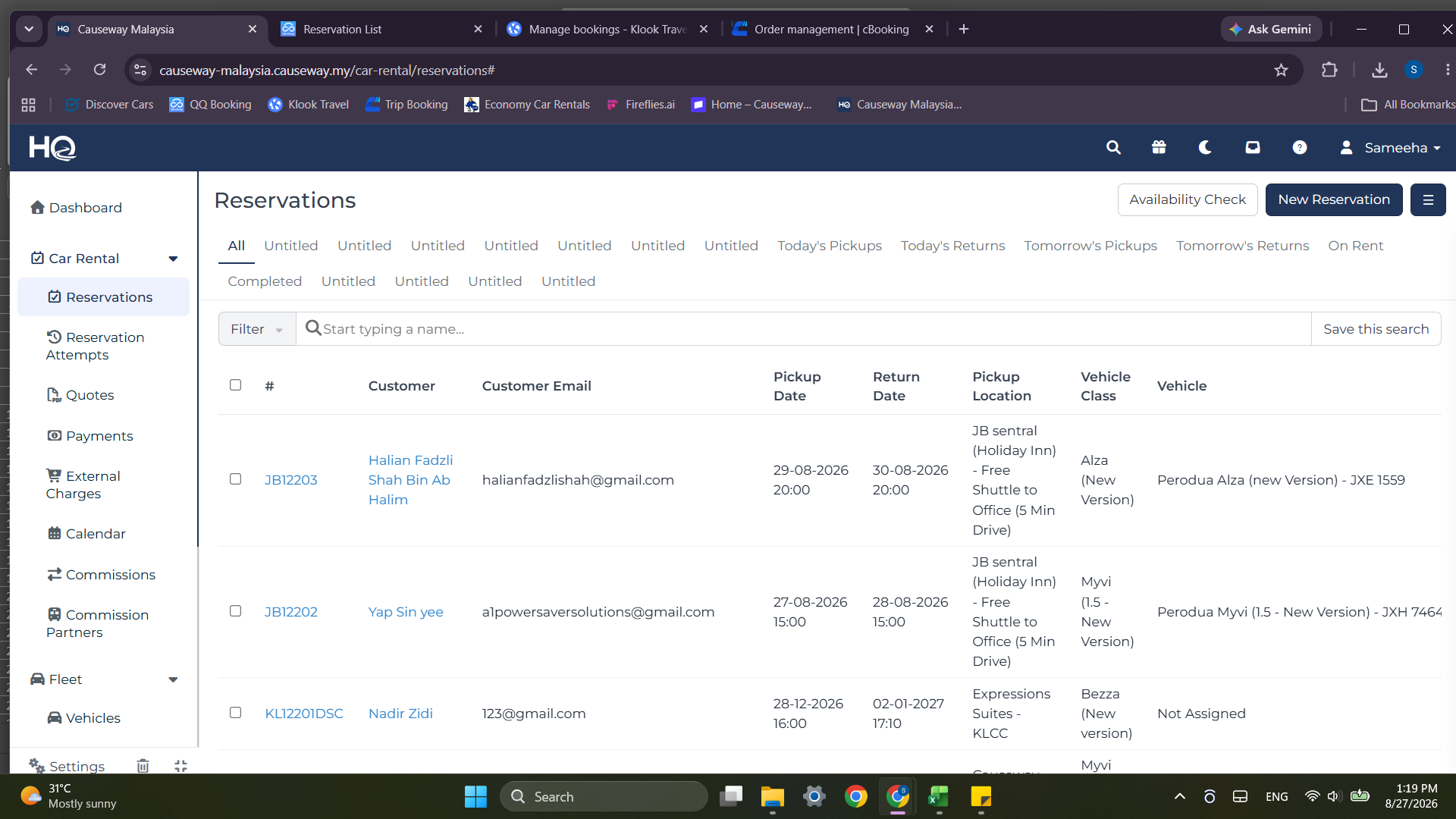
Q: Why should the Booked Date filter be cleared in Klook Merchant?
A: Clearing the Booked Date filter ensures you retrieve all bookings scheduled for the specific Pick-up Date regardless of when the customer originally placed the order.
Q: Why are formulas converted to values in Excel after filling Column C?
A: Pasting as Values removes dynamic formula references, locking in the data and preventing lookup errors when rows are sorted or filtered.
Term | Definition |
|---|---|
Manifest | A daily operating list detailing vehicle reservations, customer assignments, and pickup schedules. |
cBooking | The Trip.com supplier portal interface used by car rental operators to view and process incoming customer reservations. |
Payment Request | A payment tracking record generated in Causeway HQ indicating payment links, authorization status, and settlement method. |