
Register a School and Add Teachers in DEXT STEMGhana.org
Learn how to register your school, set up an administrator account, and invite teachers to the DEXT STEM Ghana platform.
By Asad Adams
This guide walks you through registering a new school on the DEXT STEMGhana.org platform and adding teachers to your school account.
Registering Your School
Begin by creating your school profile and primary administrator login.
1
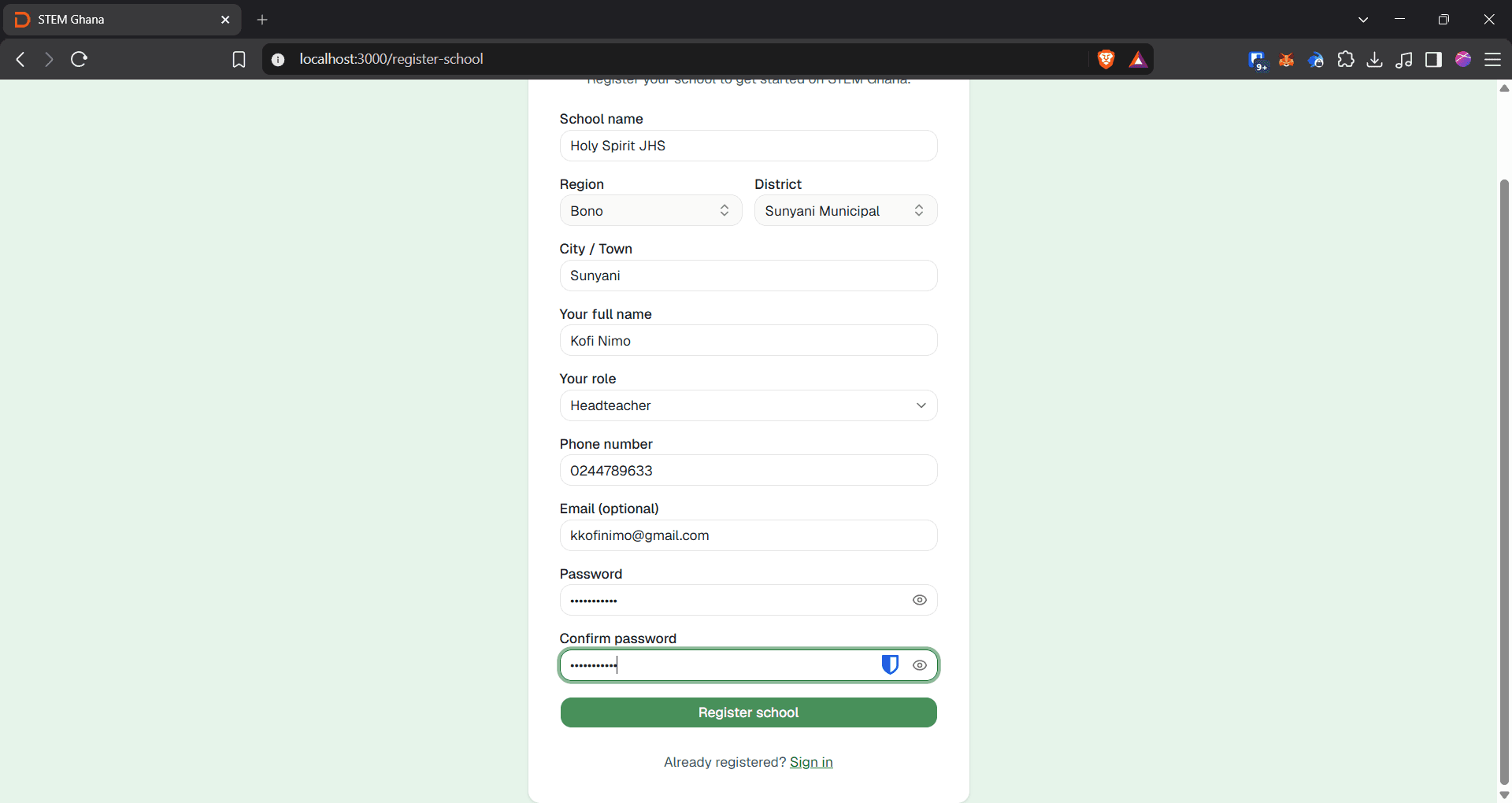
Click Register your school on the landing page.

2
Click the School name text field and enter the name of your institution.
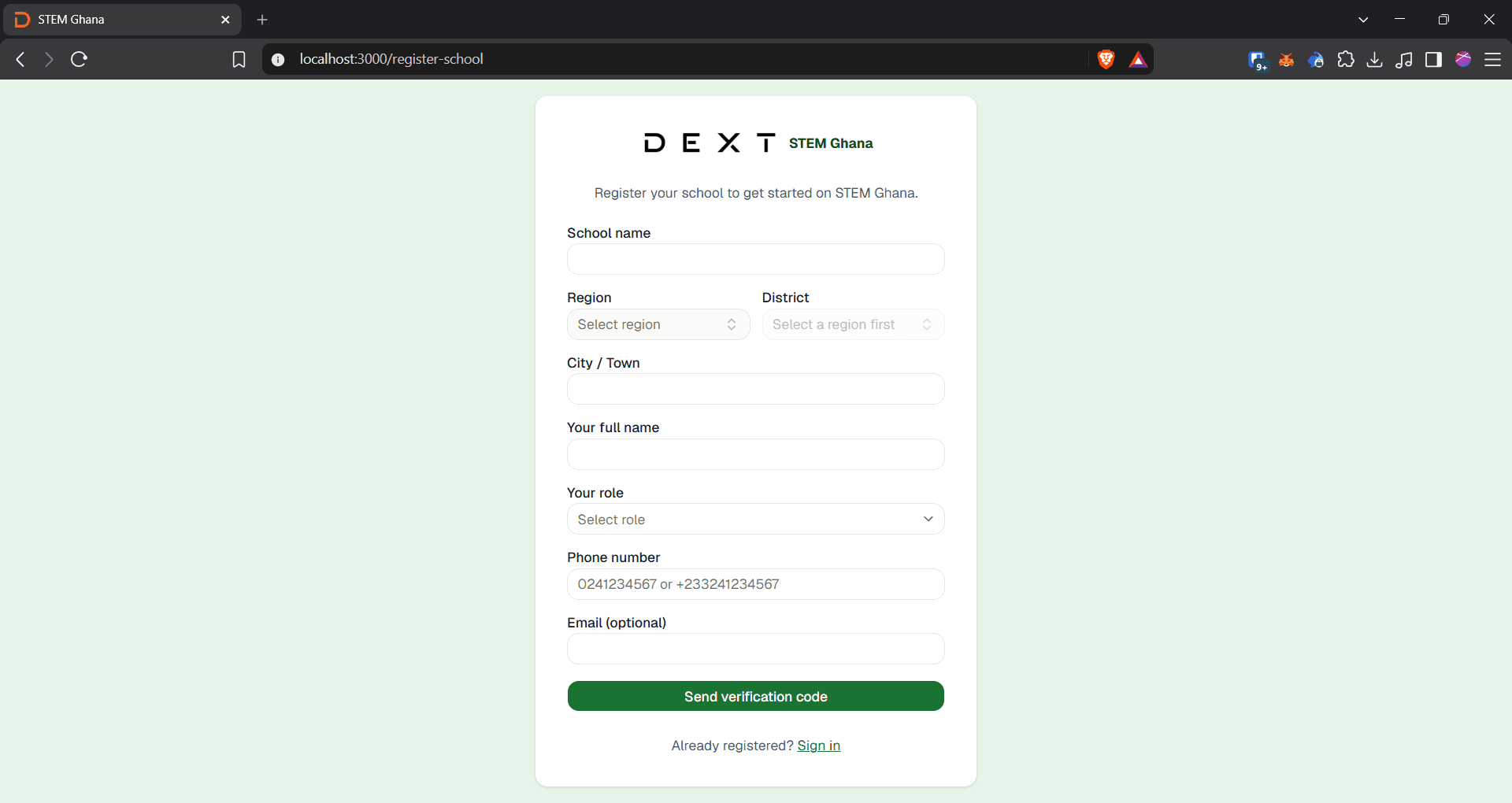
3
Click the Select region dropdown menu.
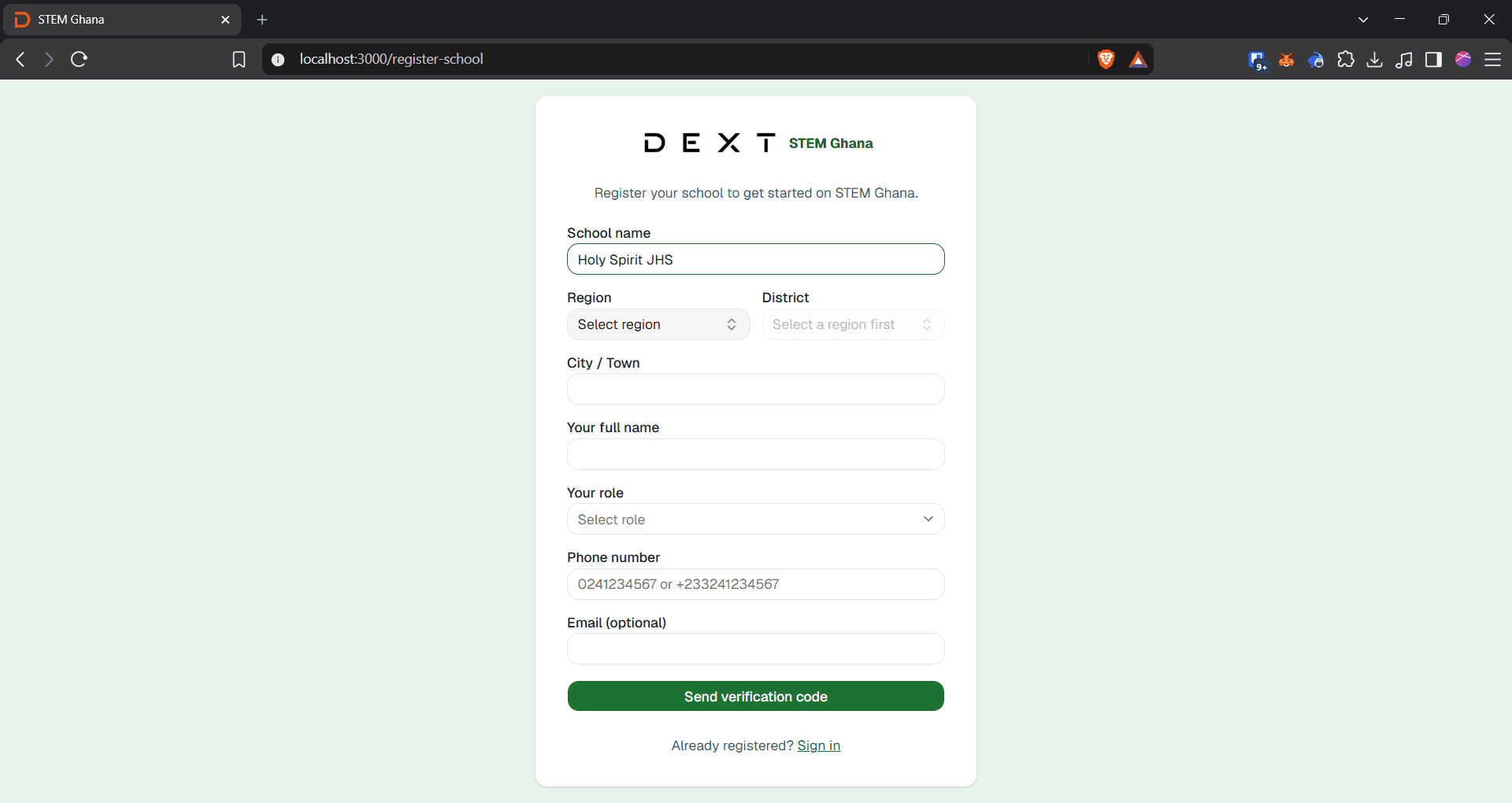
4
Click Bono or your school's respective region from the list.
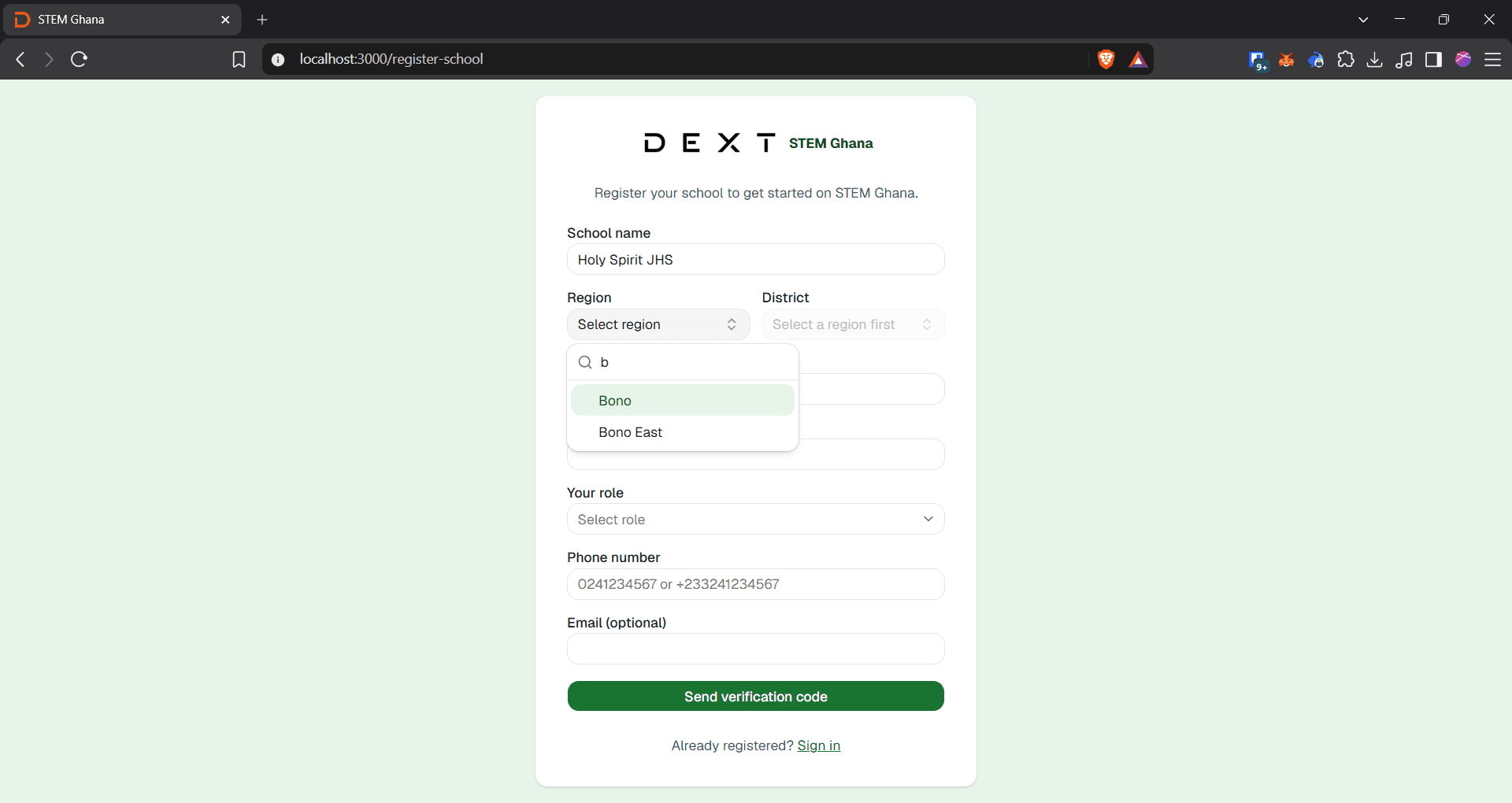
5
Click the Select district dropdown menu.
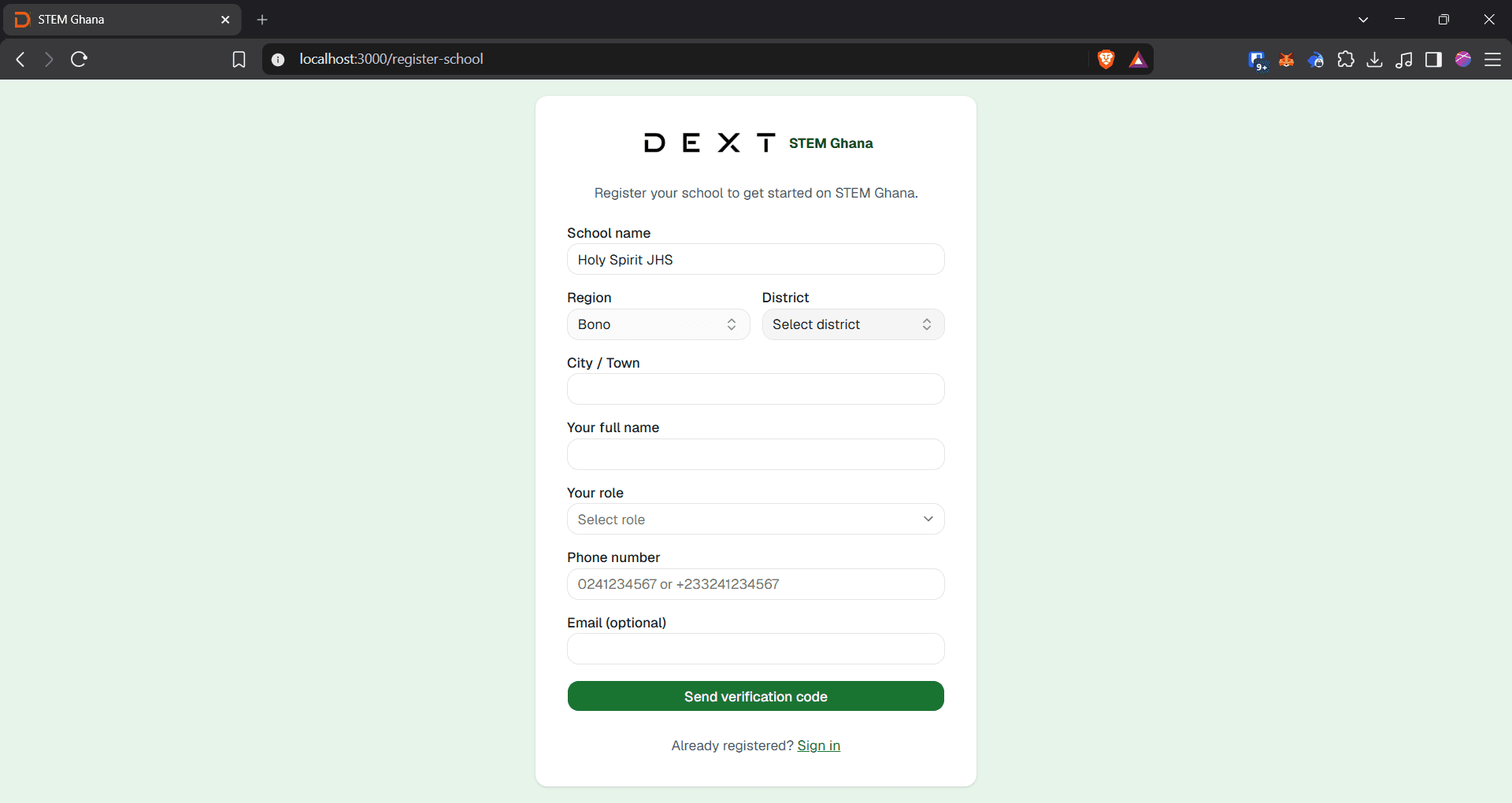
6
Click Sunyani Municipal or your school's respective district.
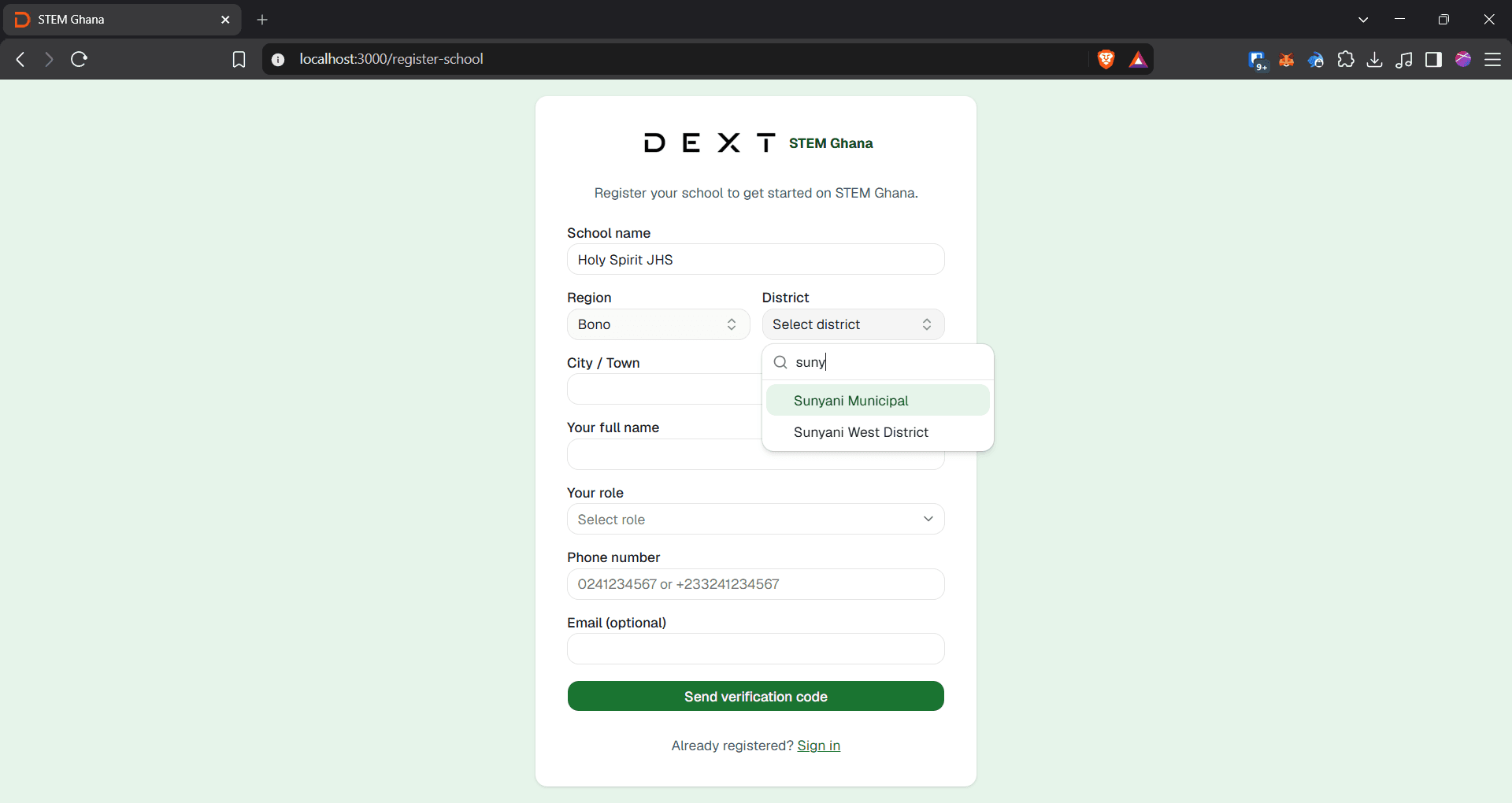
7
Click the City / Town field and enter your school's location.
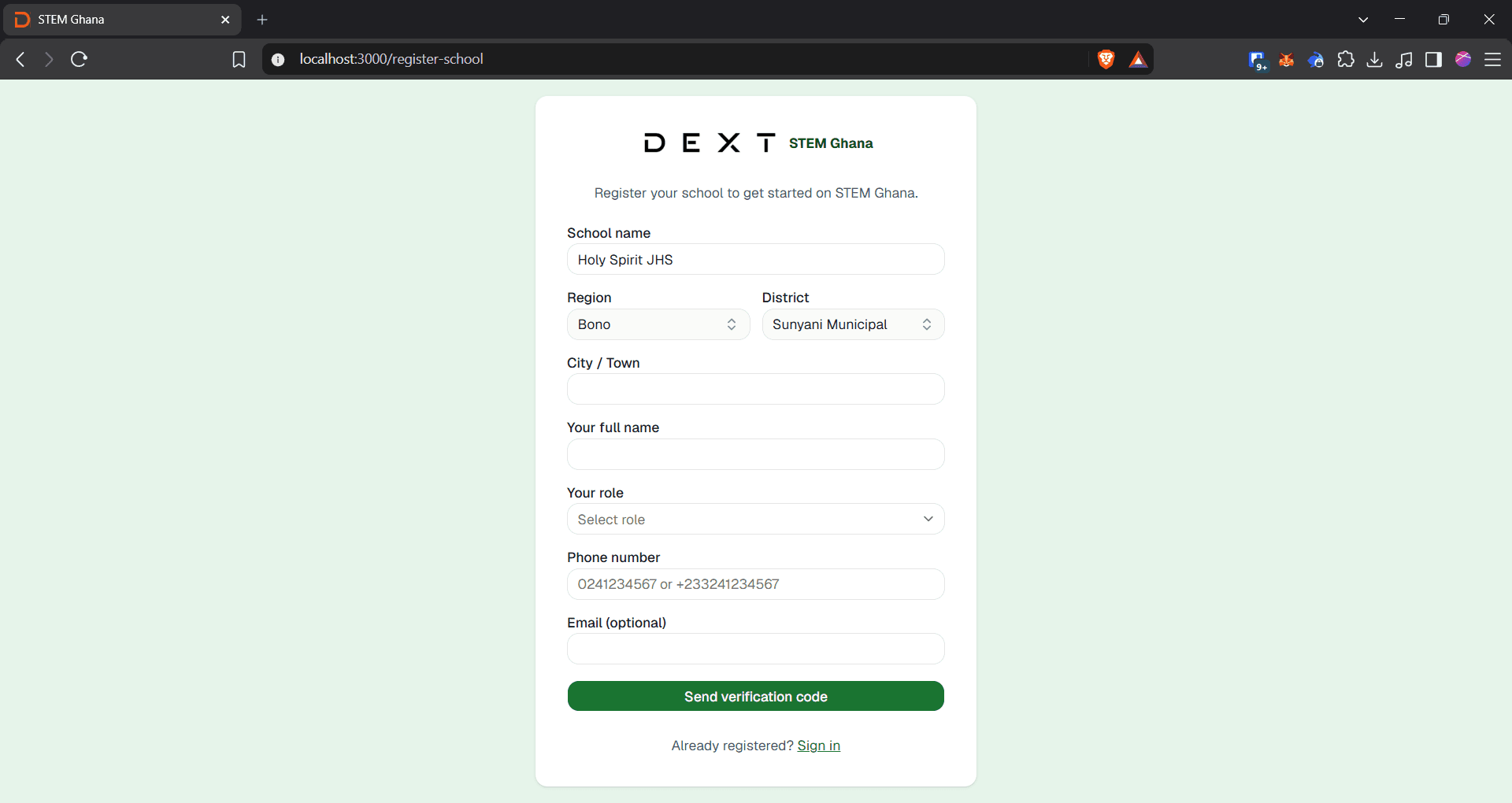
8
Click the Your full name field and enter your name.
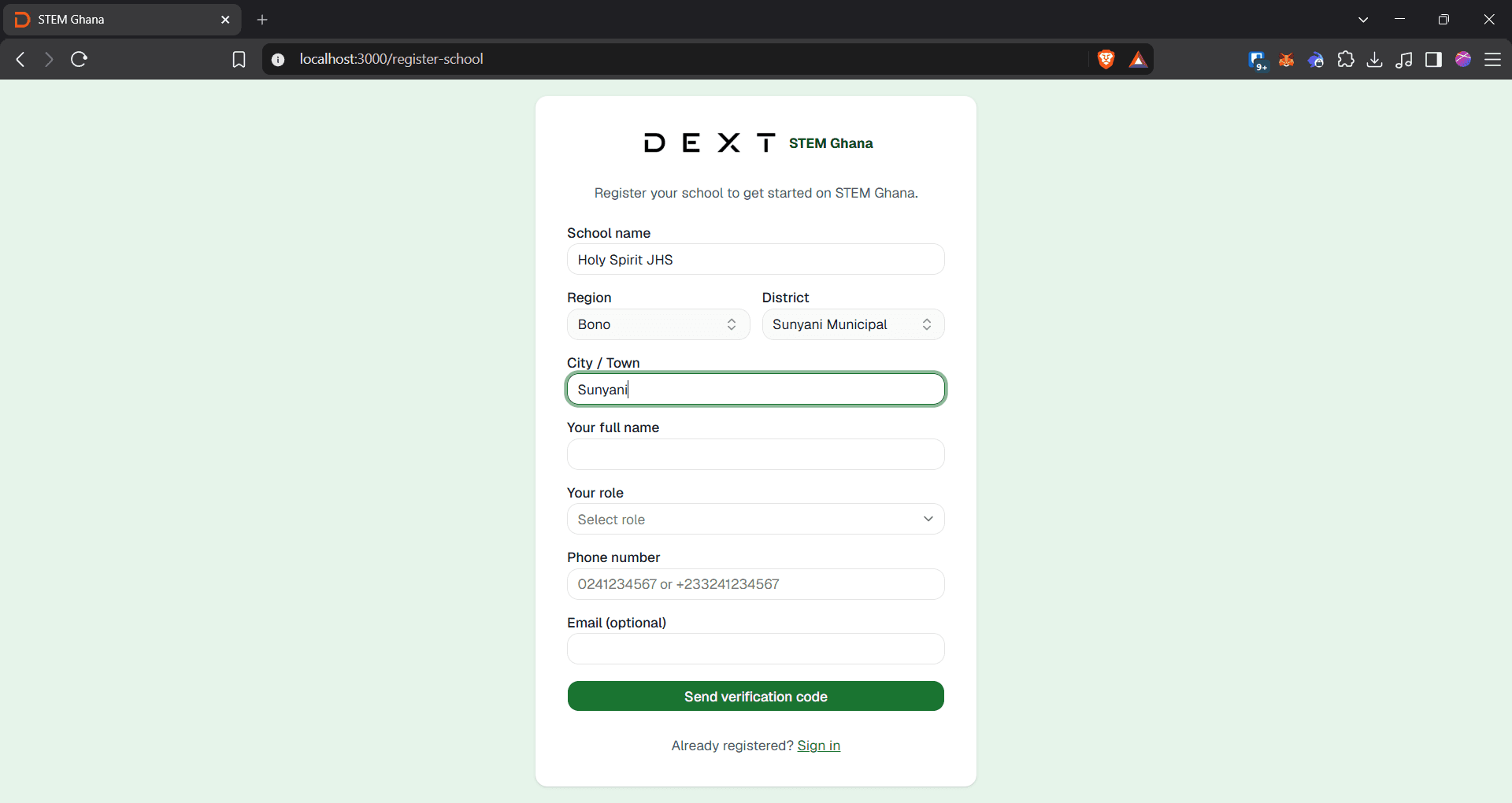
9
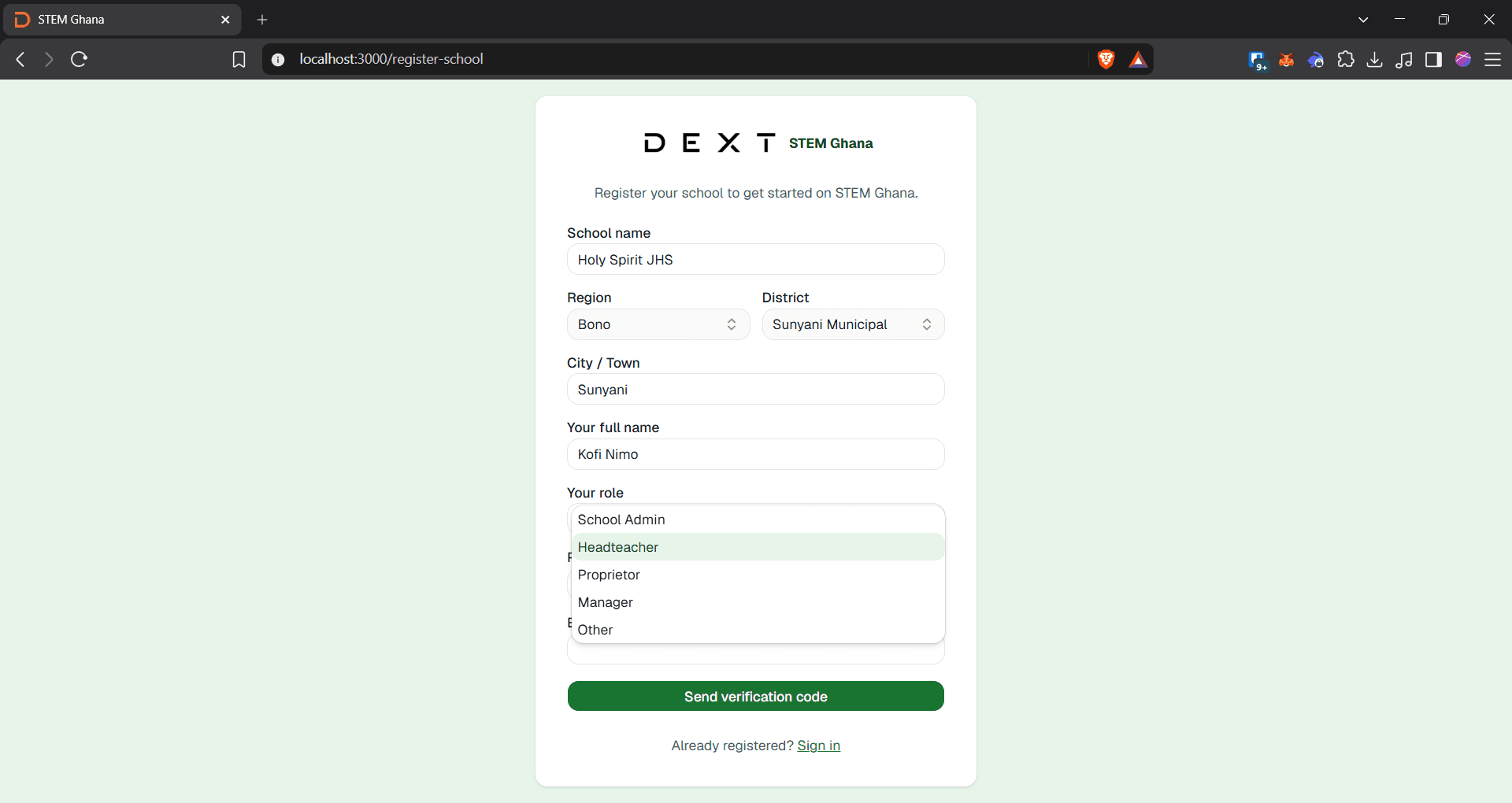
Click the Select role dropdown menu.
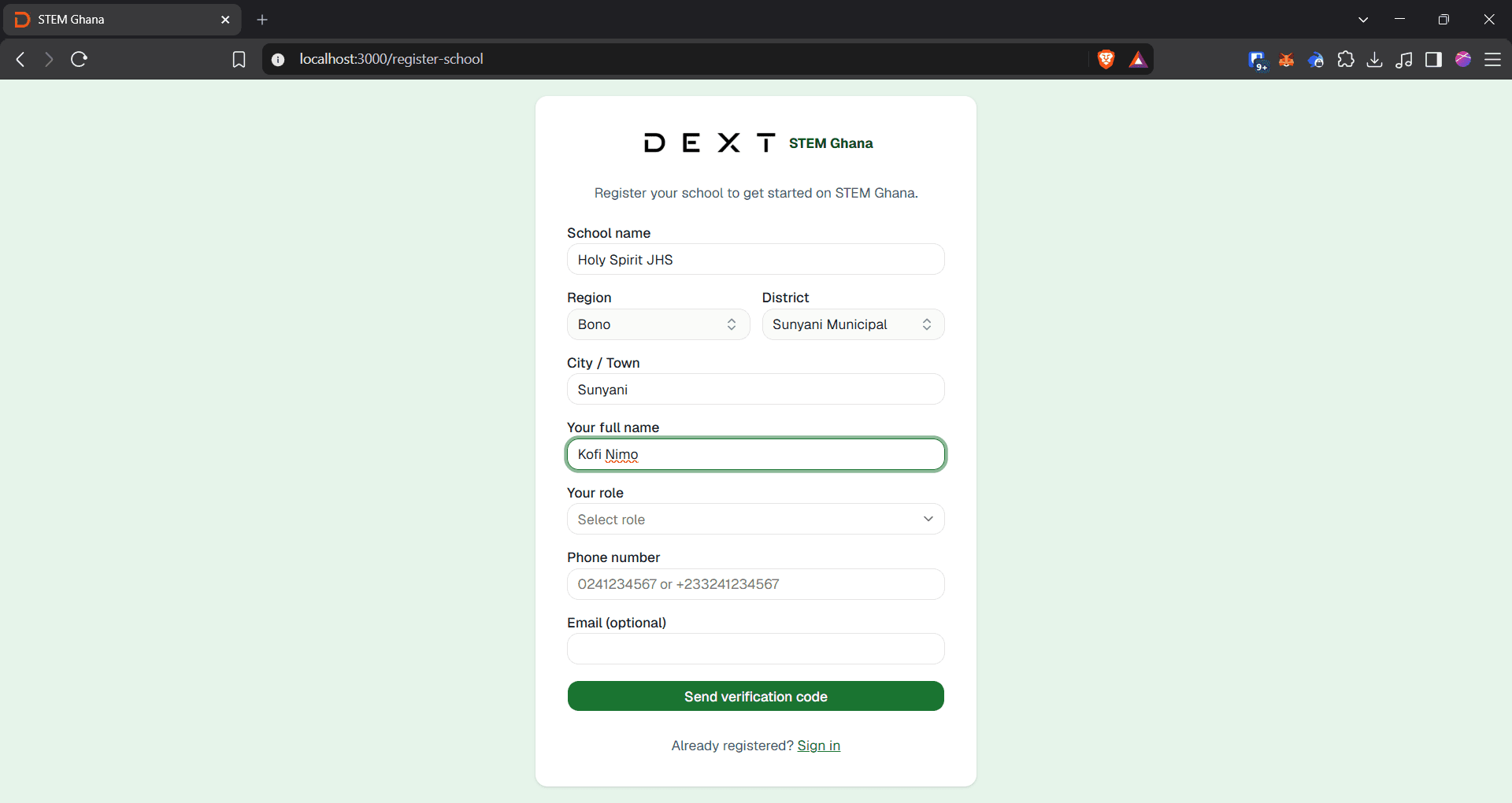
10
Click Headteacher from the role options.
11
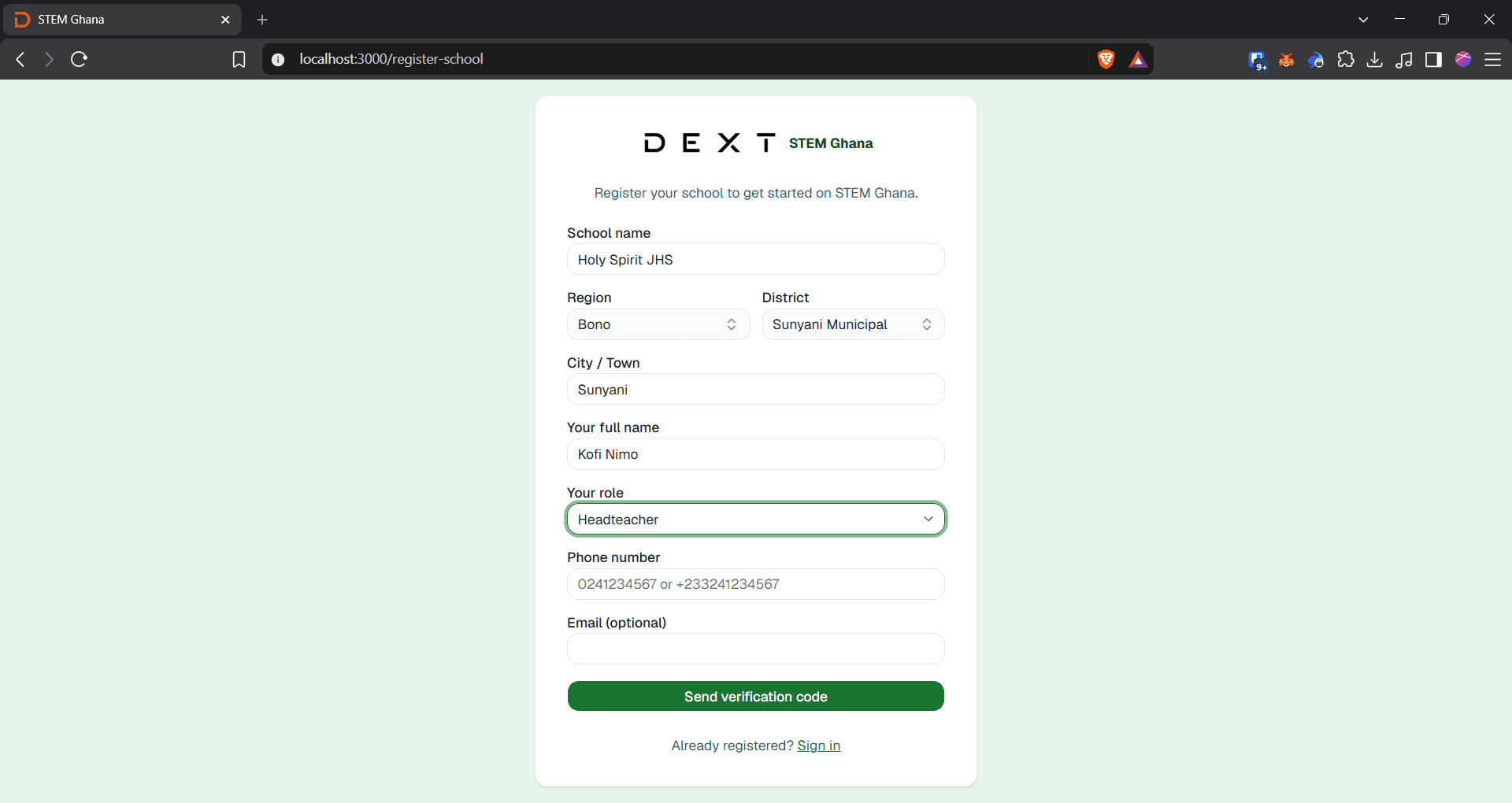
Click the Phone number field and enter your phone number.
12
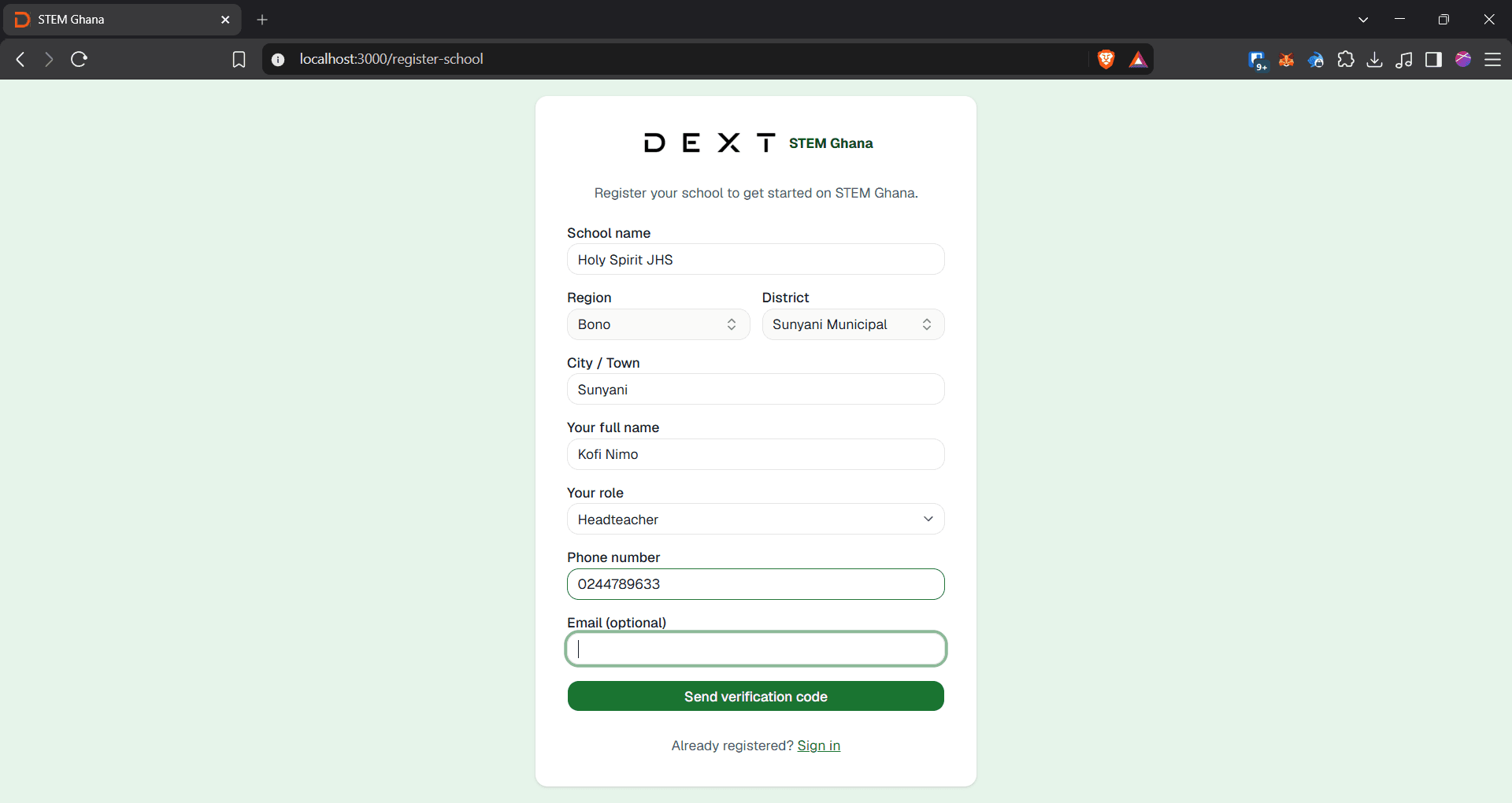
Click the Email (optional) field to provide an email address if available.
13
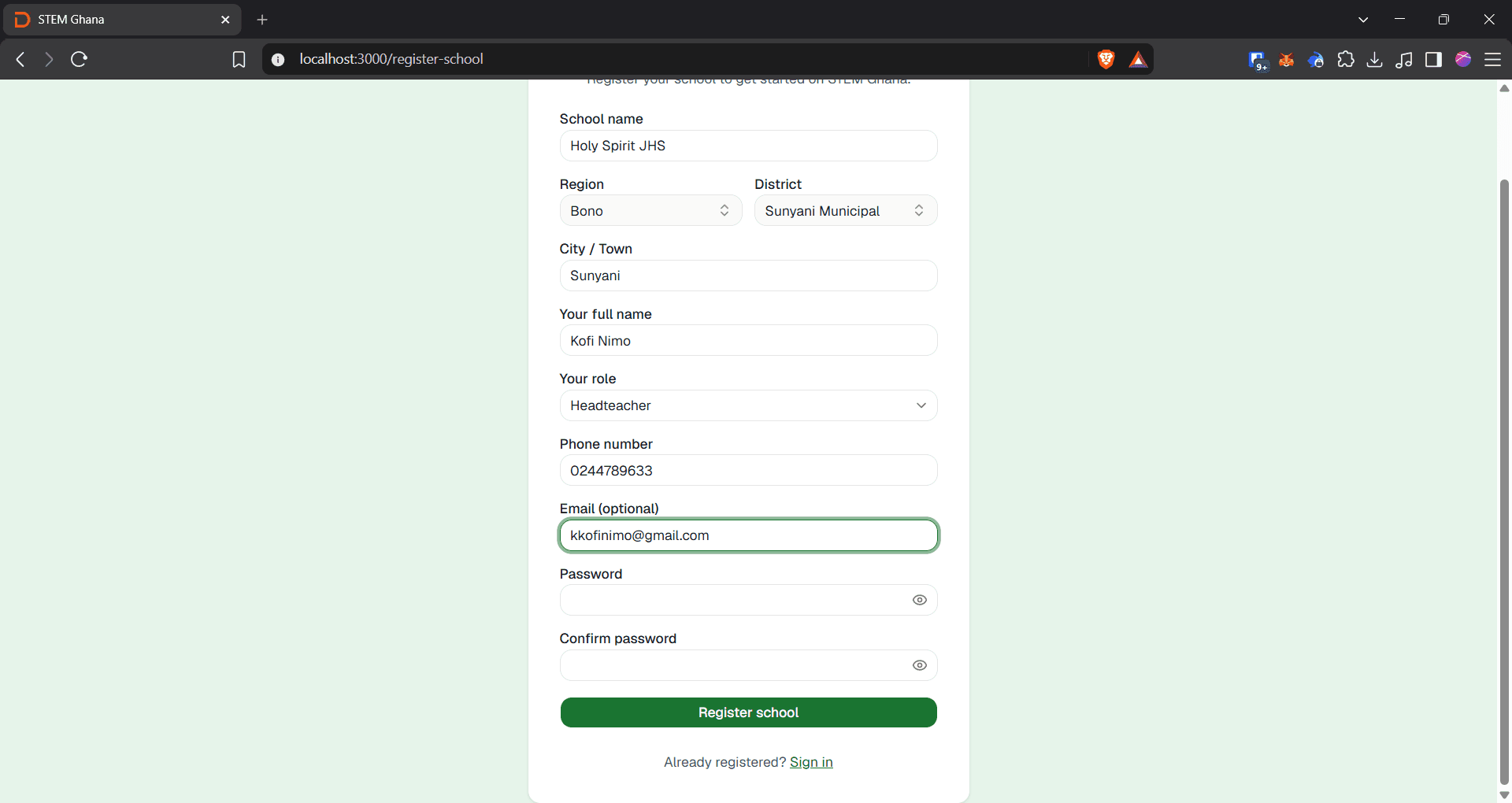
Click the Password field and create a secure password.
14
Click Register school to complete registration.
15
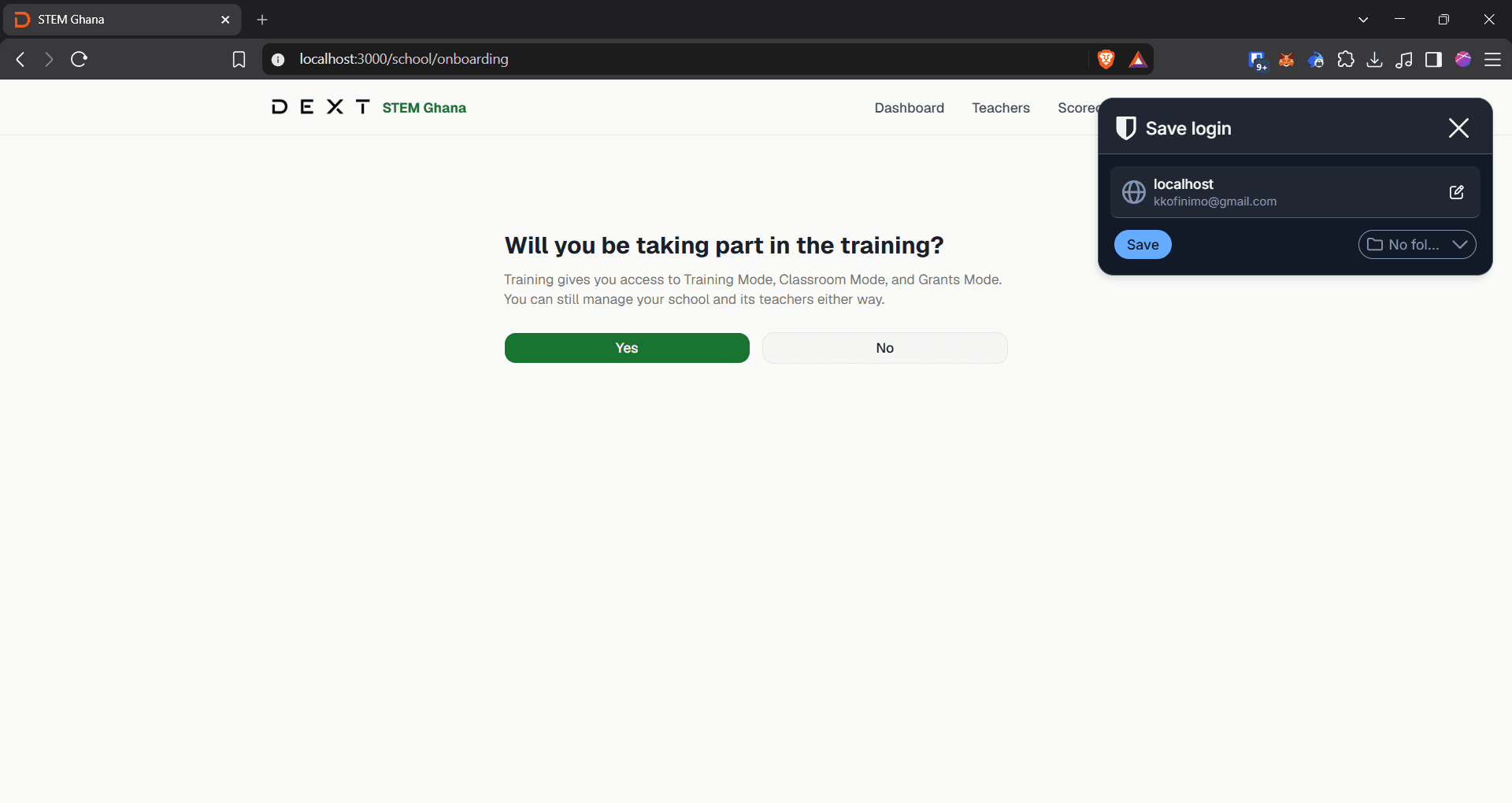
Click No under "Will you be taking part in the training?" if only your teachers will participate and not yourself
Adding Teachers
Once registered, add teachers to link them to their respective class levels.
16
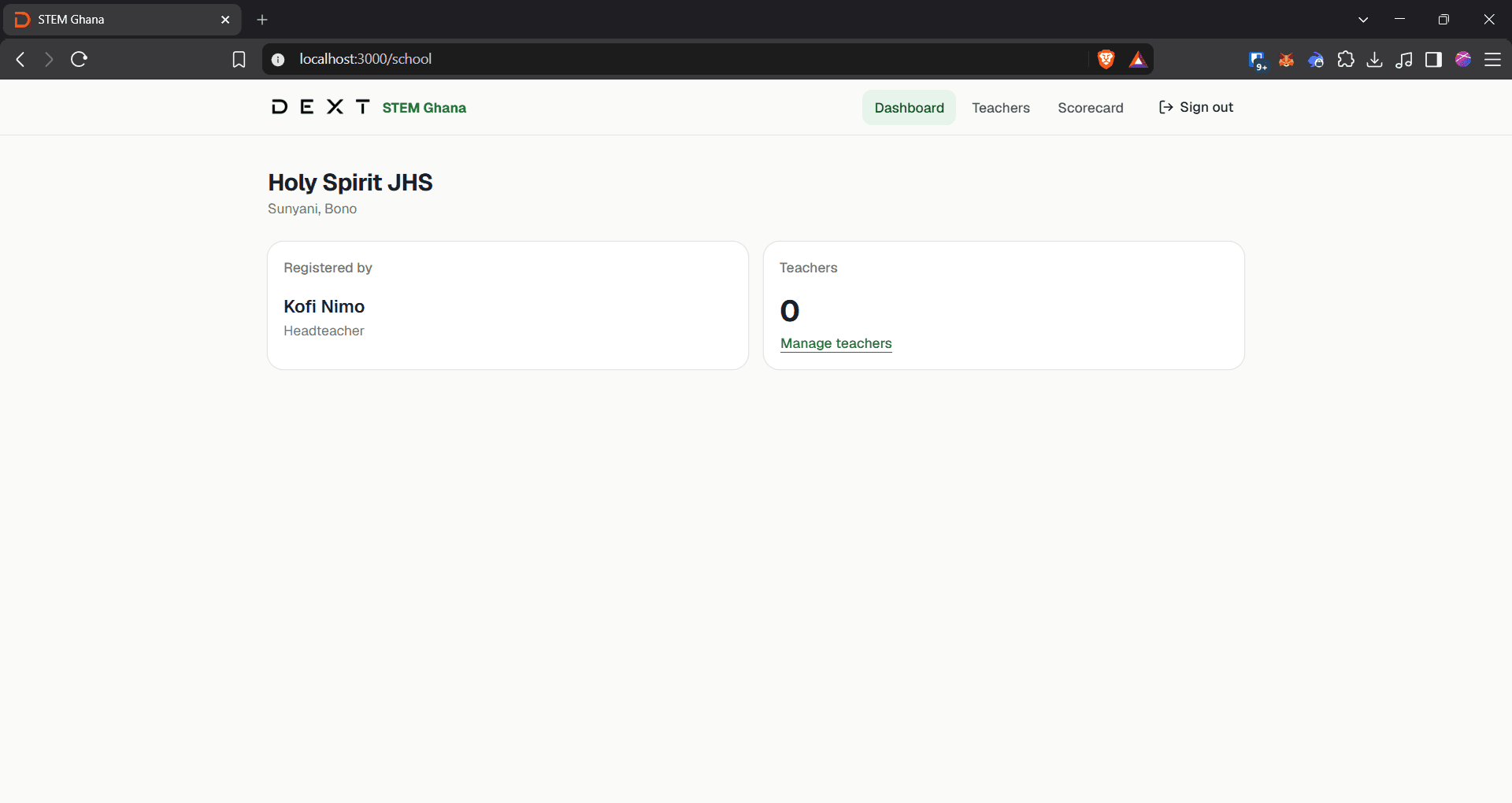
Click Manage teachers inside the Teachers card on your dashboard.
17
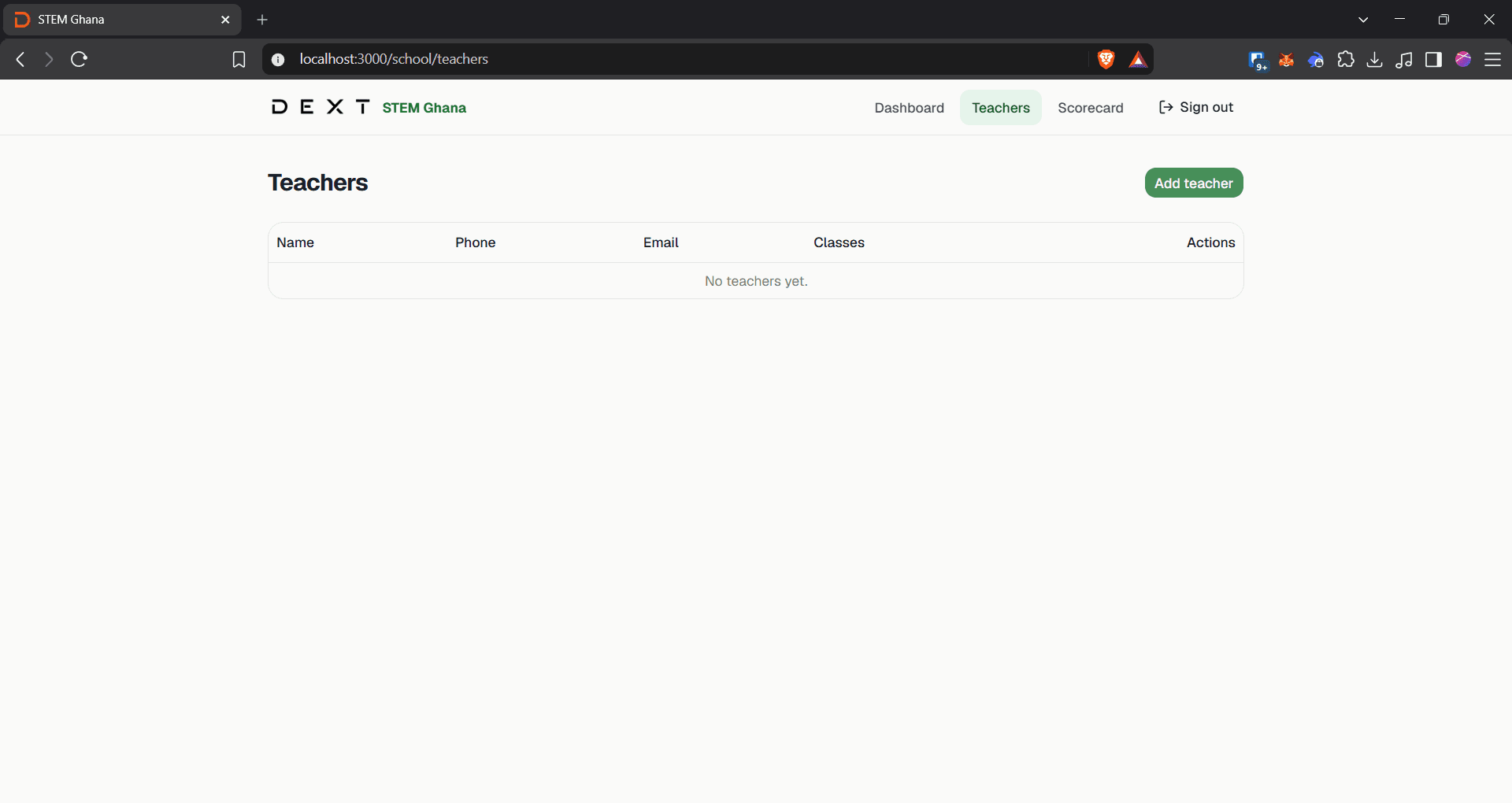
Click Add teacher in the top right corner.
18
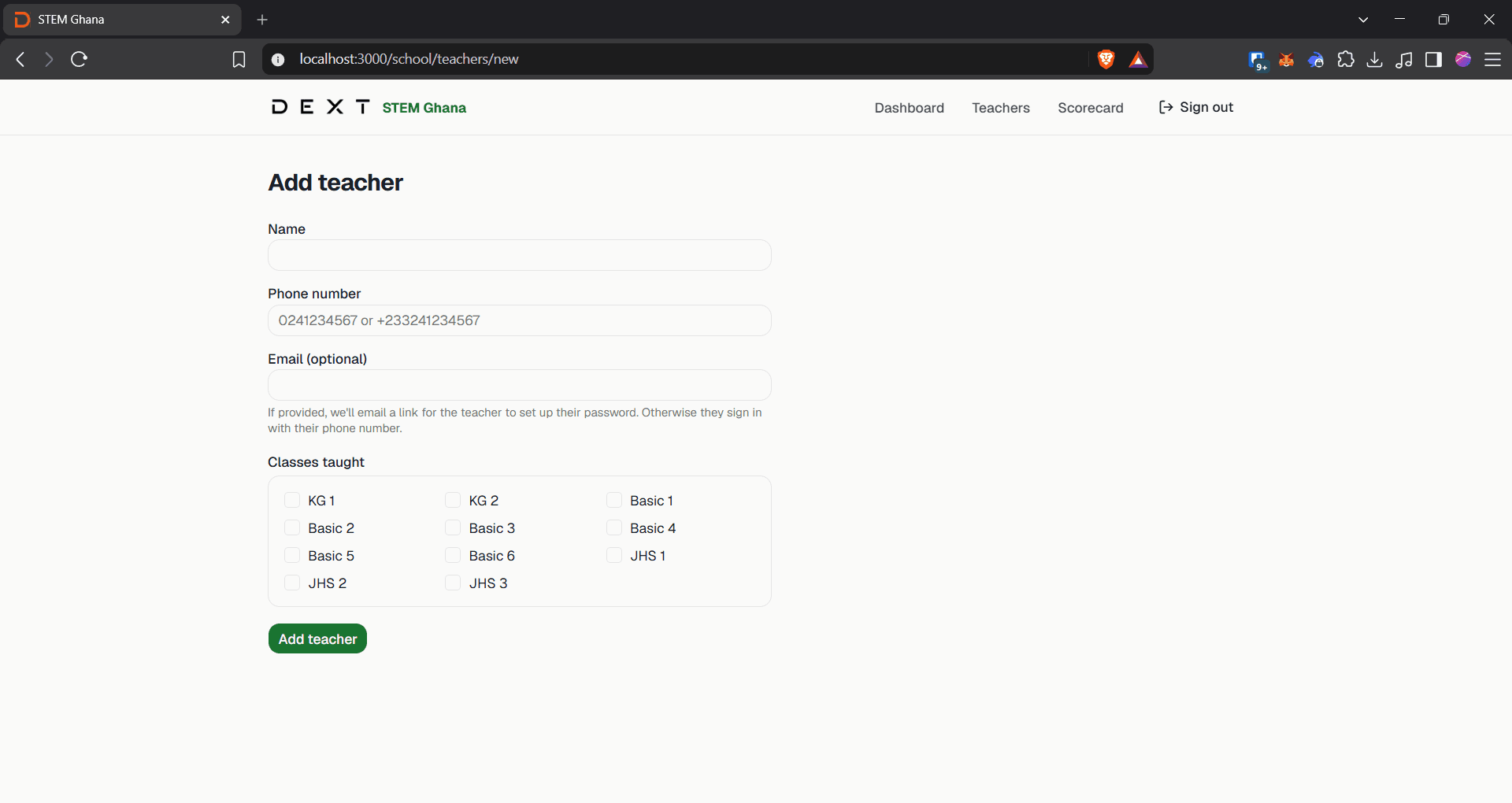
Click the Name field and enter the teacher's full name.
19
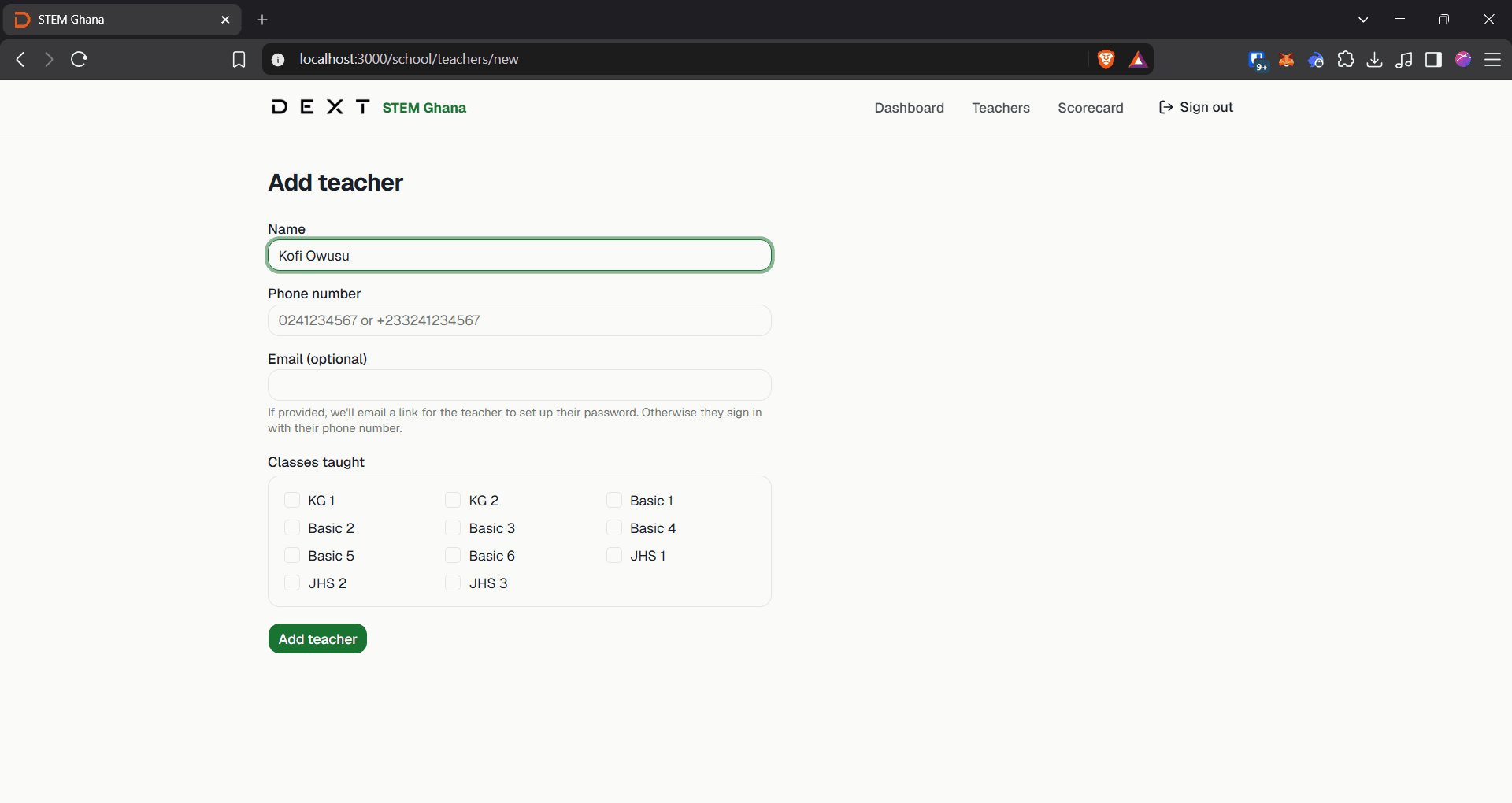
Click the Phone number field and enter the teacher's mobile number.
20
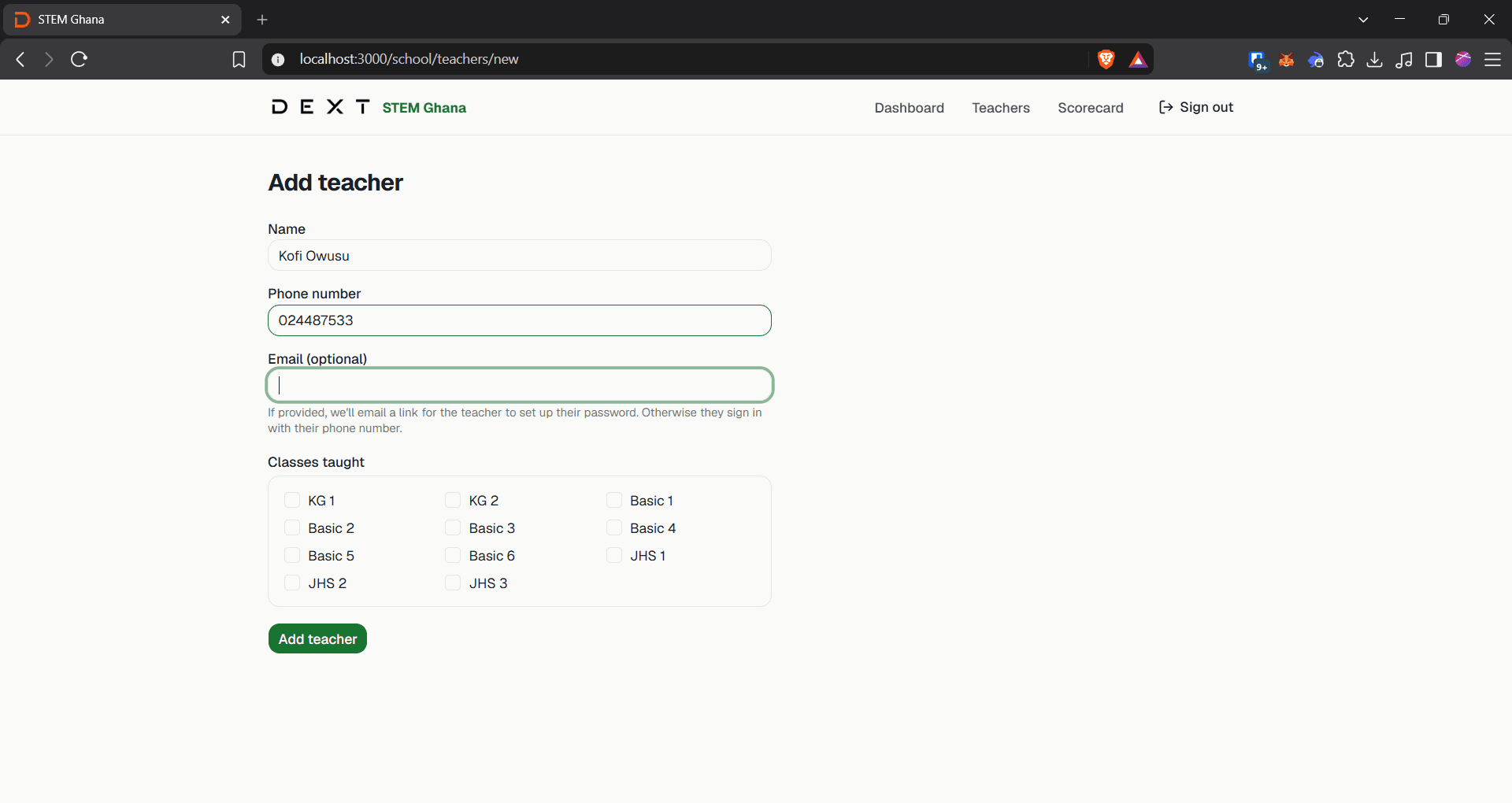
Click the Email (optional) field to enter an email address if available.
21
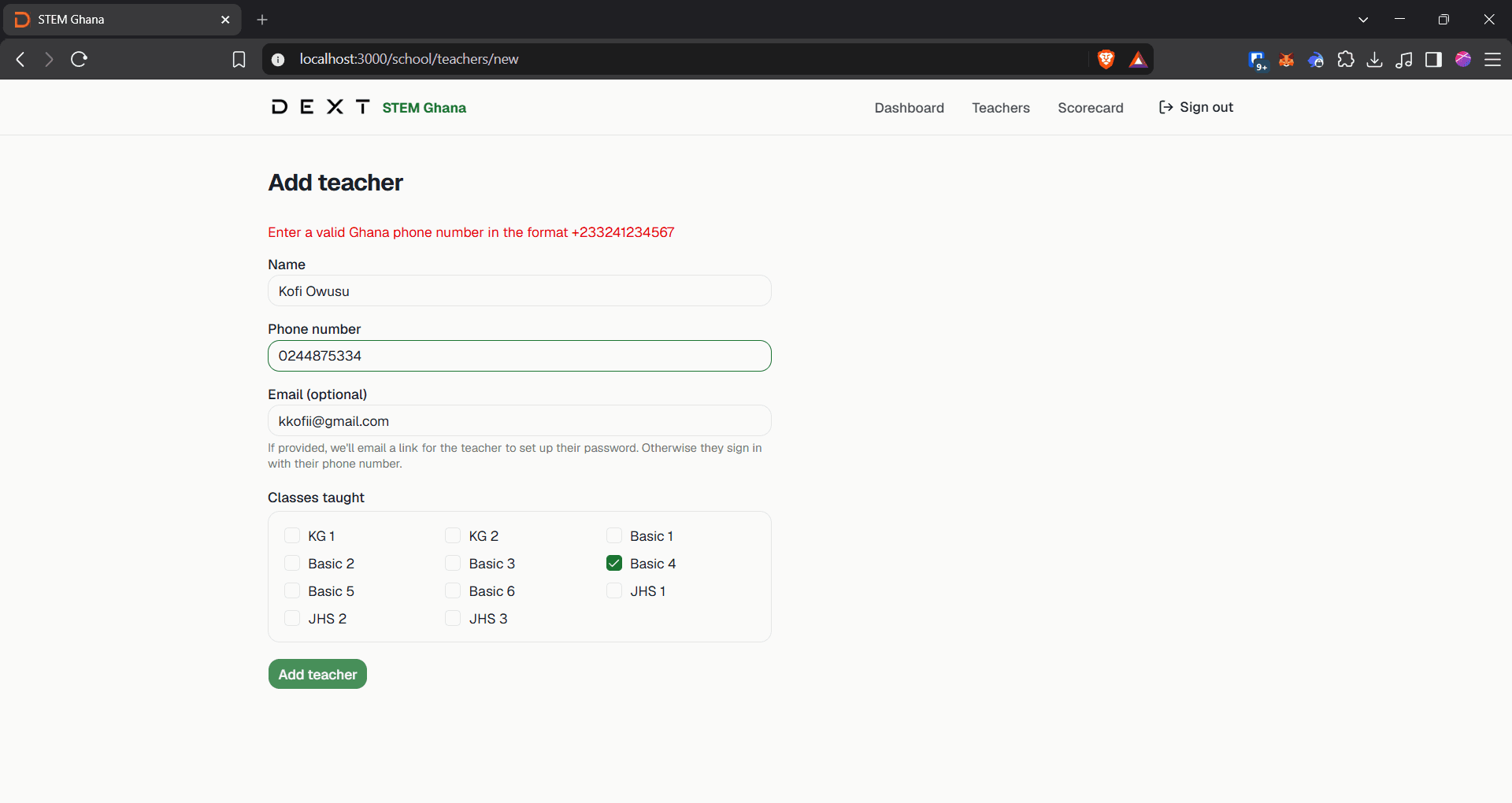
Click the Basic 4 checkbox or select any other relevant class levels under Classes taught.

22
Click Add teacher at the bottom of the form to save the teacher's profile.
Q: Is an email address required when registering a teacher?
A: No, email is optional. If an email address is not provided, teachers can sign in using their registered phone number.
Q: Can a teacher be assigned to more than one class level?
A: Yes, you can select multiple checkboxes under the Classes taught section when creating or editing a teacher's profile.