
How to Request Material for Mechanical Installations
Learn how to submit material requests for mechanical installations using Smartsheet WorkApps, including entering quantities, dates, and receiving delivery.
This guide explains how to submit a material request for the mechanical side of an installation. Completing this process ensures the material team prepares and delivers the required inventory to your location efficiently.
This workflow is for Mechanical Supervisors or field team members responsible for securing physical inventory (such as conveyors or structural parts) before beginning an installation phase.
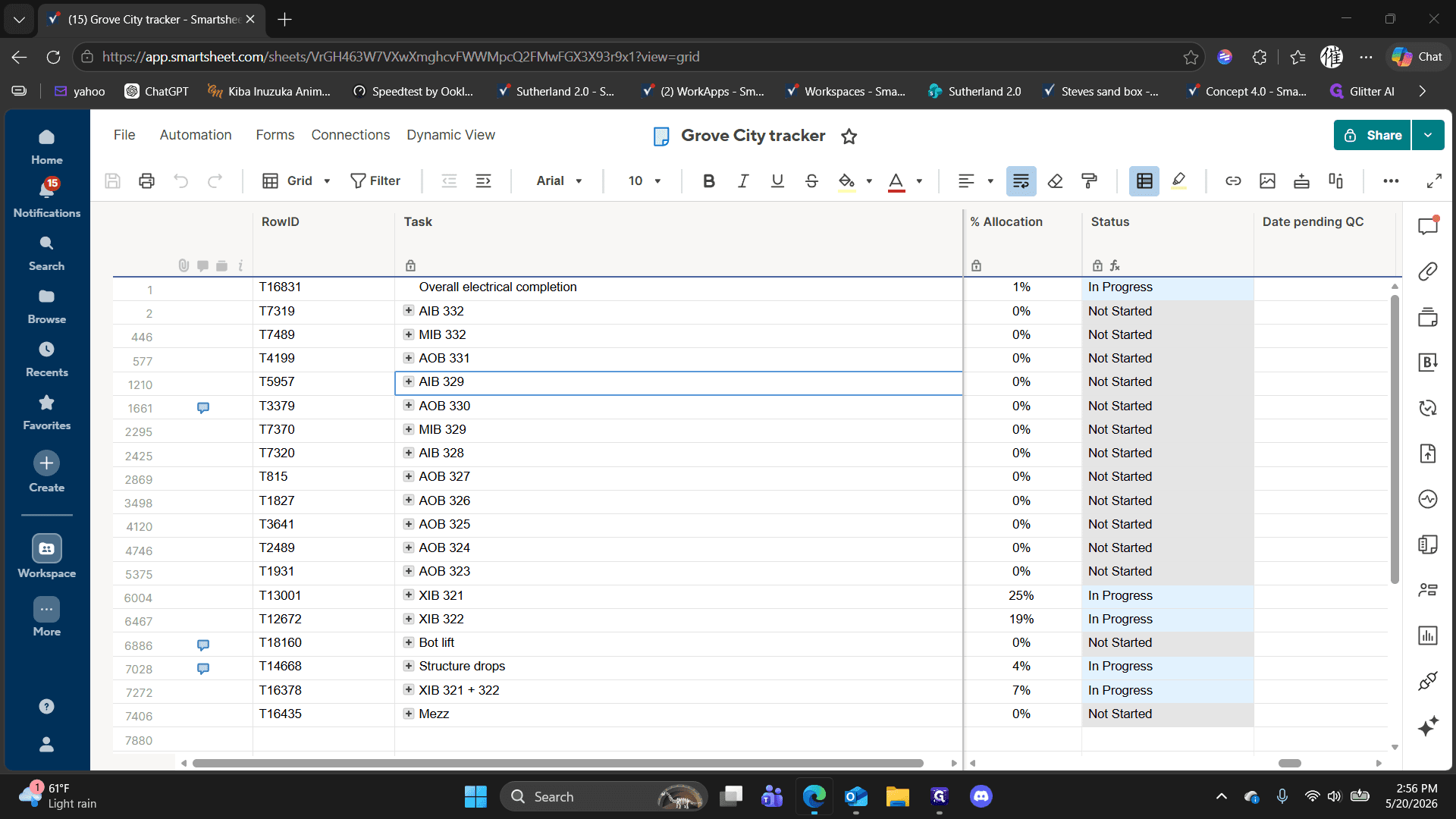
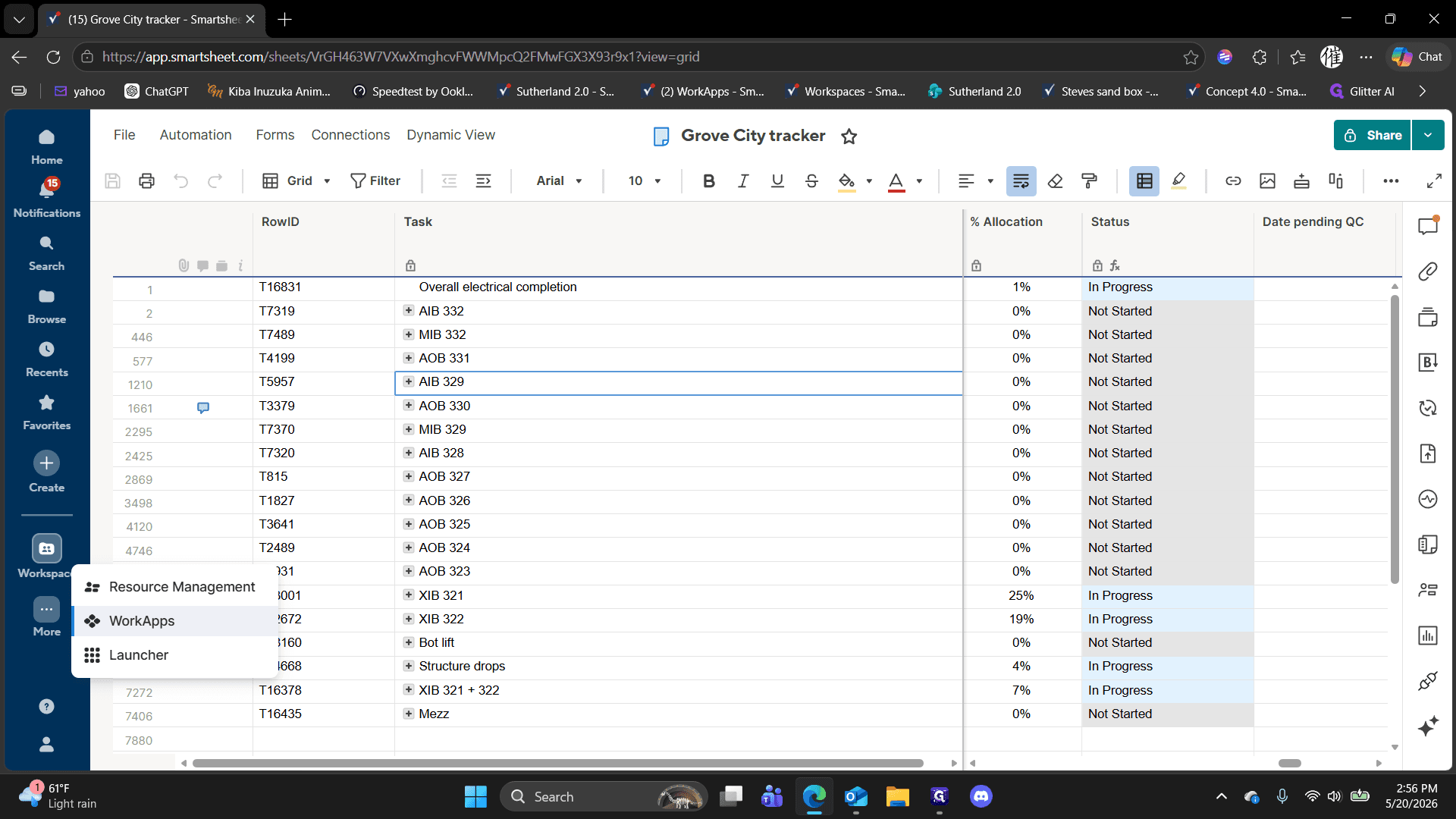
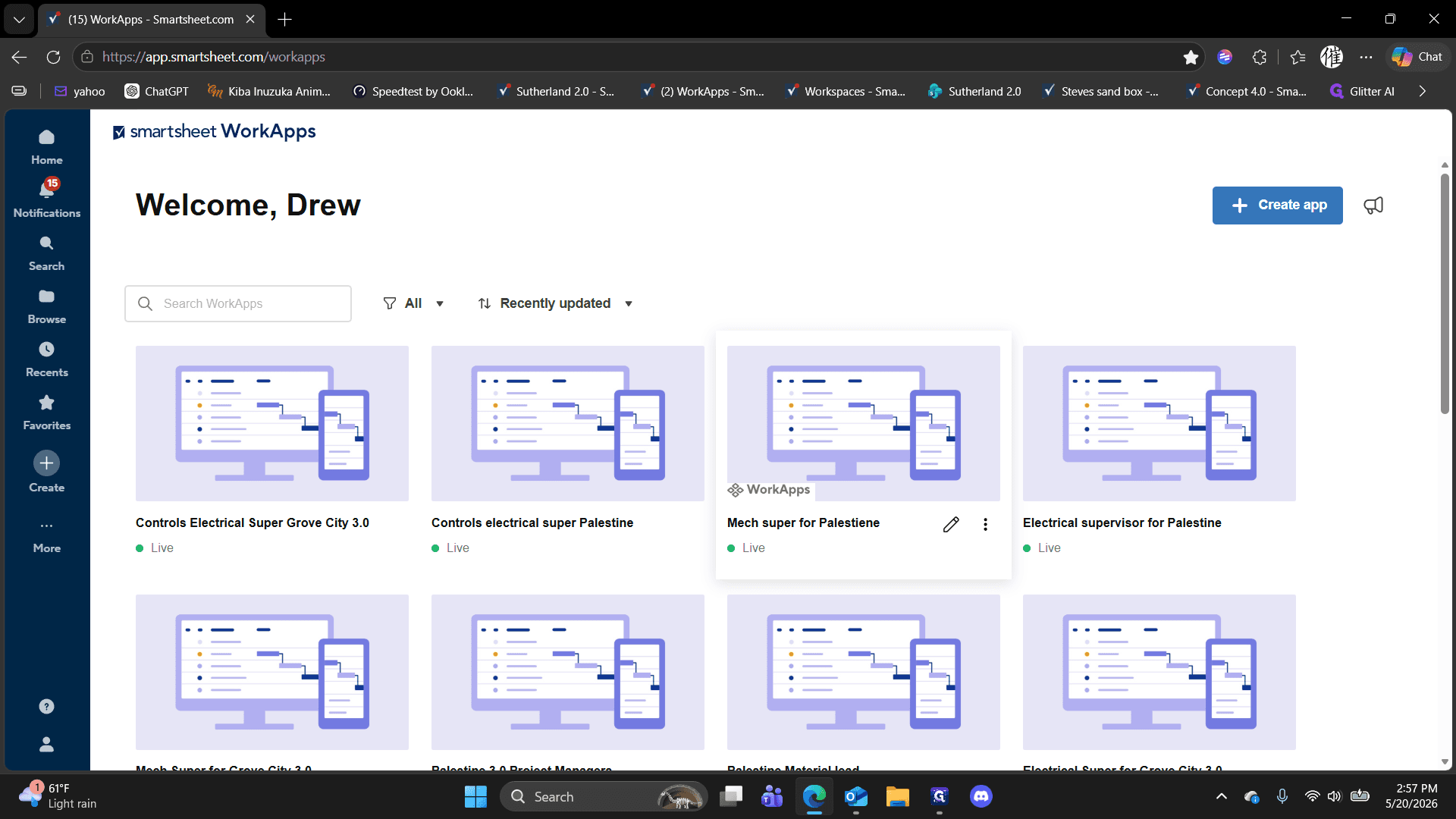
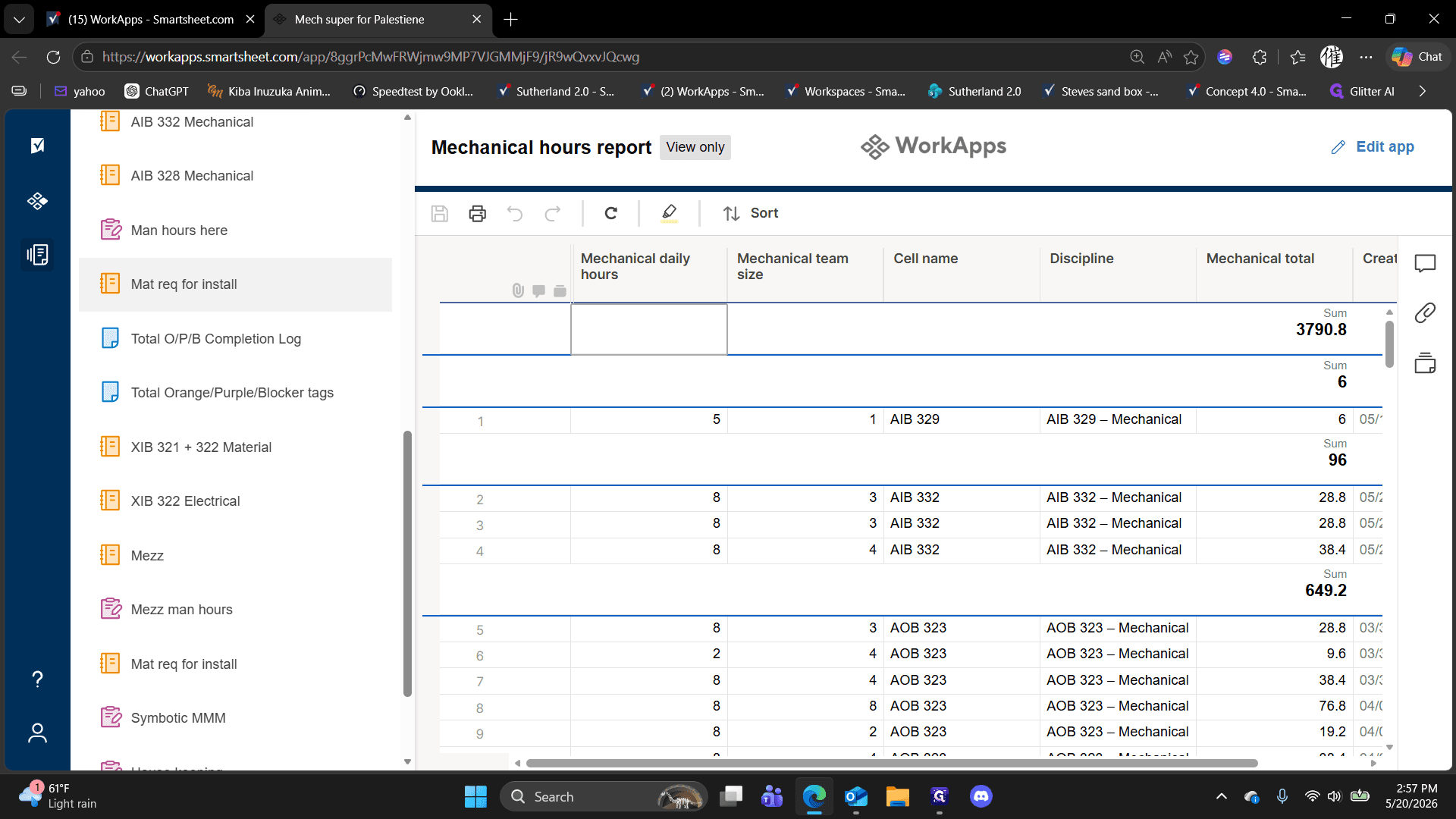
Accessing the Material Request App
Requesting Inventory
Before submitting a request, verify that the required items have available stock. You cannot request material if the current inventory is zero.
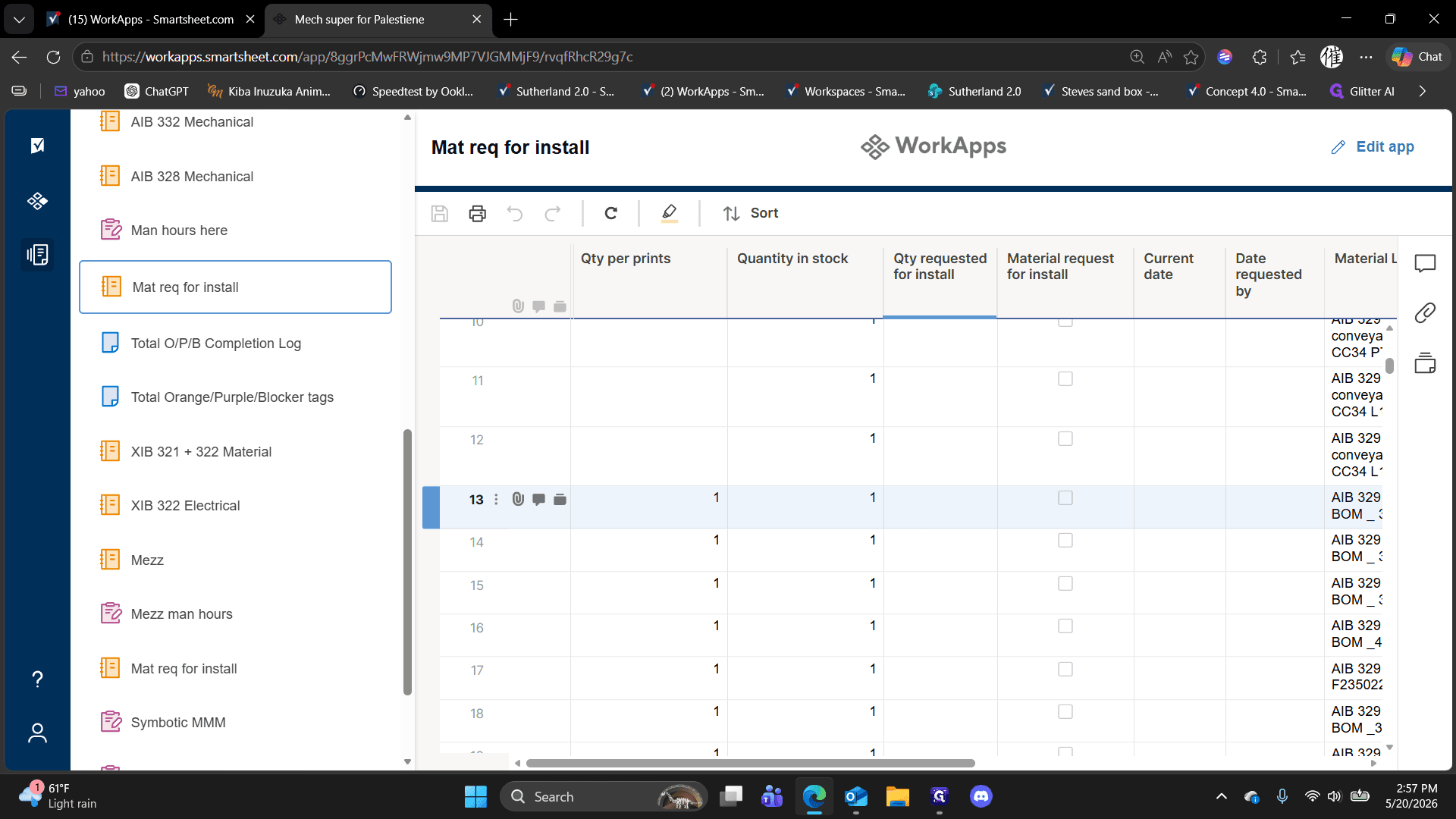
When making your request, you must complete the following fields for each line item:
Field | Action Required | Details |
|---|---|---|
Qty requested for install | Enter a numeric amount. | The quantity must be less than or equal to the current available stock. |
Selection Checkbox | Check the box. | Flags the specific line item as active for your request. |
Date requested by | Input a date. | Can be typed manually or selected via the calendar picker. |
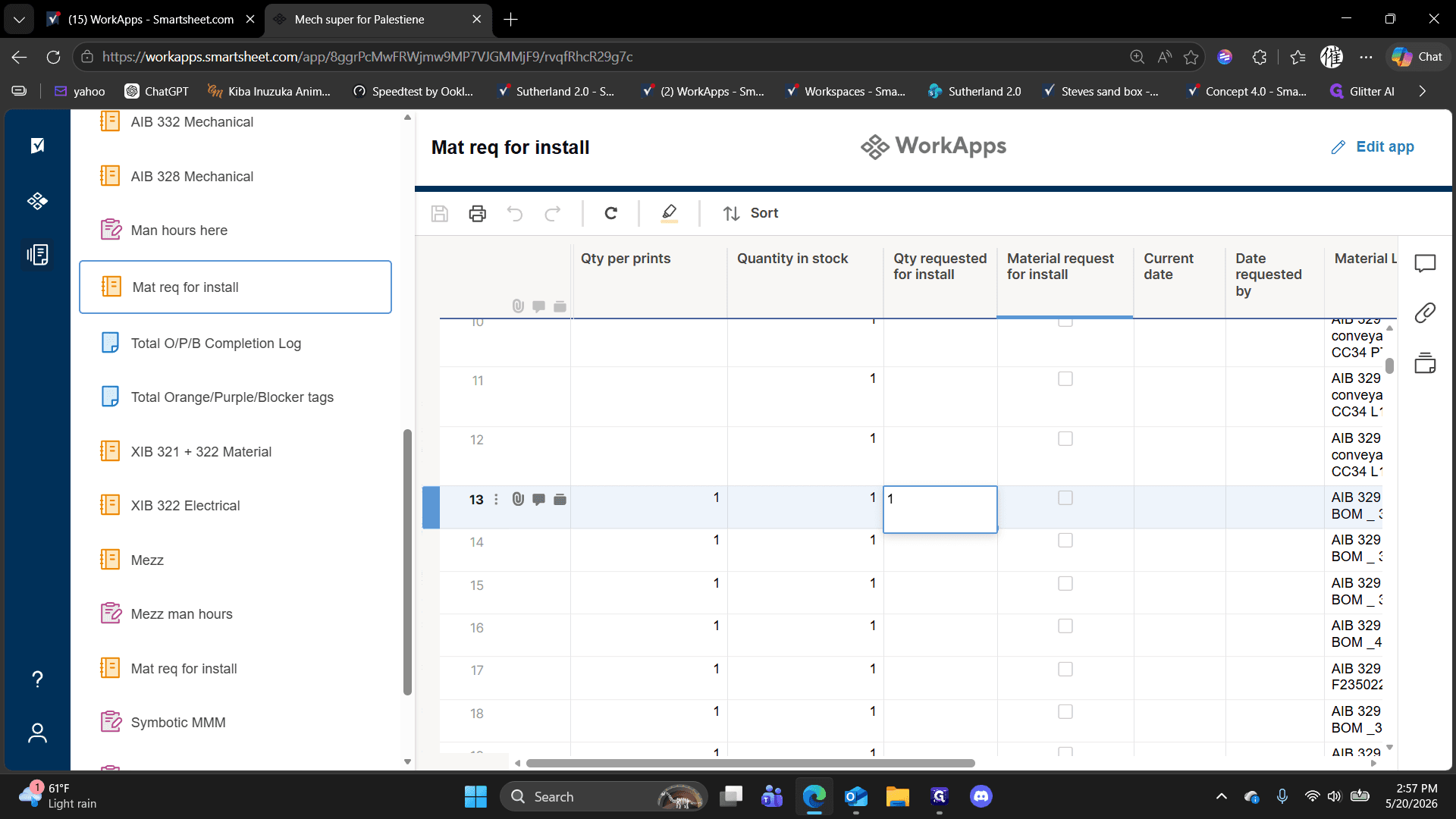
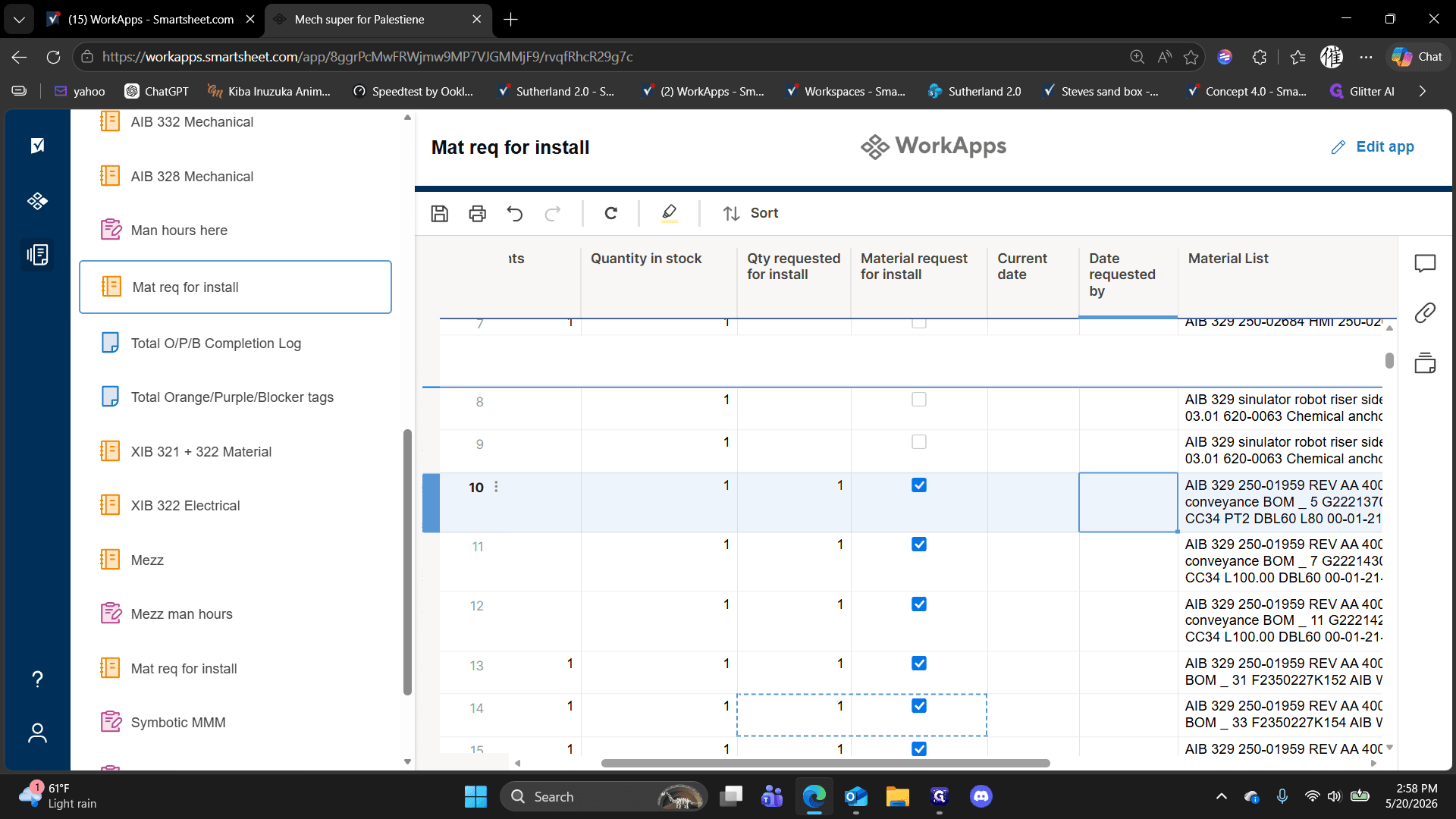
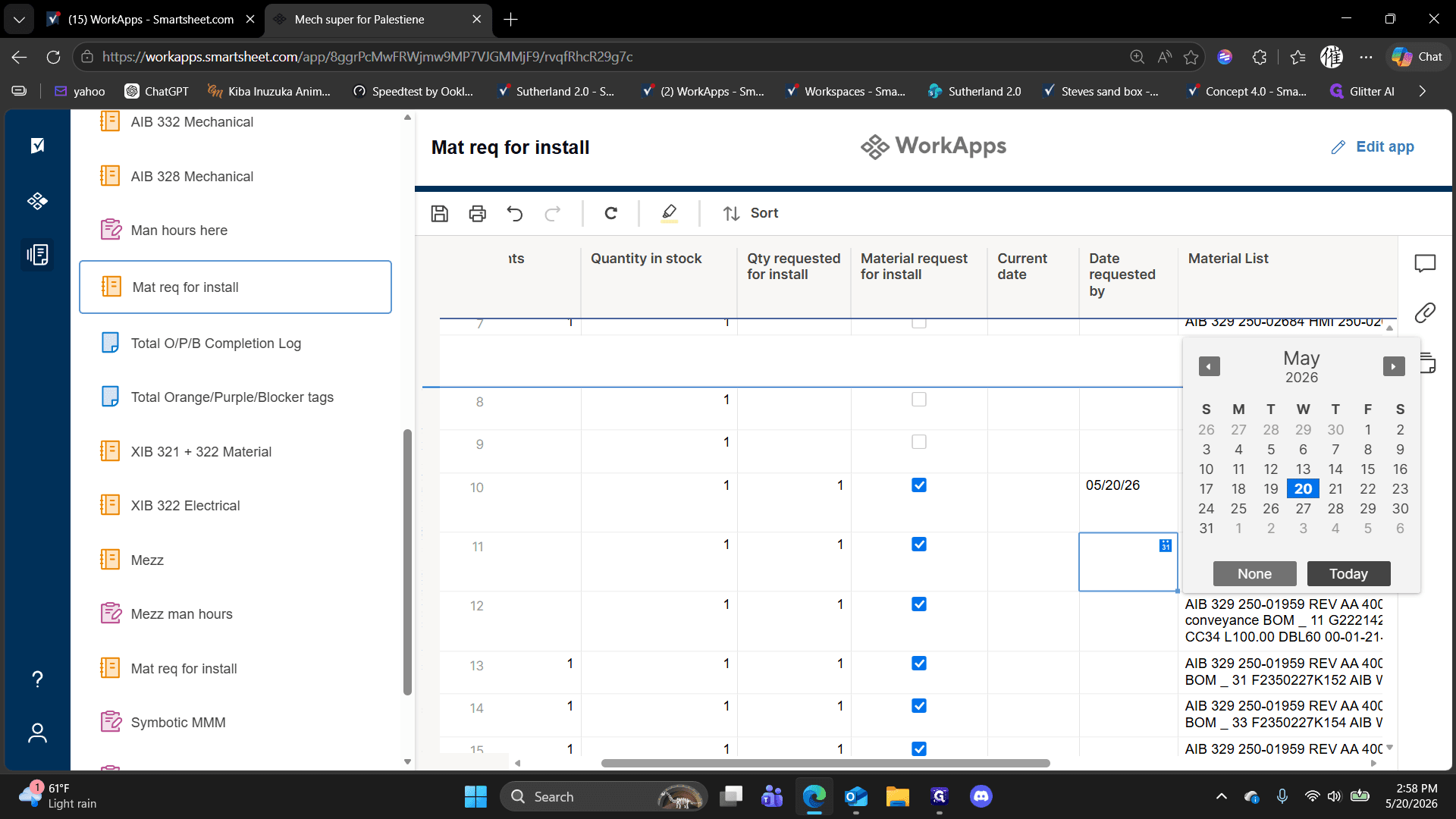
Once you finish entering all requested quantities and dates, click the Save button in the upper menu bar to submit your request to the material team.
Receiving Your Material
After saving your request, the material team typically requires four to eight hours to pull the inventory and deliver it to your location. When they arrive, perform the following verification steps:
Review the printed Transfer of Assets form provided by the team.
Perform a visual inspection of all delivered items.
Check for any physical damages or missing components. If you identify any missing or damaged parts, report the discrepancy to the delivery team immediately.
FAQ
Q: How long does it take to receive the material once requested?
A: The material team typically takes four to eight hours to fulfill and deliver the requested materials after you save your request in the system.
Q: What happens if an item has zero quantity in stock?
A: You cannot request materials that do not currently have inventory in stock. Always verify the available stock quantity in the sheet before entering a request.
Q: What should I do when the material is delivered?
A: Perform a visual inspection immediately to check for damages or missing parts against the Transfer of Assets form provided by the delivery team. If anything is missing, notify them at that time.
Glossary
Term | Definition |
|---|---|
Transfer of Assets form | A printed document brought by the material team detailing the specific inventory being handed off to the installation team. |
WorkApps | A customized portal within Smartsheet used to host curated views, sheets, and reports tailored to specific project roles. |
Mat req for install | The specific dashboard and sheet view used to process outbound inventory requests for active mechanical installations. |