
Restarting the n8n Droplet in DigitalOcean
Learn how to locate and restart the n8n Droplet in DigitalOcean under the Sales Genius project.
Purpose
This guide outlines the procedure for restarting an n8n instance hosted on DigitalOcean. Following these steps reboots the designated virtual machine droplet under the Sales Genius project to restore workflow services to a normal running state.
Scope
This procedure applies to technical support and operations team members managing automation infrastructure in DigitalOcean. It covers navigating the project dashboard, locating the n8n droplet, and executing a reboot command from the management interface. Reconfiguring workflow logic or troubleshooting application-level errors inside n8n is out of scope.
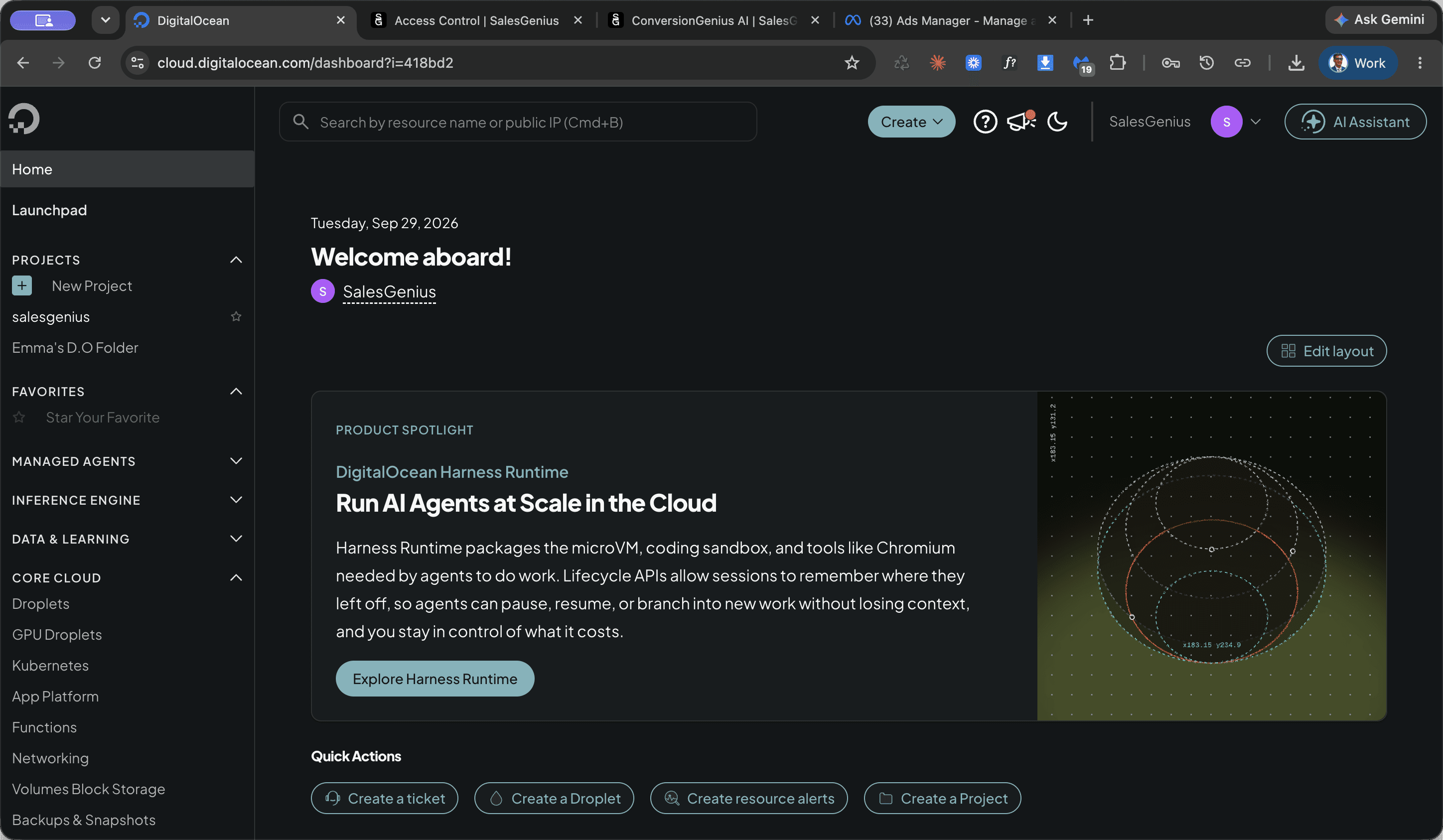
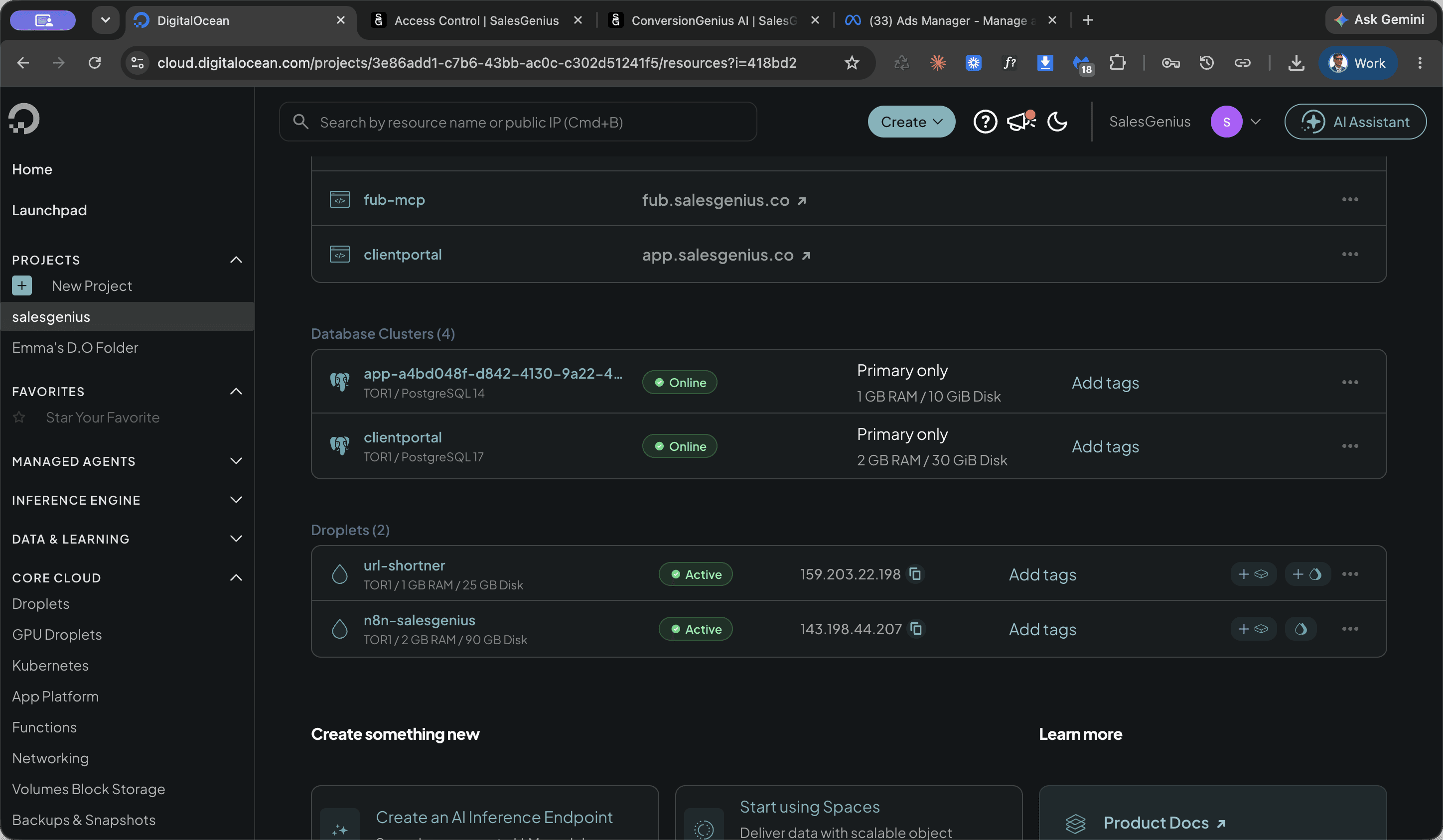
Locate the Droplet
Access your DigitalOcean dashboard to open the appropriate project workspace and select the droplet host.
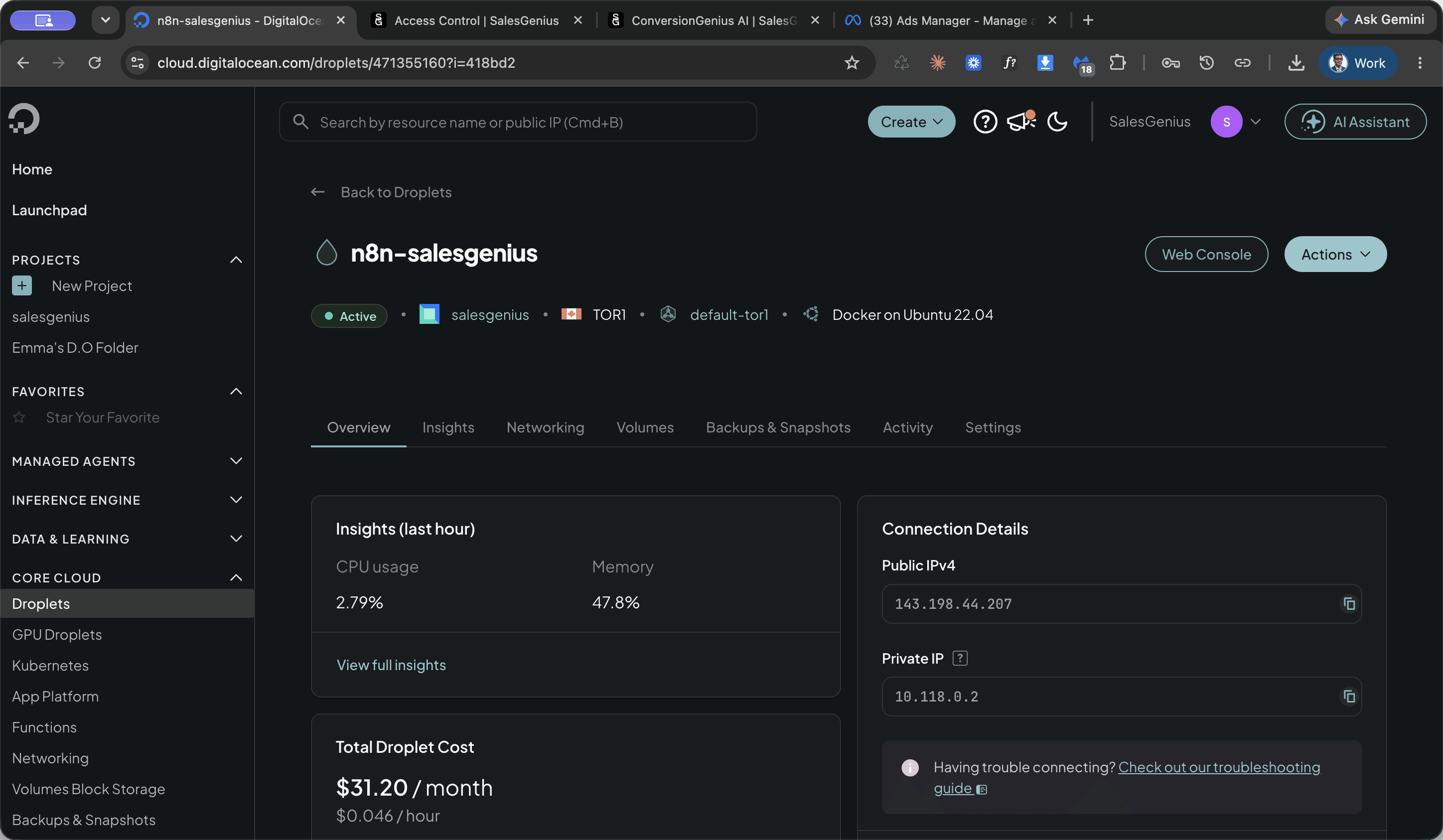
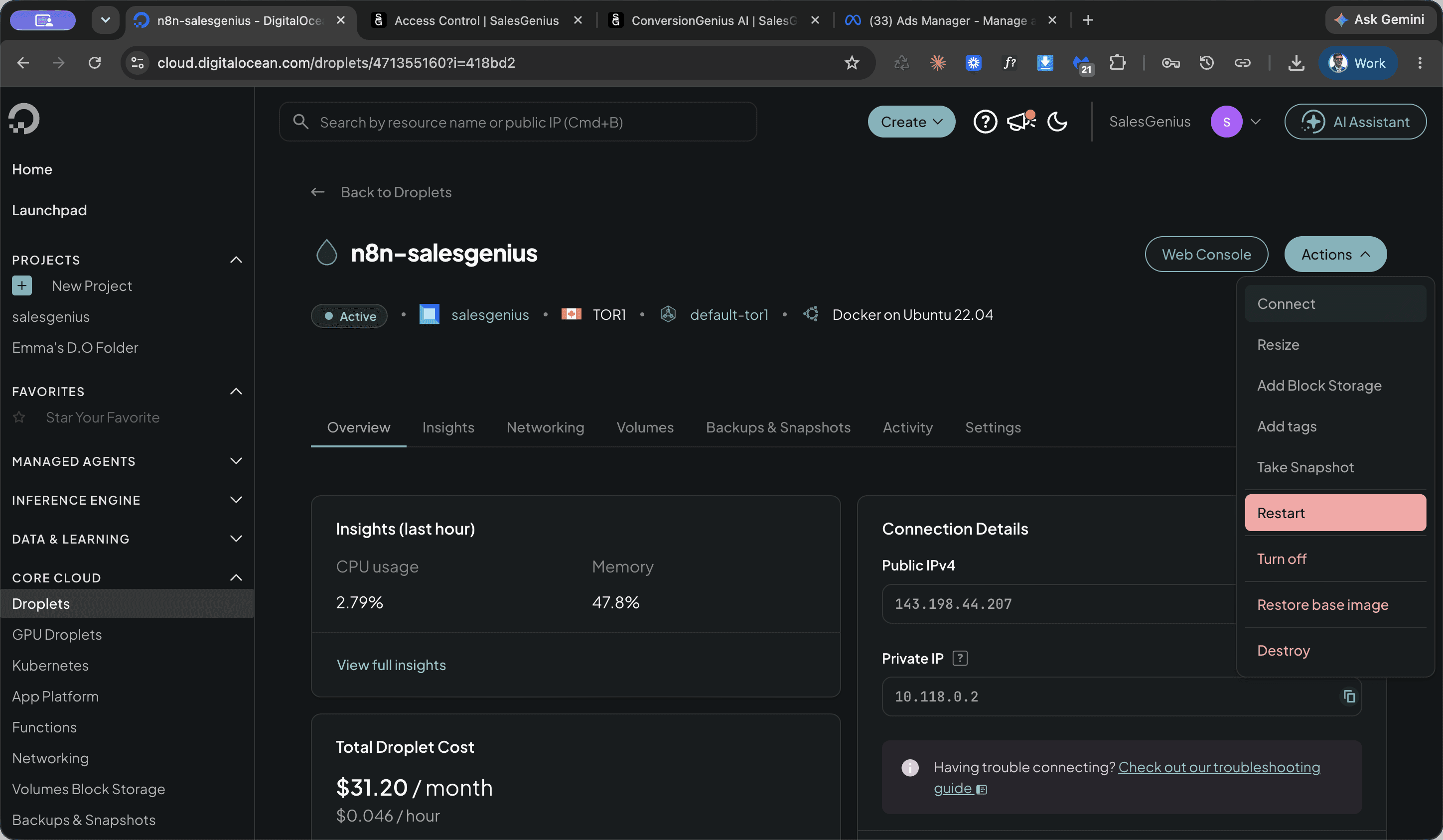
Restart the Server
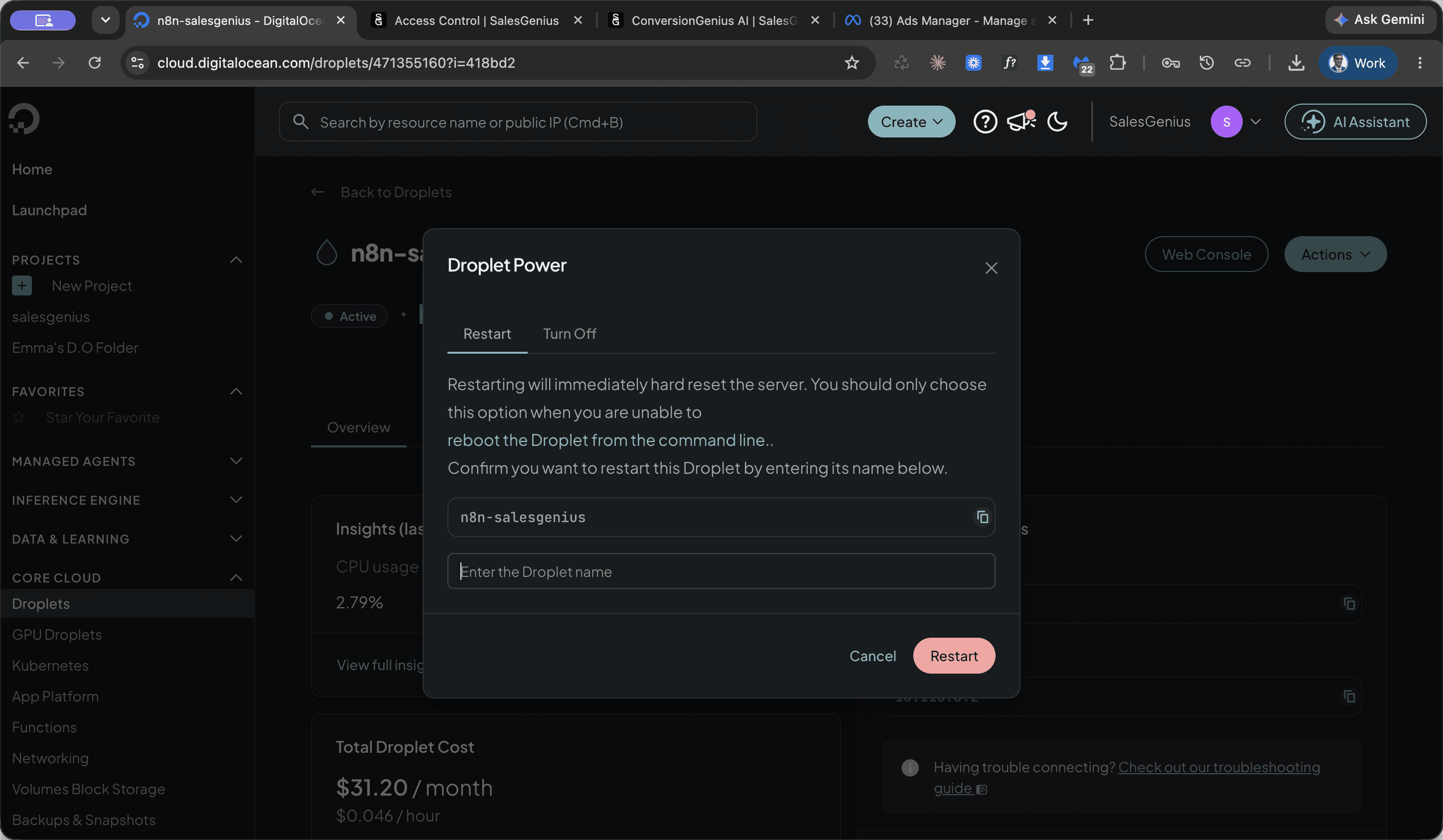
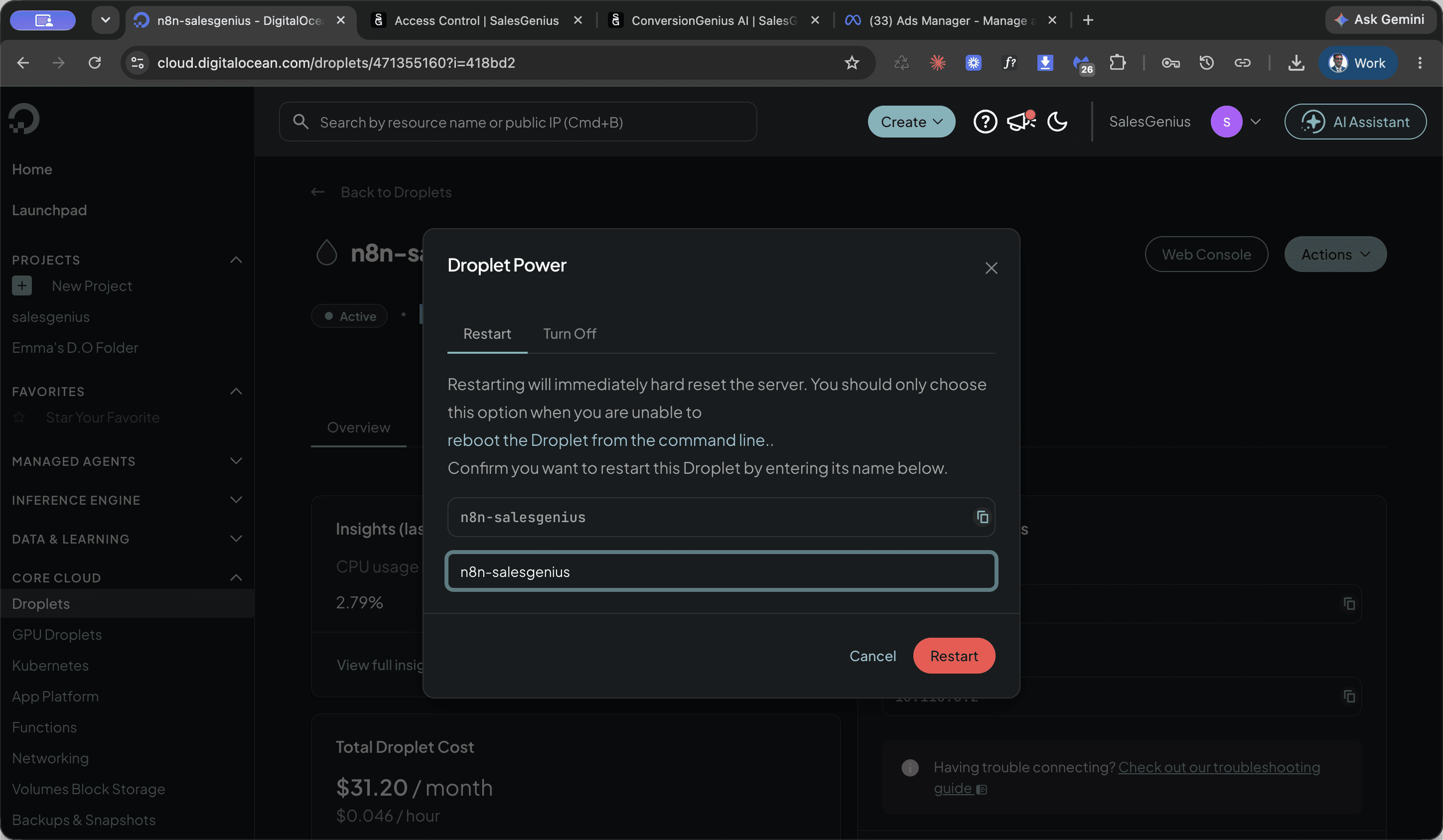
Initiate the restart cycle from the droplet control menu and confirm the action.
FAQ
Q: Why does DigitalOcean ask to enter the Droplet name before restarting?
A: DigitalOcean requires typing the droplet name into the confirmation field to prevent accidental reboots on production servers.