Restart and Rebuild the Client Portal App
Learn how to force rebuild and deploy the Client Portal app with a cleared build cache in DigitalOcean.
Purpose
This guide details how to restart and redeploy the Sales Genius client portal application in DigitalOcean. By triggering a forced rebuild with a cleared build cache, you ensure that the application compiles fresh from source and redeploys smoothly.
Scope
This procedure applies to technical team members and administrators managing application deployments in DigitalOcean App Platform. It covers initiating a manual rebuild from the project console for the client portal service.
Open the Client Portal Application
Log in to your DigitalOcean dashboard before beginning these steps.
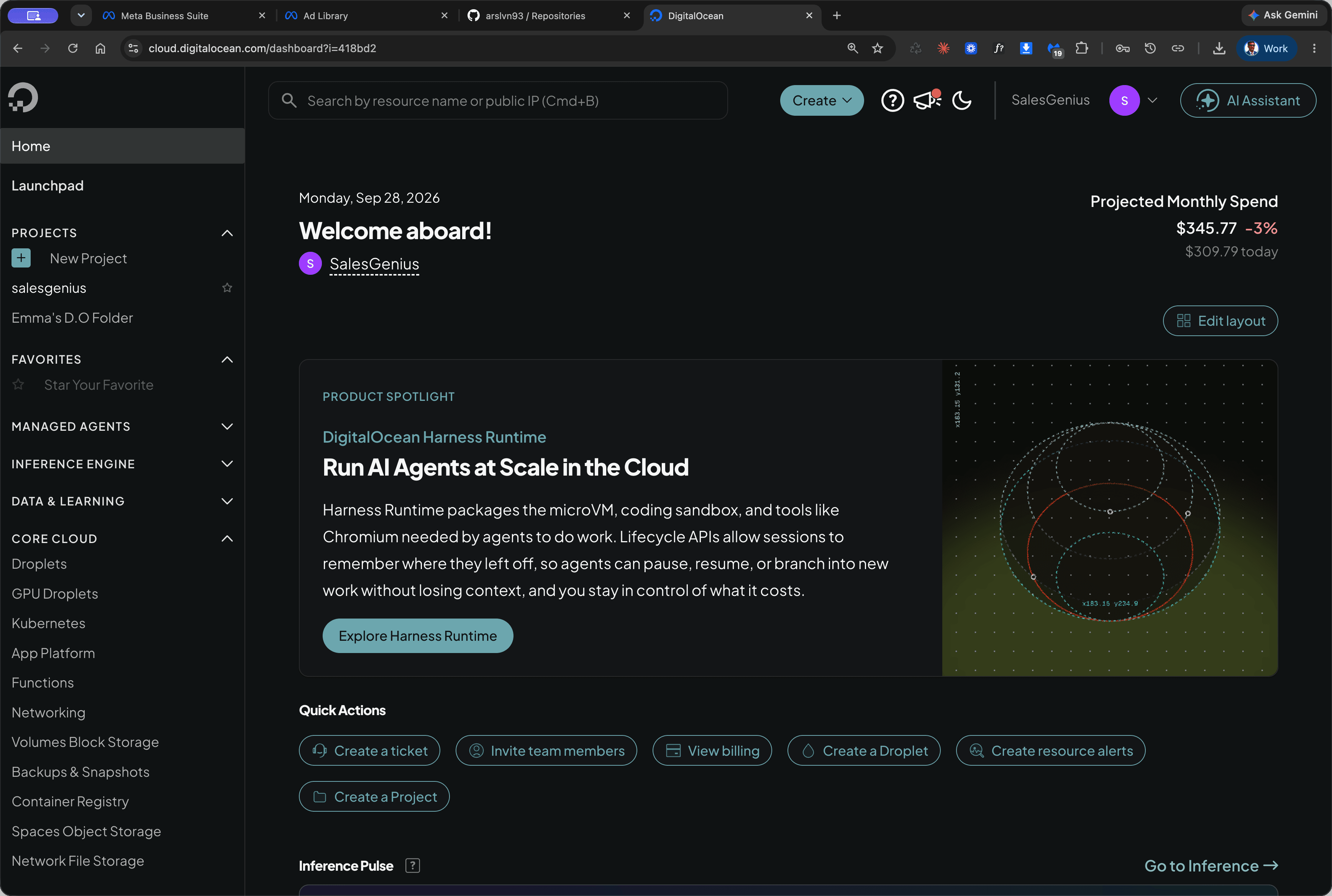
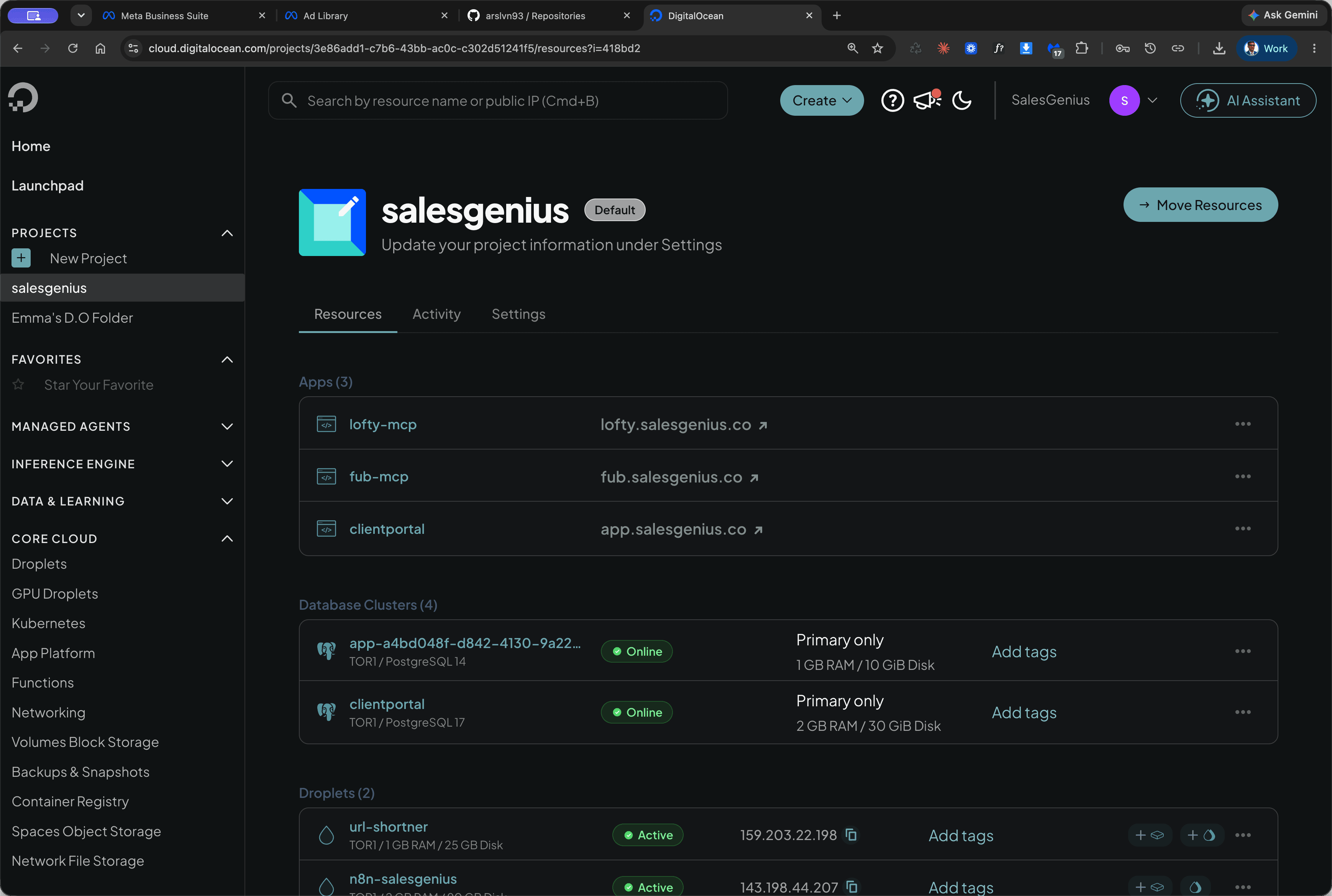
Force Rebuild and Deploy
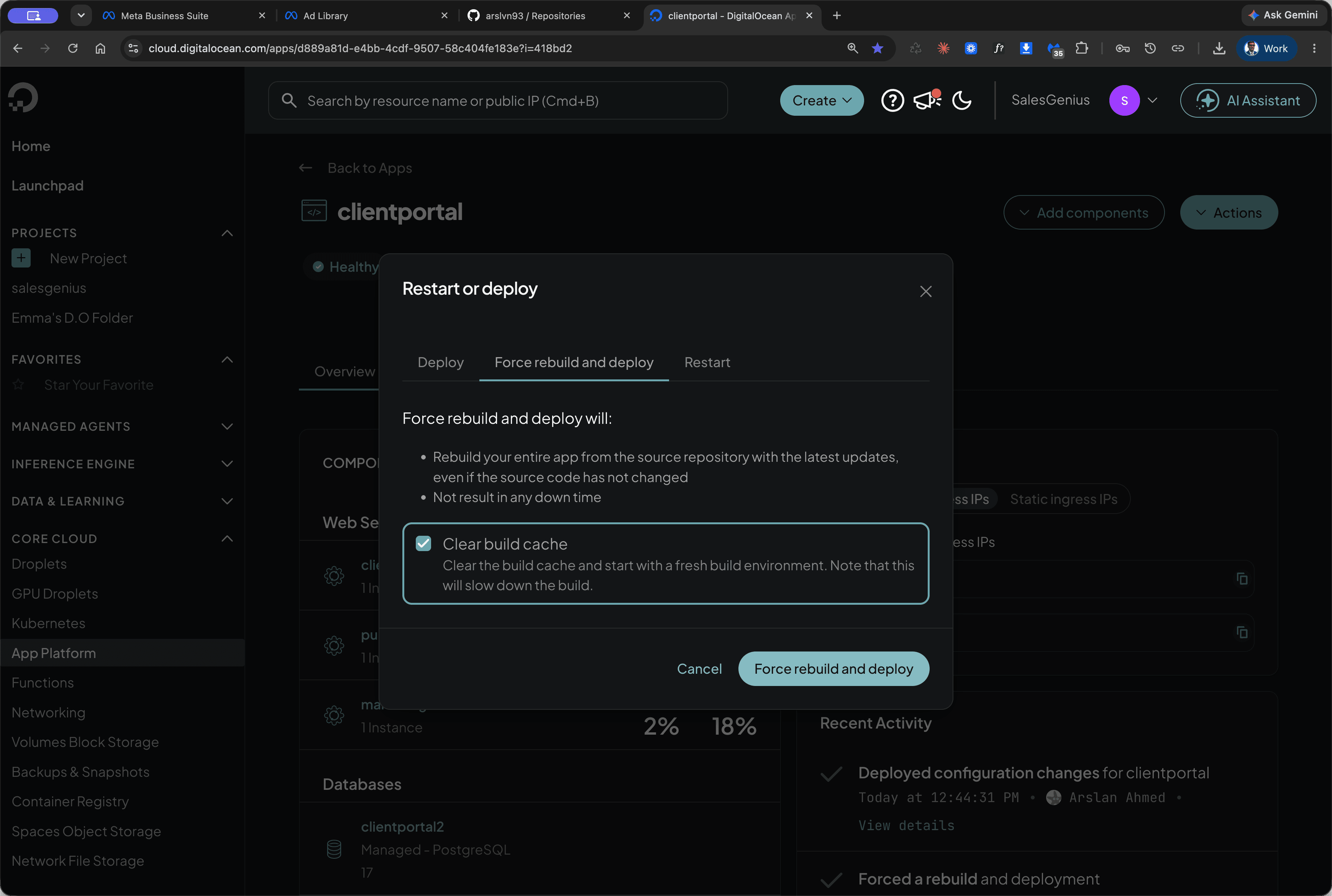
Trigger a full rebuild to clear cached build artifacts and deploy the updated application.
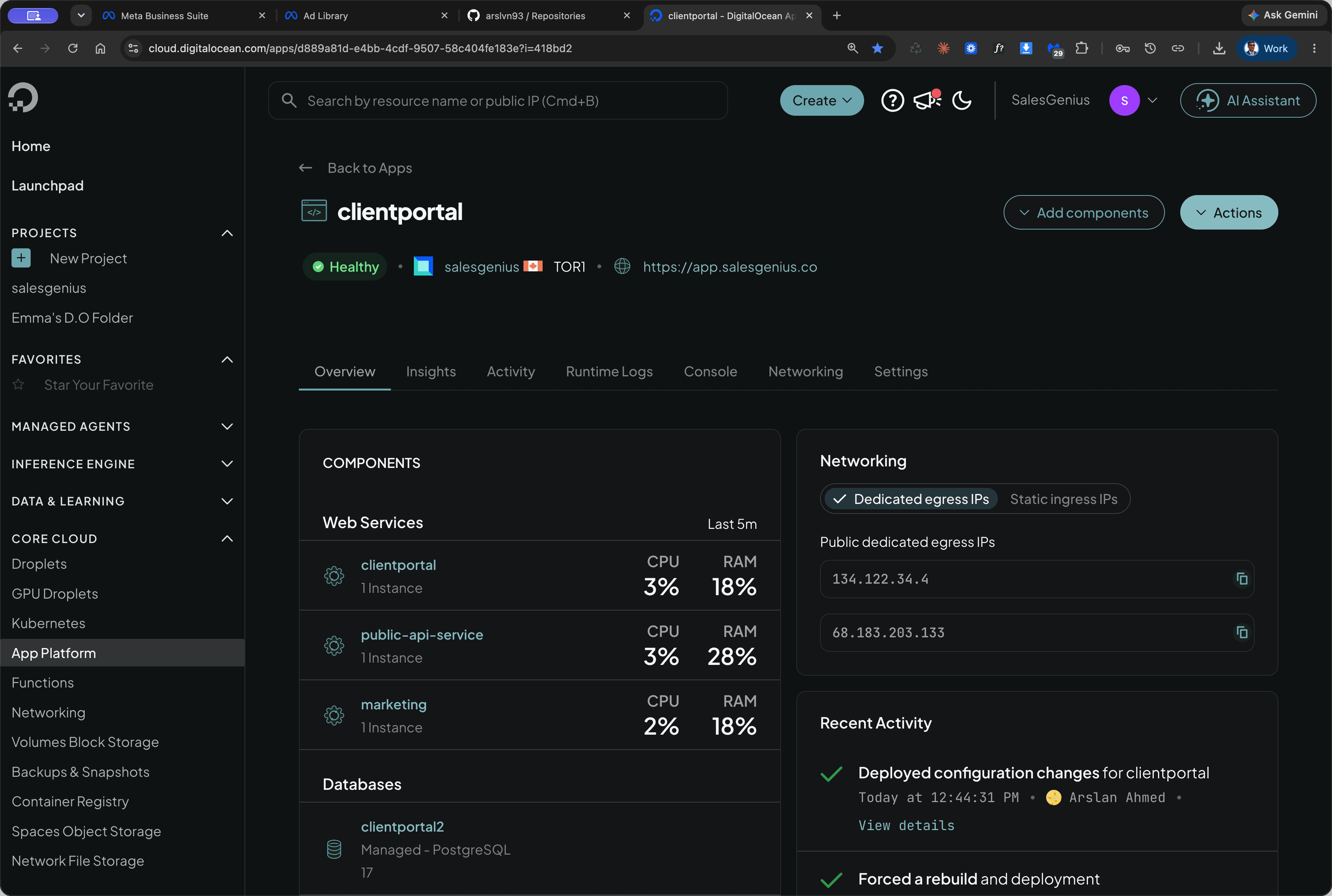
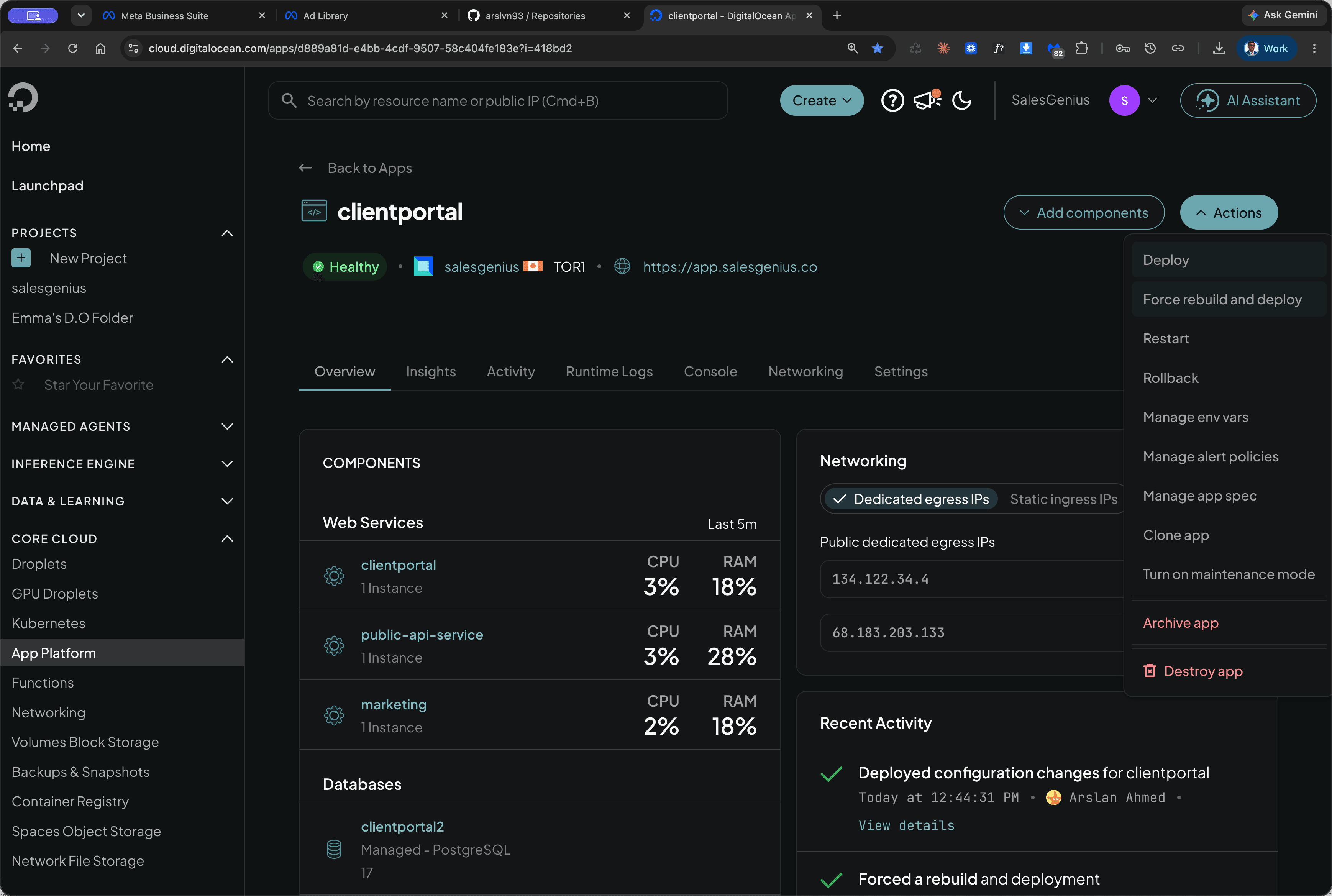
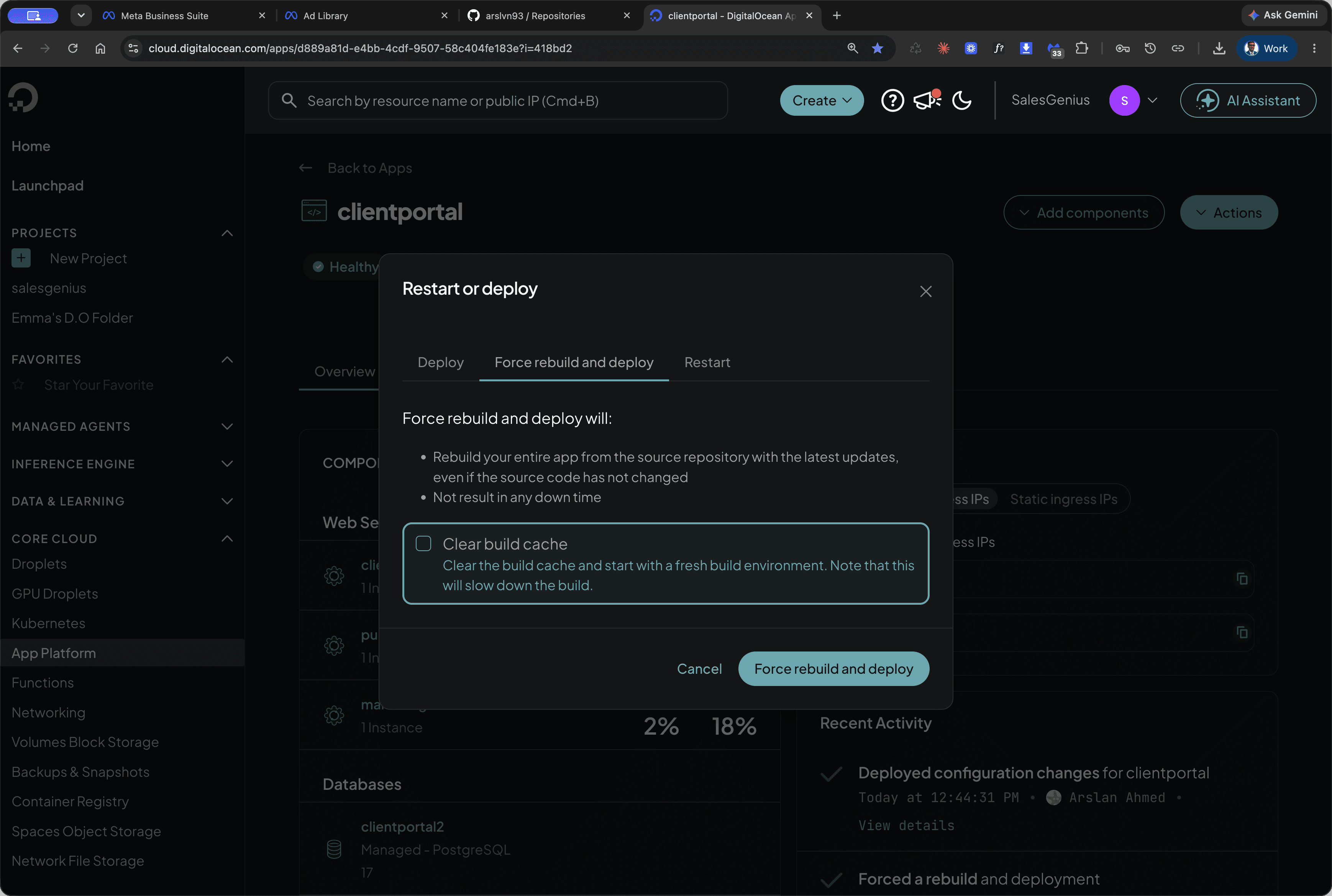
Clearing the cache ensures that dependencies and build artifacts are freshly generated rather than reused.
FAQ
Q: Why should the build cache be cleared during a rebuild?
A: Clearing the build cache forces DigitalOcean to download and compile all dependencies cleanly, preventing stale cached files from interfering with the new deployment.