How to Review and Approve Source Requests
Learn how to review pending source requests, verify robots.txt permissions, set opt-out verdicts, and approve or reject submissions.
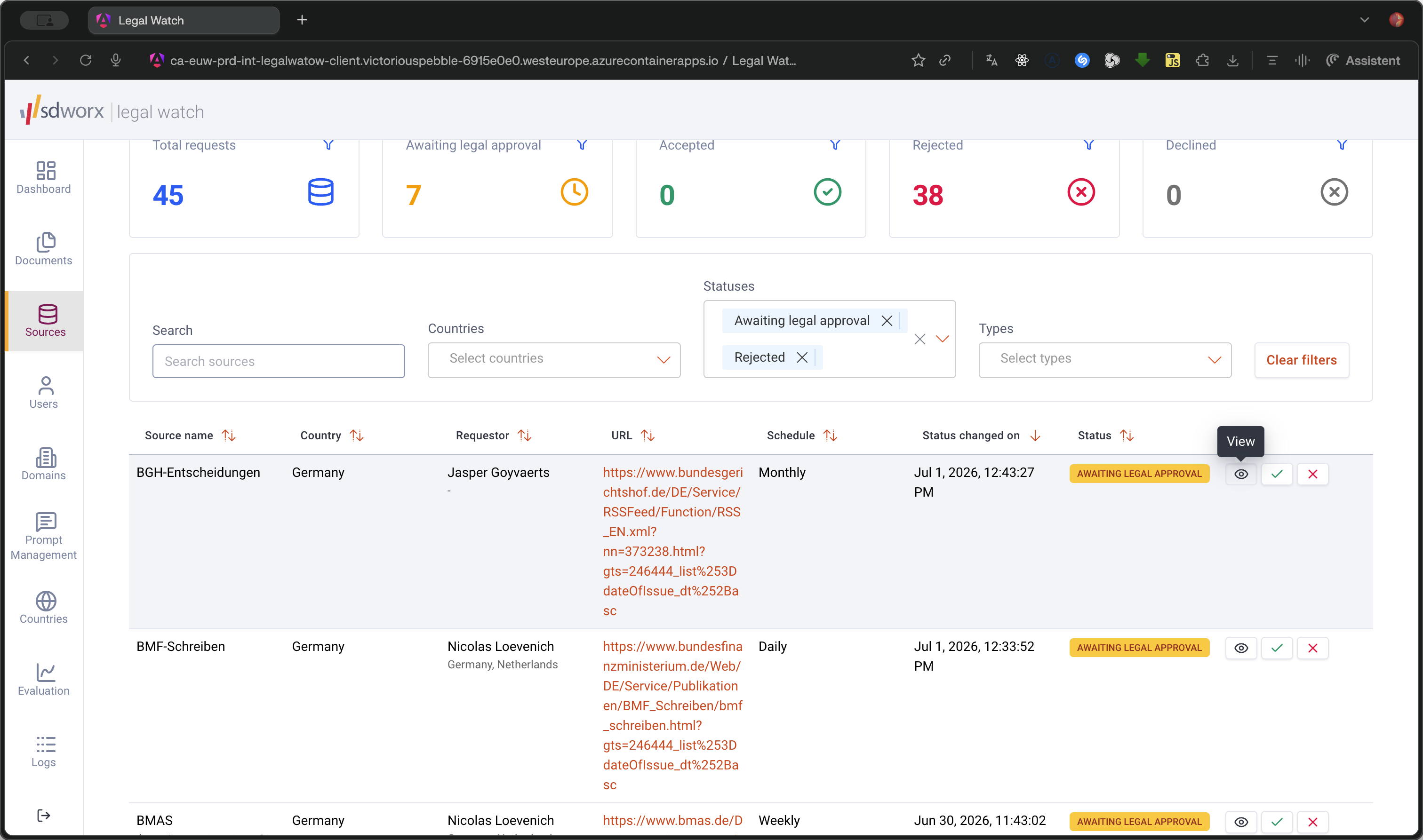
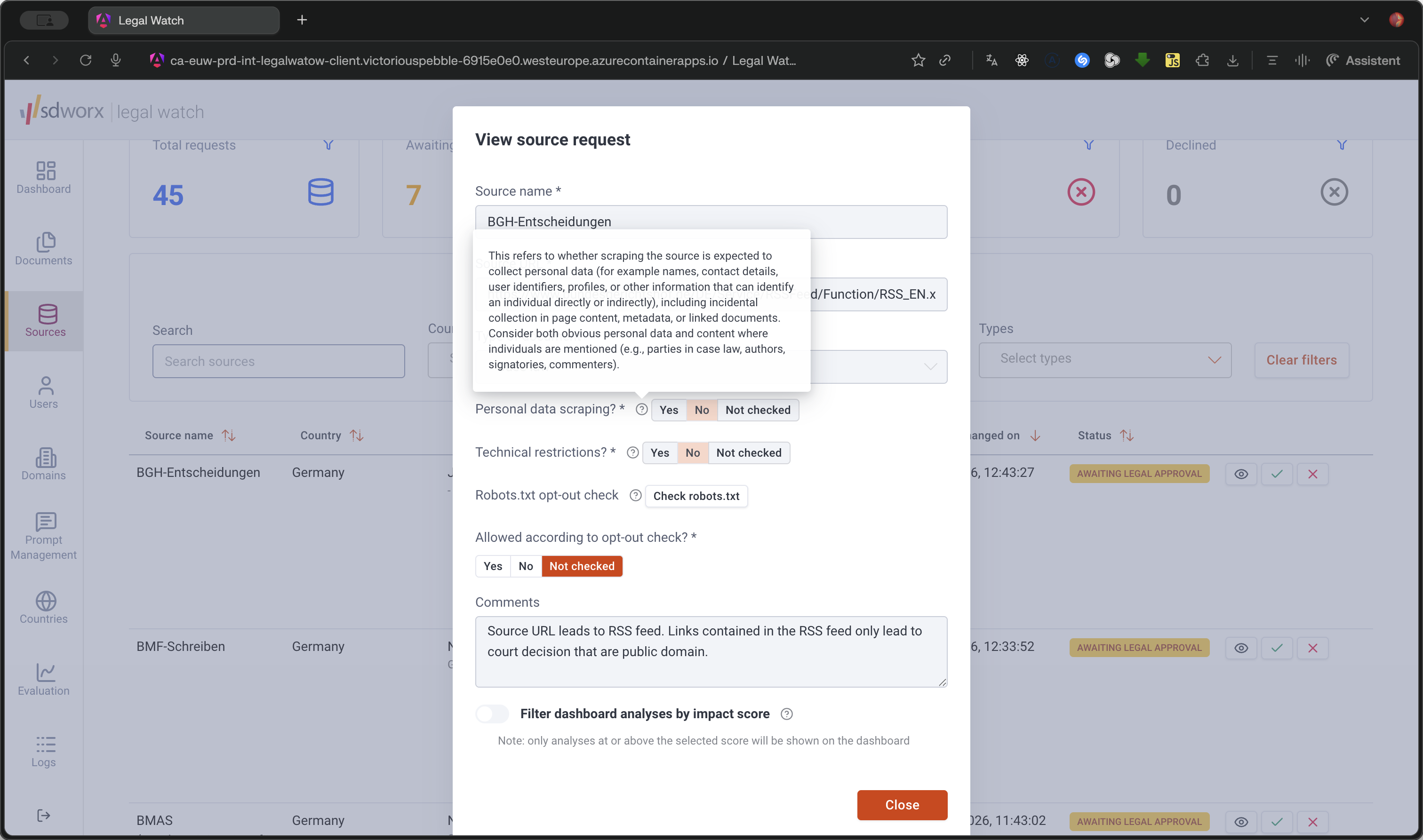
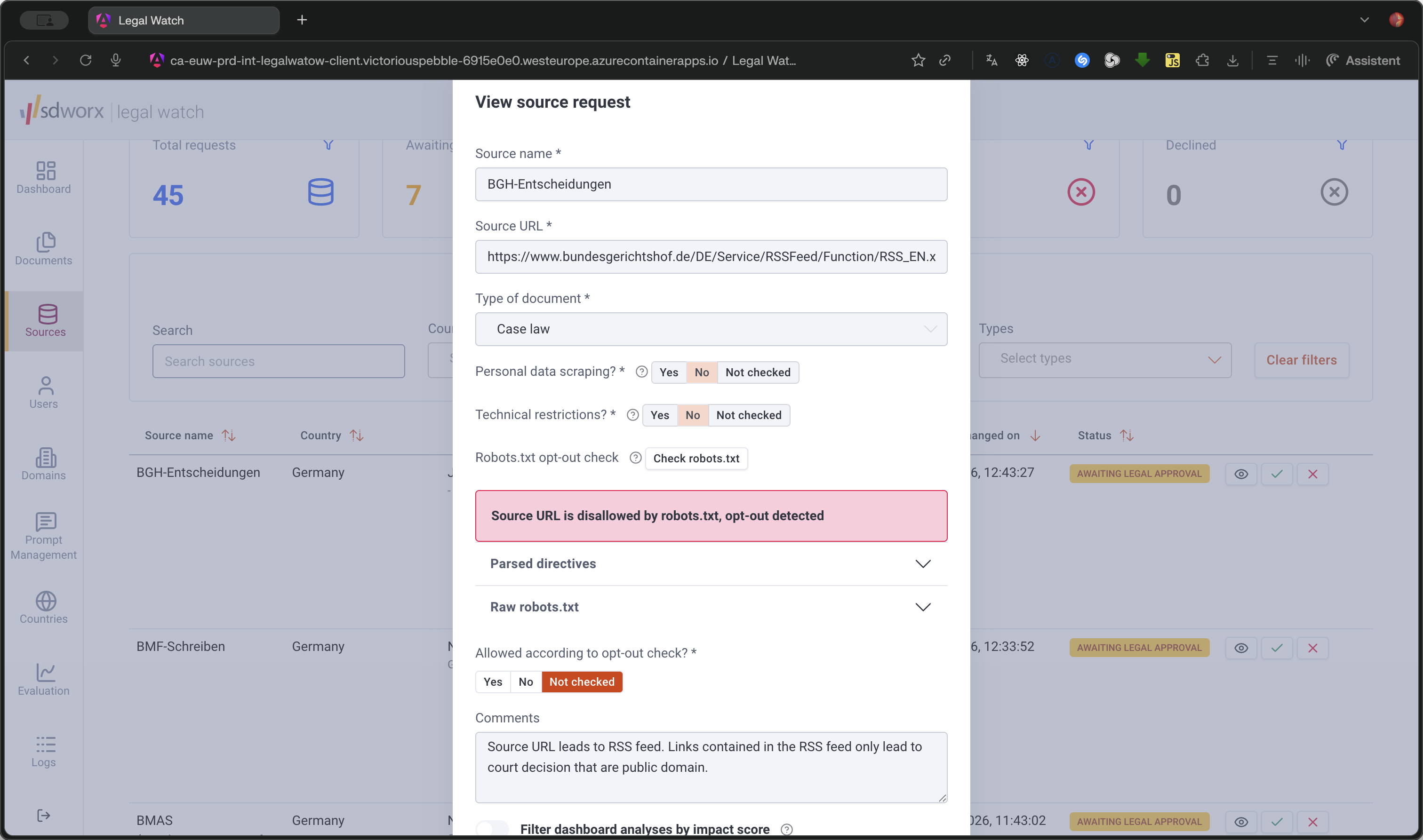
This guide walks you through reviewing and verifying source requests submitted by country admins. Completing this process ensures that requested sources comply with legal scraping requirements, such as robots.txt rules and opt-out policies, before they are configured.
This guide is intended for Legal Experts who are responsible for auditing and approving new source requests during the legal compliance phase of the source management workflow.
Option | Description |
|---|---|
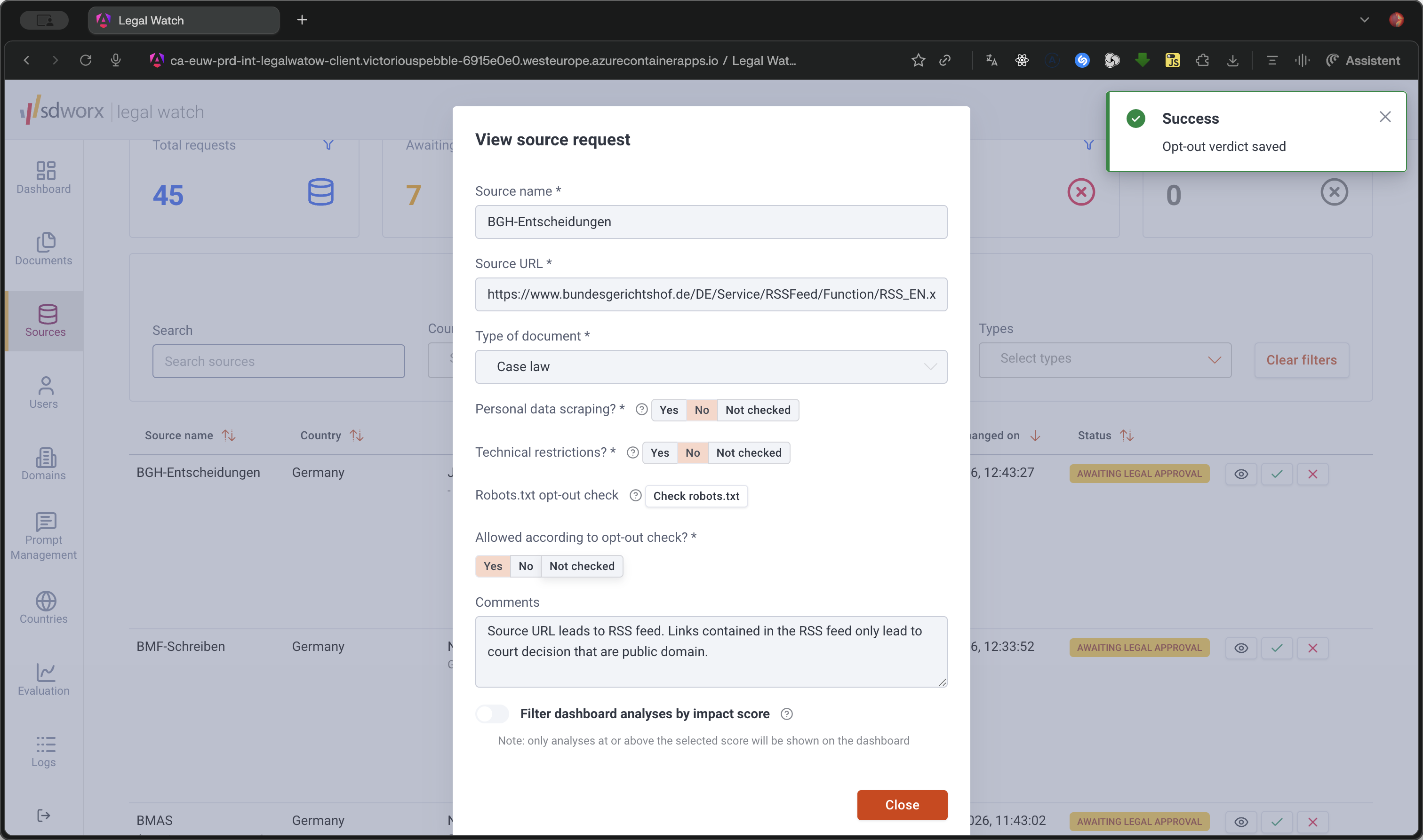
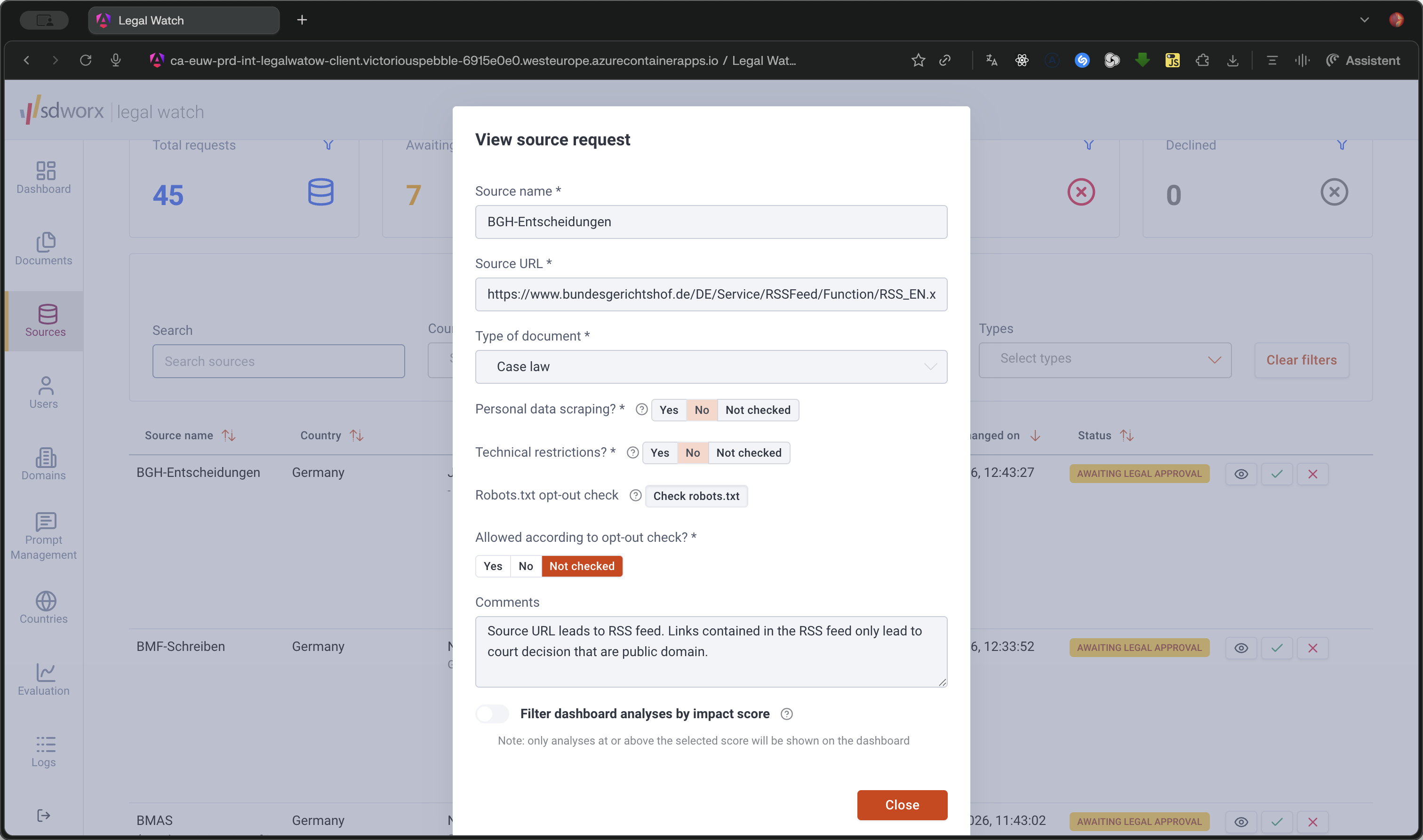
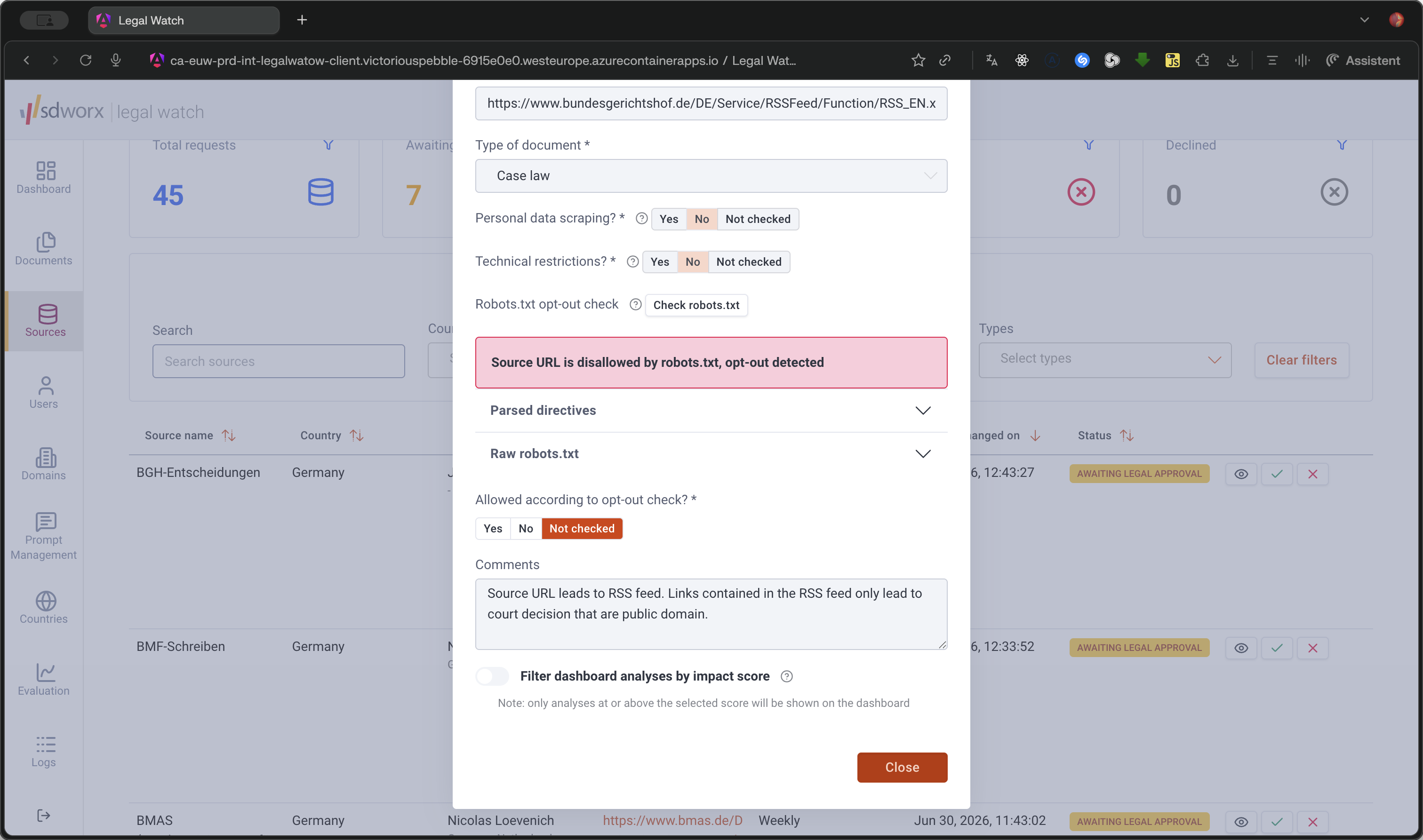
Yes | The source allows opting out or has a valid opt-out mechanism in place. |
No | The source does not allow opting out. |
Not checked | The opt-out status has not been verified yet. |
Q: Can I edit the source details during the legal review?
A: No, you cannot edit the main source details (such as the URL or document type), but you can update the opt-out check status, etc.
Q: What happens after I accept a source request?
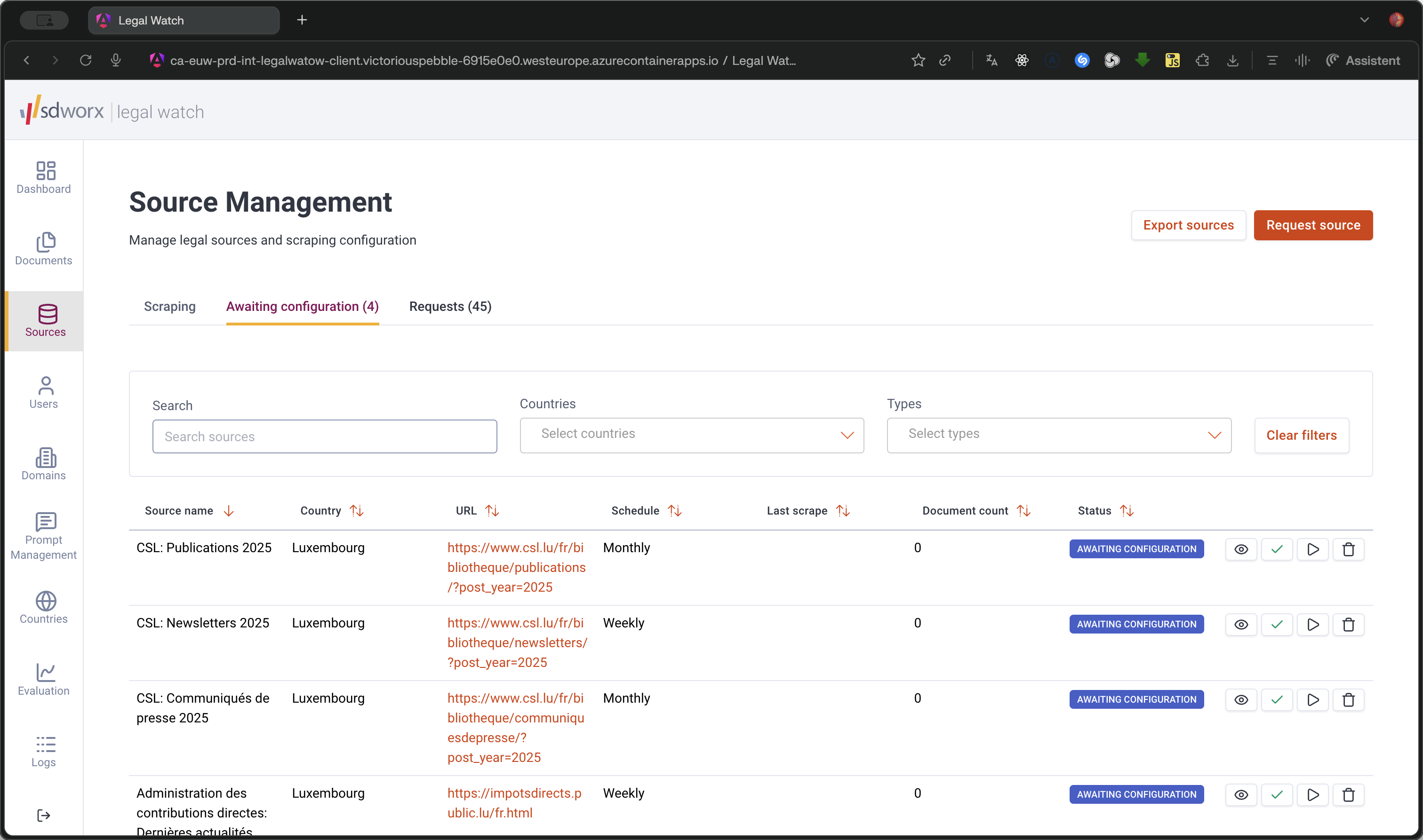
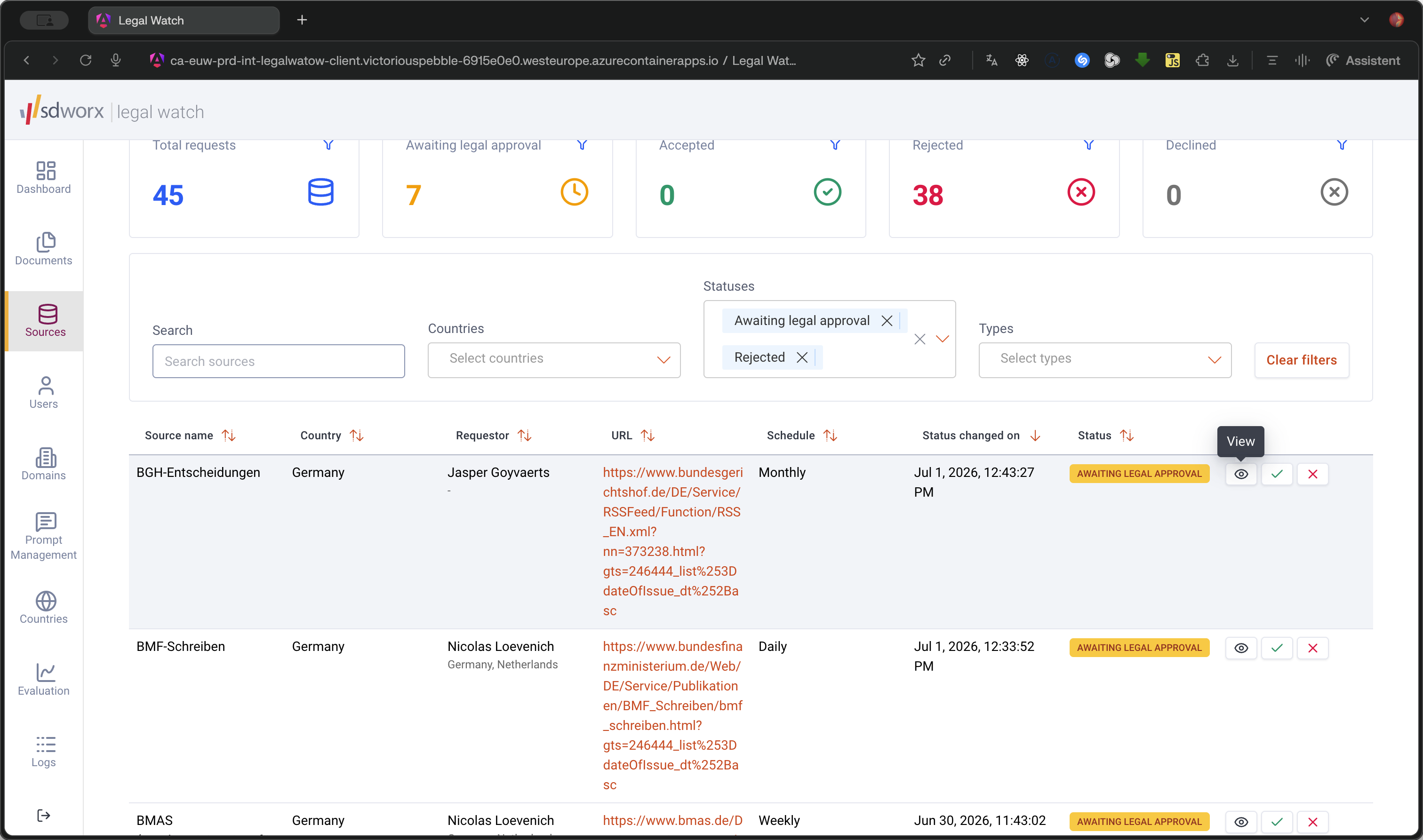
A: The source request is approved and automatically moves to the "Awaiting Configuration" status, where the country admin will take over to configure it.
Term | Definition |
|---|---|
robots.txt | A configuration file on a website that instructs automated bots and web scrapers on which pages or files they are permitted to access. |
Opt-out check | A verification step used to determine if a data source provides a legal mechanism for individuals or entities to opt out of data collection. |