
Rotate Claude API Keys in Doppler and n8n
Learn how to generate new Claude API keys, update secrets in Doppler and n8n, and disable old keys in the Anthropic Claude platform.
Purpose
This guide explains how to generate new Claude API keys on the Anthropic platform and replace active keys across integrated environments, specifically Doppler and n8n. Following these steps ensures service continuity across platforms while securing systems by decommissioning outdated credentials.
Scope
This procedure applies to technical administrators and developers responsible for maintaining credential security and secret management. It covers key generation within the Claude Platform, updating production environment variables in Doppler, replacing credentials in n8n, and disabling deprecated keys. Deploying service updates beyond secret updates is out of scope.
Rotate Claude API key in Doppler
Perform this procedure when rotating production credentials for the web portal. Completing these steps generates a new Claude API key and updates Doppler's production environment secrets.
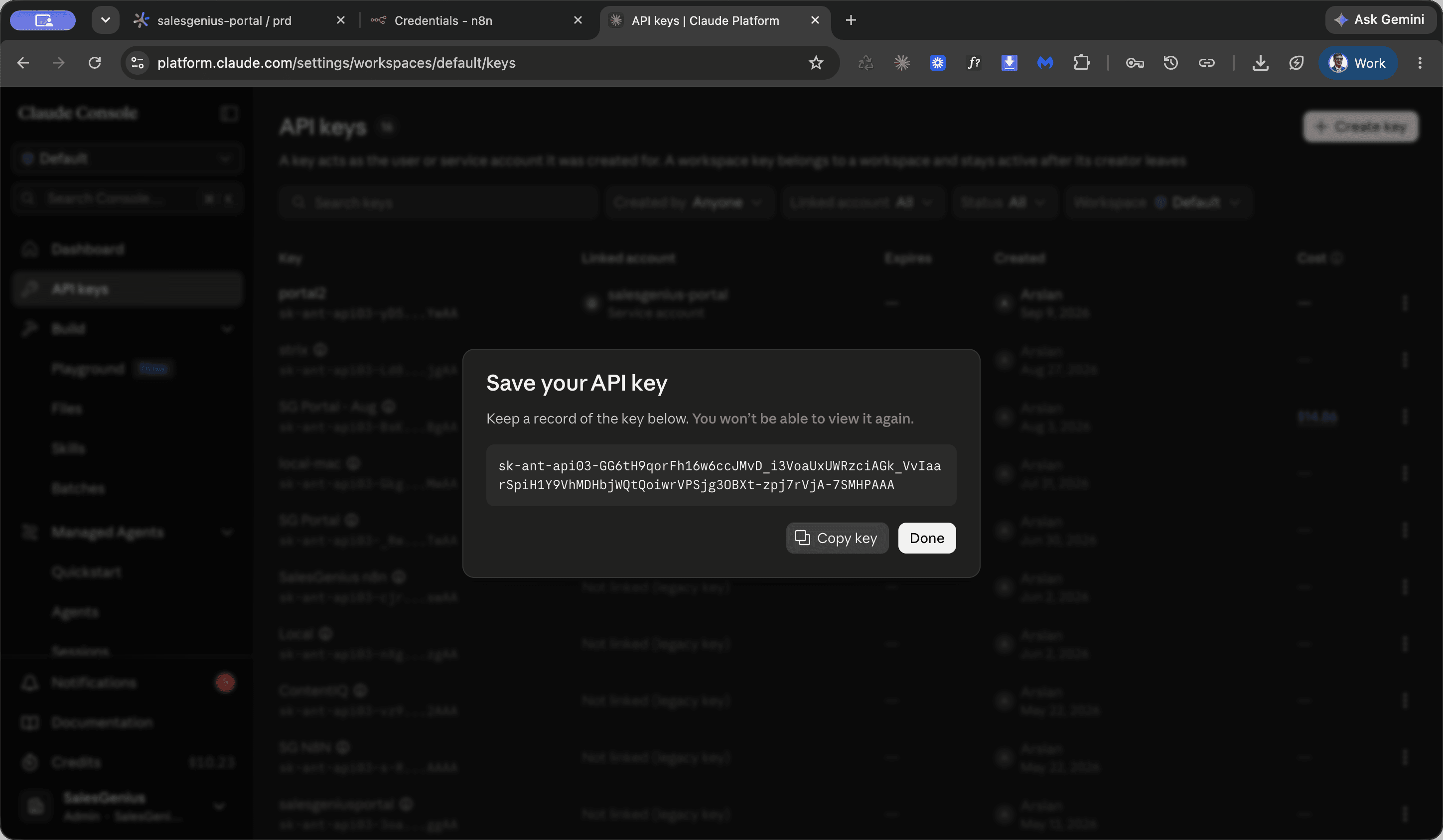
Generate a new Claude API key
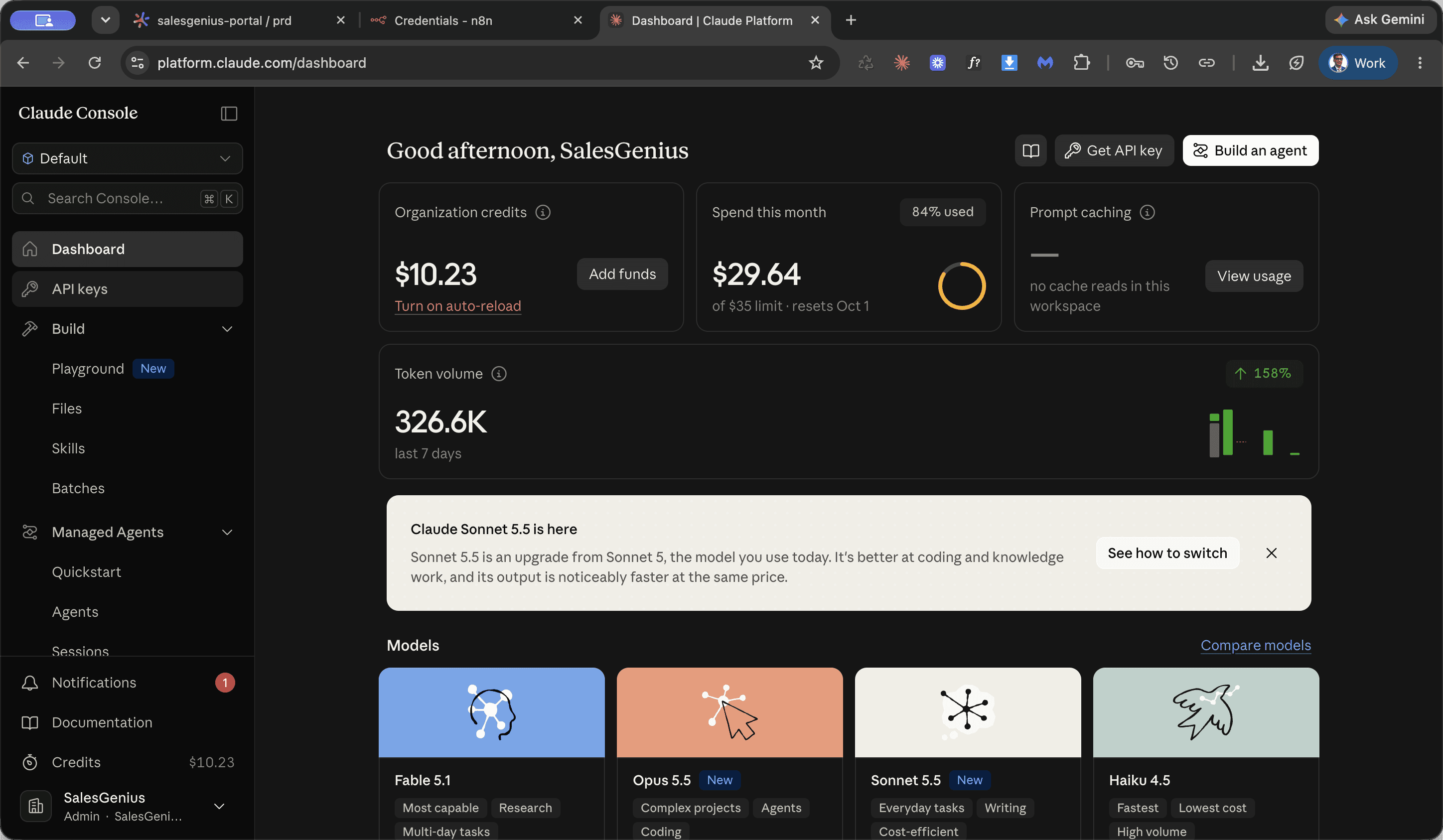
Navigate to platform.claude.com and sign in to access the Claude Console workspace.
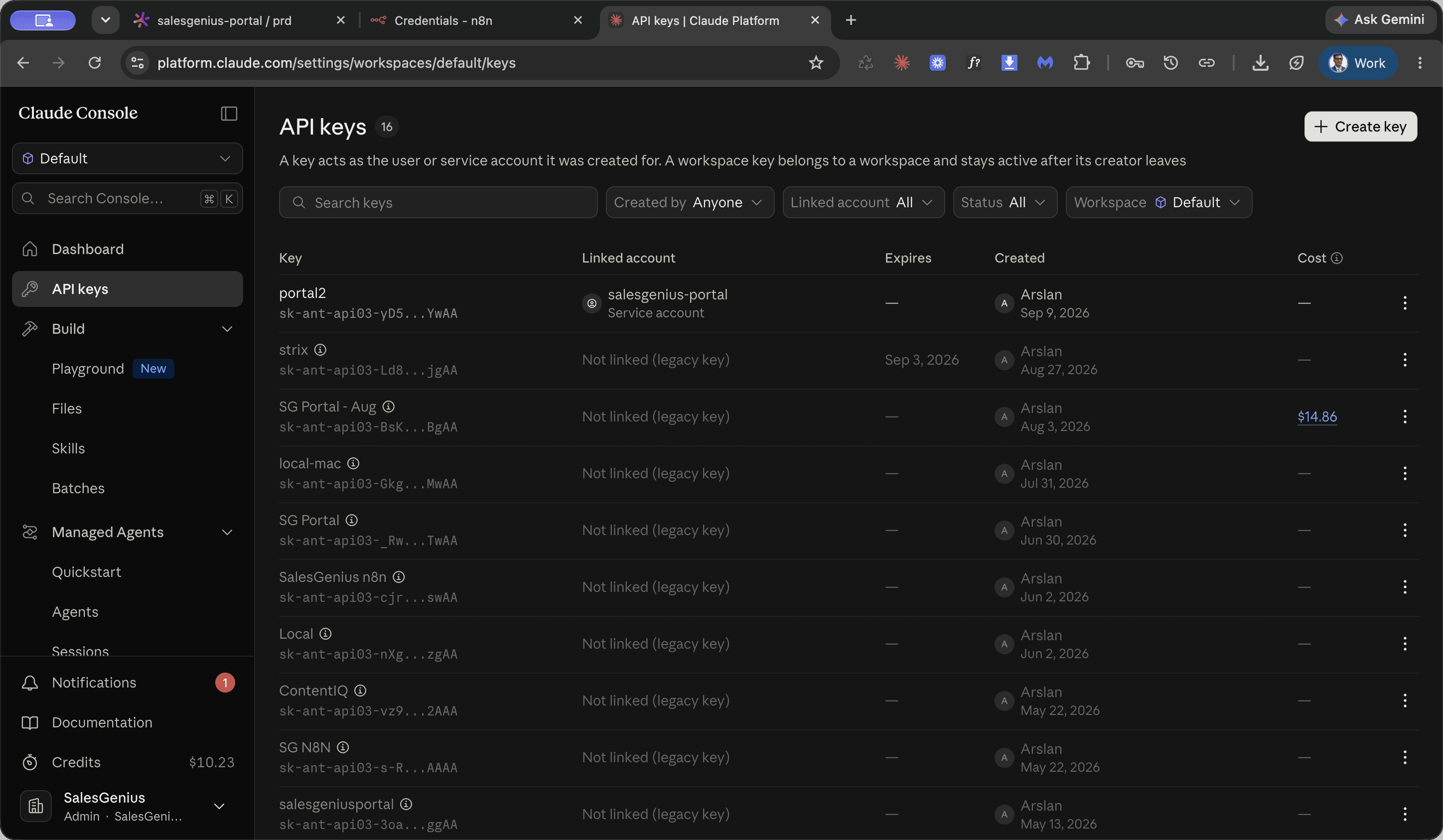
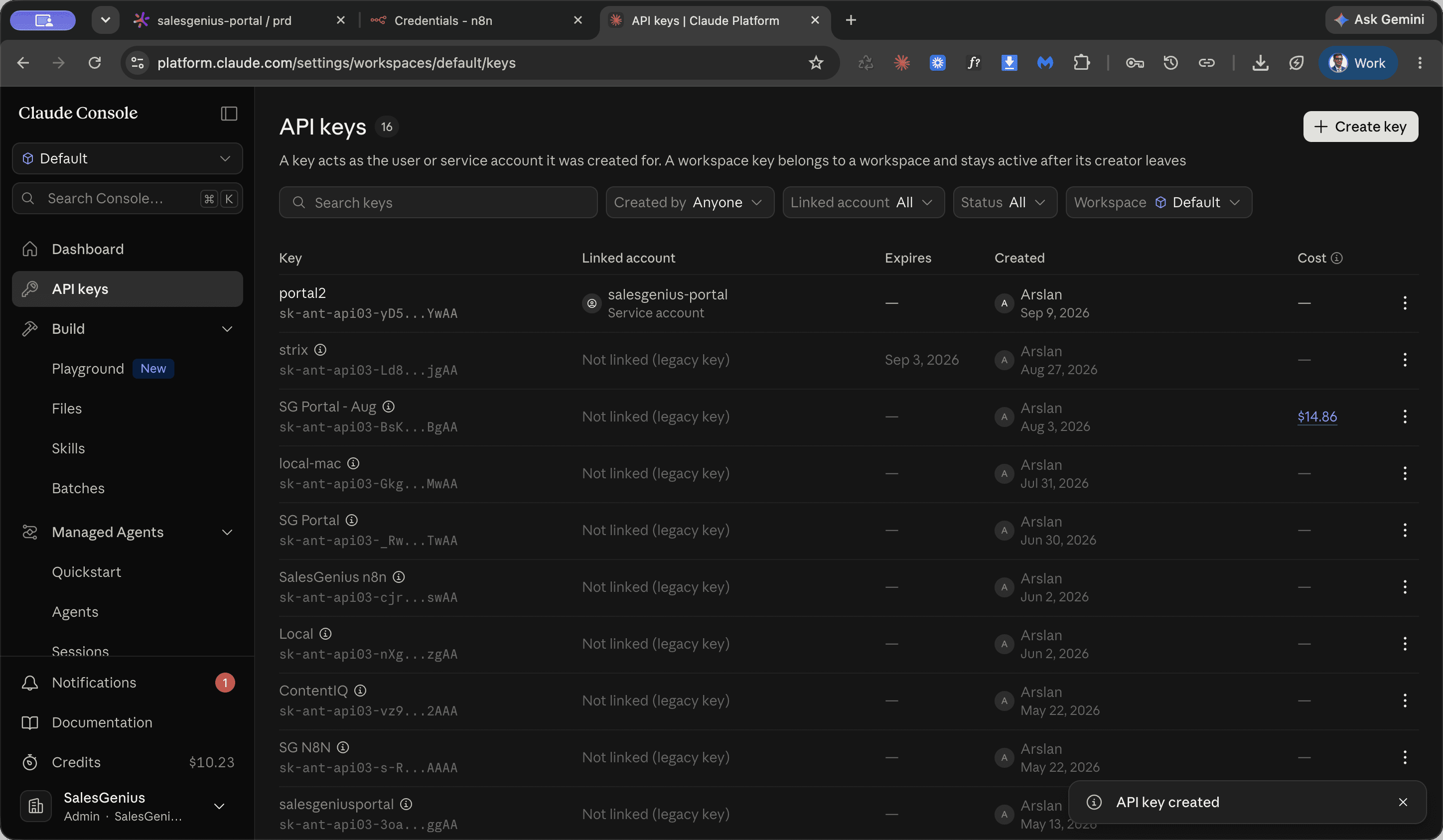
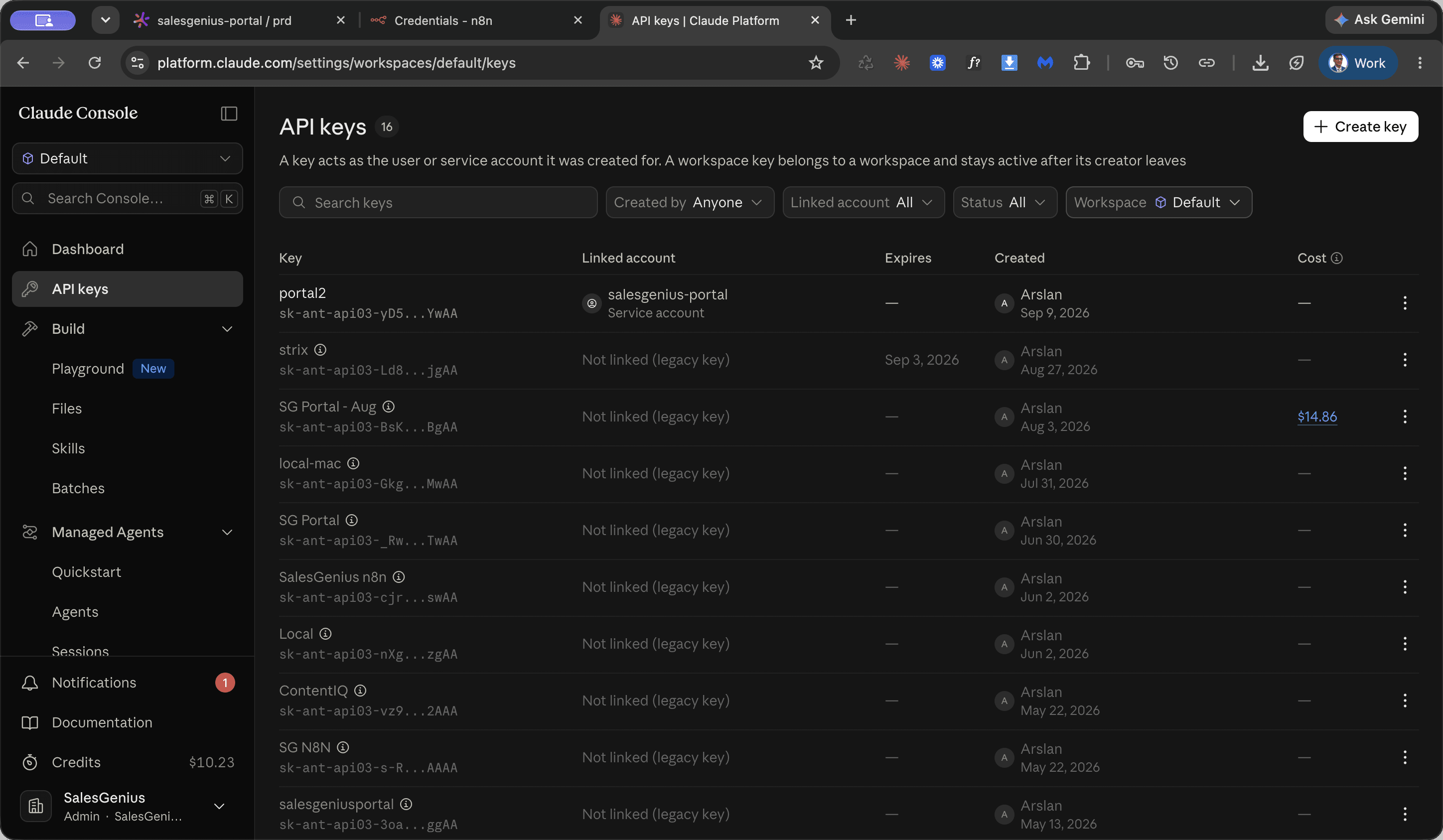
The API keys view displays currently archived keys as well as active keys such as the Sales Genius Portal key.
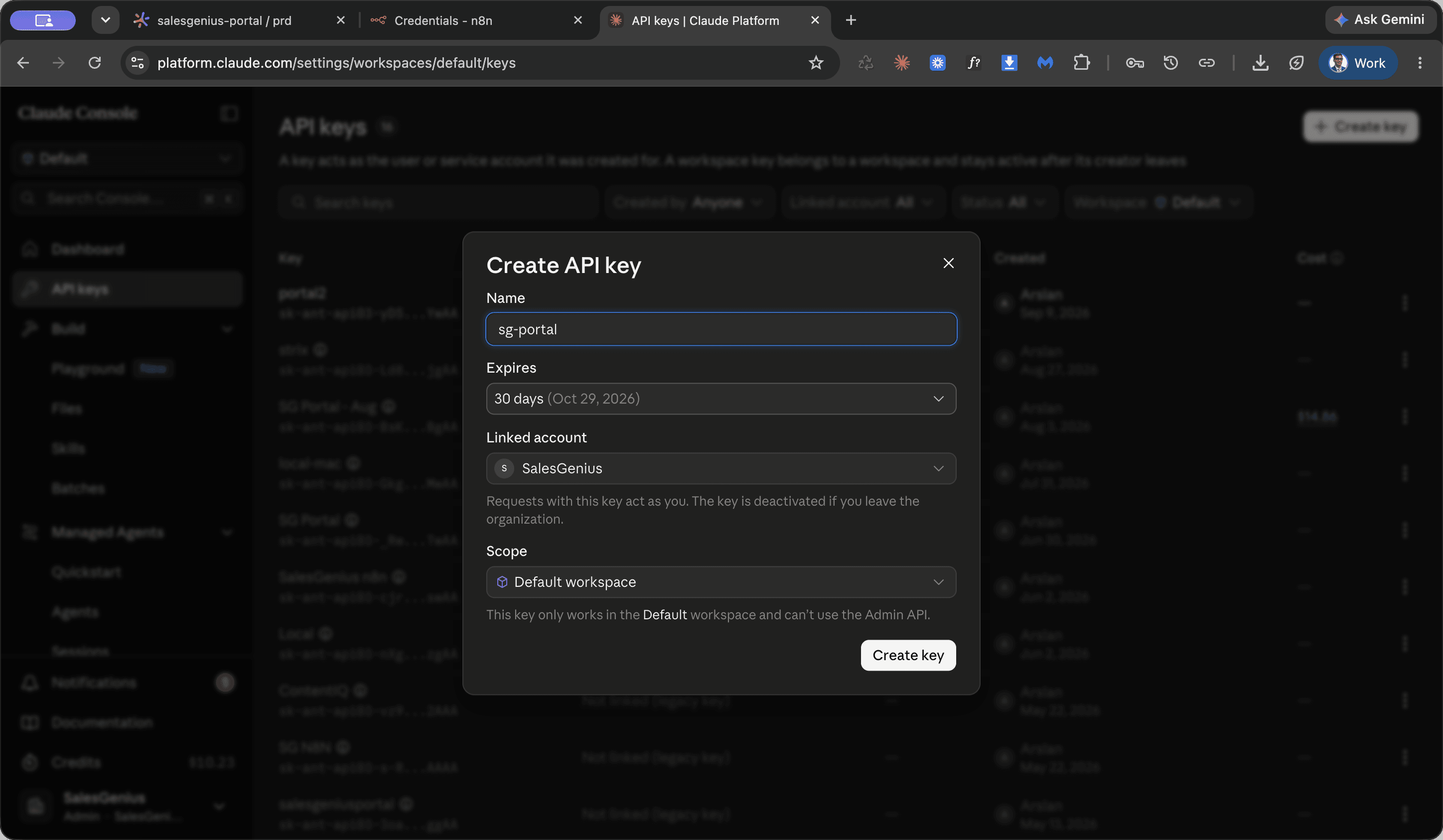
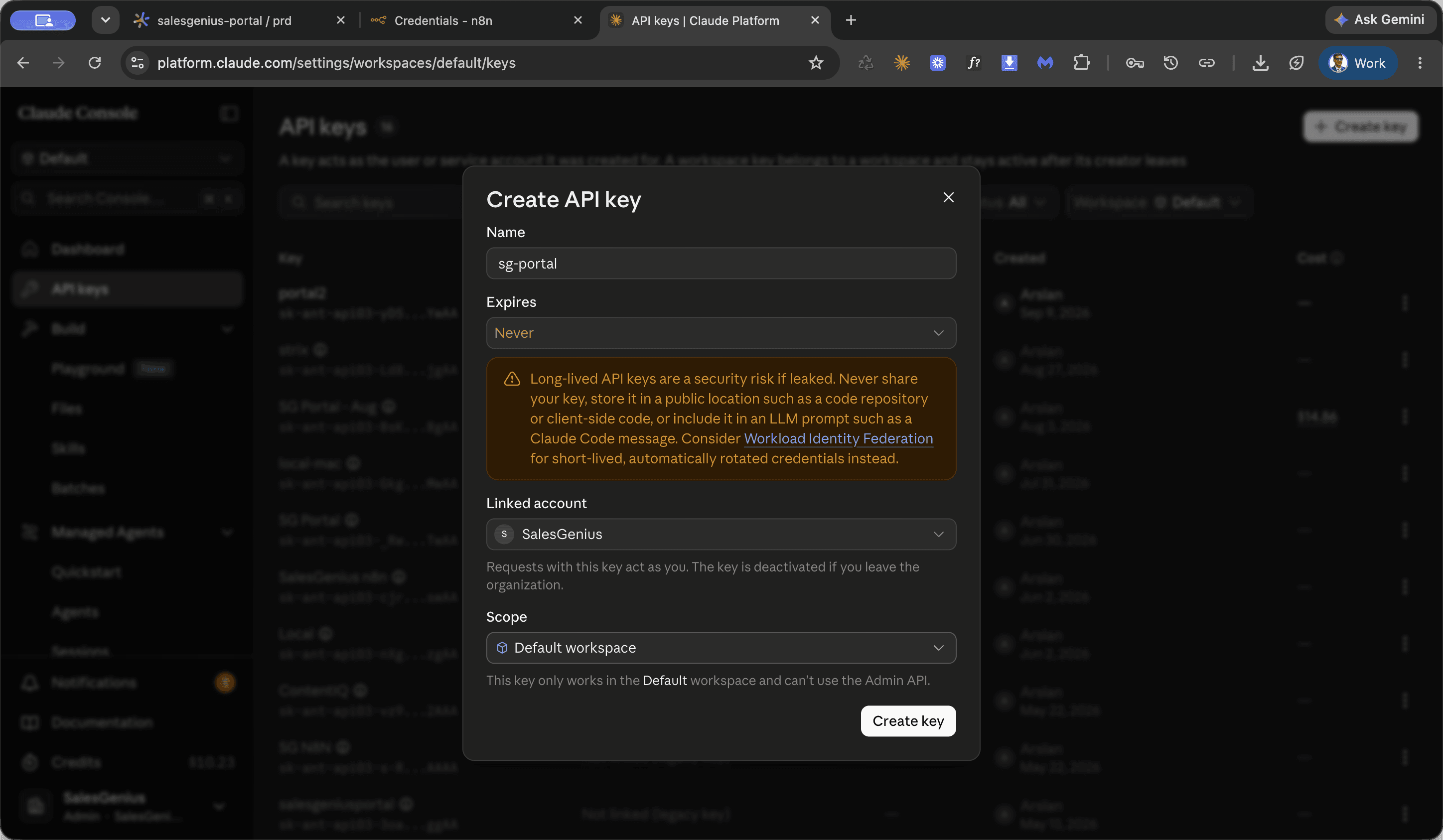
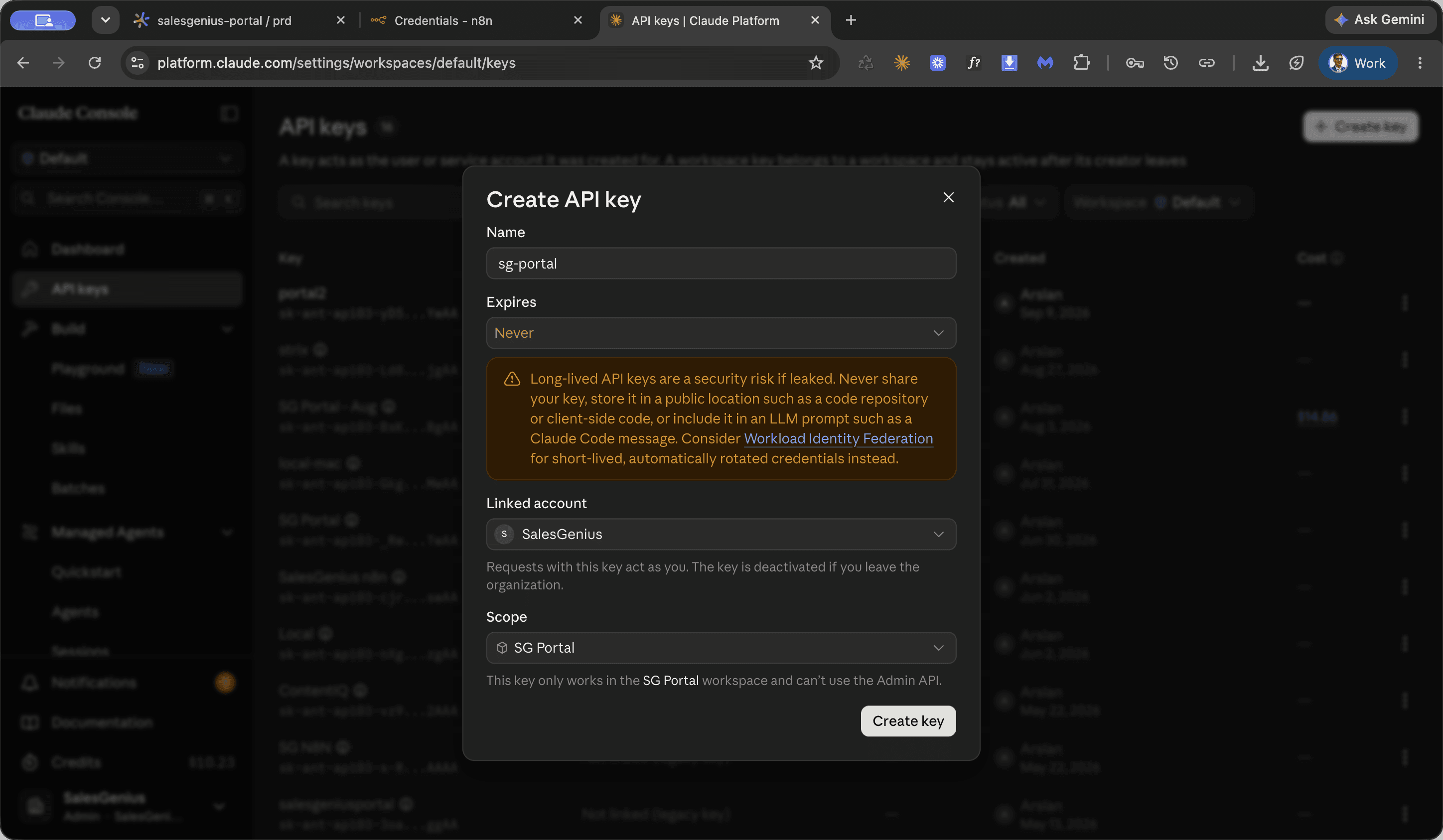
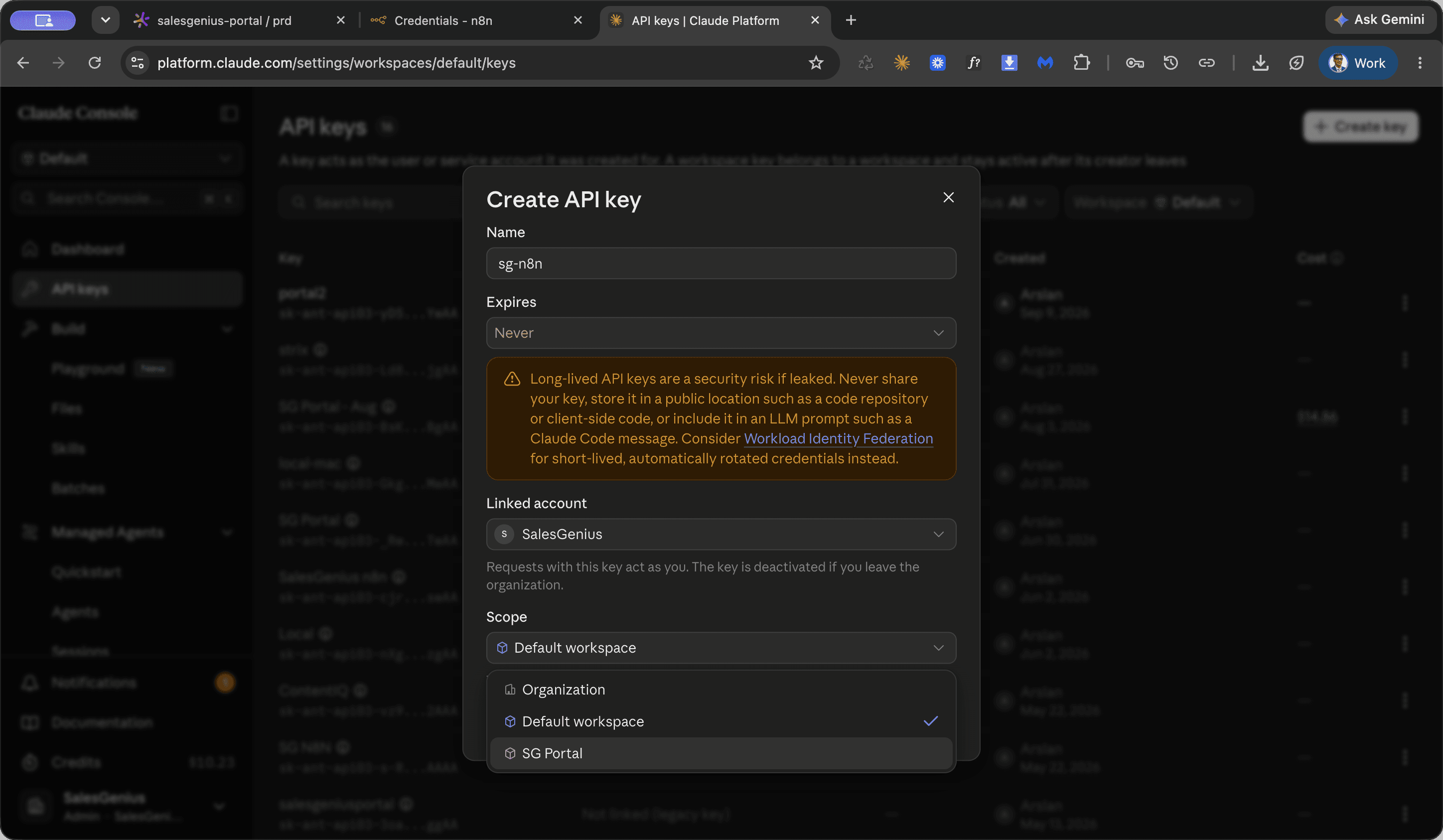
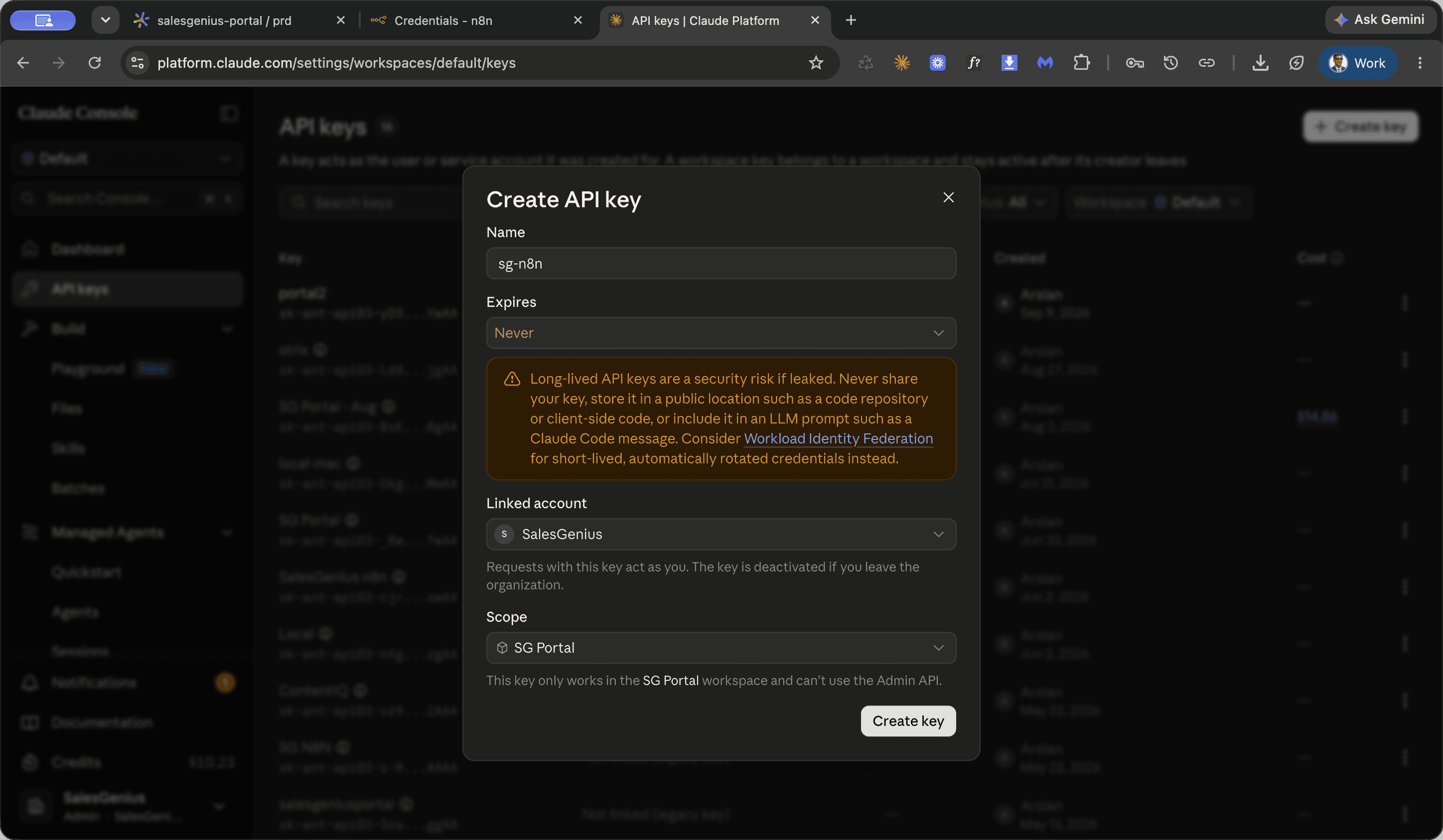
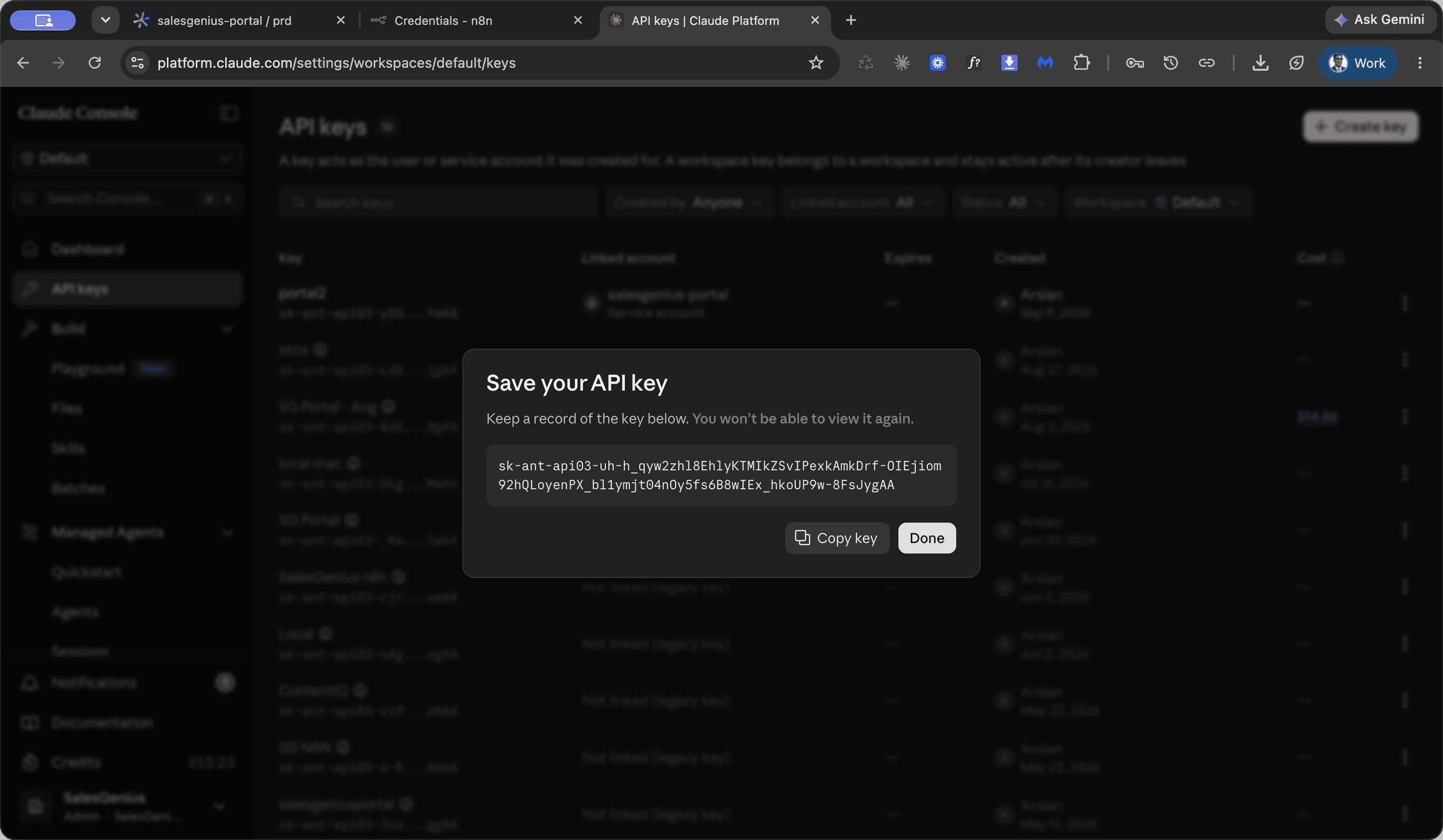
SG Portal as the name.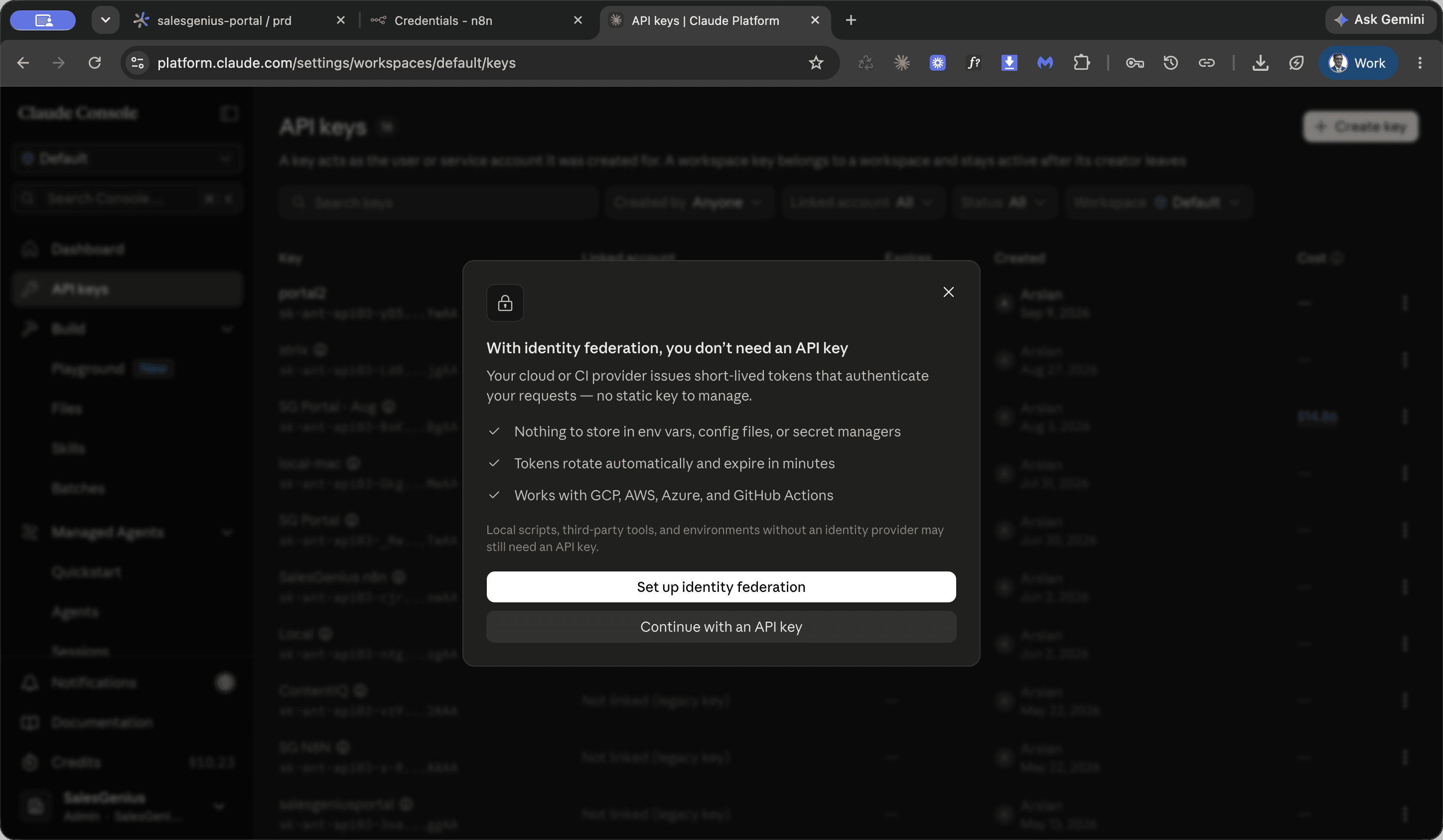
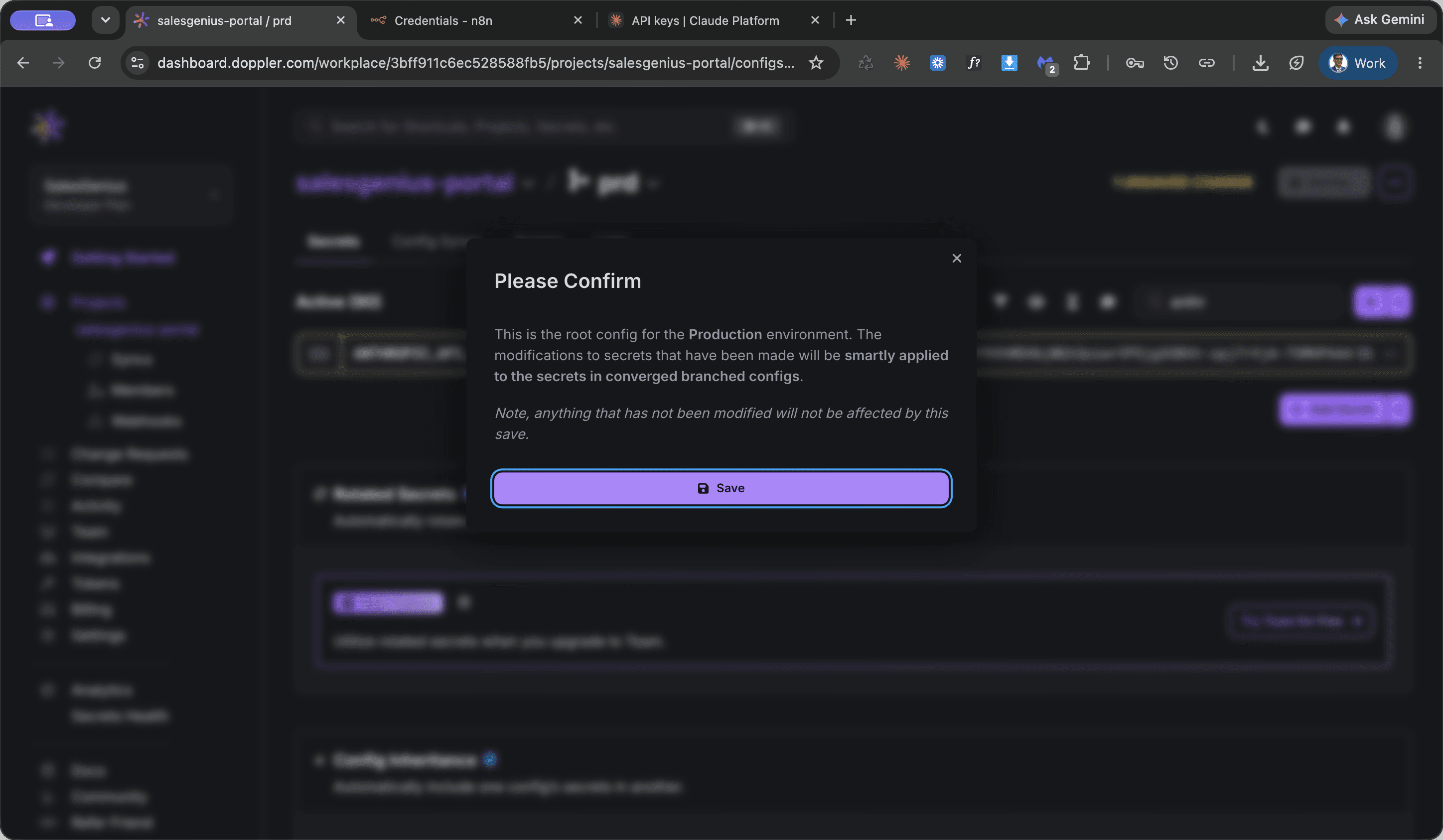
Update the secret in Doppler
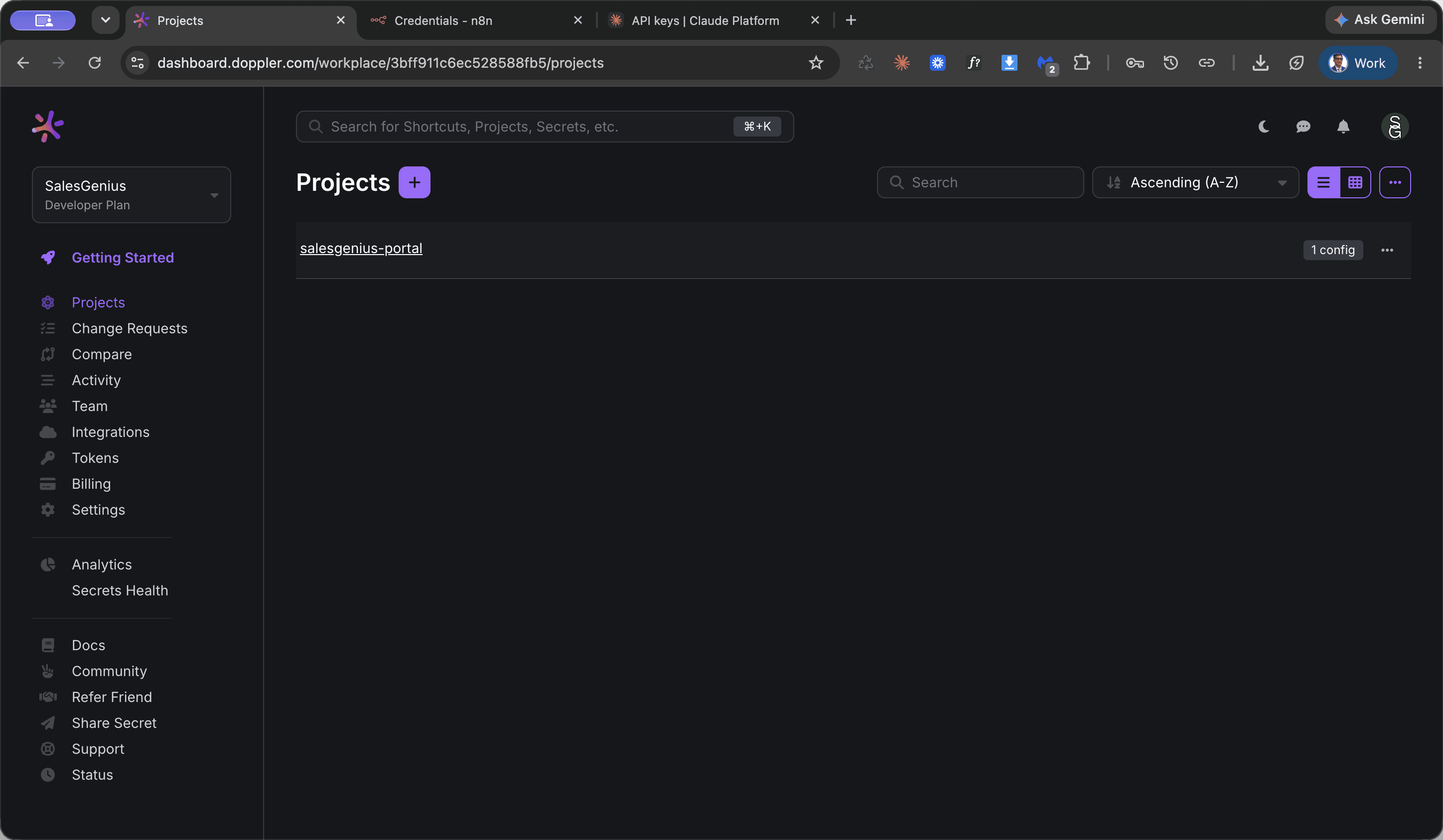
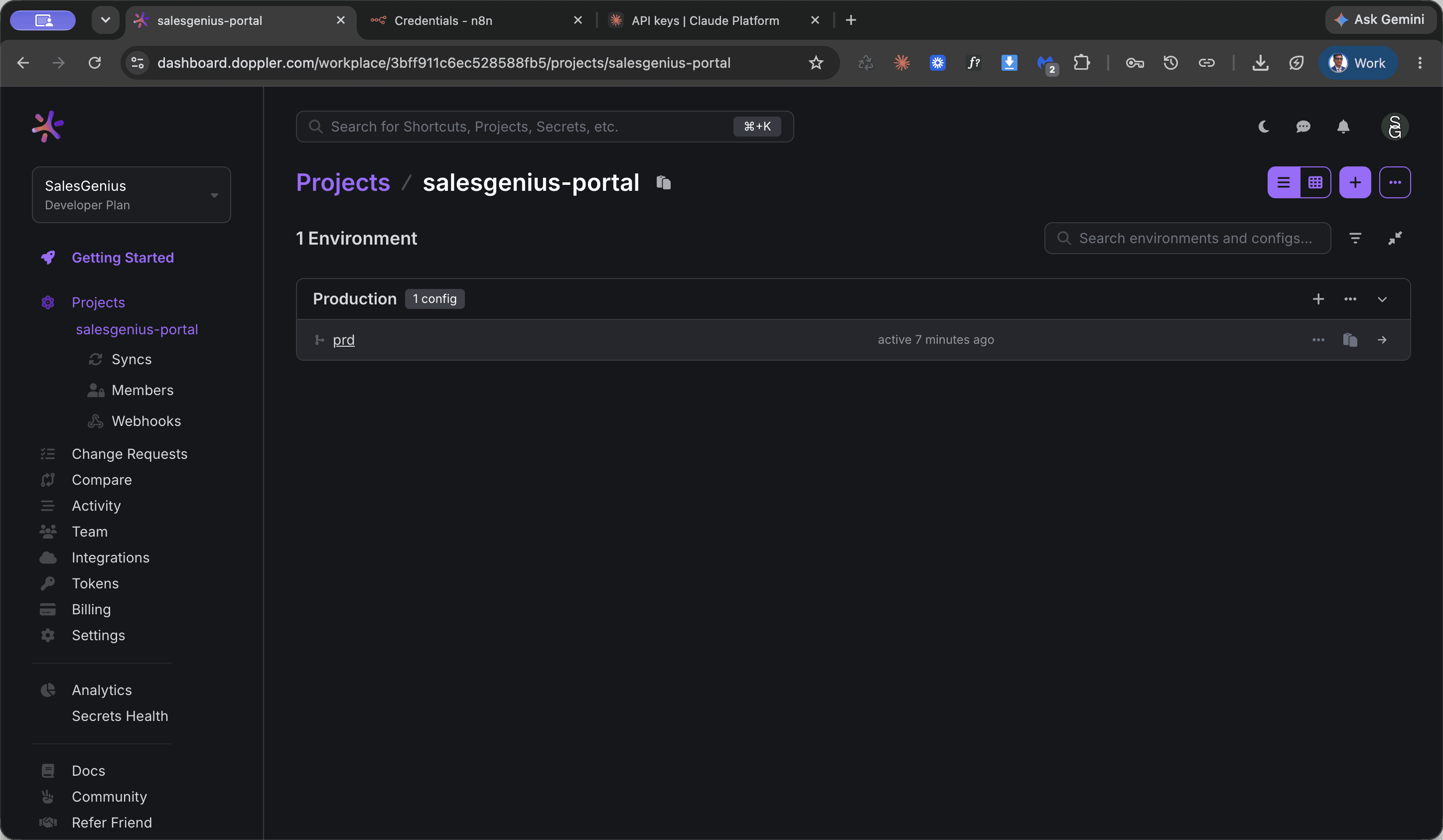
Anthropic.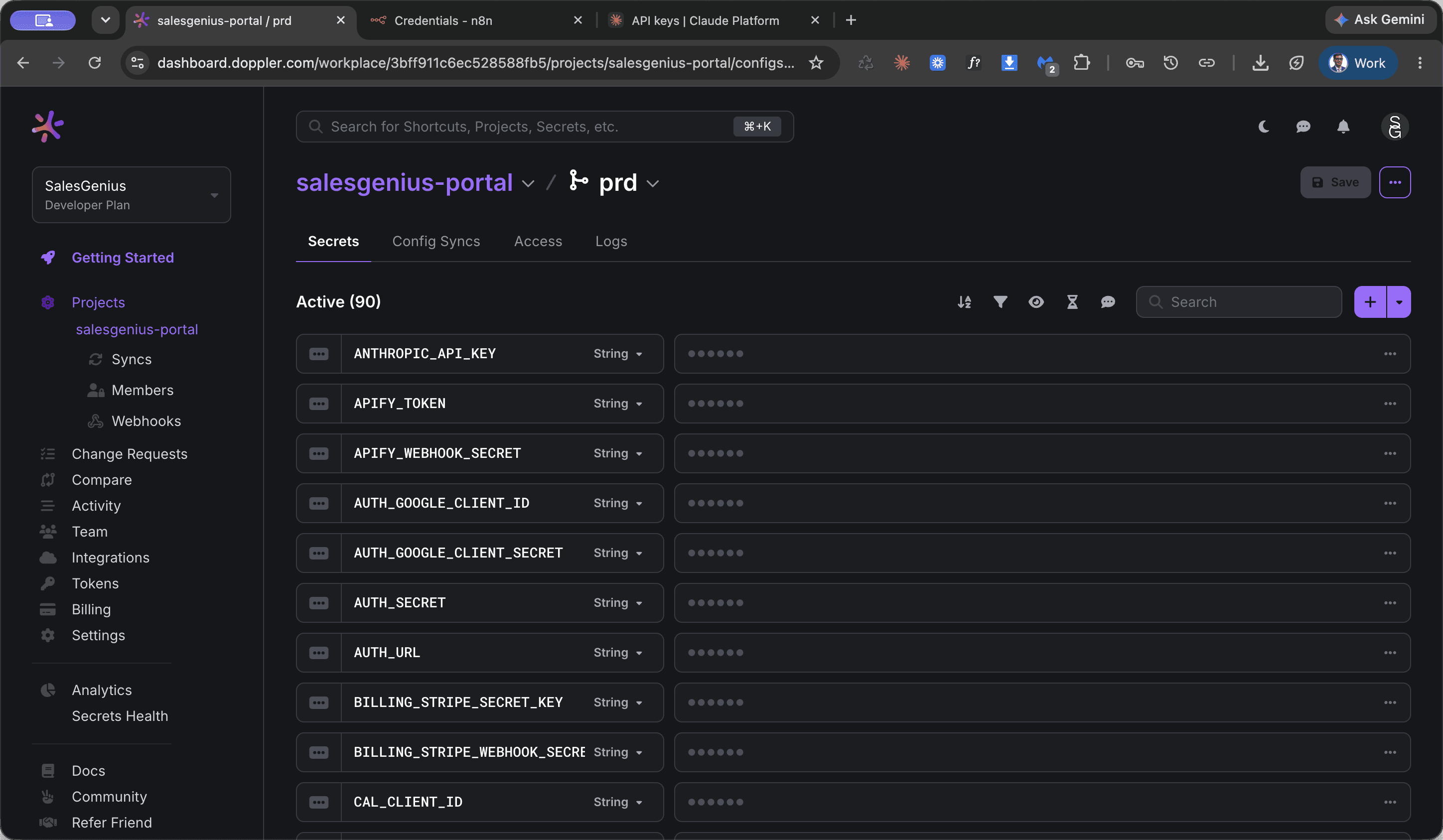
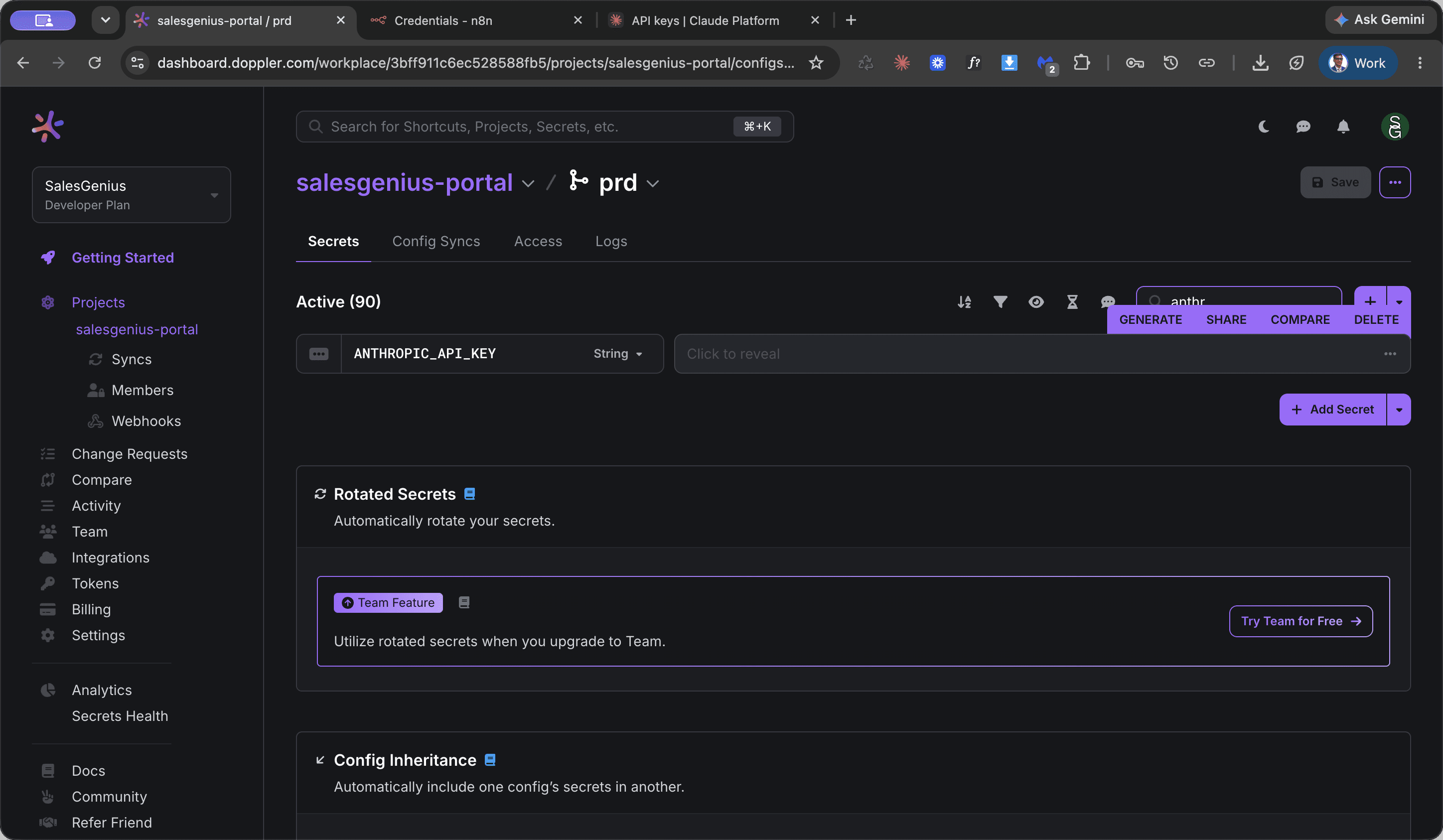
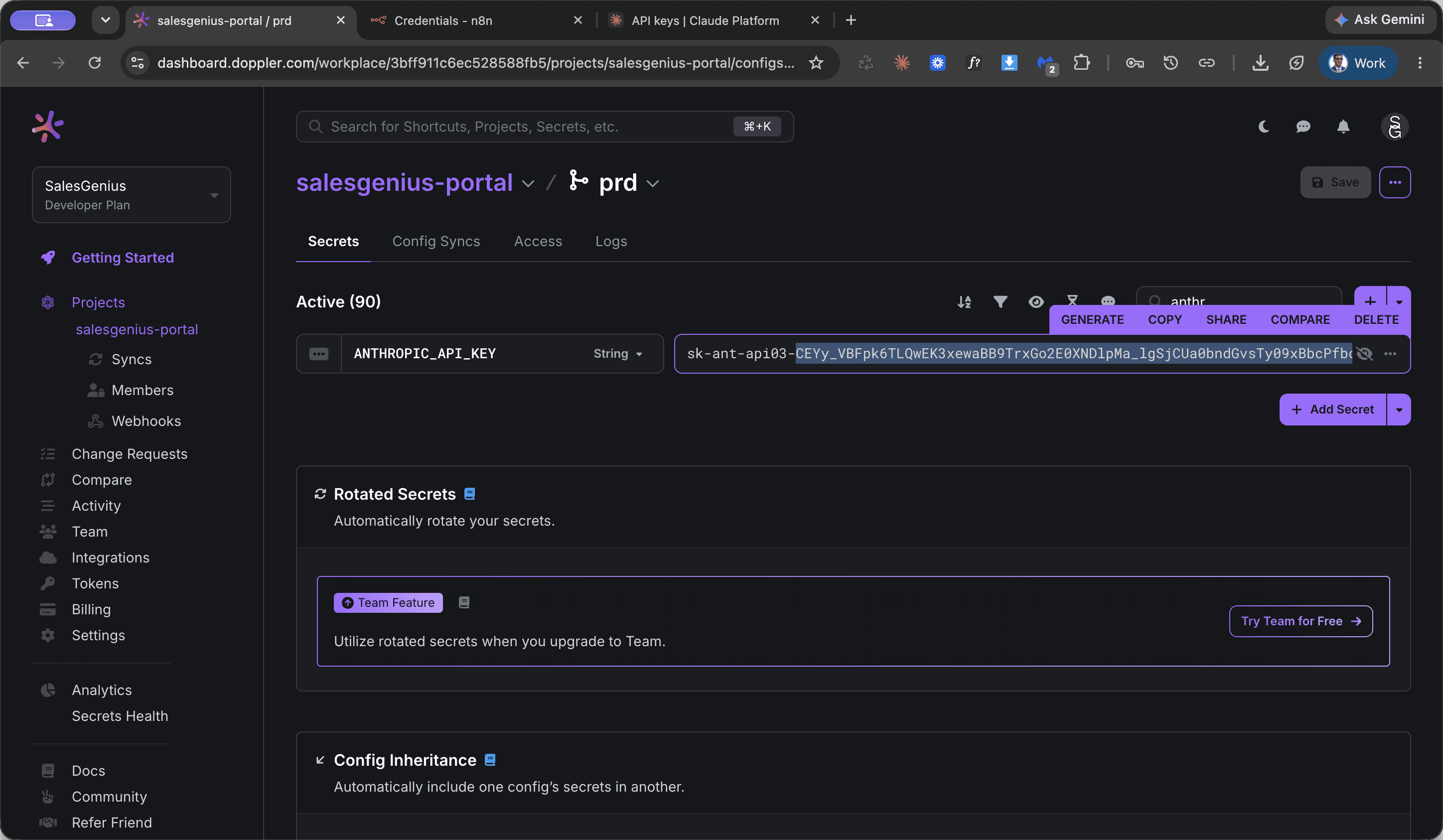
Rotate Claude API key in n8n
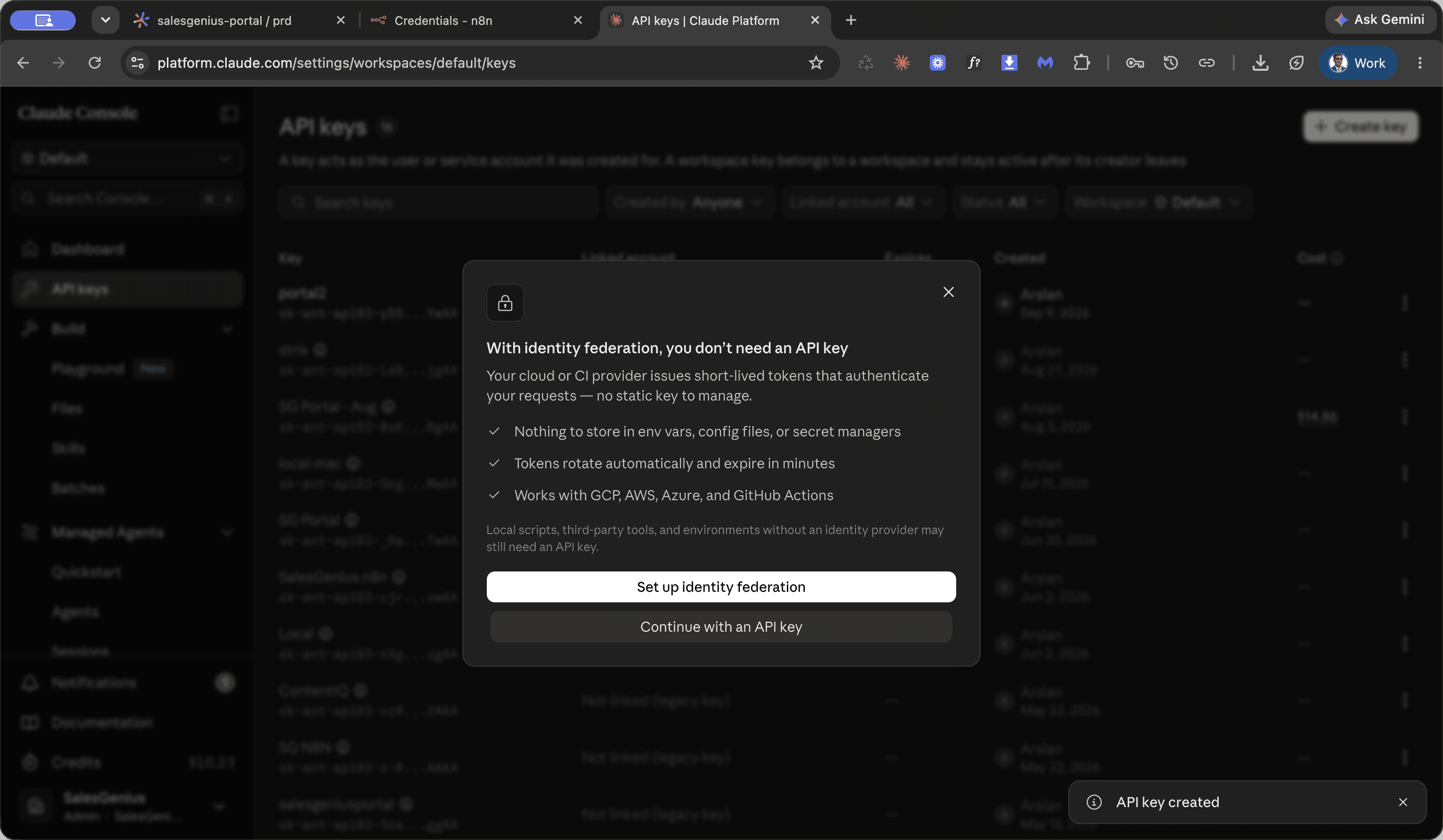
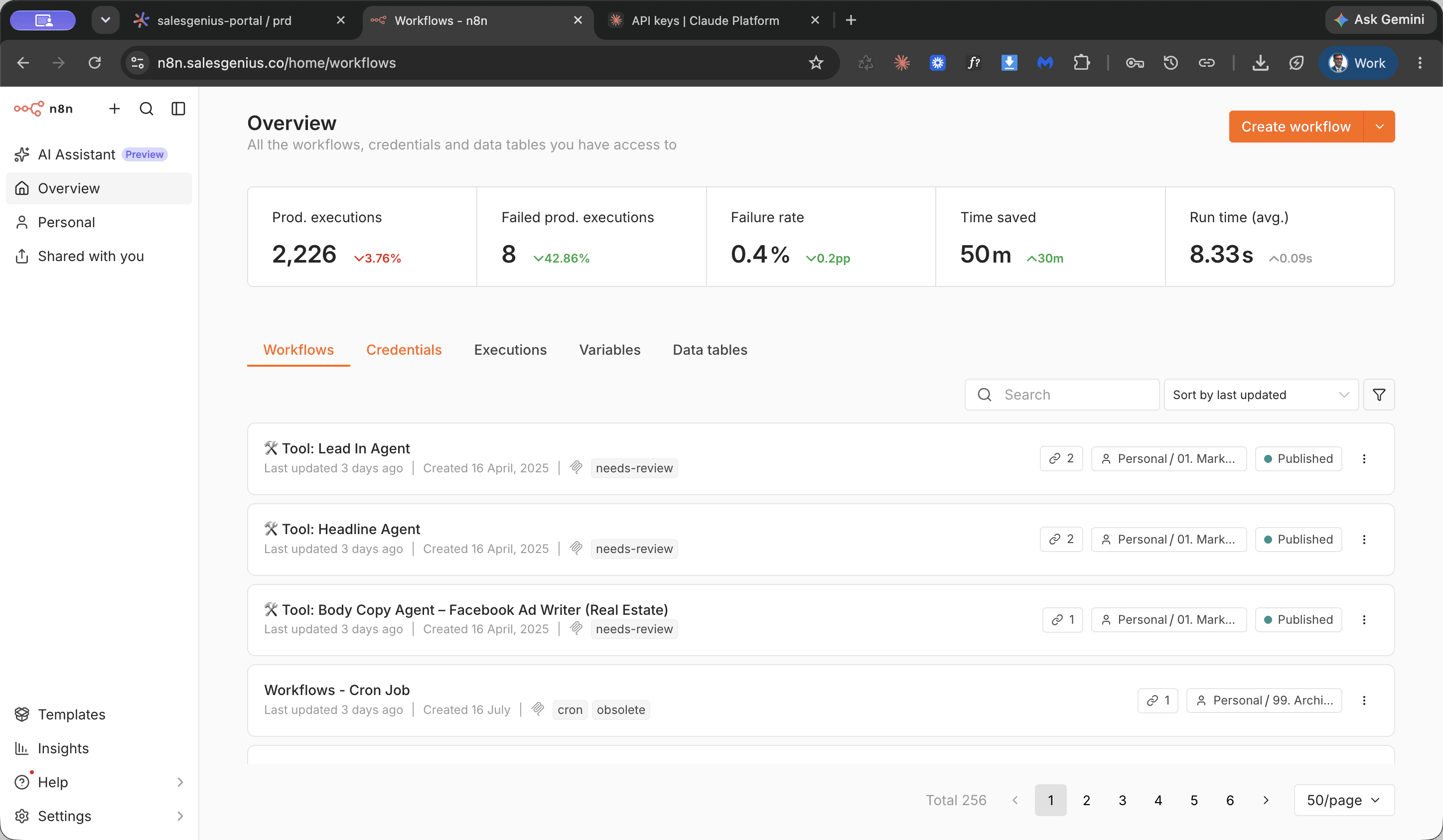
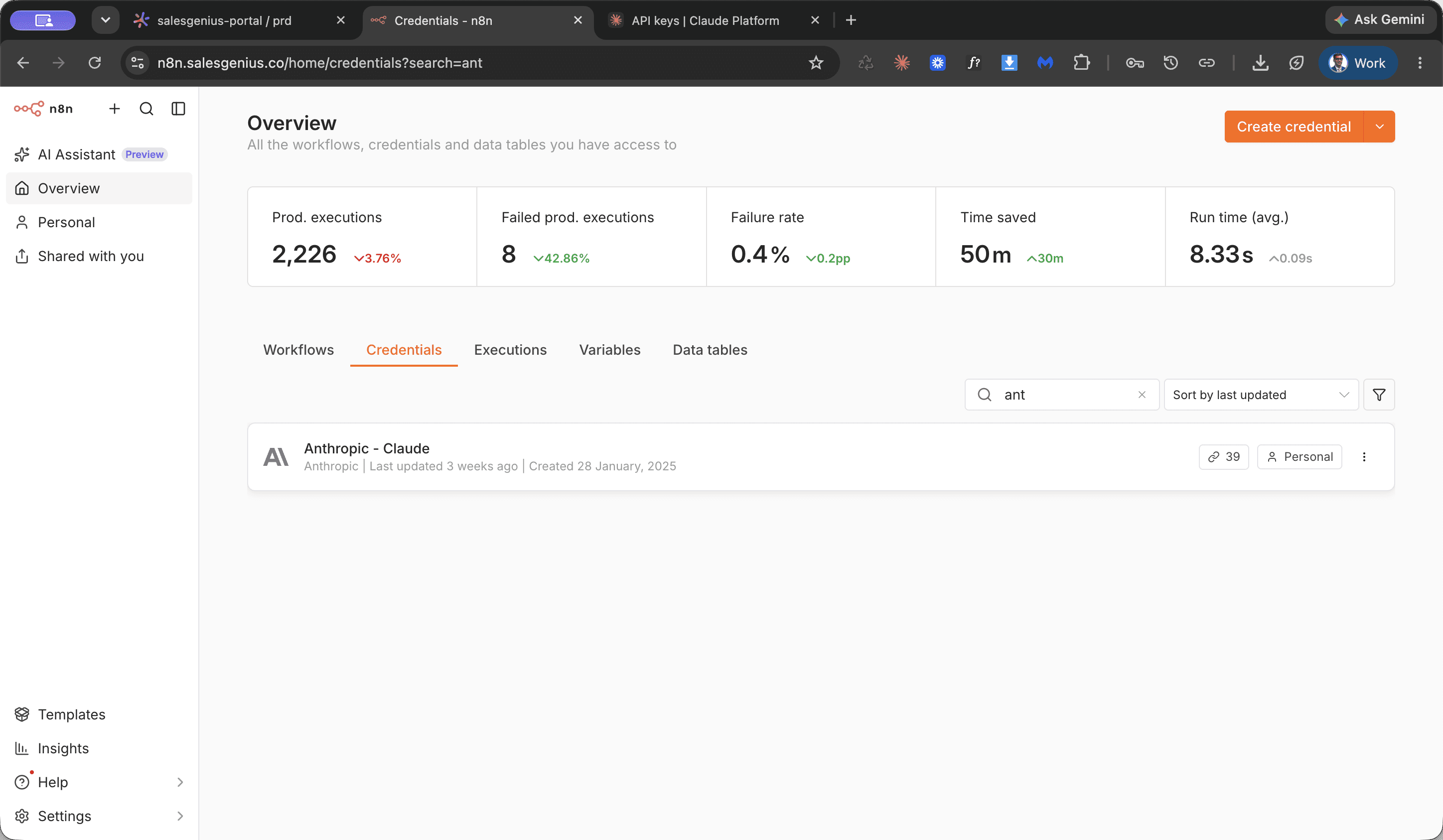
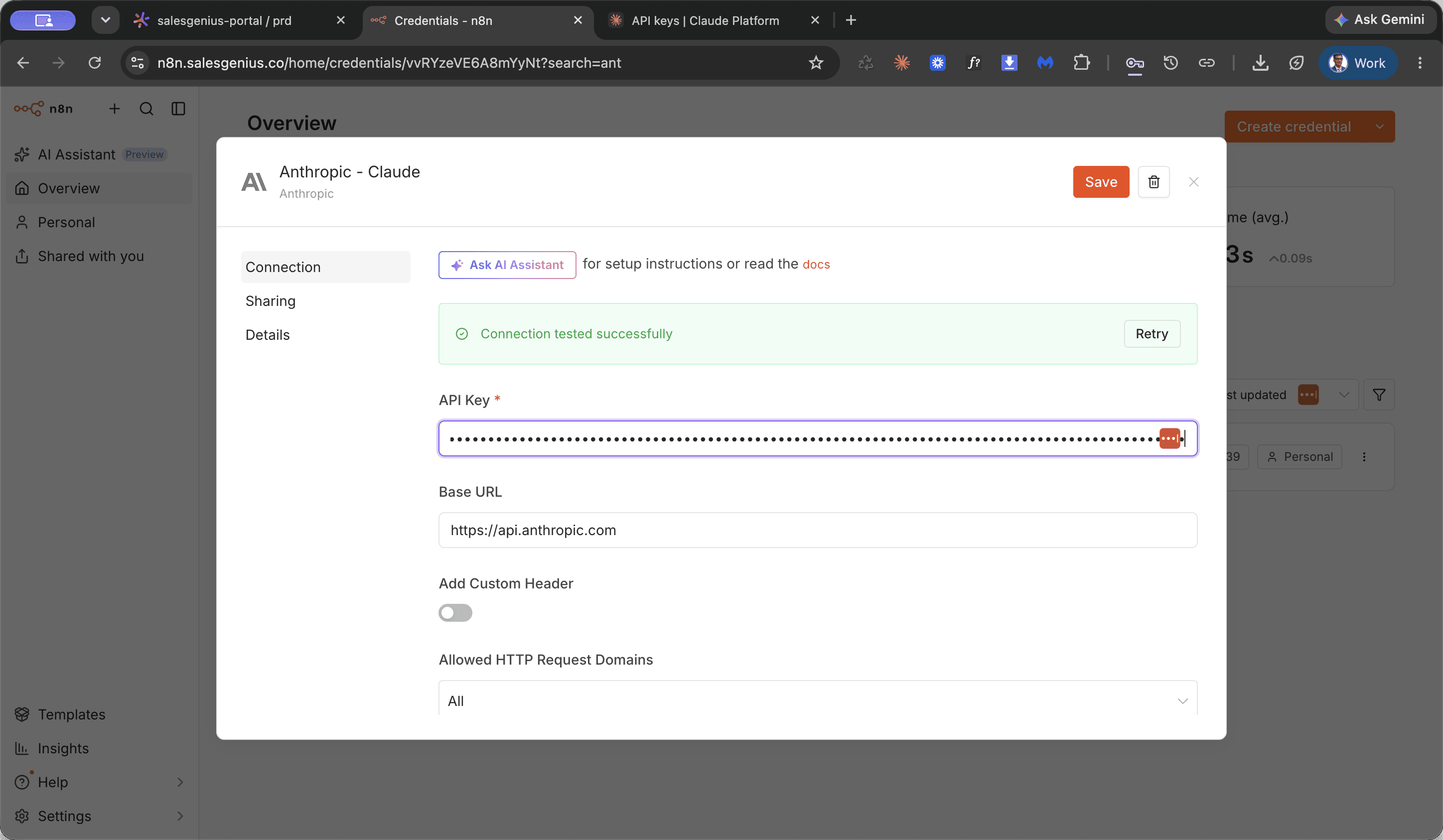
Perform this procedure to create an automated workspace key in Claude Console and update the Anthropic integration credentials in n8n.
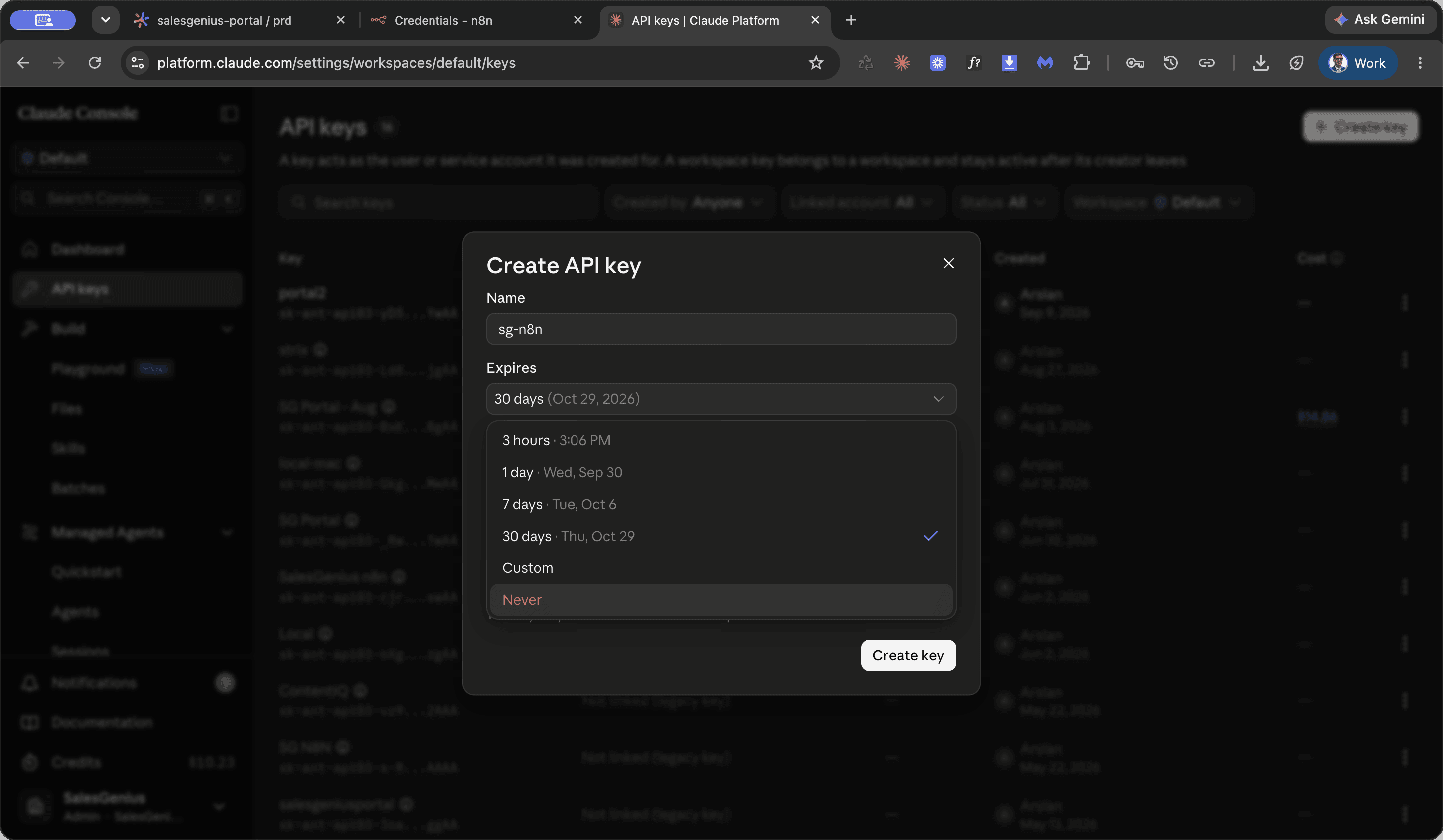
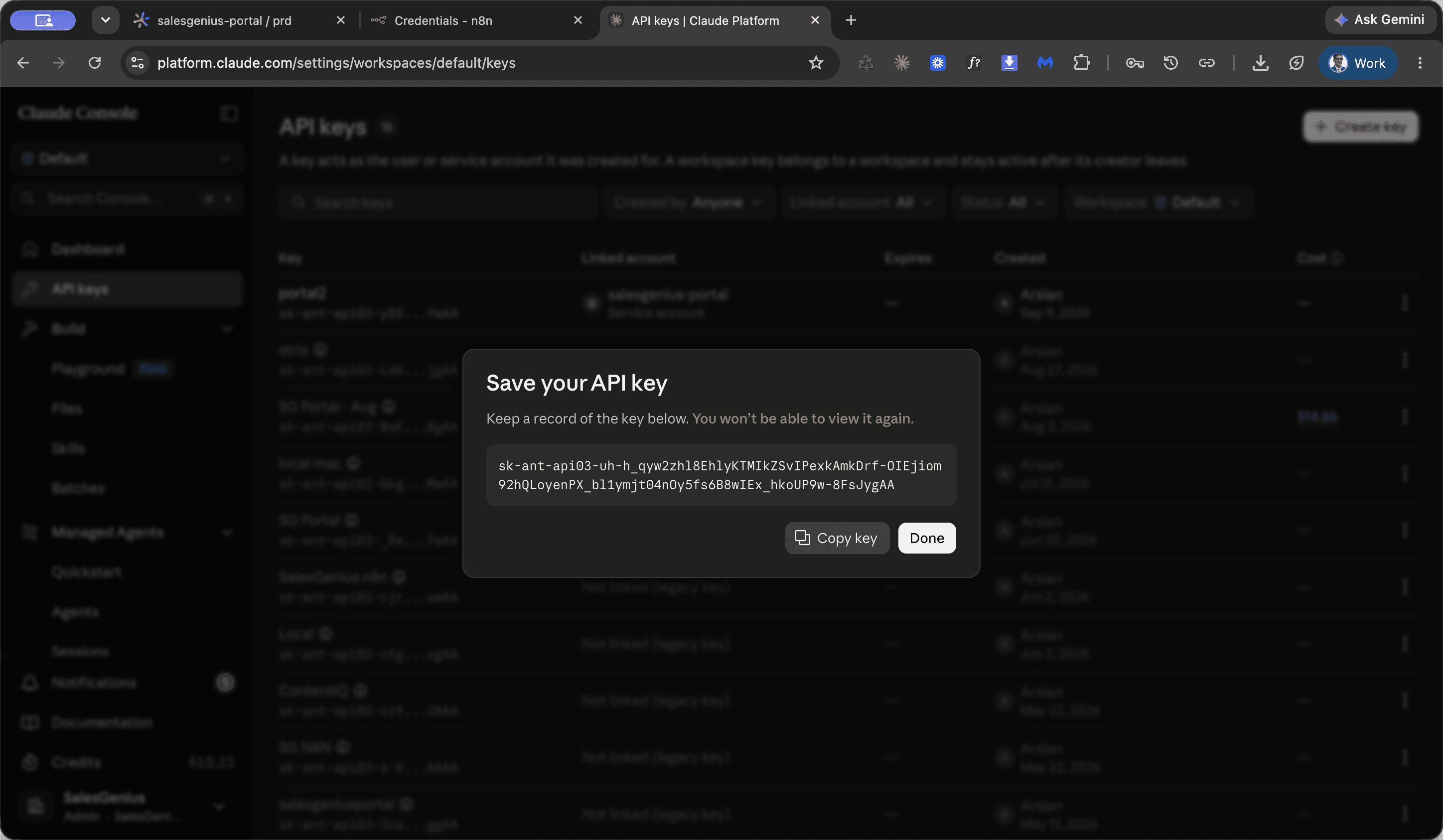
Name the key according to its target service, such as SGNAN.
Anthropic.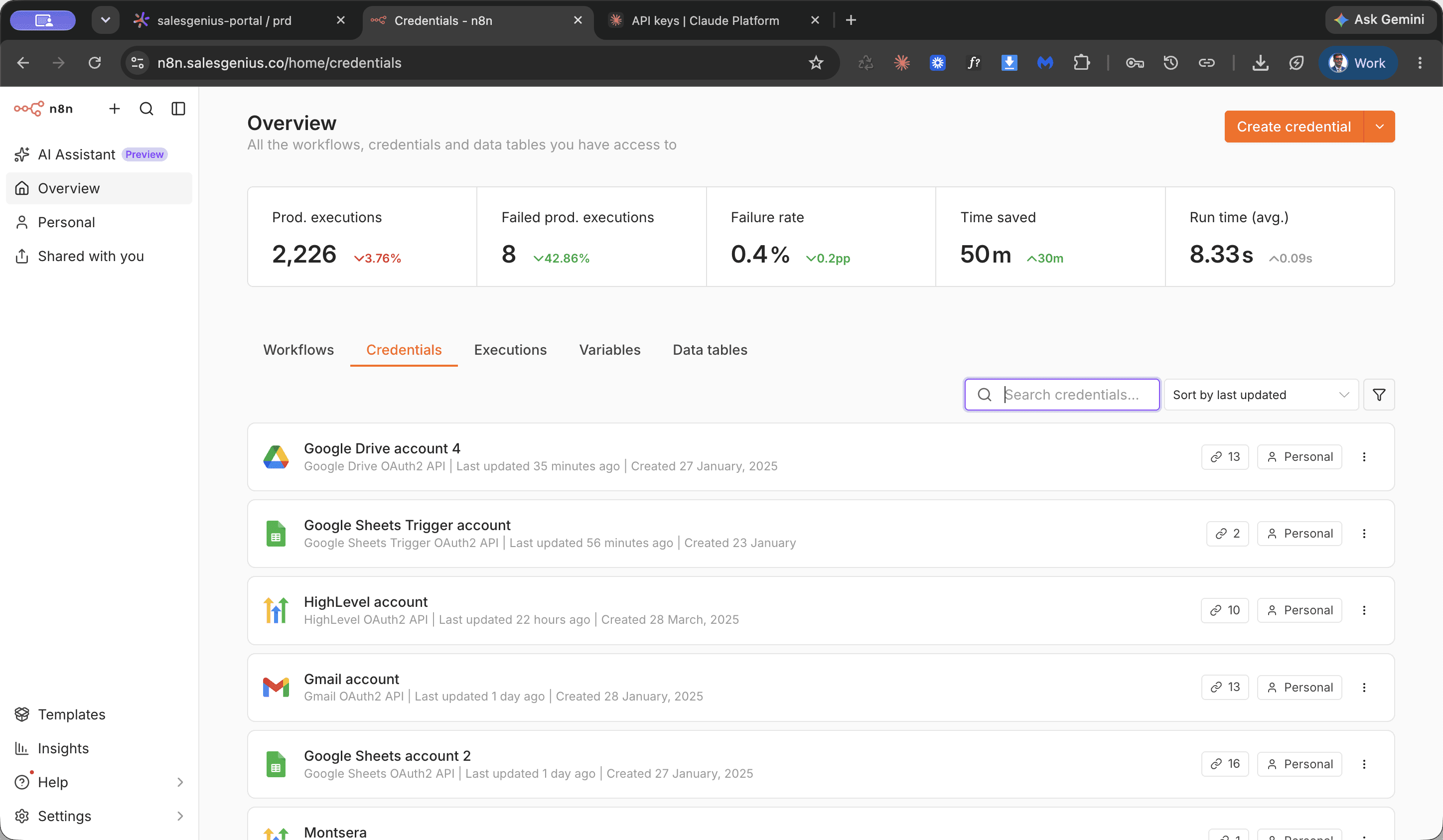
Disable superseded Claude API keys
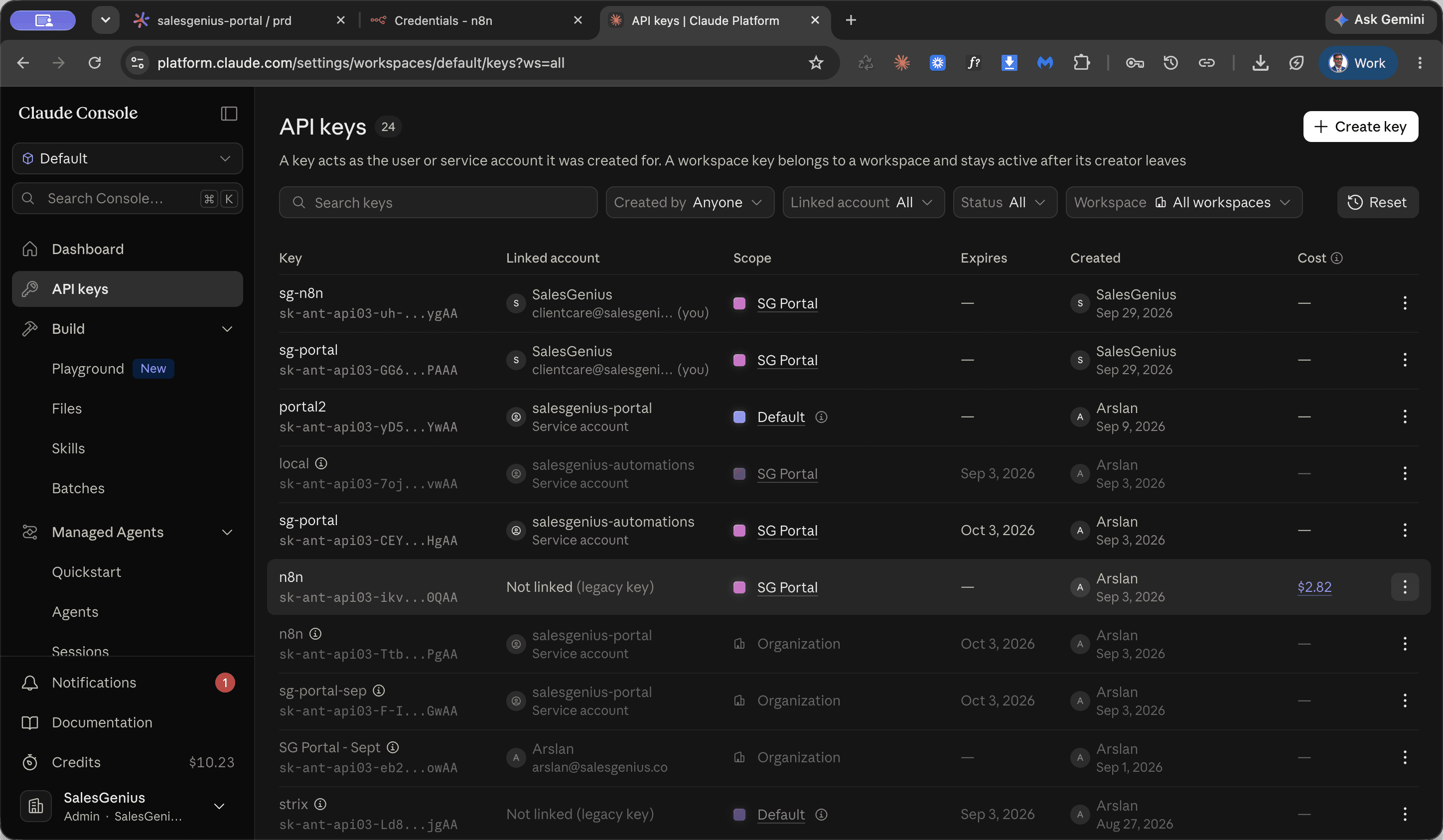
Perform this procedure after configuring the new API key in downstream services to deactivate old tokens. This leaves only the active, newly generated keys operational across your workspaces.
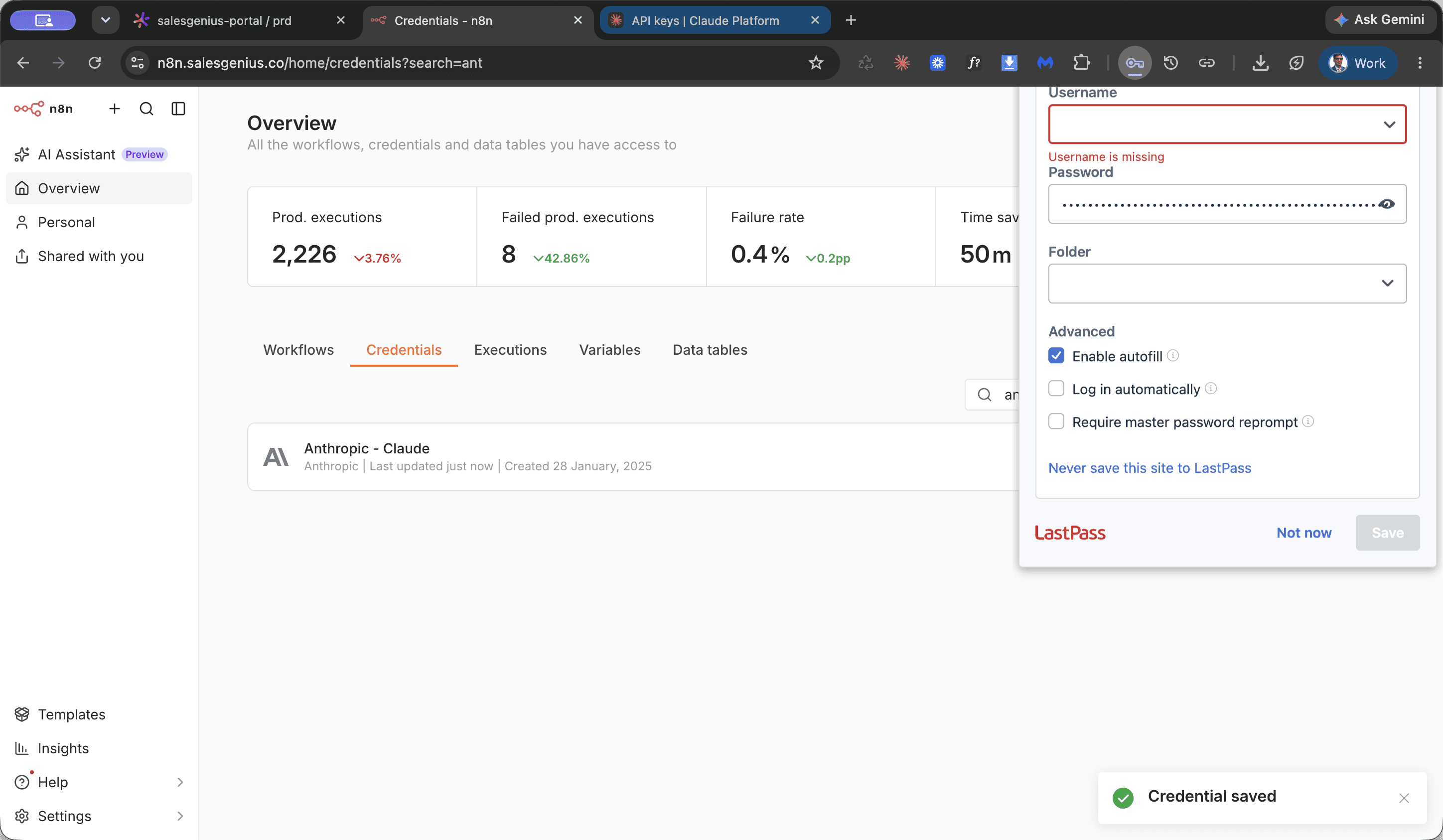
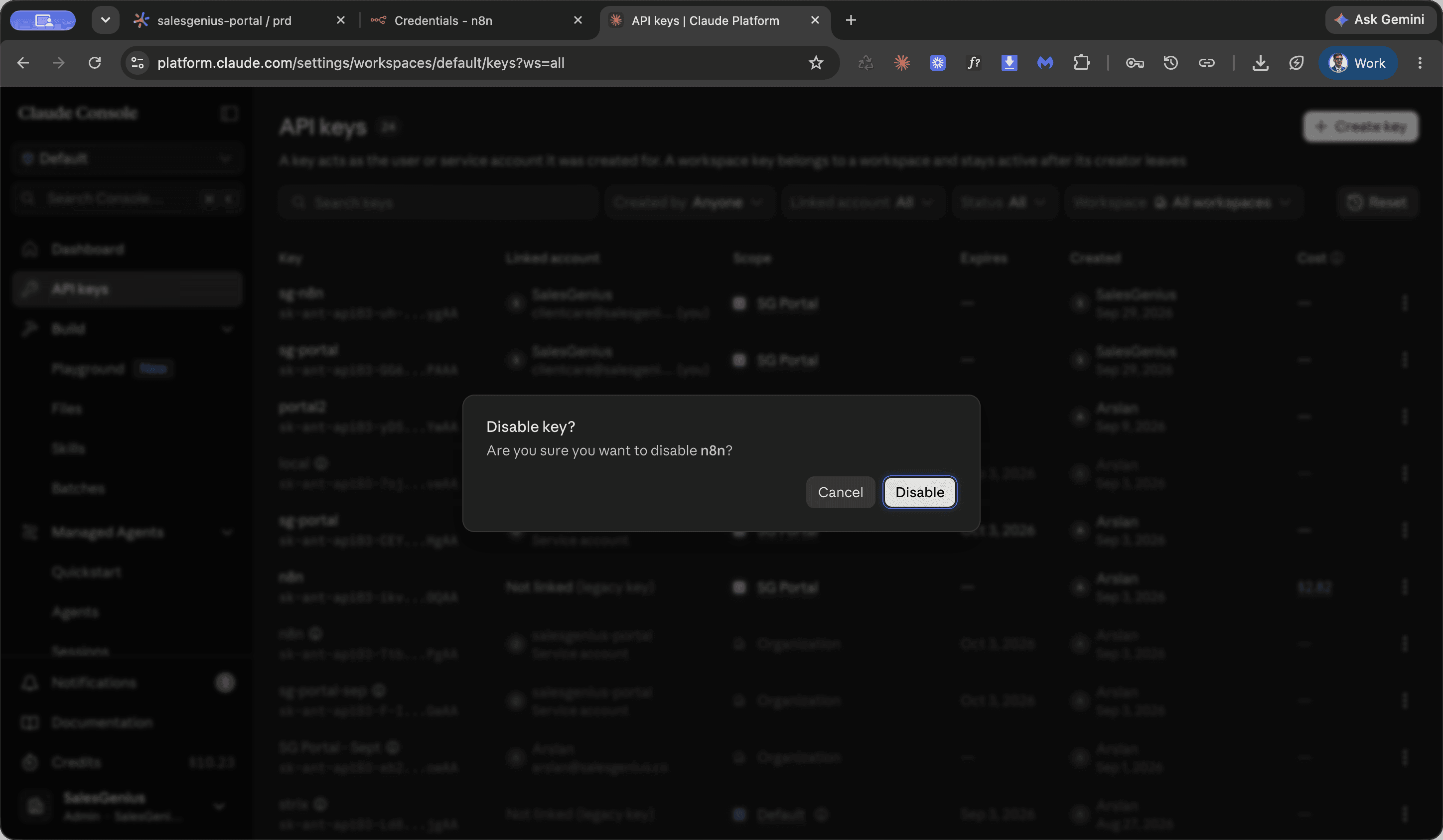
Repeat this process for any remaining superseded keys until only the new keys remain active.
FAQ
Q: What expiration setting should be selected when generating a new key?
A: Set the expiration setting to never expire by selecting the expiration dropdown and removing the default 30-day limit.
Q: Where should keys be assigned within the Claude Platform?
A: Ensure the key is assigned to the appropriate workspace, such as SG Portal, rather than the default workspace.
Q: What should be done with existing keys after deploying the replacements?
A: Navigate to All Workspaces in the Claude Platform API keys view and click Disable on all obsolete or previously exposed keys.
Glossary
Term | Definition |
|---|---|
Doppler | The centralized secret and environment variable management dashboard used to store production credentials. |
n8n | The workflow automation platform where credentials are saved to connect workflows to Claude API services. |
Claude Platform | The Anthropic developer console used to create, manage, and revoke API keys and workspace access. |