
How to Run the Beyond Tier 1 Support SQL Report Without a Case Manager
Learn how to run the Beyond Tier 1 Support SQL report without a case manager to check for errors and ensure no students fall through the cracks.
This guide explains how to run the Beyond Tier One SQL report without specifying a case manager. Completing this task allows you to check for data errors and identify students you work with who are case-managed by someone else, ensuring no student falls through the cracks.
This guide applies to counselors, grade-level coordinators, and support specialists who need to verify student support data and case management assignments during their regular caseload planning workflows.
Run the SQL Report
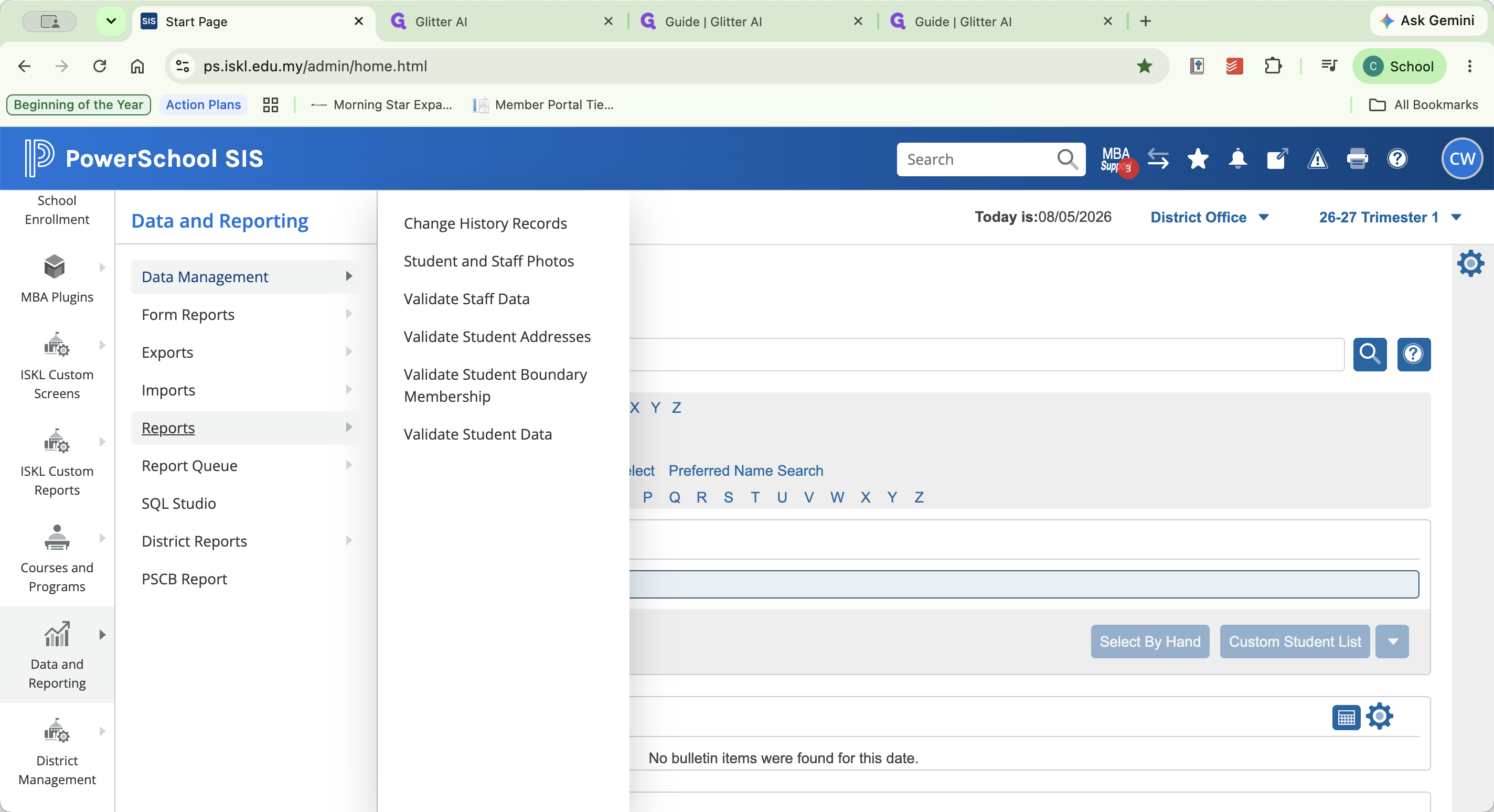
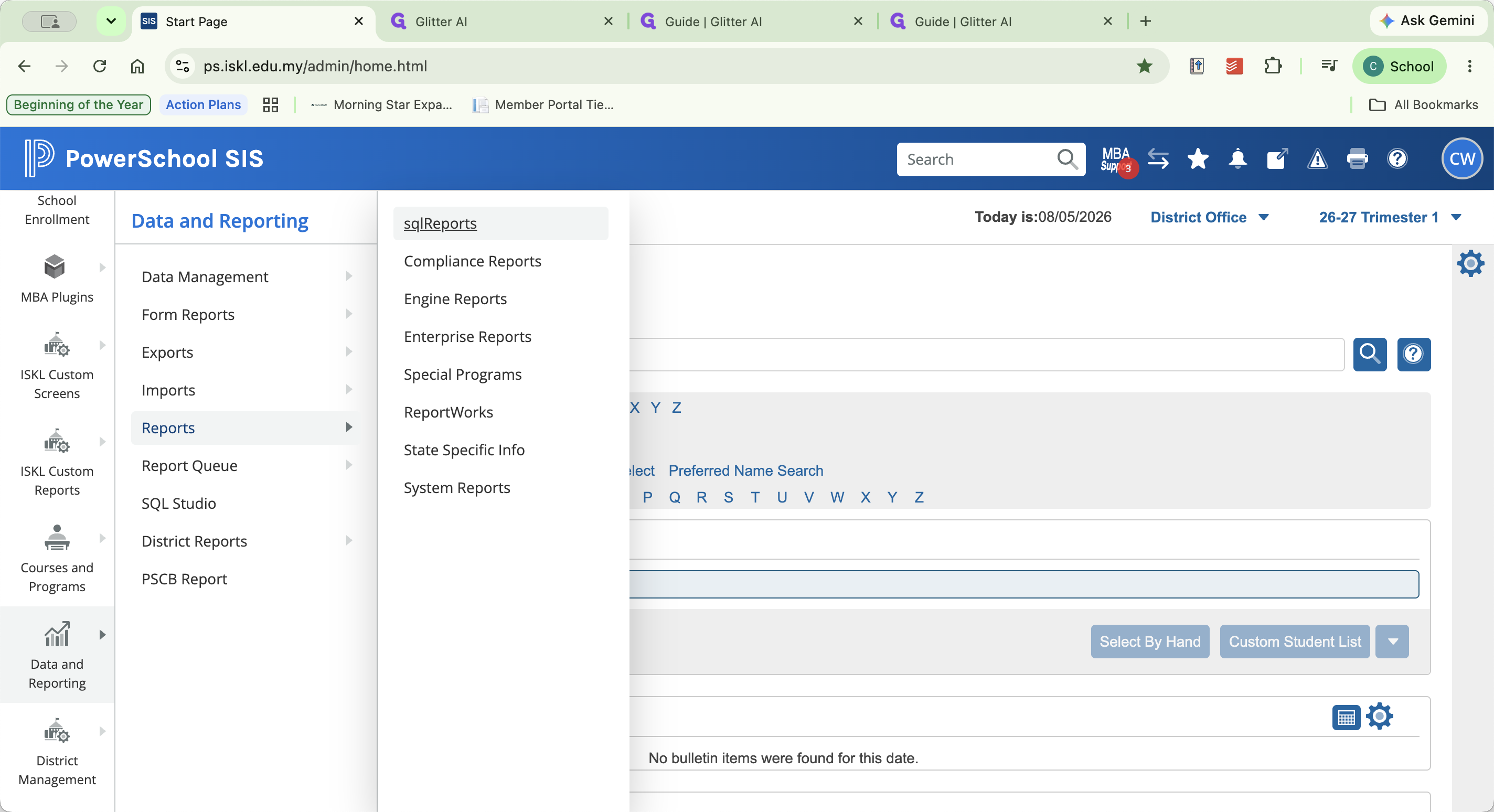
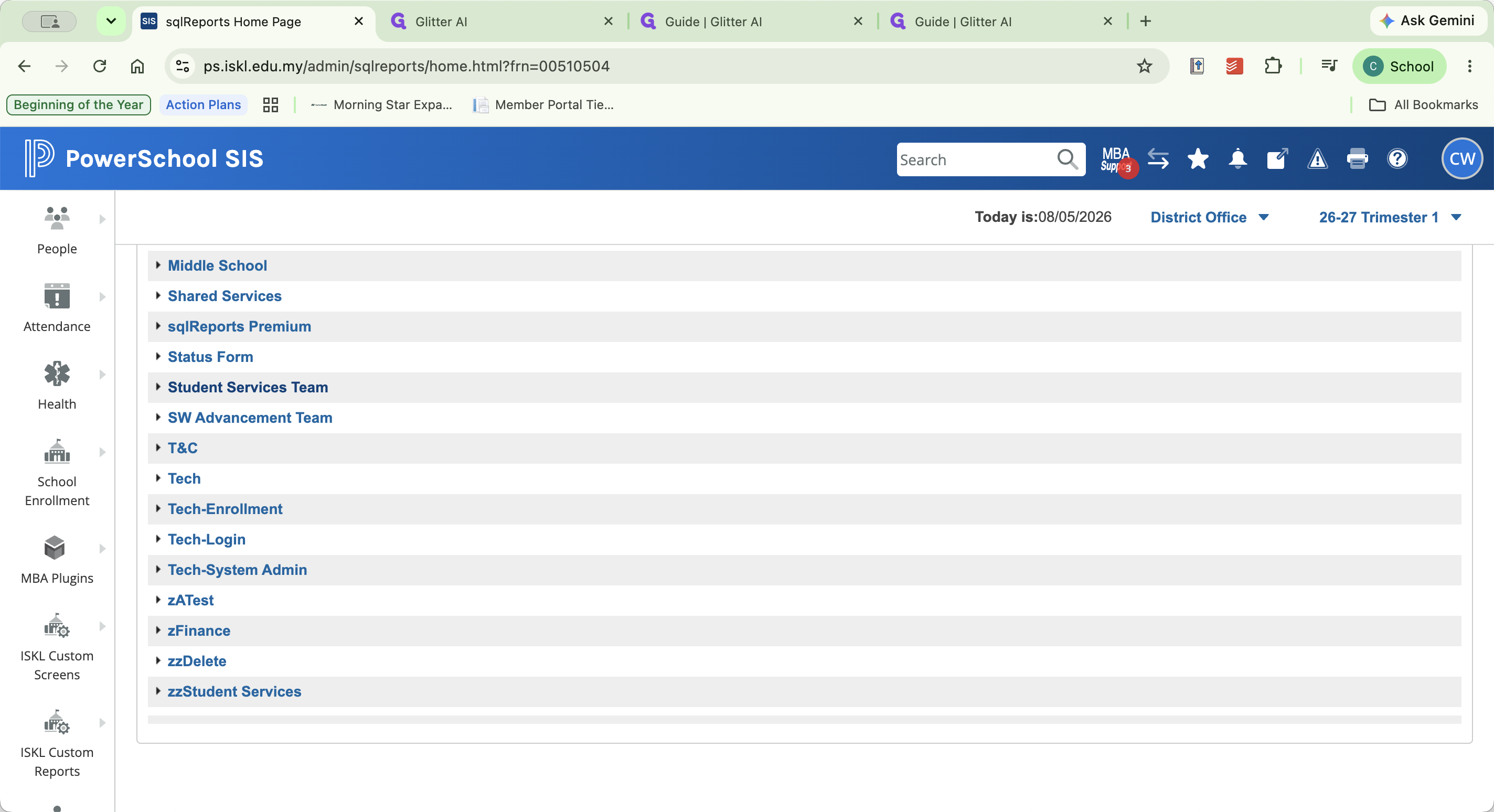
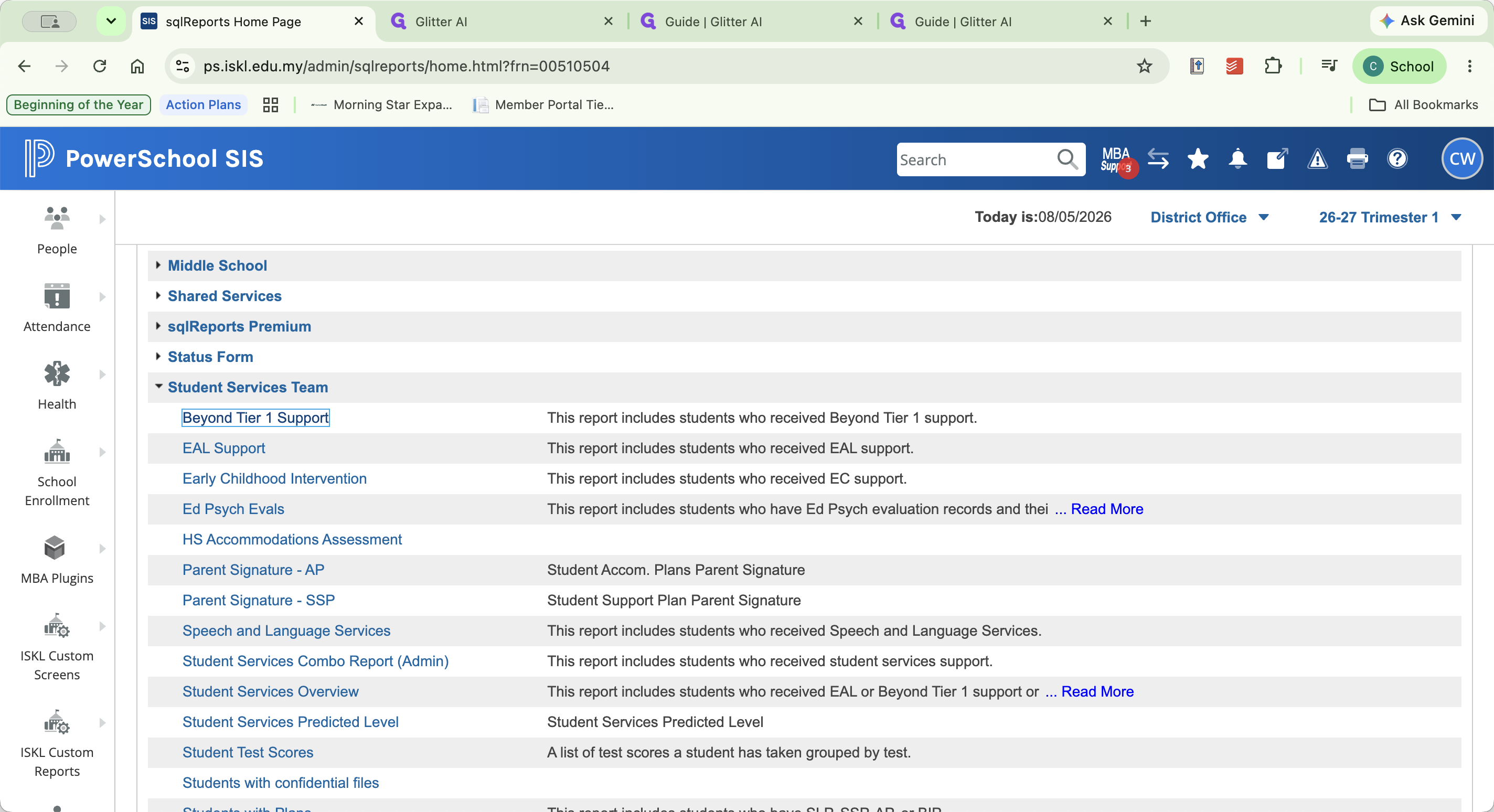
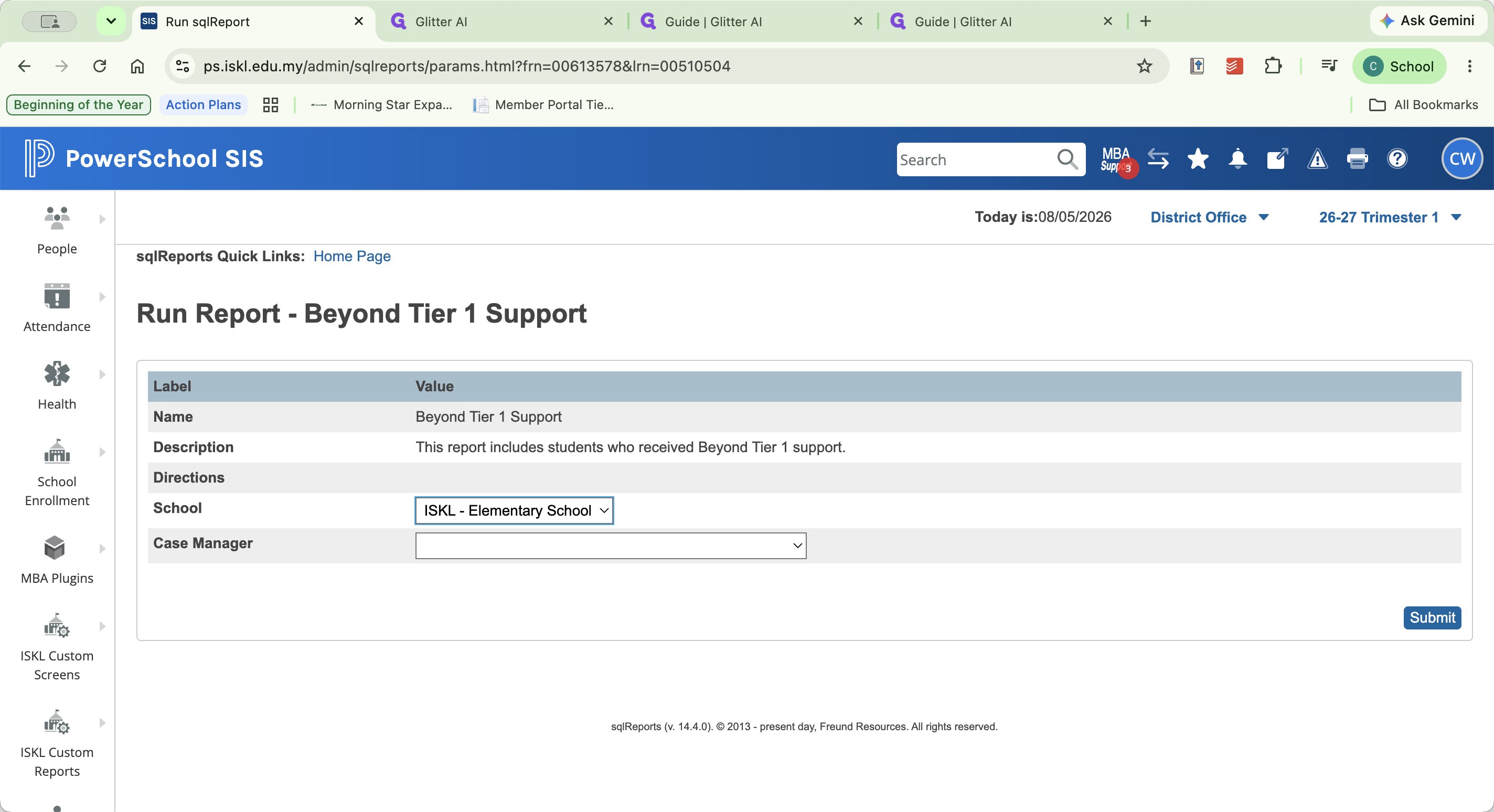
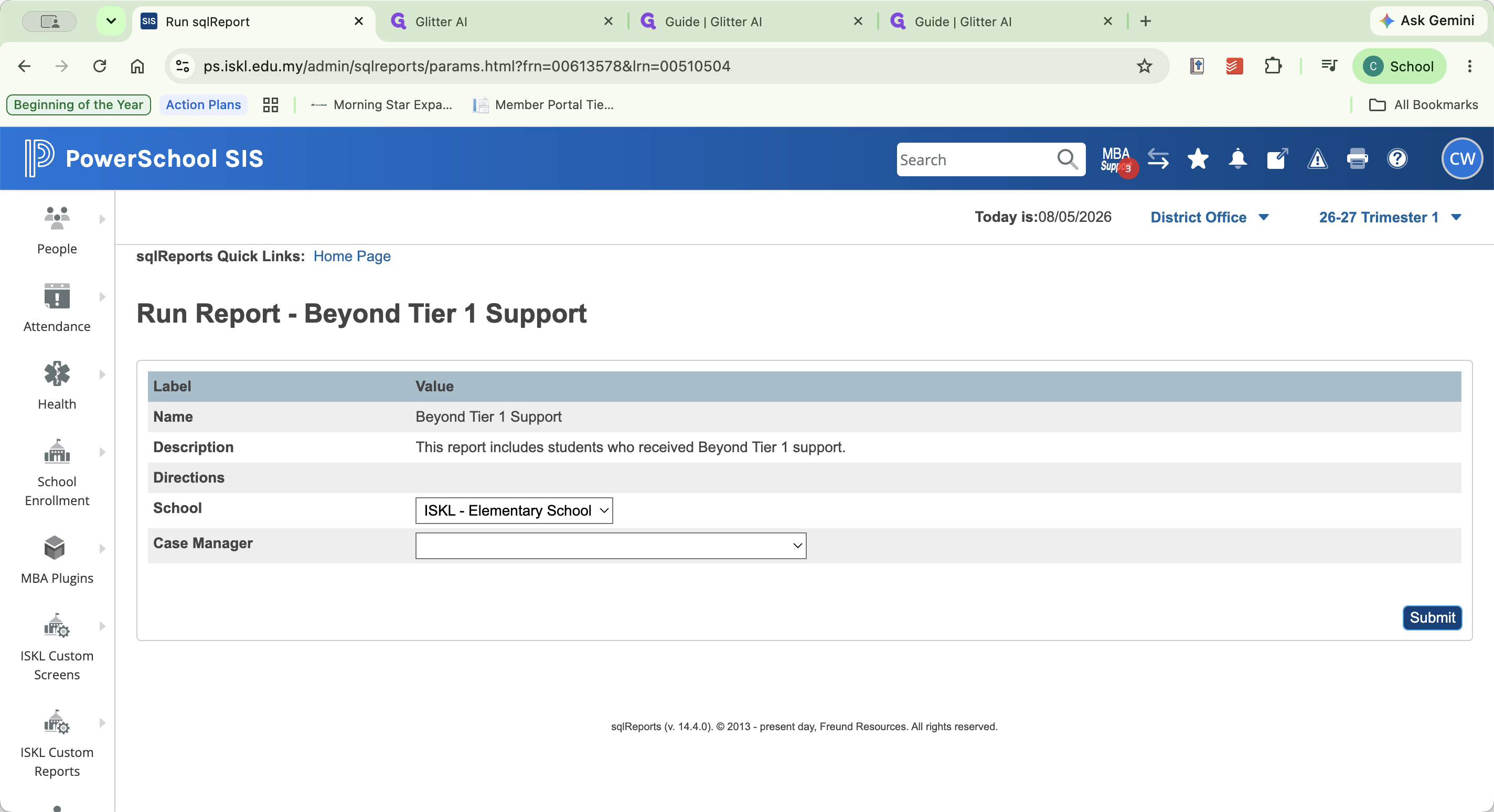
Review the Report
Once the report is generated, you can narrow down the results depending on your role by filtering the columns by Grade or Counselor Name. Review the student records to make sure everything is accurate and accounted for.
Review Task | Description |
|---|---|
Verify Case Managers | Confirm that the case manager listed for each student is correct. |
Find Missing Data | Look for mismatched support fields. For example, if a student has Academic, Behavior, or Social-Emotional Support marked "Yes," ensure a corresponding support level is also selected. |
Identify Shared Students | Spot students who receive services from you but are case-managed by a different specialist (e.g., a student managed by a Speech and Language Pathologist who receives Tier Two academic support from you). |
Q: Why should I leave the Case Manager field blank?
A: Leaving it blank pulls all students with Beyond Tier One support marked as "Yes." This helps you find students you work with but who are assigned to a different primary case manager.
Q: What kinds of data entry errors should I look for?
A: Look for mismatched data fields, such as "Academic Support" being checked as "Yes" while the specific "Academic Level" is left blank. Also check that the correct case manager is listed.
Q: What do I do if I find a mistake?
A: You can navigate to the Student Snapshot, correct the error, and click Submit to save your changes.
Term | Definition |
|---|---|
SQL Report | A custom database query used in PowerSchool to pull specific sets of student data. |
Case Manager | The primary staff member responsible for overseeing and coordinating a specific student's support plan. |
Tier One Support | Universal academic or behavioral support and accommodations provided to all students in a general education classroom. |