
How to Run a Workflow
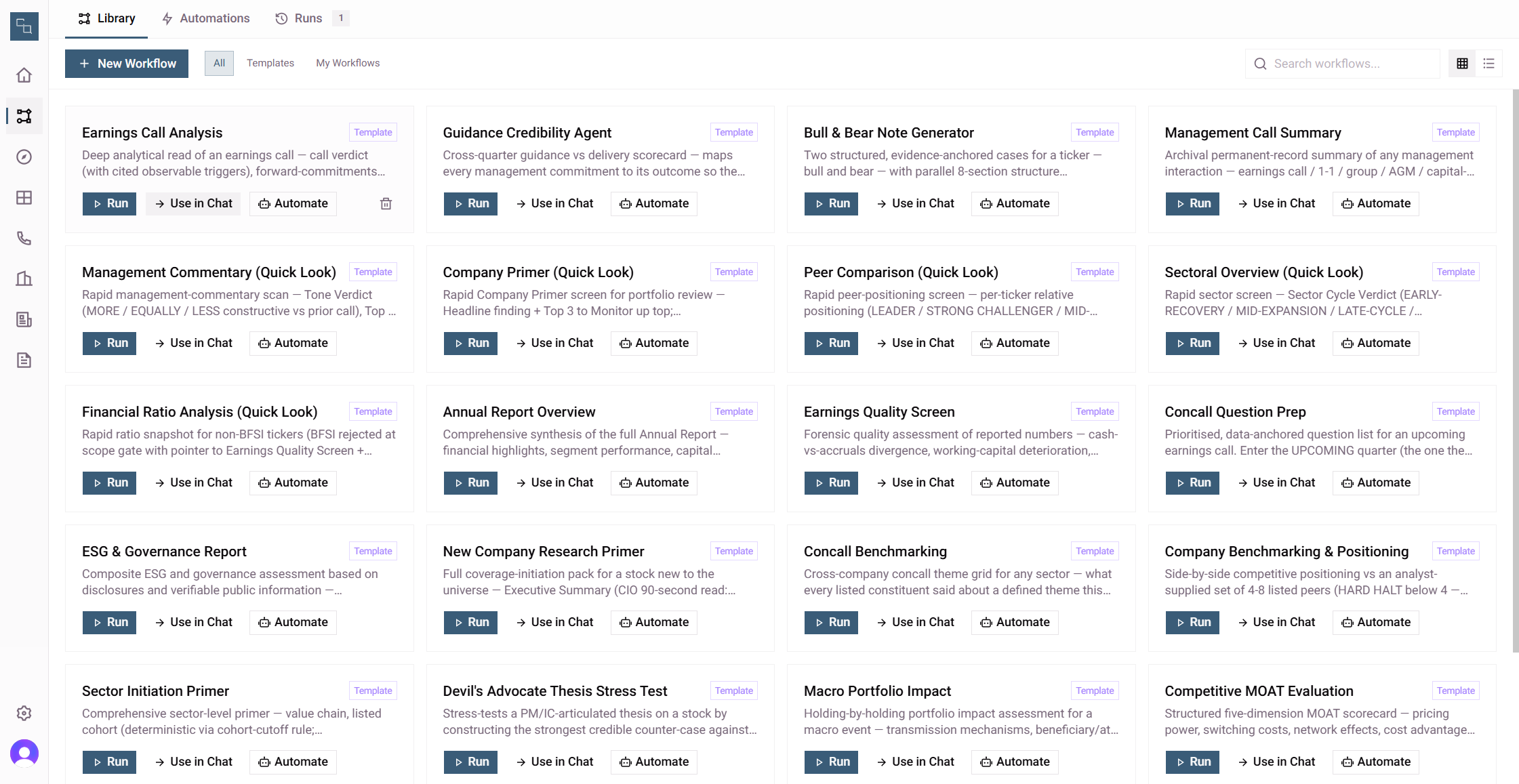
Learn how to configure and execute an earnings call analysis workflow using standard background runs or the interactive chat interface.
This guide demonstrates how to configure and execute an Earnings Call Analysis workflow. Completing this task enables you to quickly process, tag, and analyze financial transcripts for selected companies, saving valuable time during earnings seasons.
This process is designed for financial analysts, equity researchers, and investors. It is particularly useful during quarterly reporting periods when rapidly digesting new corporate earnings data is essential to the research workflow.
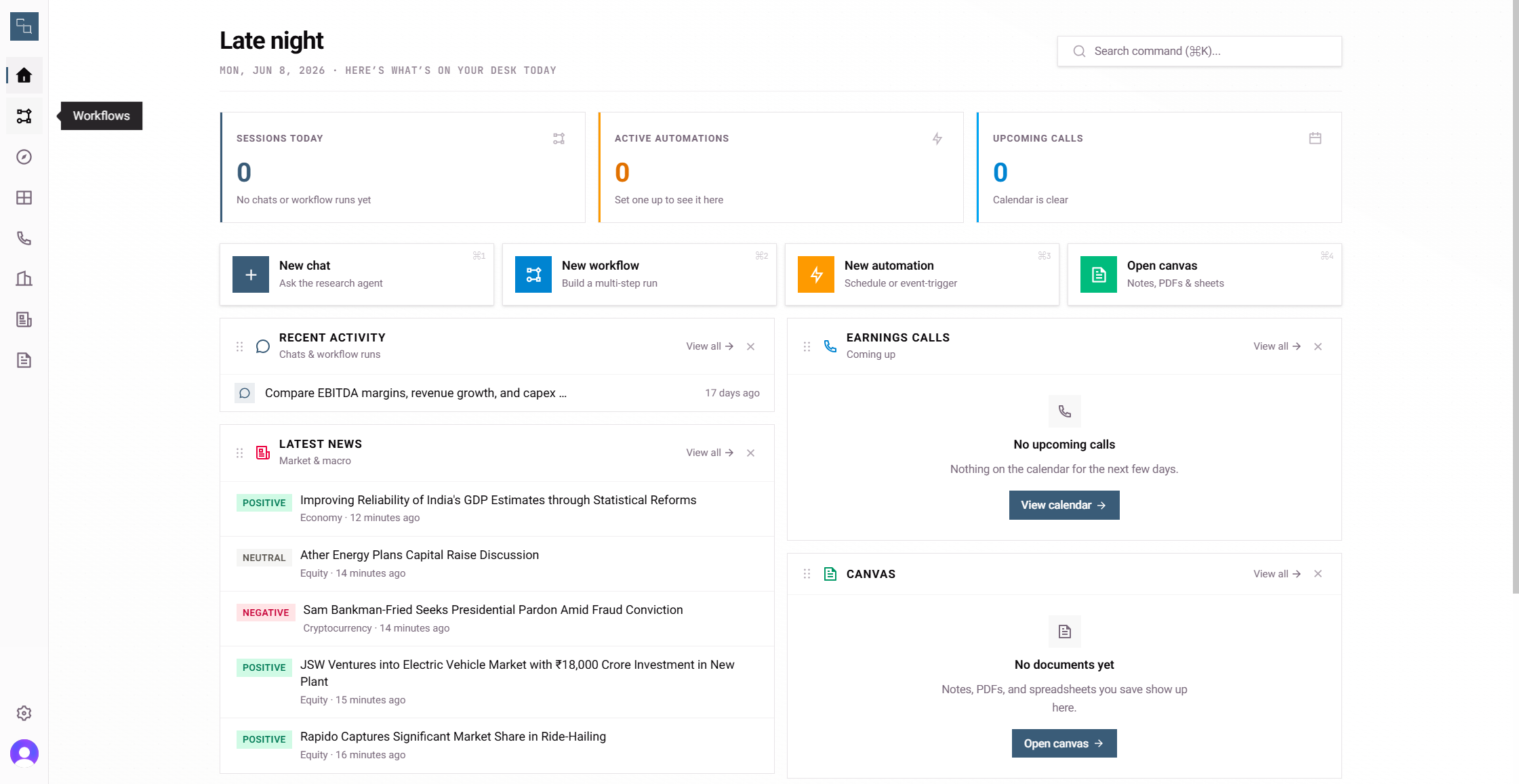
Method 1: Running a Standard Workflow
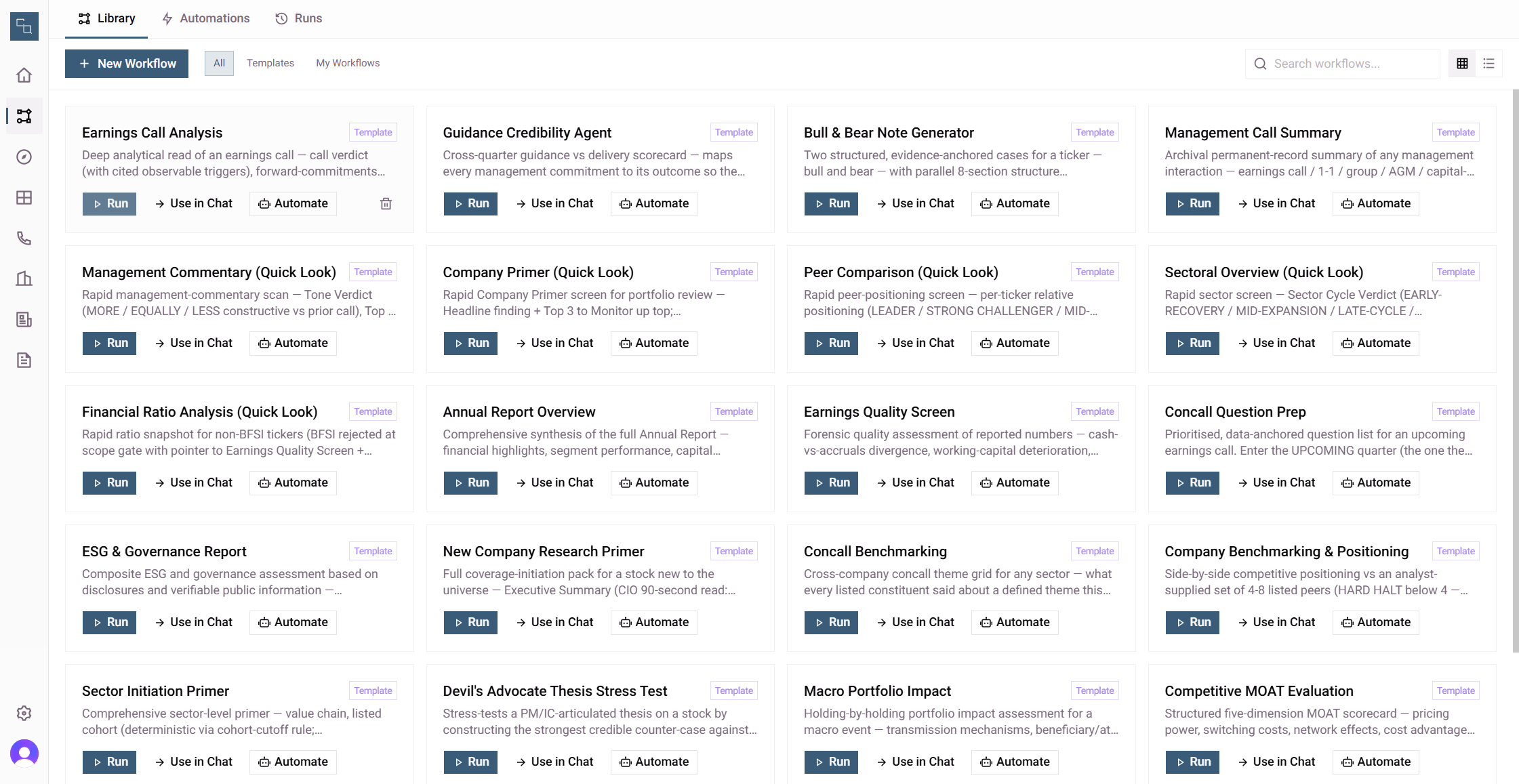
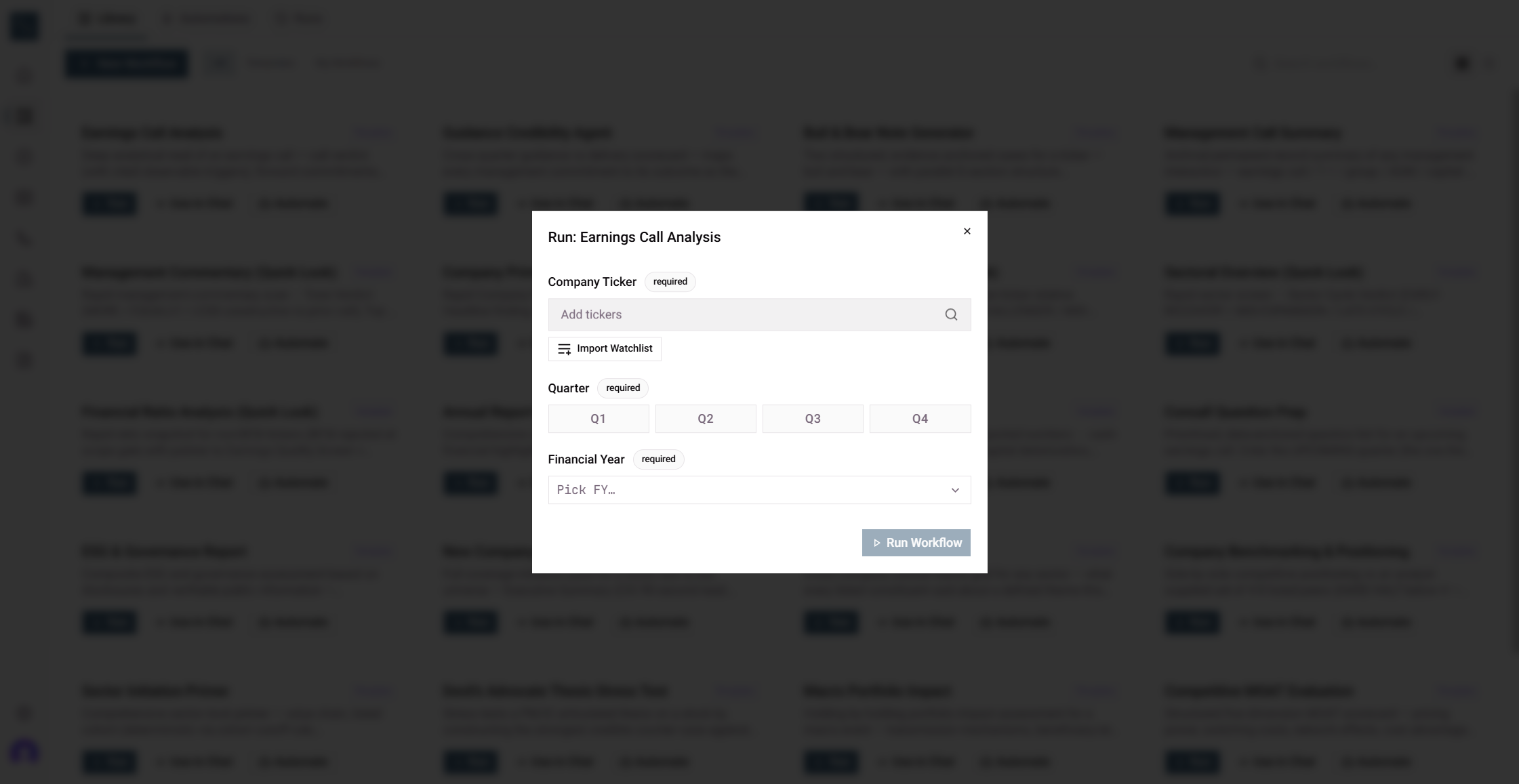
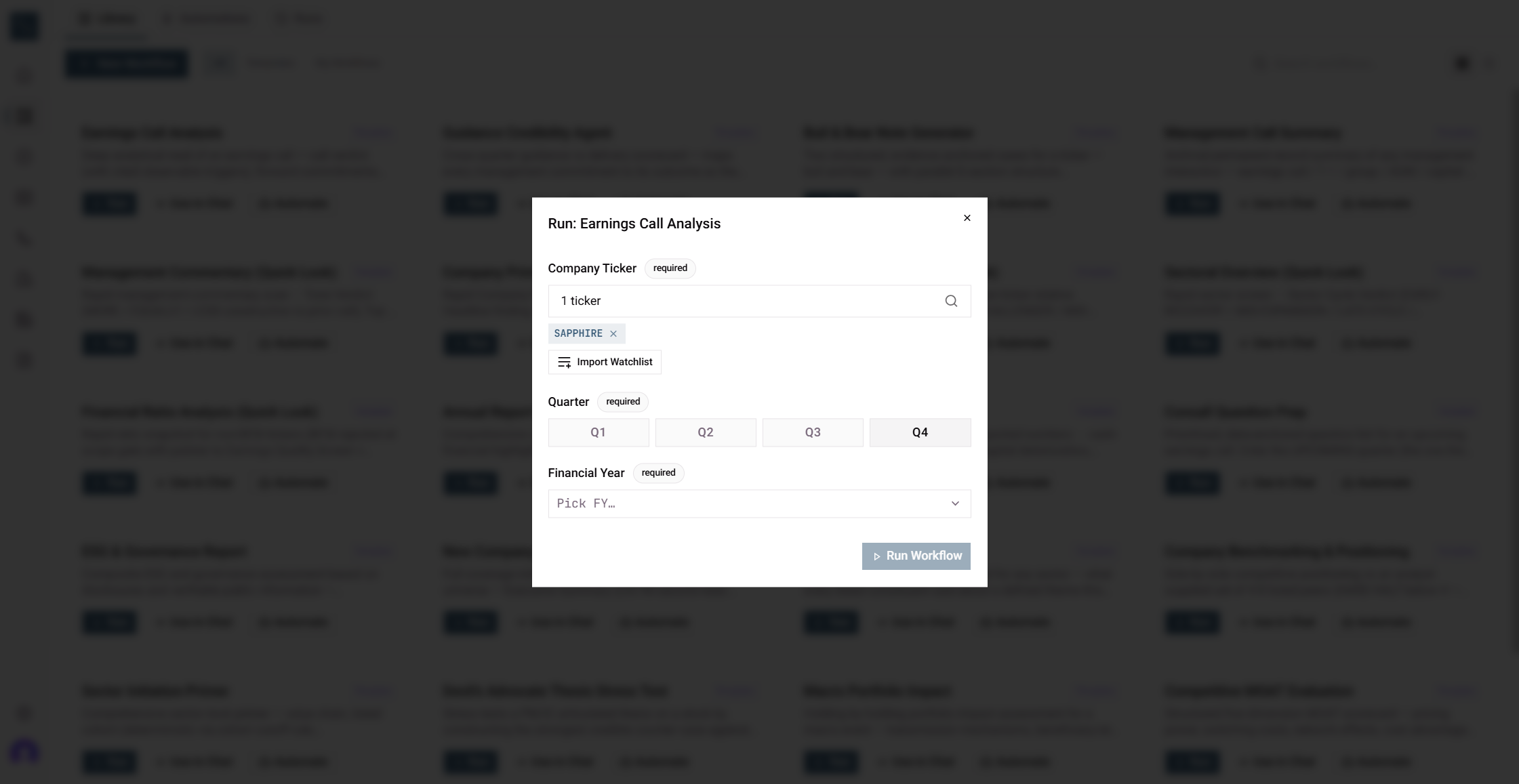
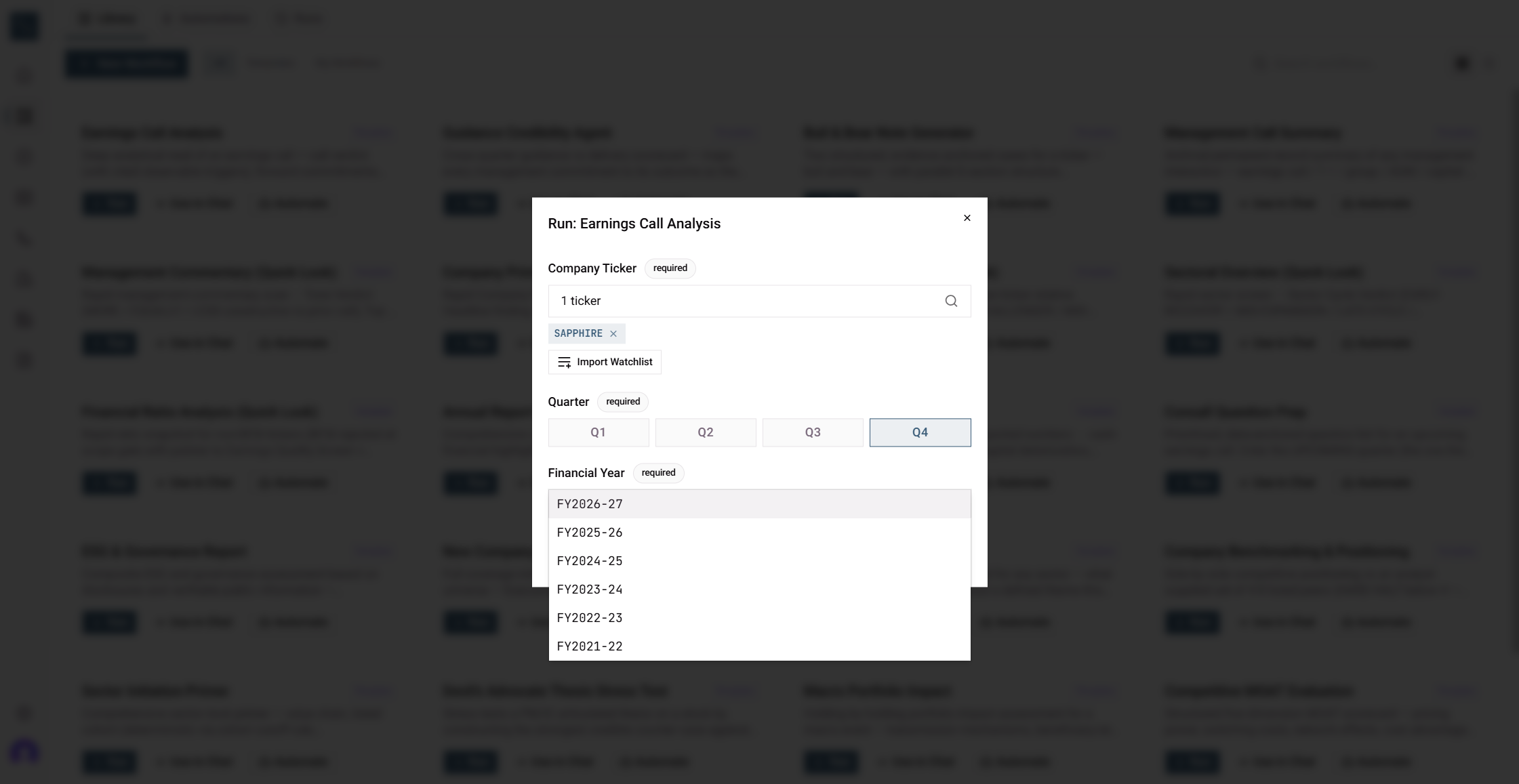
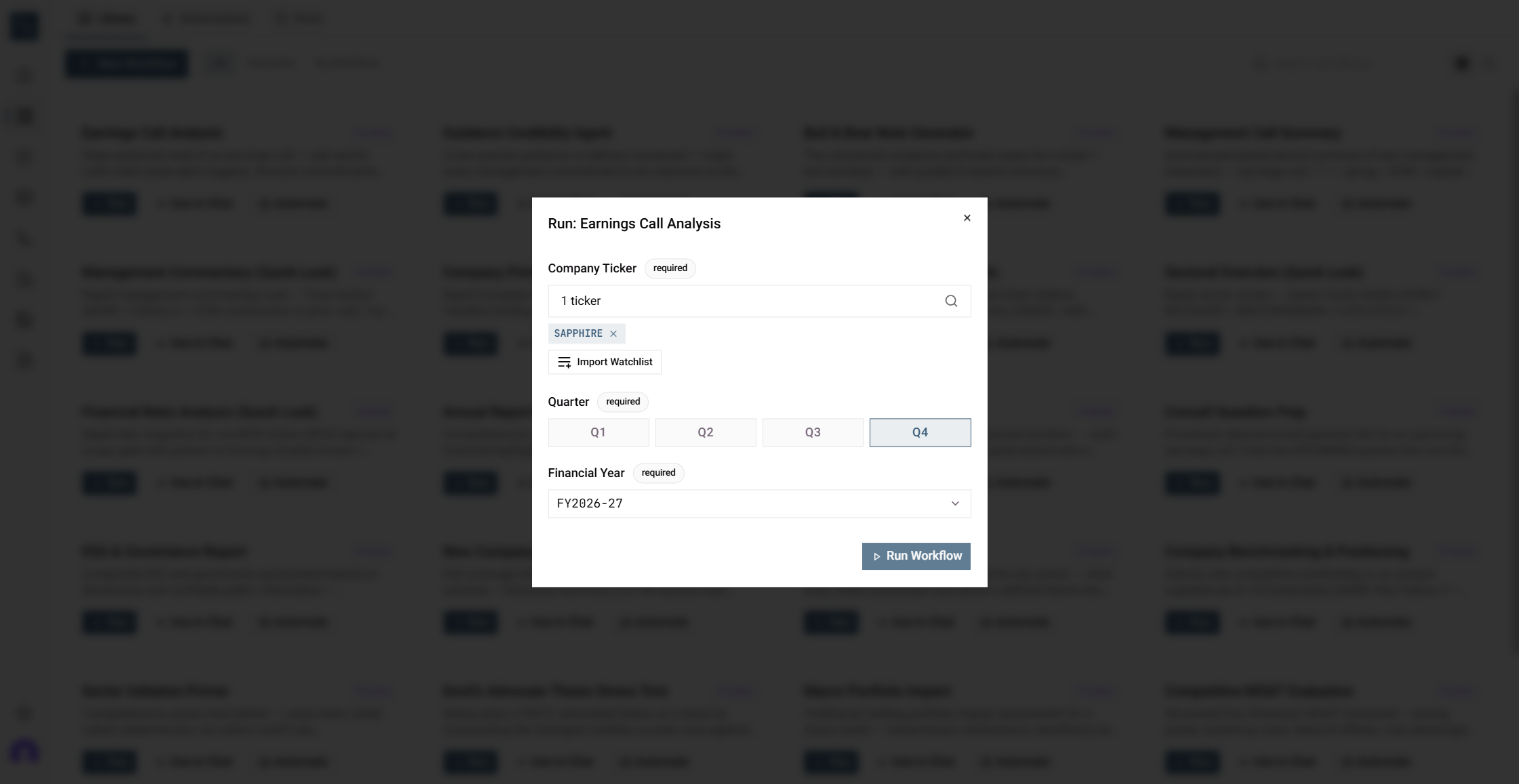
When configuring the analysis, you will need to define the following parameters:
Parameter | Purpose |
|---|---|
Company Ticker | Identifies the specific publicly traded company to analyze (e.g., SAPPHIRE). |
Quarter | Sets the fiscal quarter for the earnings report (e.g., Q4). |
Financial Year | Determines the fiscal year corresponding to the chosen quarter (e.g., FY2026-27). |
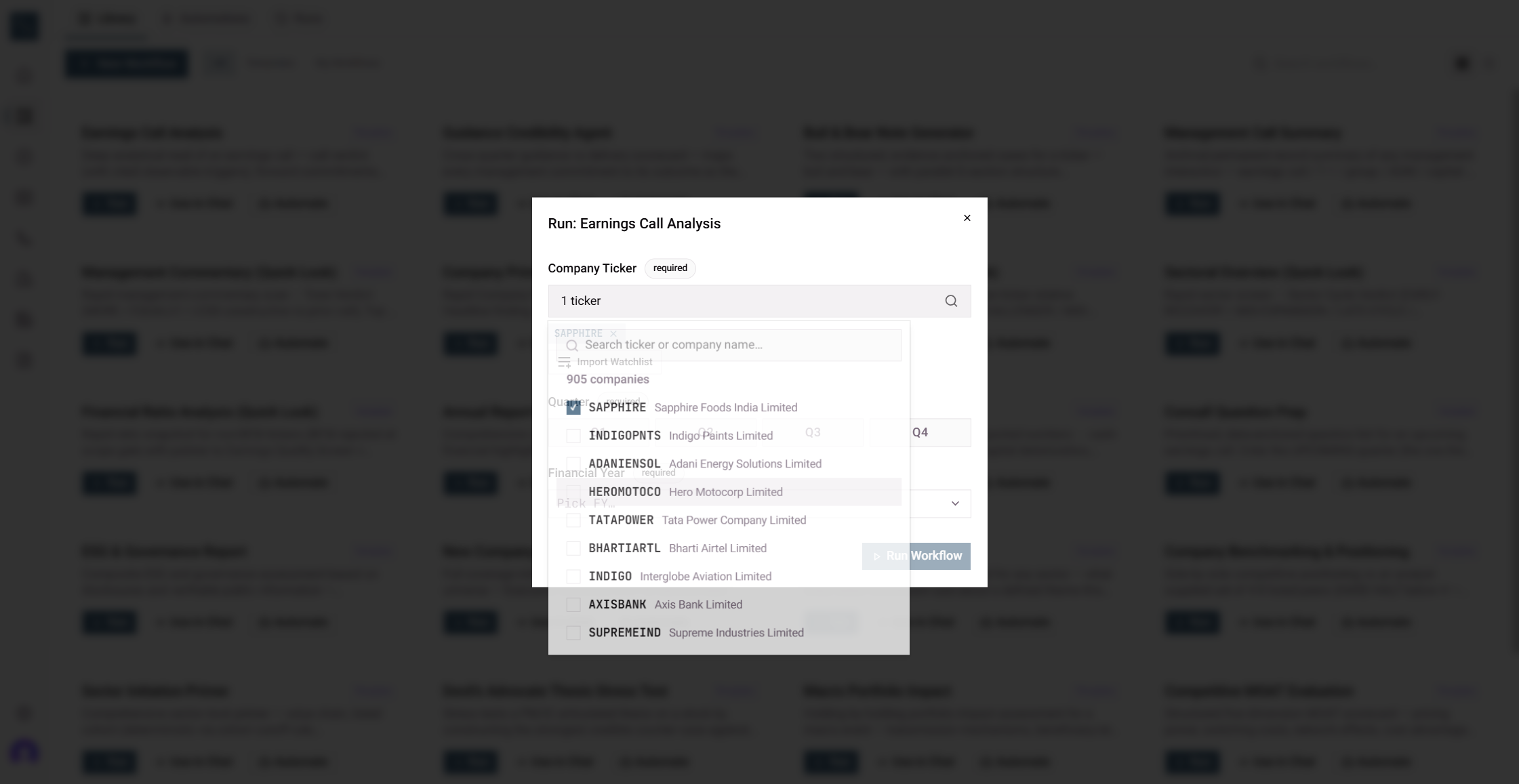
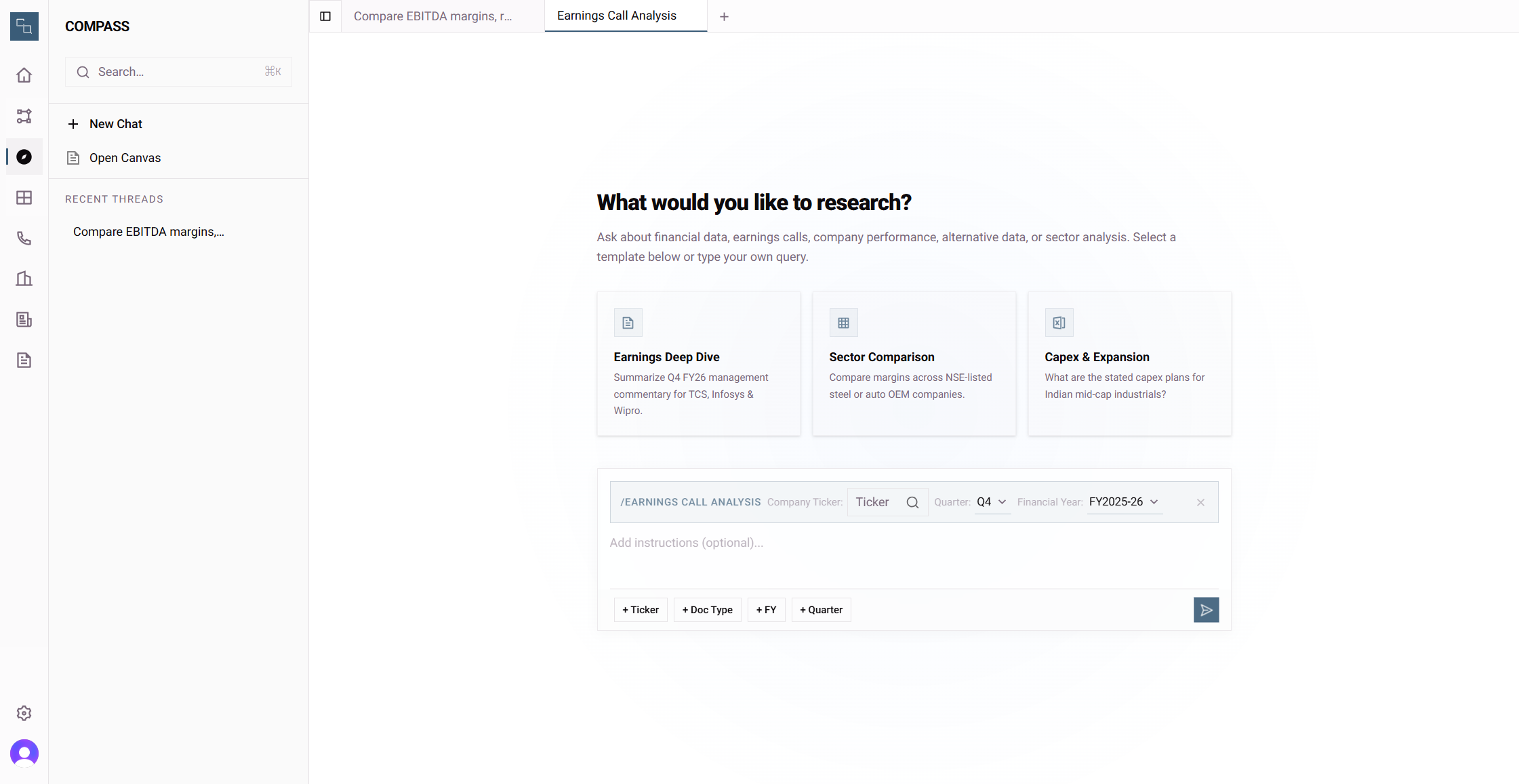
Method 2: Using the Compass Chat Interface
Instead of running a background workflow, you can interact directly with the analysis parameters via the Compass chat query builder.
Term | Definition |
|---|---|
Ticker | A unique abbreviation or symbol representing a specific publicly traded company on a stock exchange. |
Earnings Call | A teleconference or webcast where a public company's management discusses the financial results of a recent reporting period. |
Fiscal Quarter | A three-month period on a corporate financial calendar used as a standard increment for reporting earnings. |