Search and pagination in Recurring Journal Entries
Learn how to search by name, navigate between years, and adjust table pagination for recurring journal entries in myStartUpCFO.
By Aasma Technology Solutions
This guide walks you through how to search for Recurring Journal Entries, filter them by year, and adjust table pagination in myStartUpCFO. Customizing your view lets you quickly locate specific financial records and streamline your review process.
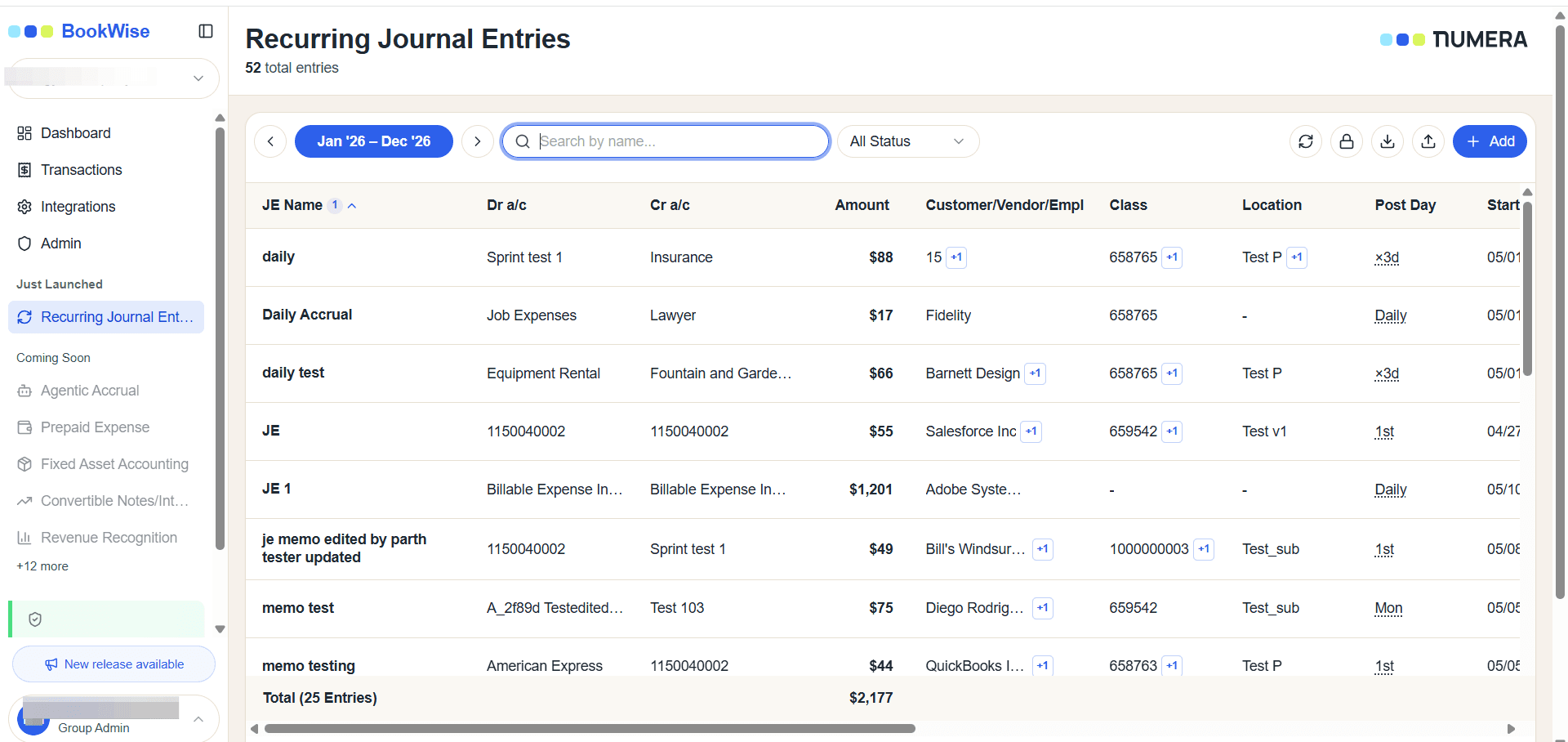
Search for an Entry
1
Click the Search by name... field and type your search term to filter the list.
Navigate Between Years
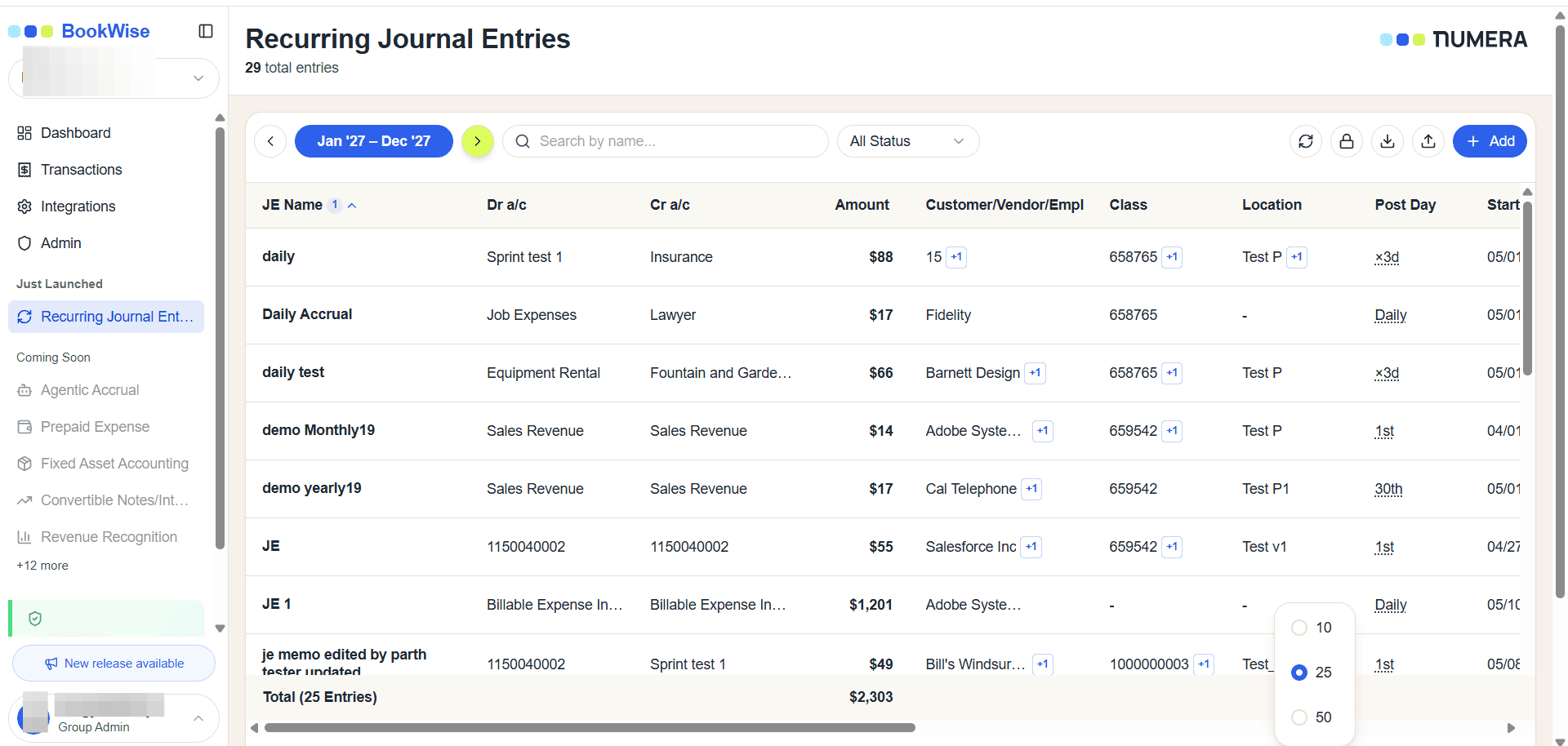
You can shift the table's timeframe to view historical or future entries.
2
Click < to move the table view to the previous year and > to move the table view to the next year.
Adjust Table Pagination
Control how many entries display per page using the pagination settings.
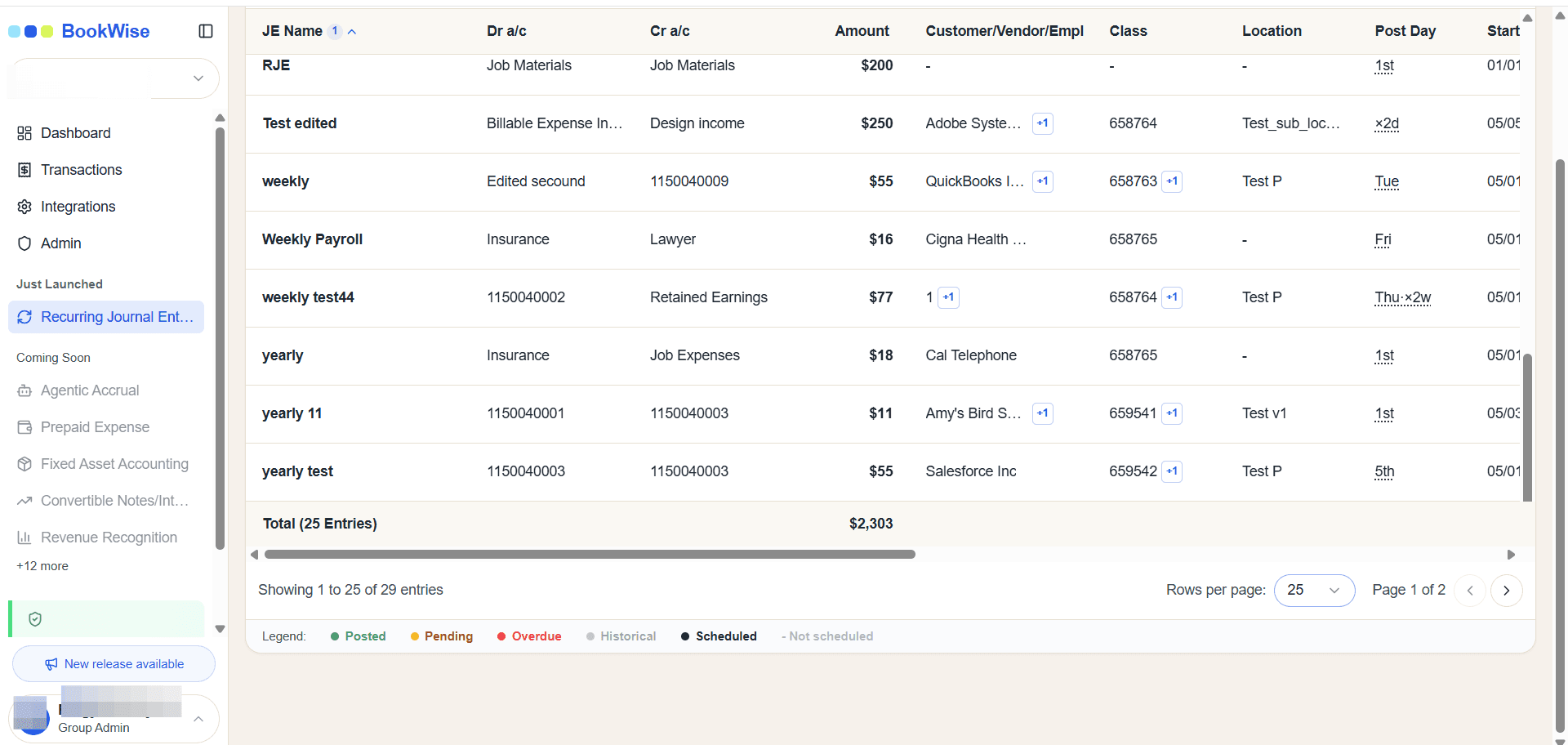
3
Click the pagination dropdown at the bottom of the table.
4
Select your preferred number of rows to display.
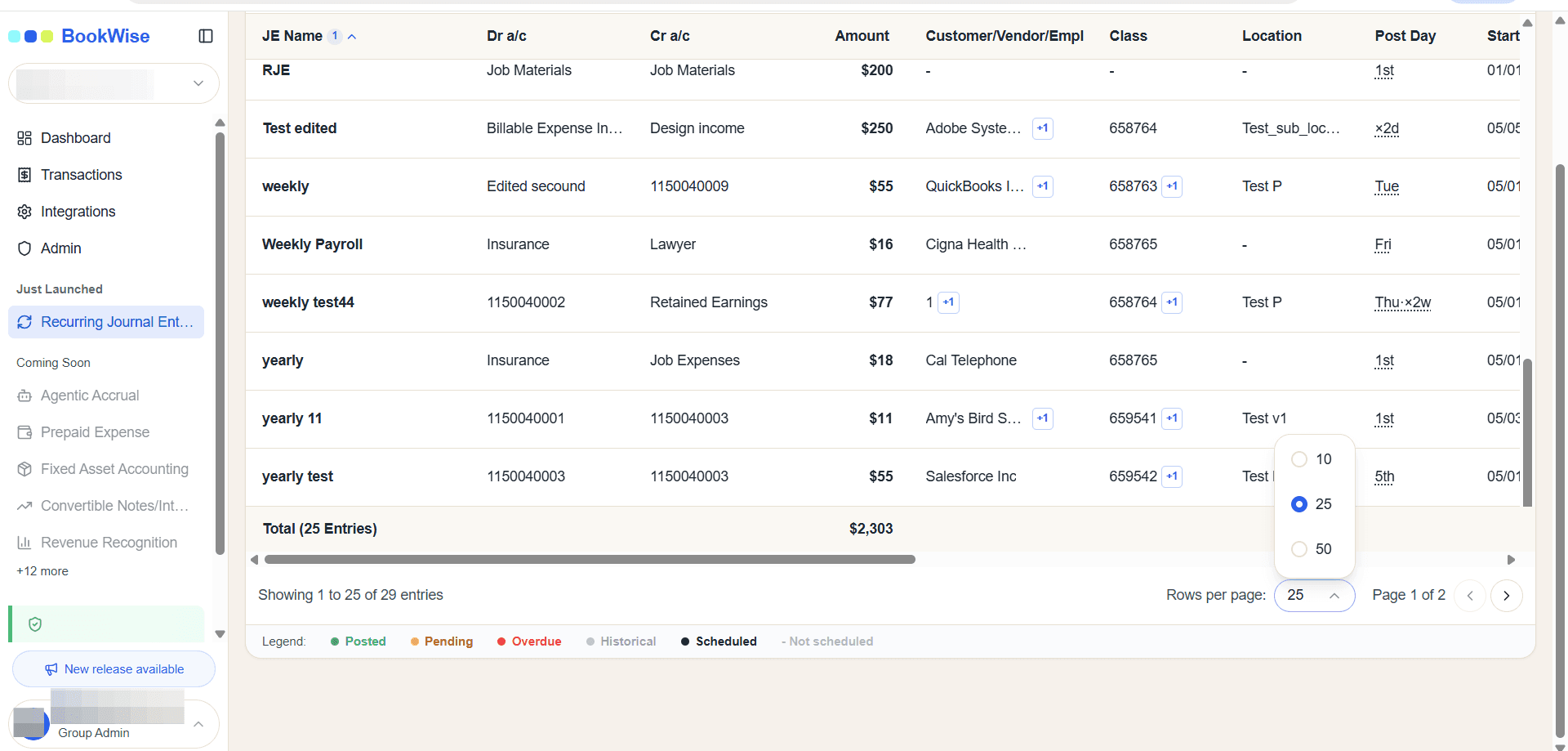
Rows per page | Best For |
|---|---|
10 | Smaller screens or quick, focused reviews. |
25 | The standard default view for balanced scrolling. |
50 | Bulk reviewing to reduce the need to click between pages. |
Customizing your view with search, year navigation, and pagination controls lets you locate specific recurring journal entries quickly and streamline your review process.