How to Send Emails to Solicitors Using CRM Templates
Learn how to quickly send template-based follow-up emails to solicitors directly from your client CRM records.
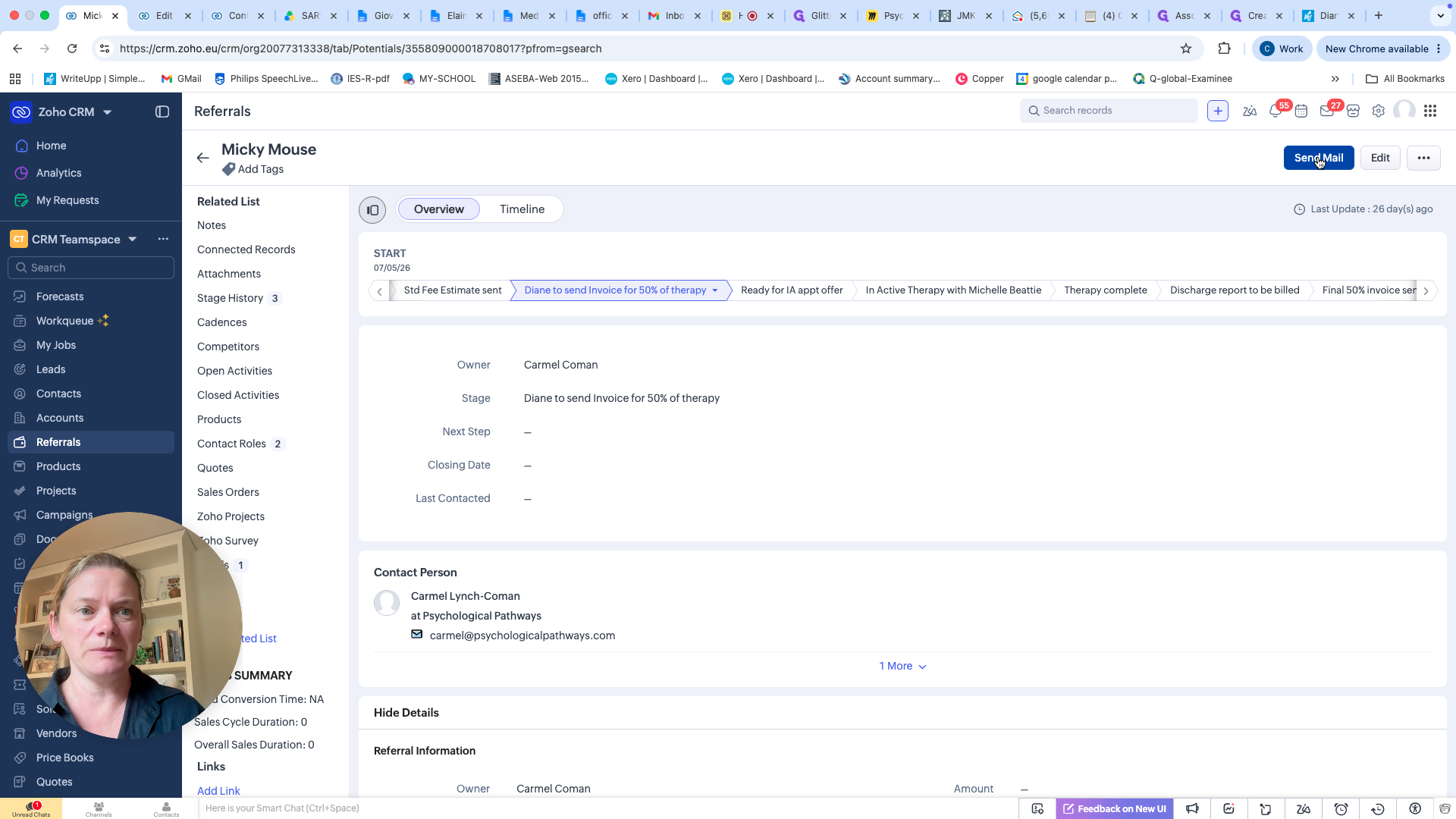
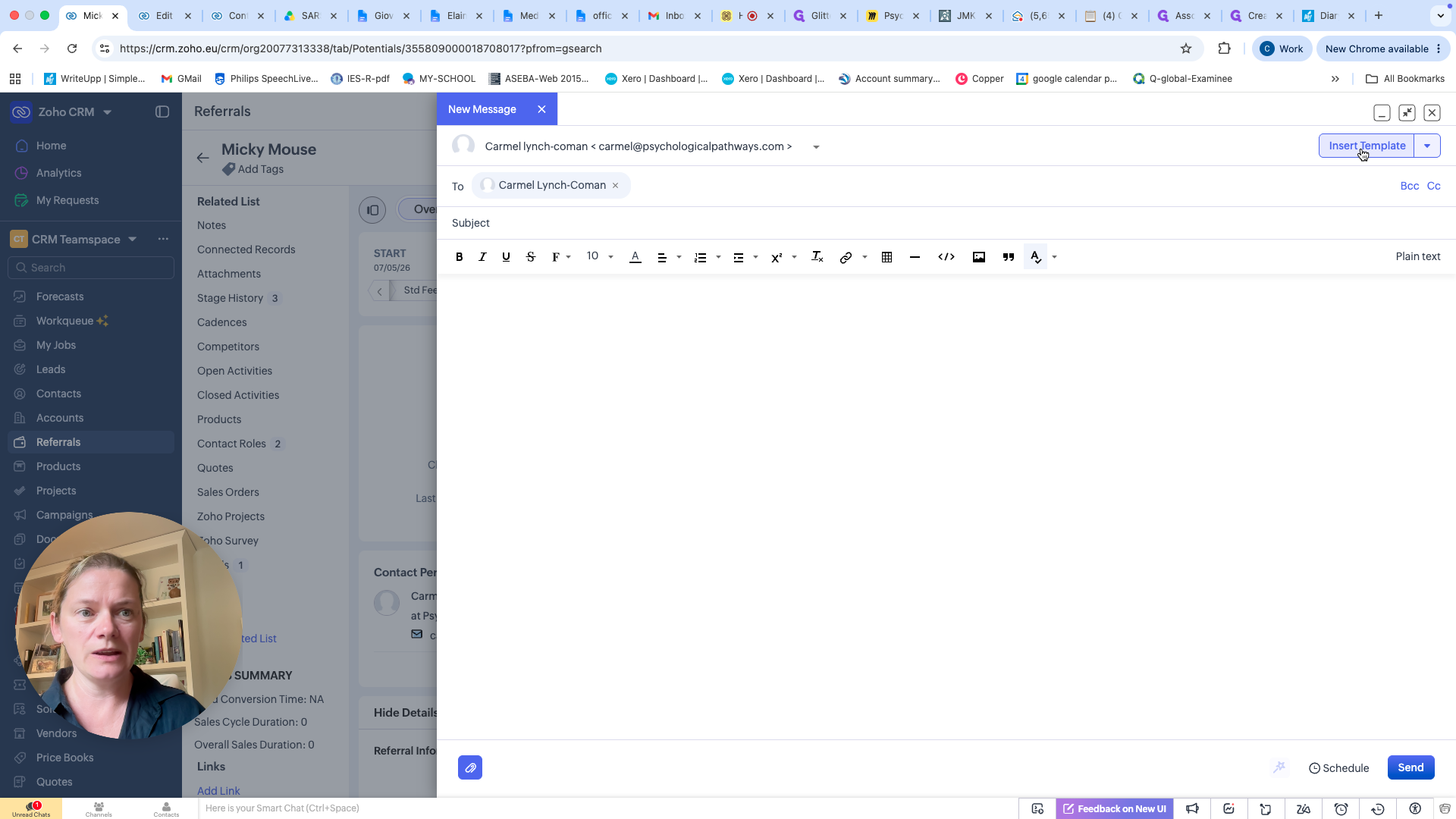
This guide demonstrates how to send an email to a solicitor directly from a client's CRM record. By using pre-populated templates, you can quickly request missing information or send follow-up chasers without leaving the platform.
This process applies to team members managing client referrals and solicitor communications in Zoho CRM. Use this manual workflow to send chaser emails until the automated pipeline system is fully implemented.
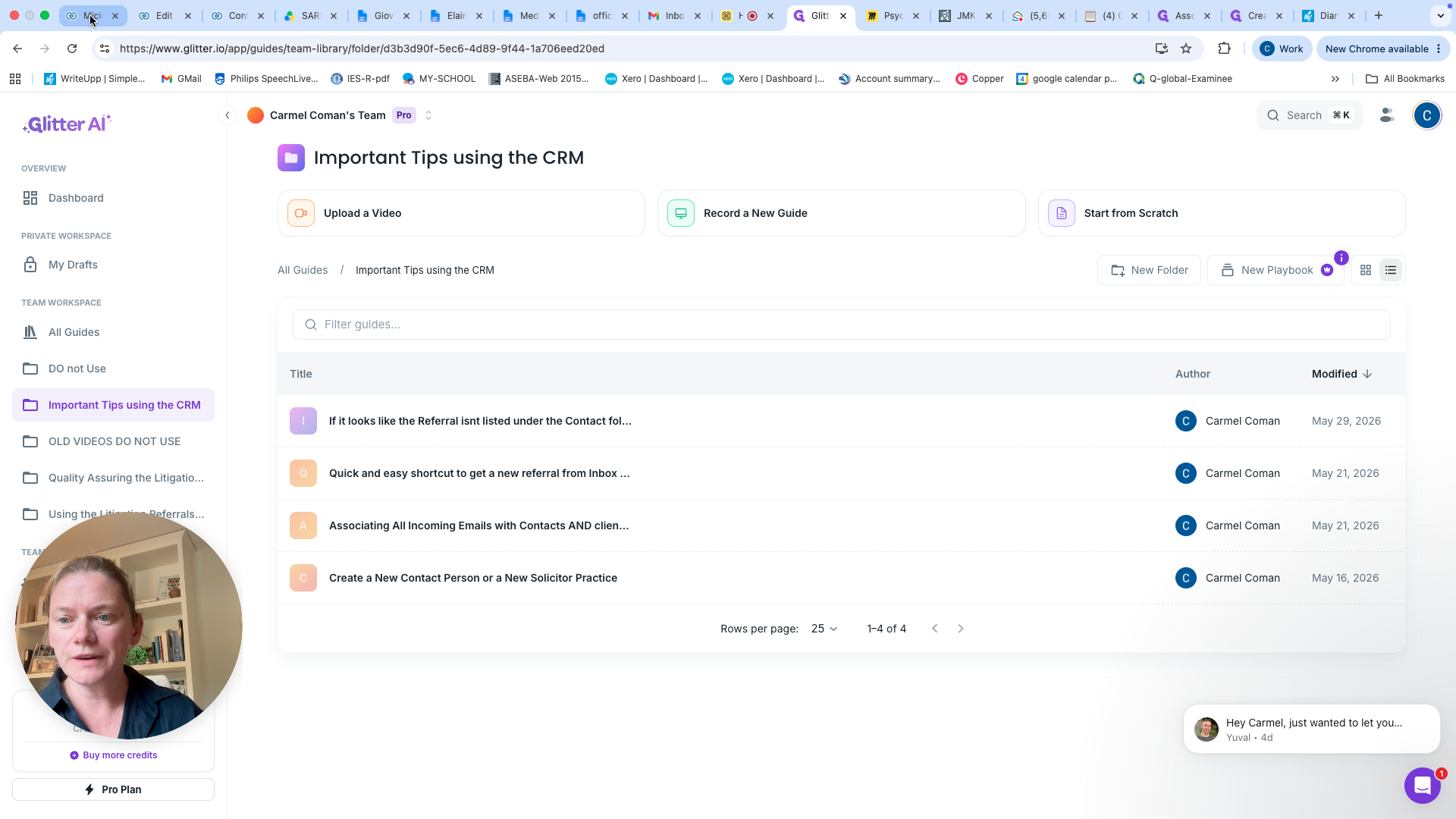
To get started, open your CRM. The system automatically associates incoming and outgoing emails with the specific contact's record, keeping all communication in one place.
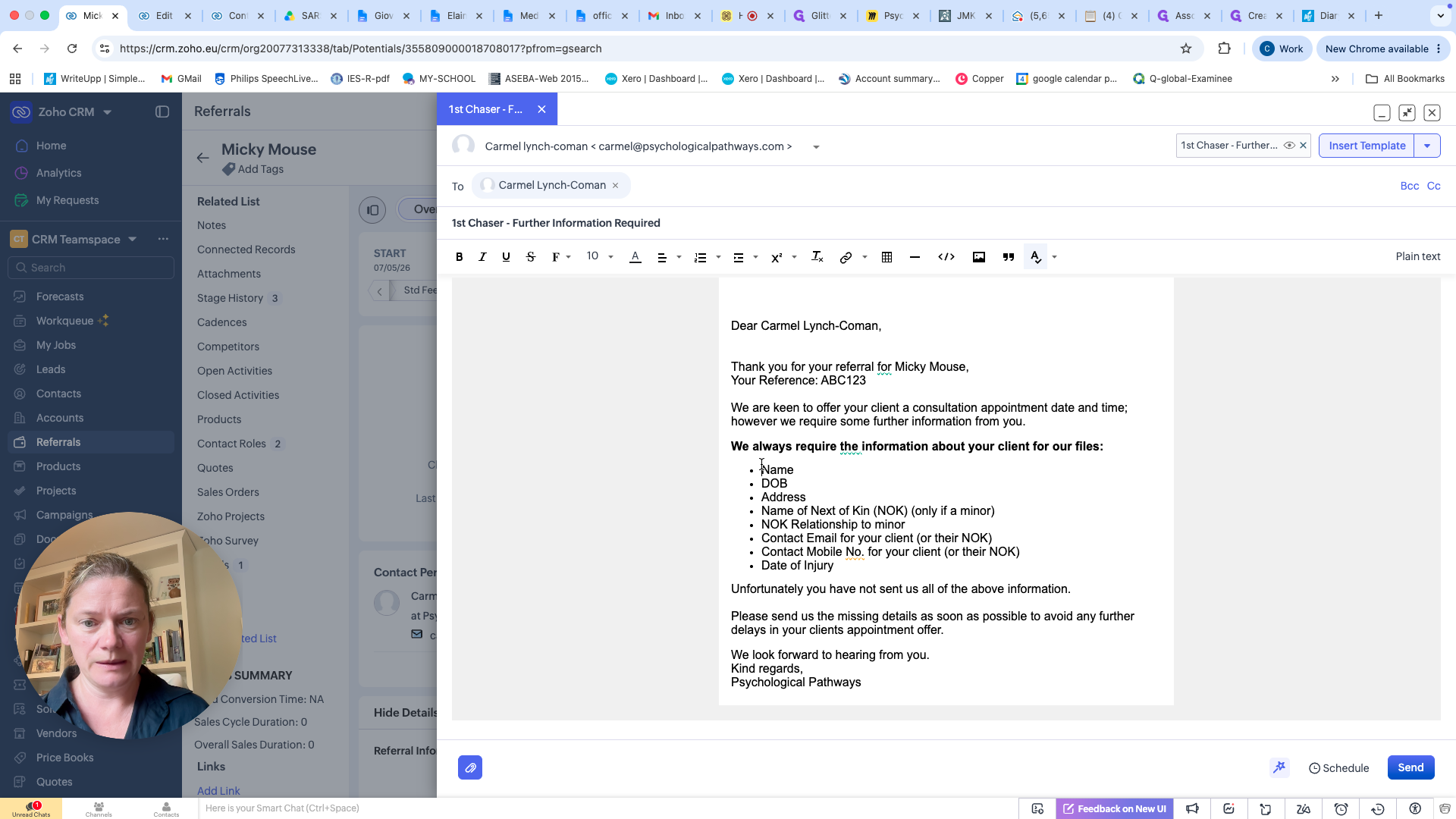
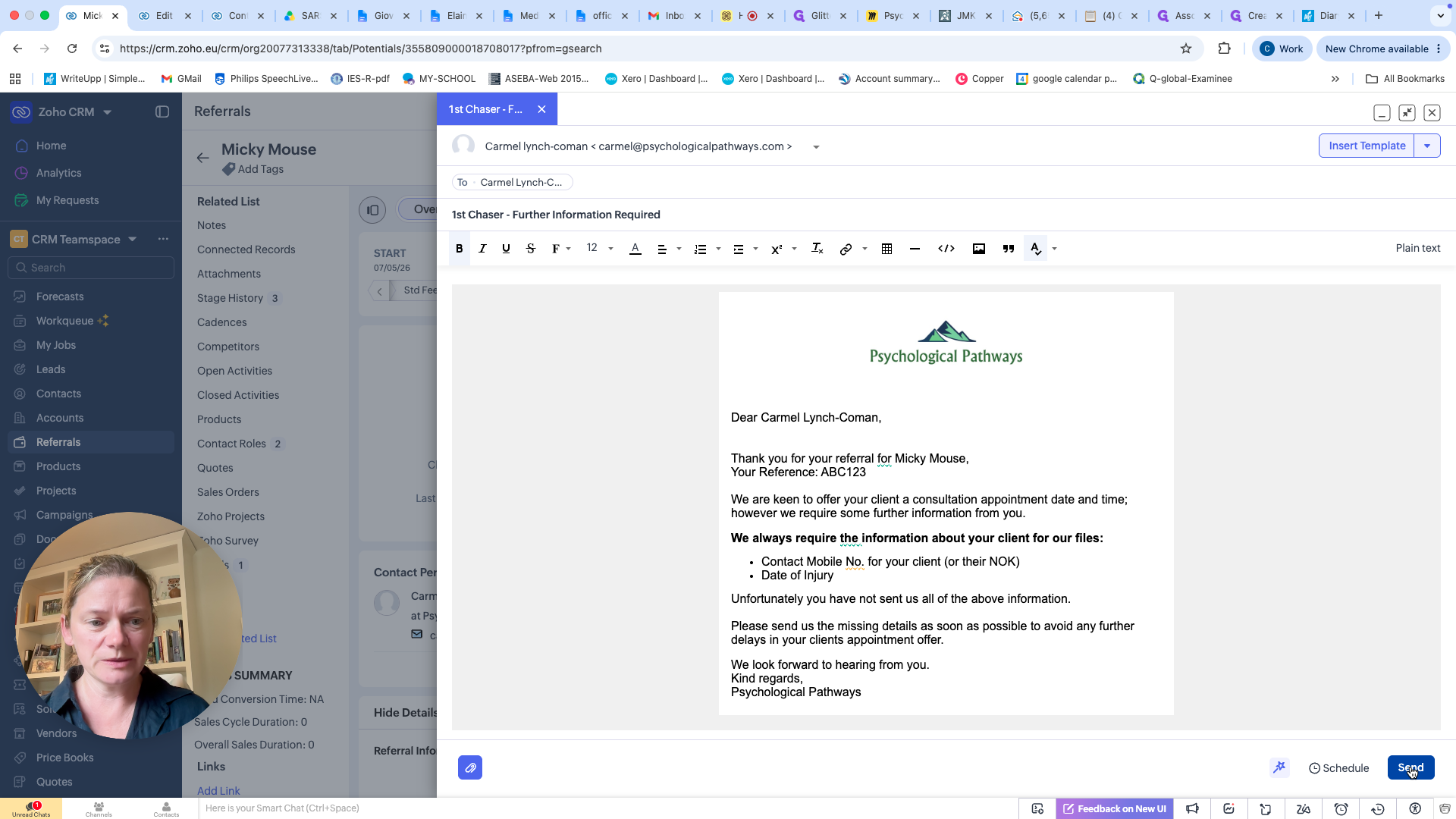
Available Chaser Templates
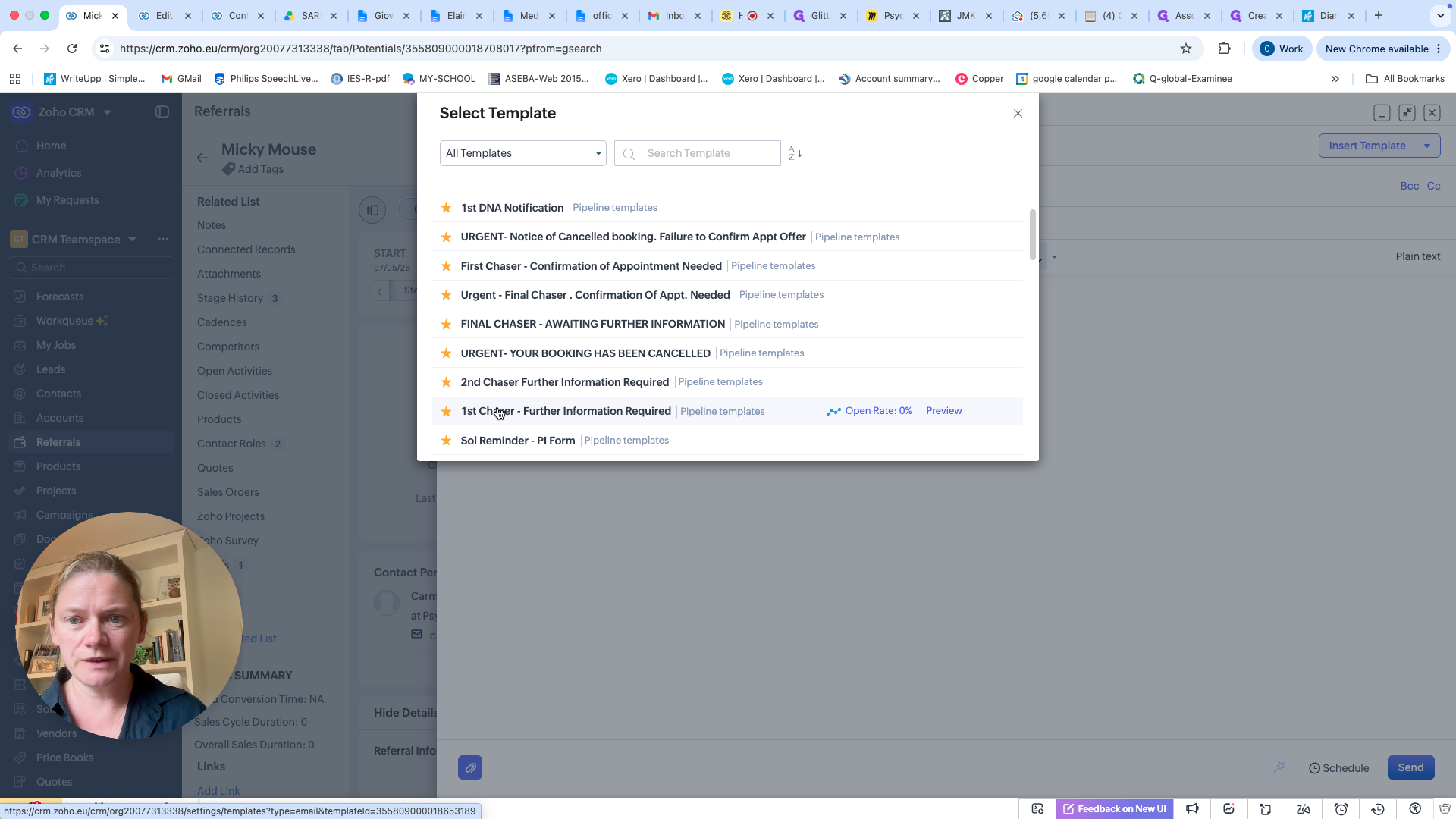
Depending on how long you have been waiting for the solicitor to provide information, choose from the following sequence of templates:
Template Name | Use Case |
|---|---|
First Chaser | Used when initially following up on missing information for a client's referral. |
Second Chaser | Used as a secondary follow-up if the initial request goes unanswered. |
Final Chaser, Waiting Further Information | Used as a final manual warning while a client sits stalled in the pipeline. |
Q: Do I need to manually enter the contact's email address?
A: No. When you initiate the email from the client's CRM record, the system automatically populates the associated contact information.
Q: Can I edit the template text before sending?
A: Yes. It is highly recommended that you delete any unnecessary bullet points from the template's request list so the solicitor knows exactly what specific piece of information is missing.
Q: Will these chaser emails always need to be sent manually?
A: No. An automated system is currently being programmed. Once completed, these emails will automatically trigger when a client enters the "waiting for information" pipeline stage.
Term | Definition |
|---|---|
CRM | Customer Relationship Management system used to store client data and track communications. |
Chaser | A follow-up message sent to prompt a recipient for a response or requested information. |
Pipeline | A visual sequence of stages representing a client's progress through a workflow. |