
Send an Entitlement Check to a Super Fund in a TPD Matter
Learn how to prepare, verify, and send an entitlement check and IAAR to a super fund on behalf of a client for a Total and Permanent Disablement claim.
This guide demonstrates how to generate and send an entitlement check to a superannuation fund on behalf of a client for a Total and Permanent Disablement (TPD) matter. Completing this ensures the fund has the authorized requests and correct details to begin processing the client's information.
This workflow applies to legal practitioners, paralegals, and administrative staff handling TPD claims who need to correspond with a client's super fund.
Verify Client Information
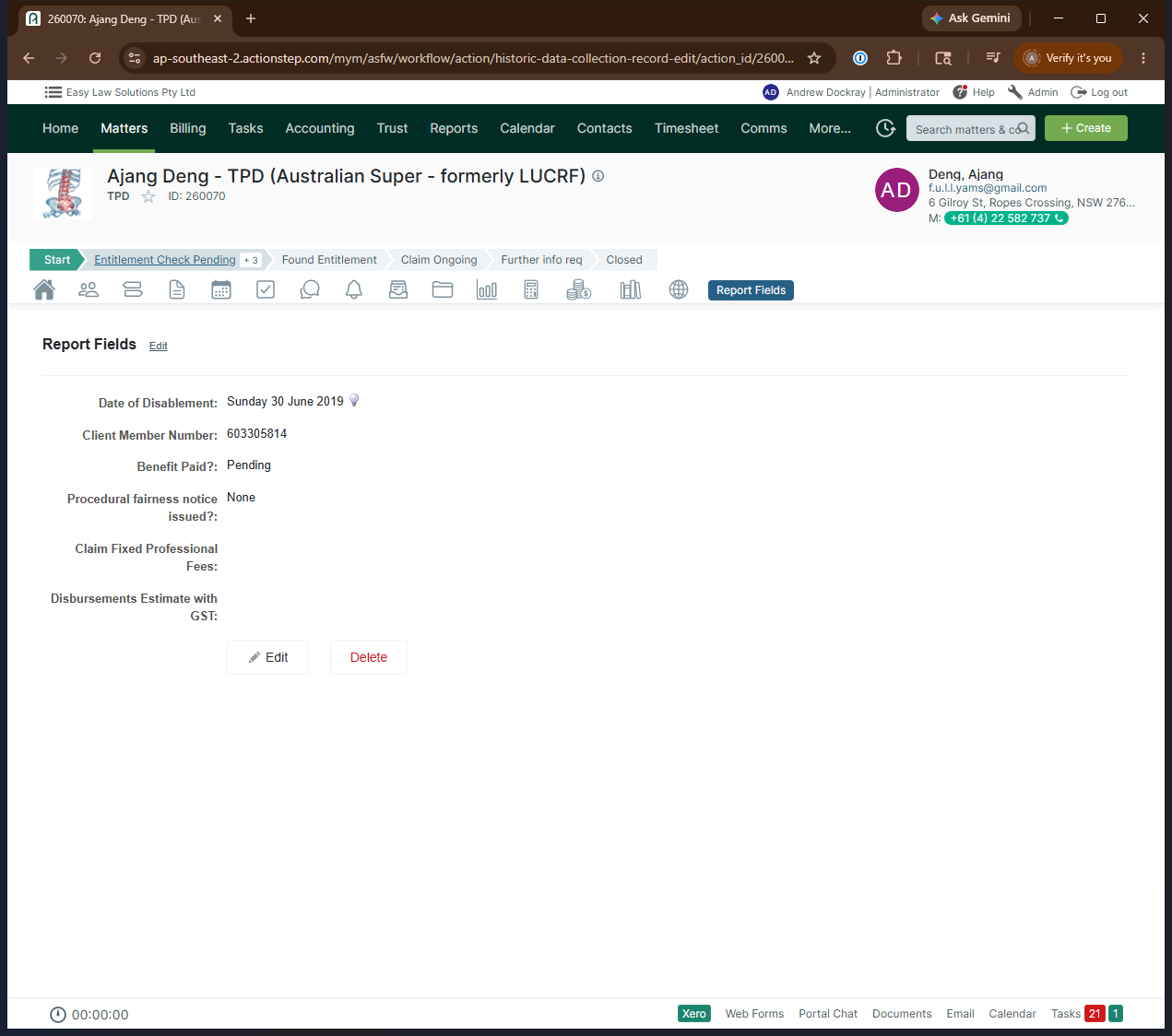
First, verify that the required client details are present on the file before generating the entitlement check document.
Add the Super Fund to Parties
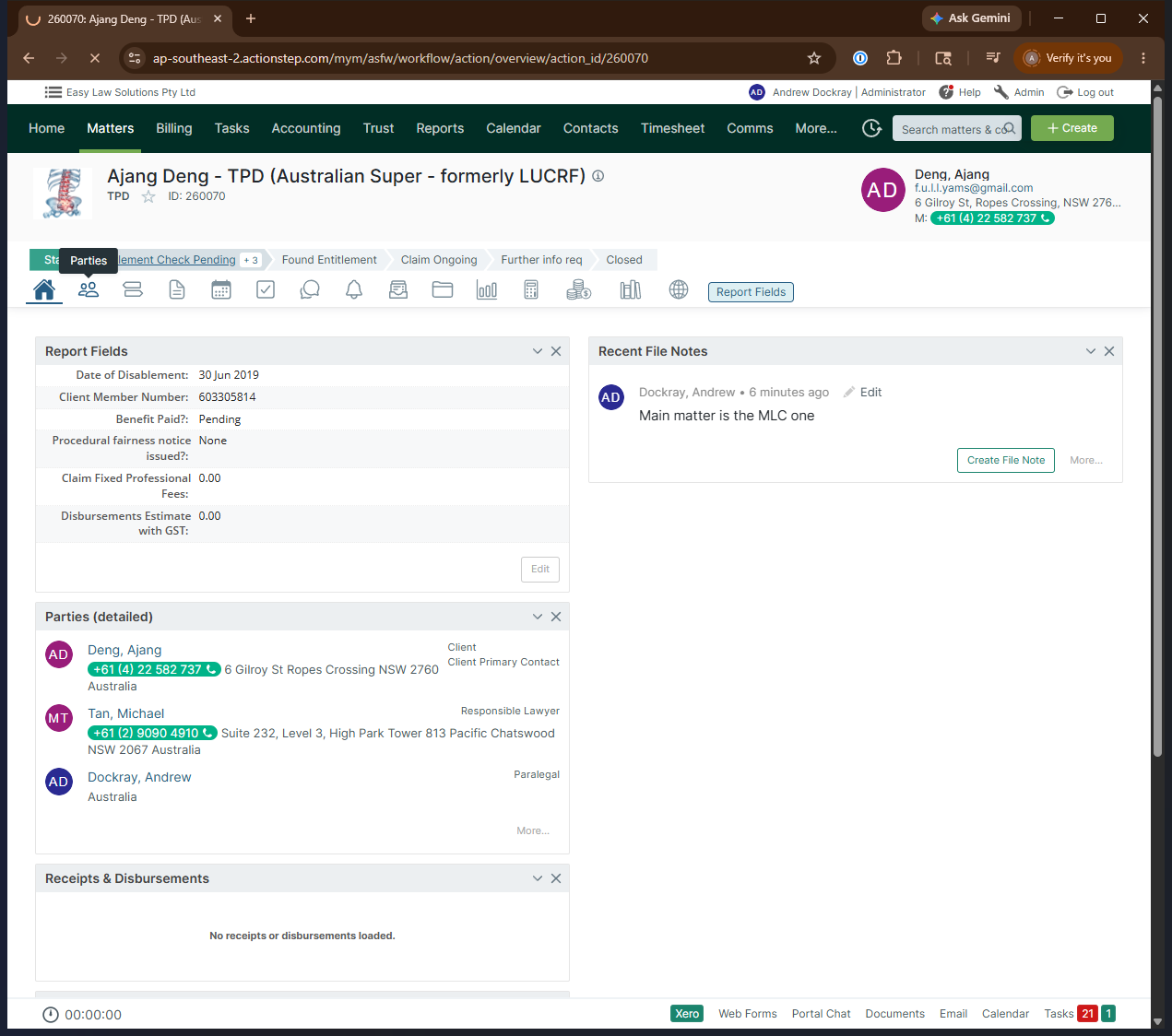
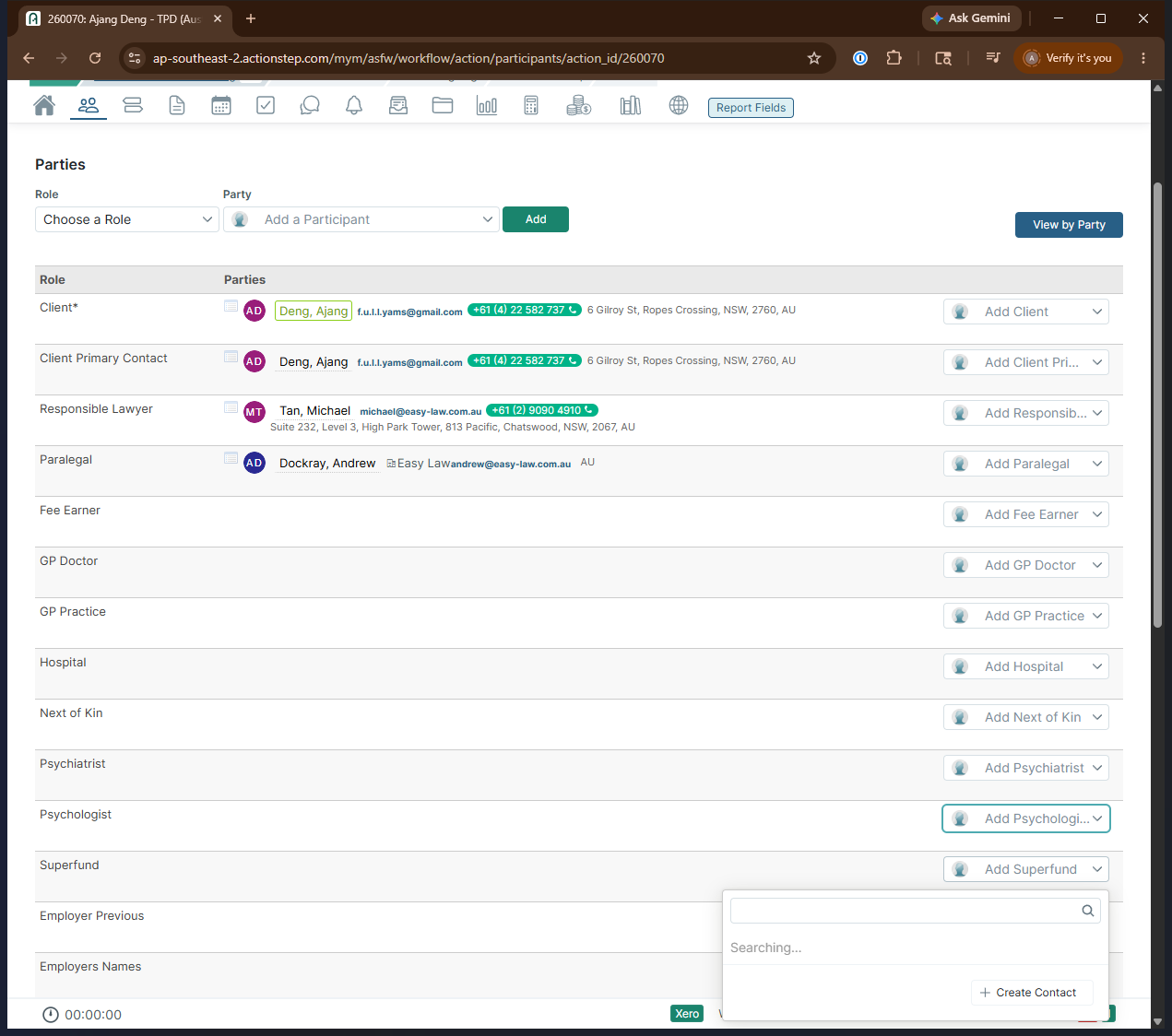
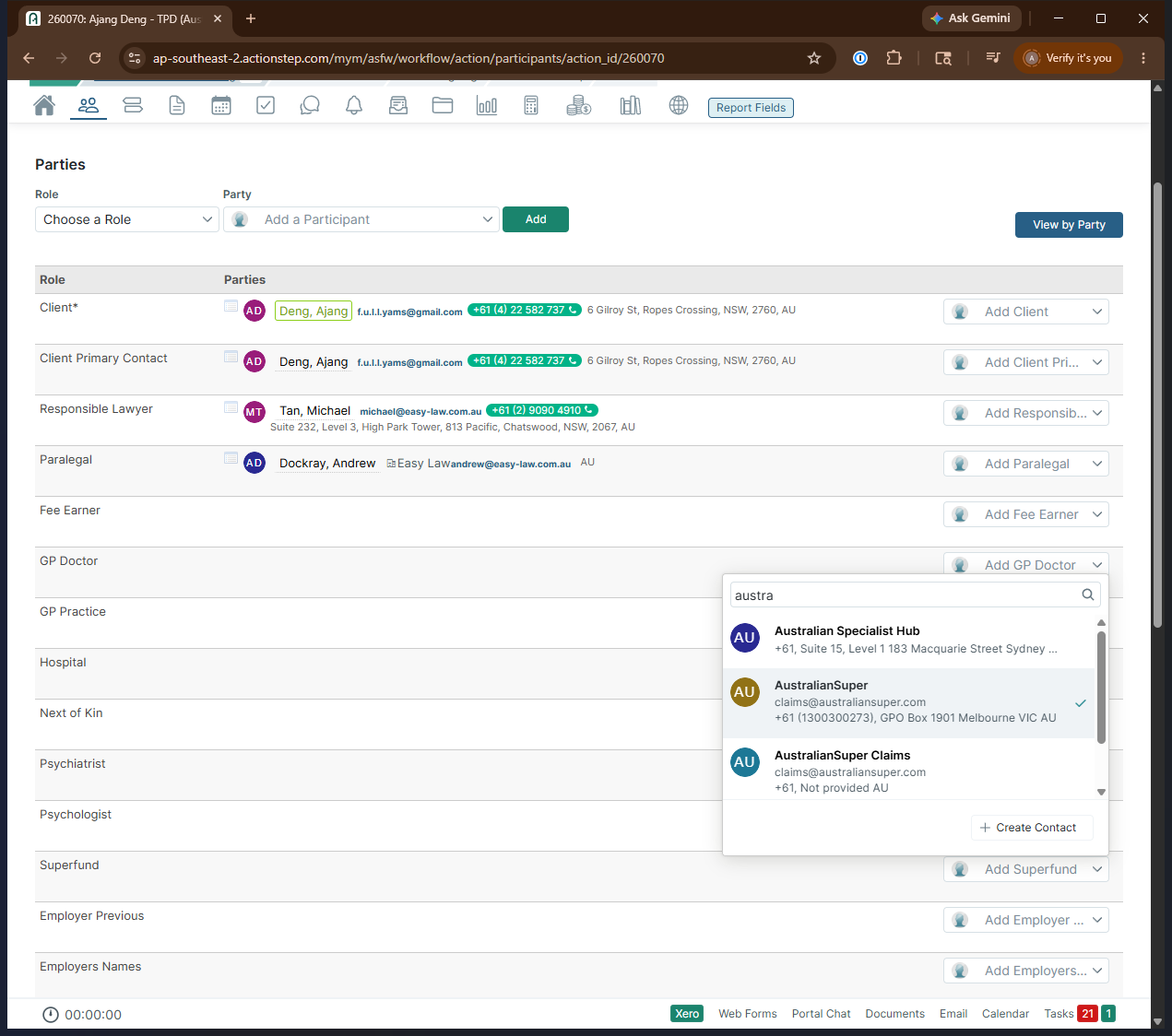
You must link the client's super fund to the matter if it isn't already there.
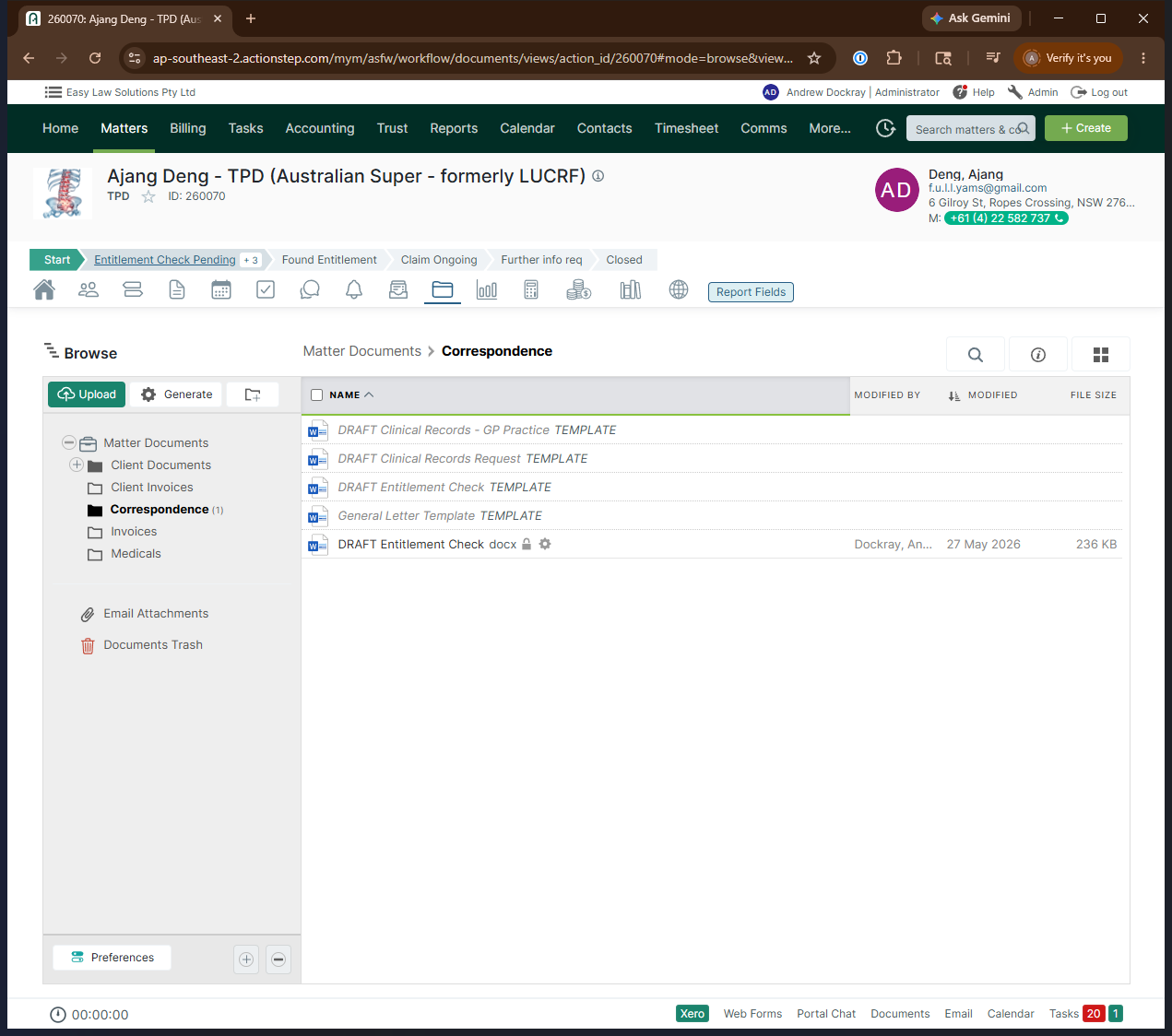
Generate and Review the Draft Document
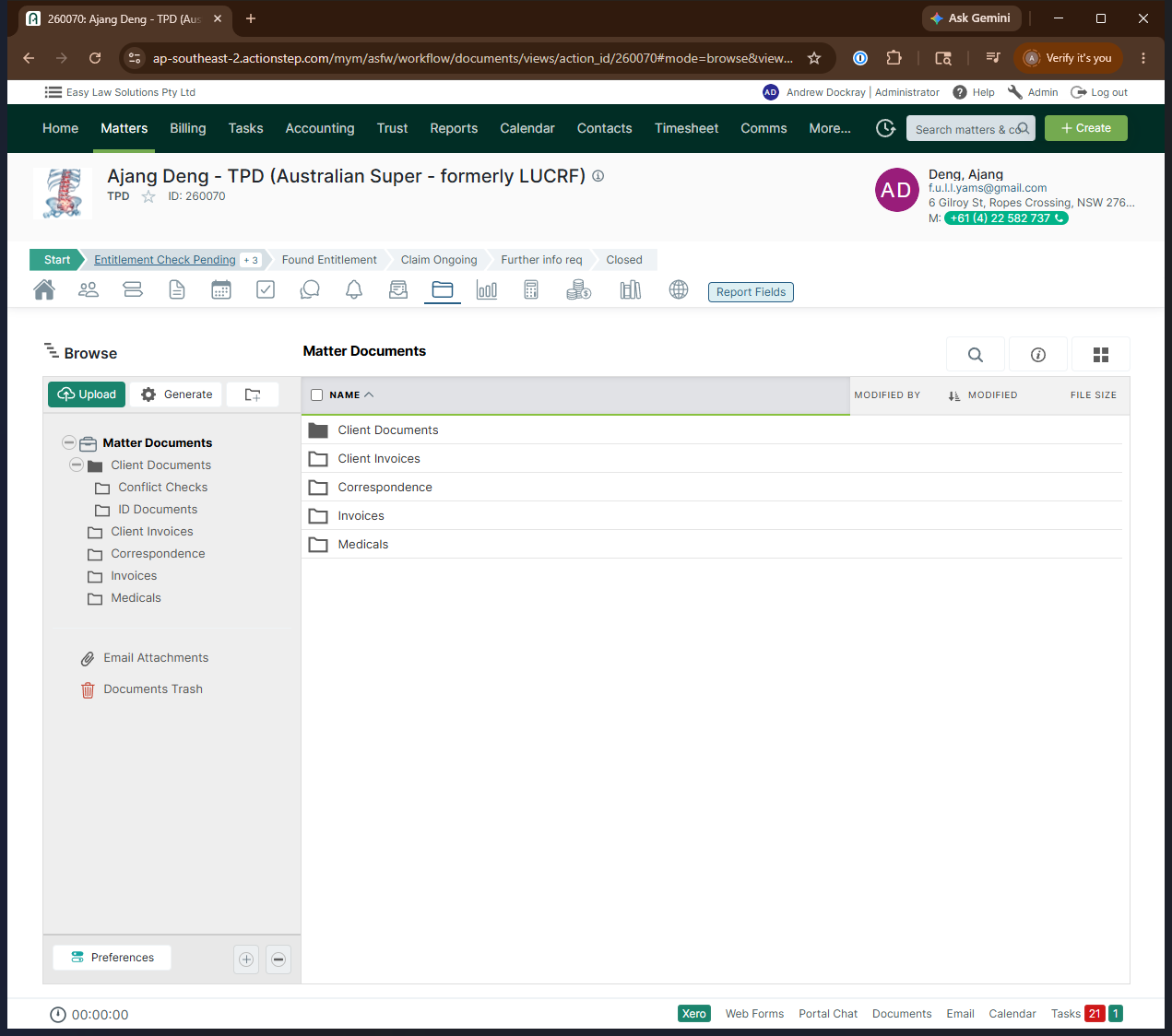
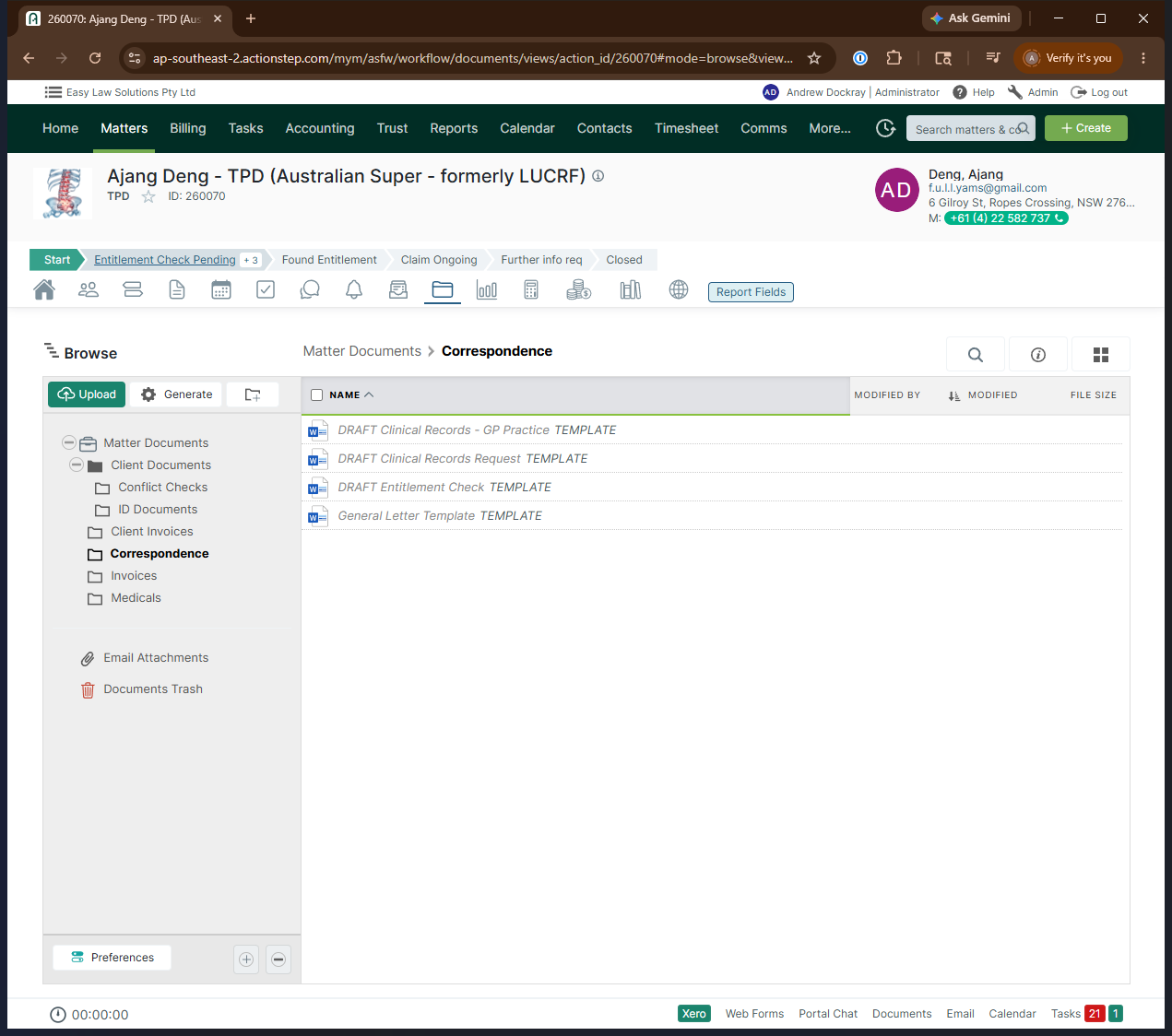
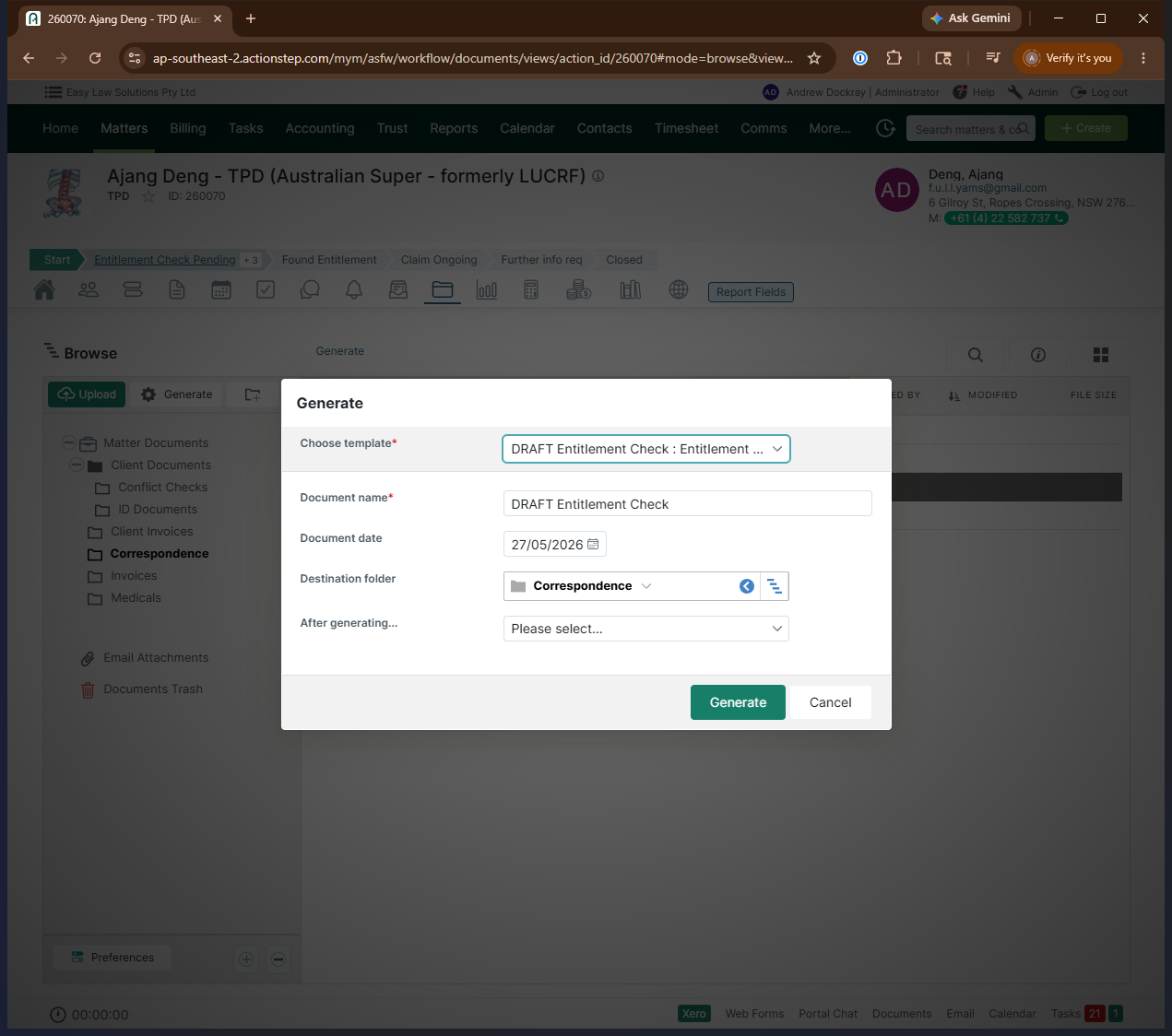
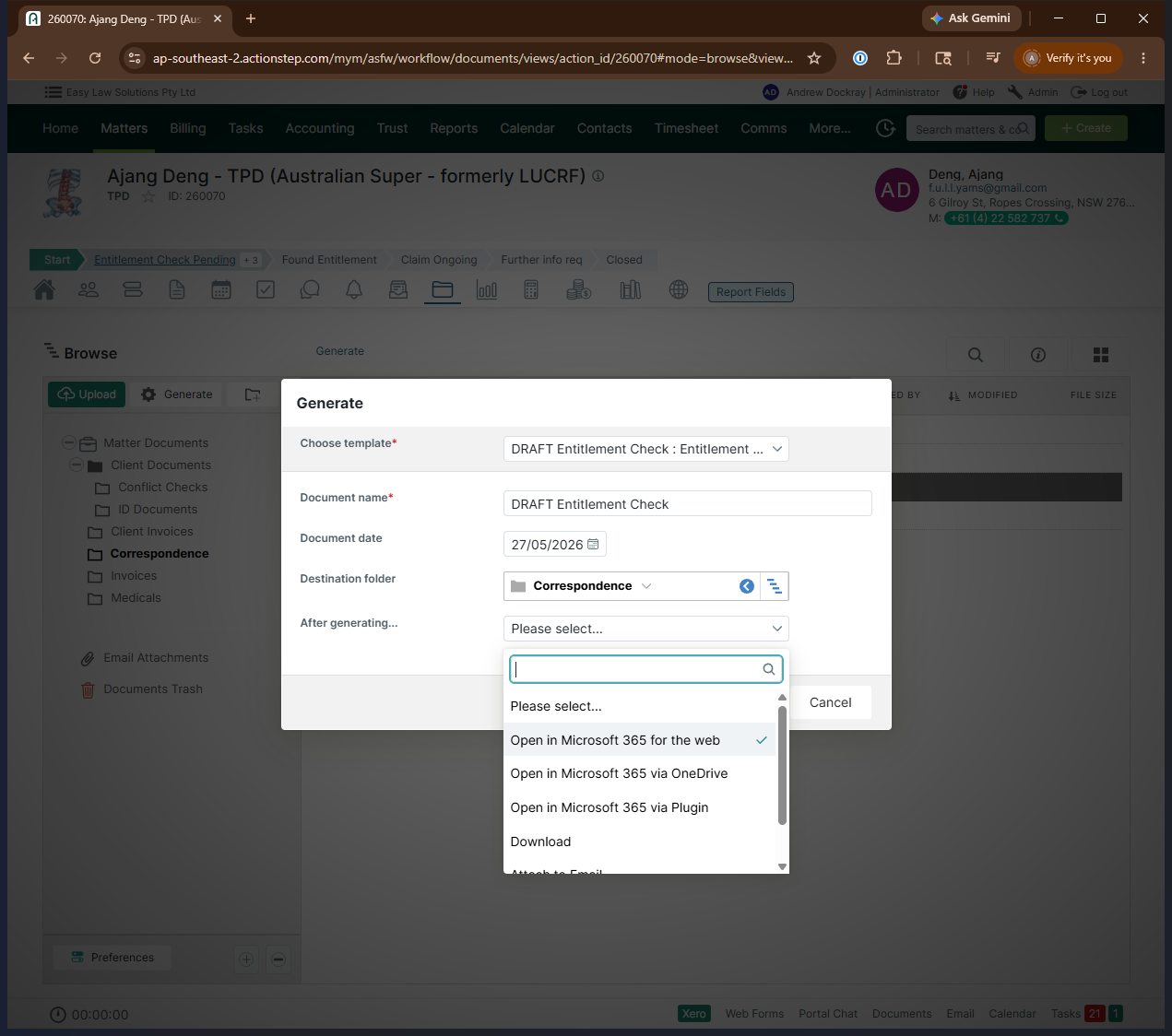
Check the document to ensure the member number, date of birth, name, and the estimated date of disablement are accurately rendered in the boilerplate.
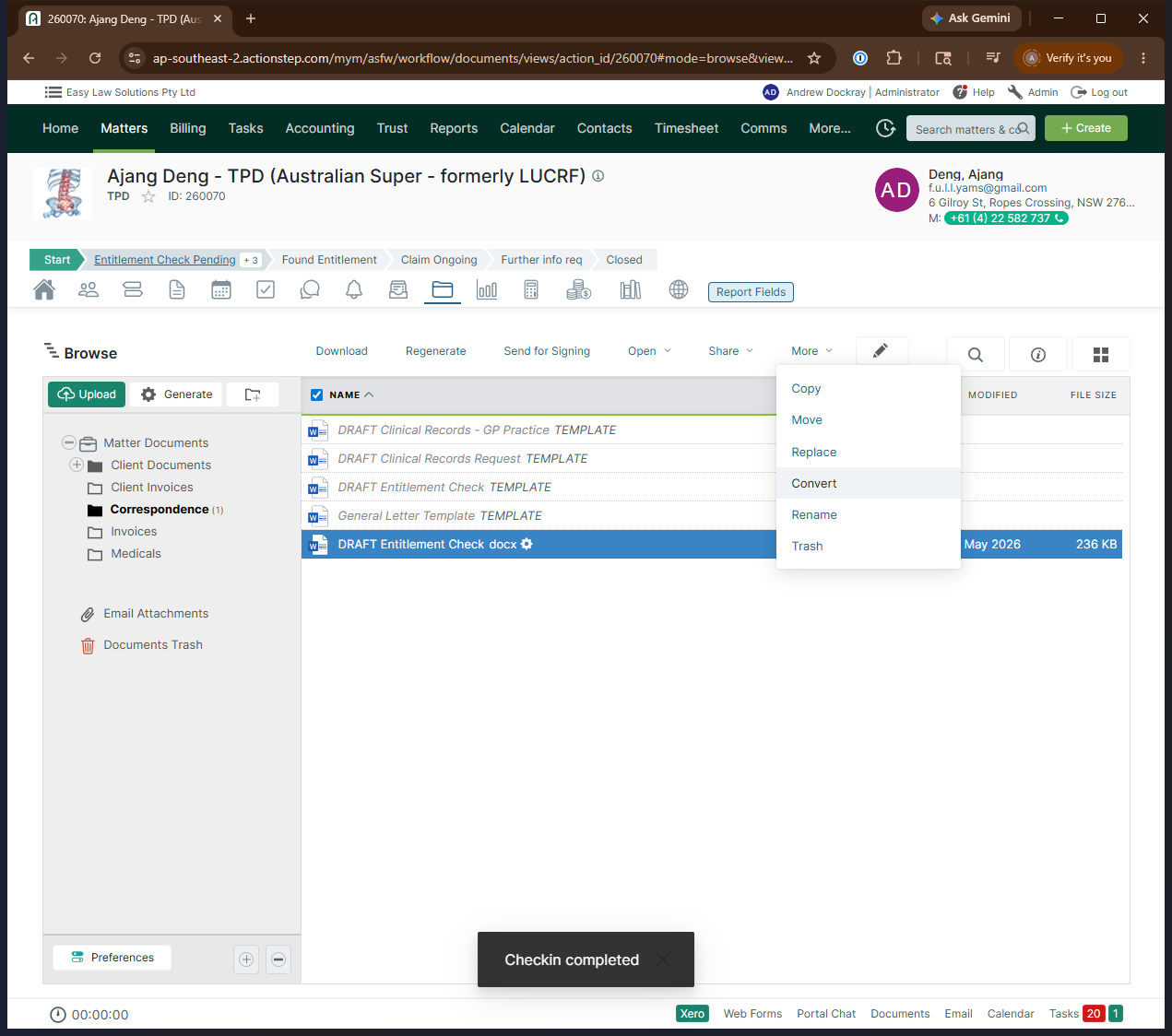
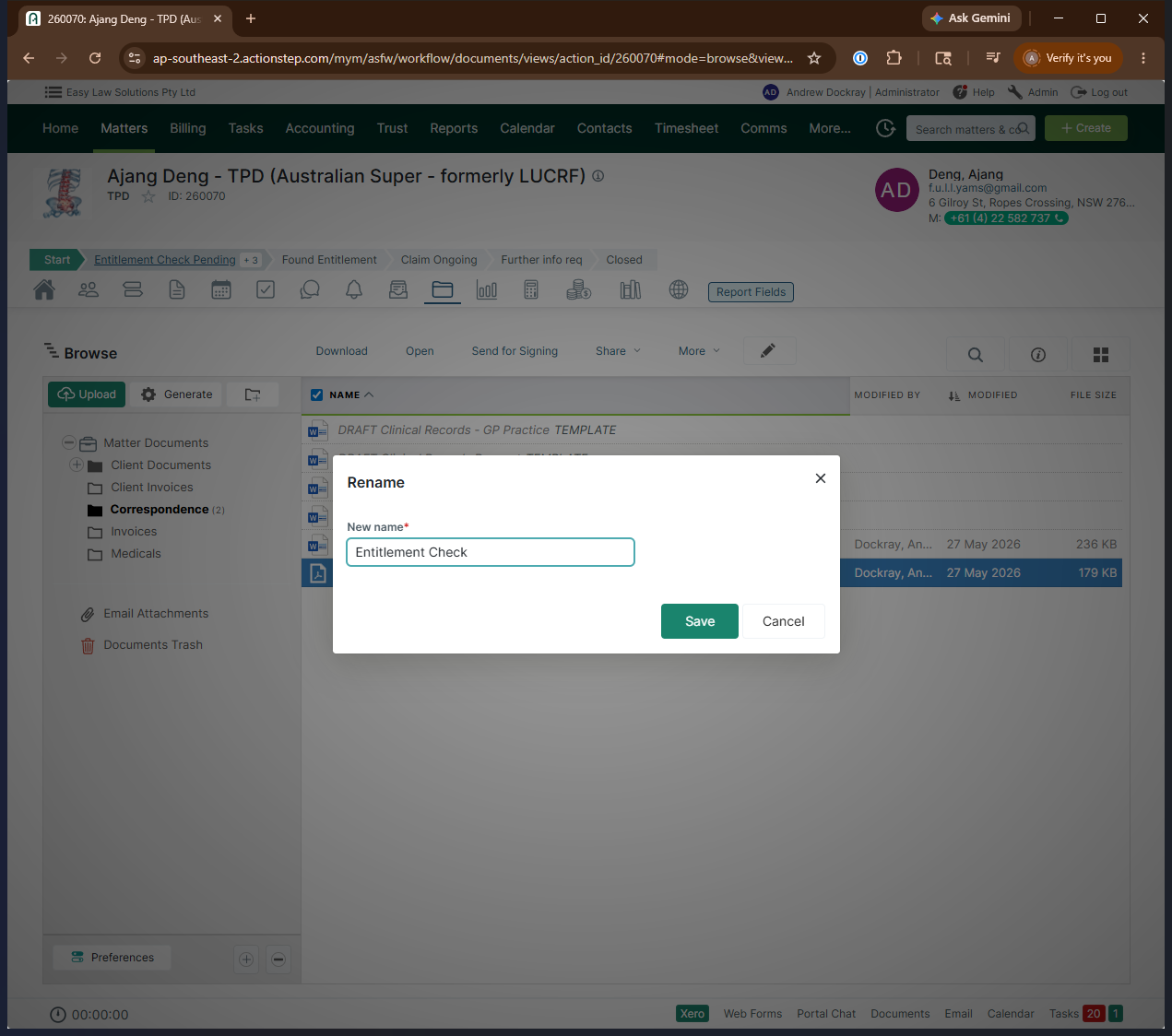
Convert to PDF
Once the draft is verified, you must convert it into a final PDF.
Dispatch the Entitlement Check
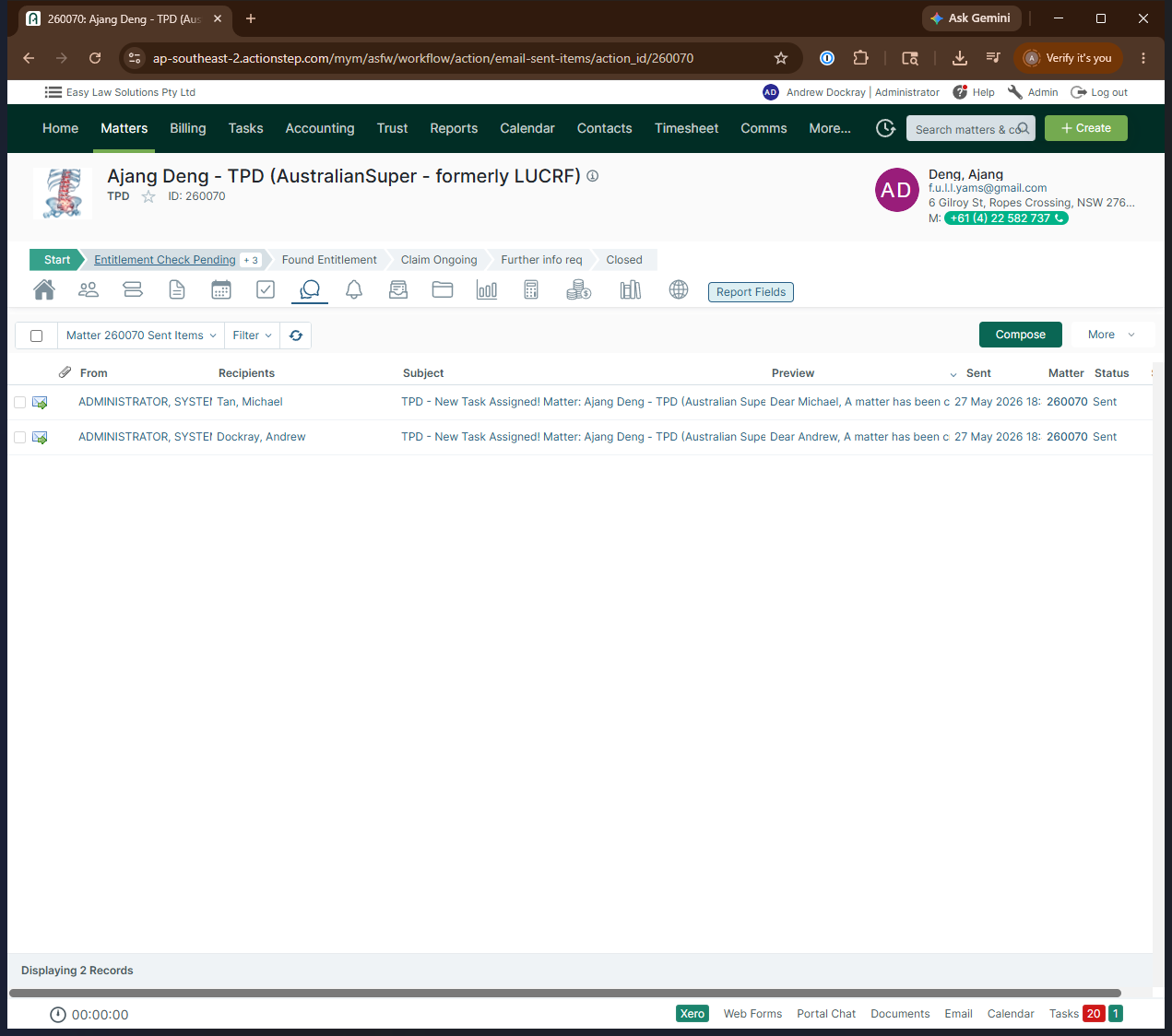
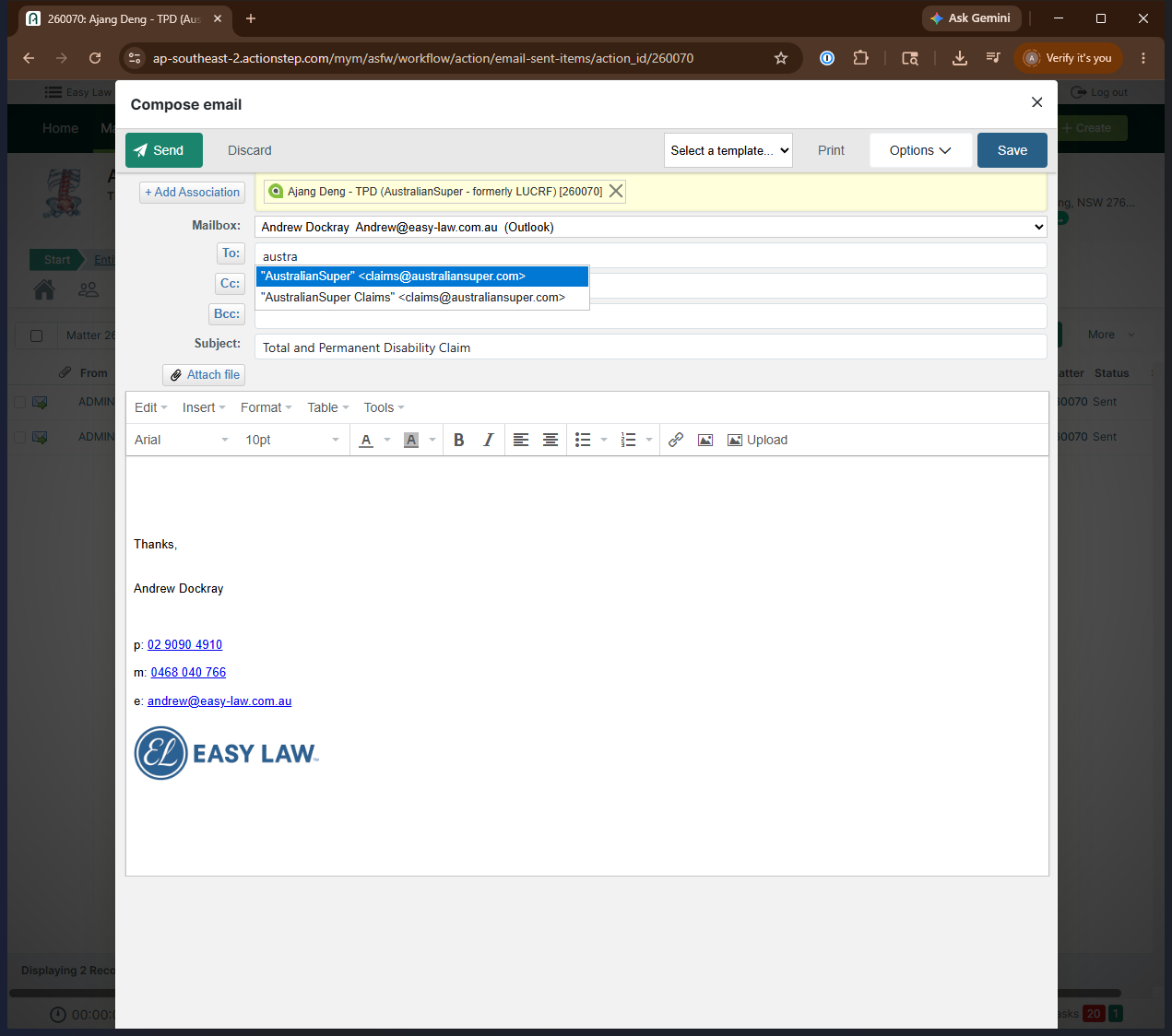
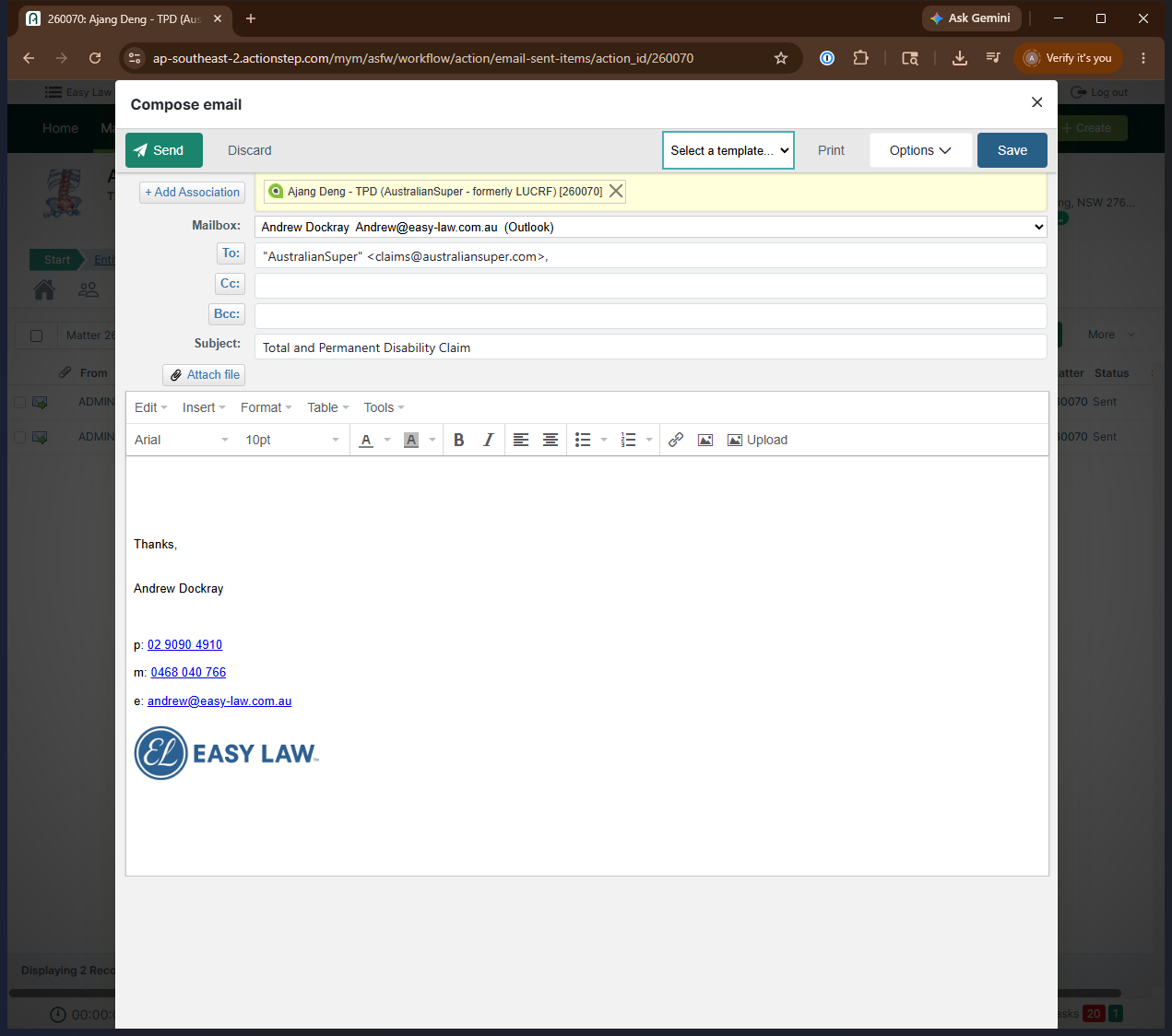
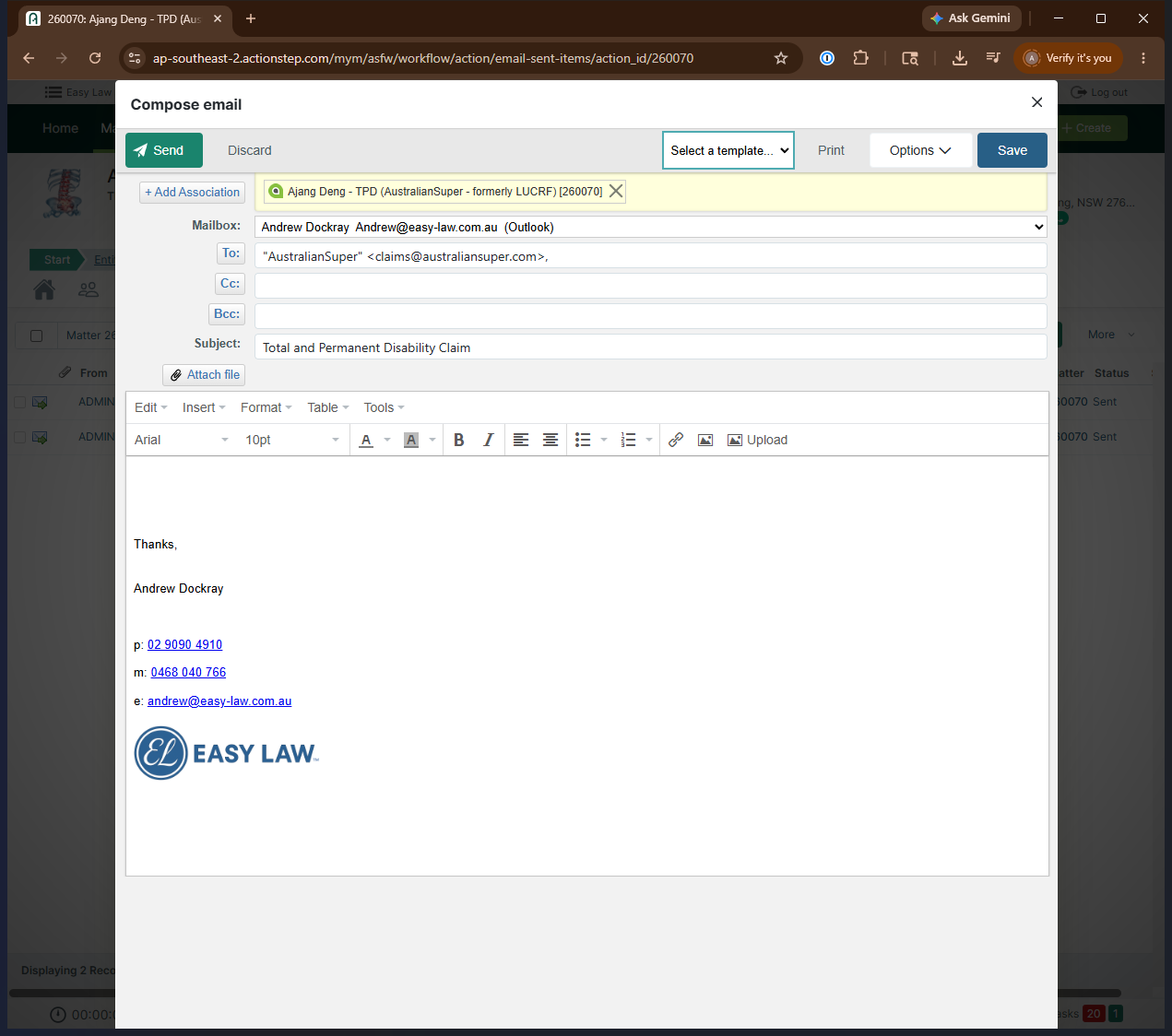
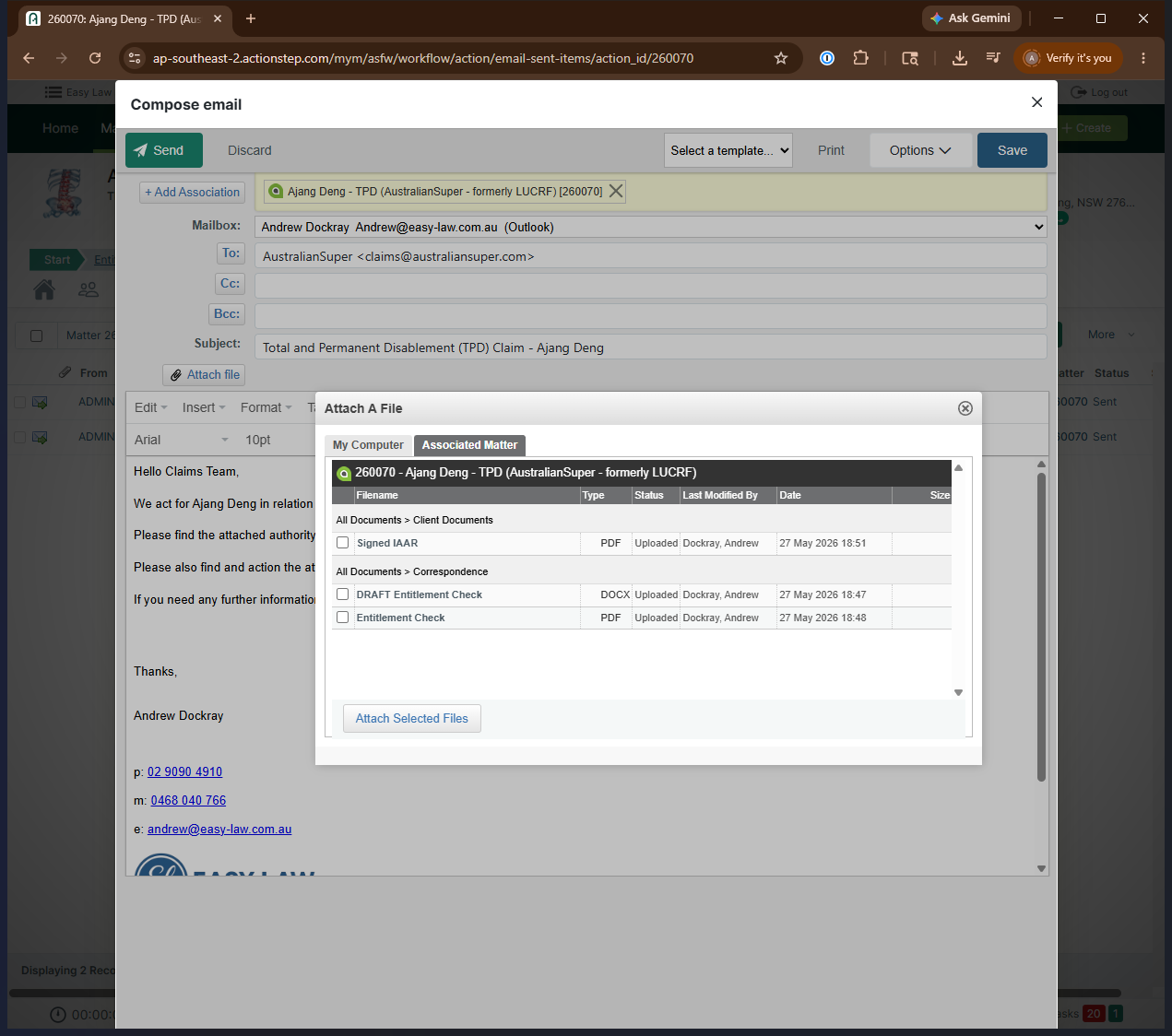
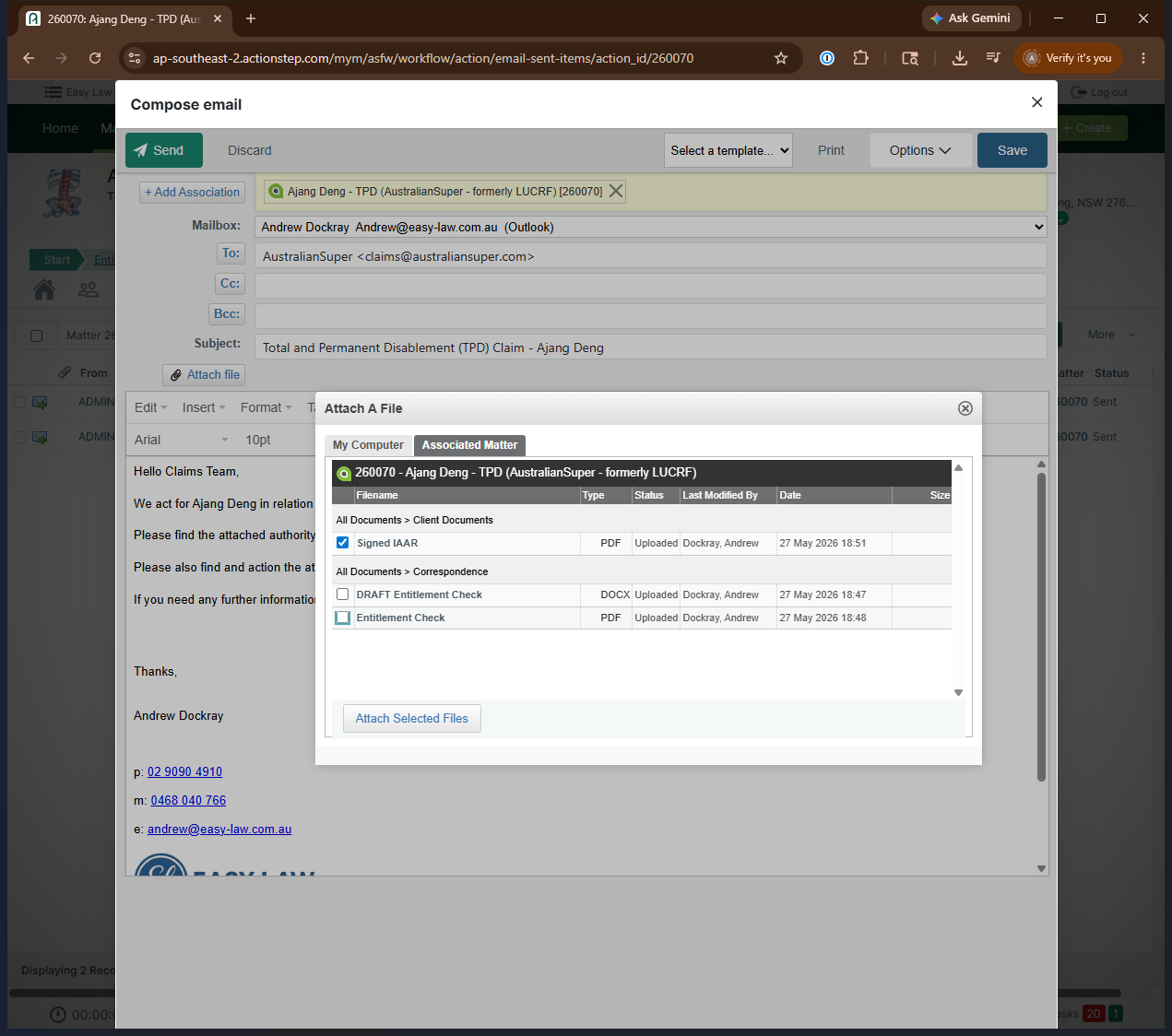
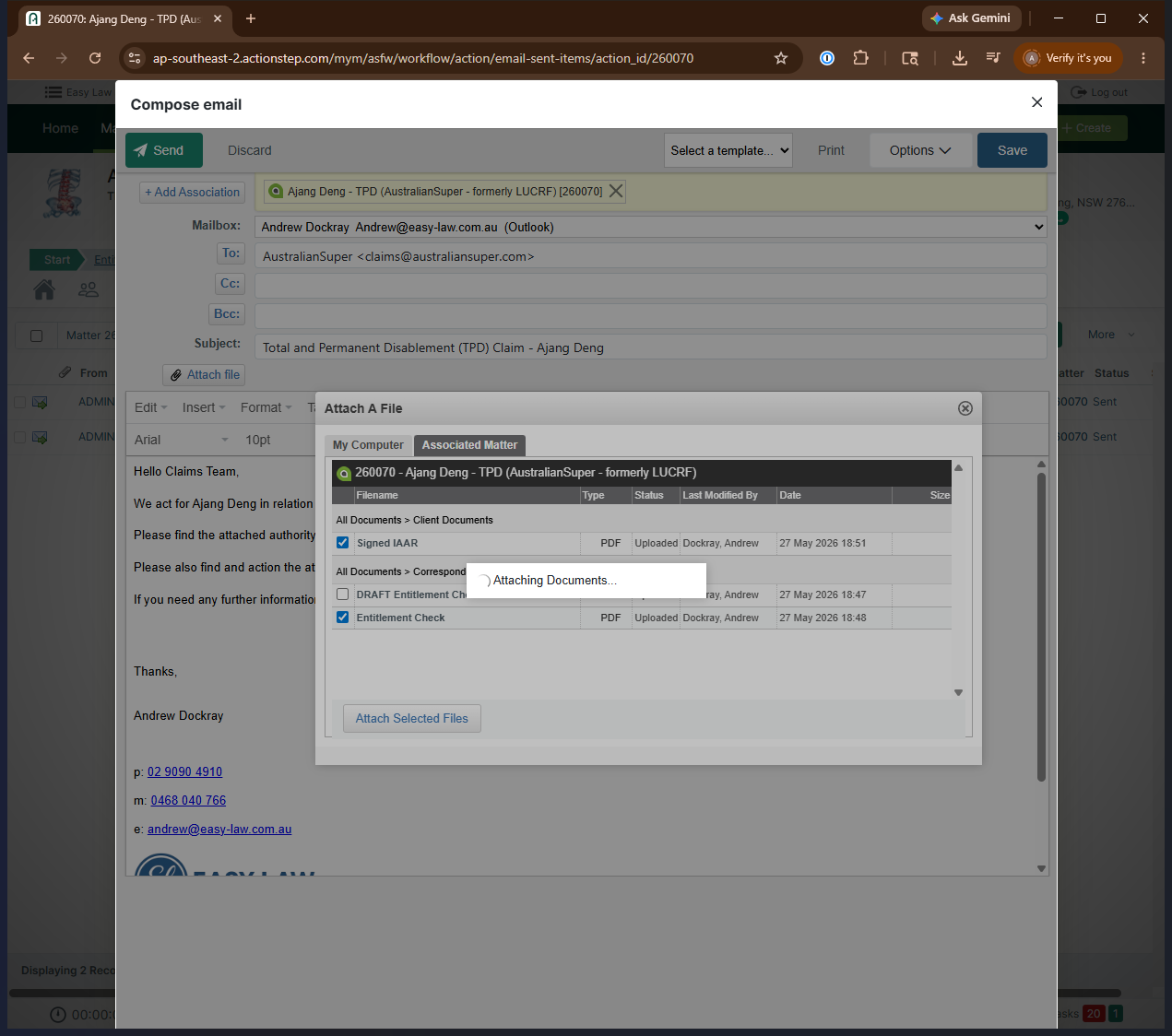
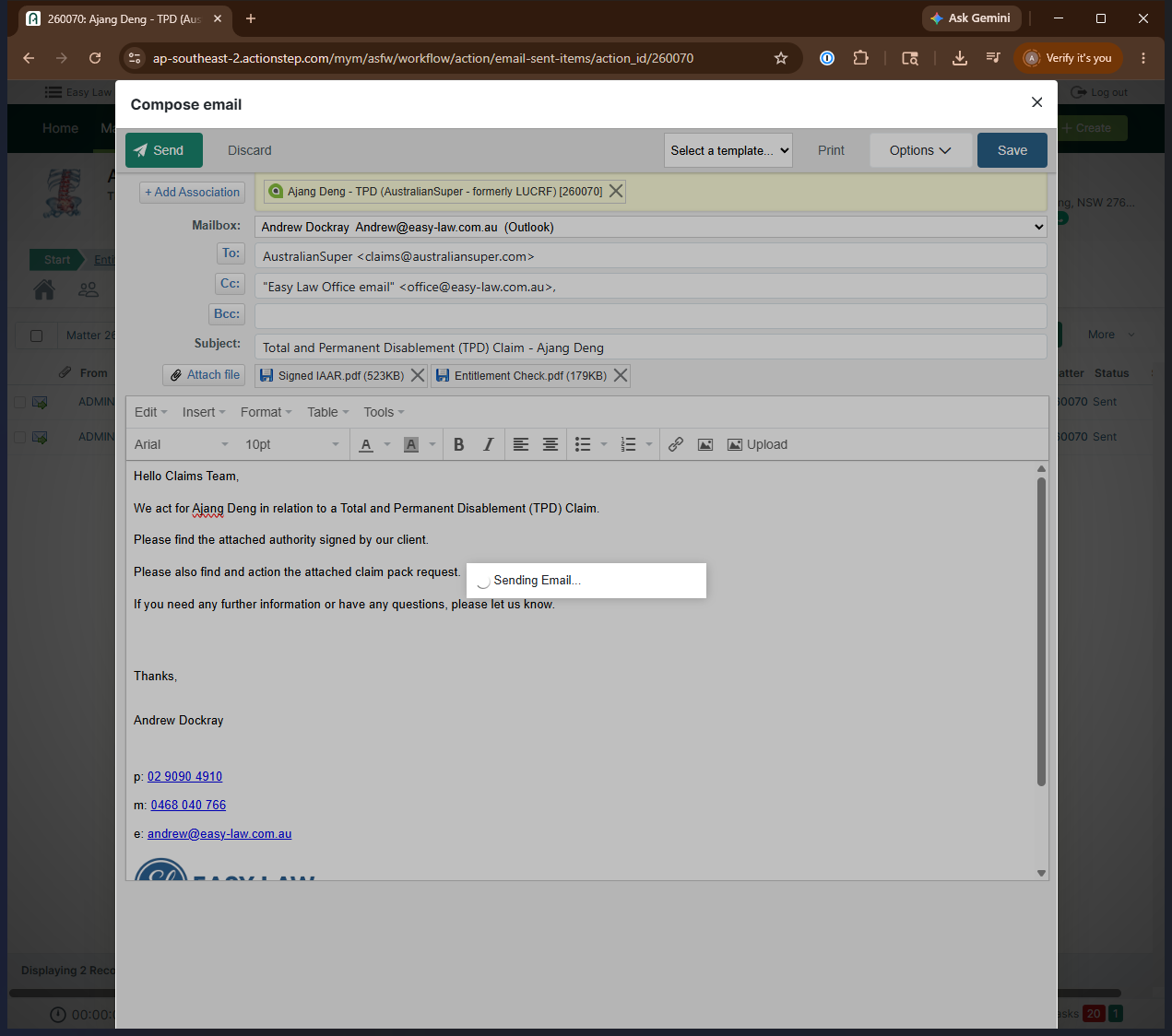
Before emailing, check your Client Documents folder to ensure the client's signed IAAR (Irrevocable Authority to Act and Receive) is saved to the file. Once verified, you can email the documents.
Q: Can I send the entitlement check directly to the super fund?
A: Yes, but only if you have express permission to do so. Otherwise, send the drafted email to your supervisor so they can review and forward it.
Q: What information must be verified in the draft entitlement check before sending?
A: You must ensure the client's member number, date of birth, legal name, and the rough date of disablement are correctly populated in the draft document.
Q: Who else should be included when emailing the super fund directly?
A: If you have permission to email the super fund directly, you should also include your office in the email correspondence so the sent items are tracked.
Term | Definition |
|---|---|
TPD | Total and Permanent Disablement, a type of insurance claim for individuals who can no longer work due to severe illness or injury. |
IAAR | Irrevocable Authority to Act and Receive, a legal document authorizing a representative to act on behalf of a client and receive documents or funds. |
Super Fund | Short for superannuation fund, which manages an individual's retirement savings in Australia. |
Entitlement Check | A request sent to a super fund to verify a client's available insurance coverage and account balances. |