
How to Build and Send Detailing Quotes
Learn how to import customer vehicle data into Quote Builder, generate and email a customized quote, and send an SMS follow-up.
Generate and email customized vehicle detailing quotes using the Quote Builder tool, then confirm quote delivery by sending a preconfigured SMS follow-up to the customer.
This procedure applies to sales representatives and customer service team members managing incoming vehicle inquiries in GoHighLevel and Zite Team App.
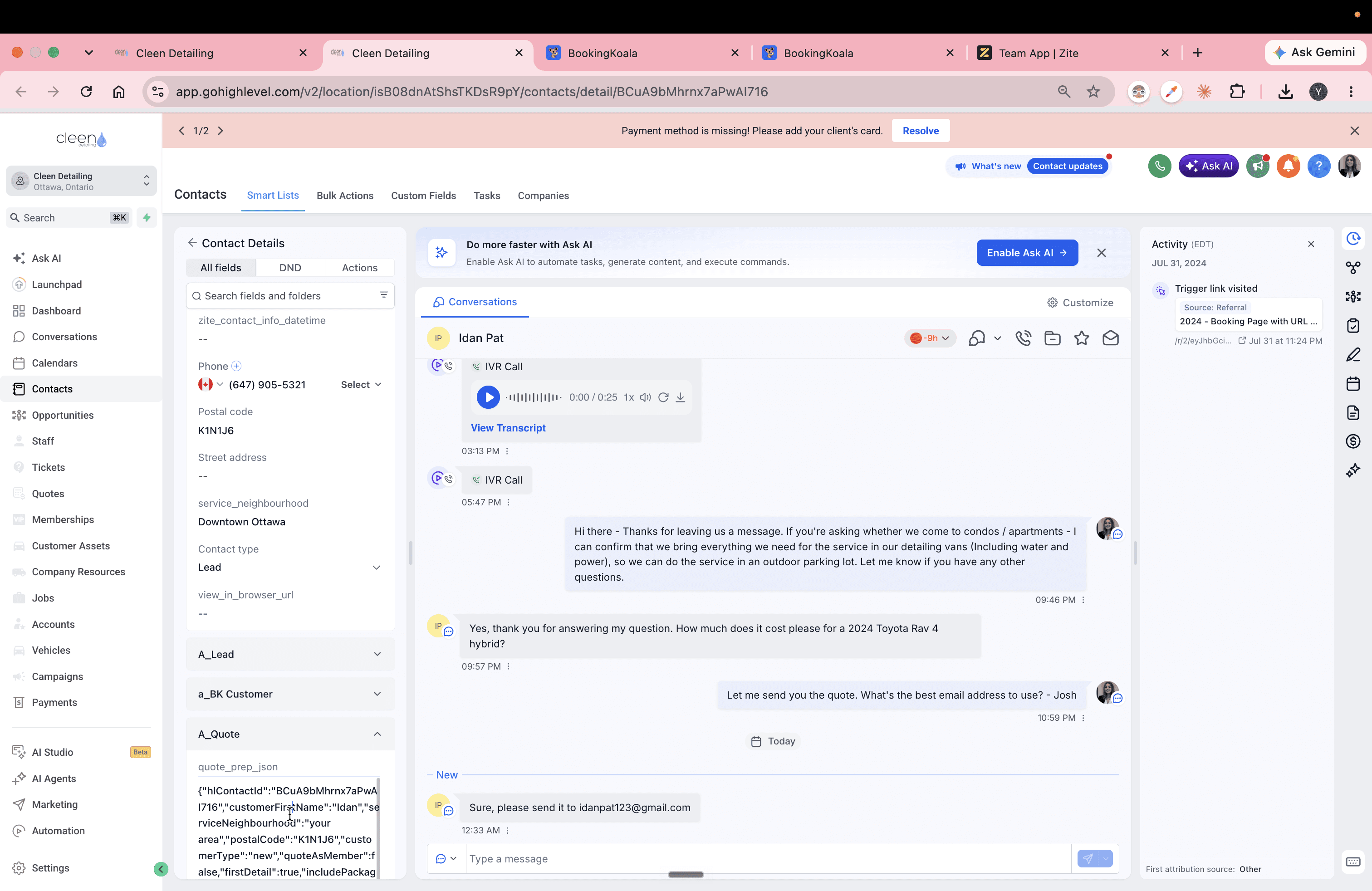
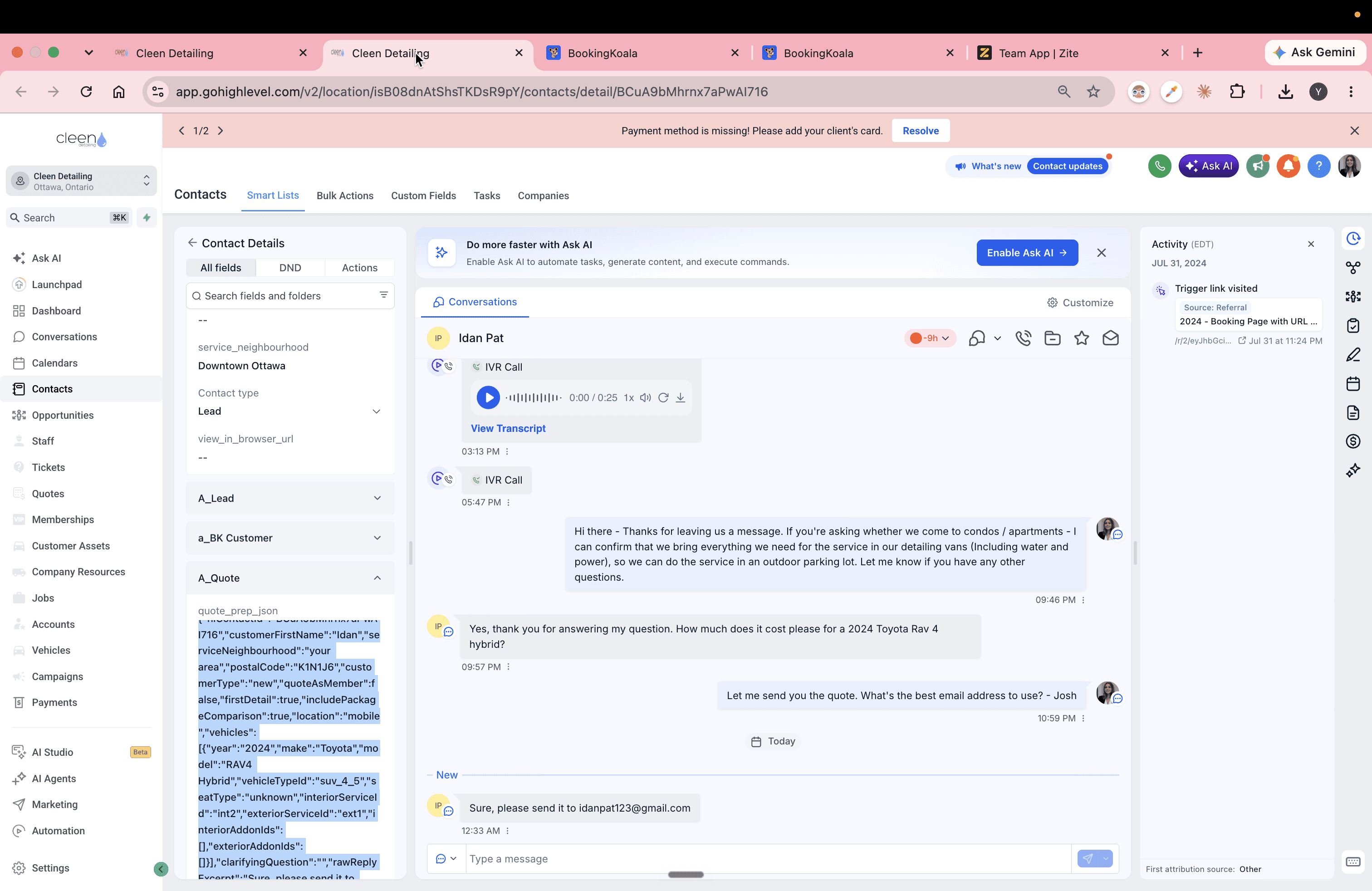
Copy Quote Data from GoHighLevel
When a customer provides vehicle details (year, make, model) and requested services, the CRM automatically formats this information into a JSON snippet in their contact record.
Load and Customize the Quote in Quote Builder
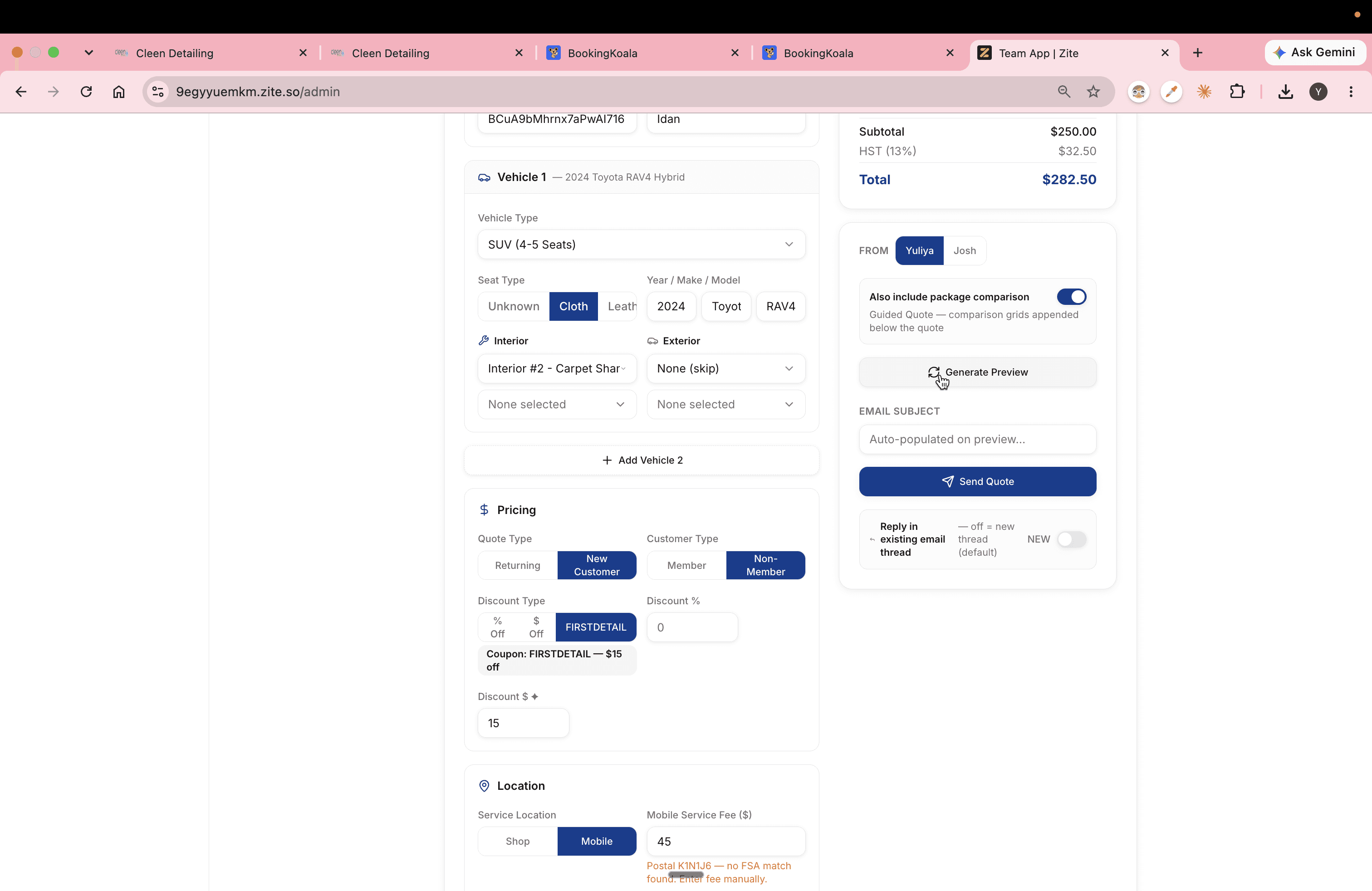
Transfer the JSON payload into the Admin Dashboard's Quote Builder to populate all customer and vehicle fields automatically.
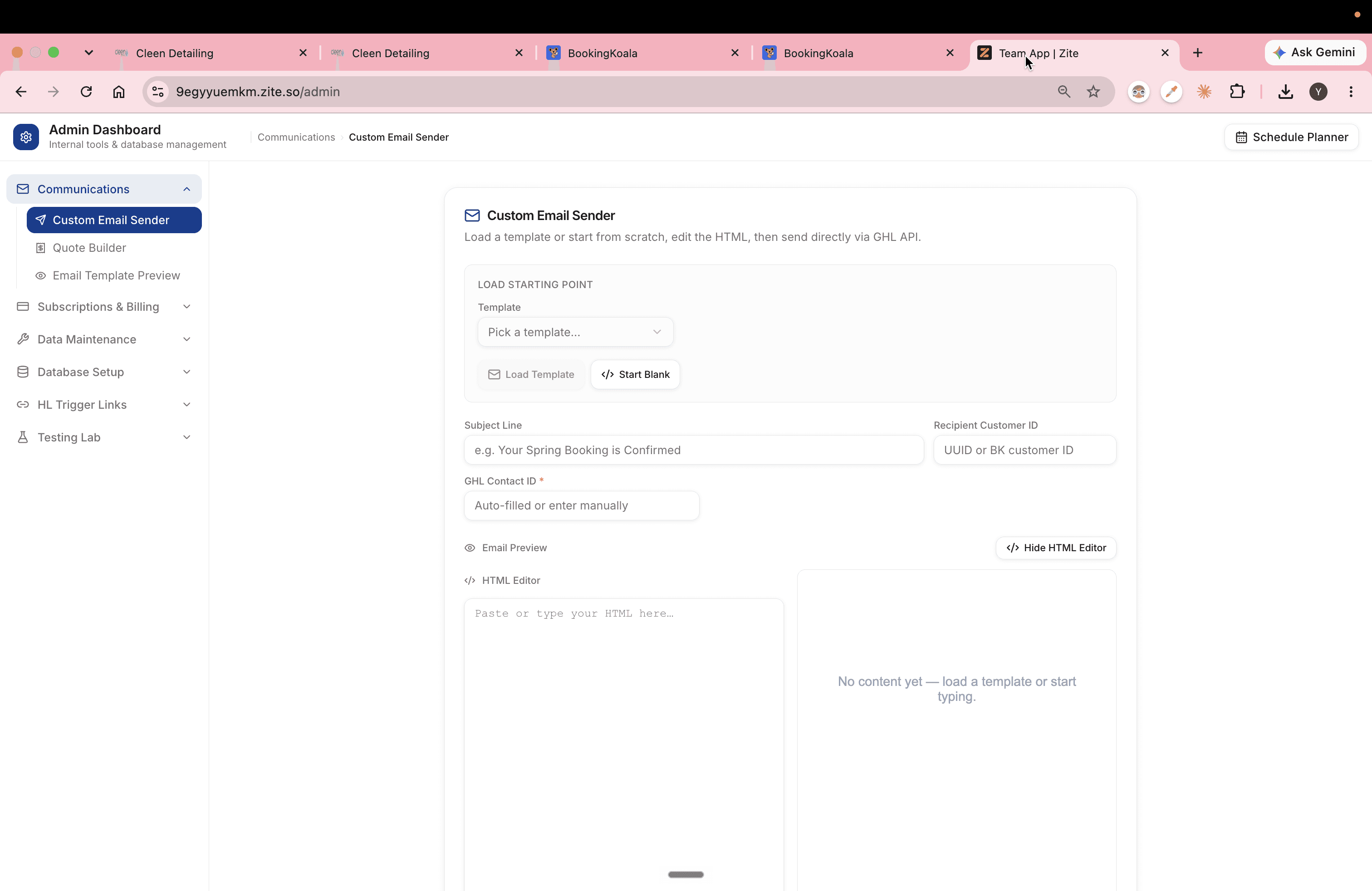
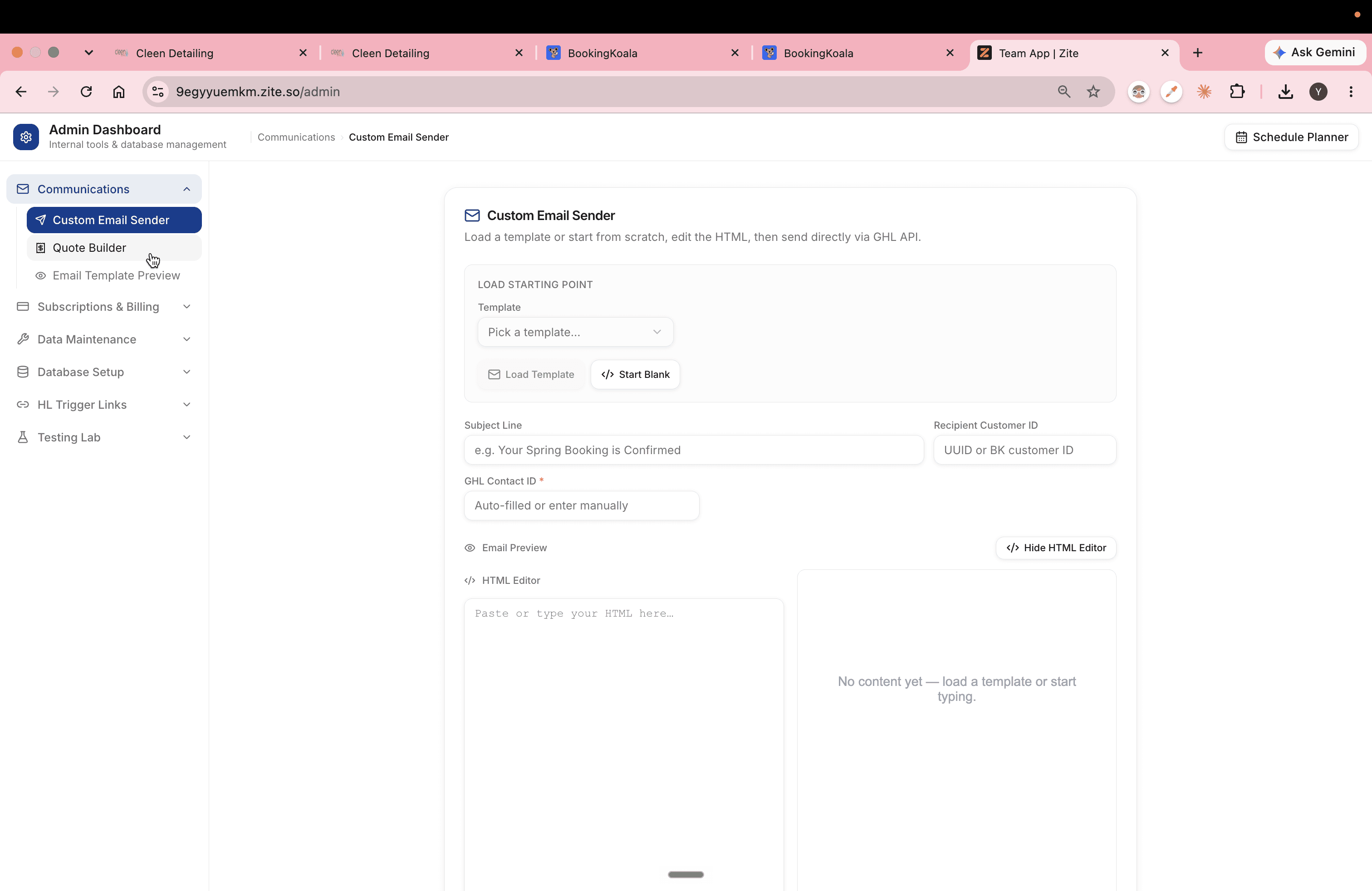
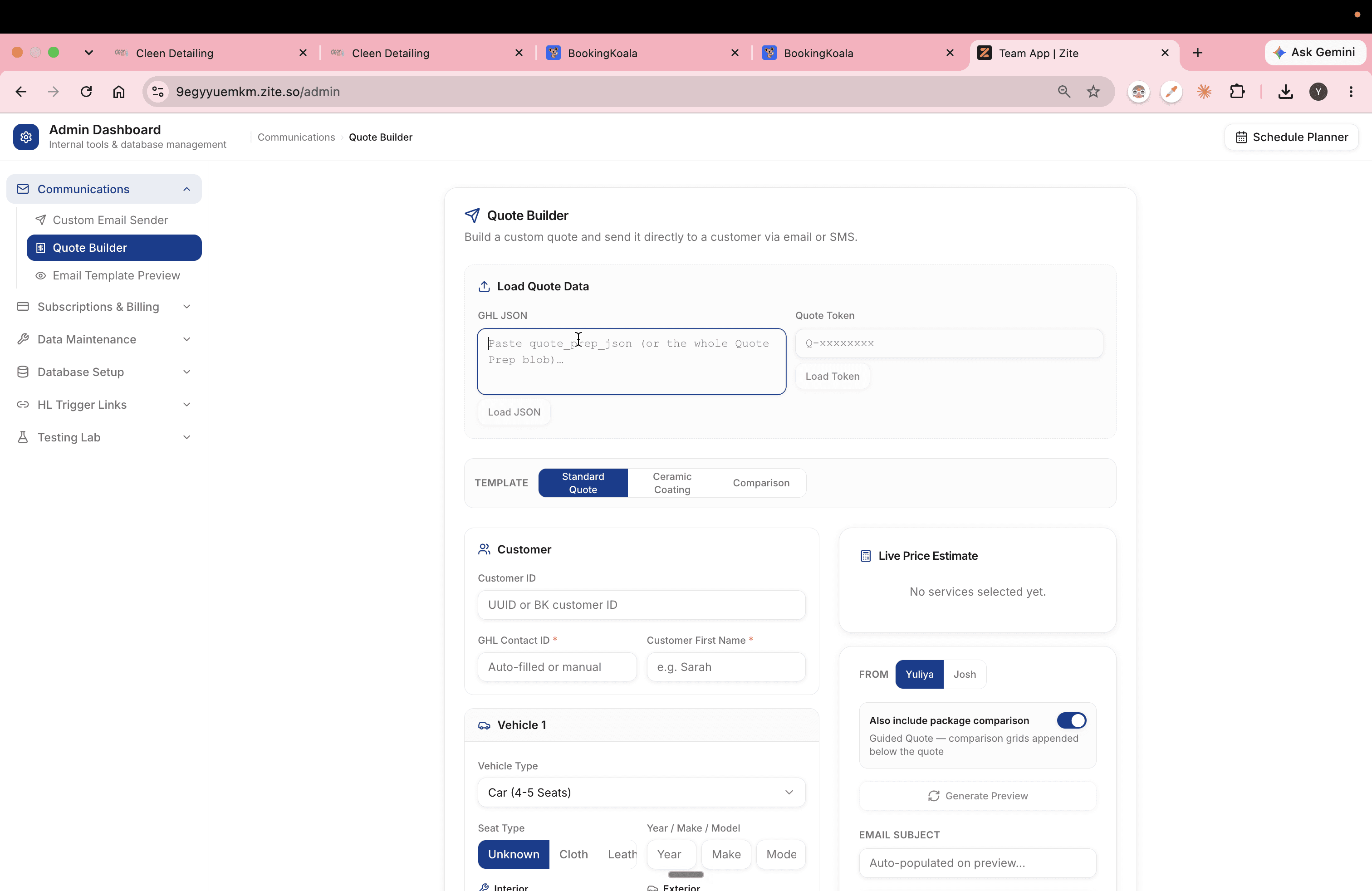
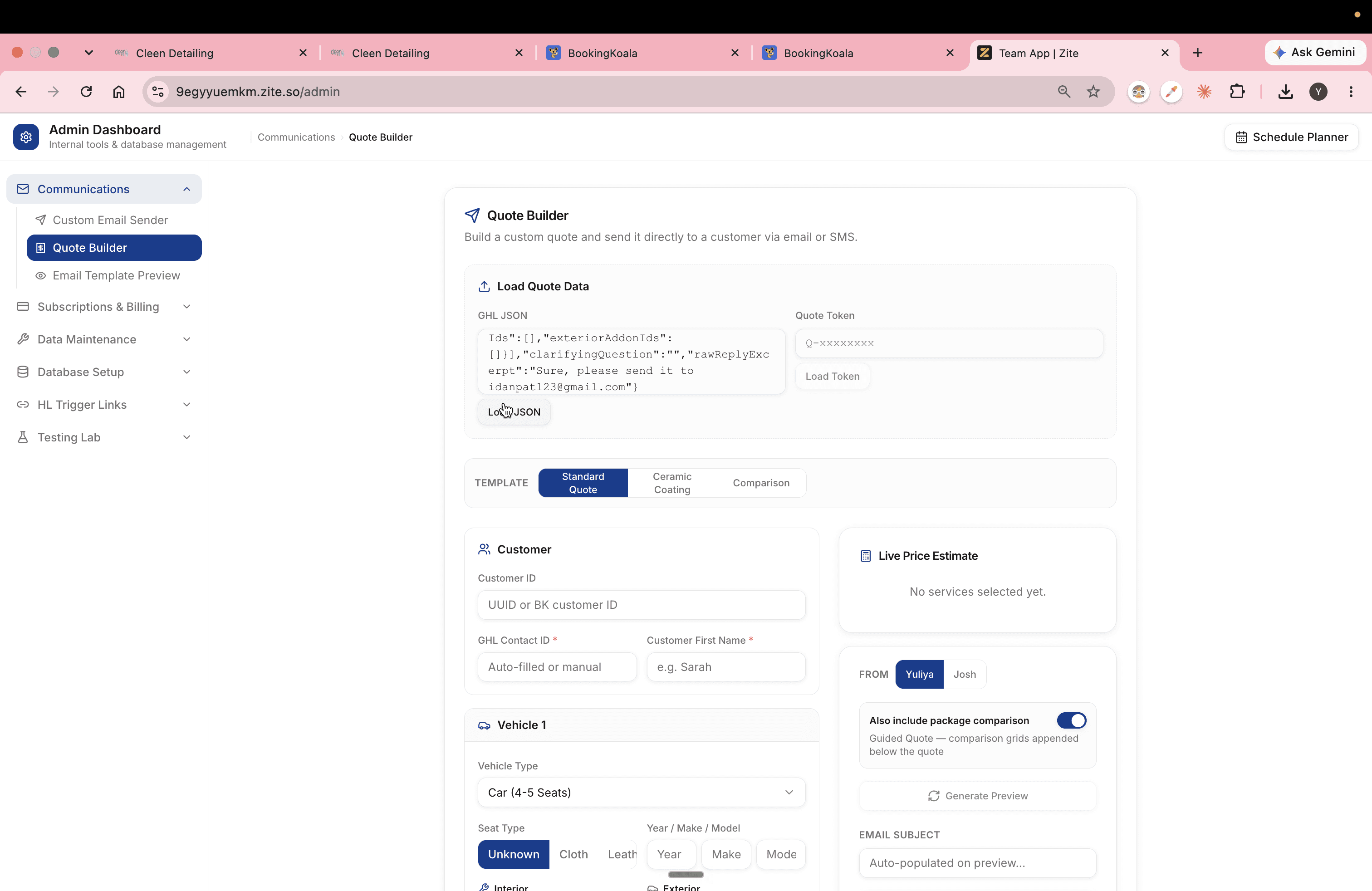
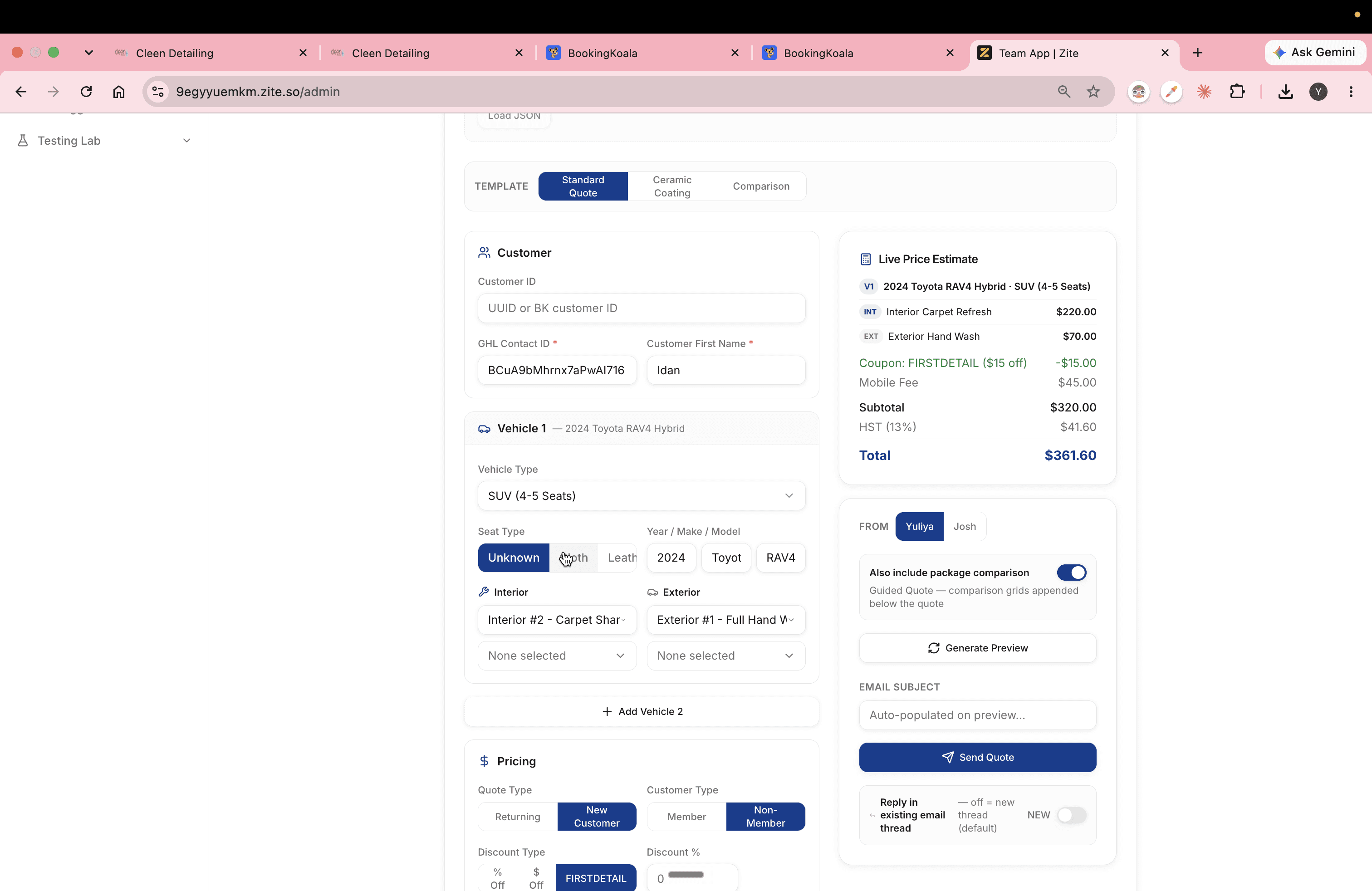
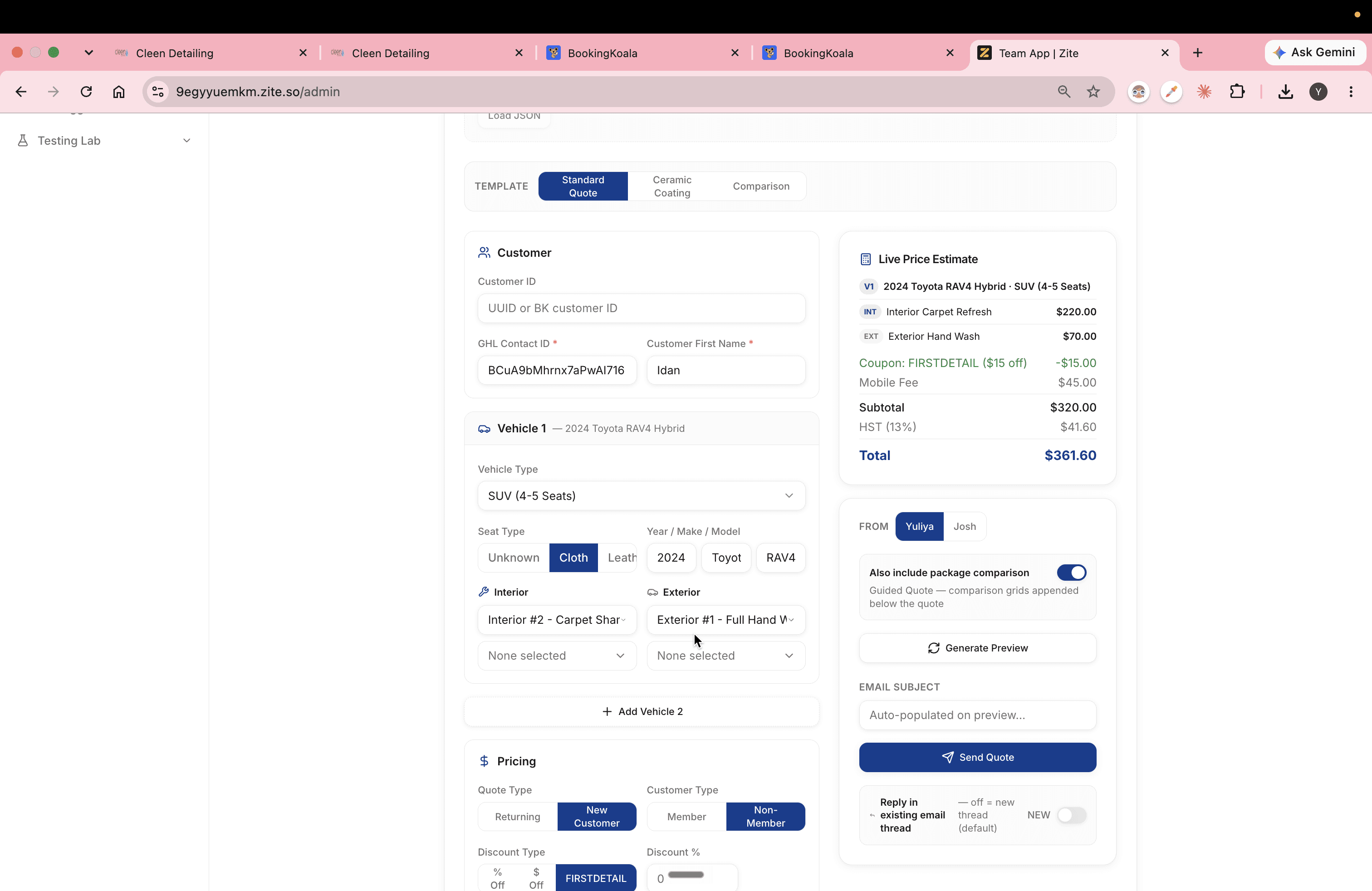
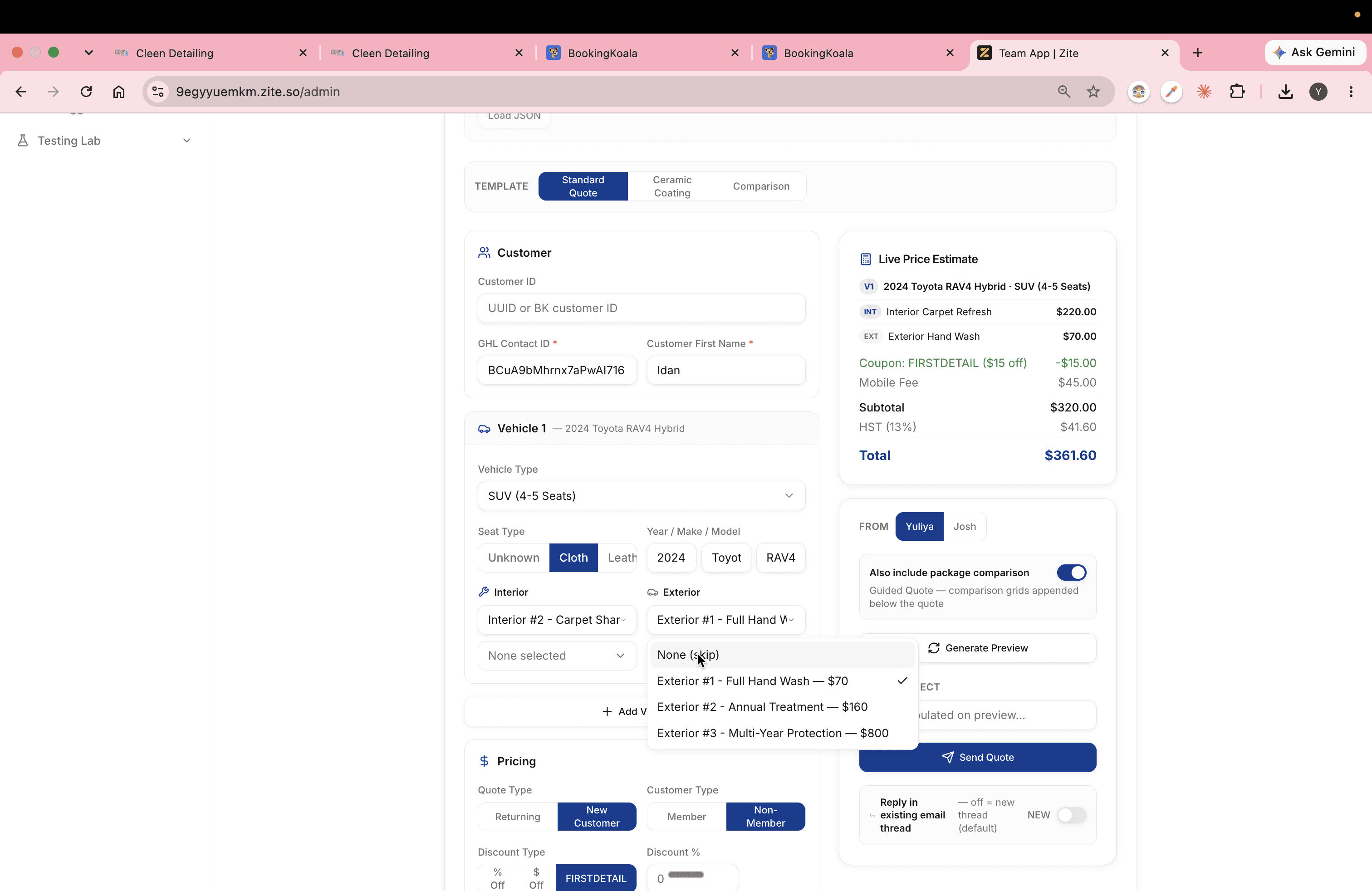
Review the populated fields and make any necessary adjustments based on the customer's vehicle configuration and specific preferences.
Send Follow-Up SMS in GoHighLevel
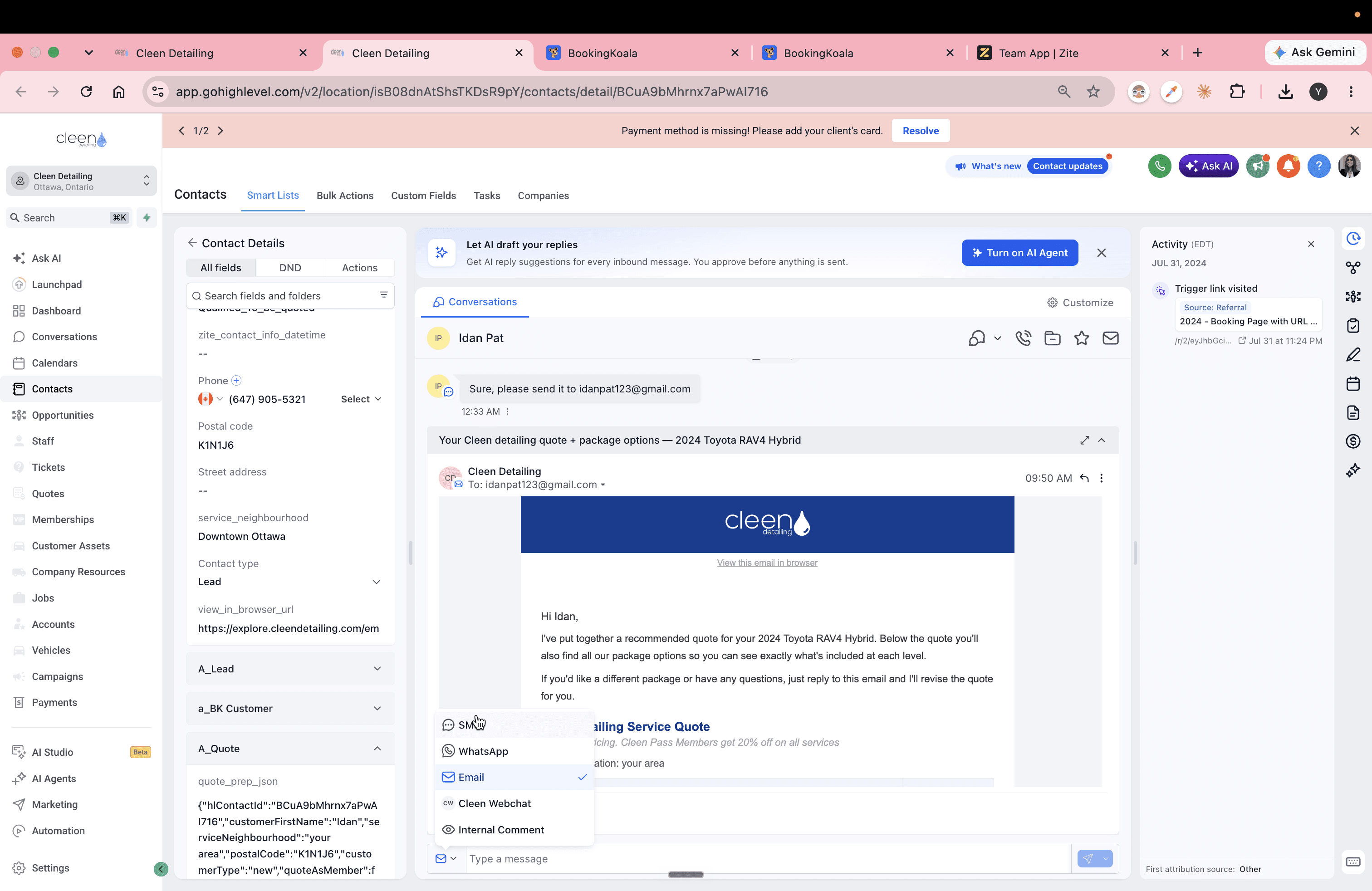
Once the quote is emailed, the contact's CRM record is automatically updated with a browser view URL. Send an SMS containing the quote trigger link so the customer can access it immediately.
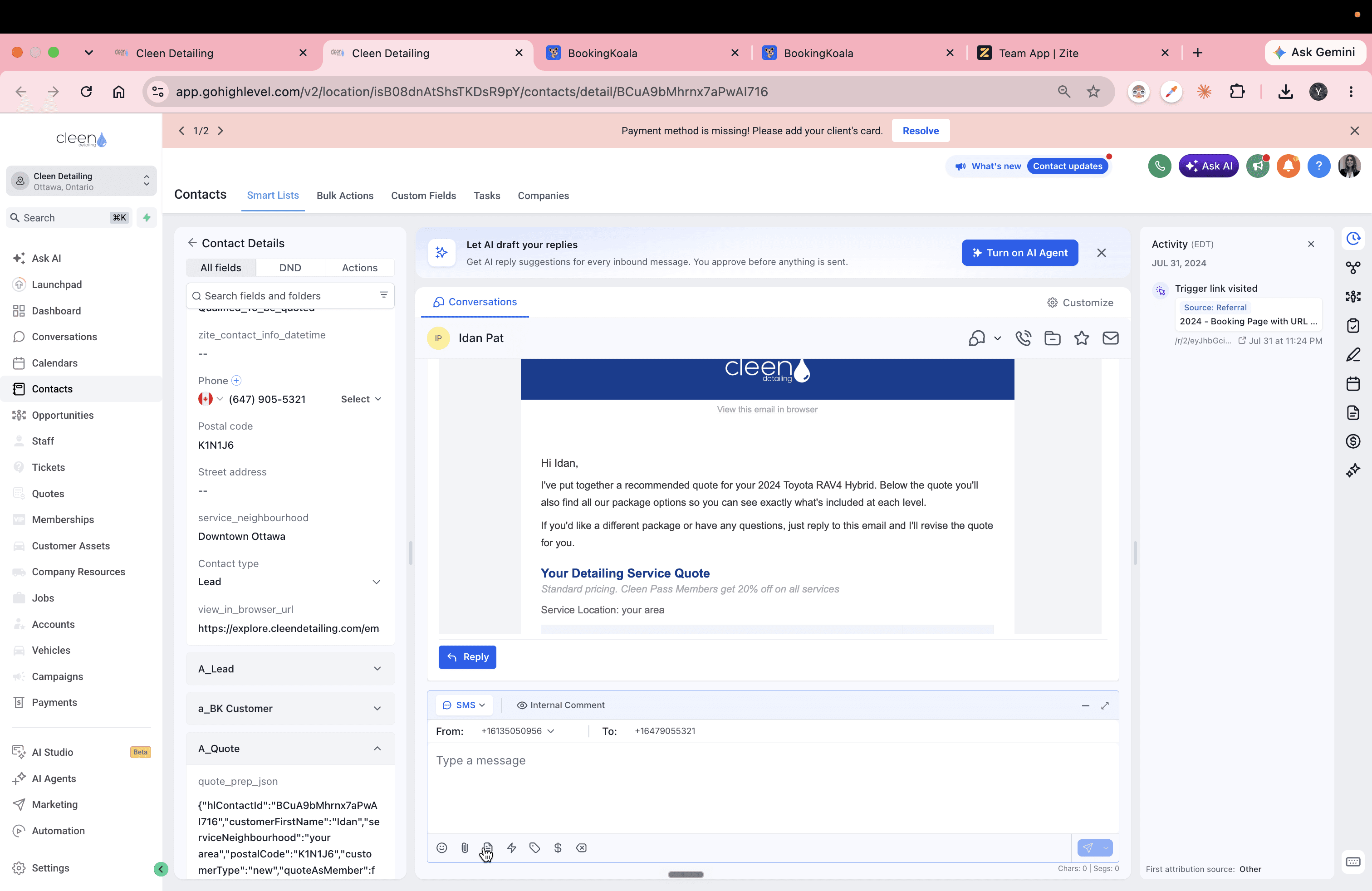
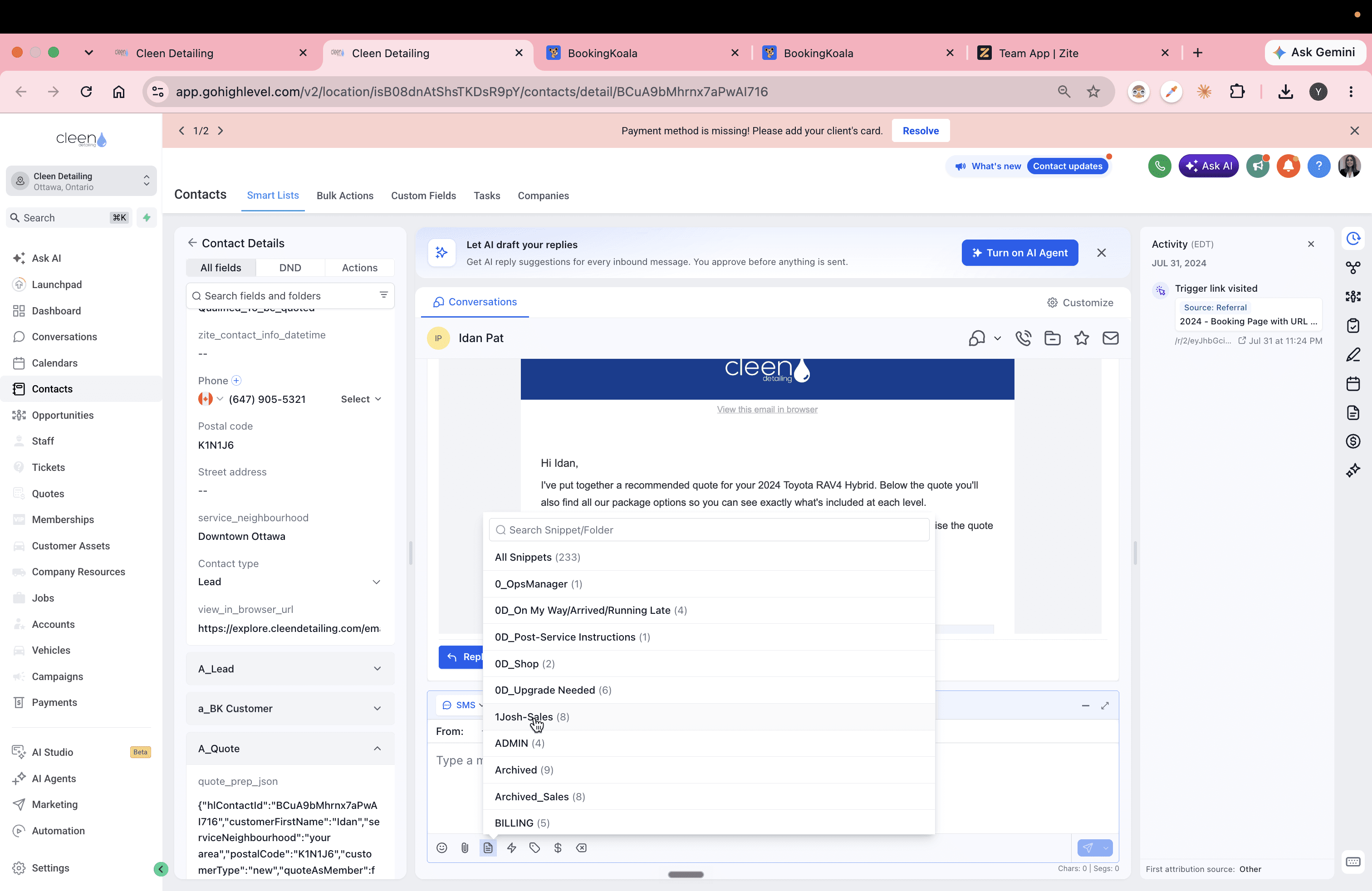
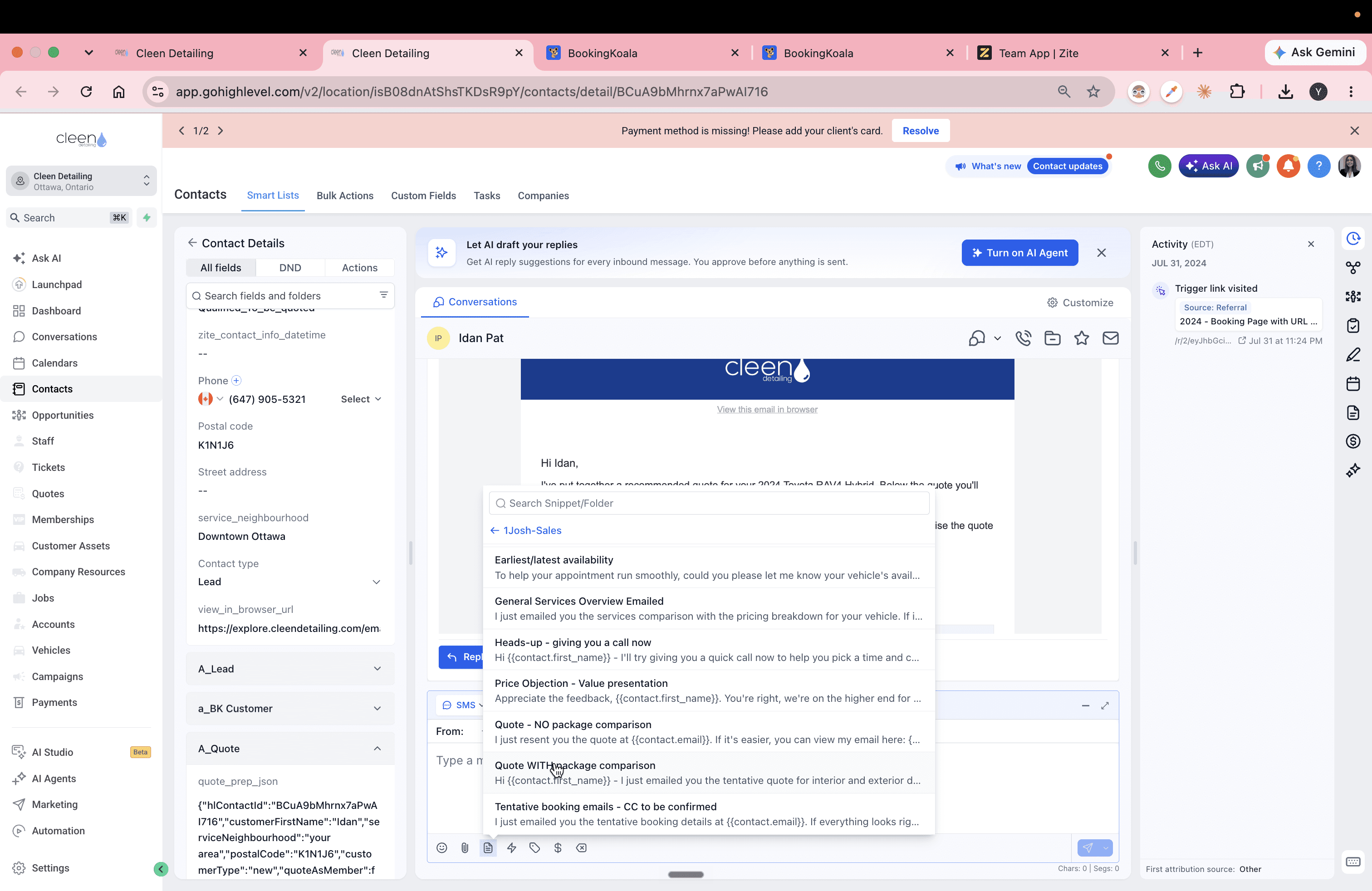
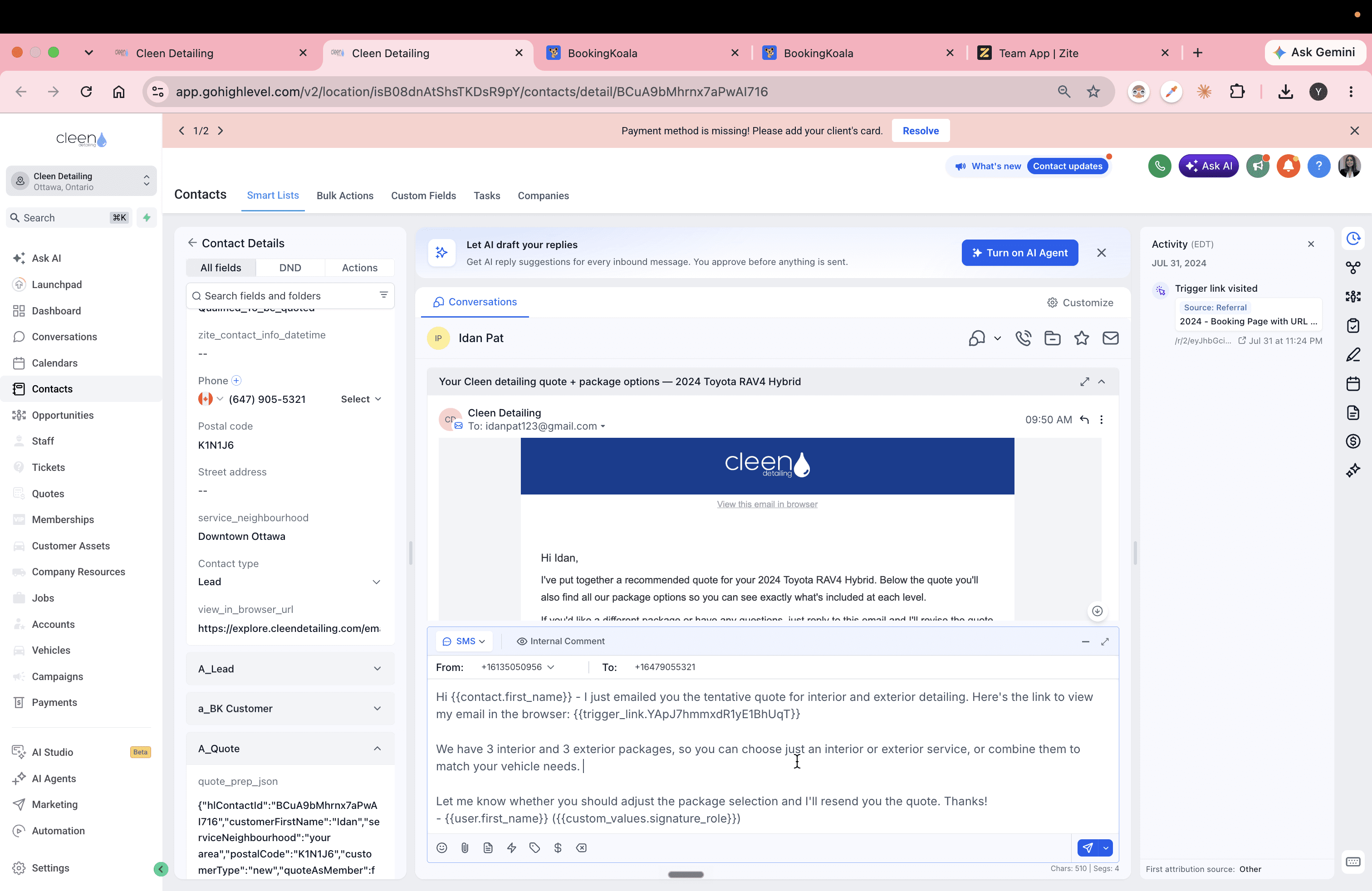
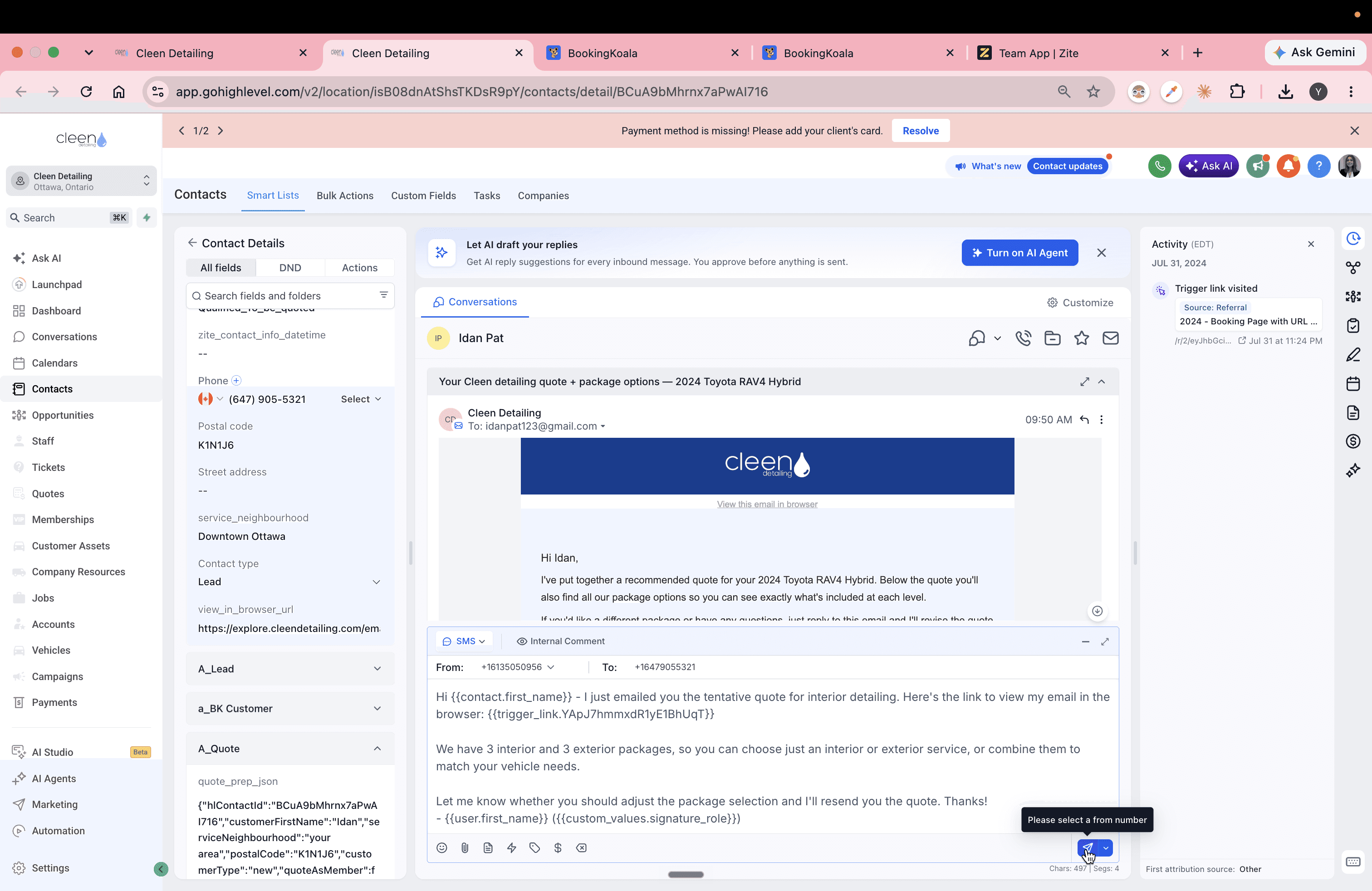
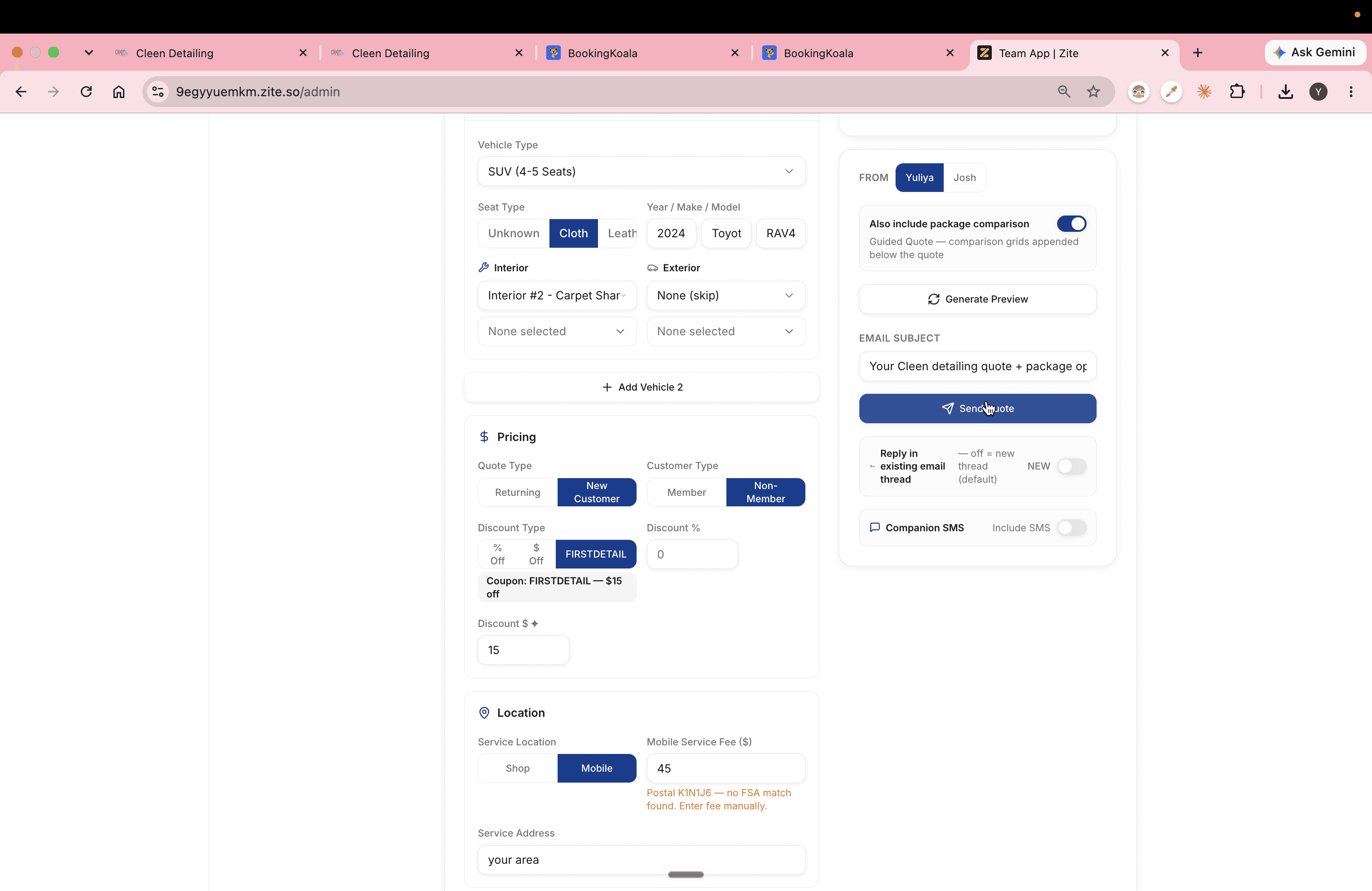
Q: What happens when you click Send Quote in the Quote Builder?
A: The system generates a saved quote token, sends an email quote directly to the customer, and populates the view_in_browser_url field in the customer's CRM contact record.
Q: Why should an SMS follow-up be sent after emailing the quote?
A: Sending an SMS with the trigger link ensures the customer can access and review their quote even if the email lands in their spam folder or remains unread in their inbox.
Q: How does the customer complete their booking from the quote link?
A: The quote and trigger links direct the customer to the Customer App, where all vehicle and package details are already pre-filled so they can proceed directly to checkout.
Term | Definition |
|---|---|
quote_prep_json | A custom CRM field containing structured JSON data about the customer's vehicle and requested services. |
Quote Builder | An internal administrative tool used to configure, preview, and send custom detailing quotes. |
Trigger Link | A tracked URL in GoHighLevel that directs the recipient to a pre-filled quote or booking page while logging engagement. |