How to Send Tuesday Listing Updates to Clients
Learn how to export a Listing Activity Report from ShowingTime and email it to your sellers using Follow Up Boss for their weekly updates.
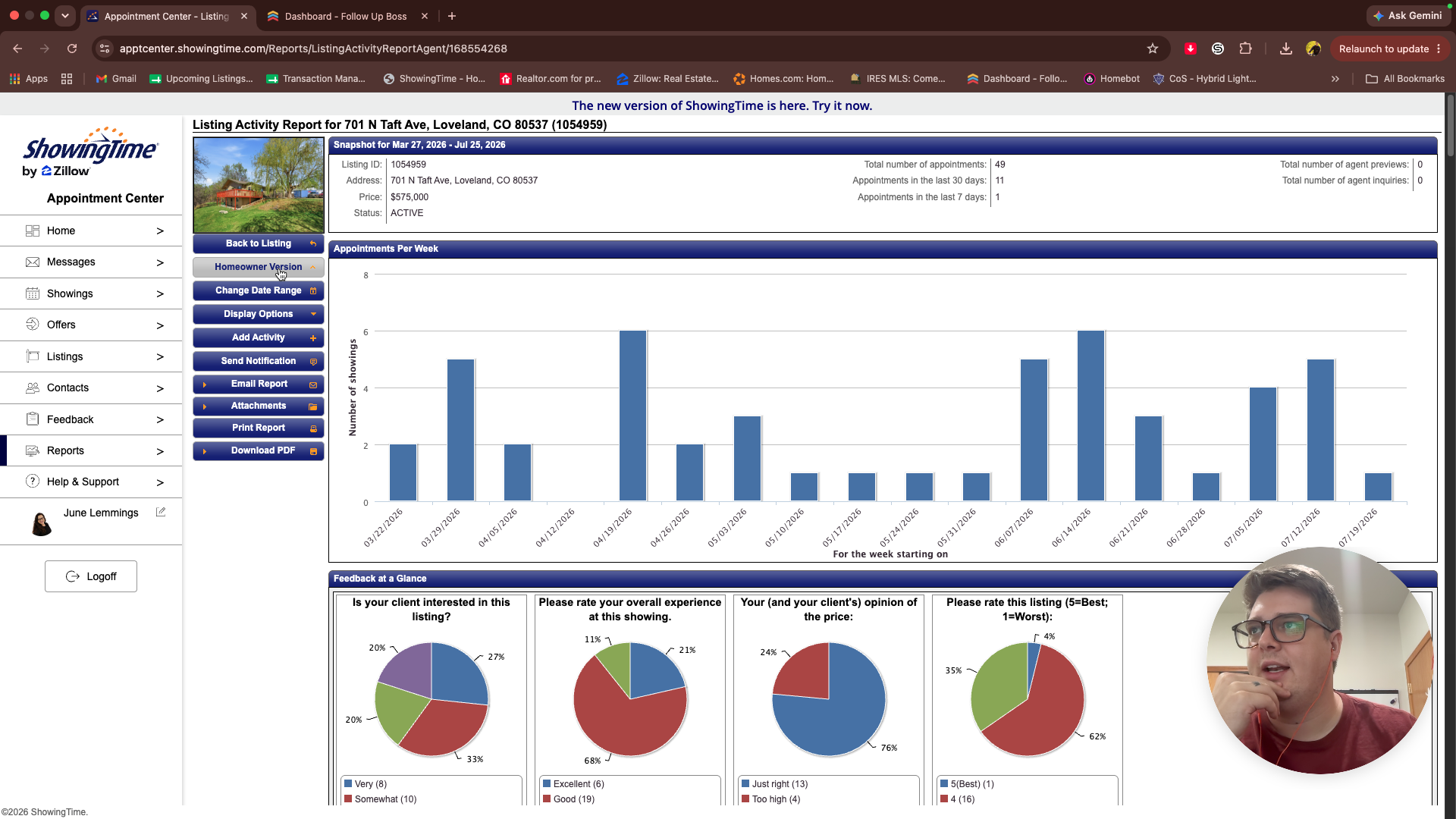
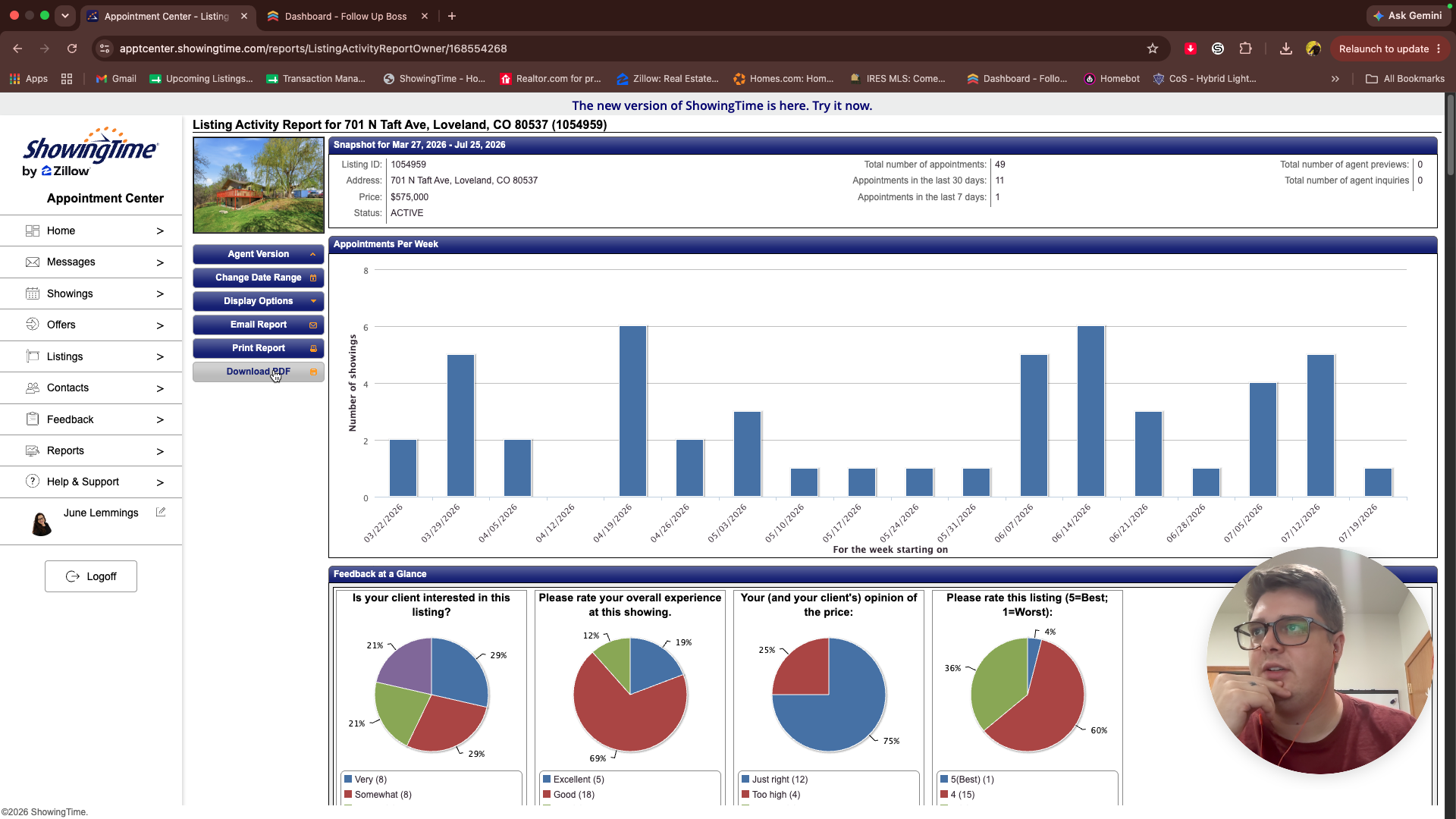
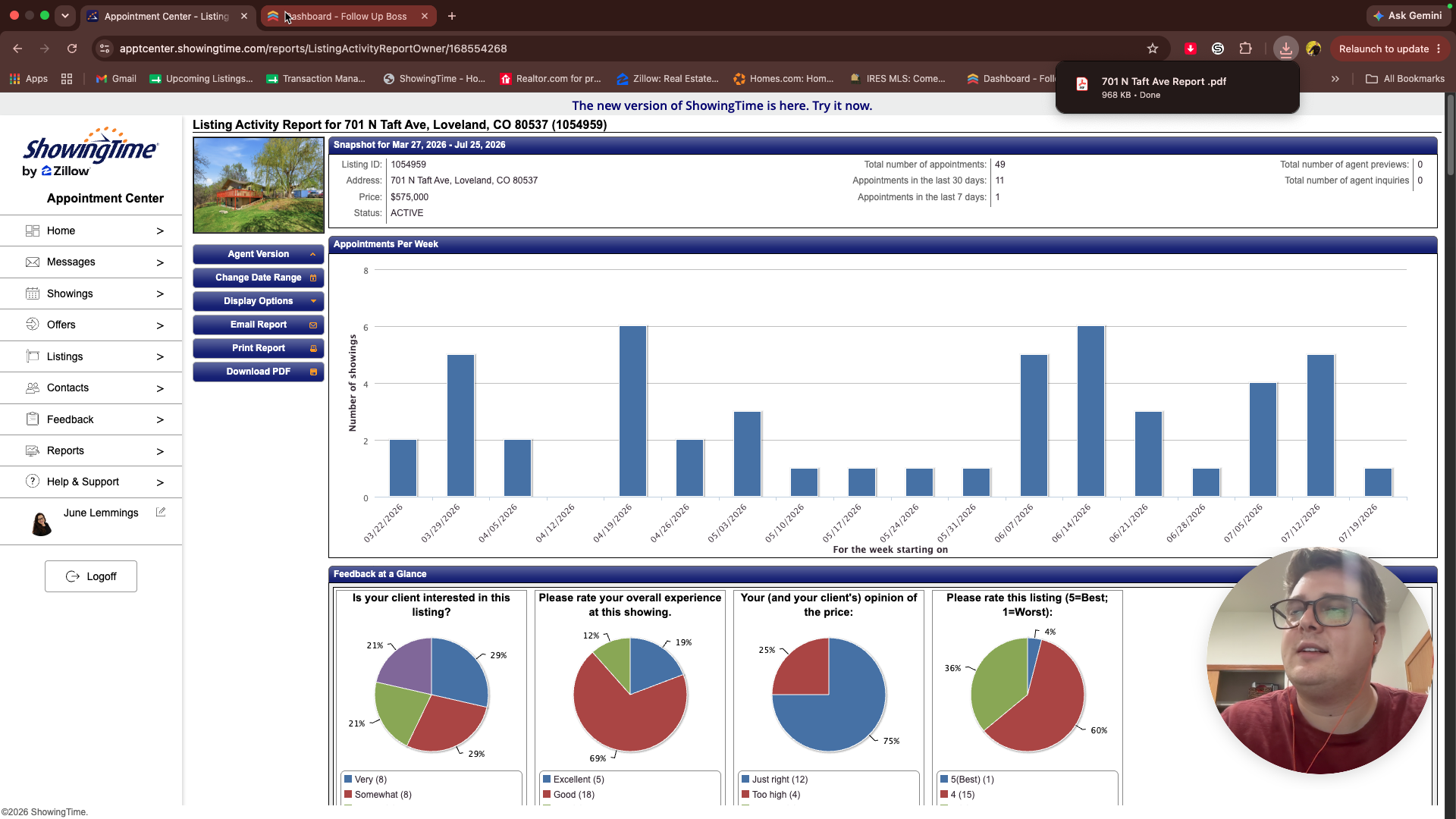
This guide explains how to generate a Listing Activity Report in ShowingTime and email it to clients alongside their weekly update. Completing this ensures homeowners stay informed about their property's showing activity and feedback.
This workflow is for real estate agents and administrative teams. Use this process every Tuesday when dispatching weekly listing updates to active sellers.
Exporting the ShowingTime Report
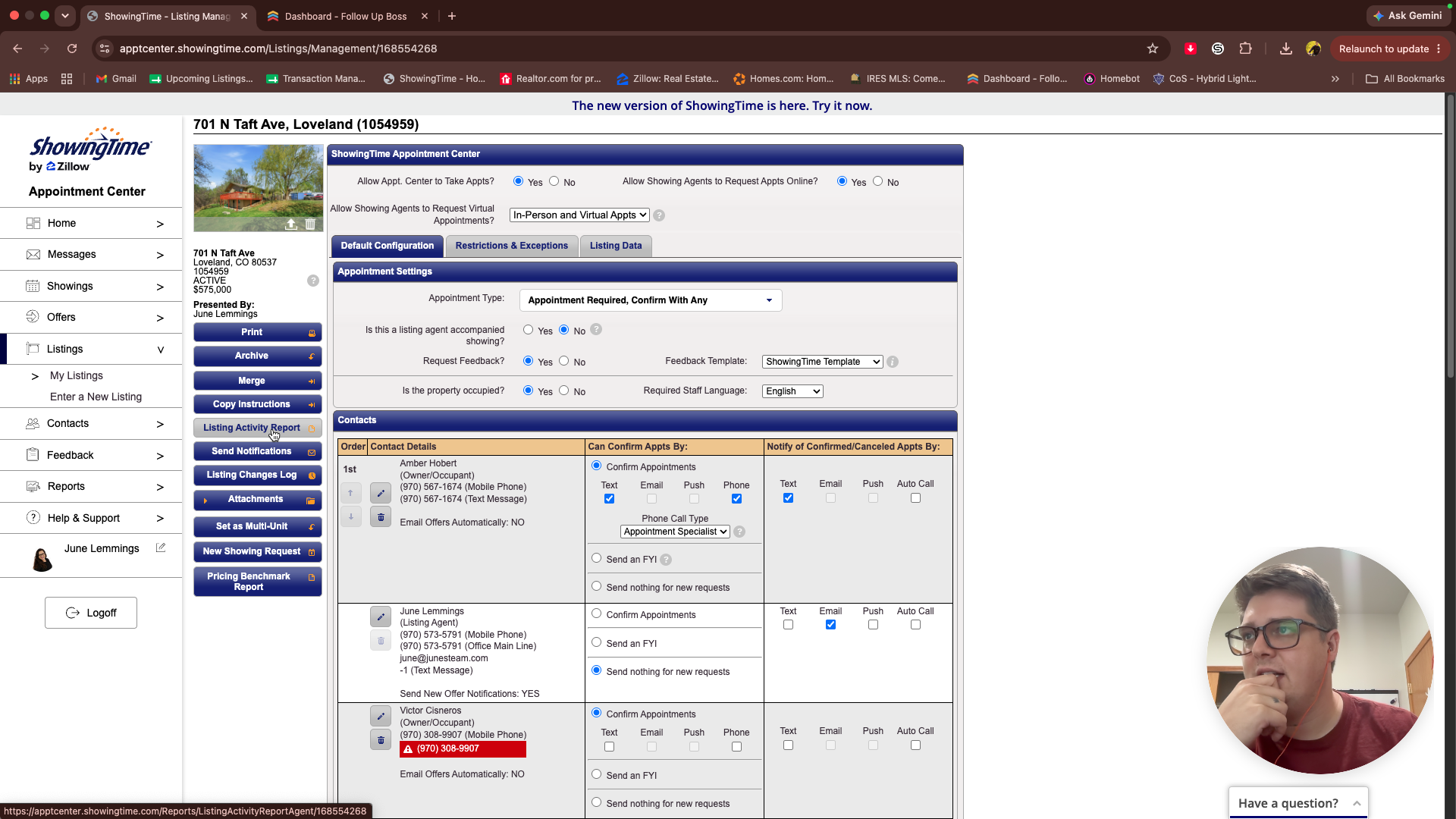
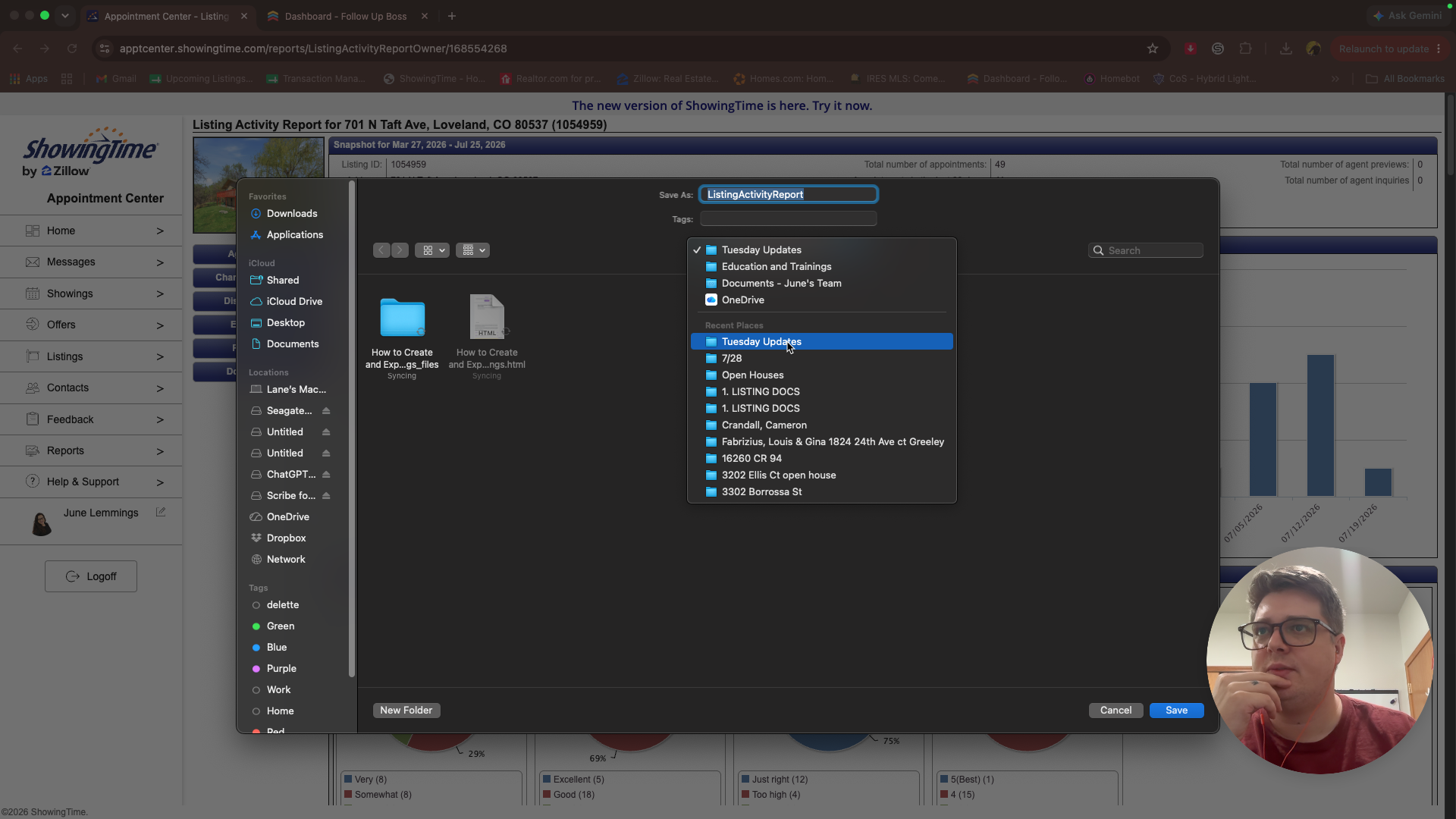
Navigate to your active listing in ShowingTime to begin generating the activity report.
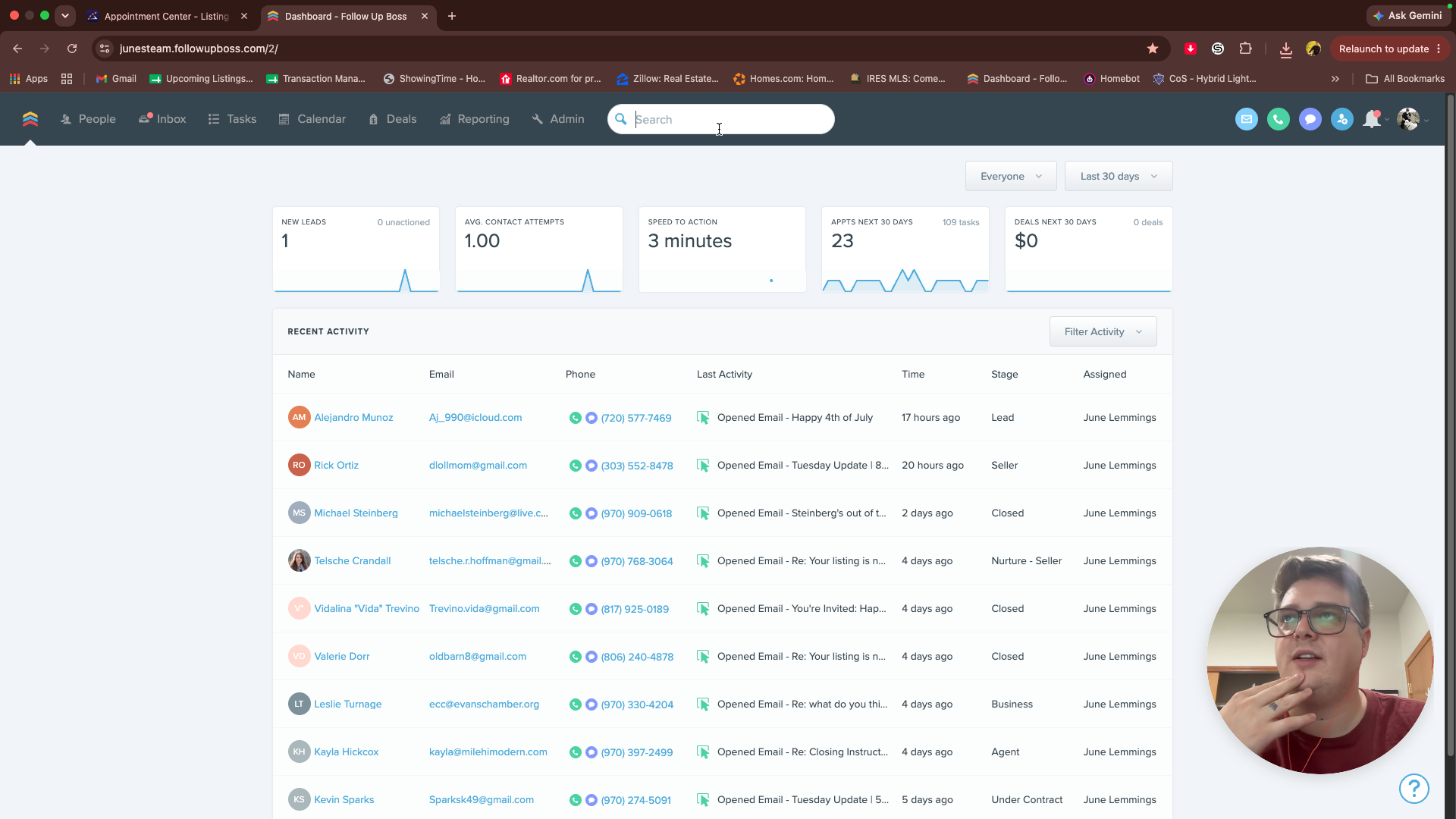
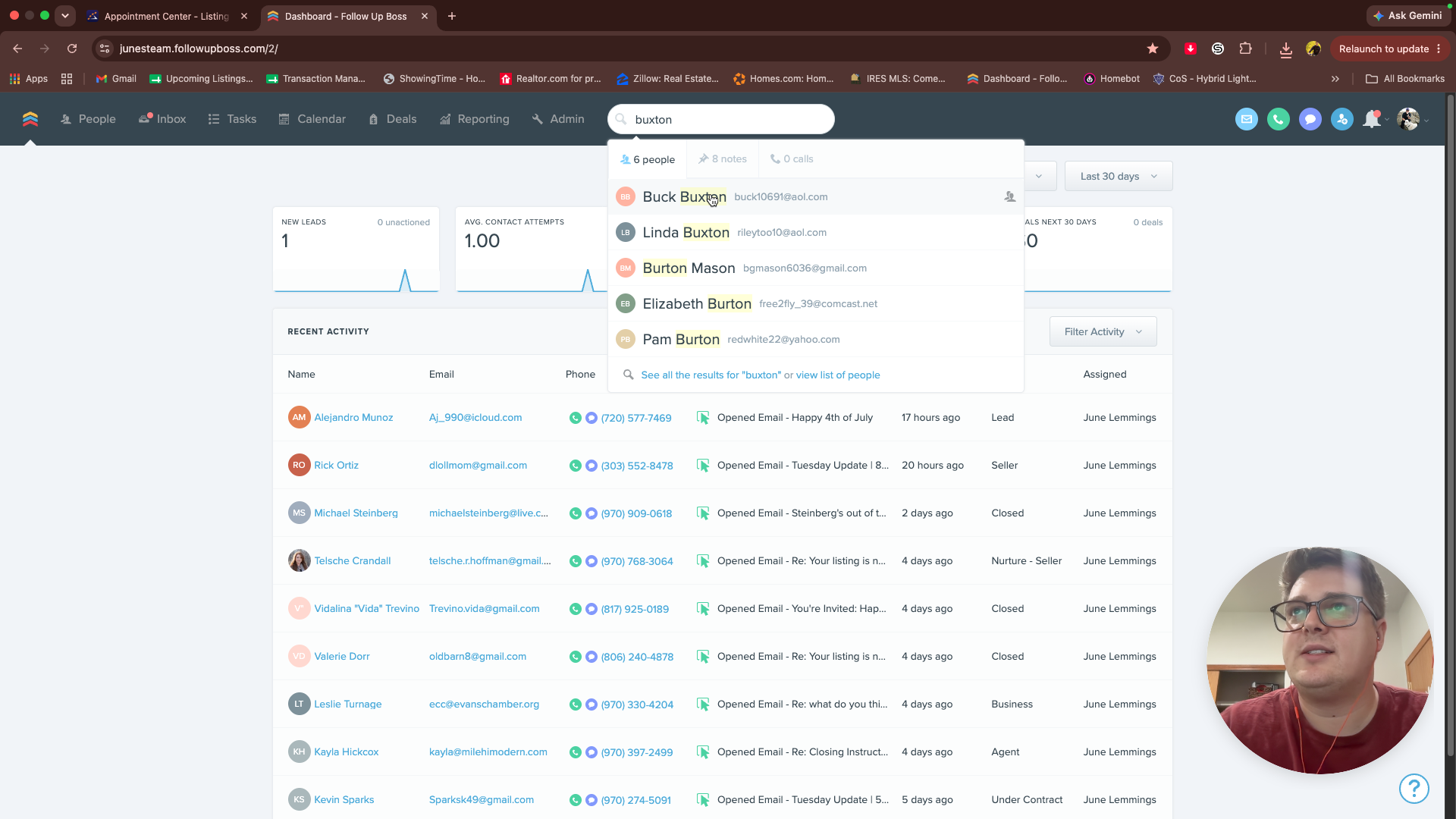
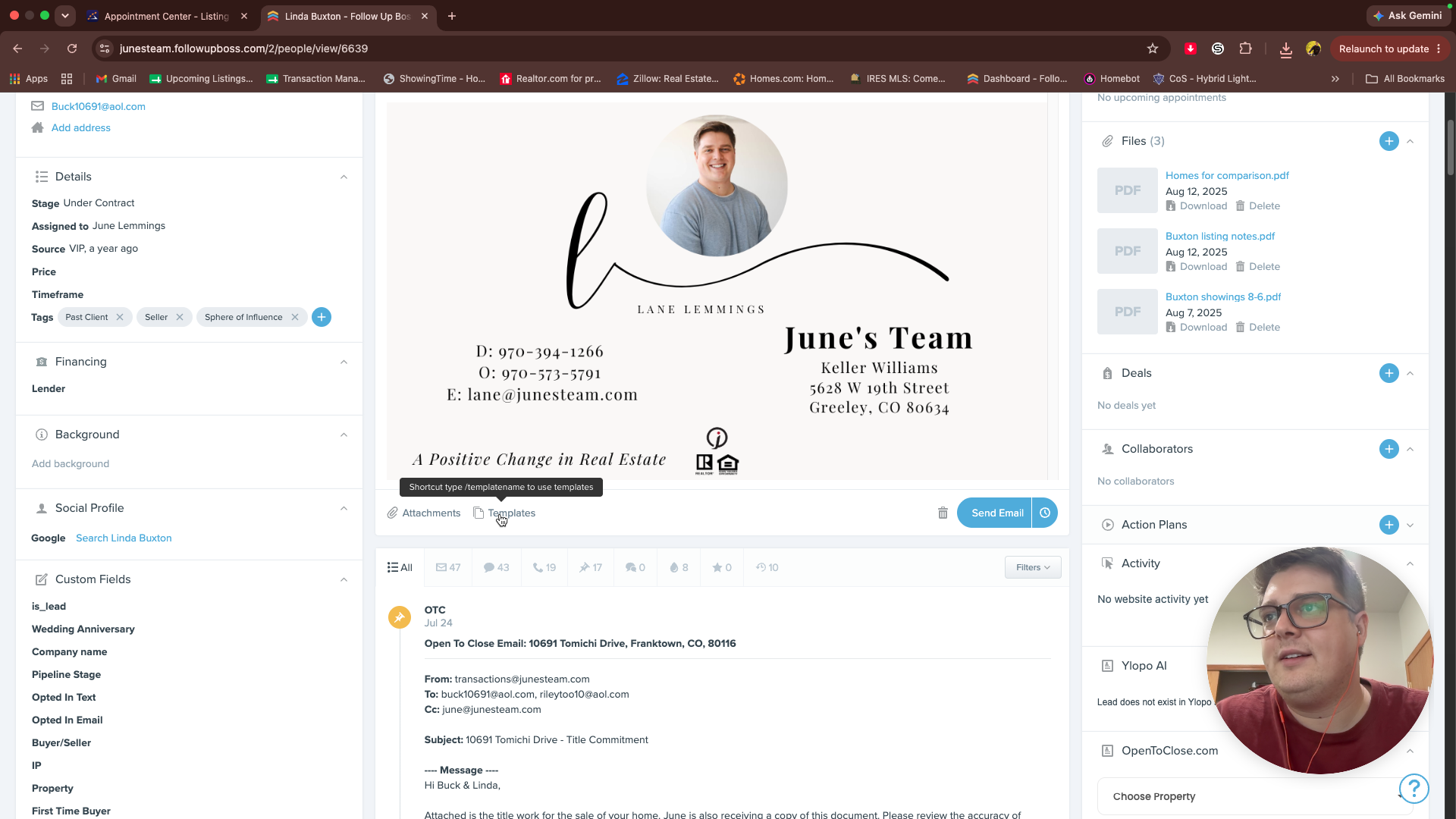
Sending the Update in Follow Up Boss
Once your reports are downloaded, use your transaction sheet to identify the homeowners and prepare their update emails.
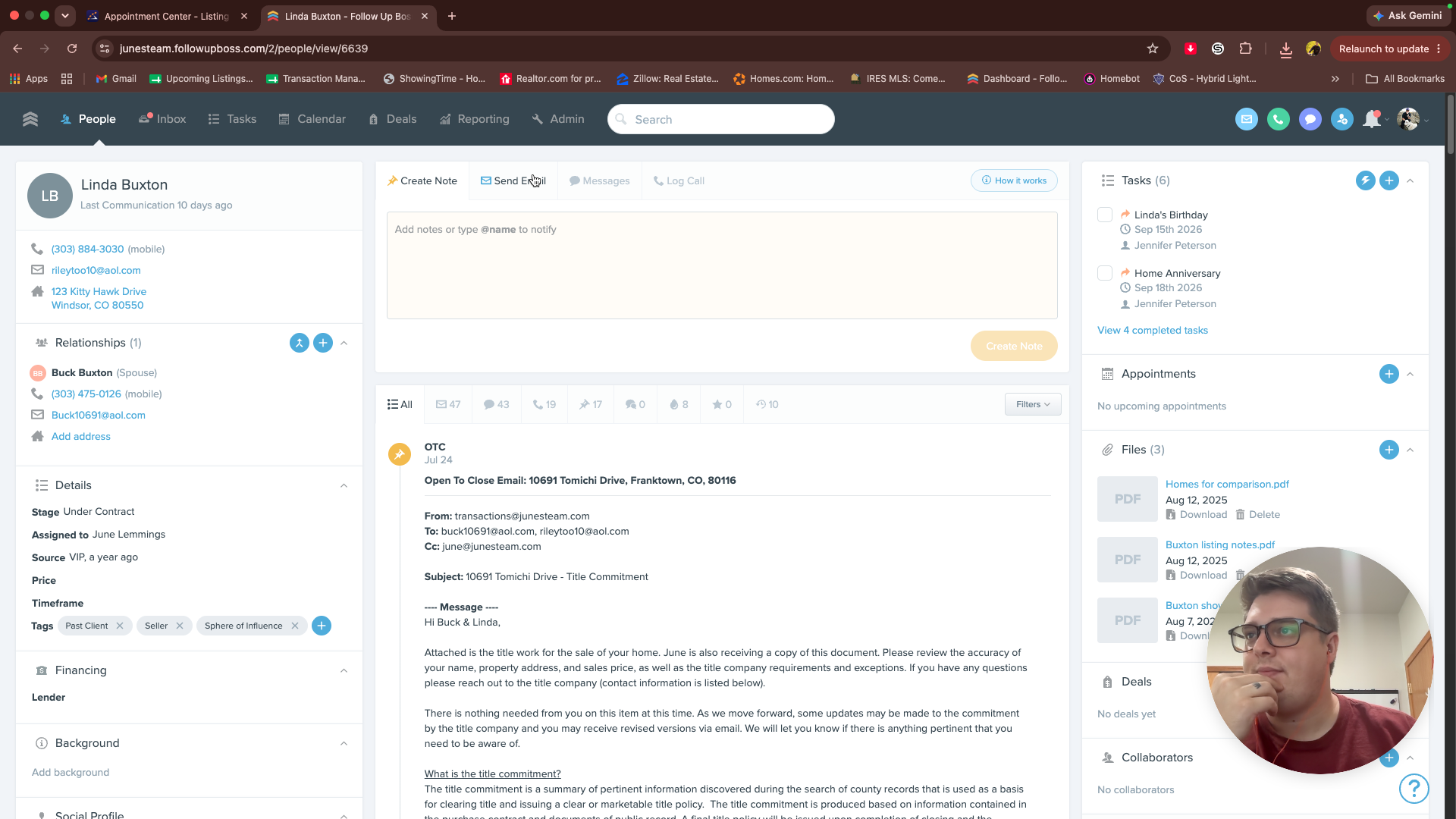
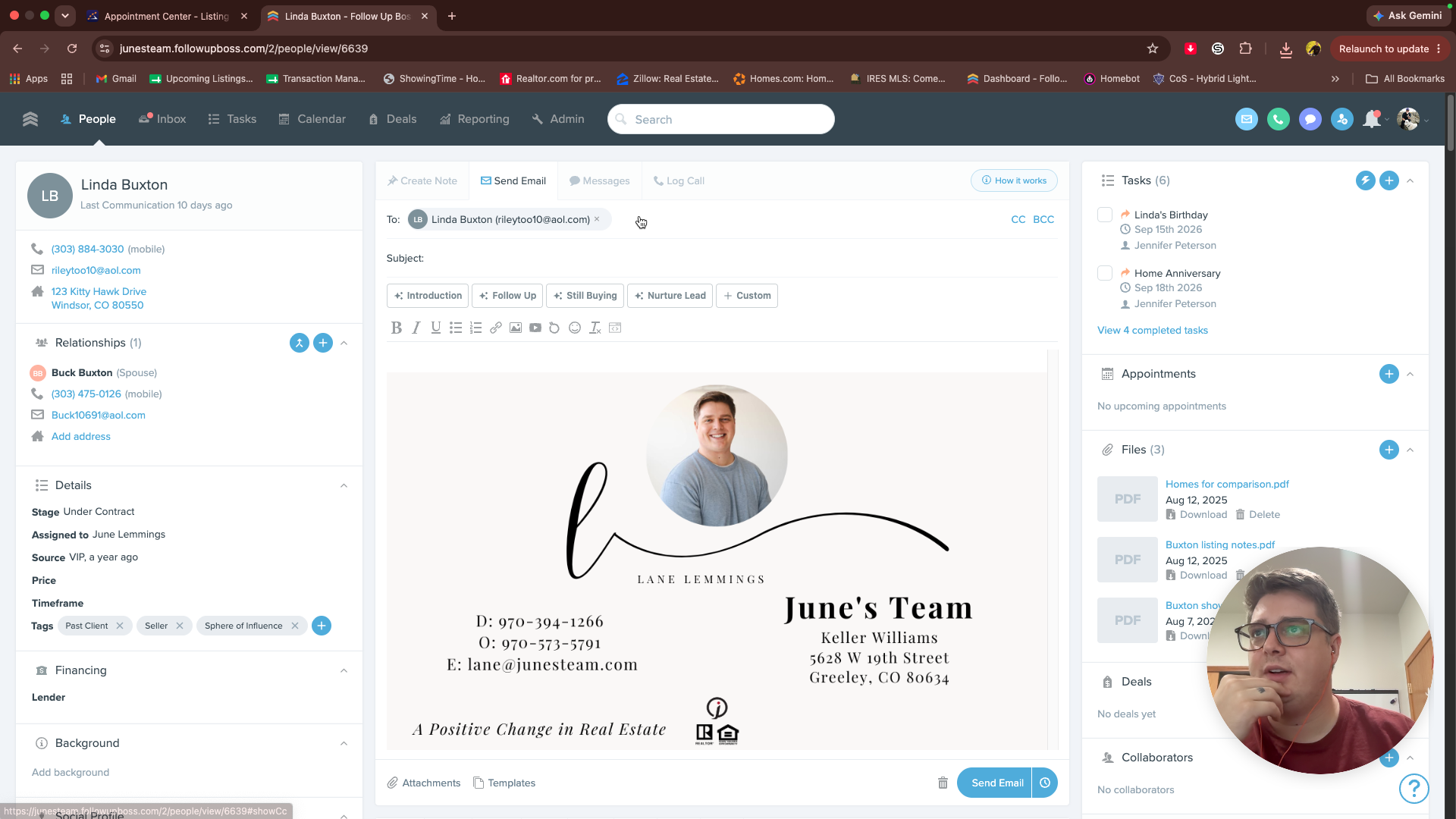
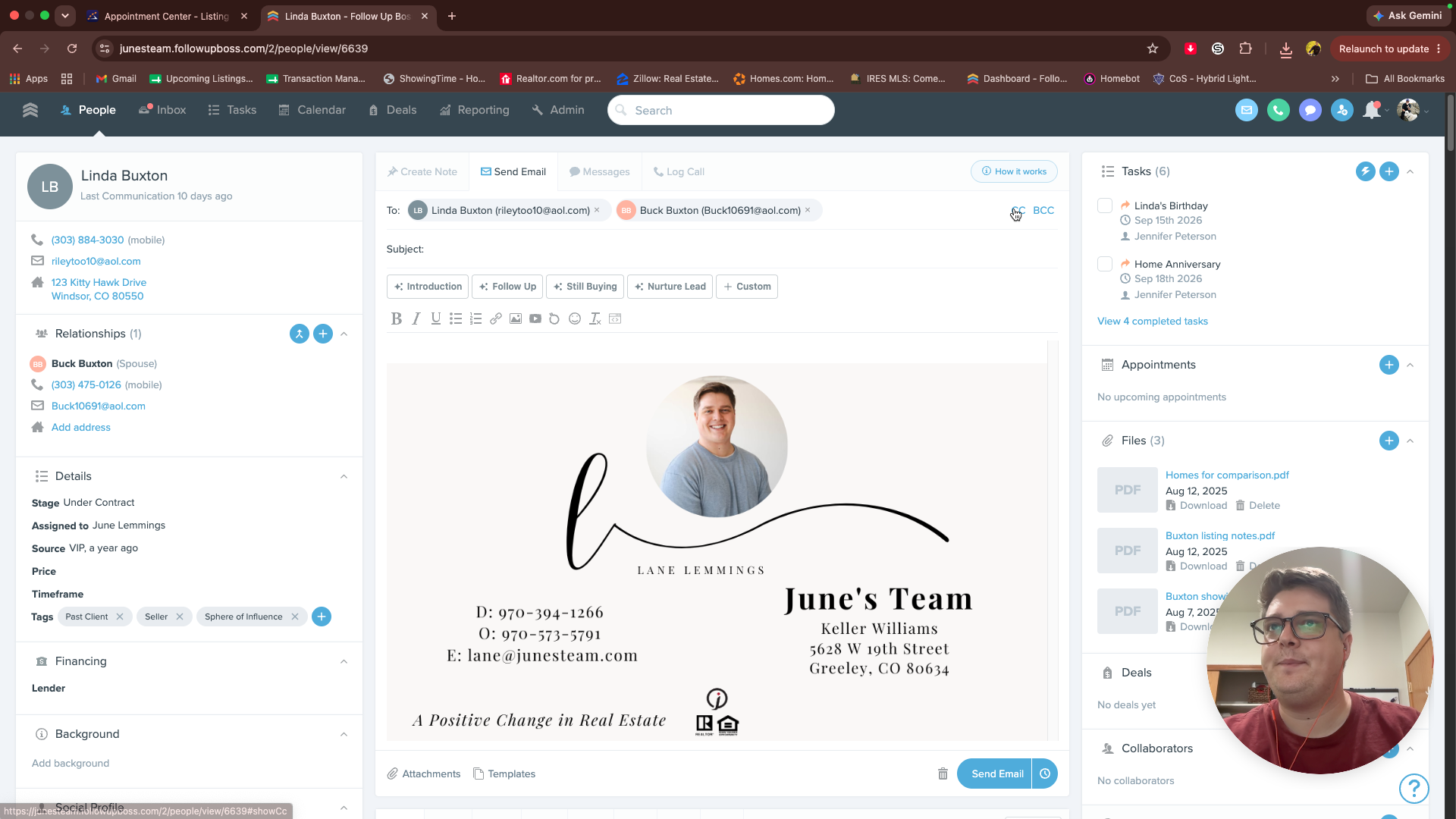
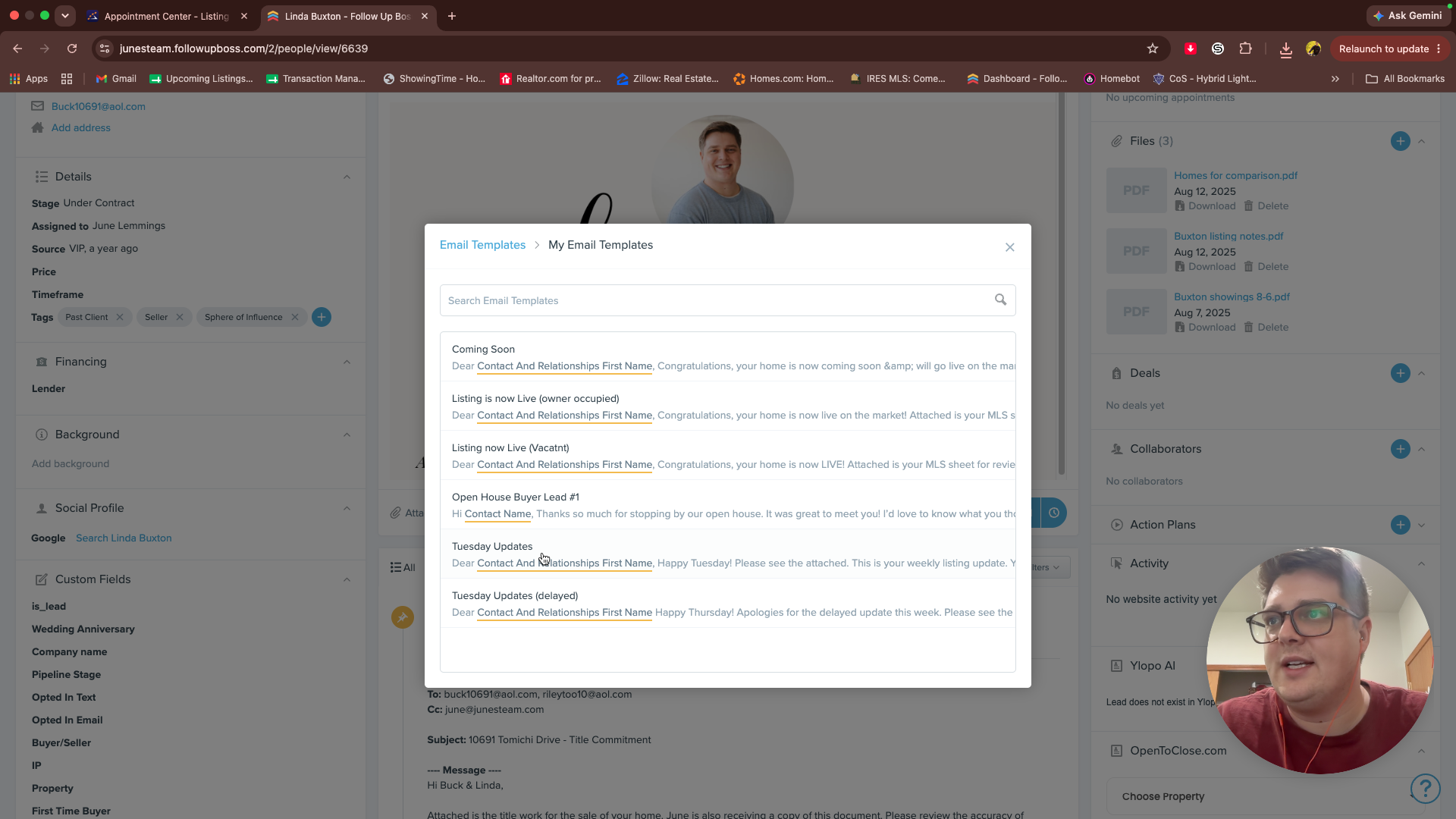
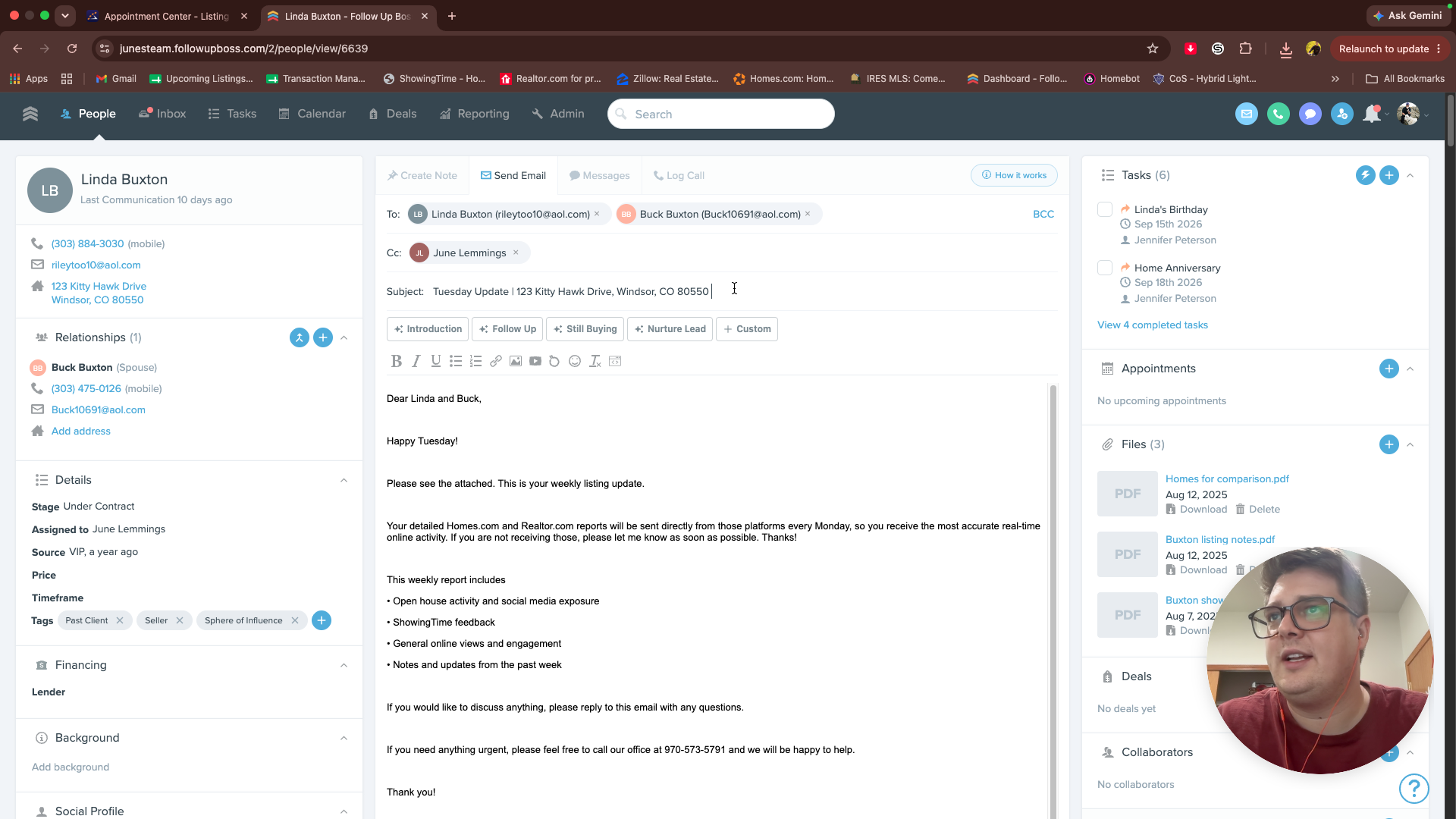
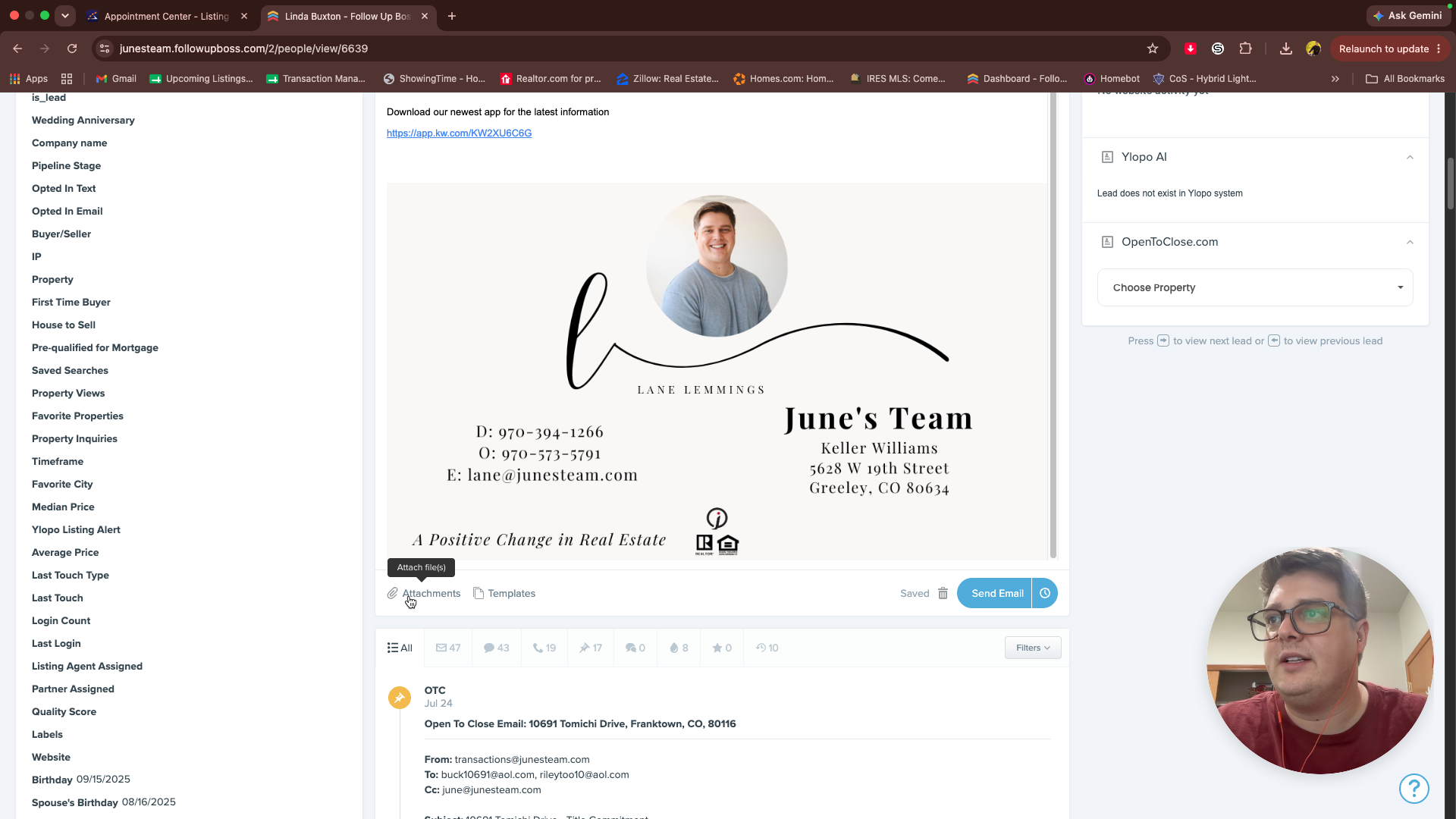
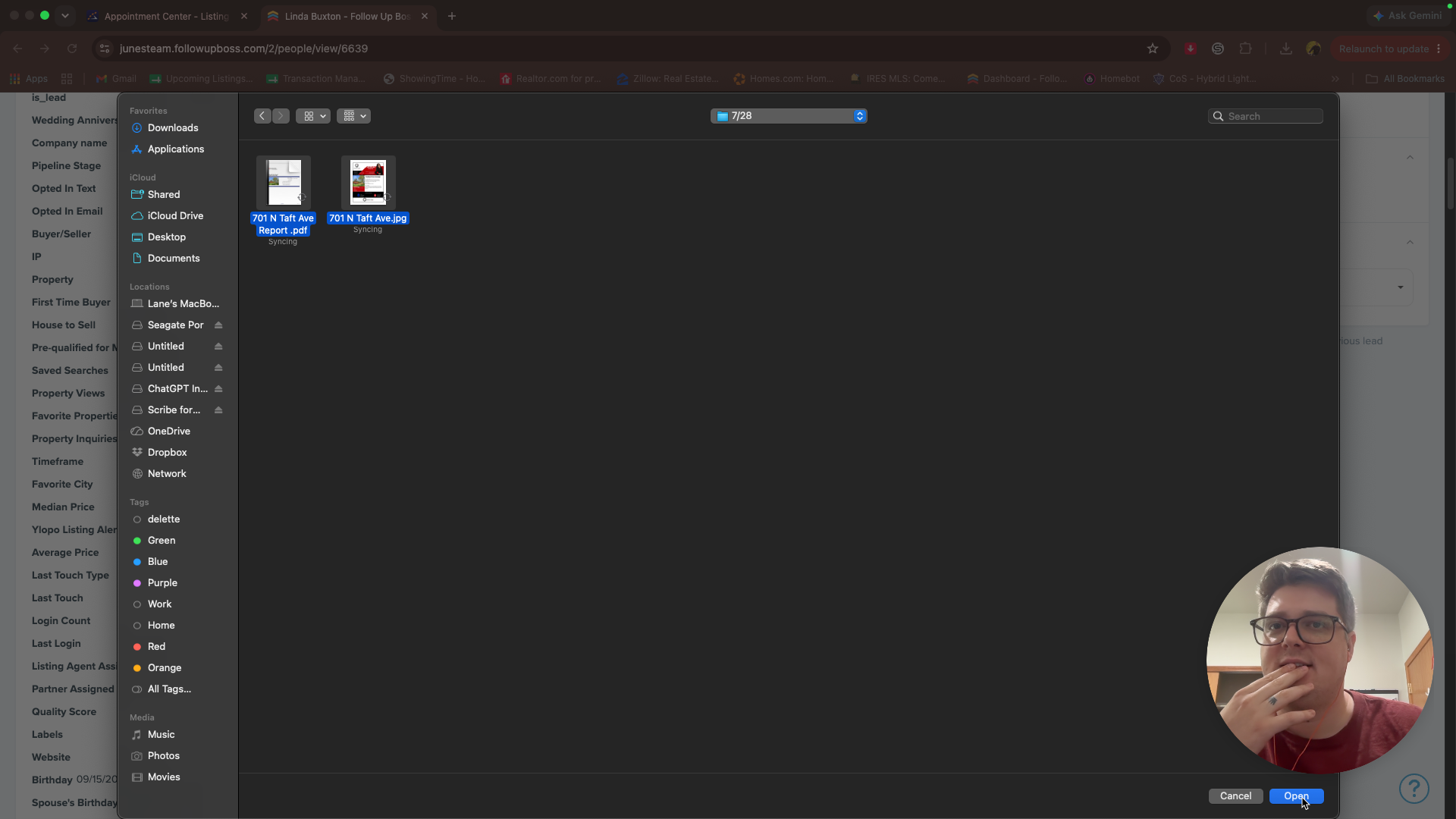
Verify that both reports are attached properly and click send.
Q: What should I do if the property address in the email template is incorrect?
A: Update the address manually before sending. Sometimes the CRM auto-populates the client's current mailing address instead of the specific property they are selling.
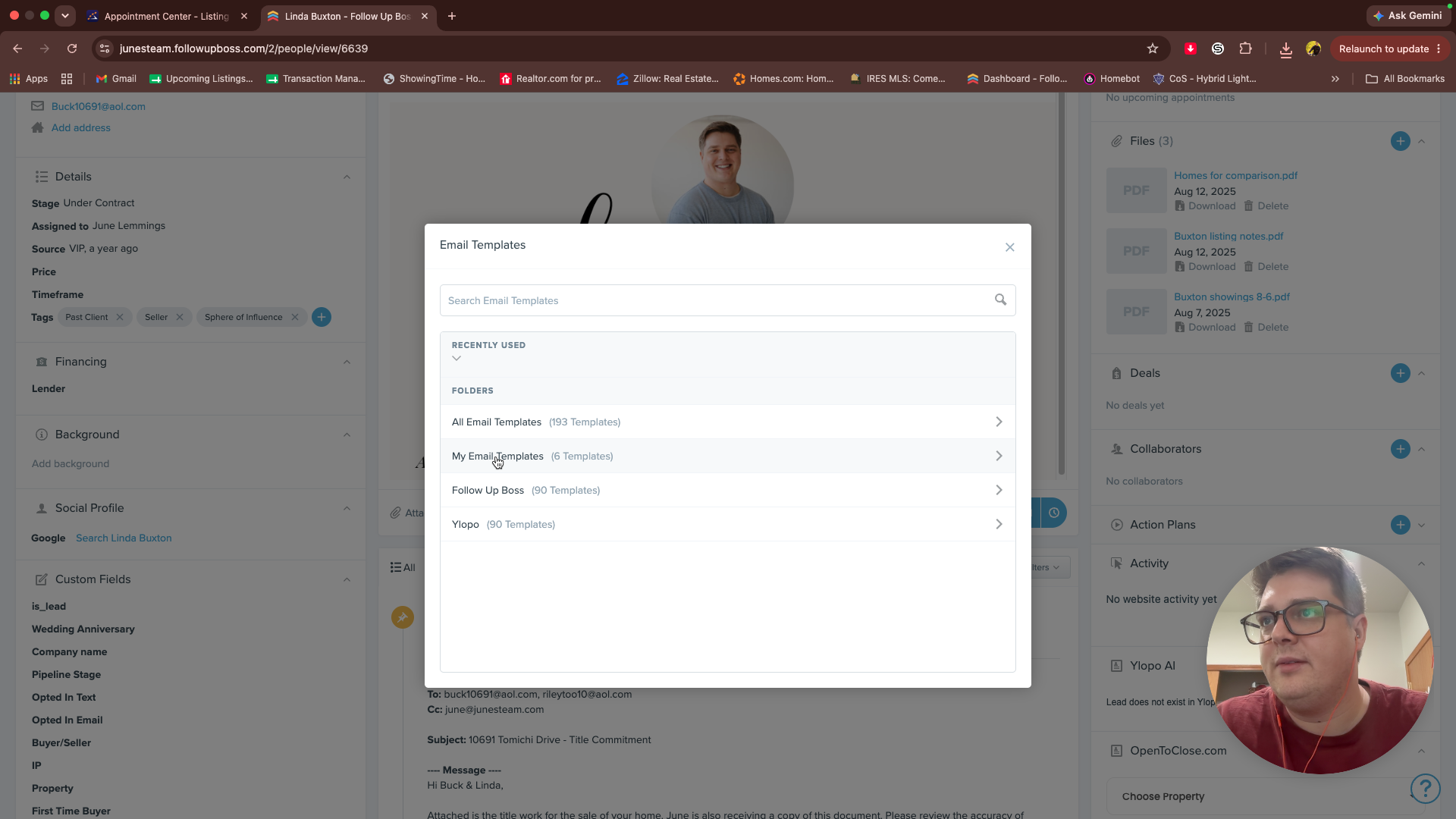
Q: Where can I find the Tuesday Updates email template?
A: It is located under "My Email Templates" in the Follow Up Boss email composer. If you do not see it, ask your team lead to share their templates with you.
Term | Definition |
|---|---|
ShowingTime | A real estate showing management and scheduling platform used to track property visits. |
Follow Up Boss | A customer relationship management (CRM) system used to organize real estate leads and client communications. |
Listing Activity Report | A summary document detailing showing appointments, agent feedback, and property views for a specific real estate listing. |