How to Set Global Sales Commission Rates
Learn how to update the global sales commission percentage in your platform settings to ensure accurate sales compensation.
By Primael Oswald Lebrun
This guide explains how to set or update the global sales commission rate. Completing this task ensures that all sales representatives are compensated accurately based on the current baseline percentage.
This workflow applies to Finance Managers, Sales Operations professionals, and system administrators. It should be performed whenever there is a rollout of a new compensation plan or an adjustment to baseline commission rates.
Navigate to your platform settings to configure compensation rules.
1
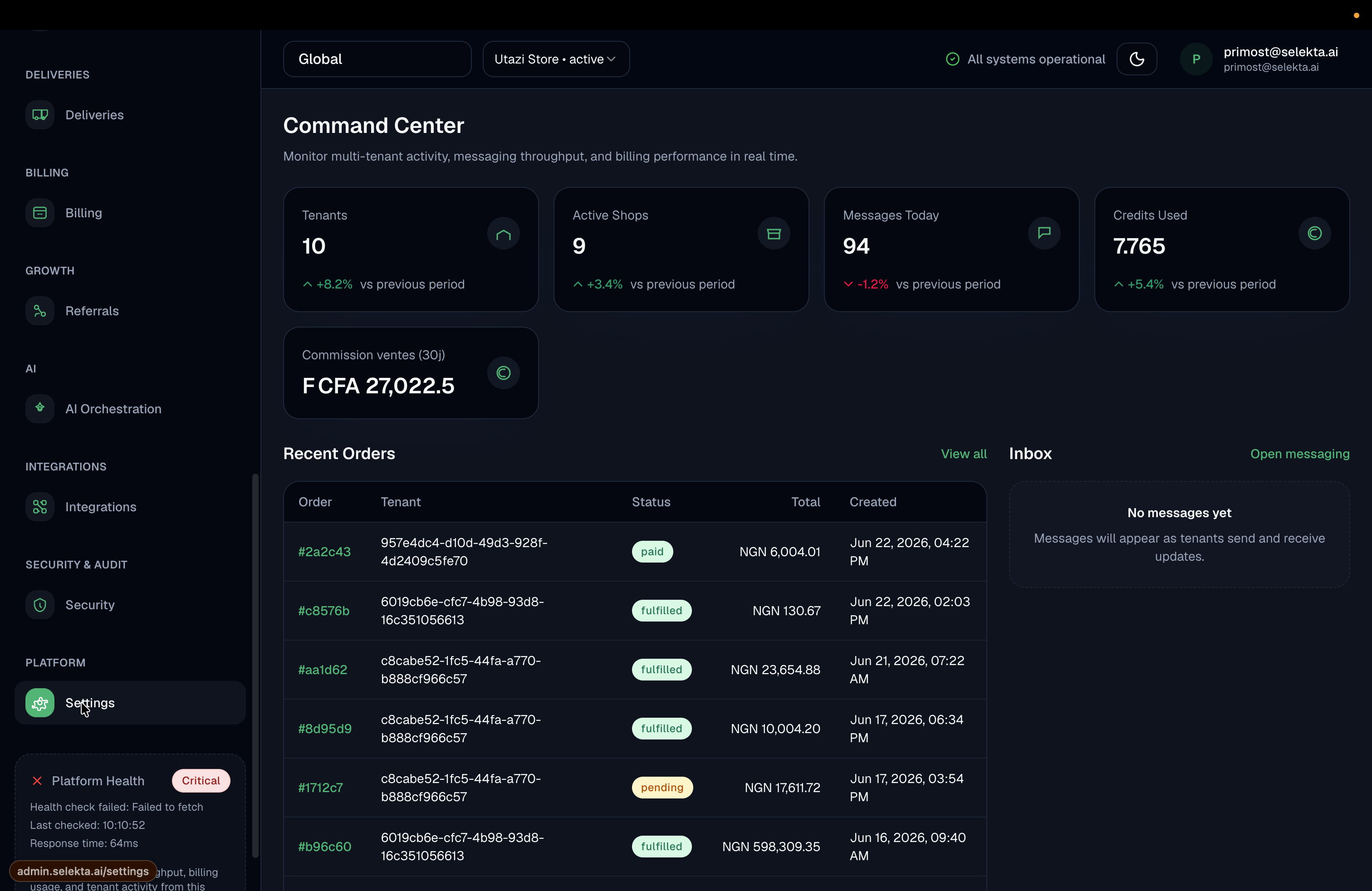
Click Settings in the left-hand navigation sidebar.
3
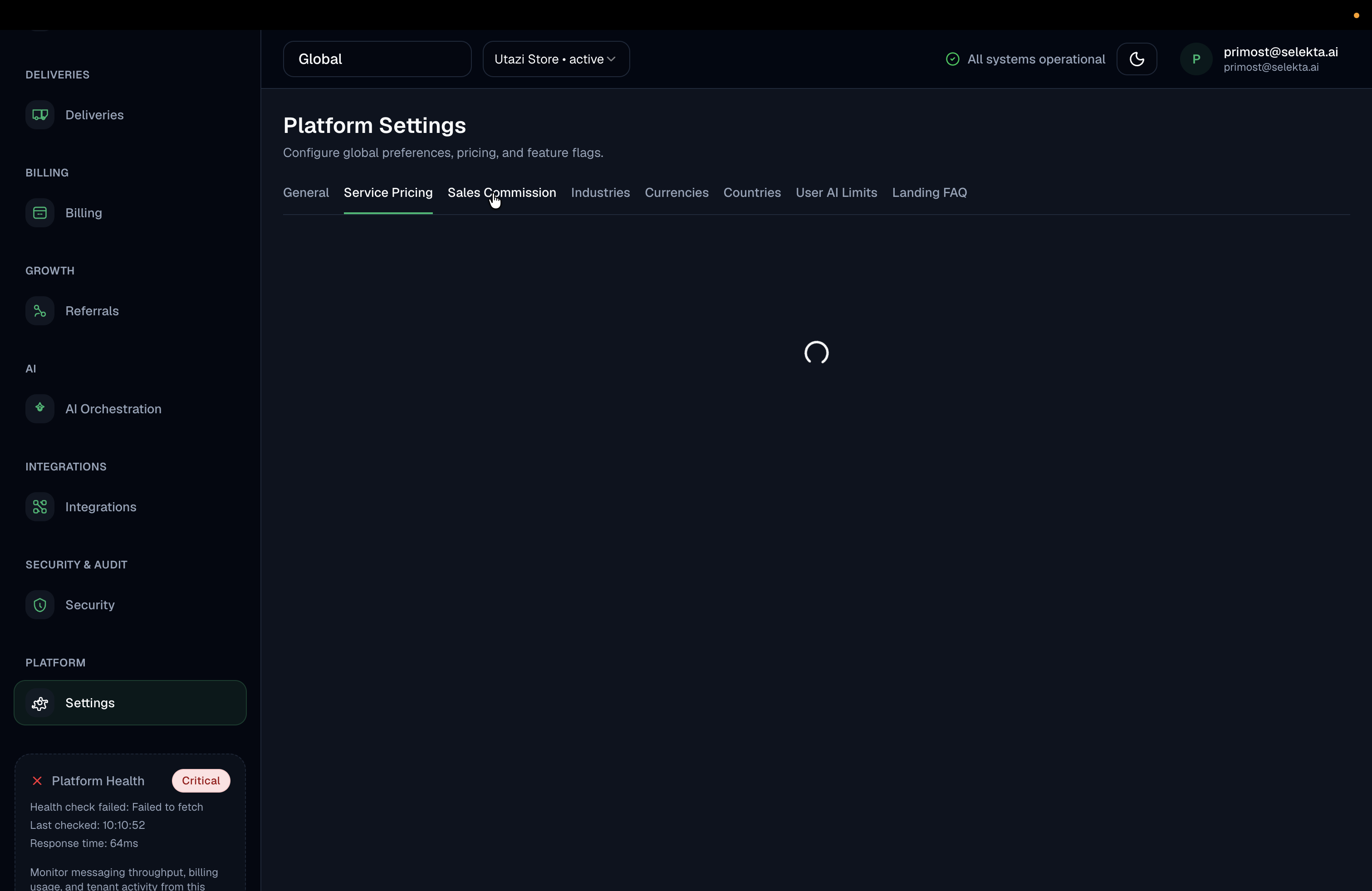
Select the Sales Commission tab from the top navigation menu.
4
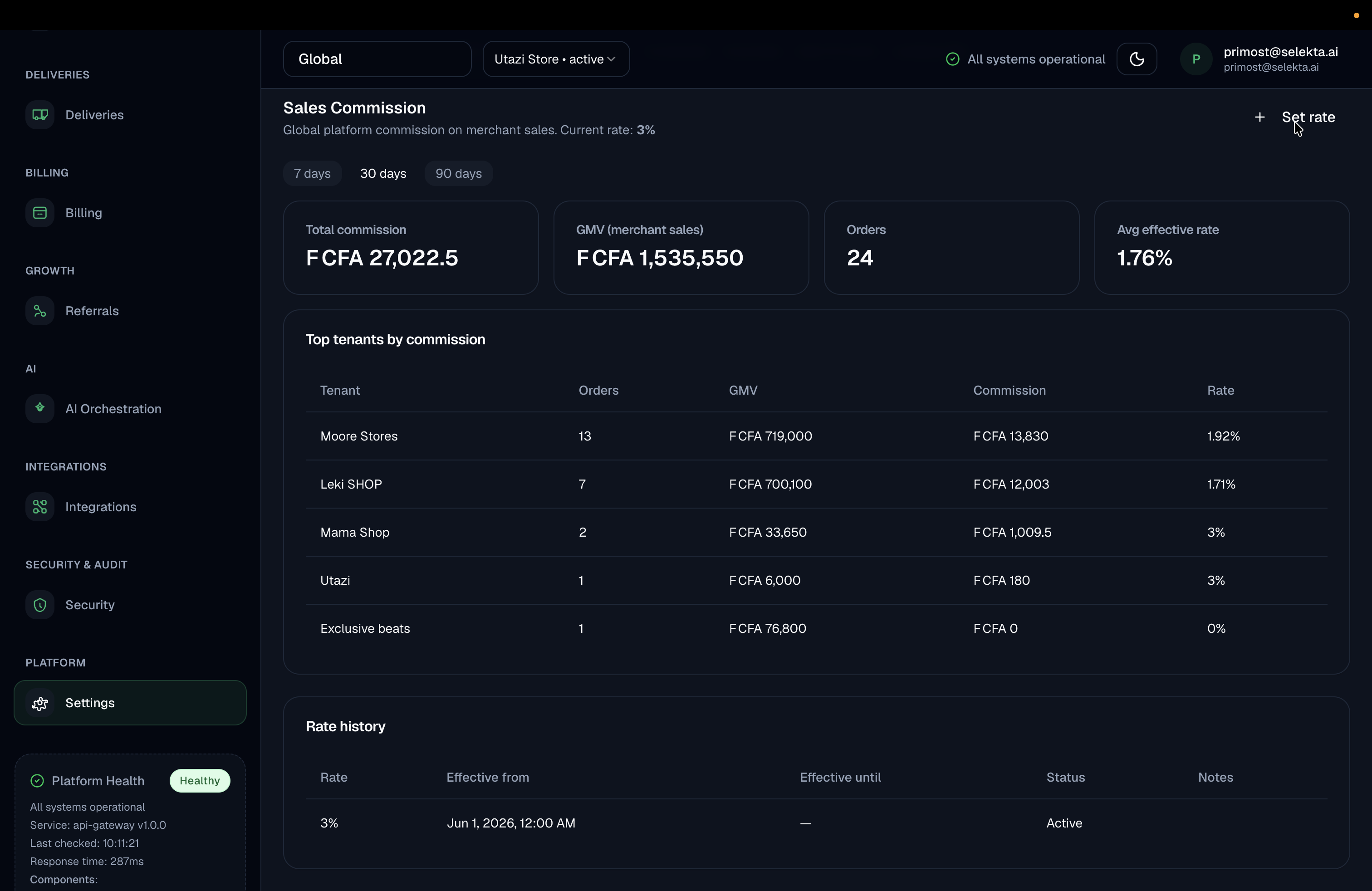
Click Set rate to open the configuration modal.
5
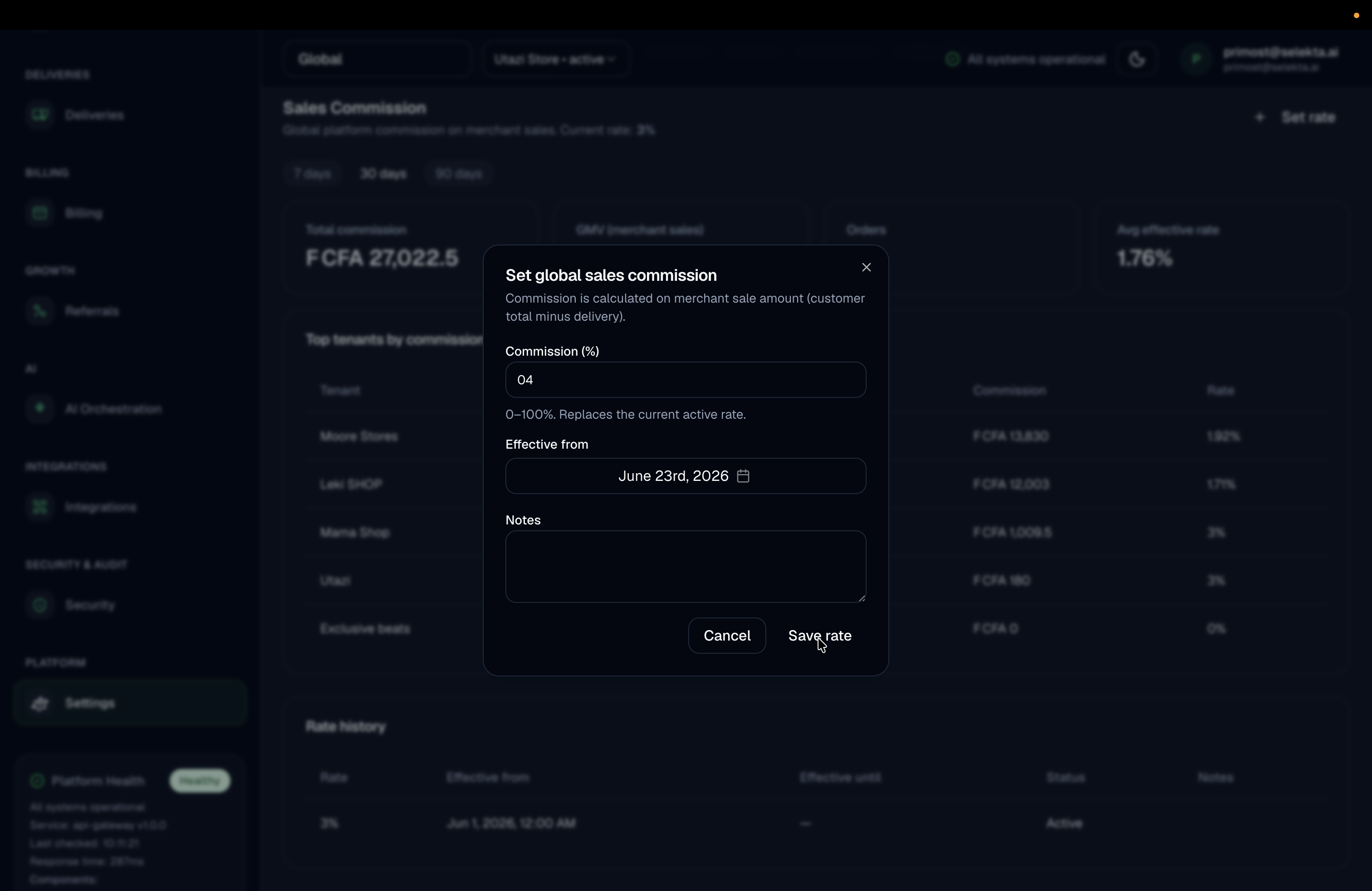
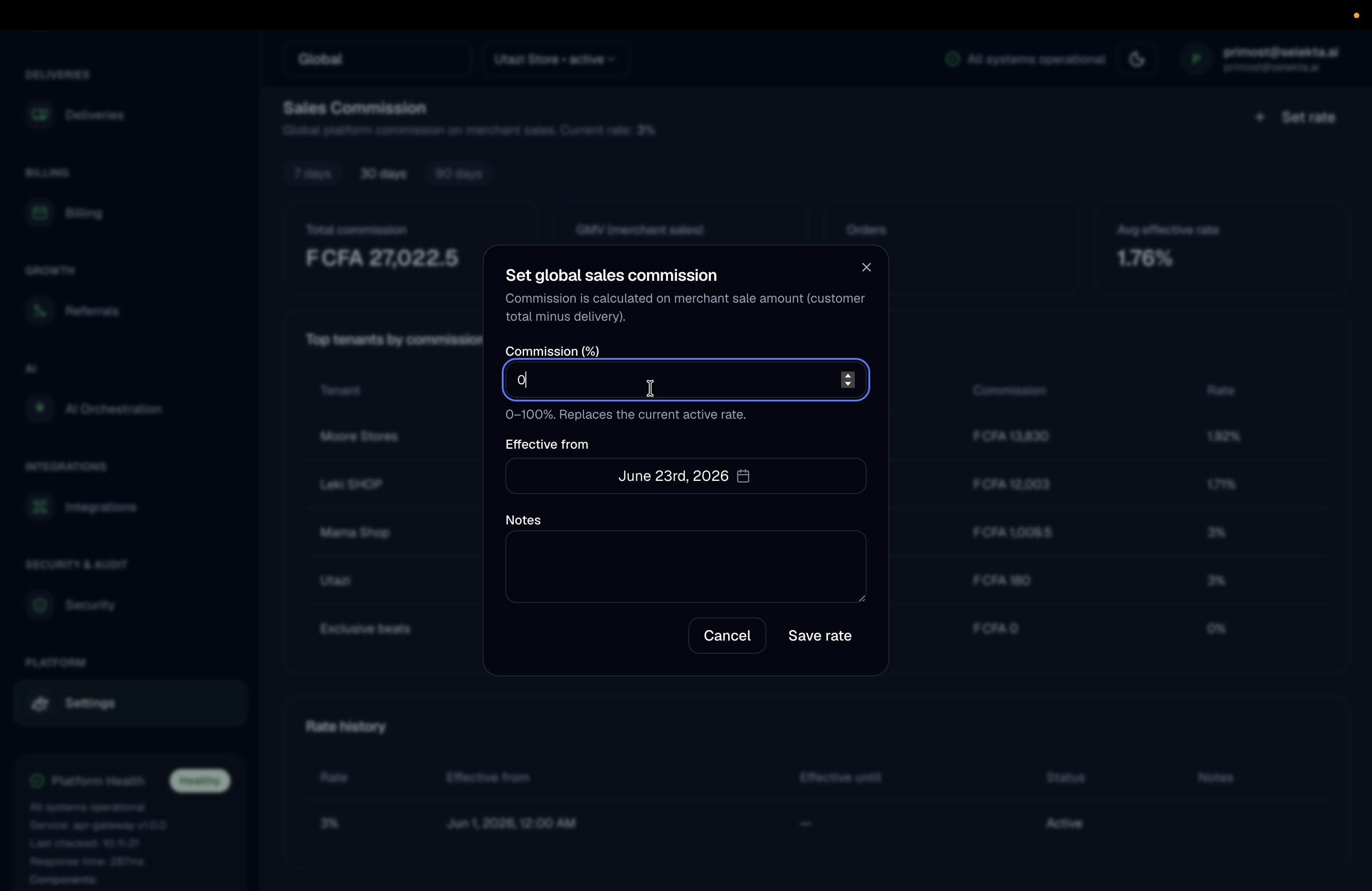
Enter the new commission percentage (e.g., 44) into the input field.
9
Click Save rate to apply the updated commission percentage globally.