How to Set Up Internal SLA Reminders for Repair Stages
Learn how to configure internal service level agreement (SLA) reminders for completed repair stages in Bodyshopz.
By Lauren Rosaroll
Setting a Service Level Agreement (SLA) for repair stage updates allows you to generate internal reminders based on the completion of specific workshop activities, such as a Paint Quality Control (QC). This ensures tasks are completed and reviewed promptly.
Add a Repair Stage Update SLA
In the settings menu,
1
click Service Levels
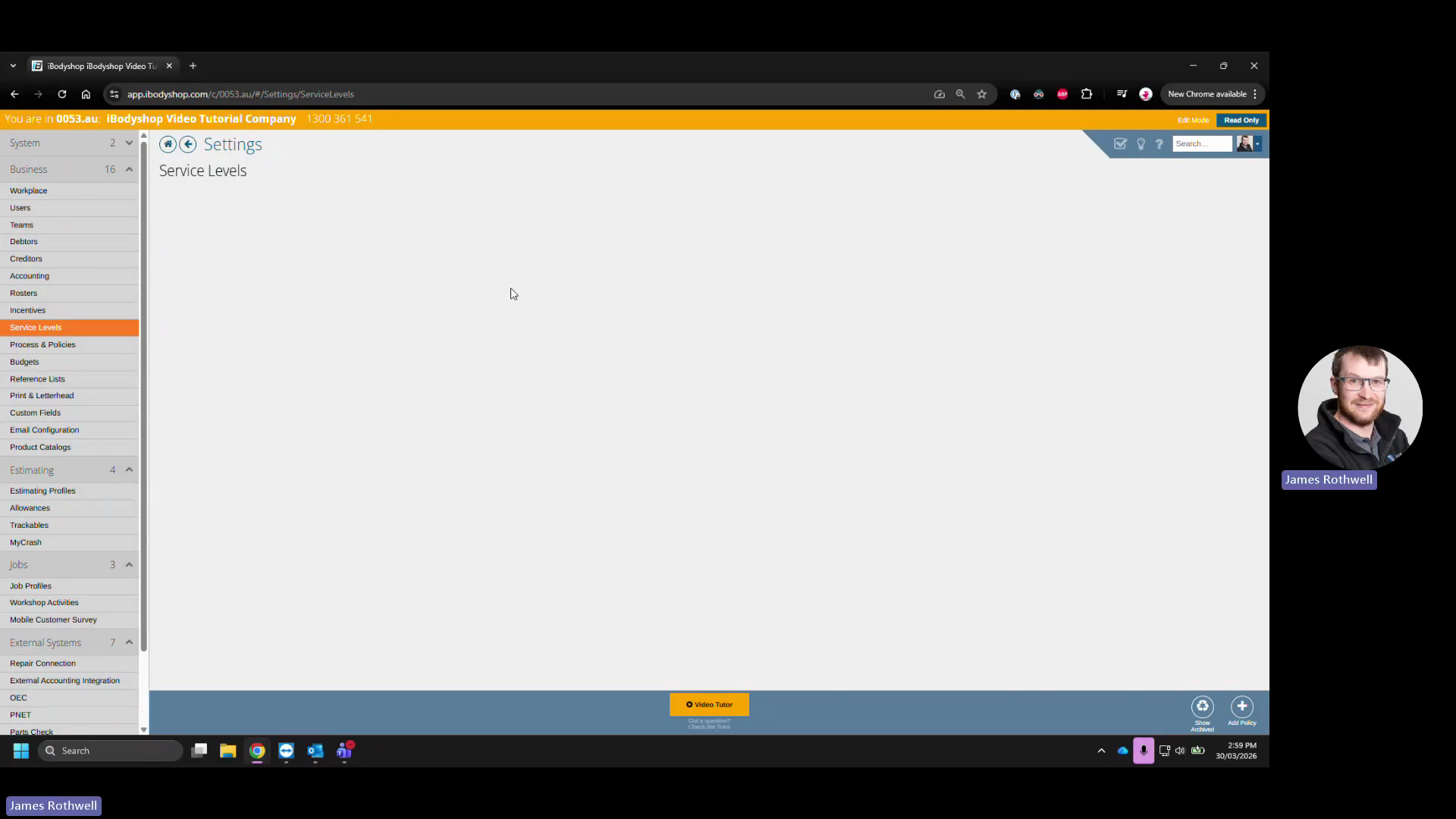
. 2.
2
Click the Add Policy + icon
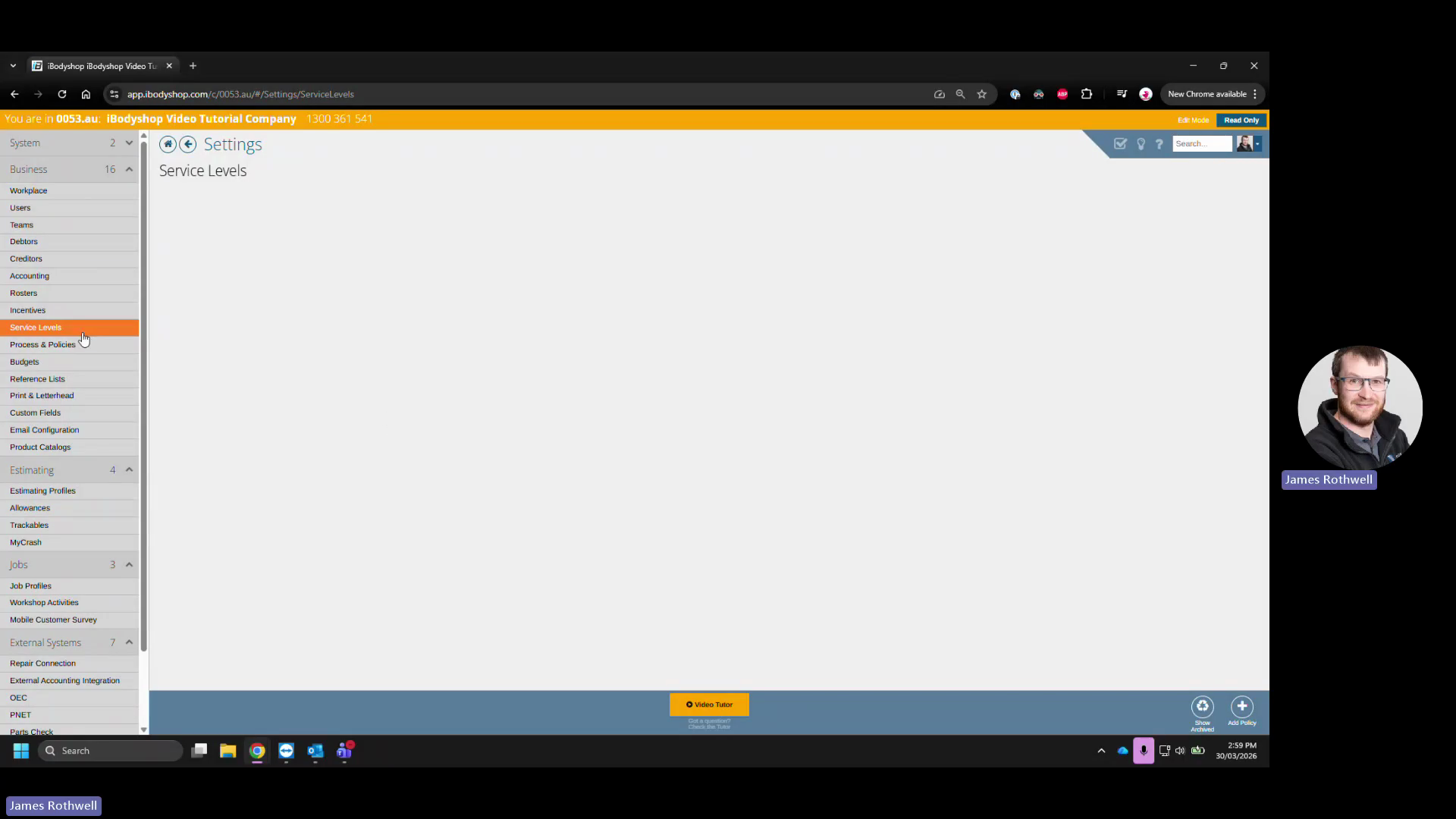
and
3
select Repair Stage Update
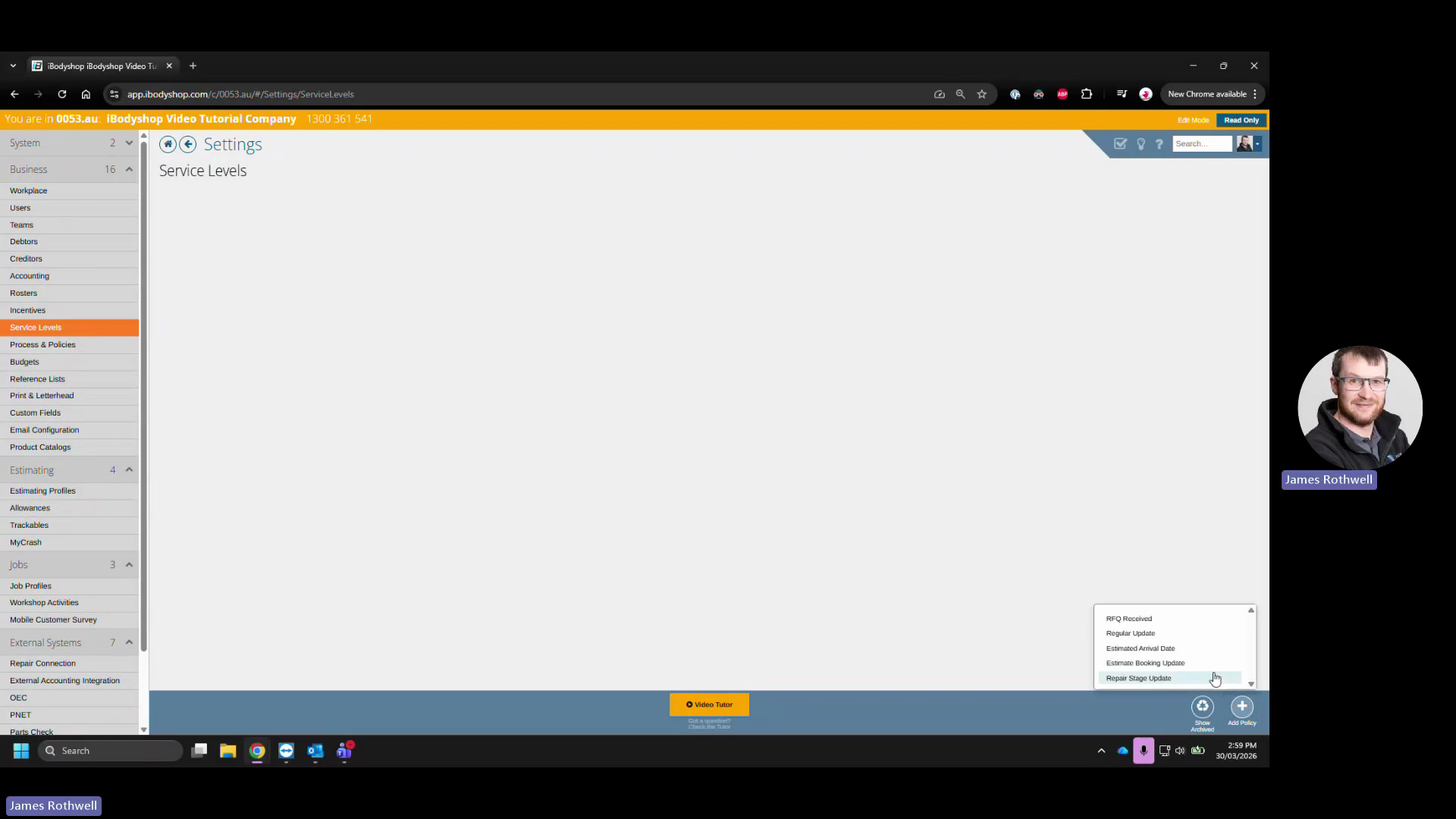
. 3.
4
Enter a descriptive title, like "Paint QC Repair Stage Updated," in the Name field
. 4. Define when the SLA activates. For example, to activate 10 minutes after the repair stage is completed,
5
enter 10 in the activation time field
and
6
select Minutes
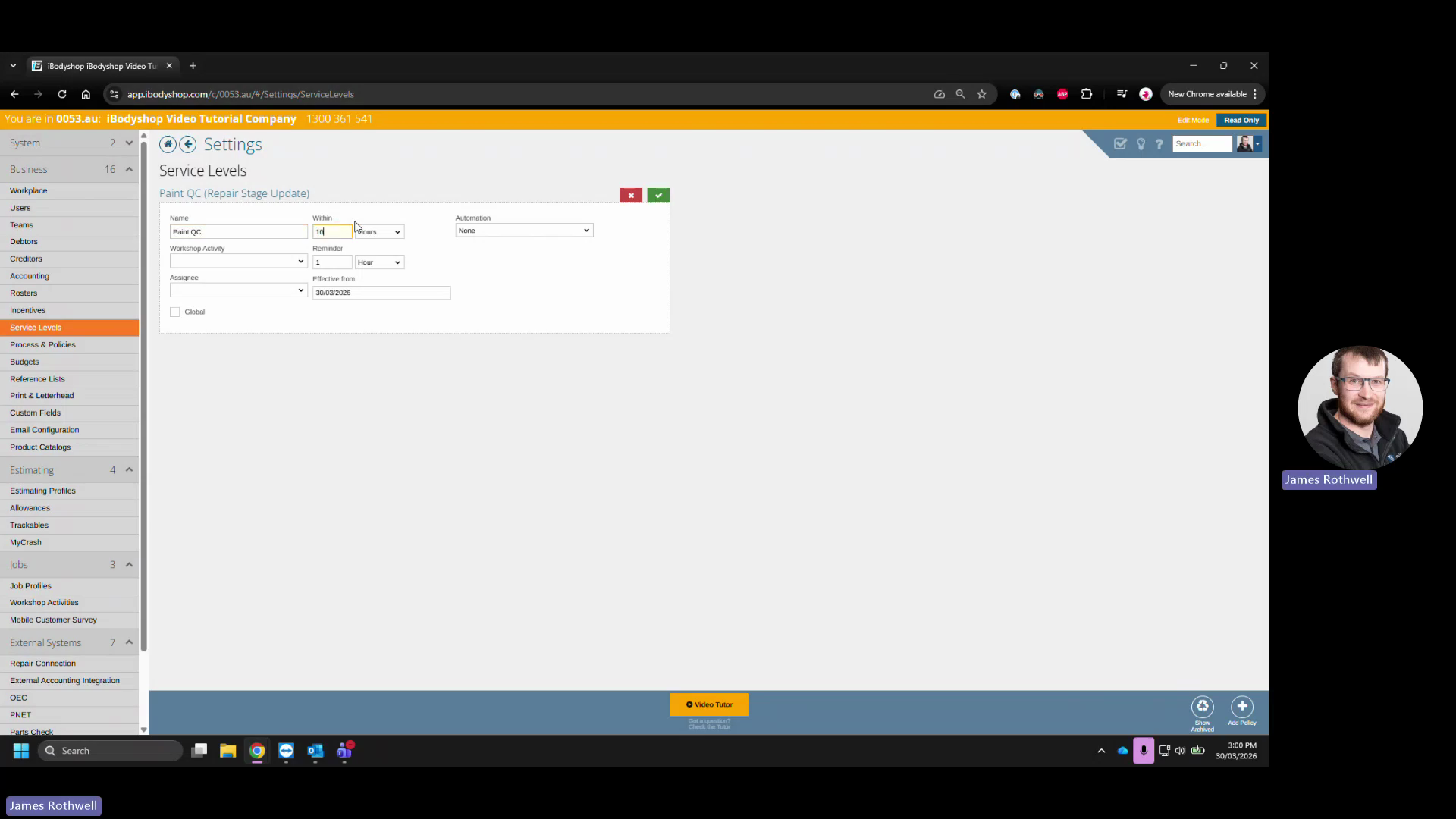
. 5.
7
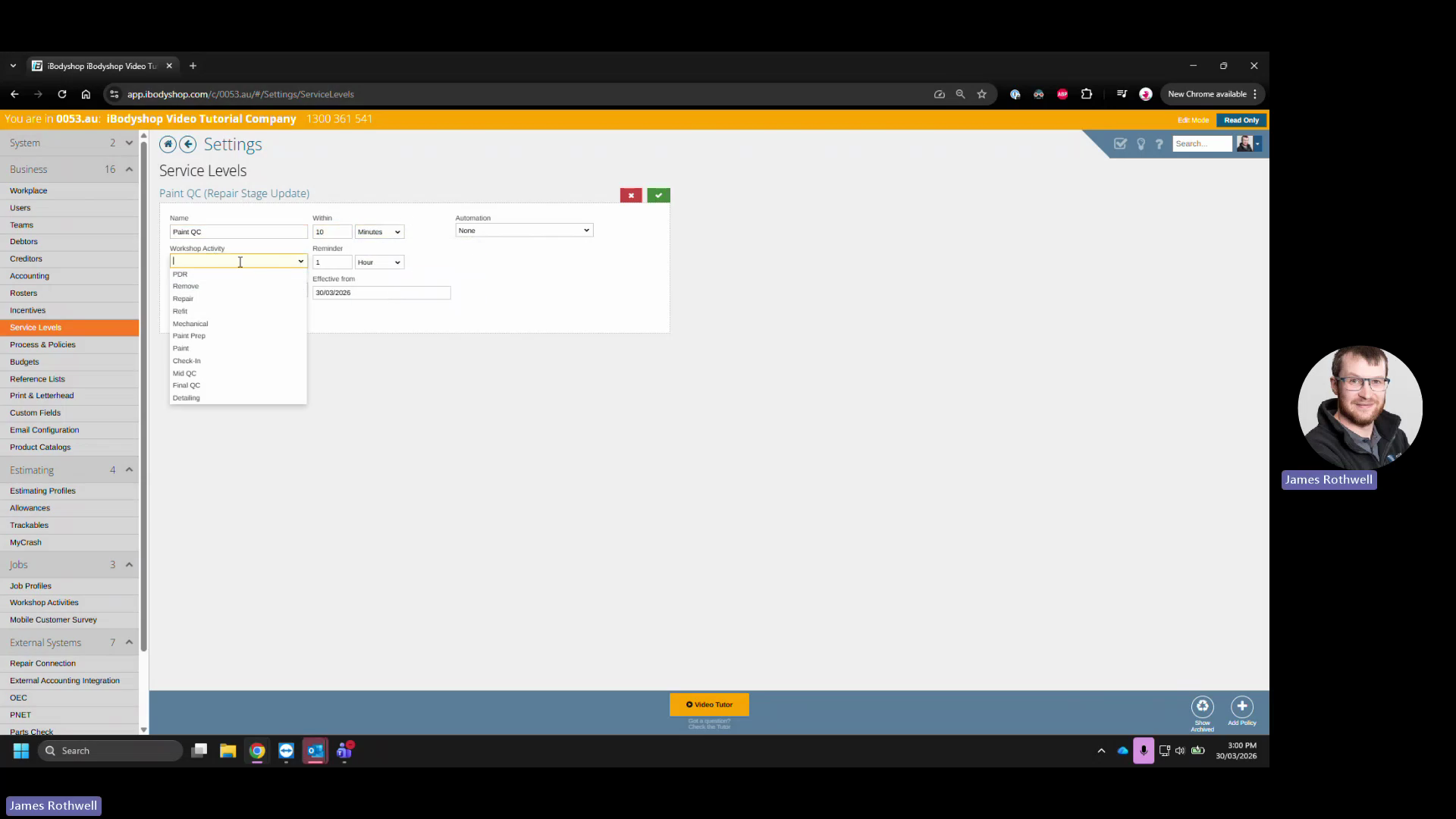
Select the relevant task, such as Paint, from the Workshop Activity dropdown
. 6. Set the reminder threshold. To remind the assignee 5 minutes before the deadline,
8
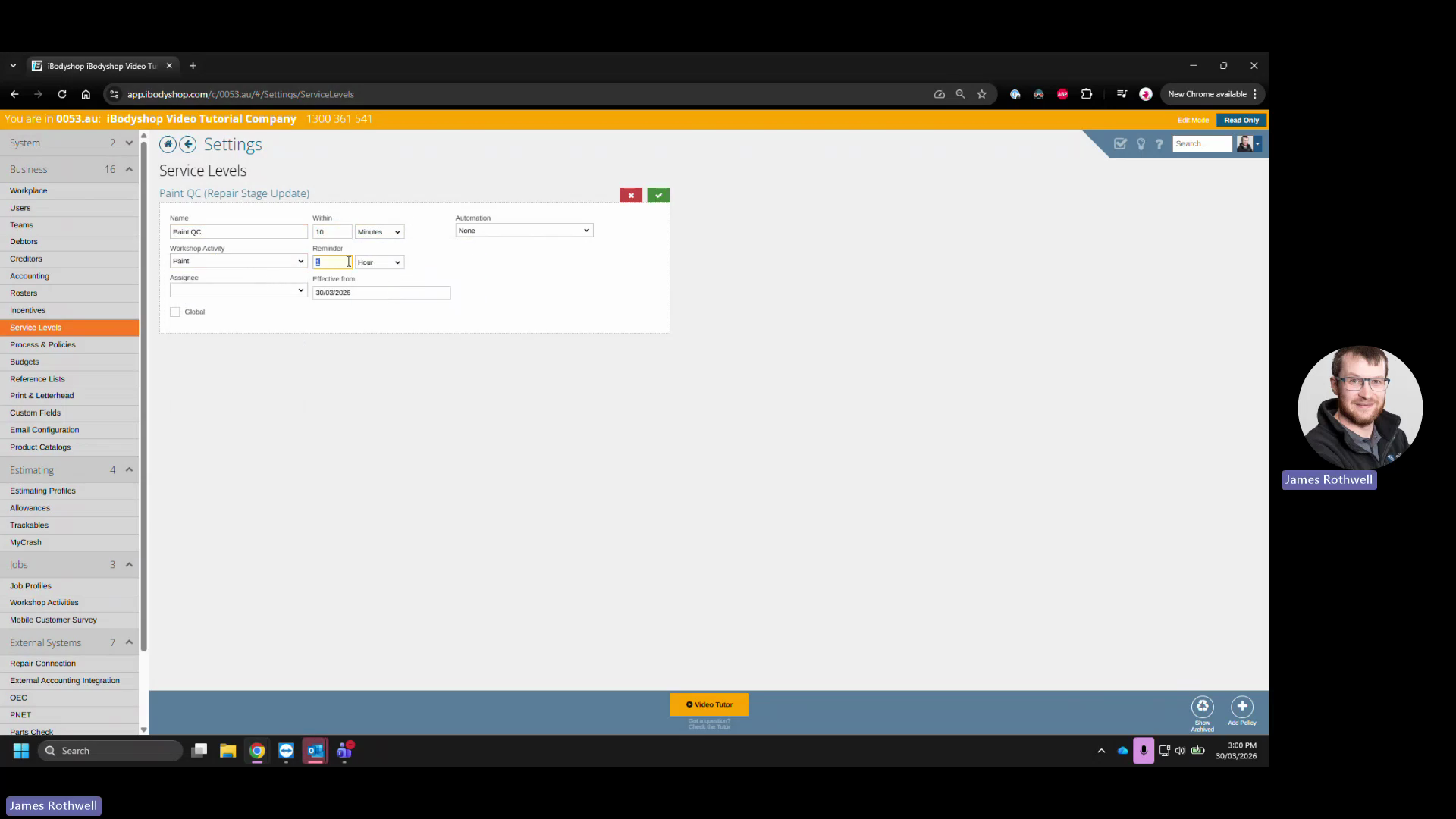
enter 5 for the reminder time
and
9
select Minutes
. 7.
10
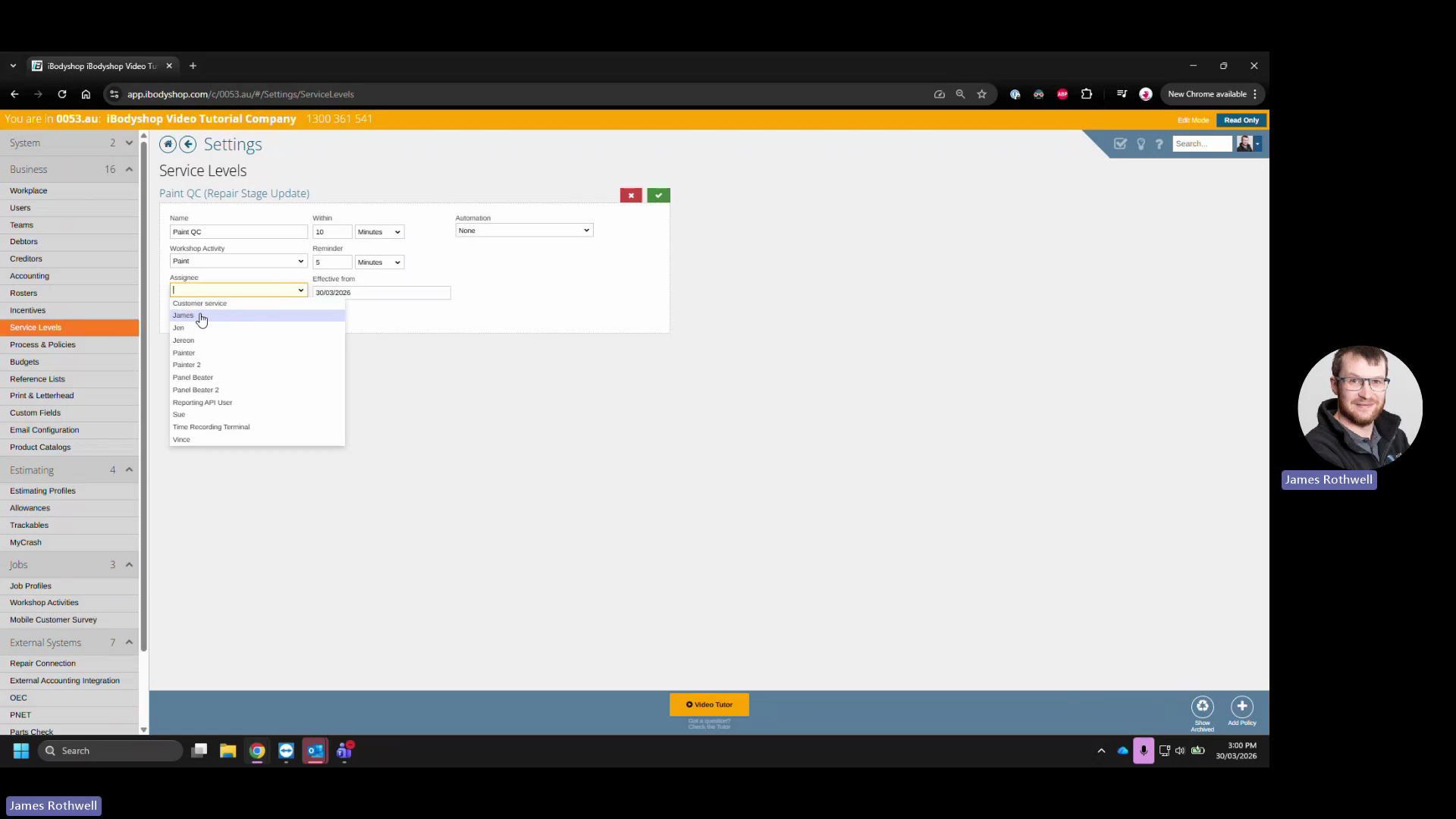
Select the specific user responsible for the task from the Assignee dropdown
. 8.
11
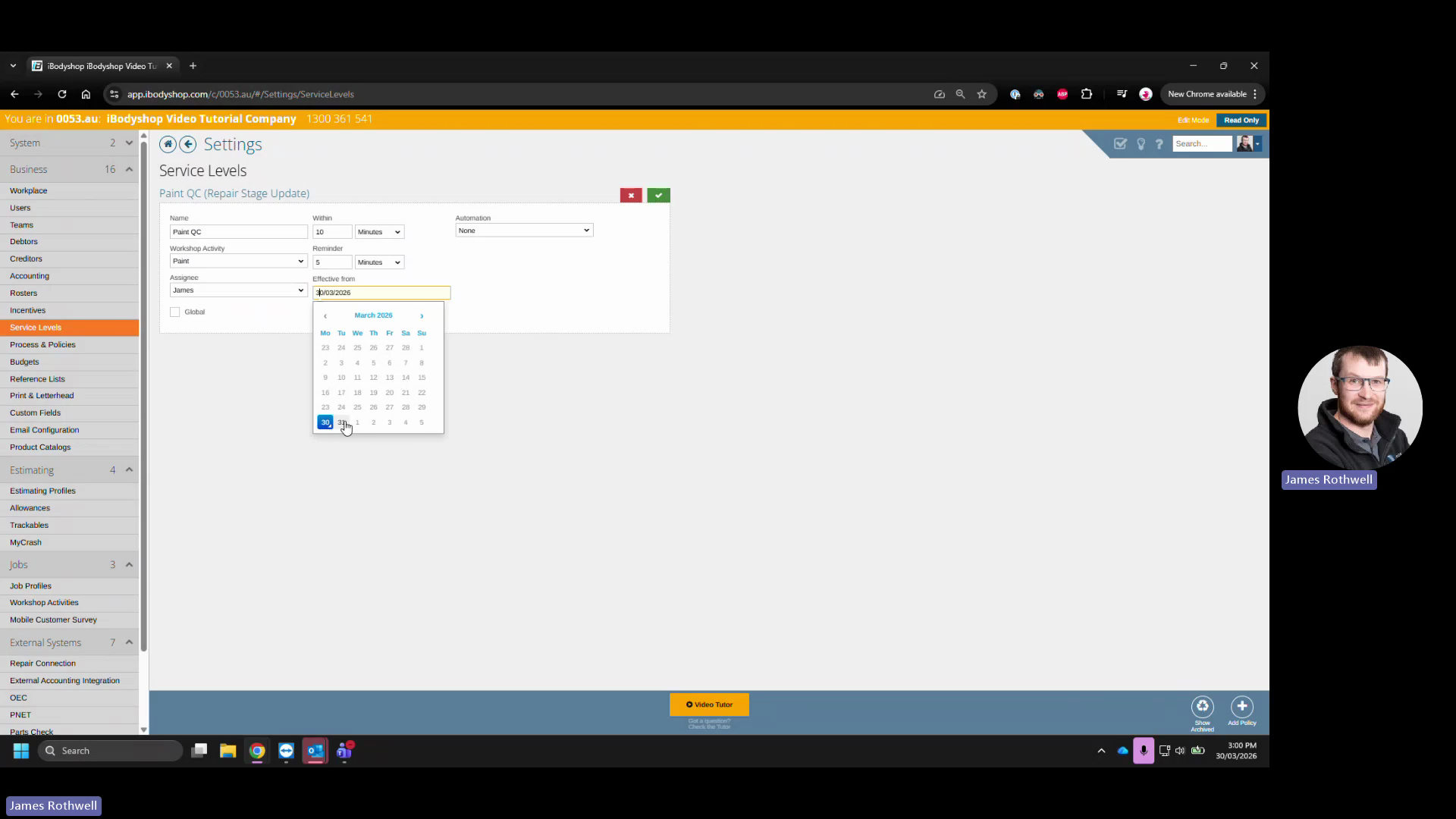
Click the calendar icon and choose a future date for the SLA to take effect
. 9. Optional:
12
Check the Global box
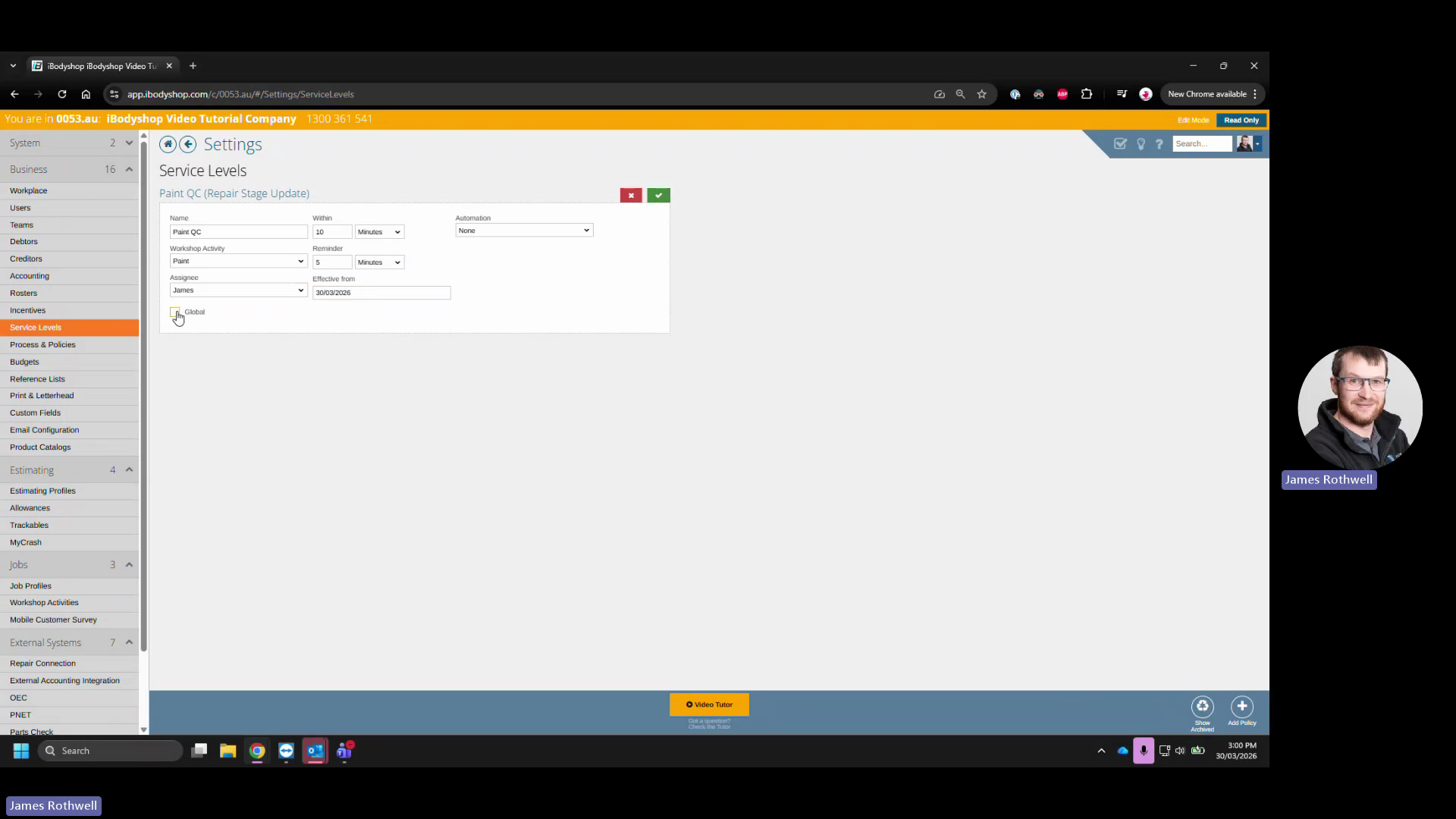
to apply this policy globally. 10.
13
Click the green checkmark icon to save
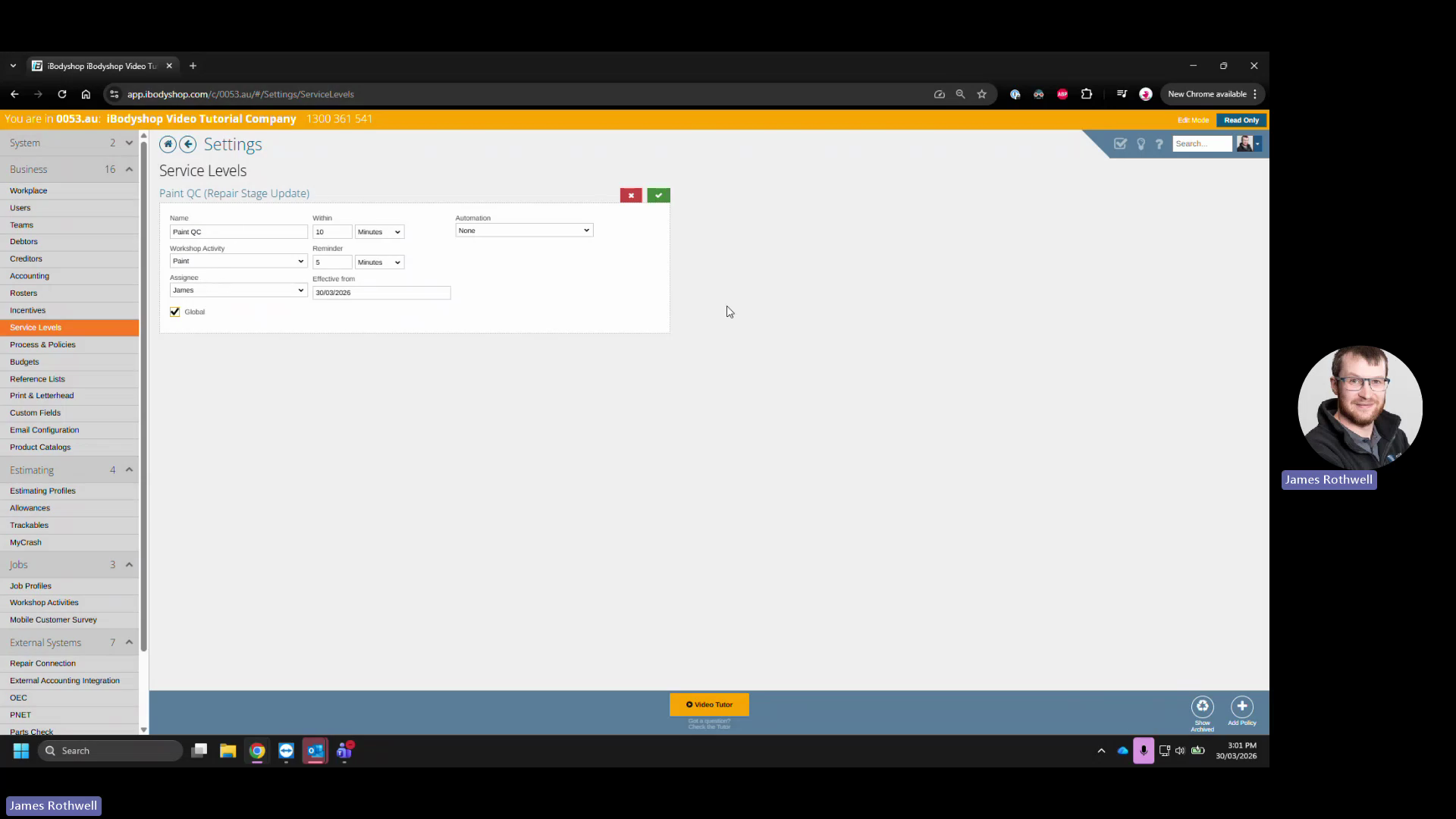
.