Set Up an SMS Toll-Free Number in Klaviyo
Learn how to configure your SMS settings and register a toll-free number for the United States in Klaviyo.
By Hammad Razi
This guide walks through configuring registration to obtain a toll-free number in Klaviyo.
Register an SMS Country and Number
Follow these steps to access SMS settings and submit your registration details:
1
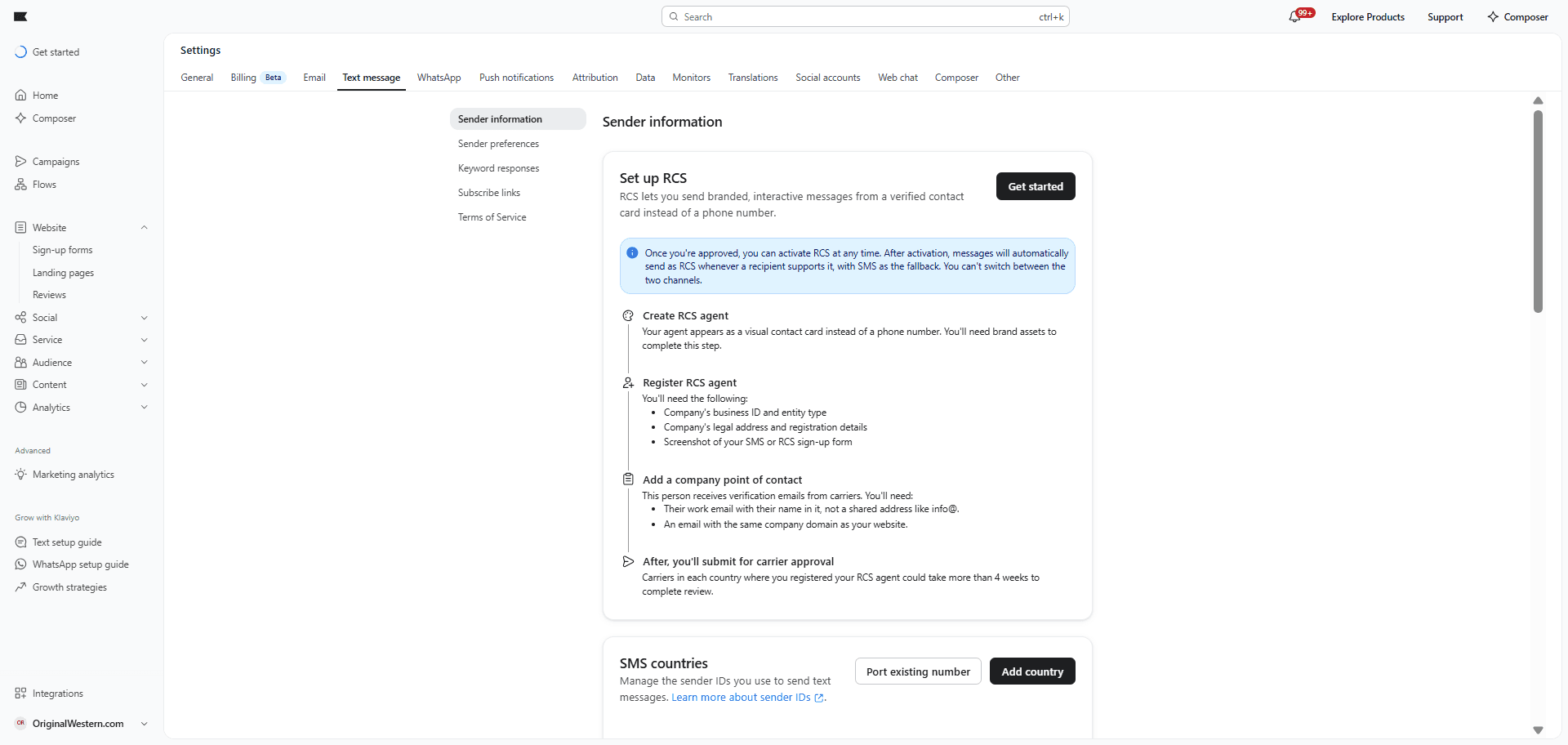
Navigate to the SMS Settings section in Klaviyo use link: https://www.klaviyo.com/settings/sms/sender-information
2
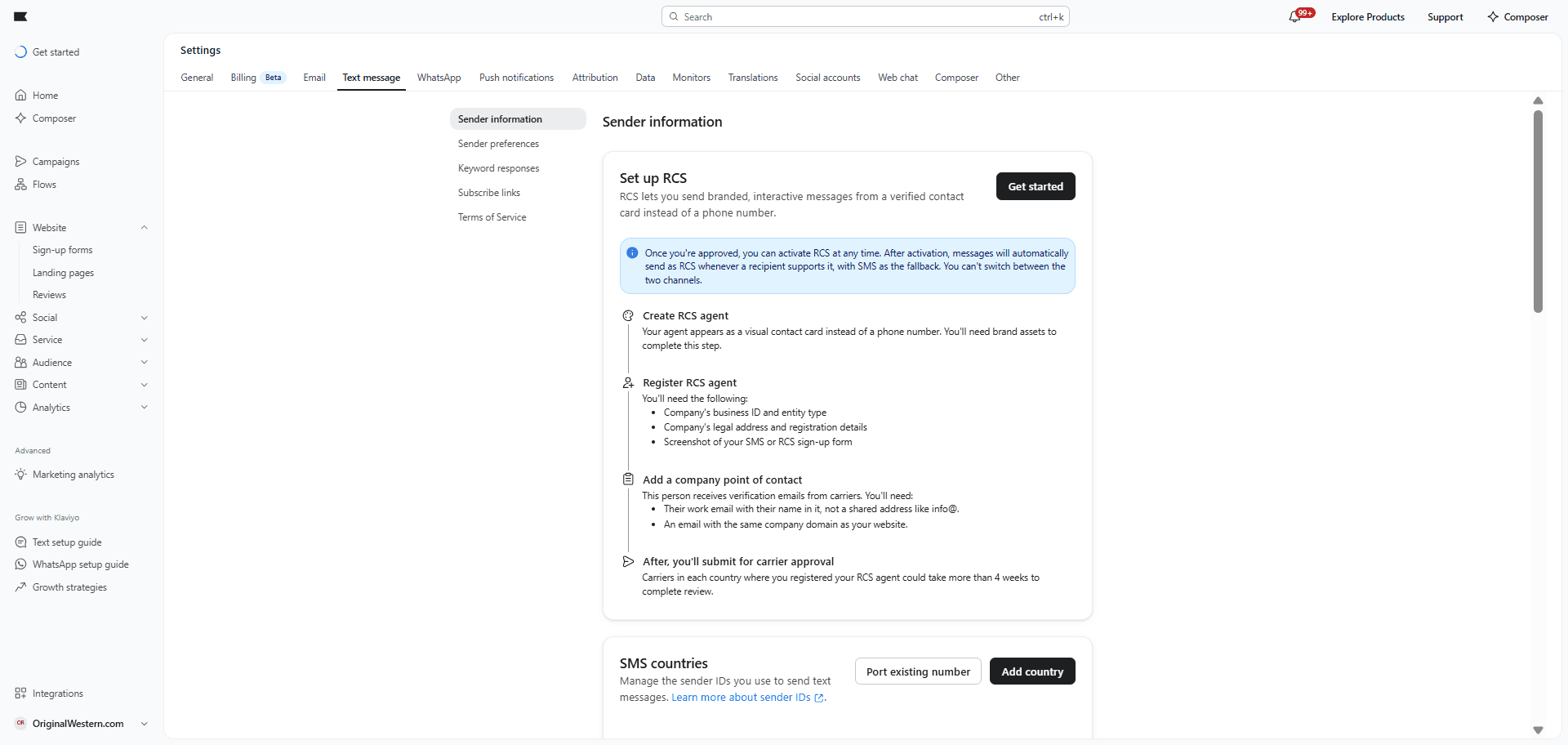
Click on Text Message tab in the navigation menu.
3
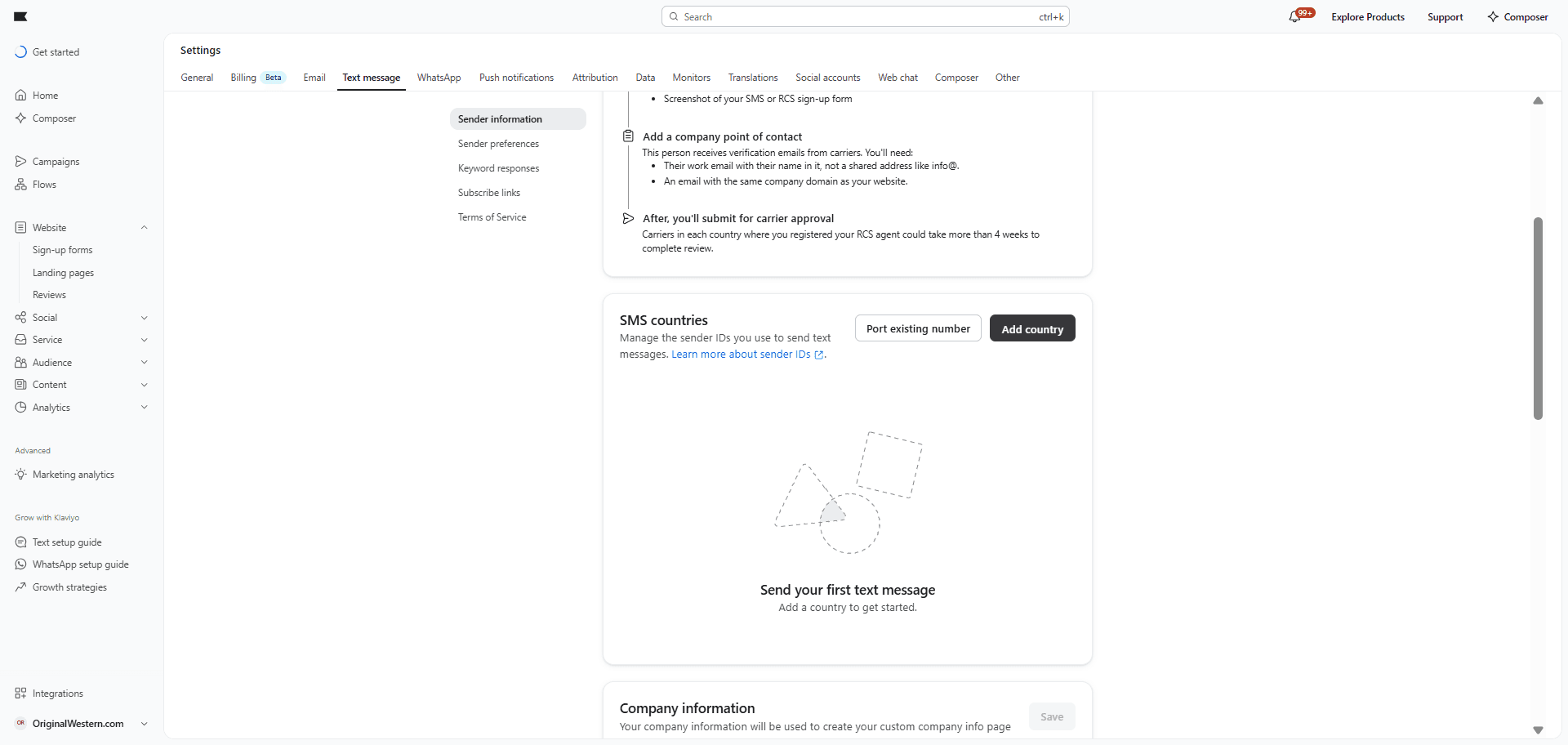
Scroll down to the SMS countries card and click to add a new country.
4
In the Add Country modal, select United States, choose Toll-Free Number, and click Next. Then, complete the required business and personal information form.
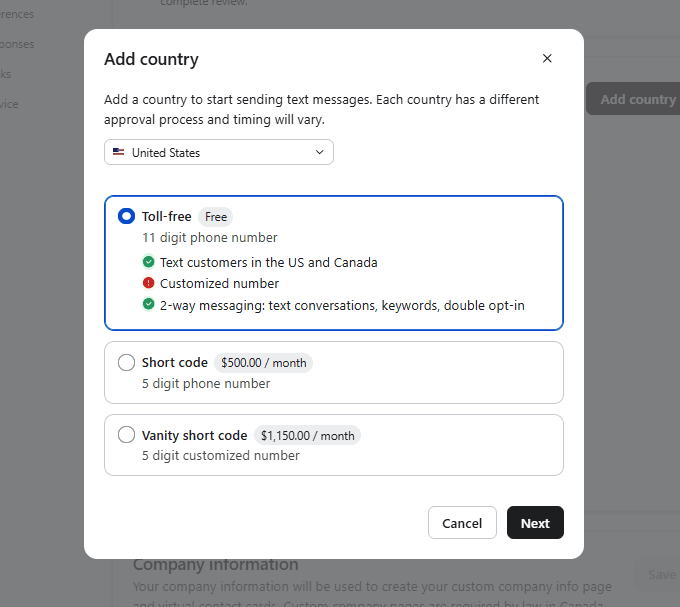
(It’s a free number, so we don’t need to select any paid options.)
(It’s a free number, so we don’t need to select any paid options.)