
How to Set Up Browser Calling in Zoho CRM
Learn how to install the ZDialer extension, authorize telephony permissions, and place calls or text messages directly from Zoho CRM.
This guide walks you through setting up a browser extension to initiate calls and SMS messages directly from a CRM environment. Completing this setup allows you to seamlessly communicate with leads without switching between different software applications.
This process is designed for sales representatives and customer support agents who actively manage leads. You'll execute this setup once during your initial browser configuration to streamline your daily outreach workflow.
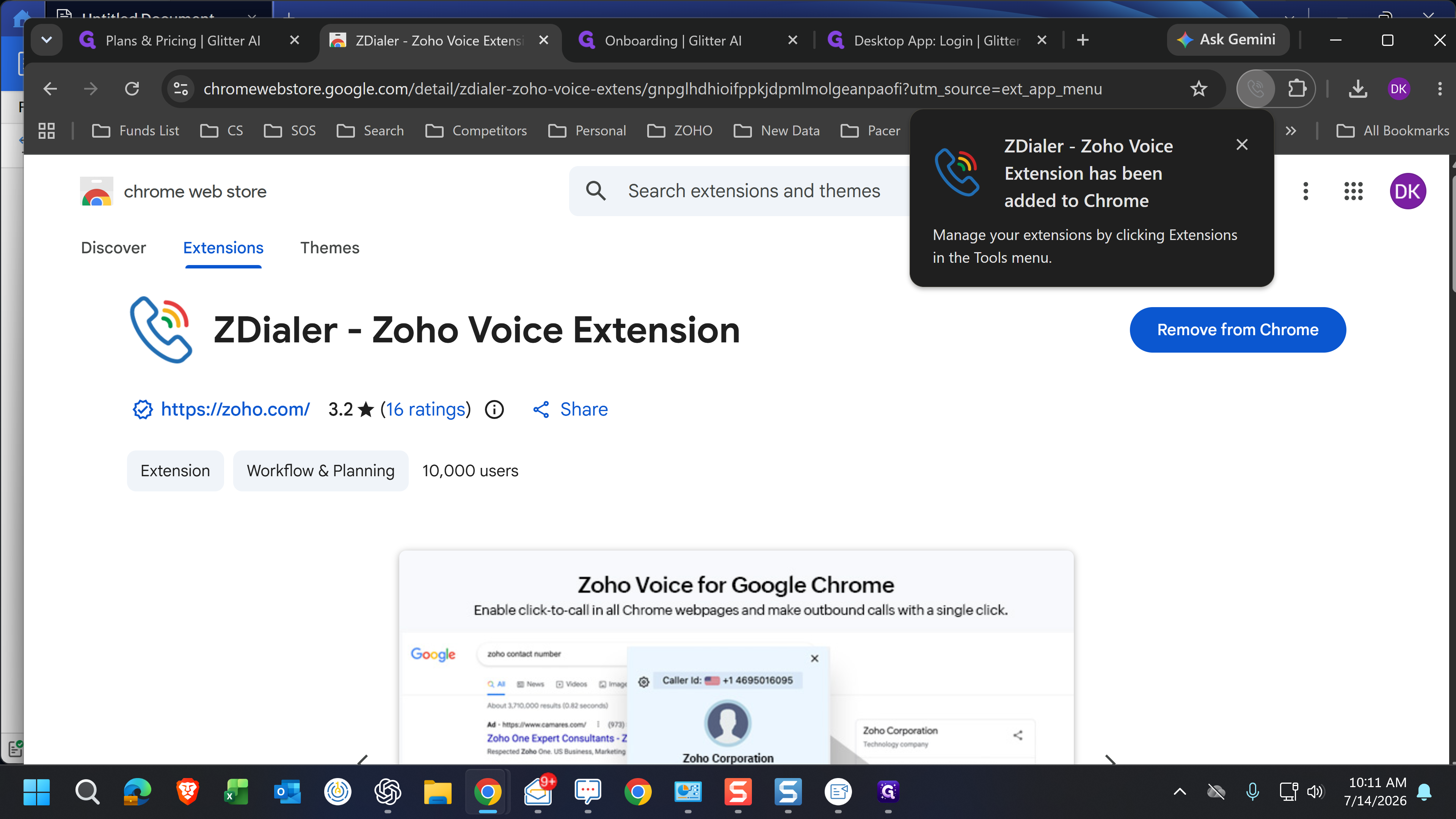
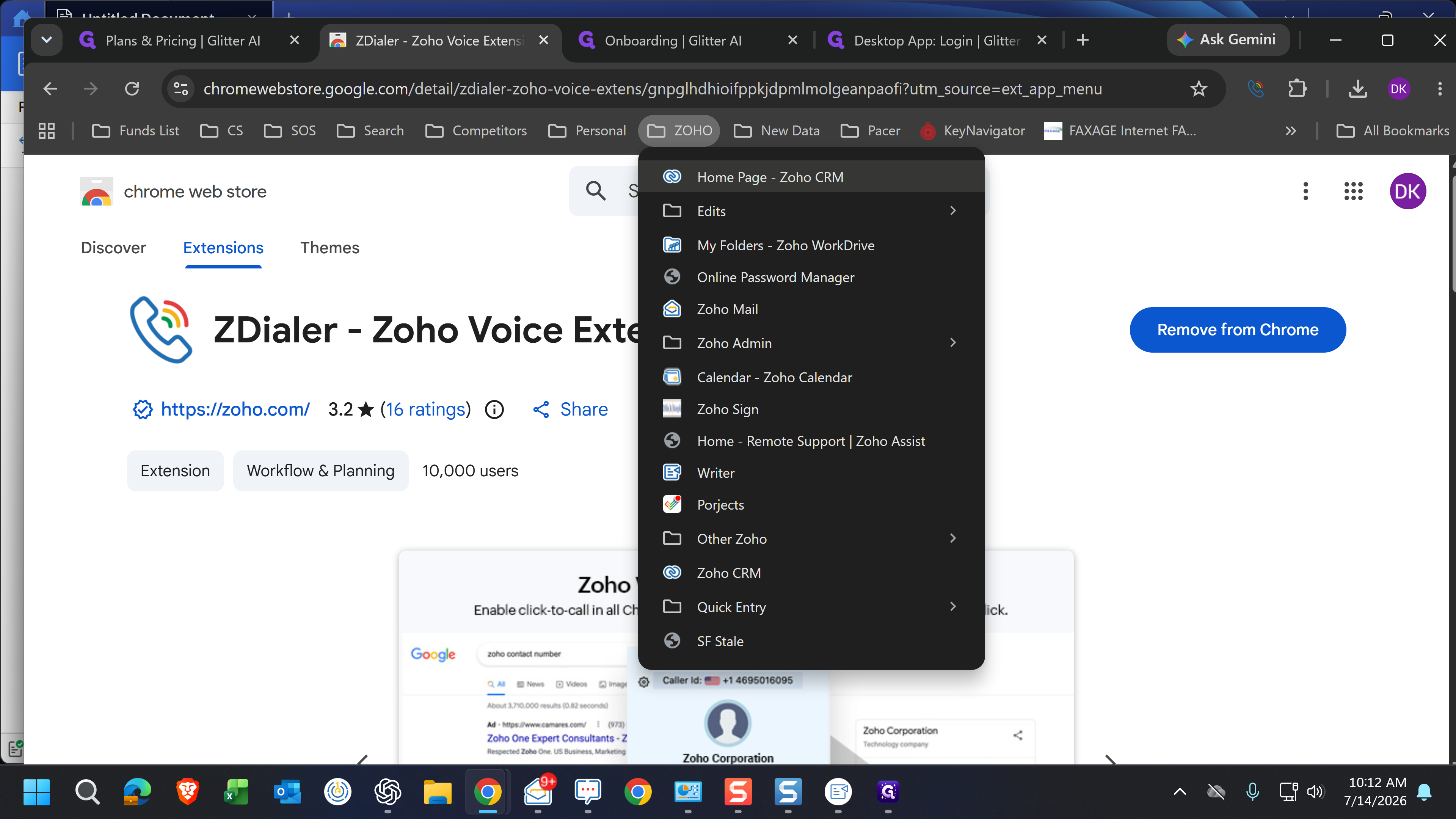
Install the Extension
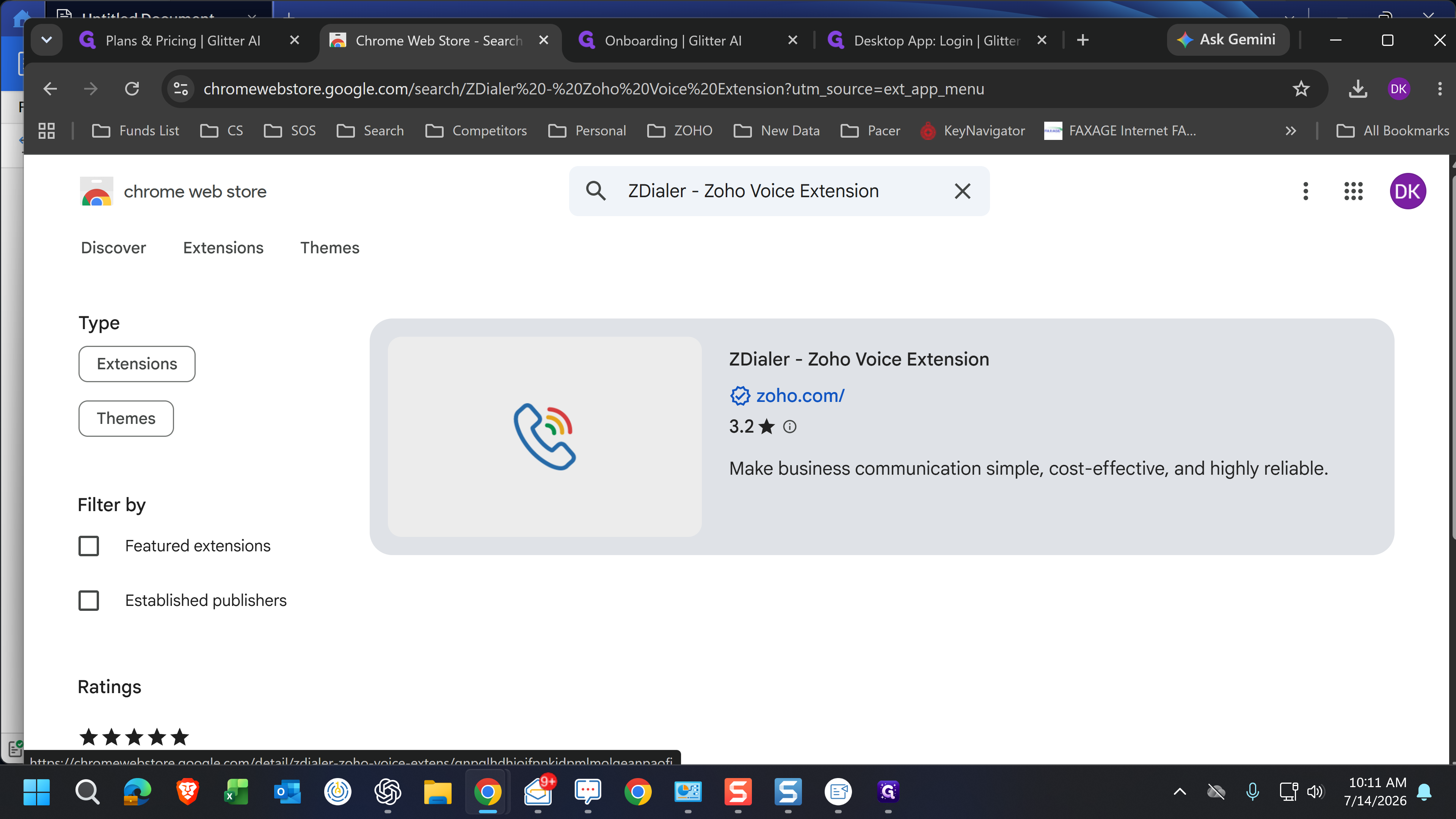
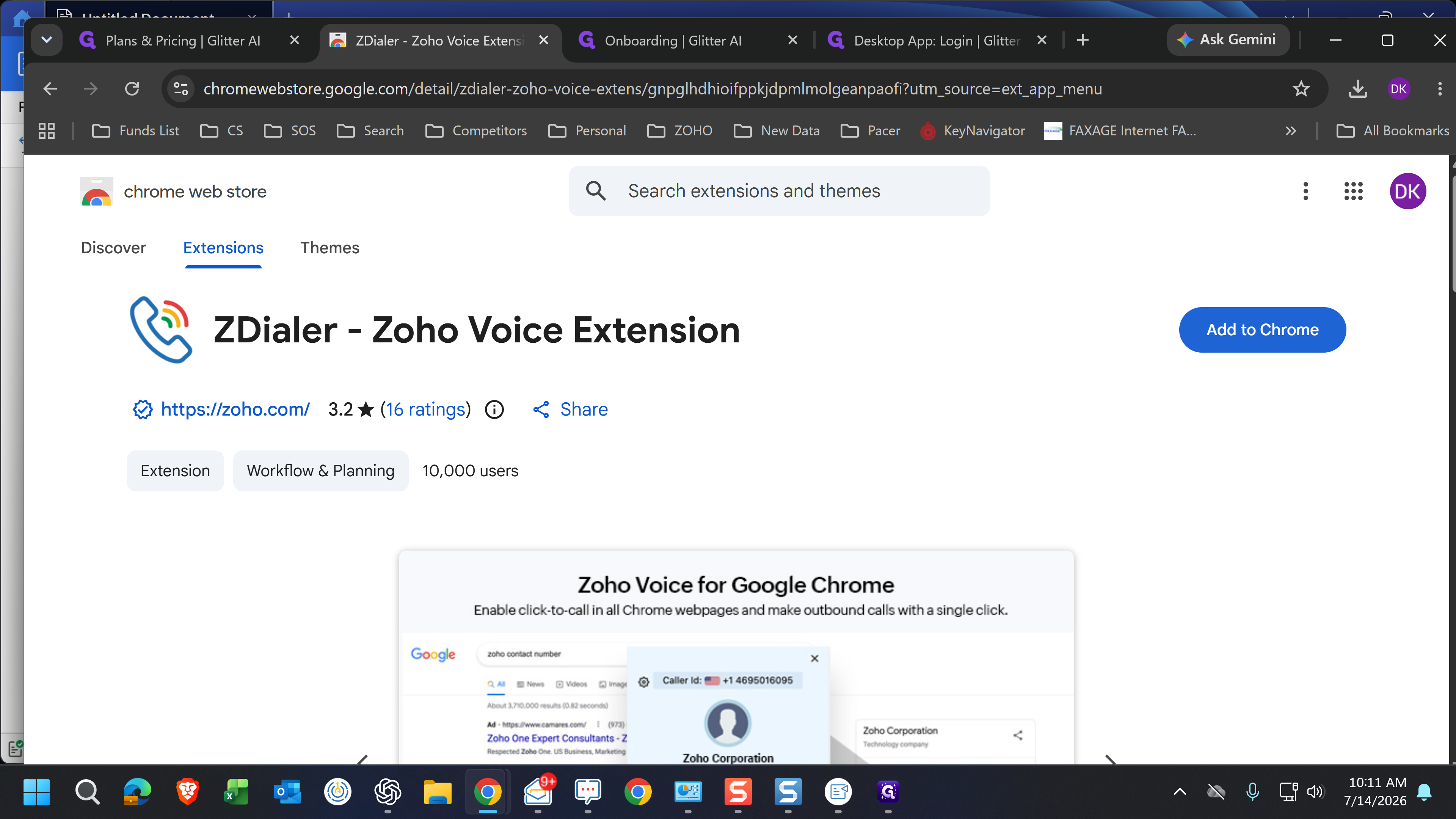
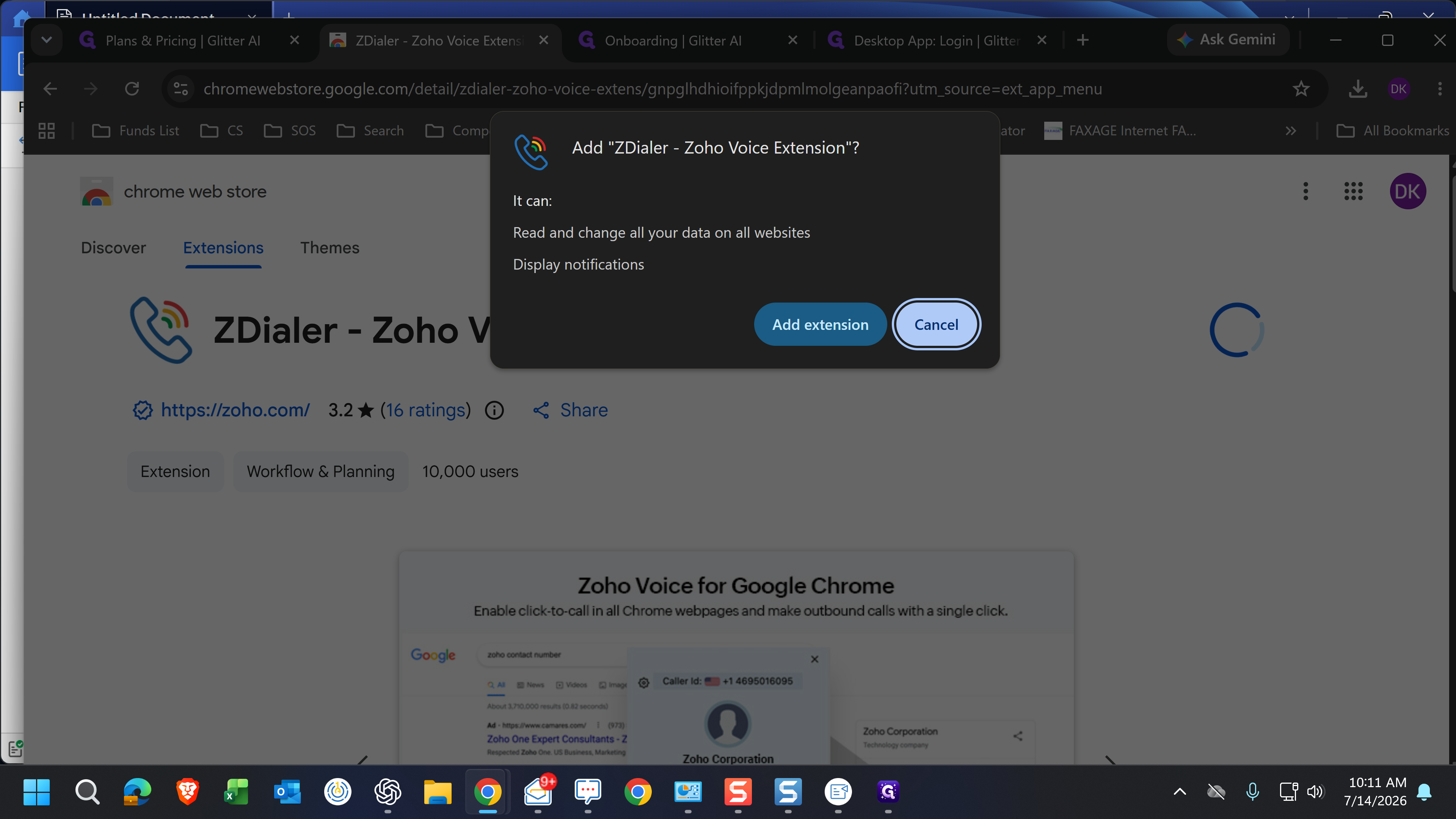
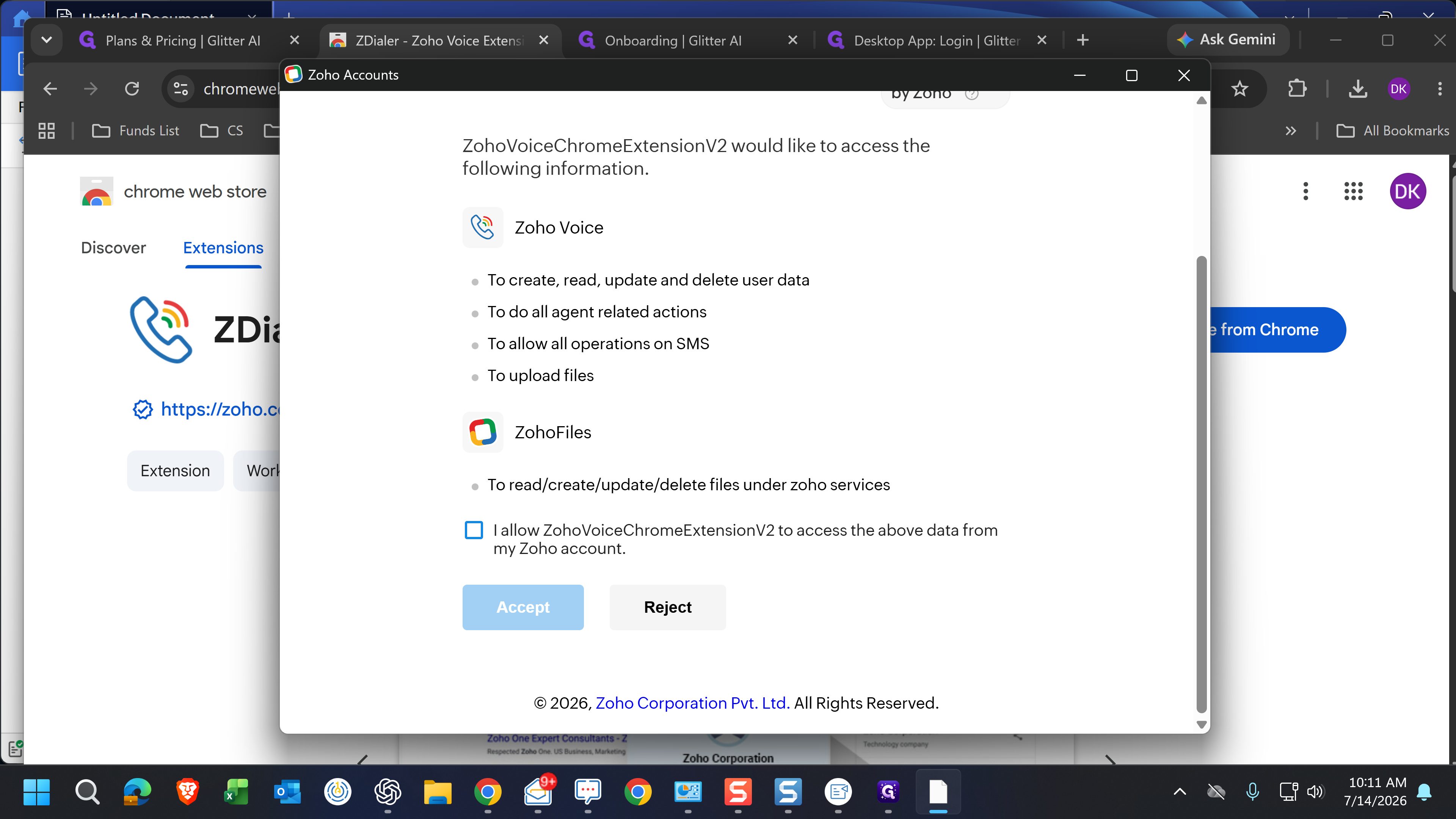
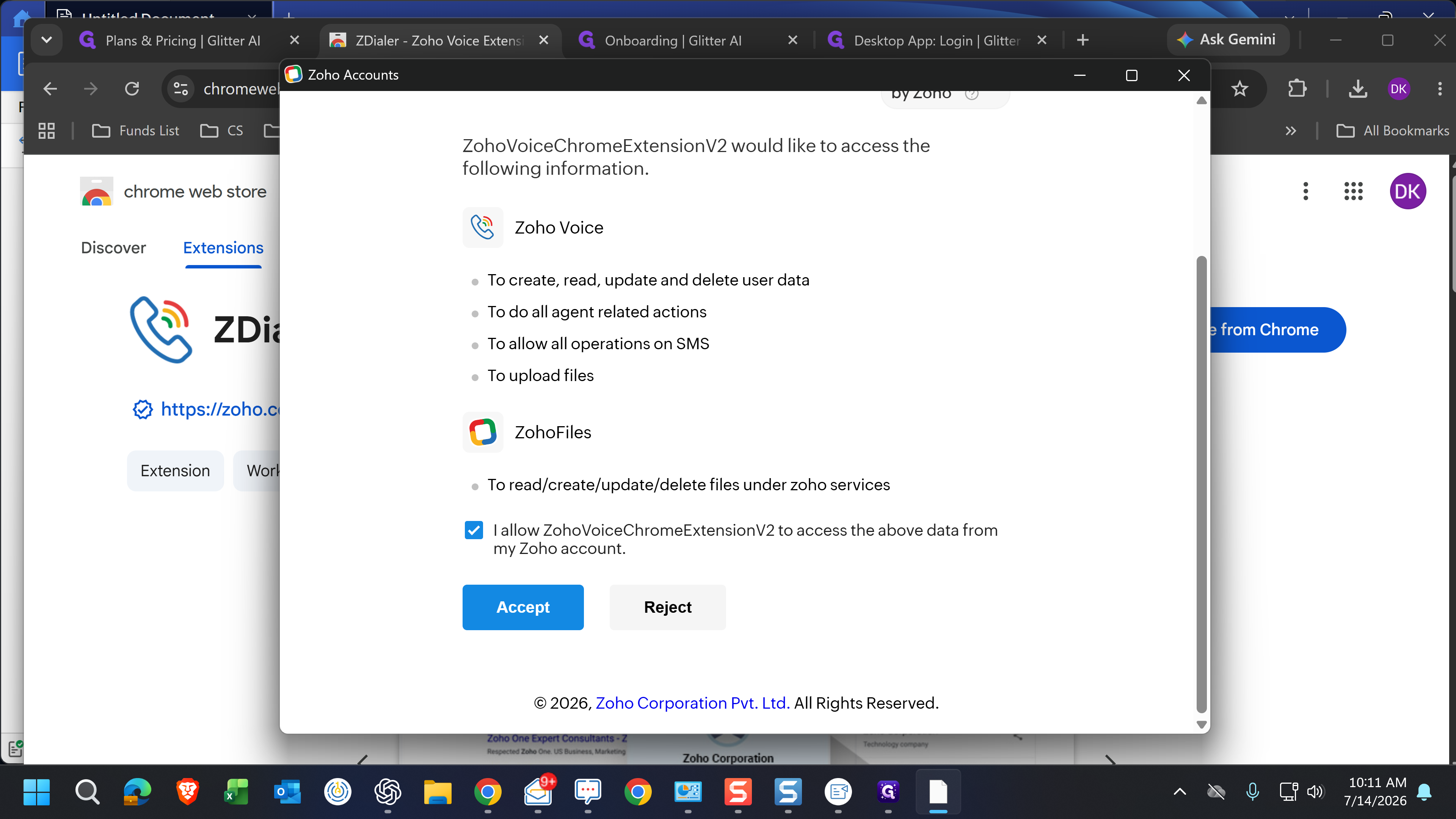
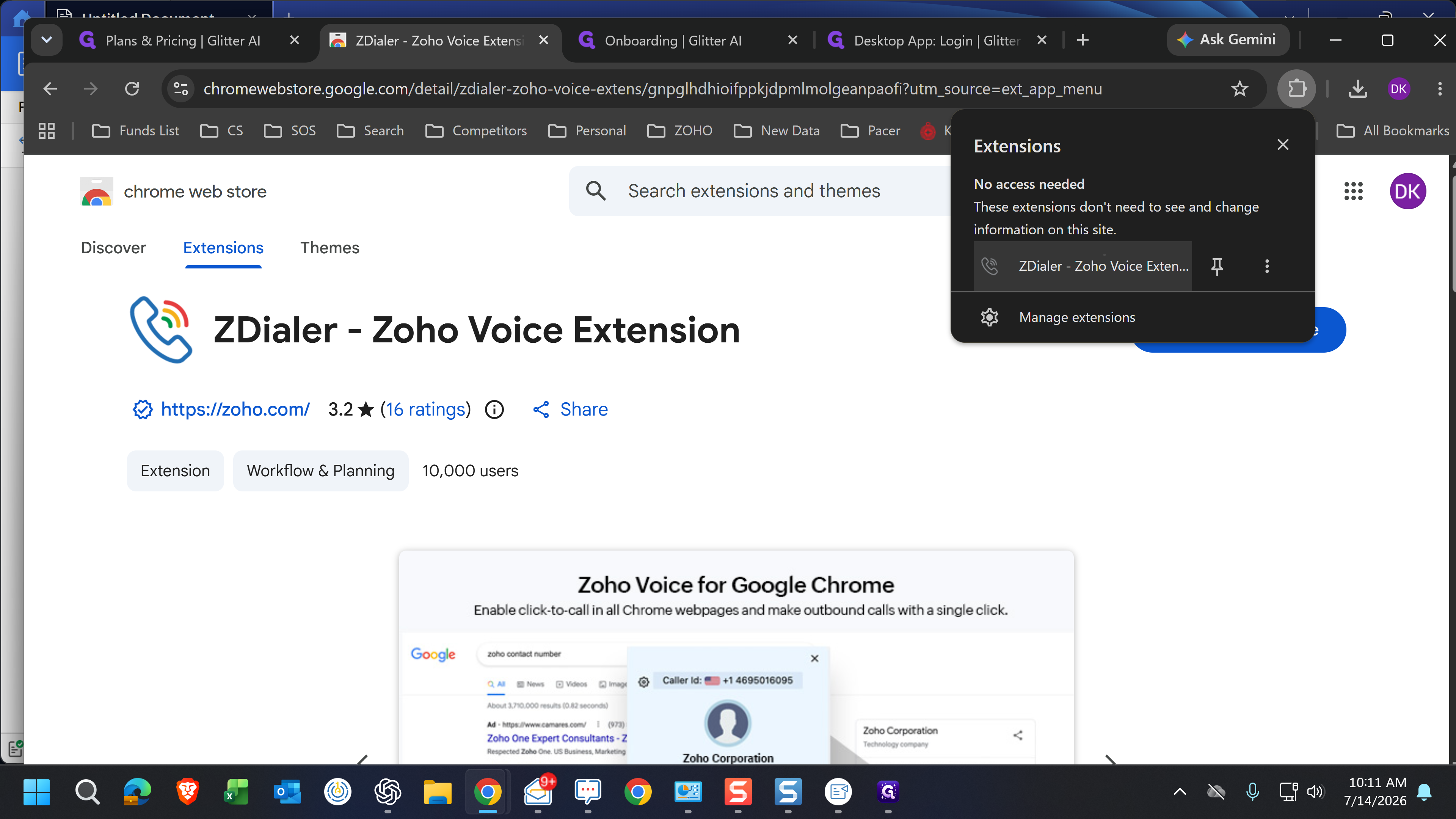
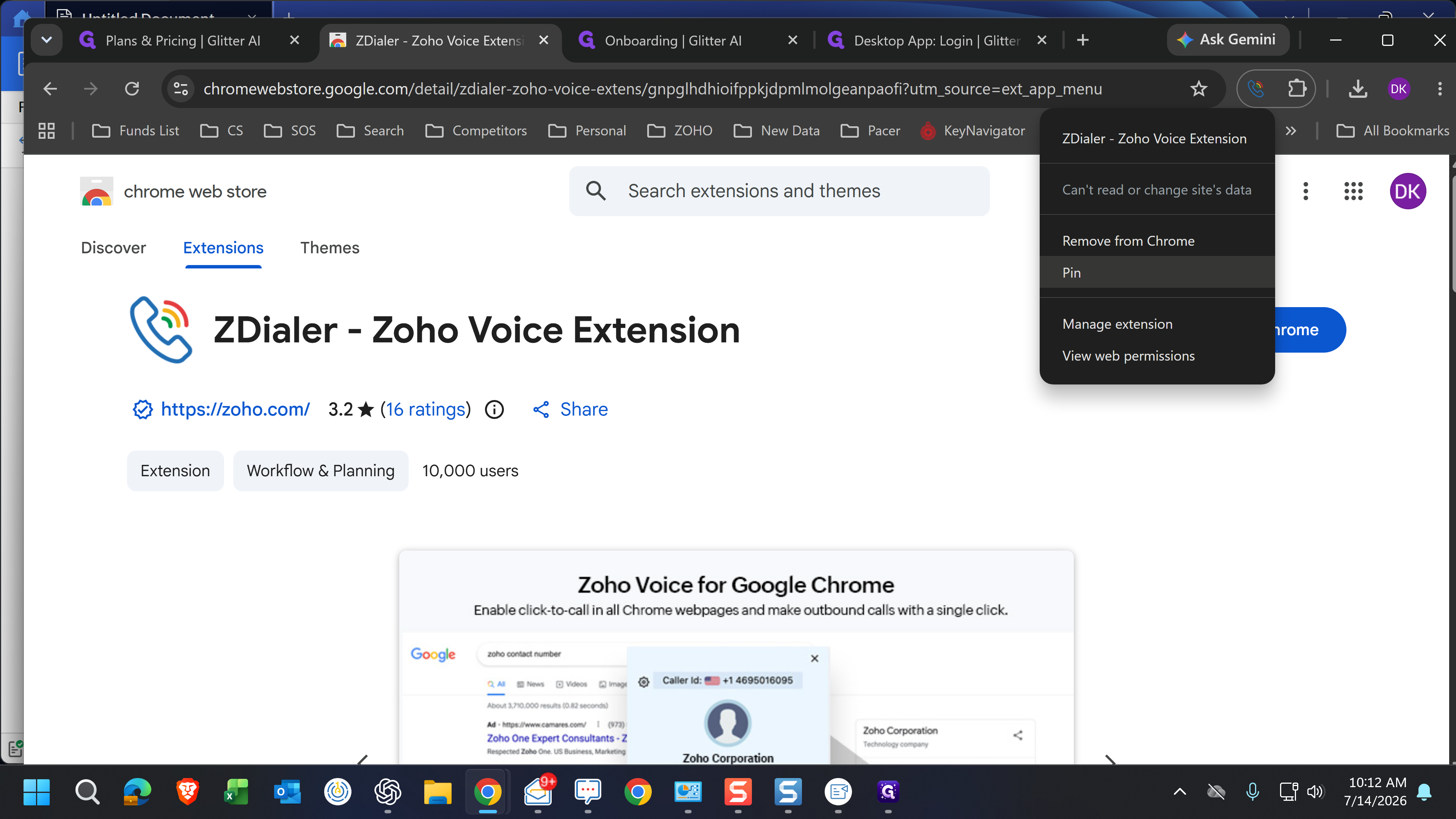
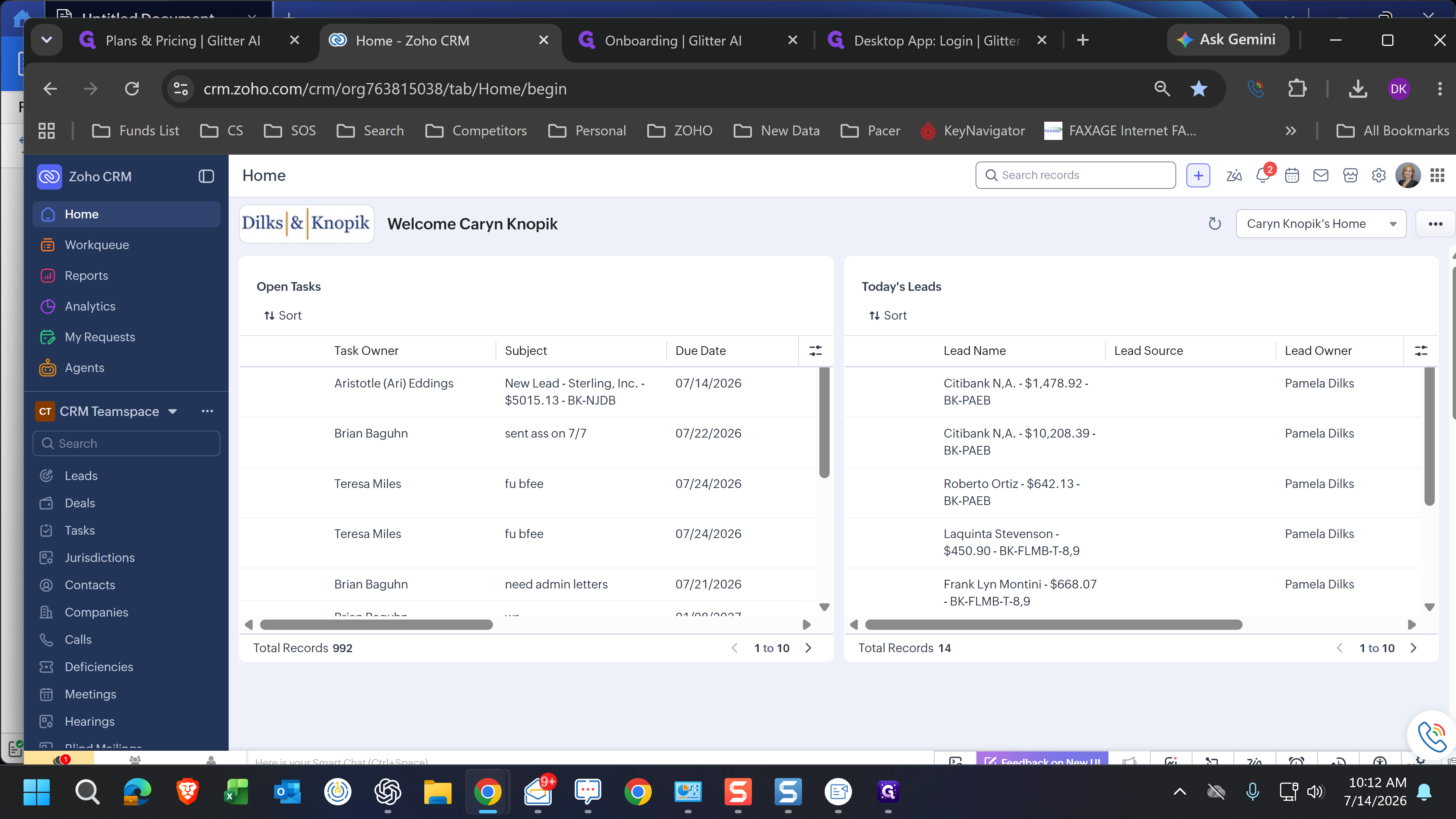
Authorize and Pin the Dialer
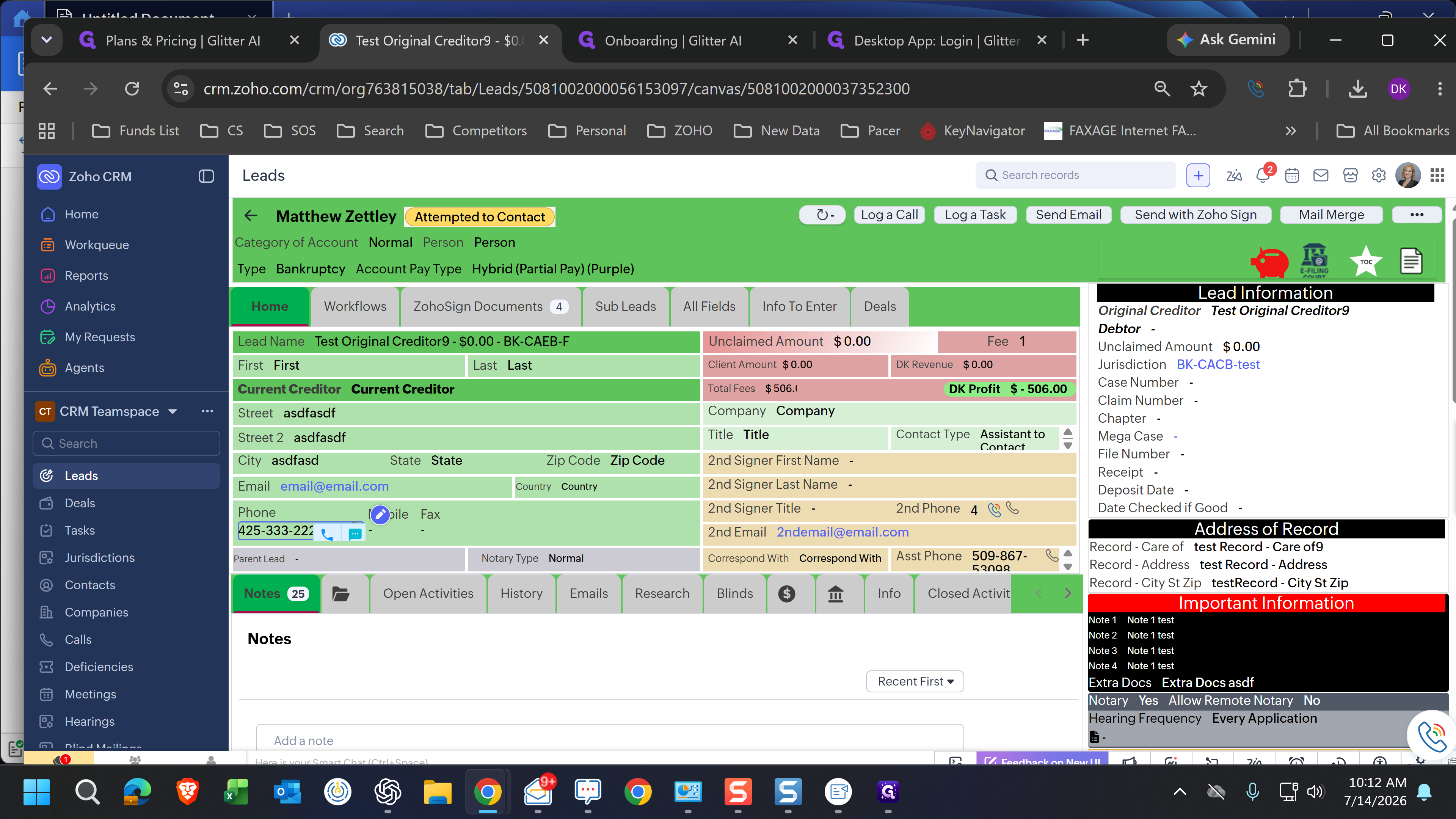
Make a Call from Zoho CRM
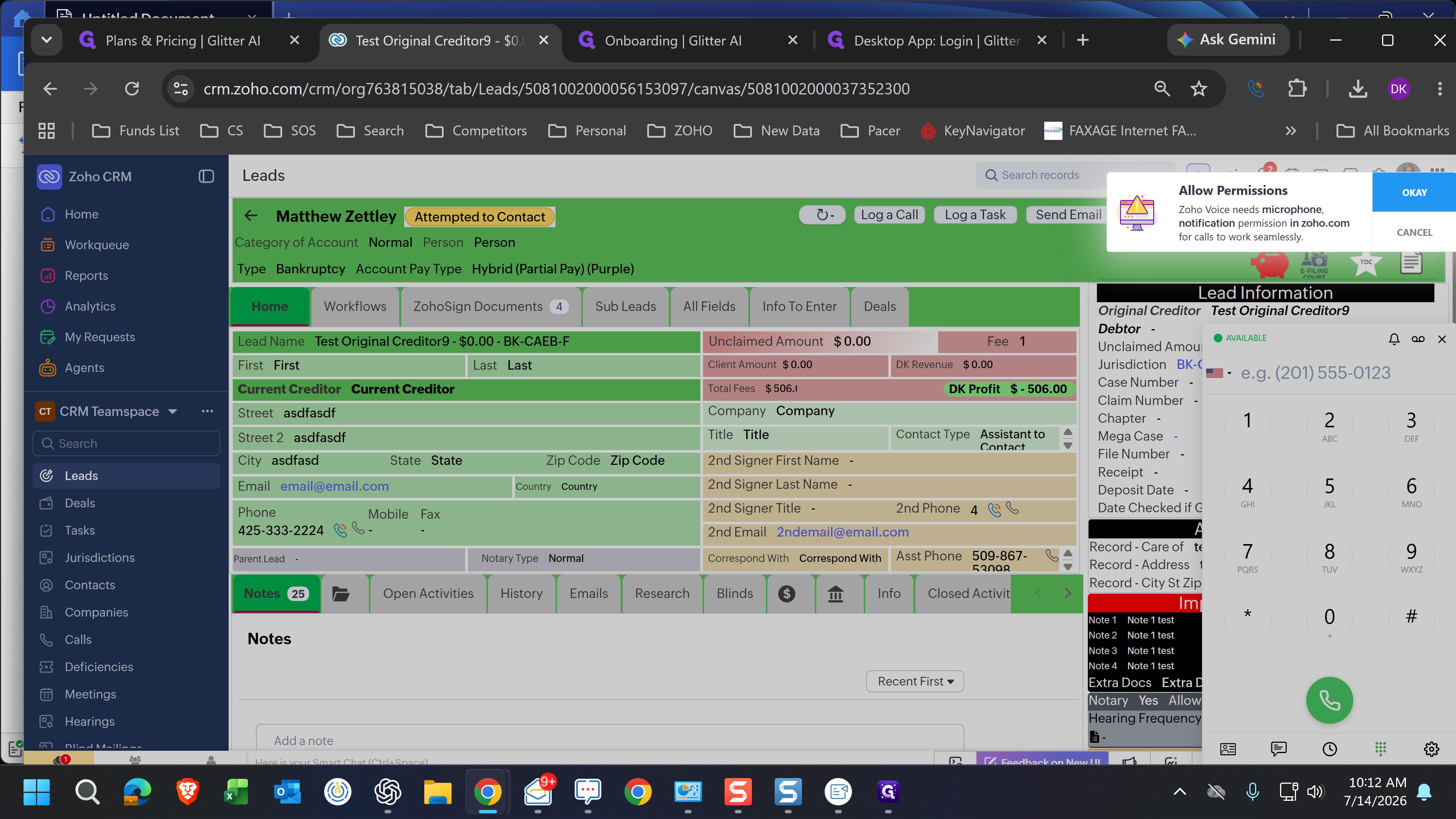
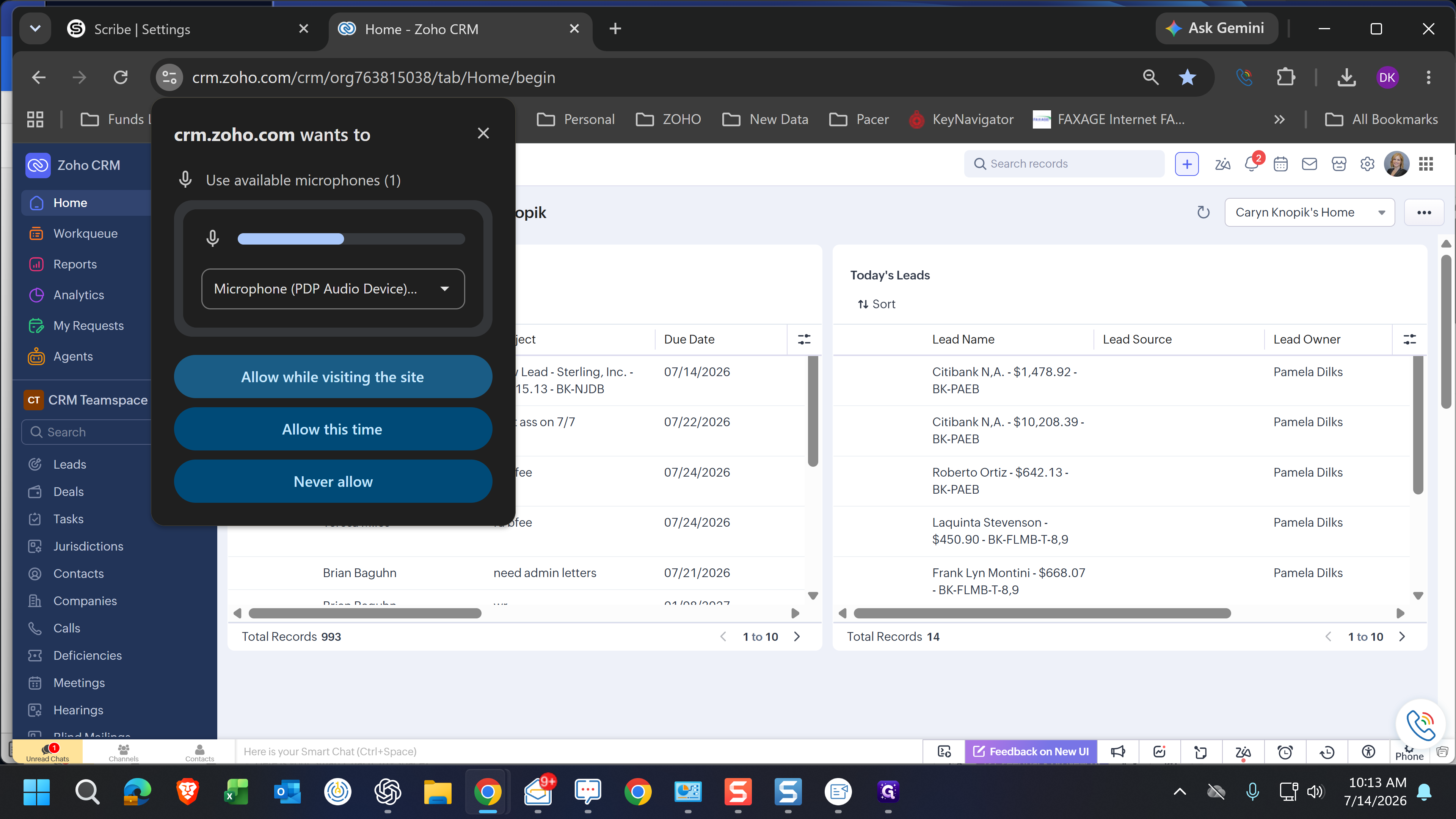
Q: Why isn't my microphone working when I try to make my first call?
A: The first time you attempt to make a call, your browser will ask for microphone permissions. You must click "Allow while visiting the site" in the prompt to ensure the dialer can access your computer's audio.
Term | Definition |
|---|---|
ZDialer | A browser extension that acts as a bridge between web applications and a cloud telephony system, enabling click-to-call functionality. |
Zoho Voice | A cloud-based business telephony application used for making, receiving, and logging phone calls and SMS messages. |
Zoho CRM | A Customer Relationship Management platform used to organize, track, and engage with sales leads and current clients. |