Signing up a new user and assigning a permissions template
Learn how to access user management and create a new user profile, entering their details and assigning the relevant permissions template.
By Soporte DATAIE
Purpose
This guide explains how to register and set up a new user via Users Administration. Follow these instructions to enter the user’s details, assign them the appropriate permissions template and complete the registration.
1
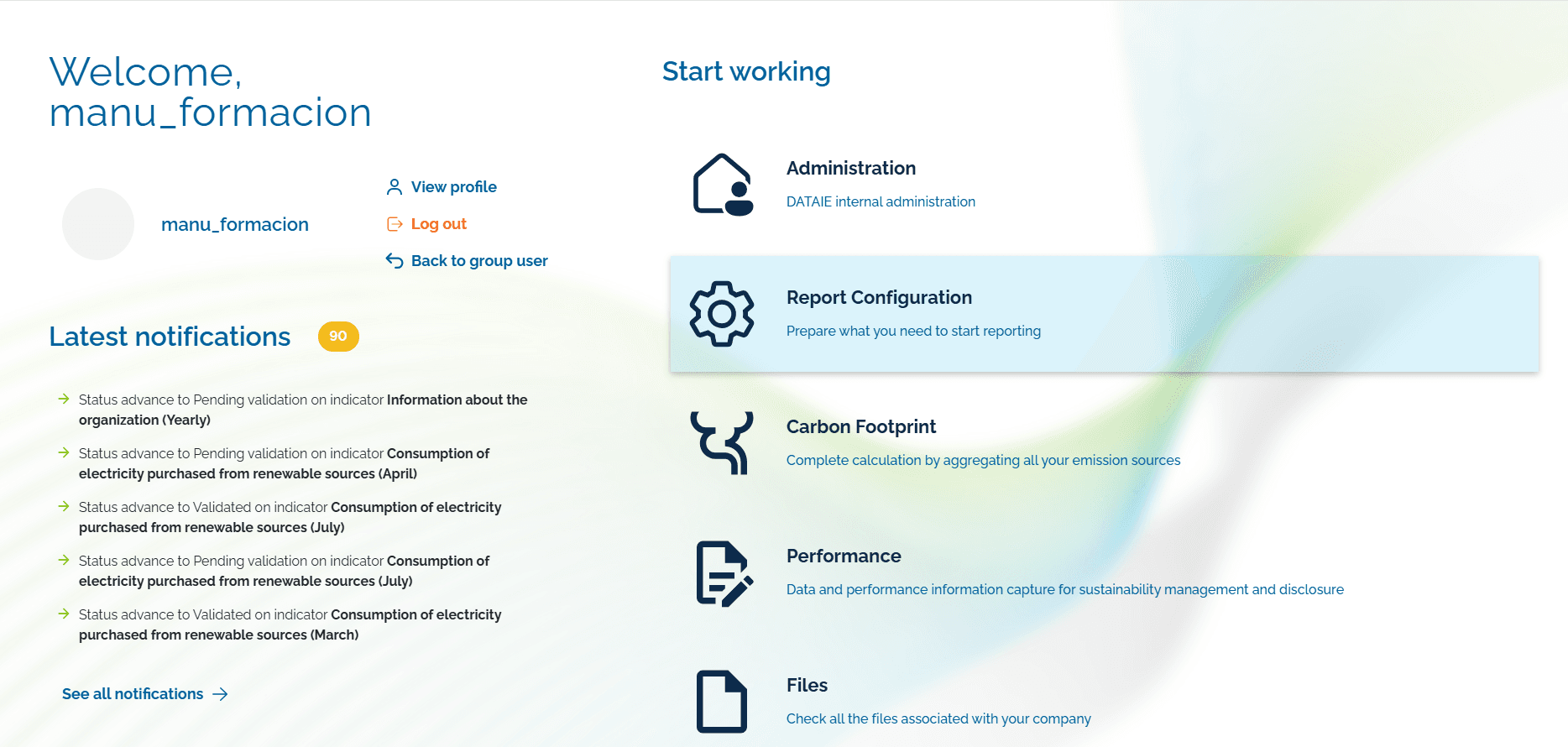
Click Report Configuration in the navigation menu.
2
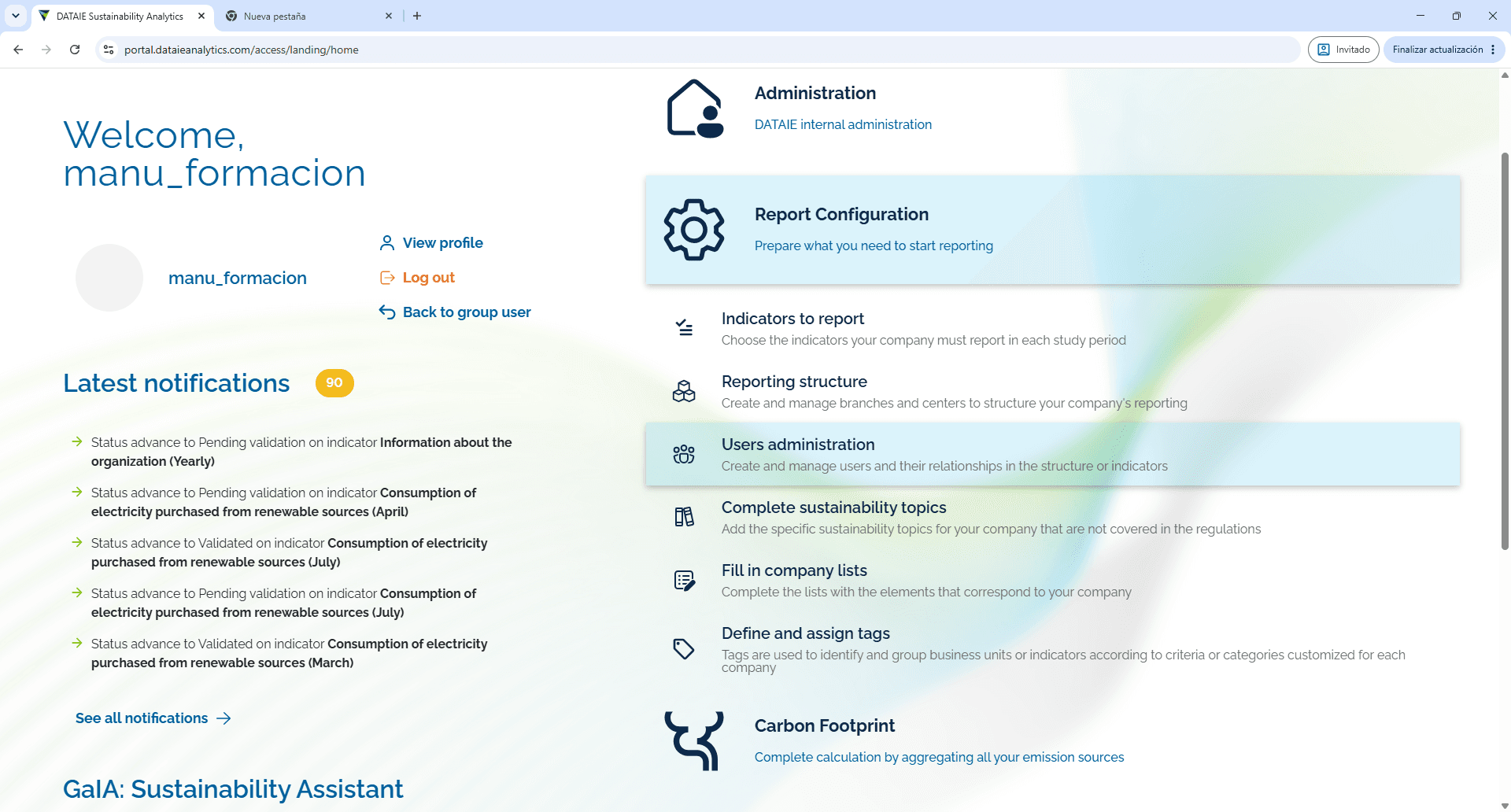
Click Users administration to open the user management section.
3
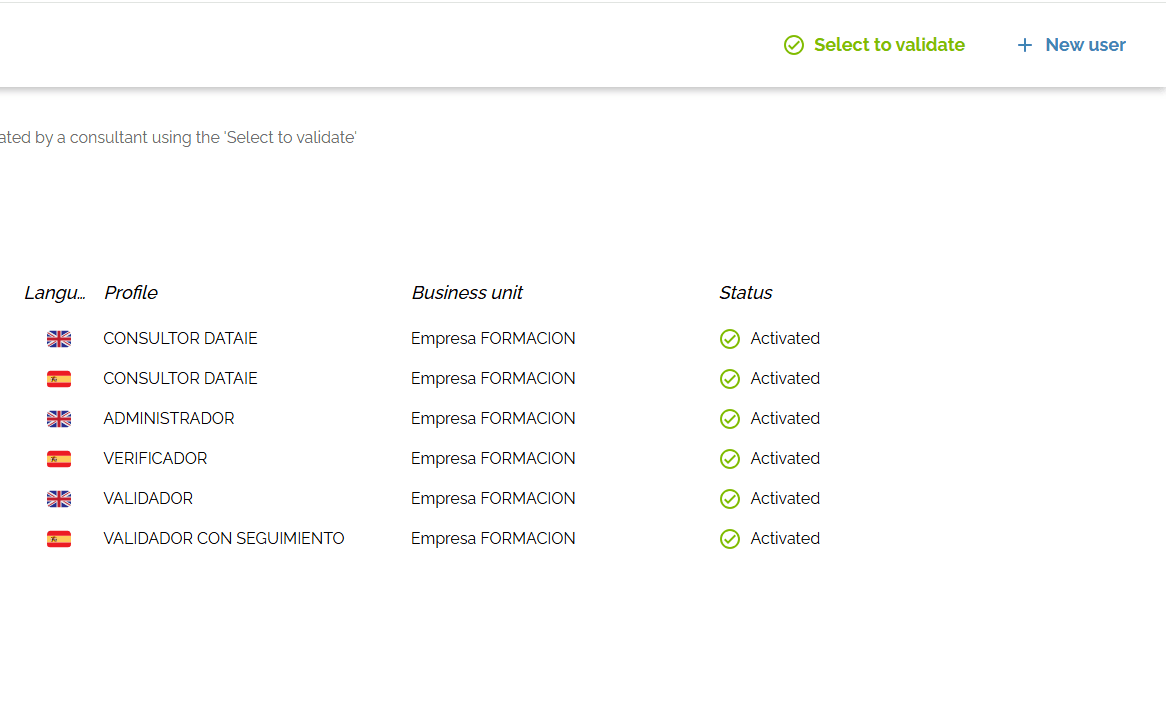
Click + New user to open the user creation form.
4
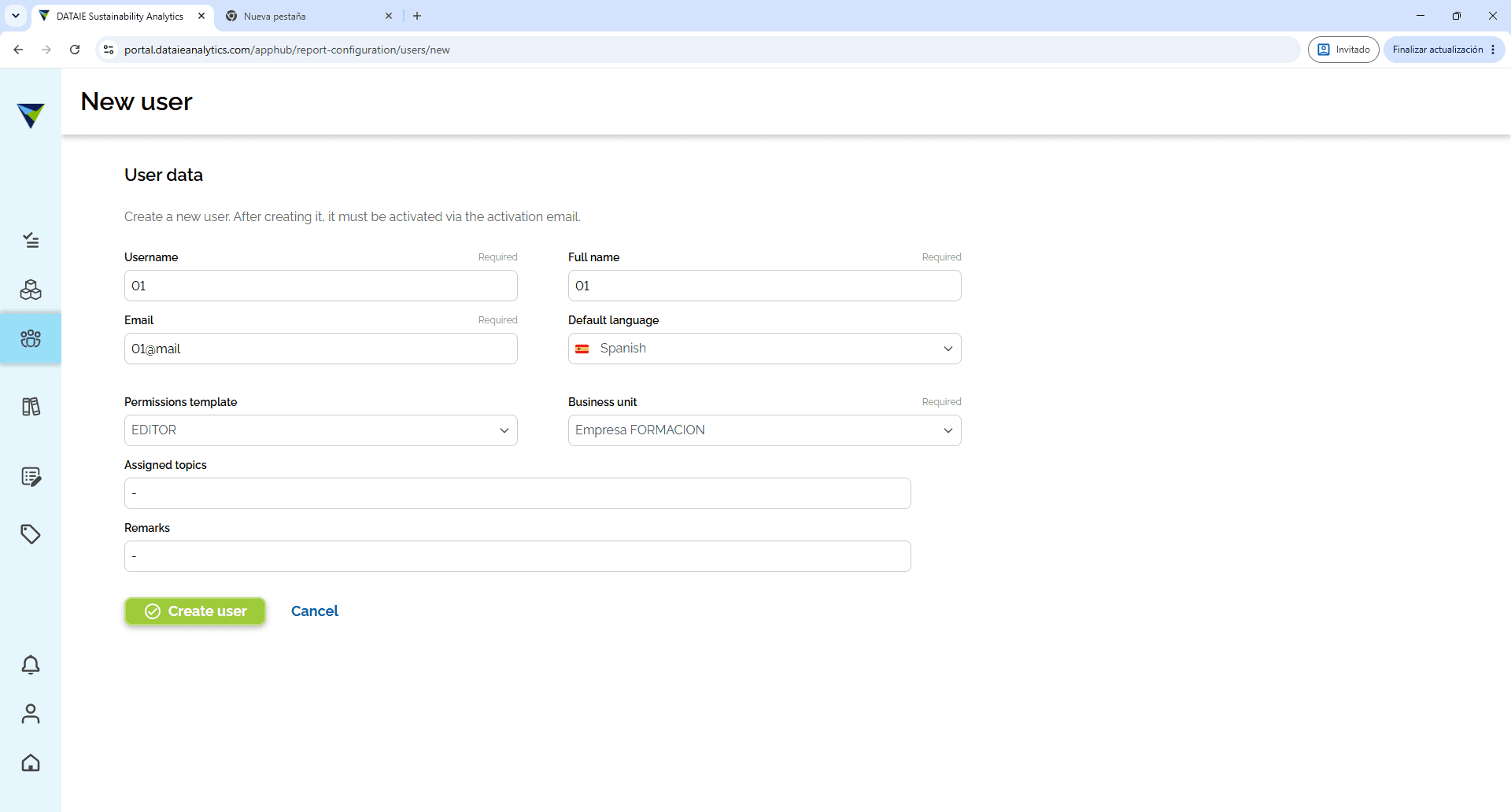
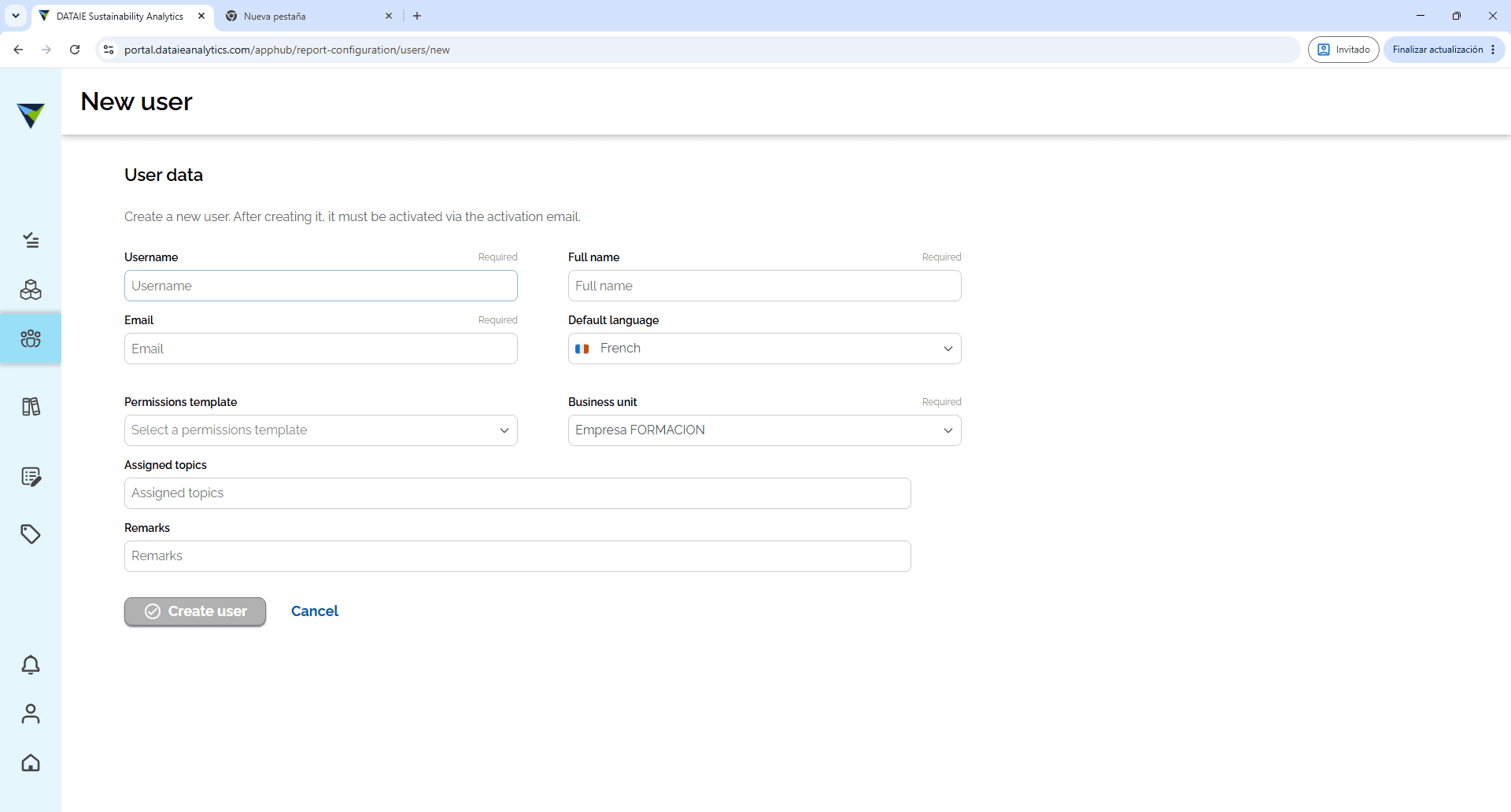
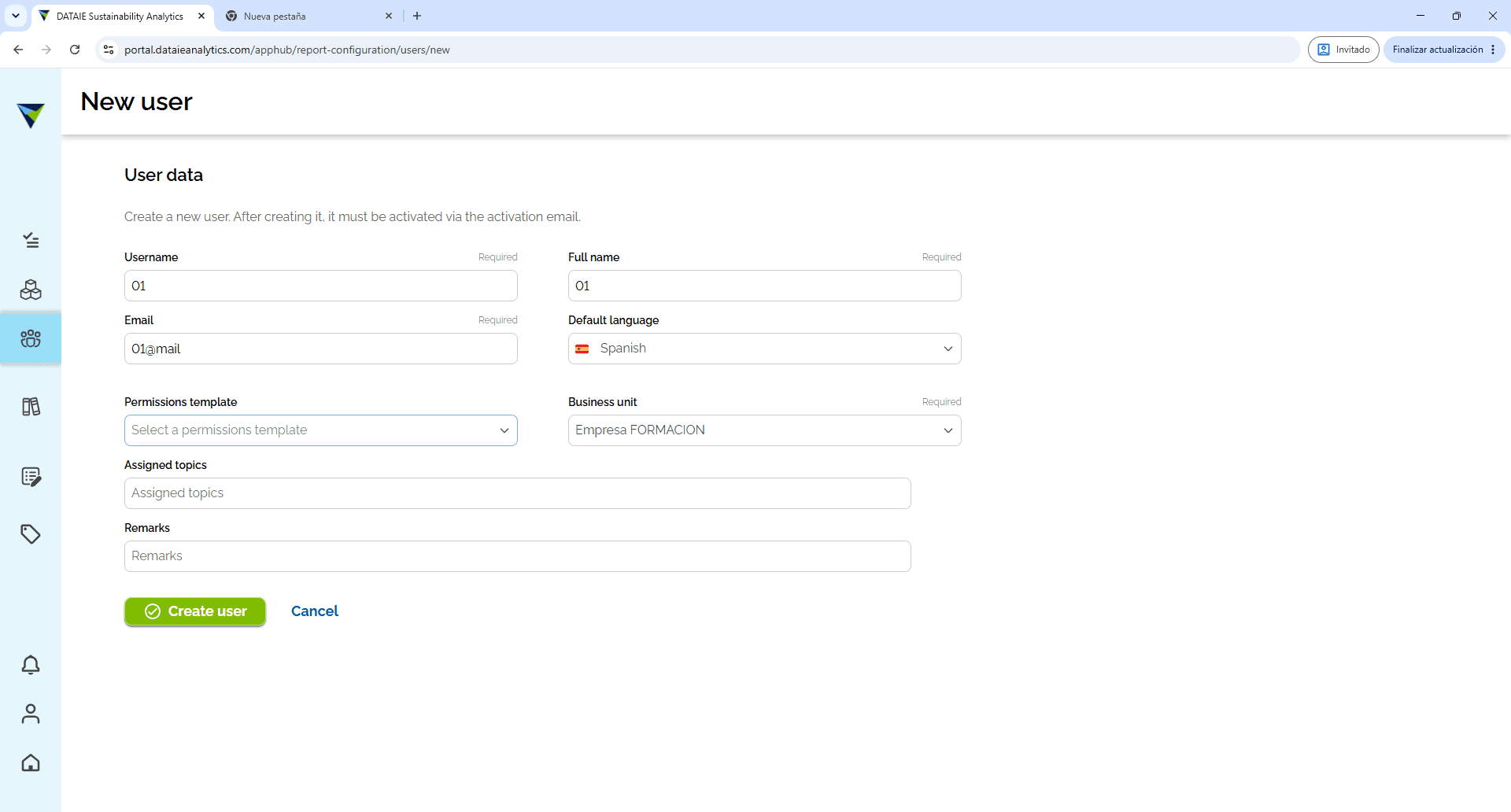
Fill in the required fields on the form (username, full name and email address), and you must select the relevant permissions template from the Permissions template drop-down menu.
5
6
Click Create user to save and activate the new account.