
Step 1 How to Export and Prepare Car Tag Data for Parent Pickup Label Creation
Learn how to download your parent pickup spreadsheet from Google Sheets and export it as a CSV file to generate car rider tags for school dismissal.
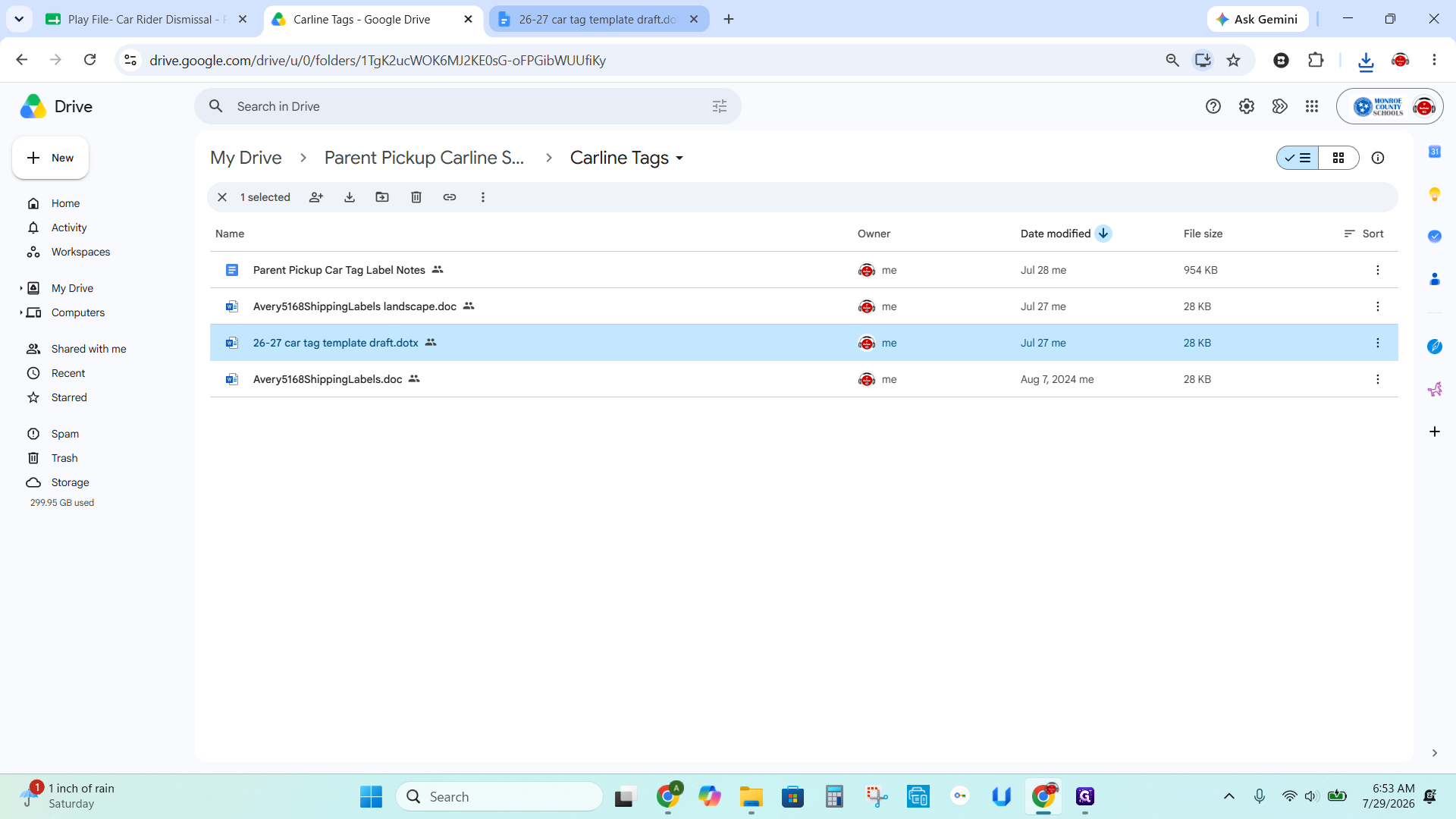
This guide explains how to prepare spreadsheet data and templates to generate car tag labels for a school's parent pickup carline. Completing this process allows you to efficiently format student information into a printable mail merge for the beginning of the school year.
This workflow applies to school administrators or support staff managing the car rider dismissal process. It should be performed as a bulk batch at the start of the academic year, while any students added later will require individual manual labels.
Accessing Templates and Reference Files
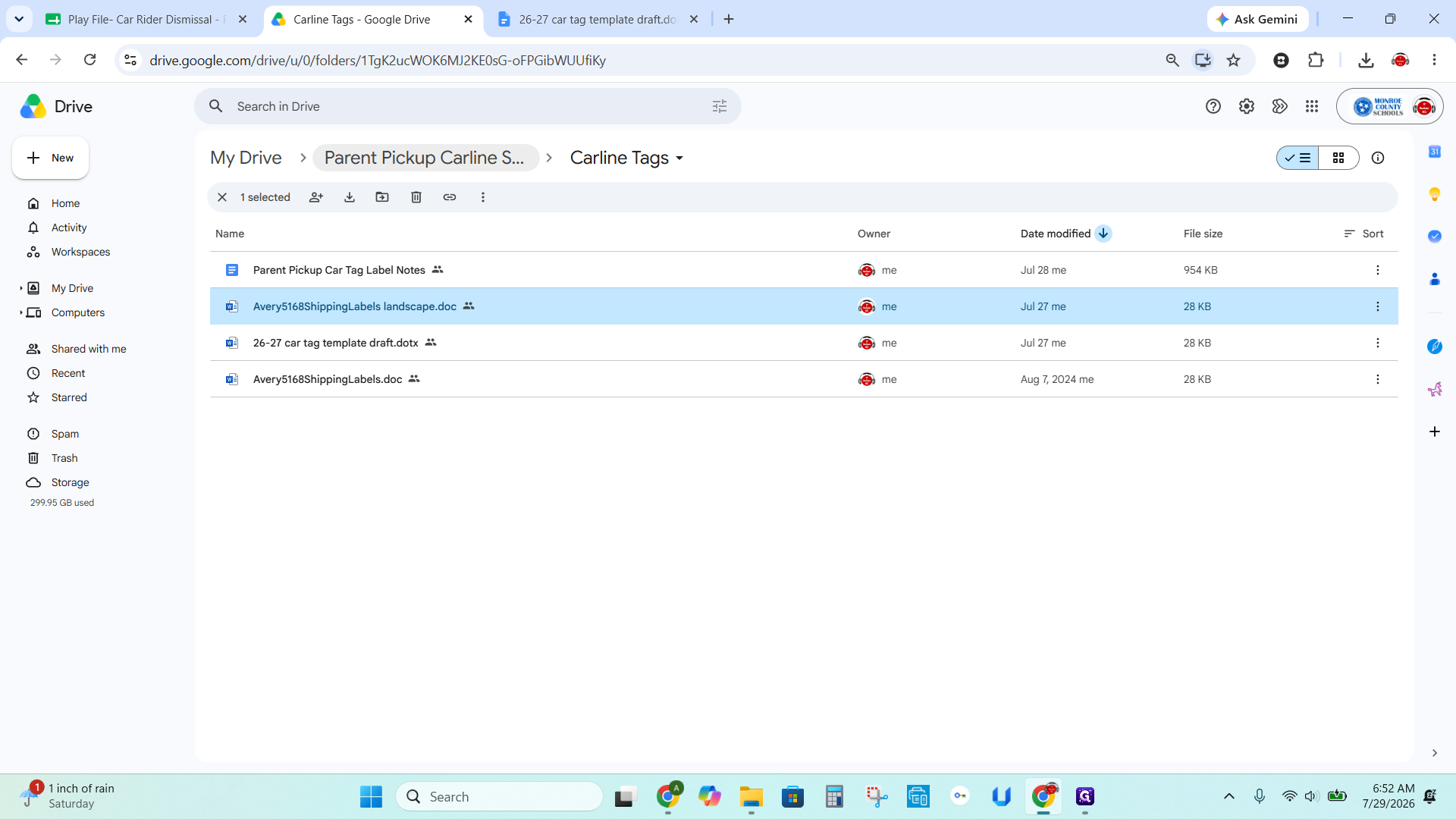
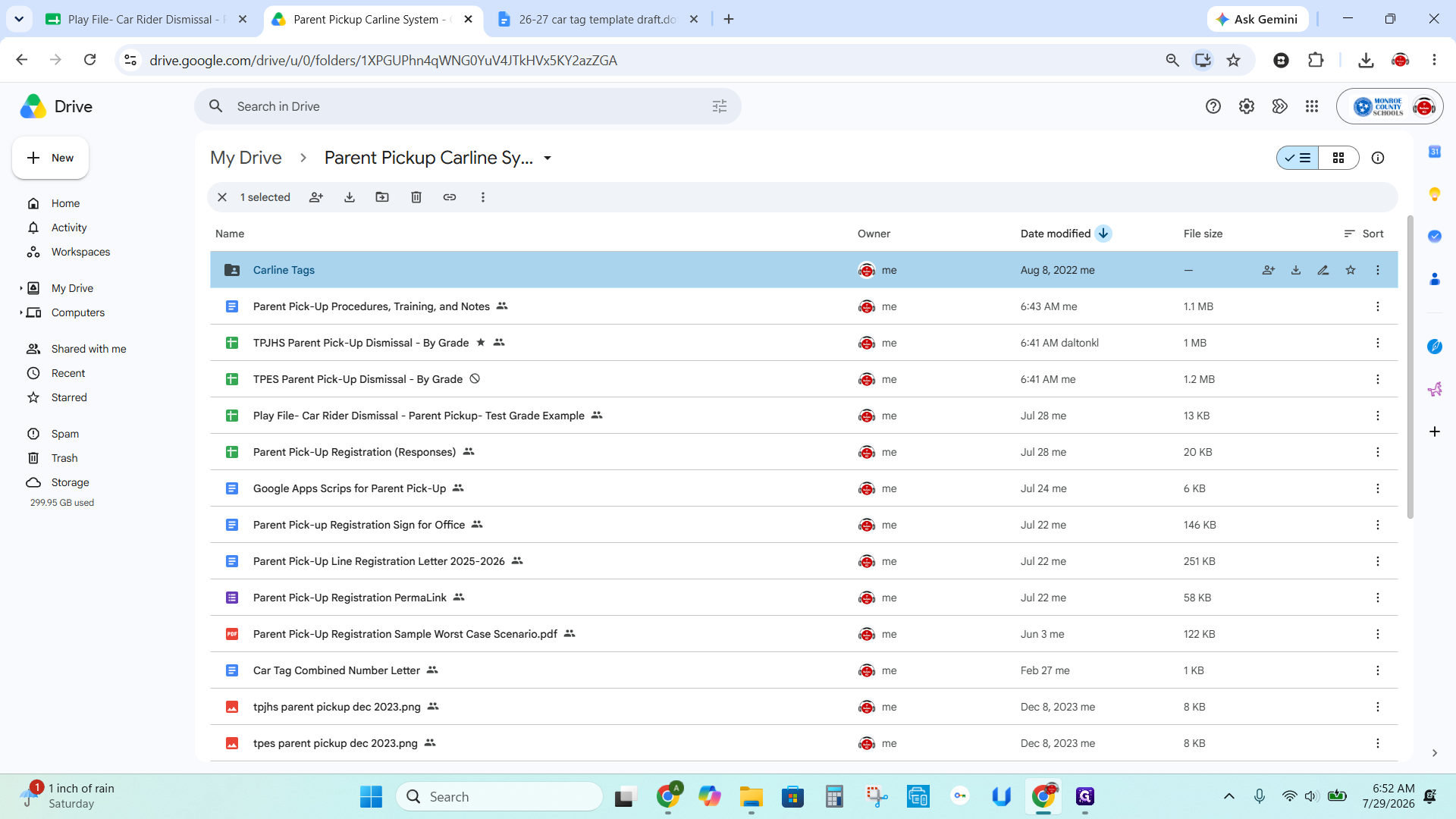
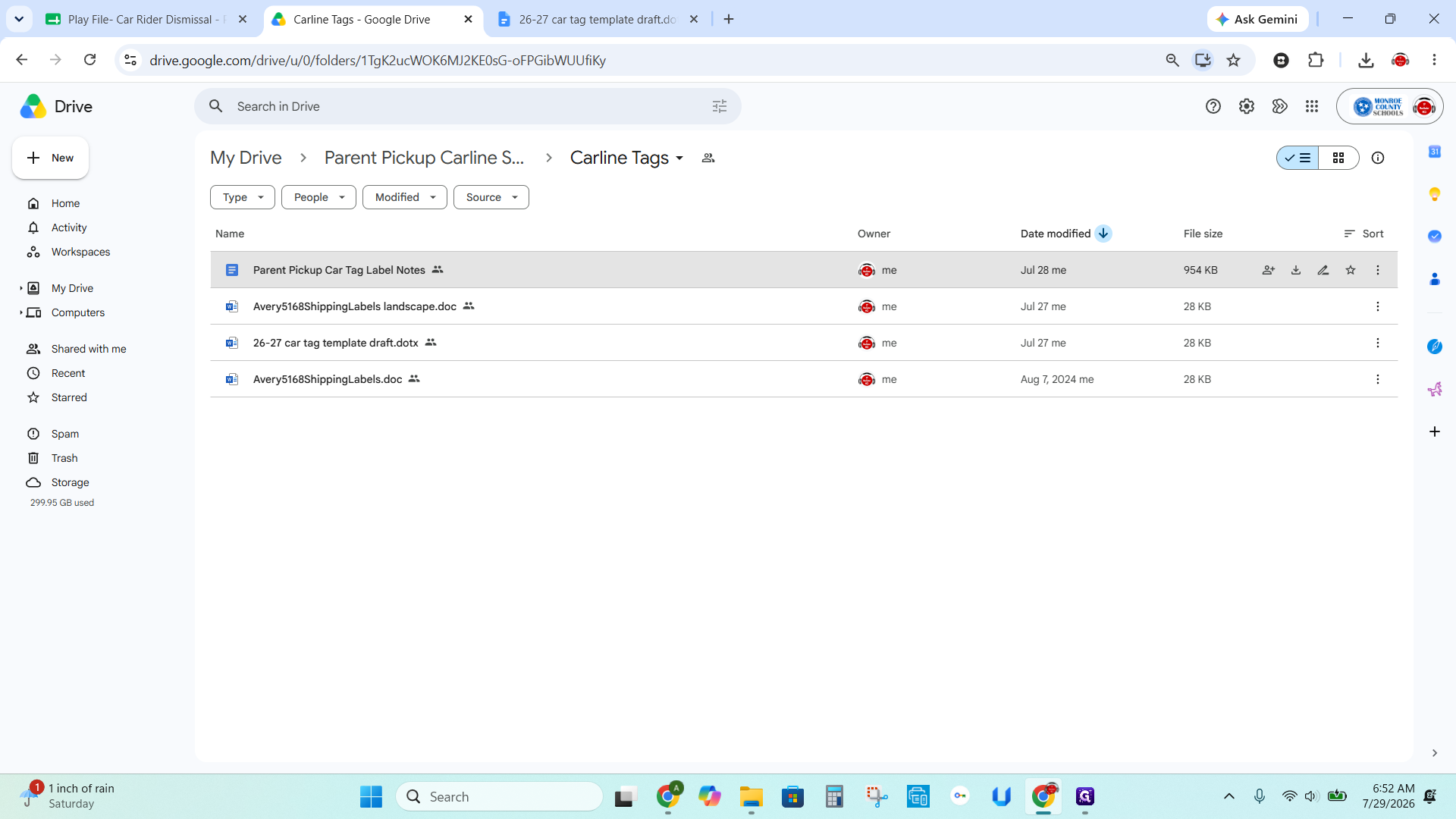
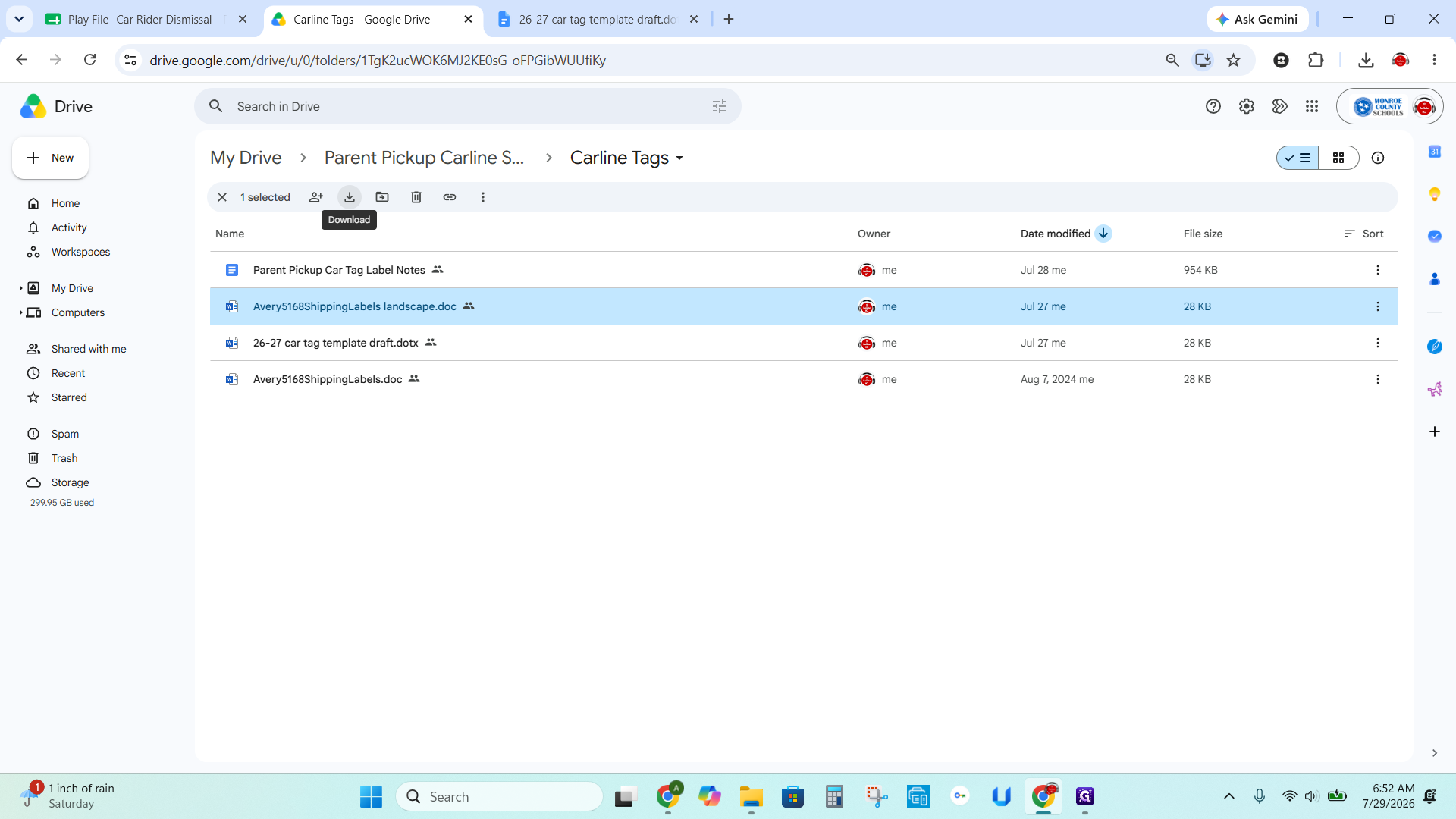
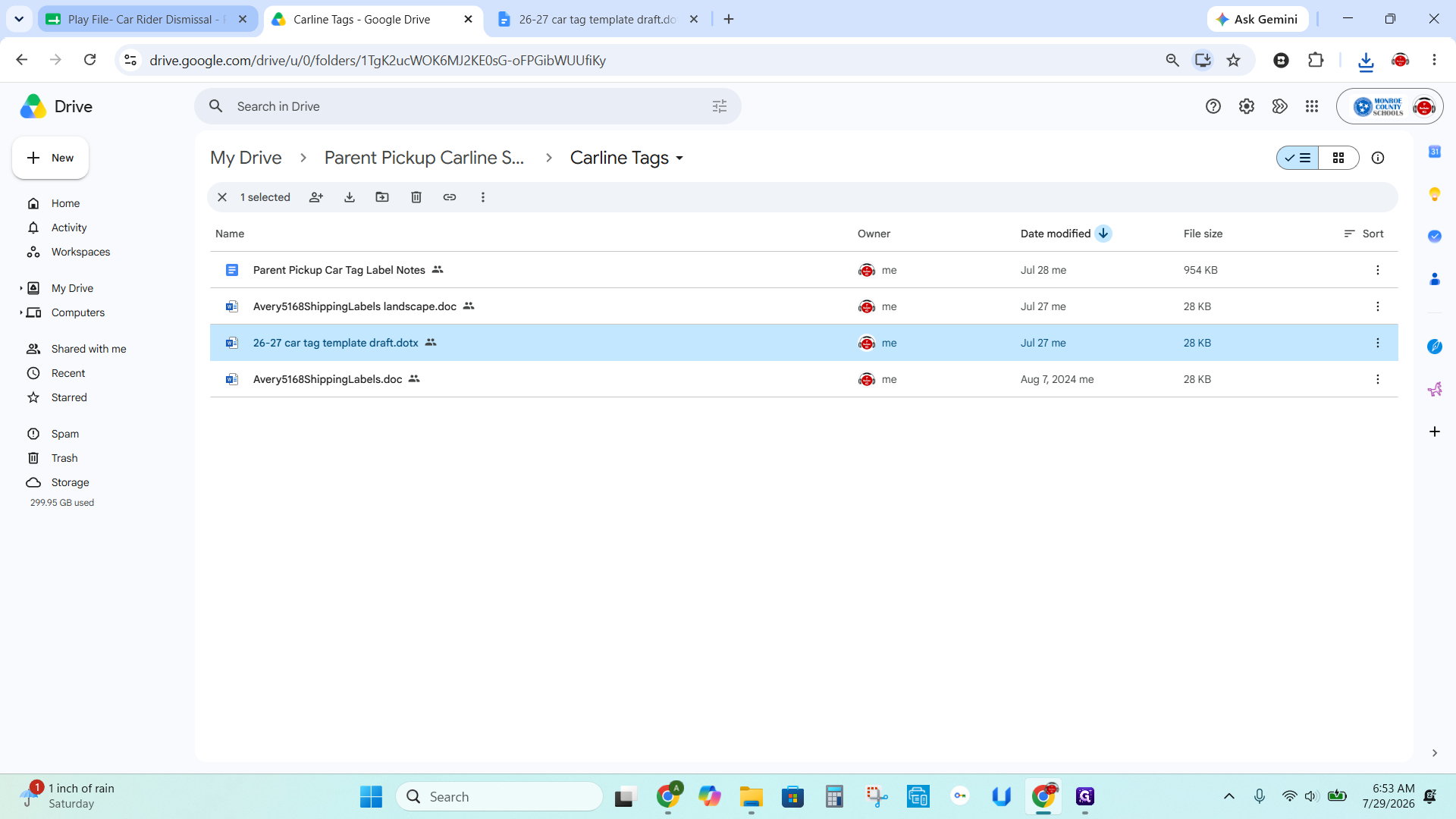
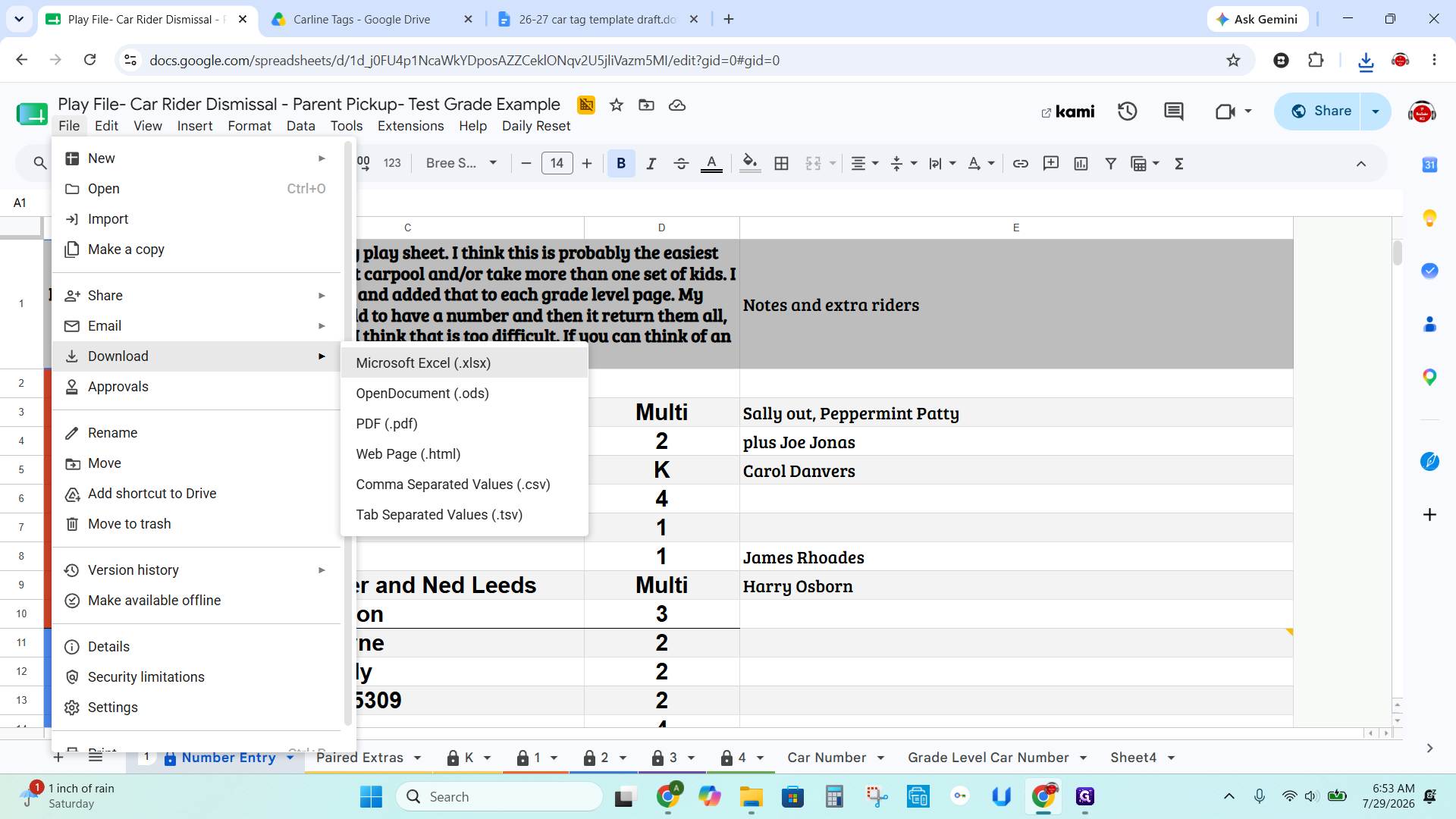
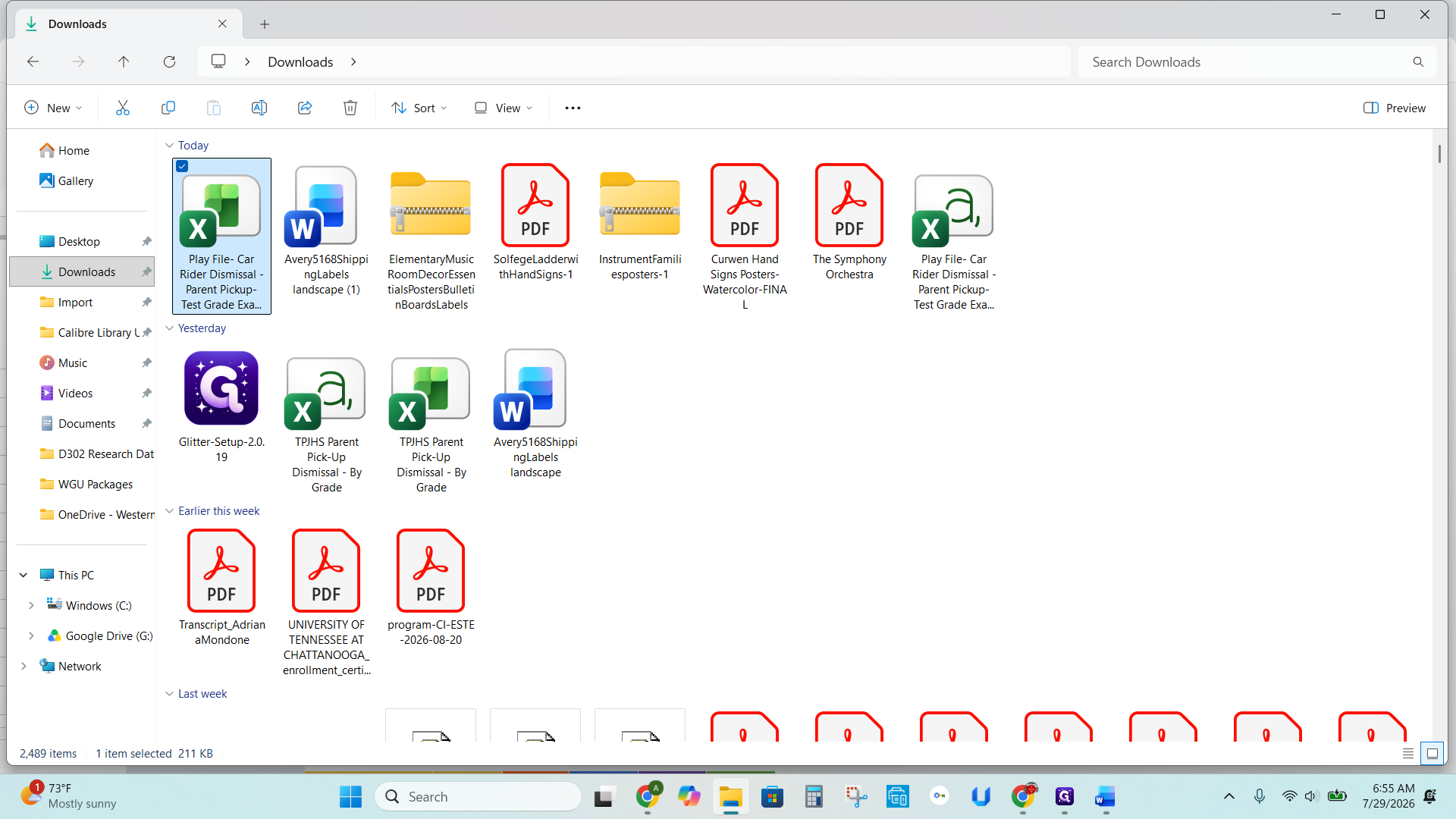
Exporting Car Rider Data
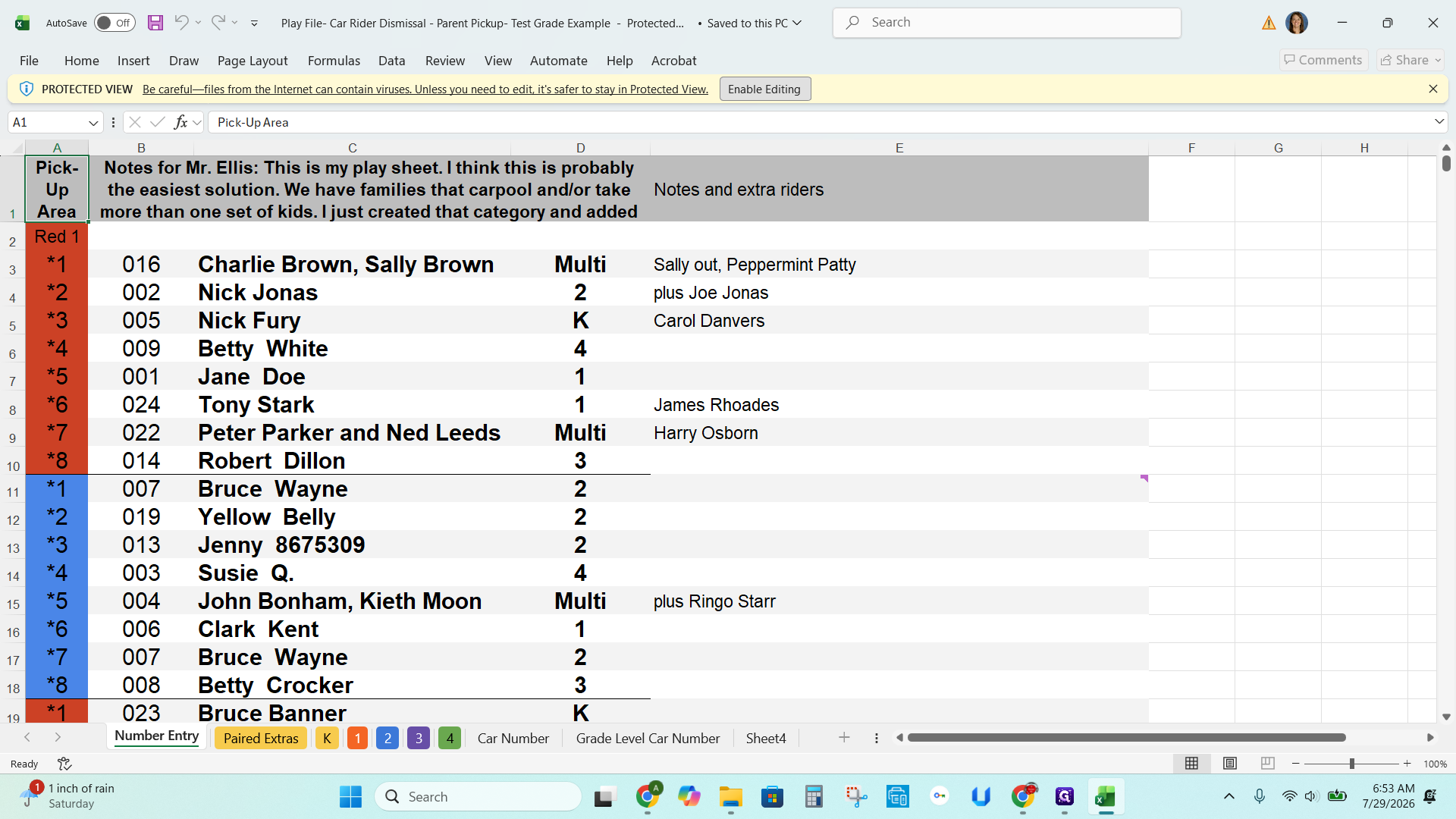
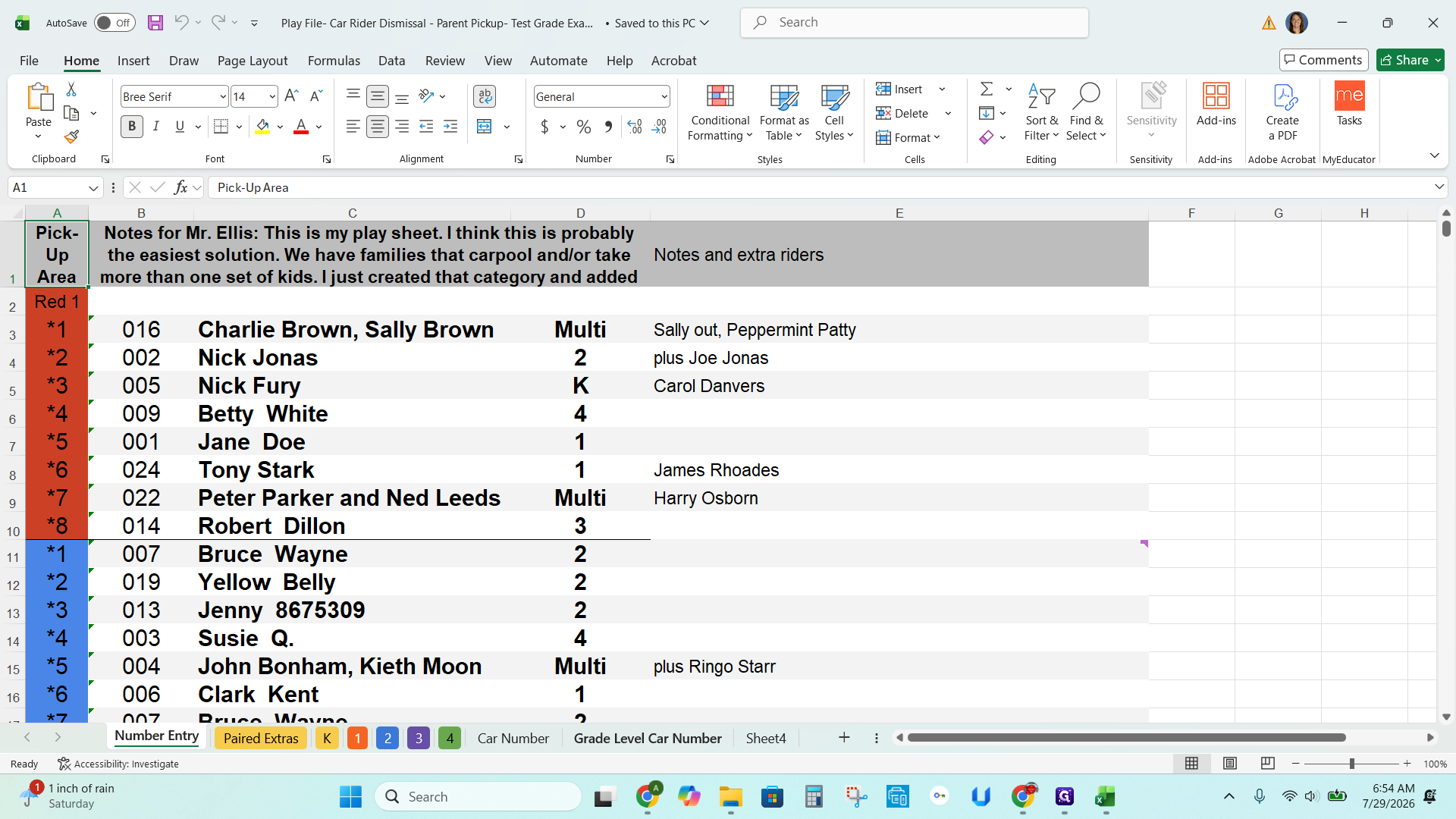
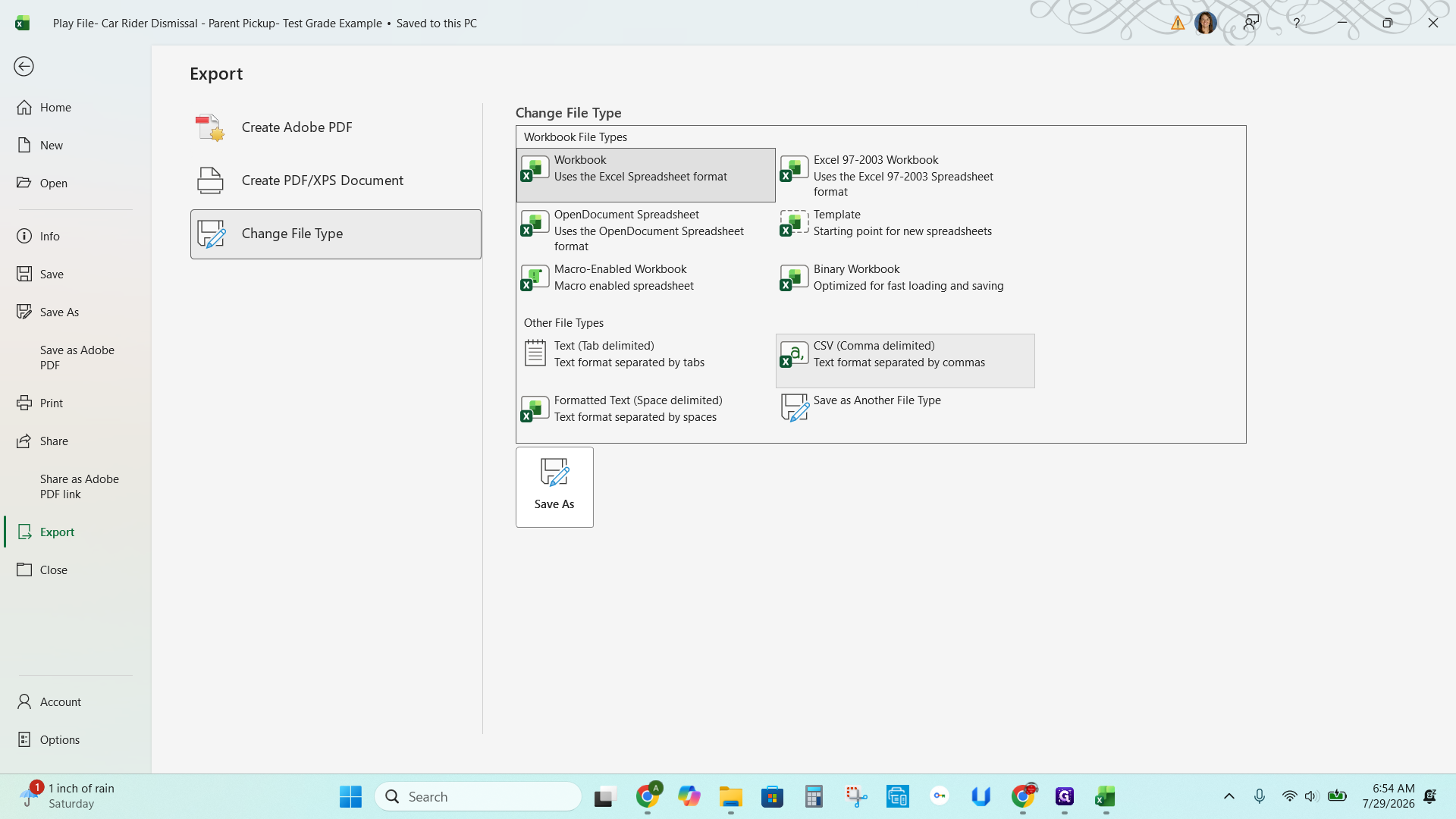
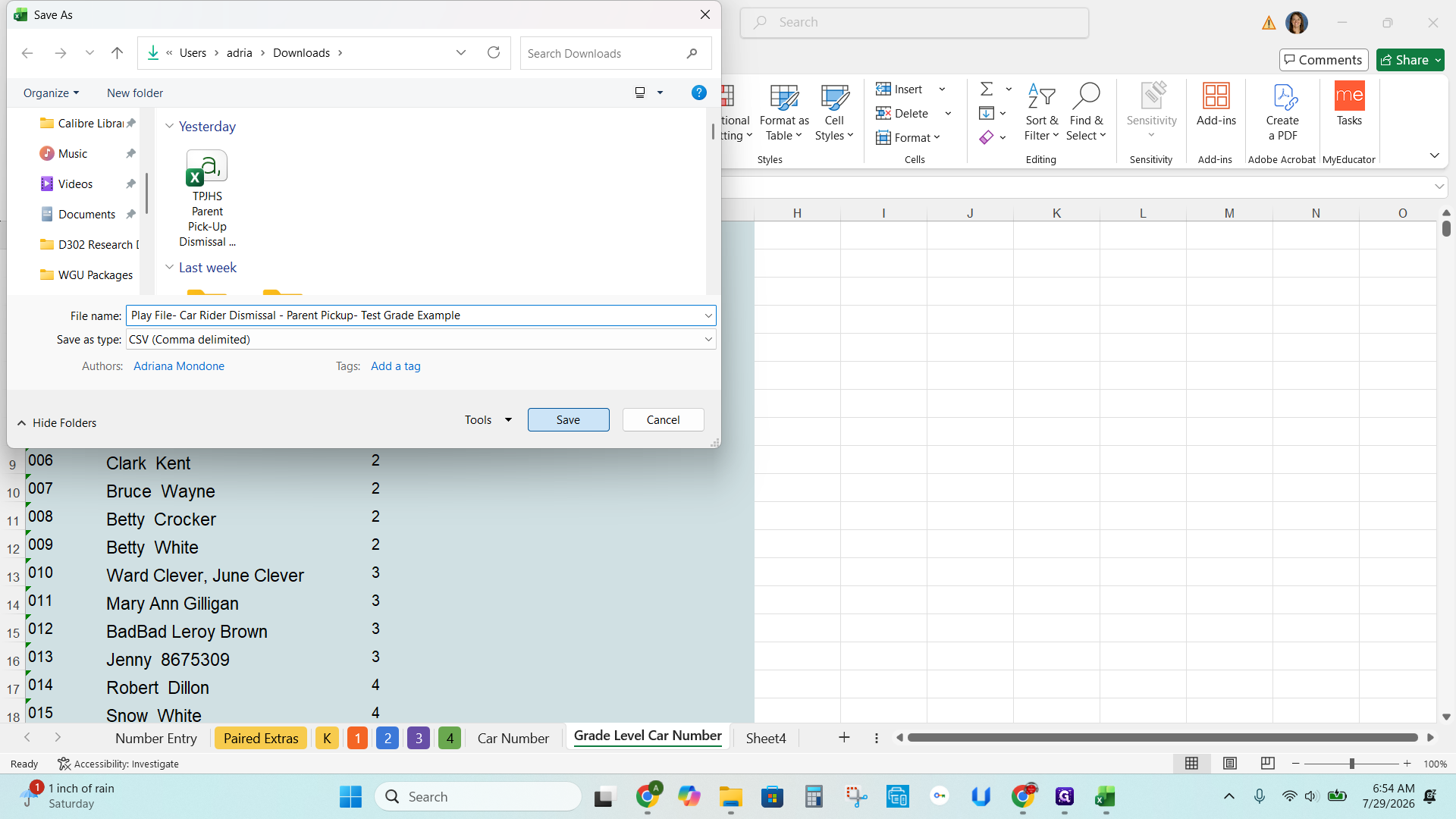
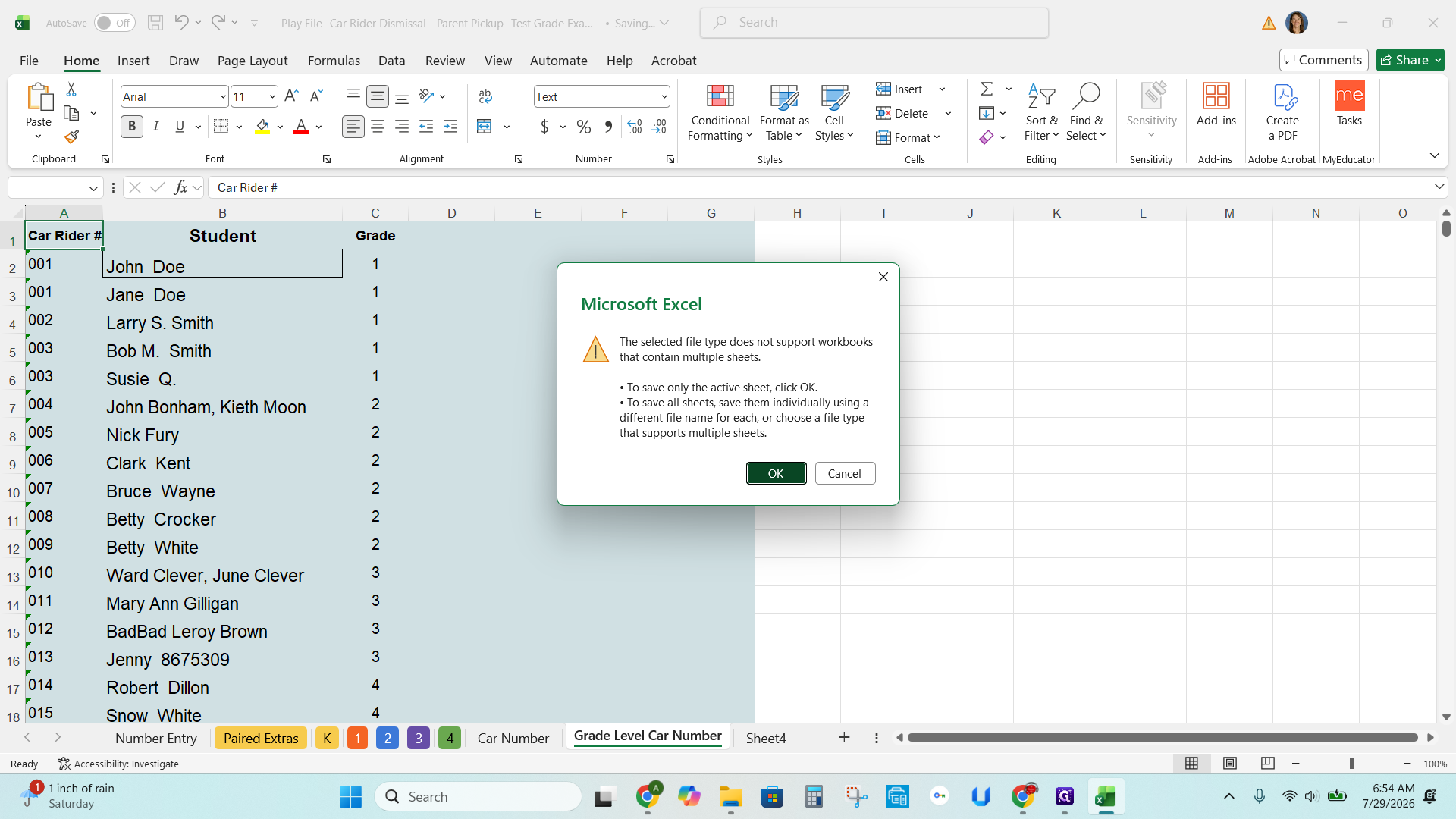
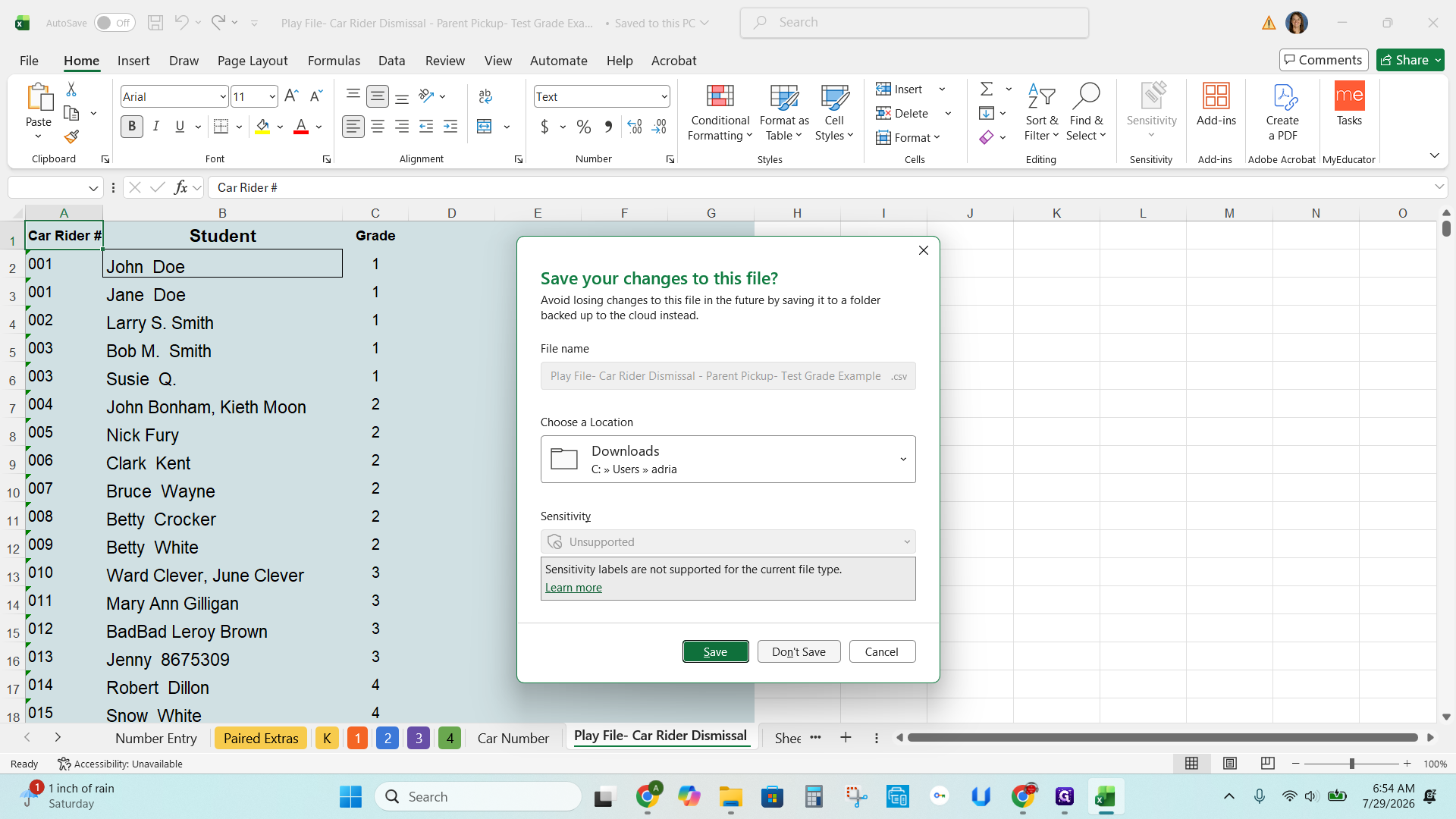
Formatting the Data for Word
Q: How often do I need to perform this batch label creation process?
A: You only need to run this bulk process once at the beginning of the school year. Any students added to the system after this batch run should have their labels created individually.
Q: Why should I download the Google Sheet rather than working directly online?
A: Downloading the data creates a temporary working file for the mail merge. After generating the tags, you can delete this local copy to protect student information, leaving the main system secure on the cloud.
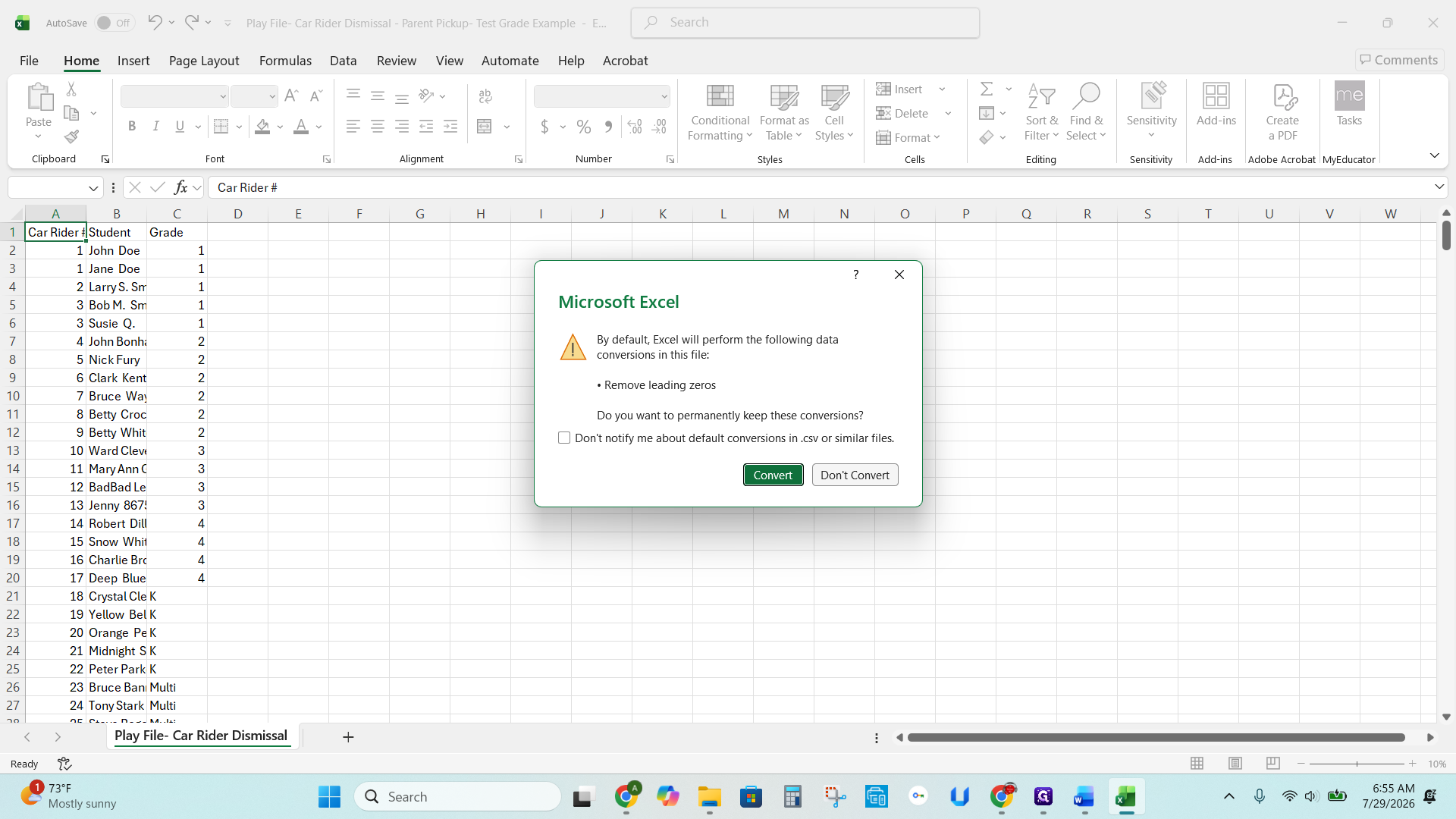
Q: Why is it important to click "Don't Convert" when opening the CSV file?
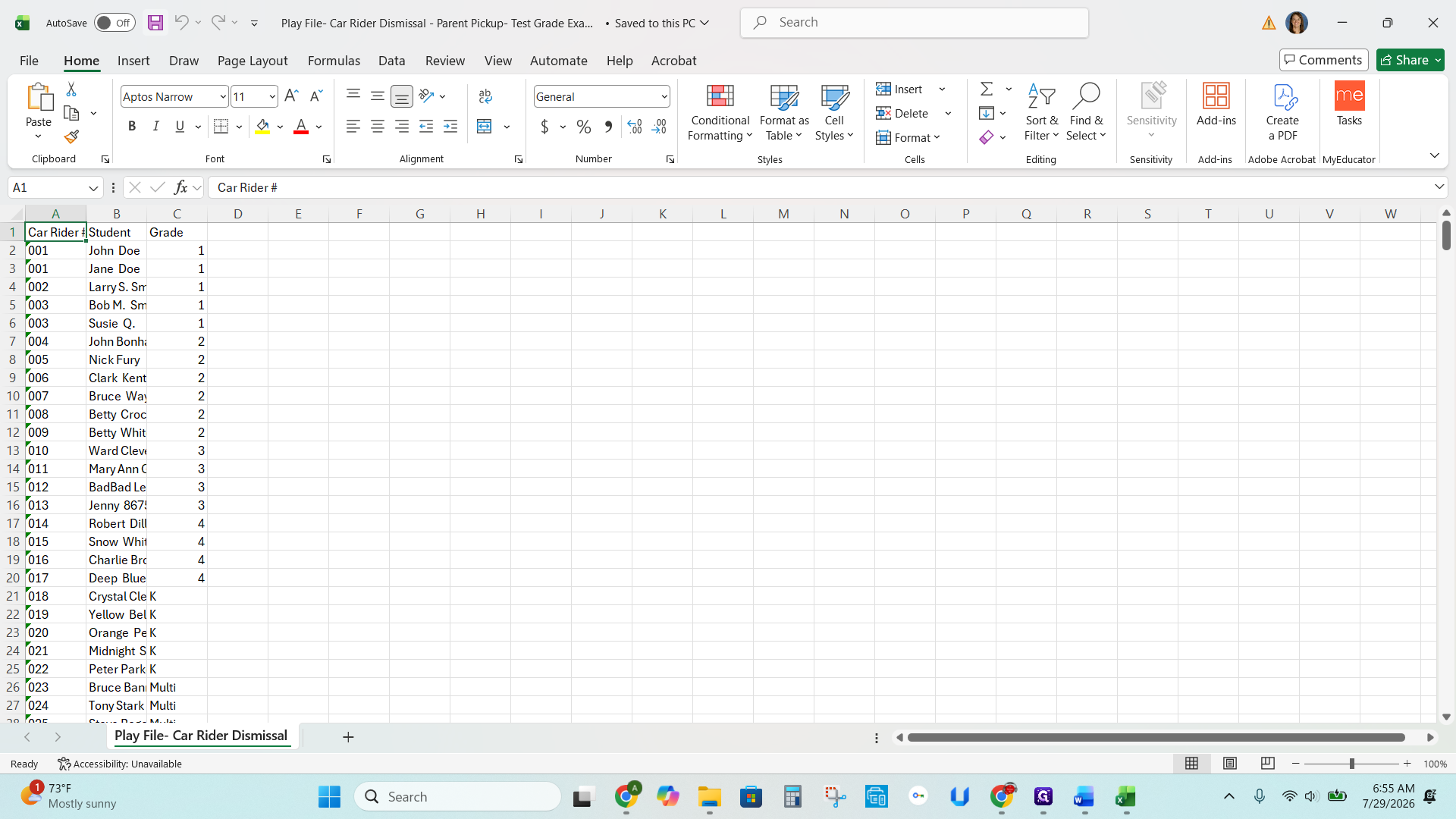
A: Clicking "Don't Convert" ensures that Excel does not automatically remove any leading zeros from the car rider numbers, which are necessary for the tags to be accurate.
Term | Definition |
|---|---|
CSV (Comma Separated Values) | A plain text file format used to store tabular data, such as spreadsheets, making it easy to transfer information between different applications. |
Carline | The school's parent pickup system and traffic queue used during dismissal to safely match students with their guardians' vehicles. |
Template | A pre-formatted document used as a starting point to ensure that labels print at the correct physical size and spacing. |