
Student Program Overview: Human Biology, Anatomy Lessons, and Upcoming Course Catalog Changes
Explore the current student program featuring human biology, anatomy lessons, interactive activities, and upcoming changes including a new course catalog and asynchronous learning modules.
In this guide, we'll learn how to navigate the student side of a human biology program as it transitions from live sessions to an asynchronous format. We will look at how lessons, activities, quizzes, and career pages are organized, and how students can interact with different modules and resources. This overview will also explain upcoming changes, including the introduction of course levels and a new course catalog.
Let's get started
Hello, Karina. I just watched the other video and noticed my microphone sounds tinny and strange. I'm not sure what happened to it. I apologize. I may need to change my headset. I apologize for the sound quality. I wanted to finish this quickly because I need to feed my kids.
This is the student side of the program. It's not perfect, but it's done. That's how I feel about it right now. Currently, our entire product is only available as a single package. Everyone studies human biology, and students also have access to a monthly book club and Ask Dr. sessions.
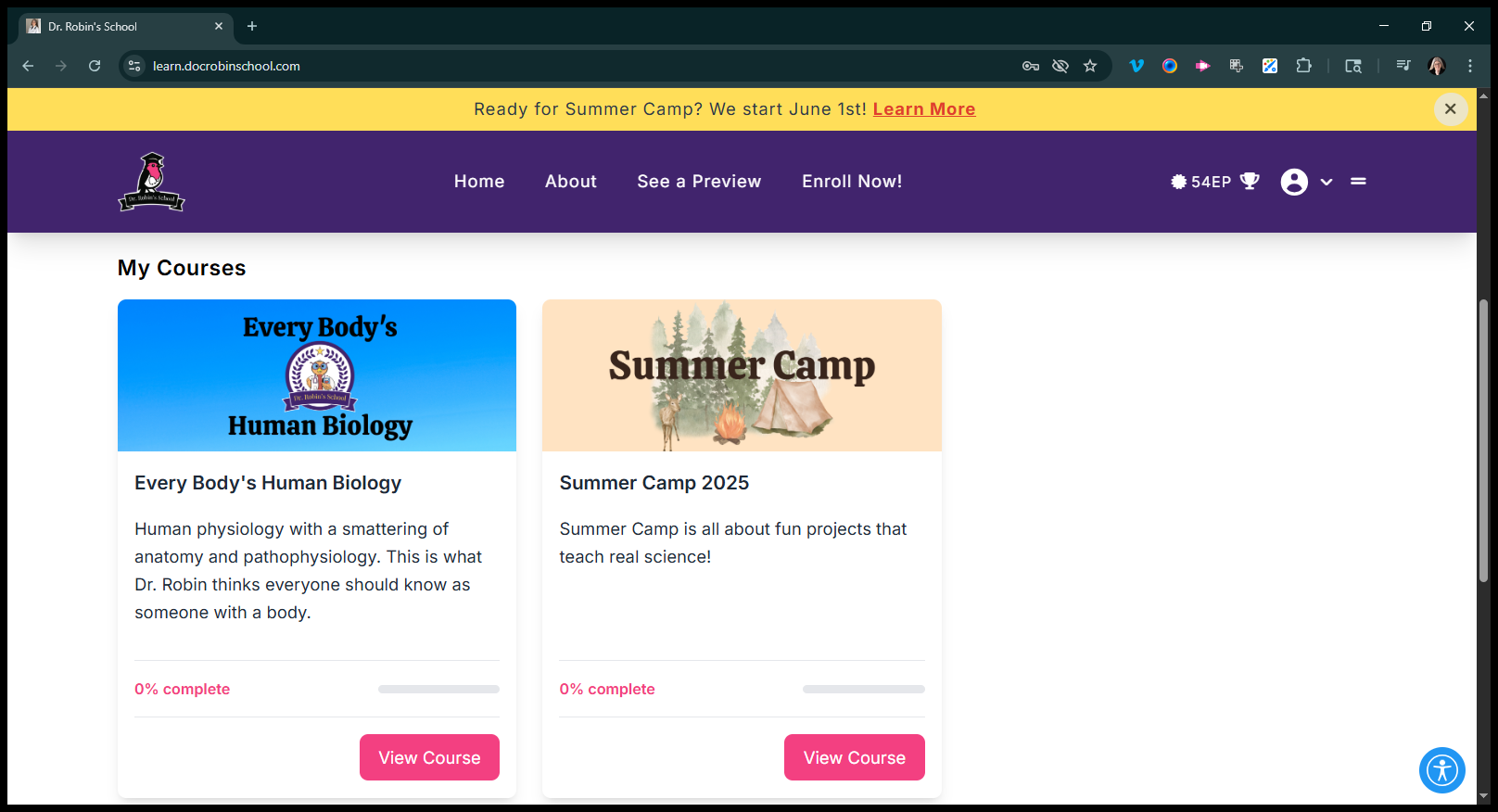
Robin meets about twice a month. The Anatomy Coloring Book Club meets weekly, along with other live events. We are switching to a fully asynchronous approach and dividing it into three levels. We have a lot going on. That's why I'm starting to lose my mind. We will have a course catalog available for purchase, and it's overwhelming me.
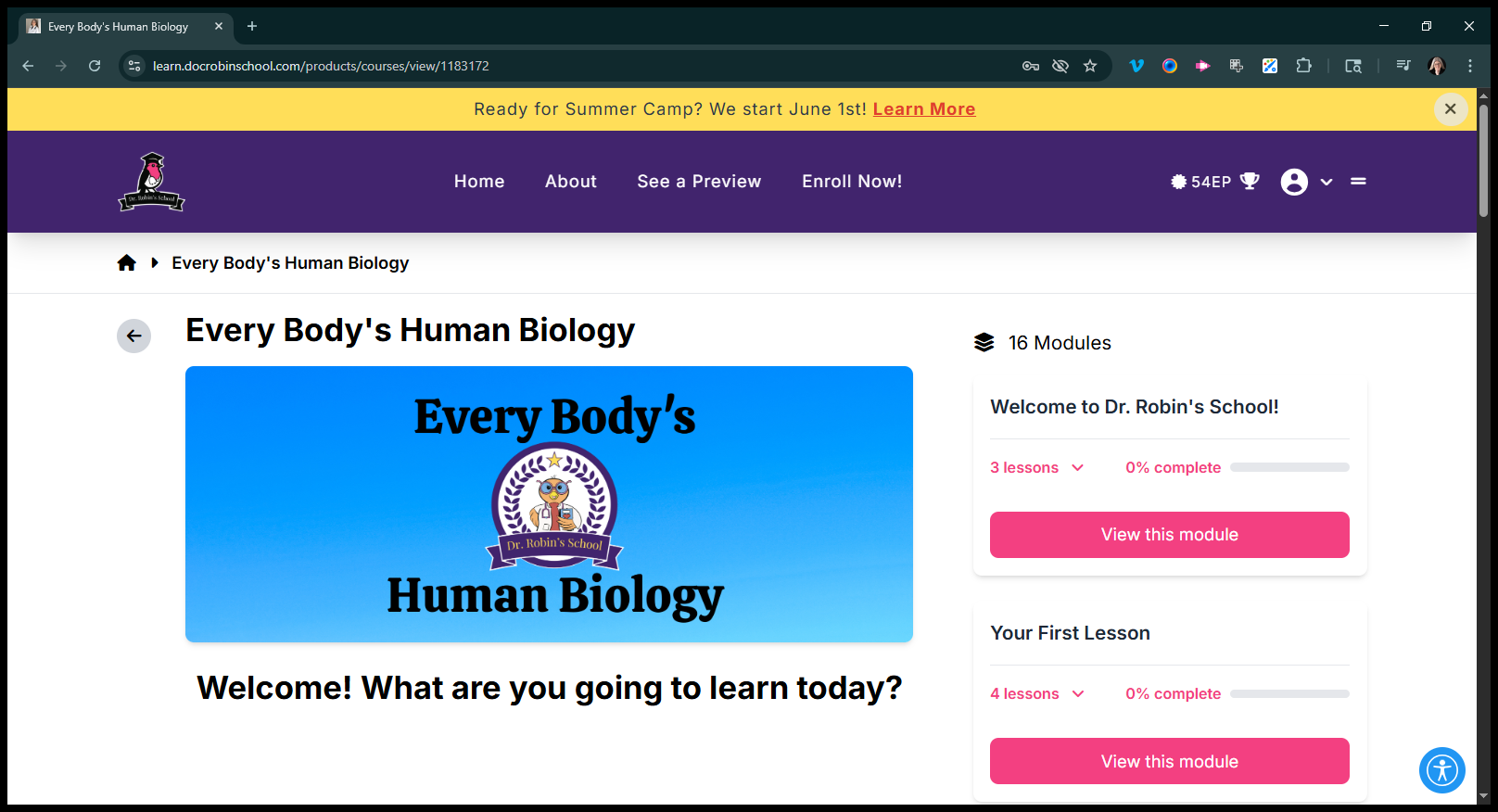
This is what it looks like now. There will be many changes. There are several modules, each containing lessons, quizlets, and career pages.
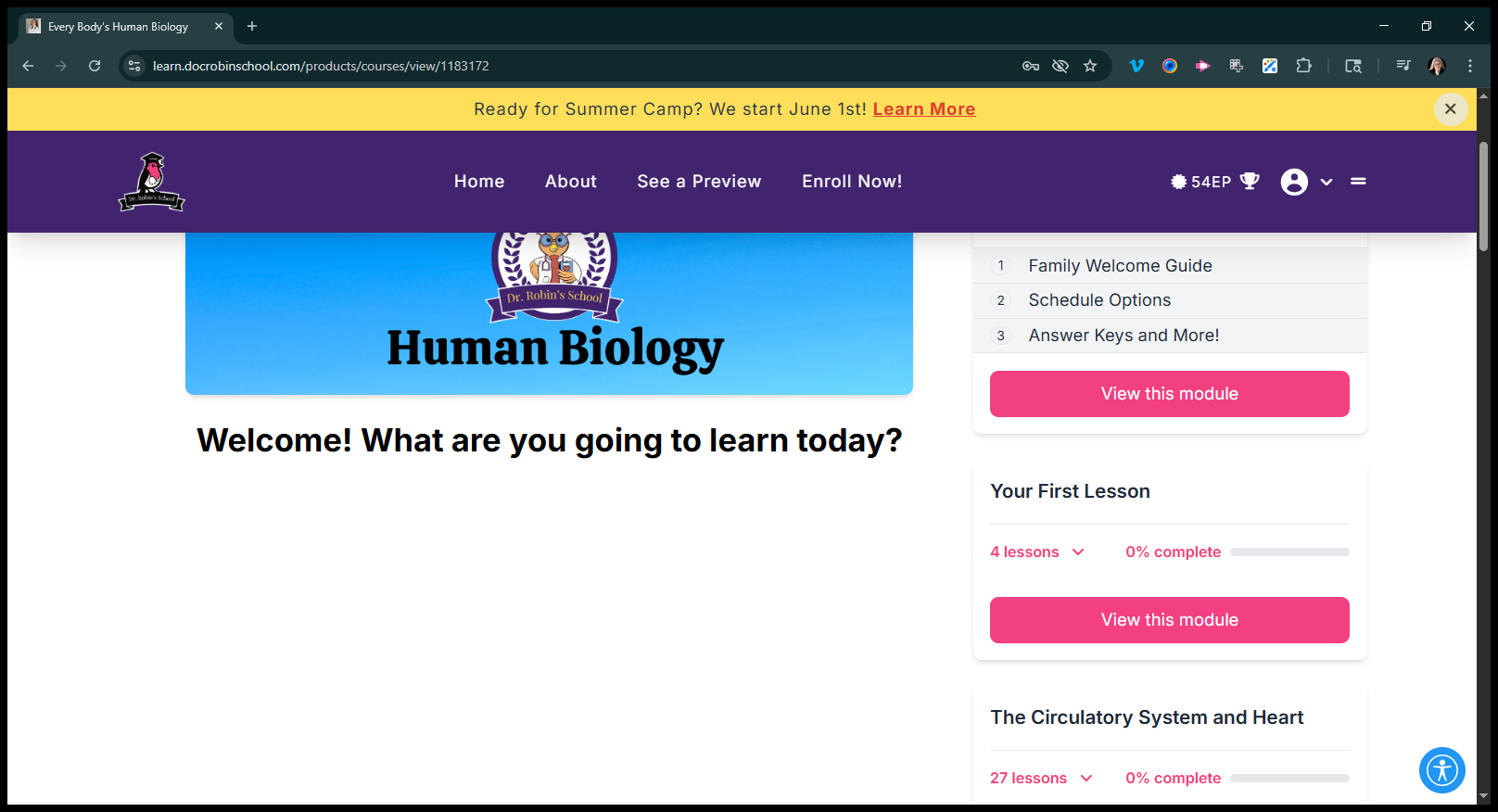
I’ll switch to a more standard topic: the circulatory system and the heart.
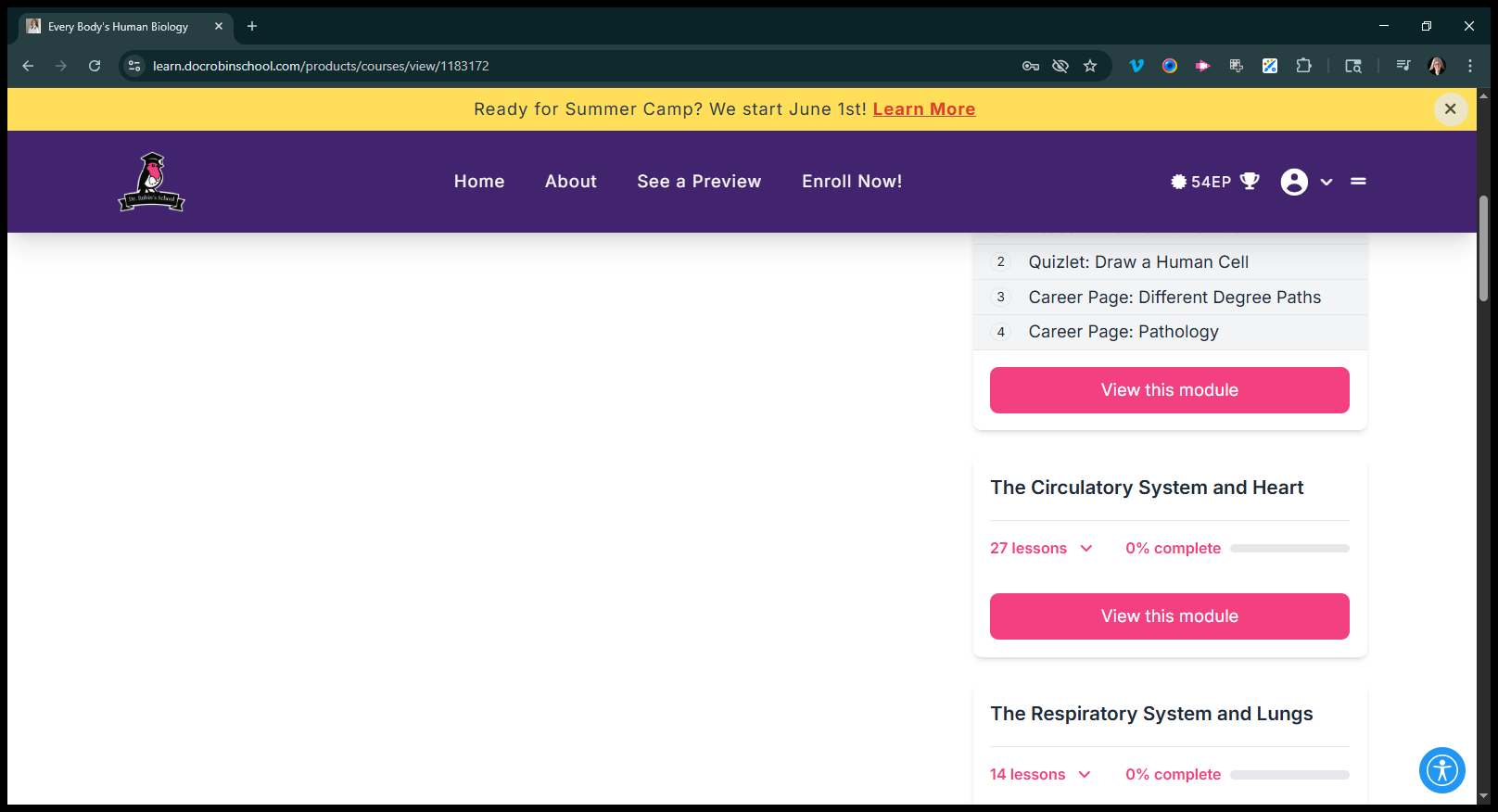
They currently have a workbook. They have different video lessons. When it says "lesson," like here, that indicates a video lesson.
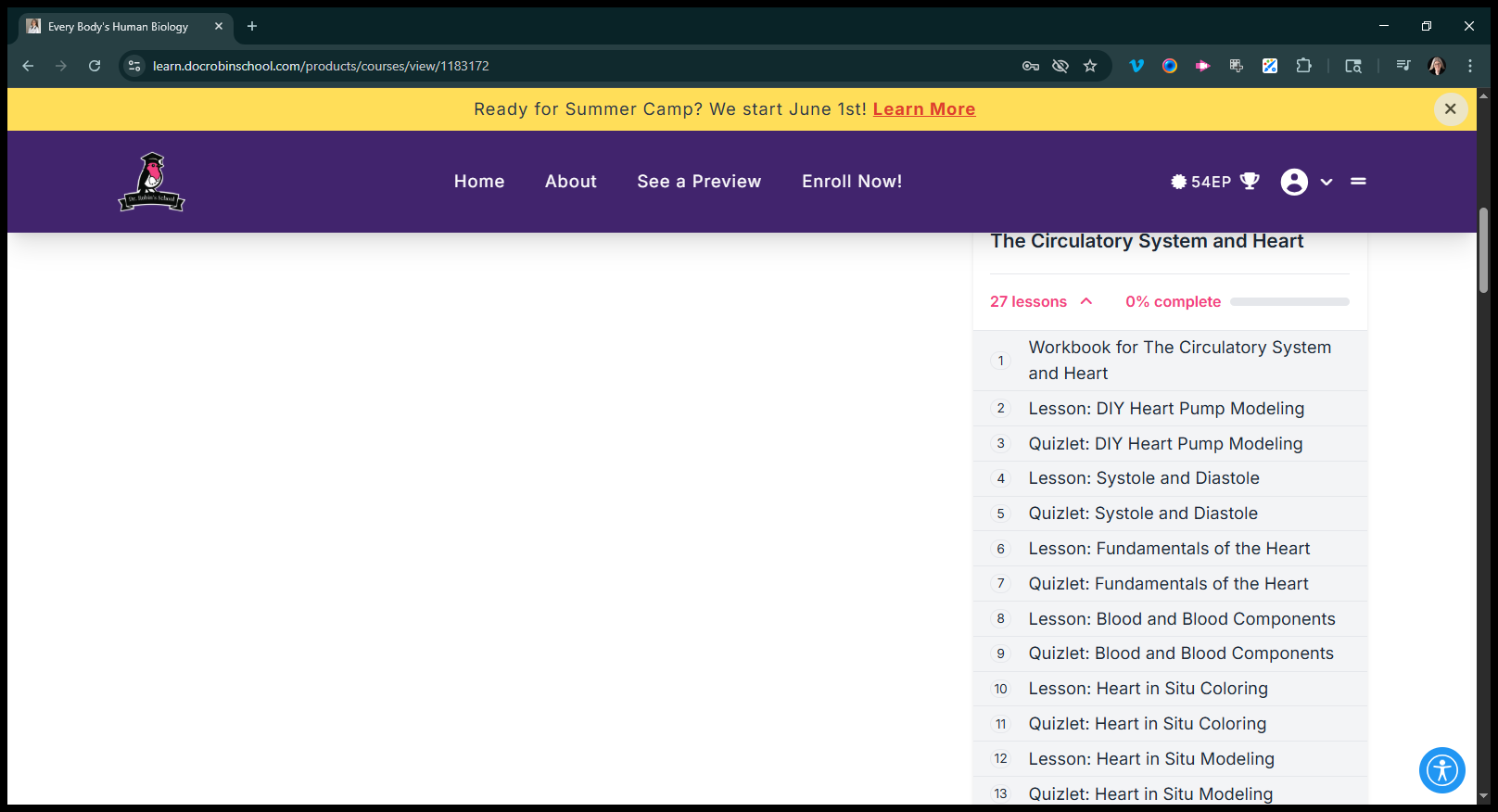
Where it says "Quizlet," that refers to a Quizlet flashcard game for practice.
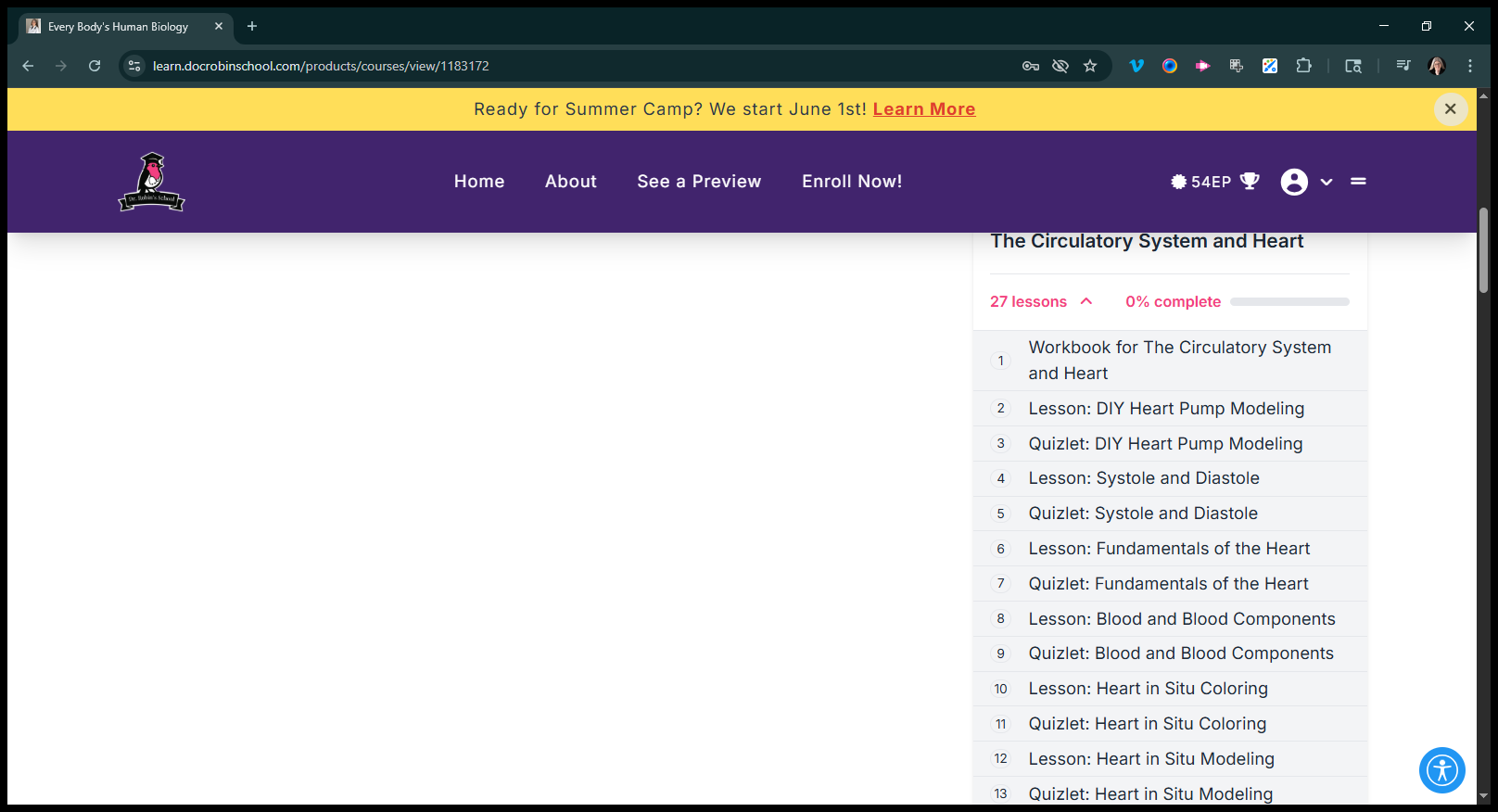
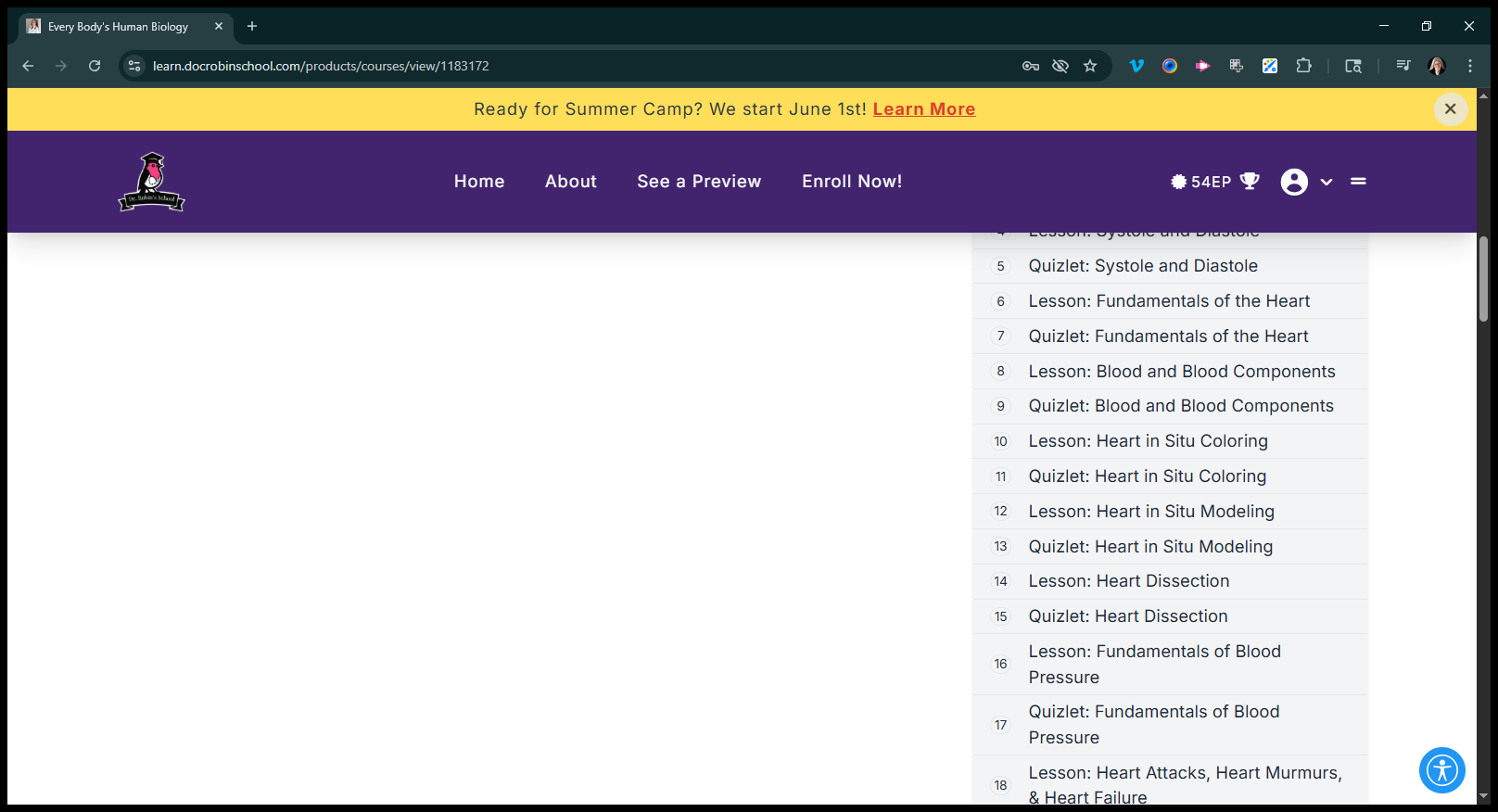
There are many types of lessons. Some are demonstrations, while others are activities. Some of them are dissections. Some of them are indifferent. I'll click on "Blood and Blood Components."
Each person receives video lessons. This one is 24 minutes long, which is standard. In it, I teach about blood and its components. Then we have the items below. There is a worksheet included. Lesson activity is simply, "Here's what you do." Provide questions they can answer. For example, with red blood cells, let's discuss what happens if we do this incorrectly.
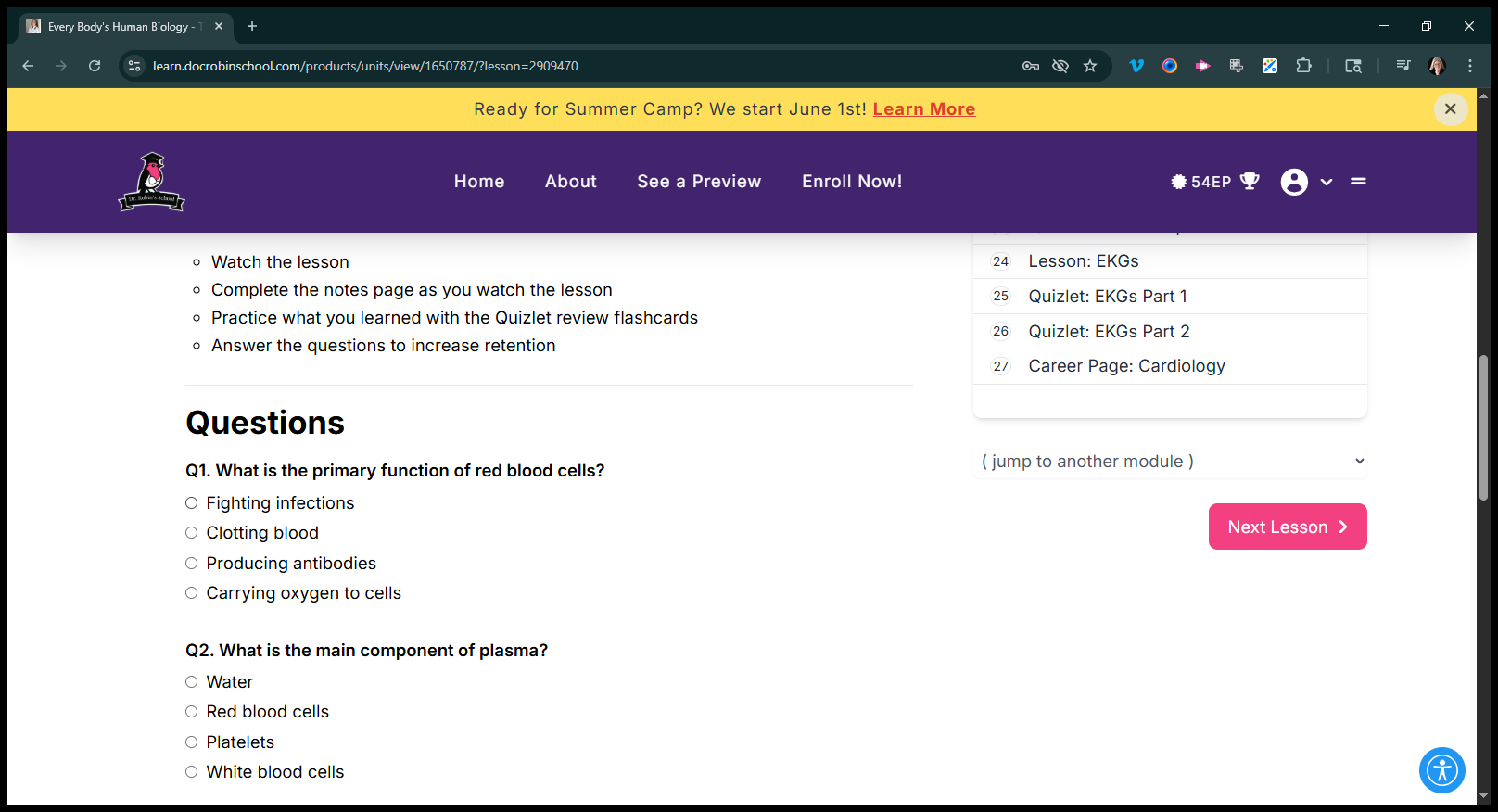
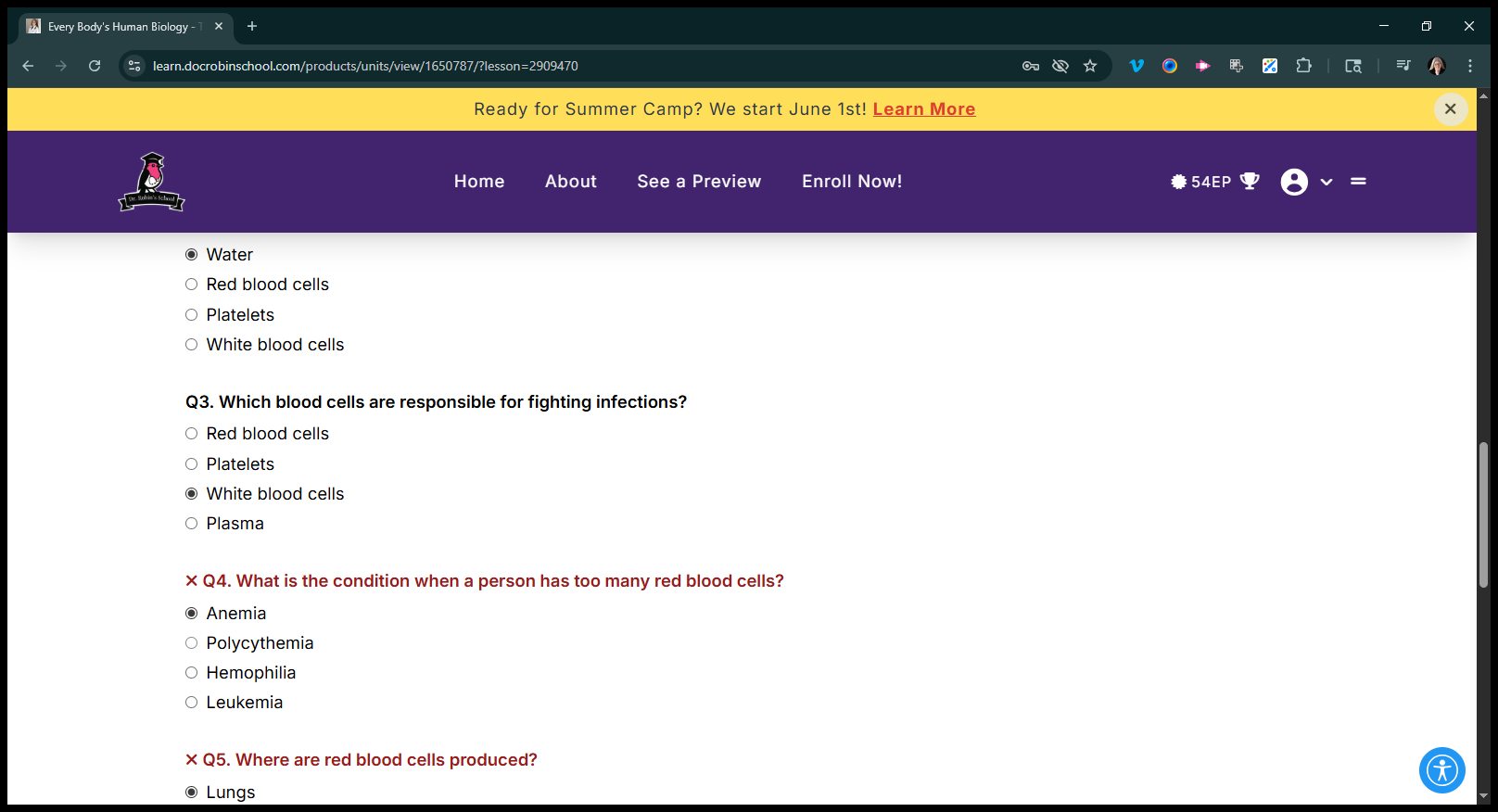
Water, and then this one is correct. That one is right.
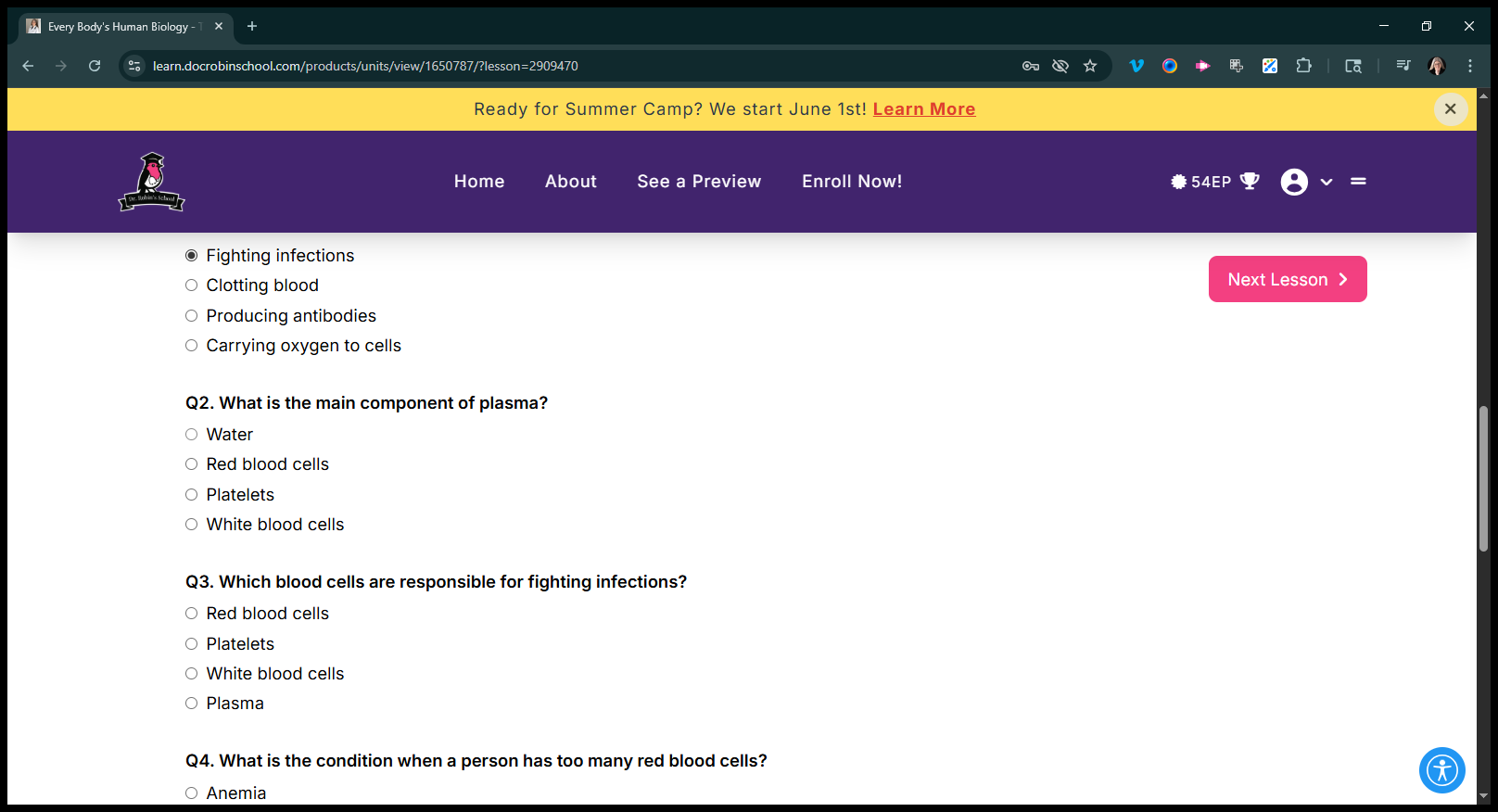
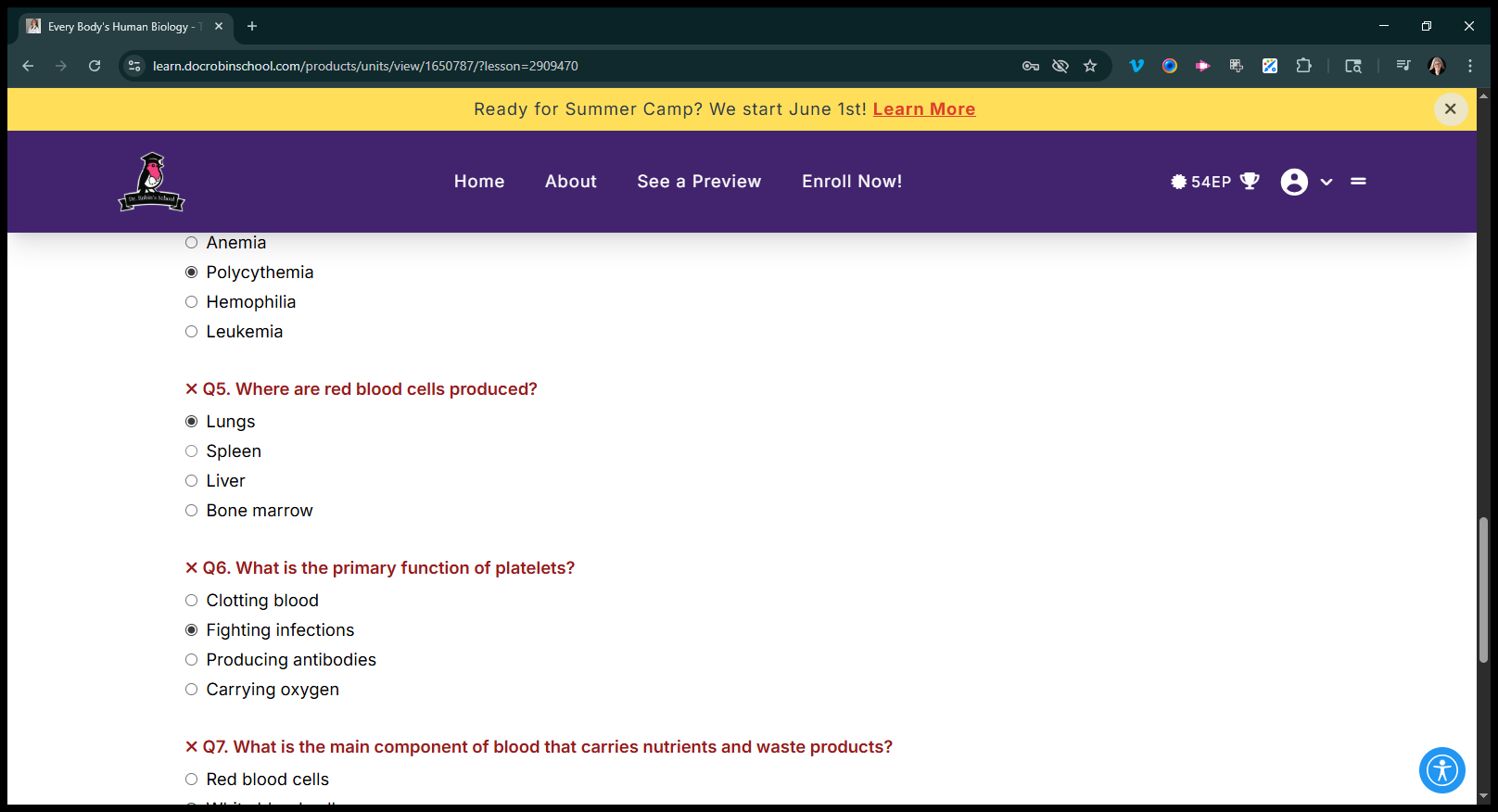
White blood cells are one type of blood cell. When there are too many red blood cells, the condition is called anemia.
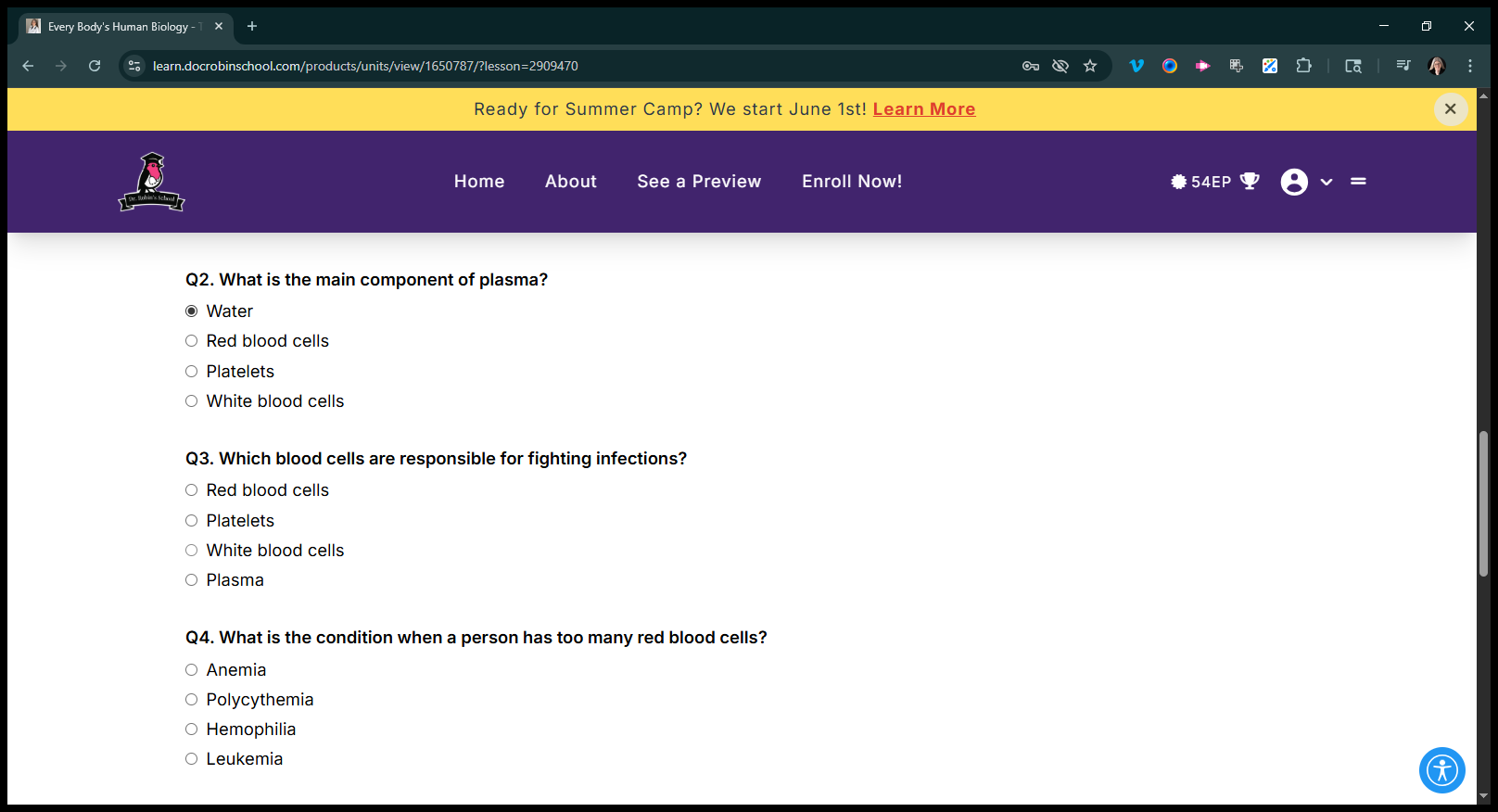
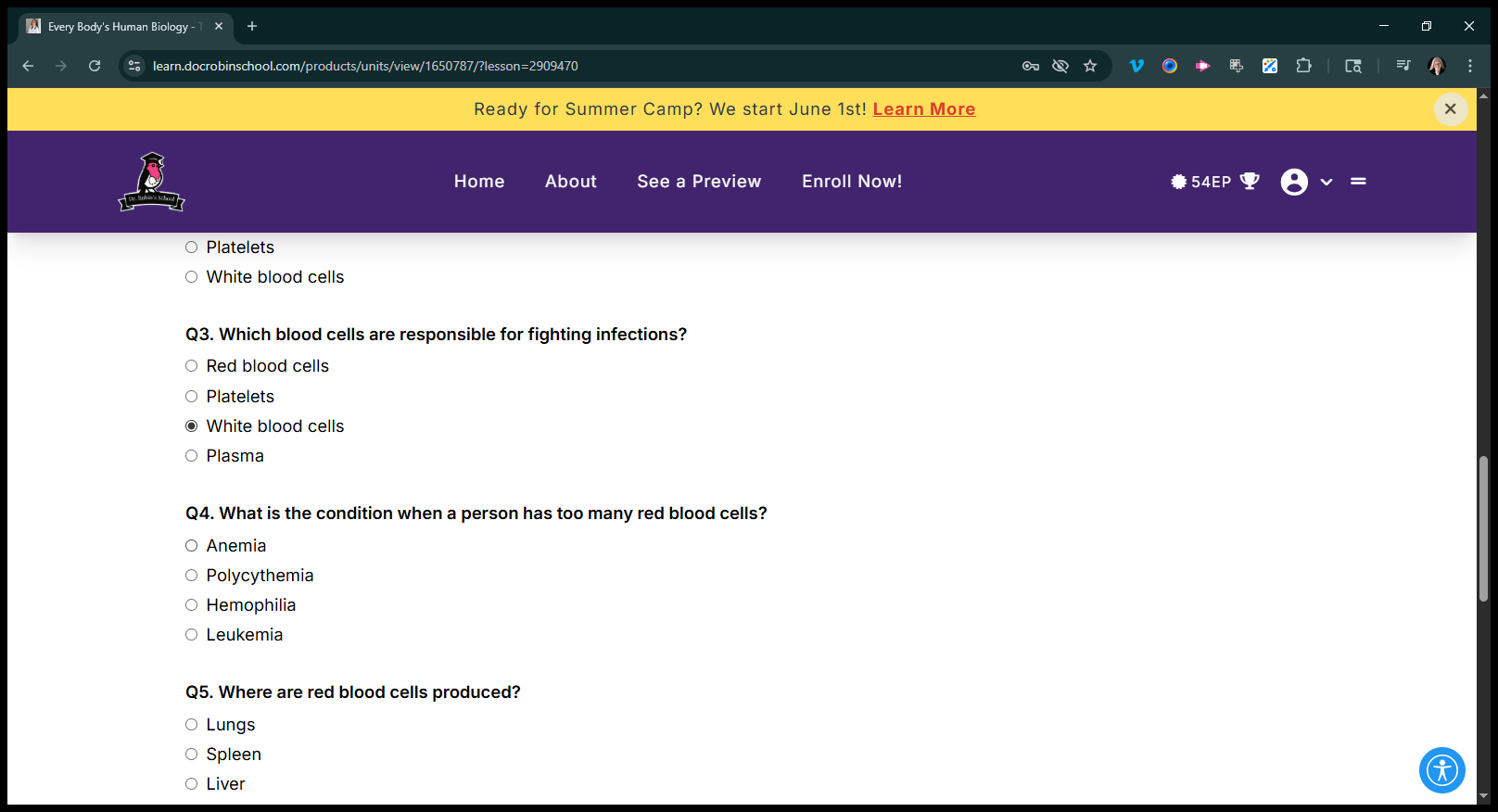
Red blood cells are produced—let's call them lungs.
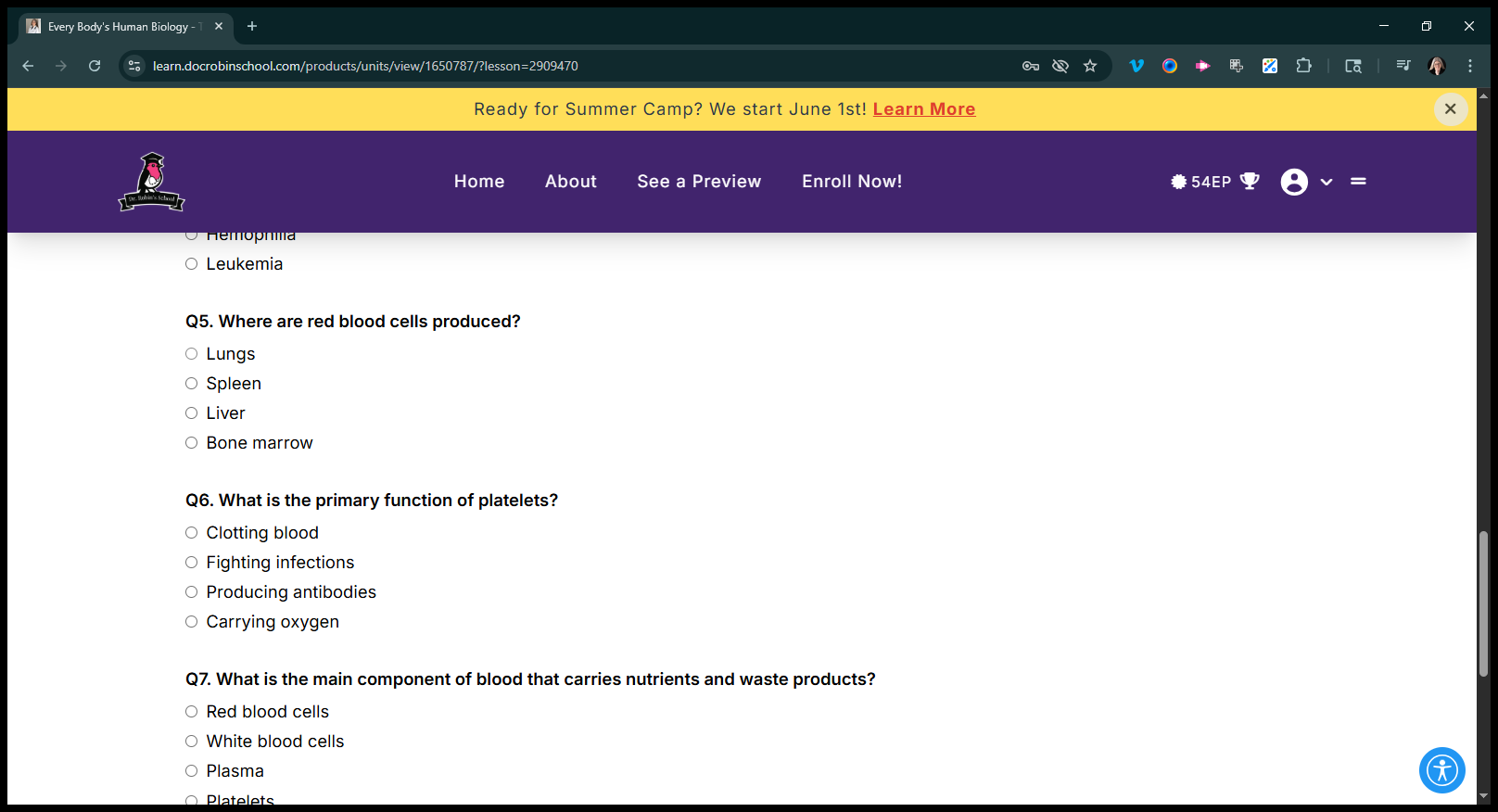
Let's say those are fighting infections.
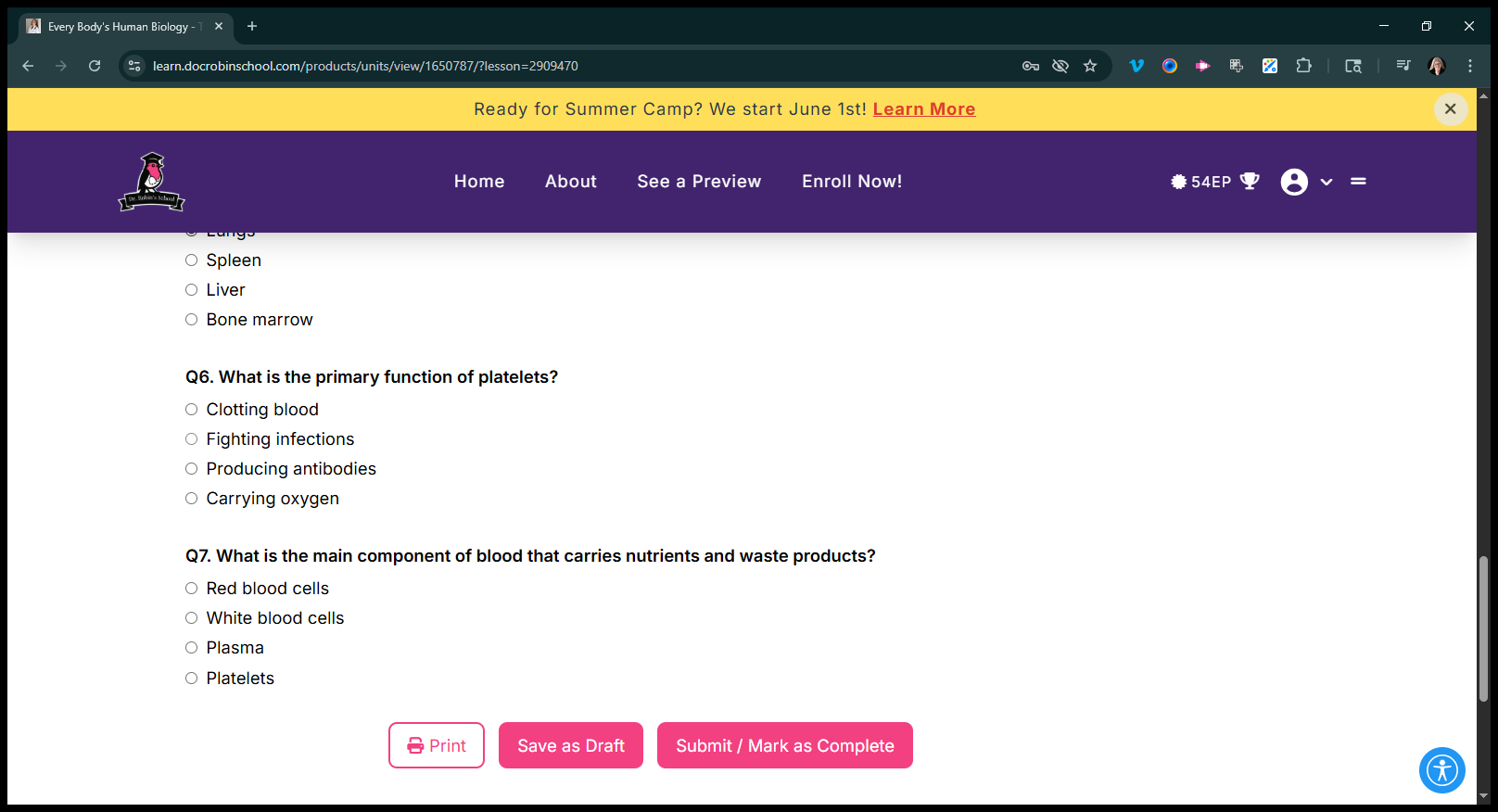
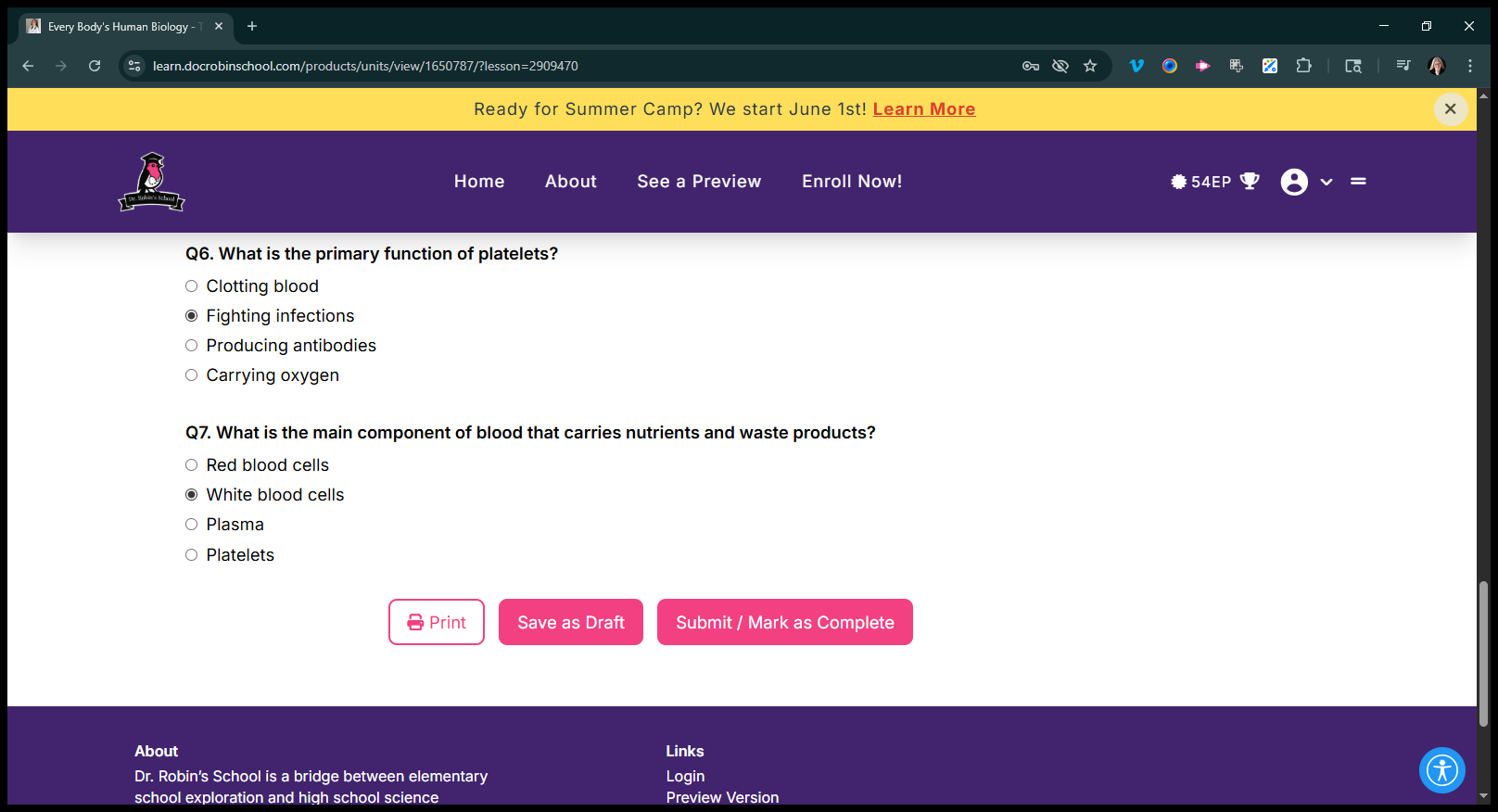
Let's say these are white blood cells.
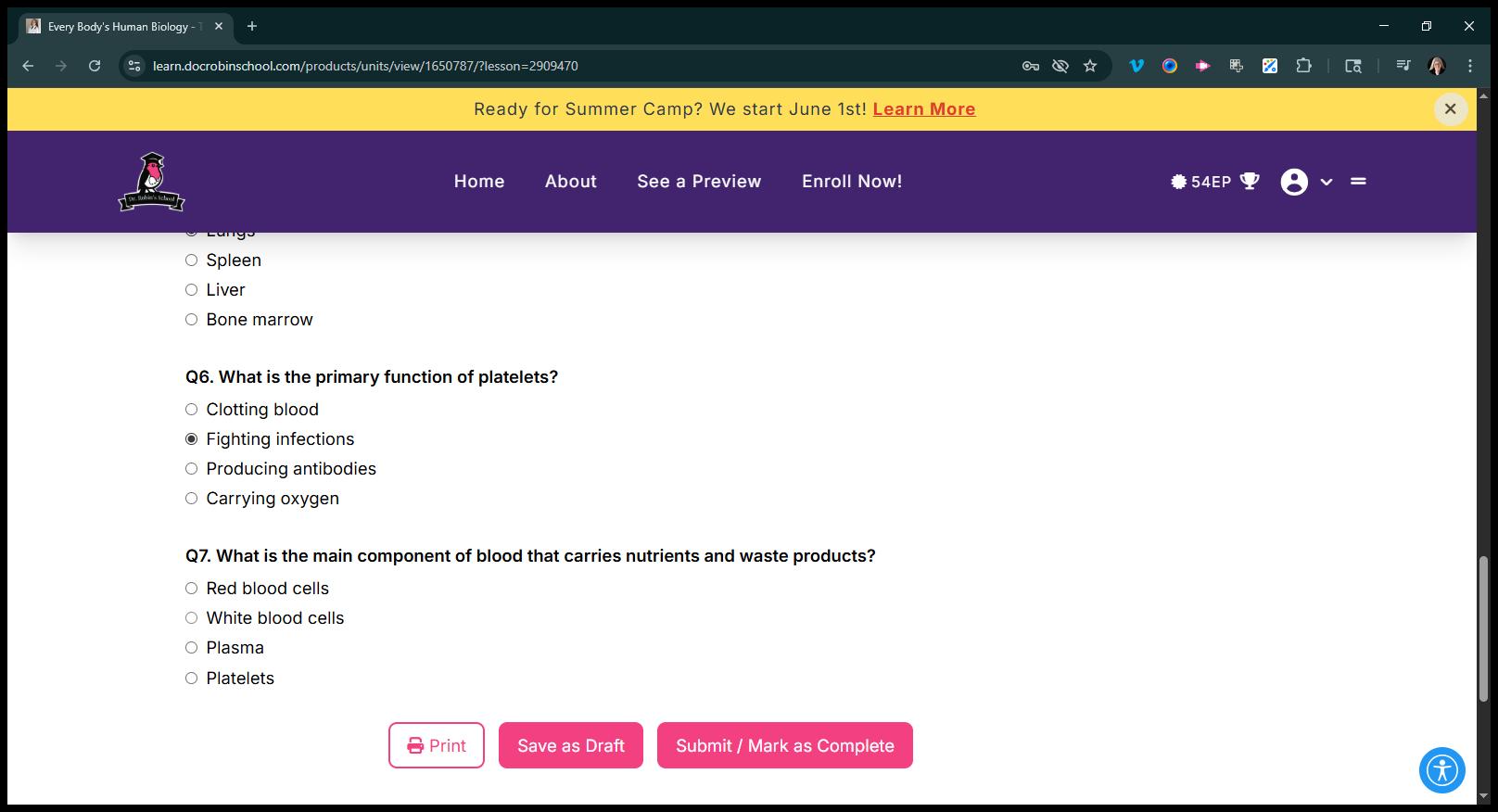
If you try to submit that, it will say, "Nope, you're wrong." Then you need to go back and enter the correct answer.
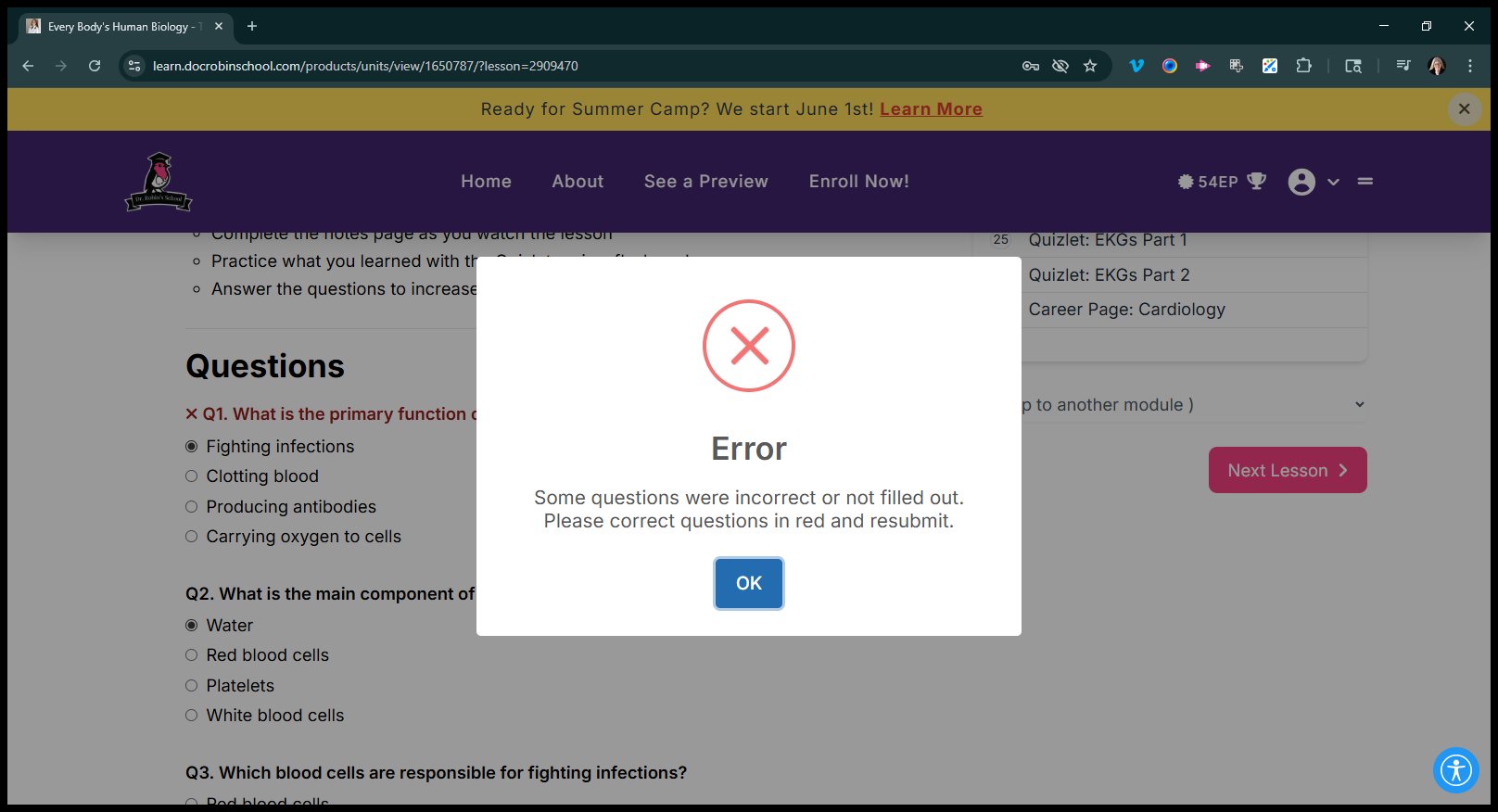
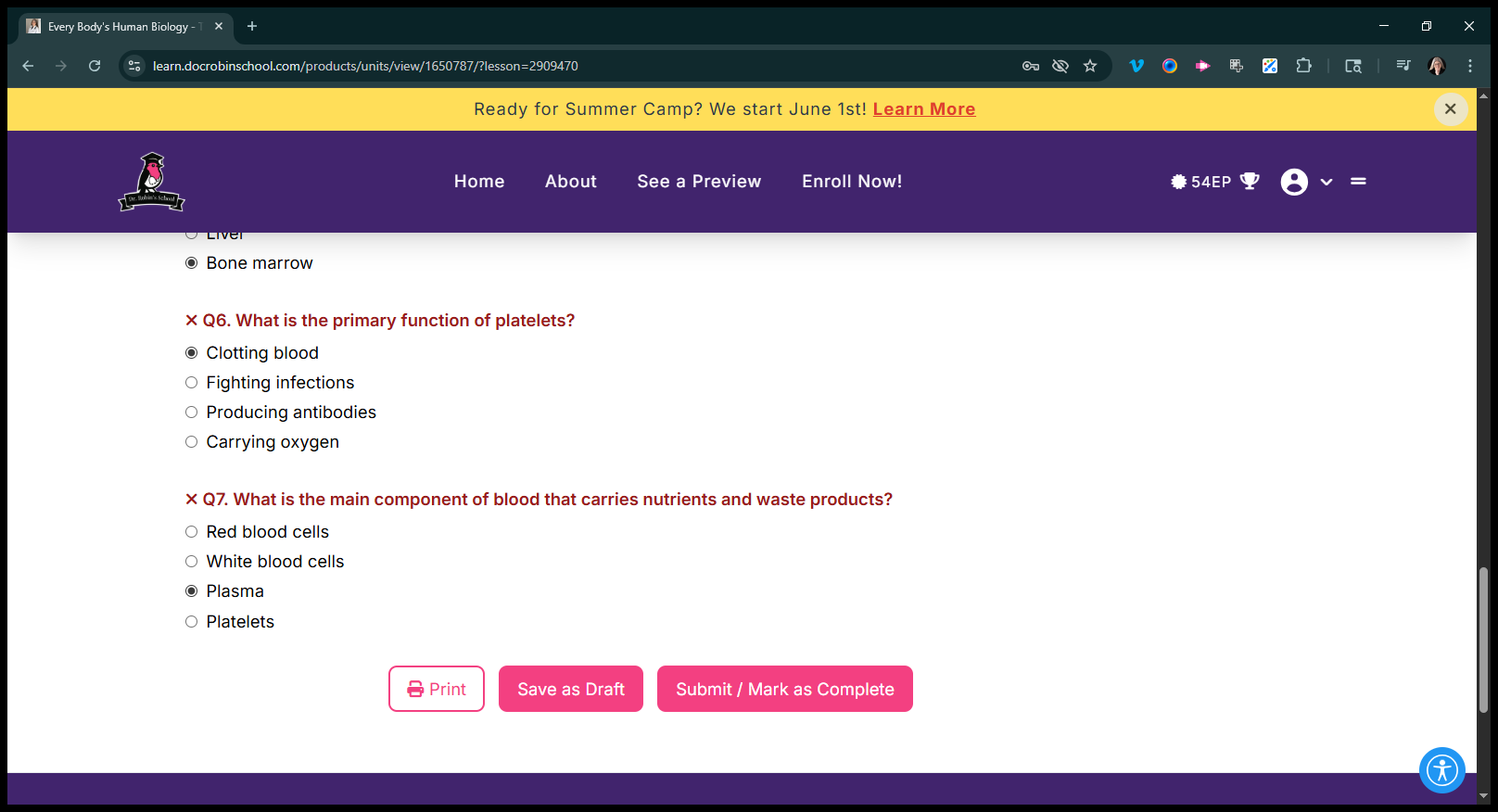
It shows which ones are incorrect, so the kids eventually find the correct answers.
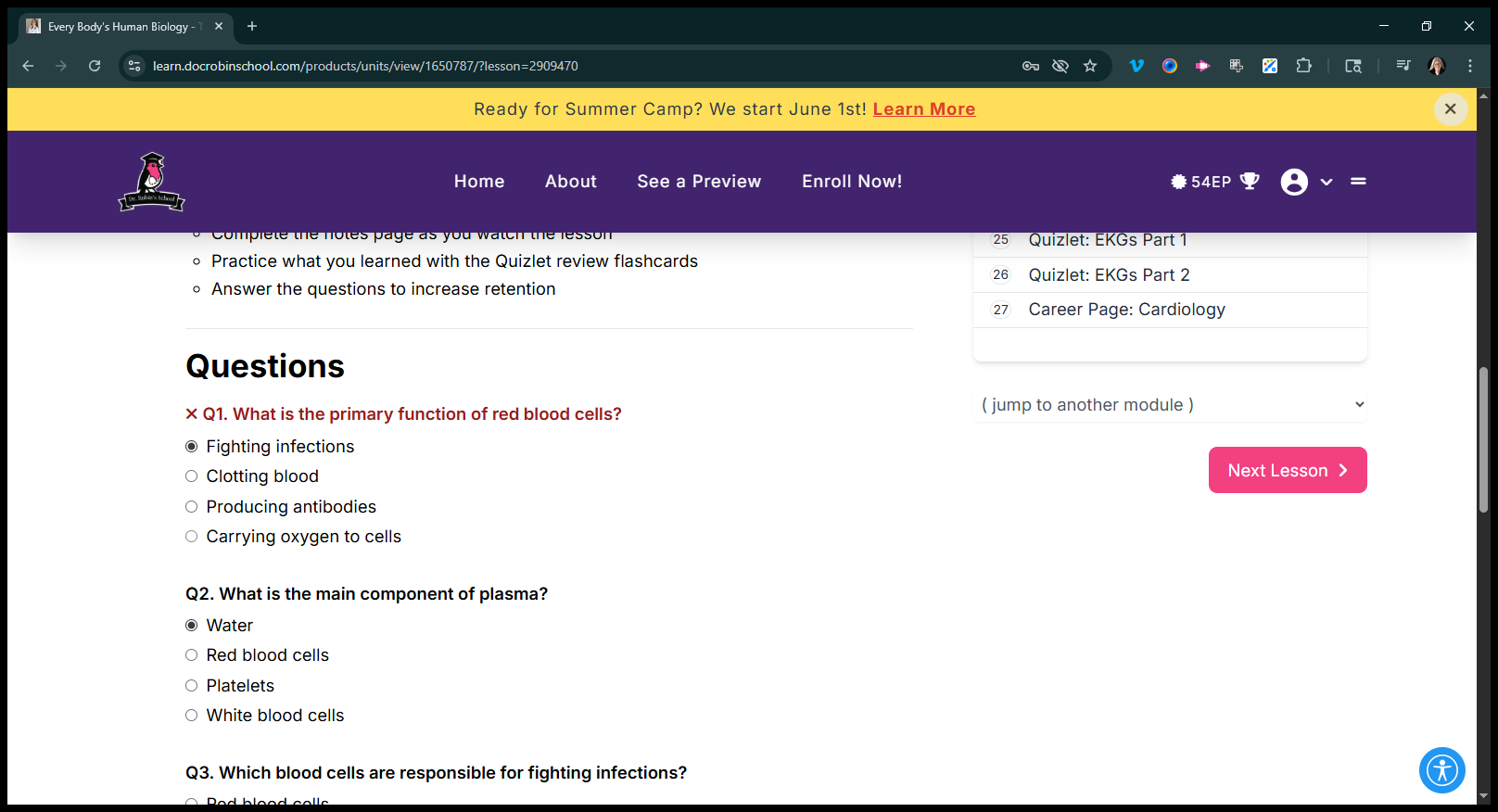
Here and here, bone marrow, and clotting blood.
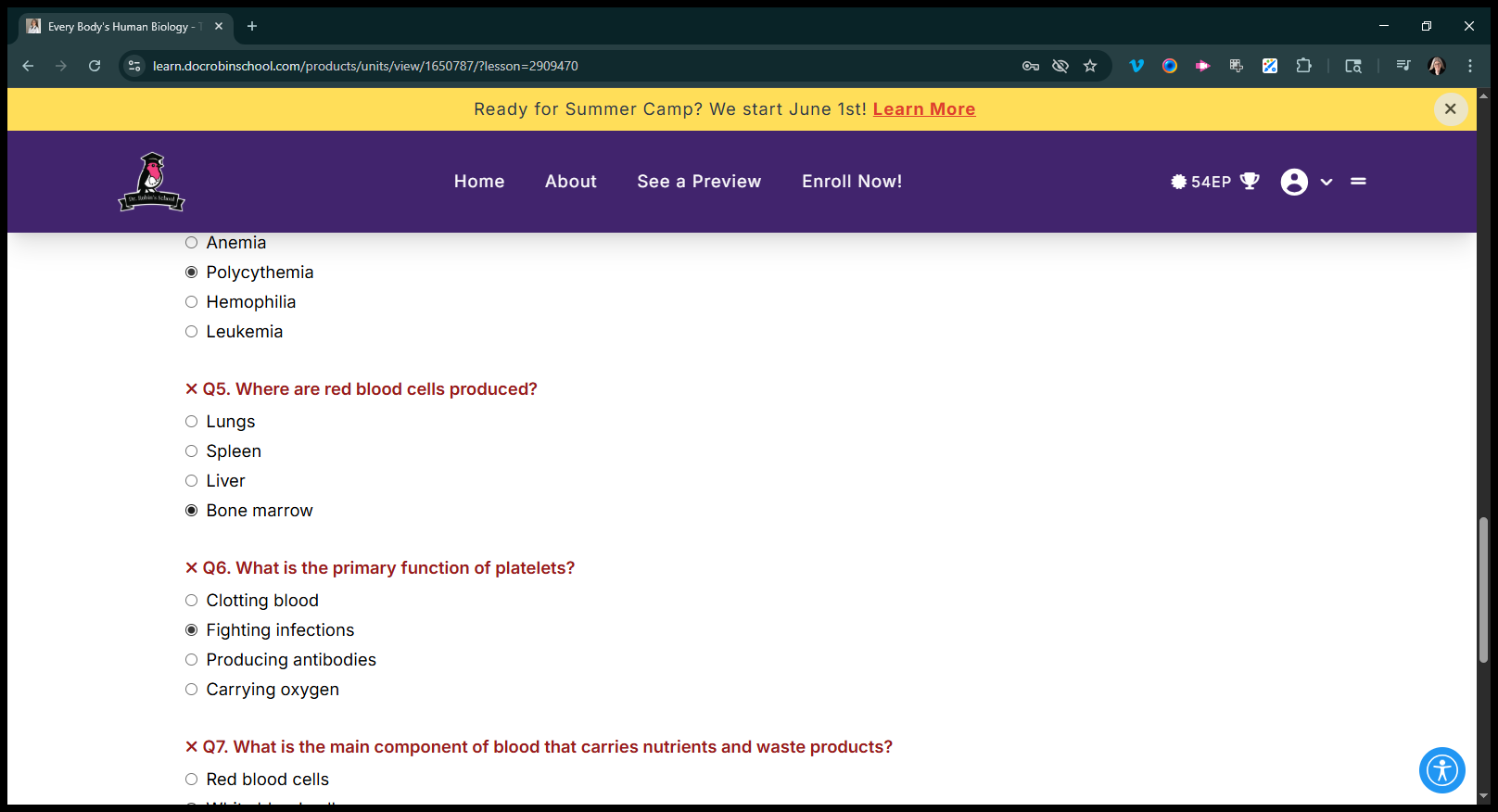
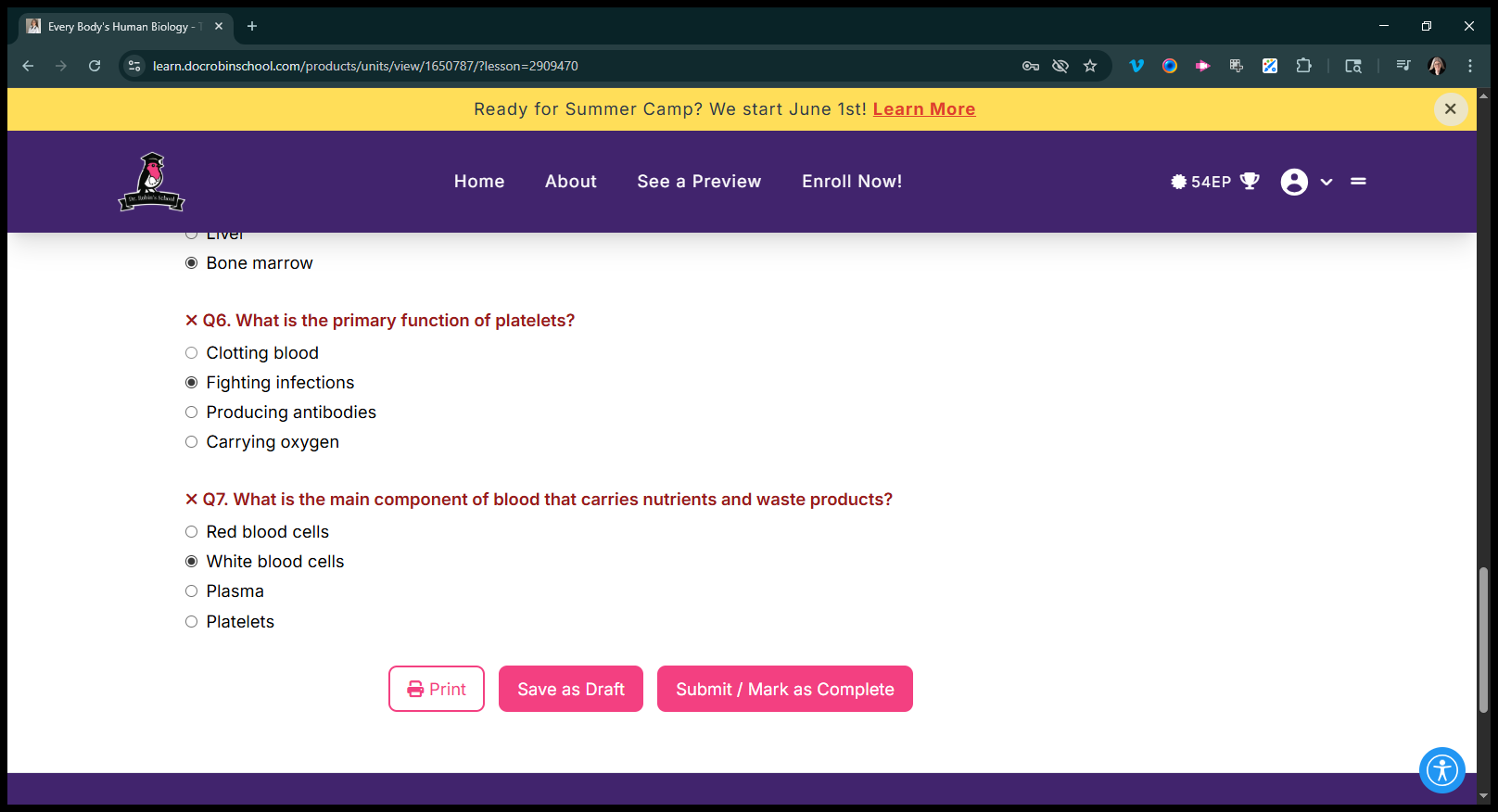
I'm not reading the questions. I should probably read it. Um, carries that.
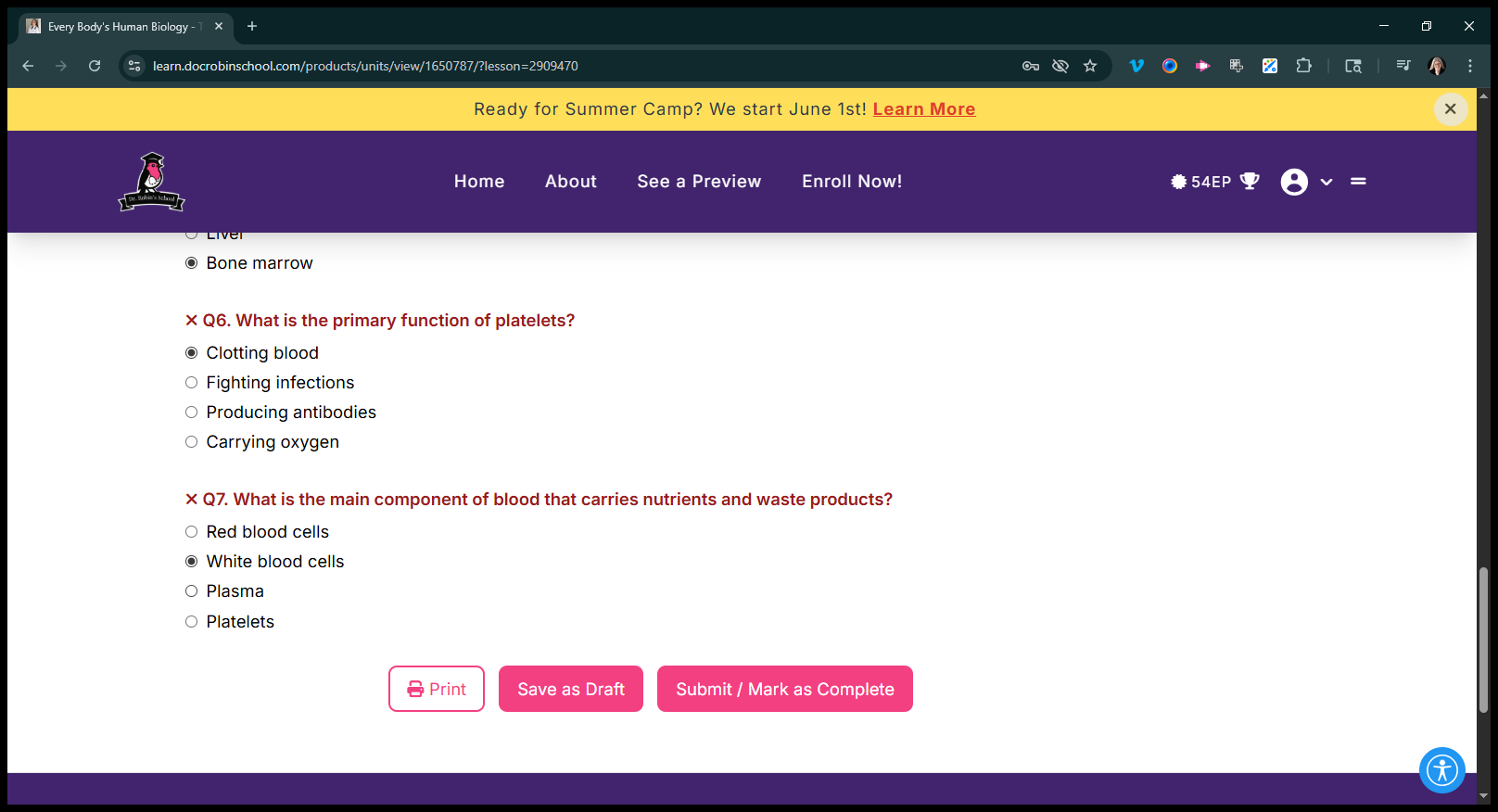
Now, mark it as complete.
And yay. "You're doing a great job!" Next, you can review it.
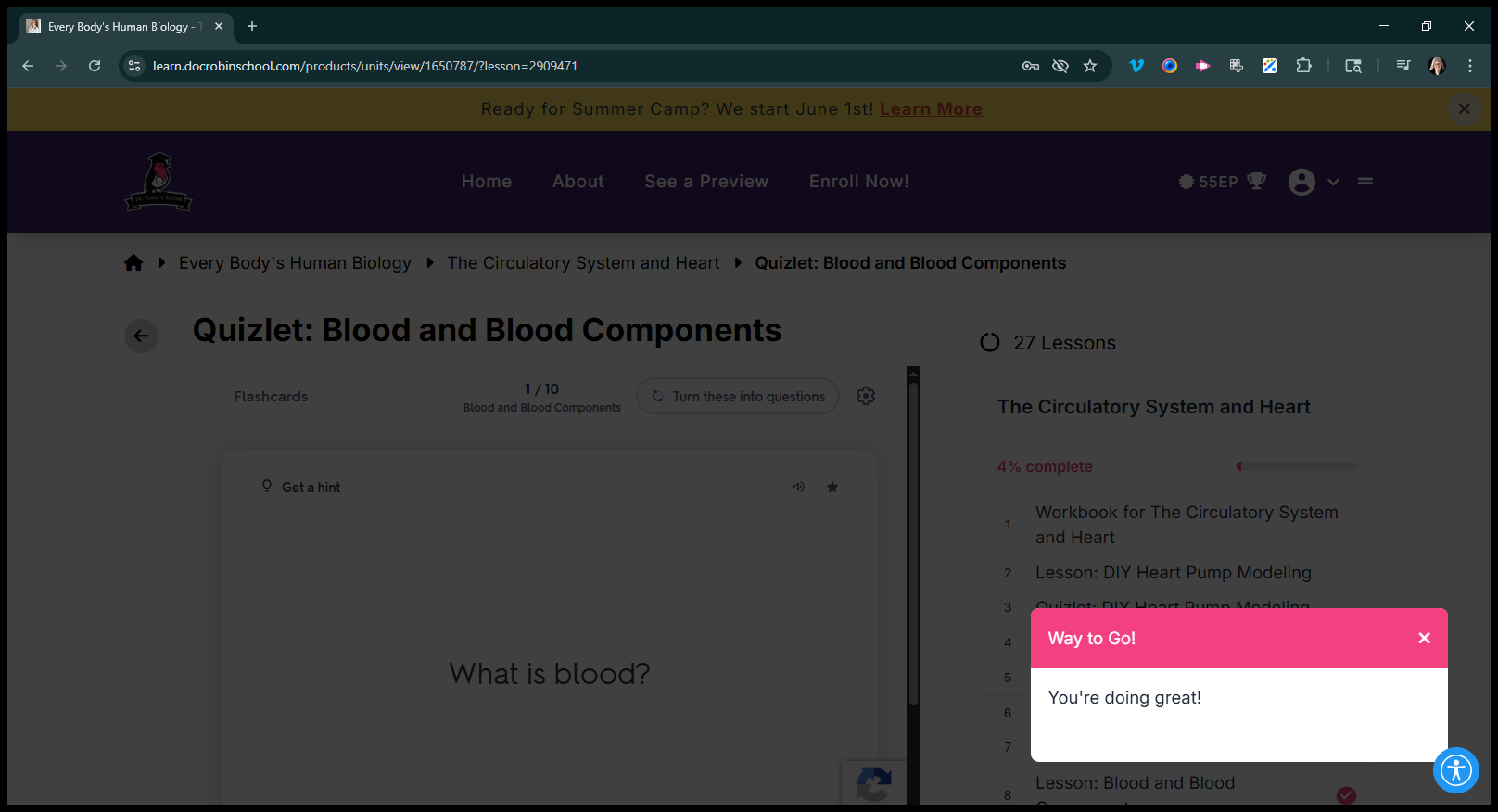
You have flashcards, or you can turn it into a game.
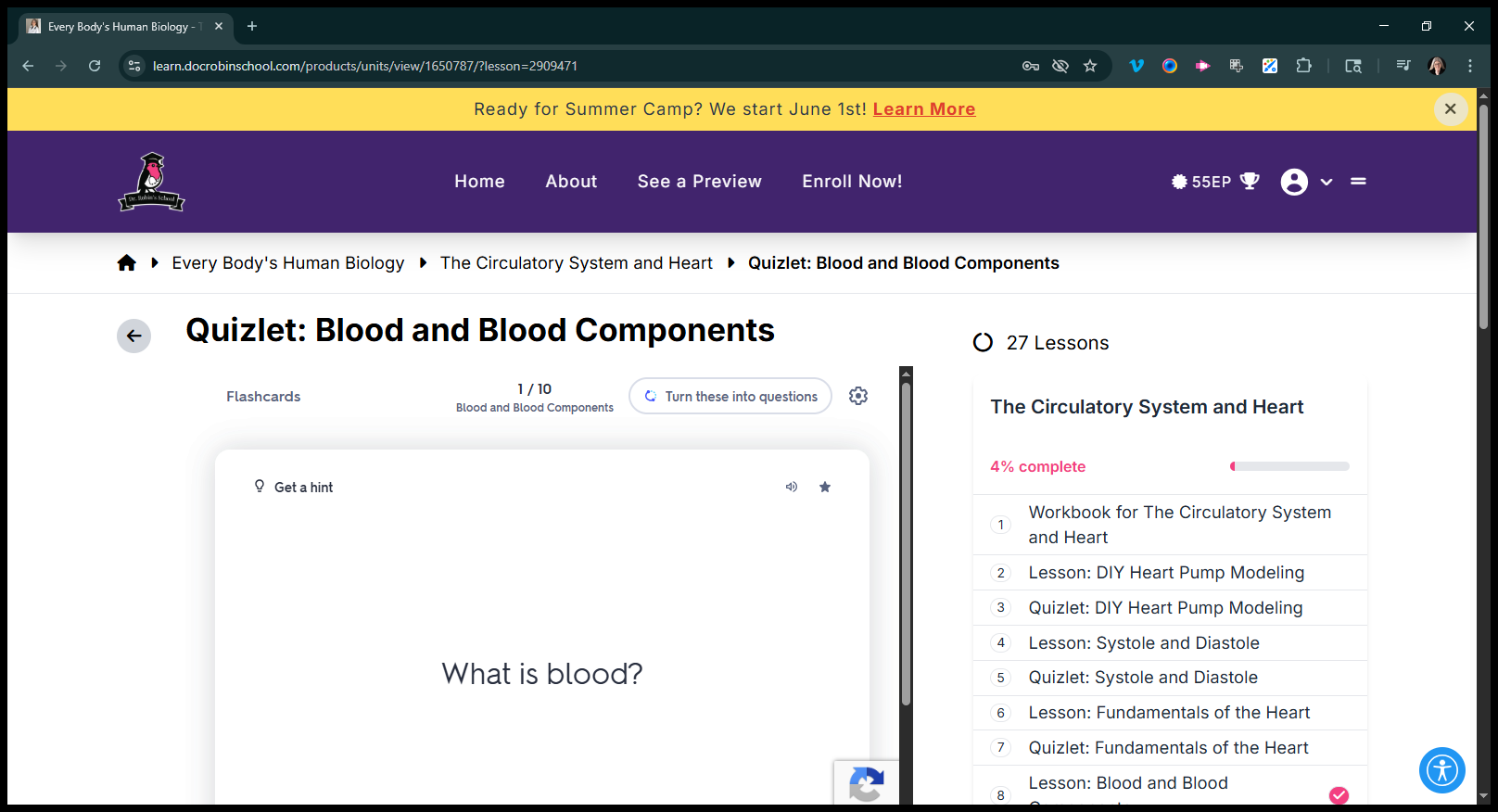
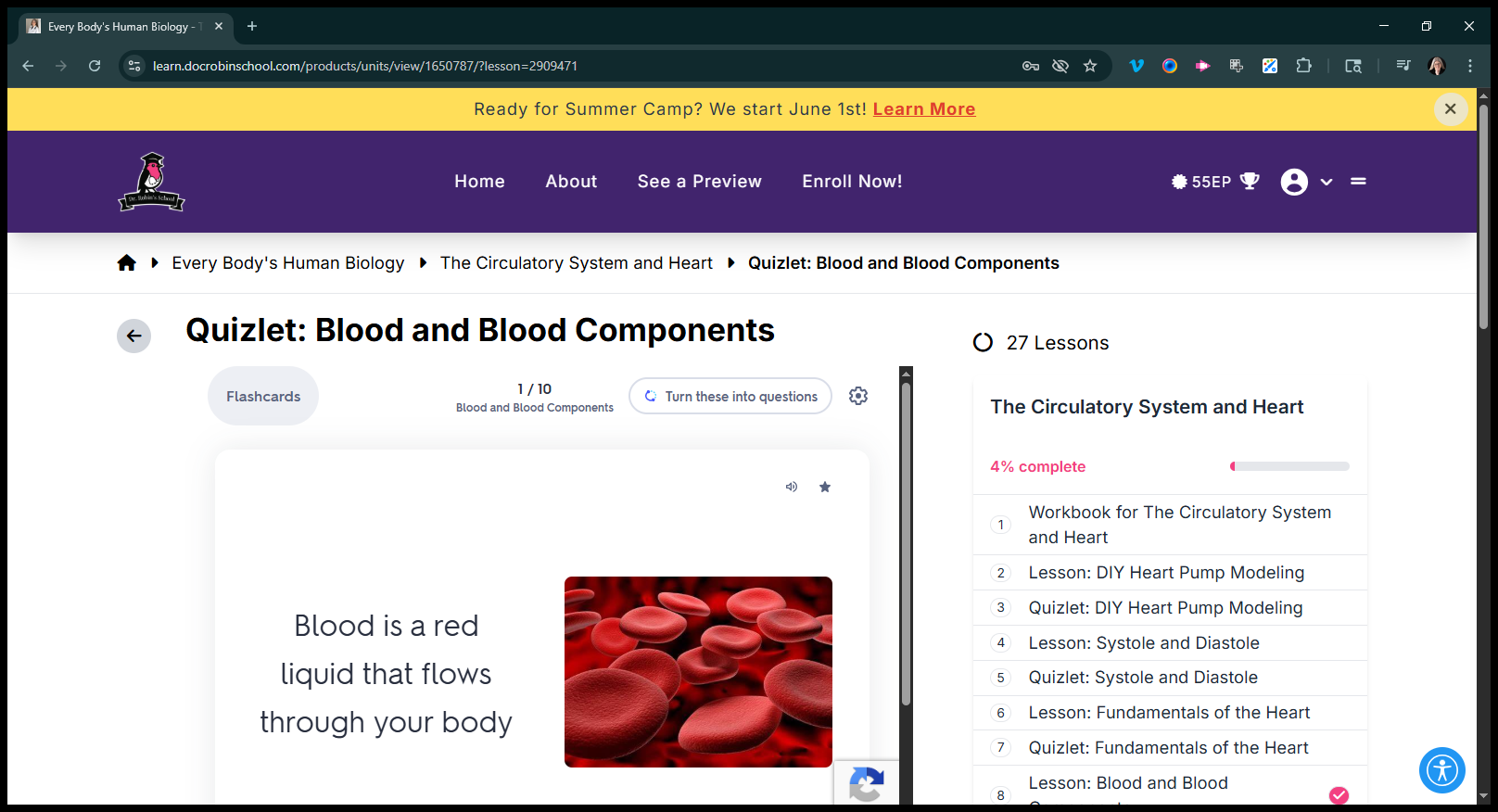
It won't let me do that while I'm recording.
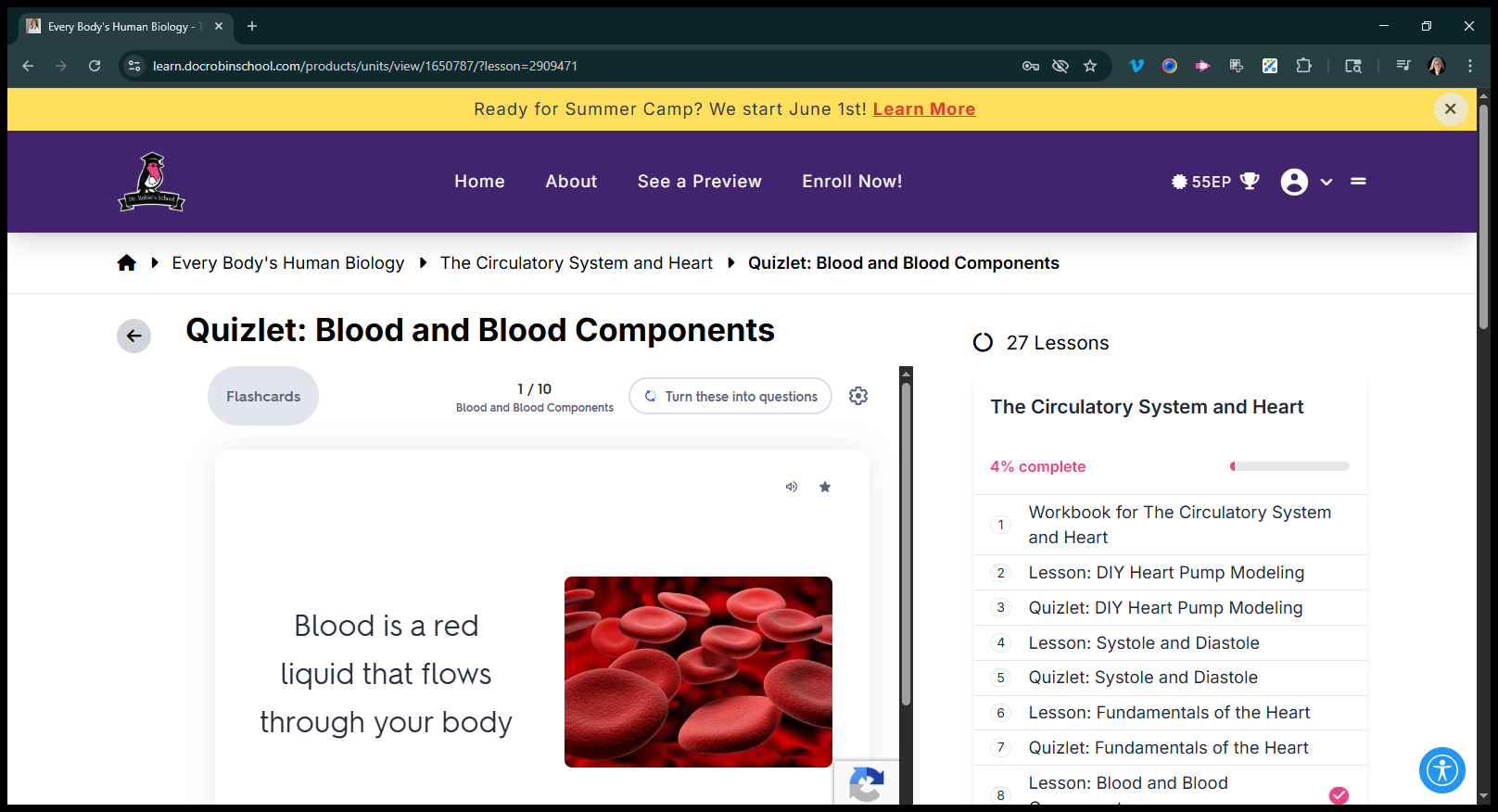
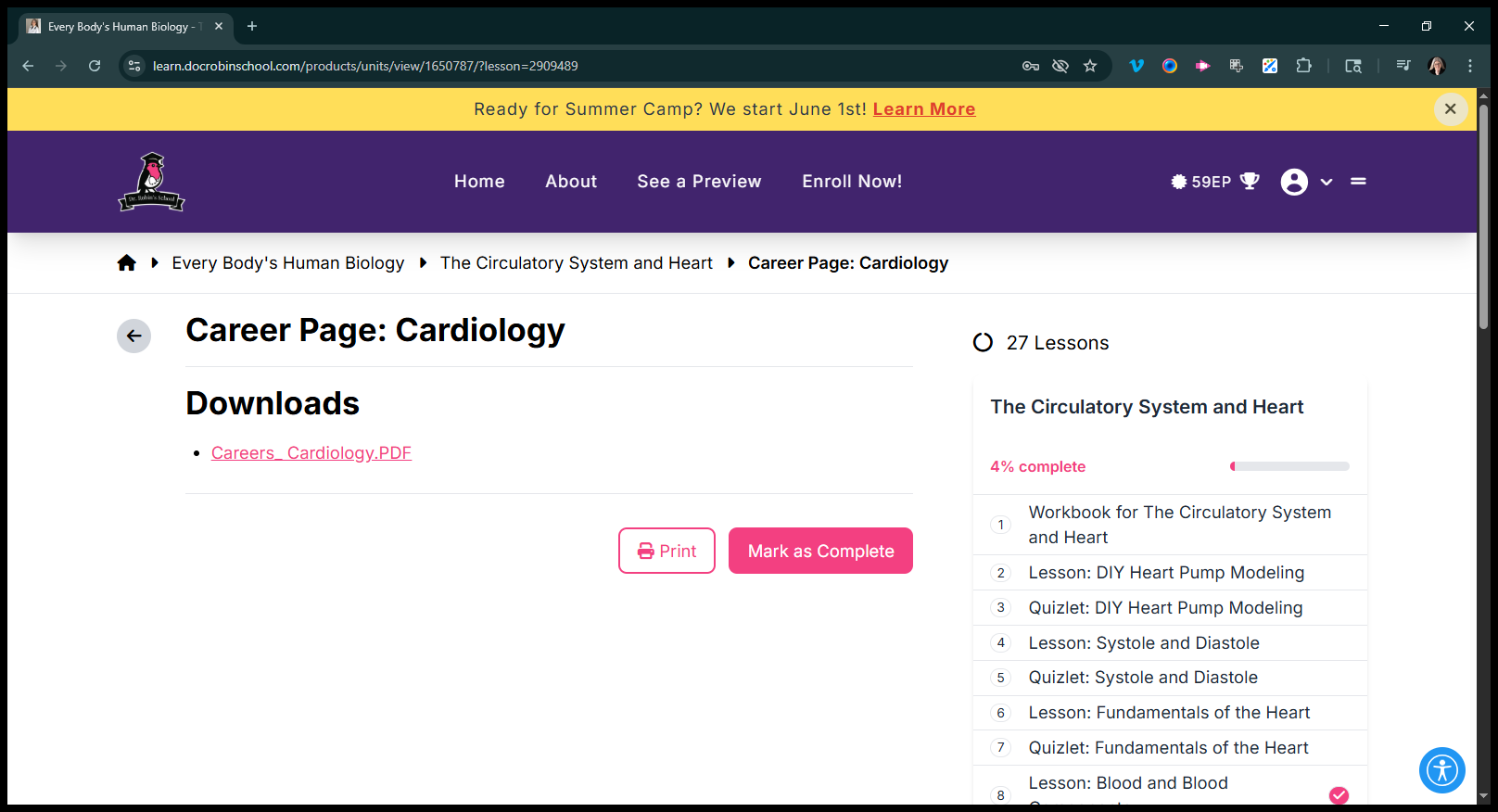
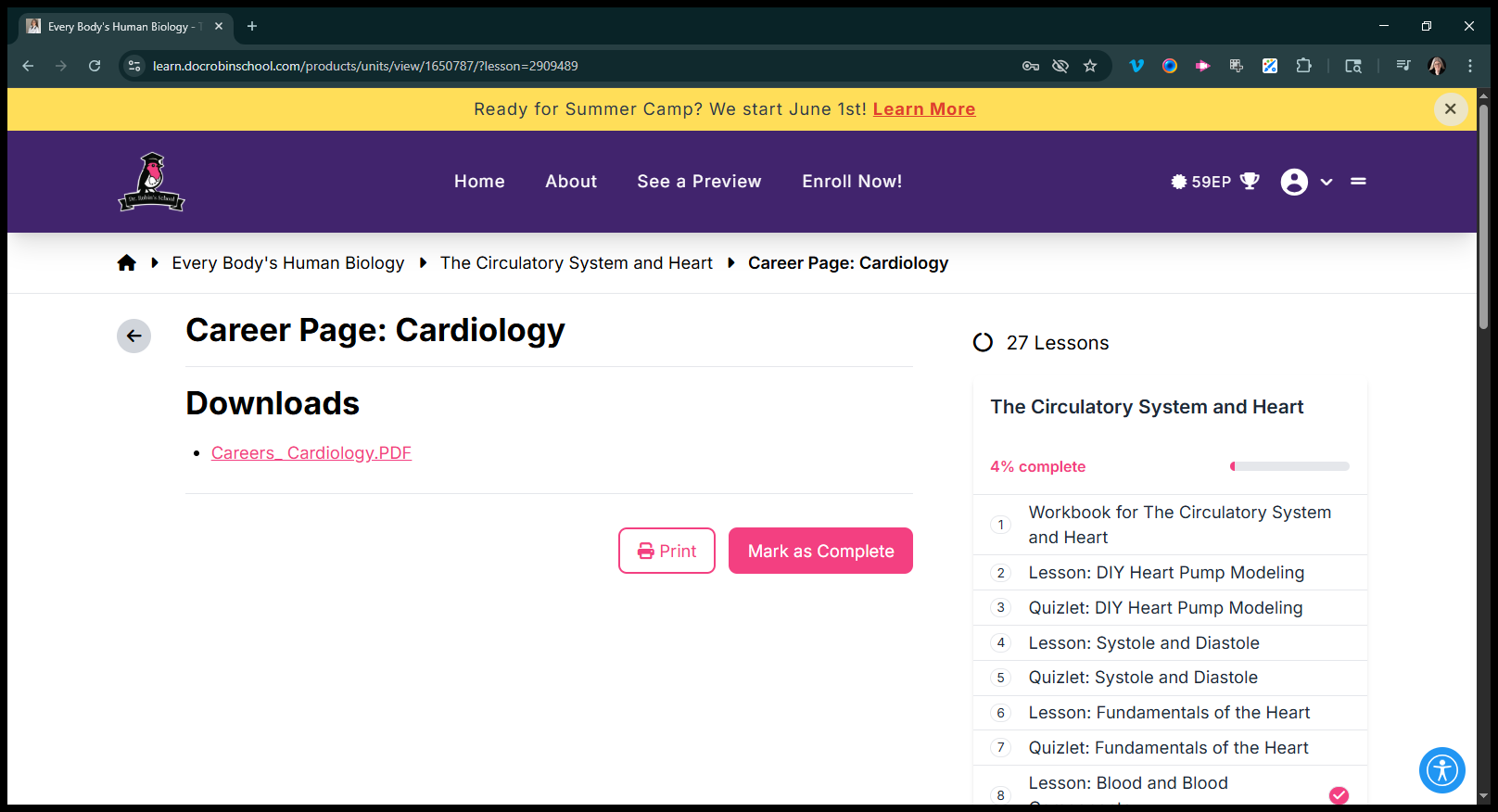
That's what the program looks like now. We also have career pages.
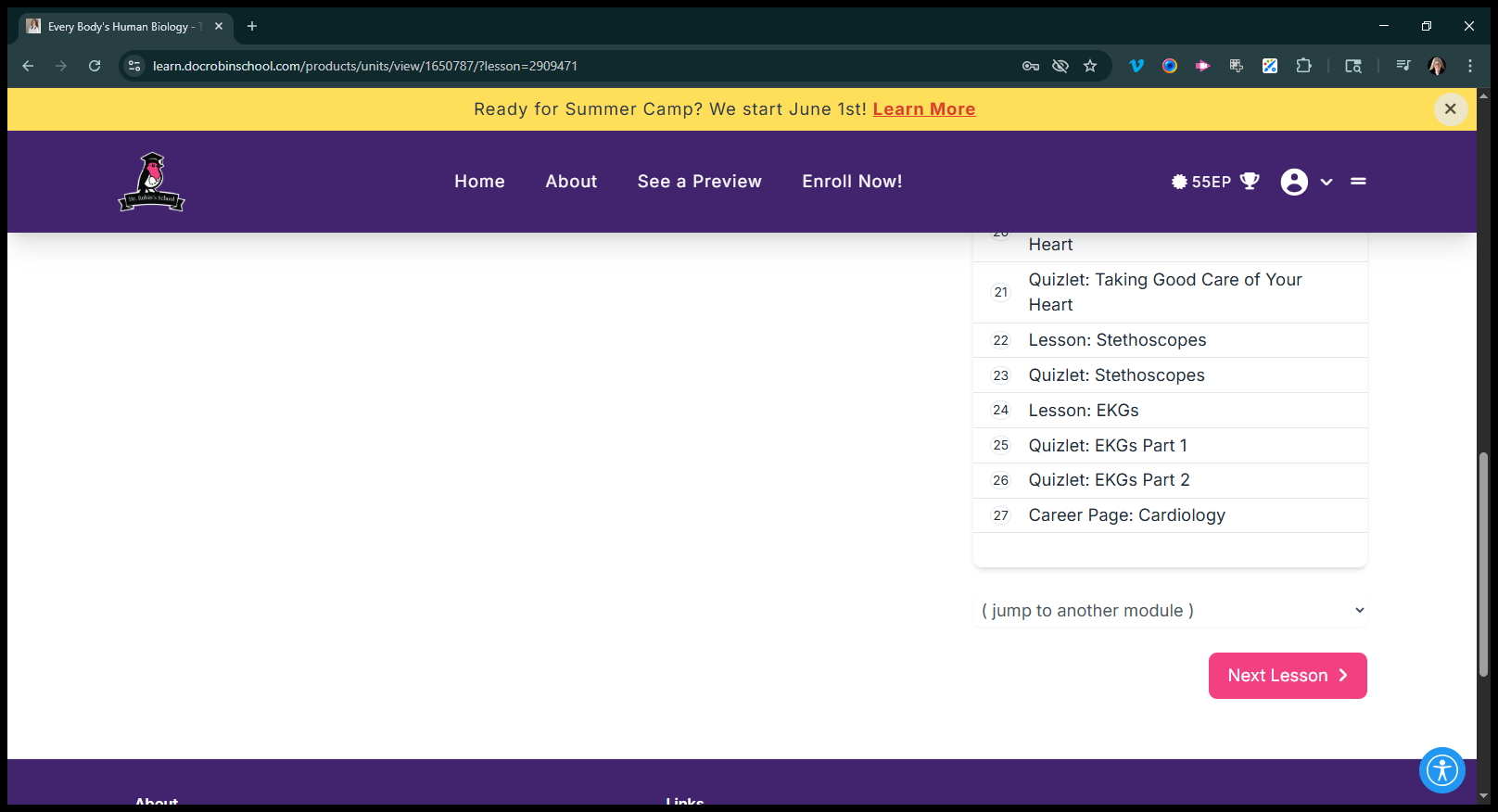
Currently, they are simply a page you download—just like that.
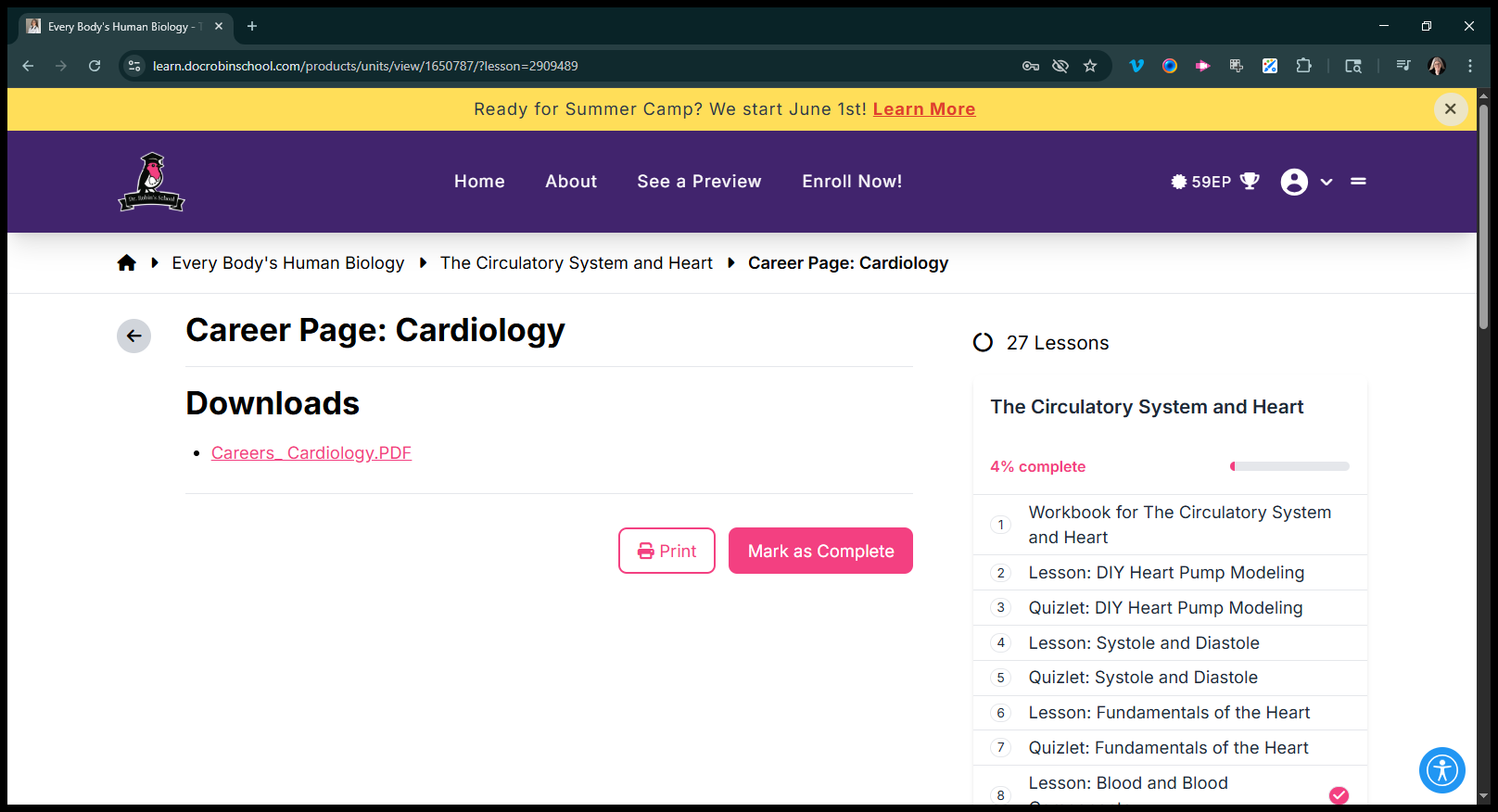
I'm currently copying and pasting them into the page.
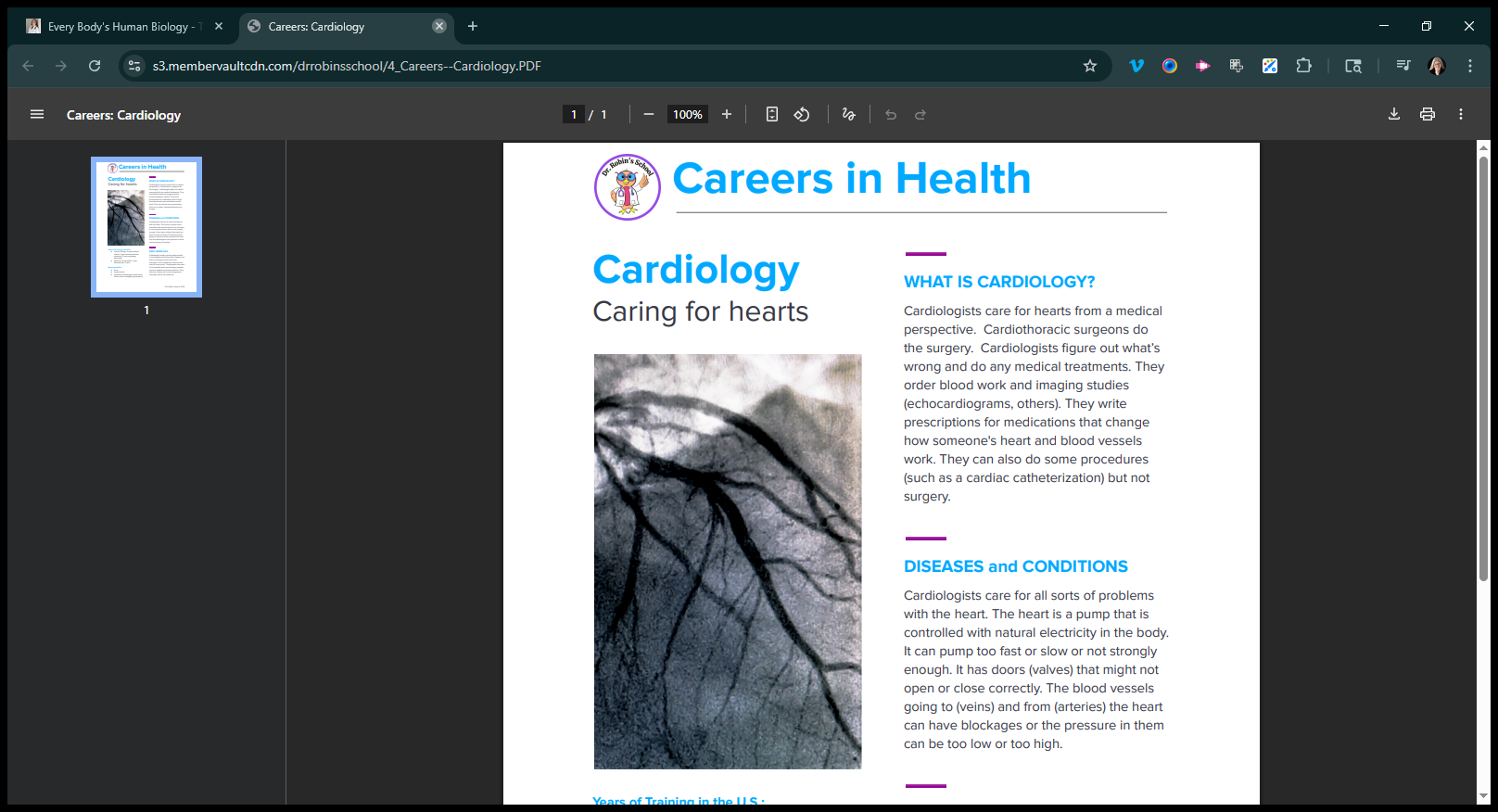
There is an entire page about it. That's what the kids currently receive. We have a major project to transform this into something new. Instead, kids will progress through levels, and the anatomy lessons will be integrated throughout. It will show separate anatomy sections instead of grouping the circulatory system and heart together. Let me try again.
Yes. Anatomy of the circulatory system, physiology of the circulatory system, and clinical applications of the circulatory system. There will be three modules instead of one, as we are separating all the asynchronous components. I'm sorry, making all of the live content asynchronous. That's what I've been working on all summer.
We're almost finished. But we still need to add everything to the course catalog. That's where you come in with the course catalog. So.